
Neon Creative Cloud Promo Poster
A sleek Adobe-style marketing poster showcasing seven Creative Cloud apps in a futuristic neon layout, ideal for recreating branded tech advertisements or app suite promos.
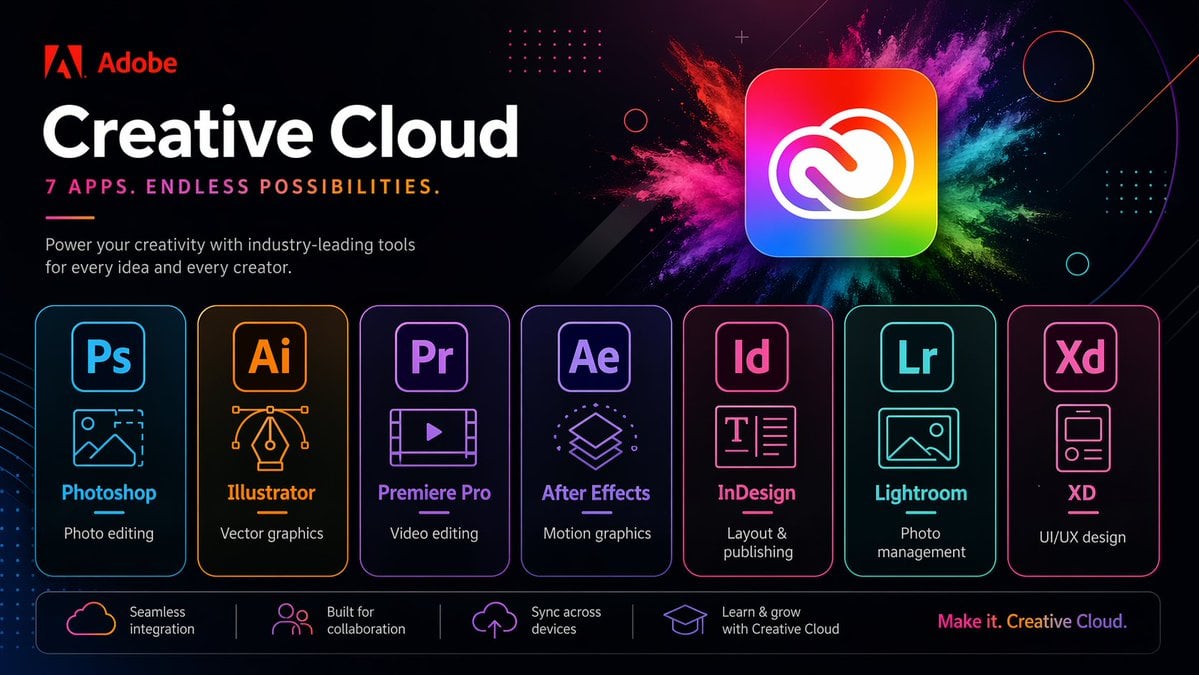
- Prompt included
- Model and format preset
- Free template
The prompt behind this image
Copy the exact prompt behind Neon Creative Cloud Promo Poster, or open it in the studio and make it yours.
- Type
- neon promotional tech poster
- Brand › Name
- Adobe
- Brand › LogoPosition
- top left
- Headline › Title
- {argument name="headline text" default="Creative Cloud"}
- Headline › Subtitle
- {argument name="tagline" default="7 APPS. ENDLESS POSSIBILITIES."}
- Headline › Body
- Power your creativity with industry-leading tools for every idea and every creator.
- Style › Background
- deep black with subtle purple and magenta gradients, faint geometric circles, dotted grid accents, and thin diagonal light streaks
- Style › Look
- sleek futuristic marketing graphic, high contrast, premium tech branding, neon glow edges, crisp vector typography
- Hero › Position
- upper right
- Hero › Object
- large rounded-square Creative Cloud app icon
- Hero › Appearance
- rainbow gradient square with white Creative Cloud symbol
- Hero › Effects
- explosive multicolor powder burst behind the icon in pink, magenta, purple, blue, teal, green, and yellow
- Layout › Sections › 0 › Title
- app cards
- Layout › Sections › 0 › Position
- center row
- Layout › Sections › 0 › Count
- 7
- Layout › Sections › 0 › Labels
- Photoshop, Illustrator, Premiere Pro, After Effects, InDesign, Lightroom, XD
- Layout › Sections › 0 › Items › 0 › Abbr
- Ps
- Layout › Sections › 0 › Items › 0 › Name
- Photoshop
- Layout › Sections › 0 › Items › 0 › Description
- Photo editing
- Layout › Sections › 0 › Items › 0 › Color
- cyan blue
- Layout › Sections › 0 › Items › 0 › Icon
- landscape image outline with cropped corner selection
- Layout › Sections › 0 › Items › 1 › Abbr
- Ai
- Layout › Sections › 0 › Items › 1 › Name
- Illustrator
- Layout › Sections › 0 › Items › 1 › Description
- Vector graphics
Raw JSON
{"type":"neon promotional tech poster","brand":{"name":"Adobe","logoPosition":"top left"},"headline":{"title":"{argument name=\"headline text\" default=\"Creative Cloud\"}","subtitle":"{argument name=\"tagline\" default=\"7 APPS. ENDLESS POSSIBILITIES.\"}","body":"Power your creativity with industry-leading tools for every idea and every creator."},"style":{"background":"deep black with subtle purple and magenta gradients, faint geometric circles, dotted grid accents, and thin diagonal light streaks","look":"sleek futuristic marketing graphic, high contrast, premium tech branding, neon glow edges, crisp vector typography"},"hero":{"position":"upper right","object":"large rounded-square Creative Cloud app icon","appearance":"rainbow gradient square with white Creative Cloud symbol","effects":"explosive multicolor powder burst behind the icon in pink, magenta, purple, blue, teal, green, and yellow"},"layout":{"sections":[{"title":"app cards","position":"center row","count":7,"labels":["Photoshop","Illustrator","Premiere Pro","After Effects","InDesign","Lightroom","XD"],"items":[{"abbr":"Ps","name":"Photoshop","description":"Photo editing","color":"cyan blue","icon":"landscape image outline with cropped corner selection"},{"abbr":"Ai","name":"Illustrator","description":"Vector graphics","color":"orange amber","icon":"pen nib with bezier handles"},{"abbr":"Pr","name":"Premiere Pro","description":"Video editing","color":"violet purple","icon":"film frame with play button"},{"abbr":"Ae","name":"After Effects","description":"Motion graphics","color":"lavender purple","icon":"stacked layers"},{"abbr":"Id","name":"InDesign","description":"Layout & publishing","color":"hot pink","icon":"text page with T and lines"},{"abbr":"Lr","name":"Lightroom","description":"Photo management","color":"teal cyan","icon":"image thumbnail with small circle indicator"},{"abbr":"Xd","name":"XD","description":"UI/UX design","color":"pink magenta","icon":"mobile app wireframe card"}]},{"title":"feature strip","position":"bottom bar","count":4,"labels":["Seamless integration","Built for collaboration","Sync across devices","Learn & grow with Creative Cloud"],"items":[{"icon":"cloud outline","text":"Seamless integration"},{"icon":"group of people","text":"Built for collaboration"},{"icon":"cloud upload","text":"Sync across devices"},{"icon":"graduation cap","text":"Learn & grow with Creative Cloud"}]}],"footer":"{argument name=\"footer slogan\" default=\"Make it. Creative Cloud.\"}"},"composition":"wide 16:9 ad layout, large text block on the left, hero icon on the upper right, seven evenly spaced glowing app panels across the middle, slim rounded footer bar across the bottom","rendering":"clean vector illustration, sharp commercial design, luminous outlines, subtle reflections, polished Adobe-style presentation"}How to use Neon Creative Cloud Promo Poster in 3 steps
- 1Upload ImagePNG, JPG or paste
Add your photo
Upload the photo the template builds on. The prompt, model and format are already set.
- 2…a portrait of your subject in softgolden-hour light, 85mm…
Personalize
Edit the subject and creative details for your destination.
- 3Generate
Generate
Press Generate — your image is created in PicX Studio, so you can compare it with the original and refine one variable at a time.
More like this
Templates with the same subject, style or setup. Open one to see its prompt.

Cartoon TV Show Poster Pack

Neon Glitch Cyber Symbiote Music Poster
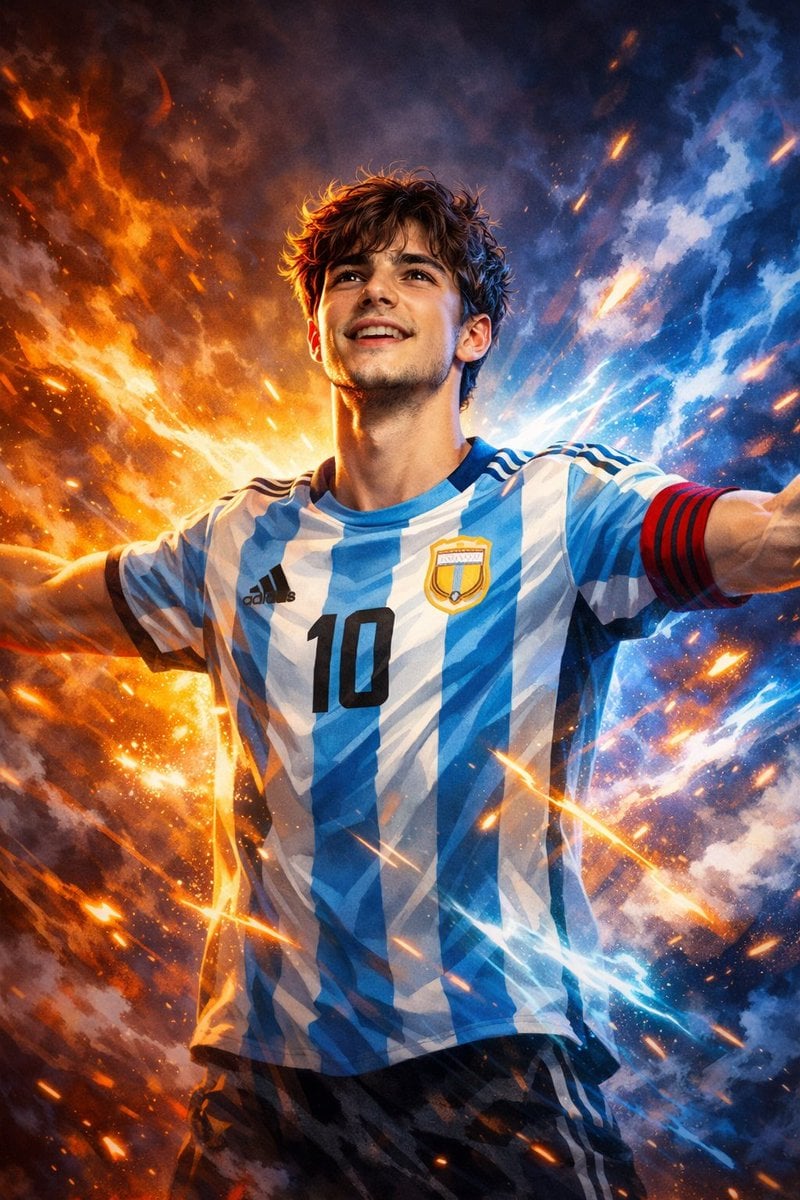
Victory Aura Superhero Neon Poster
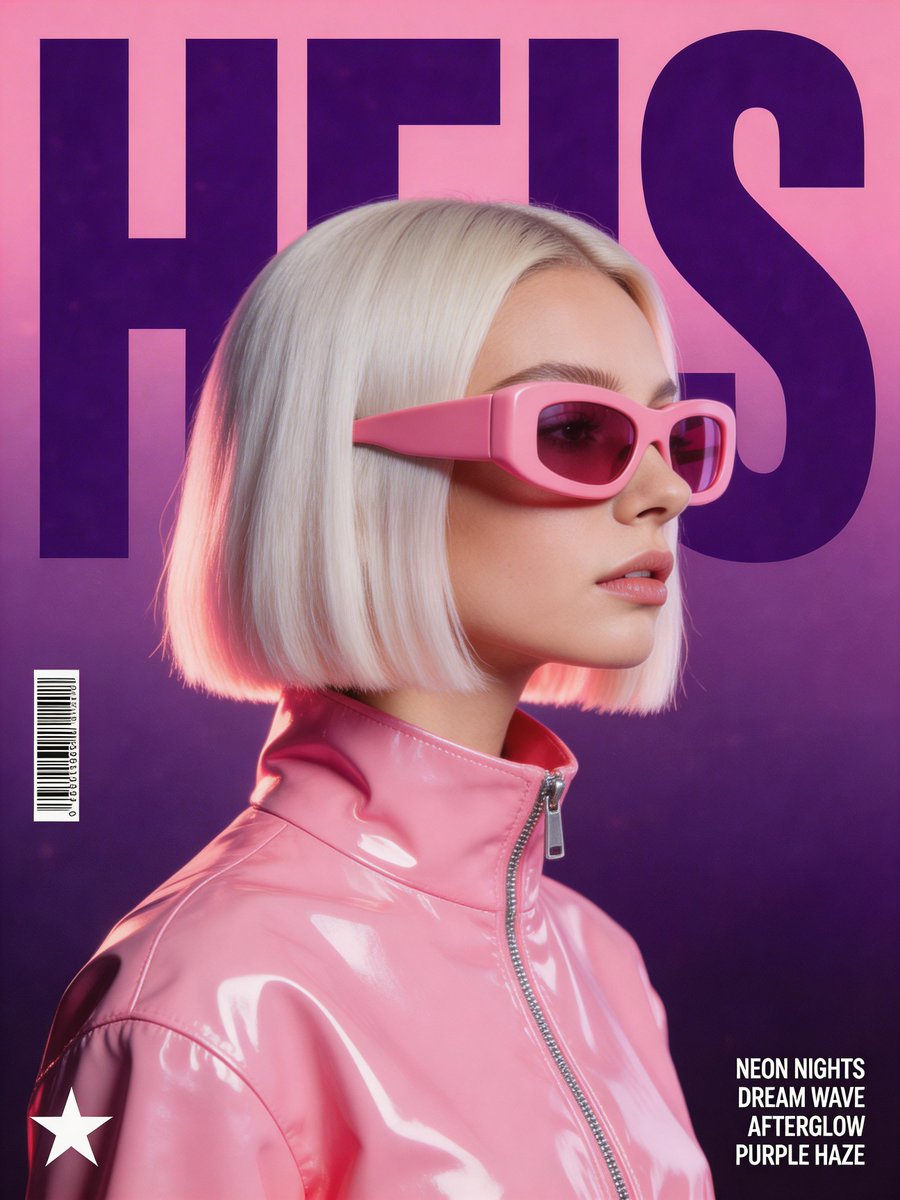
Synthwave Retro Superhero Music Poster
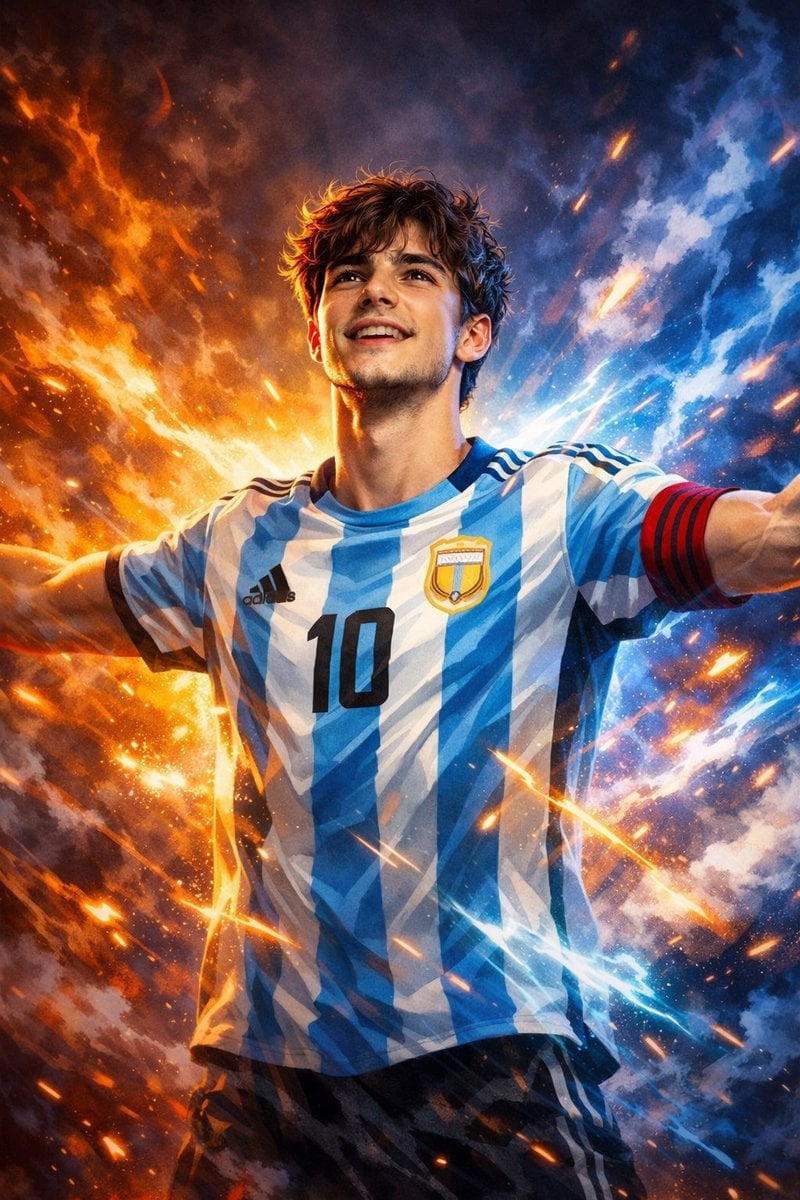
Victory Aura Football Poster

Trendy Cafe Drink Promo Poster

Gpt2 Youtube Thumbnail Anime Music Bootcamp Promo Poster
Neon GPT Image 2 Promo Poster

80s Neon Disco Night

Japan Travel Brochure Poster

Urban Fashion Editorial Collage Streetwear Poster

Premium Fashion Editorial Cover Layout System
Make it yours
Neon Creative Cloud Promo Poster works as-is. These are the safest ways to change it without losing the look.
Swap the setting
Keep the rest of the prompt and replace the location block. The current setting is “deep black with subtle purple and magenta gradients, faint geometric circles, do”.
Change one field
Copy a single group, rewrite it, and generate again so you can see what that field is doing.
Keep the frame, change the subject
Hold the composition and light of Neon Creative Cloud Promo Poster, then swap wardrobe, props or the person for a new take.
| If the result… | Why | Fix |
|---|---|---|
| The result drifts from the preview | Too many fields changed at once. | Reuse Neon Creative Cloud Promo Poster as-is first, then change one group — subject, light, or setting. |
| GPT Image 2 ignores part of the JSON | Some models flatten or skip nested keys. | Keep the same values and paste them as a short paragraph instead. |
More GPT Image 2 templates
Other prompts made for GPT Image 2.

Six VTuber Japanese Logo Sheet

Realistic Portrait of Woman and Deer

The Vista Modular Condo Poster

AI Model Routing Comparison Infographic

2.5D Anime Art Board

Isometric Productivity Desk Scene

New York Double Exposure Poster

Four-Panel AI Landscape Comparison

Japanese Tatami Lifestyle Magazine Cover

NESCAFÉ Coffee Map Poster
More image prompts
Fresh picks from across the catalog.
Dreamy Semi-Realistic Anime Portrait of a Girl with a Dandelion
Surreal Bioluminescent Vine Fantasy
Storyboard Grid Generation Prompt (2x2)
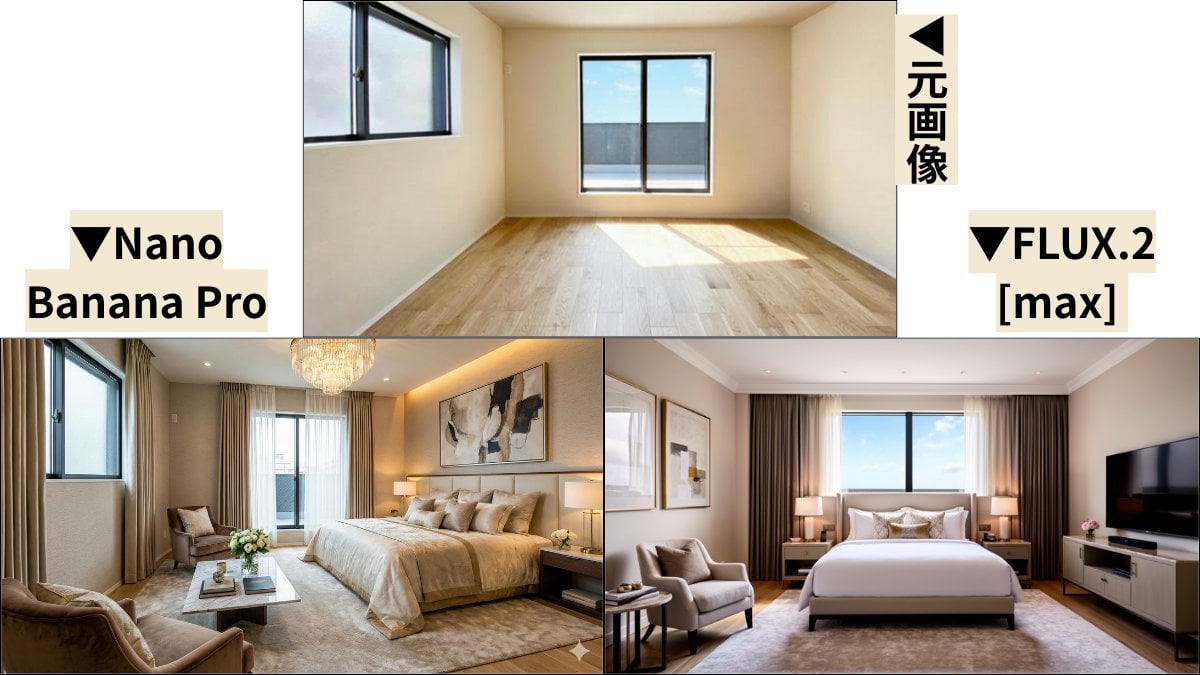
Room Transformation to Five-Star Hotel Suite
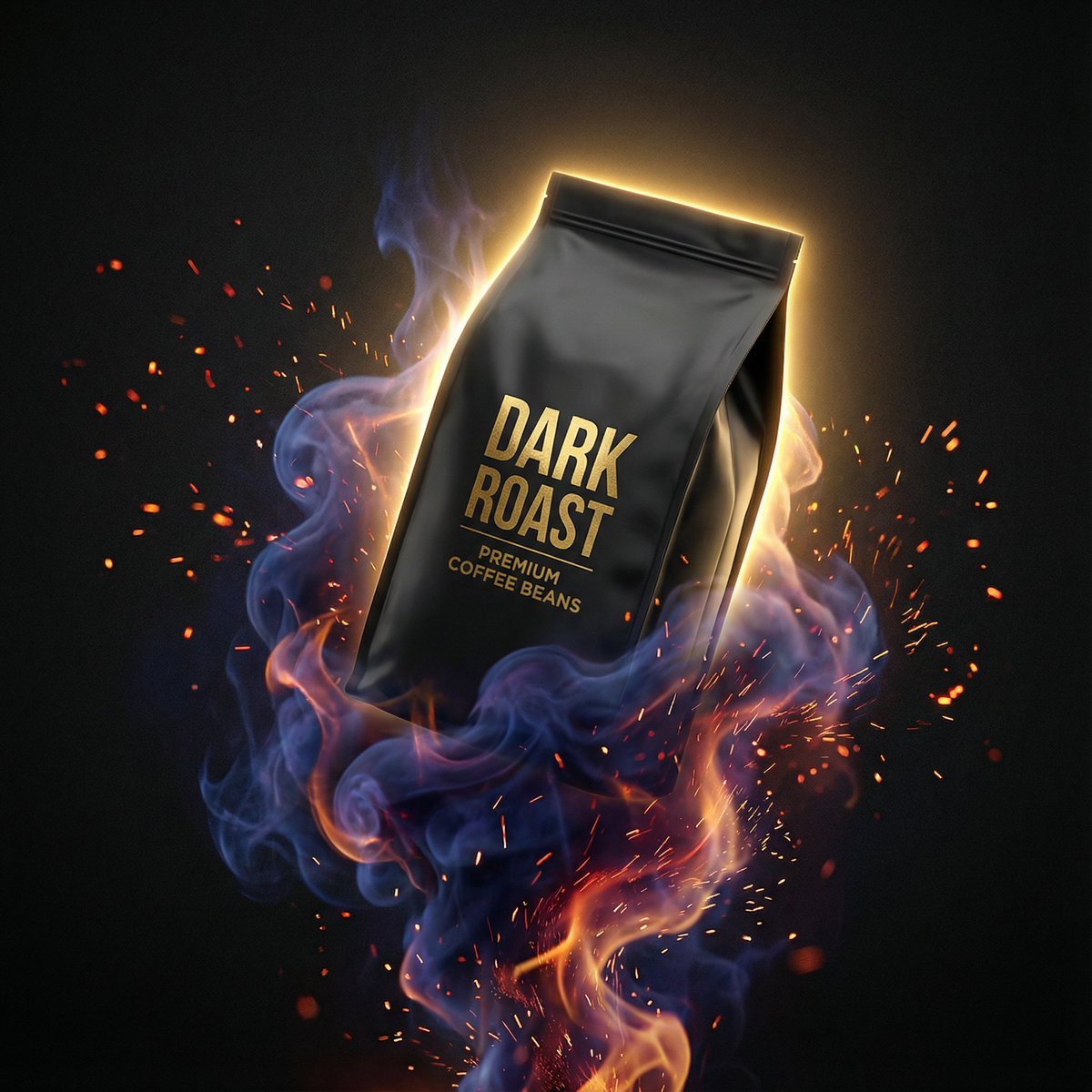
Dynamic Product Photography Prompt for Nano Banana Pro
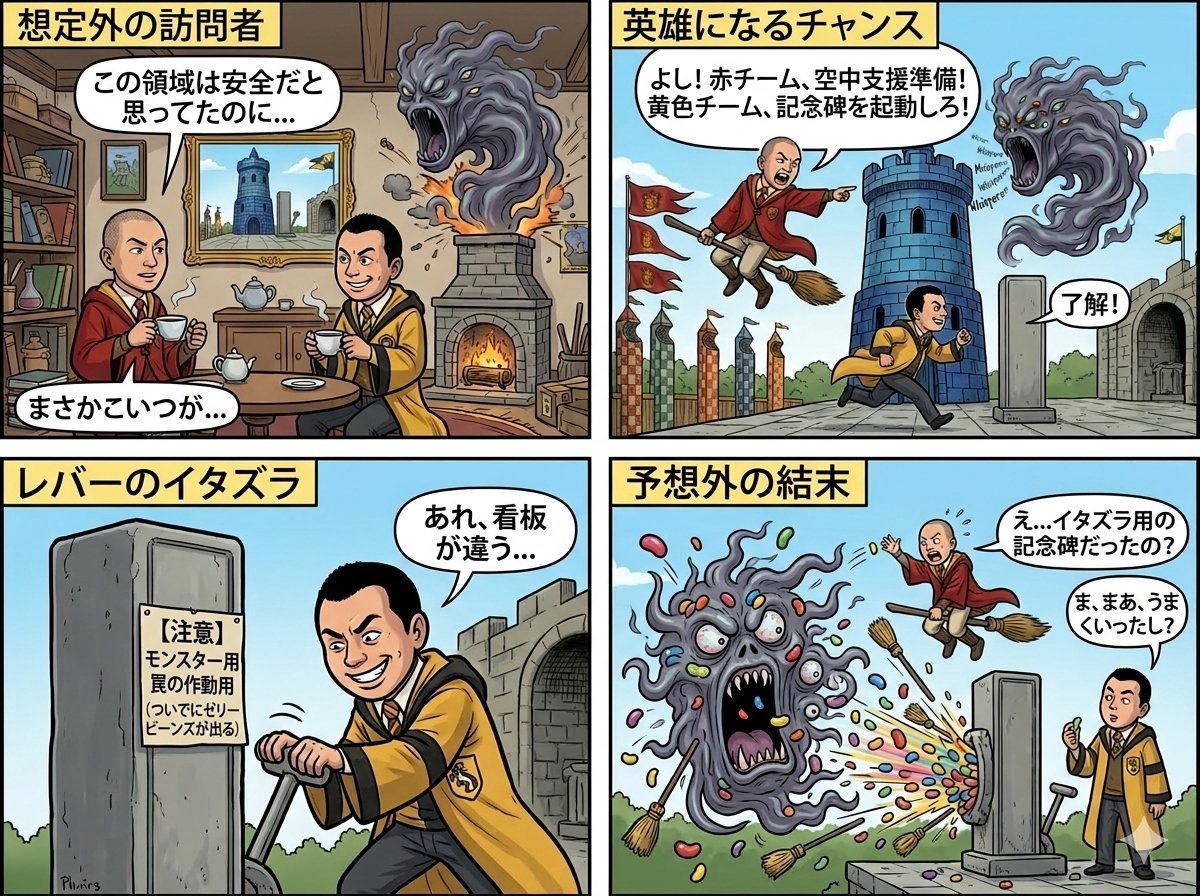
Four-Panel Manga: Judgment of the Ministry of Magic
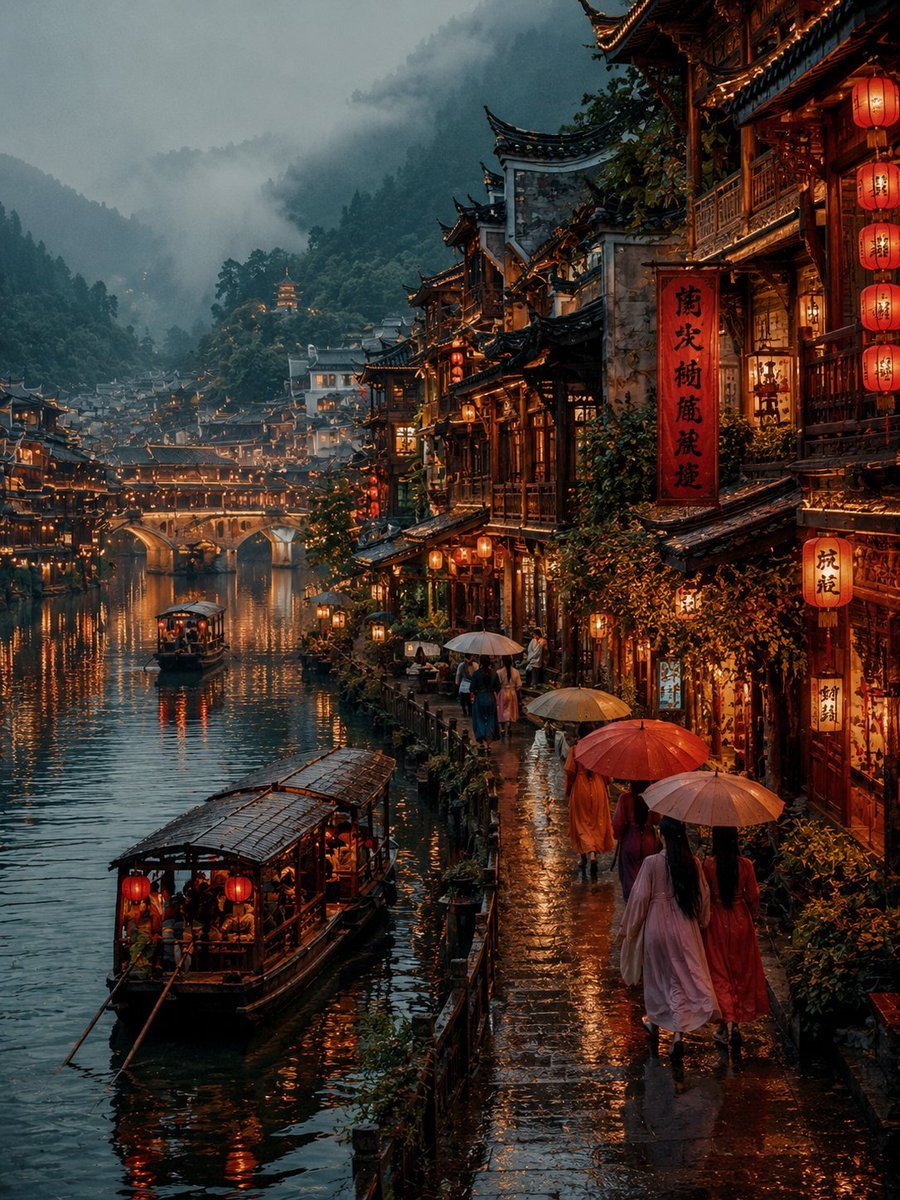
Futuristic Tokyo Street Photography
Dunhuang Mural Water Moon Guanyin

Cinematic Jeep Driver Portrait Prompt with Face Match

Chic Bar Lifestyle Photography Prompt
Browse template categories
Neon Creative Cloud Promo Poster questions
How do I use the Neon Creative Cloud Promo Poster template?
Add your photo if the template asks for one, edit the prompt if you like — the template's model and format are already selected — and press Generate. Your version opens in PicX Studio.
Can I customize the Neon Creative Cloud Promo Poster template?
Yes. You can change the subject, setting, lighting, mood, format, and available model controls before creating your image.
Is the Neon Creative Cloud Promo Poster template free?
Opening and editing this template is free. Generating uses credits, shown on the Generate button when you are signed in.
Which AI model should I use?
Start with GPT Image 2, which is the model associated with this template. You can compare another compatible model for a different finish.
Looking for something else? Browse all templates.

Your photo, any look
Thousands of ready templates for every top image and video model, from one credit balance.