
Chinese Cloisonné History PPT Slide
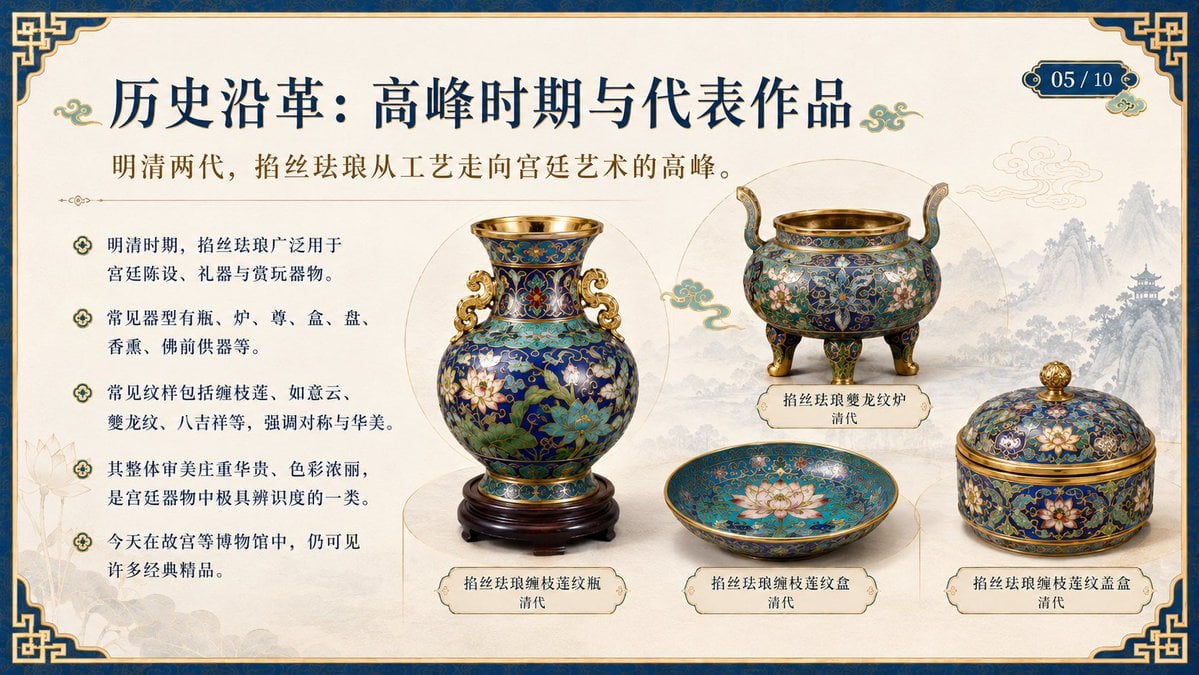
Generates an ornate museum-style educational PowerPoint slide about Ming and Qing cloisonné enamel representative works.
- Prompt included
- Model and format preset
- Free template
The prompt behind this image
Copy the exact prompt behind Chinese Cloisonné History PPT Slide, or open it in the studio and make it yours.
- Type
- single educational PowerPoint slide in ornate Chinese museum style
- Slide › Aspect Ratio
- 16:9 widescreen
- Slide › Page Indicator
- 05 / 10
- Slide › Title
- {argument name="slide title" default="历史沿革:高峰时期与代表作品"}
- Slide › Subtitle
- {argument name="subtitle text" default="明清两代,掐丝珐琅从工艺走向宫廷艺术的高峰。"}
- Slide › Topic
- cloisonné enamel art during the Ming and Qing dynasties
- Slide › Language
- Simplified Chinese visible text
- Slide › Style
- elegant historical presentation, Chinese palace museum aesthetic, cream parchment background, navy blue and metallic gold decorative frame, corner cloud-and-key motifs, subtle ink-wash mountains and pavilion in the right background, faint lotus line art on the left, refined serif Song-style Chinese typography
- Layout › Composition
- left third contains explanatory bullet text; right two thirds contains four labeled cloisonné objects arranged as museum specimens; large vase centered-left, tripod censer upper-right, shallow dish lower-center, lidded box lower-right
- Layout › Background
- warm ivory paper texture with light gold divider lines and circular display halos behind objects
- Layout › Border
- thick dark blue outer band with thin gold trim and ornate Chinese knot corners
- Layout › Decorations
- small turquoise-and-gold cloud flourishes beside the title and around the artifacts
- Text Elements › Bullet Section › Position
- left column under subtitle
- Text Elements › Bullet Section › Count
- 5
- Text Elements › Bullet Section › Bullets
- 明清时期,掐丝珐琅广泛用于宫廷陈设、礼器与赏玩器物。, 常见器型有瓶、炉、尊、盒、盘、香熏、佛前供器等。, 常见纹样包括缠枝莲、如意云、夔龙纹、八吉祥等,强调对称与华美。, 其整体审美庄重华贵、色彩浓丽,是宫廷器物中极具辨识度的一类。, 今天在故宫等博物馆中,仍可见许多经典精品。
- Artifacts › Count
- 4
- Artifacts › Items › 0 › Label
- 掐丝珐琅缠枝莲纹瓶 清代
- Artifacts › Items › 0 › Position
- center-left
- Artifacts › Items › 0 › Description
- large blue cloisonné vase on a dark carved wooden stand, gold rim, gold handles, dense lotus and vine enamel patterns in turquoise, cobalt, red, white, and green
- Artifacts › Items › 1 › Label
- 掐丝珐琅夔龙纹炉 清代
- Artifacts › Items › 1 › Position
- upper-right
- Artifacts › Items › 1 › Description
- round three-legged incense burner with raised curved handles, gold mouth rim and feet, deep blue enamel body with floral and dragon-like scrolling motifs
- Artifacts › Items › 2 › Label
- 掐丝珐琅缠枝莲纹盒 清代
- Artifacts › Items › 2 › Position
- lower-center
Raw JSON
{"type":"single educational PowerPoint slide in ornate Chinese museum style","slide":{"aspect_ratio":"16:9 widescreen","page_indicator":"05 / 10","title":"{argument name=\"slide title\" default=\"历史沿革:高峰时期与代表作品\"}","subtitle":"{argument name=\"subtitle text\" default=\"明清两代,掐丝珐琅从工艺走向宫廷艺术的高峰。\"}","topic":"cloisonné enamel art during the Ming and Qing dynasties","language":"Simplified Chinese visible text","style":"elegant historical presentation, Chinese palace museum aesthetic, cream parchment background, navy blue and metallic gold decorative frame, corner cloud-and-key motifs, subtle ink-wash mountains and pavilion in the right background, faint lotus line art on the left, refined serif Song-style Chinese typography"},"layout":{"composition":"left third contains explanatory bullet text; right two thirds contains four labeled cloisonné objects arranged as museum specimens; large vase centered-left, tripod censer upper-right, shallow dish lower-center, lidded box lower-right","background":"warm ivory paper texture with light gold divider lines and circular display halos behind objects","border":"thick dark blue outer band with thin gold trim and ornate Chinese knot corners","decorations":"small turquoise-and-gold cloud flourishes beside the title and around the artifacts"},"text_elements":{"bullet_section":{"position":"left column under subtitle","count":5,"bullets":["明清时期,掐丝珐琅广泛用于宫廷陈设、礼器与赏玩器物。","常见器型有瓶、炉、尊、盒、盘、香熏、佛前供器等。","常见纹样包括缠枝莲、如意云、夔龙纹、八吉祥等,强调对称与华美。","其整体审美庄重华贵、色彩浓丽,是宫廷器物中极具辨识度的一类。","今天在故宫等博物馆中,仍可见许多经典精品。"]}},"artifacts":{"count":4,"items":[{"label":"掐丝珐琅缠枝莲纹瓶\n清代","position":"center-left","description":"large blue cloisonné vase on a dark carved wooden stand, gold rim, gold handles, dense lotus and vine enamel patterns in turquoise, cobalt, red, white, and green"},{"label":"掐丝珐琅夔龙纹炉\n清代","position":"upper-right","description":"round three-legged incense burner with raised curved handles, gold mouth rim and feet, deep blue enamel body with floral and dragon-like scrolling motifs"},{"label":"掐丝珐琅缠枝莲纹盒\n清代","position":"lower-center","description":"shallow open circular dish or box base, turquoise-blue interior with a large pink-white lotus blossom and fine gold filigree patterns"},{"label":"掐丝珐琅缠枝莲纹盖盒\n清代","position":"lower-right","description":"round lidded box with gold finial, blue cloisonné surface, lotus blossoms, vine scrolls, and gold bands"}]},"visual_requirements":"Render as a polished completed PPT slide, not a screenshot of software. Use photorealistic museum-object cutouts for the cloisonné pieces, with soft shadows and crisp label plaques. Keep all Chinese text sharp, legible, and correctly aligned. Color palette: imperial navy, antique gold, ivory, turquoise enamel, cobalt blue, muted ink gray. Overall mood: scholarly, luxurious, traditional Chinese cultural education.","customization":{"course_topic":"{argument name=\"course topic\" default=\"掐丝珐琅\"}","dynasty_focus":"{argument name=\"historical period\" default=\"明清两代\"}","page_number":"{argument name=\"page number\" default=\"05 / 10\"}"}}How to use Chinese Cloisonné History PPT Slide in 3 steps
- 1Upload ImagePNG, JPG or paste
Add your photo
Upload the photo the template builds on. The prompt, model and format are already set.
- 2…a portrait of your subject in softgolden-hour light, 85mm…
Personalize
Edit the subject and creative details for your destination.
- 3Generate
Generate
Press Generate — your image is created in PicX Studio, so you can compare it with the original and refine one variable at a time.
More like this
Templates with the same subject, style or setup. Open one to see its prompt.
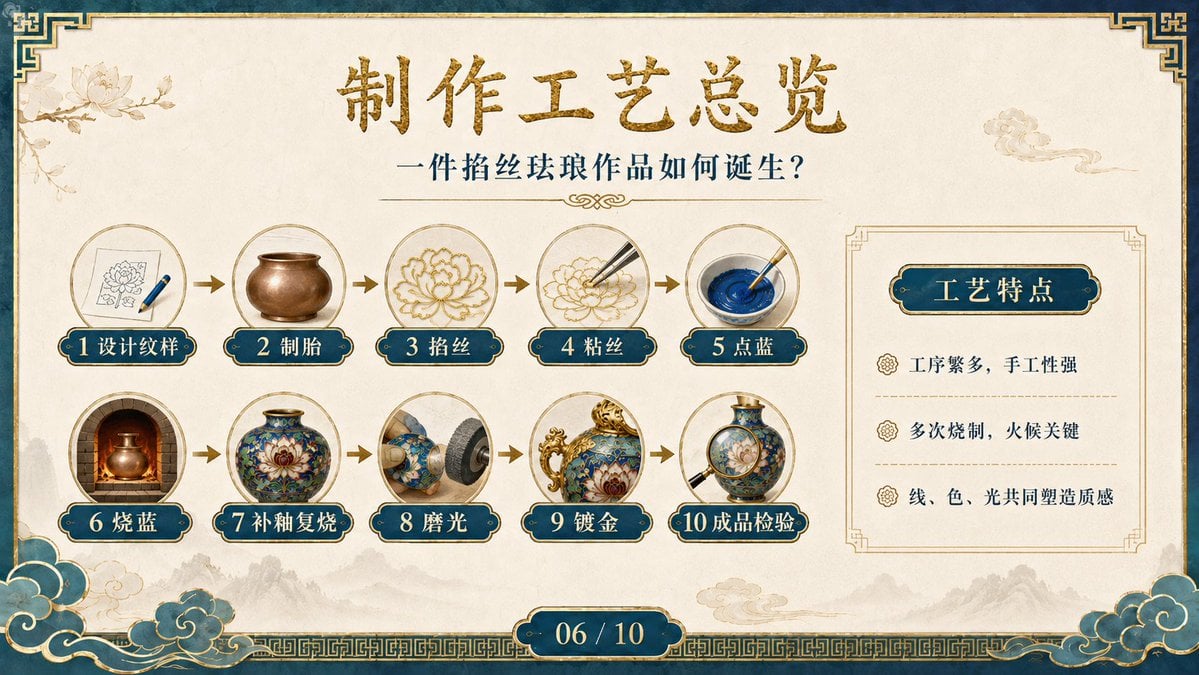
Cloisonné Craft Process PPT Slide
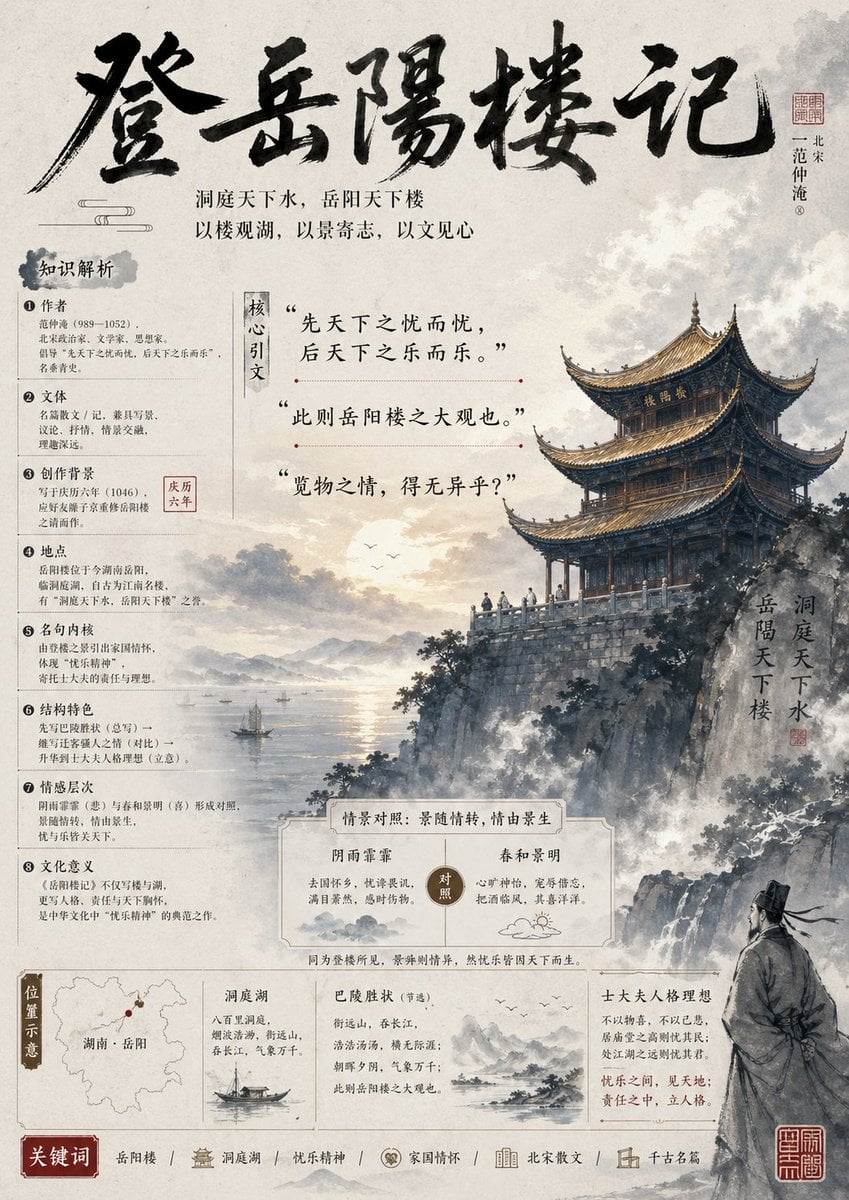
Ancient Chinese Literature PPT Poster
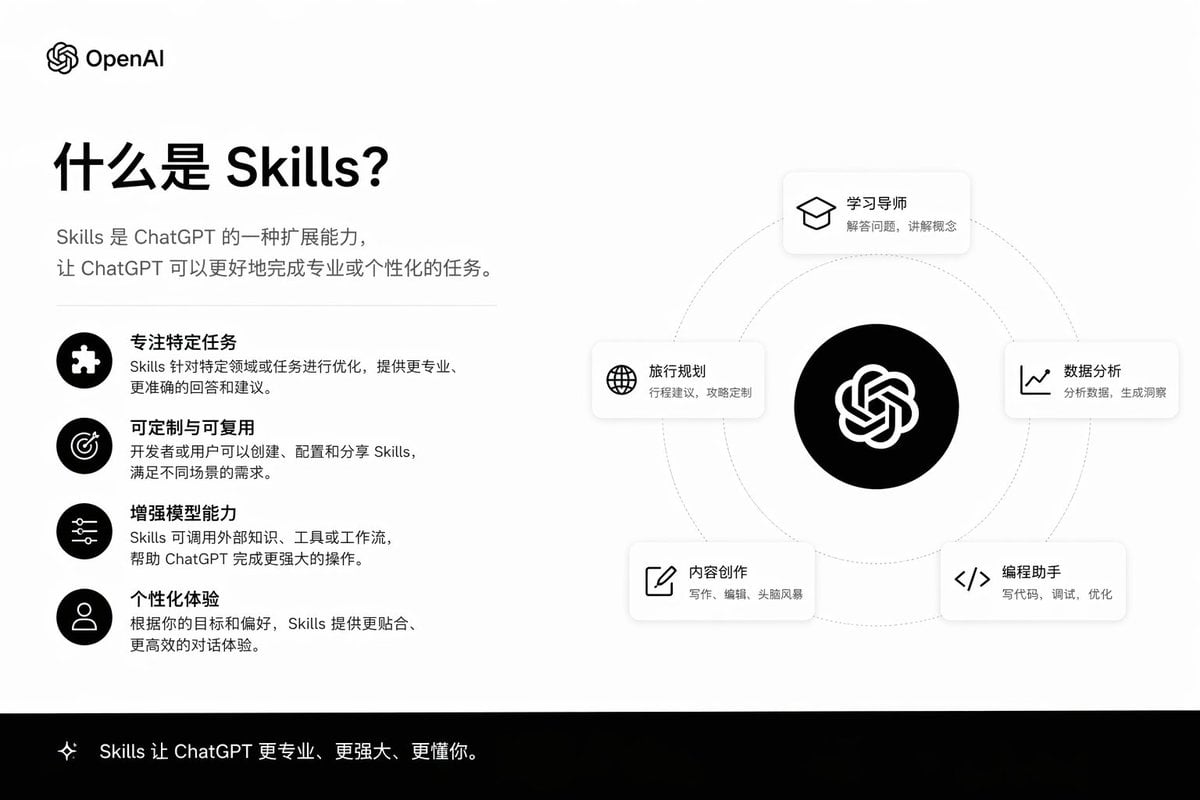
Skills Introduction PPT Slide
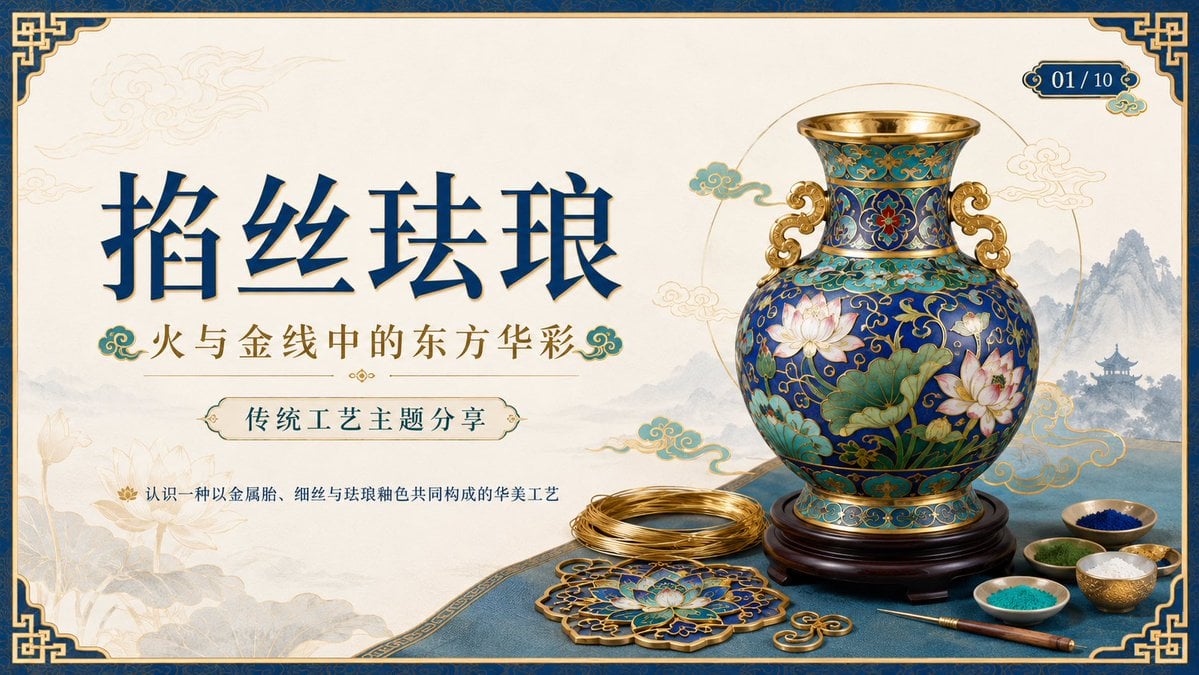
Cloisonné Craft PPT Cover
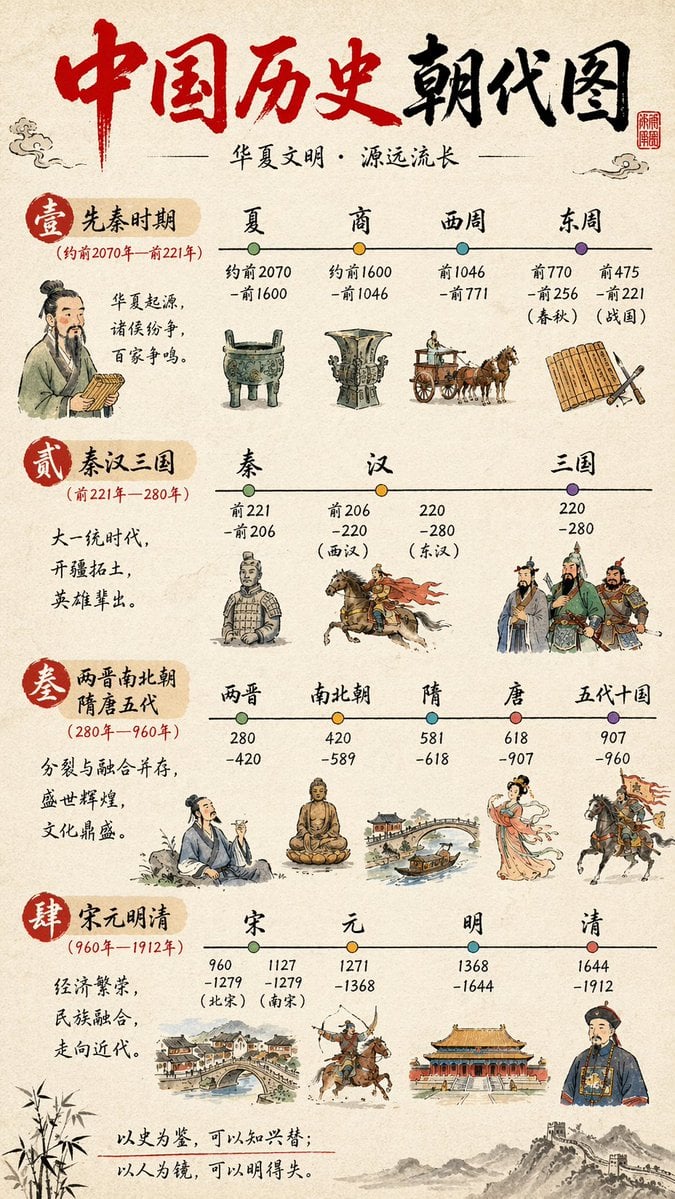
Chinese History Timeline Infographic
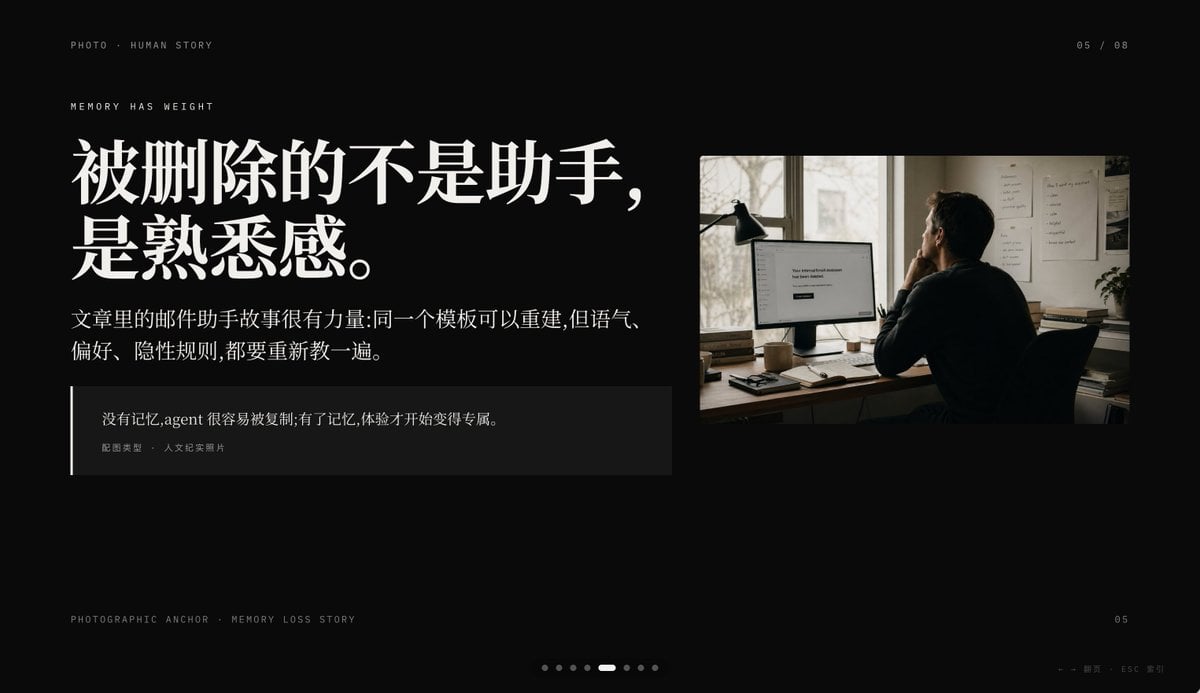
Cinematic Memory Loss PPT Slide
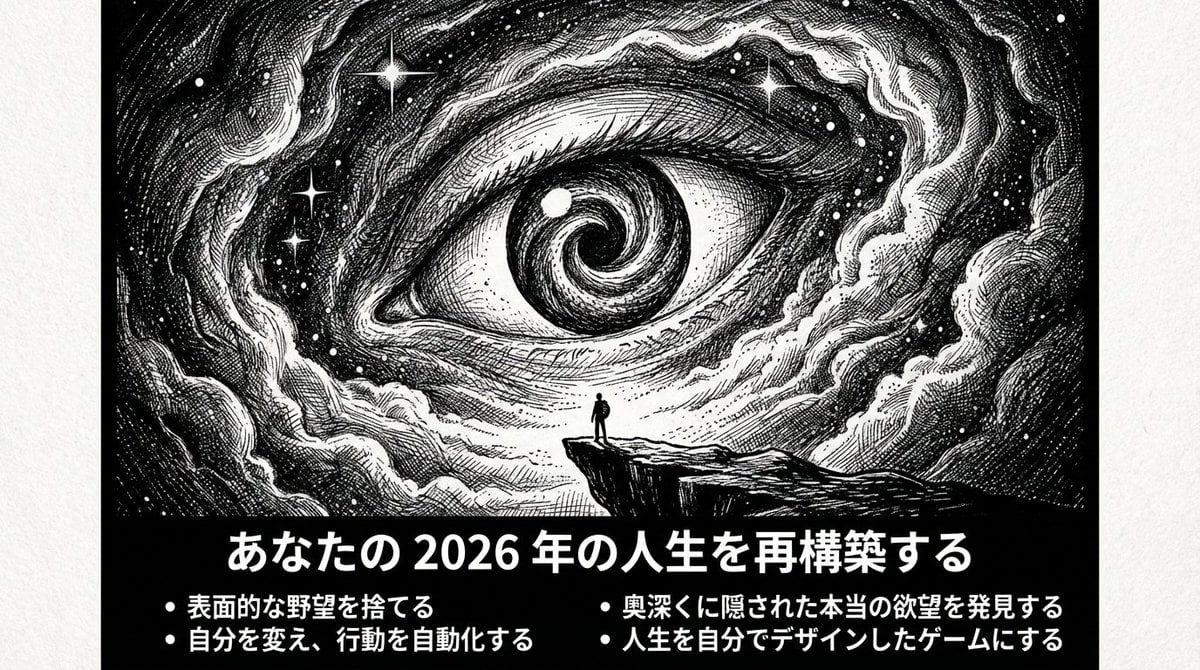
Ultimate Prompt for Dan Koe Style Presentation Slides (PPT) using Nano Banana Pro
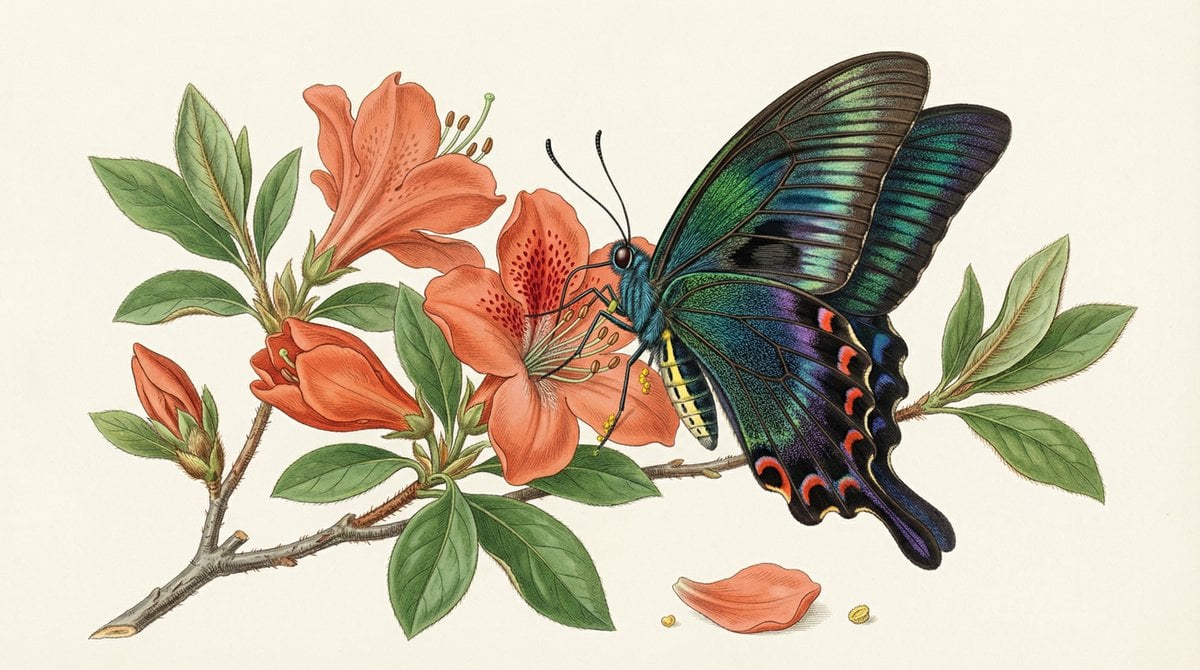
Precise Natural History Illustration Prompt: Chinese Peacock Butterfly

敦煌纸雕飞天 — 3D Layered Paper Cutout

博物馆图鉴式汉服拆解图 — GPT-image-2
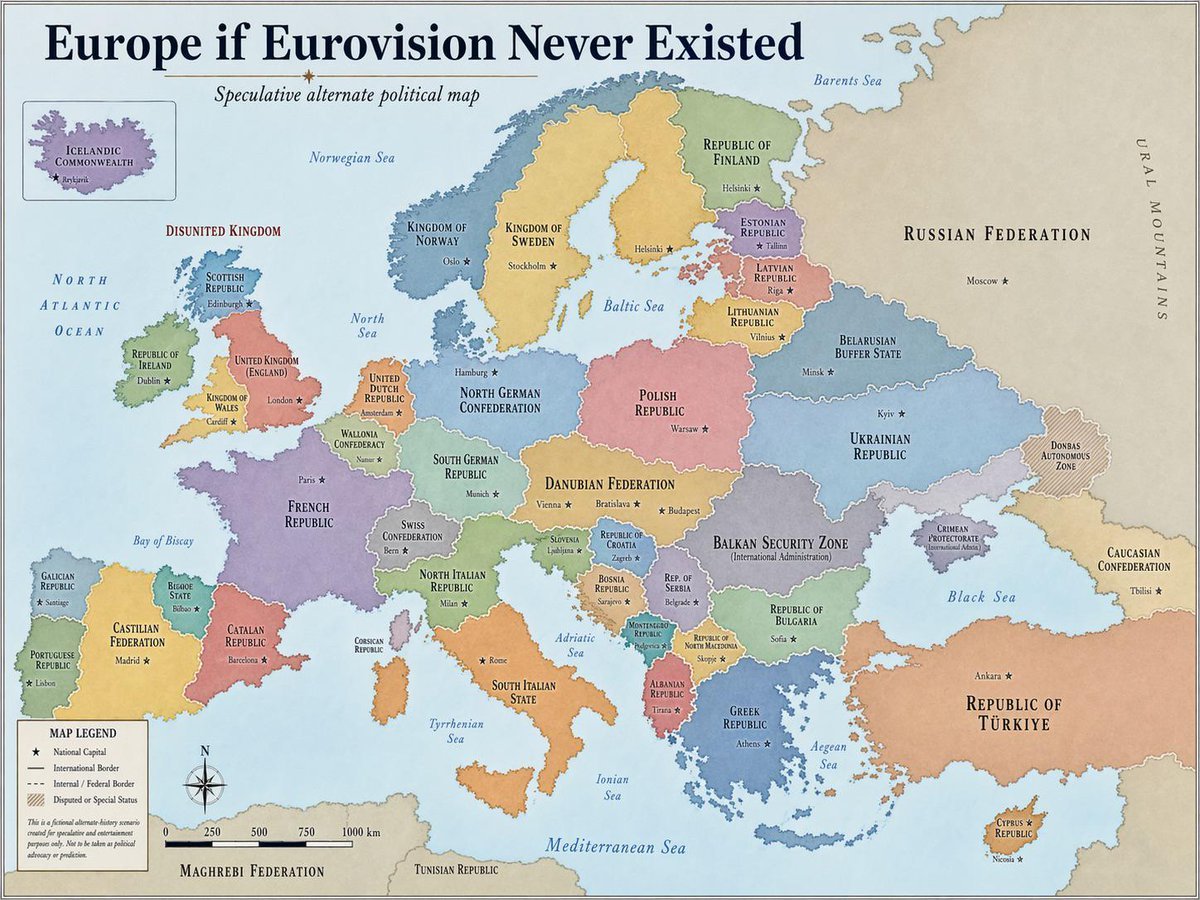
Alternative History Europe Political Map
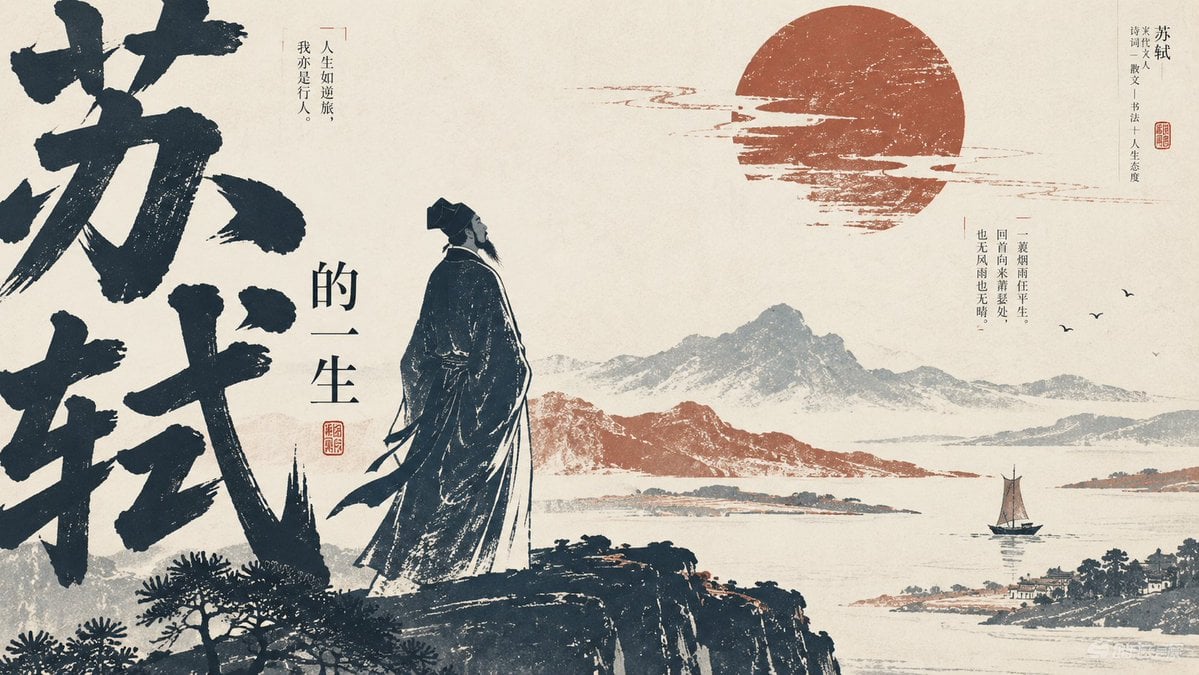
Editorial PPT Cover Design
Make it yours
Chinese Cloisonné History PPT Slide works as-is. These are the safest ways to change it without losing the look.
Swap the setting
Keep the rest of the prompt and replace the location block. The current setting is “warm ivory paper texture with light gold divider lines and circular display halo”.
Change one field
Copy a single group, rewrite it, and generate again so you can see what that field is doing.
Keep the frame, change the subject
Hold the composition and light of Chinese Cloisonné History PPT Slide, then swap wardrobe, props or the person for a new take.
| If the result… | Why | Fix |
|---|---|---|
| The result drifts from the preview | Too many fields changed at once. | Reuse Chinese Cloisonné History PPT Slide as-is first, then change one group — subject, light, or setting. |
| GPT Image 2 ignores part of the JSON | Some models flatten or skip nested keys. | Keep the same values and paste them as a short paragraph instead. |
More GPT Image 2 templates
Other prompts made for GPT Image 2.

Six VTuber Japanese Logo Sheet

Realistic Portrait of Woman and Deer

The Vista Modular Condo Poster

AI Model Routing Comparison Infographic

2.5D Anime Art Board

Isometric Productivity Desk Scene

New York Double Exposure Poster

Four-Panel AI Landscape Comparison

Japanese Tatami Lifestyle Magazine Cover

NESCAFÉ Coffee Map Poster
More image prompts
Fresh picks from across the catalog.
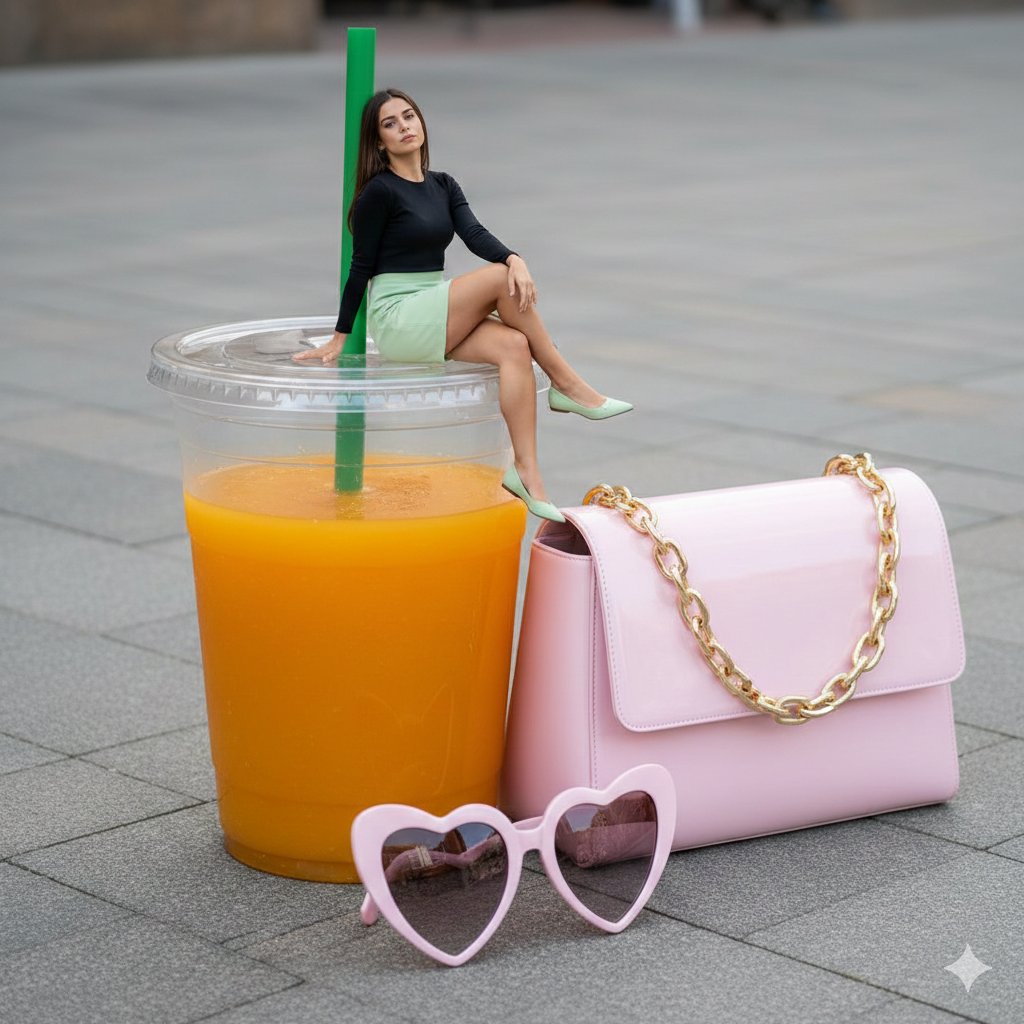
Surreal Scale Photorealistic Scene: Woman on a Giant Drink
Dark Queen Oriental Diviner Portrait
Misty Cliff Plank Road Photograph

Amateur Smartphone Selfie Black Cat
Zhao Yun Cavalry Infographic Poster
Tiny Boy Character Sheet
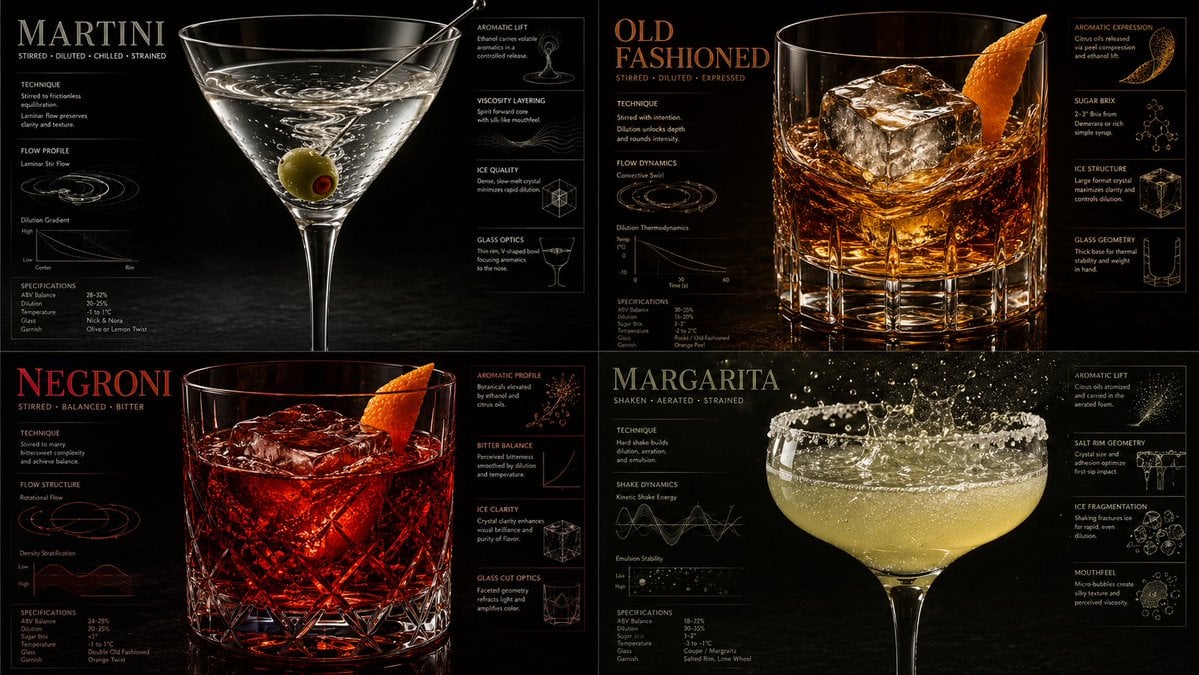
Luxury Mixology Fluid Dynamics Poster

Tweet Screenshot of QR Code Dice Demo
Hyper-Realistic Soda Can Splash Commercial Photo
Conceptual brand storytelling visual prompt
Browse template categories
Chinese Cloisonné History PPT Slide questions
How do I use the Chinese Cloisonné History PPT Slide template?
Add your photo if the template asks for one, edit the prompt if you like — the template's model and format are already selected — and press Generate. Your version opens in PicX Studio.
Can I customize the Chinese Cloisonné History PPT Slide template?
Yes. You can change the subject, setting, lighting, mood, format, and available model controls before creating your image.
Is the Chinese Cloisonné History PPT Slide template free?
Opening and editing this template is free. Generating uses credits, shown on the Generate button when you are signed in.
Which AI model should I use?
Start with GPT Image 2, which is the model associated with this template. You can compare another compatible model for a different finish.
Looking for something else? Browse all templates.

Your photo, any look
Thousands of ready templates for every top image and video model, from one credit balance.