
Chinese History Timeline Infographic
A detailed, four-section vertical infographic mapping Chinese historical dynasties with watercolor illustrations and timeline nodes.
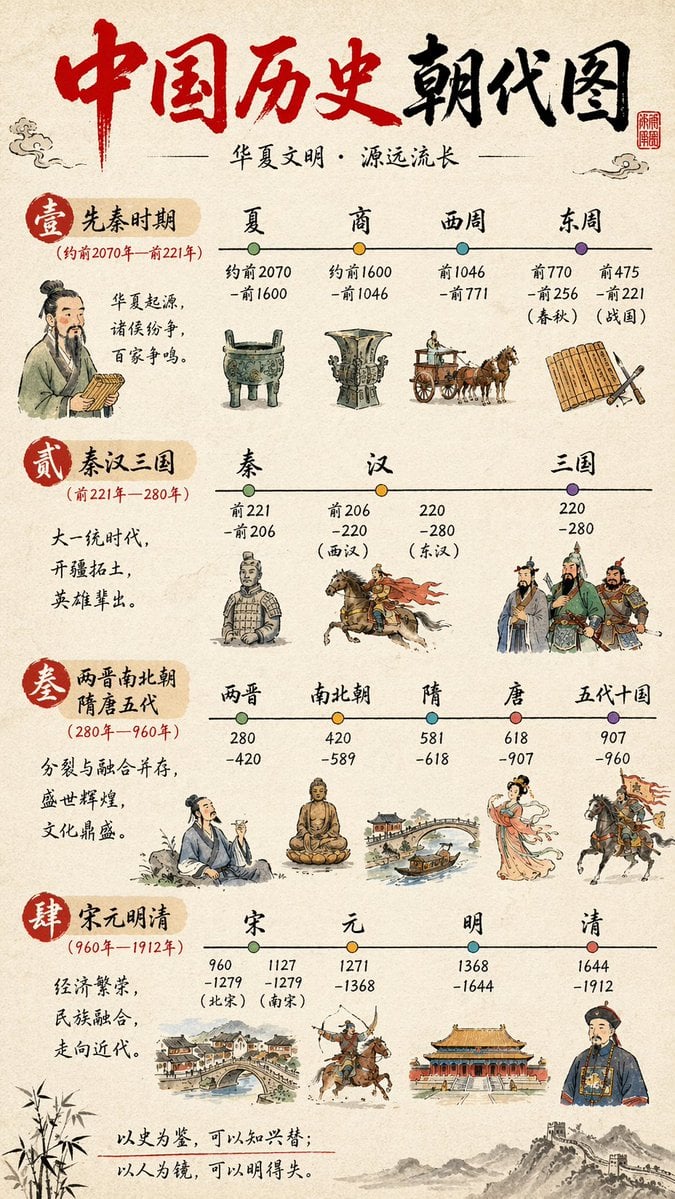
- Prompt included
- Model and format preset
- Free template
The prompt behind this image
Copy the exact prompt behind Chinese History Timeline Infographic, or open it in the studio and make it yours.
- Type
- infographic timeline
- Style › Background
- {argument name="background style" default="textured beige rice paper"}
- Style › Art Style
- {argument name="art style" default="traditional Chinese watercolor and ink wash illustration"}
- Header › Title
- {argument name="main title" default="中国历史朝代图"}
- Header › Subtitle
- {argument name="subtitle" default="华夏文明·源远流长"}
- Header › Elements
- red calligraphy title, red square seal stamp top right, cloud motifs
- Layout › Sections Count
- 4
- Layout › Sections › 0 › Id
- 1
- Layout › Sections › 0 › Label
- 壹 先秦时期
- Layout › Sections › 0 › Date Range
- (约前2070年—前221年)
- Layout › Sections › 0 › Description
- 华夏起源,诸侯纷争,百家争鸣。
- Layout › Sections › 0 › Timeline Nodes
- 4
- Layout › Sections › 0 › Dynasties
- 夏, 商, 西周, 东周
- Layout › Sections › 0 › Illustrations
- scholar holding bamboo slips, bronze ding tripod, bronze ritual vessel, horse-drawn chariot, bamboo slips and brush
- Layout › Sections › 1 › Id
- 2
- Layout › Sections › 1 › Label
- 贰 秦汉三国
- Layout › Sections › 1 › Date Range
- (前221年—280年)
- Layout › Sections › 1 › Description
- 大一统时代,开疆拓土,英雄辈出。
- Layout › Sections › 1 › Timeline Nodes
- 3
- Layout › Sections › 1 › Dynasties
- 秦, 汉, 三国
- Layout › Sections › 1 › Illustrations
- terracotta warrior, cavalryman on galloping horse, three generals in traditional armor
- Layout › Sections › 2 › Id
- 3
- Layout › Sections › 2 › Label
- 叁 两晋南北朝 隋唐五代
- Layout › Sections › 2 › Date Range
- (280年—960年)
Raw JSON
{
  "type": "infographic timeline",
  "style": {
    "background": "{argument name=\"background style\" default=\"textured beige rice paper\"}",
    "art_style": "{argument name=\"art style\" default=\"traditional Chinese watercolor and ink wash illustration\"}"
  },
  "header": {
    "title": "{argument name=\"main title\" default=\"中国历史朝代图\"}",
    "subtitle": "{argument name=\"subtitle\" default=\"华夏文明·源远流长\"}",
    "elements": ["red calligraphy title", "red square seal stamp top right", "cloud motifs"]
  },
  "layout": {
    "sections_count": 4,
    "sections": [
      {
        "id": "1",
        "label": "壹 先秦时期",
        "date_range": "(约前2070年—前221年)",
        "description": "华夏起源,诸侯纷争,百家争鸣。",
        "timeline_nodes": 4,
        "dynasties": ["夏", "商", "西周", "东周"],
        "illustrations": ["scholar holding bamboo slips", "bronze ding tripod", "bronze ritual vessel", "horse-drawn chariot", "bamboo slips and brush"]
      },
      {
        "id": "2",
        "label": "贰 秦汉三国",
        "date_range": "(前221年—280年)",
        "description": "大一统时代,开疆拓土,英雄辈出。",
        "timeline_nodes": 3,
        "dynasties": ["秦", "汉", "三国"],
        "illustrations": ["terracotta warrior", "cavalryman on galloping horse", "three generals in traditional armor"]
      },
      {
        "id": "3",
        "label": "叁 两晋南北朝 隋唐五代",
        "date_range": "(280年—960年)",
        "description": "分裂与融合并存,盛世辉煌,文化鼎盛。",
        "timeline_nodes": 5,
        "dynasties": ["两晋", "南北朝", "隋", "唐", "五代十国"],
        "illustrations": ["scholar drinking wine", "seated Buddha statue", "arched stone bridge with boat", "elegant Tang dynasty lady", "cavalryman holding a flag"]
      },
      {
        "id": "4",
        "label": "肆 宋元明清",
        "date_range": "(960年—1912年)",
        "description": "经济繁荣,民族融合,走向近代。",
        "timeline_nodes": 4,
        "dynasties": ["宋", "元", "明", "清"],
        "illustrations": ["bustling riverside townscape", "mounted archer shooting backwards", "palace complex", "Qing dynasty official"]
      }
    ]
  },
  "footer": {
    "quote": "{argument name=\"bottom quote\" default=\"以史为鉴,可以知兴替;以人为镜,可以明得失。\"}",
    "decorations": ["bamboo leaves on bottom left", "Great Wall illustration on bottom right"]
  }
}Reference images included
Chinese History Timeline Infographic needs input media to work. They load alongside the prompt when you open it in the studio.
How to use Chinese History Timeline Infographic in 3 steps
- 1Upload ImagePNG, JPG or paste
Add your photo
Upload the photo the template builds on. The prompt, model and format are already set.
- 2…a portrait of your subject in softgolden-hour light, 85mm…
Personalize
Edit the subject and creative details for your destination.
- 3Generate
Generate
Press Generate — your image is created in PicX Studio, so you can compare it with the original and refine one variable at a time.
More like this
Templates with the same subject, style or setup. Open one to see its prompt.

博物馆图鉴式汉服拆解图 — GPT-image-2
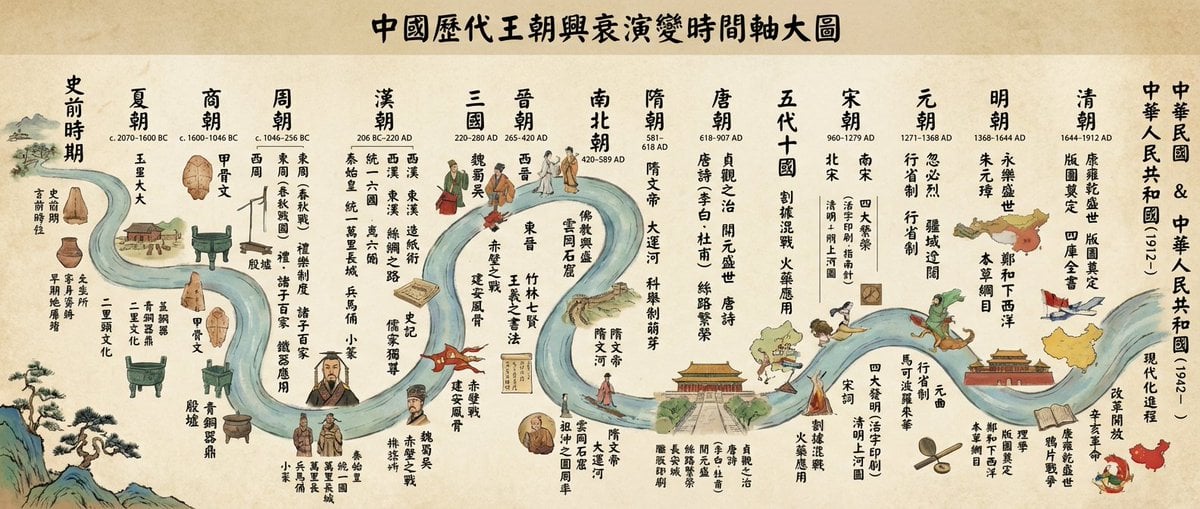
Chinese dynasties infographic timeline in traditional Chinese

Japan Travel Brochure Poster
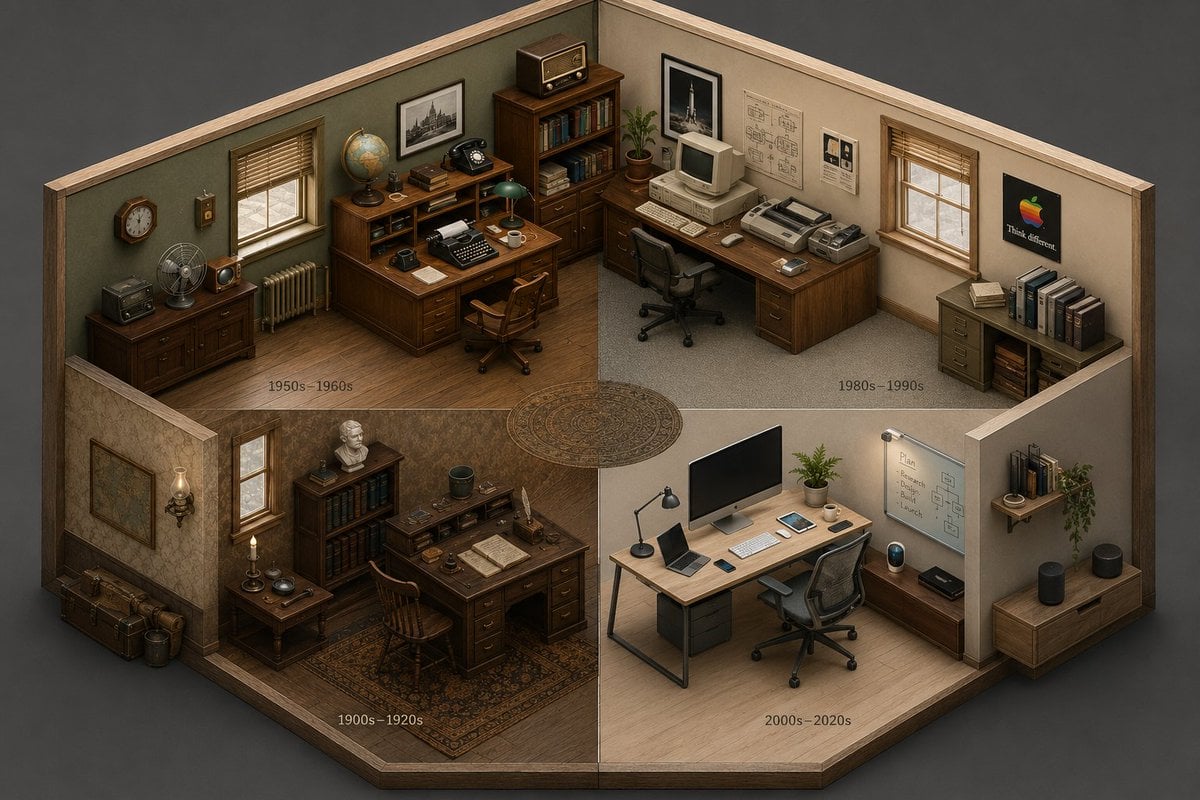
Isometric Room History Timeline
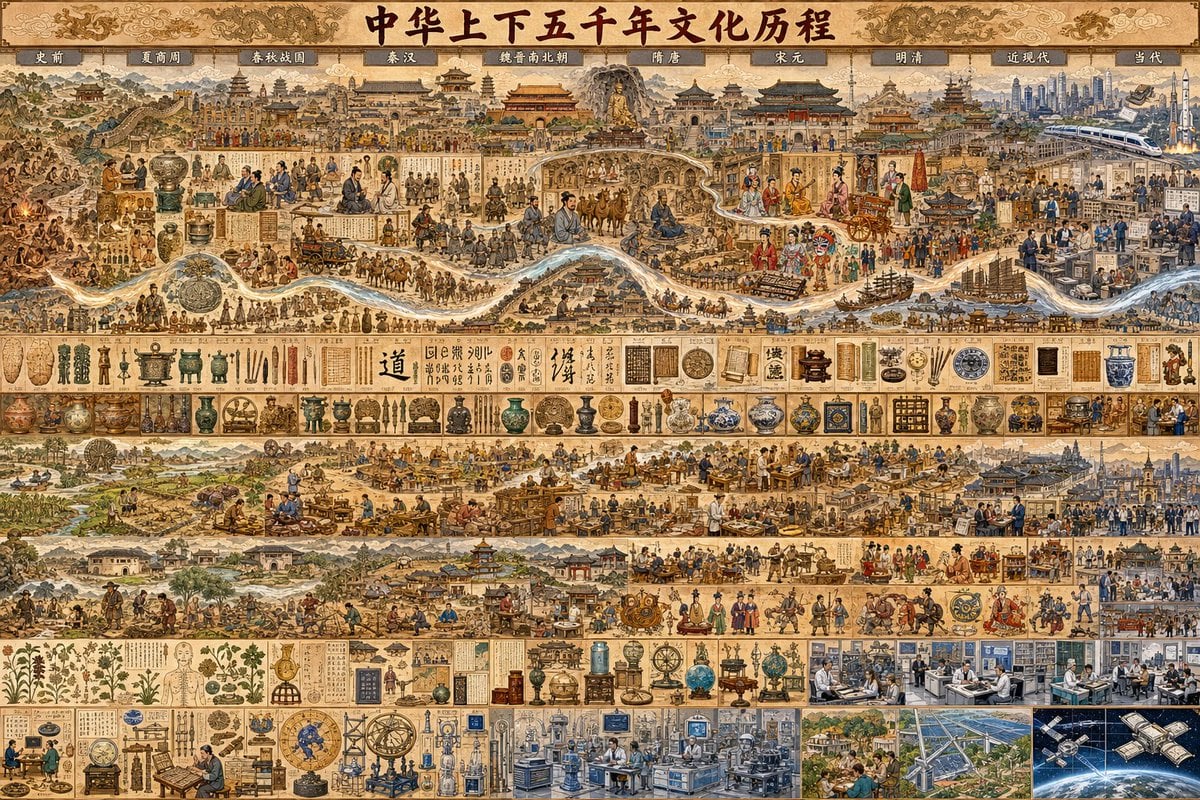
Chinese Civilization Timeline Poster
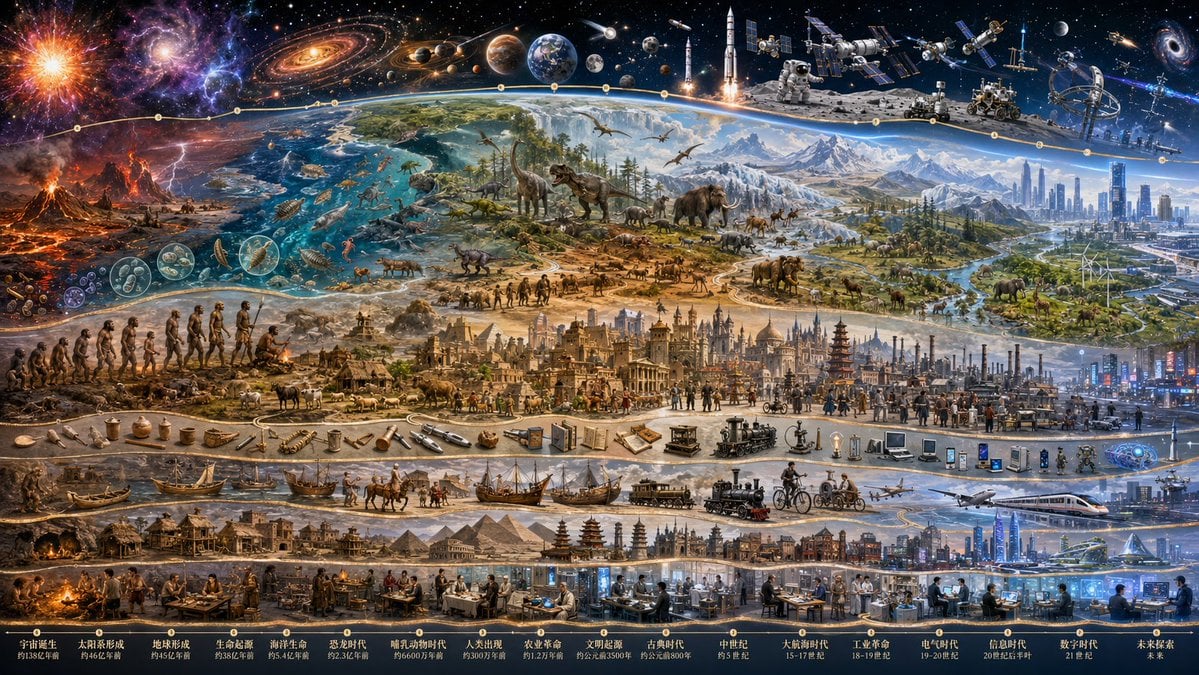
Epic Universe History Timeline Poster

Isometric Process Educational Diorama

Isometric Vehicle Teardown Infographic Template
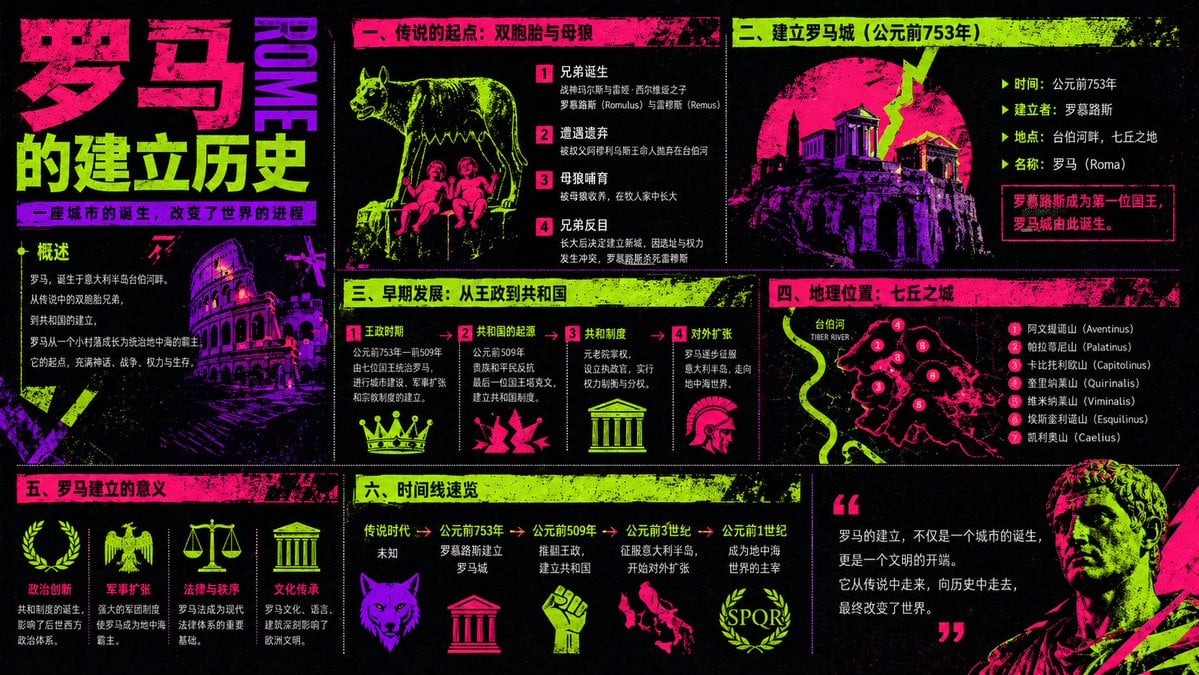
Neon Rome History Infographic
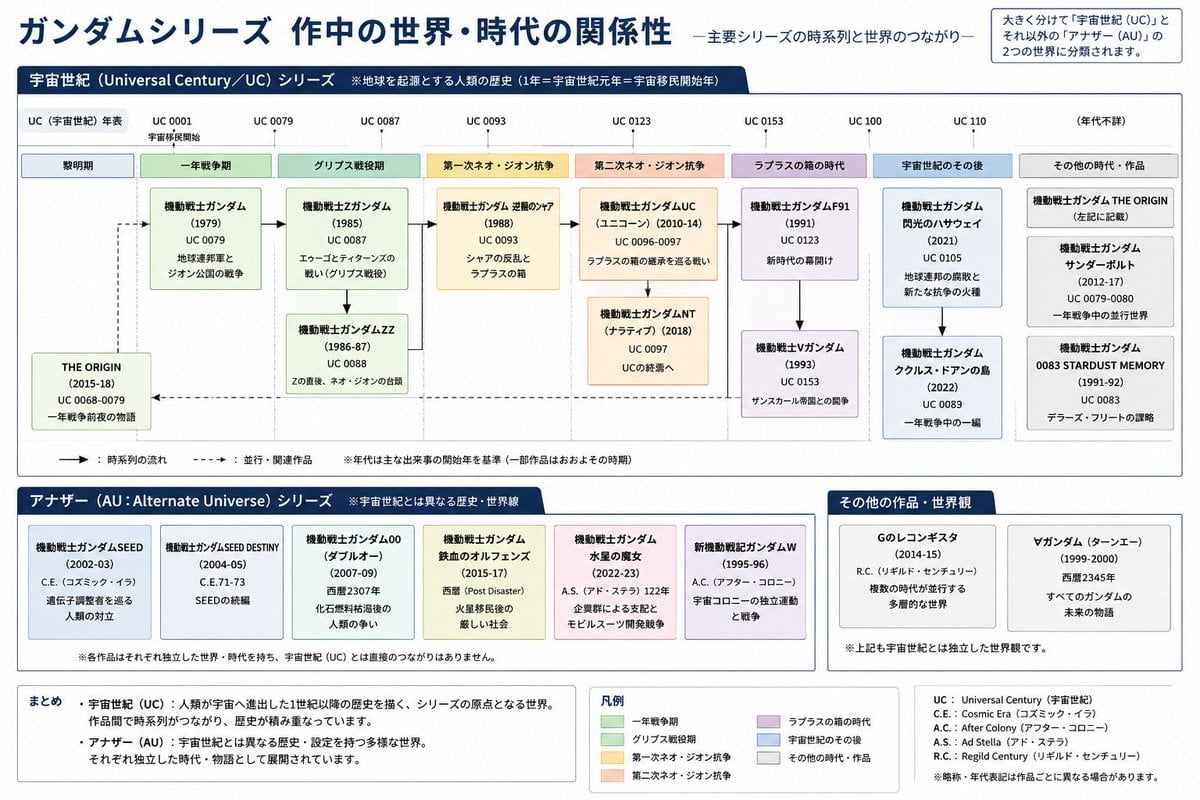
Gundam Series Timeline Infographic
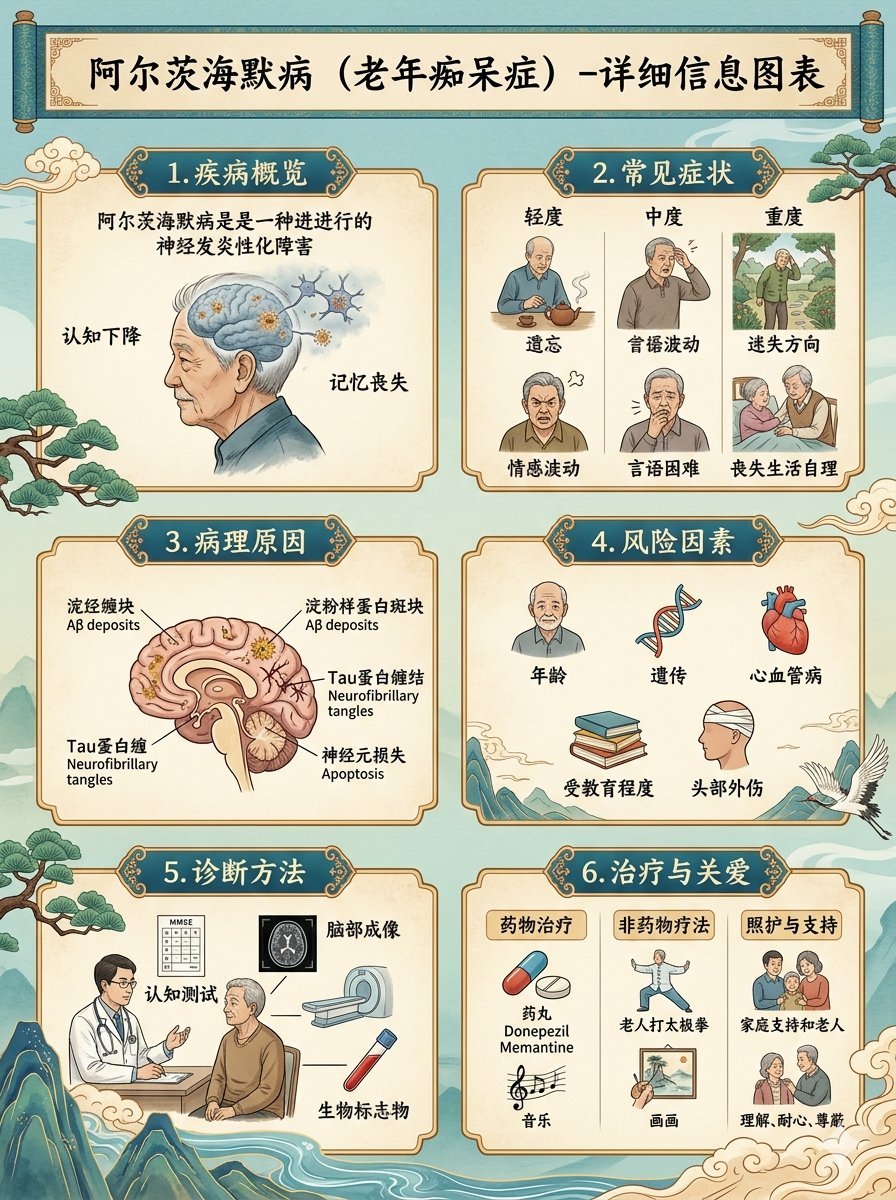
Chinese Alzheimer’s Infographic Poster
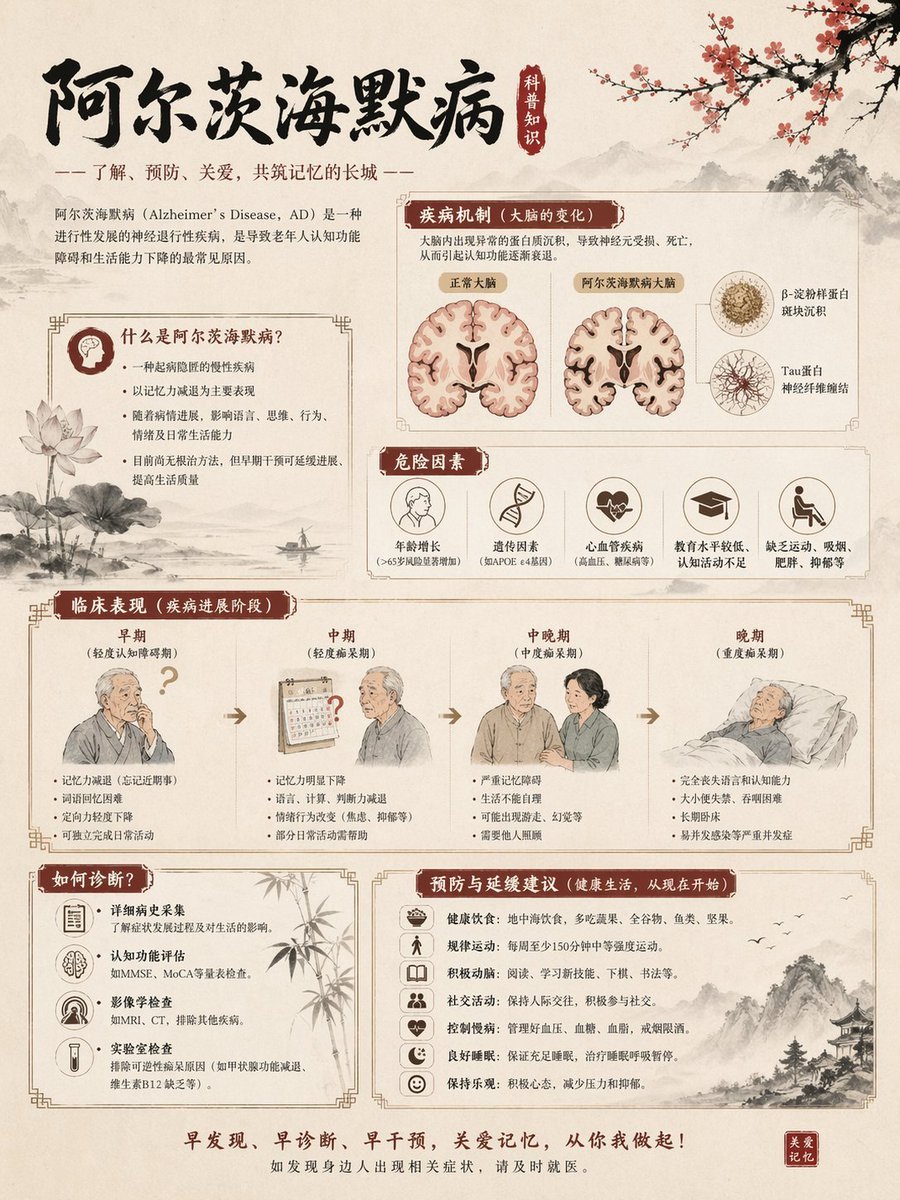
Chinese Alzheimer’s Awareness Infographic
Make it yours
Chinese History Timeline Infographic works as-is. These are the safest ways to change it without losing the look.
Swap the setting
Keep the rest of the prompt and replace the location block. The current setting is “{argument name="background style" default="textured beige rice paper"}”.
Change one field
Copy a single group, rewrite it, and generate again so you can see what that field is doing.
Keep the frame, change the subject
Hold the composition and light of Chinese History Timeline Infographic, then swap wardrobe, props or the person for a new take.
| If the result… | Why | Fix |
|---|---|---|
| The result drifts from the preview | Too many fields changed at once. | Reuse Chinese History Timeline Infographic as-is first, then change one group — subject, light, or setting. |
| GPT Image 2 ignores part of the JSON | Some models flatten or skip nested keys. | Keep the same values and paste them as a short paragraph instead. |
More GPT Image 2 templates
Other prompts made for GPT Image 2.

Six VTuber Japanese Logo Sheet

Realistic Portrait of Woman and Deer

The Vista Modular Condo Poster

AI Model Routing Comparison Infographic

2.5D Anime Art Board

Isometric Productivity Desk Scene

New York Double Exposure Poster

Four-Panel AI Landscape Comparison

Japanese Tatami Lifestyle Magazine Cover

NESCAFÉ Coffee Map Poster
More image prompts
Fresh picks from across the catalog.
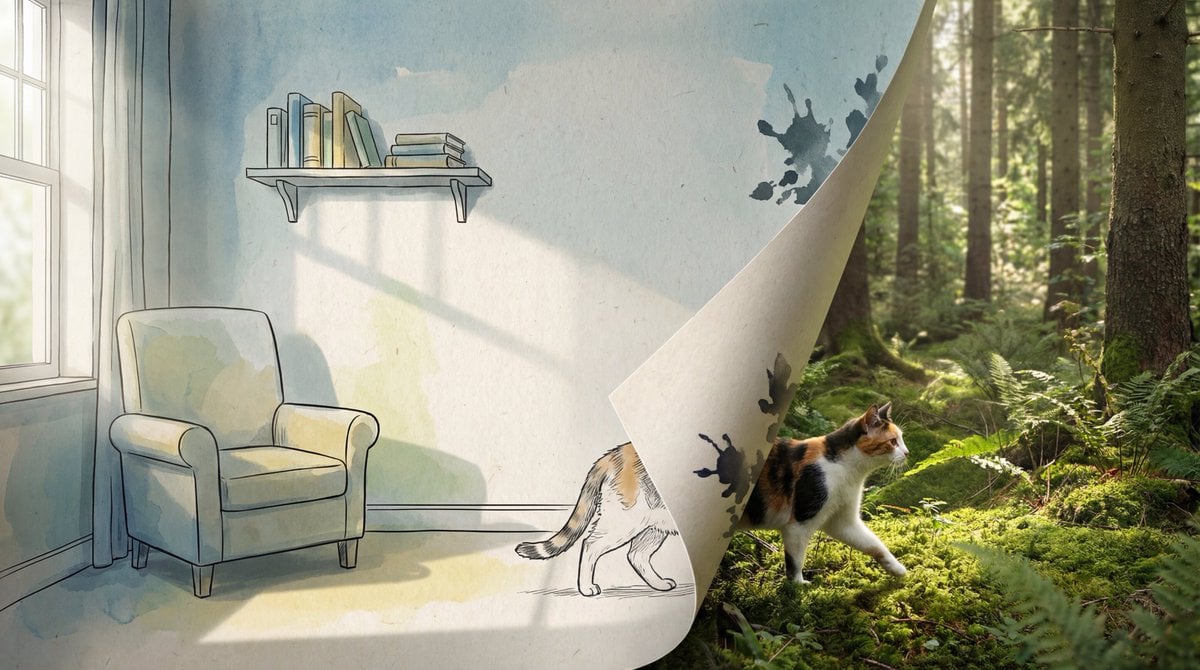
2D/3D Mixed-Dimension Illusion Room
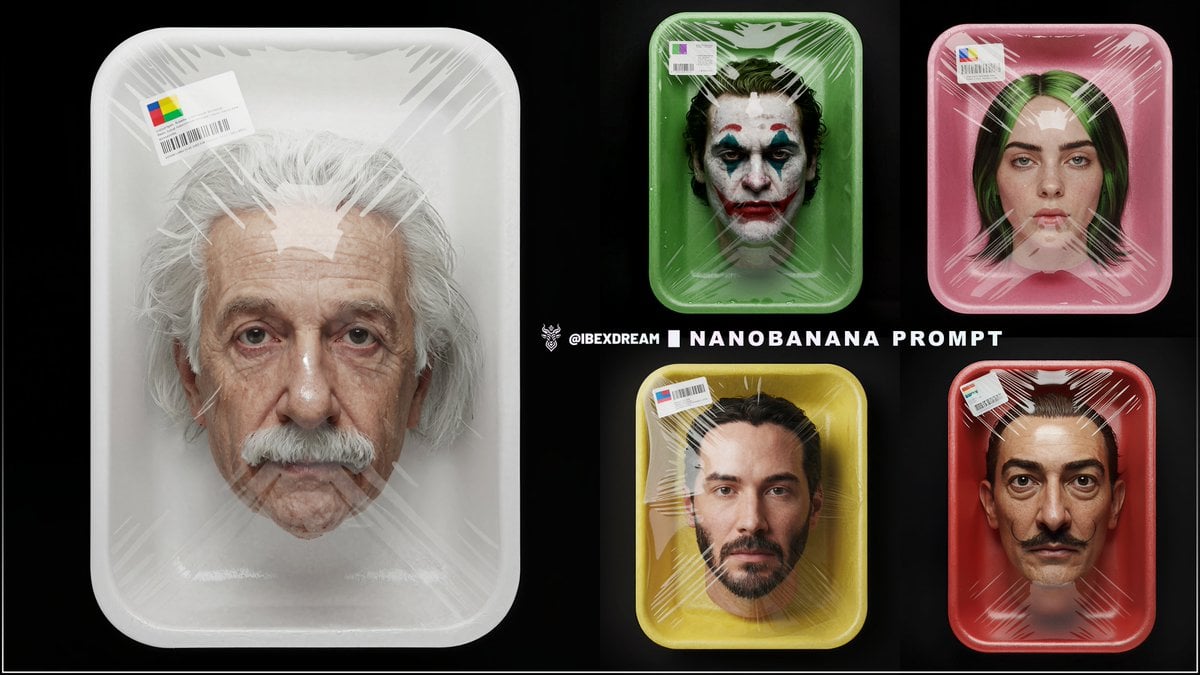
Surreal Supermarket Package Product Shot Prompt

Surreal Pepsi Advertising Concept
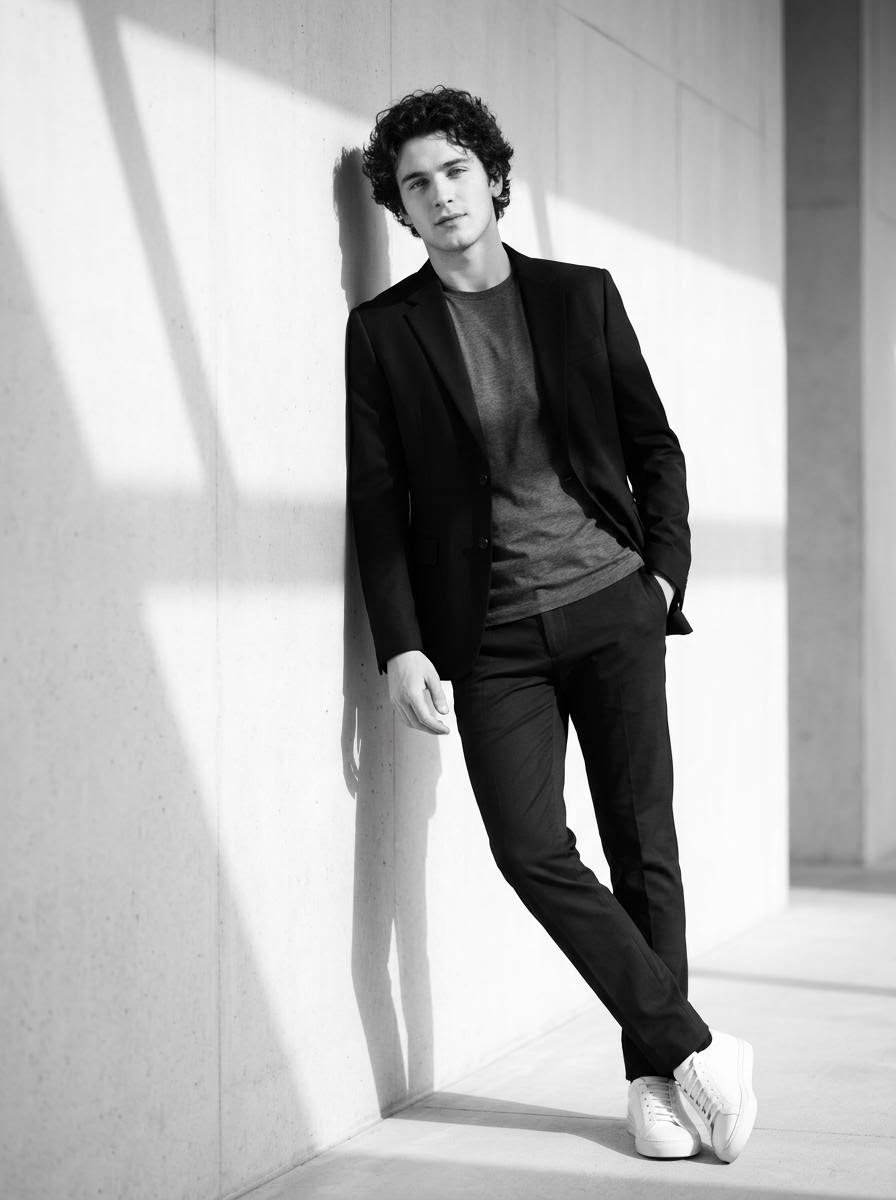
High-Contrast Black and White Cinematic Portrait
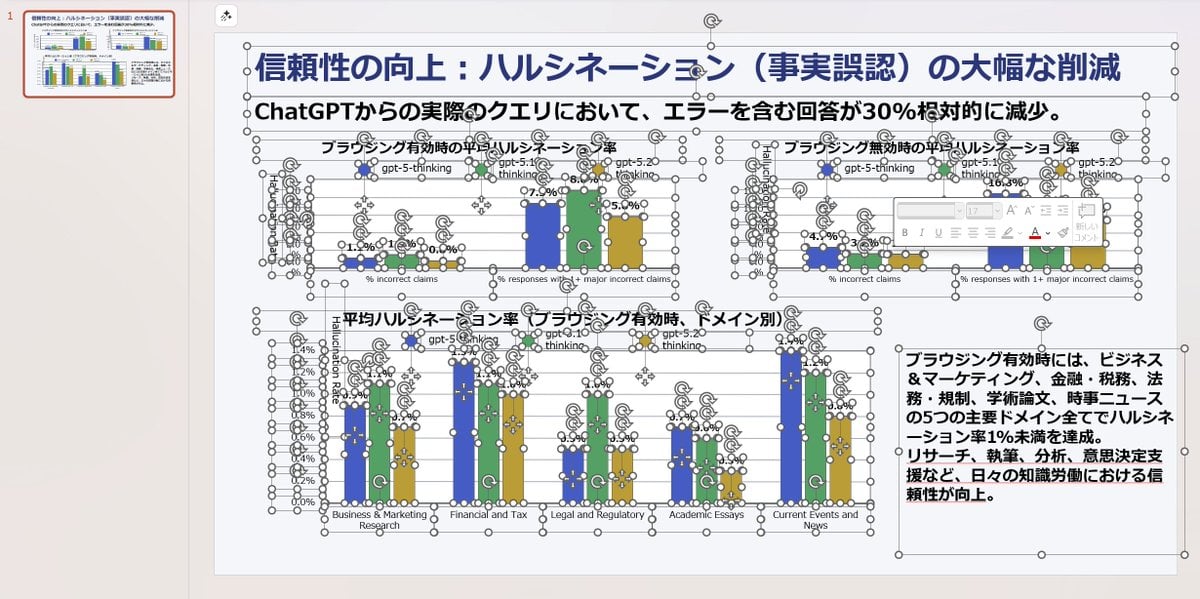
Convert Image to Editable PPTX with Object Separation Prompt
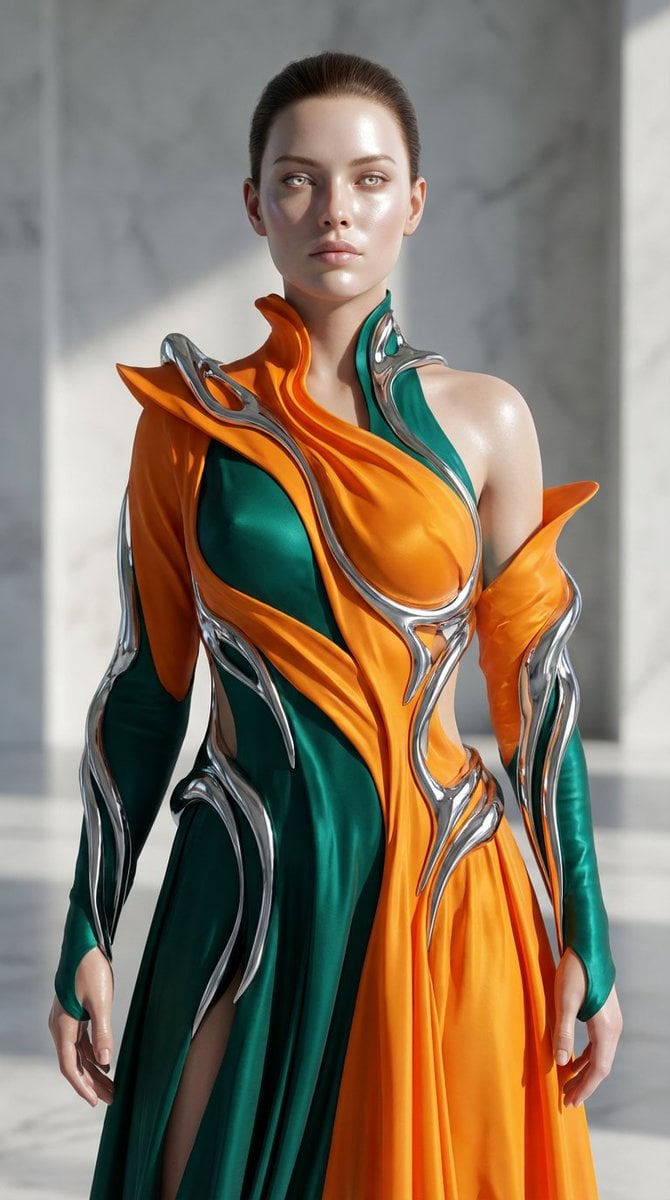
Biomorphic Art and Realism AI Woman Prompt

Complex Image Generation Prompt with Reference Control

Surreal Giant Clog Advertisement
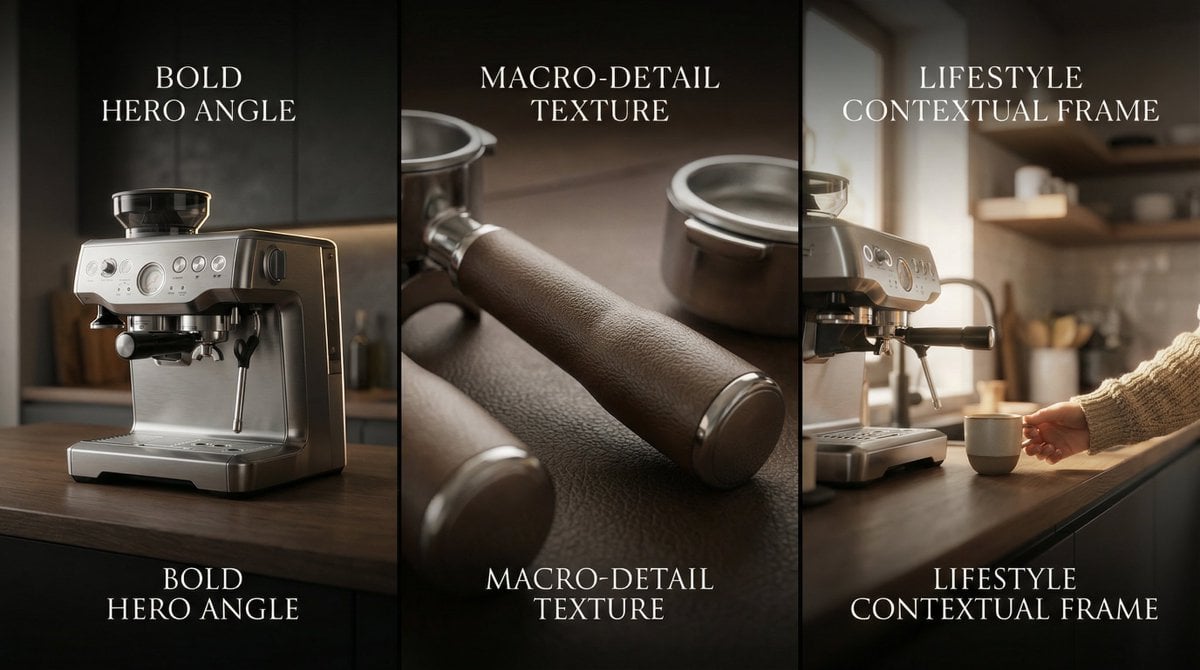
Composite Product Photography Prompt (Etsy Style)

Black Spider Girl Symbiote Cosplay
Browse template categories
Chinese History Timeline Infographic questions
How do I use the Chinese History Timeline Infographic template?
Add your photo if the template asks for one, edit the prompt if you like — the template's model and format are already selected — and press Generate. Your version opens in PicX Studio.
Can I customize the Chinese History Timeline Infographic template?
Yes. You can change the subject, setting, lighting, mood, format, and available model controls before creating your image.
Is the Chinese History Timeline Infographic template free?
Opening and editing this template is free. Generating uses credits, shown on the Generate button when you are signed in.
Which AI model should I use?
Start with GPT Image 2, which is the model associated with this template. You can compare another compatible model for a different finish.
Looking for something else? Browse all templates.

Your photo, any look
Thousands of ready templates for every top image and video model, from one credit balance.