
Isometric Room History Timeline
An advanced prompt that generates an isometric cutaway of a room showing the evolution of objects across different time periods in a four-quadrant layout.
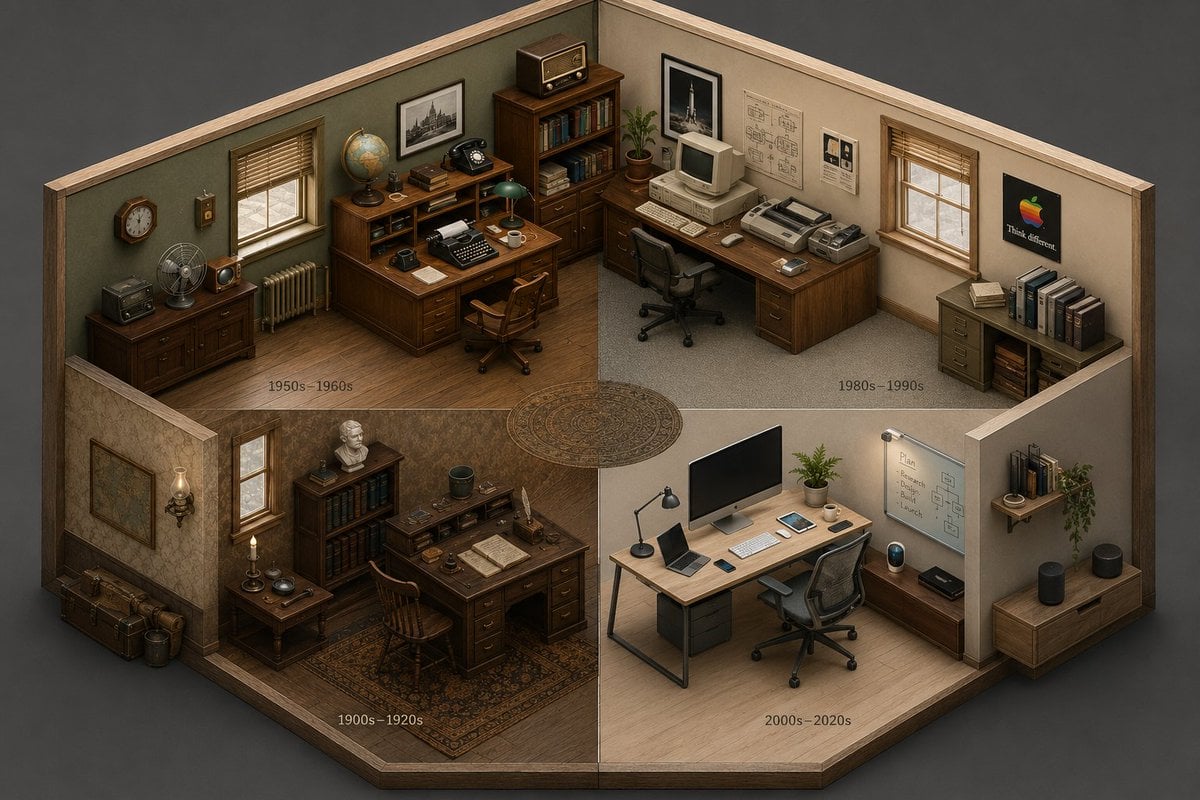
- Prompt included
- Model and format preset
- Free template
The prompt behind this image
Copy the exact prompt behind Isometric Room History Timeline, or open it in the studio and make it yours.
2x2 grid, 16:9, AI infers: An isometric cutaway of a single room (like a {argument name="room type" default="study or kitchen"}) divided into four seamless quadrants. The bottom-left quadrant is furnished with the earliest era’s {argument name="theme" default="[THEME]"} objects, the top-left is a middle period, the top-right is late period, and the bottom-right is the most modern. The room’s architecture morphs subtly but stays consistent; the objects tell the time shift ::5 Time Logic: AI_INFER 25–30 objects distributed across the four time quadrants, each zone historically consistent. Quadrants flow clockwise like a time-loop ::5 Composition: Isometric view (no perspective distortion), seamless quadrant transitions, no clutter, objects neatly arranged on surfaces ::3 Material Physics: Real materials, period-appropriate aging, soft shadows, no glowing items ::2 Illumination: Neutral ambient light across all zones, no dramatic shadows ::2 Typography: Small year range subtly placed on the floor of each quadrant ::2 Render Stack: Isometric time-room, evolutionary diorama, interior timeline, 8k ::1 Negative: [perspective, broken room geometry, anachronistic mixing across quadrants, excavation, moss, bioluminescence] ::-1
How to use Isometric Room History Timeline in 3 steps
- 1
Open
The prompt is already in the box next to the preview, with the template's model and format selected.
- 2…a portrait of your subject in softgolden-hour light, 85mm…
Personalize
Edit the subject and creative details for your destination.
- 3Generate
Generate
Press Generate — your image is created in PicX Studio, so you can compare it with the original and refine one variable at a time.
More like this
Templates with the same subject, style or setup. Open one to see its prompt.

Cozy Isometric Bathroom Miniature Diorama
Isometric Evolution Timeline Diorama
Epic Universe History Timeline Poster

Isometric Process Educational Diorama

Isometric Brand Store Diorama

Isometric Vehicle Teardown Infographic Template
Cozy Isometric Bathroom Diorama
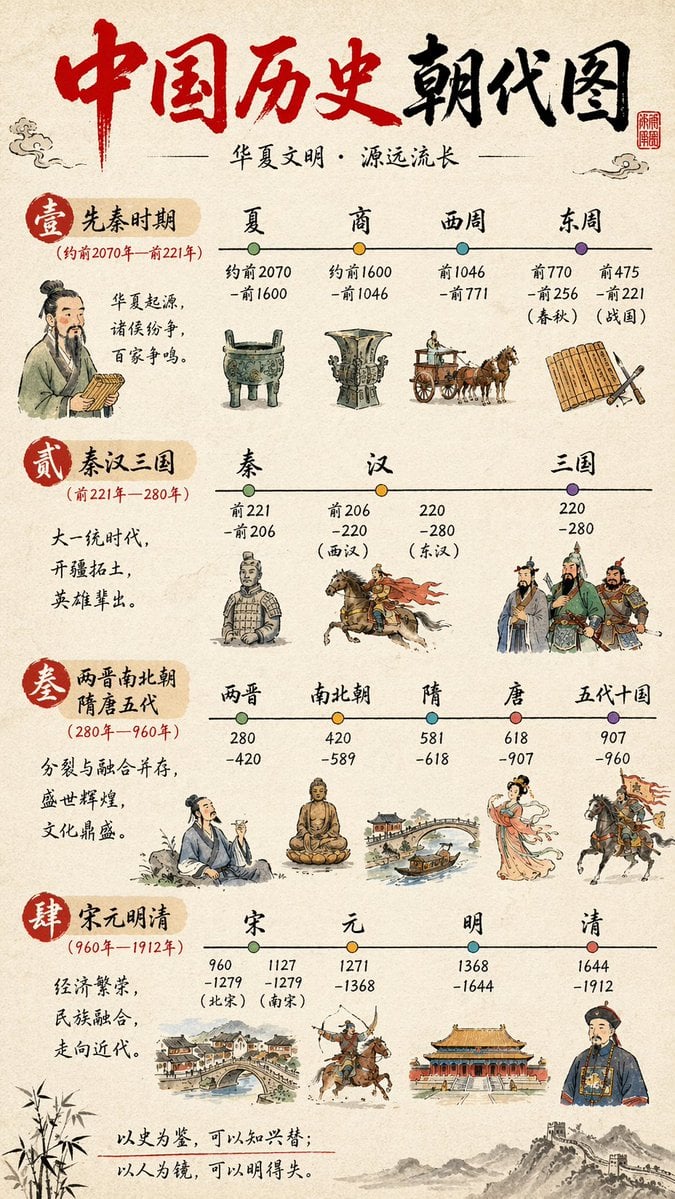
Chinese History Timeline Infographic
Isometric living room layout based on a sofa photo

Isometric Vertical Timeline Prompt (Garage to Futuristic Peak)

Generating an Isometric Room Illustration Based on a Character Concept
Minimalist 3D Isometric Car Showroom Model
Make it yours
Isometric Room History Timeline works as-is. These are the safest ways to change it without losing the look.
Change one field
Copy a single group, rewrite it, and generate again so you can see what that field is doing.
Keep the frame, change the subject
Hold the composition and light of Isometric Room History Timeline, then swap wardrobe, props or the person for a new take.
| If the result… | Why | Fix |
|---|---|---|
| The result drifts from the preview | Too many fields changed at once. | Reuse Isometric Room History Timeline as-is first, then change one group — subject, light, or setting. |
| The model over-stylizes the scene | The prose prompt leaves finish and camera underspecified. | Add one camera or lighting sentence and stay on GPT Image 2. |
More GPT Image 2 templates
Other prompts made for GPT Image 2.

Six VTuber Japanese Logo Sheet

Realistic Portrait of Woman and Deer

The Vista Modular Condo Poster

AI Model Routing Comparison Infographic

2.5D Anime Art Board

New York Double Exposure Poster

Four-Panel AI Landscape Comparison

Japanese Tatami Lifestyle Magazine Cover

NESCAFÉ Coffee Map Poster

Brutalist Cogito Chinese Typography Poster
More image prompts
Fresh picks from across the catalog.
Sunlit Fashion Editorial Collage

Split-Screen Chibi Selfie Scrapbook
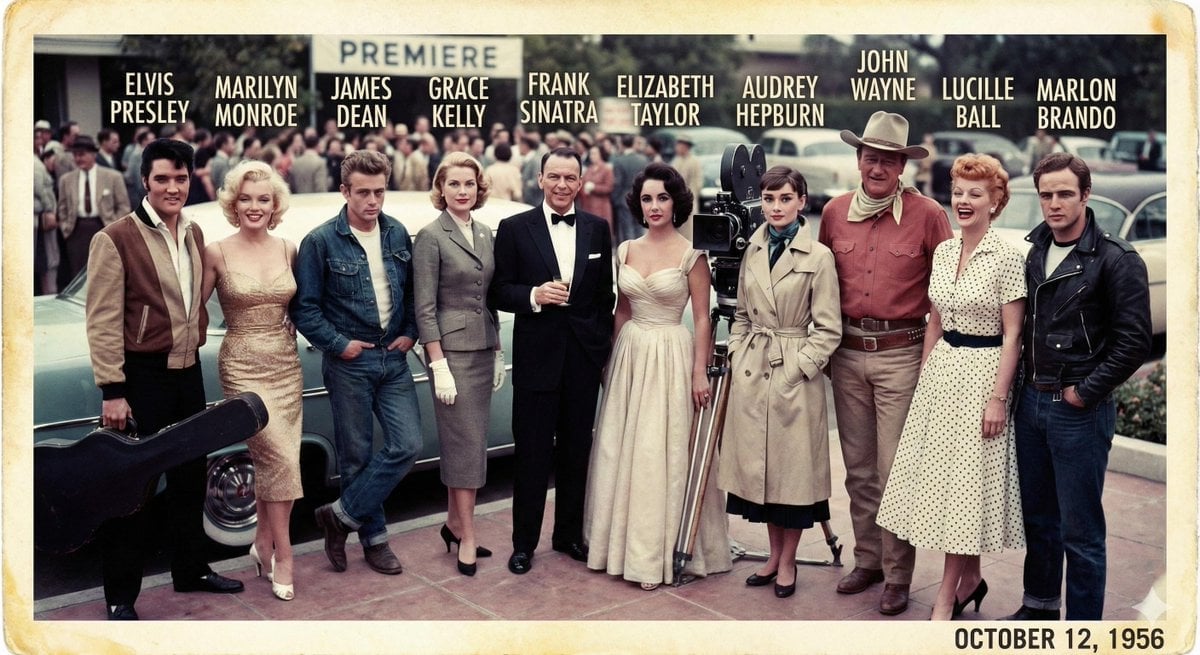
1956 Famous People Group Photo

Explosion Food Poster for Marketing
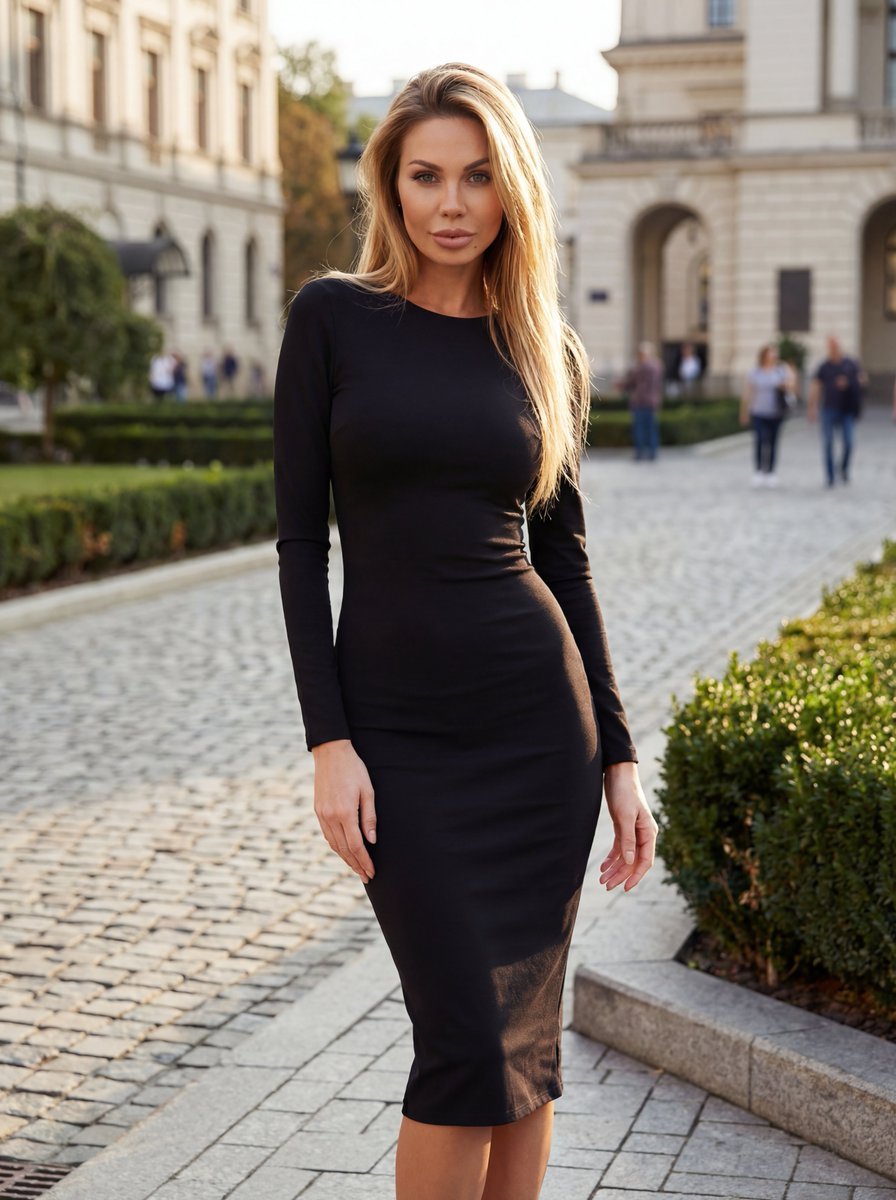
High-End Fashion Campaign with Strict Garment Preservation
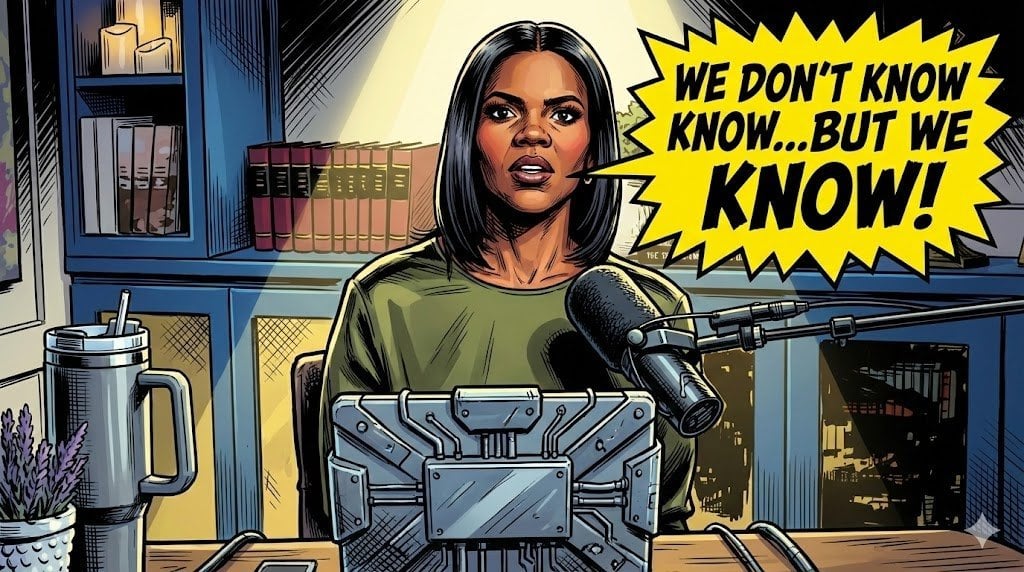
Comic Art Style Prompt
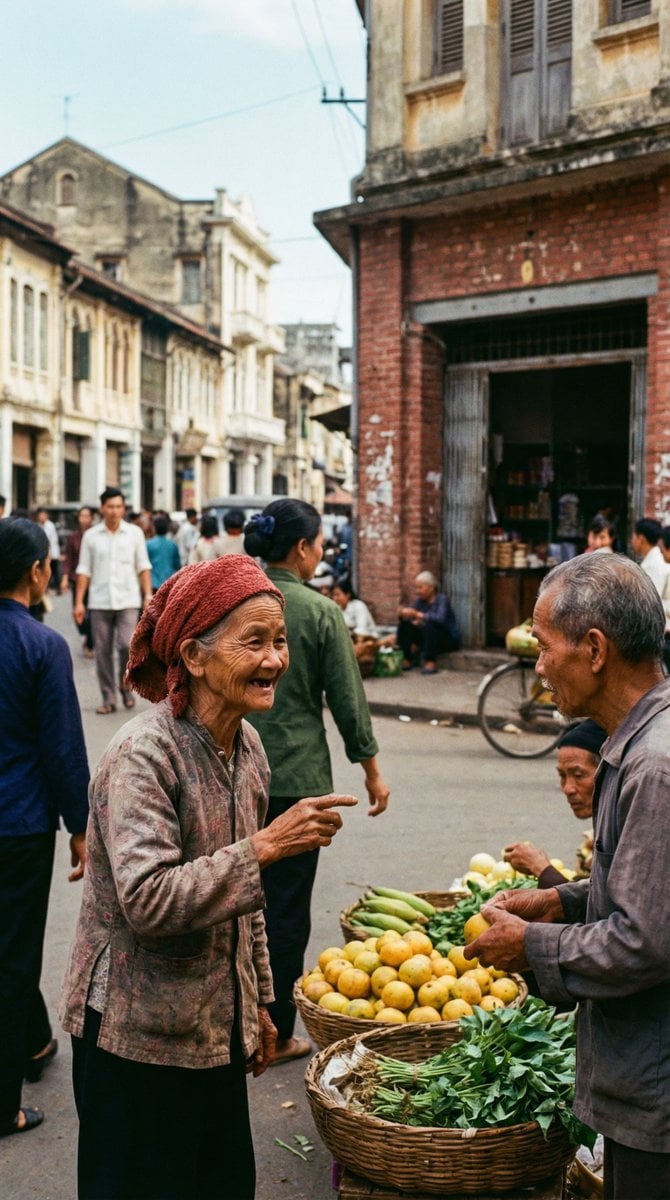
1970s Kodachrome Street Documentary Moment

Golden Hour Fashion Collage
untitled

Image-to-Image Prompt for Character and UI Generation
Browse template categories
Isometric Room History Timeline questions
How do I use the Isometric Room History Timeline template?
Add your photo if the template asks for one, edit the prompt if you like — the template's model and format are already selected — and press Generate. Your version opens in PicX Studio.
Can I customize the Isometric Room History Timeline template?
Yes. You can change the subject, setting, lighting, mood, format, and available model controls before creating your image.
Is the Isometric Room History Timeline template free?
Opening and editing this template is free. Generating uses credits, shown on the Generate button when you are signed in.
Which AI model should I use?
Start with GPT Image 2, which is the model associated with this template. You can compare another compatible model for a different finish.
Looking for something else? Browse all templates.

Your photo, any look
Thousands of ready templates for every top image and video model, from one credit balance.