
Black Spider Girl Symbiote Cosplay
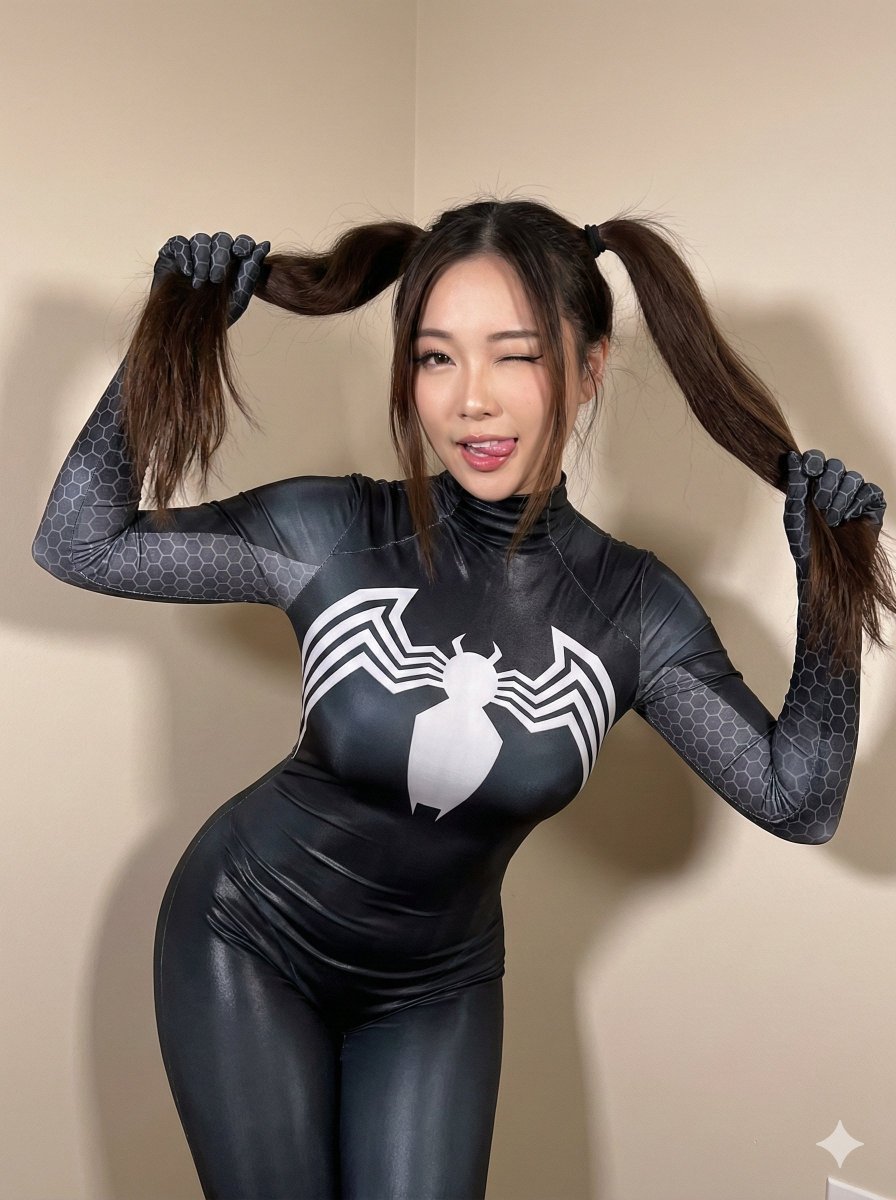
A highly detailed JSON prompt for generating a photorealistic image of a young Asian female cosplayer in a glossy, black Symbiote-style Spiderman bodysuit, focusing on specific anatomical details, a playful pose, and…
- Prompt included
- Model and format preset
- Free template
The prompt behind this image
Copy the exact prompt behind Black Spider Girl Symbiote Cosplay, or open it in the studio and make it yours.
{ "subject": { "description": "Young Asian female cosplay subject wearing a tight, black, glossy Spiderman-style bodysuit (Symbiote design).", "hair": "Dark brown to black hair, styled in long twin-tails (pigtails) held high by her hands, with soft bangs framing the forehead.", "costume_details": "Form-fitting black bodysuit featuring a white spider emblem stretched across the chest, grey hexagonal honeycomb patterns on the shoulders and arms, and faint grey muscle shading details on the torso.", "anatomy": "Voluptuous figure with strictly preserved proportions. Bust volume is significantly above average, appearing heavy and full, with distinct forward projection emphasized by the leaning posture. The chest depth is visibly greater than the ribcage depth. Waist is tapered, hips are curved. Soft tissue behaves naturally under the tension of the suit." }, "pose": { "type": "Standing, leaning forward, playful gesture.", "arms": "Both arms are raised, elbows bent outwards, with hands gripping the base of the pigtails on either side of the head.", "torso": "Upper body leans forward towards the camera, accentuating the chest volume and creating a foreshortened perspective of the torso.", "legs": "Legs are close together, visible from the mid-thigh up, standing straight.", "head": "Head is tilted slightly, face forward." }, "environment": { "setting": "Minimalist indoor corner.", "background": "Plain beige or cream-colored walls meeting at a corner, with a neutral beige floor. A soft shadow is cast on the wall behind the subject.", "props": "None visible besides the costume." }, "camera": { "shot_type": "Medium shot, captured from slightly above eye level (high angle).", "perspective": "Foreshortened perspective due to the forward lean, emphasizing the upper body and face while diminishing the lower body relative size.", "focal_length": "35mm to 50mm equivalent, keeping the subject in sharp focus with minimal distortion.", "depth_of_field": "Deep enough to keep the face, hands, and torso in focus." }, "lighting": { "type": "Soft, diffuse indoor lighting.", "direction": "Frontal and slightly overhead.", "shadows": "Soft drop shadow behind the subject on the wall. Gentle shading under the chin and breasts defining volume. No harsh contrast.", "highlights": "Subtle specular highlights on the glossy texture of the bodysuit, particularly on the chest and shoulders." }, "mood_and_expression": { "expression": "Playful and teasing. The subject is winking her right eye (viewer's left) while keeping the left eye open. Her tongue is sticking out slightly.", "vibe": "Cute, energetic, anime-inspired, flirtatious.", "gaze": "Direct eye contact with the camera lens." }, "style_and_realism": { "style": "High-fidelity cosplay photography.", "realism": "Photorealistic skin texture and fabric physics. Not stylized as 3D render or illustration. Skin shows natural softness and tone.", "render_style": "Sharp, clean, amateur"
How to use Black Spider Girl Symbiote Cosplay in 3 steps
- 1
Open
The prompt is already in the box next to the preview, with the template's model and format selected.
- 2…a portrait of your subject in softgolden-hour light, 85mm…
Personalize
Edit the subject and creative details for your destination.
- 3Generate
Generate
Press Generate — your image is created in PicX Studio, so you can compare it with the original and refine one variable at a time.
More like this
Templates with the same subject, style or setup. Open one to see its prompt.
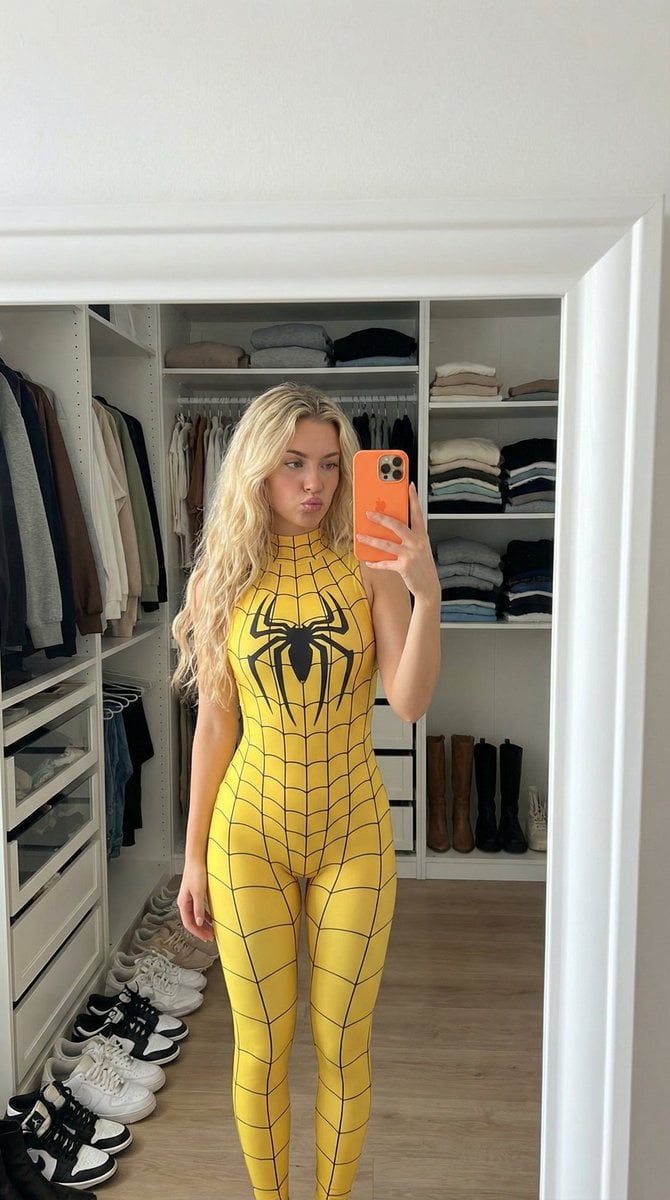
Spider-Girl Cosplay Selfie Prompt (Yellow)
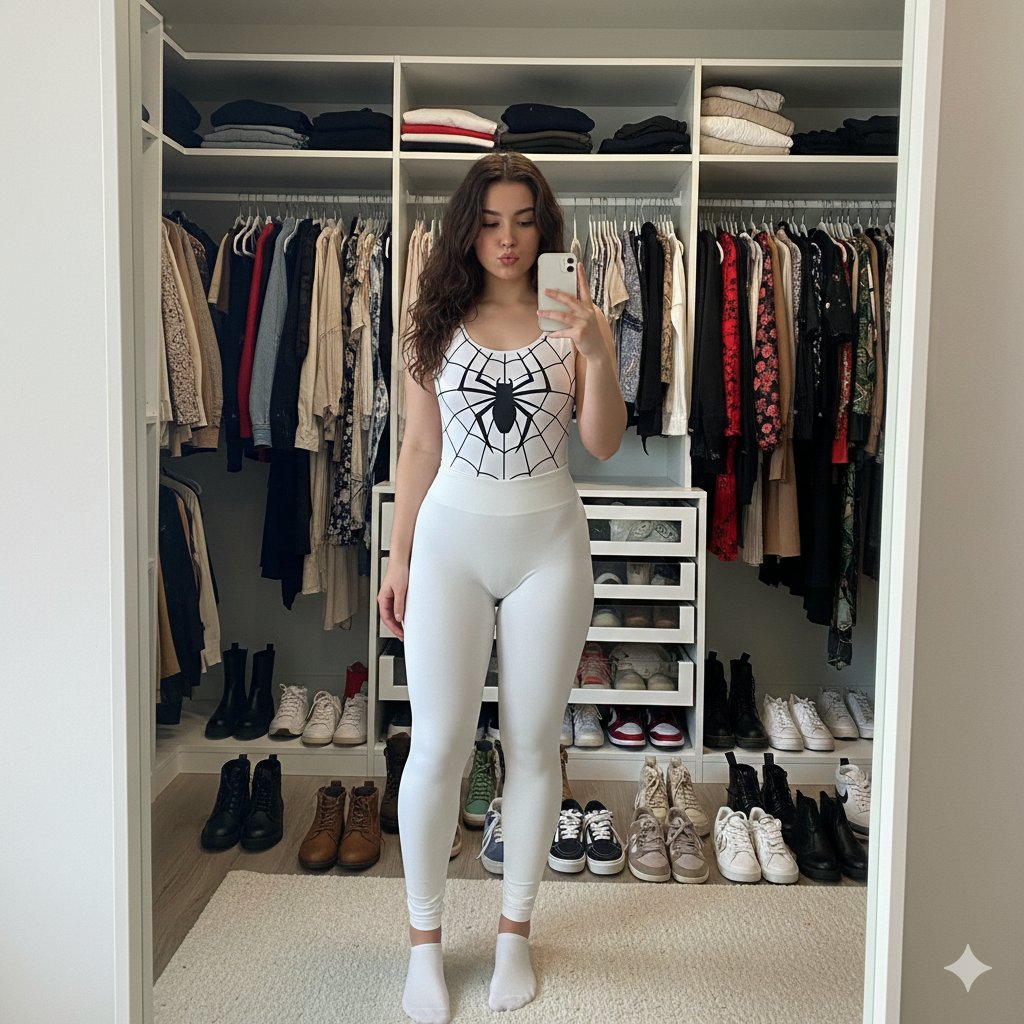
Spider-Girl Cosplay Selfie Prompt (White)
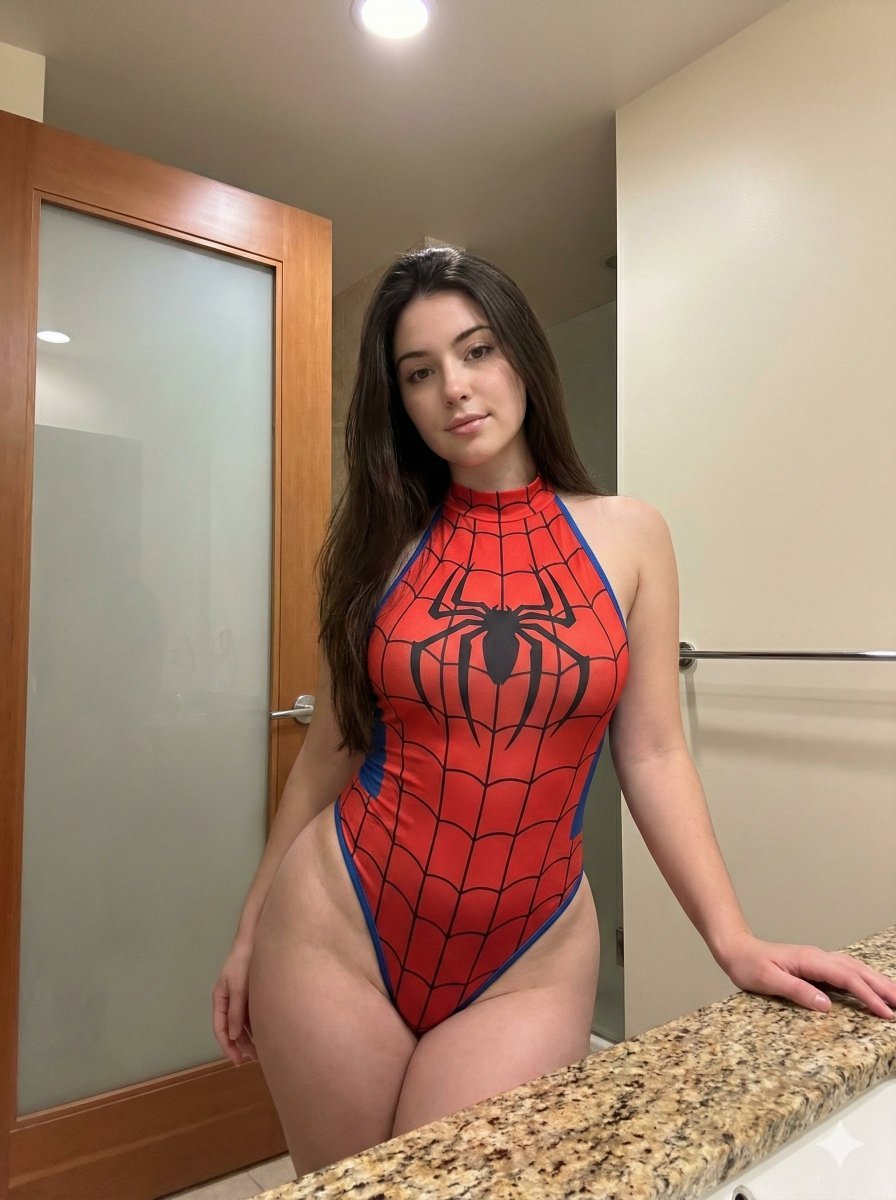
Photorealistic Spider-Girl Cosplay Portrait

Teen Girl Alpine Lake Mountain View
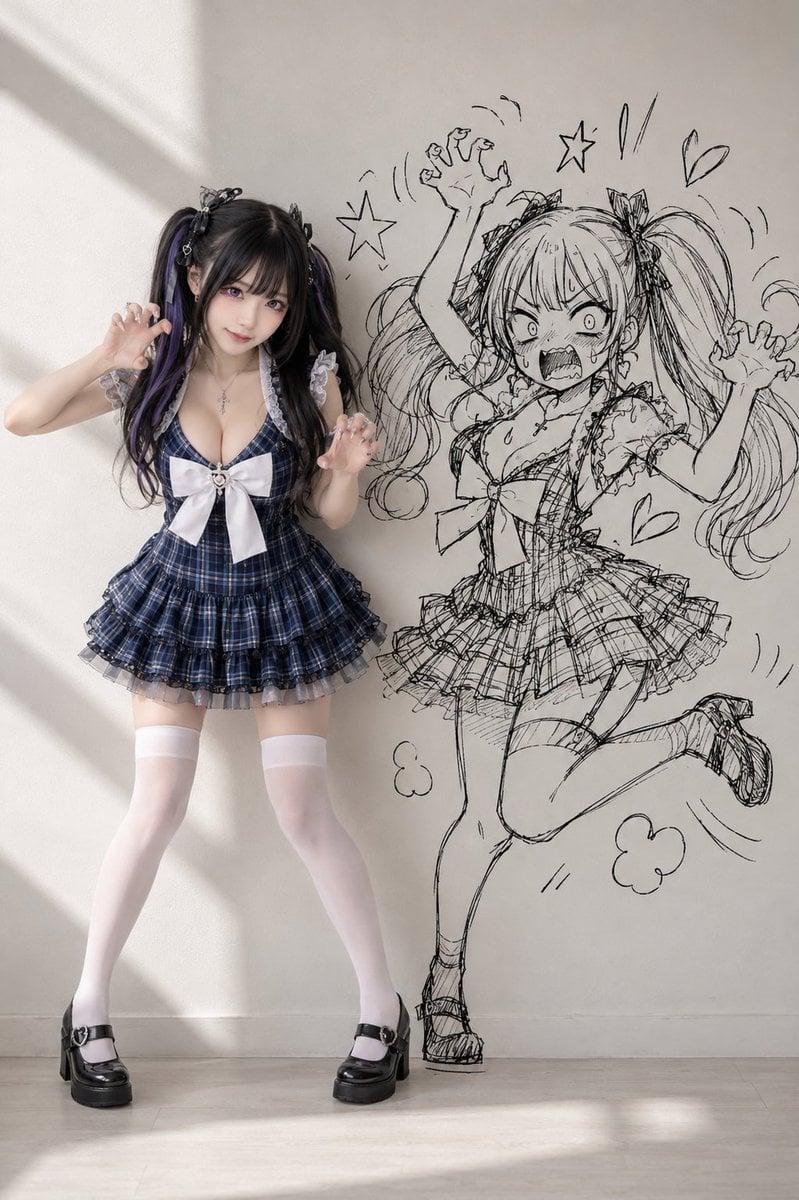
Cosplay Girl with Manga Graffiti Shadow

Dark Runway Luxury Fashion Magazine Cover

Neon Glitch Cyber Symbiote Music Poster

Black Liquid Cyberpunk Portrait Poster
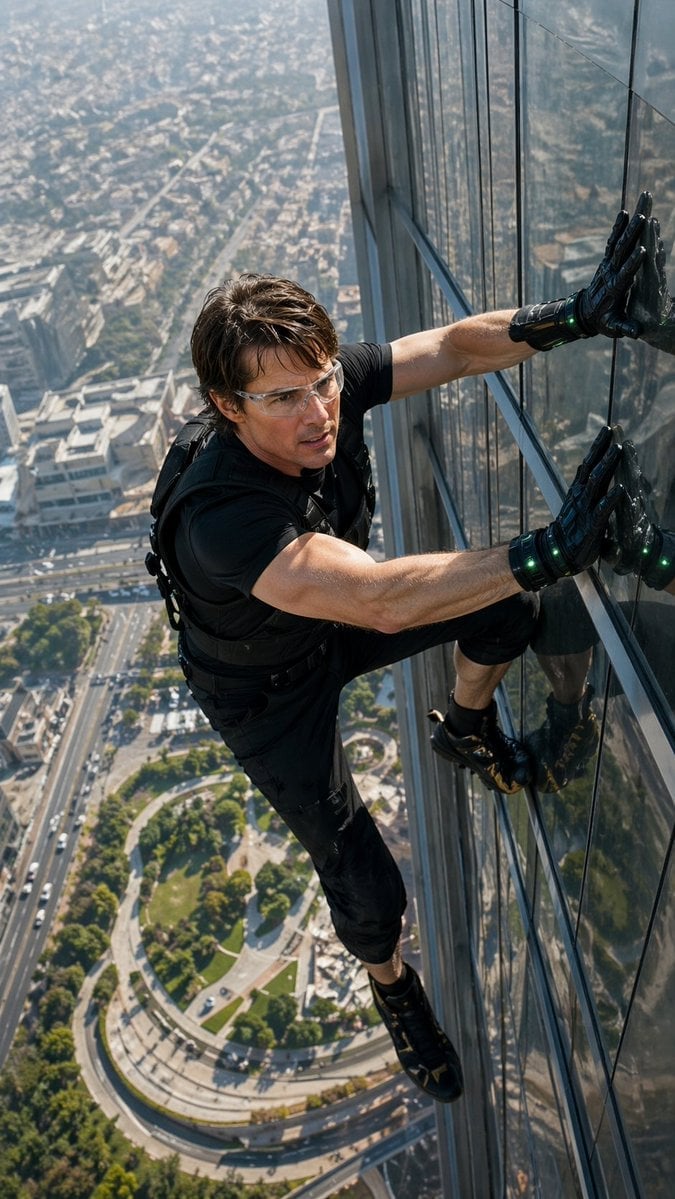
Skyscraper Symbiote Ascent Vertical Poster
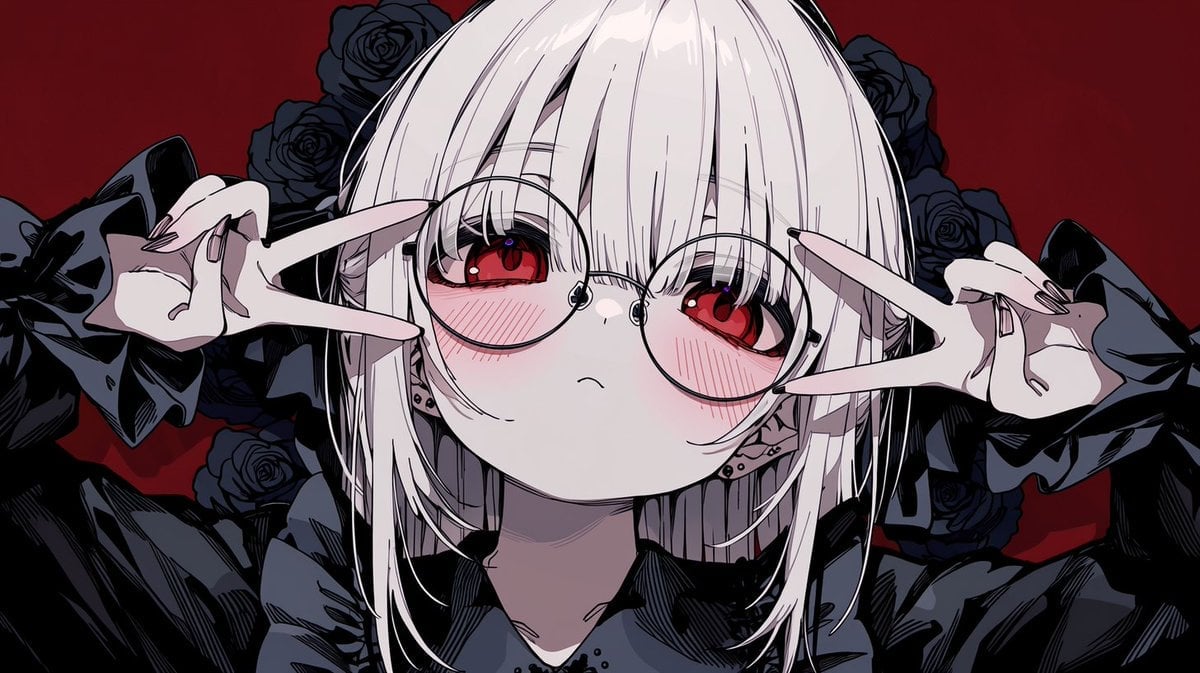
Gothic Anime Girl with Black Roses
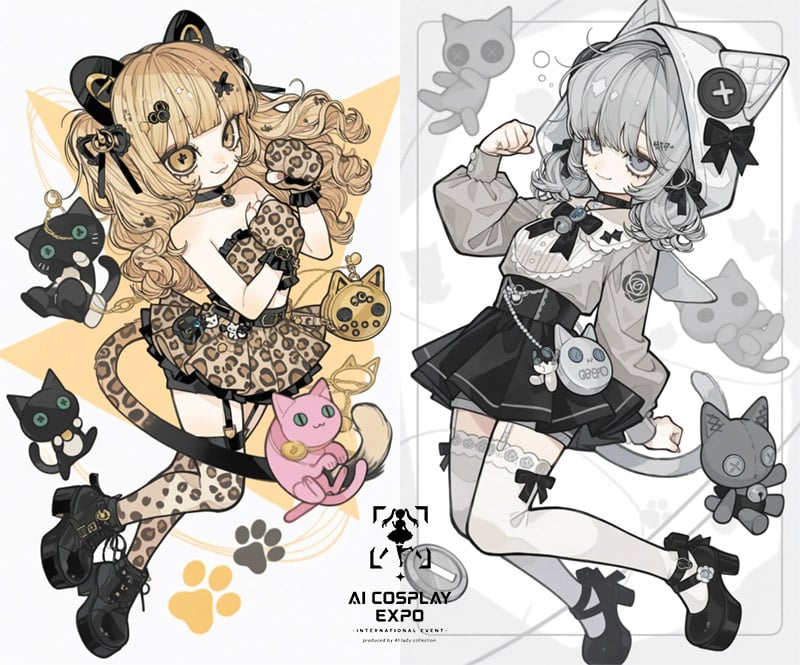
AI Cosplay Expo Cat Girls
Disposable Camera Magical Girl Cosplay
Make it yours
Black Spider Girl Symbiote Cosplay works as-is. These are the safest ways to change it without losing the look.
Change one field
Copy a single group, rewrite it, and generate again so you can see what that field is doing.
Keep the frame, change the subject
Hold the composition and light of Black Spider Girl Symbiote Cosplay, then swap wardrobe, props or the person for a new take.
| If the result… | Why | Fix |
|---|---|---|
| The result drifts from the preview | Too many fields changed at once. | Reuse Black Spider Girl Symbiote Cosplay as-is first, then change one group — subject, light, or setting. |
| The model over-stylizes the scene | The prose prompt leaves finish and camera underspecified. | Add one camera or lighting sentence and stay on Nano Banana 2. |
More Nano Banana 2 templates
Other prompts made for Nano Banana 2.

Photorealistic Leaf Shaped Like a Dragon

K-Pop Idol Portrait Grid for Rapid Selection

Poetic Rain Forest Portrait During Golden Hour

Urban Street Portrait with Cartoon Inner Self Duo

Candid Nighttime Photo with Cat Prompt

High-Concept 3D Diorama Generation Prompt

Cinematic Futuristic Studio Portrait Template

Skincare Editorial Photography Collage Prompt

Hyper-Realistic Commercial Product Photography (Splash Effect)

Hyper-Realistic Nightclub Portrait Prompt
More image prompts
Fresh picks from across the catalog.

Japanese Fashion Golden Hour Collage
Rainy Night Café 360 Panorama
Birthday Celebration Neon Poster Collage Prompt
Street Fashion Panther Graffiti
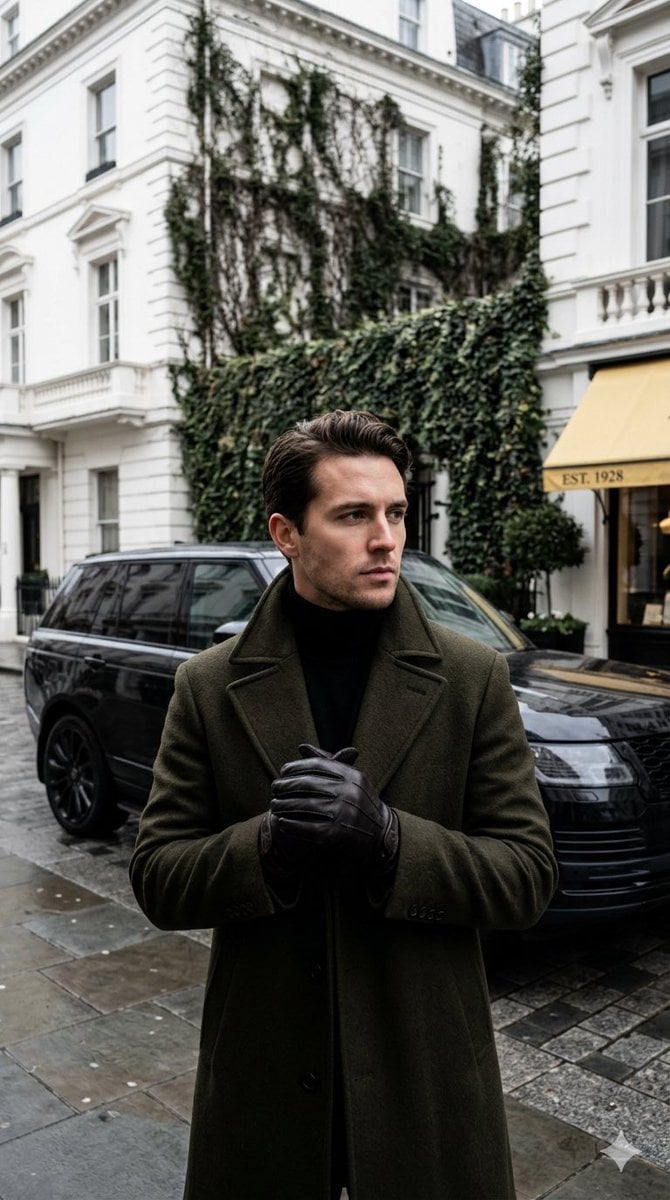
Monochrome Luxury Street Editorial
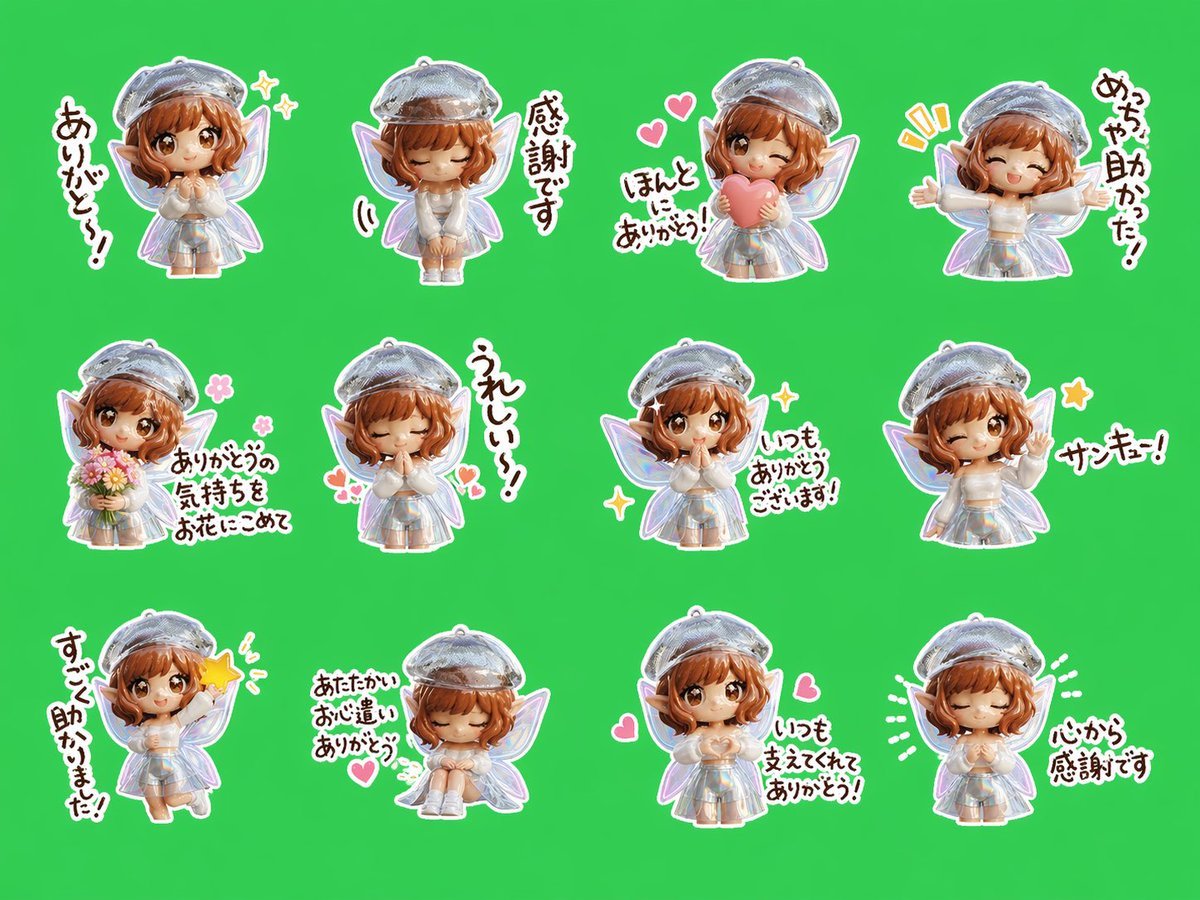
Chibi Fairy Thank-You Sticker Sheet
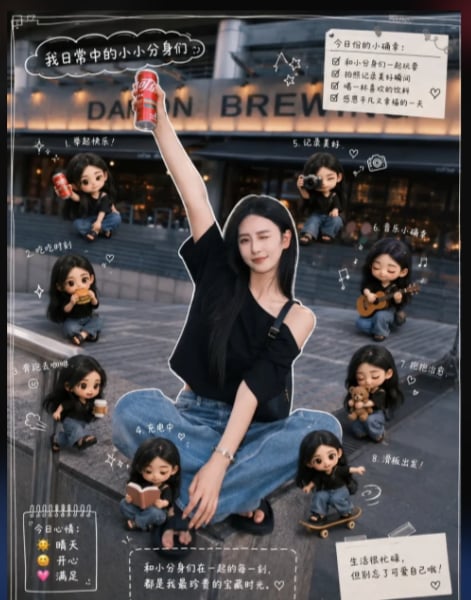
Mini Clone Cafe Selfie Composite
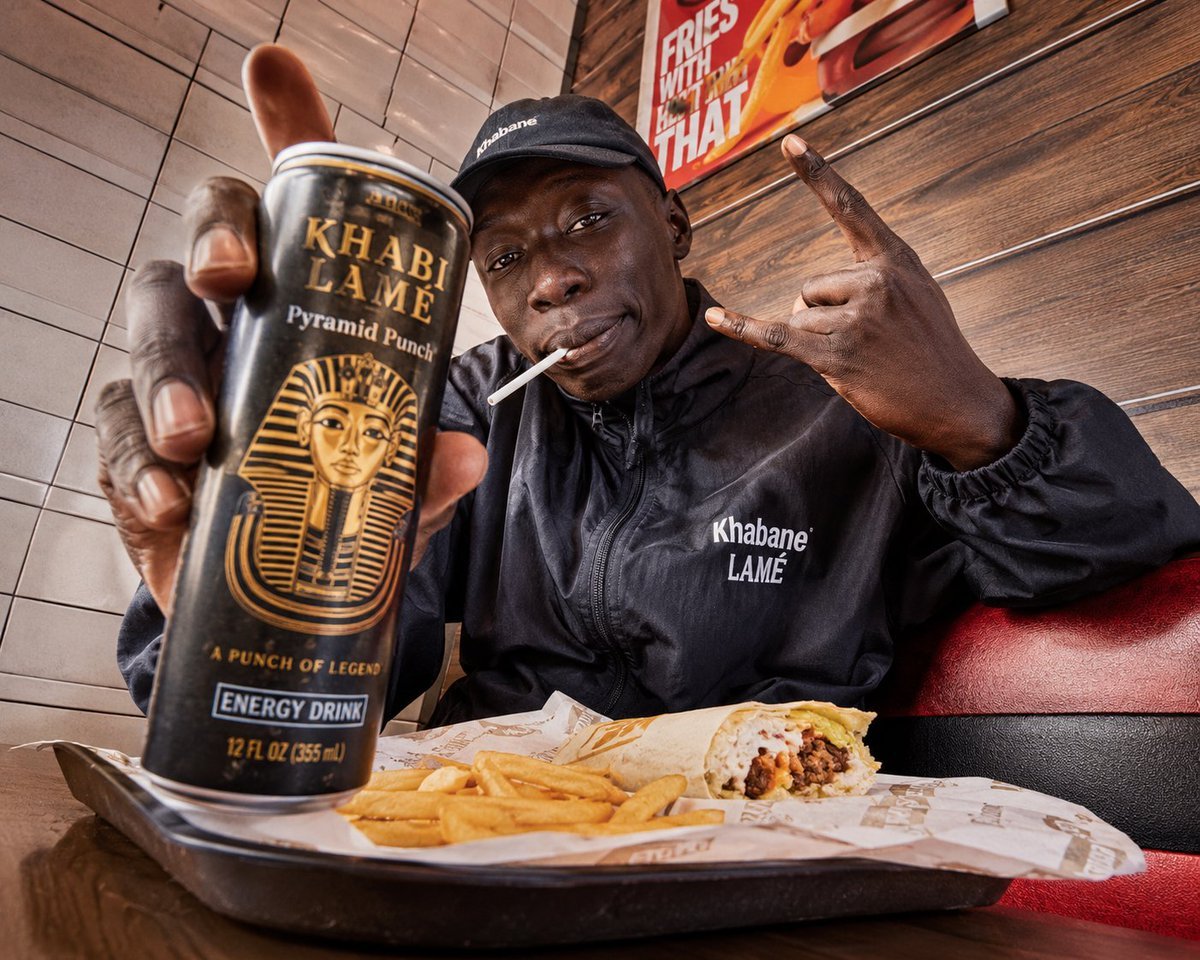
Egyptian Style Editorial Diner Shot
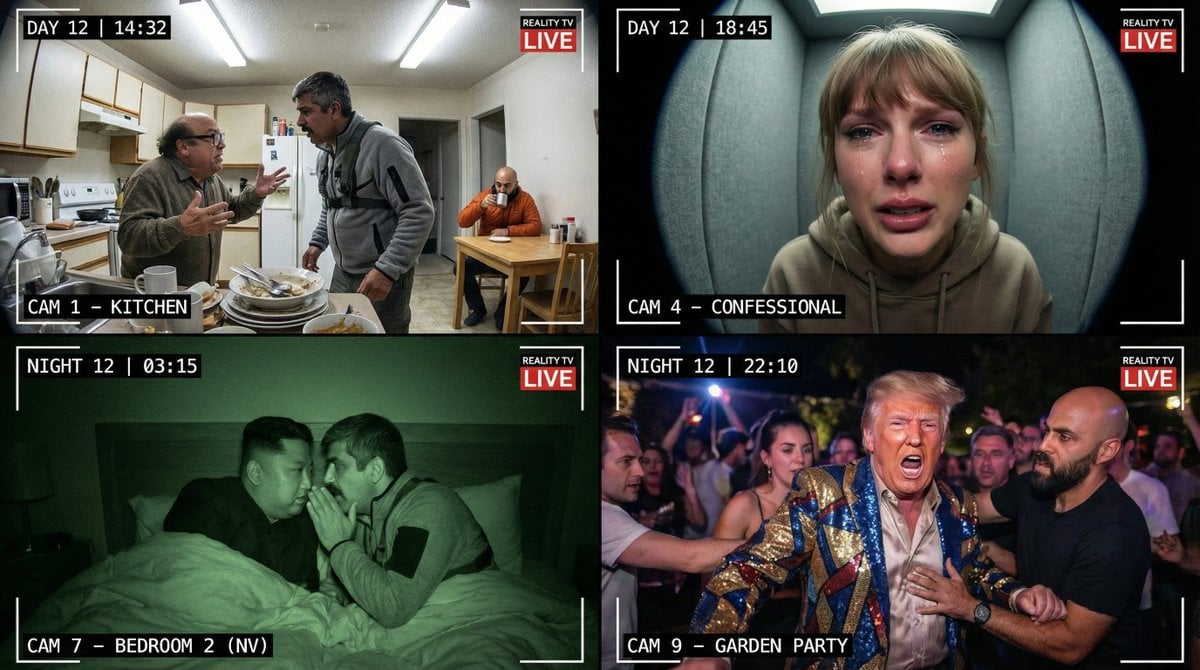
Raw Reality TV Broadcast Screenshots (2x2 Grid)
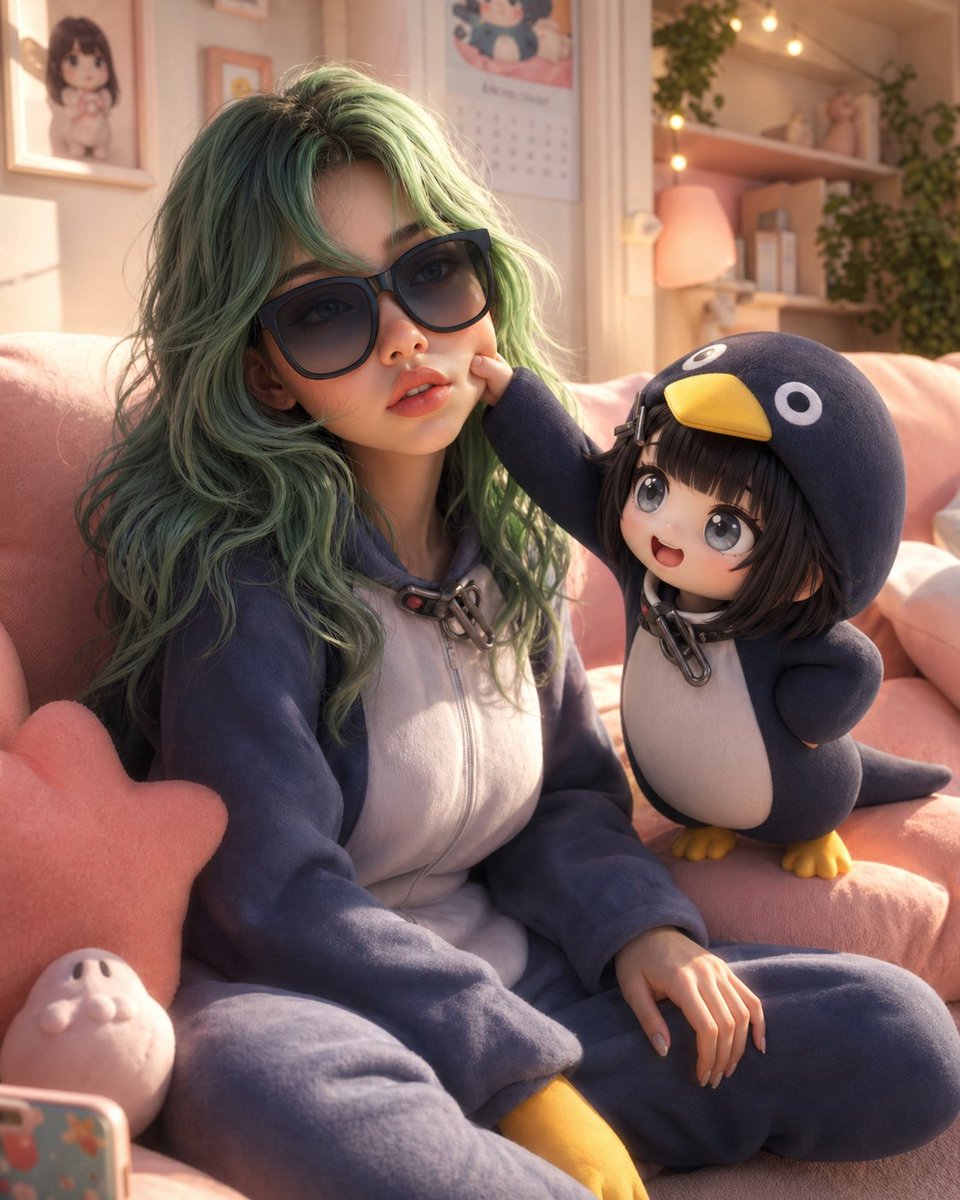
3D Animated Scene with Reference Matching
Browse template categories
Black Spider Girl Symbiote Cosplay questions
How do I use the Black Spider Girl Symbiote Cosplay template?
Add your photo if the template asks for one, edit the prompt if you like — the template's model and format are already selected — and press Generate. Your version opens in PicX Studio.
Can I customize the Black Spider Girl Symbiote Cosplay template?
Yes. You can change the subject, setting, lighting, mood, format, and available model controls before creating your image.
Is the Black Spider Girl Symbiote Cosplay template free?
Opening and editing this template is free. Generating uses credits, shown on the Generate button when you are signed in.
Which AI model should I use?
Start with Nano Banana 2, which is the model associated with this template. You can compare another compatible model for a different finish.
Looking for something else? Browse all templates.

Your photo, any look
Thousands of ready templates for every top image and video model, from one credit balance.