
Street Fashion Panther Graffiti
Generates a bold urban fashion portrait mixing realistic street photography with neon graffiti doodles and a blue panther companion.
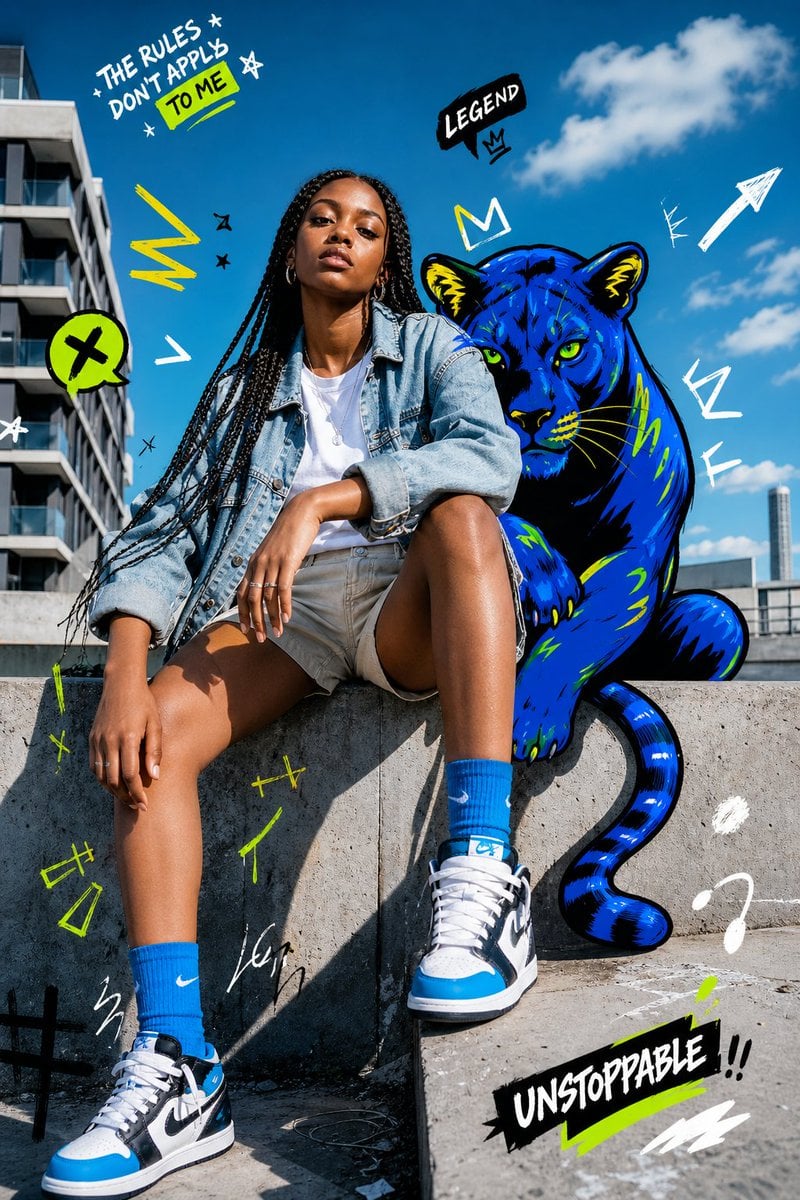
- Prompt included
- Model and format preset
- Free template
The prompt behind this image
Copy the exact prompt behind Street Fashion Panther Graffiti, or open it in the studio and make it yours.
Create a vibrant street-fashion editorial photo-illustration in bright midday sunlight: a confident young woman with {argument name="hair style" default="long black box braids"} sits casually on a concrete ledge in an urban rooftop or plaza setting, modern apartment buildings on the left and a deep blue sky with scattered white clouds behind her. Her face is intentionally covered by a soft rectangular blur for anonymity. She wears an oversized light-wash denim jacket over a white T-shirt, beige shorts, bright blue crew socks, and blue-black-white high-top sneakers, posed with one knee raised and one leg dropped forward, relaxed hands and silver rings visible. Behind her, add a bold graffiti-style illustrated blue panther with neon green eyes, black outlines, yellow-green accents, rounded ears, visible paws, and a curling tail, positioned like a powerful companion sitting just over her shoulder. Overlay energetic hand-drawn doodles in white, black, neon yellow, and lime green around the scene: exactly 3 readable text graphics, with the top-left handwritten phrase “THE RULES DON’T APPLY” plus a highlighted lime box reading “TO ME,” a black speech bubble above the panther reading “LEGEND” with a small crown, and a bottom-right black brush-stroke sticker reading “UNSTOPPABLE !!” underlined in lime. Also include lightning bolts, arrows, stars, scribbles, crowns, exclamation marks, abstract marks, and paint strokes scattered across the sky and concrete, blending real photography with edgy graphic street art. Use crisp high-resolution detail, saturated colors, hard sunlight shadows, wide-angle fashion framing, playful rebellious youth-culture energy, and a Nike-adjacent sneaker editorial aesthetic without adding extra logos beyond the visible sportswear styling.
How to use Street Fashion Panther Graffiti in 3 steps
- 1Upload ImagePNG, JPG or paste
Add your photo
Upload the photo the template builds on. The prompt, model and format are already set.
- 2…a portrait of your subject in softgolden-hour light, 85mm…
Personalize
Edit the subject and creative details for your destination.
- 3Generate
Generate
Press Generate — your image is created in PicX Studio, so you can compare it with the original and refine one variable at a time.
More like this
Templates with the same subject, style or setup. Open one to see its prompt.

Frozen Street Luxe Graffiti Fashion Campaign

Face-Locked Cream Half-Zip Street Walk

Nano Banana - Street Paris T-Shirt

Blue Hour Editorial Fashion Portrait
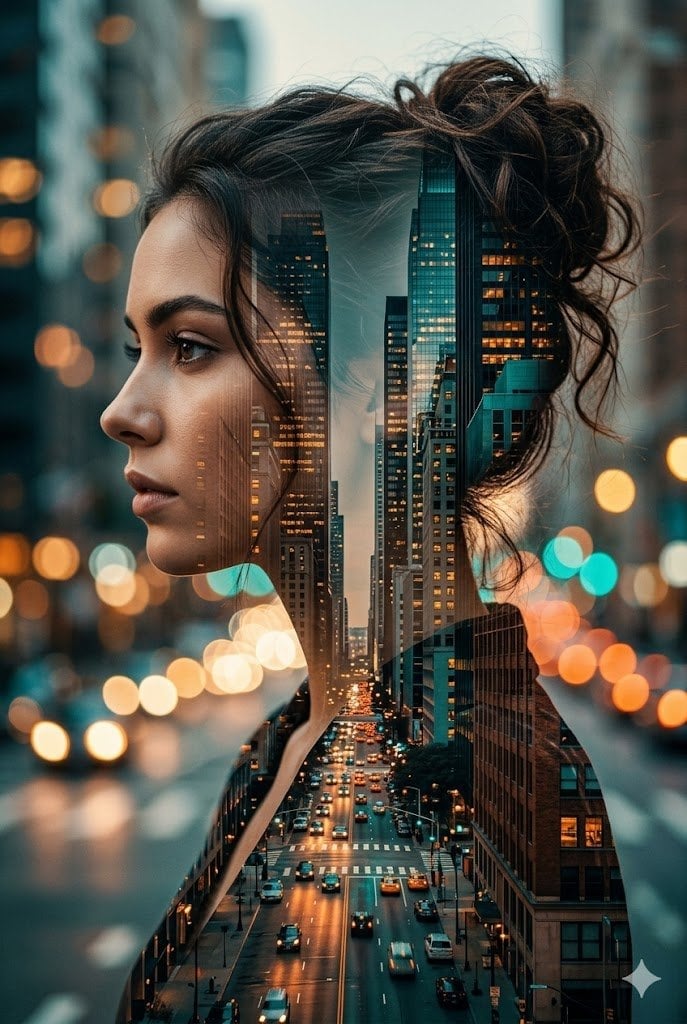
Double Exposure City Street Portrait
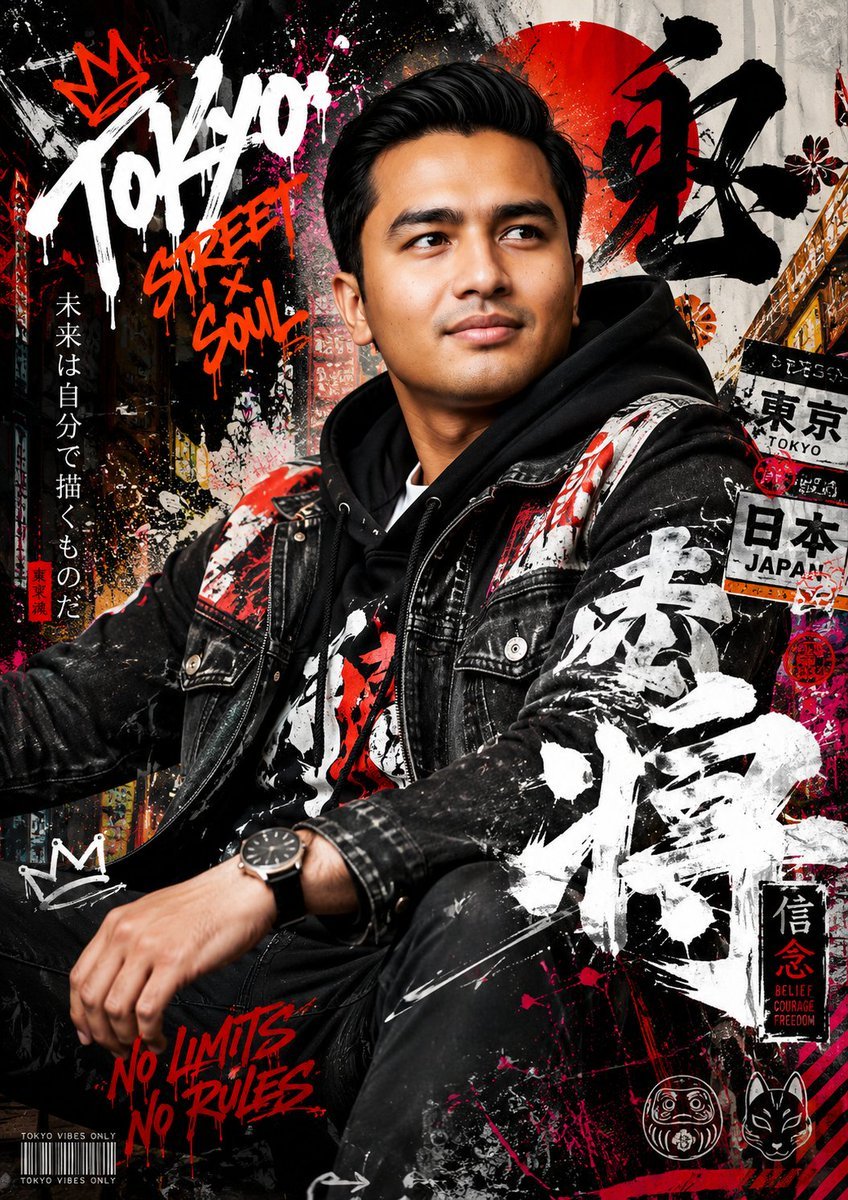
Japanese Graffiti Street Fashion Poster

Two Tickets, One Night

Meet Me When It Rains

Two Hearts. One Scooter.

80s College Gate

1988 Mall Style

80s Polka Dot Saree
Make it yours
Street Fashion Panther Graffiti works as-is. These are the safest ways to change it without losing the look.
Change one field
Copy a single group, rewrite it, and generate again so you can see what that field is doing.
Keep the frame, change the subject
Hold the composition and light of Street Fashion Panther Graffiti, then swap wardrobe, props or the person for a new take.
| If the result… | Why | Fix |
|---|---|---|
| The result drifts from the preview | Too many fields changed at once. | Reuse Street Fashion Panther Graffiti as-is first, then change one group — subject, light, or setting. |
| The model over-stylizes the scene | The prose prompt leaves finish and camera underspecified. | Add one camera or lighting sentence and stay on GPT Image 2. |
More GPT Image 2 templates
Other prompts made for GPT Image 2.

Six VTuber Japanese Logo Sheet

Realistic Portrait of Woman and Deer

The Vista Modular Condo Poster

AI Model Routing Comparison Infographic

2.5D Anime Art Board

Isometric Productivity Desk Scene

New York Double Exposure Poster

Four-Panel AI Landscape Comparison

Japanese Tatami Lifestyle Magazine Cover

NESCAFÉ Coffee Map Poster
More image prompts
Fresh picks from across the catalog.
Image-to-Image Prompt for Character and UI Generation
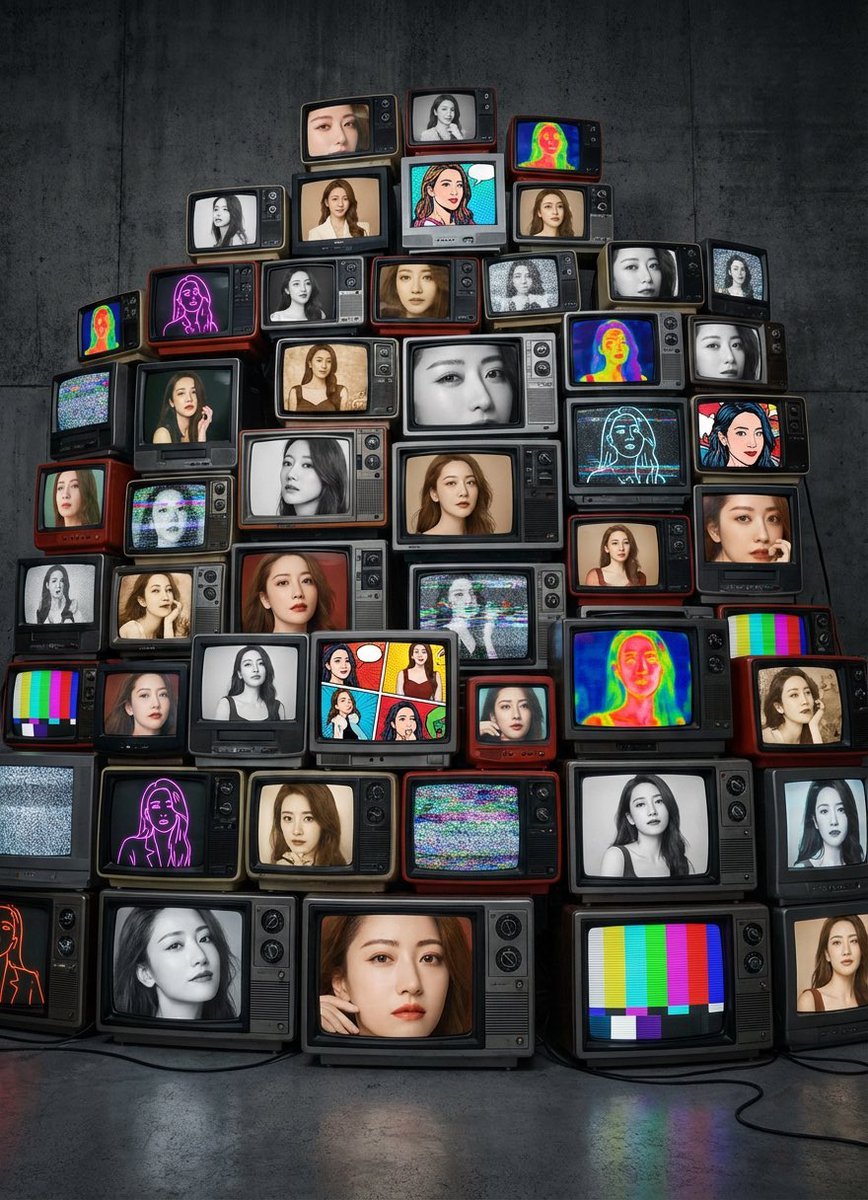
Girlfriend Portrait on Vintage CRT TV Wall
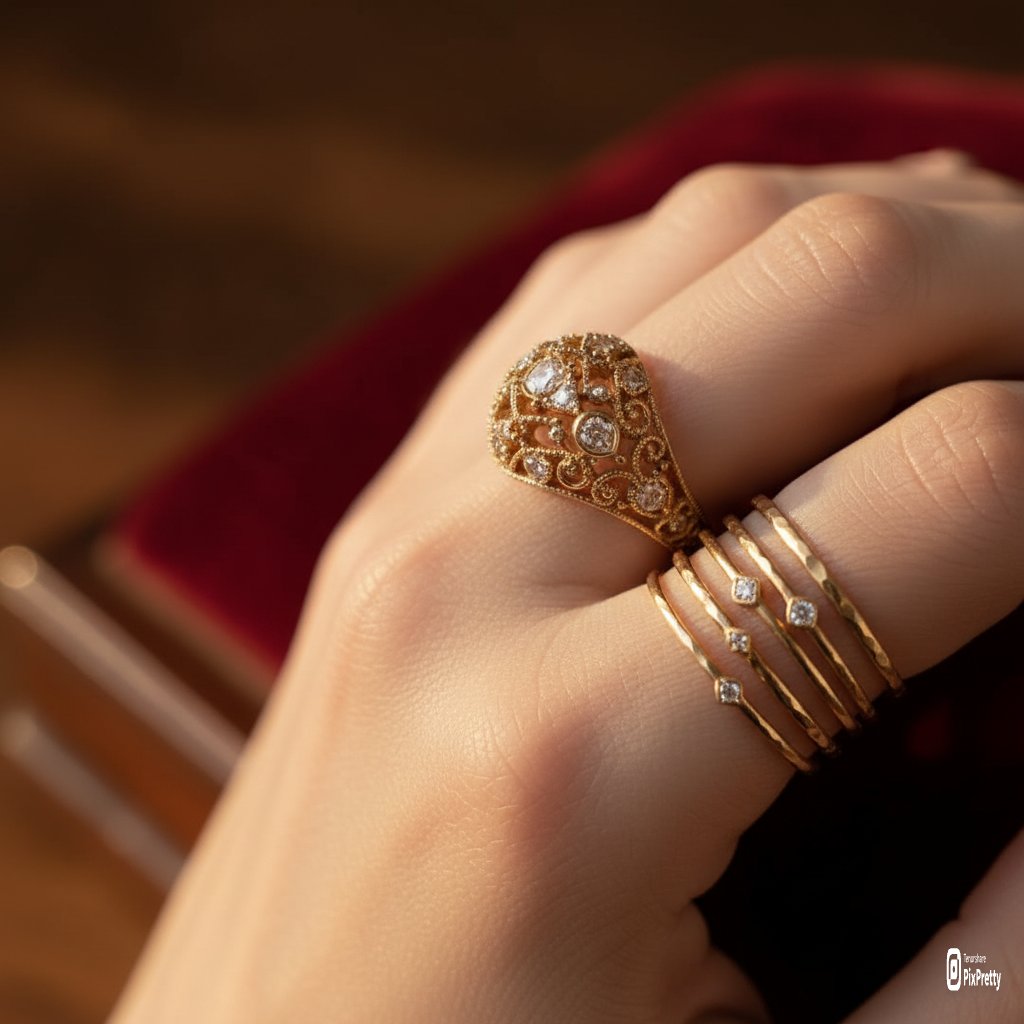
Macro Product Photography of Jewelry Worn by a Model
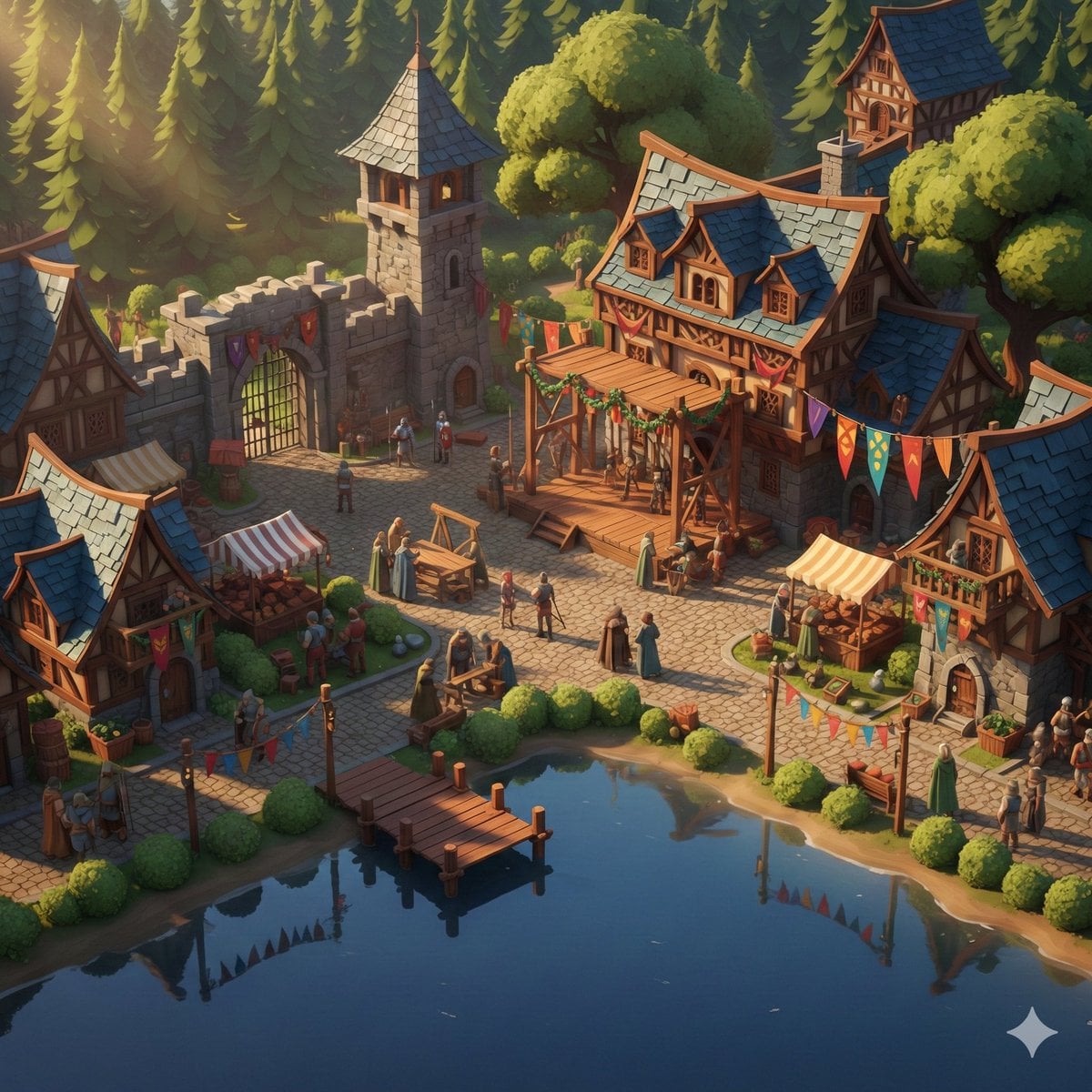
Cinematic Stylized Medieval Village Festival Scene
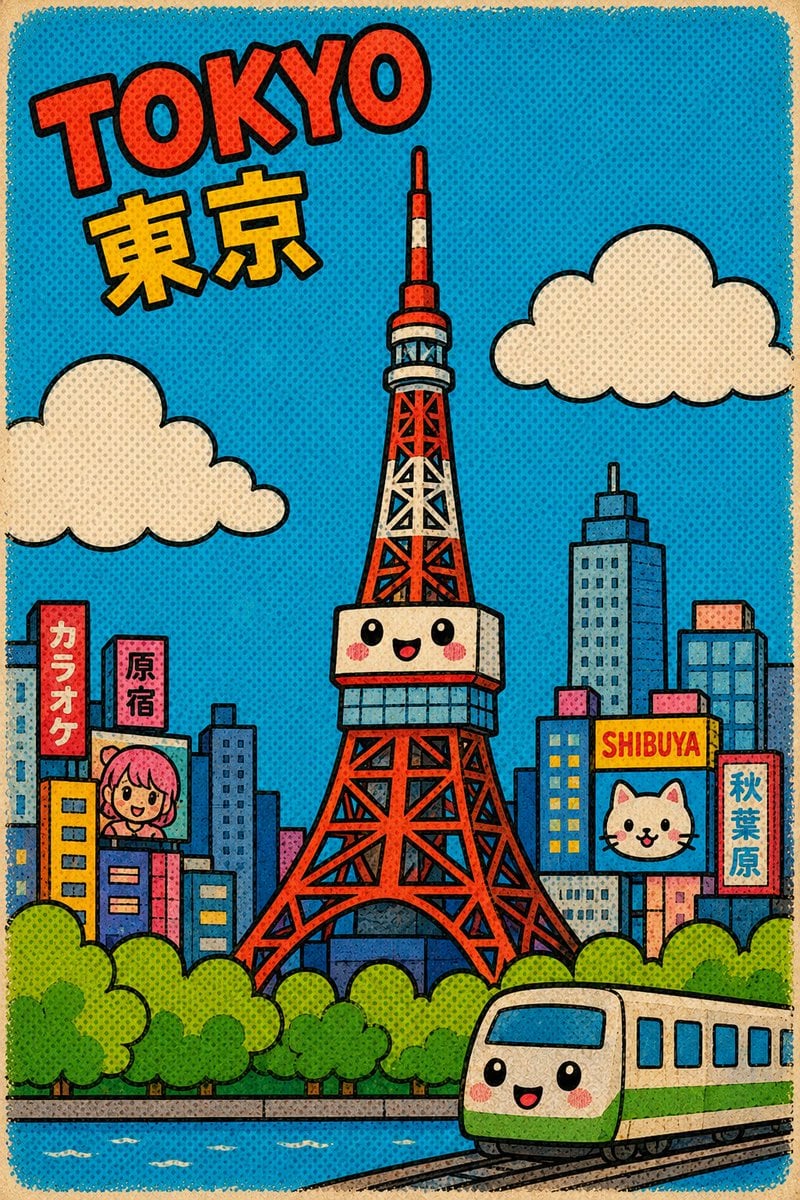
Retro Kawaii Tokyo Postcard
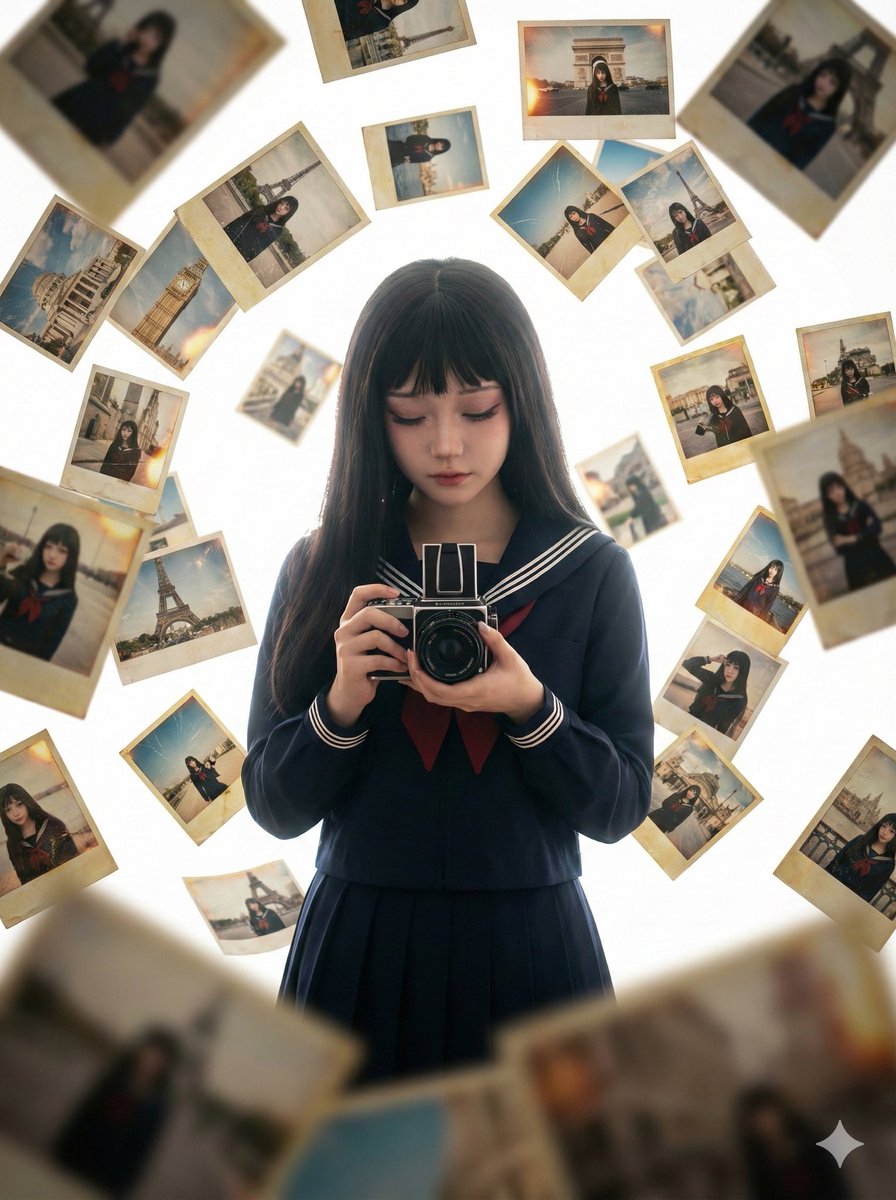
Photorealistic Asian Girl with Floating Photos Prompt (JSON Format)
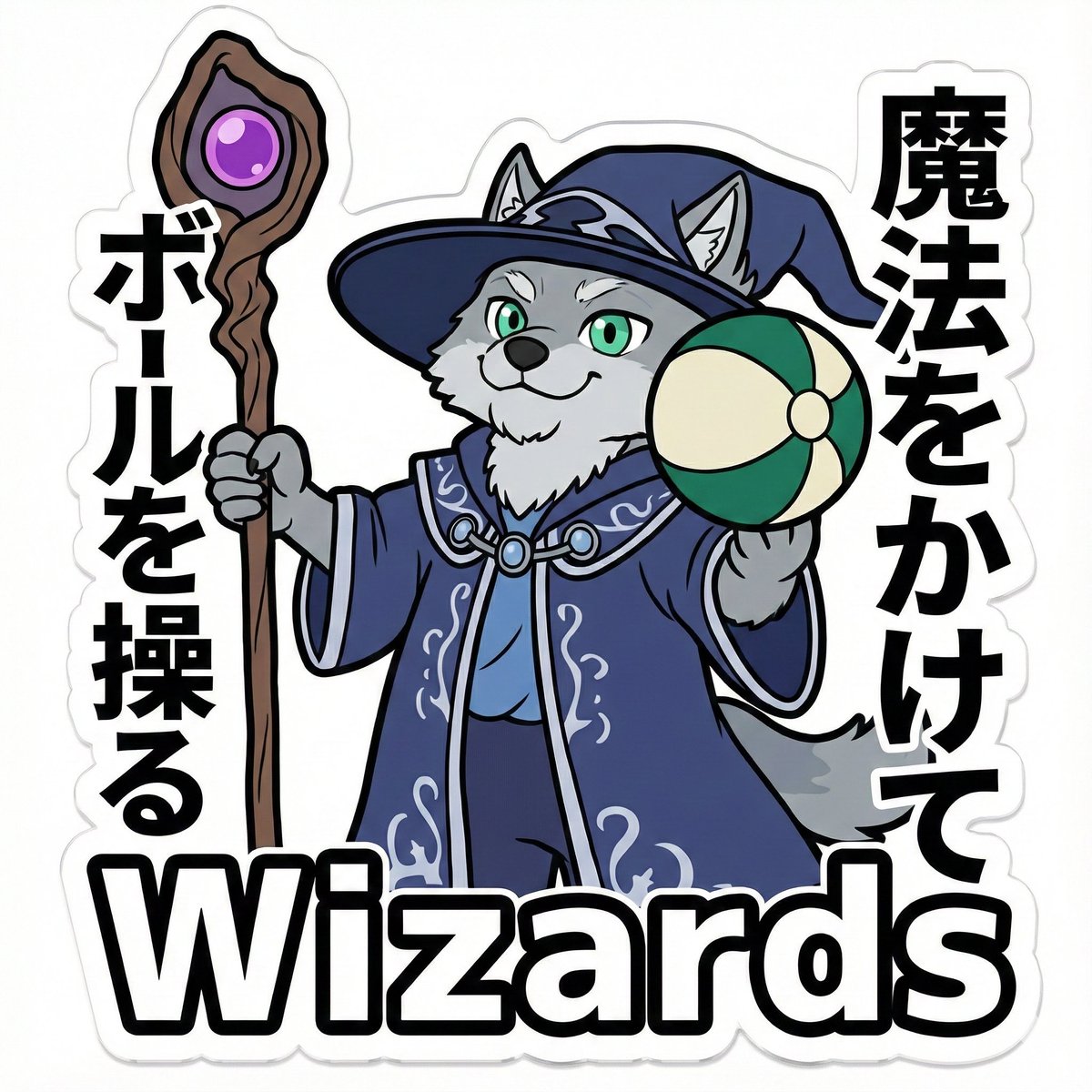
Die-Cut Sticker Illustration Prompt with Japanese Text
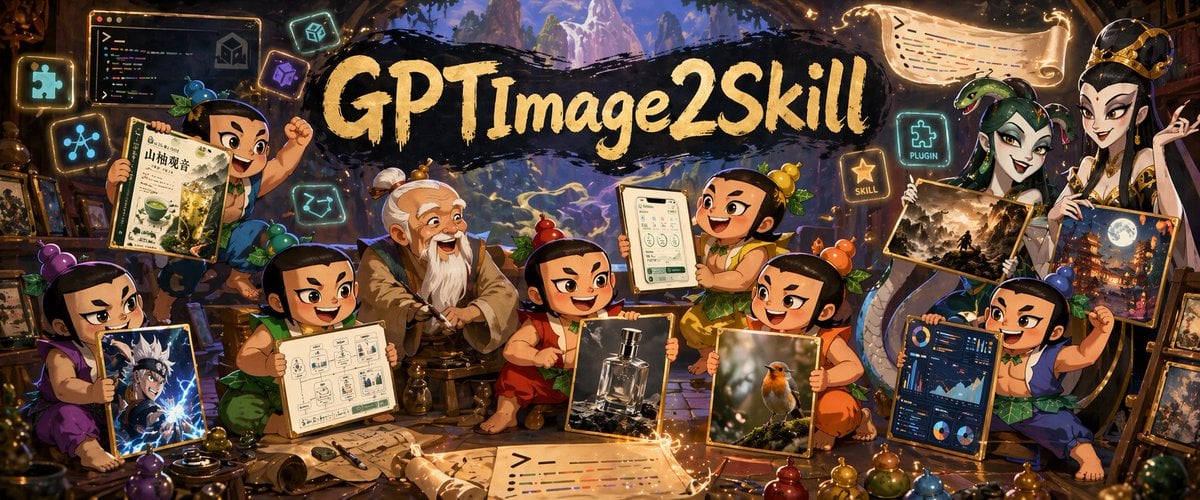
Fantasy GPT Image Skills Banner
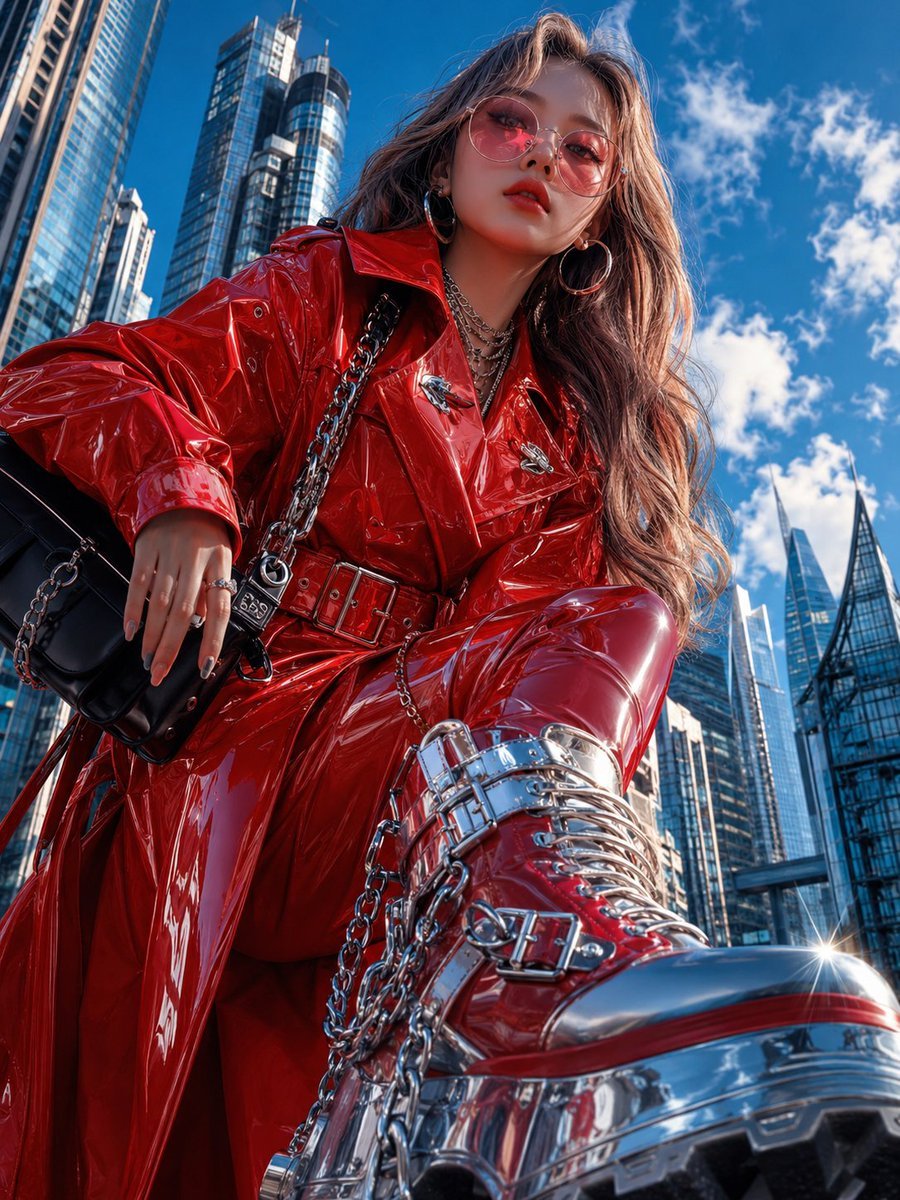
Cyberpunk High-Fashion Editorial
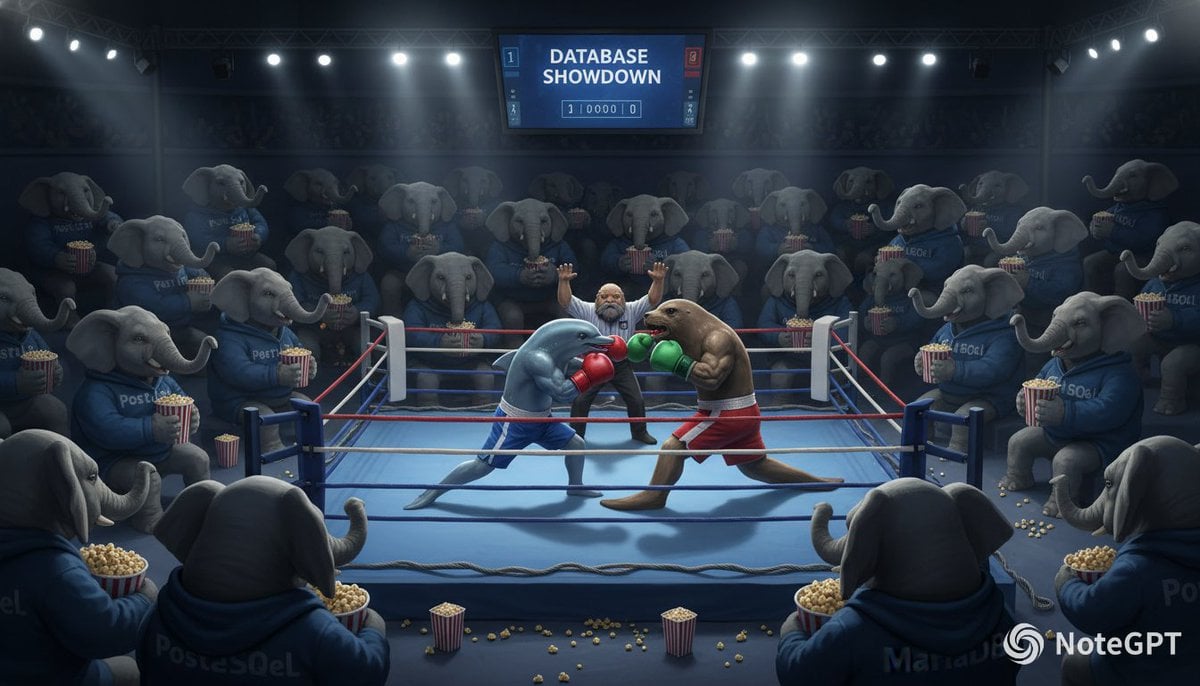
Database Mascot Boxing Match
Browse template categories
Street Fashion Panther Graffiti questions
How do I use the Street Fashion Panther Graffiti template?
Add your photo if the template asks for one, edit the prompt if you like — the template's model and format are already selected — and press Generate. Your version opens in PicX Studio.
Can I customize the Street Fashion Panther Graffiti template?
Yes. You can change the subject, setting, lighting, mood, format, and available model controls before creating your image.
Is the Street Fashion Panther Graffiti template free?
Opening and editing this template is free. Generating uses credits, shown on the Generate button when you are signed in.
Which AI model should I use?
Start with GPT Image 2, which is the model associated with this template. You can compare another compatible model for a different finish.
Looking for something else? Browse all templates.

Your photo, any look
Thousands of ready templates for every top image and video model, from one credit balance.