
Japanese Graffiti Street Fashion Poster
Generates a vibrant, high-end editorial poster that blends urban Japanese street aesthetics with dynamic graffiti typography and modern fashion.
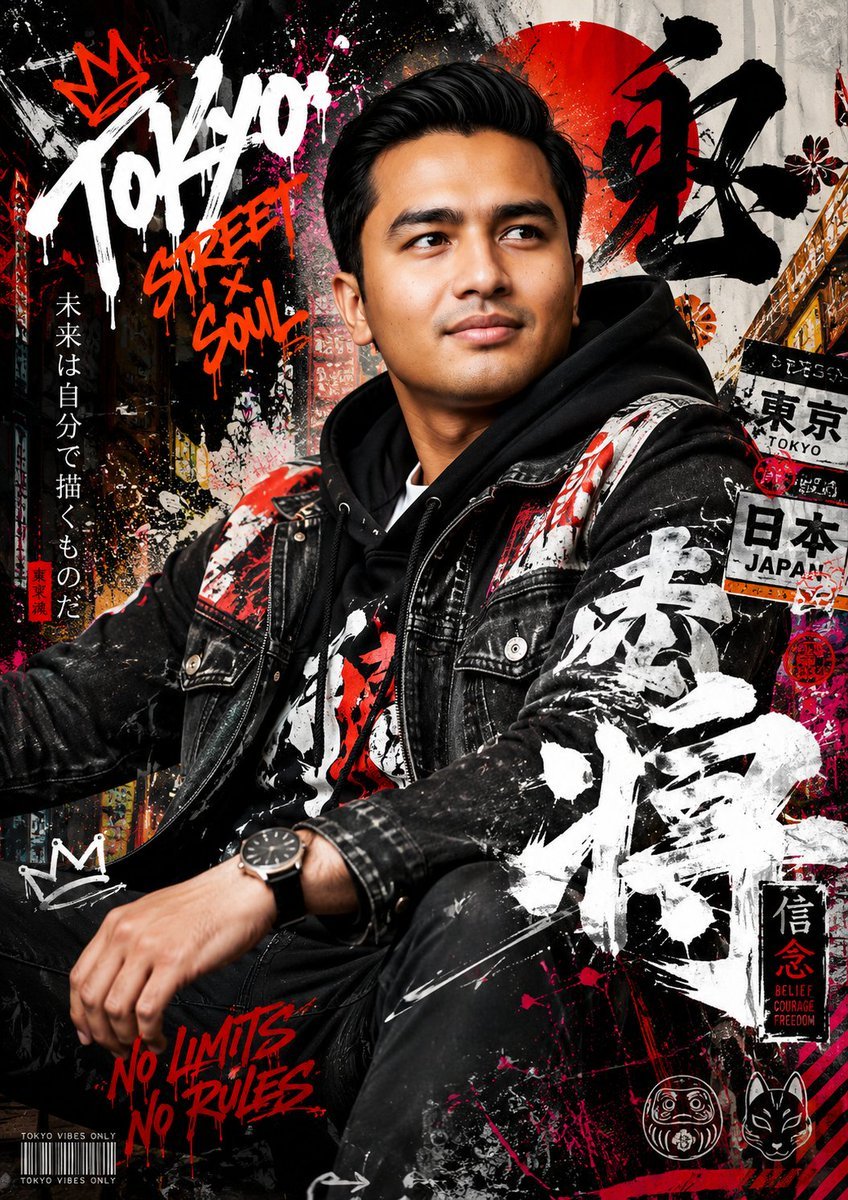
- Prompt included
- Model and format preset
- Free template
The prompt behind this image
Copy the exact prompt behind Japanese Graffiti Street Fashion Poster, or open it in the studio and make it yours.
Create a high-detail portrait poster in a {argument name="art style" default="bold Japanese graffiti-inspired art style"}, combining modern urban street aesthetics with expressive Japanese visual culture. The poster should feature dynamic graffiti typography, layered spray-paint textures, hand-drawn symbols, abstract paint splashes, neon brush strokes, urban sticker elements, Japanese calligraphy accents, and decorative ornaments that strongly reinforce the energetic atmosphere of the design. The overall composition should feel artistic, rebellious, fashionable, and visually striking, while still maintaining a premium editorial poster quality instead of looking messy or overdone. Humanity somehow turned vandalism into luxury wall art. Impressive species. The subject must not replicate the exact pose or expression from the reference photo. Instead, create a completely new pose that feels natural, confident, and full of life. The expression should appear emotionally expressive, charismatic, and engaging, avoiding stiff, awkward, flat, or emotionless body language. The pose should reflect the elegance and sophistication commonly seen in international fashion models, with stylish posture, natural movement, and subtle attitude that enhances the overall cinematic fashion aesthetic. The outfit should feature {argument name="clothing style" default="contemporary stylish casual fashion"} with strong visual appeal. Avoid plain or repetitive clothing designs. Use fashionable layering, modern streetwear inspiration, premium casual styling, and a balanced combination of colors, patterns, textures, and fabric types that create a rich and non-monotonous appearance. The clothing should feel trendy, fashionable, youthful, and visually premium while still fitting naturally into the Japanese graffiti poster concept. The background and poster decorations should be filled with {argument name="background elements" default="thematic urban Japanese-inspired visual elements such as graffiti walls, spray textures, painted symbols, urban signage, layered stickers"}, modern Japanese graphic motifs, abstract shapes, paint drips, street fashion aesthetics, and stylish decorative compositions that enhance depth and artistic intensity without distracting from the subject. Lighting should feel cinematic and fashionable, with strong contrast, clean highlights, realistic skin texture, and high-end editorial poster quality. The final result must look like a premium modern street-fashion campaign poster with highly detailed textures, balanced composition, vibrant color harmony, realistic proportions, ultra-sharp focus, and immersive visual storytelling. Ultra-detailed, highly aesthetic, premium composition, realistic texture rendering, fashionable urban atmosphere, cinematic quality, poster-ready design, 8K ultra high resolution.
How to use Japanese Graffiti Street Fashion Poster in 3 steps
- 1Upload ImagePNG, JPG or paste
Add your photo
Upload the photo the template builds on. The prompt, model and format are already set.
- 2…a portrait of your subject in softgolden-hour light, 85mm…
Personalize
Edit the subject and creative details for your destination.
- 3Generate
Generate
Press Generate — your image is created in PicX Studio, so you can compare it with the original and refine one variable at a time.
More like this
Templates with the same subject, style or setup. Open one to see its prompt.

Frozen Street Luxe Graffiti Fashion Campaign

Face-Locked Cream Half-Zip Street Walk
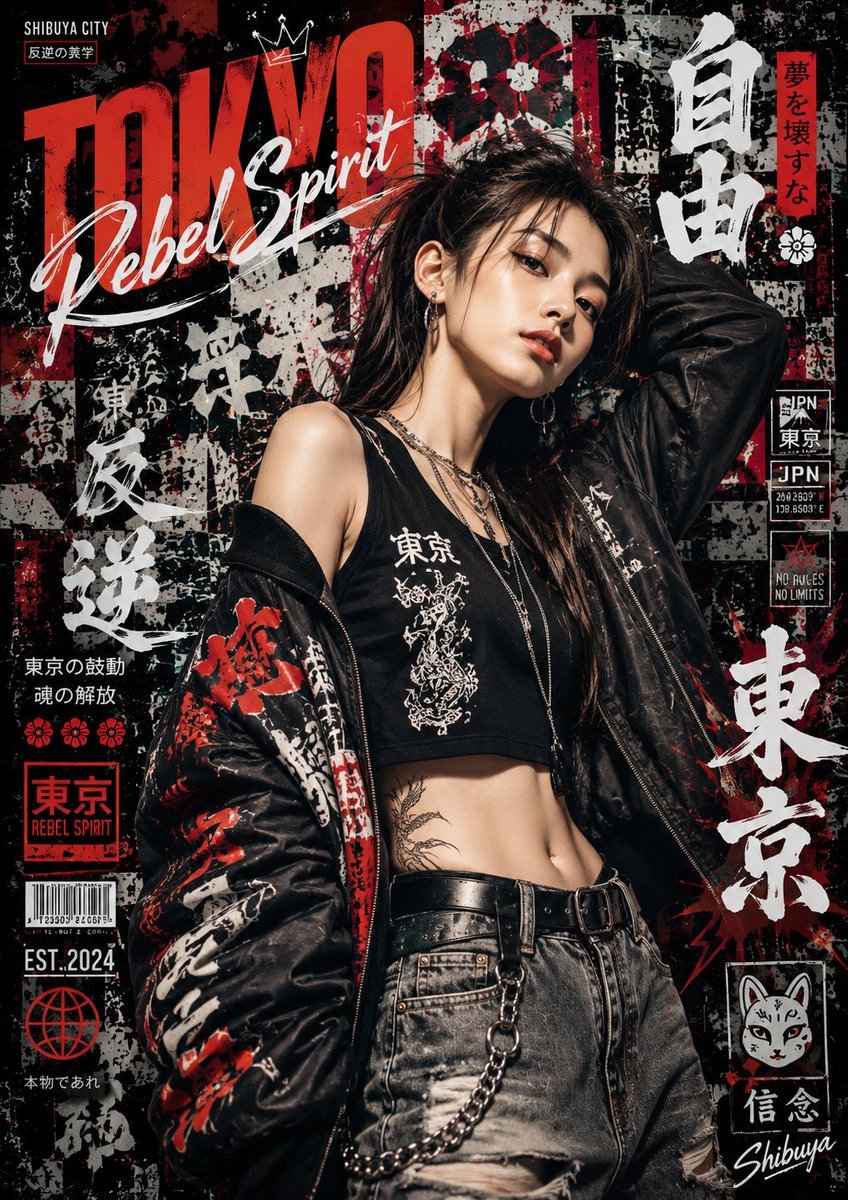
Japanese Graffiti Street Art Poster

Nano Banana - Street Paris T-Shirt
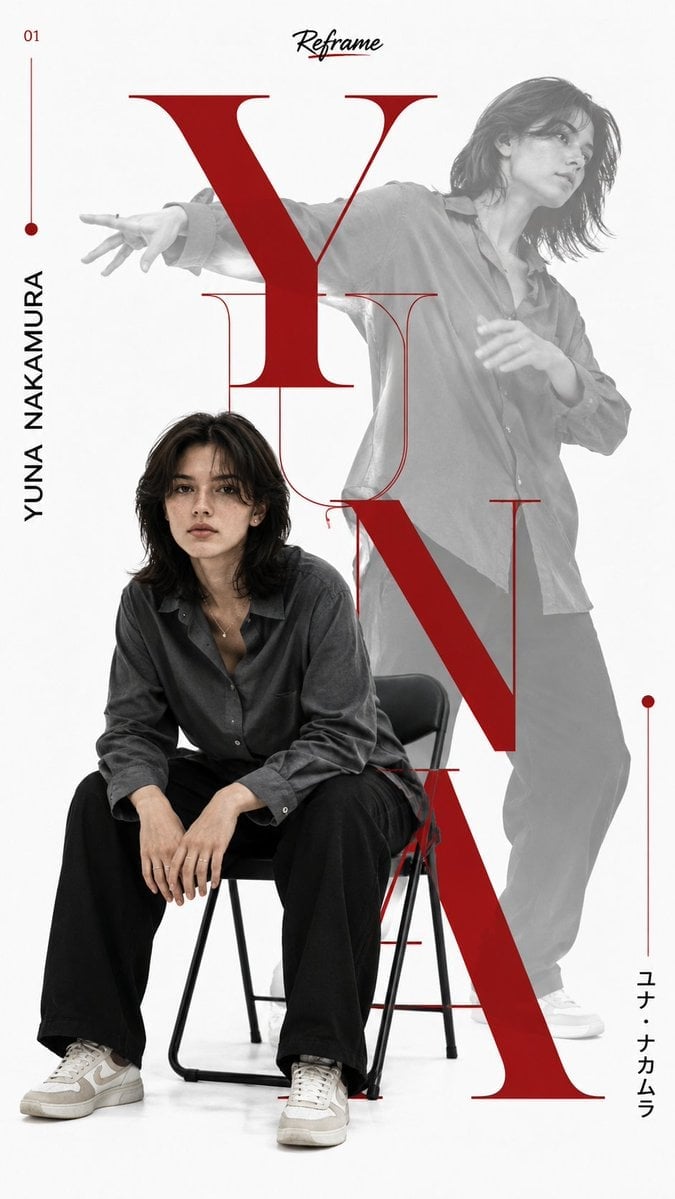
Japanese Minimalist Editorial Fashion Poster
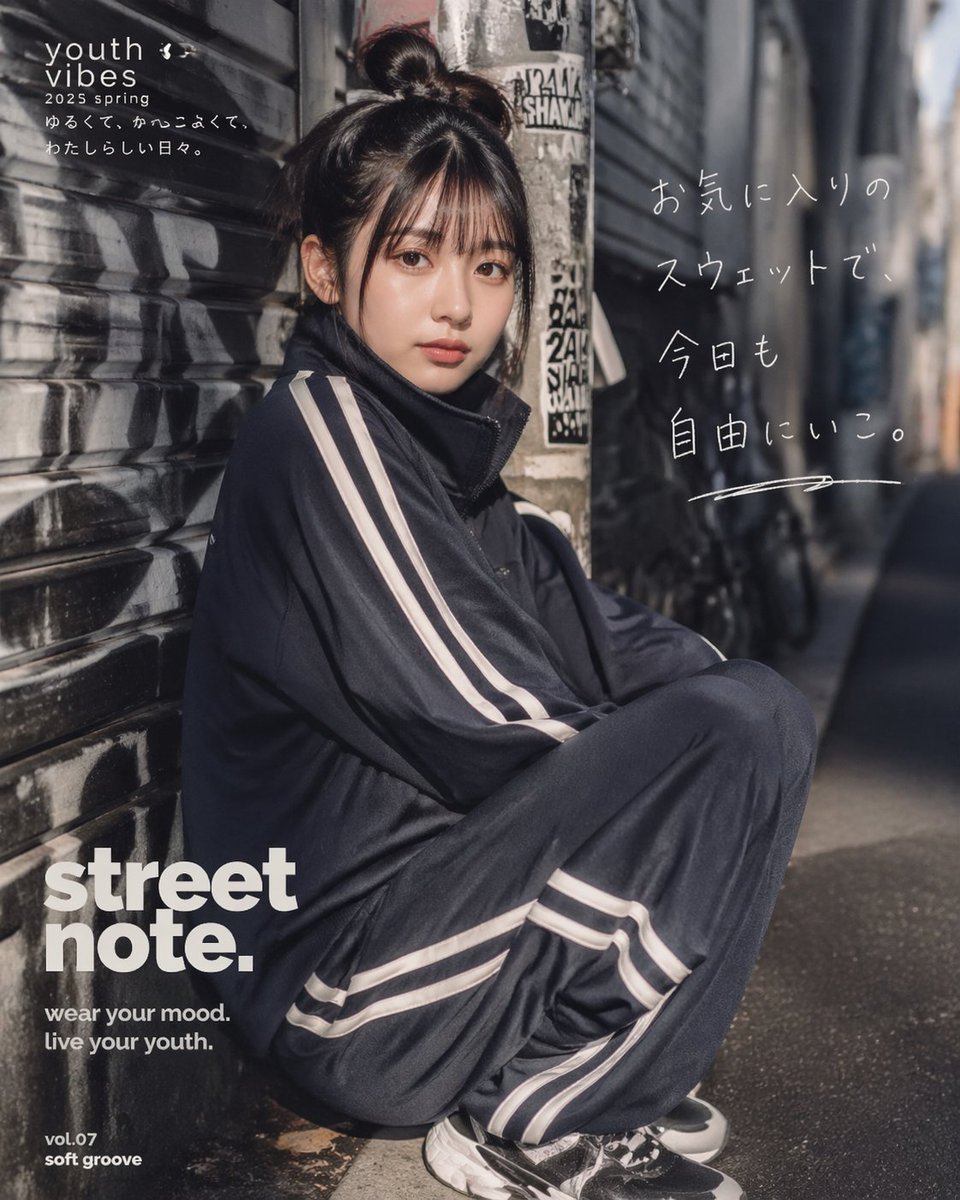
Japanese Streetwear Editorial Poster
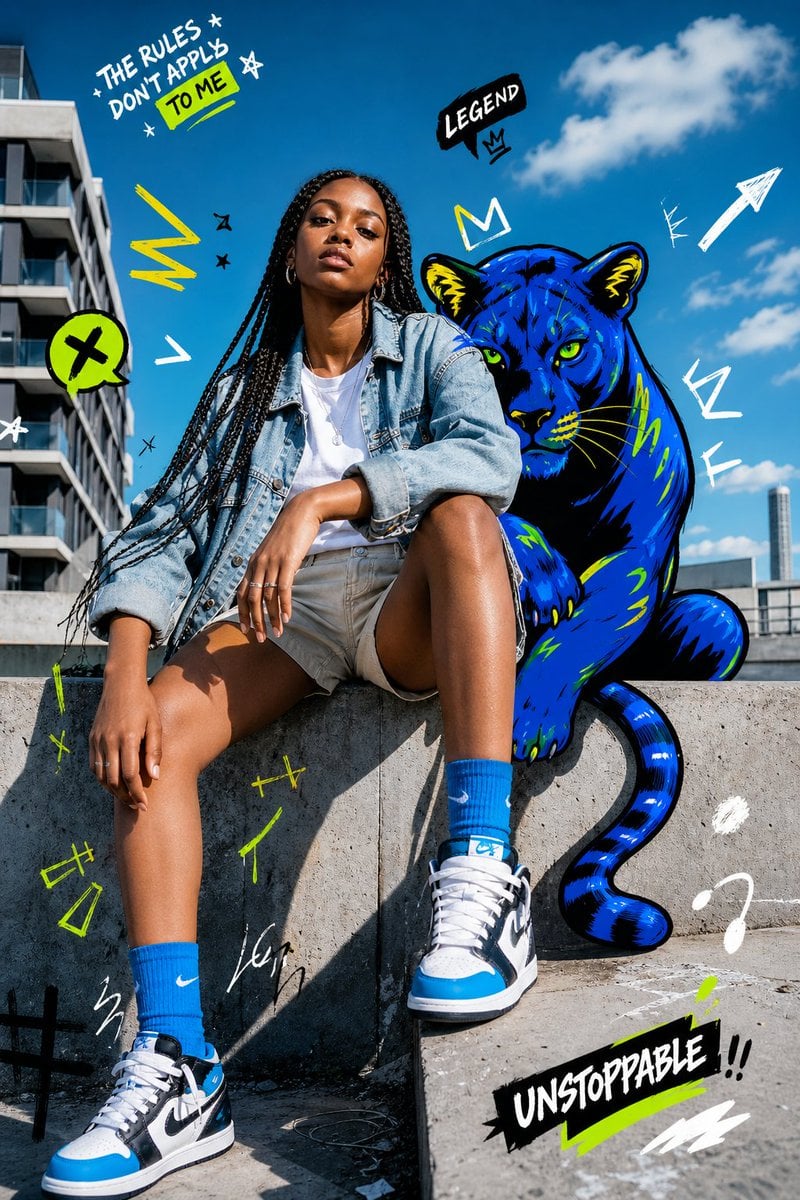
Street Fashion Panther Graffiti
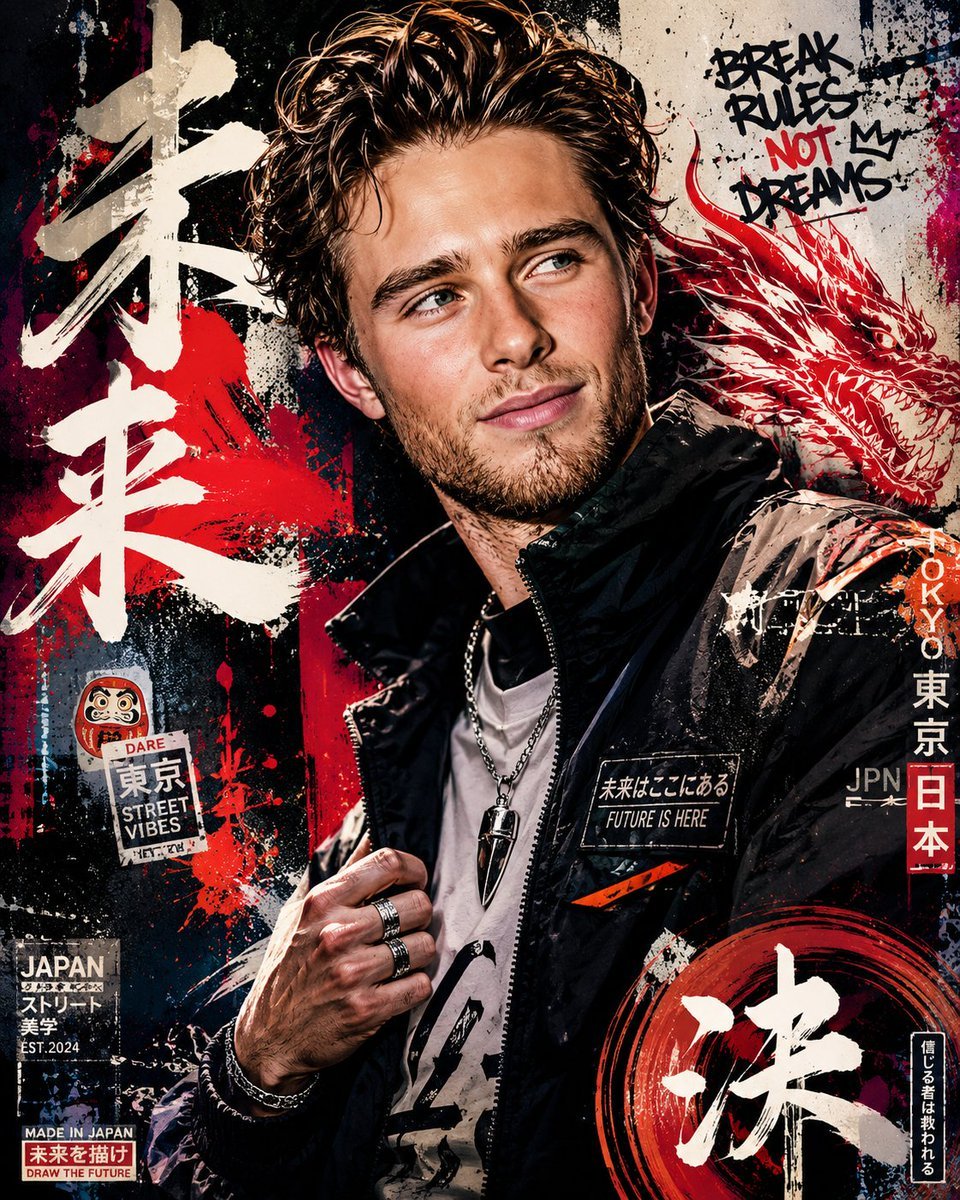
Japanese Graffiti Poster Art

Gpt2 Product Marketing Streetwear Sneaker Poster Ad

Two Tickets, One Night

Meet Me When It Rains

Two Hearts. One Scooter.
Make it yours
Japanese Graffiti Street Fashion Poster works as-is. These are the safest ways to change it without losing the look.
Change one field
Copy a single group, rewrite it, and generate again so you can see what that field is doing.
Keep the frame, change the subject
Hold the composition and light of Japanese Graffiti Street Fashion Poster, then swap wardrobe, props or the person for a new take.
| If the result… | Why | Fix |
|---|---|---|
| The result drifts from the preview | Too many fields changed at once. | Reuse Japanese Graffiti Street Fashion Poster as-is first, then change one group — subject, light, or setting. |
| The model over-stylizes the scene | The prose prompt leaves finish and camera underspecified. | Add one camera or lighting sentence and stay on GPT Image 2. |
More GPT Image 2 templates
Other prompts made for GPT Image 2.

Six VTuber Japanese Logo Sheet

Realistic Portrait of Woman and Deer

The Vista Modular Condo Poster

AI Model Routing Comparison Infographic

2.5D Anime Art Board

Isometric Productivity Desk Scene

New York Double Exposure Poster

Four-Panel AI Landscape Comparison

Japanese Tatami Lifestyle Magazine Cover

NESCAFÉ Coffee Map Poster
More image prompts
Fresh picks from across the catalog.

Stylish Anthropomorphic Cat in Tracksuit
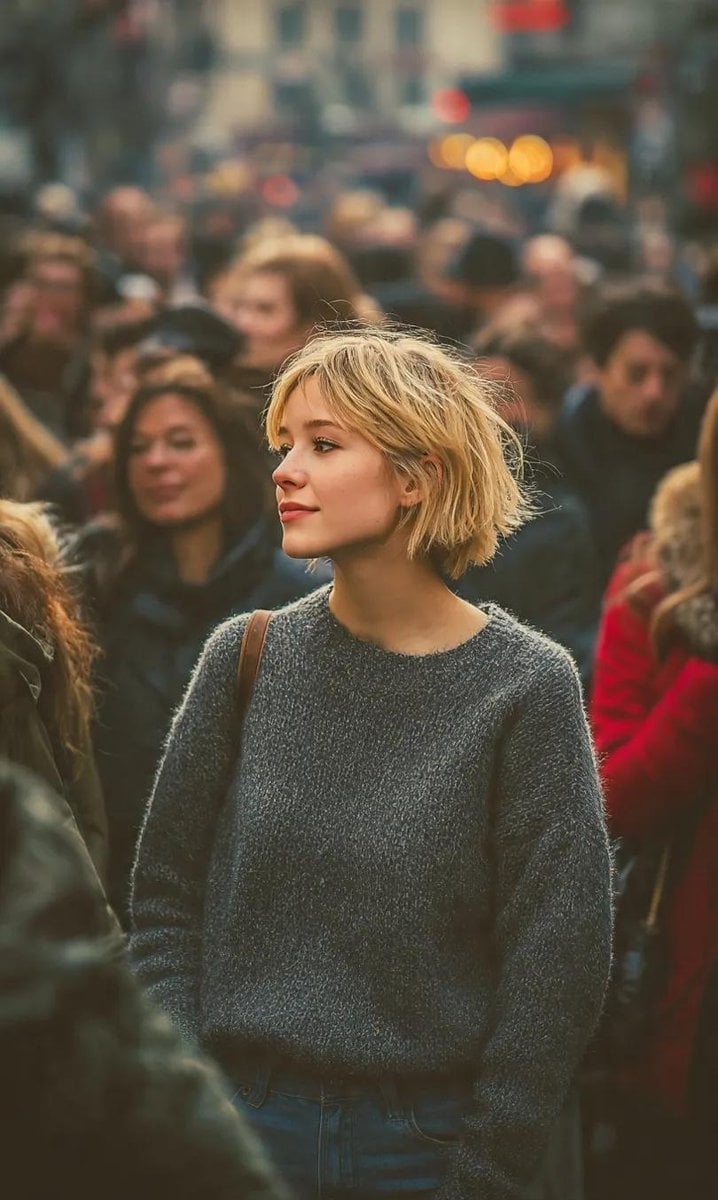
Ultra-Realistic 8K Candid Street Portrait

Cinematic Fantasy Forest Portrait

Nano Banana 2 Editorial Fashion Portrait

Graffiti Sketch AI Builder Style
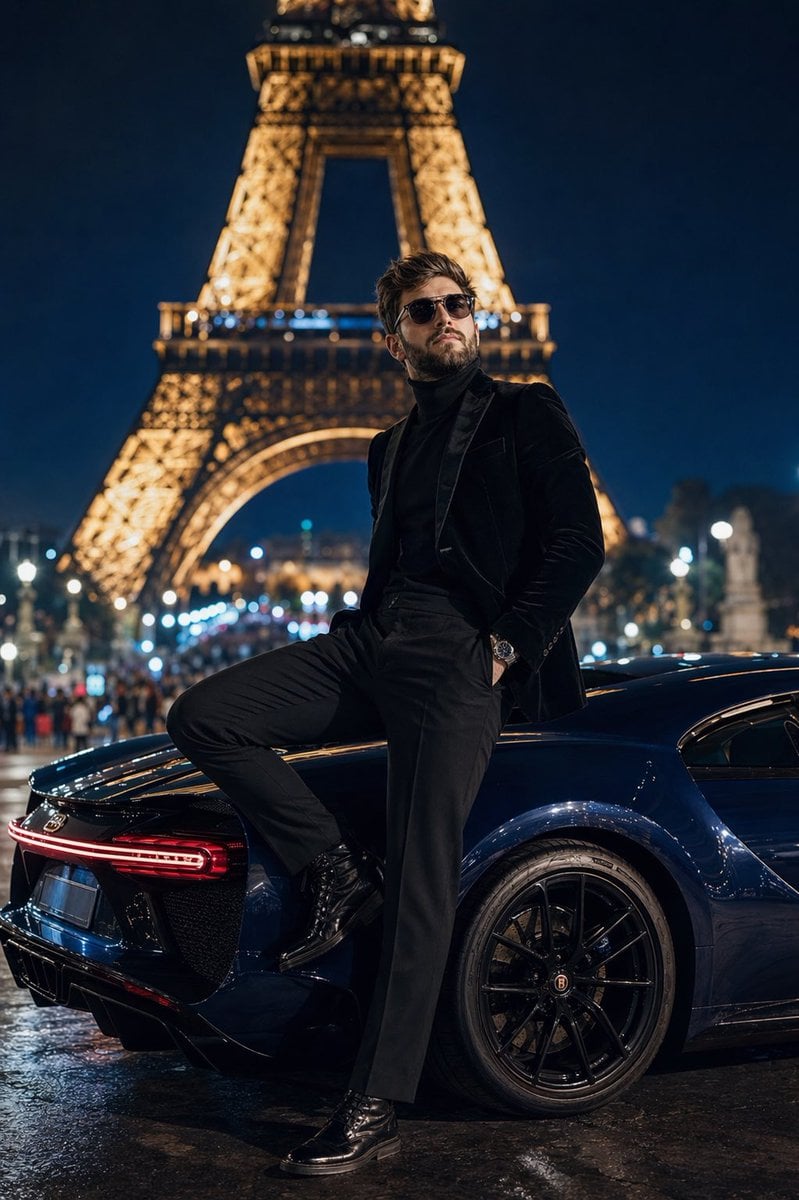
Cinematic Paris Fashion Shot

Soccer-Themed Motivational Poster

Futuristic Streetwear Campaign Poster
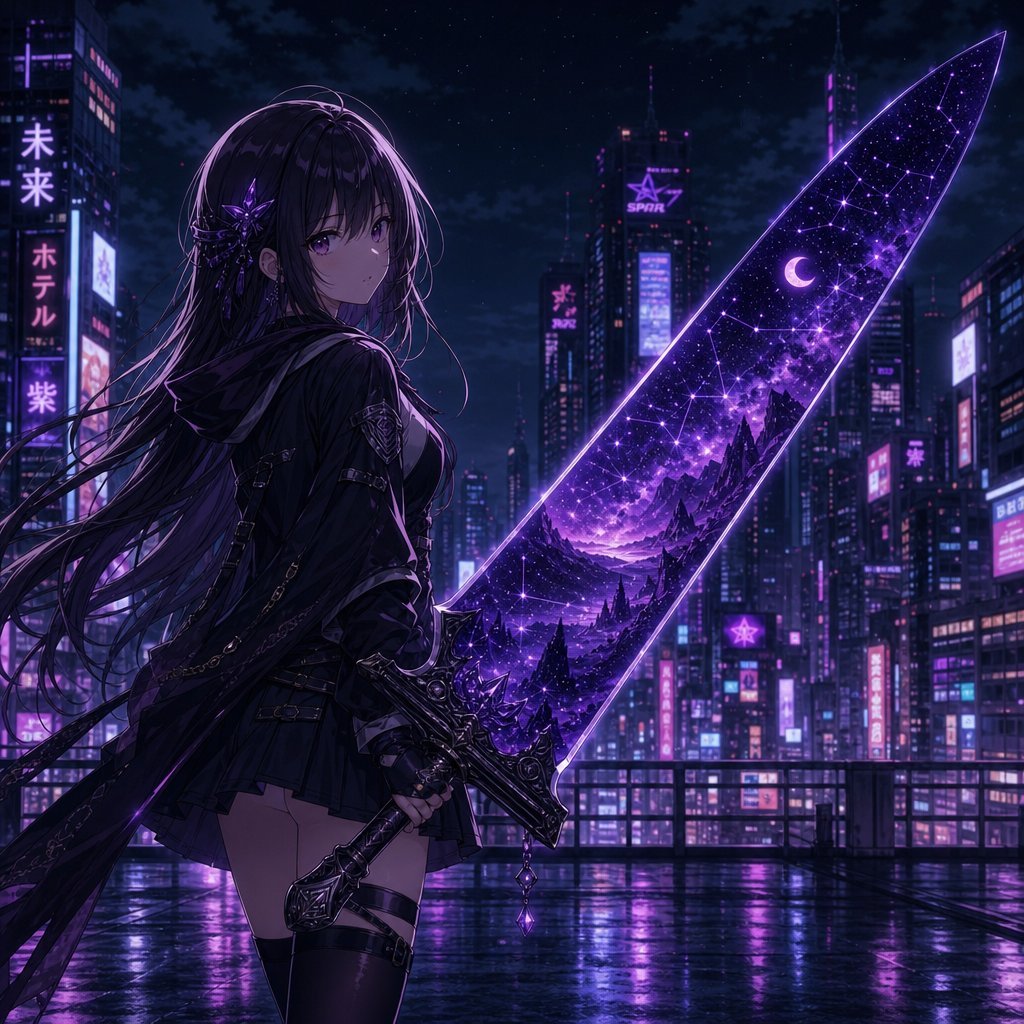
Anime Girl Double Exposure Greatsword
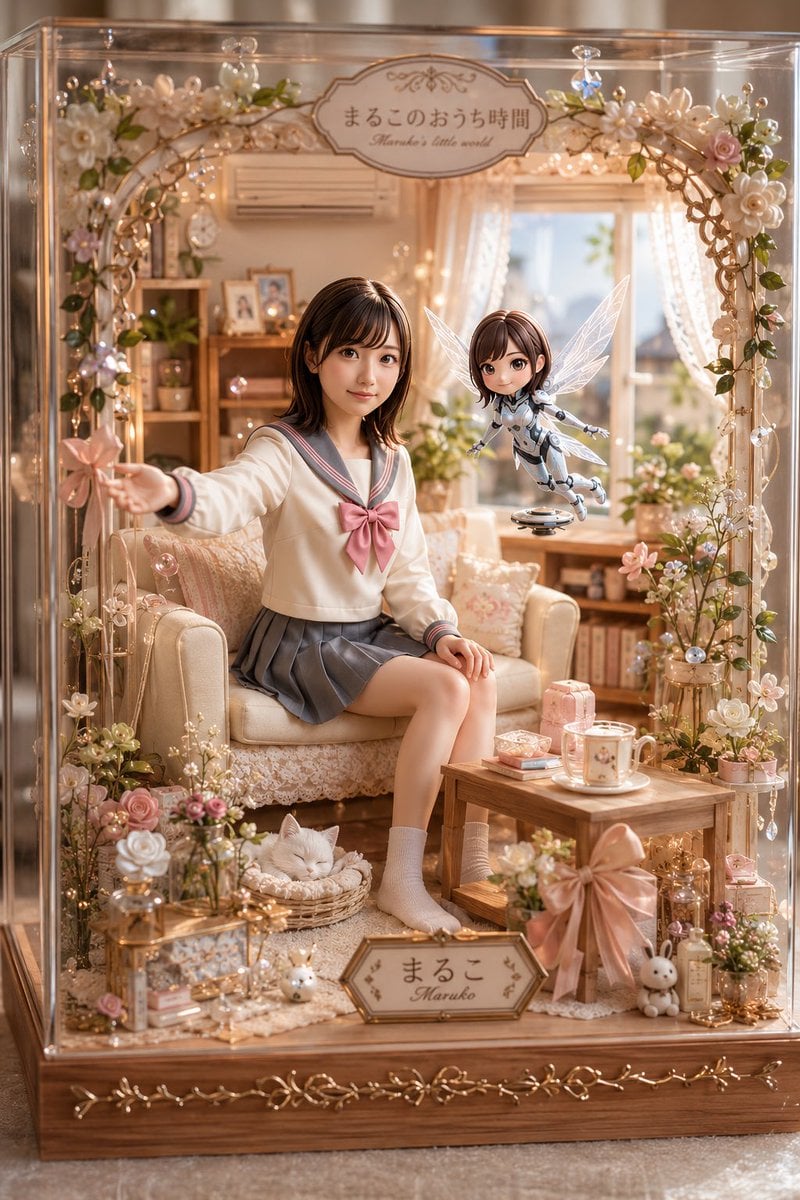
Pastel Maruko Dollhouse Diorama
Browse template categories
Japanese Graffiti Street Fashion Poster questions
How do I use the Japanese Graffiti Street Fashion Poster template?
Add your photo if the template asks for one, edit the prompt if you like — the template's model and format are already selected — and press Generate. Your version opens in PicX Studio.
Can I customize the Japanese Graffiti Street Fashion Poster template?
Yes. You can change the subject, setting, lighting, mood, format, and available model controls before creating your image.
Is the Japanese Graffiti Street Fashion Poster template free?
Opening and editing this template is free. Generating uses credits, shown on the Generate button when you are signed in.
Which AI model should I use?
Start with GPT Image 2, which is the model associated with this template. You can compare another compatible model for a different finish.
Looking for something else? Browse all templates.

Your photo, any look
Thousands of ready templates for every top image and video model, from one credit balance.