
Frozen Street Luxe Graffiti Fashion Campaign
Frozen Street Luxe Graffiti Fashion Campaign

- Prompt included
- Model and format preset
- Free template
The prompt behind this image
Copy the exact prompt behind Frozen Street Luxe Graffiti Fashion Campaign, or open it in the studio and make it yours.
URBAN GRAFFITI FASHION CAMPAIGN — ELSA & OLAF EDITION IMAGE TYPE Premium streetwear fashion poster, luxury editorial campaign, modern urban fashion advertisement featuring two hero subjects: Elsa and Olaf reimagined as high-fashion streetwear icons. CORE CONCEPT A bold fashion campaign built around TWO hero subjects: Elsa (ice queen-inspired fashion model) and Olaf (stylized streetwear companion character) blending luxury editorial photography, icy graffiti aesthetics, and winter-themed urban fashion culture. STYLE & ART DIRECTION: Modern streetwear branding, graffiti art influence, high-fashion editorial styling, youth culture visuals, minimal luxury fashion advertising, bold typography composition, Instagram-ready campaign design. Mood: bold, icy, stylish, urban, futuristic, luxury streetwear, cinematic, modern. HERO SUBJECT SYSTEM CENTER COMPOSITION: TWO-FIGURE HERO SETUP ELSA (Primary Fashion Model): full-body editorial pose high-fashion ice queen reinterpretation luxury oversized streetwear layered outfit icy blue, white, silver color palette accents futuristic textures (frosted fabrics, crystal-like surfaces) calm, powerful runway presence OLAF (Secondary Stylized Character): reimagined as a cute-but-fashionable streetwear mascot minimalist snow-inspired design soft plush-like aesthetic with premium styling urban accessories (sneakers, scarf, streetwear jacket elements) expressive but refined, not cartoonish Together: a luxury fashion duo campaign GRAFFITI TYPOGRAPHY SYSTEM Oversized graffiti typography forming icy street-art background: spray paint frost effects frozen brush lettering snow mist textures crystal graffiti tags partially cropped typography Typography acts as: campaign branding + icy visual structure MINIMAL EDITORIAL LAYOUT clean luxury spacing large negative space structured composition balanced duo focus (Elsa dominant, Olaf complementary) Tone: premium, expressive, modern editorial clarity. COLOR PALETTE SYSTEM Dominant accent: icy electric blue Supporting tones: white silver frost gray soft neon ice highlights Must unify entire winter-fashion identity. DEPTH & LAYERING SYSTEM FOREGROUND: snow particles, ice dust, glowing frost fragments MIDGROUND: Elsa & Olaf hero subjects BACKGROUND: oversized icy graffiti typography + frozen gradient wall Depth = cinematic fashion + winter street energy LIGHTING SYSTEM High-end fashion editorial lighting: cool-toned studio lighting glossy icy highlights soft shadows with frost glow cinematic contrast control premium fabric realism Elsa should feel powerful and luminous; Olaf soft and stylized. BRANDING SYSTEM Include: campaign title (e.g., “FROST STREET LUXE”) collection label (“ICE REBORN SERIES”) minimal luxury logo placement drop information footer NEGATIVE SPACE SYSTEM clean breathable layout controlled composition focus on dual hero subjects no visual clutter FINAL QUALITY SYSTEM Must feel: luxury fashion editorial campaign icy urban graffiti art fusion high-end streetwear branding cinematic winter aesthetic globally polished commercial poster Instagram-ready iconic design STRICT RULES Only TWO hero subjects (Elsa + Olaf) No cartoon rendering style No messy graffiti overload No cluttered composition Must remain premium, clean, and editorial Olaf must be stylized, not comedic or chaotic
How to use Frozen Street Luxe Graffiti Fashion Campaign in 3 steps
- 1
Open
The prompt is already in the box next to the preview, with the template's model and format selected.
- 2…a portrait of your subject in softgolden-hour light, 85mm…
Personalize
Edit the subject and creative details for your destination.
- 3Generate
Generate
Press Generate — your image is created in PicX Studio, so you can compare it with the original and refine one variable at a time.
More like this
Templates with the same subject, style or setup. Open one to see its prompt.

Korean Streetwear Minimalist Campaign Portrait

Cinematic Korean Streetwear Street Portrait

Urban Fashion Editorial Collage Poster

1988 Mall Style

Korean Model Floating Magazine Pages Campaign

Blue Backdrop Luxury Fashion Portrait Campaign
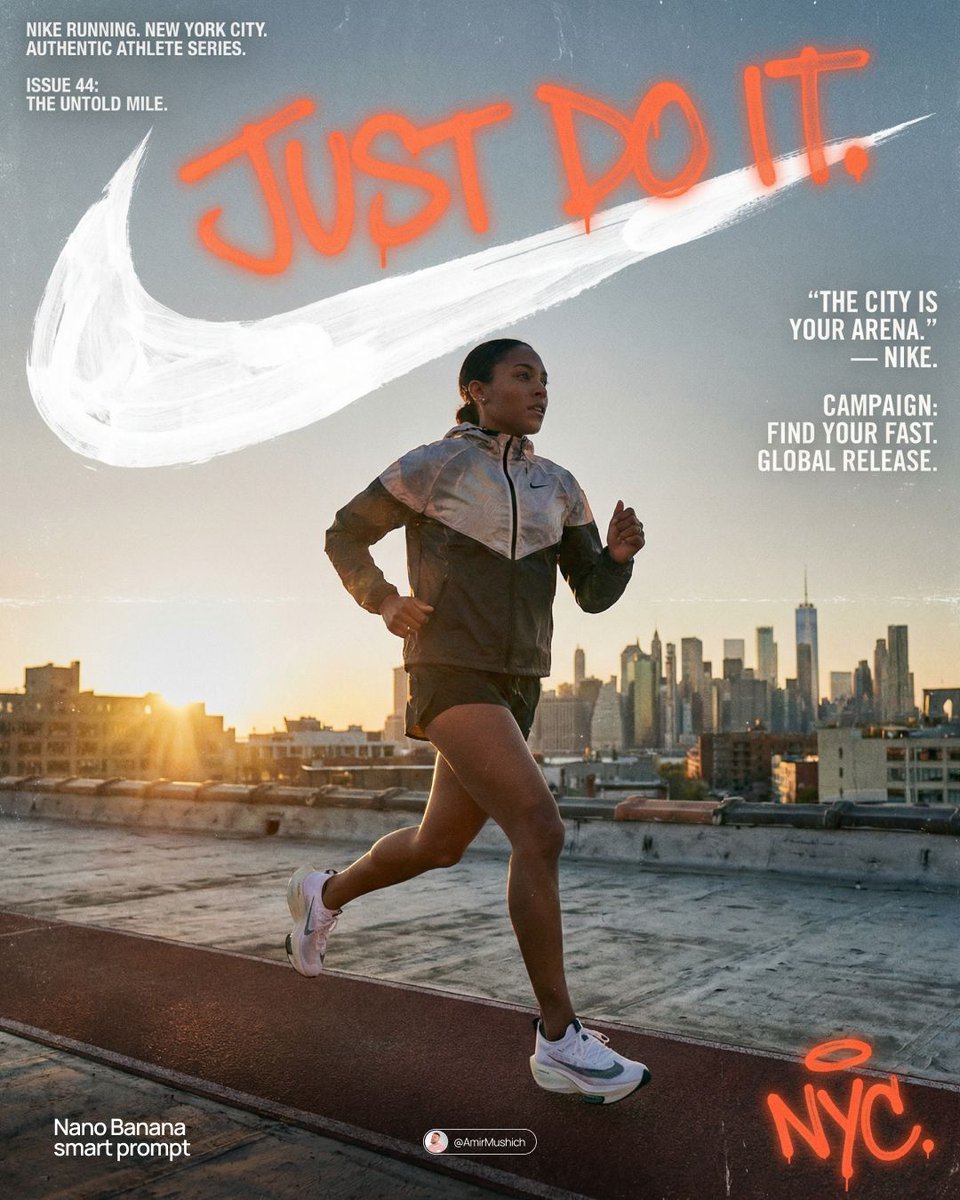
Miles Morales Spider-Man Brooklyn Graffiti
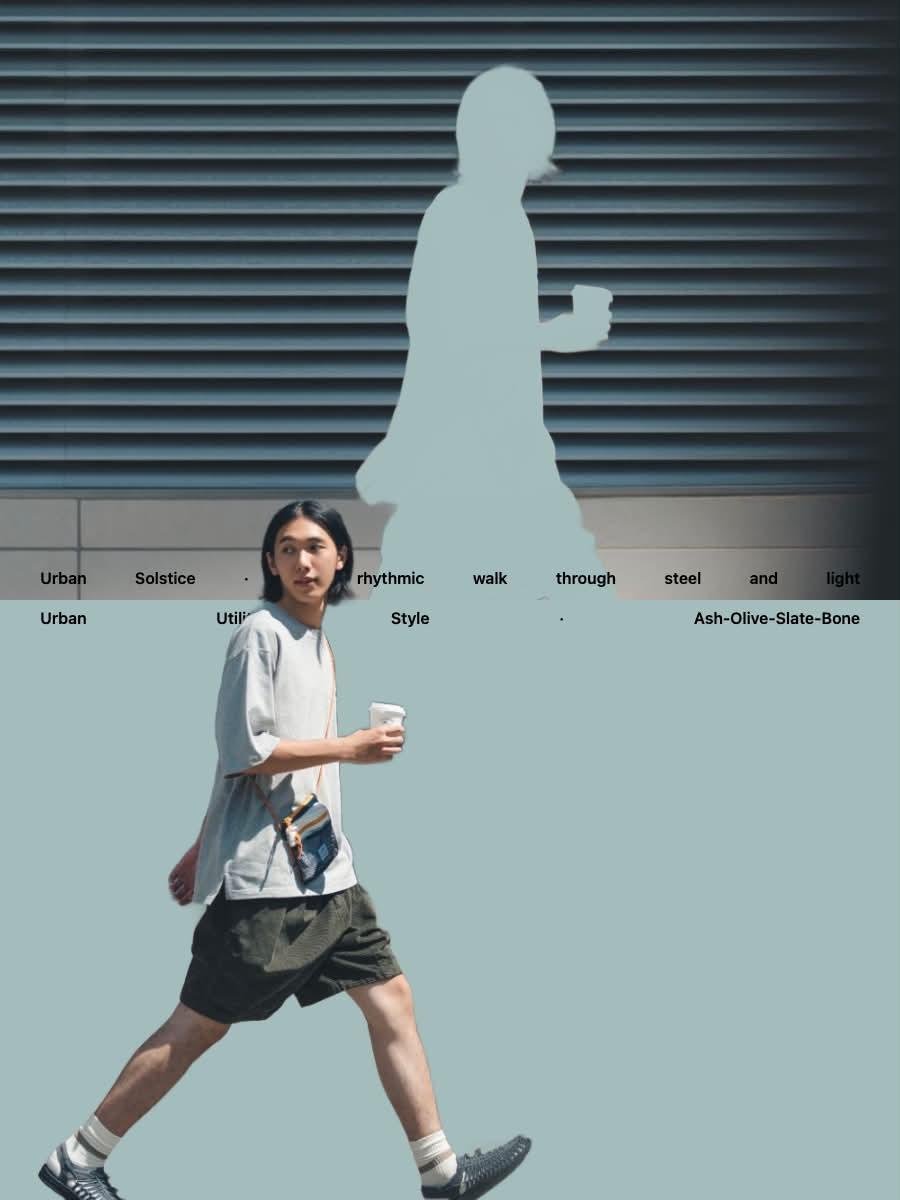
Japanese Minimalist Urban Fashion Campaign
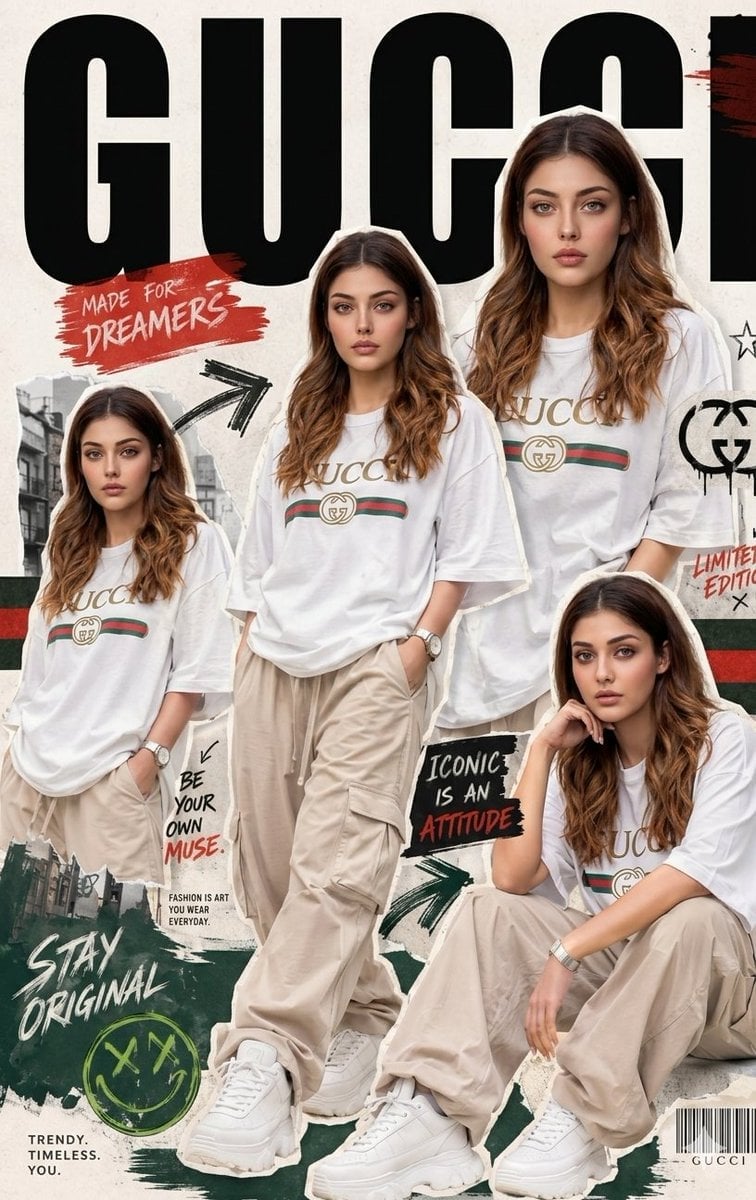
Urban Streetwear Fashion Collage Poster
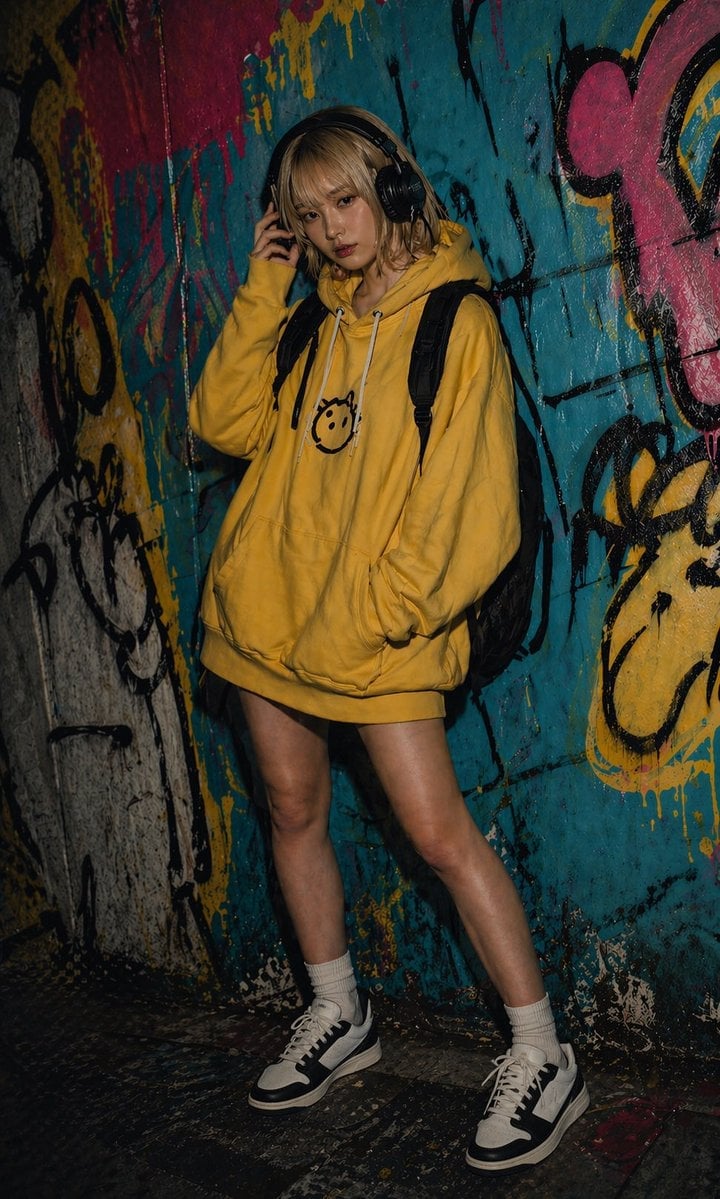
Urban Graffiti Hoodie Fashion Portrait
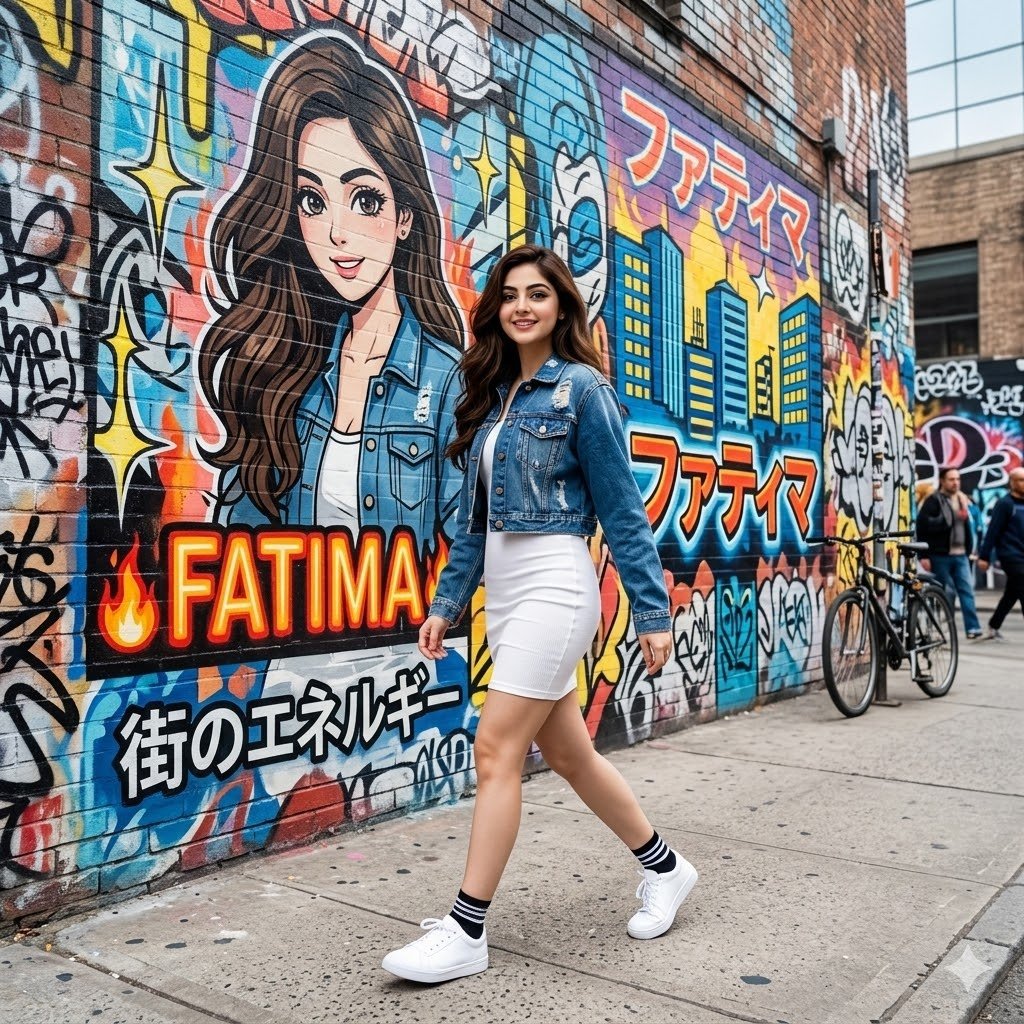
Graffiti Wall Urban Fashion Portrait
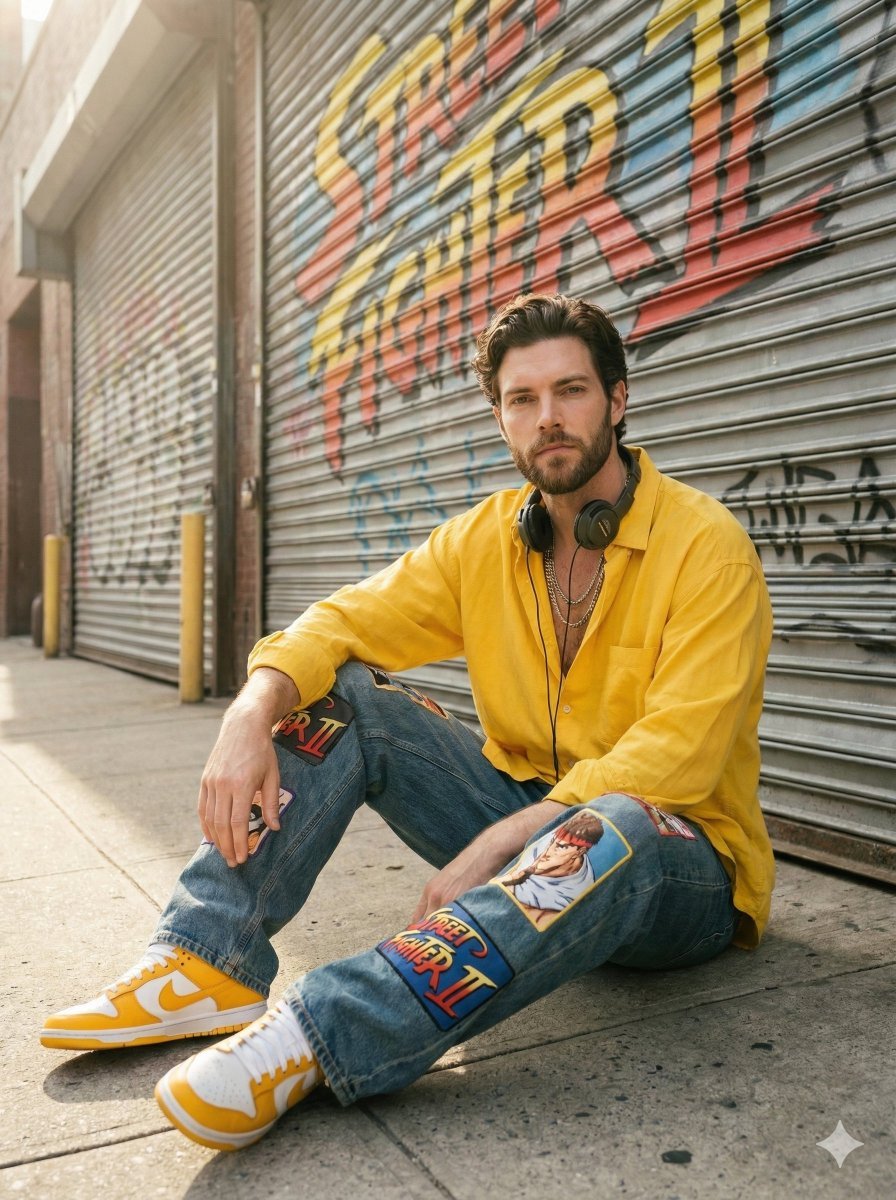
Sunlit Urban Streetwear Portrait with Retro Graffiti
Make it yours
Frozen Street Luxe Graffiti Fashion Campaign works as-is. These are the safest ways to change it without losing the look.
Change one field
Copy a single group, rewrite it, and generate again so you can see what that field is doing.
Keep the frame, change the subject
Hold the composition and light of Frozen Street Luxe Graffiti Fashion Campaign, then swap wardrobe, props or the person for a new take.
| If the result… | Why | Fix |
|---|---|---|
| The result drifts from the preview | Too many fields changed at once. | Reuse Frozen Street Luxe Graffiti Fashion Campaign as-is first, then change one group — subject, light, or setting. |
| The model over-stylizes the scene | The prose prompt leaves finish and camera underspecified. | Add one camera or lighting sentence and stay on PicX Studio. |
More image prompts
Fresh picks from across the catalog.
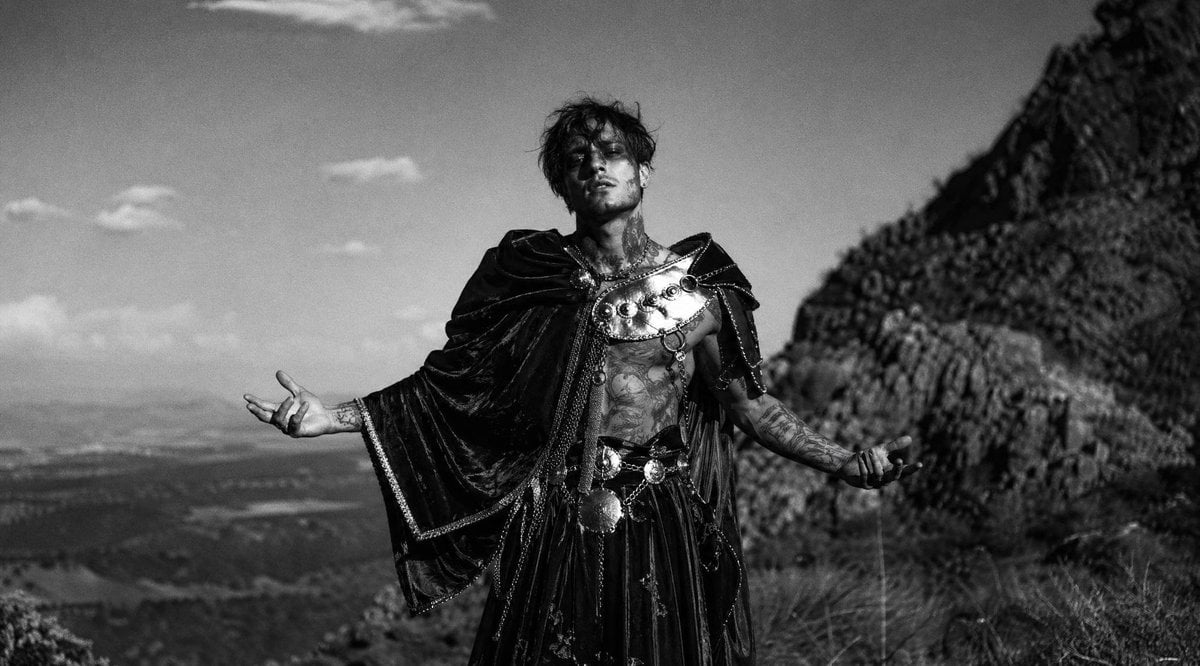
Monochrome Mountain Warrior Portrait
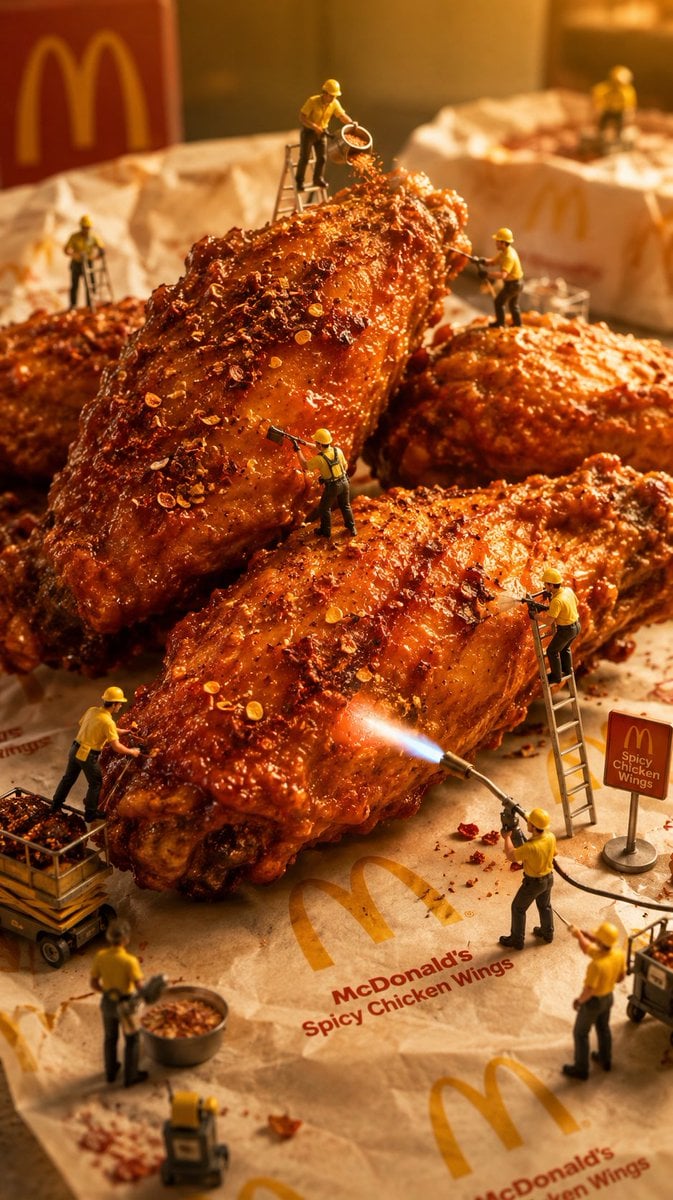
Mini Workers Sculpt Spicy Chicken Wings

High-Concept 3D Diorama Generation Prompt
Subject Erasure and Hat Replacement
Glowing Goblin Shaman in Swamp
Celestial Anime Umbrella Portrait
Cinematic Chiaroscuro Portrait
Tiny Man Lounging in Giant Rose
Rococo Masquerade Ball Editorial
Monochrome Fashion Collage
Browse template categories
Frozen Street Luxe Graffiti Fashion Campaign questions
How do I use the Frozen Street Luxe Graffiti Fashion Campaign template?
Add your photo if the template asks for one, edit the prompt if you like — the template's model and format are already selected — and press Generate. Your version opens in PicX Studio.
Can I customize the Frozen Street Luxe Graffiti Fashion Campaign template?
Yes. You can change the subject, setting, lighting, mood, format, and available model controls before creating your image.
Is the Frozen Street Luxe Graffiti Fashion Campaign template free?
Opening and editing this template is free. Generating uses credits, shown on the Generate button when you are signed in.
Which AI model should I use?
Choose a compatible model in PicX Studio based on the style, speed, and output controls your project needs.
Looking for something else? Browse all templates.

Your photo, any look
Thousands of ready templates for every top image and video model, from one credit balance.