
Urban Graffiti Hoodie Fashion Portrait
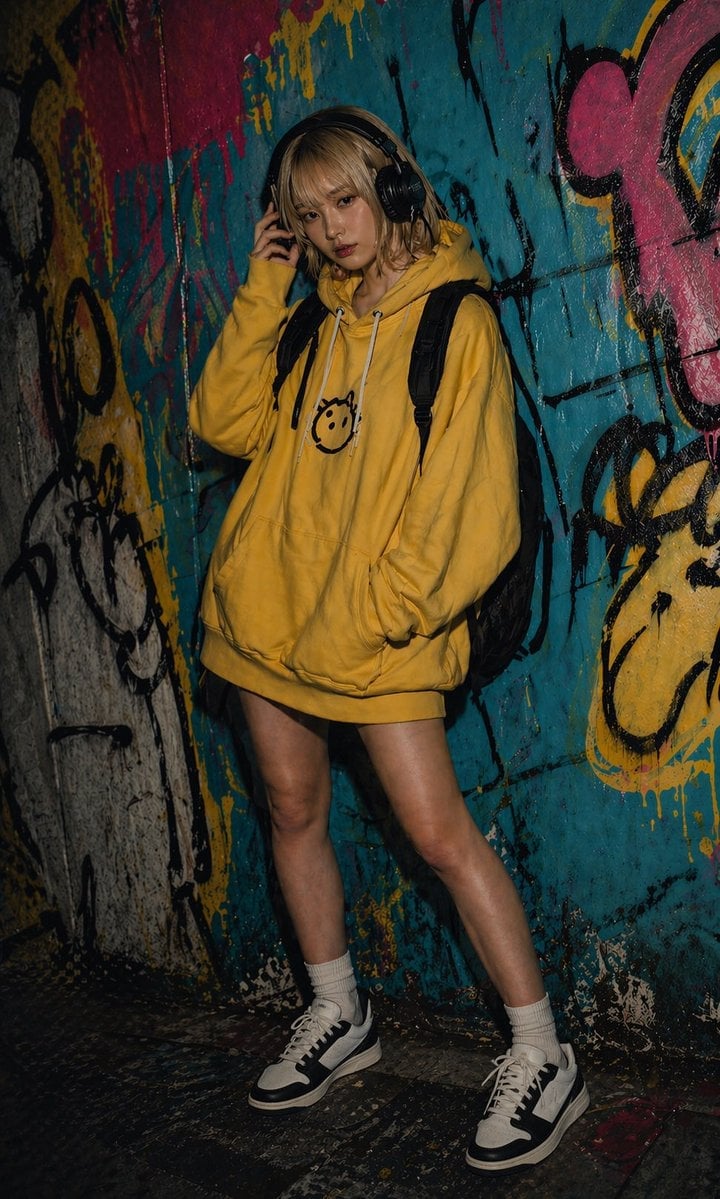
This prompt generates a realistic full-body streetwear portrait of a young woman in an oversized hoodie posing against a colorful graffiti wall, ideal for urban fashion and nightlife-themed AI imagery.
- Prompt included
- Model and format preset
- Free template
The prompt behind this image
Copy the exact prompt behind Urban Graffiti Hoodie Fashion Portrait, or open it in the studio and make it yours.
A moody full-body fashion portrait of a {argument name="subject" default="young woman"} standing in a narrow urban alley or tunnel covered in dense colorful graffiti, photographed at night with dramatic low-key lighting and flash-lit realism. She is leaning casually against the wall with 1 hand touching a large pair of over-ear black headphones and 1 hand tucked into the front pocket of an oversized {argument name="hoodie color" default="mustard yellow"} hoodie. The hoodie is long enough to read almost like a hoodie dress and has a simple black smiley-face graphic centered on the chest with white drawstrings. She wears a black backpack with 2 visible shoulder straps, white crew socks, and chunky black-and-white low-top sneakers. Her legs are bare, and her pose is relaxed with one knee slightly bent and one foot set forward. Her hair is shoulder-length, slightly messy, and {argument name="hair color" default="dark blonde"}. Compose the shot vertically from head to shoes, with the subject centered slightly left of frame. The background is a gritty painted wall dominated by turquoise blue, yellow, pink, and black spray paint, with drips, tags, and abstract cartoon-like graffiti shapes creating a raw street-art atmosphere. The floor is dark, worn, and reflective with paint splatters. Use high contrast, deep shadows, realistic skin and fabric texture, editorial streetwear photography style, underground urban vibe, sharp focus on clothing and body, subdued facial detail, and a cinematic dark nightlife mood.
How to use Urban Graffiti Hoodie Fashion Portrait in 3 steps
- 1Upload ImagePNG, JPG or paste
Add your photo
Upload the photo the template builds on. The prompt, model and format are already set.
- 2…a portrait of your subject in softgolden-hour light, 85mm…
Personalize
Edit the subject and creative details for your destination.
- 3Generate
Generate
Press Generate — your image is created in PicX Studio, so you can compare it with the original and refine one variable at a time.
More like this
Templates with the same subject, style or setup. Open one to see its prompt.

Frozen Street Luxe Graffiti Fashion Campaign
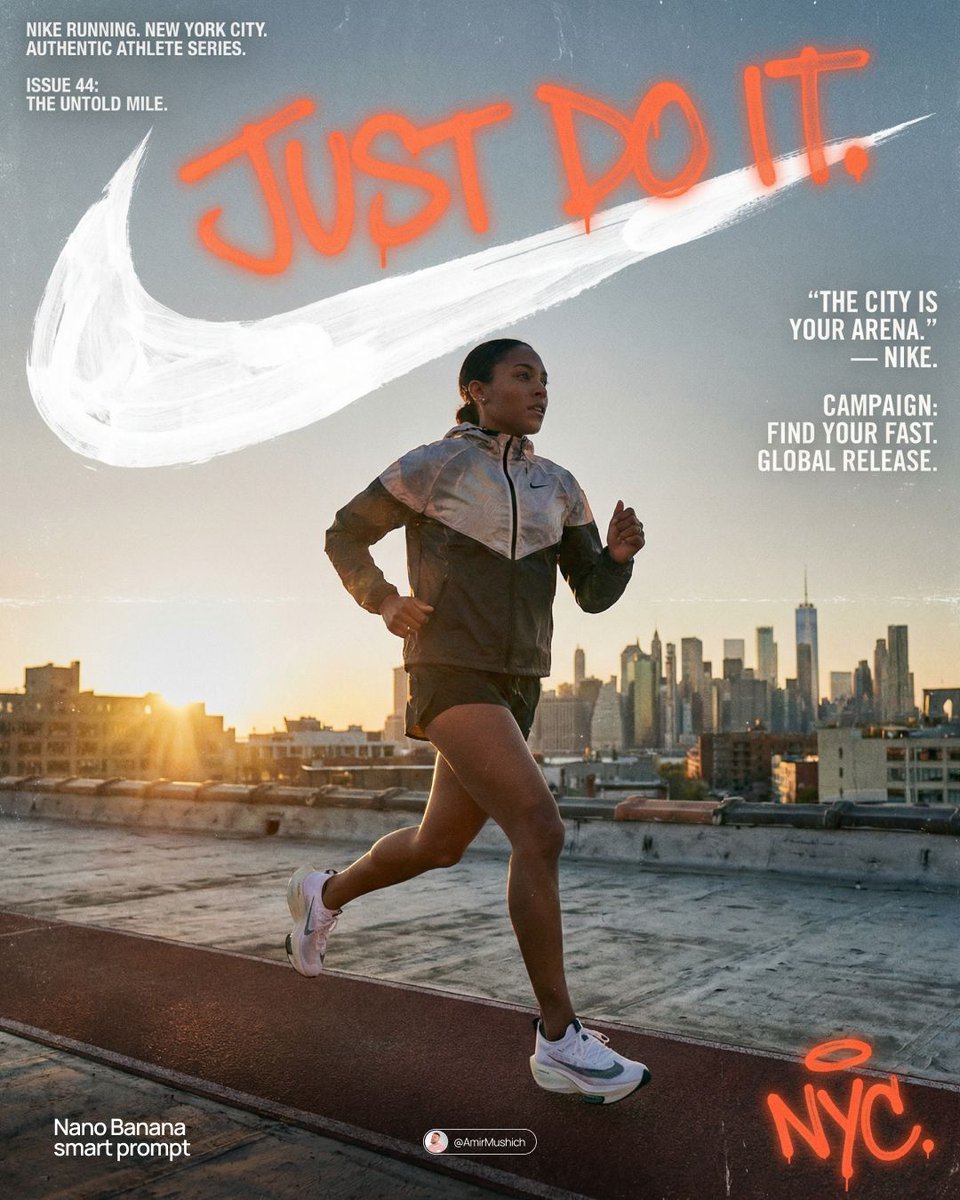
Miles Morales Spider-Man Brooklyn Graffiti
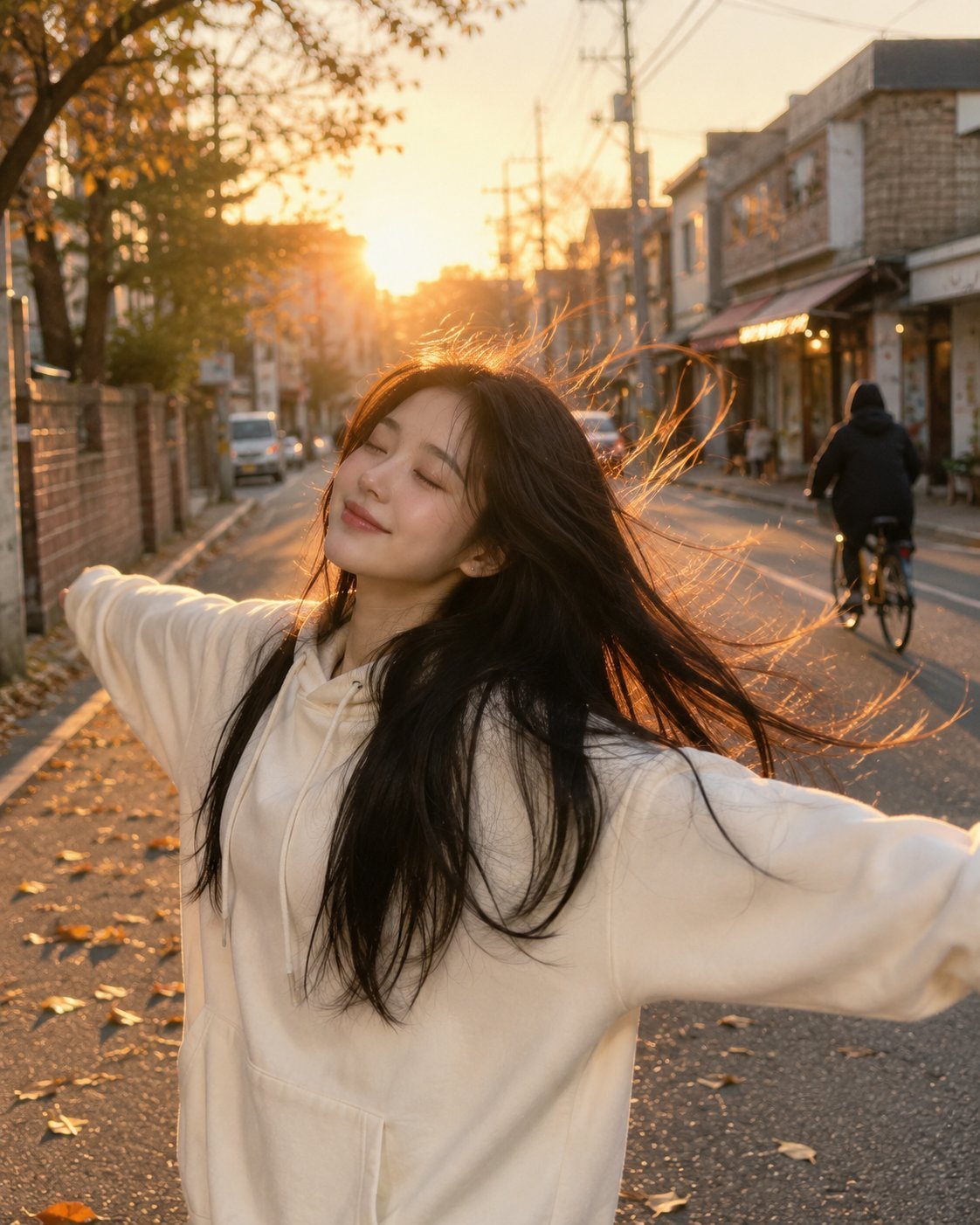
Golden Hour Street Hoodie Lifestyle Portrait

Nano Banana 2 High Fashion Sports Campai

Couture Fashion Editorial Woman and Drag

Ive Yujin Fashion Portrait in Blue

Nano Banana 2 Editorial Fashion Portrait

Caution Tape Fashion — Industrial Editorial
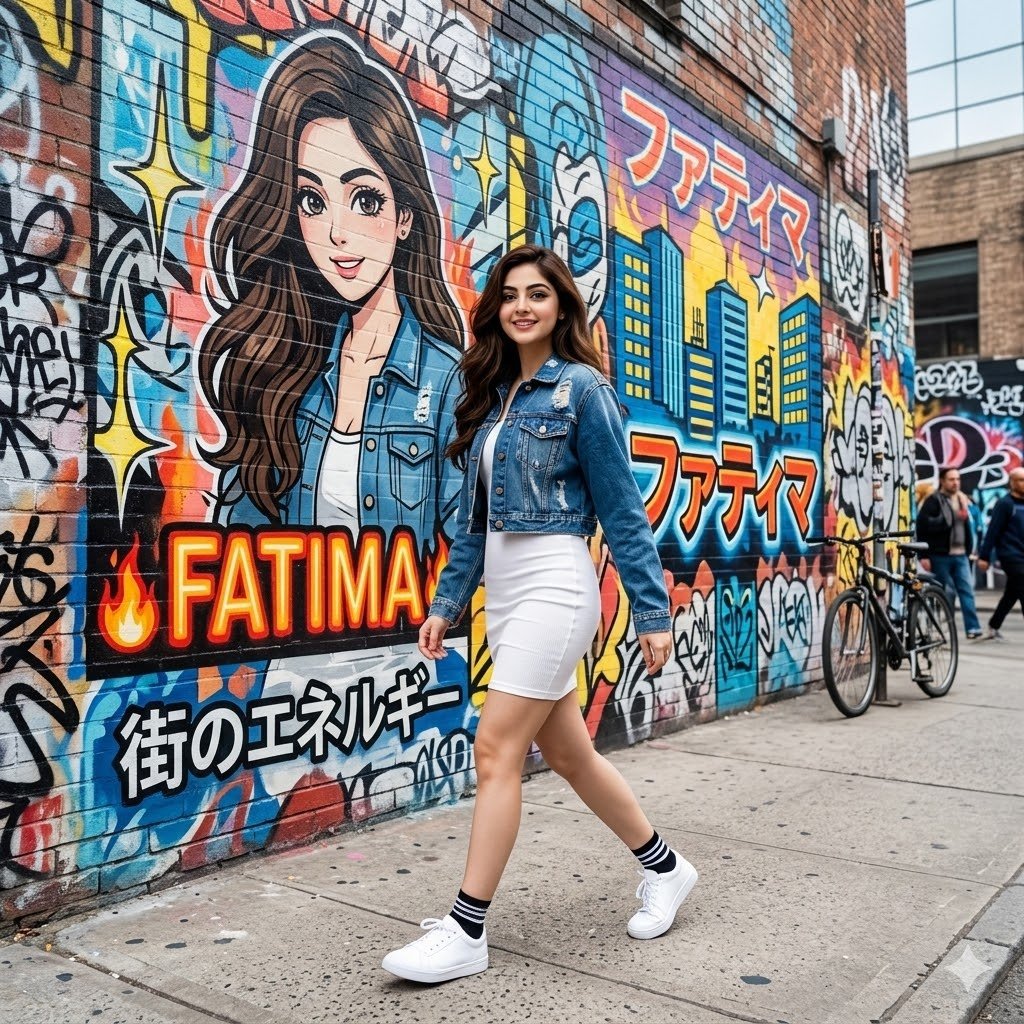
Graffiti Wall Urban Fashion Portrait
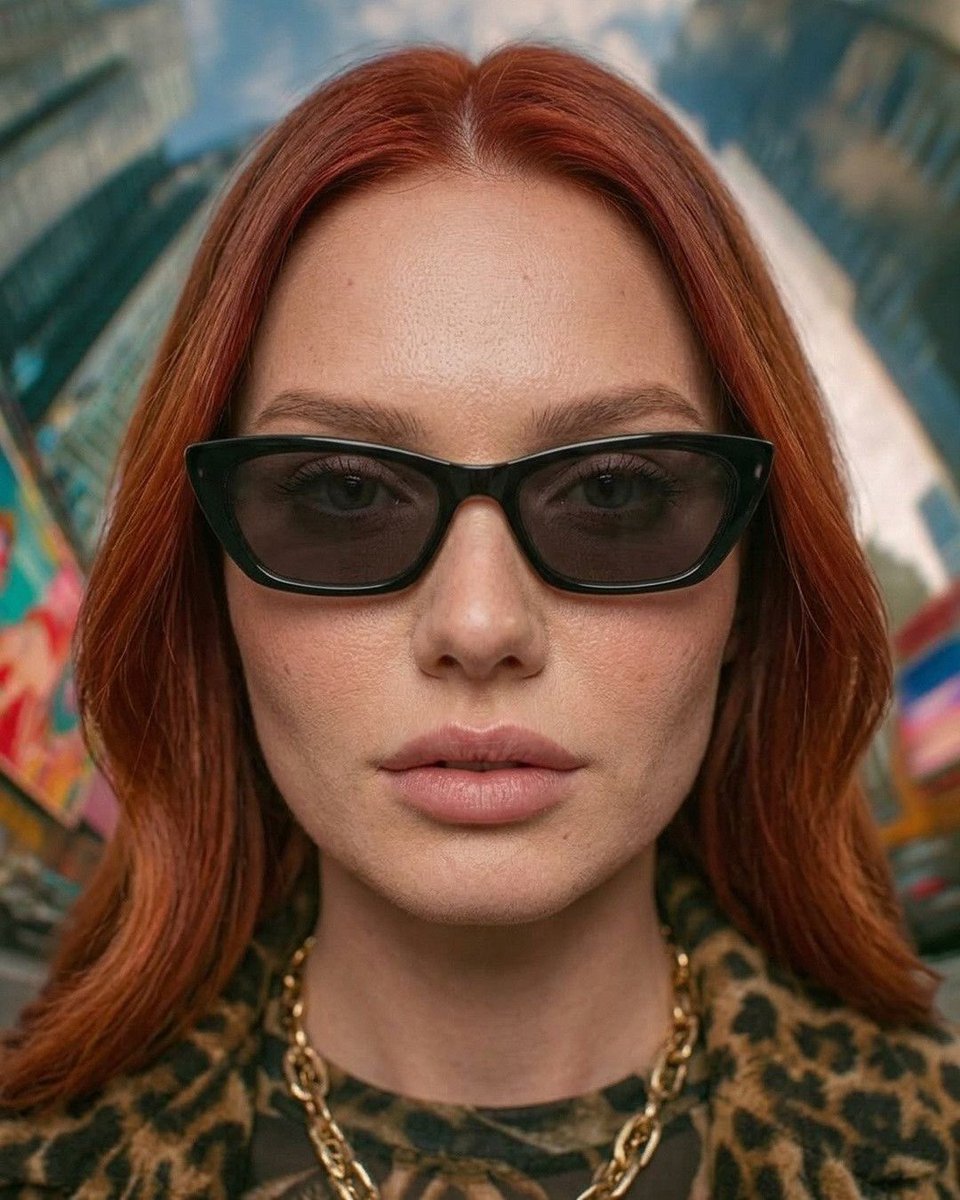
Urban Fashion Symmetrical Portrait
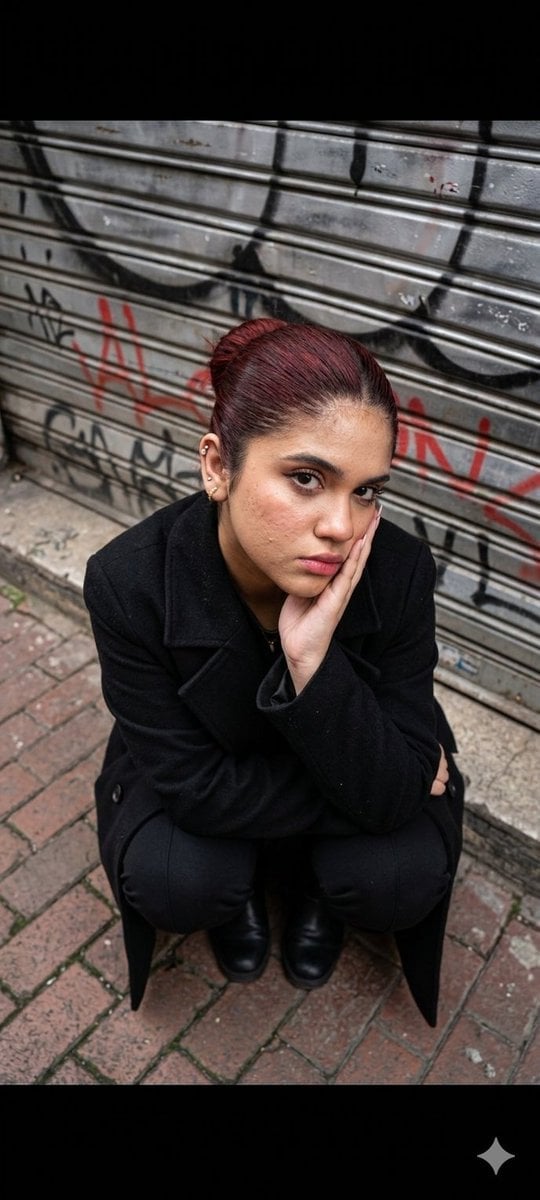
Urban Fashion Portrait
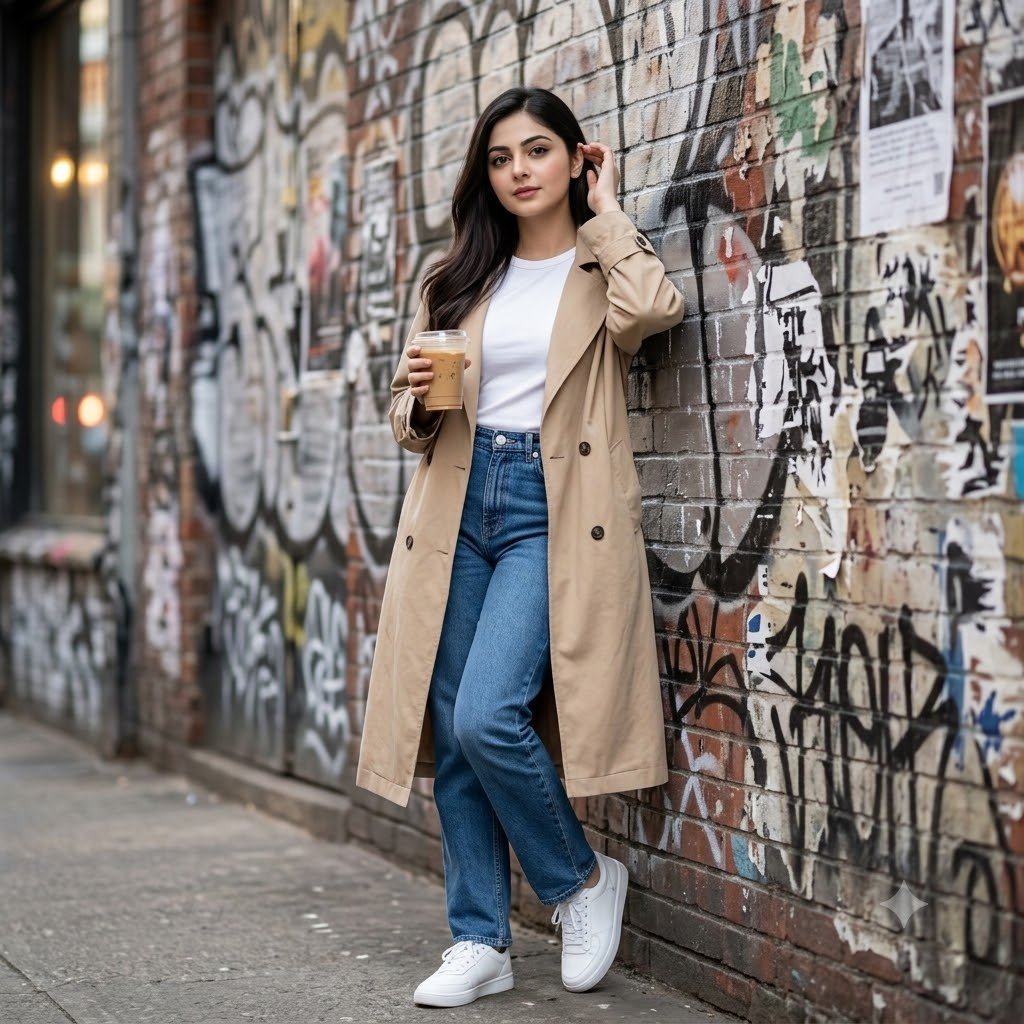
Urban Graffiti Brick Wall Portrait
Make it yours
Urban Graffiti Hoodie Fashion Portrait works as-is. These are the safest ways to change it without losing the look.
Change one field
Copy a single group, rewrite it, and generate again so you can see what that field is doing.
Keep the frame, change the subject
Hold the composition and light of Urban Graffiti Hoodie Fashion Portrait, then swap wardrobe, props or the person for a new take.
| If the result… | Why | Fix |
|---|---|---|
| The result drifts from the preview | Too many fields changed at once. | Reuse Urban Graffiti Hoodie Fashion Portrait as-is first, then change one group — subject, light, or setting. |
| The model over-stylizes the scene | The prose prompt leaves finish and camera underspecified. | Add one camera or lighting sentence and stay on GPT Image 2. |
More GPT Image 2 templates
Other prompts made for GPT Image 2.

Six VTuber Japanese Logo Sheet

Realistic Portrait of Woman and Deer

The Vista Modular Condo Poster

AI Model Routing Comparison Infographic

2.5D Anime Art Board

Isometric Productivity Desk Scene

New York Double Exposure Poster

Four-Panel AI Landscape Comparison

Japanese Tatami Lifestyle Magazine Cover

NESCAFÉ Coffee Map Poster
More image prompts
Fresh picks from across the catalog.
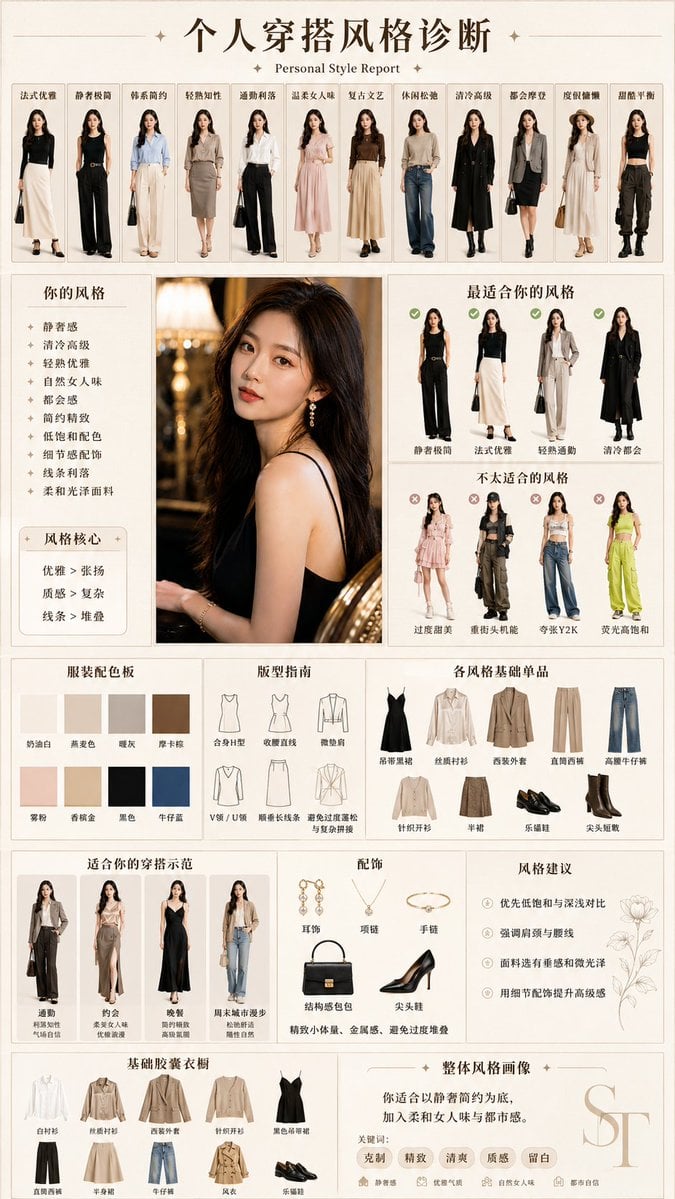
Personal Style Diagnosis Report
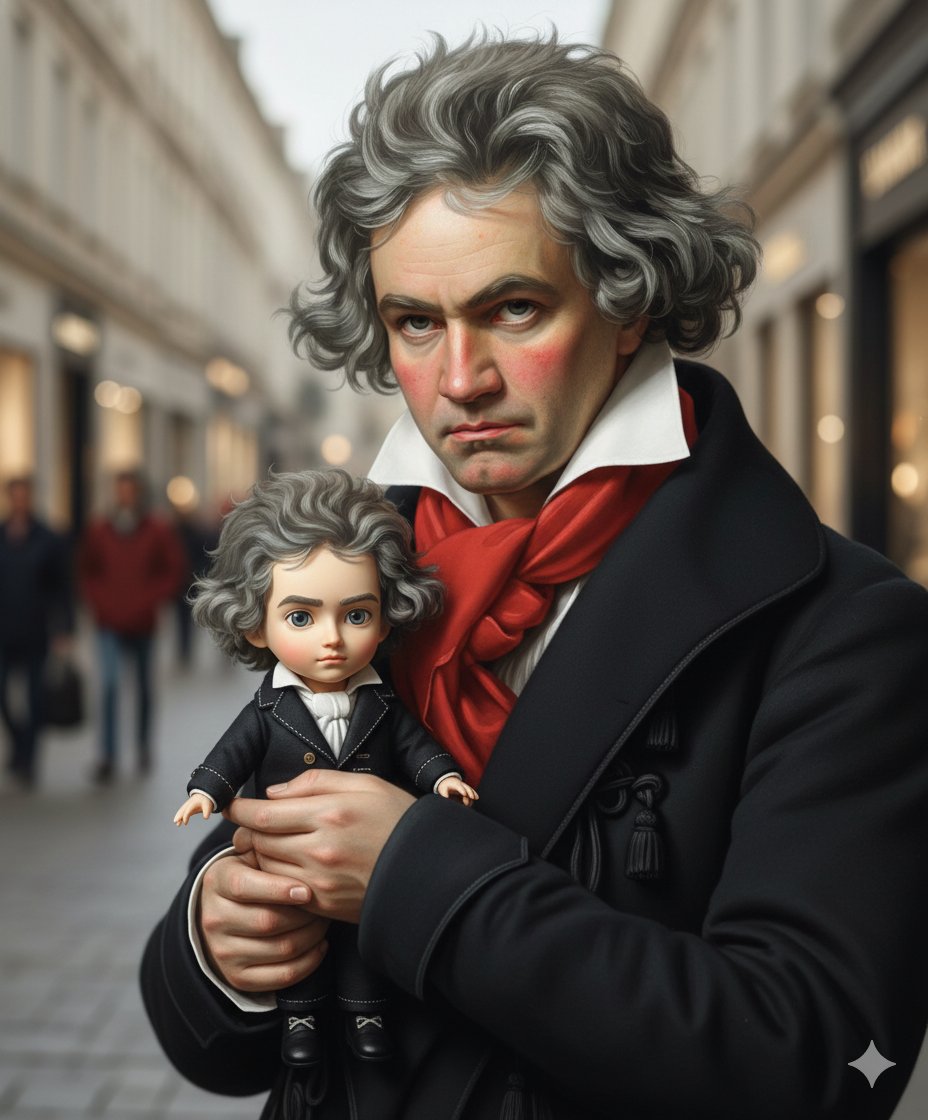
Mini-Me Q-Version Avatar Generation Prompt
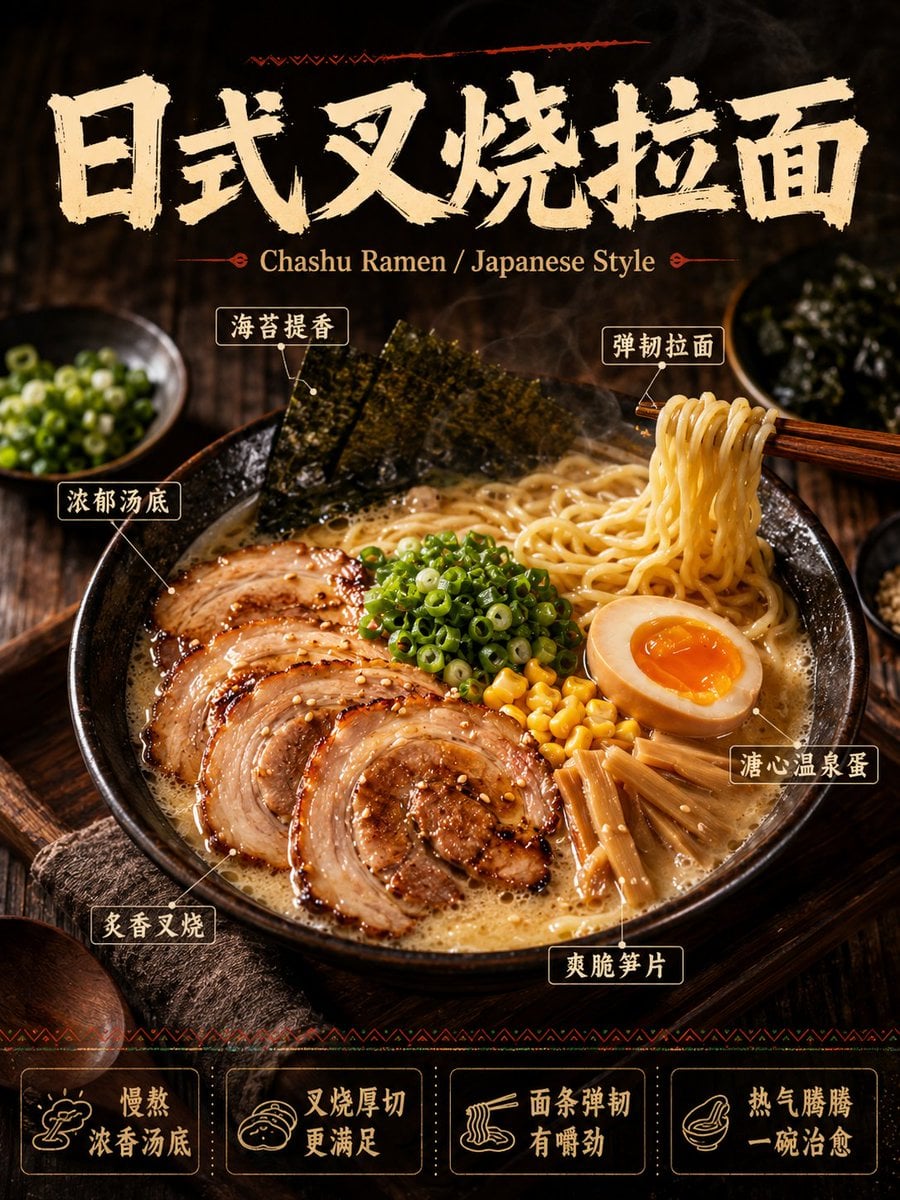
《我的世界风格化照片》提示词: 请基于用户上传的真实户外照片进行风格化改造。 保留照片中的主体不
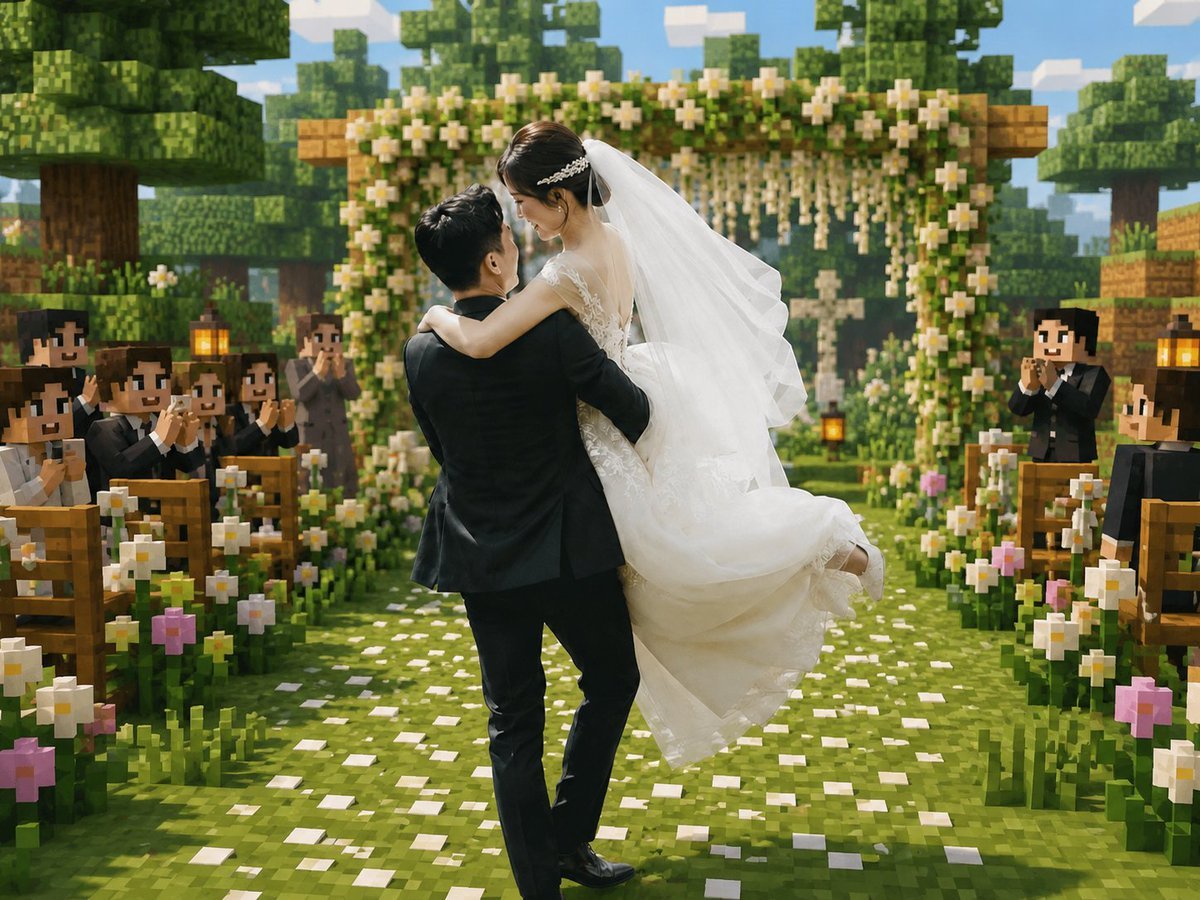
Minecraft Voxel Wedding Ceremony
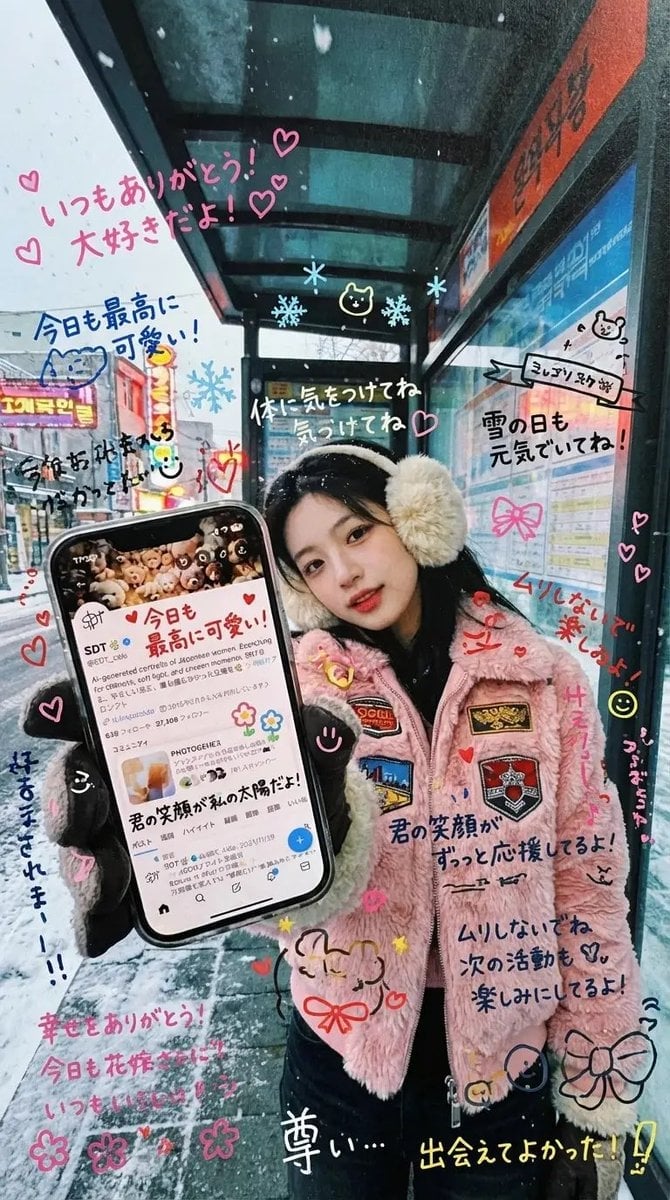
Handwritten Graffiti Message for Favorite Idol
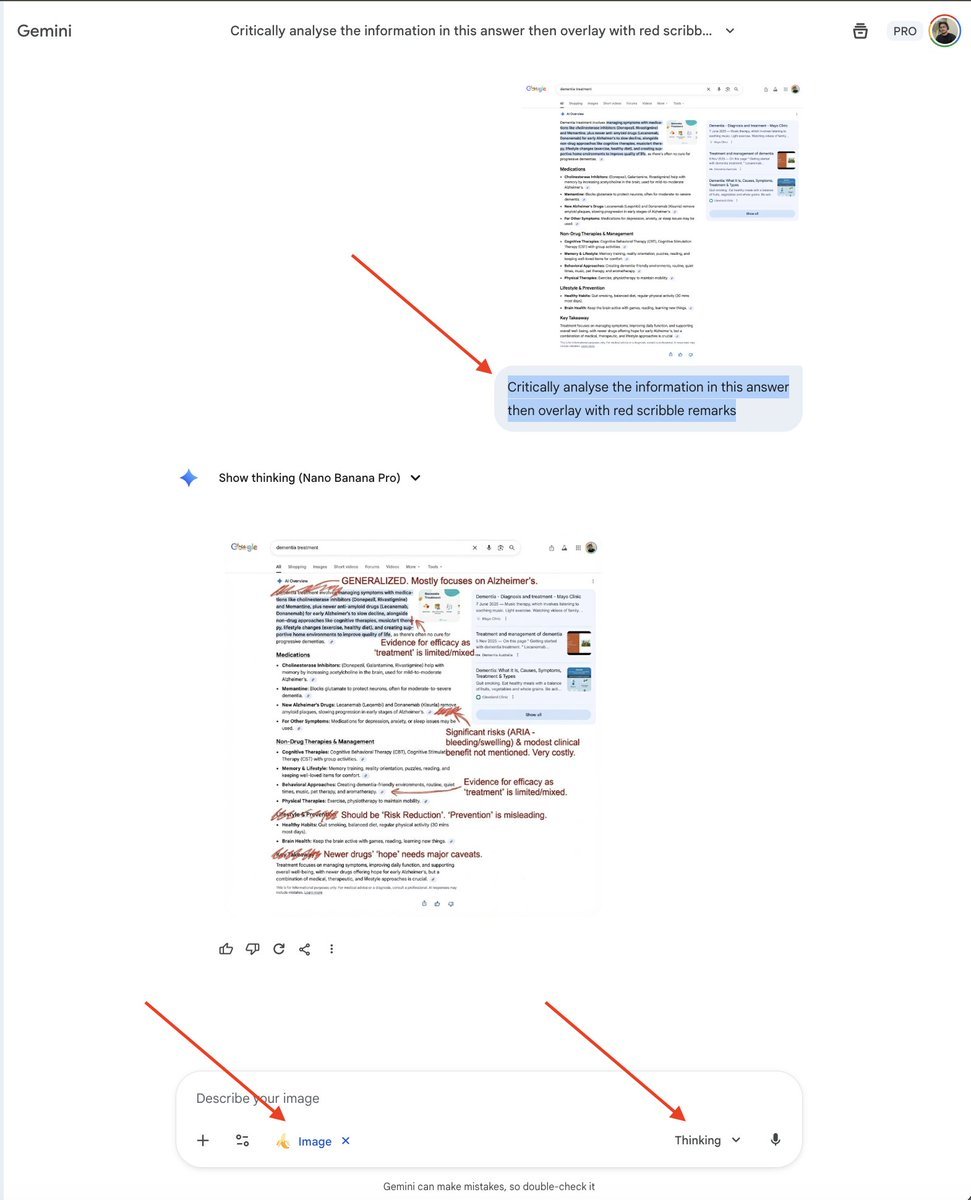
AI Overview Critical Analysis Prompt
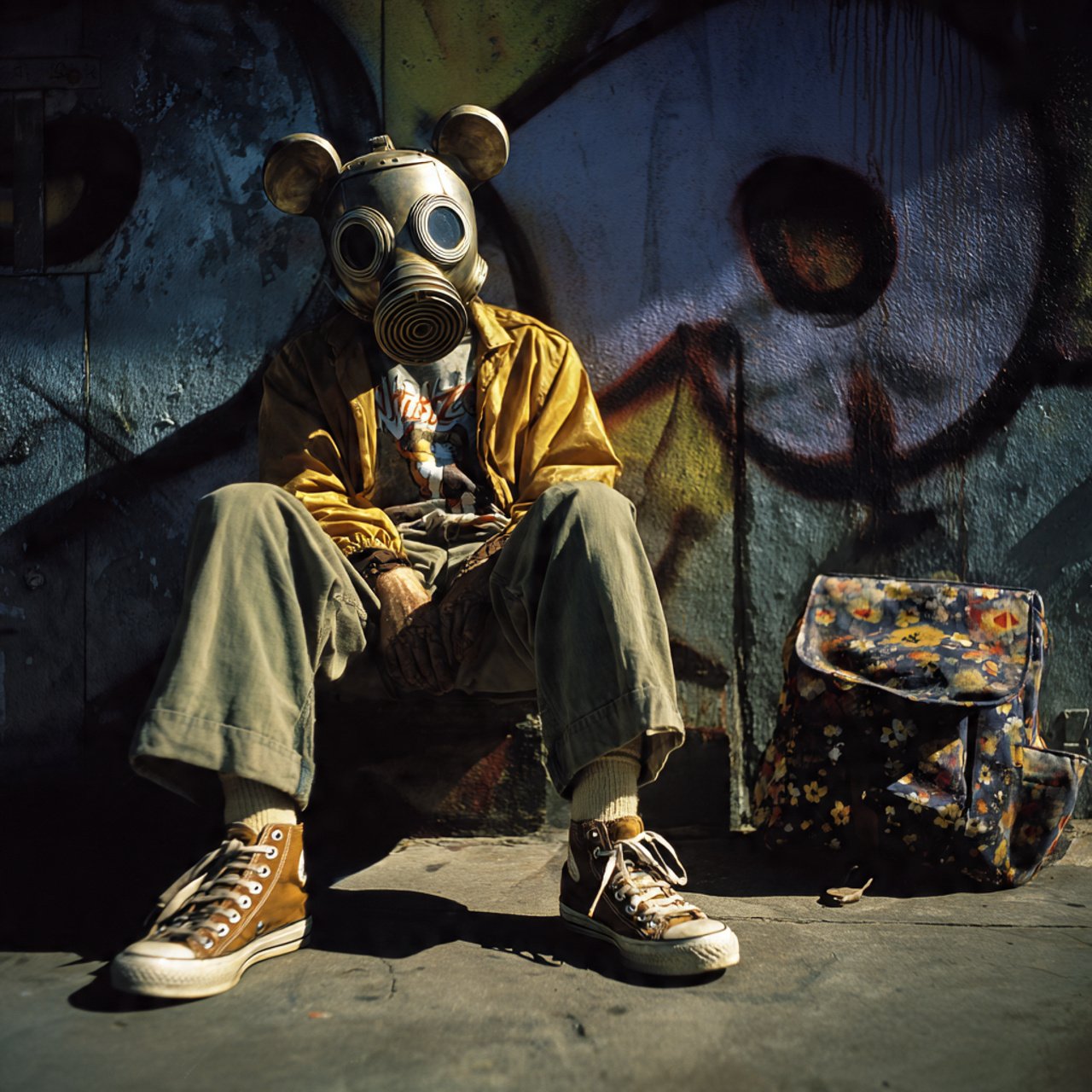
mickey toxico
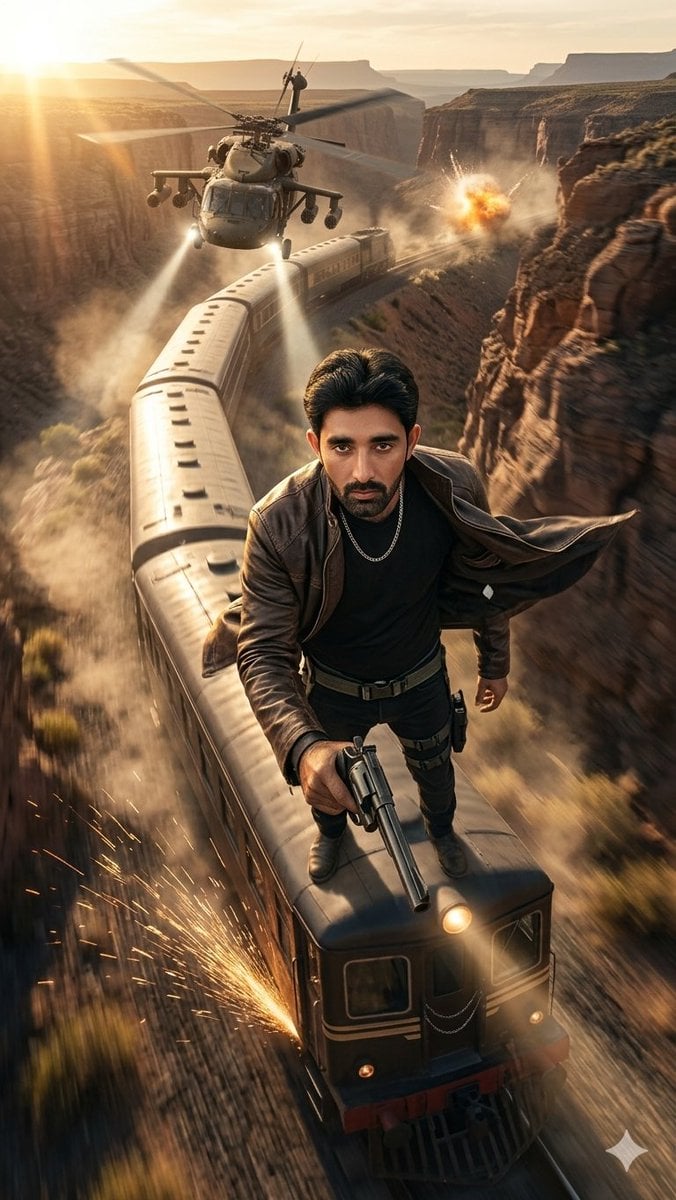
Canyon Train Action Hero
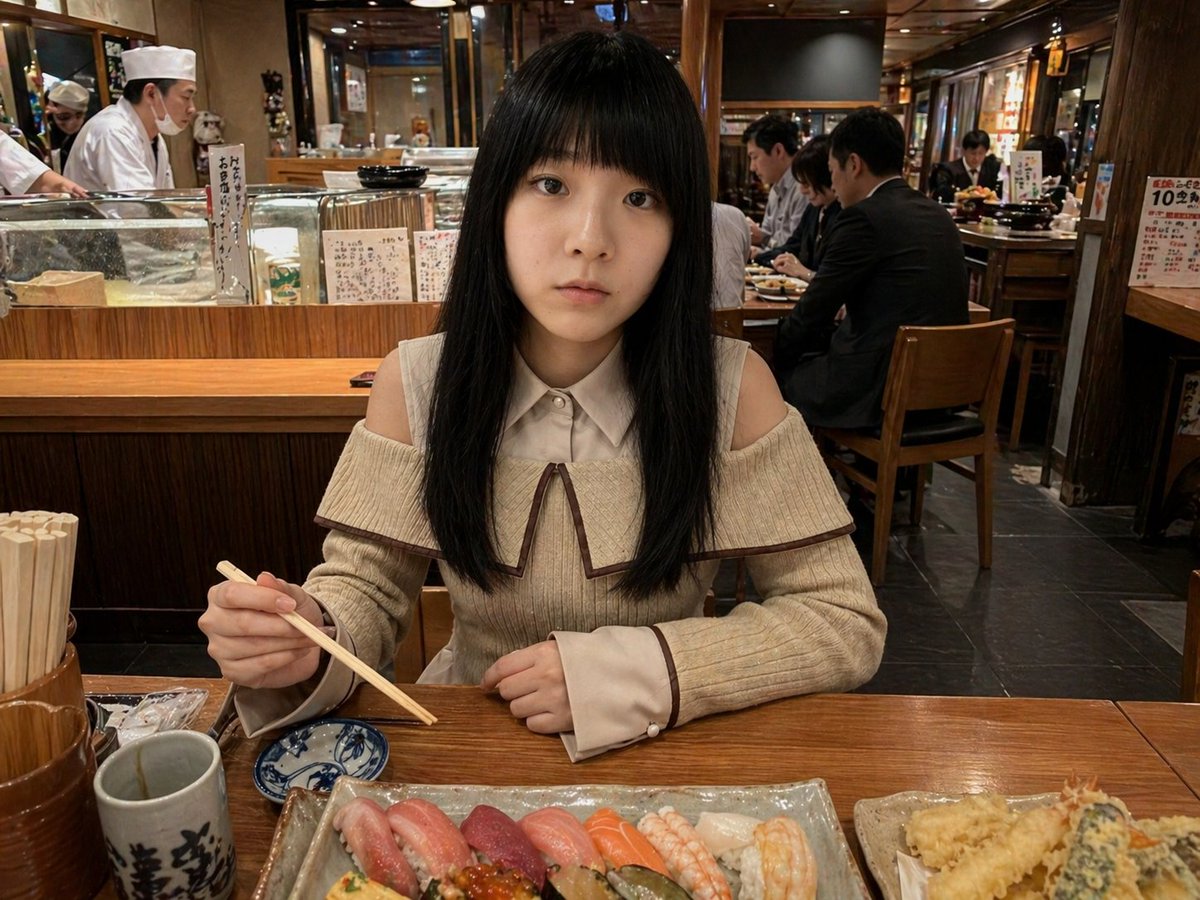
Photorealistic Sushi Counter Dinner Portrait
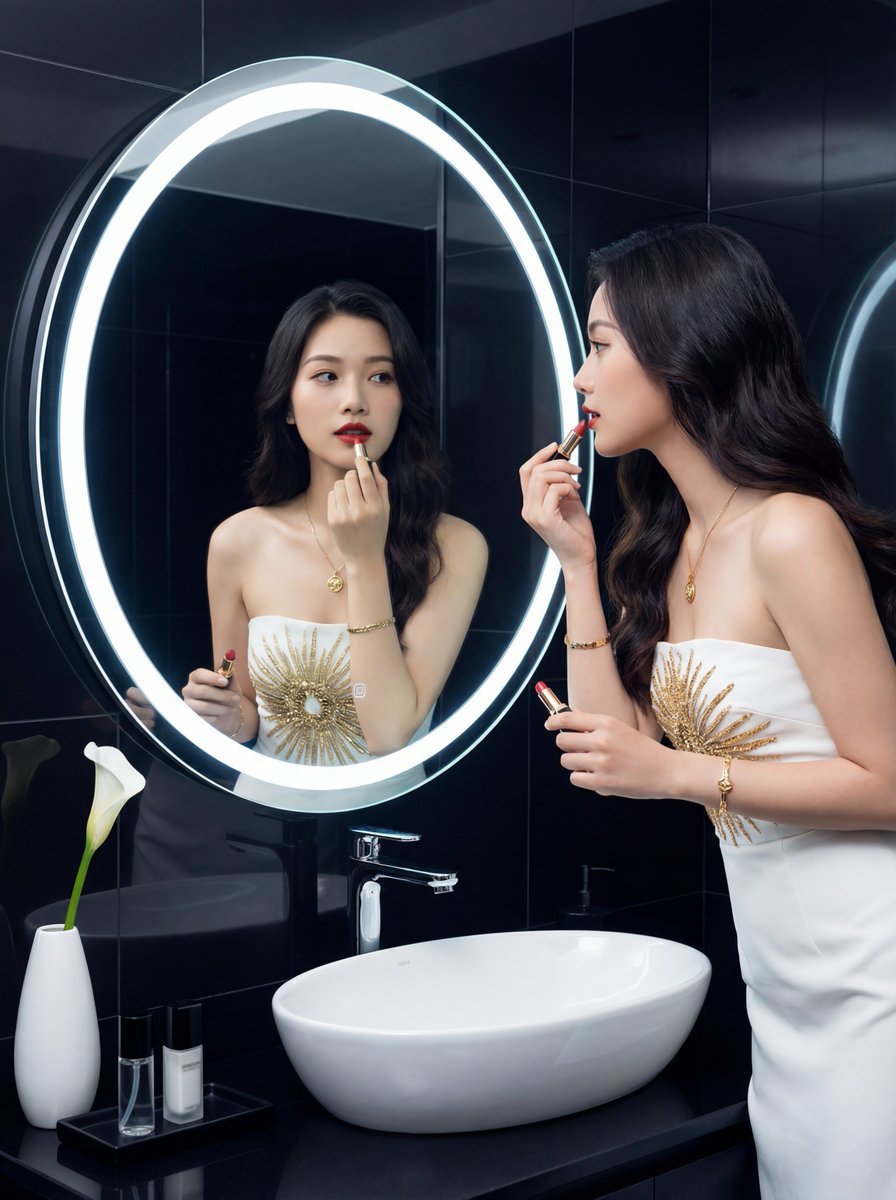
Luxury Bathroom Selfie with Mirror Reflection
Browse template categories
Urban Graffiti Hoodie Fashion Portrait questions
How do I use the Urban Graffiti Hoodie Fashion Portrait template?
Add your photo if the template asks for one, edit the prompt if you like — the template's model and format are already selected — and press Generate. Your version opens in PicX Studio.
Can I customize the Urban Graffiti Hoodie Fashion Portrait template?
Yes. You can change the subject, setting, lighting, mood, format, and available model controls before creating your image.
Is the Urban Graffiti Hoodie Fashion Portrait template free?
Opening and editing this template is free. Generating uses credits, shown on the Generate button when you are signed in.
Which AI model should I use?
Start with GPT Image 2, which is the model associated with this template. You can compare another compatible model for a different finish.
Looking for something else? Browse all templates.

Your photo, any look
Thousands of ready templates for every top image and video model, from one credit balance.