
《我的世界风格化照片》提示词: 请基于用户上传的真实户外照片进行风格化改造。 保留照片中的主体不
Author-provided prompt extracted from a self-reply.
- Prompt included
- Model and format preset
- Free template
The prompt behind this image
Copy the exact prompt behind 《我的世界风格化照片》提示词: 请基于用户上传的真实户外照片进行风格化改造。 保留照片中的主体不, or open it in the studio and make it yours.
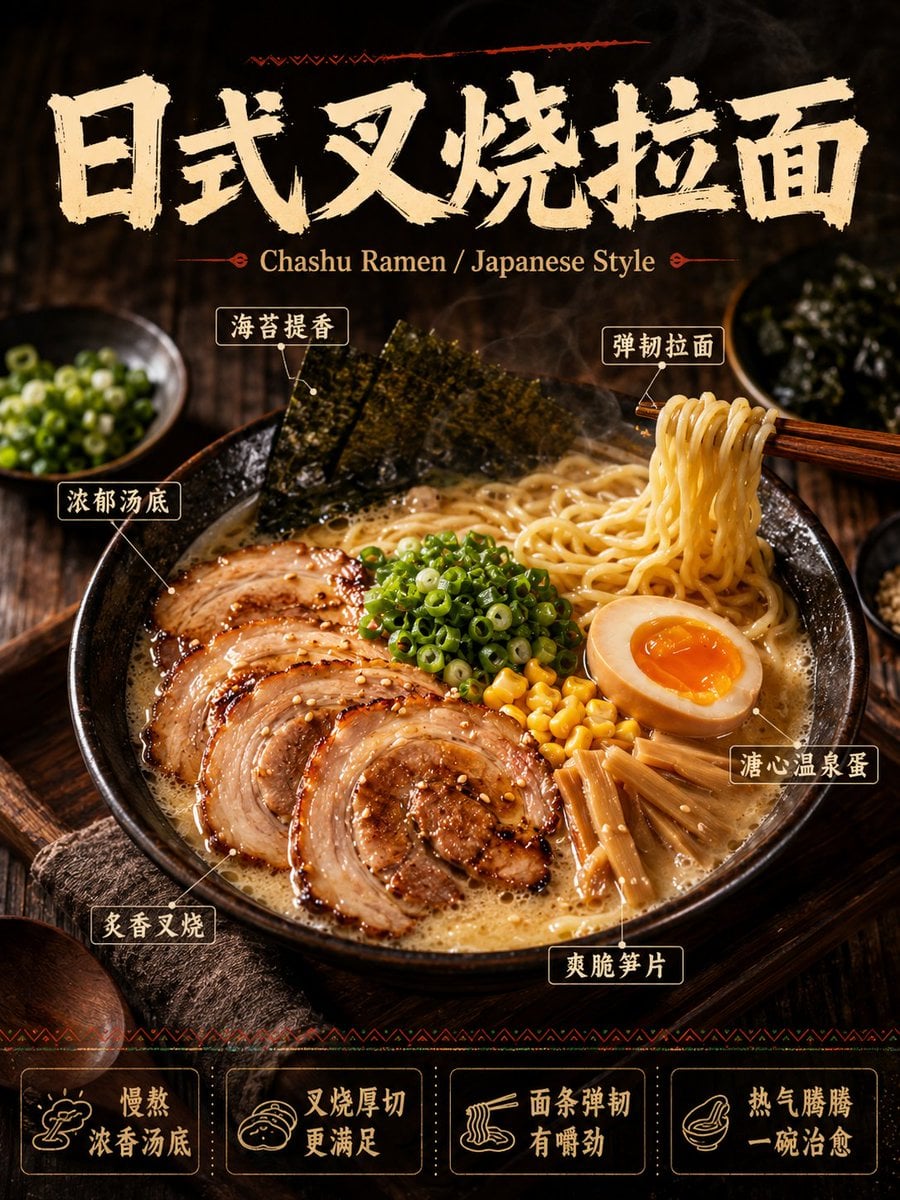
Please generate a highly finished "Chinese-led commercial food-and-beverage poster." 【Theme/Category】 【Chinese Main Title】 【English Supporting Subtitle】(optional, small supporting text) 【Main Hero Food Visual】 【Ingredient Labels】(4-6 of them, mainly in Chinese) 【Bottom Selling-Point Copy】(4 lines, short Chinese sentences) Overall Requirements:
How to use 《我的世界风格化照片》提示词: 请基于用户上传的真实户外照片进行风格化改造。 保留照片中的主体不 in 3 steps
- 1
Open
The prompt is already in the box next to the preview, with the template's model and format selected.
- 2…a portrait of your subject in softgolden-hour light, 85mm…
Personalize
Edit the subject and creative details for your destination.
- 3Generate
Generate
Press Generate — your image is created in PicX Studio, so you can compare it with the original and refine one variable at a time.
Make it yours
《我的世界风格化照片》提示词: 请基于用户上传的真实户外照片进行风格化改造。 保留照片中的主体不 works as-is. These are the safest ways to change it without losing the look.
Change one field
Copy a single group, rewrite it, and generate again so you can see what that field is doing.
Keep the frame, change the subject
Hold the composition and light of 《我的世界风格化照片》提示词: 请基于用户上传的真实户外照片进行风格化改造。 保留照片中的主体不, then swap wardrobe, props or the person for a new take.
| If the result… | Why | Fix |
|---|---|---|
| The result drifts from the preview | Too many fields changed at once. | Reuse 《我的世界风格化照片》提示词: 请基于用户上传的真实户外照片进行风格化改造。 保留照片中的主体不 as-is first, then change one group — subject, light, or setting. |
| The model over-stylizes the scene | The prose prompt leaves finish and camera underspecified. | Add one camera or lighting sentence and stay on GPT Image 2. |
More GPT Image 2 templates
Other prompts made for GPT Image 2.

Six VTuber Japanese Logo Sheet

Realistic Portrait of Woman and Deer

The Vista Modular Condo Poster

AI Model Routing Comparison Infographic

2.5D Anime Art Board

Isometric Productivity Desk Scene

New York Double Exposure Poster

Four-Panel AI Landscape Comparison

Japanese Tatami Lifestyle Magazine Cover

NESCAFÉ Coffee Map Poster
More image prompts
Fresh picks from across the catalog.
Winter Watercolor Portrait with Identity Lock Prompt

VTuber Software Battle Thumbnail
Cyberpunk Future Ready Fashion Poster

Anonymized Schoolgirl by Classroom Window
Micro Diorama Scene Generator
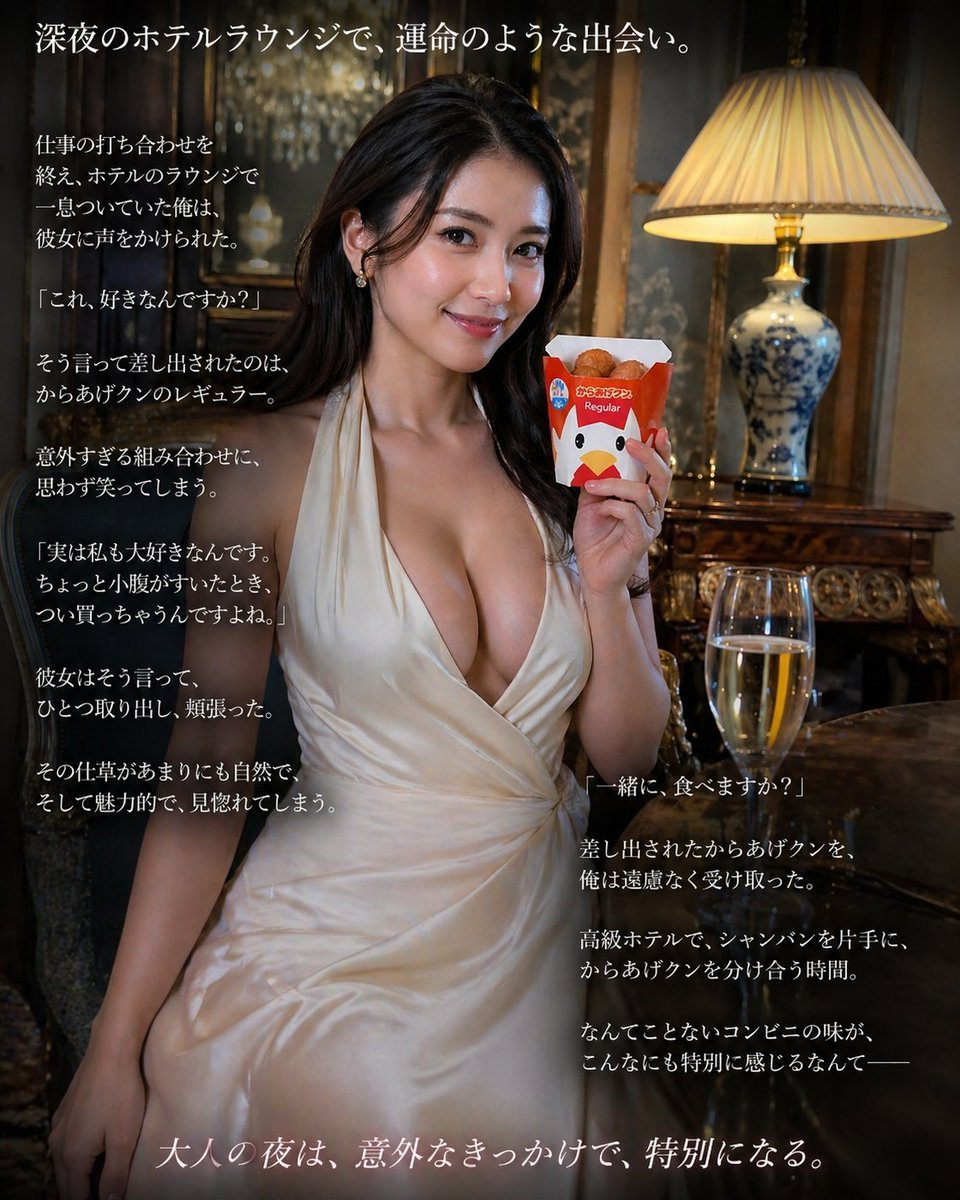
Cinematic Hotel Lounge Portrait
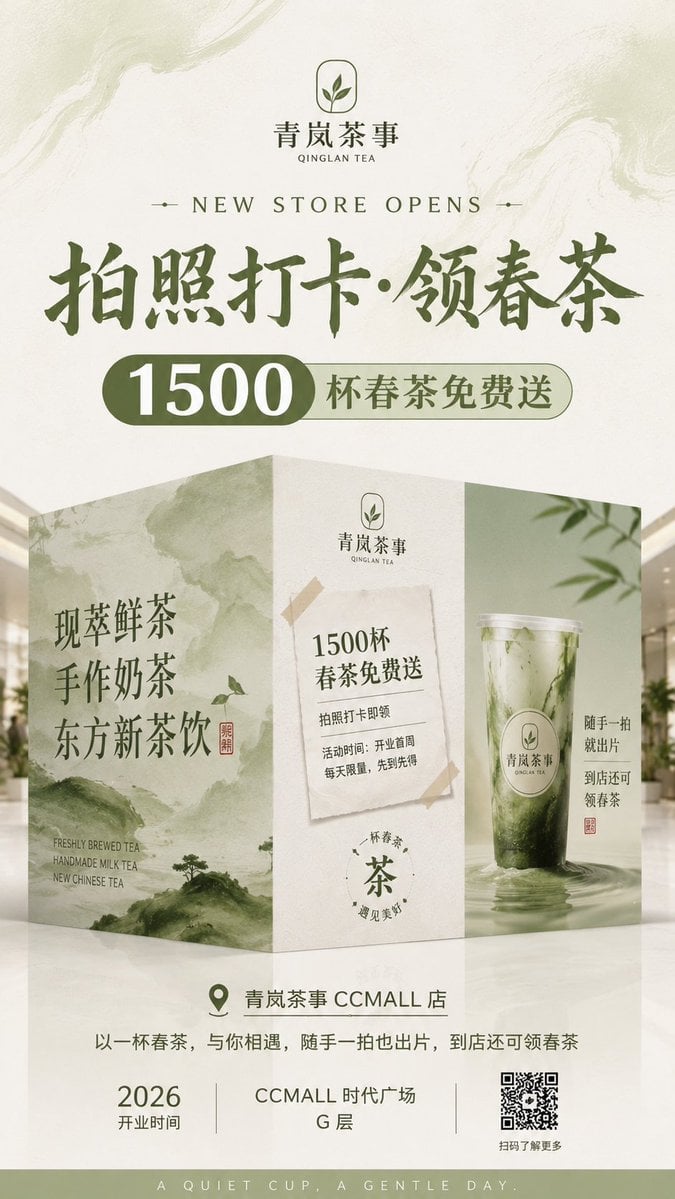
New Chinese Tea Store Hoarding Poster

Mediterranean Lakeside Travel Editorial
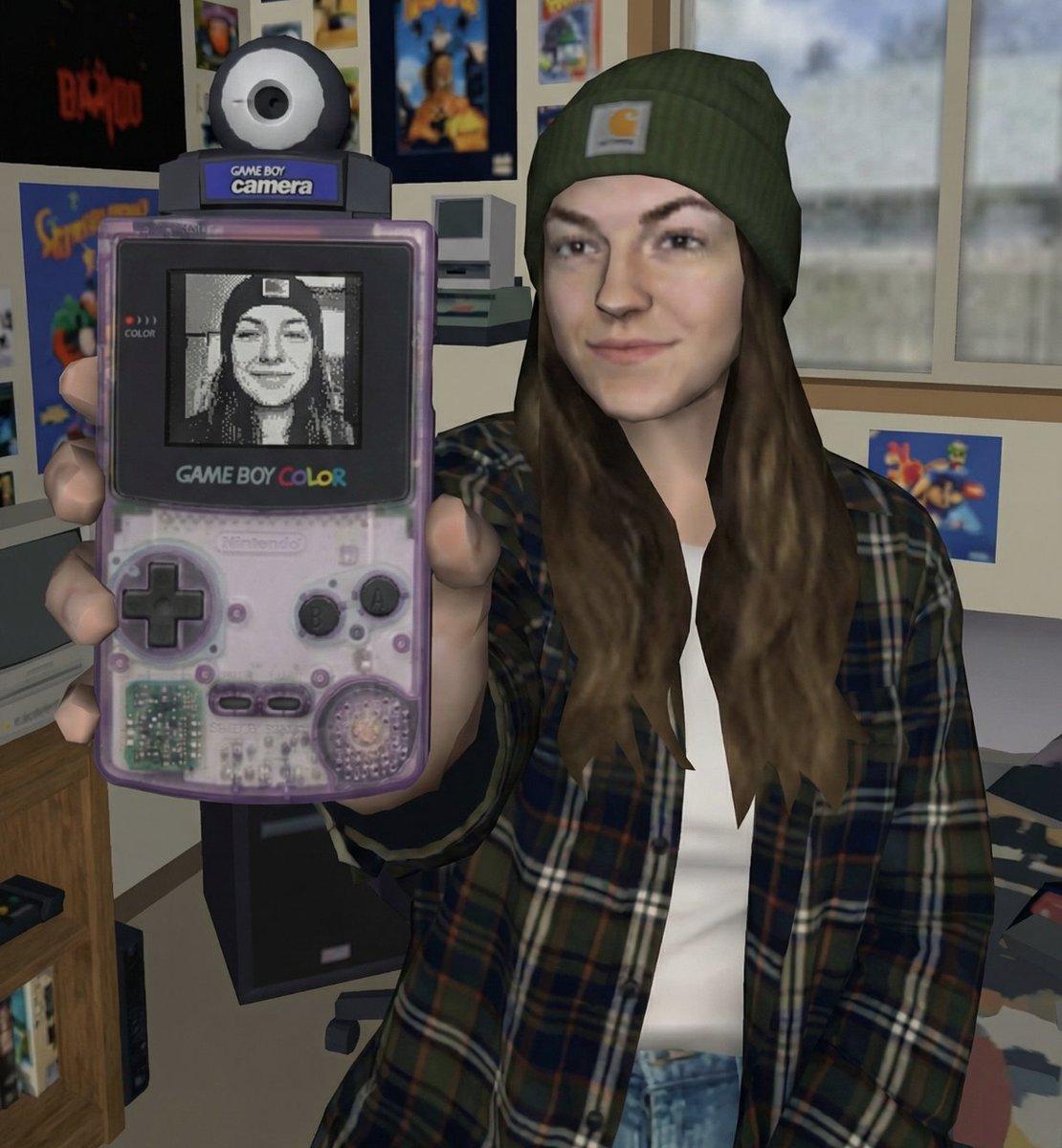
Early 2000s Video Game Render Style Transfer
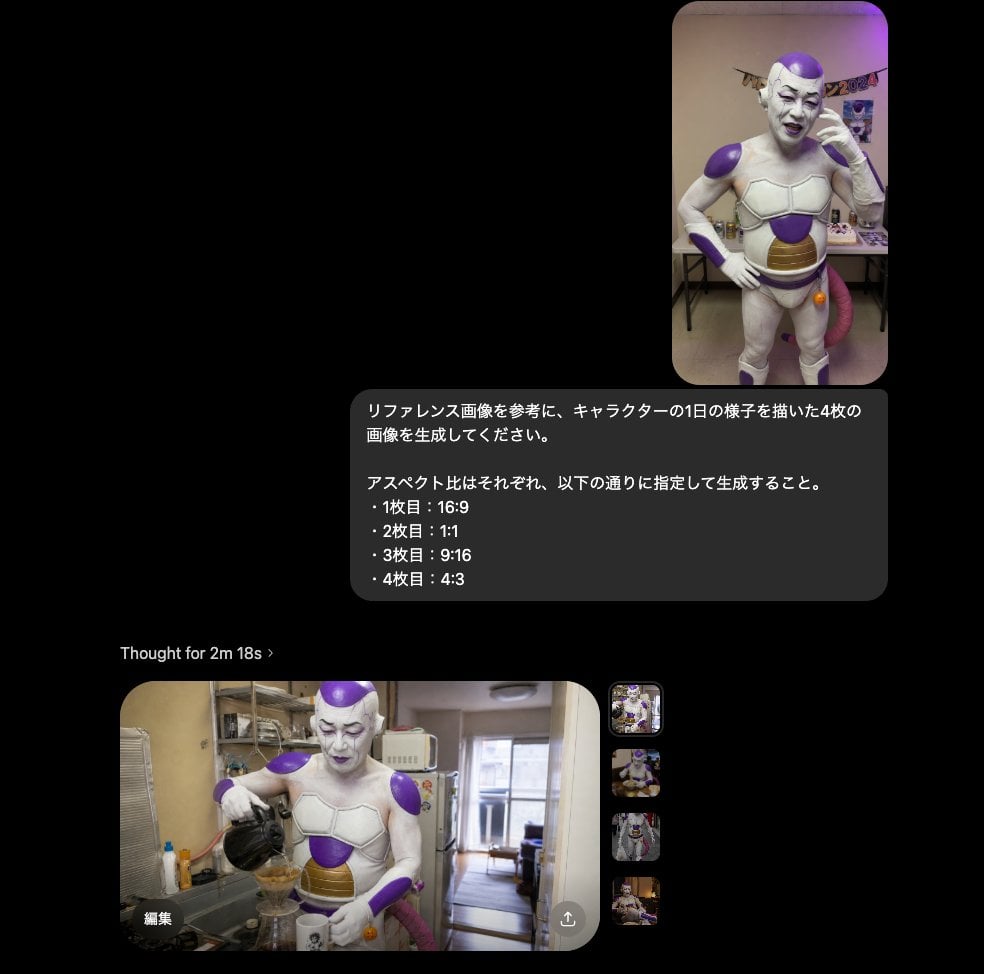
Multi-Aspect Character Life Sequence
Browse template categories
《我的世界风格化照片》提示词: 请基于用户上传的真实户外照片进行风格化改造。 保留照片中的主体不 questions
How do I use the 《我的世界风格化照片》提示词: 请基于用户上传的真实户外照片进行风格化改造。 保留照片中的主体不 template?
Add your photo if the template asks for one, edit the prompt if you like — the template's model and format are already selected — and press Generate. Your version opens in PicX Studio.
Can I customize the 《我的世界风格化照片》提示词: 请基于用户上传的真实户外照片进行风格化改造。 保留照片中的主体不 template?
Yes. You can change the subject, setting, lighting, mood, format, and available model controls before creating your image.
Is the 《我的世界风格化照片》提示词: 请基于用户上传的真实户外照片进行风格化改造。 保留照片中的主体不 template free?
Opening and editing this template is free. Generating uses credits, shown on the Generate button when you are signed in.
Which AI model should I use?
Start with GPT Image 2, which is the model associated with this template. You can compare another compatible model for a different finish.
Looking for something else? Browse all templates.

Your photo, any look
Thousands of ready templates for every top image and video model, from one credit balance.