
VTuber Software Battle Thumbnail
Generates a colorful Japanese anime-style YouTube thumbnail for a VTuber music production livestream software matchup.
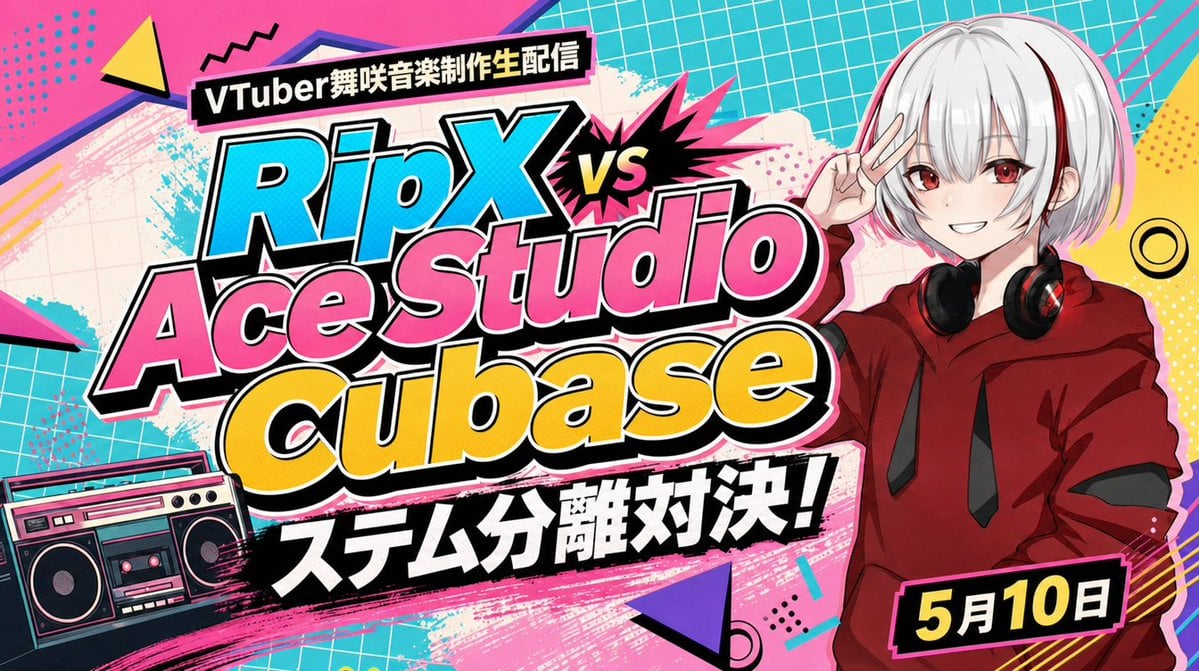
- Prompt included
- Model and format preset
- Free template
The prompt behind this image
Copy the exact prompt behind VTuber Software Battle Thumbnail, or open it in the studio and make it yours.
- Type
- high-energy Japanese VTuber YouTube thumbnail
- Format
- 16:9 widescreen banner
- Style
- bold pop anime, esports versus poster, 1990s street graphic design, thick black and white sticker outlines, halftone dots, comic burst shapes, neon cyan pink yellow palette, crisp readable typography
- Main Text › Count
- 5
- Main Text › Items › 0 › Position
- top left on black slanted label
- Main Text › Items › 0 › Text
- {argument name="stream label text" default="VTuber舞咲音楽制作生配信"}
- Main Text › Items › 0 › Style
- small bold white Japanese text
- Main Text › Items › 1 › Position
- center left, largest title
- Main Text › Items › 1 › Text
- {argument name="software matchup text" default="RipX vs Ace Studio Cubase"}
- Main Text › Items › 1 › Style
- huge layered Latin lettering, RipX in cyan, Ace Studio in hot pink, Cubase in yellow, black shadows, white outlines, comic vs burst between RipX and Ace Studio
- Main Text › Items › 2 › Position
- lower center on black brush-stroke banner
- Main Text › Items › 2 › Text
- {argument name="headline text" default="ステム分離対決!"}
- Main Text › Items › 2 › Style
- very bold white Japanese text with black background and rough painted edges
- Main Text › Items › 3 › Position
- bottom right on black rectangle with pink border
- Main Text › Items › 3 › Text
- {argument name="date text" default="5月10日"}
- Main Text › Items › 3 › Style
- large yellow date text with white month character, angled label
- Main Text › Items › 4 › Position
- center burst
- Main Text › Items › 4 › Text
- vs
- Main Text › Items › 4 › Style
- yellow letters inside black jagged explosion with hot pink spikes
- Character › Position
- right third of image
- Character › Count
- 1
- Character › Description
- anime VTuber girl from waist up, pale skin, short silver-white bob hair with straight bangs, red eyes, smiling confidently, making a V peace sign beside her face, wearing a deep red oversized hoodie with black drawstrings and black over-ear headphones resting around her neck
- Character › Customizable Name
- {argument name="character name" default="舞咲"}
- Objects › Count
- 1
Raw JSON
{"type":"high-energy Japanese VTuber YouTube thumbnail","format":"16:9 widescreen banner","style":"bold pop anime, esports versus poster, 1990s street graphic design, thick black and white sticker outlines, halftone dots, comic burst shapes, neon cyan pink yellow palette, crisp readable typography","main_text":{"count":5,"items":[{"position":"top left on black slanted label","text":"{argument name=\"stream label text\" default=\"VTuber舞咲音楽制作生配信\"}","style":"small bold white Japanese text"},{"position":"center left, largest title","text":"{argument name=\"software matchup text\" default=\"RipX vs Ace Studio Cubase\"}","style":"huge layered Latin lettering, RipX in cyan, Ace Studio in hot pink, Cubase in yellow, black shadows, white outlines, comic vs burst between RipX and Ace Studio"},{"position":"lower center on black brush-stroke banner","text":"{argument name=\"headline text\" default=\"ステム分離対決!\"}","style":"very bold white Japanese text with black background and rough painted edges"},{"position":"bottom right on black rectangle with pink border","text":"{argument name=\"date text\" default=\"5月10日\"}","style":"large yellow date text with white month character, angled label"},{"position":"center burst","text":"vs","style":"yellow letters inside black jagged explosion with hot pink spikes"}]},"character":{"position":"right third of image","count":1,"description":"anime VTuber girl from waist up, pale skin, short silver-white bob hair with straight bangs, red eyes, smiling confidently, making a V peace sign beside her face, wearing a deep red oversized hoodie with black drawstrings and black over-ear headphones resting around her neck","customizable_name":"{argument name=\"character name\" default=\"舞咲\"}"},"objects":{"count":1,"items":[{"position":"bottom left","description":"retro boombox cassette player in teal, pink, black and cream, angled slightly, with speakers and cassette deck visible"}]},"background":{"description":"vivid collage background with turquoise grid paper in the upper right and left edges, hot pink paint swipes, cream grunge paper texture behind the title, comic halftone dot patterns, diagonal stripes, black scribble marks, abstract geometric accents","geometric_accents_count":5,"geometric_accents":["yellow triangle at top left","purple triangle near bottom center","pink triangular shard at far left","yellow dotted panel at right edge","black and yellow concentric ring near right center"]},"composition":"place the oversized title diagonally across the center-left, overlapping the background and partially balancing the anime character on the right; use exaggerated drop shadows, multiple outlines, high contrast, and thumbnail-safe typography that remains legible at small size","quality":"clean polished digital illustration, sharp edges, professional YouTube thumbnail design, no photorealism"}How to use VTuber Software Battle Thumbnail in 3 steps
- 1Upload ImagePNG, JPG or paste
Add your photo
Upload the photo the template builds on. The prompt, model and format are already set.
- 2…a portrait of your subject in softgolden-hour light, 85mm…
Personalize
Edit the subject and creative details for your destination.
- 3Generate
Generate
Press Generate — your image is created in PicX Studio, so you can compare it with the original and refine one variable at a time.
More like this
Templates with the same subject, style or setup. Open one to see its prompt.
Anime VTuber Gaming Thumbnail
Anime VTuber Reaction Thumbnail
Anime VTuber Minecraft Stream Thumbnail
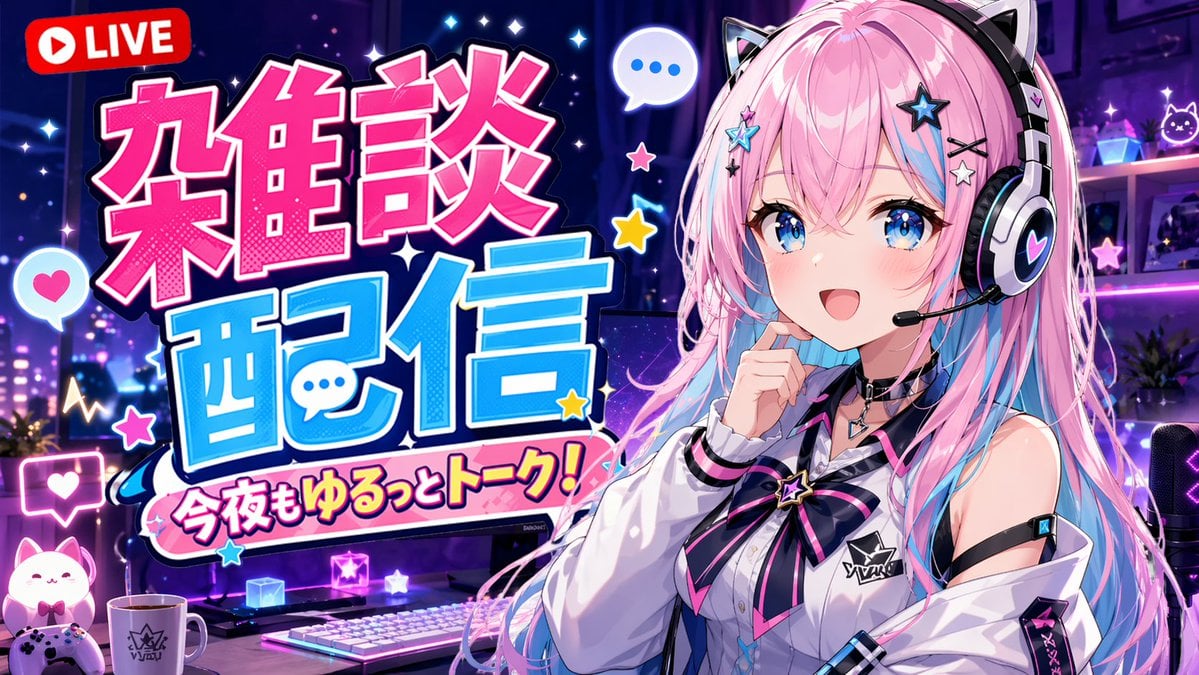
VTuber Chat Stream Thumbnail

Flashy VTuber Debut Stream Thumbnail
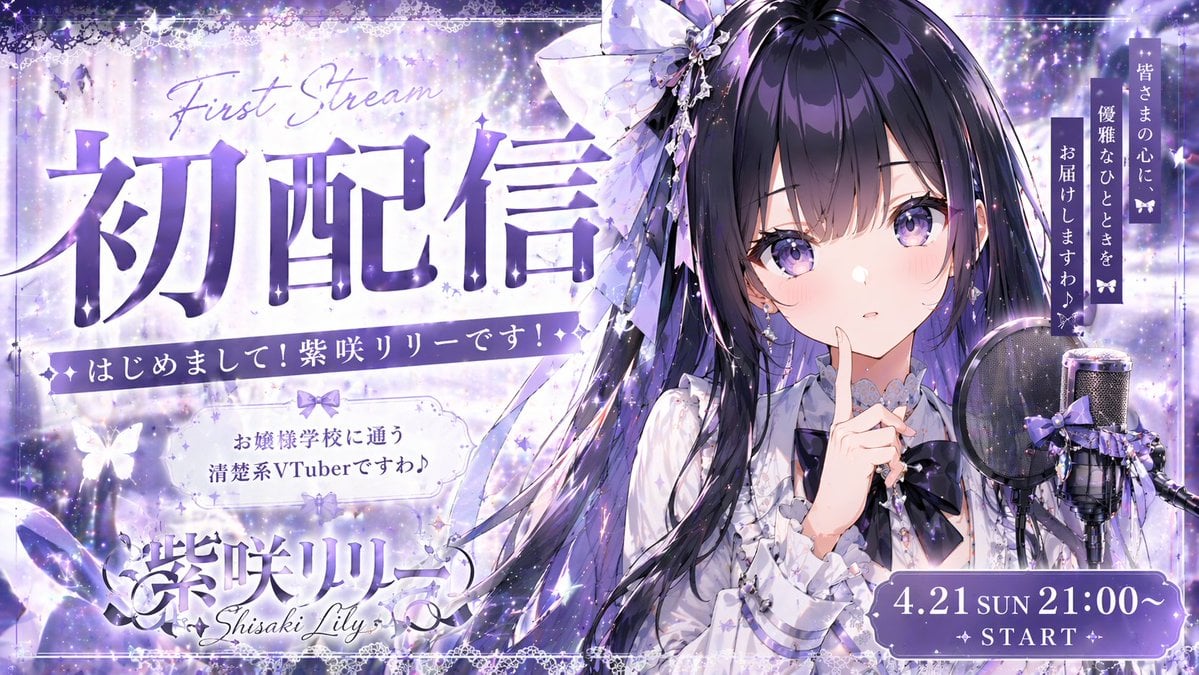
VTuber Debut Stream Thumbnail
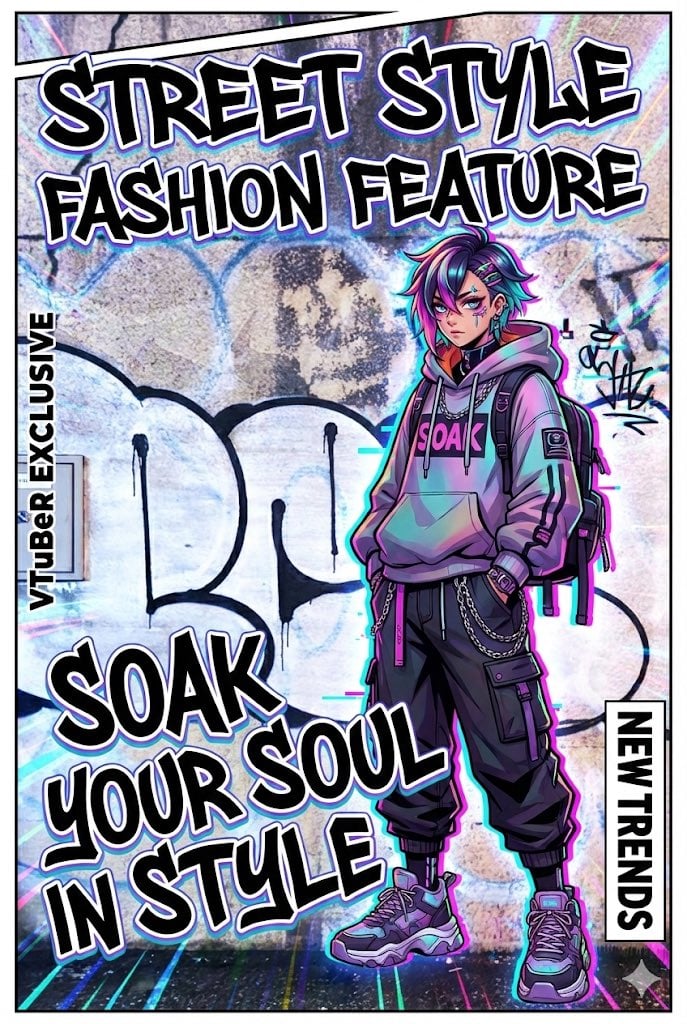
VTuber-style street-fashion thumbnail from a city photo
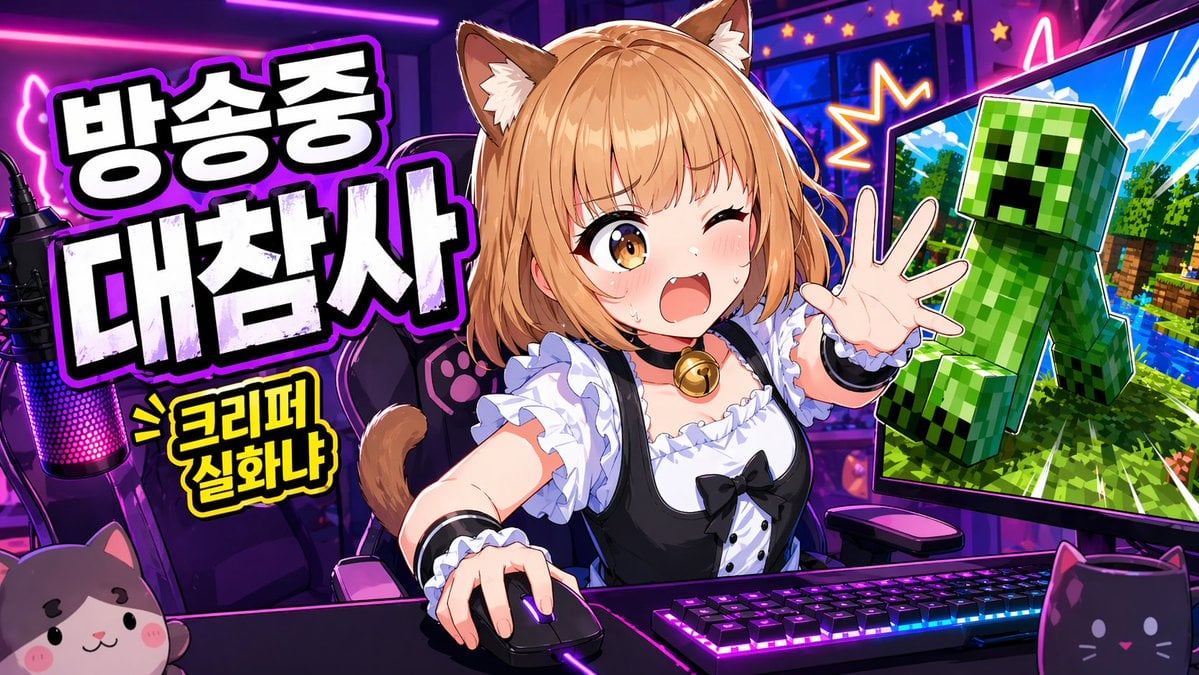
Gpt2 Youtube Thumbnail Anime Vtuber Minecraft Stream Thumbnail
Gpt2 Youtube Thumbnail Tokyo Disneysea Front Row Battle Ui

Gpt2 Youtube Thumbnail Japanese Ai Battle Youtube Thumbnail
Seedance - Dragon vs Python Battle
Seedance - Arrow Microscopic Battle
Make it yours
VTuber Software Battle Thumbnail works as-is. These are the safest ways to change it without losing the look.
Swap the setting
Keep the rest of the prompt and replace the location block. The current setting is “vivid collage background with turquoise grid paper in the upper right and left e”.
Change one field
Copy a single group, rewrite it, and generate again so you can see what that field is doing.
Keep the frame, change the subject
Hold the composition and light of VTuber Software Battle Thumbnail, then swap wardrobe, props or the person for a new take.
| If the result… | Why | Fix |
|---|---|---|
| The result drifts from the preview | Too many fields changed at once. | Reuse VTuber Software Battle Thumbnail as-is first, then change one group — subject, light, or setting. |
| GPT Image 2 ignores part of the JSON | Some models flatten or skip nested keys. | Keep the same values and paste them as a short paragraph instead. |
More GPT Image 2 templates
Other prompts made for GPT Image 2.

Realistic Portrait of Woman and Deer

The Vista Modular Condo Poster

AI Model Routing Comparison Infographic

2.5D Anime Art Board

Isometric Productivity Desk Scene

New York Double Exposure Poster

Four-Panel AI Landscape Comparison

Japanese Tatami Lifestyle Magazine Cover

NESCAFÉ Coffee Map Poster

Brutalist Cogito Chinese Typography Poster
More image prompts
Fresh picks from across the catalog.
Isometric 3D Miniature City Diorama with Holiday Theme
Perfectly Aligned Japanese Wagashi Sweets
Monochromatic Studio Portrait
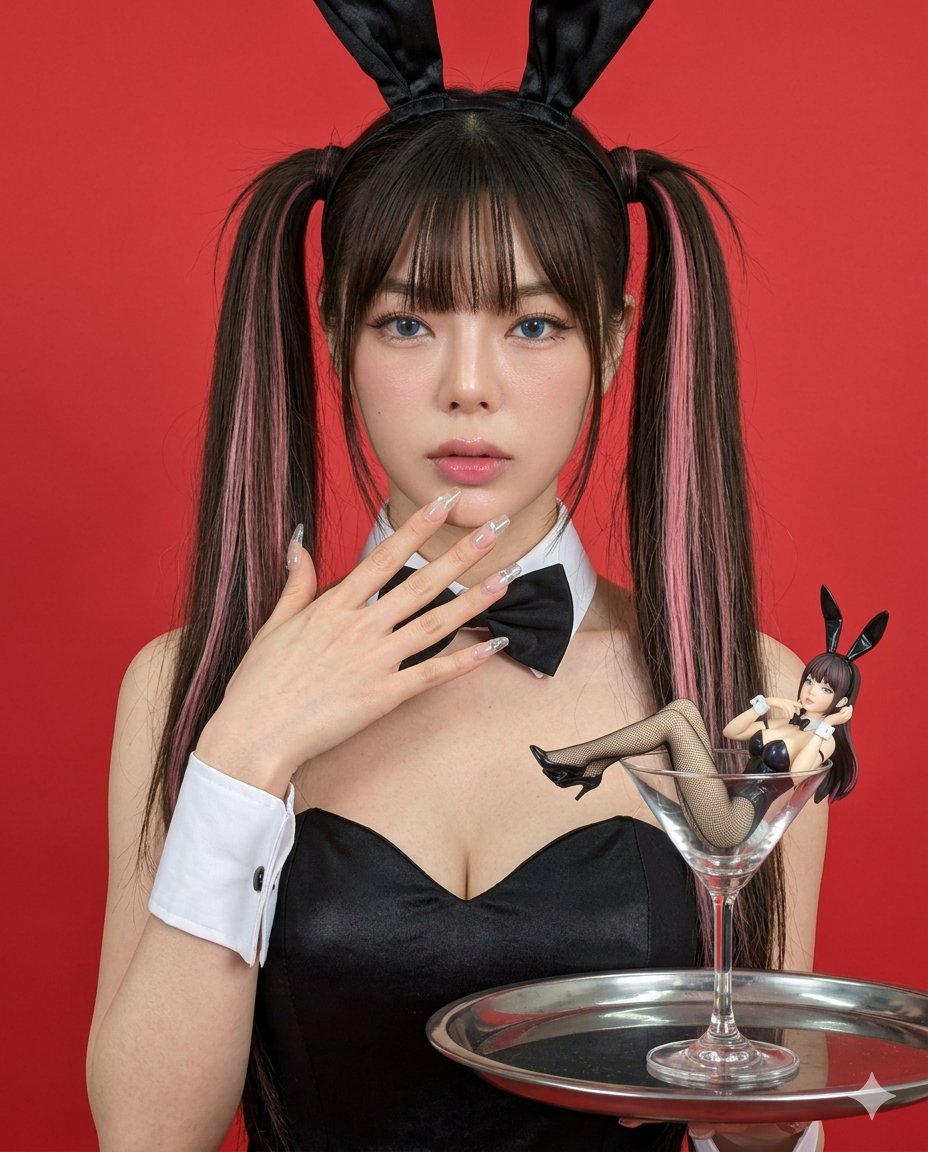
Hyper-realistic Bunny Suit Portrait
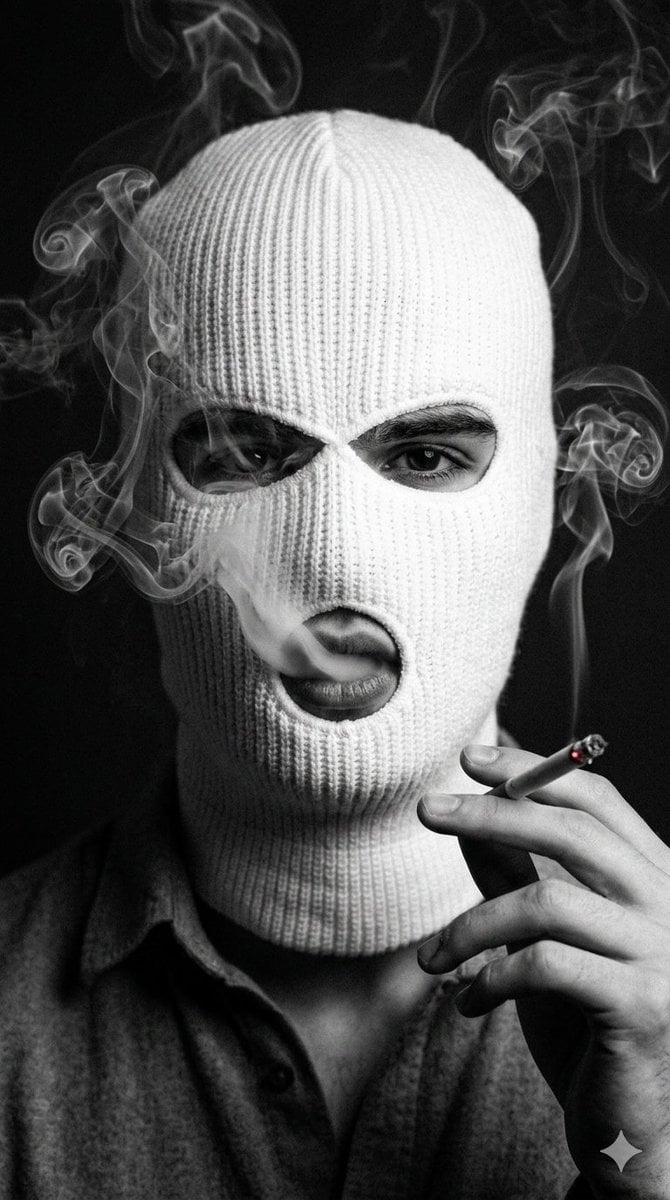
Noir Portrait with Balaclava and Cigarette Smoke
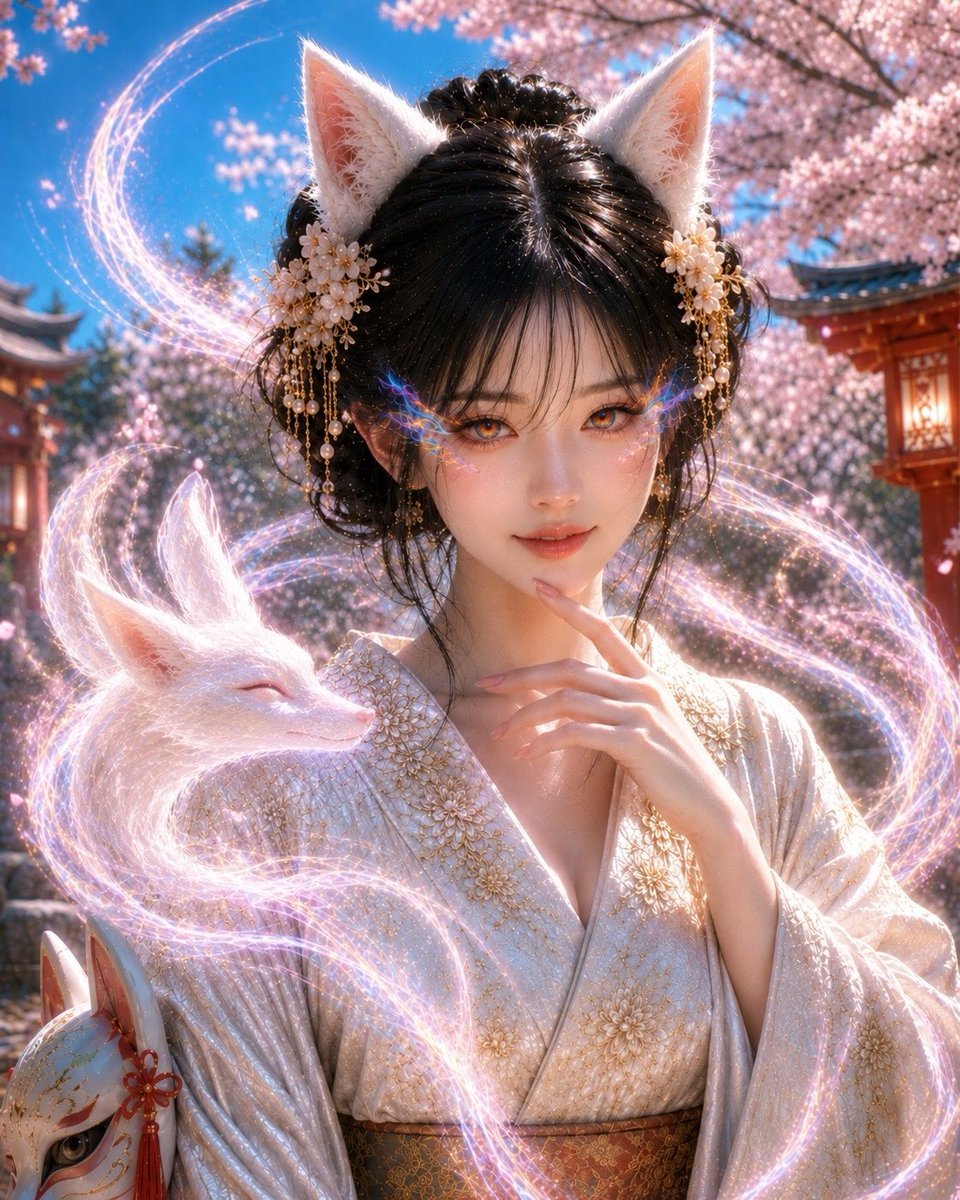
Mystical Kitsune Shrine Portrait

Car Selfie with Cheese Cracker Prompt
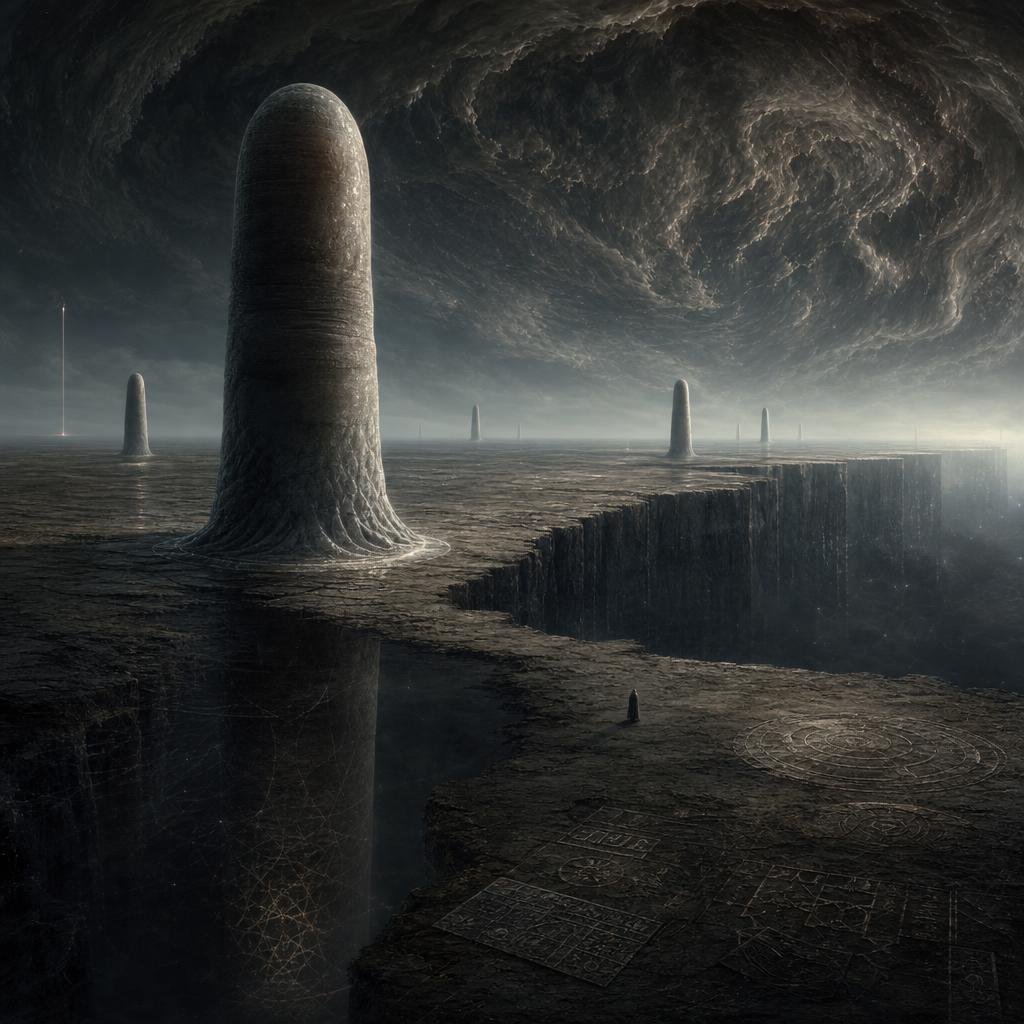
Cosmic Horror Monolith Landscape
Optical Illusion of Illusory Motion
Lake Akan Squirrel Guide
Browse template categories
VTuber Software Battle Thumbnail questions
How do I use the VTuber Software Battle Thumbnail template?
Add your photo if the template asks for one, edit the prompt if you like — the template's model and format are already selected — and press Generate. Your version opens in PicX Studio.
Can I customize the VTuber Software Battle Thumbnail template?
Yes. You can change the subject, setting, lighting, mood, format, and available model controls before creating your image.
Is the VTuber Software Battle Thumbnail template free?
Opening and editing this template is free. Generating uses credits, shown on the Generate button when you are signed in.
Which AI model should I use?
Start with GPT Image 2, which is the model associated with this template. You can compare another compatible model for a different finish.
Looking for something else? Browse all templates.

Your photo, any look
Thousands of ready templates for every top image and video model, from one credit balance.