
Anime VTuber Gaming Thumbnail
A detailed prompt for creating a chaotic, neon-lit anime YouTube thumbnail featuring a catgirl VTuber reacting to a Minecraft scene.
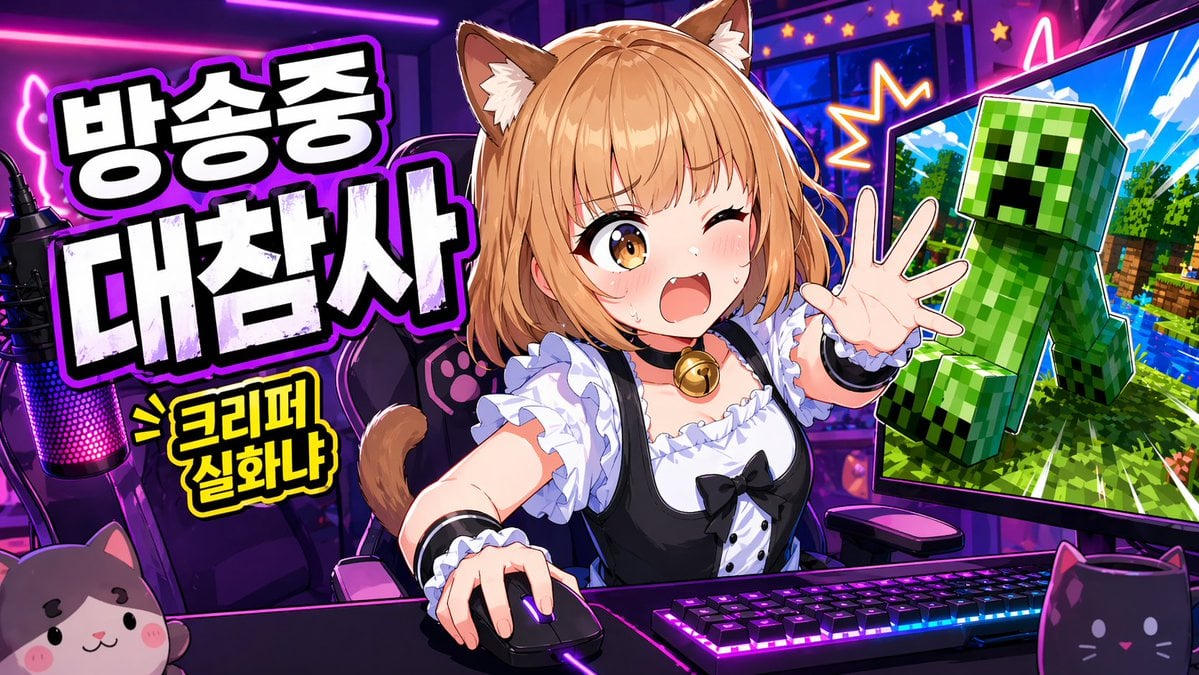
- Prompt included
- Model and format preset
- Premium template
The prompt behind this image
Copy the exact prompt behind Anime VTuber Gaming Thumbnail, or open it in the studio and make it yours.
Create a vibrant anime-style YouTube thumbnail for a livestream gaming broadcast in a wide 16:9 layout. Set the scene inside a {argument name="room style" default="neon purple and pink"} streamer room. In the center, show a cute {argument name="character type" default="catgirl VTuber"} seated at a desk from the waist up, leaning forward with energetic body language, one hand on a computer mouse and the other hand reaching toward the viewer. Give her light orange-blonde bob-cut hair with soft bangs, fluffy brown-and-cream cat ears, and a visible cat tail. Cover the middle of her face with a solid rectangular censor block so her face is intentionally hidden. Dress her in a black-and-white maid-inspired outfit: a frilly white blouse, black dress bodice, puff sleeves, white ruffles, a black ribbon bow, and a gold bell choker. On the desk, include a mechanical keyboard with bright RGB lighting, a glowing gaming mouse, and a streamer microphone on the far left with pink-purple LED illumination. Add two cat-themed foreground props: a plush cat face at the bottom left and a black cat-shaped mug at the bottom right. Behind her, place a gaming chair decorated with paw-print details. On the left side of the thumbnail, add large bold Korean headline text in thick white block letters with black filled shadows and a glowing purple outline, stacked across two lines. The text should read: {argument name="korean text" default="방송중 대참사"}. Beneath it, add a smaller yellow comic-style burst caption with a black outline reading: > 크리퍼 실화냐. On the right side, place one large computer monitor angled inward. The screen should show a Minecraft-like scene with a bright blue sky, green trees, water, and a large green Creeper lunging outward toward the viewer. Outline the Creeper dramatically like a sticker cutout. Add starburst effects and neon accents around the monitor to make the moment feel chaotic and explosive. Use exaggerated clickworthy thumbnail aesthetics throughout: ultra-saturated colors, sharp cel shading, thick outlines, glossy highlights, high contrast, dynamic perspective, and a streamer-disaster mood designed to grab attention instantly.
How to use Anime VTuber Gaming Thumbnail in 3 steps
- 1
Open
The prompt is already in the box next to the preview, with the template's model and format selected.
- 2…a portrait of your subject in softgolden-hour light, 85mm…
Personalize
Edit the subject and creative details for your destination.
- 3Generate
Generate
Press Generate — your image is created in PicX Studio, so you can compare it with the original and refine one variable at a time.
More like this
Templates with the same subject, style or setup. Open one to see its prompt.
Anime VTuber Reaction Thumbnail
Anime VTuber Minecraft Stream Thumbnail
Gpt2 Youtube Thumbnail Anime Vtuber Minecraft Stream Thumbnail

Anime Skywork MV Thumbnail
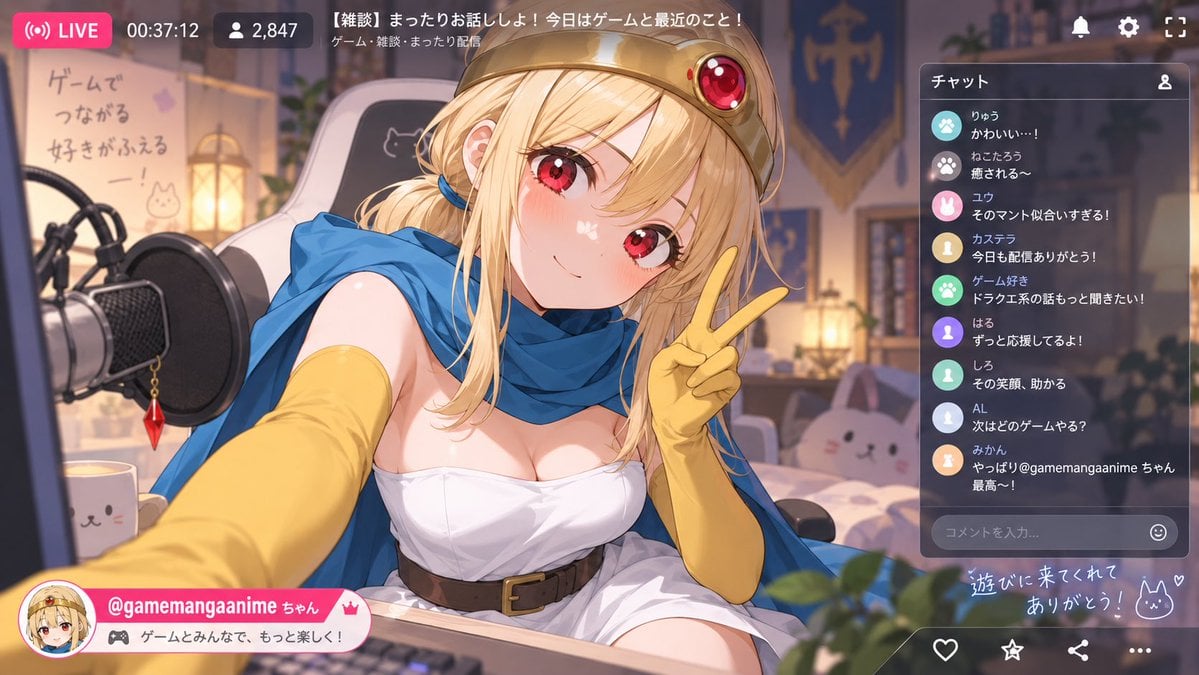
Anime VTuber Livestream Screenshot

Minecraft Japanese Research Lab Exploration

Cel 2D Finale Fireworks

Cel 2D Garden Maze

Cel 2D Rooftop Concert

Cel 2D Bicycle Coast

Cel 2D Castle Gate

Cel 2D Kitchen Chaos
Make it yours
Anime VTuber Gaming Thumbnail works as-is. These are the safest ways to change it without losing the look.
Change one field
Copy a single group, rewrite it, and generate again so you can see what that field is doing.
Keep the frame, change the subject
Hold the composition and light of Anime VTuber Gaming Thumbnail, then swap wardrobe, props or the person for a new take.
| If the result… | Why | Fix |
|---|---|---|
| The result drifts from the preview | Too many fields changed at once. | Reuse Anime VTuber Gaming Thumbnail as-is first, then change one group — subject, light, or setting. |
| The model over-stylizes the scene | The prose prompt leaves finish and camera underspecified. | Add one camera or lighting sentence and stay on GPT Image 2. |
More GPT Image 2 templates
Other prompts made for GPT Image 2.

Six VTuber Japanese Logo Sheet

Realistic Portrait of Woman and Deer

The Vista Modular Condo Poster

AI Model Routing Comparison Infographic

2.5D Anime Art Board

Isometric Productivity Desk Scene

New York Double Exposure Poster

Four-Panel AI Landscape Comparison

Japanese Tatami Lifestyle Magazine Cover

NESCAFÉ Coffee Map Poster
More image prompts
Fresh picks from across the catalog.
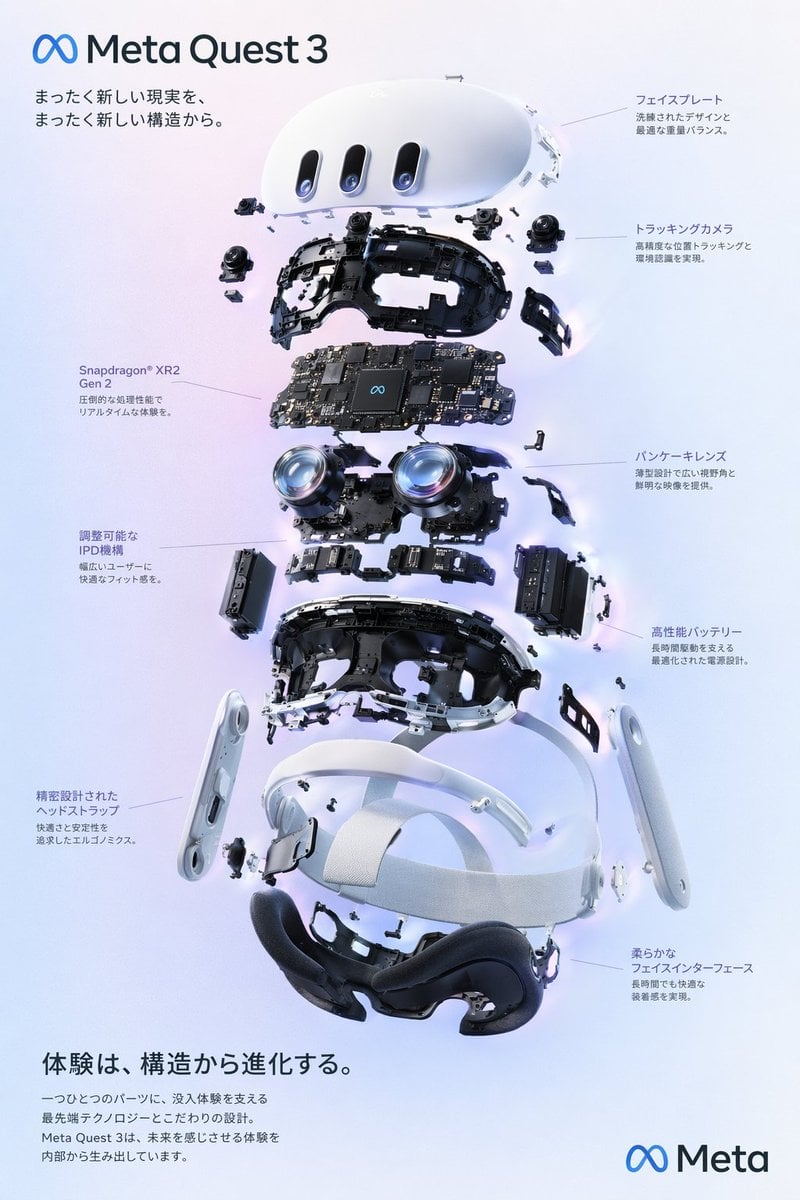
Gpt2 Vr Headset Exploded View Poster
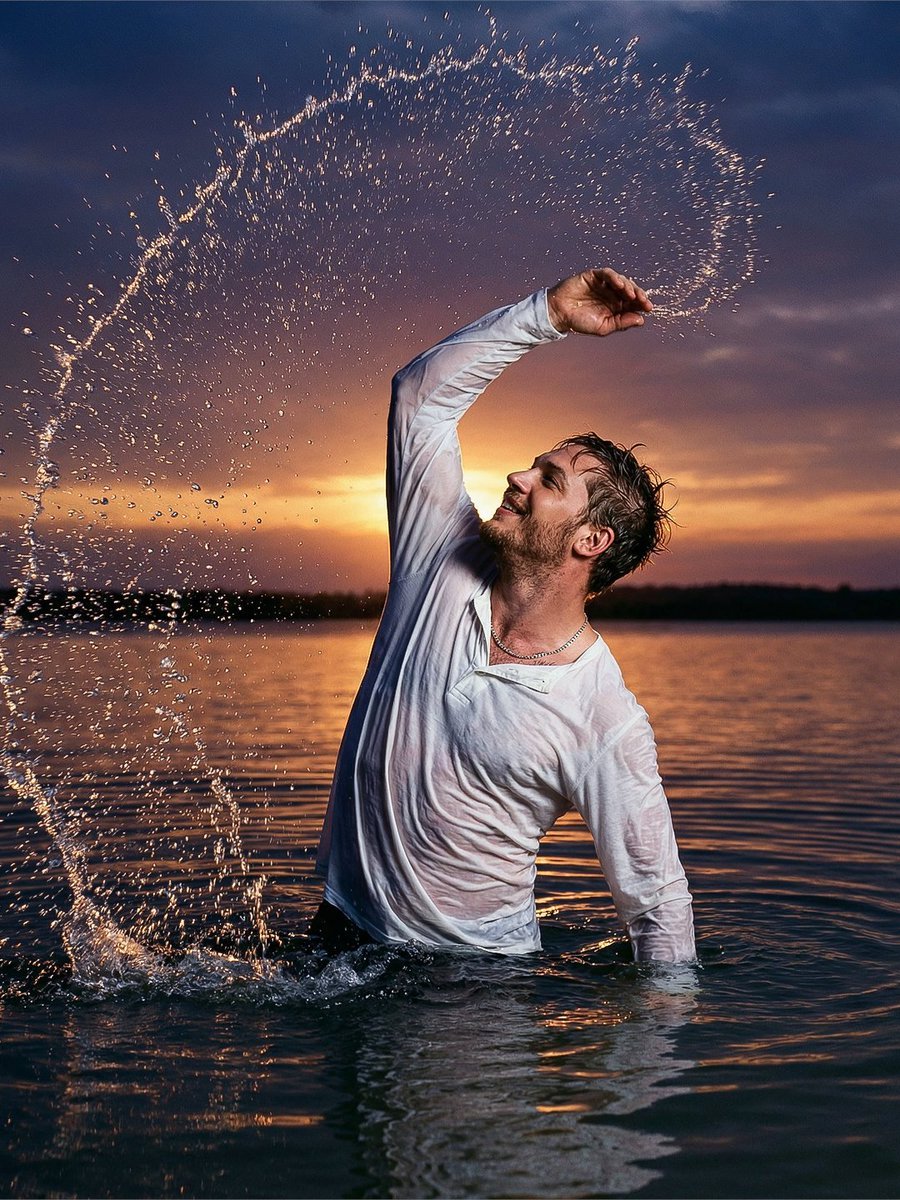
Cinematic Sunset Water Splash Portrait
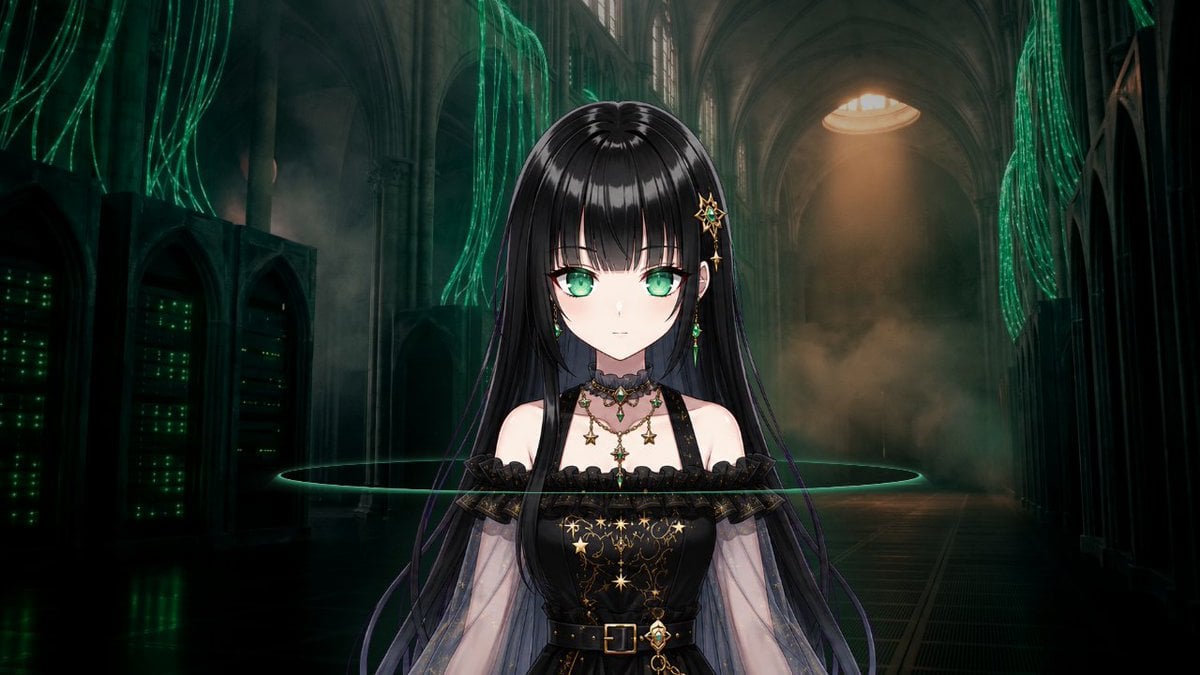
Gothic Cyber VTuber Cathedral Portrait

untitled

Google Nano Banana 64th Work: 'Habits of Adventurers'
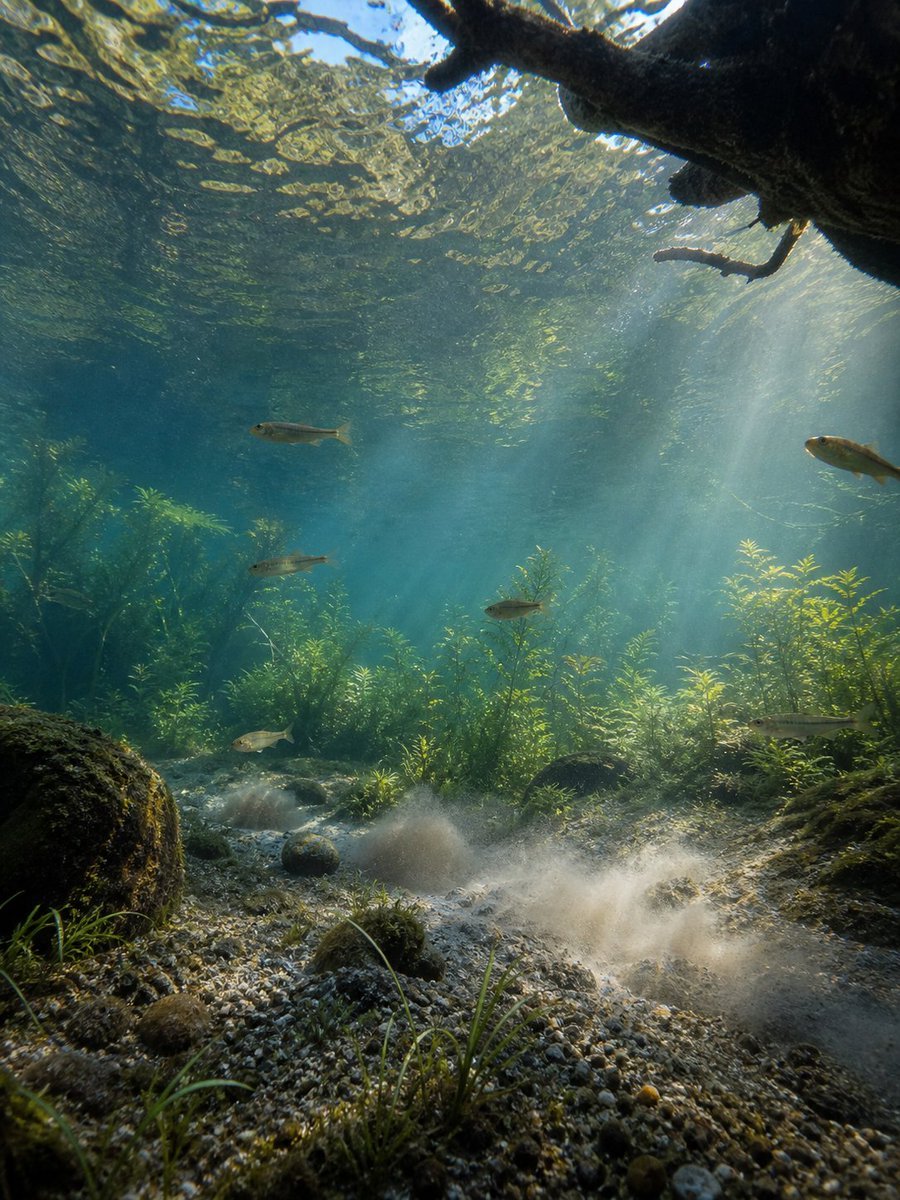
Underwater Forest Stream Photography
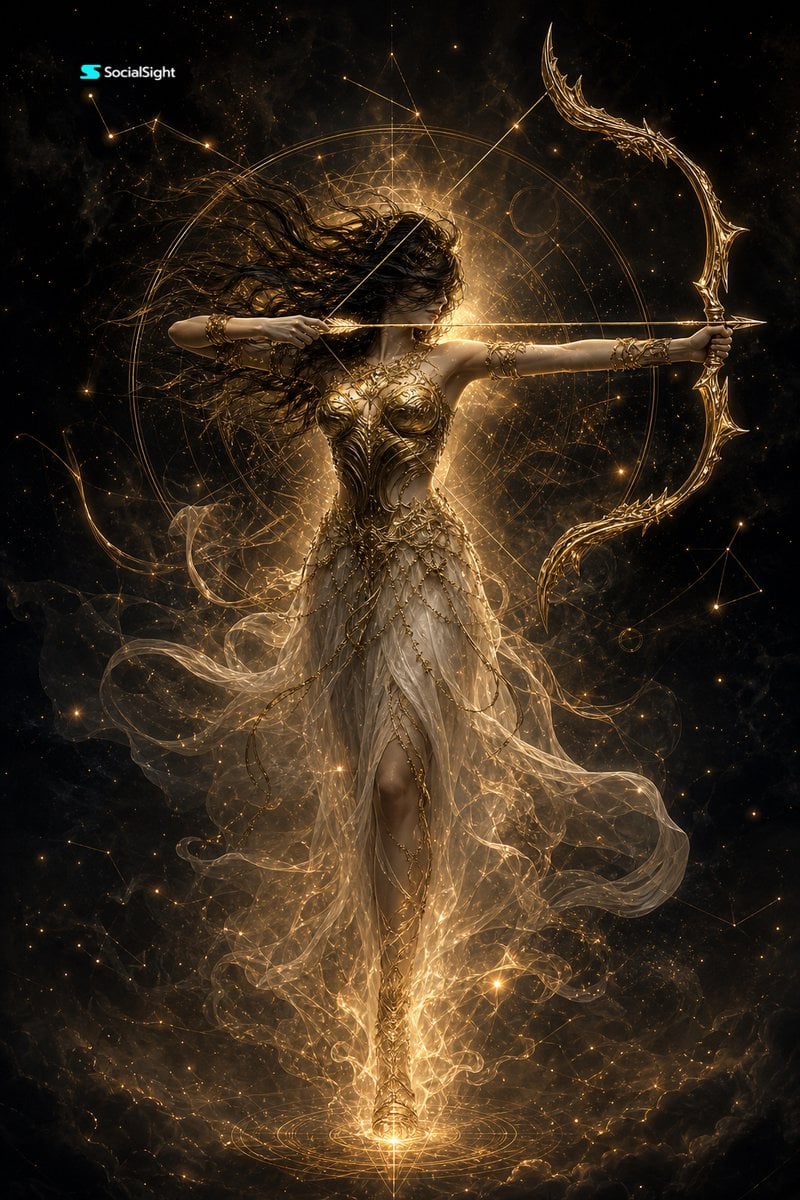
Celestial Goddess Archer
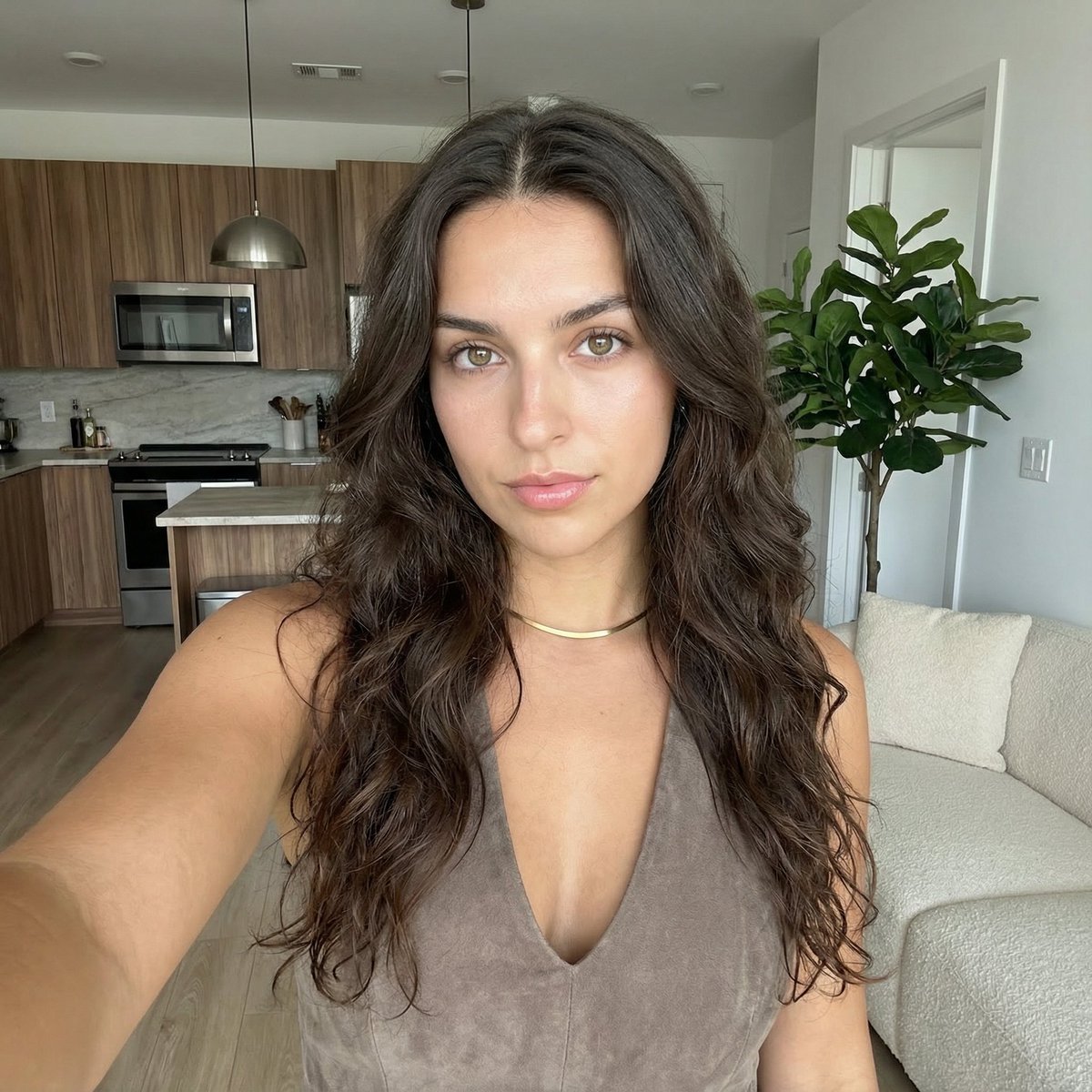
Clean Girl Aesthetic Selfie in Upscale Apartment (JSON Format)
Neon Sign Text on Concrete Surface
Dark Medieval Sorceress Scene
Browse template categories
Anime VTuber Gaming Thumbnail questions
How do I use the Anime VTuber Gaming Thumbnail template?
Add your photo if the template asks for one, edit the prompt if you like — the template's model and format are already selected — and press Generate. Your version opens in PicX Studio.
Can I customize the Anime VTuber Gaming Thumbnail template?
Yes. You can change the subject, setting, lighting, mood, format, and available model controls before creating your image.
Is the Anime VTuber Gaming Thumbnail template free?
Opening and editing this template is free. Generating uses credits, shown on the Generate button when you are signed in.
Which AI model should I use?
Start with GPT Image 2, which is the model associated with this template. You can compare another compatible model for a different finish.
Looking for something else? Browse all templates.

Your photo, any look
Thousands of ready templates for every top image and video model, from one credit balance.