
Celestial Goddess Archer
A cinematic mythological fantasy portrait of a glowing celestial archer goddess in a star-filled cosmic scene.
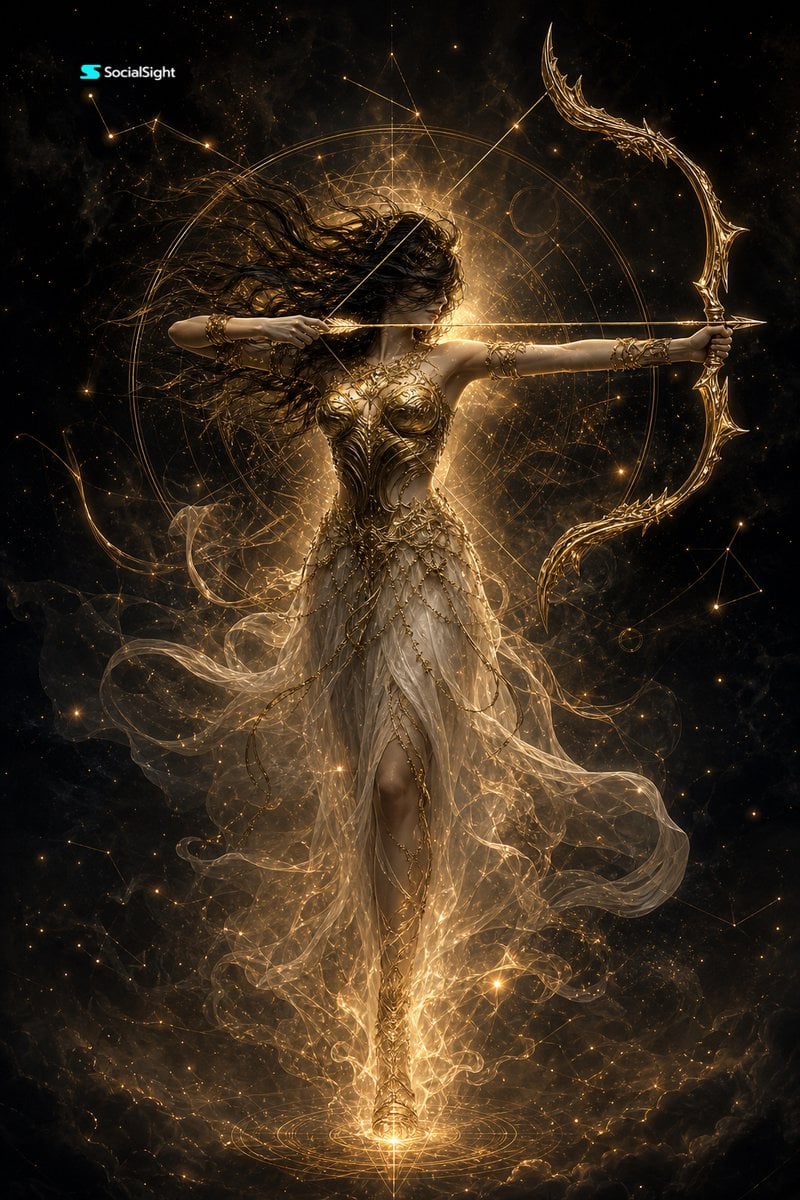
- Prompt included
- Model and format preset
- Free template
The prompt behind this image
Copy the exact prompt behind Celestial Goddess Archer, or open it in the studio and make it yours.
Create a vertical 2K cinematic fantasy artwork of {argument name="mythic archer" default="a celestial goddess archer"} floating full-body in the center of a dark cosmic void. She has long wild {argument name="hair color" default="black"} hair blown dramatically to the left, her face partly shadowed, and an intense poised expression as she draws a glowing golden arrow across her chest. Her right arm pulls the bowstring near her cheek while her left arm extends straight outward holding an ornate crescent-shaped golden bow with sharp filigree tips. She wears intricate gilded armor over a translucent flowing ivory-gold gown, with delicate chains, leaflike metalwork, arm cuffs, and sheer fabric swirling around her legs like smoke. Surround her with one large luminous circular astrolabe halo behind her torso, thin geometric constellation lines, star points, dust particles, smoky nebula textures, and radiant golden energy emanating from behind her head and from beneath her feet. The color palette is black, deep charcoal, antique gold, warm amber, and soft ivory. Lighting should be dramatic backlit chiaroscuro with glowing rim light, sparkling particles, ultra-detailed metal engraving, ethereal fabric transparency, cinematic contrast, and a mythological high-fashion aesthetic. Add a small {argument name="logo text" default="SocialSight"} wordmark in the top-left corner. No other text, no extra characters, no modern objects.
How to use Celestial Goddess Archer in 3 steps
- 1Upload ImagePNG, JPG or paste
Add your photo
Upload the photo the template builds on. The prompt, model and format are already set.
- 2…a portrait of your subject in softgolden-hour light, 85mm…
Personalize
Edit the subject and creative details for your destination.
- 3Generate
Generate
Press Generate — your image is created in PicX Studio, so you can compare it with the original and refine one variable at a time.
More like this
Templates with the same subject, style or setup. Open one to see its prompt.
Winged Moon Goddess Archer Wallpaper

Anime Fantasy Celestial Movie Poster
Anime Fantasy Celestial Movie Poster
Moonlit Celestial Goddess Portrait
Celestial Archer in Golden Star Temple
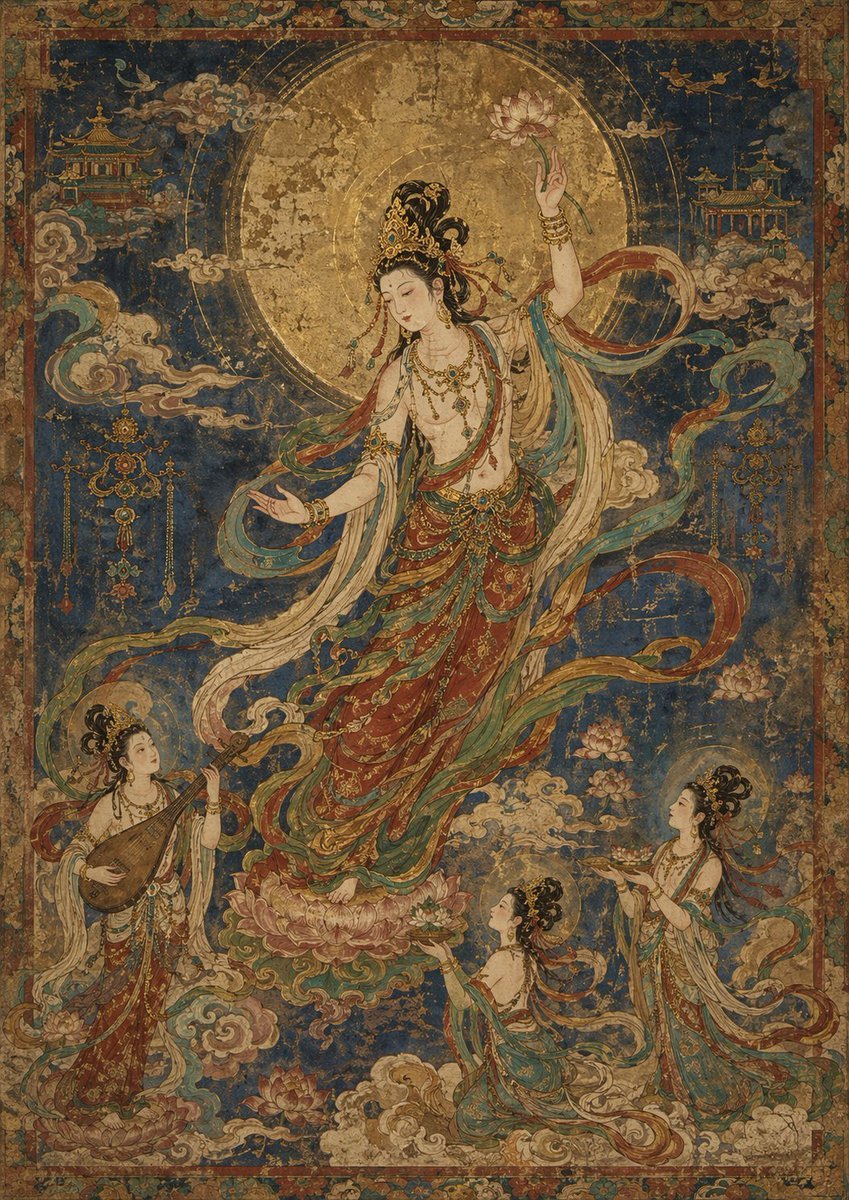
Antique Celestial Goddess Mural
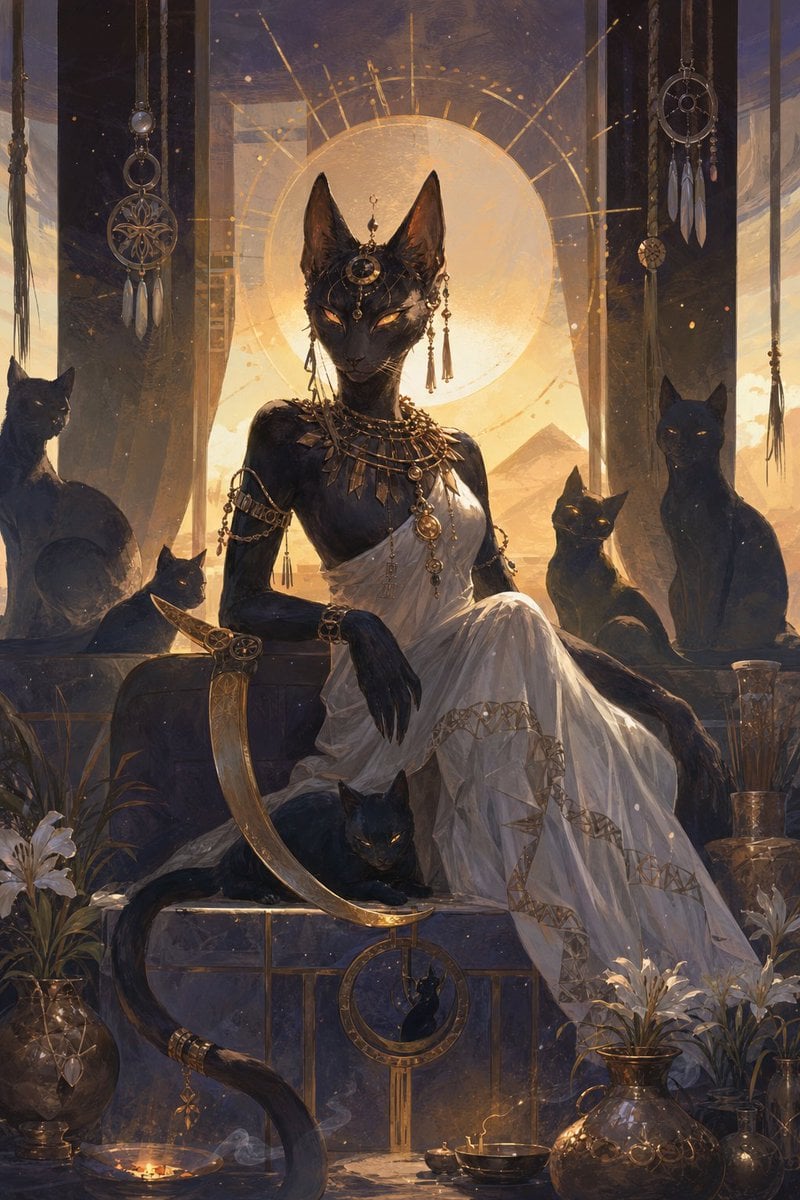
Egyptian Black Cat Goddess
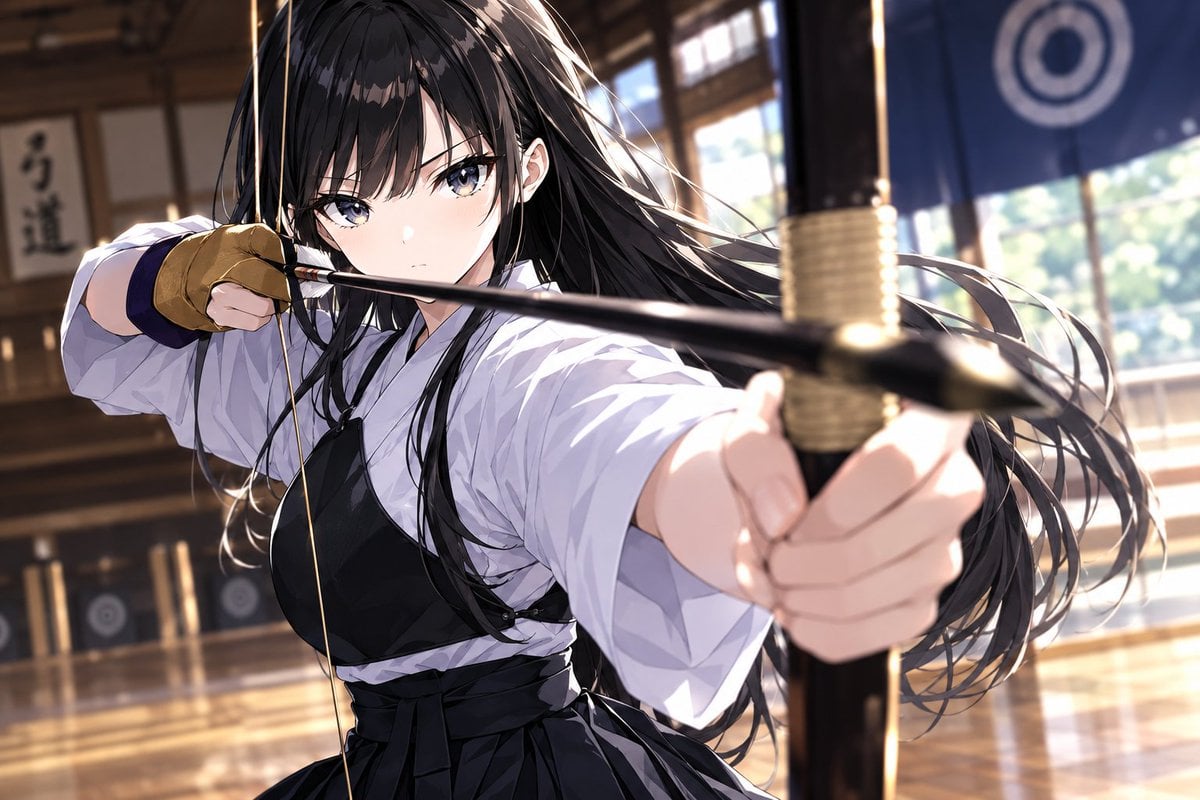
Cinematic Anime Kyudo Archer
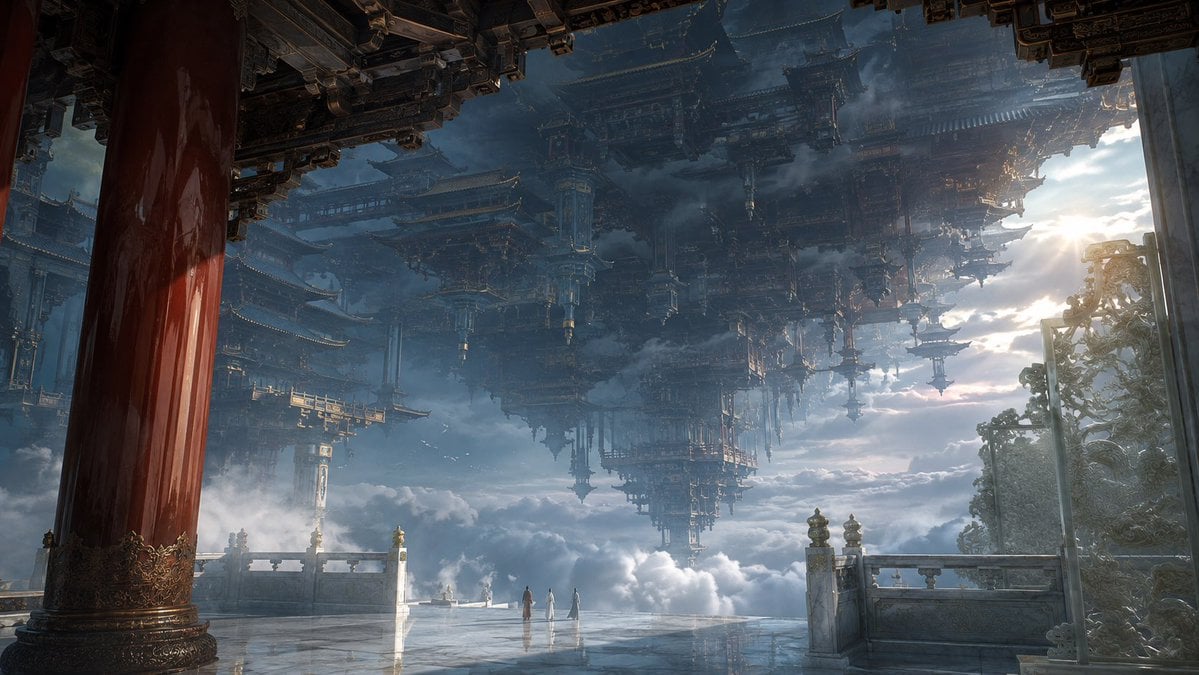
Celestial Inverted Oriental Palace

Celestial Sakura Kimono Maiden
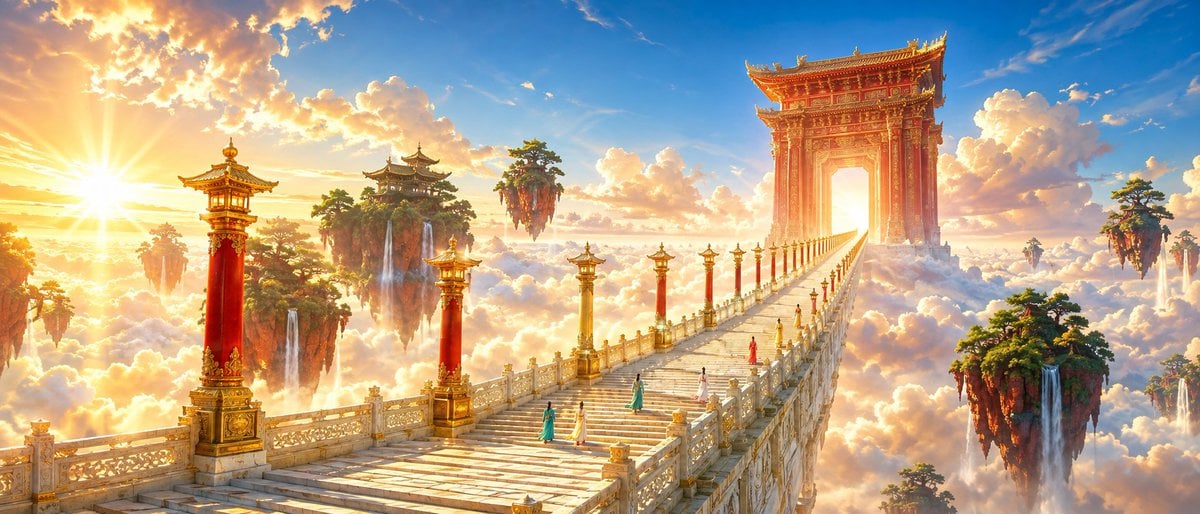
Oriental Fantasy Celestial Realm
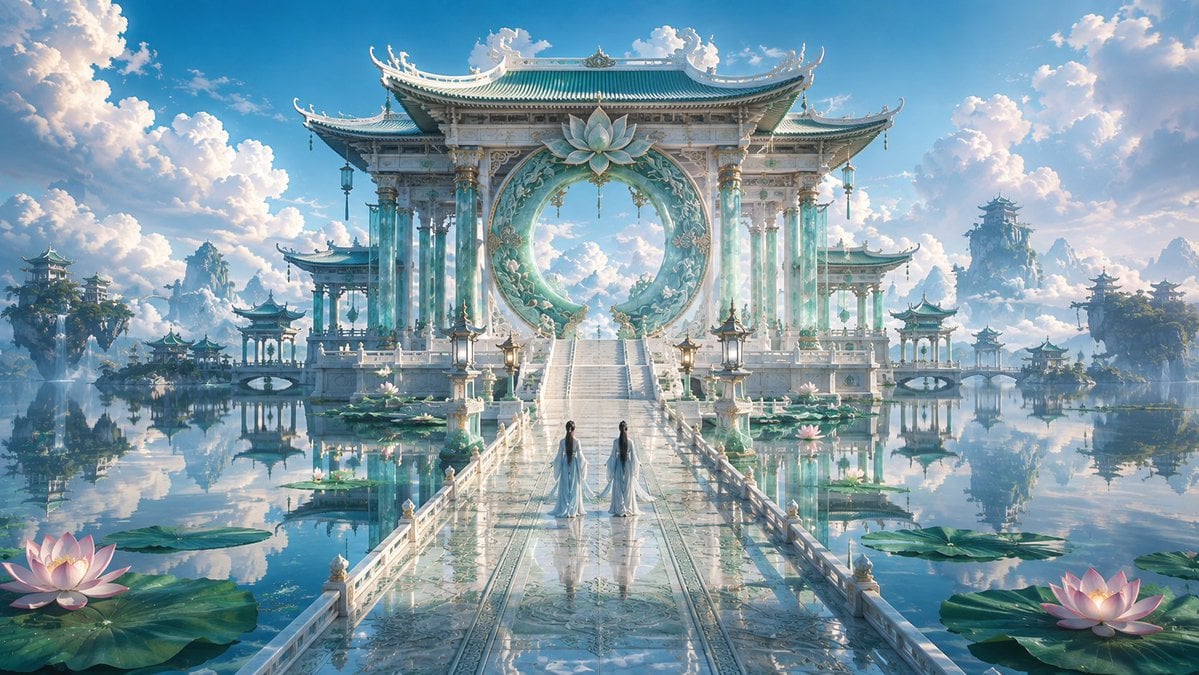
Celestial Jade Palace Lake
Make it yours
Celestial Goddess Archer works as-is. These are the safest ways to change it without losing the look.
Change one field
Copy a single group, rewrite it, and generate again so you can see what that field is doing.
Keep the frame, change the subject
Hold the composition and light of Celestial Goddess Archer, then swap wardrobe, props or the person for a new take.
| If the result… | Why | Fix |
|---|---|---|
| The result drifts from the preview | Too many fields changed at once. | Reuse Celestial Goddess Archer as-is first, then change one group — subject, light, or setting. |
| The model over-stylizes the scene | The prose prompt leaves finish and camera underspecified. | Add one camera or lighting sentence and stay on GPT Image 2. |
More GPT Image 2 templates
Other prompts made for GPT Image 2.

Six VTuber Japanese Logo Sheet

Realistic Portrait of Woman and Deer

The Vista Modular Condo Poster

AI Model Routing Comparison Infographic

2.5D Anime Art Board

Isometric Productivity Desk Scene

New York Double Exposure Poster

Four-Panel AI Landscape Comparison

Japanese Tatami Lifestyle Magazine Cover

NESCAFÉ Coffee Map Poster
More image prompts
Fresh picks from across the catalog.
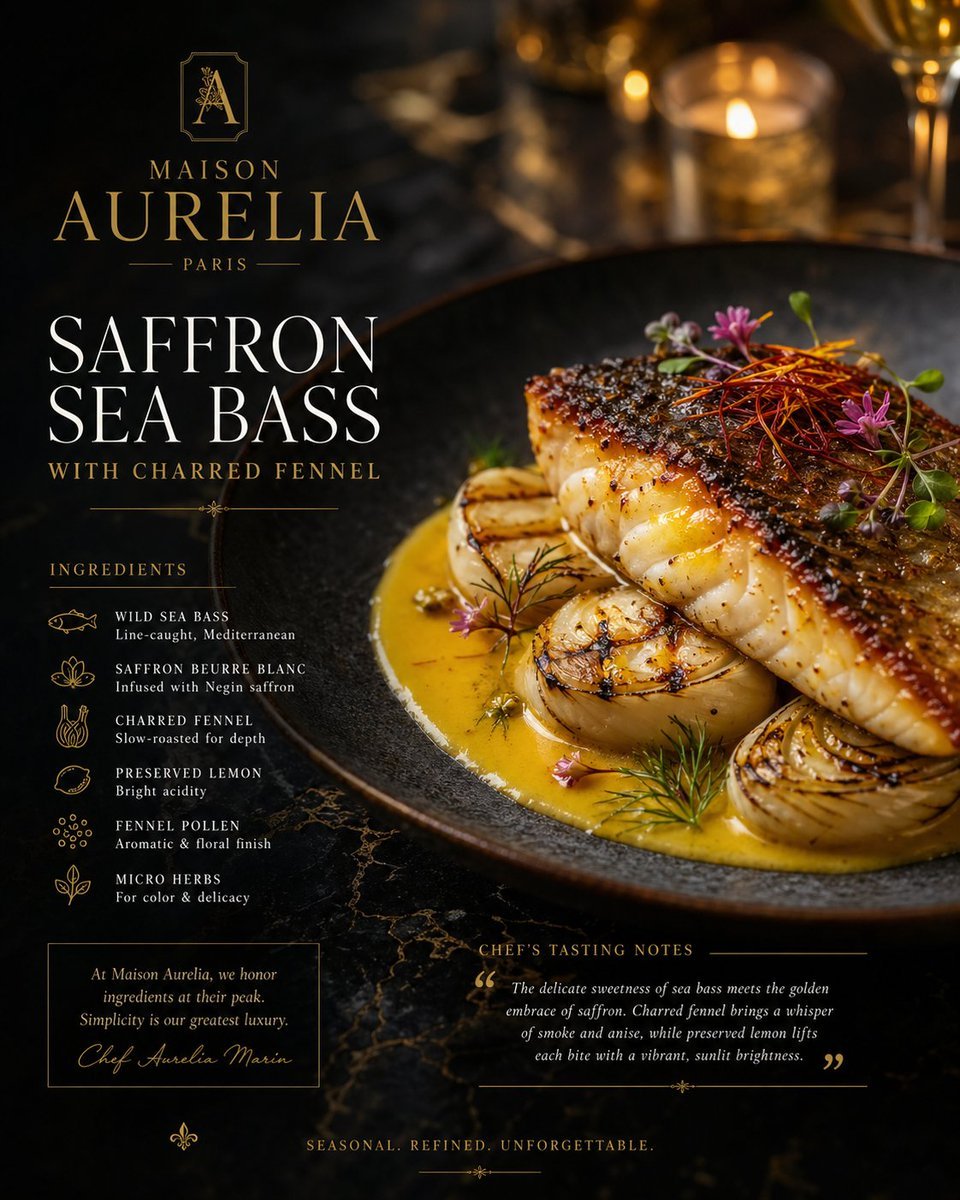
Luxury Culinary Menu Poster

Hero Shot Portrait in a Bookstore with Warm Lighting
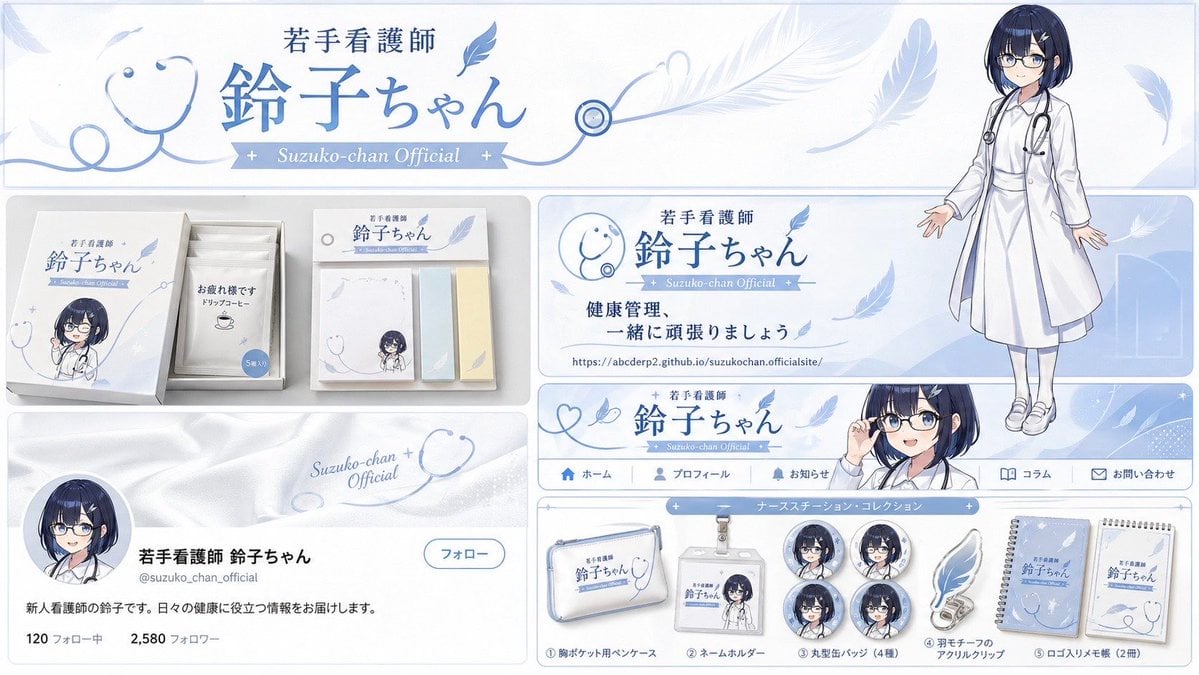
Brand Identity Design Board
Cinematic Winter Portrait with Shallow Depth of Field
Advertising Style Food Photography Templ
Celtics Fan Cheering in NBA Arena

Fermentation Science Infographic Grid

Christmas Ornament Chibi Character Transformation
Air France ad fix prompt
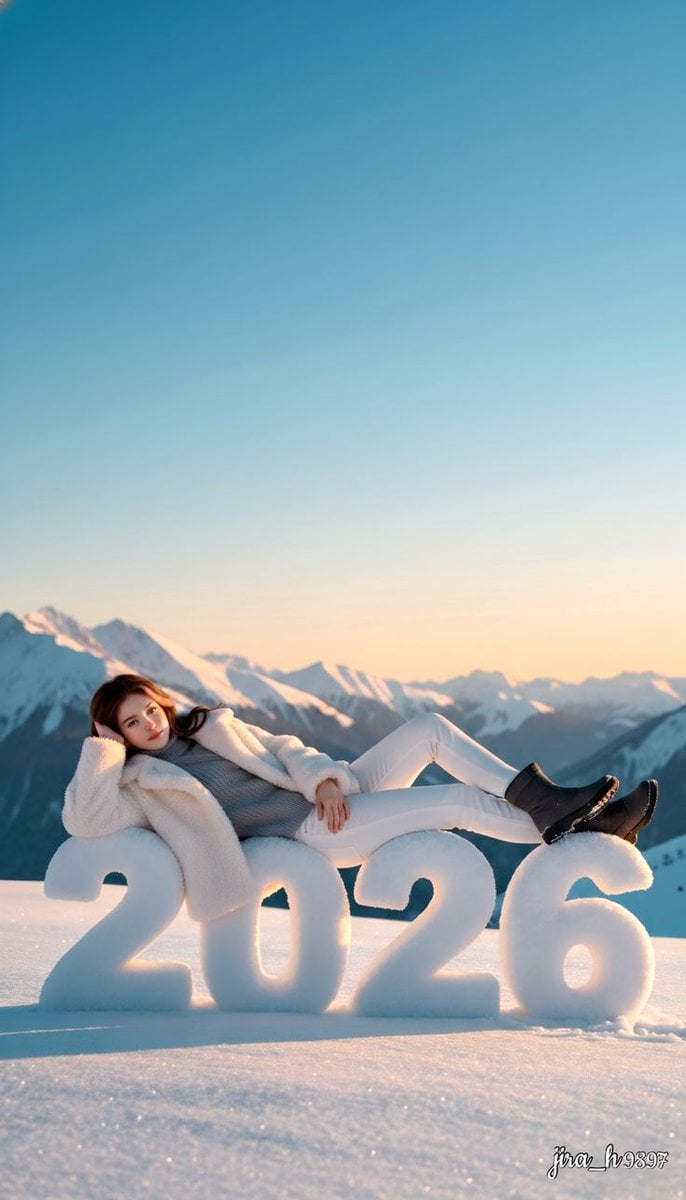
Luxurious New Year 2026 Portrait on a Snowy Mountain
Browse template categories
Celestial Goddess Archer questions
How do I use the Celestial Goddess Archer template?
Add your photo if the template asks for one, edit the prompt if you like — the template's model and format are already selected — and press Generate. Your version opens in PicX Studio.
Can I customize the Celestial Goddess Archer template?
Yes. You can change the subject, setting, lighting, mood, format, and available model controls before creating your image.
Is the Celestial Goddess Archer template free?
Opening and editing this template is free. Generating uses credits, shown on the Generate button when you are signed in.
Which AI model should I use?
Start with GPT Image 2, which is the model associated with this template. You can compare another compatible model for a different finish.
Looking for something else? Browse all templates.

Your photo, any look
Thousands of ready templates for every top image and video model, from one credit balance.