
Christmas Ornament Chibi Character Transformation
A highly detailed, complex prompt for Nano Banana Pro to transform an uploaded character image (person, cat, or favorite character) into a 3D toy-style chibi character placed inside a clear Christmas ball ornament.
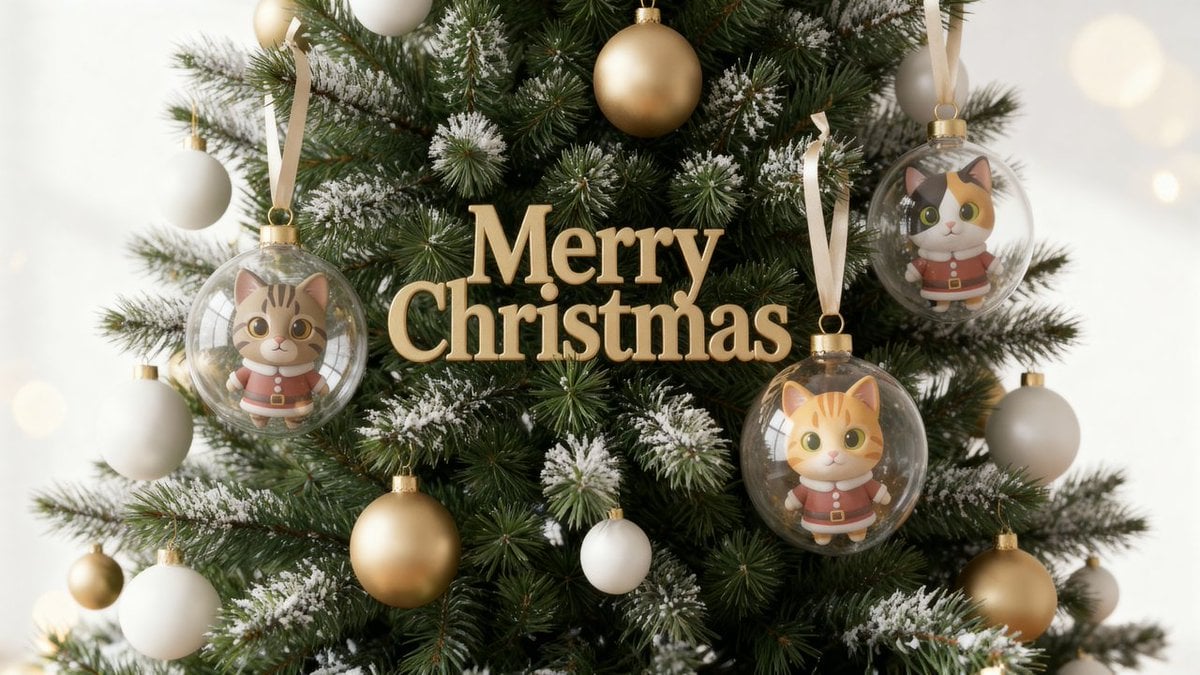
- Prompt included
- Model and format preset
- Free template
The prompt behind this image
Copy the exact prompt behind Christmas Ornament Chibi Character Transformation, or open it in the studio and make it yours.
Please visually check the reference image and use it to generate an image. A 3D-toy-style portrait. Against a bright white background filled with large, soft golden bokeh illumination, render a Scandinavian-style Christmas tree, photorealistically, in a medium shot showing the whole tree. A deep green, densely needled fir tree. Natural light dusting of snow on the tips of the needles. High detail, 8K quality, Nordic minimalism. Ornaments are limited to just 3 kinds: "matte gold," "matte white," and "clear glass." The "Merry Christmas" 3D lettering ornament is matte gold, with a subtle, soft reflection. 【Reference-person reproduction instructions】 Faithfully reproduce the features of the person in the reference image. Do not change the face outline, eyebrows, eyes, nose, mouth, hairstyle, or hair color. Strongly retain the likeness of the original person. 【Chibi-fication】 Without changing the position or shape of the facial features, deform only the proportions and reconstruct them in a 3D-toy style. Skin has a smooth, clay-like texture. The eyes have soft catchlights. The expression is cute and adorable. 【Rule on number of people (most important)】 Generate only as many chibi characters as there are people in the reference image. Only 1 figure per person. No duplication allowed. No size variation allowed. No adding extra characters allowed. Do not add any person-figure that isn't in the reference image. 【Outfit】 A Nordic-style "{argument name="dusty red" default="dusty red"}" Santa costume. A muted-saturation, warm deep red. The white trim has a soft, fluffy fabric texture. 【Chibi-character placement rule (most important, mandatory)】 Place the chibi characters only inside a clear glass ball ornament. No part of the body may stick out of the ornament at all (hair, clothing, shadow, fingertips, and toes are all forbidden from sticking out). Do not have them stand, sit, or float outside the ball. Also forbid any contact, penetration, or pseudo-display via reflection outside the ornament. Place the same number of chibi characters as there are people in the reference image, exactly 1 person per figure, inside. No duplication, no adding extras, no size variation. 【Main clear ball】 Thick, clear glass. Rendered so the boundary is clearly visible. Slim, high-quality gold hardware. A pale satin-gold ribbon. Fully enclose the chibi character(s) inside, with margin on all sides — top, bottom, left, right. Place the chibi character(s) near the center of the ornament, as if floating softly. 【Light and texture】 Soft natural light. The transparency of Nordic winter light. No excessive reflections. An overall film-like depth. Cinematic and refined. Ultra-high detail, 8K, photorealistic.
How to use Christmas Ornament Chibi Character Transformation in 3 steps
- 1Upload ImagePNG, JPG or paste
Add your photo
Upload the photo the template builds on. The prompt, model and format are already set.
- 2…a portrait of your subject in softgolden-hour light, 85mm…
Personalize
Edit the subject and creative details for your destination.
- 3Generate
Generate
Press Generate — your image is created in PicX Studio, so you can compare it with the original and refine one variable at a time.
More like this
Templates with the same subject, style or setup. Open one to see its prompt.

Christmas Ornament Portrait Glossy Glass Resin Finish with Hand Painted Details Holiday Lighting

Cute Layered Paper Cut Chibi Girl

Pixar-Style Chibi Café Morning Scene
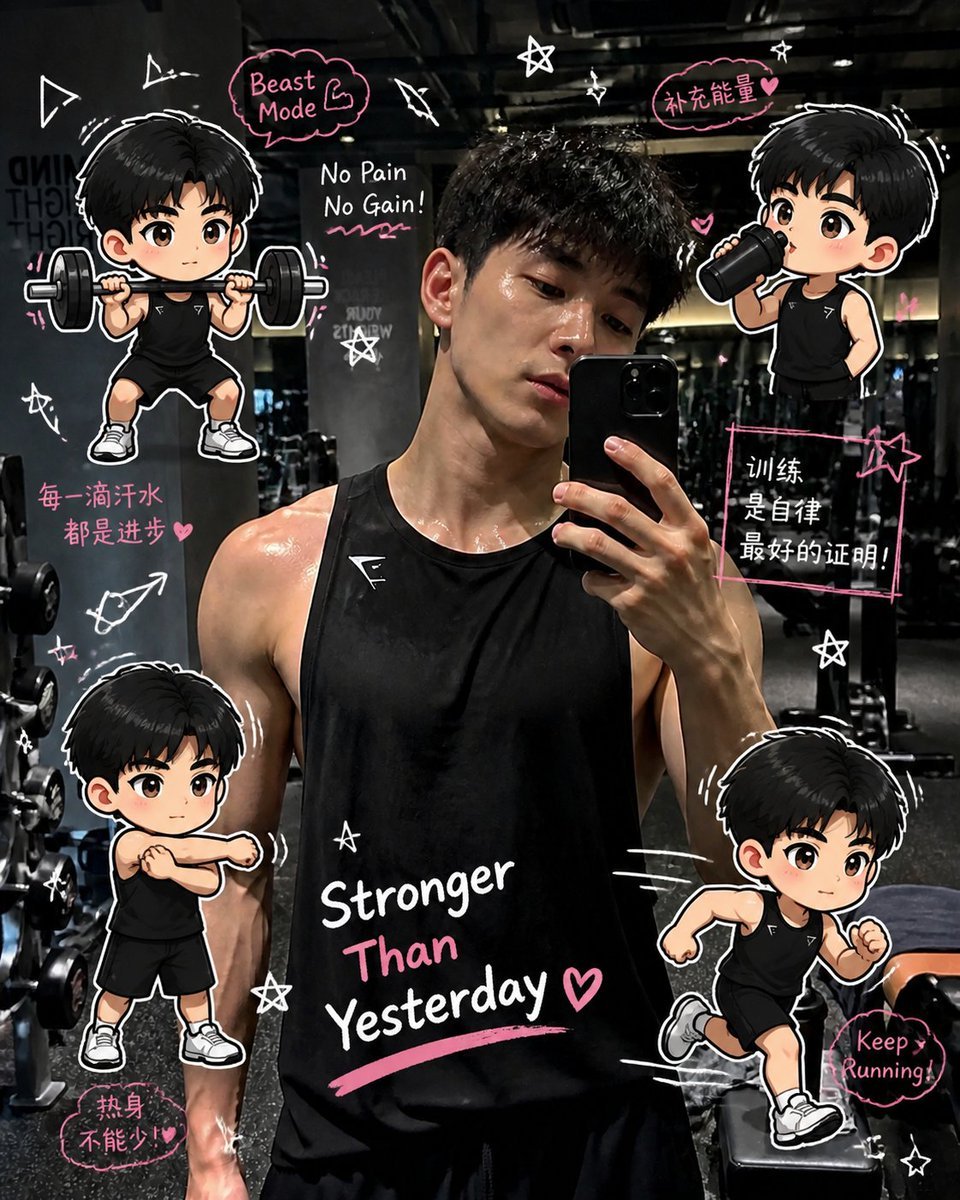
Gym Photo Chibi Transformation
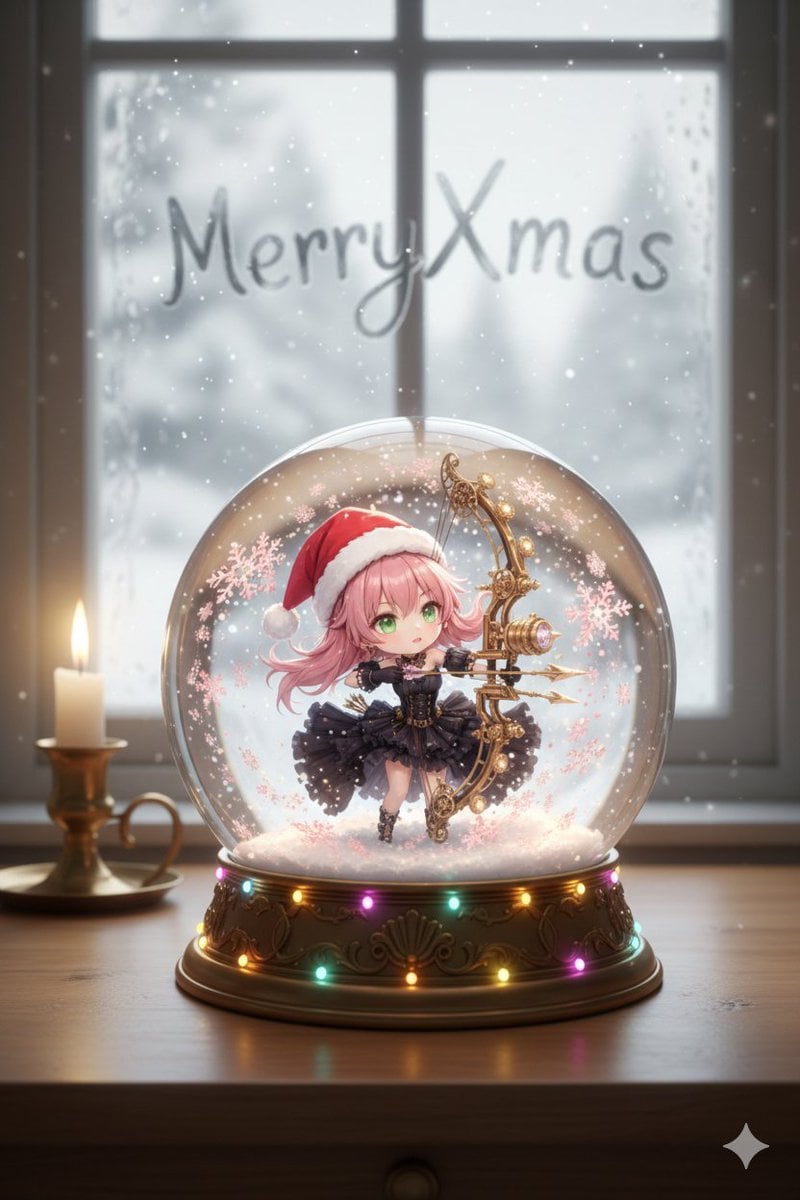
Anime Chibi Character in a Photorealistic Christmas Snow Globe
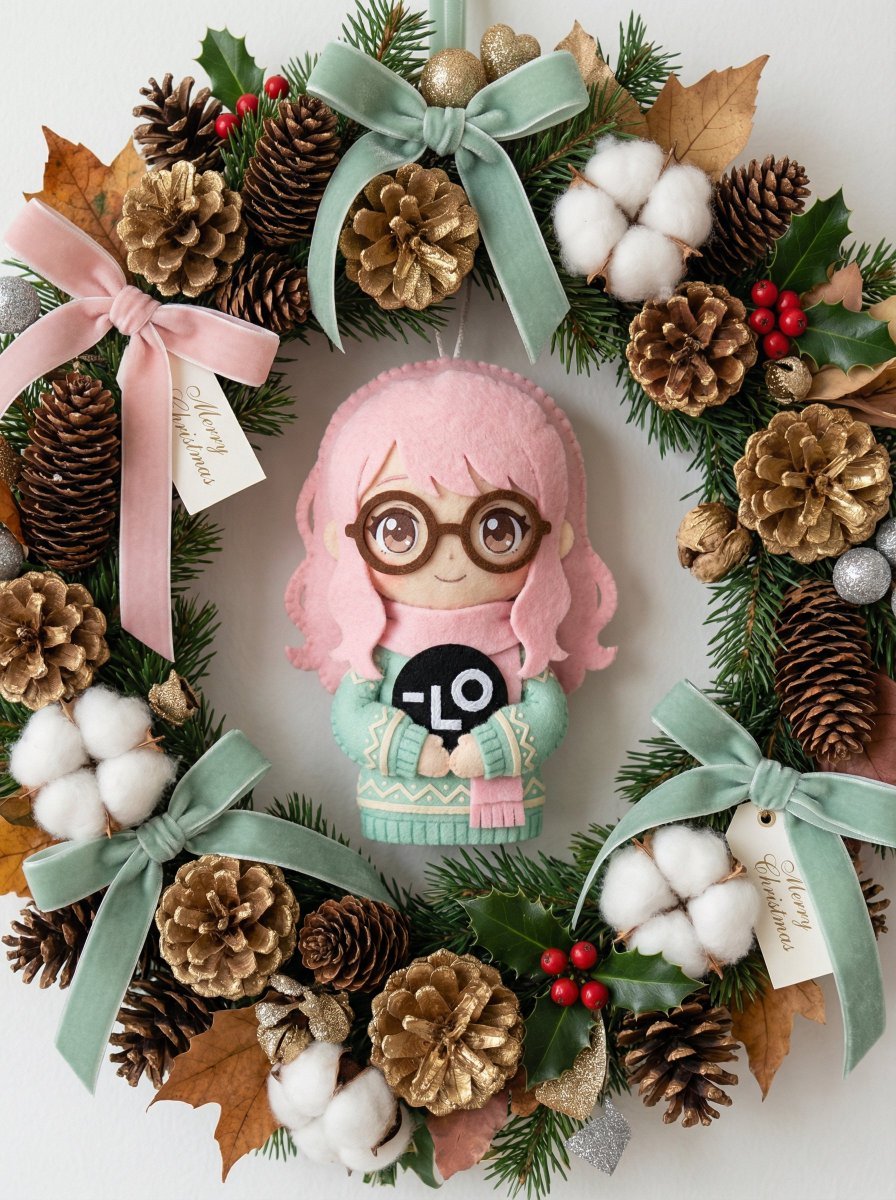
Handmade Christmas Wreath Generator with Custom Ornament
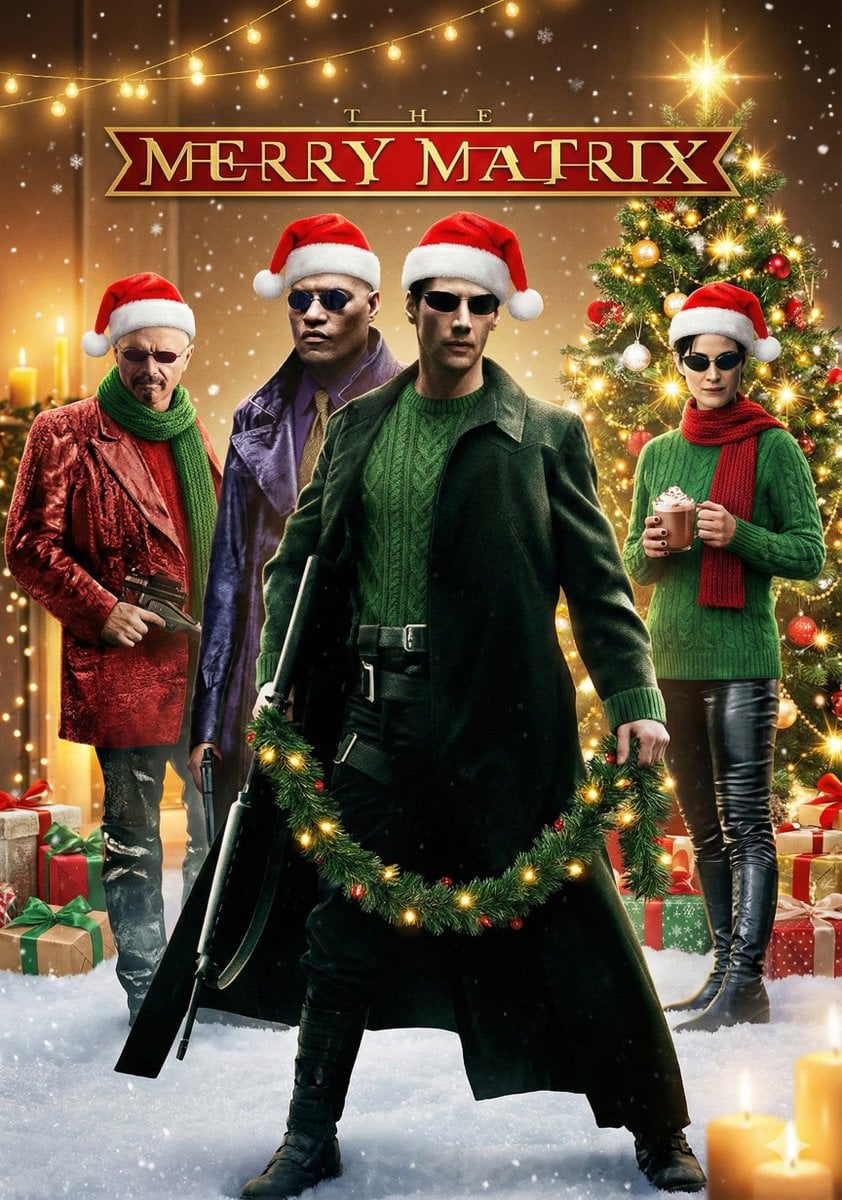
Cinematic Christmas Transformation with Composition Lock
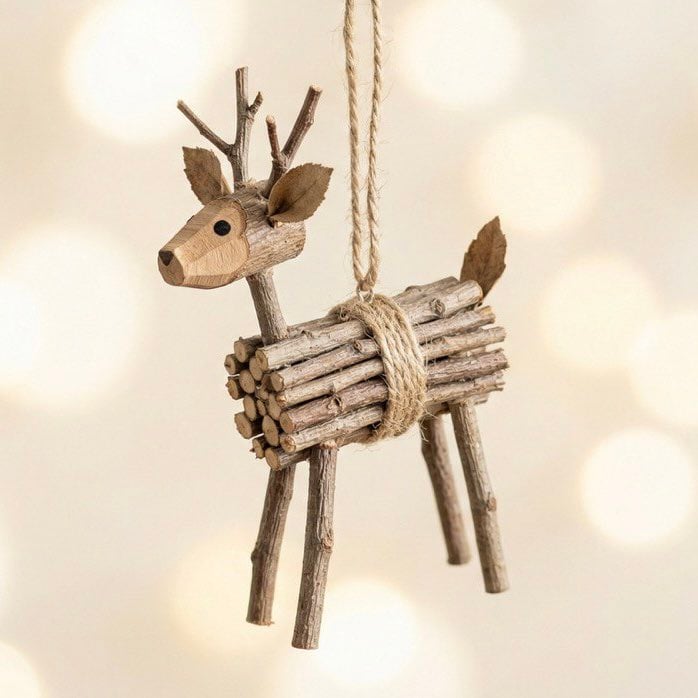
Rustic Twig Reindeer Christmas Ornament

Nano Banana Pro Pink Office Chibi
Seedance - Character Transition
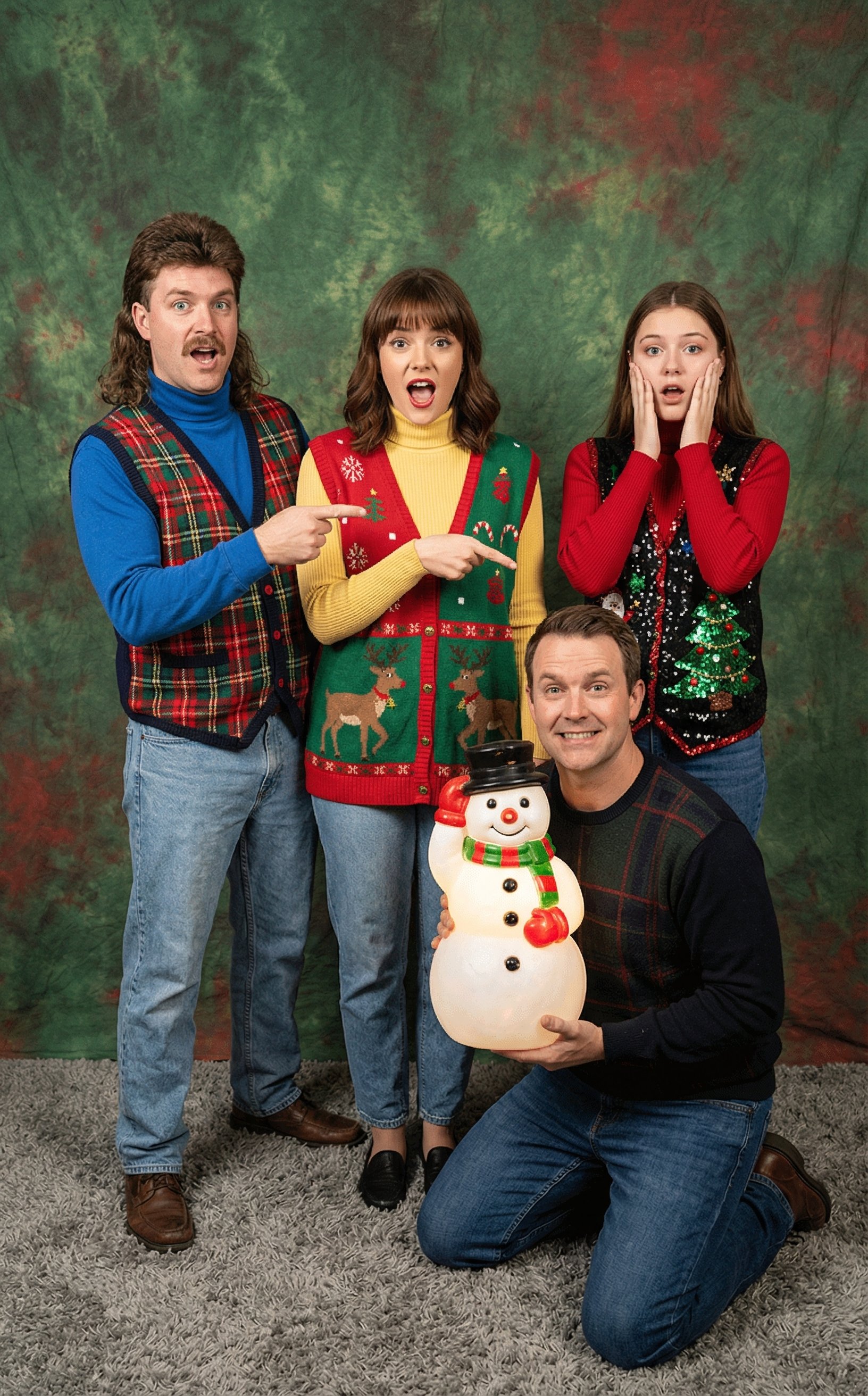
Awkward 90s Christmas Studio Portrait
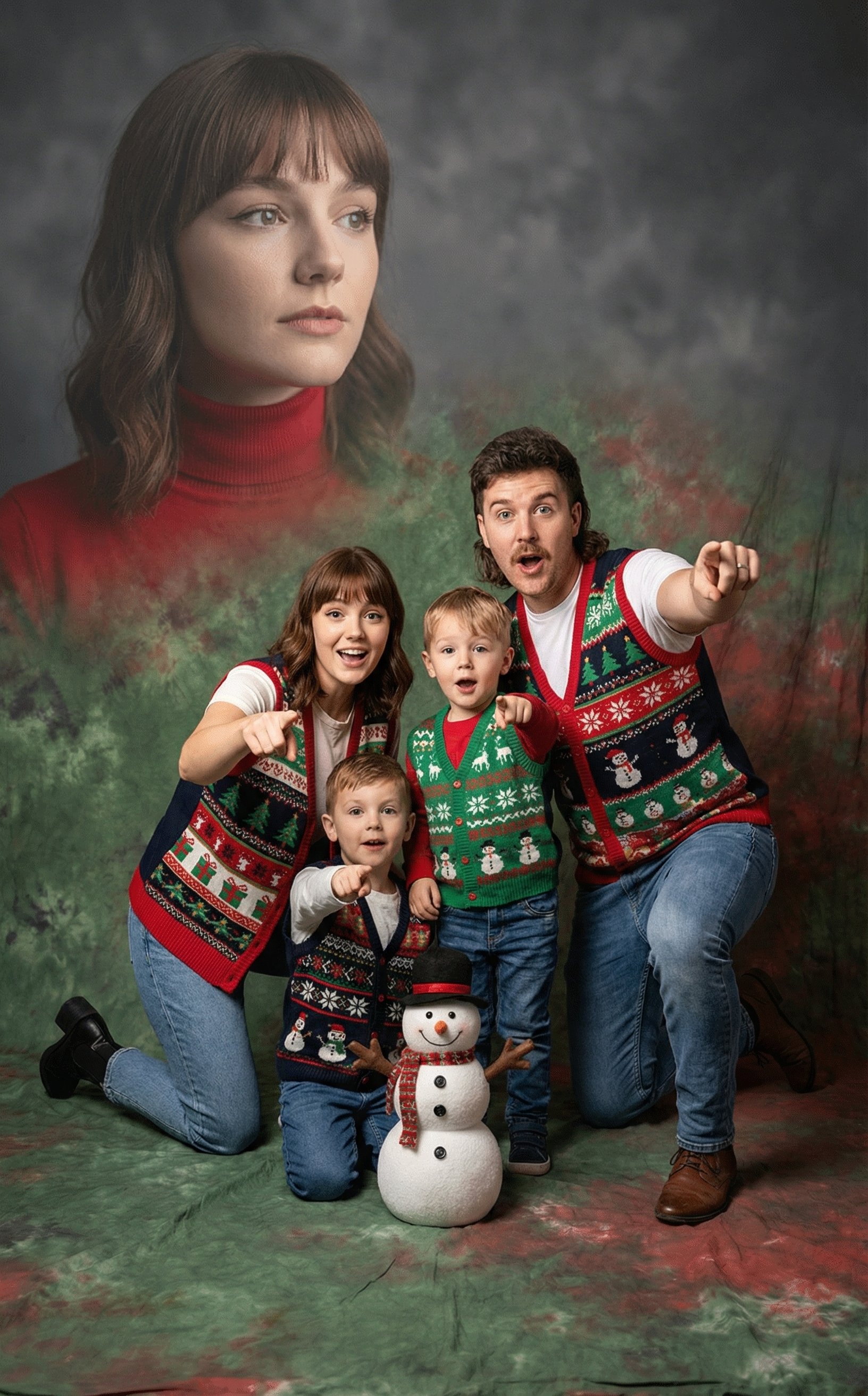
Awkward 90s Holiday Studio Portrait
Make it yours
Christmas Ornament Chibi Character Transformation works as-is. These are the safest ways to change it without losing the look.
Change one field
Copy a single group, rewrite it, and generate again so you can see what that field is doing.
Keep the frame, change the subject
Hold the composition and light of Christmas Ornament Chibi Character Transformation, then swap wardrobe, props or the person for a new take.
| If the result… | Why | Fix |
|---|---|---|
| The result drifts from the preview | Too many fields changed at once. | Reuse Christmas Ornament Chibi Character Transformation as-is first, then change one group — subject, light, or setting. |
| The model over-stylizes the scene | The prose prompt leaves finish and camera underspecified. | Add one camera or lighting sentence and stay on Nano Banana 2. |
More Nano Banana 2 templates
Other prompts made for Nano Banana 2.

Photorealistic Leaf Shaped Like a Dragon

K-Pop Idol Portrait Grid for Rapid Selection

Poetic Rain Forest Portrait During Golden Hour

Urban Street Portrait with Cartoon Inner Self Duo

Candid Nighttime Photo with Cat Prompt

High-Concept 3D Diorama Generation Prompt

Cinematic Futuristic Studio Portrait Template

Skincare Editorial Photography Collage Prompt

Hyper-Realistic Commercial Product Photography (Splash Effect)

Hyper-Realistic Nightclub Portrait Prompt
More image prompts
Fresh picks from across the catalog.
Cinematic Rugged Mountain Portrait
Spring School Romance Manga Page
Indie Cartoon Illustration Template
High Fashion South Asian Woman Portrait Prompt
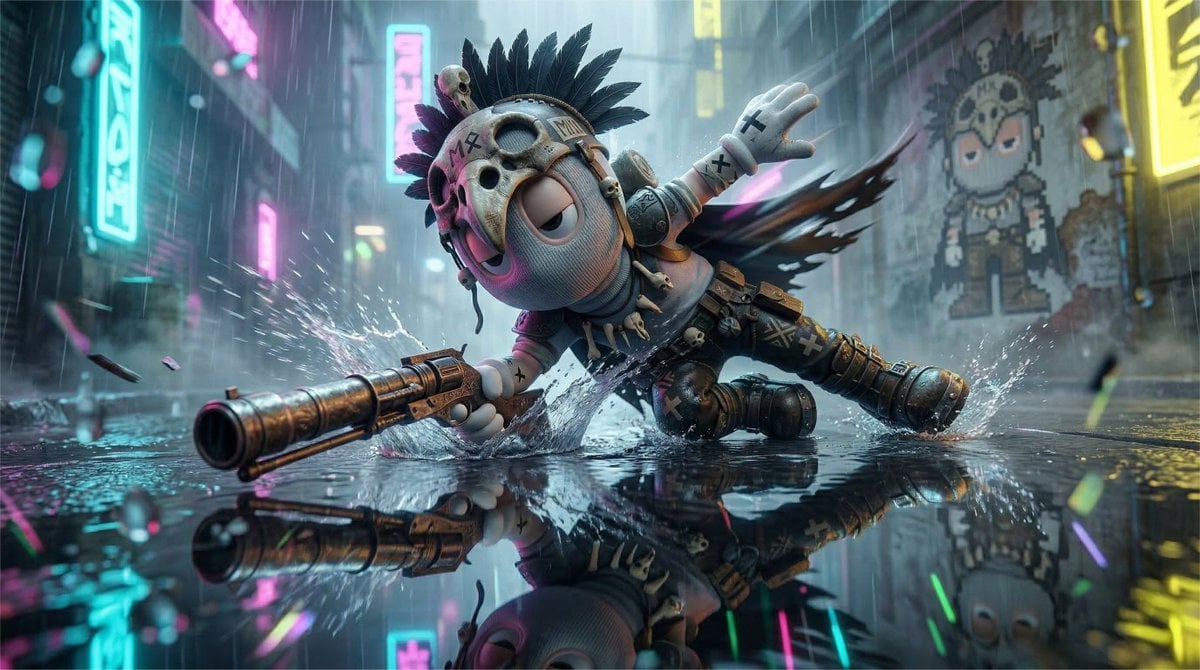
High-Speed Cinematic Cyberpunk Scene Prompt
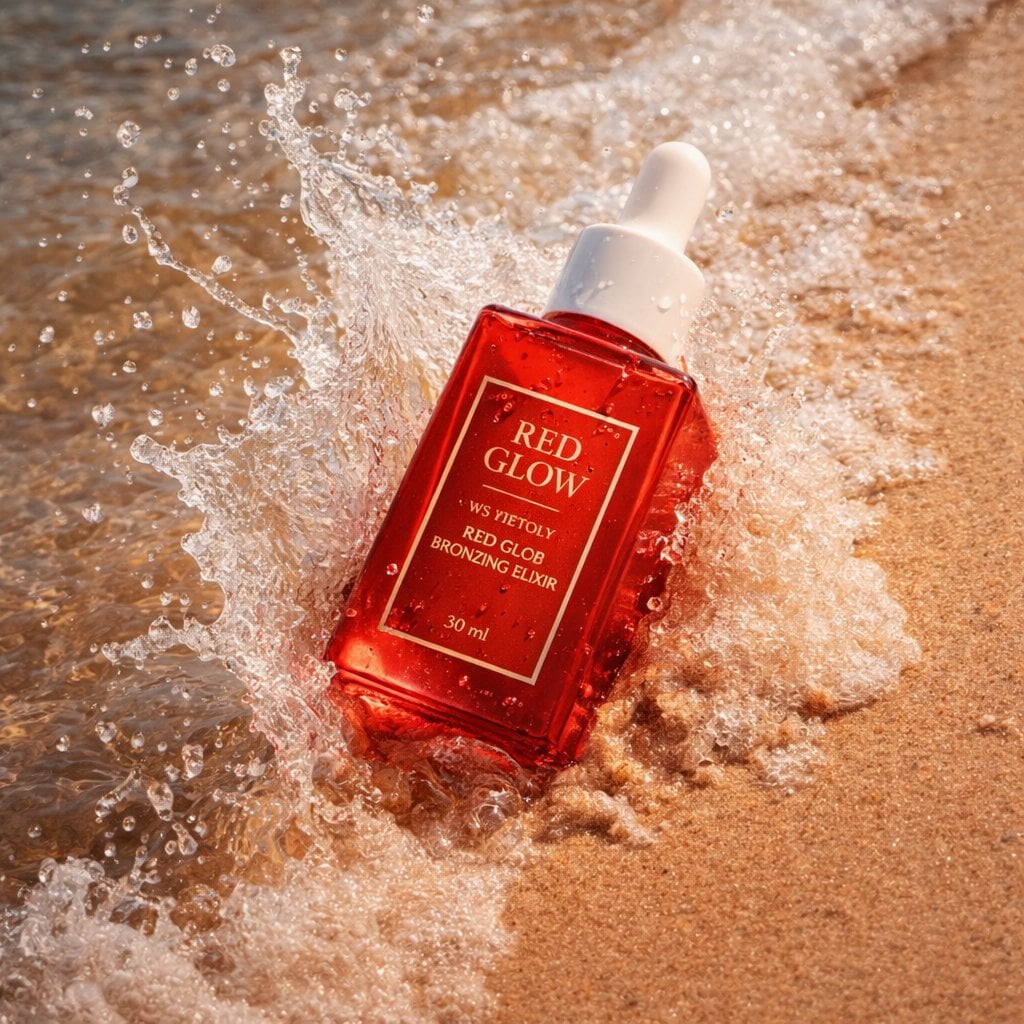
Summer Skincare Product Photography on Beach
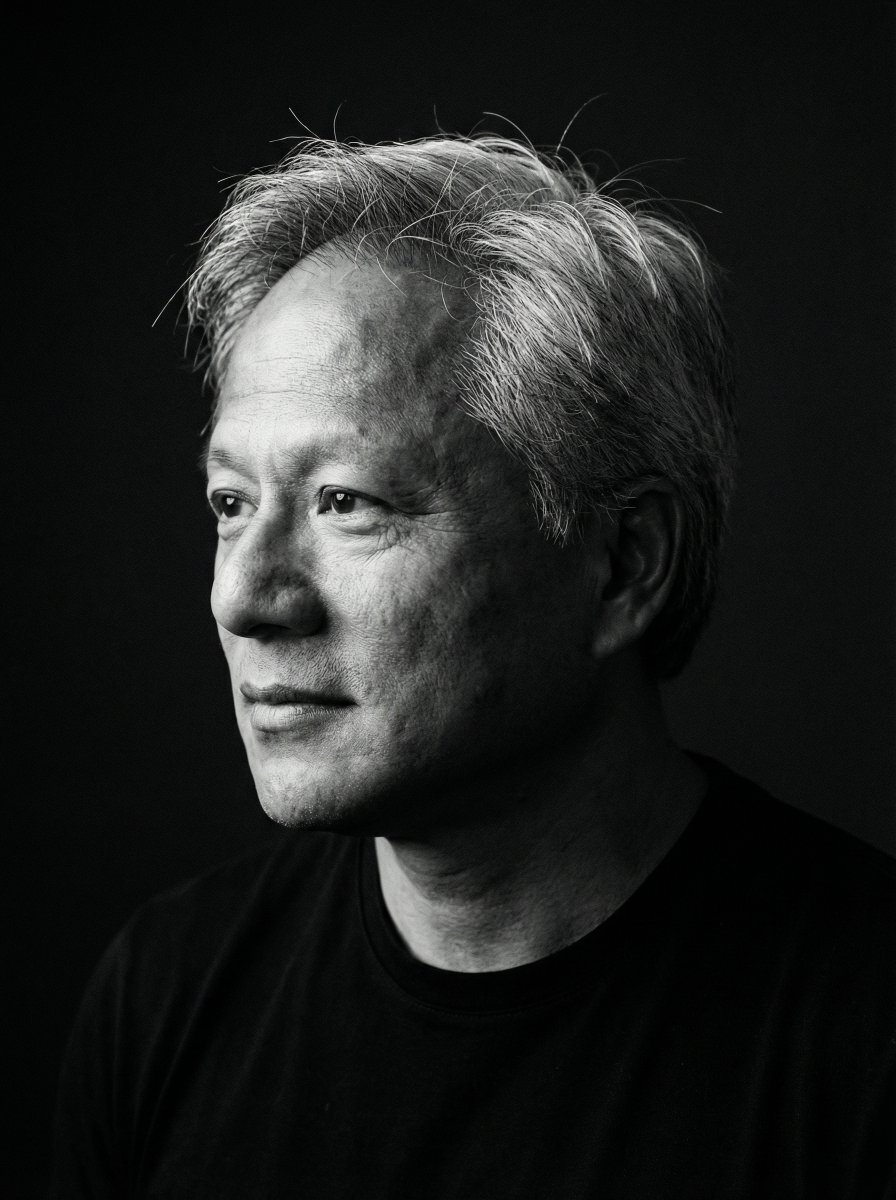
Minimalist Black and White Portrait Photography
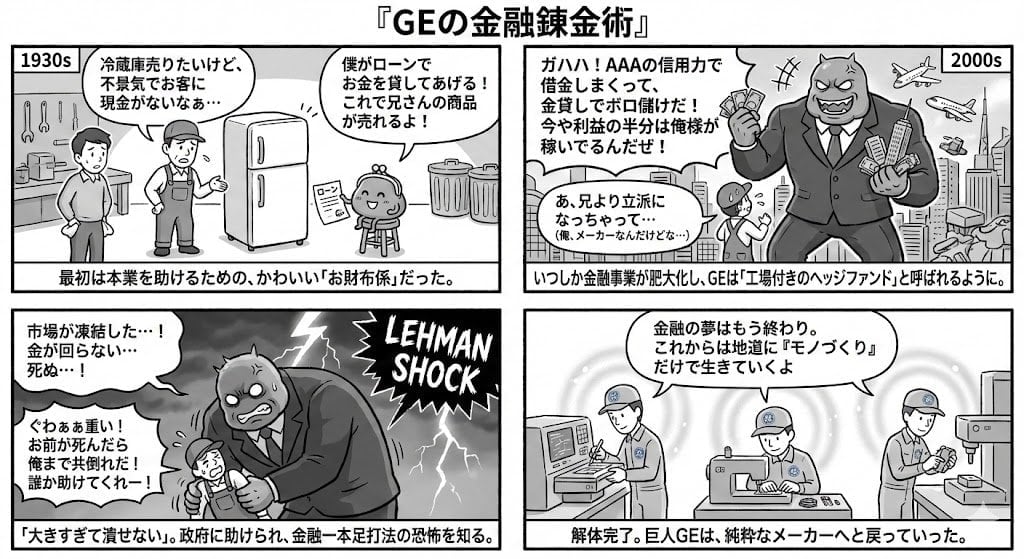
Generating 4-Panel Manga on GE's Financial History

Detailed JSON Prompt for Viral Close-Up Selfie Image Generation
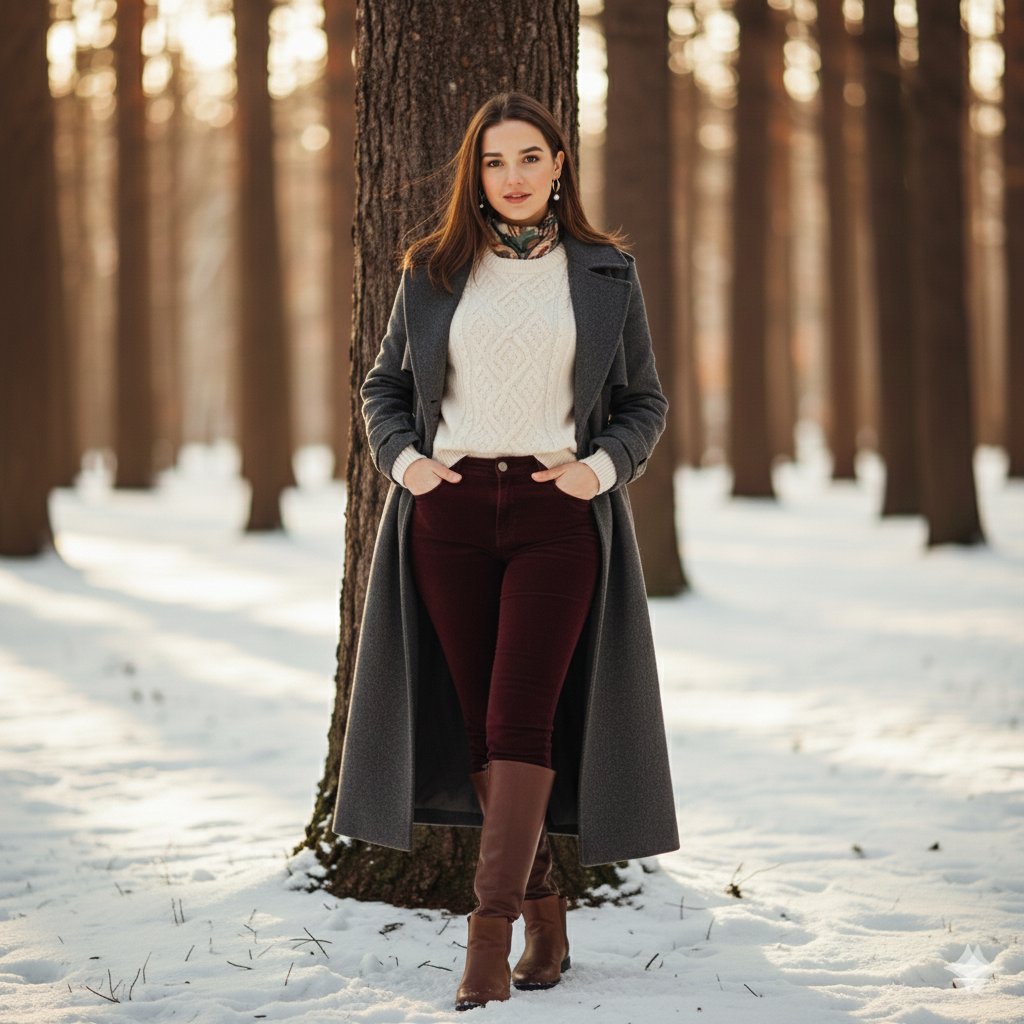
Cinematic Winter Portrait Photoshoot Prompt
Browse template categories
Christmas Ornament Chibi Character Transformation questions
How do I use the Christmas Ornament Chibi Character Transformation template?
Add your photo if the template asks for one, edit the prompt if you like — the template's model and format are already selected — and press Generate. Your version opens in PicX Studio.
Can I customize the Christmas Ornament Chibi Character Transformation template?
Yes. You can change the subject, setting, lighting, mood, format, and available model controls before creating your image.
Is the Christmas Ornament Chibi Character Transformation template free?
Opening and editing this template is free. Generating uses credits, shown on the Generate button when you are signed in.
Which AI model should I use?
Start with Nano Banana 2, which is the model associated with this template. You can compare another compatible model for a different finish.
Looking for something else? Browse all templates.

Your photo, any look
Thousands of ready templates for every top image and video model, from one credit balance.