
Cinematic Christmas Transformation with Composition Lock
A complex, multi-step prompt designed to transform an uploaded user image into a cinematic Christmas scene while strictly maintaining the original composition, poses, and spatial layout.

- Prompt included
- Model and format preset
- Free template
The prompt behind this image
Copy the exact prompt behind Cinematic Christmas Transformation with Composition Lock, or open it in the studio and make it yours.
### ROLE & OBJECTIVE You are an AI expert in visual analysis and creative scene composition. Your task is to precisely analyze a user-uploaded image and then transform it into a detailed, atmospheric Christmas scene while maintaining the original composition, poses, and spatial layout. ### INPUT [PLEASE UPLOAD YOUR IMAGE HERE] ### PROCESS STEPS **STEP 1: Visual Deconstruction (Analysis)** Examine the uploaded image and create a detailed inventory of the following elements: 1. **Subjects & People:** Who is in the image? Describe their exact poses, facial expressions, and the interactions between them. 2. **Scene & Environment:** Where does the scene take place (e.g., living room, office, park)? Describe the architecture, the background elements, and the original lighting conditions. 3. **Key Objects:** List all prominent items currently visible in the image (furniture, technology, decorations, etc.). **STEP 2: The Christmas Metamorphosis (Transformation)** Based on the analysis from Step 1, rewrite the scene description as if it were a high-production shot from a cinematic Christmas movie. Apply the following rules: * **Atmosphere & Lighting:** Shift the lighting to a warm, golden glow (e.g., emanating from fairy lights, candles, or a fireplace). The mood must be cozy, festive, and magical. * **Attire:** Replace the original clothing of all subjects with appropriate, festive winter wear (e.g., Norwegian wool sweaters, Santa hats, elegant holiday attire), ensuring the original poses remain identical. * **Object Transformation & Enhancement:** * Transform existing objects into Christmas equivalents where logical (e.g., a standard houseplant becomes a small decorated tree). * Integrate essential Christmas elements: A decorated tree, garlands, wrapped gifts, advent wreaths, and subtle frost or snow if outdoors. ### DESIRED OUTPUT (Final Image Prompt) Based on Step 2, generate a single, extremely detailed, and vivid visual description. This description should serve as a master prompt for an image generator to create the final Christmas photo. Focus on textures, specific visual details, and the festive "Hygge" atmosphere while emphasizing that the core composition of the original photo must remain unchanged.
How to use Cinematic Christmas Transformation with Composition Lock in 3 steps
- 1Upload ImagePNG, JPG or paste
Add your photo
Upload the photo the template builds on. The prompt, model and format are already set.
- 2…a portrait of your subject in softgolden-hour light, 85mm…
Personalize
Edit the subject and creative details for your destination.
- 3Generate
Generate
Press Generate — your image is created in PicX Studio, so you can compare it with the original and refine one variable at a time.
More like this
Templates with the same subject, style or setup. Open one to see its prompt.

Nano Banana Pro Identity Lock — Composition + Face Reference

Christmas Ornament Portrait Glossy Glass Resin Finish with Hand Painted Details Holiday Lighting
Seedance - Character Transition
Awkward 90s Christmas Studio Portrait
Awkward 90s Holiday Studio Portrait

Crispy Chip Christmas Ad Template

Christmas Beverage Campaign Template
Festive Couple Holiday Magic Template
Vintage Toy Fashion Portrait
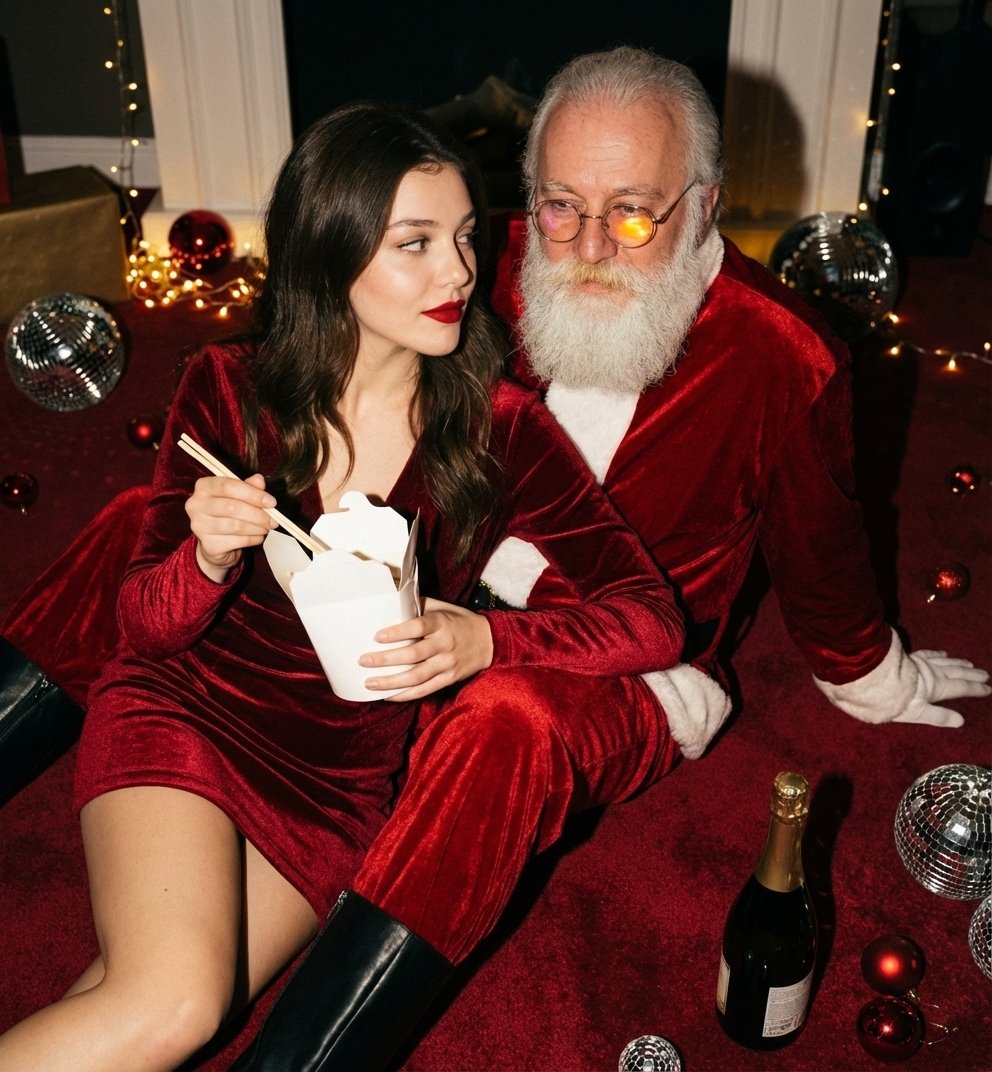
Christmas Holiday Editorial Template
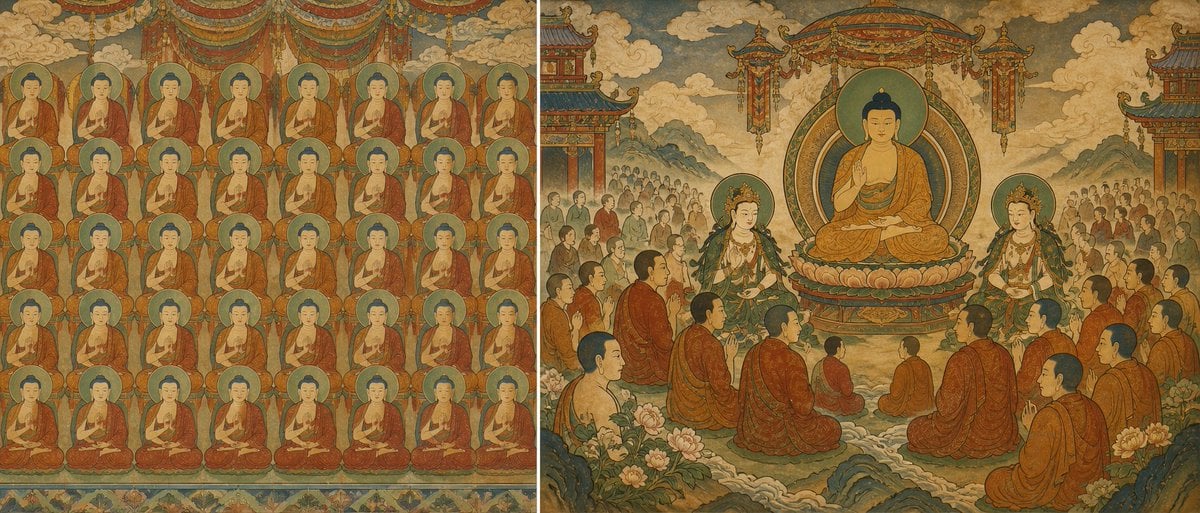
Buddhist Mural Composition Diptych
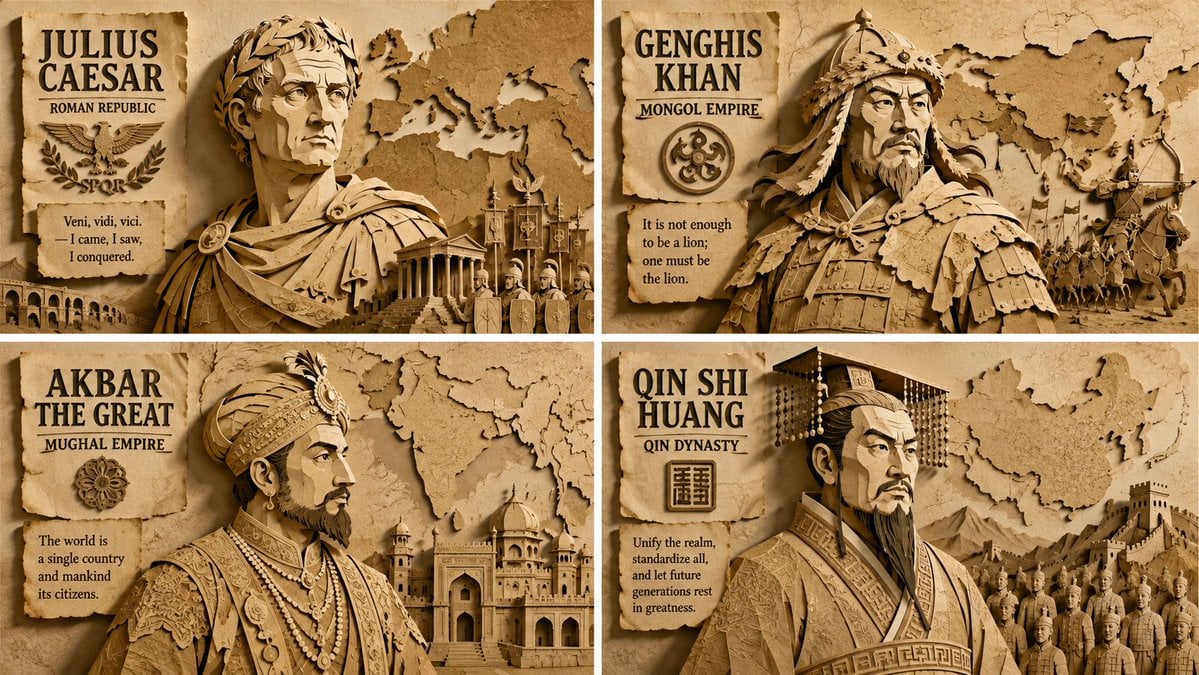
Paper Relief Hierarchical Composition
Make it yours
Cinematic Christmas Transformation with Composition Lock works as-is. These are the safest ways to change it without losing the look.
Change one field
Copy a single group, rewrite it, and generate again so you can see what that field is doing.
Keep the frame, change the subject
Hold the composition and light of Cinematic Christmas Transformation with Composition Lock, then swap wardrobe, props or the person for a new take.
| If the result… | Why | Fix |
|---|---|---|
| The result drifts from the preview | Too many fields changed at once. | Reuse Cinematic Christmas Transformation with Composition Lock as-is first, then change one group — subject, light, or setting. |
| The model over-stylizes the scene | The prose prompt leaves finish and camera underspecified. | Add one camera or lighting sentence and stay on Nano Banana 2. |
More Nano Banana 2 templates
Other prompts made for Nano Banana 2.

Photorealistic Leaf Shaped Like a Dragon

K-Pop Idol Portrait Grid for Rapid Selection

Poetic Rain Forest Portrait During Golden Hour

Urban Street Portrait with Cartoon Inner Self Duo

Candid Nighttime Photo with Cat Prompt

High-Concept 3D Diorama Generation Prompt

Cinematic Futuristic Studio Portrait Template

Skincare Editorial Photography Collage Prompt

Hyper-Realistic Commercial Product Photography (Splash Effect)

Hyper-Realistic Nightclub Portrait Prompt
More image prompts
Fresh picks from across the catalog.
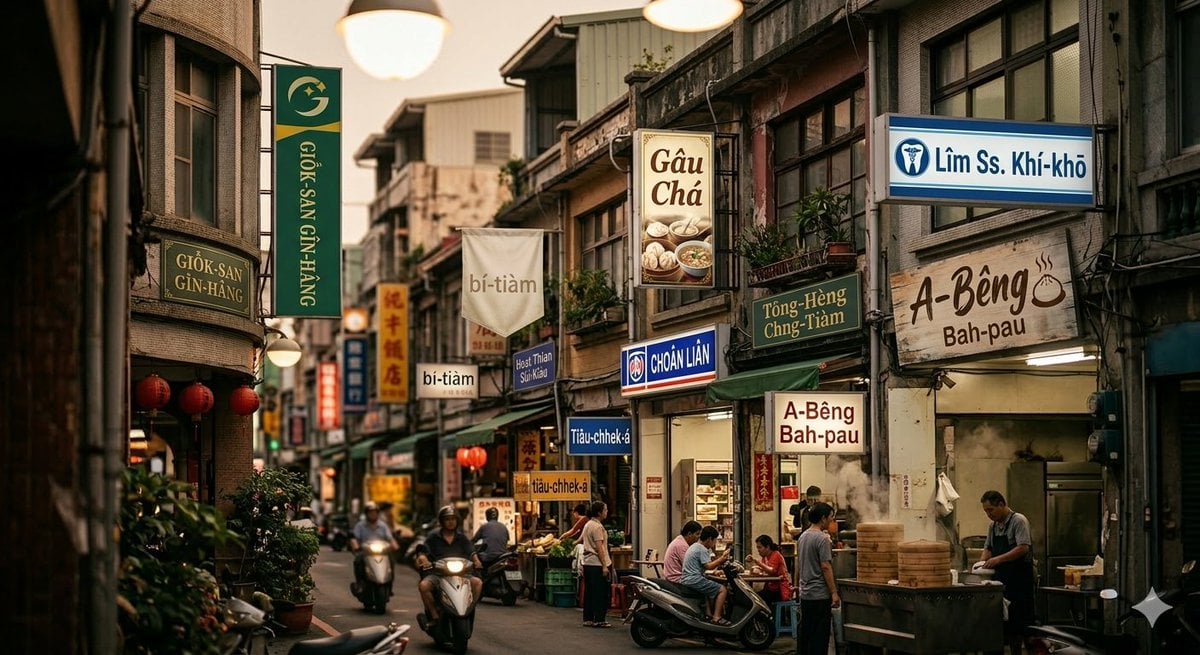
Generating Romanized Taiwanese streetscape with Nano Banana 2

Leaf-Cutout Art Prompt Template and Examples

Bag Check Lifestyle Infographic
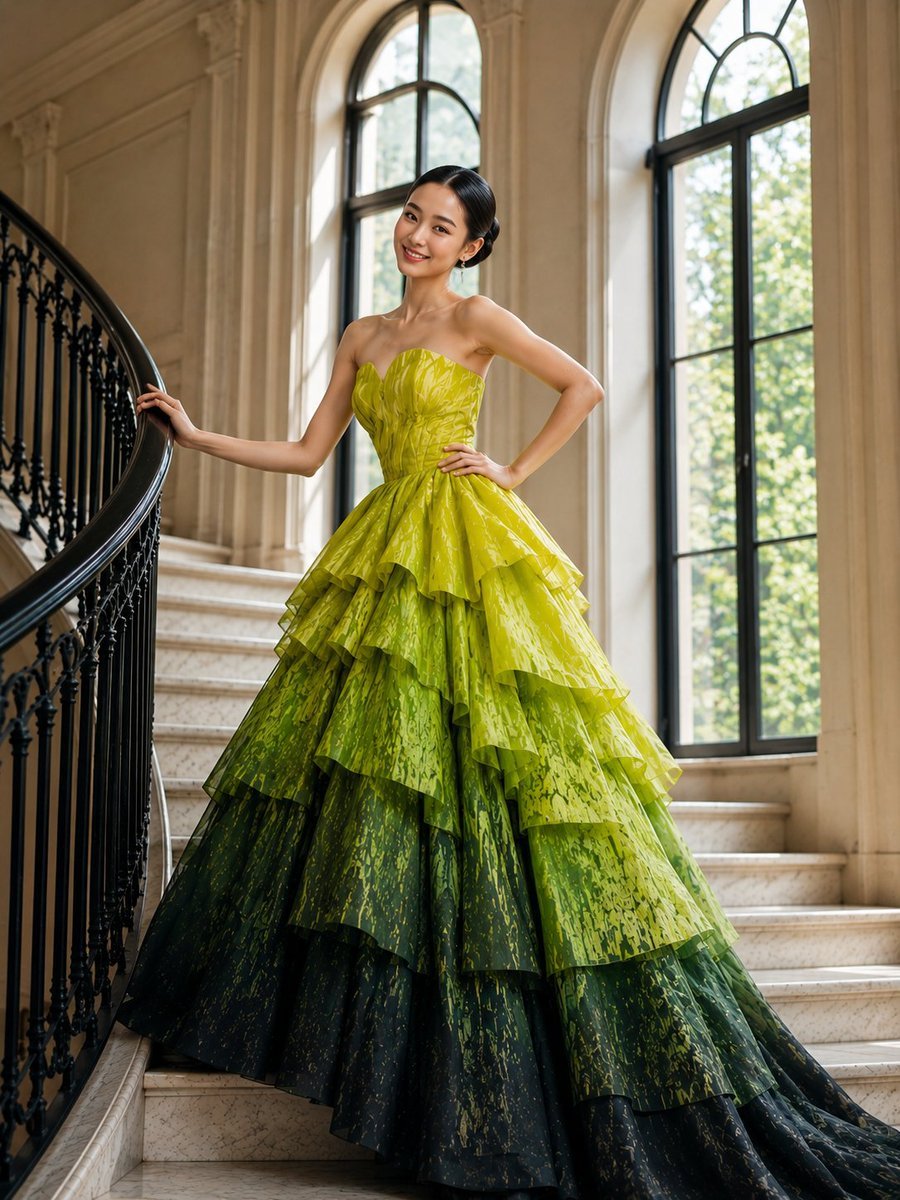
High-Fashion Tiered Ballgown Editorial
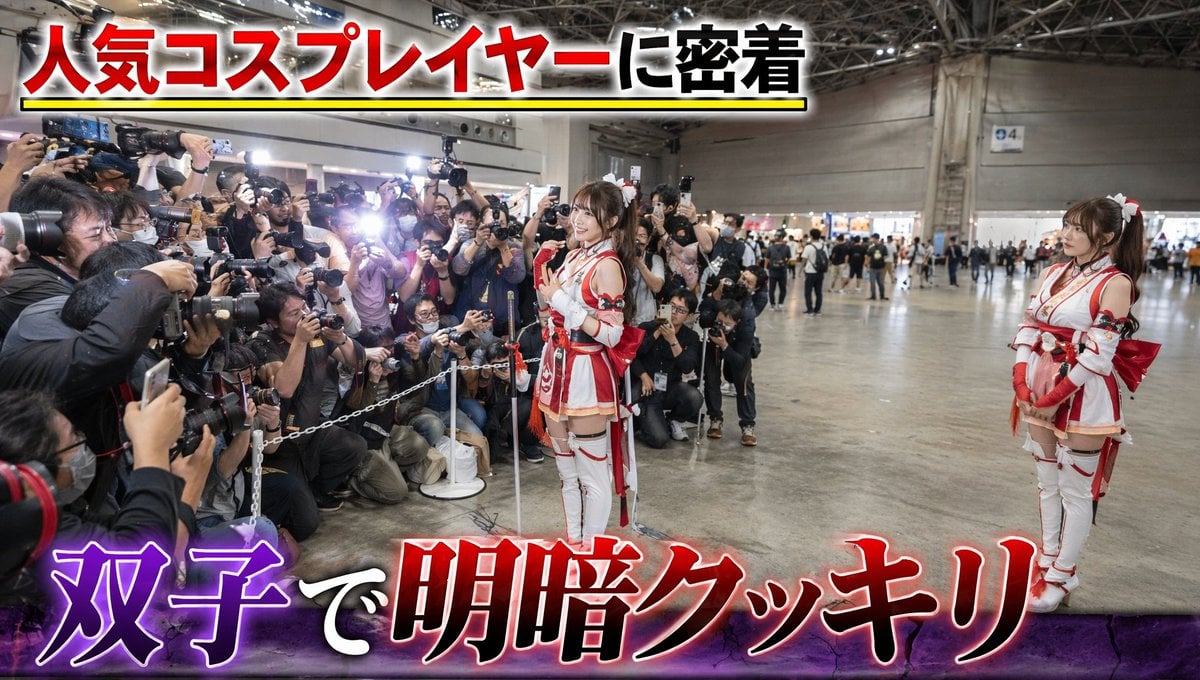
Twin Cosplayers Popularity Contrast
Nano Banana Pro prompt for a photorealistic image of a woman with a futuristic helmet
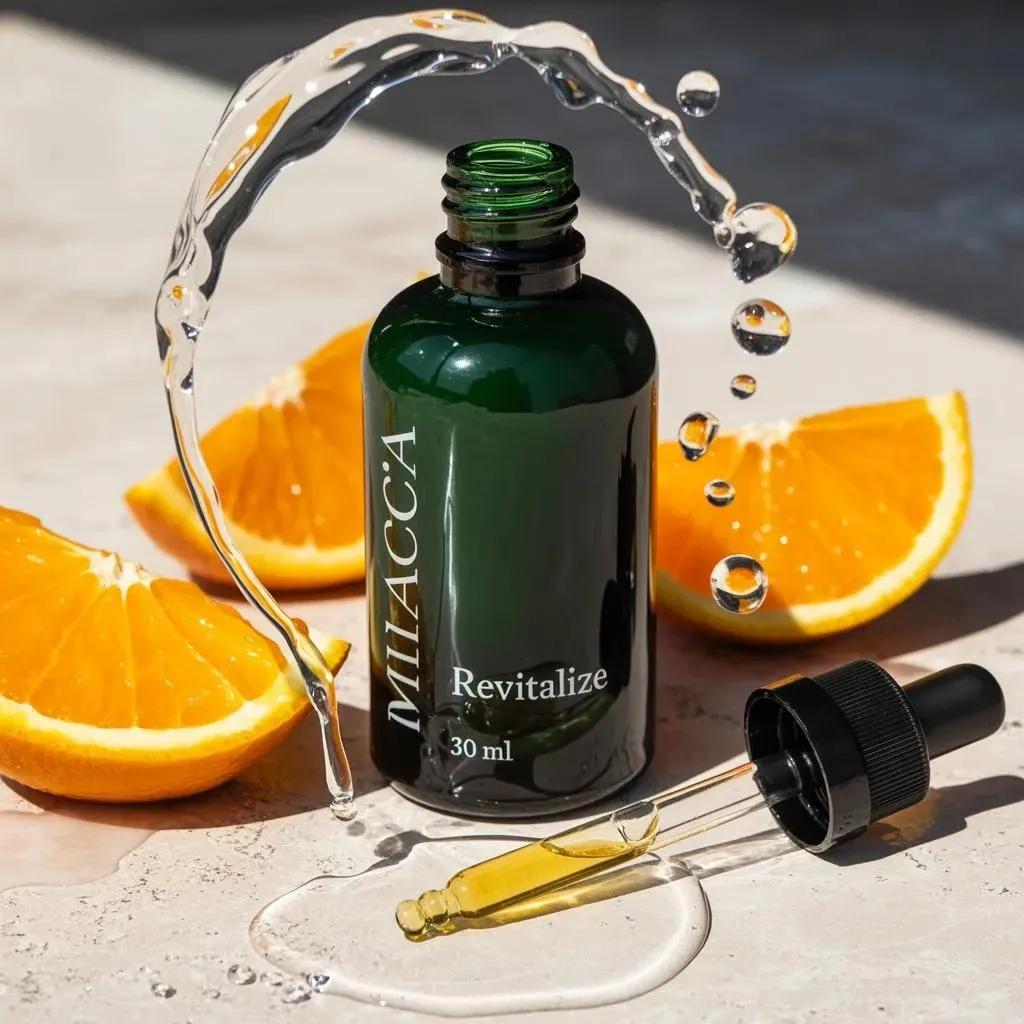
Citrus Skincare Product Macro Photography Prompt
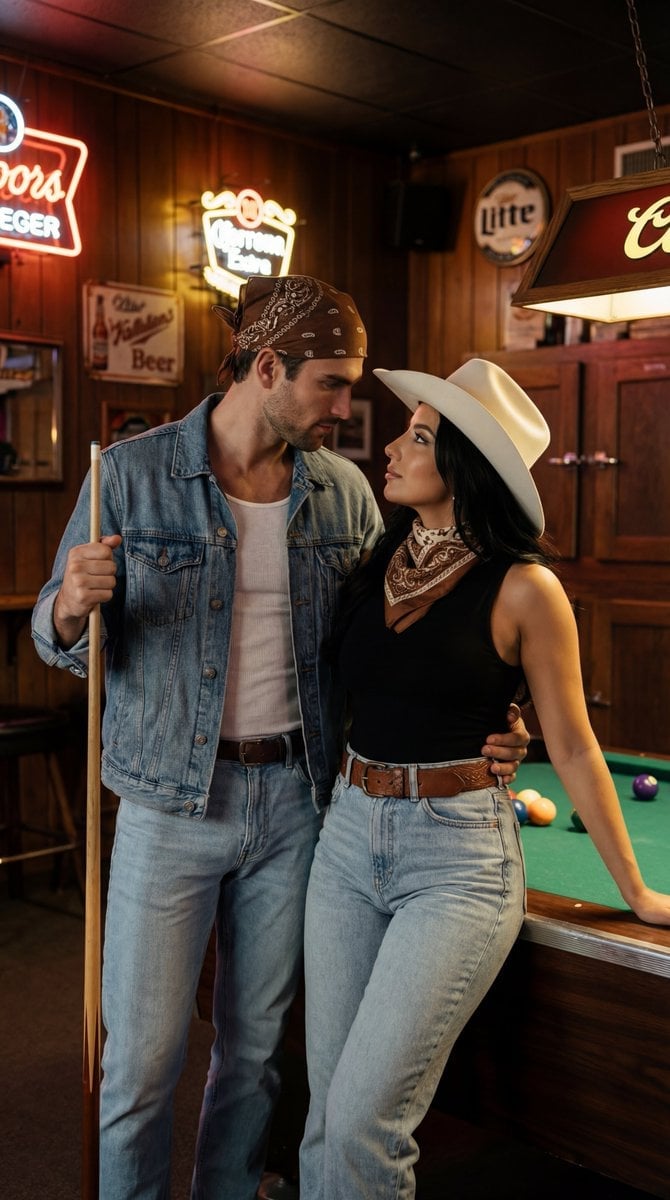
Americana Dive Bar Editorial Scene
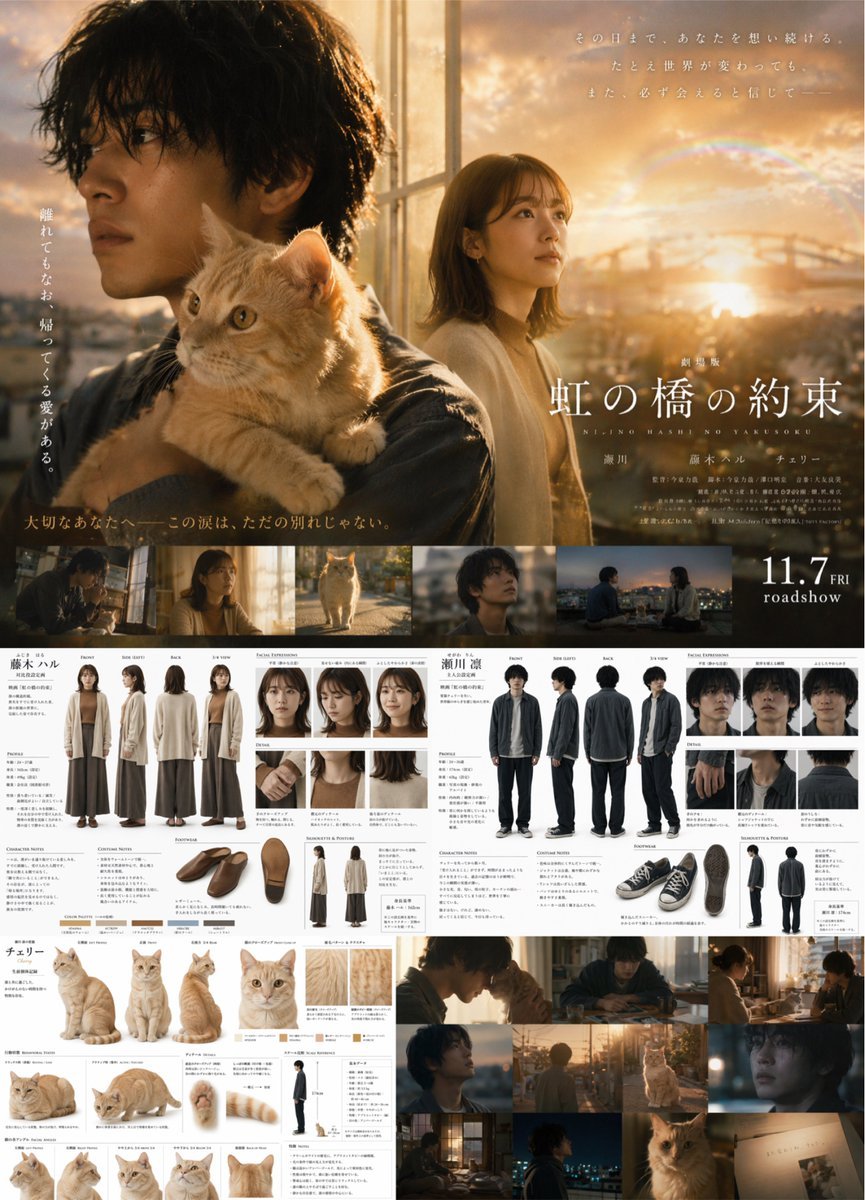
Live-Action Movie Poster & Character Sheet

Visit Malaysia 2026 Travel Poster
Browse template categories
Cinematic Christmas Transformation with Composition Lock questions
How do I use the Cinematic Christmas Transformation with Composition Lock template?
Add your photo if the template asks for one, edit the prompt if you like — the template's model and format are already selected — and press Generate. Your version opens in PicX Studio.
Can I customize the Cinematic Christmas Transformation with Composition Lock template?
Yes. You can change the subject, setting, lighting, mood, format, and available model controls before creating your image.
Is the Cinematic Christmas Transformation with Composition Lock template free?
Opening and editing this template is free. Generating uses credits, shown on the Generate button when you are signed in.
Which AI model should I use?
Start with Nano Banana 2, which is the model associated with this template. You can compare another compatible model for a different finish.
Looking for something else? Browse all templates.

Your photo, any look
Thousands of ready templates for every top image and video model, from one credit balance.