
Crispy Chip Christmas Ad Template
Crispy Chip Christmas Ad Template is a ready photo look.
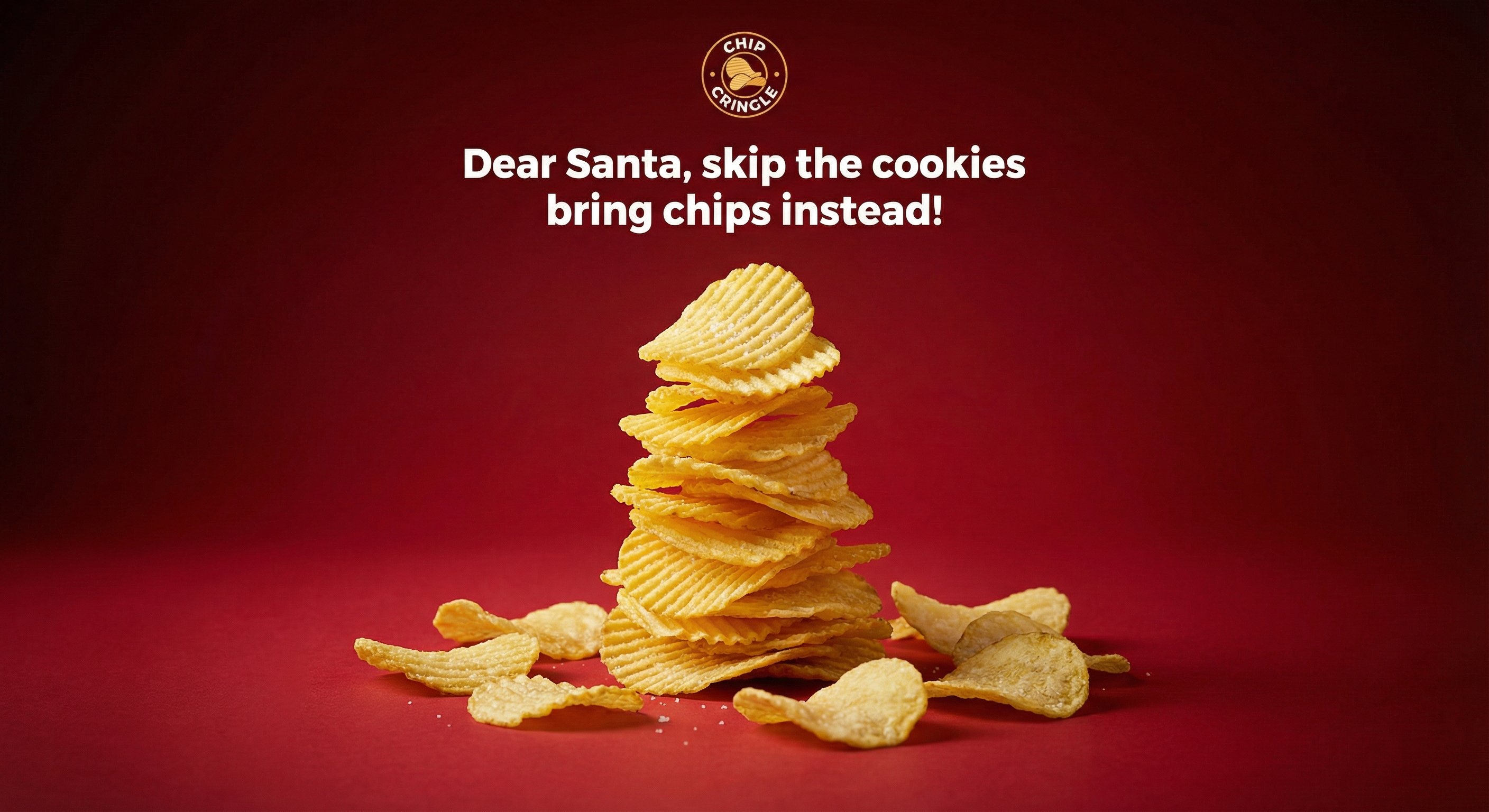
- Prompt included
- Model and format preset
- Free template
The prompt behind this image
Copy the exact prompt behind Crispy Chip Christmas Ad Template, or open it in the studio and make it yours.
- Subject › Description
- Stacked ridged potato chips arranged in the shape of a minimalist Christmas tree, tapering naturally from wider base to pointed top, forming recognizable tree silhouette without perfect symmetry, chips have visible ridges, natural curves, slight breakage, and small salt crystals catching light
- Subject › Texture
- Golden-yellow, thin, crisp potato chips with realistic textures
- Background › Setting
- Solid vibrant red studio backdrop
- Background › Elements
- subtle tonal falloff from center to edges, soft vignetting around frame
- Background › Atmosphere
- Clean and distraction-free commercial product photography setting
- Text Elements › Logo
- Circular snack brand logo positioned at top center
- Text Elements › Tagline
- Dear Santa, skip the cookies bring chips instead!
- Text Elements › Typography
- Clean, bold sans-serif font, sharp, evenly spaced, professionally aligned like print ad
- Photography › Camera Style
- High-end commercial advertising photography
- Photography › Angle
- Frontal eye-level view
- Photography › Shot Type
- Medium shot showing full chip tree structure
- Photography › Texture
- Slight real-world grain, no AI artifacts
- Photography › Quality
- Natural contrast, accurate color reproduction, shallow depth of field
- Lighting › Source
- Controlled studio lighting setup
- Lighting › Direction
- Soft key light from front enhancing chip texture, gentle side highlights emphasizing ridges, subtle shadow beneath stack grounding it realistically
- Lighting › Quality
- No harsh reflections, no blown highlights, professional commercial lighting
- Constraints
- No CGI, No illustration, No surreal elements, No over-polished symmetry, No unrealistic textures, Ultra-realistic commercial product photograph
Raw JSON
{"subject": {"description": "Stacked ridged potato chips arranged in the shape of a minimalist Christmas tree, tapering naturally from wider base to pointed top, forming recognizable tree silhouette without perfect symmetry, chips have visible ridges, natural curves, slight breakage, and small salt crystals catching light", "texture": "Golden-yellow, thin, crisp potato chips with realistic textures"}, "background": {"setting": "Solid vibrant red studio backdrop", "elements": ["subtle tonal falloff from center to edges", "soft vignetting around frame"], "atmosphere": "Clean and distraction-free commercial product photography setting"}, "text_elements": {"logo": "Circular snack brand logo positioned at top center", "tagline": "Dear Santa, skip the cookies bring chips instead!", "typography": "Clean, bold sans-serif font, sharp, evenly spaced, professionally aligned like print ad"}, "photography": {"camera_style": "High-end commercial advertising photography", "angle": "Frontal eye-level view", "shot_type": "Medium shot showing full chip tree structure", "texture": "Slight real-world grain, no AI artifacts", "quality": "Natural contrast, accurate color reproduction, shallow depth of field"}, "lighting": {"source": "Controlled studio lighting setup", "direction": "Soft key light from front enhancing chip texture, gentle side highlights emphasizing ridges, subtle shadow beneath stack grounding it realistically", "quality": "No harsh reflections, no blown highlights, professional commercial lighting"}, "constraints": ["No CGI", "No illustration", "No surreal elements", "No over-polished symmetry", "No unrealistic textures", "Ultra-realistic commercial product photograph"]}How to use Crispy Chip Christmas Ad Template in 3 steps
- 1
Open
The prompt is already in the box next to the preview, with the template's model and format selected.
- 2…a portrait of your subject in softgolden-hour light, 85mm…
Personalize
Edit the subject and creative details for your destination.
- 3Generate
Generate
Press Generate — your image is created in PicX Studio, so you can compare it with the original and refine one variable at a time.
More like this
Templates with the same subject, style or setup. Open one to see its prompt.

Christmas Beverage Campaign Template

Thinking Over

Christmas Ornament Portrait Glossy Glass Resin Finish with Hand Painted Details Holiday Lighting

Nano Banana Pro Pink Office Chibi
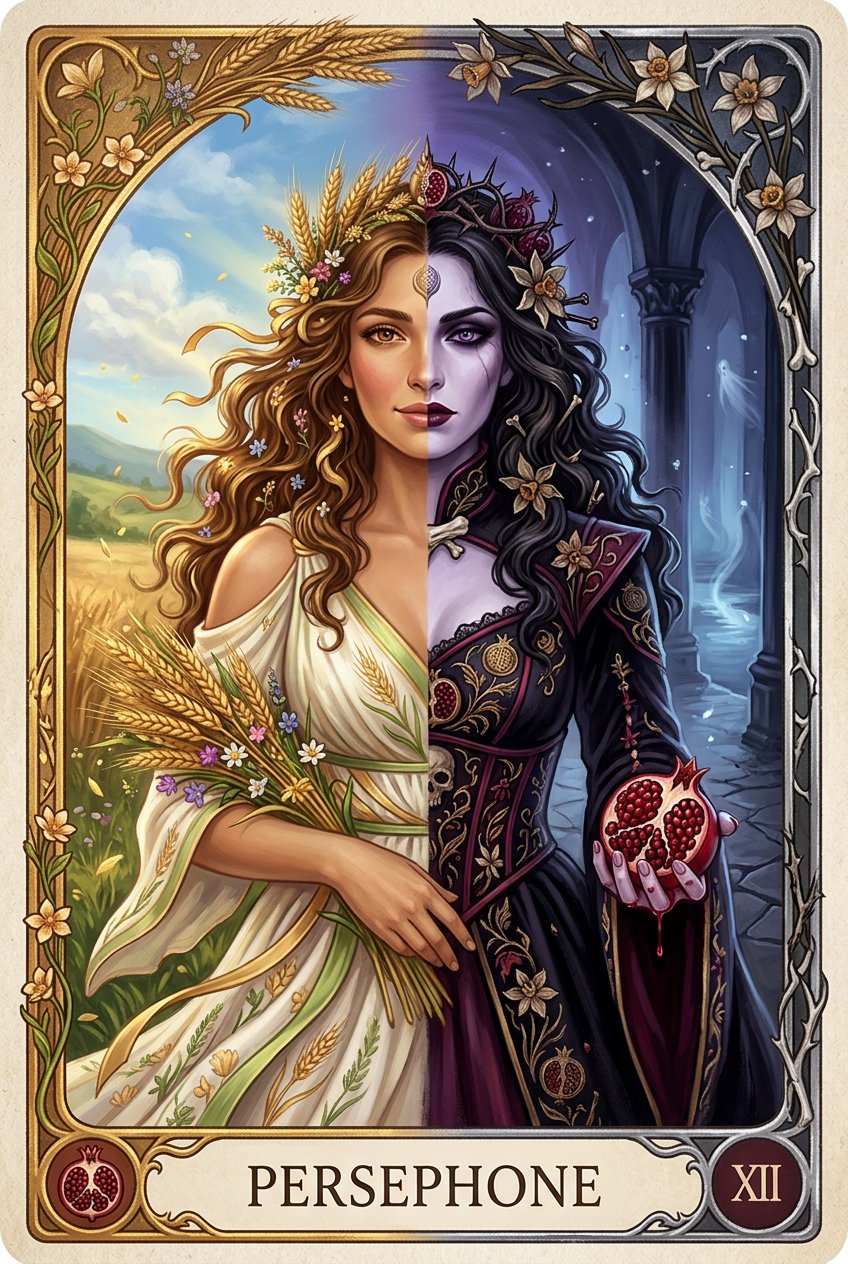
Persephone deity card

Cinematic Academic Signaling Thumbnail
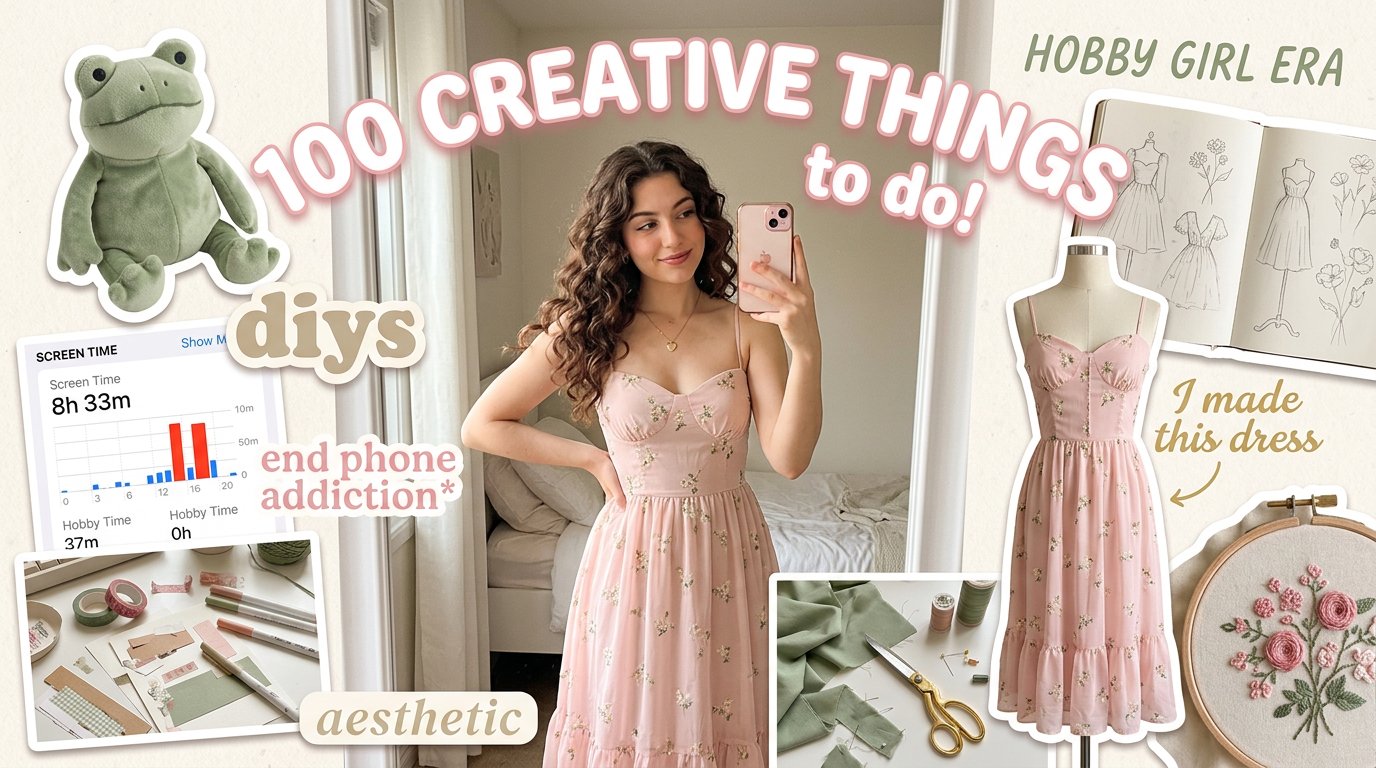
Aesthetic Hobby Girl Collage Youtube Thumbnail

Sunny Day

Messy Hair Glow Portrait
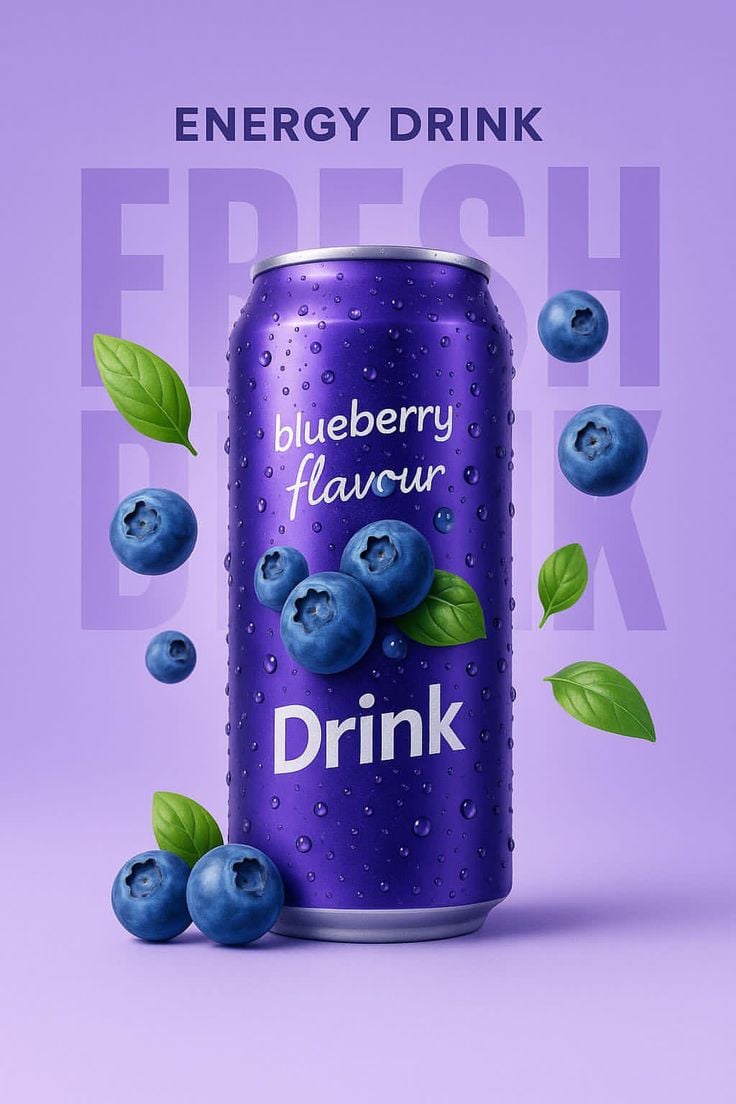
Blueberry Energy Drink Mockup

Botanical Rosemary Mint Product Showcase
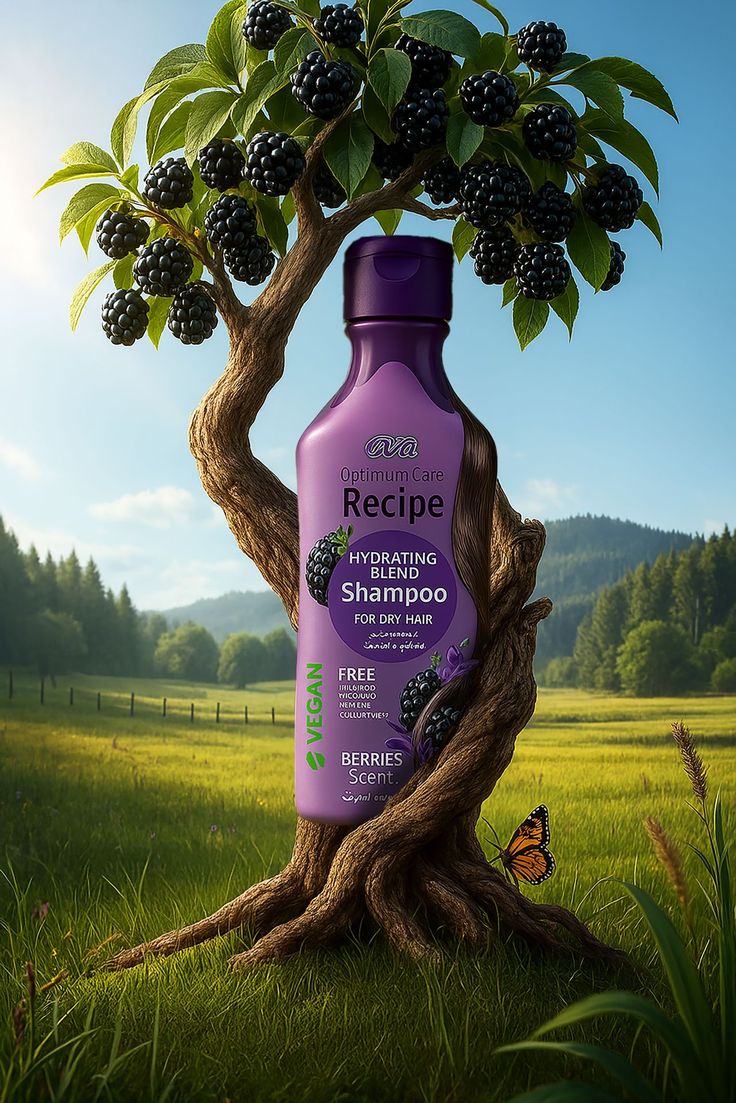
Nature Infused Shampoo Ad Template
Make it yours
Crispy Chip Christmas Ad Template works as-is. These are the safest ways to change it without losing the look.
Swap the setting
Keep the rest of the prompt and replace the location block. The current setting is “Solid vibrant red studio backdrop”.
Swap the light
One lighting change is enough to compare takes. Current light: “Controlled studio lighting setup”.
Change one field
Copy a single group, rewrite it, and generate again so you can see what that field is doing.
| If the result… | Why | Fix |
|---|---|---|
| The result drifts from the preview | Too many fields changed at once. | Reuse Crispy Chip Christmas Ad Template as-is first, then change one group — subject, light, or setting. |
| PicX Studio ignores part of the JSON | Some models flatten or skip nested keys. | Keep the same values and paste them as a short paragraph instead. |
More image prompts
Fresh picks from across the catalog.
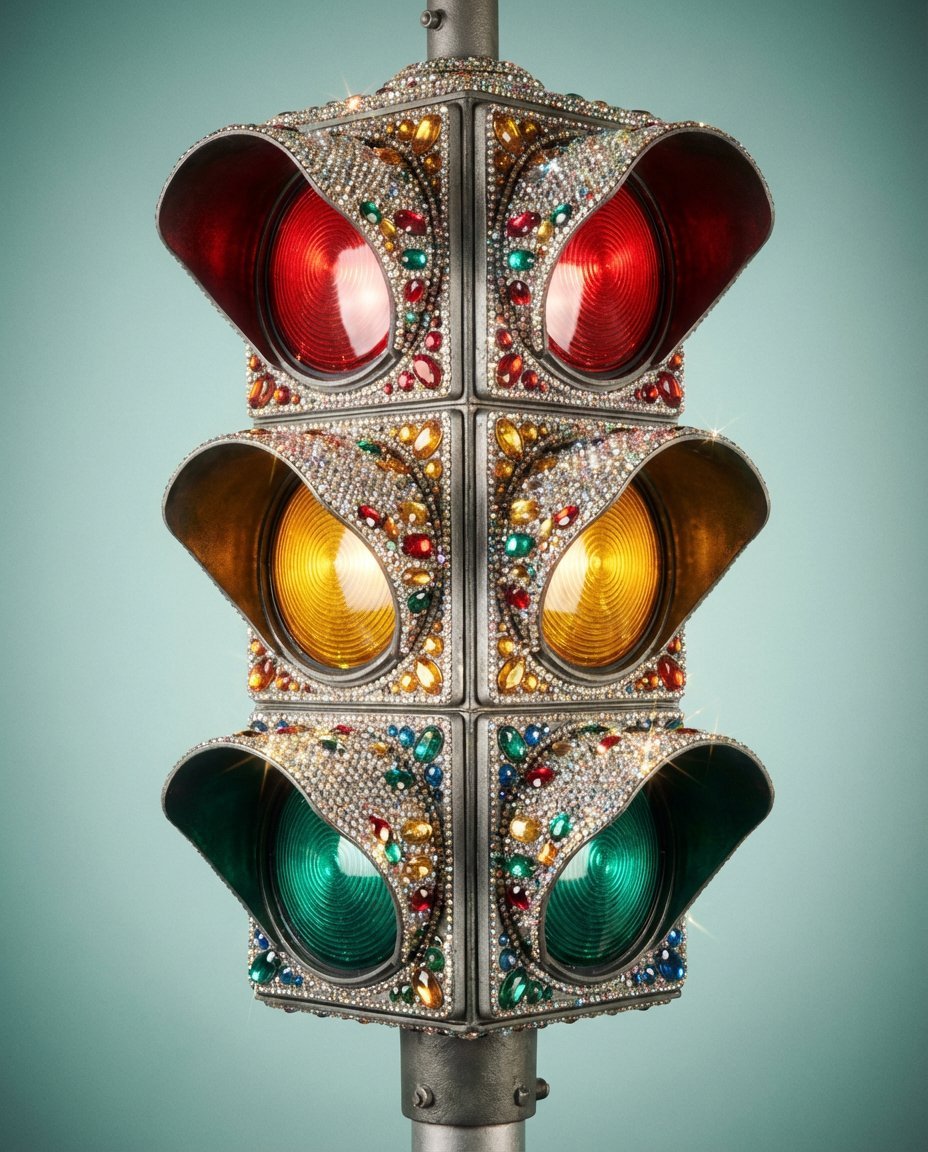
Rhinestone Encrusted Vintage Traffic Light Close-Up
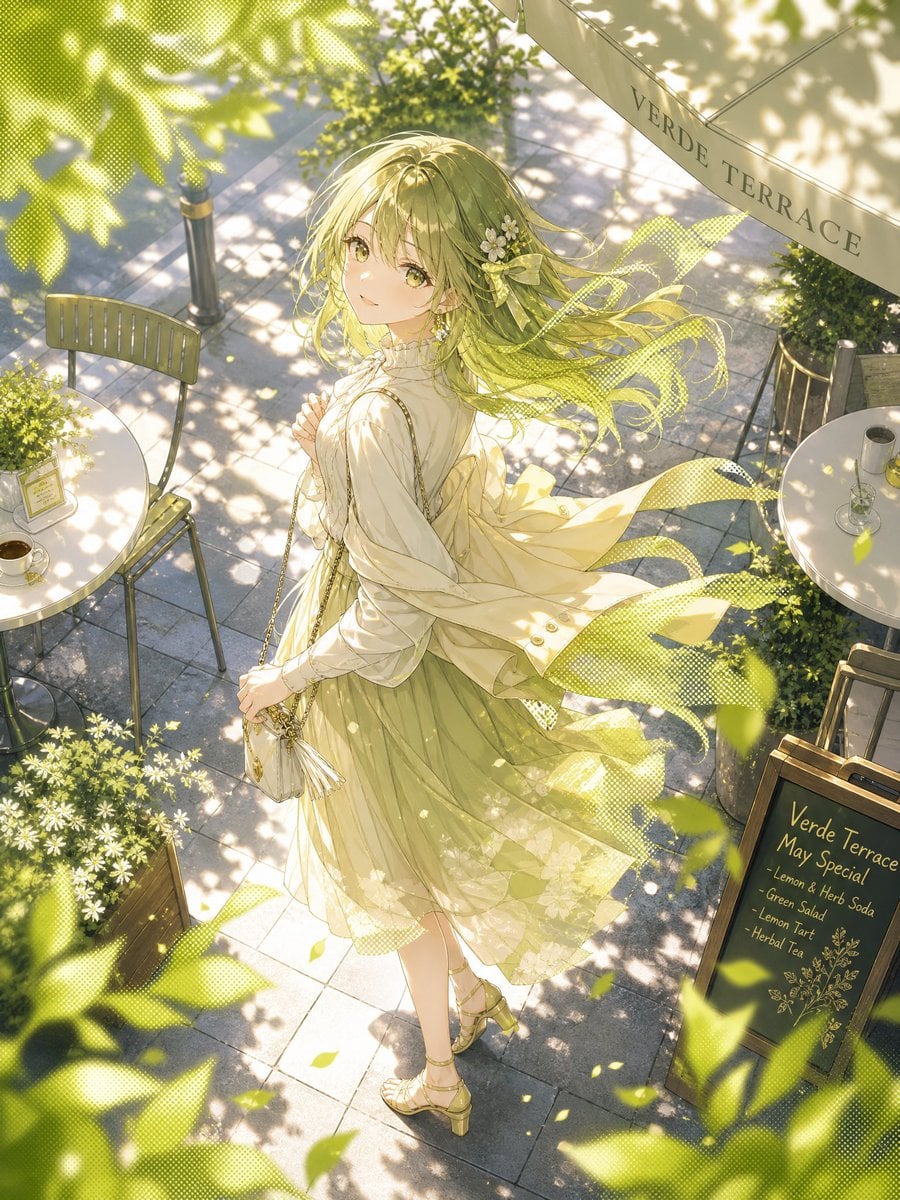
Windy Verde Terrace Anime Girl

Surreal Visual Metaphor Template

Billboard Food Commercial Flat Lay
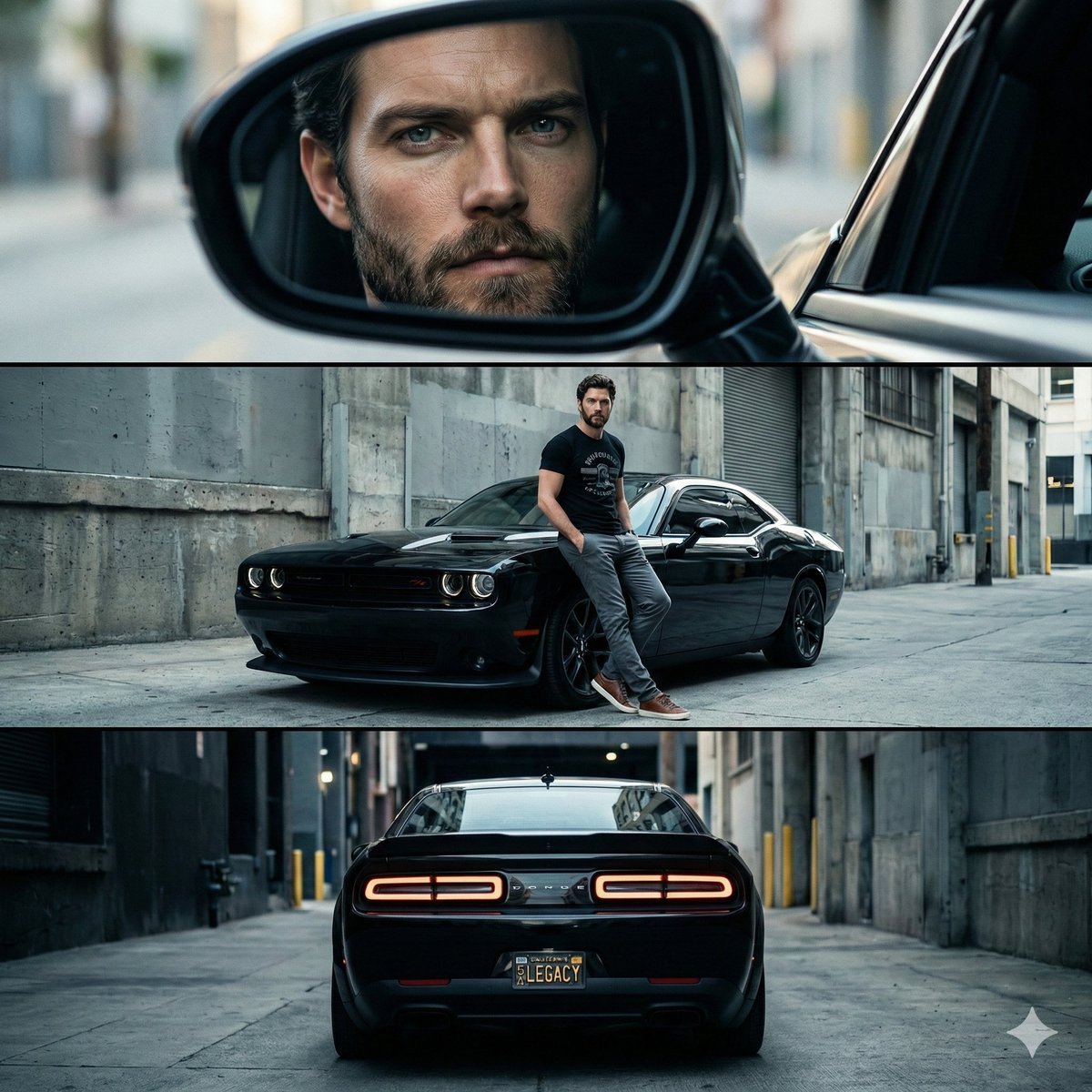
Cinematic Automotive Triptych Portrait Prompt
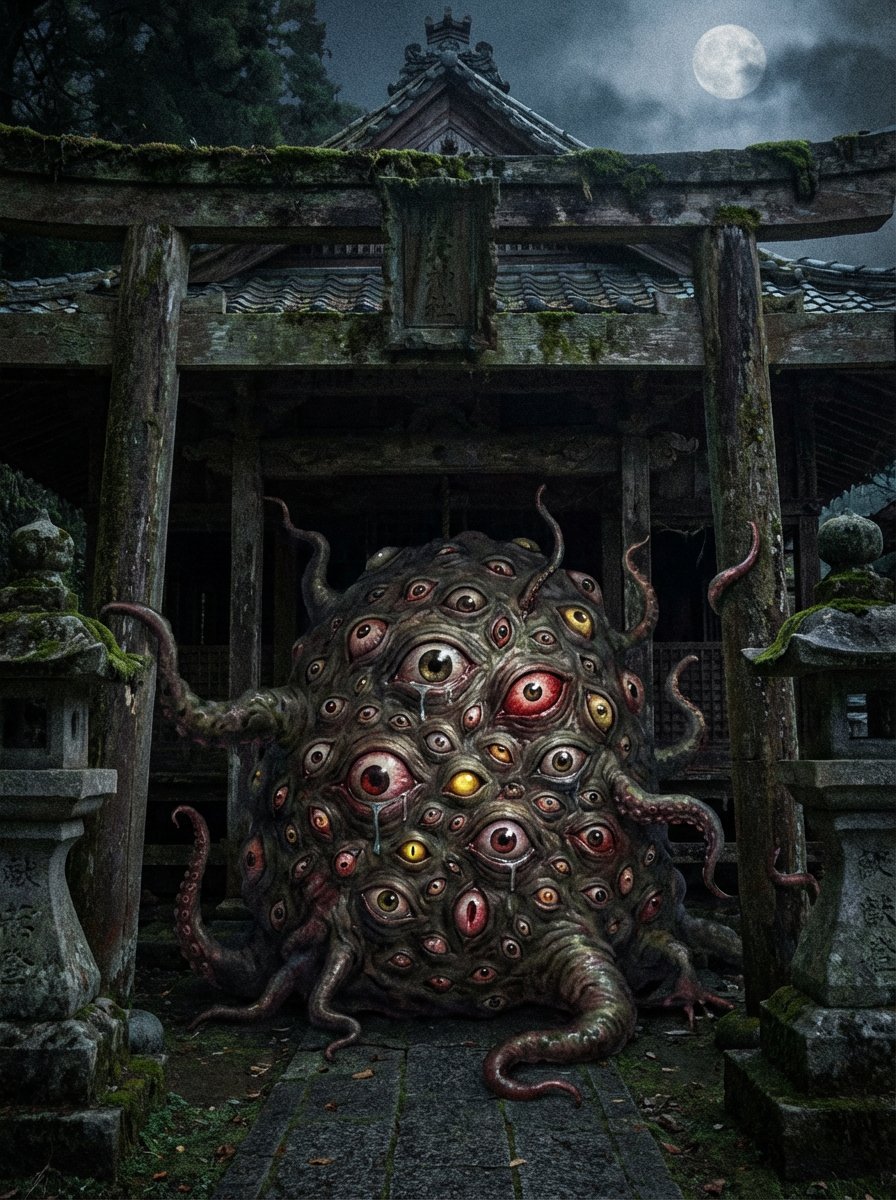
Creepy Monster Image Generation Prompt

Nano Banana Pro Generation from Cropped Image Center
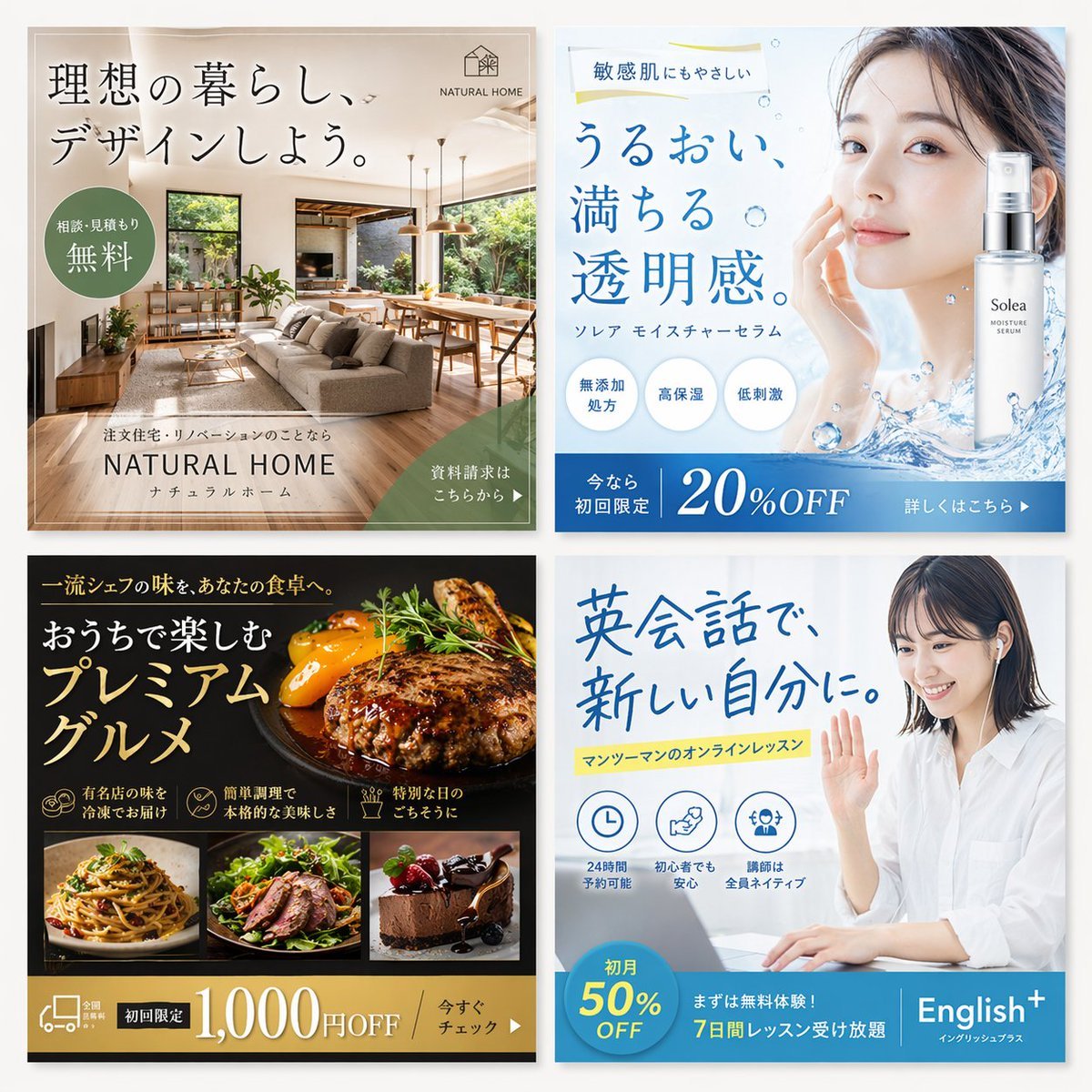
2x2 Japanese Web Banner Ad Grid
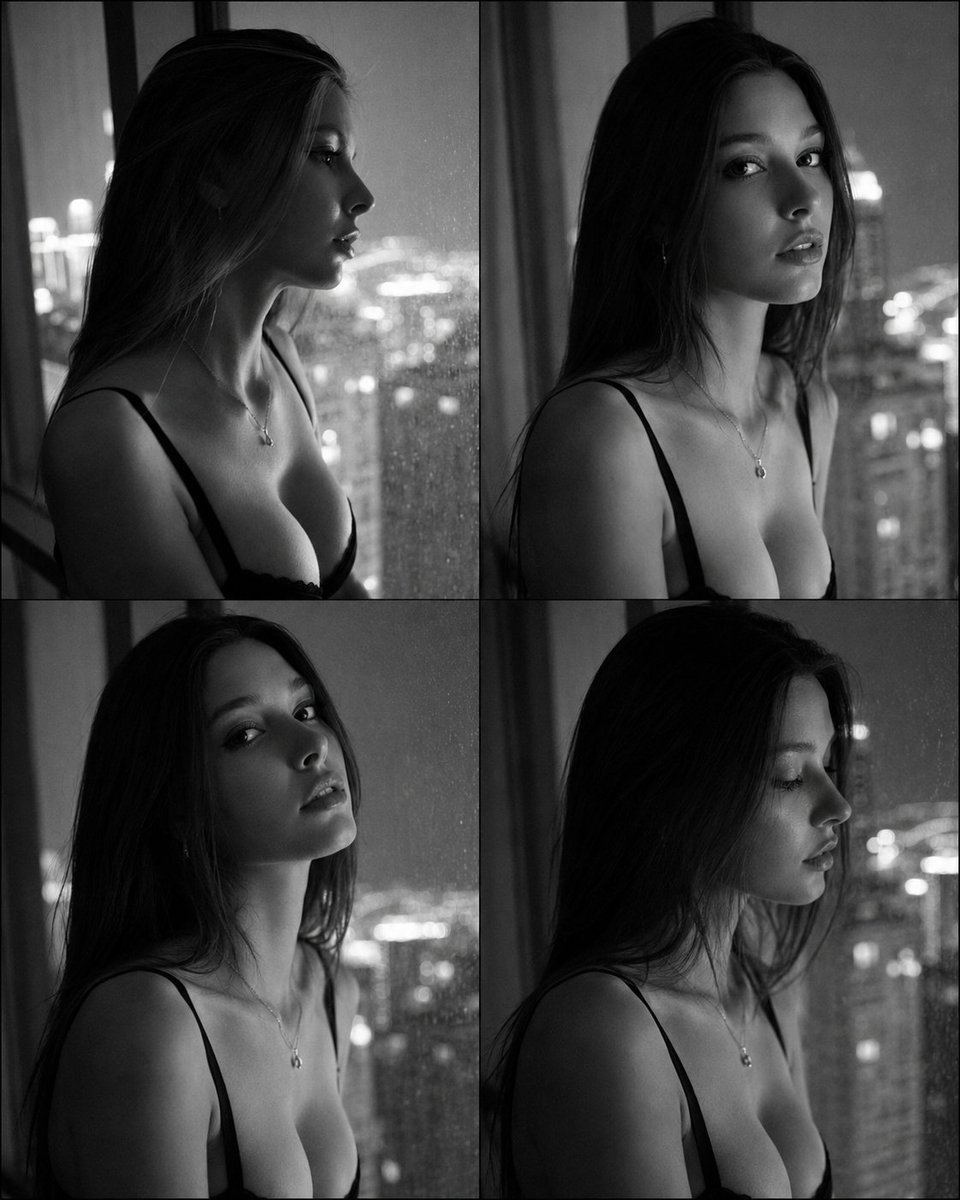
Fashion Casting Contact Sheet Portrait
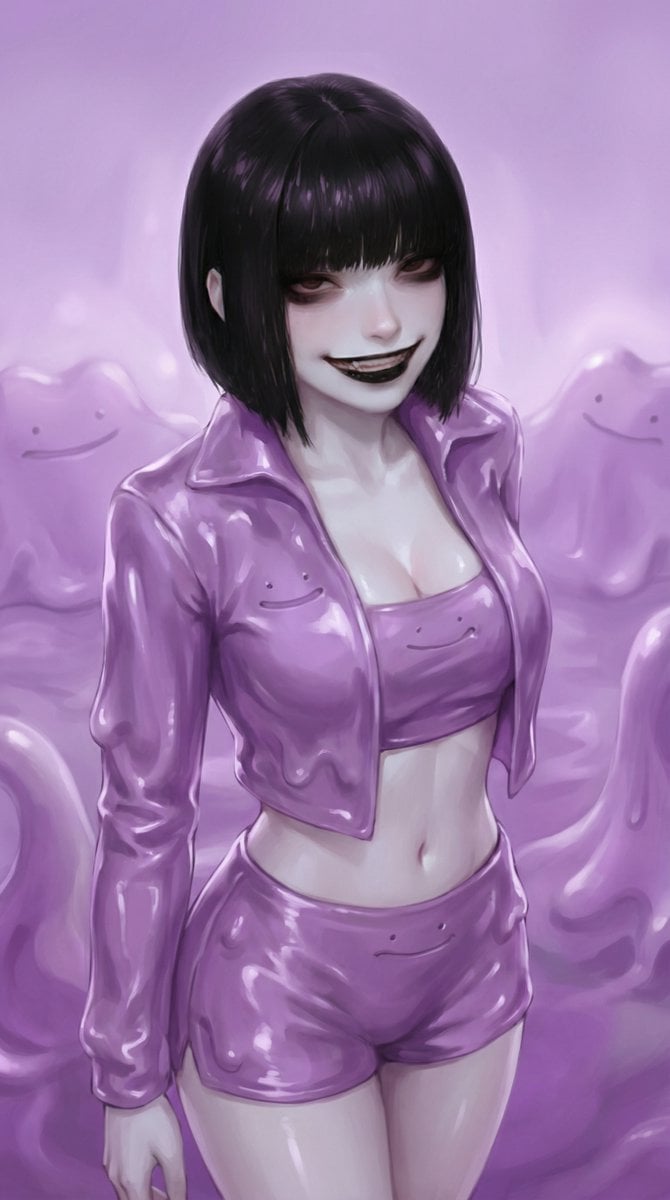
Ditto-Inspired Outfit Change with Identity Lock
Browse template categories
Crispy Chip Christmas Ad Template questions
How do I use the Crispy Chip Christmas Ad Template template?
Add your photo if the template asks for one, edit the prompt if you like — the template's model and format are already selected — and press Generate. Your version opens in PicX Studio.
Can I customize the Crispy Chip Christmas Ad Template template?
Yes. You can change the subject, setting, lighting, mood, format, and available model controls before creating your image.
Is the Crispy Chip Christmas Ad Template template free?
Opening and editing this template is free. Generating uses credits, shown on the Generate button when you are signed in.
Which AI model should I use?
Choose a compatible model in PicX Studio based on the style, speed, and output controls your project needs.
Looking for something else? Browse all templates.

Your photo, any look
Thousands of ready templates for every top image and video model, from one credit balance.