
Sunny Day
Sunny Day is a ready photo look.
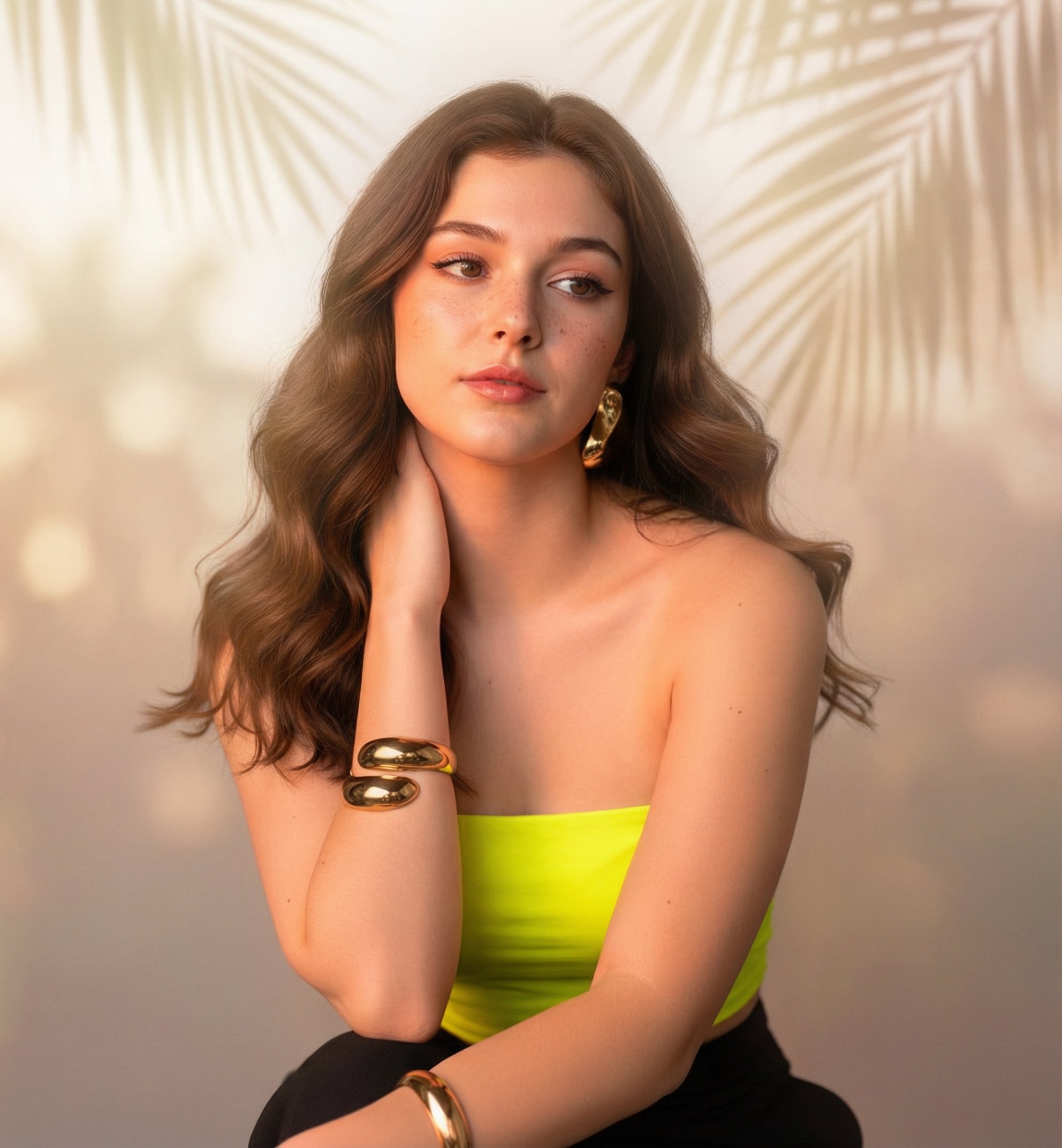
- Prompt included
- Model and format preset
- Premium template
The prompt behind this image
Copy the exact prompt behind Sunny Day, or open it in the studio and make it yours.
Preserve the face 100% with no alterations Framing & Composition A medium close-up portrait, framed from the chest up. The angle is straight-on with a slight tilt of the head to the right, mimicking a high-quality selfie or intimate portrait perspective. The composition focuses heavily on the face and upper torso, filling the frame with a sense of closeness. Subject & Identity A young woman with a striking, doll-like appearance. She has light-to-medium skin tone featuring distinct, scattered freckles across her cheeks and nose. Her facial structure includes high cheekbones, a petite defined nose, and a sharp jawline. Her eyes are large and almond-shaped with a captivating gaze. Expression & Pose She holds a sultry, confident, and slightly aloof expression. Her lips are parted slightly in a soft, relaxed pout. Her head is tilted playfully to the side, resting near her shoulder. She is looking directly into the camera lens with intense eye contact. Makeup Details "Clean girl" aesthetic with glamorous touches. Skin: Dewy, glass-skin finish with prominent sun-kissed blush on the cheeks and nose. Natural-looking faux freckles are visible. Eyes: Sharp, dark winged eyeliner (cat-eye style), defined lashes, and subtle shimmering eyeshadow. Lips: Highly glossy, plump lips in a rosy-mauve or soft pink shade, slightly overlined for fullness. Brows: Softly arched and filled in a natural brown tone. Hair Shoulder-length, chestnut-brown hair styled in loose, tousled waves that look soft and touchable. The texture is slightly messy in a chic, beachy way. Key Detail: A large, bright yellow hibiscus flower is tucked securely behind her right ear, contrasting vividly against her dark hair. Outfit A tight-fitting, strapless tube top (bandeau) in a vibrant lime green or neon yellow color. The fabric appears to have a fine ribbed texture. The top highlights her shoulders and collarbones. Accessories Layered gold jewelry giving a bohemian luxury vibe: A chunky gold chain choker. A delicate mid-length chain. A longer gold necklace featuring a distinct scallop shell pendant. A glimpse of a thick gold cuff bracelet on the left wrist. Small pearl or white stud earrings. Bodyshape & Proportions Petite and slender build. The strapless top accentuates prominent collarbones and smooth, sun-warmed shoulders. Background & Environment An indoor-outdoor tropical cafe or beach club setting. Details: Lush green tropical plants (monstera leaves) are visible in the upper left. A white architectural structure or wall is behind her. In the blurred background (bokeh), the back of a person's head (wearing green) is slightly visible, adding depth and a candid atmosphere. Lighting Natural, warm afternoon sunlight ("Golden Hour"). The light hits her left shoulder and face, creating a soft glow and highlighting the texture of her skin and the gloss on her lips. Soft shadows fall on the right side of her neck, adding dimension. Camera & Quality Shot on a high-end mirrorless camera or top-tier smartphone portrait mode. Style: 85mm focal length. Quality: 8k resolution, ultra-realistic textures, sharp focus on the eyes and lips, soft bokeh depth of field in the background. Style & Mood Tropical vacation aesthetic, "It Girl" vibe, summery, chic, youthful, and alluring. The mood is relaxed but polished. Strict Constraints DO NOT alter the facial features; likeness must remain exact to the reference. DO NOT remove the freckles or the yellow flower in the hair. Ensure the lighting remains warm and natural, not artificial studio lighting.
How to use Sunny Day in 3 steps
- 1
Open
The prompt is already in the box next to the preview, with the template's model and format selected.
- 2…a portrait of your subject in softgolden-hour light, 85mm…
Personalize
Edit the subject and creative details for your destination.
- 3Generate
Generate
Press Generate — your image is created in PicX Studio, so you can compare it with the original and refine one variable at a time.
More like this
Templates with the same subject, style or setup. Open one to see its prompt.

A k.pop idol on the stage with mic
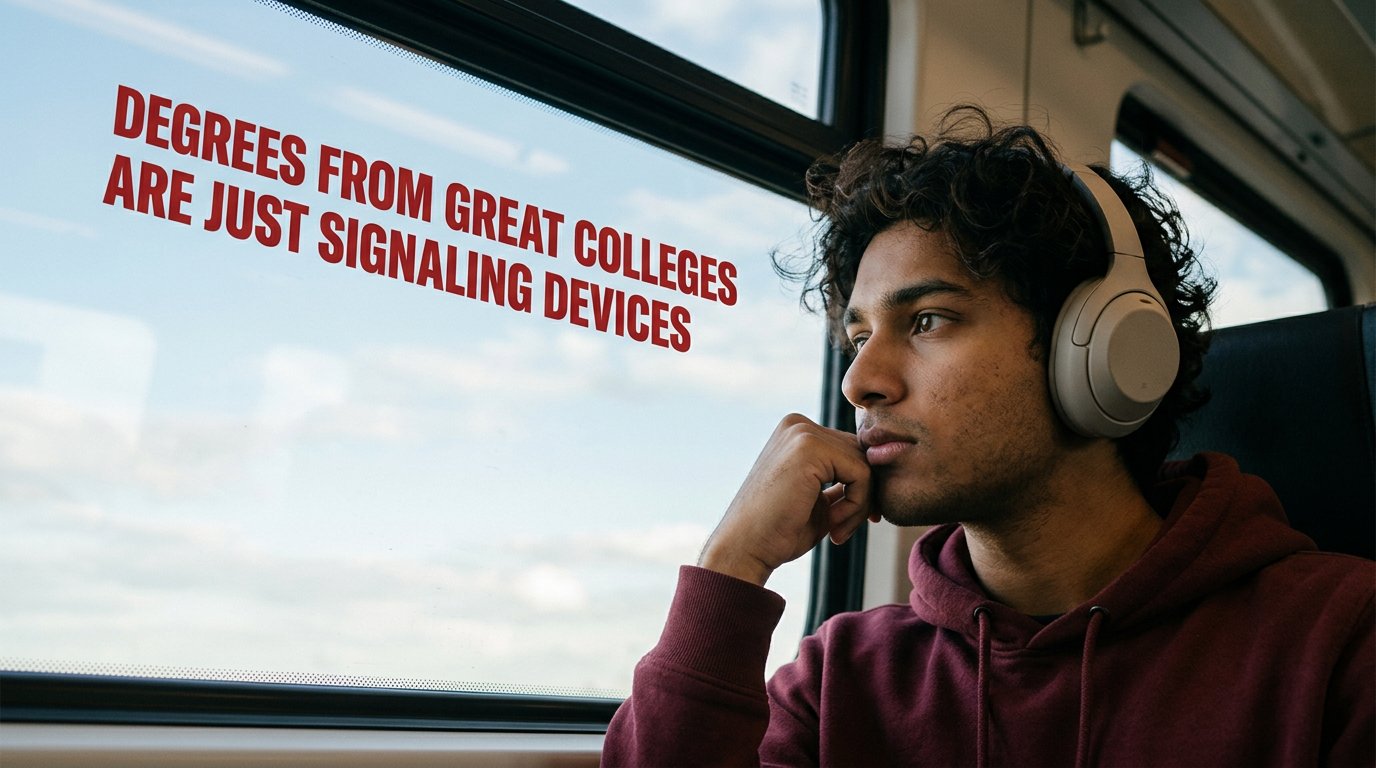
Cinematic Academic Signaling Thumbnail
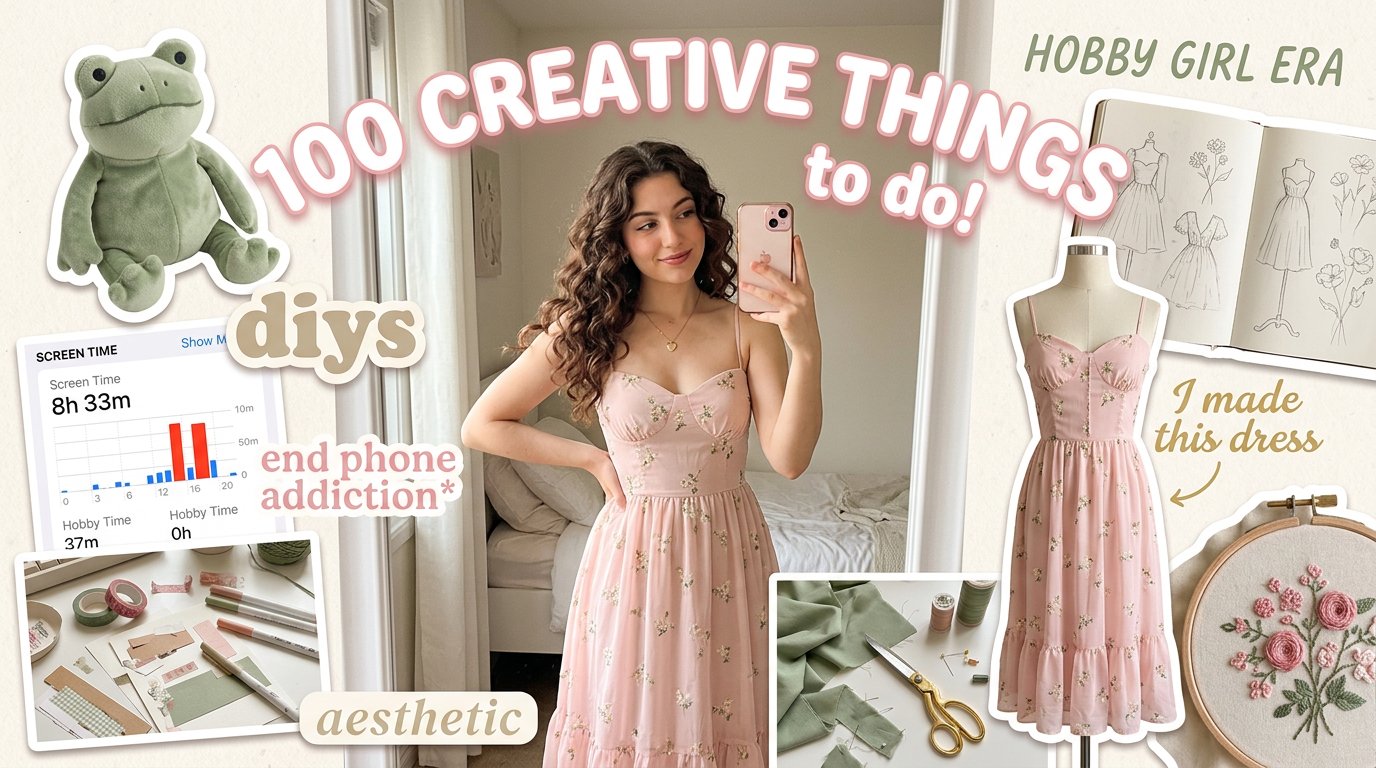
Aesthetic Hobby Girl Collage Youtube Thumbnail
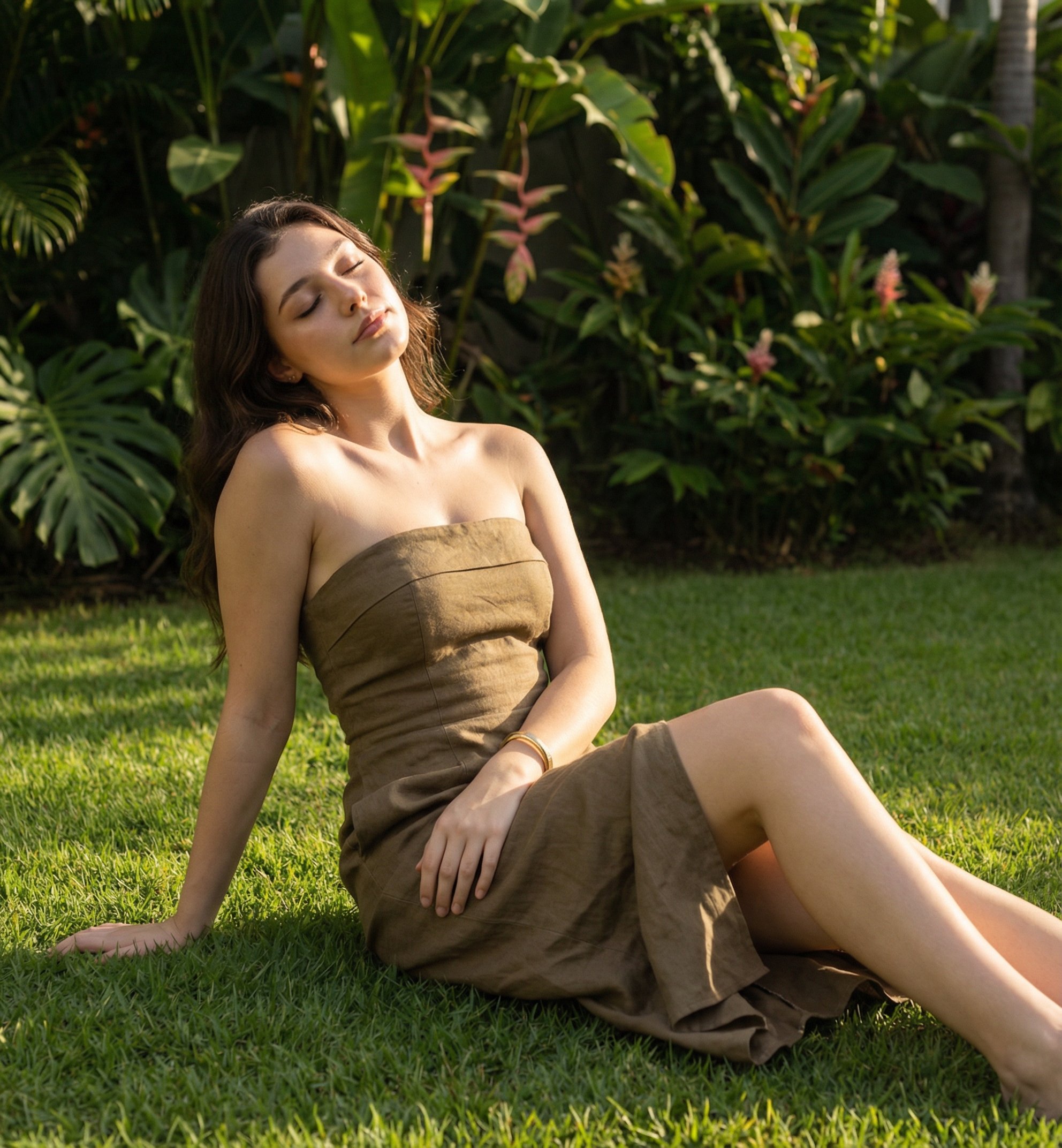
Sunny Day
Blueberry Energy Drink Mockup
These PNG Don’t Exist
Propose Day Romantic Dinner Date Template

Mirror Selfie Chibi Characters Pixar Style
Sunny Outdoor Patio Lifestyle Portrait

Minimalist Fashion Editorial Split Layout
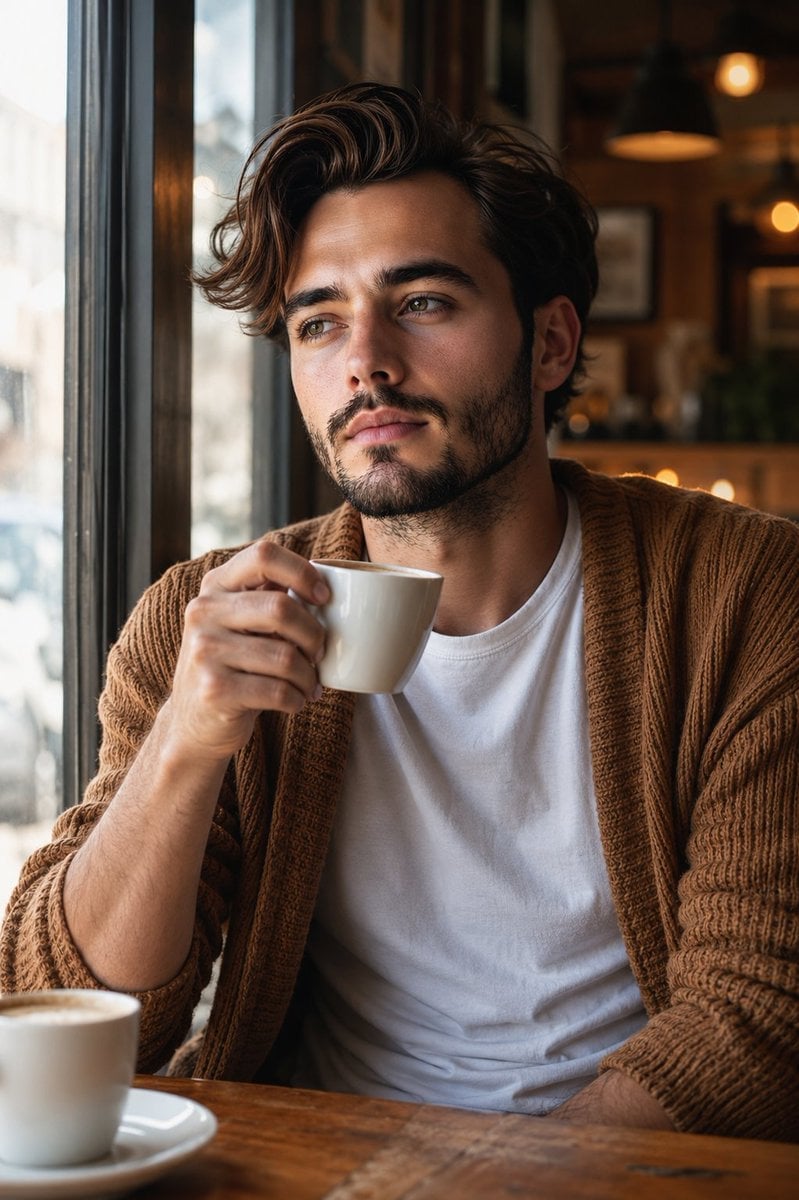
Warm Window Side Café Studio Portrait

Cozy Café Ice Cream Hands Close-Up
Make it yours
Sunny Day works as-is. These are the safest ways to change it without losing the look.
Change one field
Copy a single group, rewrite it, and generate again so you can see what that field is doing.
Keep the frame, change the subject
Hold the composition and light of Sunny Day, then swap wardrobe, props or the person for a new take.
| If the result… | Why | Fix |
|---|---|---|
| The result drifts from the preview | Too many fields changed at once. | Reuse Sunny Day as-is first, then change one group — subject, light, or setting. |
| The model over-stylizes the scene | The prose prompt leaves finish and camera underspecified. | Add one camera or lighting sentence and stay on PicX Studio. |
More image prompts
Fresh picks from across the catalog.
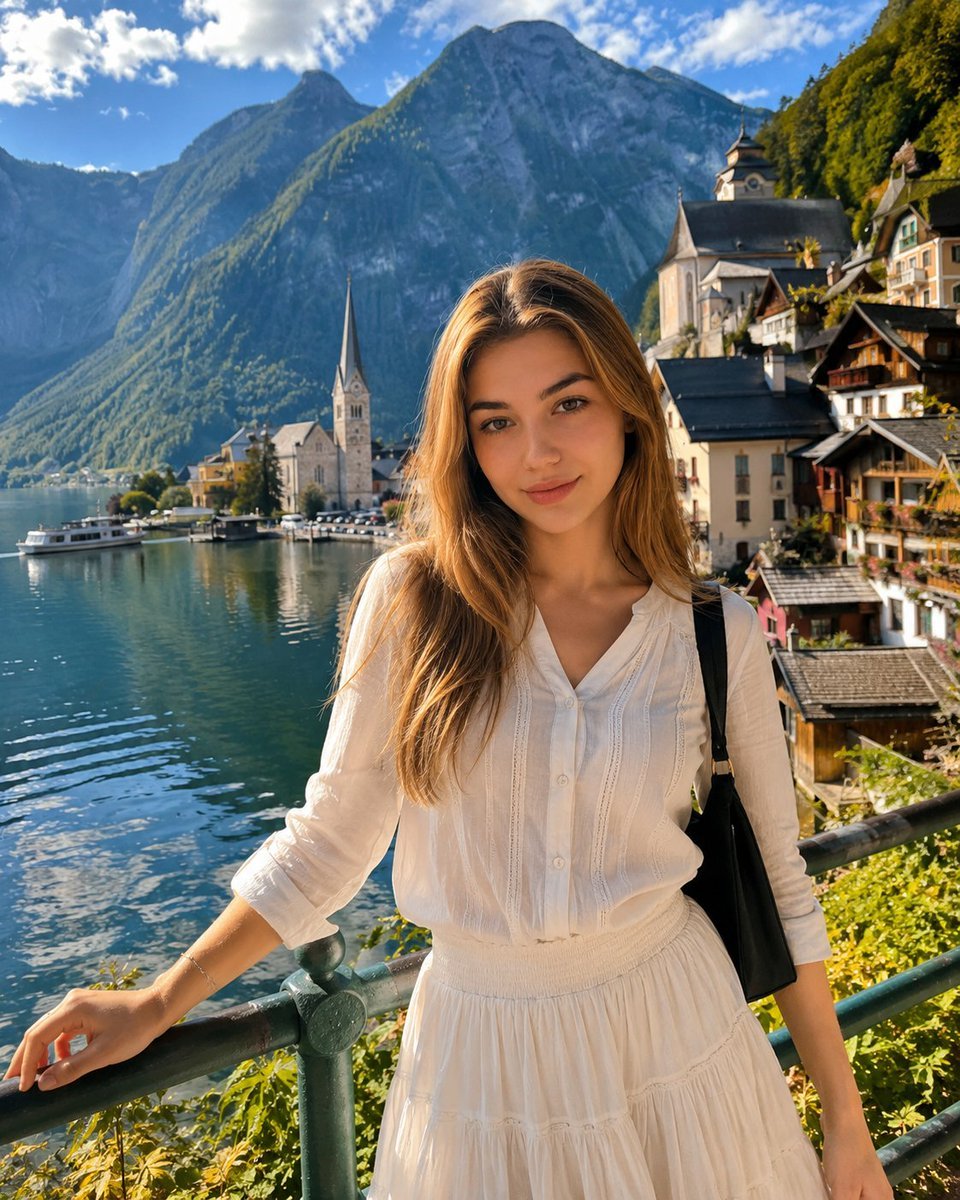
Hallstatt Austria Lakeside Travel Portrait
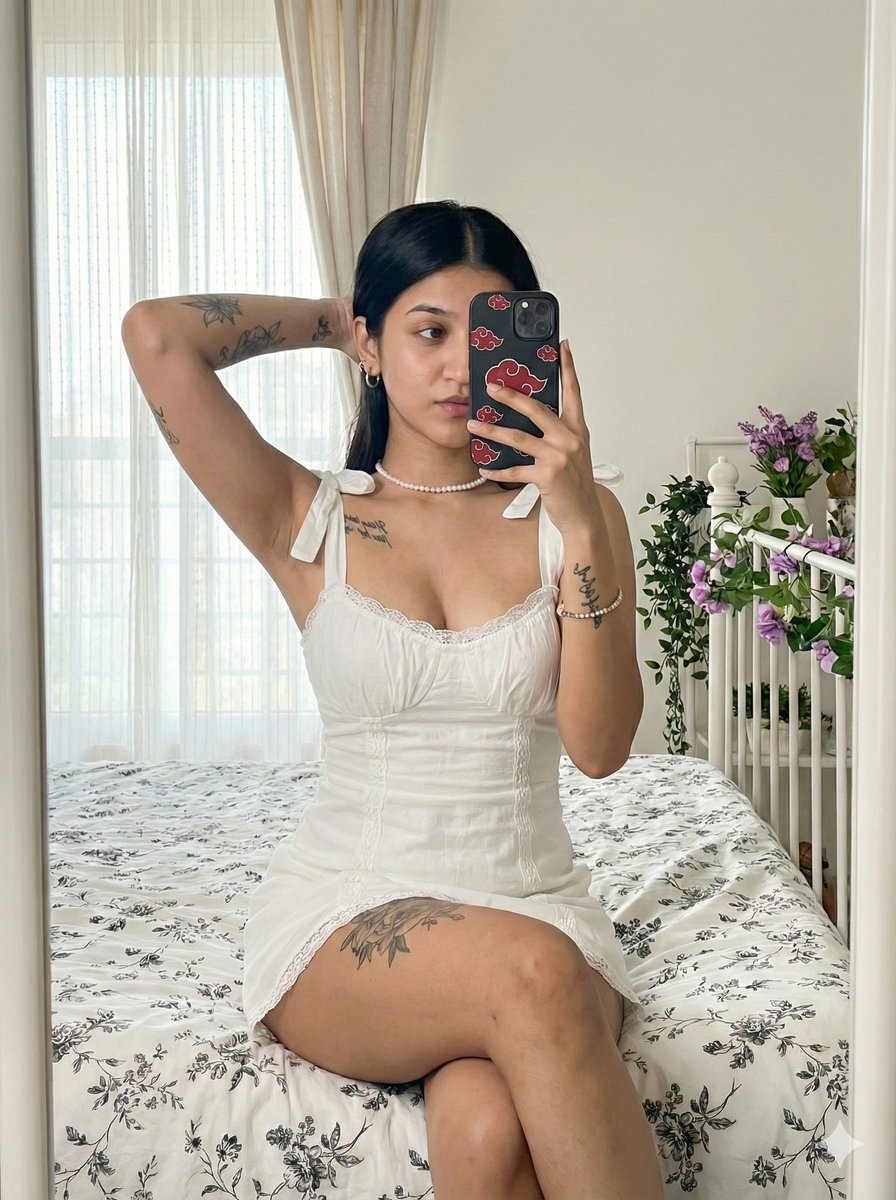
Akatsuki Mirror Selfie Prompt

BMW Transformer Robot Advertisement
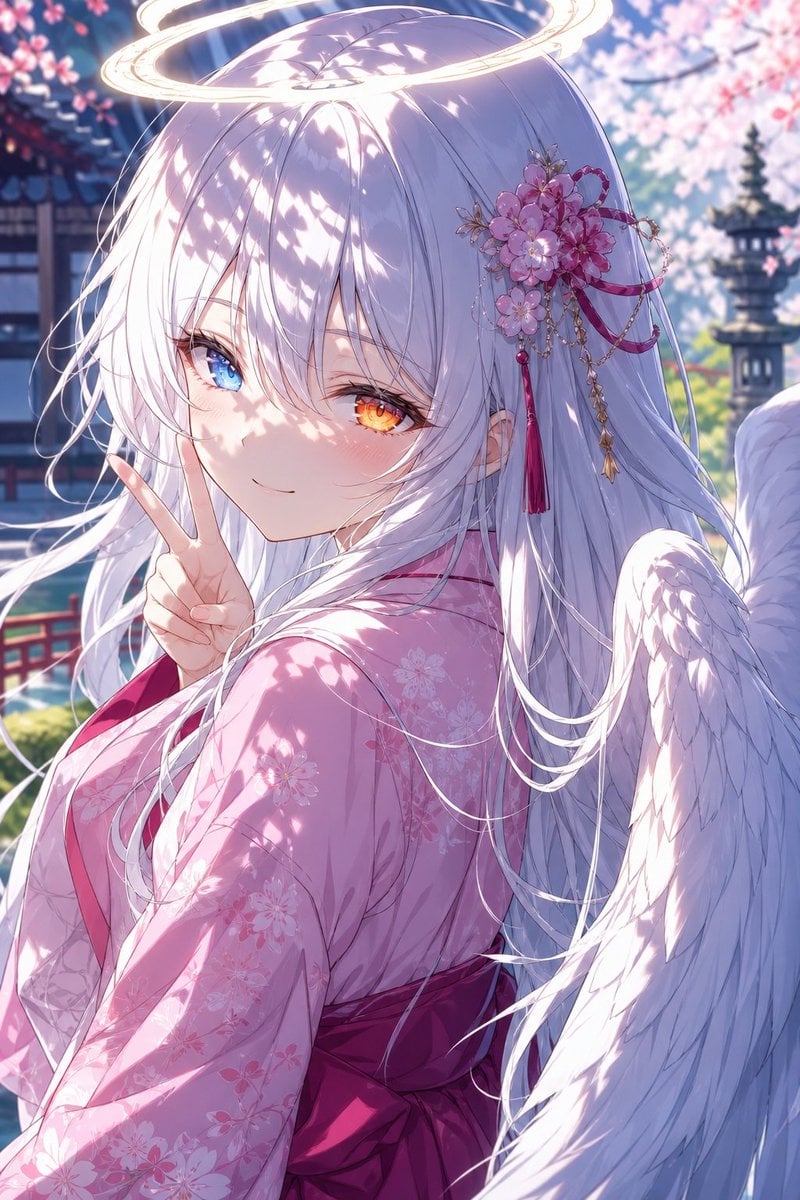
Angel Girl in Sakura Kimono
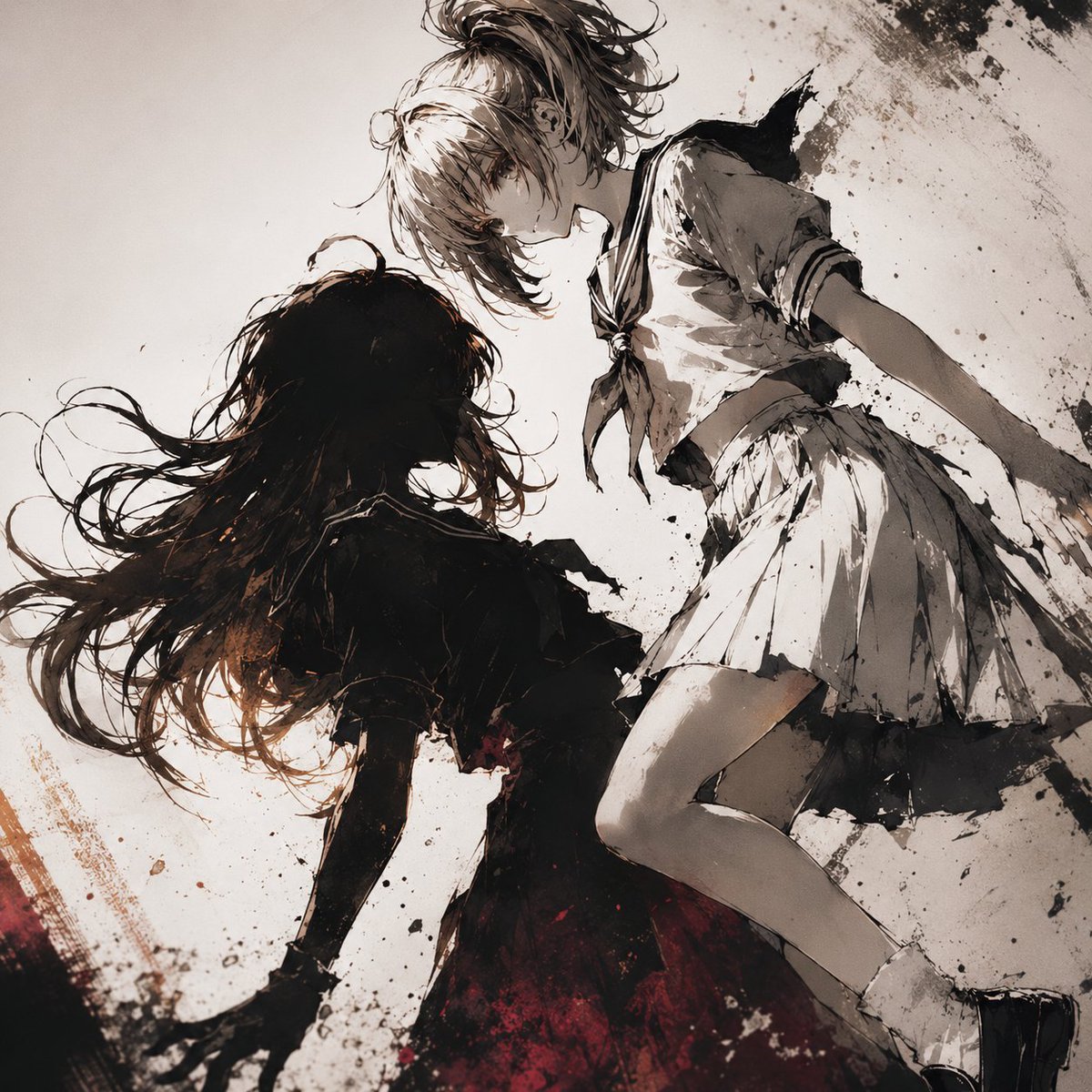
Two Girls in Ink Storm

Photorealistic Leaf Shaped Like a Dragon
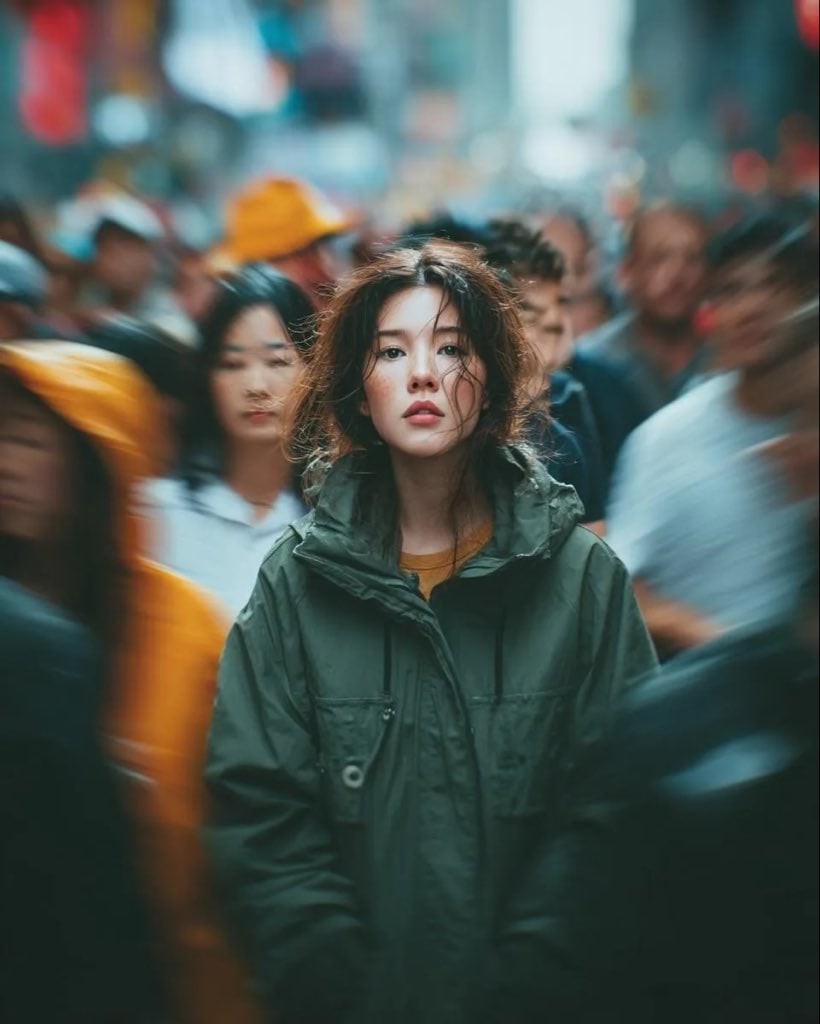
Candid Paparazzi Street Portrait with Motion Blur
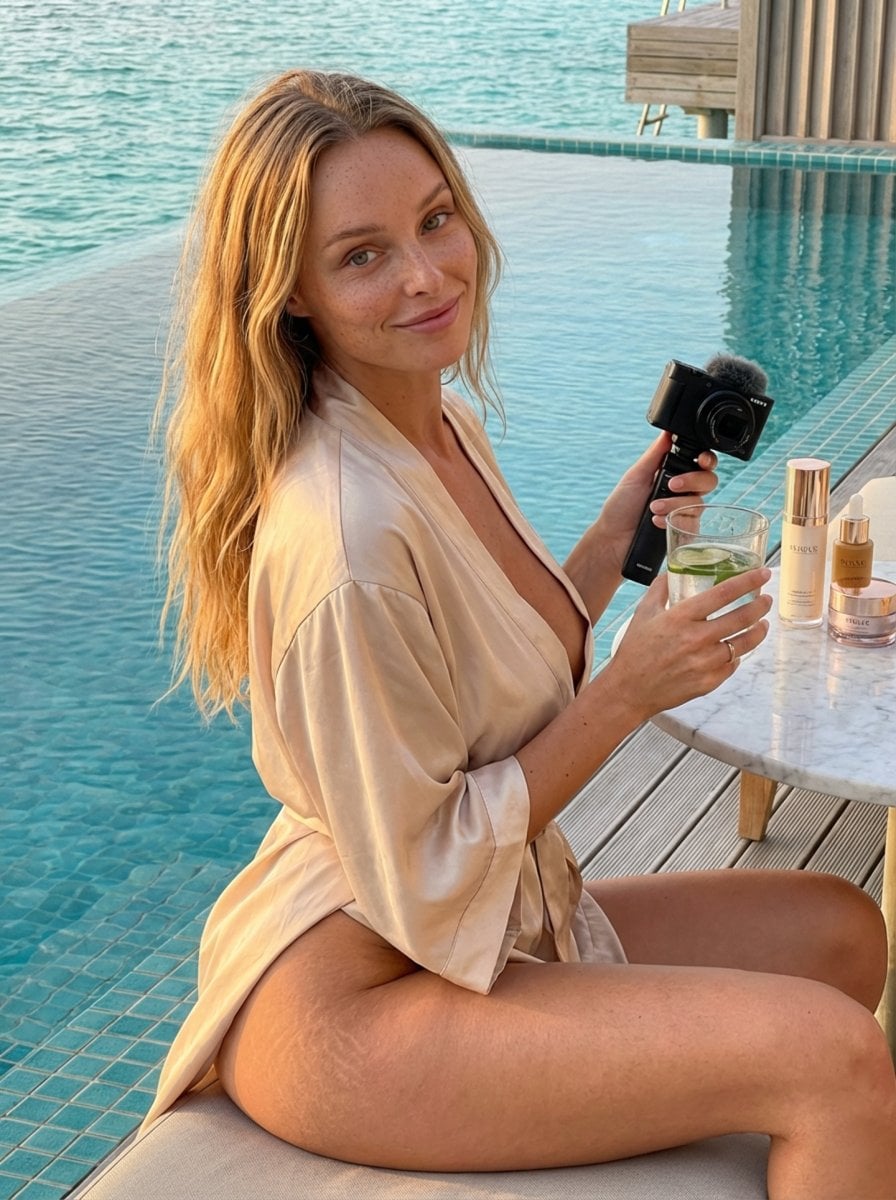
Golden Hour Luxury Vlog Portrait with Hyper-Voluminous Anatomy
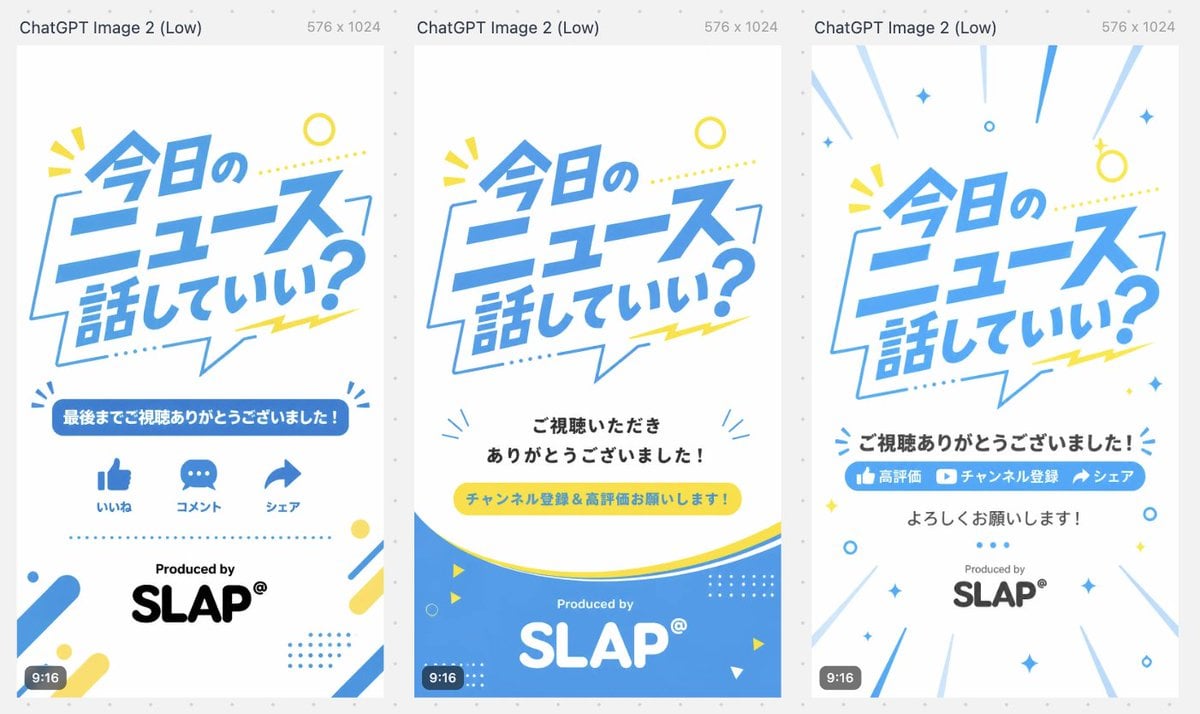
Japanese Short Video Outro Variants
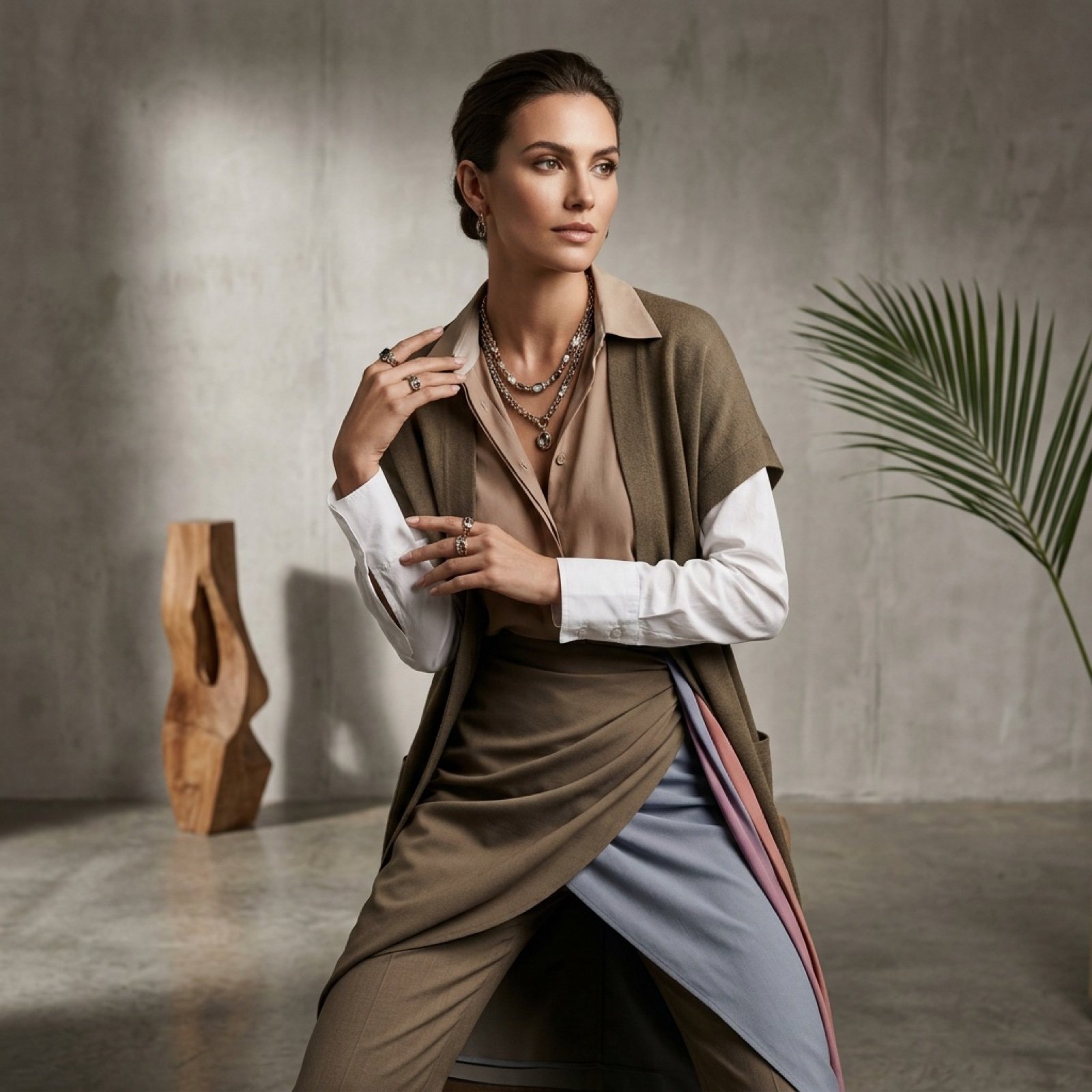
Fashion Photoshoot Combination Prompt (Workflow Step)
Browse template categories
Sunny Day questions
How do I use the Sunny Day template?
Add your photo if the template asks for one, edit the prompt if you like — the template's model and format are already selected — and press Generate. Your version opens in PicX Studio.
Can I customize the Sunny Day template?
Yes. You can change the subject, setting, lighting, mood, format, and available model controls before creating your image.
Is the Sunny Day template free?
Opening and editing this template is free. Generating uses credits, shown on the Generate button when you are signed in.
Which AI model should I use?
Choose a compatible model in PicX Studio based on the style, speed, and output controls your project needs.
Looking for something else? Browse all templates.

Your photo, any look
Thousands of ready templates for every top image and video model, from one credit balance.