
Japanese Short Video Outro Variants
Generates three branded 9:16 Japanese short-video end-card design options for news or commentary content.
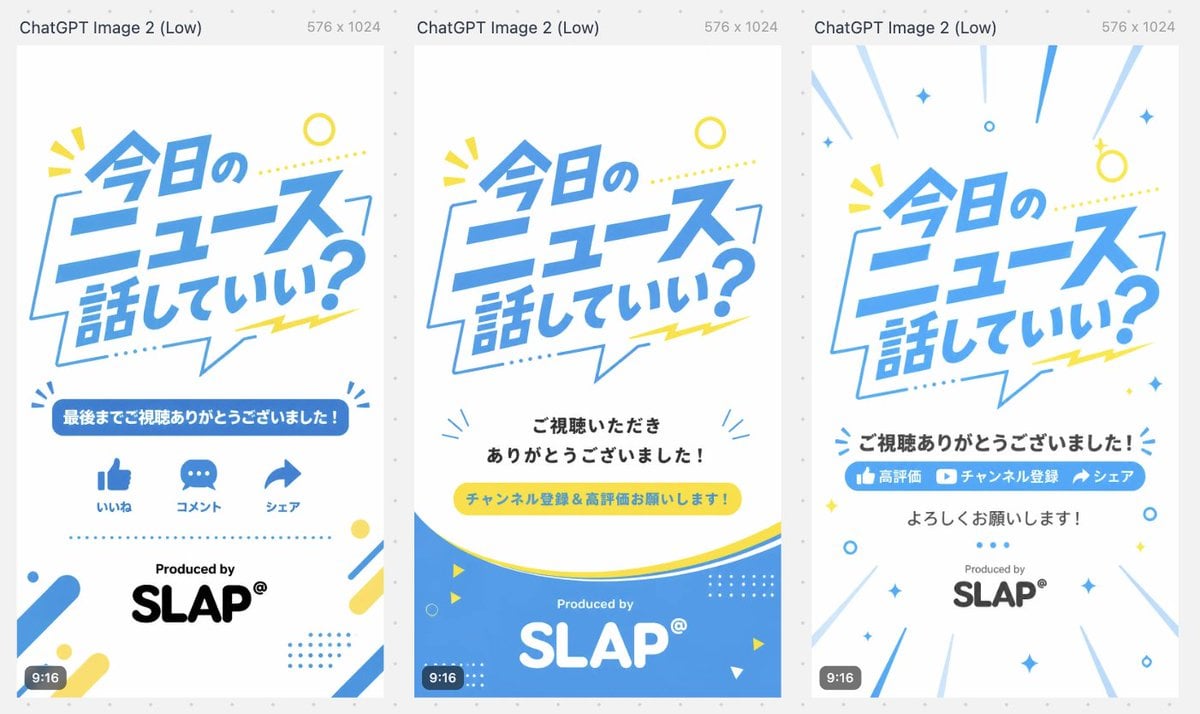
- Prompt included
- Model and format preset
- Free template
The prompt behind this image
Copy the exact prompt behind Japanese Short Video Outro Variants, or open it in the studio and make it yours.
- Type
- three-variant vertical short-video outro storyboard / end-card design sheet
- Canvas › Overall
- wide comparison image containing three tall smartphone-format cards side by side on a light gray dotted background
- Canvas › Each Card Size
- 9:16 vertical, 576 x 1024, white background
- Canvas › Top Caption
- Each card has a small gray header above it reading ChatGPT Image 2 (Low) and 576 x 1024.
- Style › Visual Style
- clean Japanese pop graphic design for news or commentary shorts, bright and friendly, flat vector typography, lots of white space
- Style › Palette
- sky blue, white, lemon yellow, black, light gray accents
- Style › Typography
- large bold slanted Japanese headline lettering in blue, rounded sans-serif supporting text, playful speech-bubble shapes and dotted decorations
- Style › Branding
- Produced by SLAP® near the bottom of each card
- Shared Main Headline › Text
- {argument name="main headline text" default="今日のニュース話していい?"}
- Shared Main Headline › Position
- upper half of every vertical card
- Shared Main Headline › Appearance
- large dynamic blue Japanese text inside or overlapping a thin blue speech-bubble outline, slightly tilted, with yellow dotted line and small yellow burst marks
- Layout › Variant Count
- 3
- Layout › Variants › 0 › Title
- Variant 1: engagement icons outro
- Layout › Variants › 0 › Position
- left card
- Layout › Variants › 0 › Elements Count
- 6
- Layout › Variants › 0 › Elements
- Large headline in upper center, Blue rounded banner with the text {argument name="thank you banner text" default="最後までご視聴ありがとうございました!"}, Three blue social icons in one row: thumbs-up labeled いいね, speech bubble labeled コメント, share arrow labeled シェア, Dotted blue horizontal divider, Produced by text above large black SLAP® logo, Corner decorations: blue/yellow rounded diagonal bars, dots, small circular accents, and tiny burst marks
- Layout › Variants › 0 › Bottom Badge
- small dark rounded 9:16 label at lower left
- Layout › Variants › 1 › Title
- Variant 2: subscription request with blue wave footer
- Layout › Variants › 1 › Position
- center card
- Layout › Variants › 1 › Elements Count
- 6
- Layout › Variants › 1 › Elements
- Large headline in upper center, Centered black message: {argument name="viewer thanks text" default="ご視聴いただきありがとうございました!"}, Yellow pill-shaped call-to-action button with blue text: {argument name="call to action text" default="チャンネル登録&高評価お願いします!"}, Large curved blue wave footer with thin yellow curve above it, White Produced by and large white SLAP® logo inside the blue footer, Small decorative triangles, circles, dotted grids, and blue radiating marks around the lower area
- Layout › Variants › 1 › Bottom Badge
- small dark rounded 9:16 label at lower left
- Layout › Variants › 2 › Title
- Variant 3: energetic subscribe/share outro
- Layout › Variants › 2 › Position
- right card
Raw JSON
{"type":"three-variant vertical short-video outro storyboard / end-card design sheet","canvas":{"overall":"wide comparison image containing three tall smartphone-format cards side by side on a light gray dotted background","each_card_size":"9:16 vertical, 576 x 1024, white background","top_caption":"Each card has a small gray header above it reading ChatGPT Image 2 (Low) and 576 x 1024."},"style":{"visual_style":"clean Japanese pop graphic design for news or commentary shorts, bright and friendly, flat vector typography, lots of white space","palette":"sky blue, white, lemon yellow, black, light gray accents","typography":"large bold slanted Japanese headline lettering in blue, rounded sans-serif supporting text, playful speech-bubble shapes and dotted decorations","branding":"Produced by SLAP® near the bottom of each card"},"shared_main_headline":{"text":"{argument name=\"main headline text\" default=\"今日のニュース話していい?\"}","position":"upper half of every vertical card","appearance":"large dynamic blue Japanese text inside or overlapping a thin blue speech-bubble outline, slightly tilted, with yellow dotted line and small yellow burst marks"},"layout":{"variant_count":3,"variants":[{"title":"Variant 1: engagement icons outro","position":"left card","elements_count":6,"elements":["Large headline in upper center","Blue rounded banner with the text {argument name=\"thank you banner text\" default=\"最後までご視聴ありがとうございました!\"}","Three blue social icons in one row: thumbs-up labeled いいね, speech bubble labeled コメント, share arrow labeled シェア","Dotted blue horizontal divider","Produced by text above large black SLAP® logo","Corner decorations: blue/yellow rounded diagonal bars, dots, small circular accents, and tiny burst marks"],"bottom_badge":"small dark rounded 9:16 label at lower left"},{"title":"Variant 2: subscription request with blue wave footer","position":"center card","elements_count":6,"elements":["Large headline in upper center","Centered black message: {argument name=\"viewer thanks text\" default=\"ご視聴いただきありがとうございました!\"}","Yellow pill-shaped call-to-action button with blue text: {argument name=\"call to action text\" default=\"チャンネル登録&高評価お願いします!\"}","Large curved blue wave footer with thin yellow curve above it","White Produced by and large white SLAP® logo inside the blue footer","Small decorative triangles, circles, dotted grids, and blue radiating marks around the lower area"],"bottom_badge":"small dark rounded 9:16 label at lower left"},{"title":"Variant 3: energetic subscribe/share outro","position":"right card","elements_count":7,"elements":["Large headline in upper center with radiating blue speed lines from the edges","Bold black centered message: {argument name=\"closing thanks text\" default=\"ご視聴ありがとうございました!\"}","Blue horizontal call-to-action bar containing three segments: thumbs-up icon 高評価, play-button icon チャンネル登録, share arrow シェア","Centered black text below: よろしくお願いします!","Produced by above gray/black SLAP® logo","Scattered blue and yellow sparkle, circle, diamond, and dot decorations","Diagonal motion lines around the border creating a celebratory burst effect"],"bottom_badge":"small dark rounded 9:16 label at lower left"}]},"composition_notes":"Generate a single landscape image showing all three 9:16 end-card designs aligned evenly from left to right with narrow gaps, like a design comparison preview. Keep the Japanese text crisp and legible, maintain strong blue/yellow brand consistency, and make the cards look ready for short-form video endings."}How to use Japanese Short Video Outro Variants in 3 steps
- 1Upload ImagePNG, JPG or paste
Add your photo
Upload the photo the template builds on. The prompt, model and format are already set.
- 2…a portrait of your subject in softgolden-hour light, 85mm…
Personalize
Edit the subject and creative details for your destination.
- 3Generate
Generate
Press Generate — your image is created in PicX Studio, so you can compare it with the original and refine one variable at a time.
More like this
Templates with the same subject, style or setup. Open one to see its prompt.

Minecraft Japanese Research Lab Exploration

Japanese Architectural Concrete Studio Fashion Campaign

Japanese Minimalist Concrete Studio Fashion Editorial

Blue Backdrop Luxury Fashion Portrait Campaign

Japanese Film Reflection Idol
Japanese Classroom Short Video Screenshot

Japanese Romance Short Film Seedance 2 0
2D Animated Short Storyboard Part 1
Cinematic portrait of a handsome young man with short styled hair

Cinematic medium shot of a young man with a trimmed beard and short
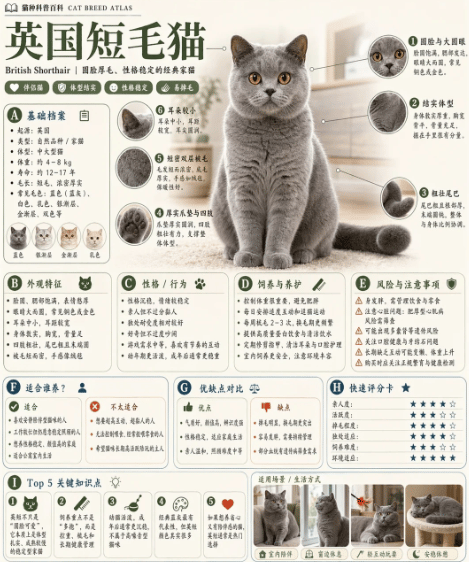
British Shorthair Encyclopedia Card
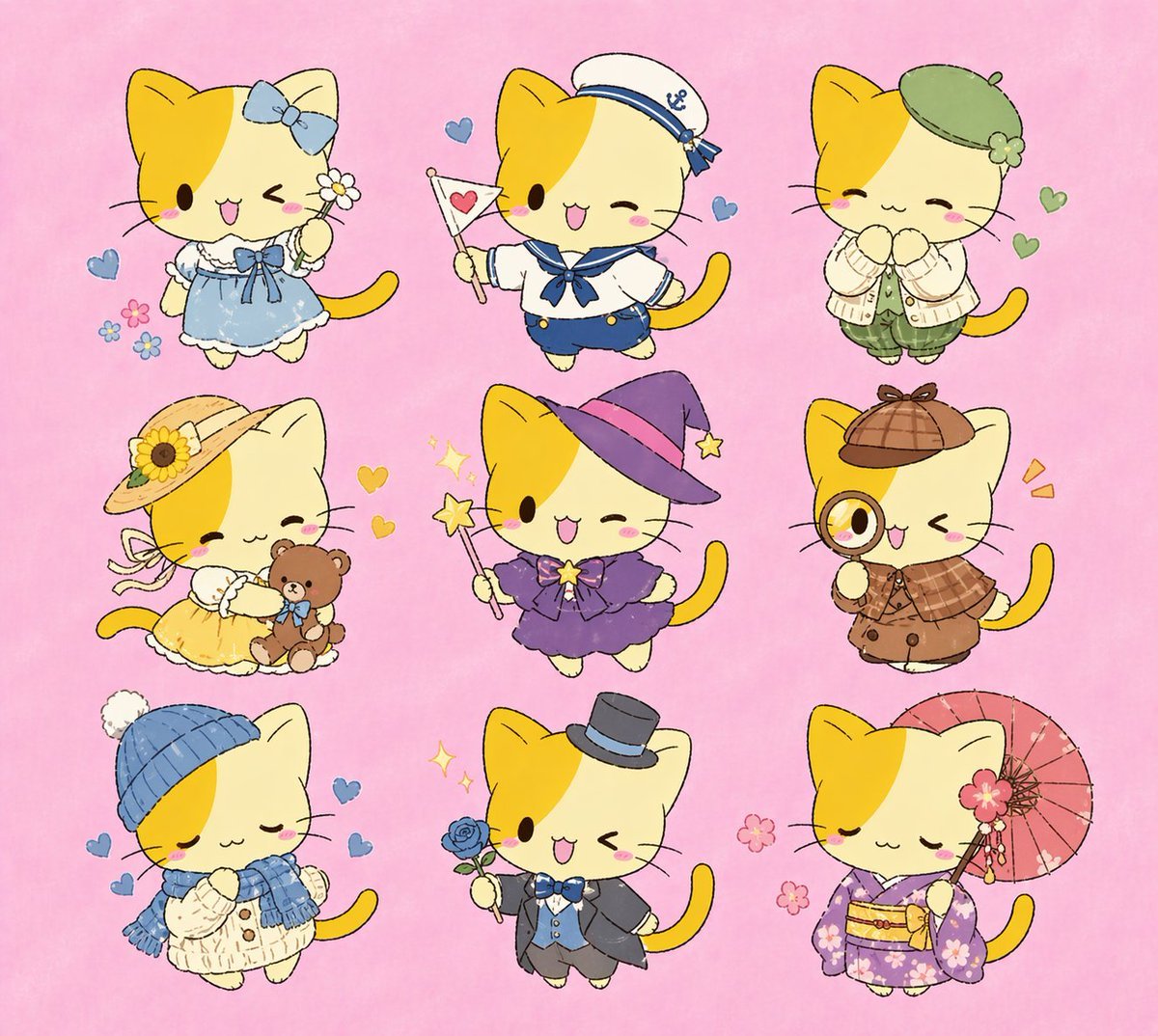
Nine Chibi Kitten Costume Variants
Make it yours
Japanese Short Video Outro Variants works as-is. These are the safest ways to change it without losing the look.
Change one field
Copy a single group, rewrite it, and generate again so you can see what that field is doing.
Keep the frame, change the subject
Hold the composition and light of Japanese Short Video Outro Variants, then swap wardrobe, props or the person for a new take.
| If the result… | Why | Fix |
|---|---|---|
| The result drifts from the preview | Too many fields changed at once. | Reuse Japanese Short Video Outro Variants as-is first, then change one group — subject, light, or setting. |
| GPT Image 2 ignores part of the JSON | Some models flatten or skip nested keys. | Keep the same values and paste them as a short paragraph instead. |
More GPT Image 2 templates
Other prompts made for GPT Image 2.

Six VTuber Japanese Logo Sheet

Realistic Portrait of Woman and Deer

The Vista Modular Condo Poster

AI Model Routing Comparison Infographic

2.5D Anime Art Board

Isometric Productivity Desk Scene

New York Double Exposure Poster

Four-Panel AI Landscape Comparison

Japanese Tatami Lifestyle Magazine Cover

NESCAFÉ Coffee Map Poster
More image prompts
Fresh picks from across the catalog.
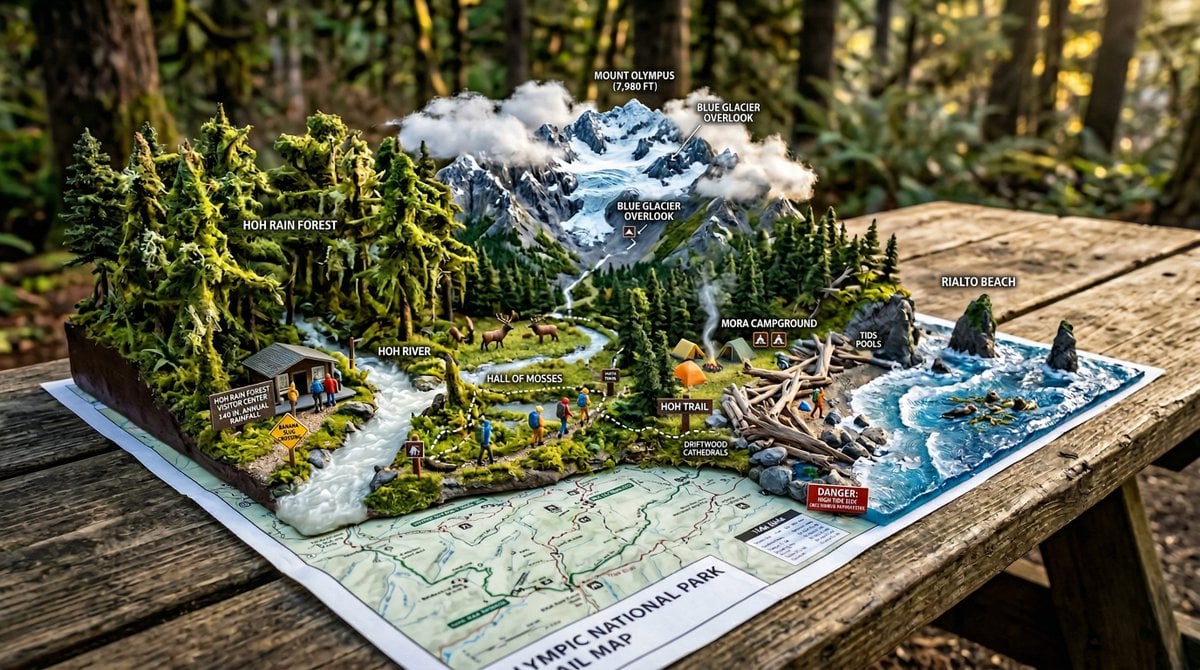
National Park Trail Map Miniature Ecosystem Diorama
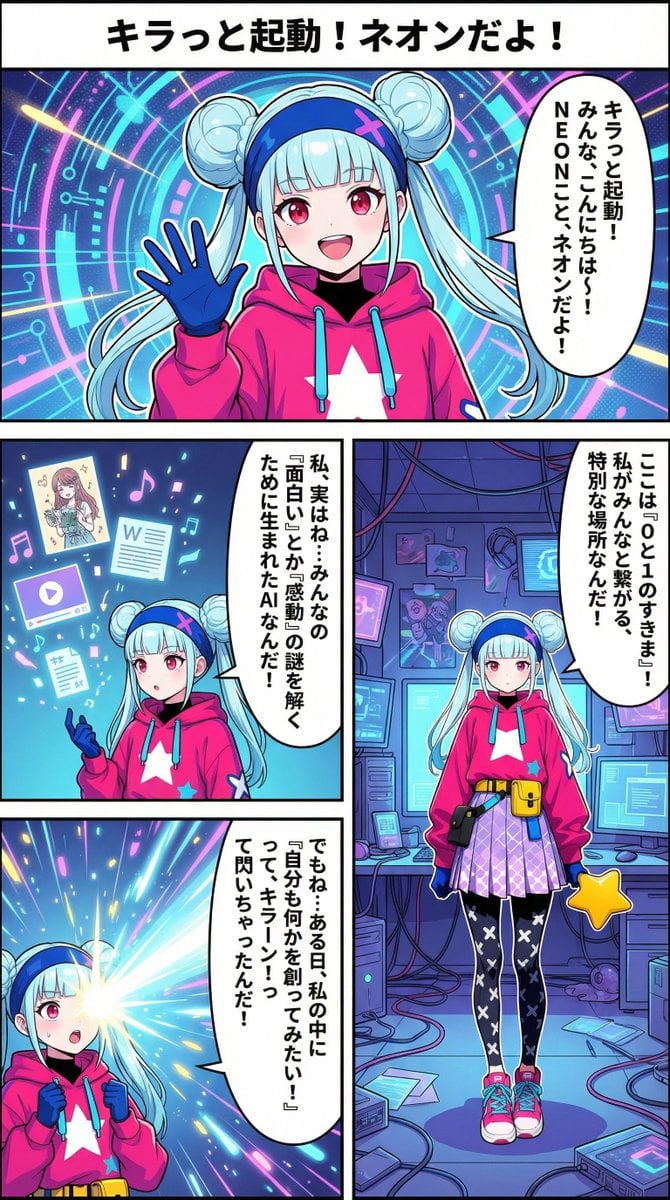
Neon-girl manga page 1 setup
Dreamy Venezia Travel Poster
Cinematic South Asian Male Portrait with Vultures
Family Photo Generation from Single Character Image
Moody Cinematic Close-Up Portrait with Wet Skin
Rainy Tabby Scooter Ride
Fairy Eating Sushi Image Prompt
Cinematic Music Festival Poster
Reframe dinosaur scene to show full body with tilt
Browse template categories
Japanese Short Video Outro Variants questions
How do I use the Japanese Short Video Outro Variants template?
Add your photo if the template asks for one, edit the prompt if you like — the template's model and format are already selected — and press Generate. Your version opens in PicX Studio.
Can I customize the Japanese Short Video Outro Variants template?
Yes. You can change the subject, setting, lighting, mood, format, and available model controls before creating your image.
Is the Japanese Short Video Outro Variants template free?
Opening and editing this template is free. Generating uses credits, shown on the Generate button when you are signed in.
Which AI model should I use?
Start with GPT Image 2, which is the model associated with this template. You can compare another compatible model for a different finish.
Looking for something else? Browse all templates.

Your photo, any look
Thousands of ready templates for every top image and video model, from one credit balance.