
Japanese Classroom Short Video Screenshot
Generates a photorealistic vertical social-media post of two Japanese schoolgirls in an after-school classroom with app UI overlays.
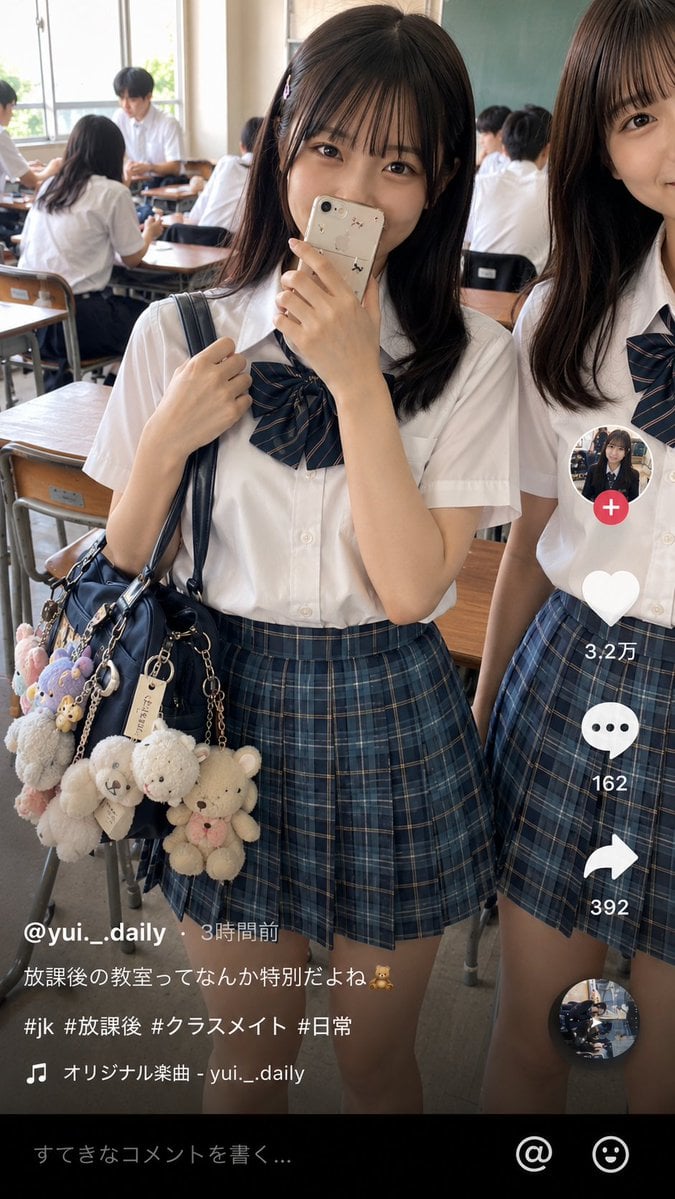
- Prompt included
- Model and format preset
- Free template
The prompt behind this image
Copy the exact prompt behind Japanese Classroom Short Video Screenshot, or open it in the studio and make it yours.
Goal: Create a realistic vertical smartphone social-media video screenshot of an after-school classroom scene, styled like a Japanese short-video app post. Canvas: 9:16 vertical image, 675×1125 style composition, natural daylight, realistic phone-camera look, slight wide-angle perspective, high detail, no illustration style. Main scene: In a Japanese high school classroom after school, show exactly 2 foreground teenage girls in summer uniforms. The central girl is fully visible from head to mid-thigh, looking directly at the camera with a shy smile, holding a beige smartphone with small cute stickers partly covering her mouth. She has straight {argument name="hair color" default="dark brown"} shoulder-length hair with thin bangs, soft natural makeup, and large expressive eyes. Her left hand holds the strap of a navy shoulder bag. The second girl stands cropped on the right edge, visible from half of her face down to her skirt, smiling gently toward the camera. Uniform and accessories: Both girls wear crisp white short-sleeve button-up shirts, navy-and-green plaid pleated skirts, and navy striped ribbon bow ties. The central girl carries a glossy navy school bag covered with exactly 8 visible plush keychains and charms: 1 large cream teddy bear, 1 smaller white teddy bear, 1 cream bear with pink bow, 1 fluffy white animal charm, 1 lavender plush charm, 1 pink plush charm, 1 small beige tag charm, and 1 metal chain charm. Background: A busy classroom with wooden desks and chairs, chalkboard on the back right, tall windows on the left with bright daylight. Include exactly 6 background students in white shirts: 2 seated at desks near the left foreground with backs/side views, 1 standing or leaning near the windows, 2 seated near the middle-back, and 1 seated near the chalkboard. Keep them softly out of focus compared with the foreground girls. App overlay layout: Add a short-video app interface overlay on top of the photo. Right-side vertical action bar with exactly 5 stacked elements: 1 circular profile thumbnail with a pink plus badge, 1 white heart icon with count “3.2万”, 1 white speech-bubble icon with count “162”, 1 white share arrow icon with count “392”, and 1 small circular spinning-record thumbnail at the bottom. Bottom-left caption area contains the username and post text in white Japanese text: “@{argument name="username" default="yui._.daily"} ・ 3時間前”, then “{argument name="caption text" default="放課後の教室ってなんか特別だよね🧸"}”, then “{argument name="hashtags" default="#jk #放課後 #クラスメイト #日常"}”, then a music line with a musical note icon: “オリジナル楽曲 - yui._.daily”. Bottom black comment bar contains placeholder text “すてきなコメントを書く...” plus exactly 2 icons on the right: an @ symbol and a smiley face. Visual style: Photorealistic Japanese teen lifestyle snapshot, warm natural lighting, clean skin texture, realistic fabric folds, accurate hands and fingers, believable classroom depth, subtle social-media compression, candid but polished. Constraints: Preserve the exact counts of foreground girls, background students, plush charms, and overlay elements. Keep the image wholesome and non-explicit. Do not add extra people in the foreground, do not add watermarks, and avoid distorted text or broken hands.
How to use Japanese Classroom Short Video Screenshot in 3 steps
- 1Upload ImagePNG, JPG or paste
Add your photo
Upload the photo the template builds on. The prompt, model and format are already set.
- 2…a portrait of your subject in softgolden-hour light, 85mm…
Personalize
Edit the subject and creative details for your destination.
- 3Generate
Generate
Press Generate — your image is created in PicX Studio, so you can compare it with the original and refine one variable at a time.
More like this
Templates with the same subject, style or setup. Open one to see its prompt.

Minecraft Next-Gen Voxel World Screenshot

Minecraft Japanese Research Lab Exploration

Japanese Architectural Concrete Studio Fashion Campaign

Japanese Minimalist Concrete Studio Fashion Editorial

Blue Backdrop Luxury Fashion Portrait Campaign
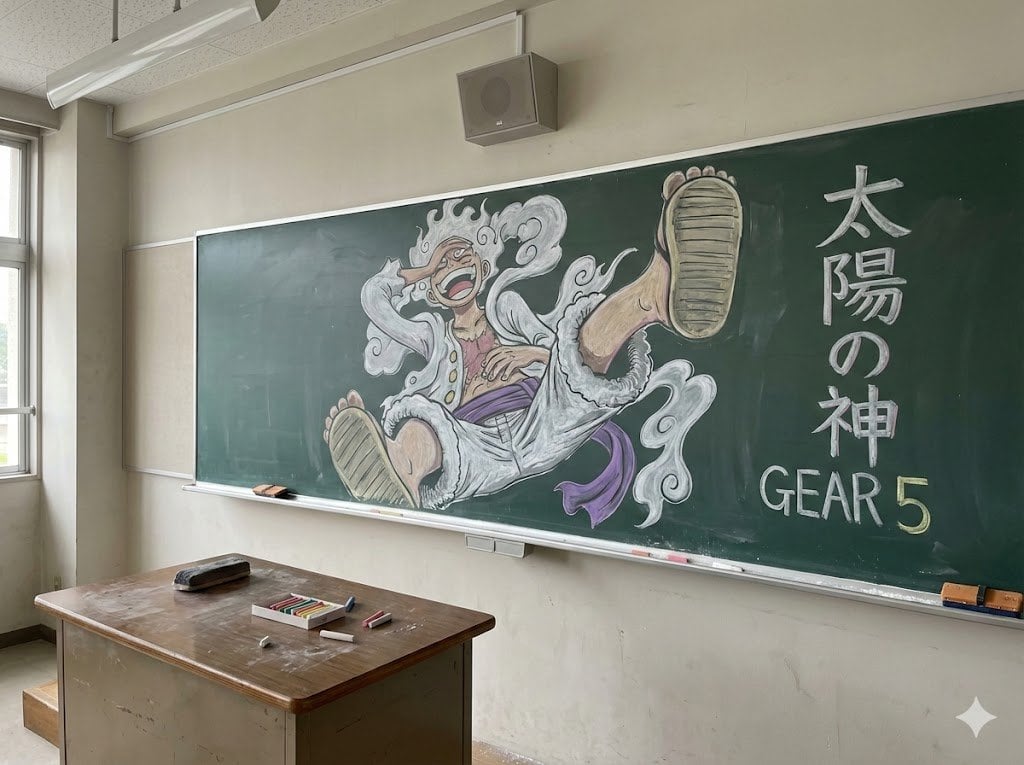
Japanese Classroom Gear 5 Chalk Art
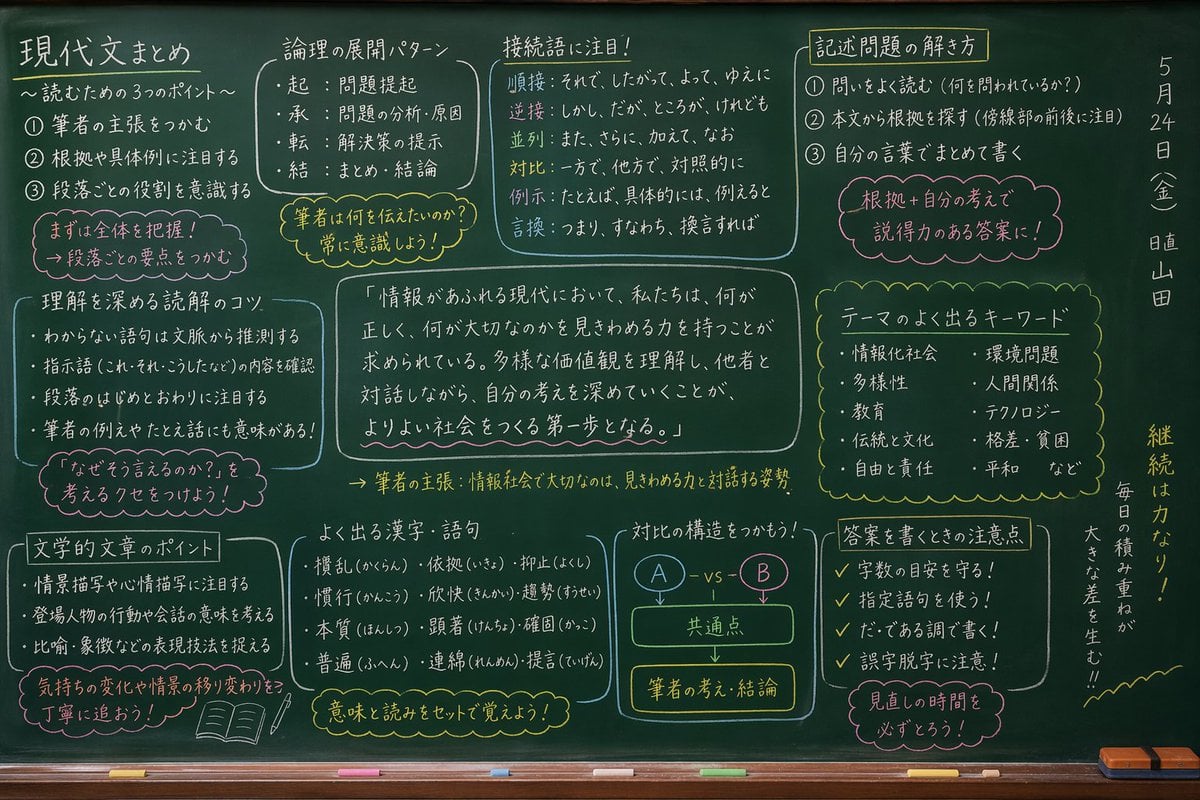
Japanese Classroom Chalkboard Notes
Japanese Short Video Outro Variants
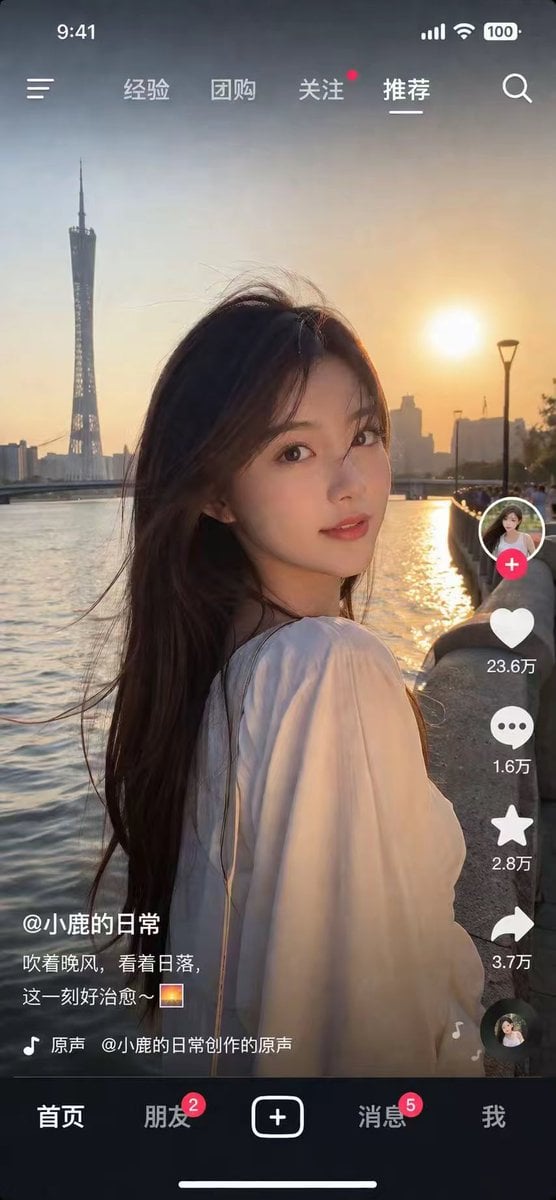
Photorealistic Short Video App Screenshot
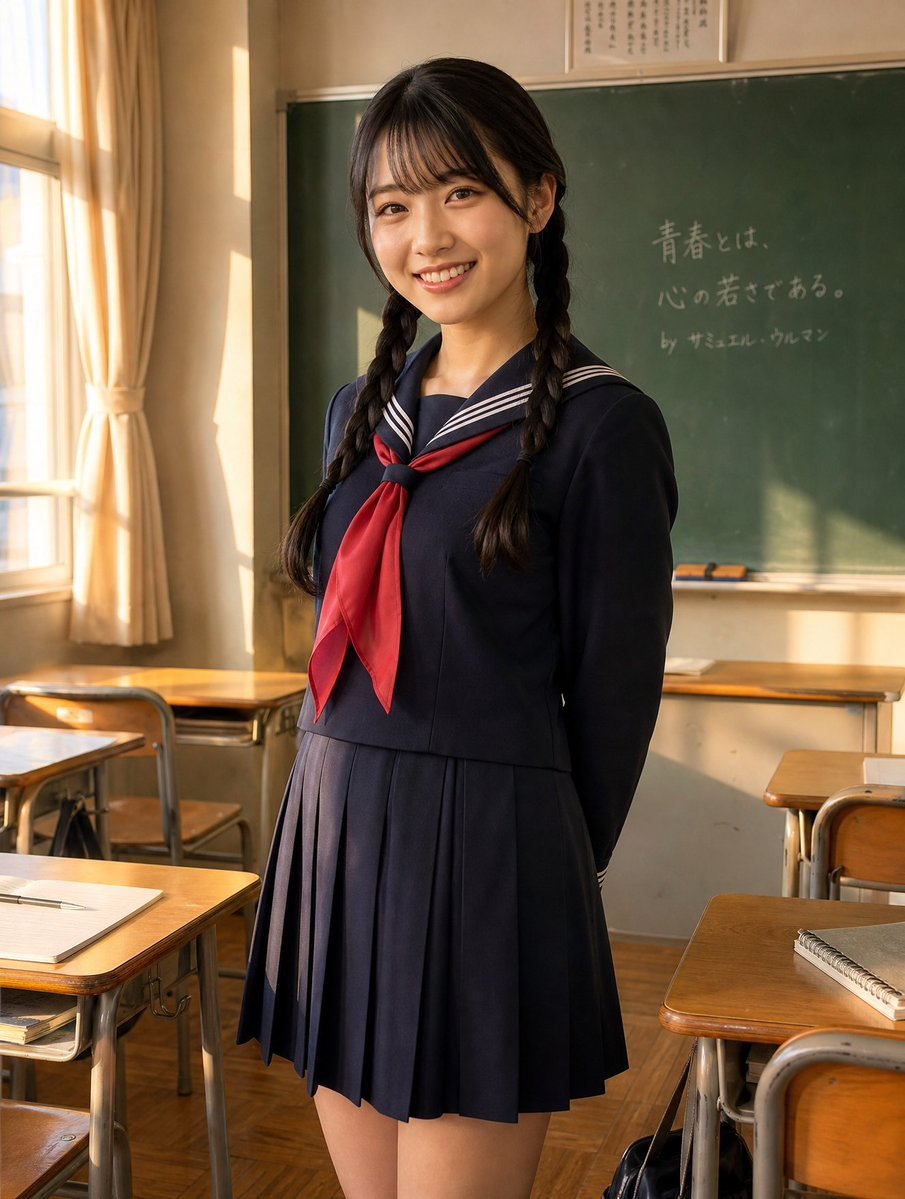
Sunlit Japanese Classroom Sailor Uniform Portrait

Japanese Film Reflection Idol

Japanese Romance Short Film Seedance 2 0
Make it yours
Japanese Classroom Short Video Screenshot works as-is. These are the safest ways to change it without losing the look.
Change one field
Copy a single group, rewrite it, and generate again so you can see what that field is doing.
Keep the frame, change the subject
Hold the composition and light of Japanese Classroom Short Video Screenshot, then swap wardrobe, props or the person for a new take.
| If the result… | Why | Fix |
|---|---|---|
| The result drifts from the preview | Too many fields changed at once. | Reuse Japanese Classroom Short Video Screenshot as-is first, then change one group — subject, light, or setting. |
| The model over-stylizes the scene | The prose prompt leaves finish and camera underspecified. | Add one camera or lighting sentence and stay on GPT Image 2. |
More GPT Image 2 templates
Other prompts made for GPT Image 2.

Realistic Portrait of Woman and Deer

The Vista Modular Condo Poster

AI Model Routing Comparison Infographic

2.5D Anime Art Board

Isometric Productivity Desk Scene

New York Double Exposure Poster

Four-Panel AI Landscape Comparison

NESCAFÉ Coffee Map Poster

Brutalist Cogito Chinese Typography Poster

Cinematic Luxury Terrace Portrait
More image prompts
Fresh picks from across the catalog.

Black and White Noir Fashion Editorial Portrait
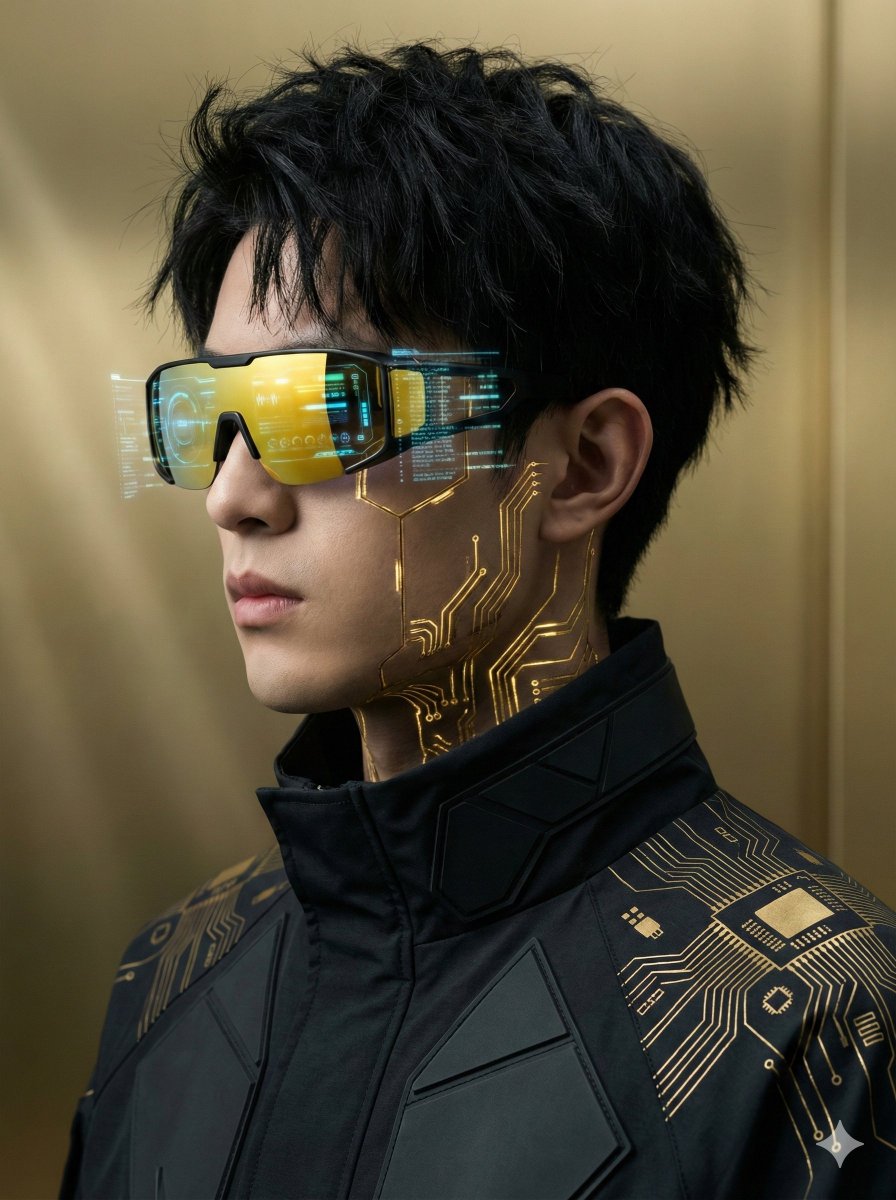
Futuristic Cyberpunk Portrait with Golden Circuitry
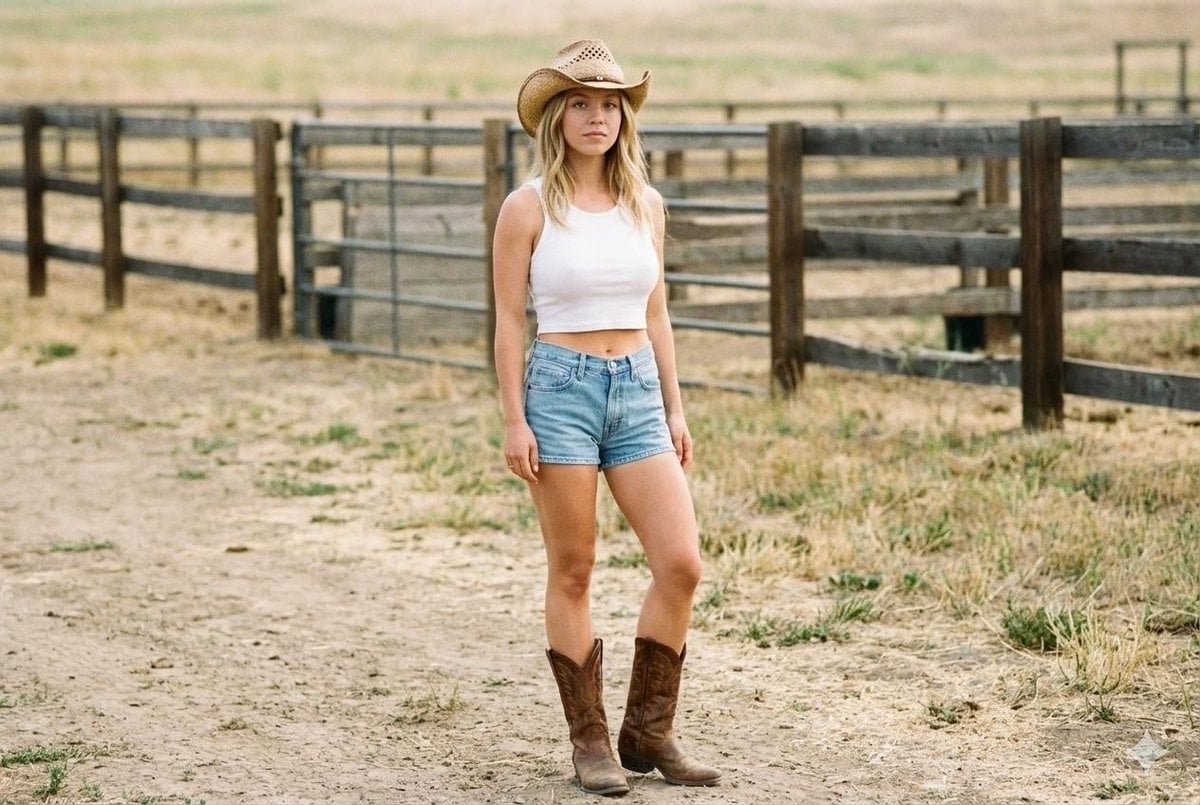
Candid Cowgirl Hat and Denim Snapshot

High-Speed Commercial Luxury Burger Photography
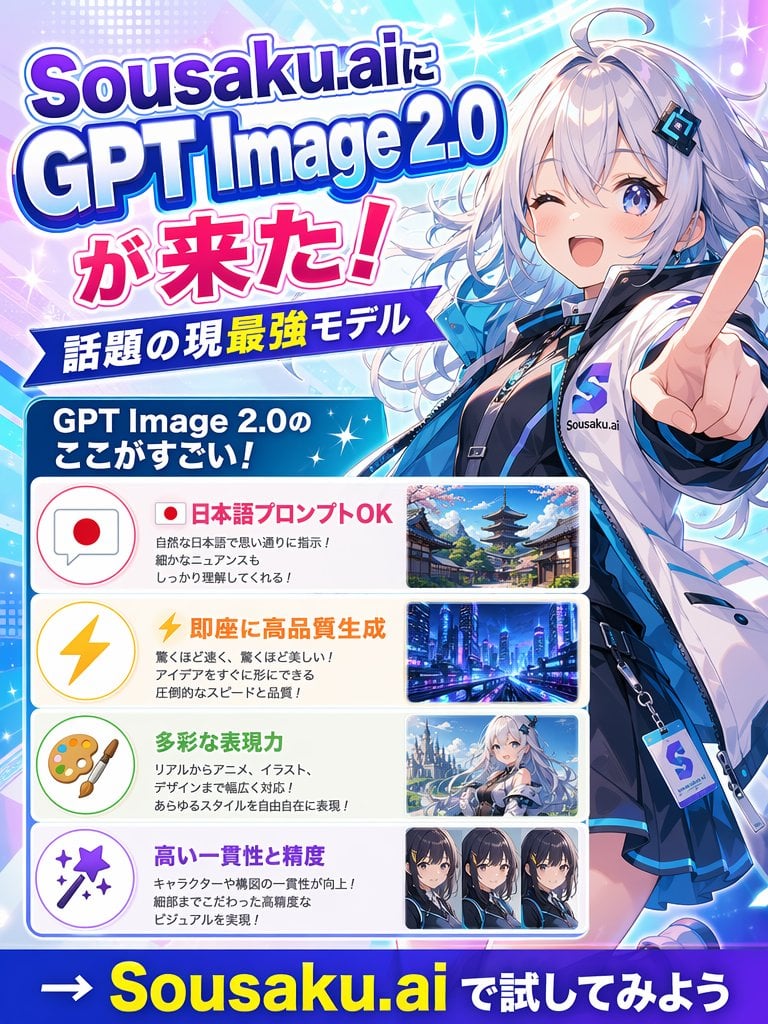
Japanese Anime AI Launch Poster
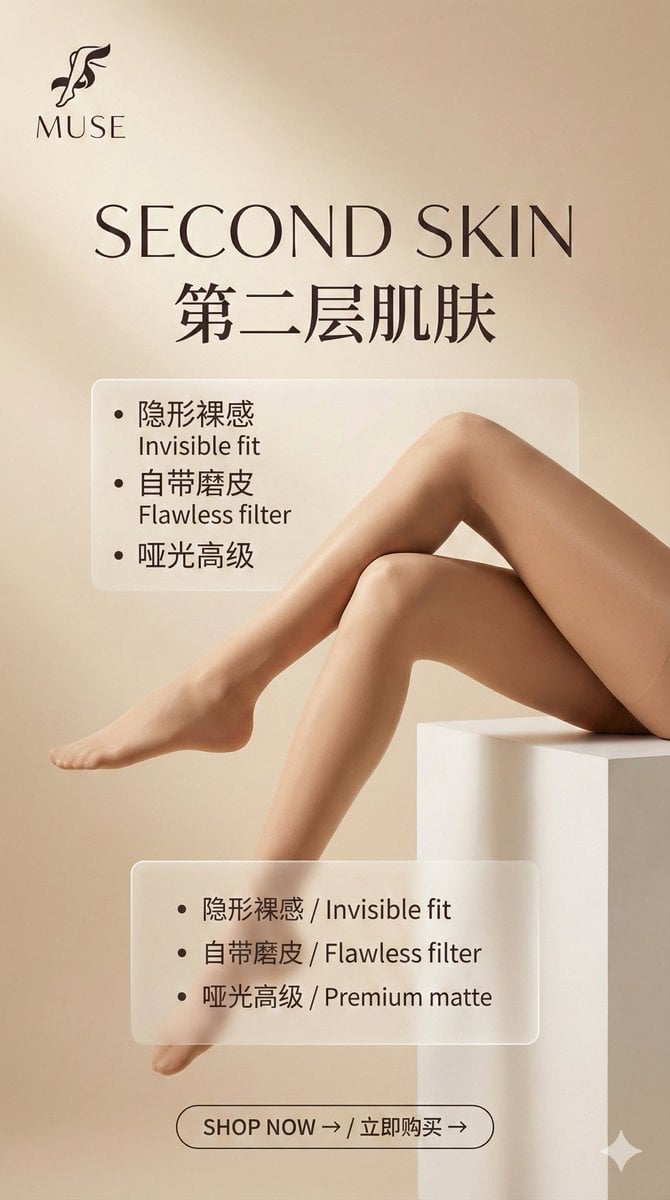
Multi-Step Prompt Generation Workflow for Product Posters

21 Glass Floor Skyscraper — California Series
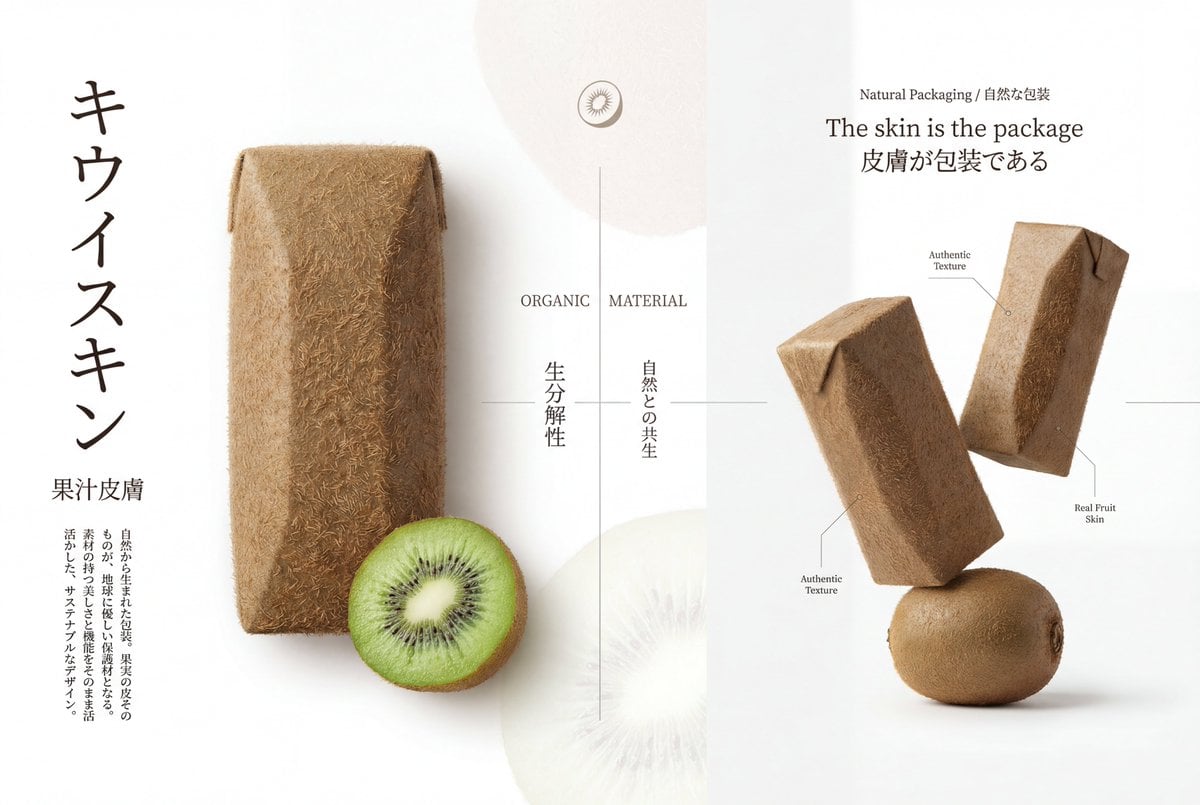
Premium Japanese-Style Kiwi Juice Skin Packaging Poster
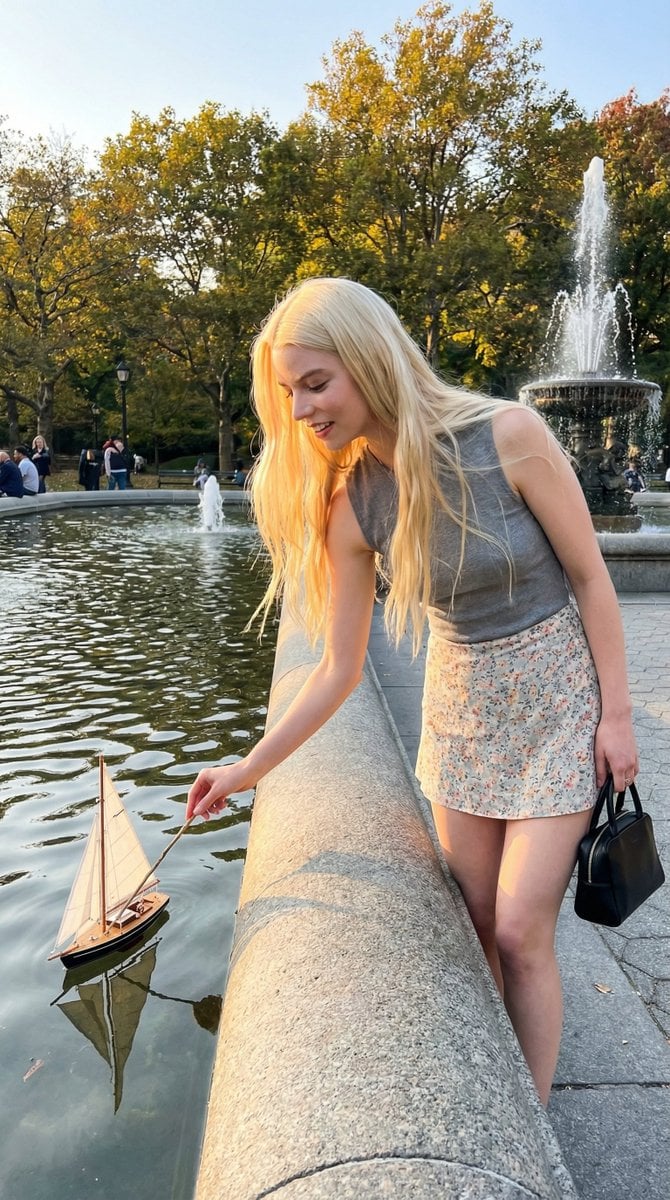
Park Fountain Lifestyle Photo with Sailboats

Luxurious Winter Portrait in Red and White
Browse template categories
Japanese Classroom Short Video Screenshot questions
How do I use the Japanese Classroom Short Video Screenshot template?
Add your photo if the template asks for one, edit the prompt if you like — the template's model and format are already selected — and press Generate. Your version opens in PicX Studio.
Can I customize the Japanese Classroom Short Video Screenshot template?
Yes. You can change the subject, setting, lighting, mood, format, and available model controls before creating your image.
Is the Japanese Classroom Short Video Screenshot template free?
Opening and editing this template is free. Generating uses credits, shown on the Generate button when you are signed in.
Which AI model should I use?
Start with GPT Image 2, which is the model associated with this template. You can compare another compatible model for a different finish.
Looking for something else? Browse all templates.

Your photo, any look
Thousands of ready templates for every top image and video model, from one credit balance.