
Japanese Classroom Chalkboard Notes
Generates a photorealistic classroom chalkboard filled with neatly organized, highly detailed Japanese handwritten notes and diagrams.
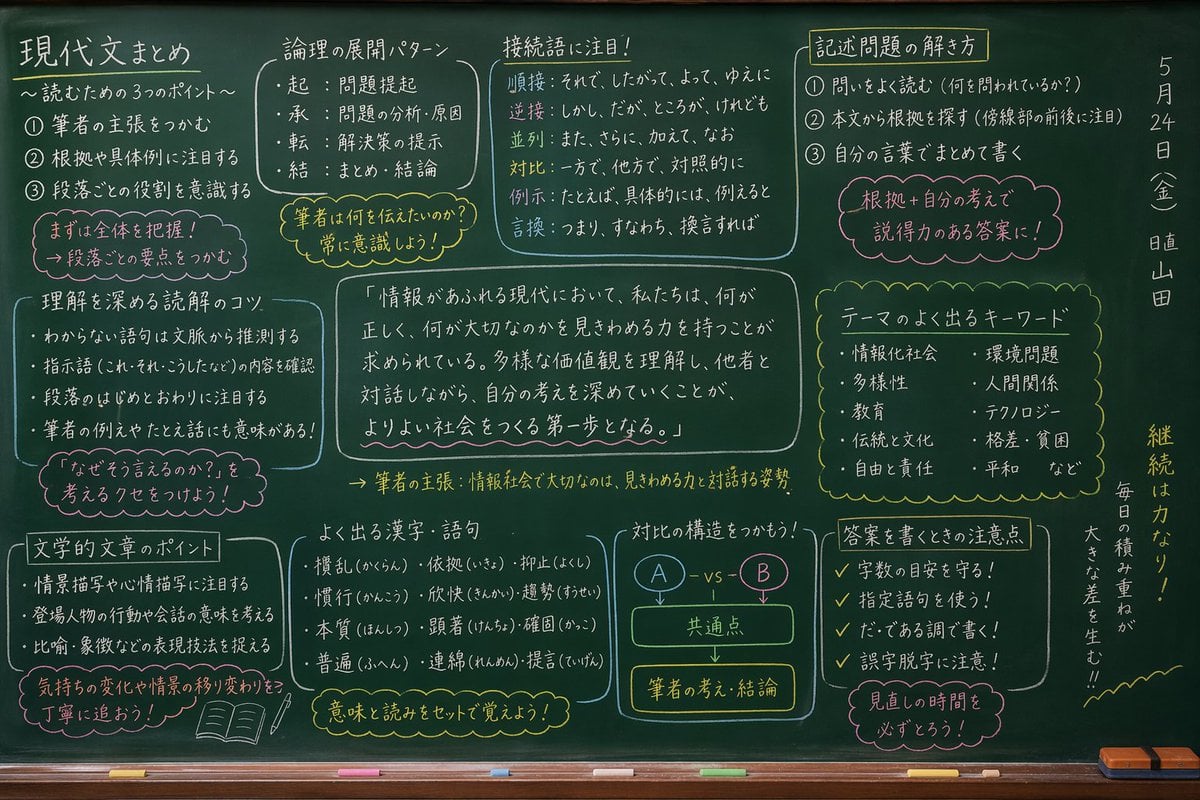
- Prompt included
- Model and format preset
- Free template
The prompt behind this image
Copy the exact prompt behind Japanese Classroom Chalkboard Notes, or open it in the studio and make it yours.
- Type
- photorealistic chalkboard with handwritten educational notes
- Setting
- green classroom chalkboard with a wooden chalk ledge at the bottom containing white and yellow chalk pieces and a yellow eraser
- Style
- neat Japanese handwriting using white, yellow, and pink/red chalk, organized into distinct boxed sections
- Layout › Top Row › 0 › Title
- {argument name="main subject" default="Modern Japanese Reading Review"}
- Layout › Top Row › 0 › Subtitle
- 〜読むための3つのポイント〜
- Layout › Top Row › 0 › Count
- 3
- Layout › Top Row › 0 › Type
- numbered list
- Layout › Top Row › 0 › Note
- まずは全体を把握!段落ごとの要点をつかむ
- Layout › Top Row › 1 › Title
- 論理の展開パターン
- Layout › Top Row › 1 › Count
- 4
- Layout › Top Row › 1 › Type
- bulleted list
- Layout › Top Row › 1 › Labels
- 起, 承, 転, 結
- Layout › Top Row › 1 › Note
- 筆者は何を伝えたいのか?常に意識しよう!
- Layout › Top Row › 2 › Title
- 接続語に注目!
- Layout › Top Row › 2 › Count
- 6
- Layout › Top Row › 2 › Type
- categorized list
- Layout › Top Row › 2 › Labels
- 順接, 逆接, 並列, 対比, 例示, 言換
- Layout › Top Row › 3 › Title
- 記述問題の解き方
- Layout › Top Row › 3 › Count
- 3
- Layout › Top Row › 3 › Type
- numbered list
- Layout › Top Row › 3 › Note
- 根拠+自分の考えで説得力のある答案に!
- Layout › Middle Row › 0 › Title
- 理解を深める読解のコツ
- Layout › Middle Row › 0 › Count
- 4
- Layout › Middle Row › 0 › Type
- bulleted list
Raw JSON
{
  "type": "photorealistic chalkboard with handwritten educational notes",
  "setting": "green classroom chalkboard with a wooden chalk ledge at the bottom containing white and yellow chalk pieces and a yellow eraser",
  "style": "neat Japanese handwriting using white, yellow, and pink/red chalk, organized into distinct boxed sections",
  "layout": {
    "top_row": [
      { "title": "{argument name=\"main subject\" default=\"Modern Japanese Reading Review\"}", "subtitle": "〜読むための3つのポイント〜", "count": 3, "type": "numbered list", "note": "まずは全体を把握!段落ごとの要点をつかむ" },
      { "title": "論理の展開パターン", "count": 4, "type": "bulleted list", "labels": ["起", "承", "転", "結"], "note": "筆者は何を伝えたいのか?常に意識しよう!" },
      { "title": "接続語に注目!", "count": 6, "type": "categorized list", "labels": ["順接", "逆接", "並列", "対比", "例示", "言換"] },
      { "title": "記述問題の解き方", "count": 3, "type": "numbered list", "note": "根拠+自分の考えで説得力のある答案に!" }
    ],
    "middle_row": [
      { "title": "理解を深める読解のコツ", "count": 4, "type": "bulleted list", "note": "「なぜそう言えるのか?」を考えるクセをつけよう!" },
      { "title": "center_quote", "text": "{argument name=\"center quote\" default=\"In today's world overflowing with information, we are required to have the ability to discern what is right and what truly matters. Understanding diverse values and deepening our own thinking through dialogue with others is the first step toward building a better society.\"}", "summary": "筆者の主張:情報社会で大切なのは、見きわめる力と対話する姿勢" },
      { "title": "テーマのよく出るキーワード", "count": 10, "type": "two-column list" }
    ],
    "bottom_row": [
      { "title": "文学的文章のポイント", "count": 3, "type": "bulleted list", "note": "気持ちの変化や情景の移り変わりを丁寧に追おう!", "illustration": "open book and pencil" },
      { "title": "よく出る漢字・語句", "count": 9, "type": "3x3 grid list", "note": "意味と読みをセットで覚えよう!" },
      { "title": "対比の構造をつかもう!", "type": "flowchart diagram", "elements": ["A - vs - B", "共通点", "筆者の考え・結論"] },
      { "title": "答案を書くときの注意点", "count": 4, "type": "checkmarked list", "note": "見直しの時間を必ずとろう!" }
    ],
    "far_right_vertical": {
      "date": "{argument name=\"date\" default=\"May 24 (Fri)\"}",
      "duty": "{argument name=\"duty student\" default=\"Class Duty: Yamada\"}",
      "motivational_quote": "{argument name=\"motivational quote\" default=\"Consistency is strength! Daily effort adds up to a big difference!!\"}"
    }
  }
}Reference images included
Japanese Classroom Chalkboard Notes needs input media to work. They load alongside the prompt when you open it in the studio.
How to use Japanese Classroom Chalkboard Notes in 3 steps
- 1Upload ImagePNG, JPG or paste
Add your photo
Upload the photo the template builds on. The prompt, model and format are already set.
- 2…a portrait of your subject in softgolden-hour light, 85mm…
Personalize
Edit the subject and creative details for your destination.
- 3Generate
Generate
Press Generate — your image is created in PicX Studio, so you can compare it with the original and refine one variable at a time.
More like this
Templates with the same subject, style or setup. Open one to see its prompt.

Minecraft Japanese Research Lab Exploration

Japanese Architectural Concrete Studio Fashion Campaign

Japanese Minimalist Concrete Studio Fashion Editorial

Blue Backdrop Luxury Fashion Portrait Campaign
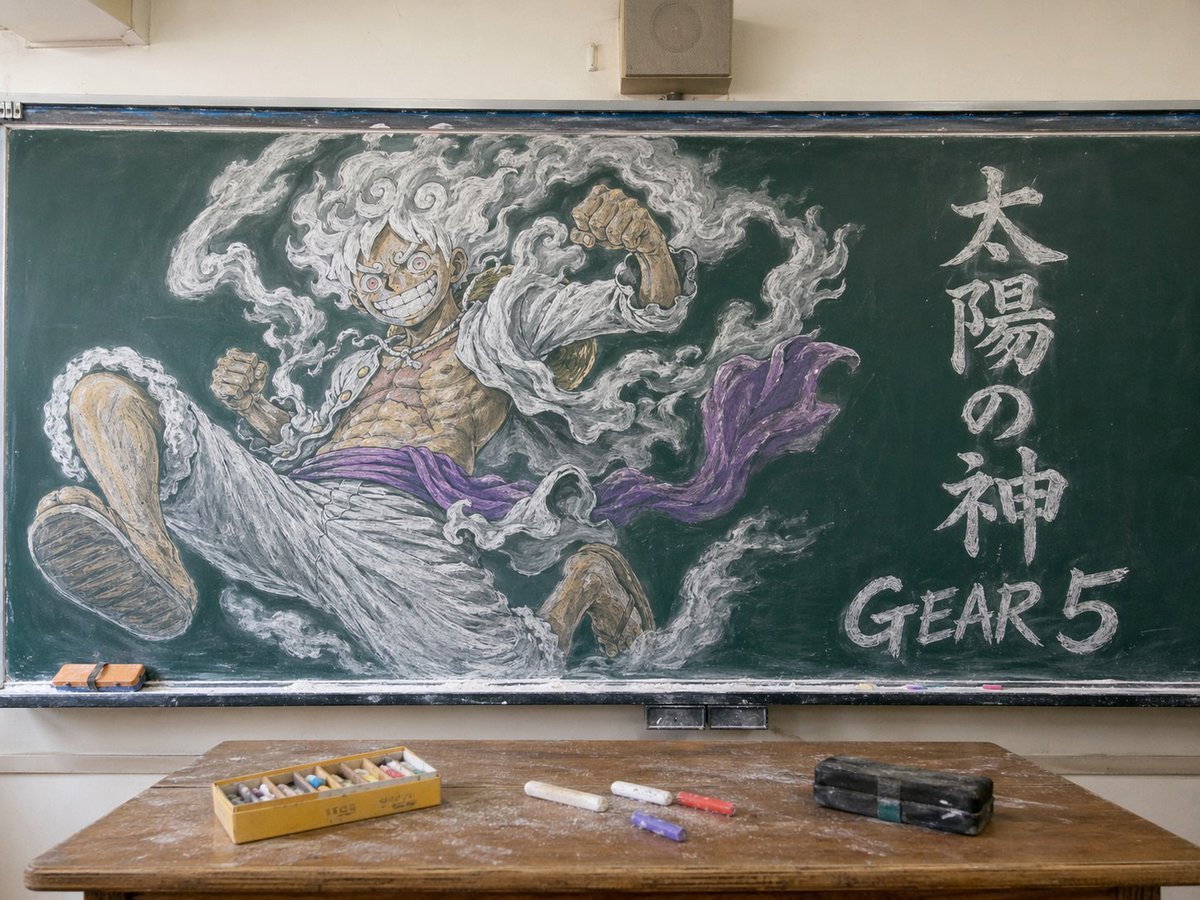
Gear 5 Chalkboard Classroom Mural
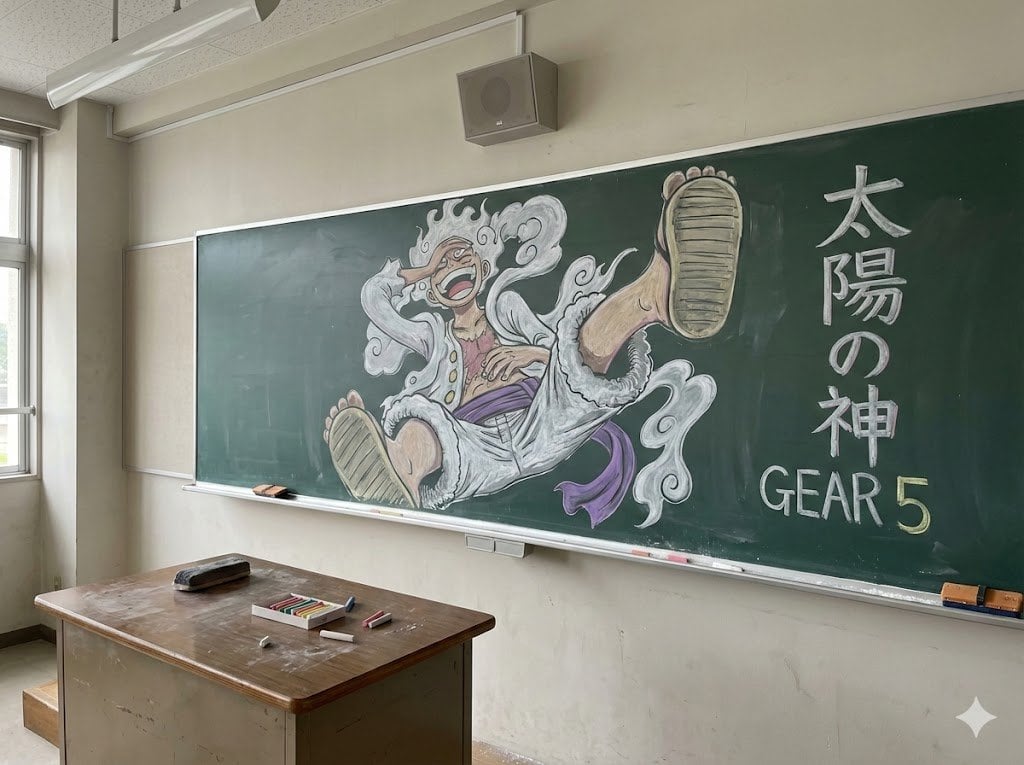
Japanese Classroom Gear 5 Chalk Art
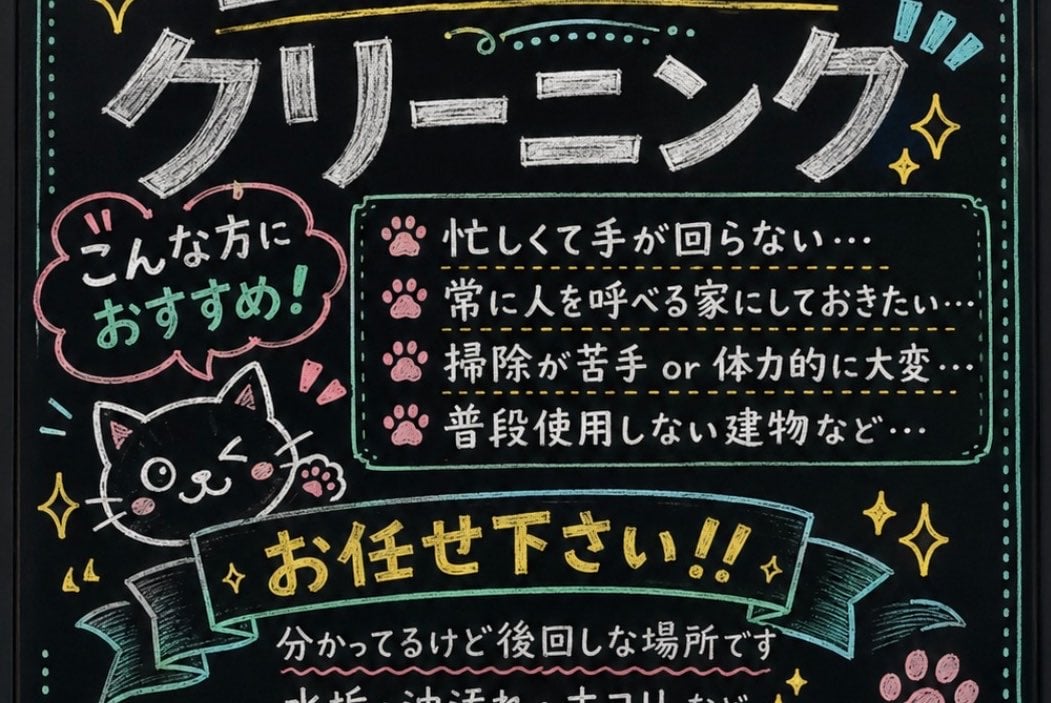
Japanese Chalkboard Cleaning Sign
Classroom Chalkboard Lesson
Handwritten Japanese Study Notes with Photograph
Handwritten Japanese Study Notes
Sunlit Japanese Classroom Sailor Uniform Portrait
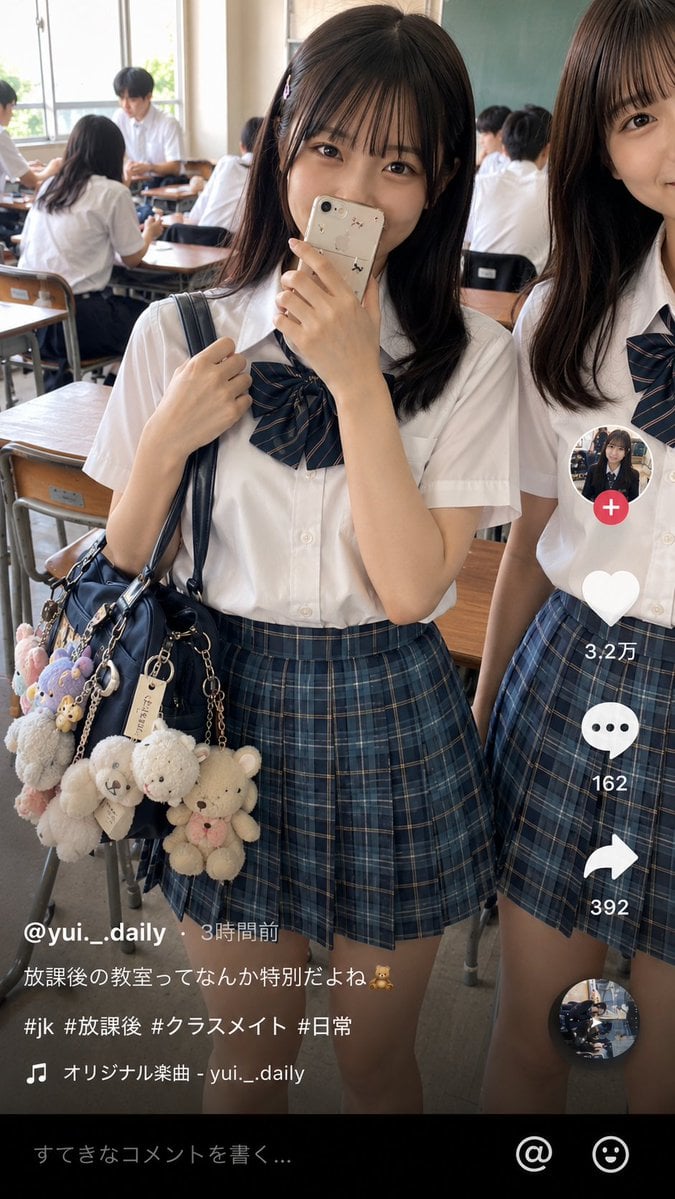
Japanese Classroom Short Video Screenshot
Make it yours
Japanese Classroom Chalkboard Notes works as-is. These are the safest ways to change it without losing the look.
Swap the setting
Keep the rest of the prompt and replace the location block. The current setting is “green classroom chalkboard with a wooden chalk ledge at the bottom containing wh”.
Change one field
Copy a single group, rewrite it, and generate again so you can see what that field is doing.
Keep the frame, change the subject
Hold the composition and light of Japanese Classroom Chalkboard Notes, then swap wardrobe, props or the person for a new take.
| If the result… | Why | Fix |
|---|---|---|
| The result drifts from the preview | Too many fields changed at once. | Reuse Japanese Classroom Chalkboard Notes as-is first, then change one group — subject, light, or setting. |
| GPT Image 2 ignores part of the JSON | Some models flatten or skip nested keys. | Keep the same values and paste them as a short paragraph instead. |
More GPT Image 2 templates
Other prompts made for GPT Image 2.

Realistic Portrait of Woman and Deer

The Vista Modular Condo Poster

AI Model Routing Comparison Infographic

2.5D Anime Art Board

Isometric Productivity Desk Scene

New York Double Exposure Poster

Four-Panel AI Landscape Comparison

NESCAFÉ Coffee Map Poster

Brutalist Cogito Chinese Typography Poster

Cinematic Luxury Terrace Portrait
More image prompts
Fresh picks from across the catalog.

Y2K Candid Flash Photo in Snowy Moscow

Sticker Art Style

Cinematic Winter Portrait with Hyper-Detail

Cloud shape doodle generation
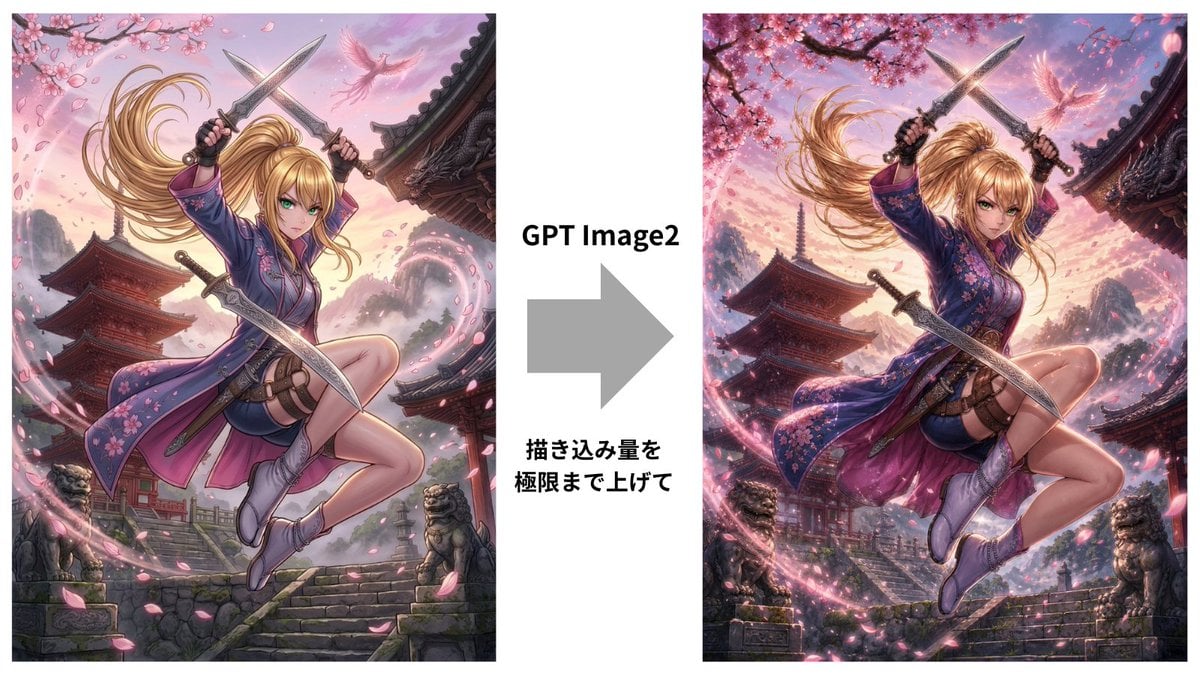
GPT Image 2 Kunoichi Comparison
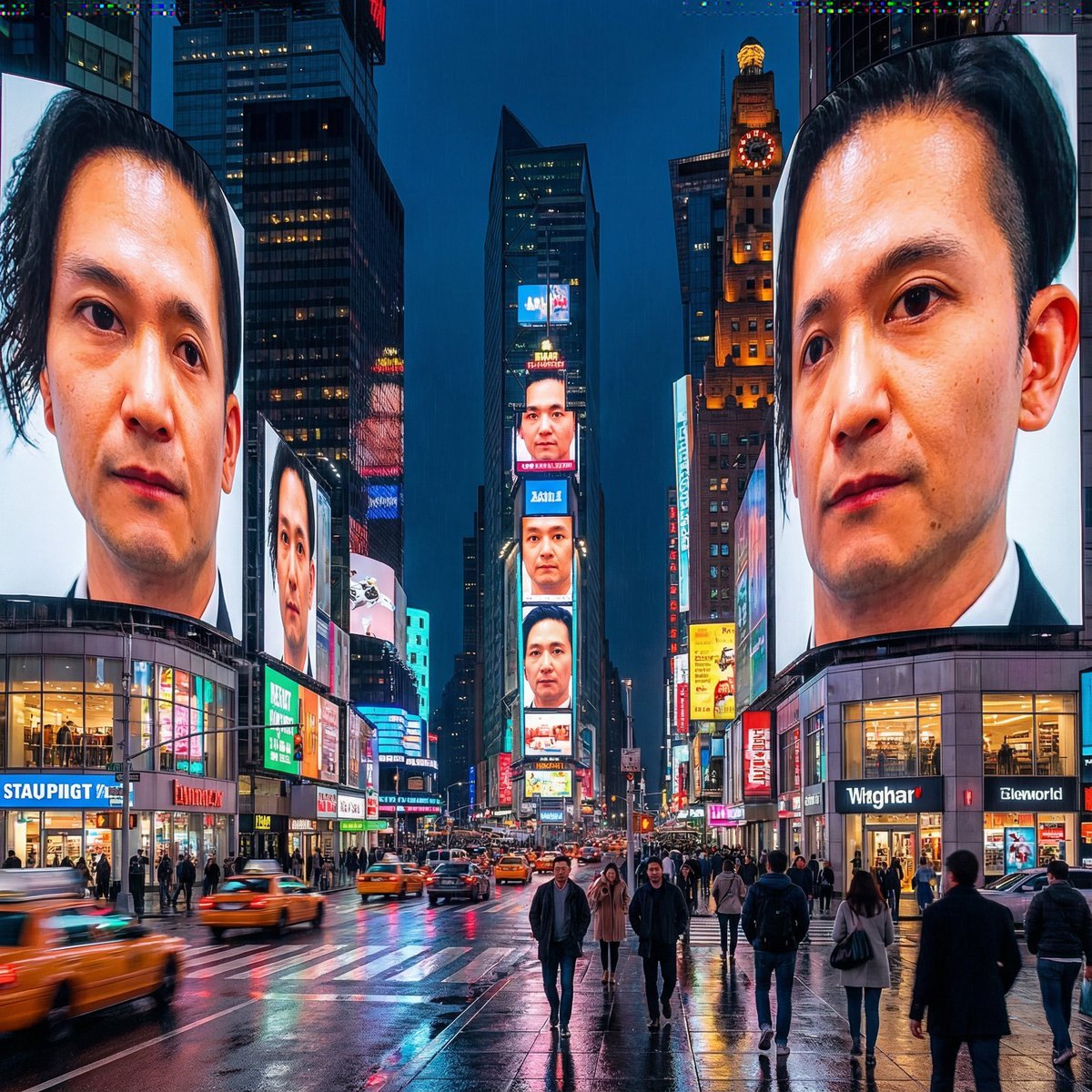
Generating City-Scale Self-Portrait Advertising

Magical Realism: Dragon Emerging from Canvas

Nano Banana Pro Cinematic Night Romcom Ride Prompt

Christmas Advent Calendar Image Generation Prompt

Ultra Realistic Fashion Editorial Portra
Browse template categories
Japanese Classroom Chalkboard Notes questions
How do I use the Japanese Classroom Chalkboard Notes template?
Add your photo if the template asks for one, edit the prompt if you like — the template's model and format are already selected — and press Generate. Your version opens in PicX Studio.
Can I customize the Japanese Classroom Chalkboard Notes template?
Yes. You can change the subject, setting, lighting, mood, format, and available model controls before creating your image.
Is the Japanese Classroom Chalkboard Notes template free?
Opening and editing this template is free. Generating uses credits, shown on the Generate button when you are signed in.
Which AI model should I use?
Start with GPT Image 2, which is the model associated with this template. You can compare another compatible model for a different finish.
Looking for something else? Browse all templates.

Your photo, any look
Thousands of ready templates for every top image and video model, from one credit balance.