
Handwritten Japanese Study Notes
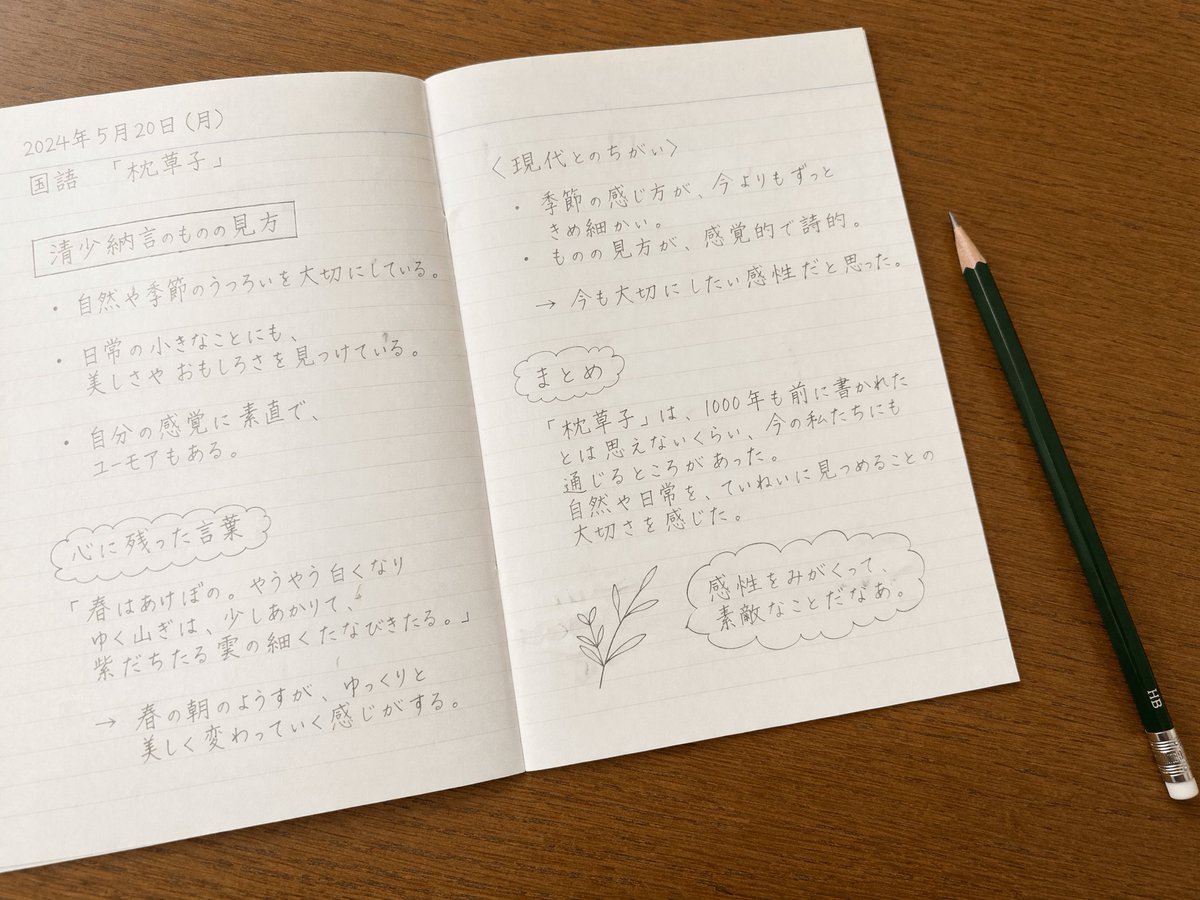
A photorealistic top-down view of an open notebook with handwritten Japanese study notes and a pencil, useful for educational or aesthetic mockups.
- Prompt included
- Model and format preset
- Free template
The prompt behind this image
Copy the exact prompt behind Handwritten Japanese Study Notes, or open it in the studio and make it yours.
A top-down photorealistic image of an open lined notebook resting on a smooth wooden desk. A dark green HB pencil with a silver ferrule and white eraser lies diagonally on the desk to the right of the notebook. The notebook pages are filled with neat, handwritten text in pencil, resembling a student's study notes. On the left page, the top left corner reads {argument name="date" default="2024年5月20日(月)"} above {argument name="subject" default="国語 「枕草子」"}. Below this is a rectangular boxed heading reading {argument name="left page heading" default="清少納言のものの見方"}, followed by exactly three bulleted sentences: one about valuing the changes in nature and seasons, one about finding beauty and amusement in small everyday things, and one about being honest with one's senses while having a sense of humor. Further down is a cloud-shaped border containing a heading translated as 'Words that left an impression', followed by a famous classical quote about spring mornings and a brief explanation below it marked with an arrow. On the right page, the top section has the heading {argument name="right page heading" default="〈現代とのちがい〉"} with exactly two bulleted points: one noting that the perception of seasons is much more delicate than today, and another stating that the perspective is sensory and poetic. This is followed by an arrow pointing to a concluding thought about wanting to cherish this sensibility. Below this is another cloud-shaped border containing a heading translated as 'Summary' and a short paragraph about how the 1000-year-old text still resonates today and the importance of carefully observing nature. At the bottom right of the page, there is a small, simple line drawing of a leafy plant stem next to a scalloped thought bubble containing the text {argument name="final thought" default="感性をみがくって、素敵なことだなあ。"}. The lighting is soft and natural, highlighting the texture of the paper and the graphite pencil marks.
How to use Handwritten Japanese Study Notes in 3 steps
- 1Upload ImagePNG, JPG or paste
Add your photo
Upload the photo the template builds on. The prompt, model and format are already set.
- 2…a portrait of your subject in softgolden-hour light, 85mm…
Personalize
Edit the subject and creative details for your destination.
- 3Generate
Generate
Press Generate — your image is created in PicX Studio, so you can compare it with the original and refine one variable at a time.
More like this
Templates with the same subject, style or setup. Open one to see its prompt.
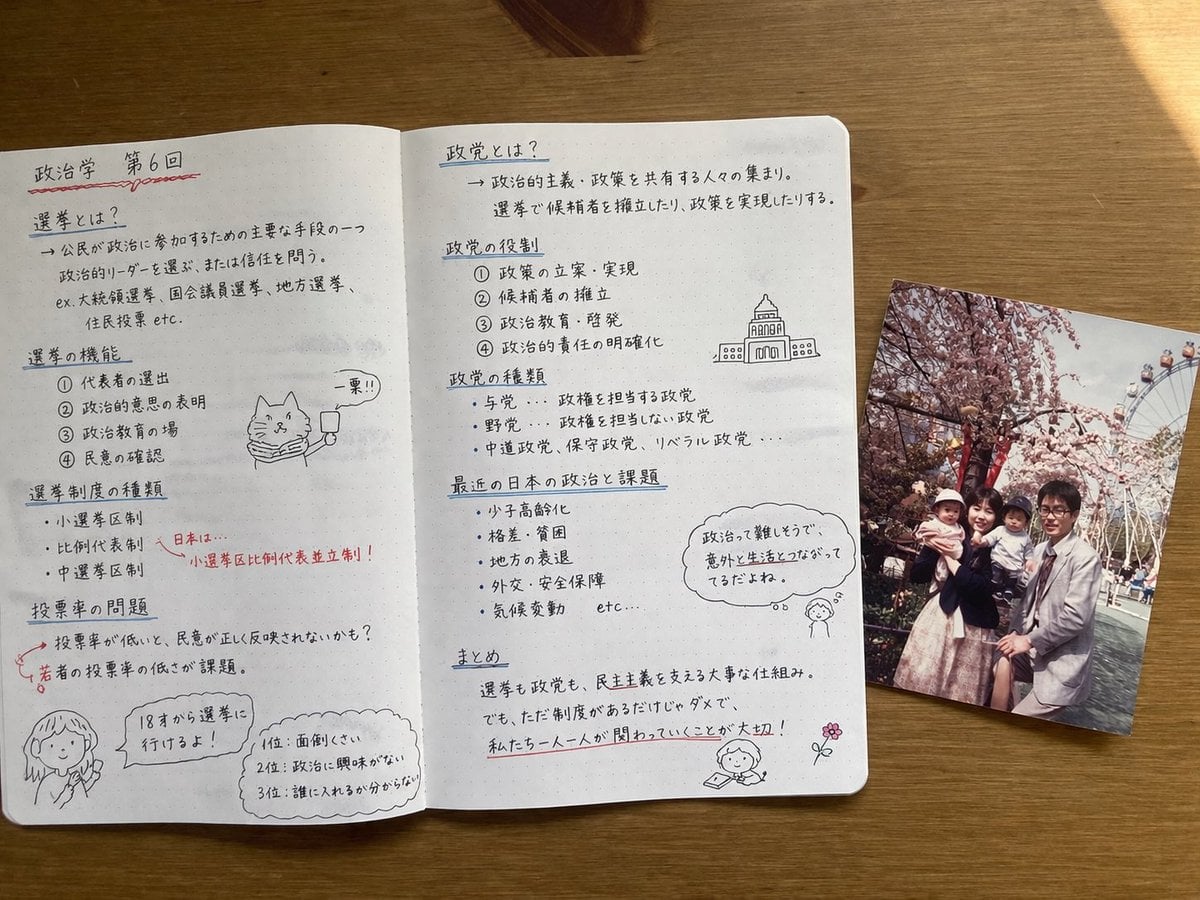
Handwritten Japanese Study Notes with Photograph
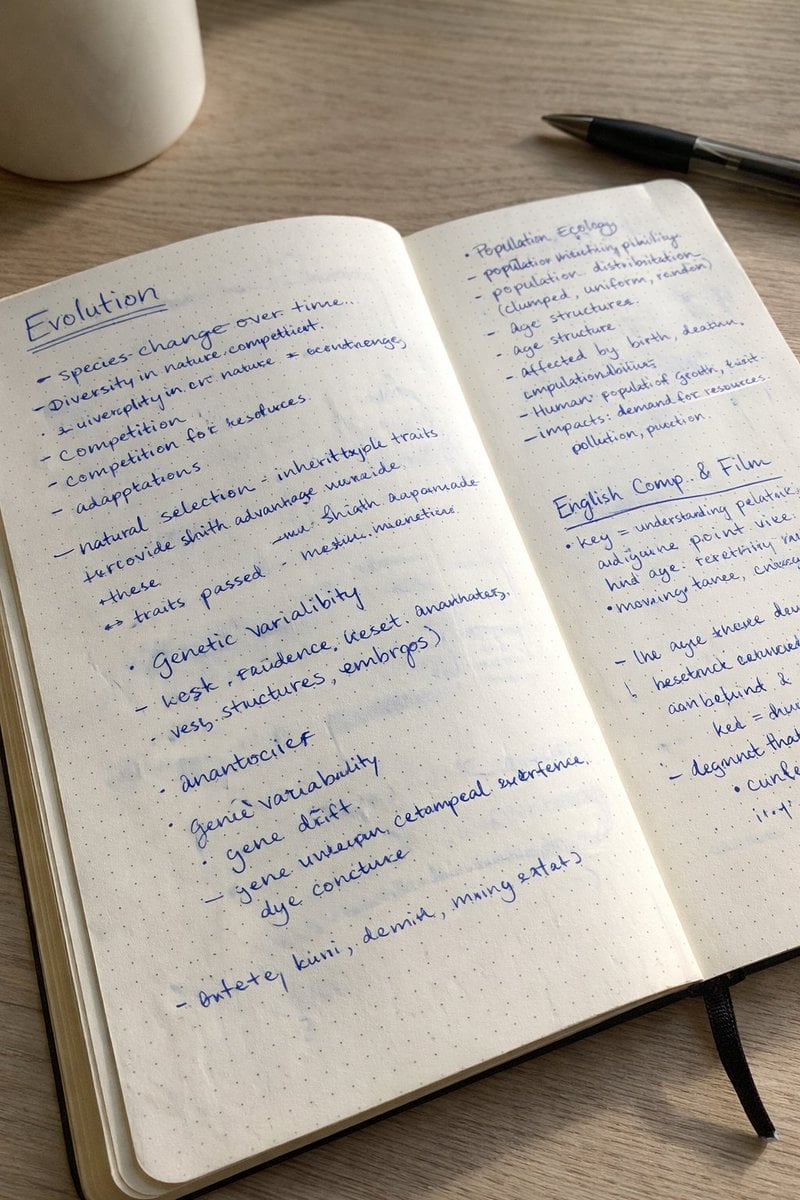
Realistic Handwritten Study Notes
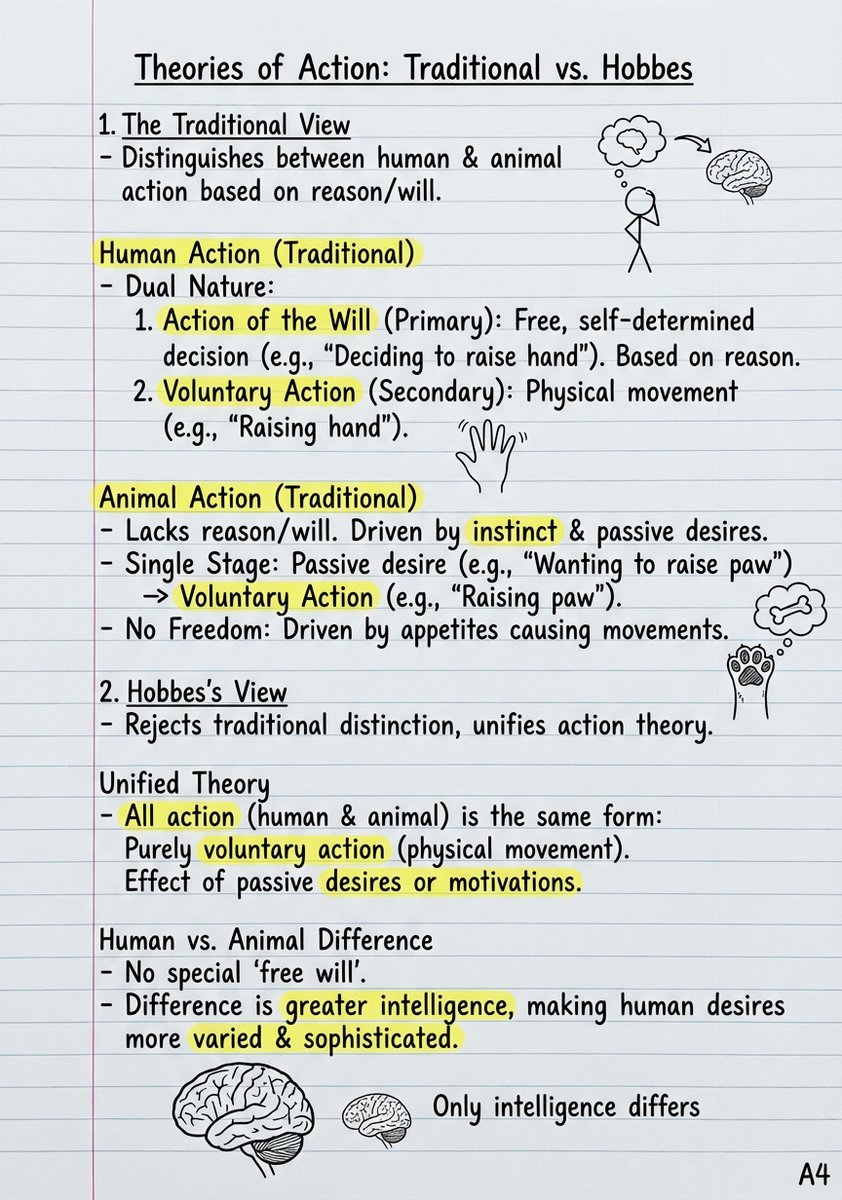
Handwritten Study Notes Generation

Teal Japanese Handwritten Lyric Card

Minecraft Japanese Research Lab Exploration

Japanese Architectural Concrete Studio Fashion Campaign

Japanese Minimalist Concrete Studio Fashion Editorial

Blue Backdrop Luxury Fashion Portrait Campaign

Douyin Aesthetic Café Study Portrait
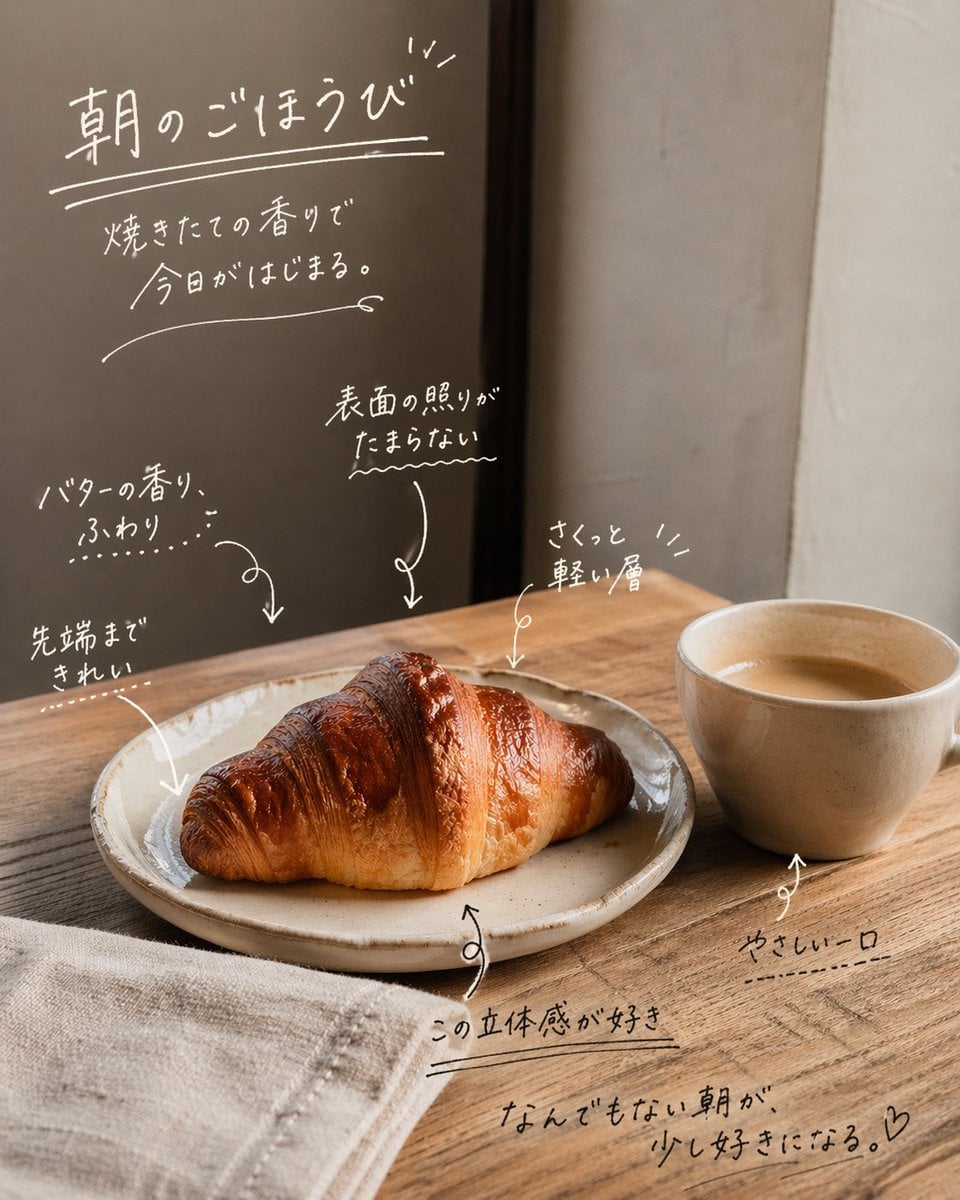
Handwritten Japanese Cafe Photo Overlay

Japanese AI Case Study Slide
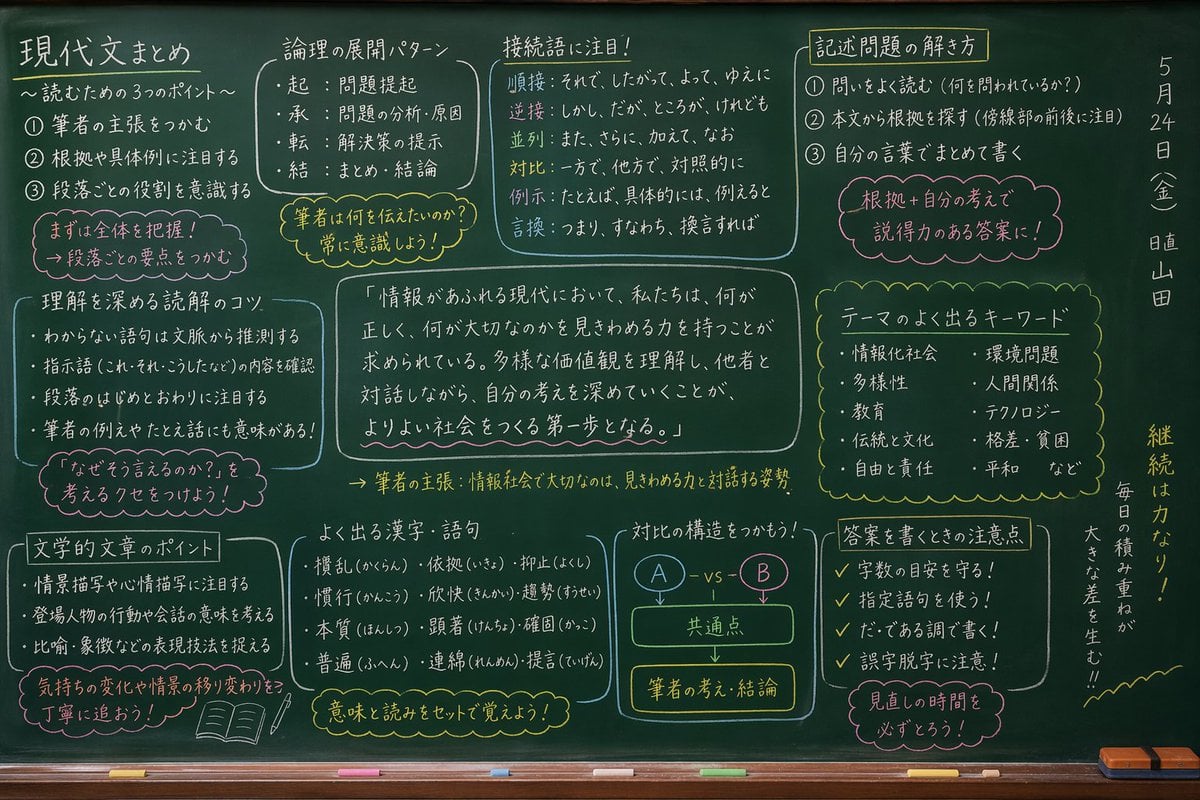
Japanese Classroom Chalkboard Notes
Make it yours
Handwritten Japanese Study Notes works as-is. These are the safest ways to change it without losing the look.
Change one field
Copy a single group, rewrite it, and generate again so you can see what that field is doing.
Keep the frame, change the subject
Hold the composition and light of Handwritten Japanese Study Notes, then swap wardrobe, props or the person for a new take.
| If the result… | Why | Fix |
|---|---|---|
| The result drifts from the preview | Too many fields changed at once. | Reuse Handwritten Japanese Study Notes as-is first, then change one group — subject, light, or setting. |
| The model over-stylizes the scene | The prose prompt leaves finish and camera underspecified. | Add one camera or lighting sentence and stay on GPT Image 2. |
More GPT Image 2 templates
Other prompts made for GPT Image 2.

Realistic Portrait of Woman and Deer

The Vista Modular Condo Poster

AI Model Routing Comparison Infographic

2.5D Anime Art Board

Isometric Productivity Desk Scene

New York Double Exposure Poster

Four-Panel AI Landscape Comparison

Japanese Tatami Lifestyle Magazine Cover

NESCAFÉ Coffee Map Poster

Brutalist Cogito Chinese Typography Poster
More image prompts
Fresh picks from across the catalog.

Sunset Futuristic Megacity Panorama

Golden Hour Rooftop Sunset Rest

Cinematic Photorealistic Godzilla Encounter Prompt
Realistic Spring Greeting Card Portrait

Art Nouveau Fantasy Perfume Poster

Modern Transit Station Ad Scene

Luxury Cosmetic Product Shot

Cinematic Product Photography Prompt: Strawberry Energy Drink Explosion
Confused Blonde Anime Girl Portrait

Miniature Sci-Fi Companion Robot
Browse template categories
Handwritten Japanese Study Notes questions
How do I use the Handwritten Japanese Study Notes template?
Add your photo if the template asks for one, edit the prompt if you like — the template's model and format are already selected — and press Generate. Your version opens in PicX Studio.
Can I customize the Handwritten Japanese Study Notes template?
Yes. You can change the subject, setting, lighting, mood, format, and available model controls before creating your image.
Is the Handwritten Japanese Study Notes template free?
Opening and editing this template is free. Generating uses credits, shown on the Generate button when you are signed in.
Which AI model should I use?
Start with GPT Image 2, which is the model associated with this template. You can compare another compatible model for a different finish.
Looking for something else? Browse all templates.

Your photo, any look
Thousands of ready templates for every top image and video model, from one credit balance.