
Handwritten Japanese Cafe Photo Overlay
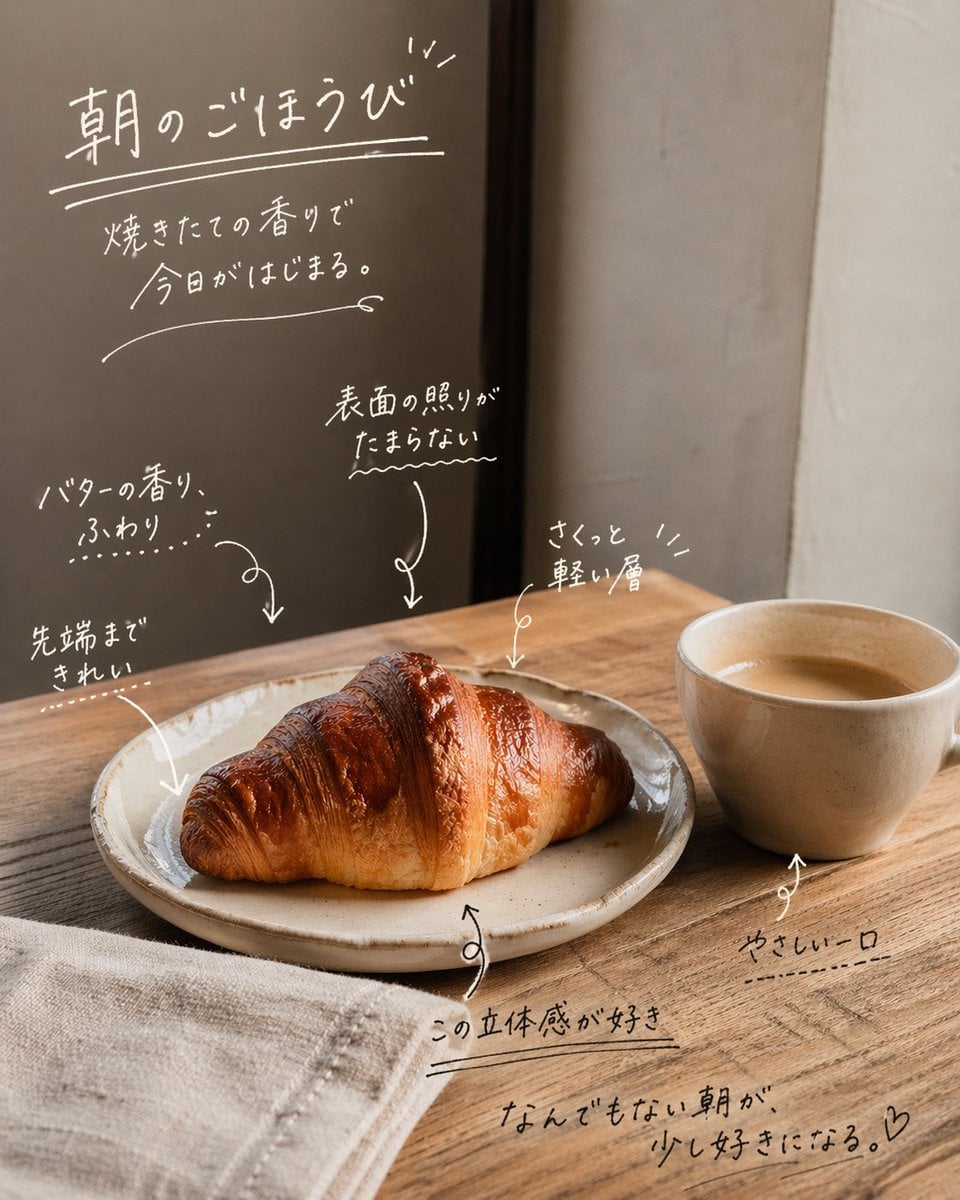
This prompt adds emotive handwritten Japanese copy and callout annotations to a reference cafe photo for cozy social media or lifestyle promotional posts.
- Prompt included
- Model and format preset
- Free template
The prompt behind this image
Copy the exact prompt behind Handwritten Japanese Cafe Photo Overlay, or open it in the studio and make it yours.
Using the provided reference image, keep the cafe photo composition, lighting, food, cup, plate, table, and background unchanged, and turn it into an emotive social-media style annotated photo by overlaying handwritten white Japanese copy directly on the image. Add 1 main headline in the upper left with an underline and small accent marks: 「朝のごほうび」. Beneath it, add 1 short subcopy block in 2 lines: 「焼きたての香りで / 今日がはじまる。」. Then add 6 handwritten callout notes with sketchy arrows pointing to details in the scene: 1) 「バターの香り、ふわり…」 pointing to the croissant, 2) 「先端まできれい」 pointing to the left tip of the croissant, 3) 「表面の照りがたまらない〜」 pointing to the glossy top surface, 4) 「さくっと軽い層」 pointing to the upper right area of the croissant, 5) 「この立体感が好き」 near the plate edge, 6) 「やさしい一口」 pointing to the cup. Add 1 closing handwritten sentence near the lower right: 「なんでもない朝が、少し好きになる。♡」. Make all typography look like casual marker or chalk-pen handwriting with thin uneven strokes, soft organic spacing, doodled underlines, arrows, and small decorative marks. Keep the text integrated naturally into the empty wall and tabletop spaces, with a warm minimal Japanese lifestyle ad / UGC feel.
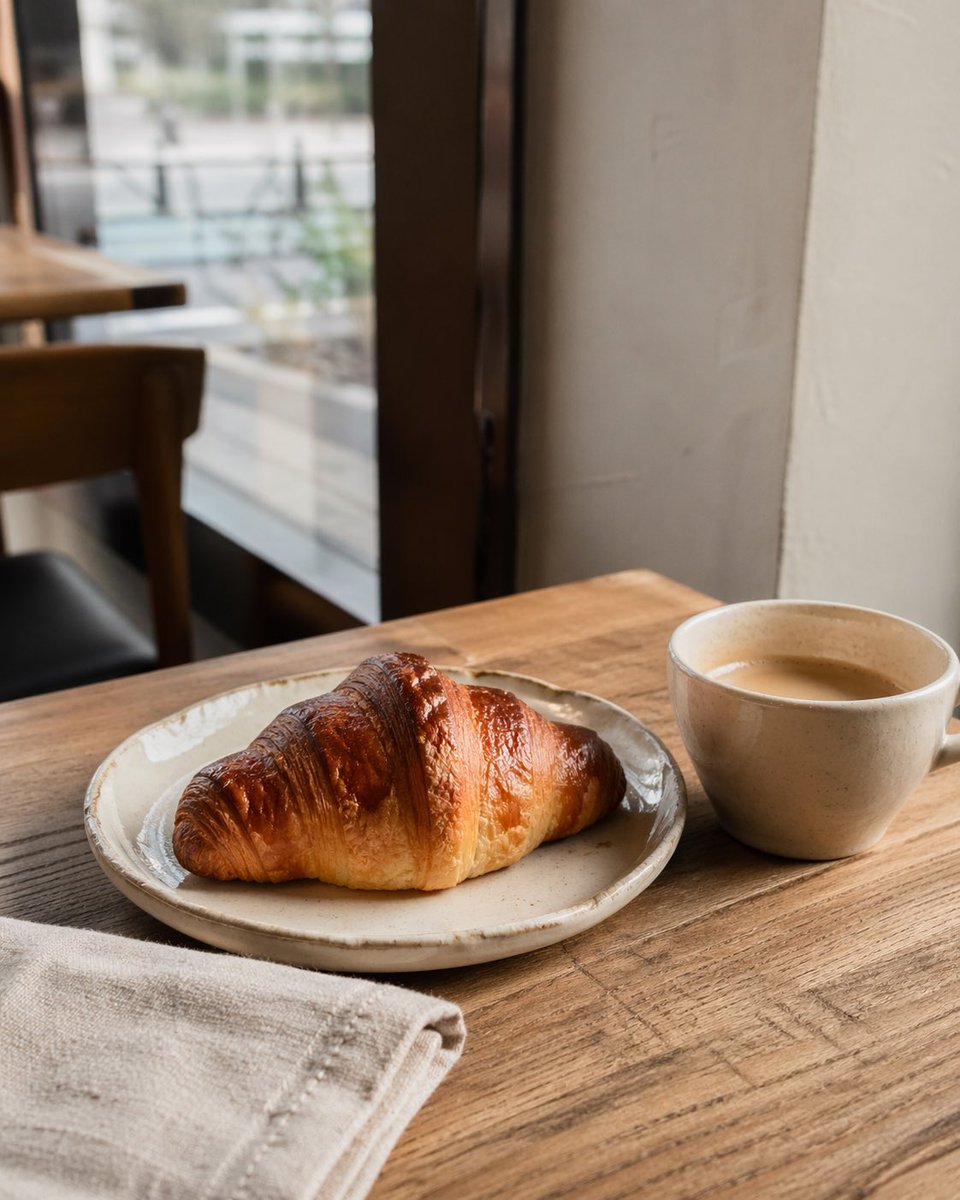
Reference images included
Handwritten Japanese Cafe Photo Overlay needs input media to work. They load alongside the prompt when you open it in the studio.
How to use Handwritten Japanese Cafe Photo Overlay in 3 steps
- 1Upload ImagePNG, JPG or paste
Add your photo
Upload the photo the template builds on. The prompt, model and format are already set.
- 2…a portrait of your subject in softgolden-hour light, 85mm…
Personalize
Edit the subject and creative details for your destination.
- 3Generate
Generate
Press Generate — your image is created in PicX Studio, so you can compare it with the original and refine one variable at a time.
More like this
Templates with the same subject, style or setup. Open one to see its prompt.

Delicate Japanese Café Lifestyle Illustration

Teal Japanese Handwritten Lyric Card

Minecraft Japanese Research Lab Exploration

Cat Photobomb Selfie — 0.5x Wide Angle Café Chaos

Trendy Cafe Drink Promo Poster

Japanese Architectural Concrete Studio Fashion Campaign

Japanese Minimalist Concrete Studio Fashion Editorial

Blue Backdrop Luxury Fashion Portrait Campaign

Nostalgic Digicam Café Afternoon Portrait

Korean Cafe Courtyard Gold Frame Mirror Selfie

Handwritten Cafe Photo Annotations
Snowy Sky with Handwritten Japanese Text
Make it yours
Handwritten Japanese Cafe Photo Overlay works as-is. These are the safest ways to change it without losing the look.
Change one field
Copy a single group, rewrite it, and generate again so you can see what that field is doing.
Keep the frame, change the subject
Hold the composition and light of Handwritten Japanese Cafe Photo Overlay, then swap wardrobe, props or the person for a new take.
| If the result… | Why | Fix |
|---|---|---|
| The result drifts from the preview | Too many fields changed at once. | Reuse Handwritten Japanese Cafe Photo Overlay as-is first, then change one group — subject, light, or setting. |
| The model over-stylizes the scene | The prose prompt leaves finish and camera underspecified. | Add one camera or lighting sentence and stay on GPT Image 2. |
More GPT Image 2 templates
Other prompts made for GPT Image 2.

Six VTuber Japanese Logo Sheet

Realistic Portrait of Woman and Deer

The Vista Modular Condo Poster

AI Model Routing Comparison Infographic

2.5D Anime Art Board

Isometric Productivity Desk Scene

New York Double Exposure Poster

Four-Panel AI Landscape Comparison

Japanese Tatami Lifestyle Magazine Cover

NESCAFÉ Coffee Map Poster
More image prompts
Fresh picks from across the catalog.
Summarizing Long Text into Visuals
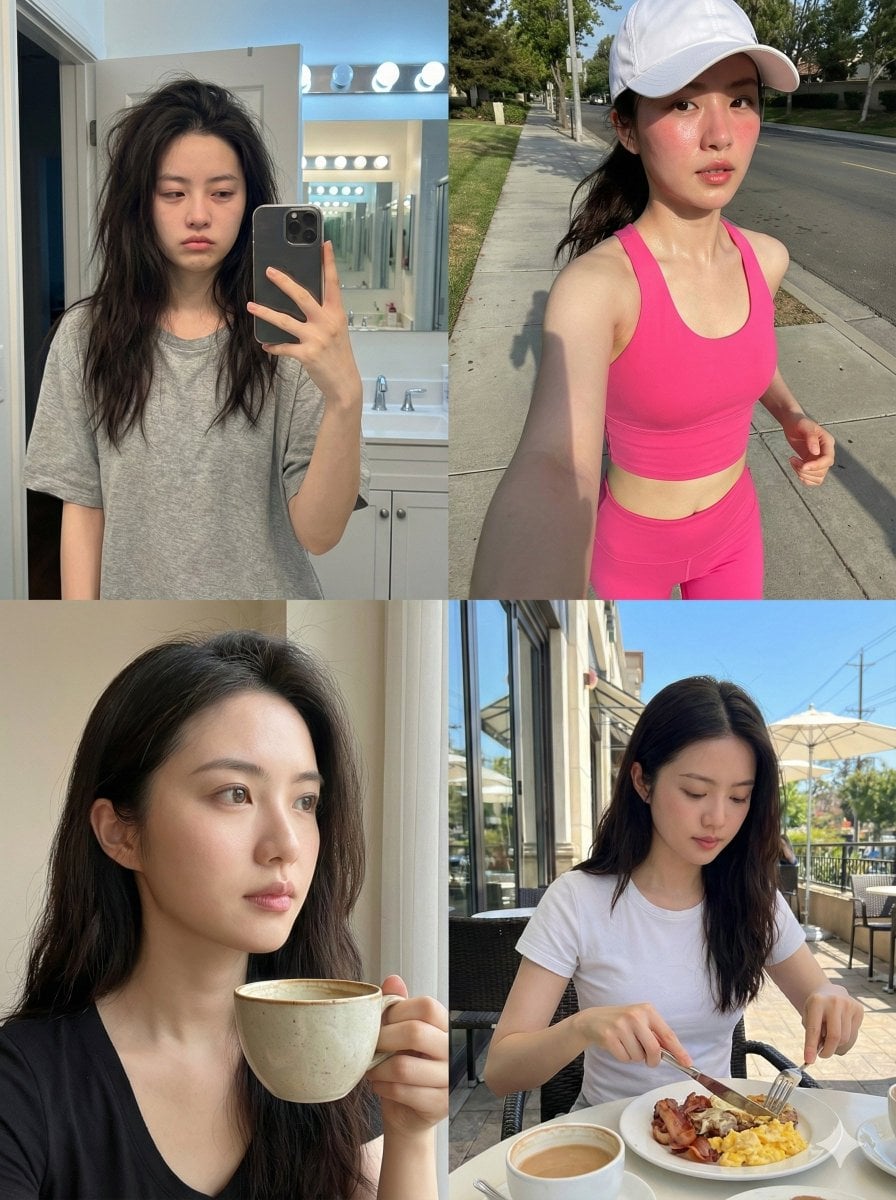
Consistent Identity Daily Routine Log Prompt (4-Quadrant)
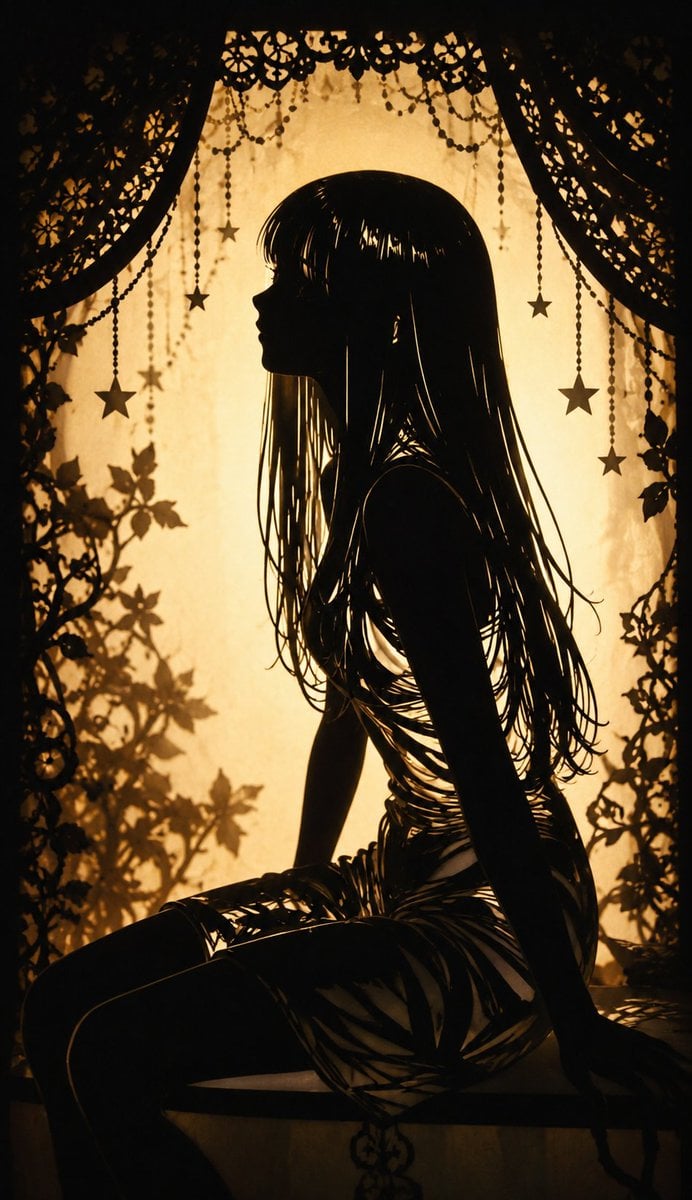
Shadow Puppet Style Transformation

World Cup Champion Tunnel Poster
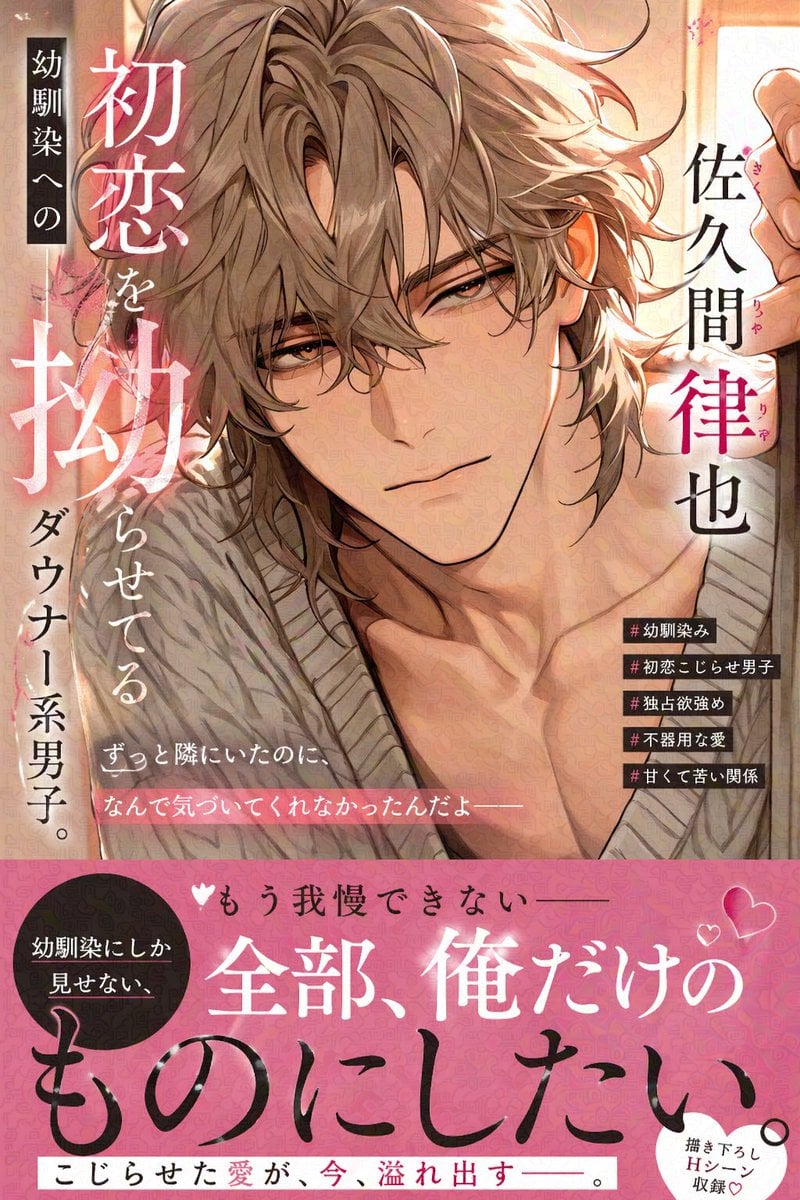
Comic Book Cover with Obi Prompt
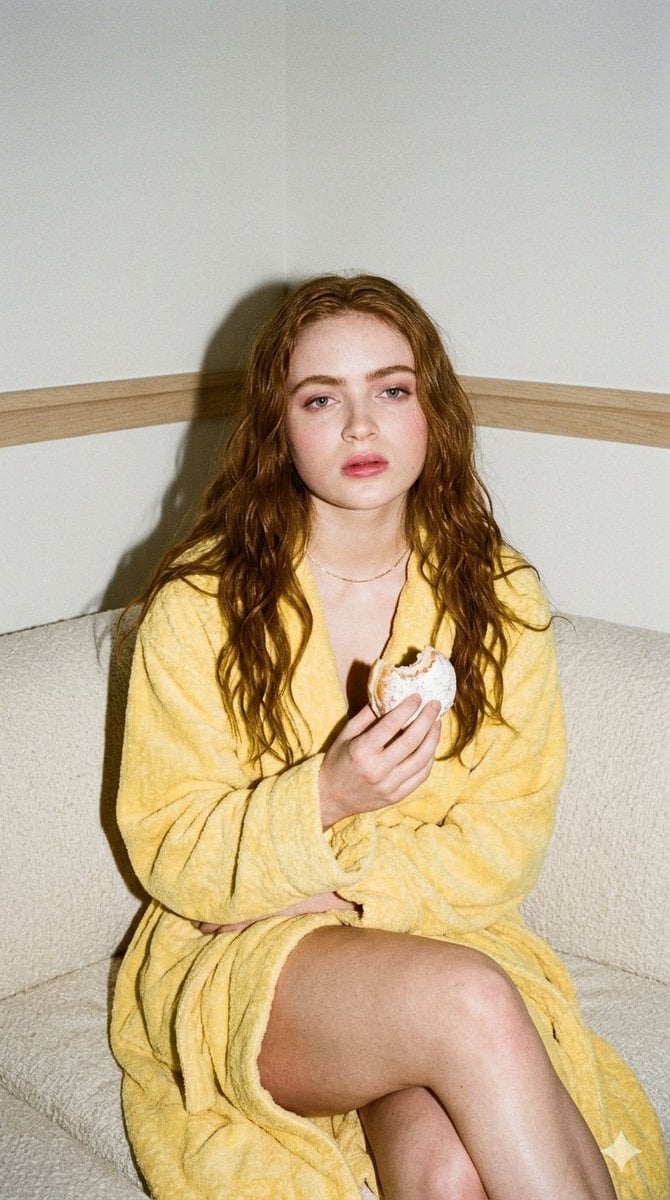
Candid 35mm Film Aesthetic Portrait with Donut Prompt for Gemini Nano Banana Pro

NanoBanana2
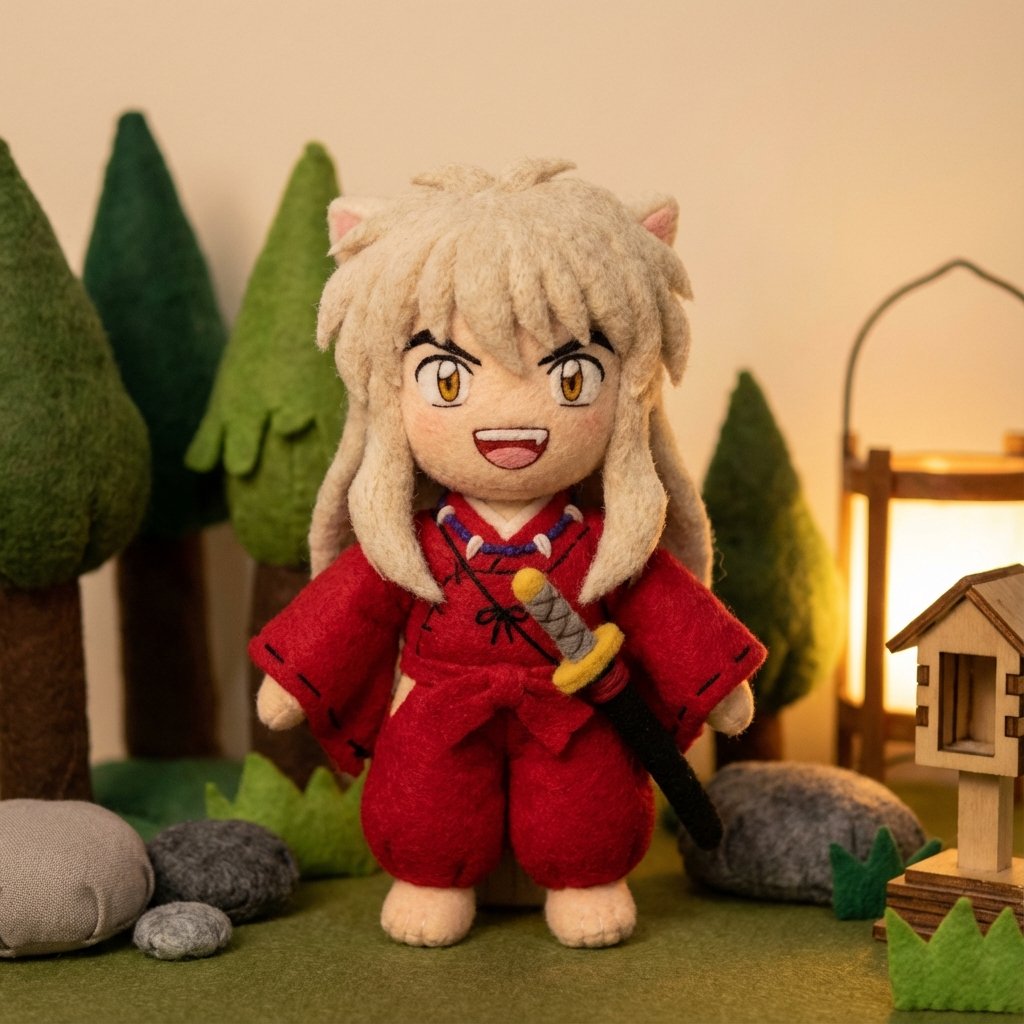
Inuyasha Plush Toy Generation Prompt
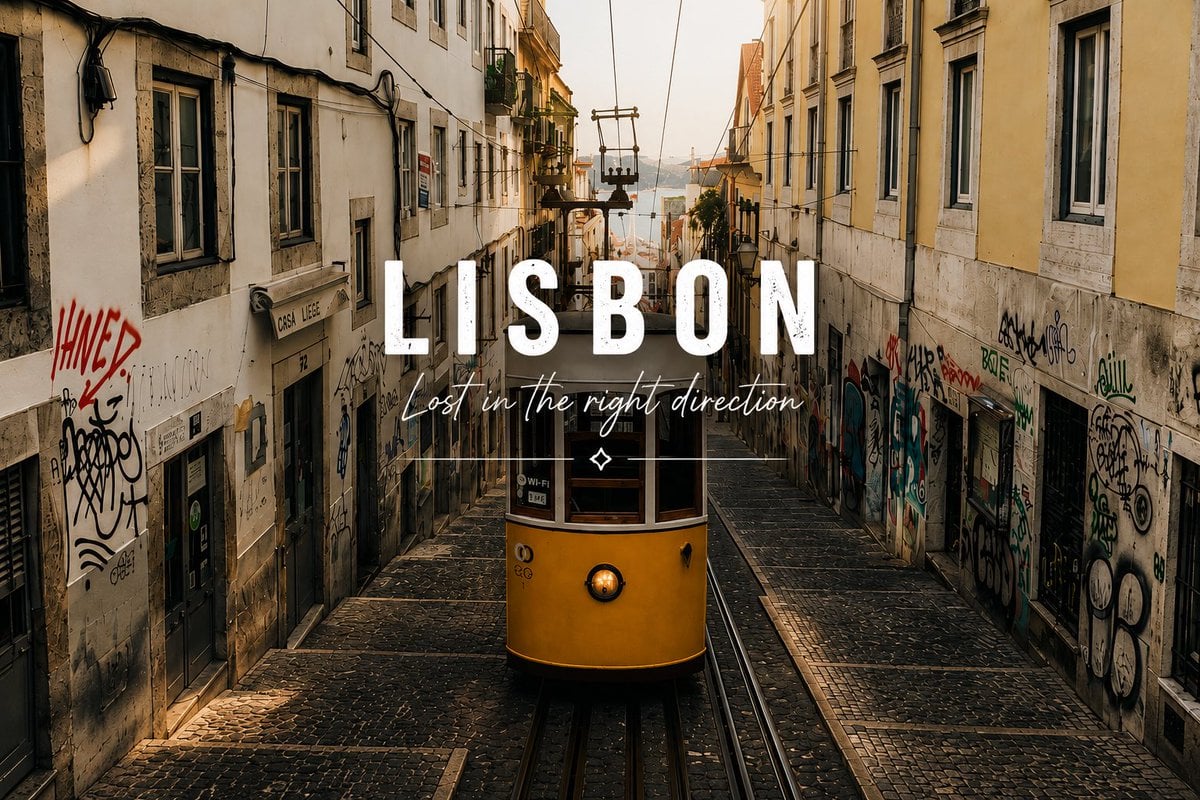
Lisbon Tram Travel Poster
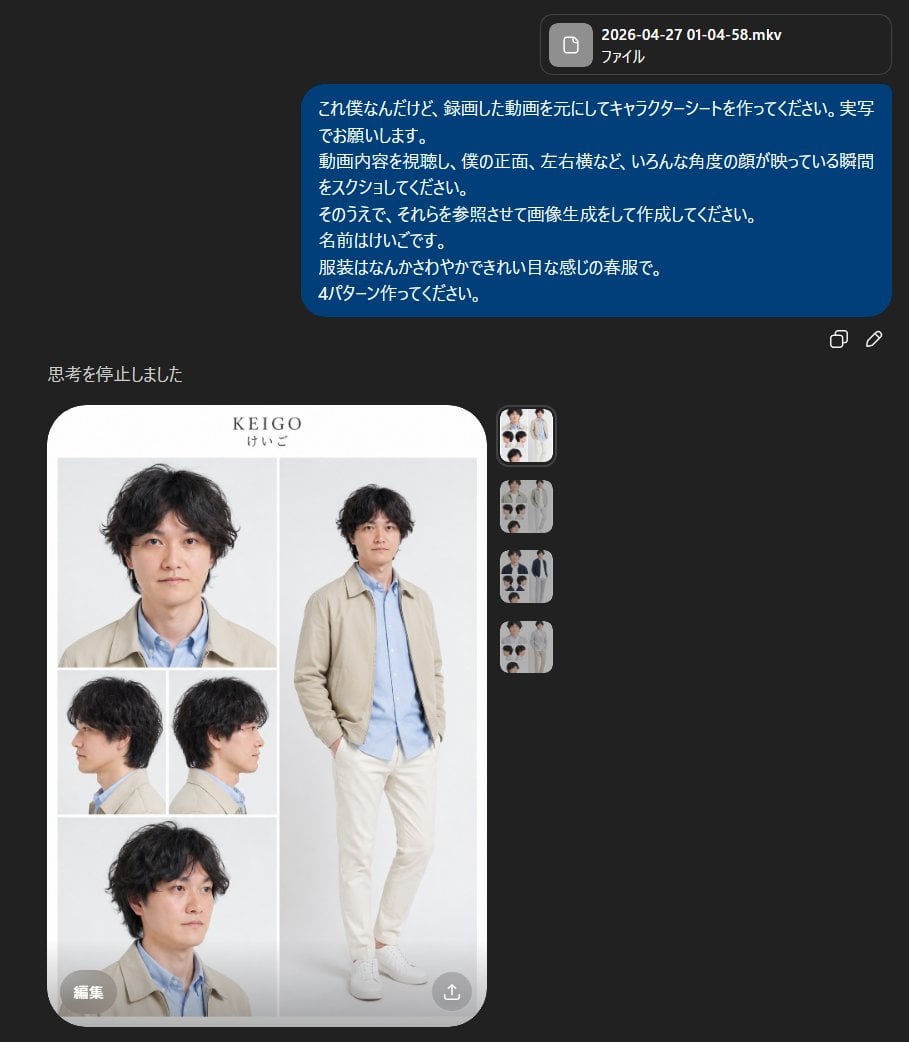
Realistic Male Character Sheet
Browse template categories
Handwritten Japanese Cafe Photo Overlay questions
How do I use the Handwritten Japanese Cafe Photo Overlay template?
Add your photo if the template asks for one, edit the prompt if you like — the template's model and format are already selected — and press Generate. Your version opens in PicX Studio.
Can I customize the Handwritten Japanese Cafe Photo Overlay template?
Yes. You can change the subject, setting, lighting, mood, format, and available model controls before creating your image.
Is the Handwritten Japanese Cafe Photo Overlay template free?
Opening and editing this template is free. Generating uses credits, shown on the Generate button when you are signed in.
Which AI model should I use?
Start with GPT Image 2, which is the model associated with this template. You can compare another compatible model for a different finish.
Looking for something else? Browse all templates.

Your photo, any look
Thousands of ready templates for every top image and video model, from one credit balance.