
Realistic Male Character Sheet
A clean photorealistic character reference sheet for a young Japanese man, useful for generating consistent face angles and a full-body spring outfit presentation.
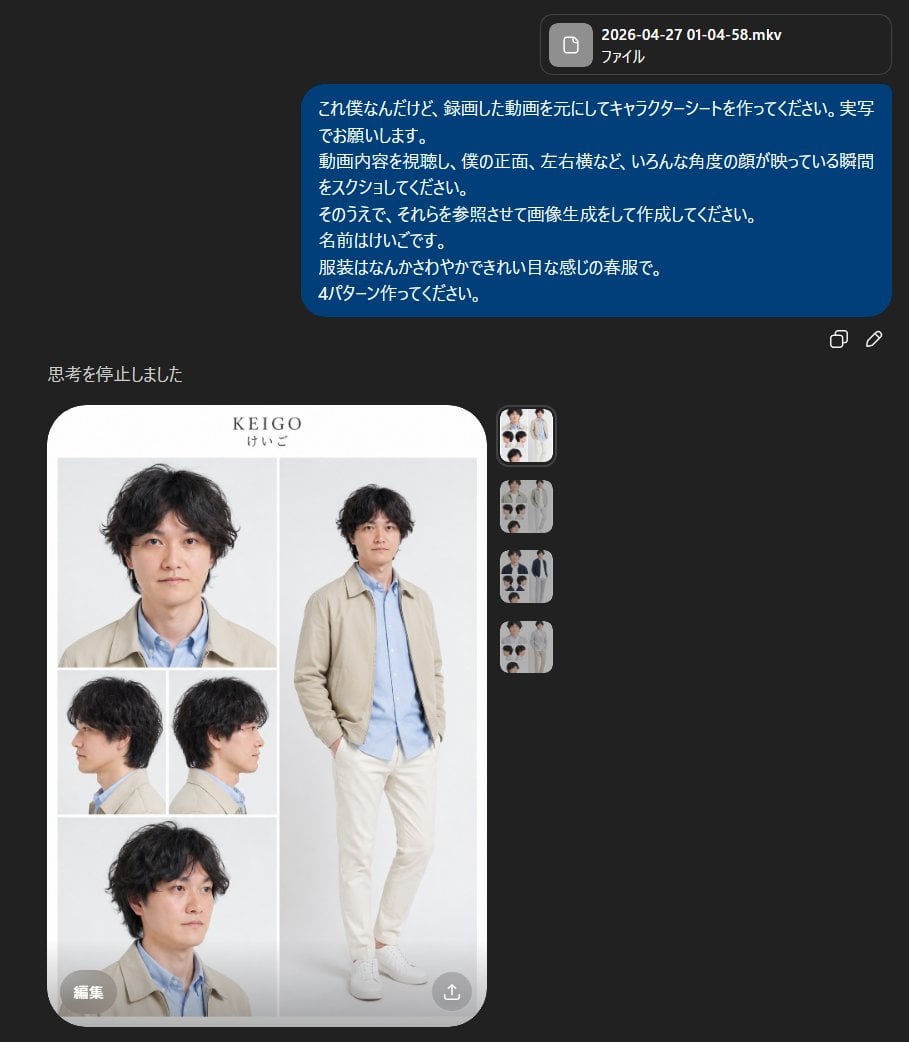
- Prompt included
- Model and format preset
- Free template
The prompt behind this image
Copy the exact prompt behind Realistic Male Character Sheet, or open it in the studio and make it yours.
- Type
- character reference sheet
- Style
- clean fashion lookbook mixed with a realistic model sheet
- Subject › Name
- {argument name="character name" default="KEIGO"}
- Subject › Name Kana
- けいご
- Subject › Gender Presentation
- young adult Japanese man
- Subject › Appearance › Hair Color
- dark brown to black
- Subject › Appearance › Hair Style
- medium-length wavy tousled hair with soft volume and a slightly messy natural texture
- Subject › Appearance › Build
- slim, average height
- Subject › Appearance › Face
- realistic Japanese facial structure, soft youthful features
- Subject › Outfit › Count
- 4
- Subject › Outfit › Featured Variant
- light spring casual outfit that looks gentle and neat
- Subject › Outfit › Pieces
- beige lightweight jacket, light blue button-up shirt, off-white or cream straight pants, white low-top sneakers
- Layout › Background
- very light gray studio background inside a rounded white presentation card
- Layout › Overall Format
- vertical character sheet with large rounded corners and minimalist editorial spacing
- Layout › Sections › 0 › Title
- head portrait
- Layout › Sections › 0 › Position
- top left
- Layout › Sections › 0 › Count
- 1
- Layout › Sections › 0 › Labels
- front close-up
- Layout › Sections › 1 › Title
- full body
- Layout › Sections › 1 › Position
- right large panel
- Layout › Sections › 1 › Count
- 1
- Layout › Sections › 1 › Labels
- standing pose with one hand in pocket
- Layout › Sections › 2 › Title
- side views
- Layout › Sections › 2 › Position
- middle left
Raw JSON
{"type":"character reference sheet","style":"clean fashion lookbook mixed with a realistic model sheet","subject":{"name":"{argument name=\"character name\" default=\"KEIGO\"}","name_kana":"けいご","gender_presentation":"young adult Japanese man","appearance":{"hair_color":"dark brown to black","hair_style":"medium-length wavy tousled hair with soft volume and a slightly messy natural texture","build":"slim, average height","face":"realistic Japanese facial structure, soft youthful features"},"outfit":{"count":4,"featured_variant":"light spring casual outfit that looks gentle and neat","pieces":["beige lightweight jacket","light blue button-up shirt","off-white or cream straight pants","white low-top sneakers"]}},"layout":{"background":"very light gray studio background inside a rounded white presentation card","overall_format":"vertical character sheet with large rounded corners and minimalist editorial spacing","sections":[{"title":"head portrait","position":"top left","count":1,"labels":["front close-up"]},{"title":"full body","position":"right large panel","count":1,"labels":["standing pose with one hand in pocket"]},{"title":"side views","position":"middle left","count":2,"labels":["left profile","right profile"]},{"title":"lower portrait","position":"bottom left","count":1,"labels":["three-quarter close-up"]}],"total_images":5},"composition":{"top_center_text":"{argument name=\"headline text\" default=\"KEIGO\"}","subtitle_text":"けいご","pose_details":"full-body figure standing casually, slight lean, relaxed shoulders, one hand in pocket, clean catalog-style posture","camera_views":"front close-up, full body front, left profile, right profile, lower three-quarter portrait"},"rendering":{"photorealistic":true,"lighting":"soft even studio lighting with almost no harsh shadows","color_palette":"beige, pale blue, cream, white, soft gray","mood":"minimal, polished, springlike, calm, commercial fashion sheet"},"quality_notes":"high facial consistency across all 5 views, realistic clothing folds, clean magazine-like layout, no extra props, no dramatic styling, no heavy text beyond the name"}How to use Realistic Male Character Sheet in 3 steps
- 1Upload ImagePNG, JPG or paste
Add your photo
Upload the photo the template builds on. The prompt, model and format are already set.
- 2…a portrait of your subject in softgolden-hour light, 85mm…
Personalize
Edit the subject and creative details for your destination.
- 3Generate
Generate
Press Generate — your image is created in PicX Studio, so you can compare it with the original and refine one variable at a time.
More like this
Templates with the same subject, style or setup. Open one to see its prompt.

Dancer Character - Four View Reference Sheet

Movement Sheet - Dance Reference (Seedance 2.0)
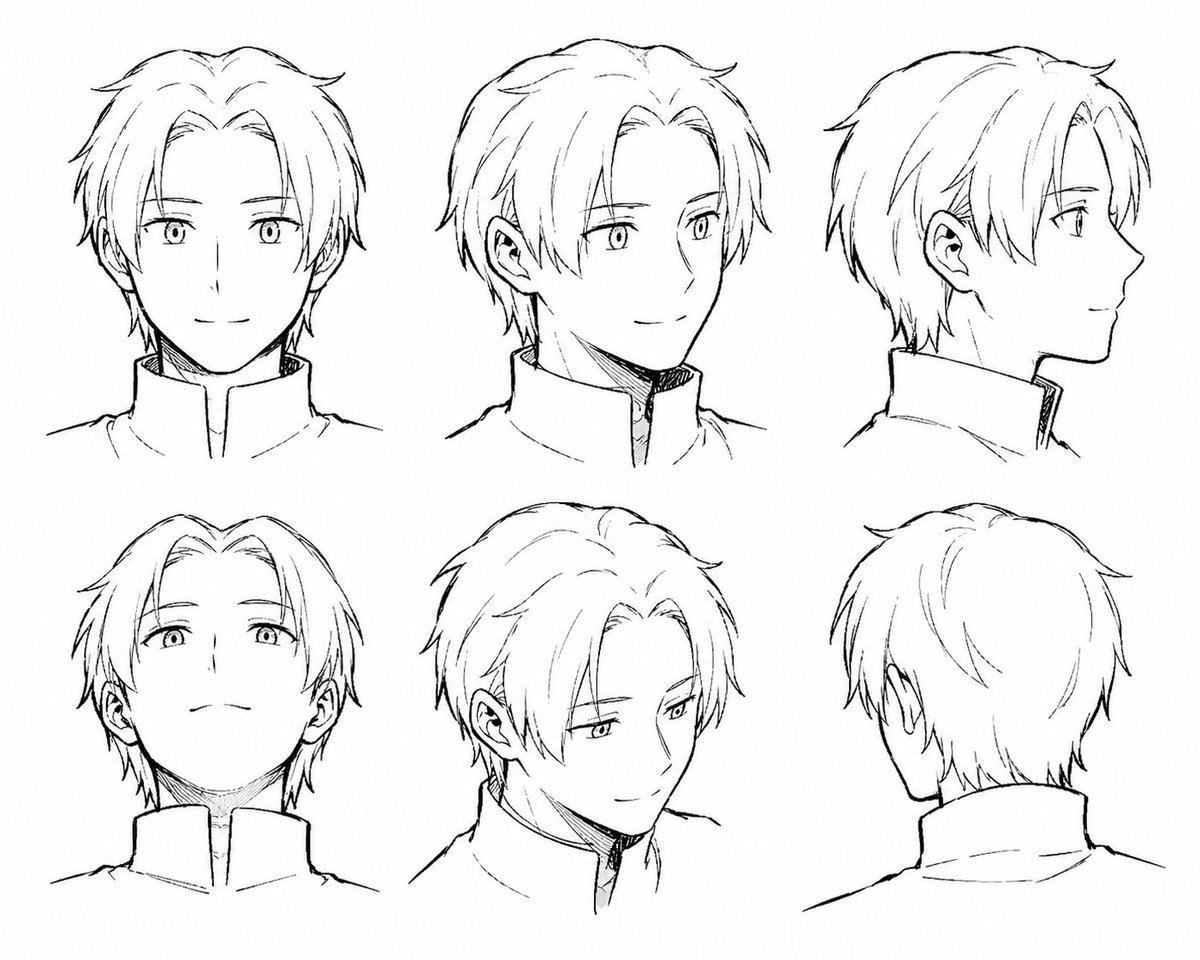
Manga Male Hairstyle Reference Sheet
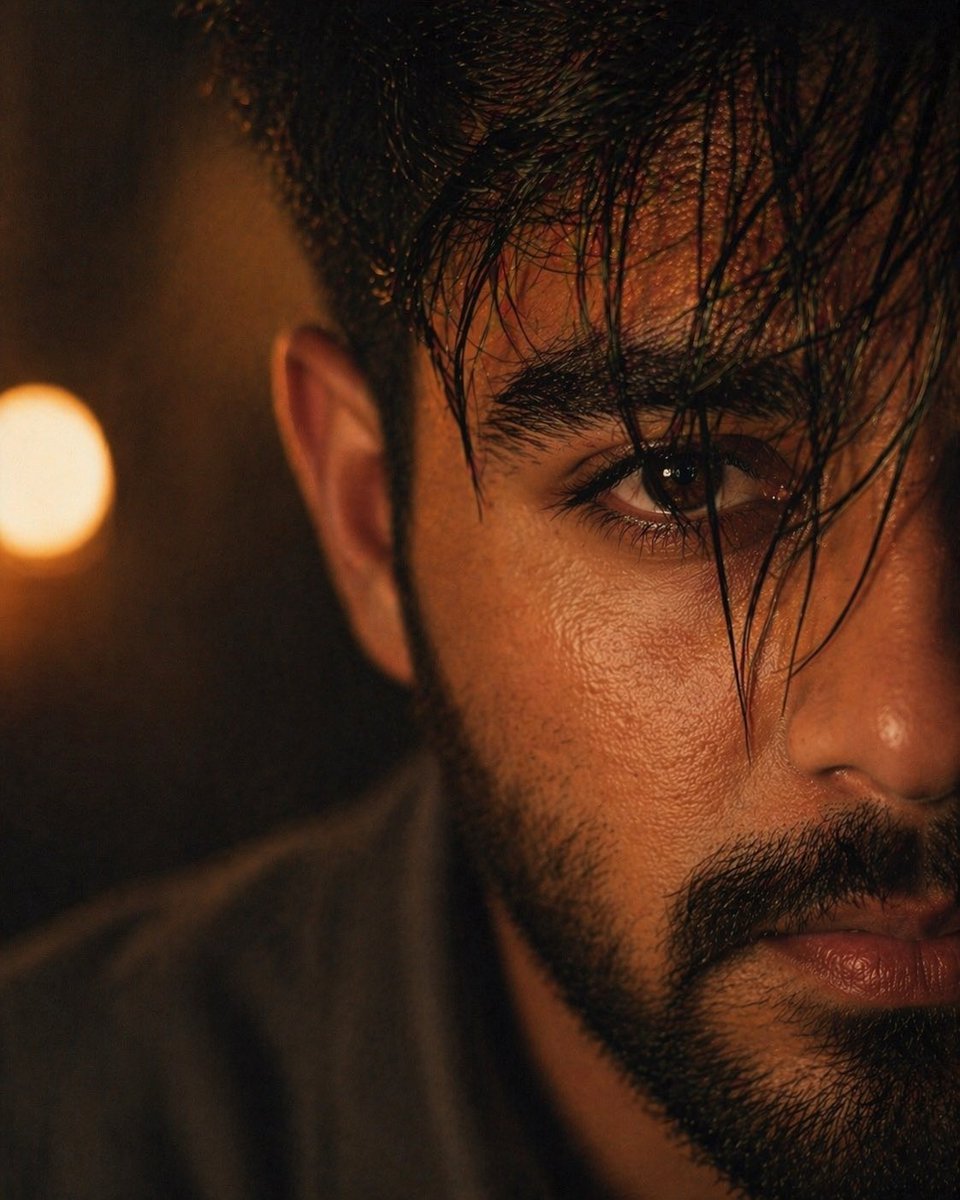
Moody Cinematic Close-up Male Portrait
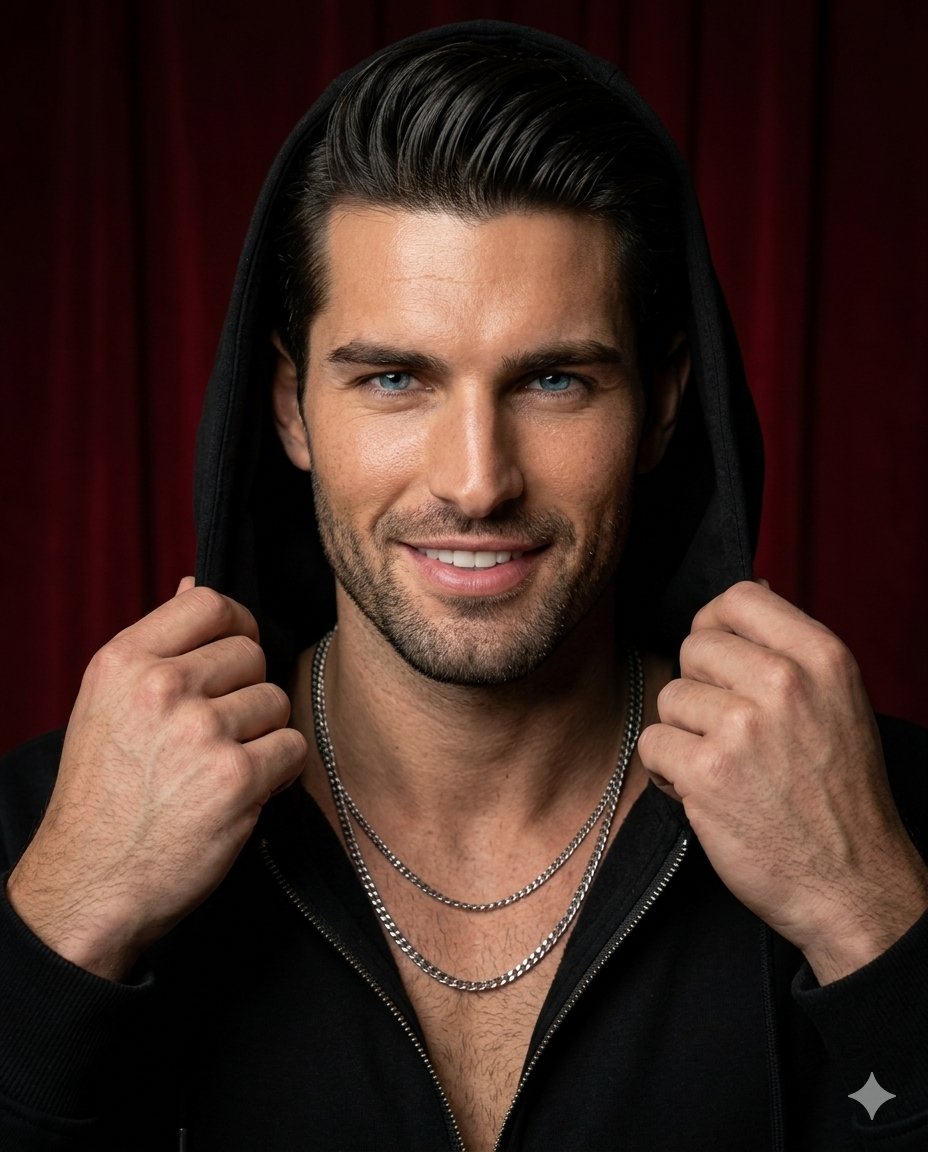
Ultra-Realistic Hooded Male Portrait
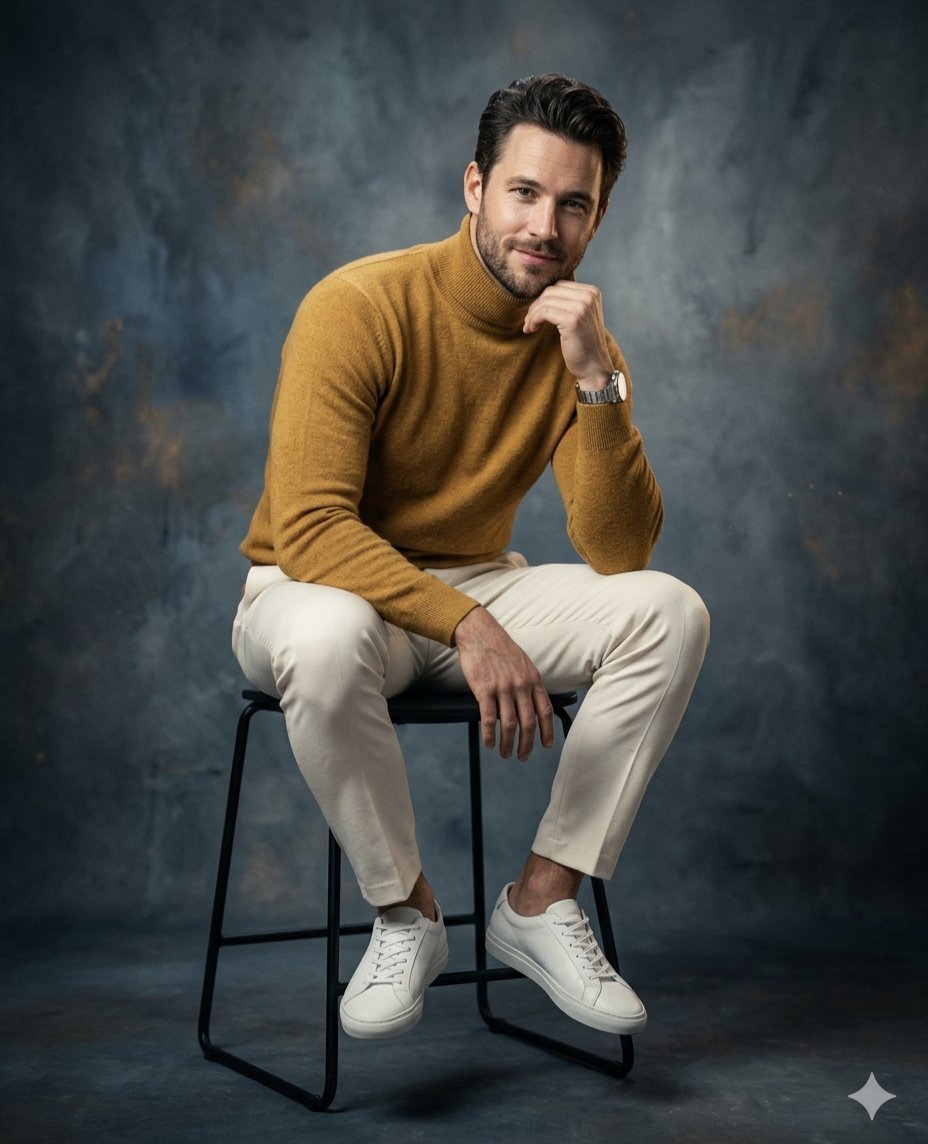
Classic Studio Male Portrait

Rugged Sophisticated Urban Male Portrait
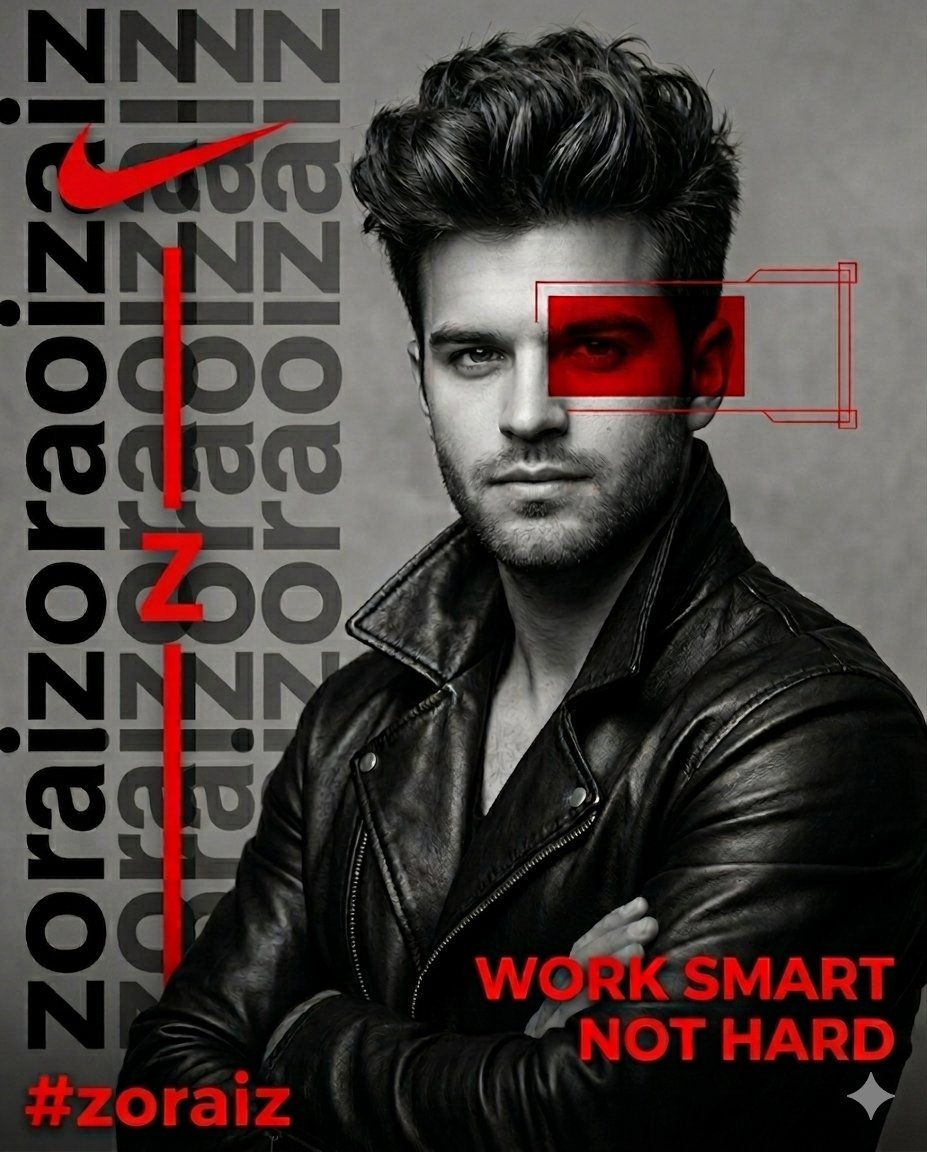
Artistic Male Fashion Portrait
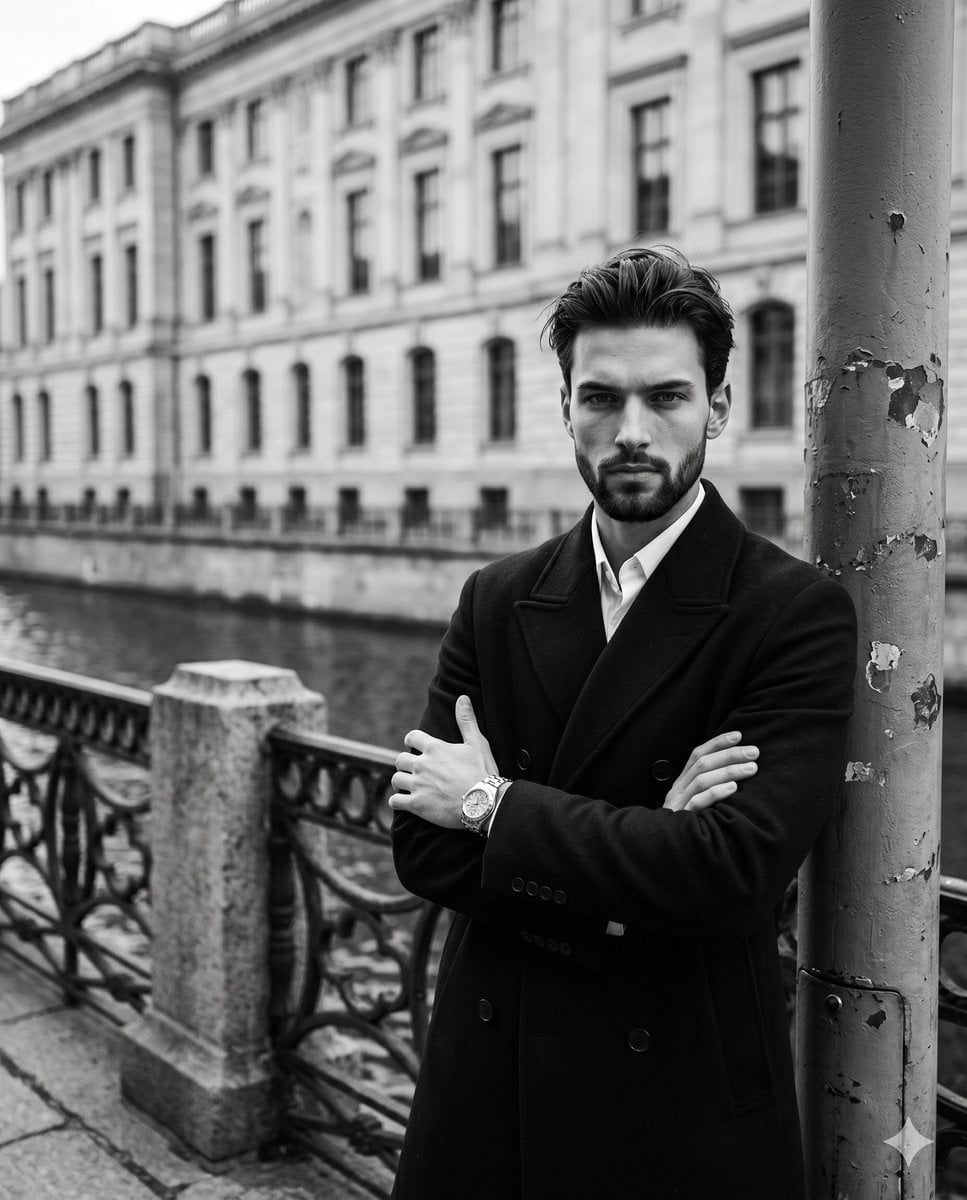
Monochromatic Film Noir Male Portrait
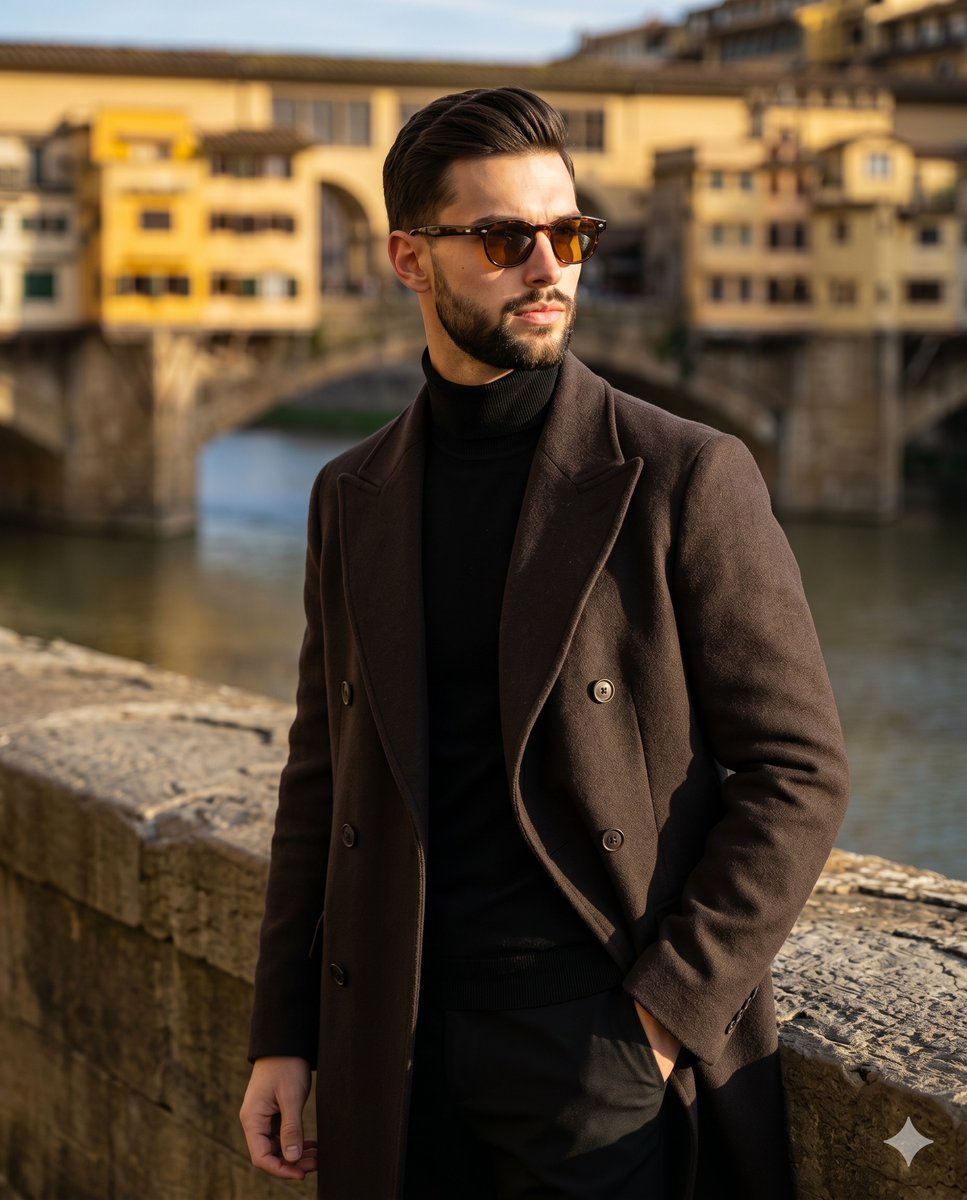
Florence Street Style Male Portrait
Male Fashion Editorial Portrait
Male Model Streetwear Campaign in Daisy Field
Make it yours
Realistic Male Character Sheet works as-is. These are the safest ways to change it without losing the look.
Swap the setting
Keep the rest of the prompt and replace the location block. The current setting is “very light gray studio background inside a rounded white presentation card”.
Swap the light
One lighting change is enough to compare takes. Current light: “soft even studio lighting with almost no harsh shadows”.
Change one field
Copy a single group, rewrite it, and generate again so you can see what that field is doing.
| If the result… | Why | Fix |
|---|---|---|
| The result drifts from the preview | Too many fields changed at once. | Reuse Realistic Male Character Sheet as-is first, then change one group — subject, light, or setting. |
| GPT Image 2 ignores part of the JSON | Some models flatten or skip nested keys. | Keep the same values and paste them as a short paragraph instead. |
More GPT Image 2 templates
Other prompts made for GPT Image 2.

Six VTuber Japanese Logo Sheet

Realistic Portrait of Woman and Deer

The Vista Modular Condo Poster

AI Model Routing Comparison Infographic

2.5D Anime Art Board

Isometric Productivity Desk Scene

New York Double Exposure Poster

Four-Panel AI Landscape Comparison

Japanese Tatami Lifestyle Magazine Cover

NESCAFÉ Coffee Map Poster
More image prompts
Fresh picks from across the catalog.
Silver Pearl Couture Portrait
Japanese Supermarket Spring Flyer
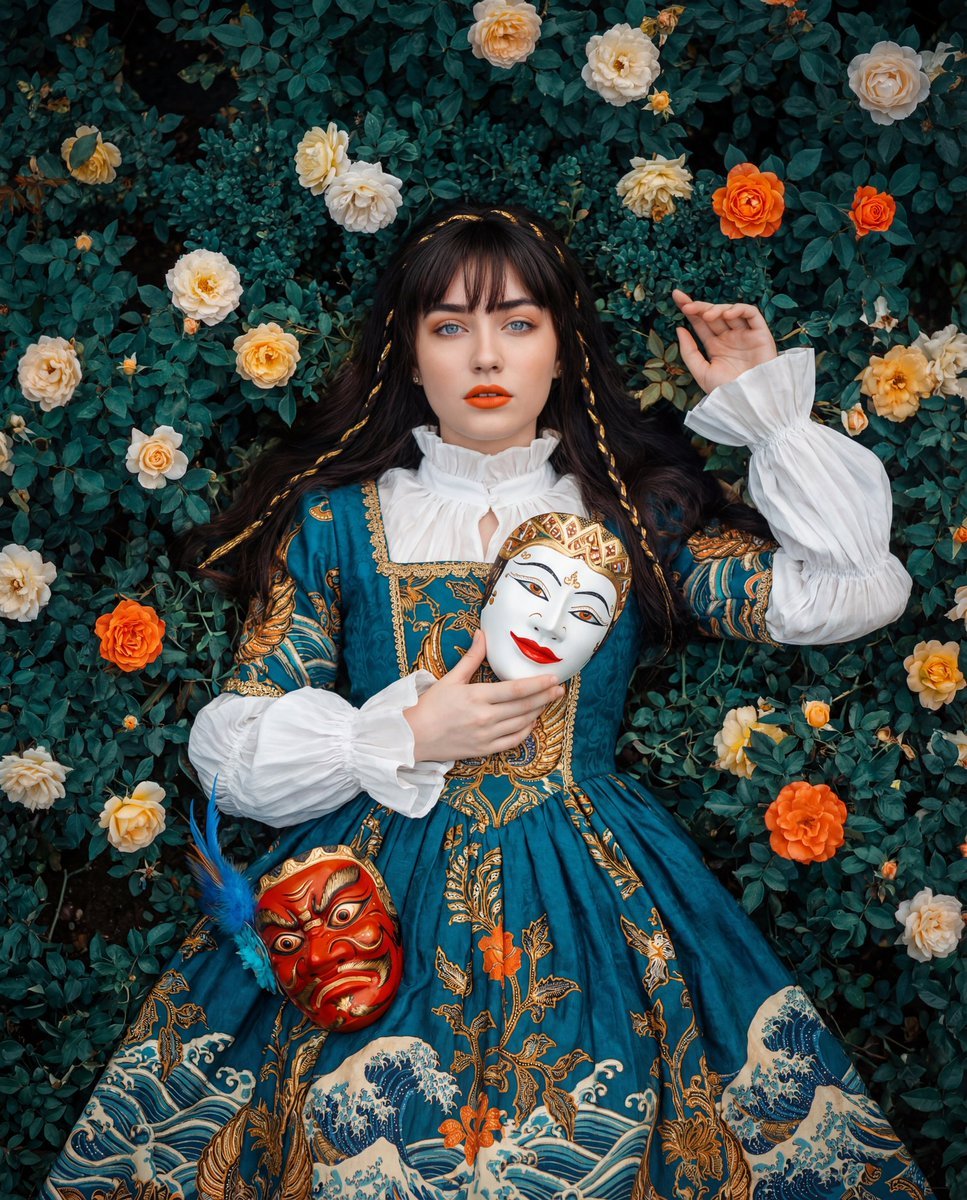
Cultural Fusion Overhead Portrait with Masks
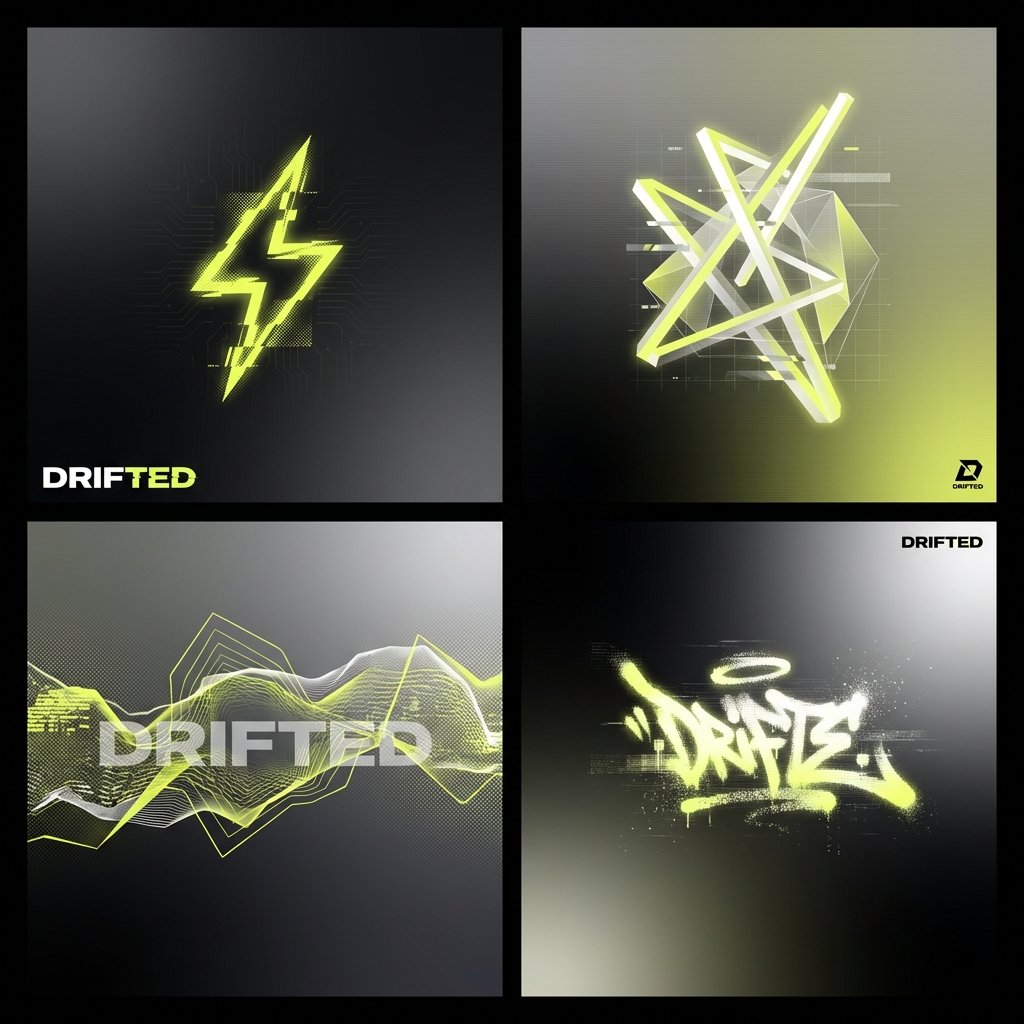
Ultra-Wide Panoramic Header Visual
untitled
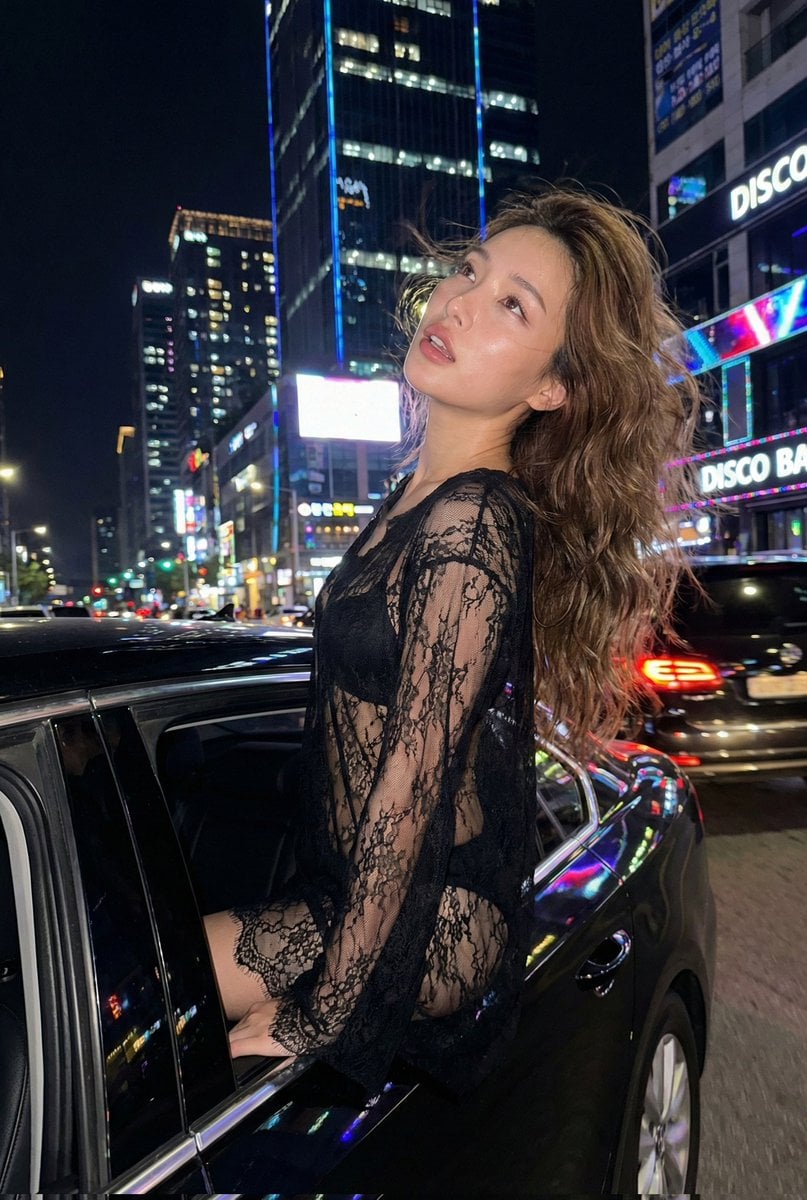
Nighttime Urban Fashion Editorial in Luxury Sedan Prompt
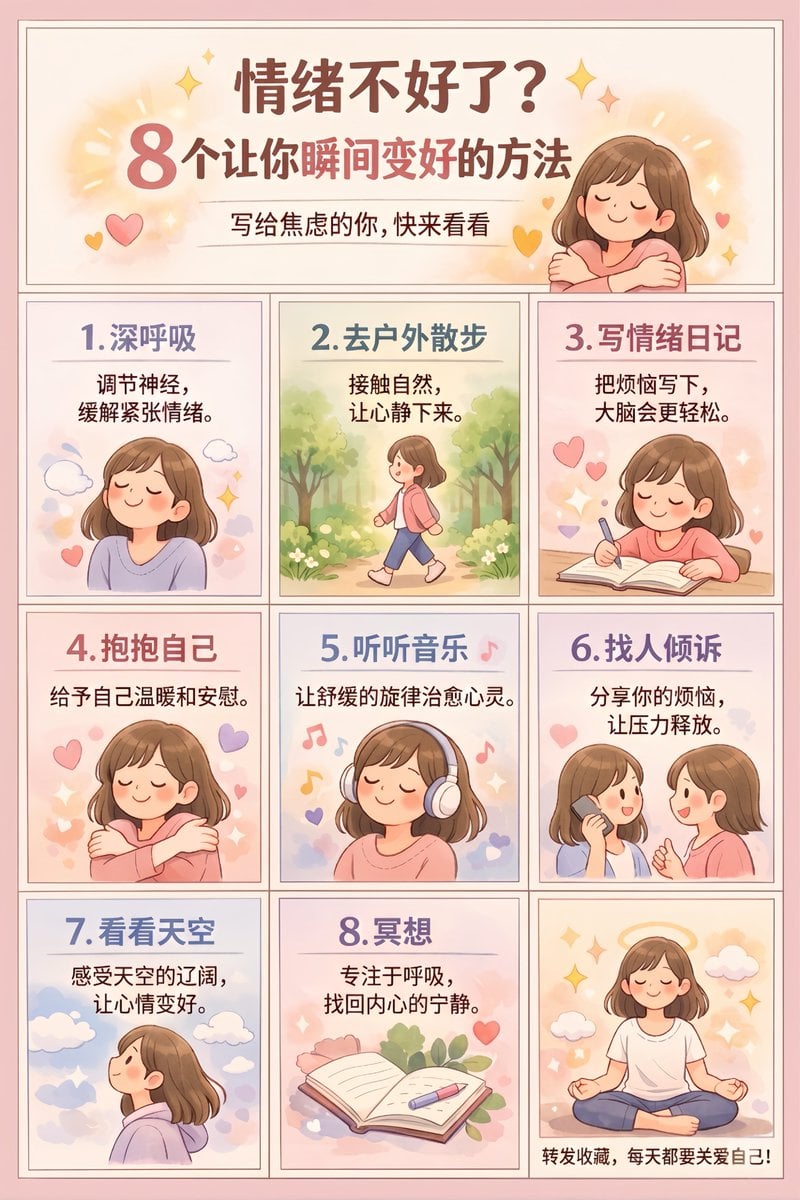
Panel Self-Care Infographic Grid

Rainy Premier League Trophy Celebration
JSON Structured Wet Hair Gloss Fashion Portrait (4-Panel)
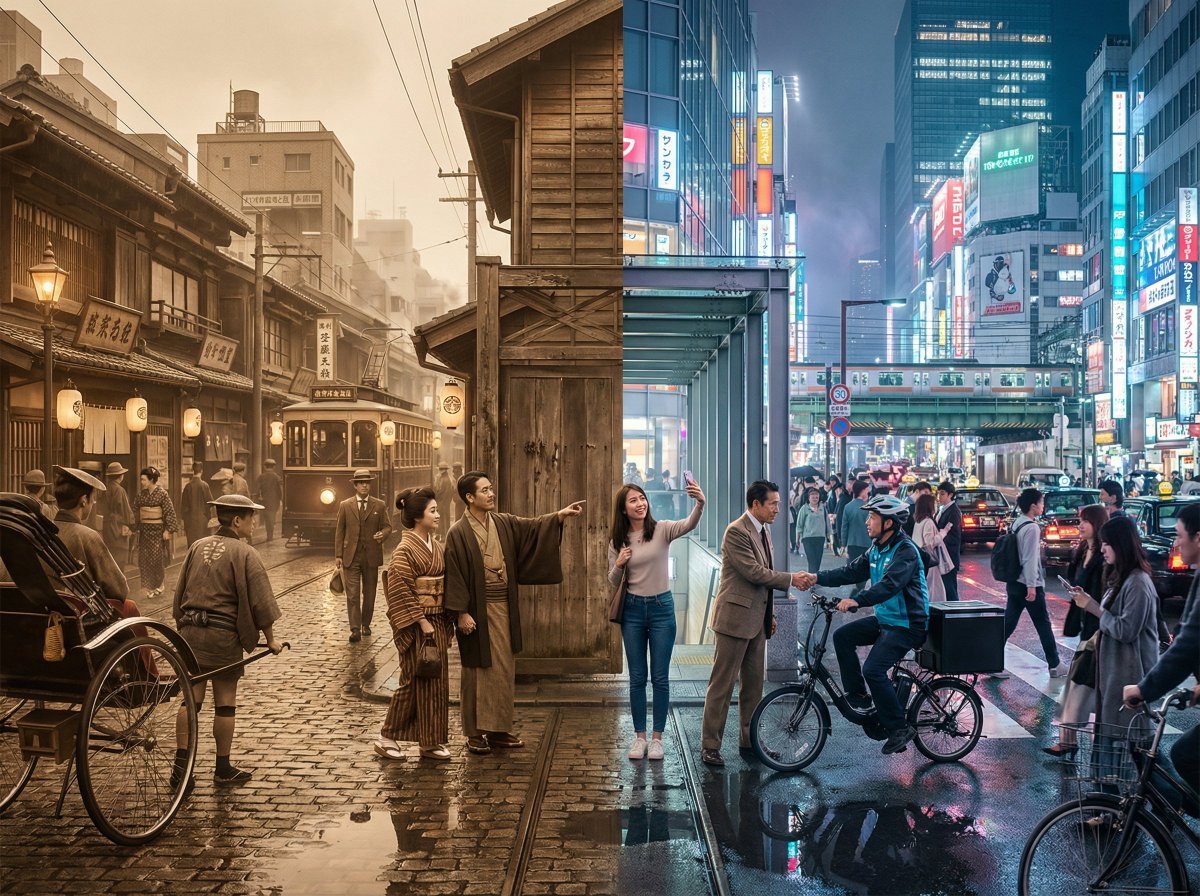
Tokyo Time-Blend Split-Screen
Browse template categories
Realistic Male Character Sheet questions
How do I use the Realistic Male Character Sheet template?
Add your photo if the template asks for one, edit the prompt if you like — the template's model and format are already selected — and press Generate. Your version opens in PicX Studio.
Can I customize the Realistic Male Character Sheet template?
Yes. You can change the subject, setting, lighting, mood, format, and available model controls before creating your image.
Is the Realistic Male Character Sheet template free?
Opening and editing this template is free. Generating uses credits, shown on the Generate button when you are signed in.
Which AI model should I use?
Start with GPT Image 2, which is the model associated with this template. You can compare another compatible model for a different finish.
Looking for something else? Browse all templates.

Your photo, any look
Thousands of ready templates for every top image and video model, from one credit balance.