
Silver Pearl Couture Portrait
Silver Pearl Couture Portrait is a ready photo look.
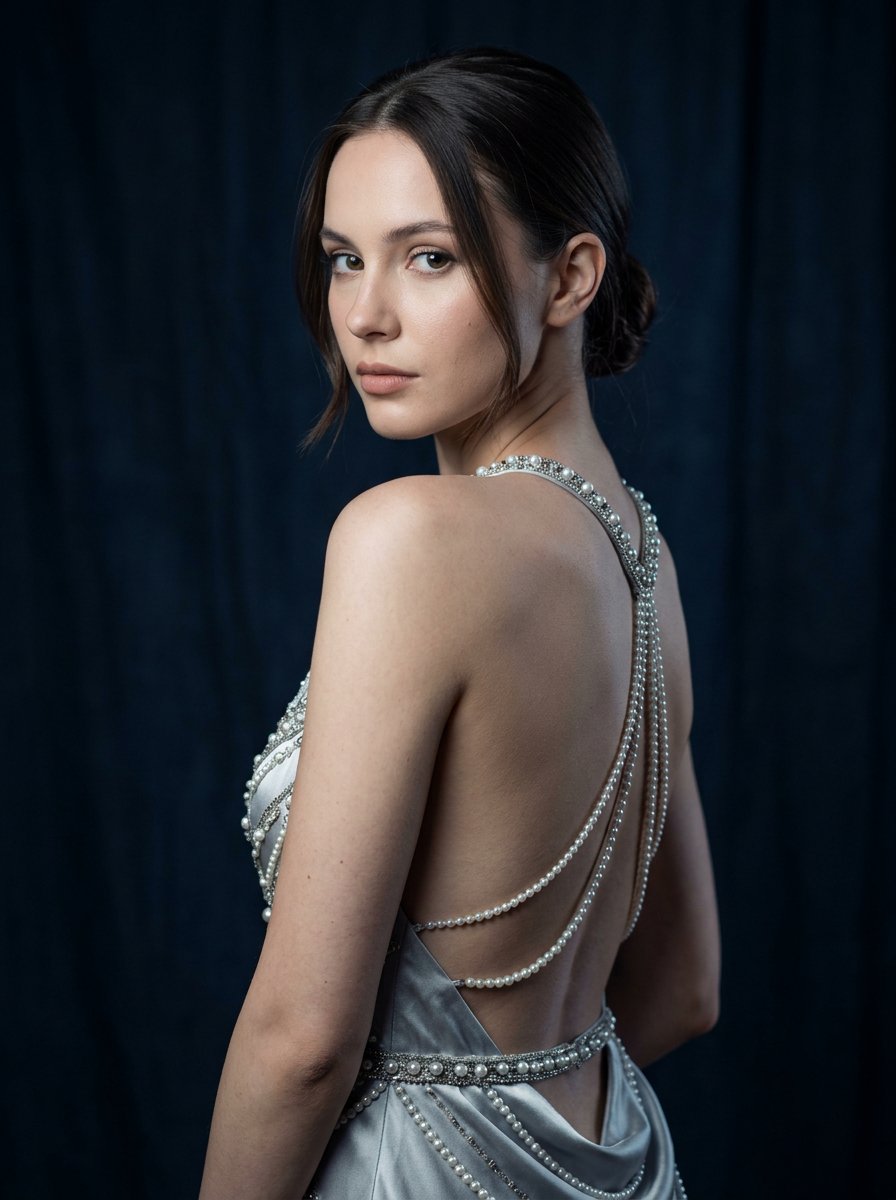
- Prompt included
- Model and format preset
- Free template
The prompt behind this image
Copy the exact prompt behind Silver Pearl Couture Portrait, or open it in the studio and make it yours.
Create a highly realistic studio fashion portrait of a young elegant woman posing with her back partially turned toward the camera while looking over her shoulder. Use the uploaded image as the facial reference to maintain the same facial structure, eyes, nose, lips, and overall identity. She has smooth fair skin and dark brown hair styled in a sleek low bun, with a few soft strands framing the face. Her expression is calm, confident, and slightly intense, with soft natural makeup, subtle eyeliner, and neutral lipstick. She is wearing a silver backless couture outfit decorated with pearls and metallic embellishments. The outfit features delicate pearl chains and beadwork across the back and waist, creating an elegant, luxurious fashion aesthetic. Pose details: body facing away from the camera head turned back toward the lens shoulders relaxed elegant posture highlighting the back and shoulder line Lighting: professional studio lighting soft key light from the front-left illuminating the face gentle rim light highlighting the shoulder and back soft shadows for a cinematic editorial look Background: dark navy textured fabric backdrop slightly wrinkled studio cloth low-light environment to emphasize the subject Camera style: professional fashion photography 85mm portrait lens f/2.8 shallow depth of field sharp focus on eyes and face smooth background blur natural skin texture with visible pores high-end editorial quality similar to a magazine photoshoot Color grading: cool cinematic tones deep blues and silvers soft contrast with realistic skin tones Realism instructions: photorealistic, professional studio photography, real skin texture, natural imperfections, high-end fashion editorial, DSLR image quality, no AI artifacts, no plastic skin, no cartoon look. Negative prompt: AI generated look, plastic skin, overly smooth skin, cartoon, illustration, CGI, distorted anatomy, extra fingers, warped body, unrealistic lighting, exaggerated features, oversharpened HDR, low resolution
How to use Silver Pearl Couture Portrait in 3 steps
- 1Upload ImagePNG, JPG or paste
Add your photo
Upload the photo the template builds on. The prompt, model and format are already set.
- 2…a portrait of your subject in softgolden-hour light, 85mm…
Personalize
Edit the subject and creative details for your destination.
- 3Generate
Generate
Press Generate — your image is created in PicX Studio, so you can compare it with the original and refine one variable at a time.
More like this
Templates with the same subject, style or setup. Open one to see its prompt.

Parisian Outdoor Café Silver-Hair Portrait

Couture Fashion Editorial Woman and Drag
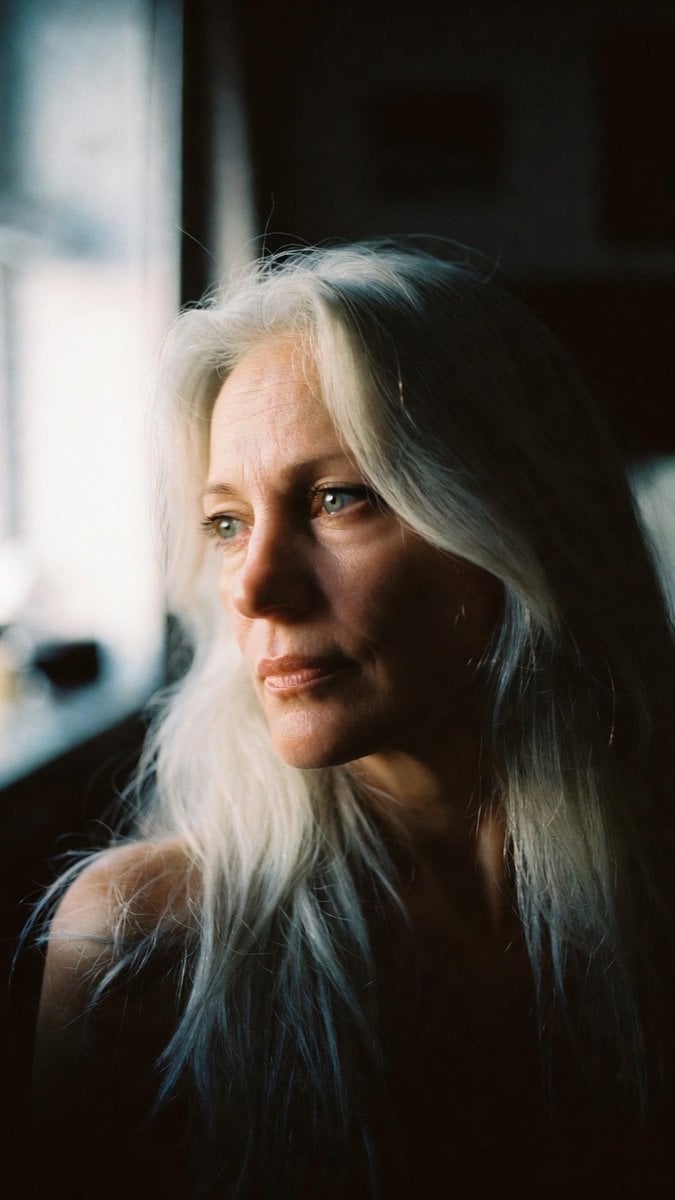
Portrait - Silver Hair Lady

Miniature Self Portrait Collage

Found Photograph: Us, 1970

80s Couple Studio Portrait

80s Bollywood Star

80s Golden Hour Cinema

Me in 1985

1985 Studio Portrait

Hyper-Realistic Minecraft POV Portrait

Rooftop Fisheye — Cat-Ear Balaclava at Golden Hour
Make it yours
Silver Pearl Couture Portrait works as-is. These are the safest ways to change it without losing the look.
Change one field
Copy a single group, rewrite it, and generate again so you can see what that field is doing.
Keep the frame, change the subject
Hold the composition and light of Silver Pearl Couture Portrait, then swap wardrobe, props or the person for a new take.
| If the result… | Why | Fix |
|---|---|---|
| The result drifts from the preview | Too many fields changed at once. | Reuse Silver Pearl Couture Portrait as-is first, then change one group — subject, light, or setting. |
| The model over-stylizes the scene | The prose prompt leaves finish and camera underspecified. | Add one camera or lighting sentence and stay on PicX Studio. |
More image prompts
Fresh picks from across the catalog.
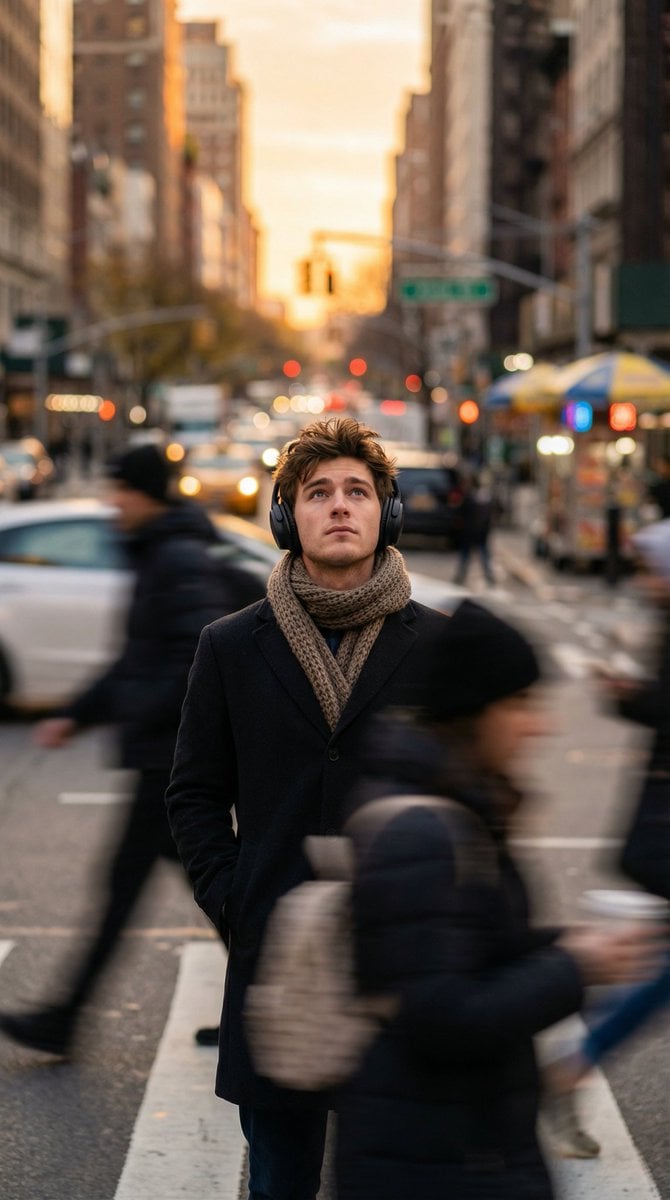
Introspective Man in Motion-Blurred City Crowd
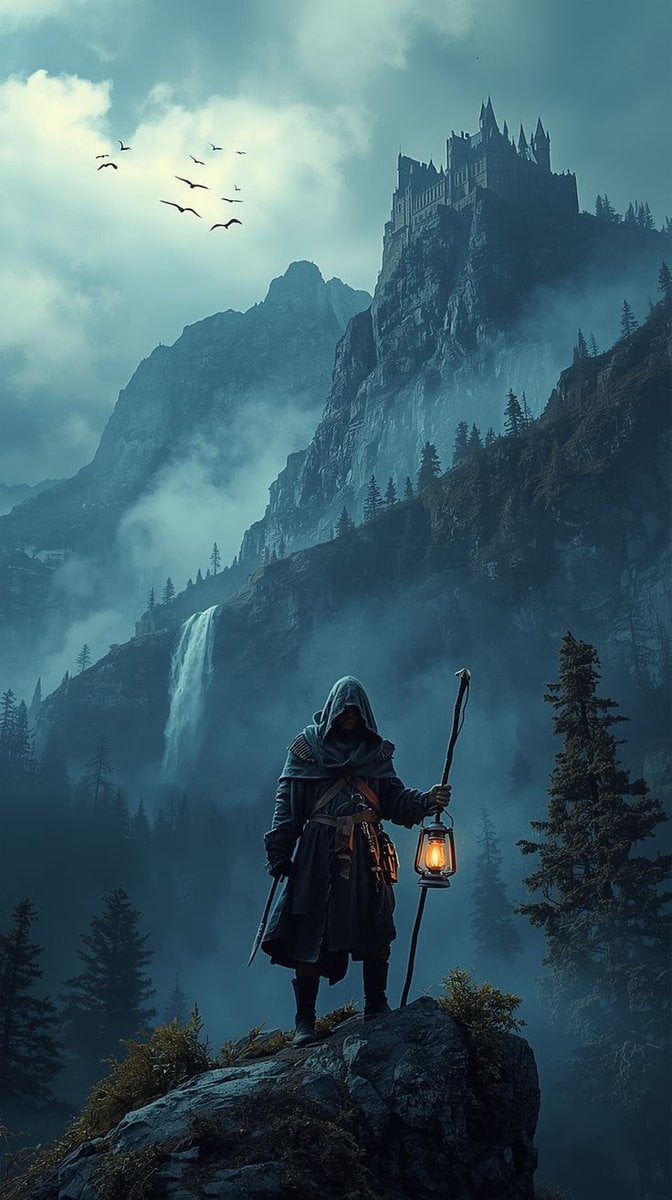
Epic Fantasy Warrior Landscape
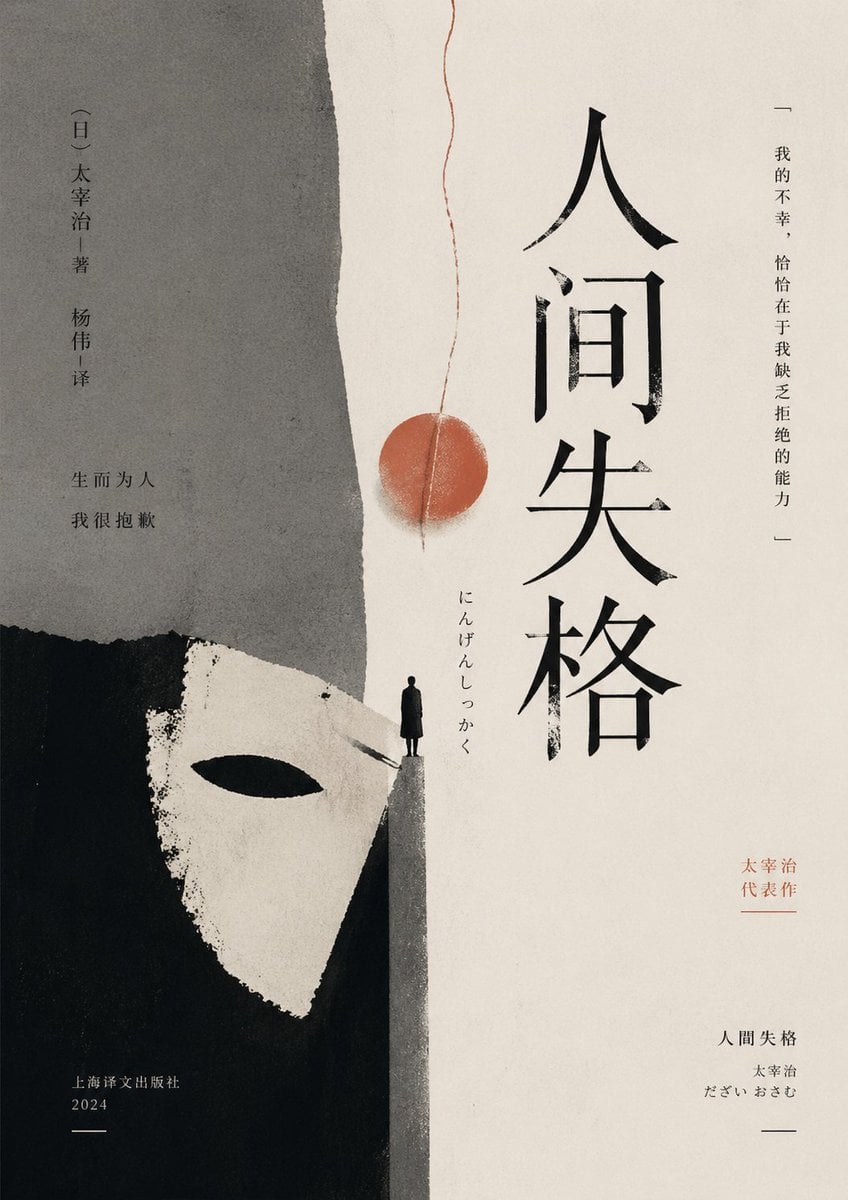
Minimalist No Longer Human Cover

Gpt2 Infographic Edu Visual Alishan One Day Travel Poster
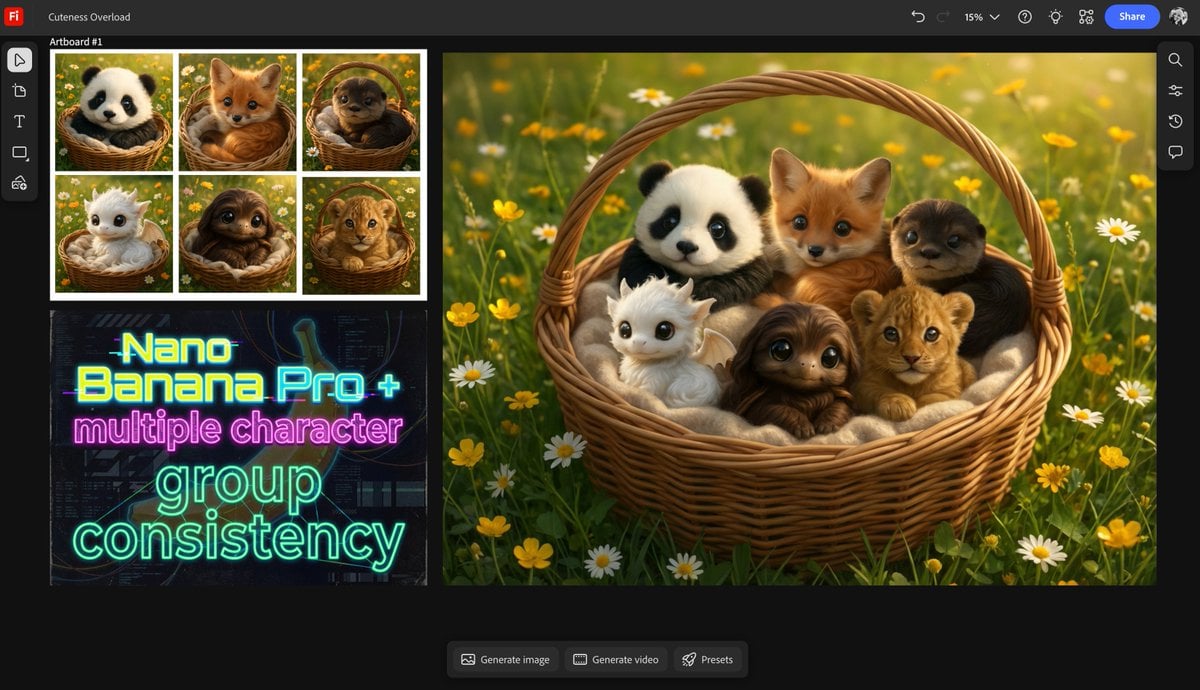
Multiple characters in one basket
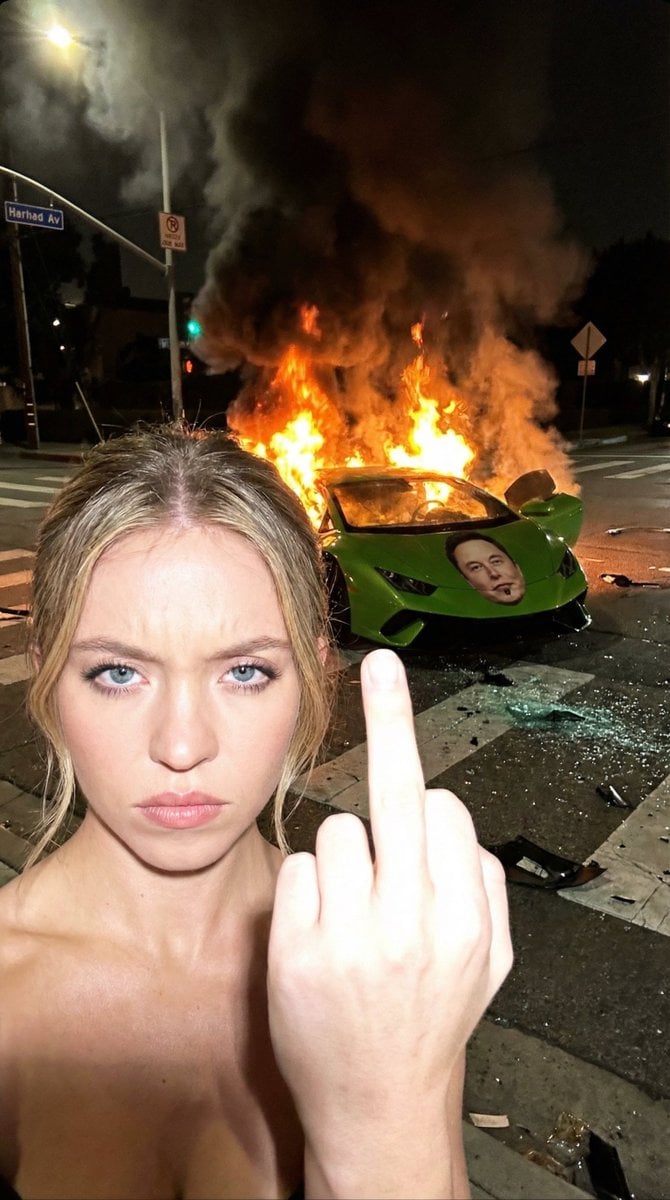
Gritty Night Photo of Woman Flipping Off Camera with Burning Lamborghini
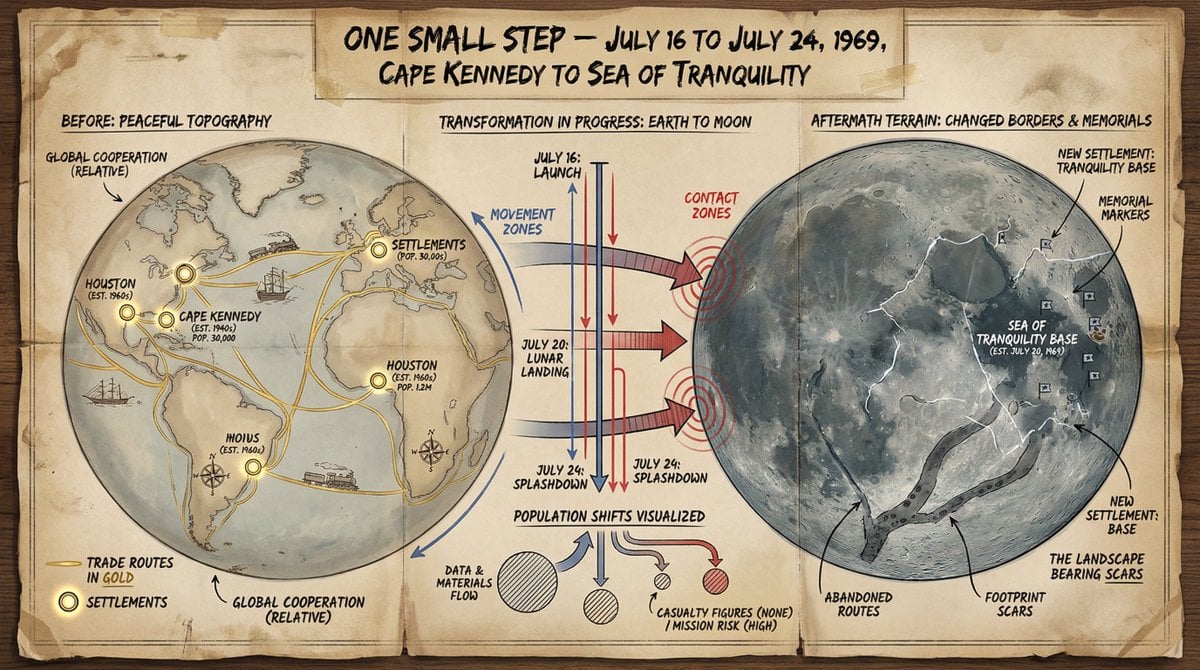
Cartographer's Crisis Board Visualization
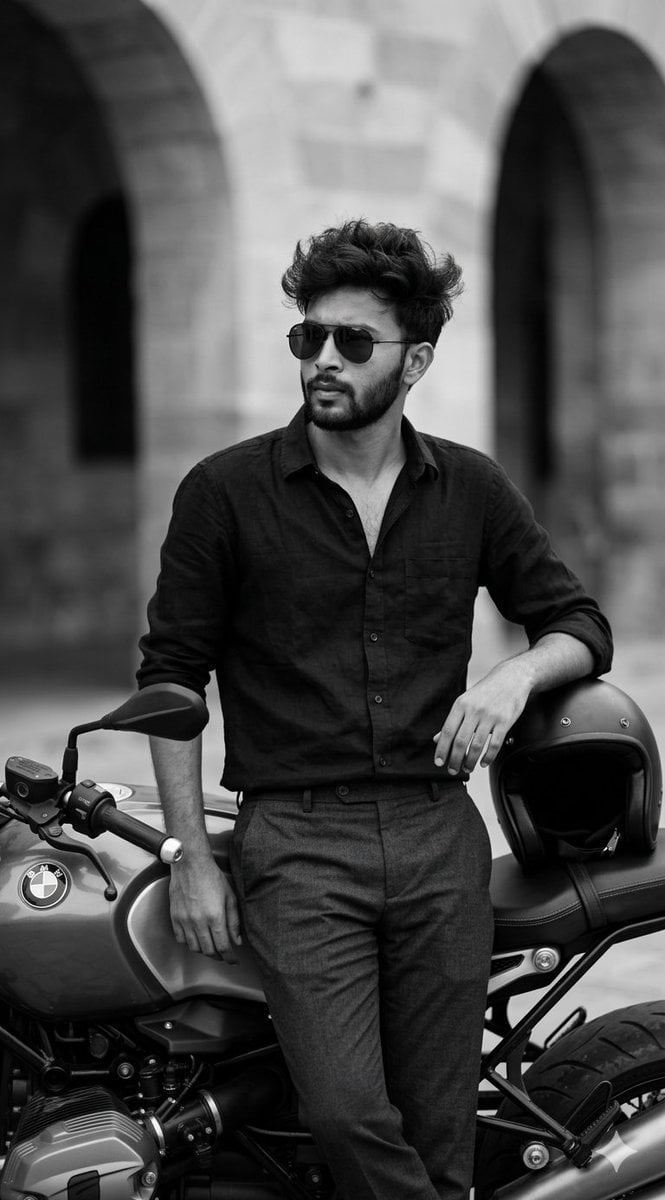
Black and White Cinematic Portrait with Motorcycle
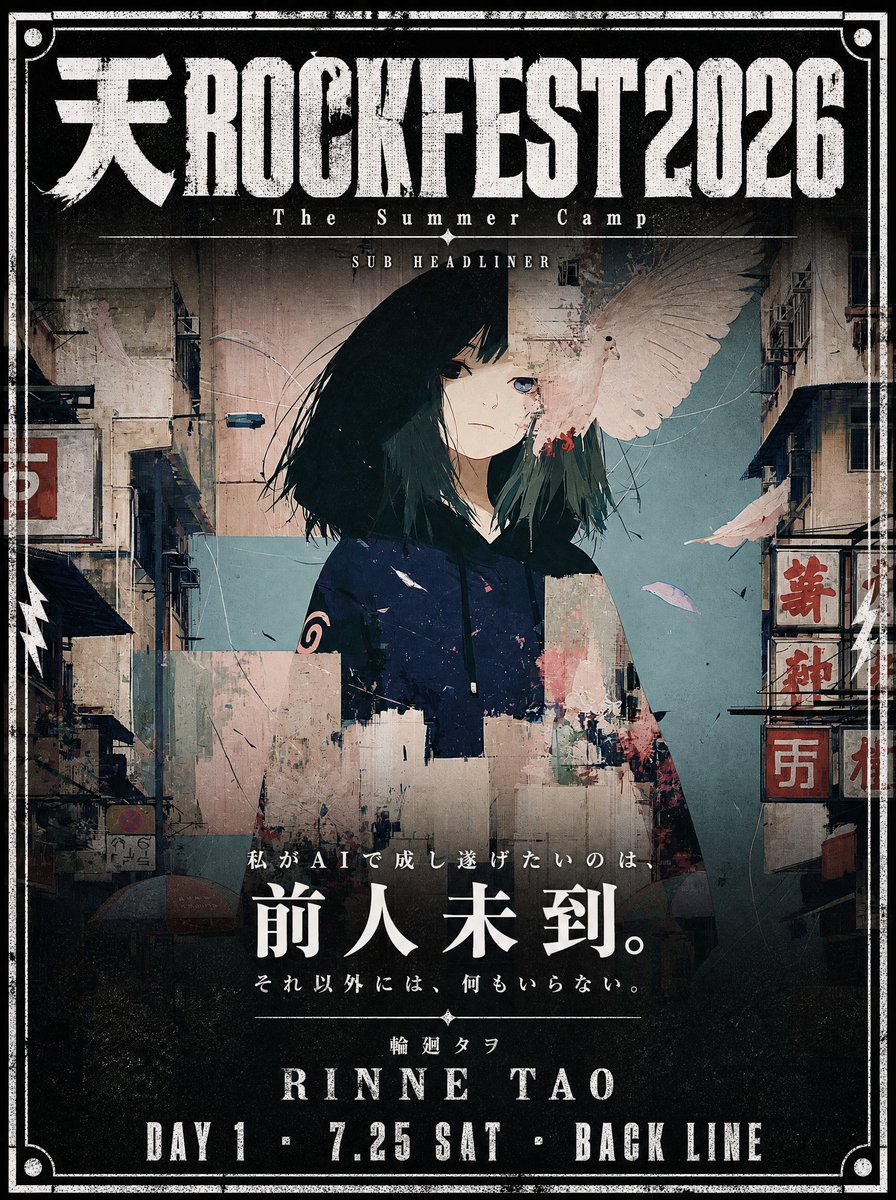
Cinematic Music Festival Poster
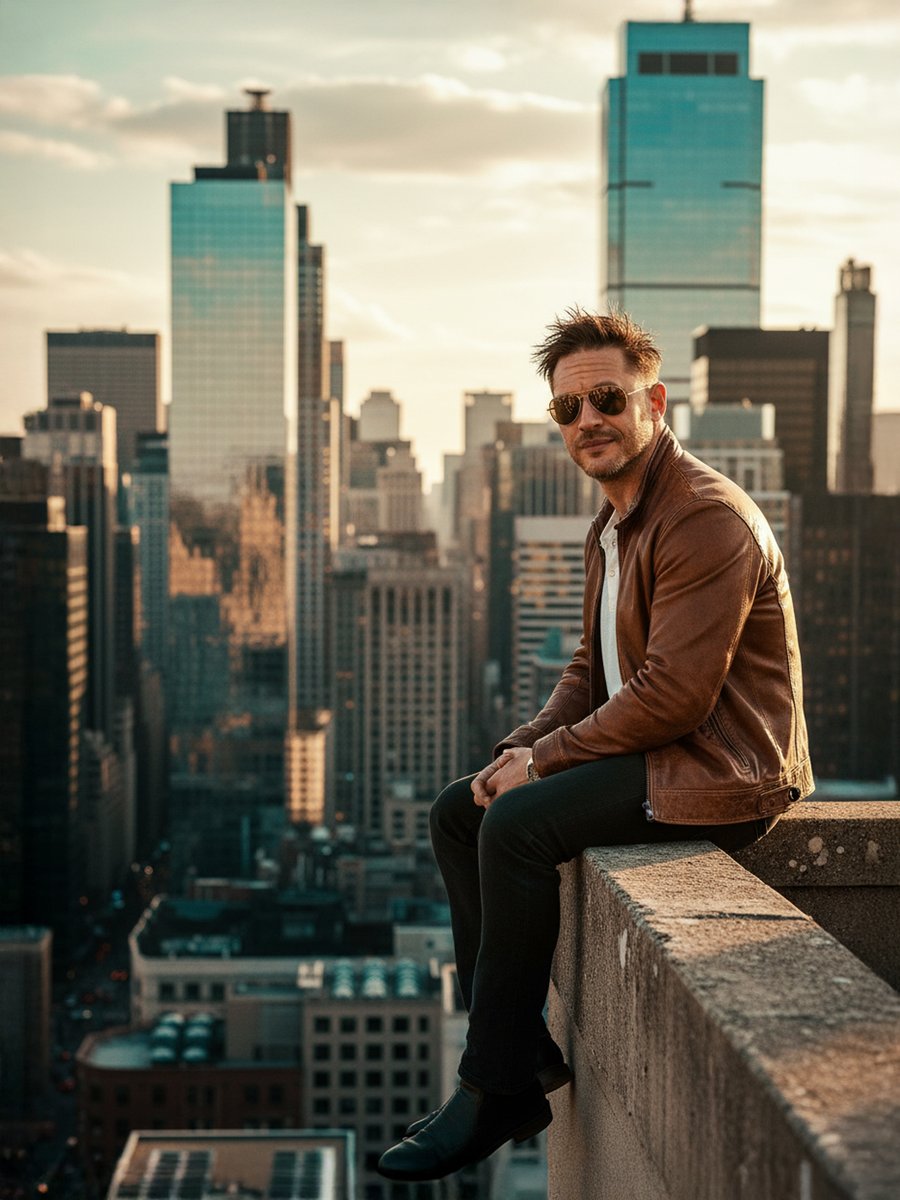
Cinematic Portrait on a Rooftop Ledge at Golden Hour
Browse template categories
Silver Pearl Couture Portrait questions
How do I use the Silver Pearl Couture Portrait template?
Add your photo if the template asks for one, edit the prompt if you like — the template's model and format are already selected — and press Generate. Your version opens in PicX Studio.
Can I customize the Silver Pearl Couture Portrait template?
Yes. You can change the subject, setting, lighting, mood, format, and available model controls before creating your image.
Is the Silver Pearl Couture Portrait template free?
Opening and editing this template is free. Generating uses credits, shown on the Generate button when you are signed in.
Which AI model should I use?
Choose a compatible model in PicX Studio based on the style, speed, and output controls your project needs.
Looking for something else? Browse all templates.

Your photo, any look
Thousands of ready templates for every top image and video model, from one credit balance.