
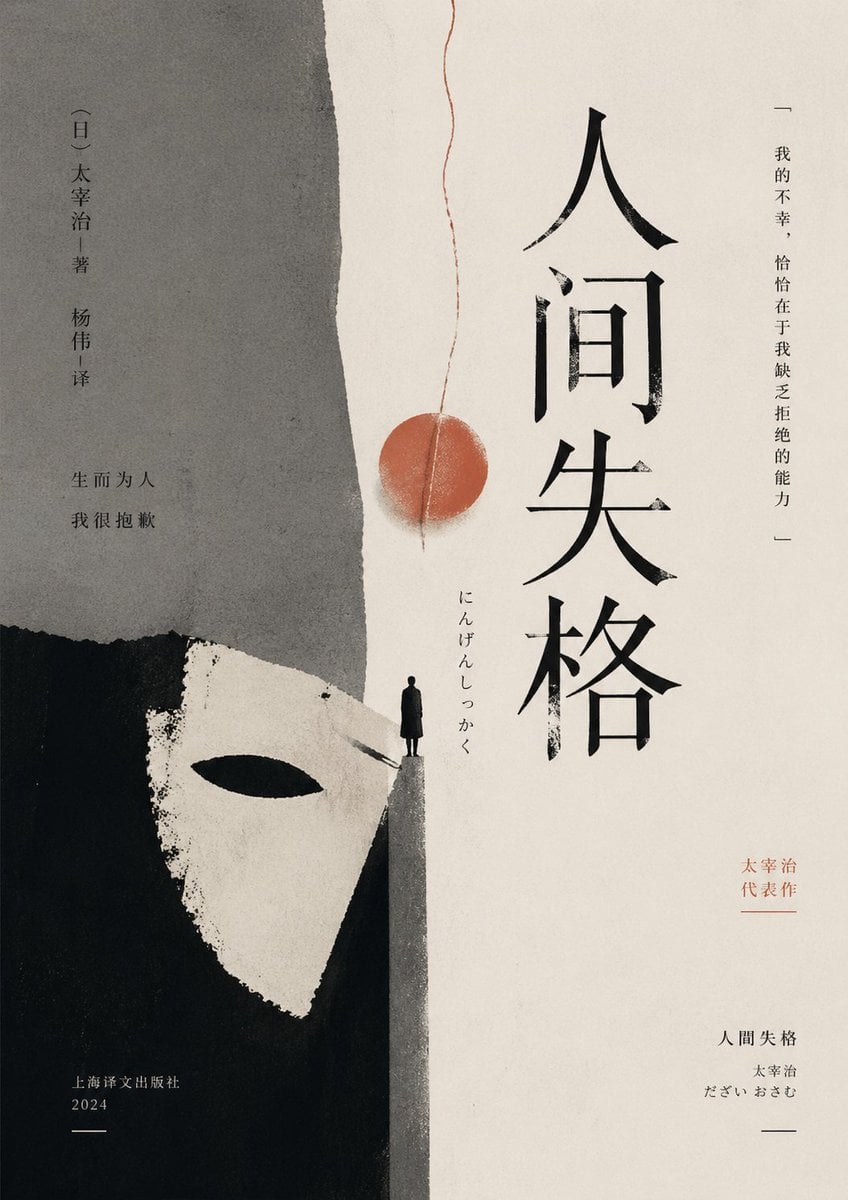
Minimalist No Longer Human Cover
A moody minimalist literary book cover prompt for generating an elegant East Asian edition of a classic novel with collage textures and symbolic imagery.
- Prompt included
- Model and format preset
- Free template
The prompt behind this image
Copy the exact prompt behind Minimalist No Longer Human Cover, or open it in the studio and make it yours.
A minimalist literary book cover in a refined East Asian editorial style, portrait orientation, with a warm off-white paper background and subtle grainy print texture. The composition is vertically split into 2 large abstract fields: a rough torn gray paper shape occupying the upper left half, and a deep black painted block occupying the lower left corner. Emerging from the black area is 1 stark white theatrical mask shape with a single black eye slit, cropped large and angled upward, suggesting alienation and hidden identity. At the center-bottom where the gray and white fields meet, place 1 tiny solitary human figure in a long dark coat standing on a narrow triangular ledge, facing forward, emphasizing isolation and vulnerability. From near the top center, let 1 thin red thread descend vertically with a slight waviness, ending around the middle in 1 muted red circular seal-like disc, aligned above the figure. Set 1 large vertical title in bold expressive black Chinese calligraphy on the right-center: {argument name="title text" default="人间失格"}. Add 1 small vertical Japanese reading beside it: "にんげんしっかく". On the far right margin, add 1 vertical quote in fine black text: "—— 我的不幸,恰恰在于我缺乏拒绝的能力 ——". On the upper left, add 1 vertical author and translator credit in small black type: "【日】太宰治|著 杨伟|译". Below that, add 1 short two-line Chinese phrase in black: "生而为人\n我很抱歉". On the lower right, add 1 small red vertical note: "太宰治\n代表作". Beneath it add 1 small publication block in black with 3 lines: "人间失格", "太宰治", "だざい おさむ". On the lower left, add 1 publisher block in small black text: "上海译文出版社\n2024" with a short horizontal line beneath. Use restrained negative space, asymmetrical balance, raw paper collage edges, sumi-ink and gouache textures, muted charcoal black gray and faded vermilion palette, elegant literary melancholy, premium contemporary Chinese novel cover design.
How to use Minimalist No Longer Human Cover in 3 steps
- 1Upload ImagePNG, JPG or paste
Add your photo
Upload the photo the template builds on. The prompt, model and format are already set.
- 2…a portrait of your subject in softgolden-hour light, 85mm…
Personalize
Edit the subject and creative details for your destination.
- 3Generate
Generate
Press Generate — your image is created in PicX Studio, so you can compare it with the original and refine one variable at a time.
More like this
Templates with the same subject, style or setup. Open one to see its prompt.

Japanese Minimalist Concrete Studio Fashion Editorial

Korean Streetwear Minimalist Campaign Portrait

Minimalist Fashion Editorial Split Layout
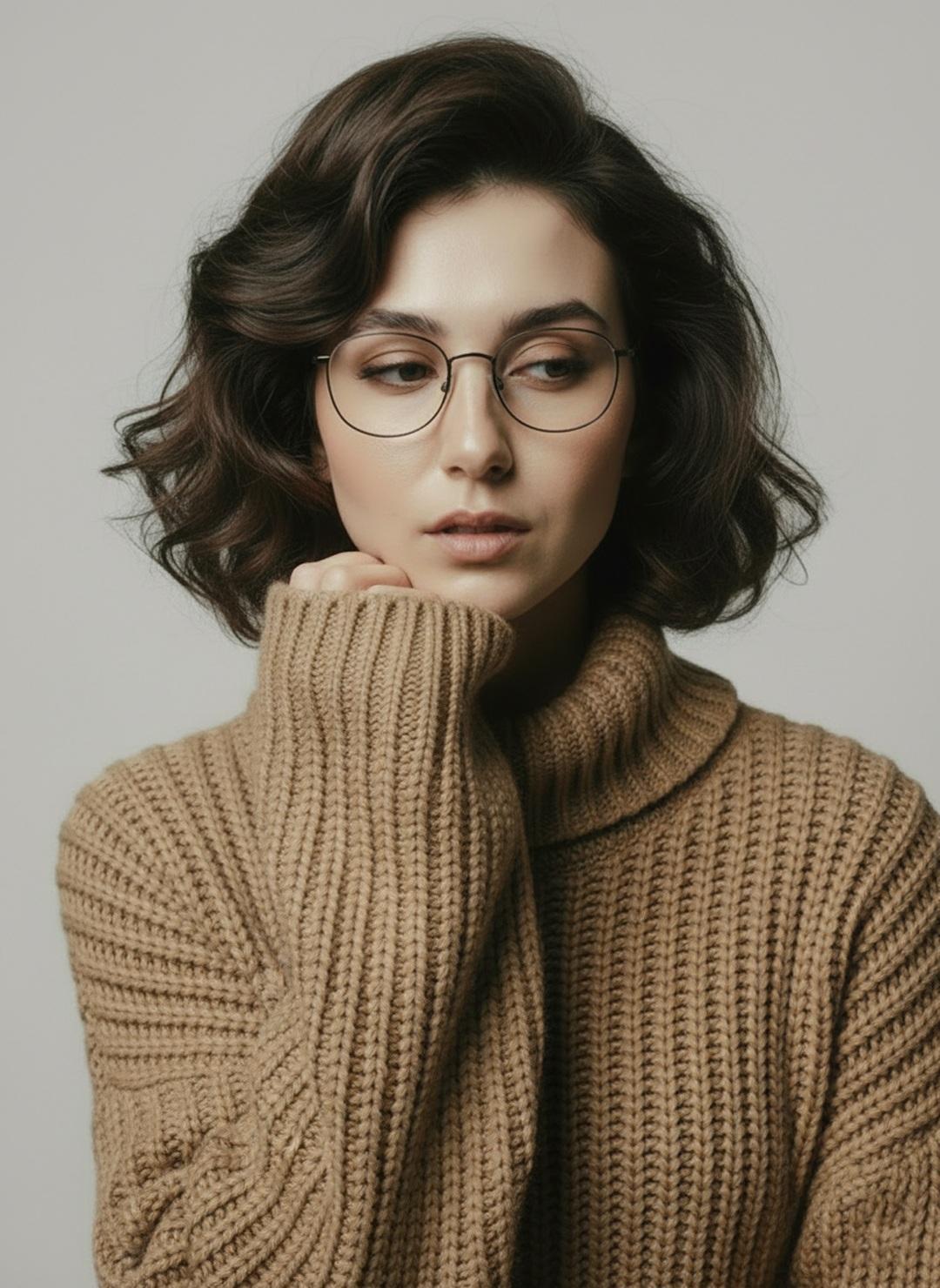
Minimalist Scandinavian Editorial Fashion Portrait Series

Quiet Minimalist Anime Style Guide

Premium Vintage Travel Poster Landscape
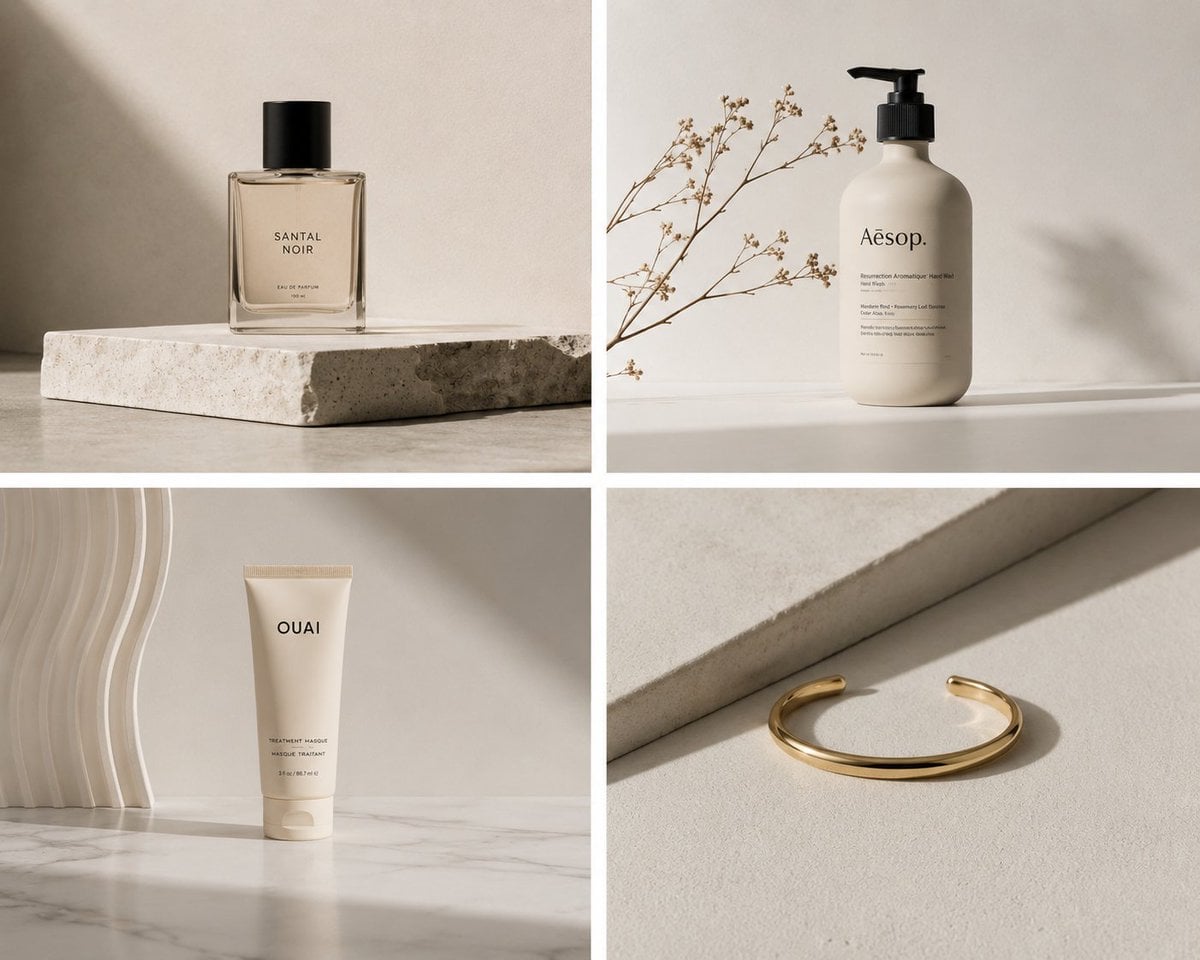
Elegant Minimalist Product Photography

Soft Shadow Studio Minimalist Product Shot

Futuristic Studio Neon Ring Minimalist Portrait

Minimalist Skincare Product Water Stone Still

Moss Logo Minimalist Brand Flat Lay
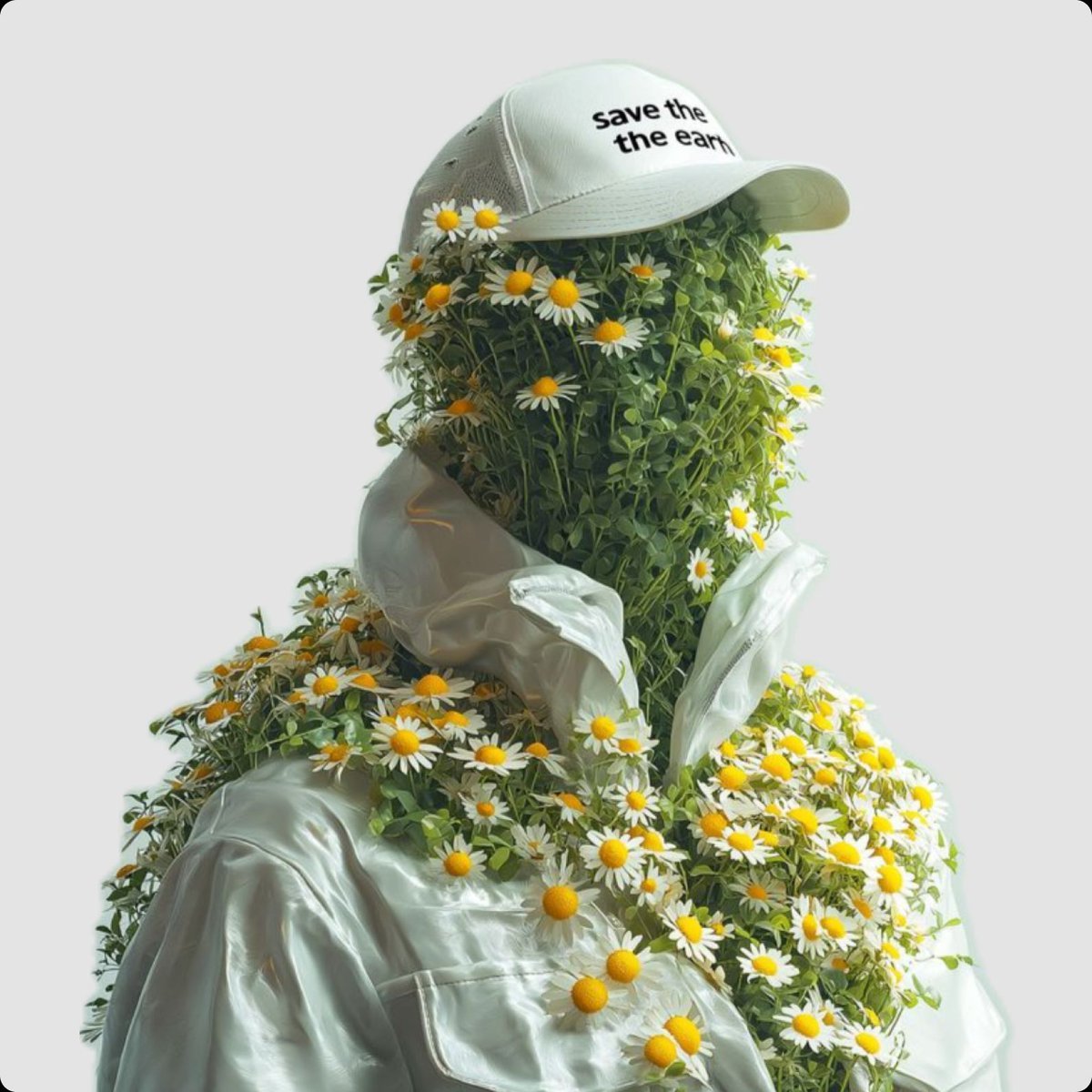
Surreal Portrait of Humanoid Covered in Grass and Daisies
Make it yours
Minimalist No Longer Human Cover works as-is. These are the safest ways to change it without losing the look.
Change one field
Copy a single group, rewrite it, and generate again so you can see what that field is doing.
Keep the frame, change the subject
Hold the composition and light of Minimalist No Longer Human Cover, then swap wardrobe, props or the person for a new take.
| If the result… | Why | Fix |
|---|---|---|
| The result drifts from the preview | Too many fields changed at once. | Reuse Minimalist No Longer Human Cover as-is first, then change one group — subject, light, or setting. |
| The model over-stylizes the scene | The prose prompt leaves finish and camera underspecified. | Add one camera or lighting sentence and stay on GPT Image 2. |
More GPT Image 2 templates
Other prompts made for GPT Image 2.

Six VTuber Japanese Logo Sheet

Realistic Portrait of Woman and Deer

The Vista Modular Condo Poster

AI Model Routing Comparison Infographic

2.5D Anime Art Board

Isometric Productivity Desk Scene

New York Double Exposure Poster

Four-Panel AI Landscape Comparison

Japanese Tatami Lifestyle Magazine Cover

NESCAFÉ Coffee Map Poster
More image prompts
Fresh picks from across the catalog.
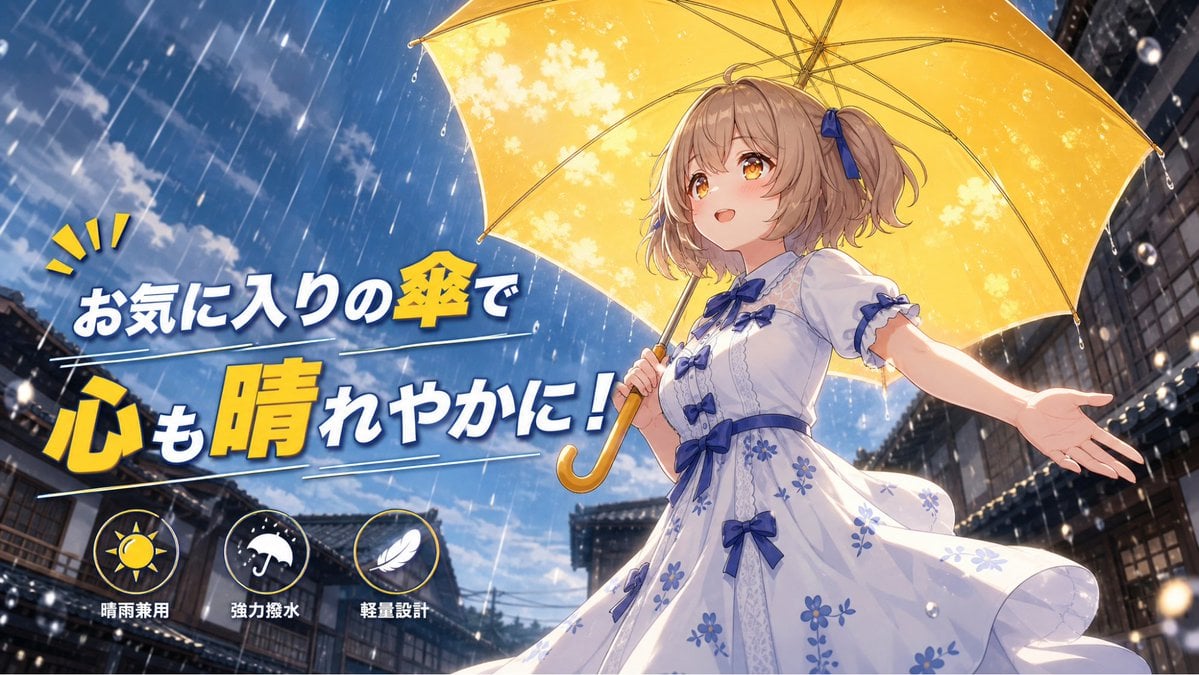
Anime Yellow Umbrella Ad Poster

Urban Fantasy Summoning Scene with Liquid Sharks
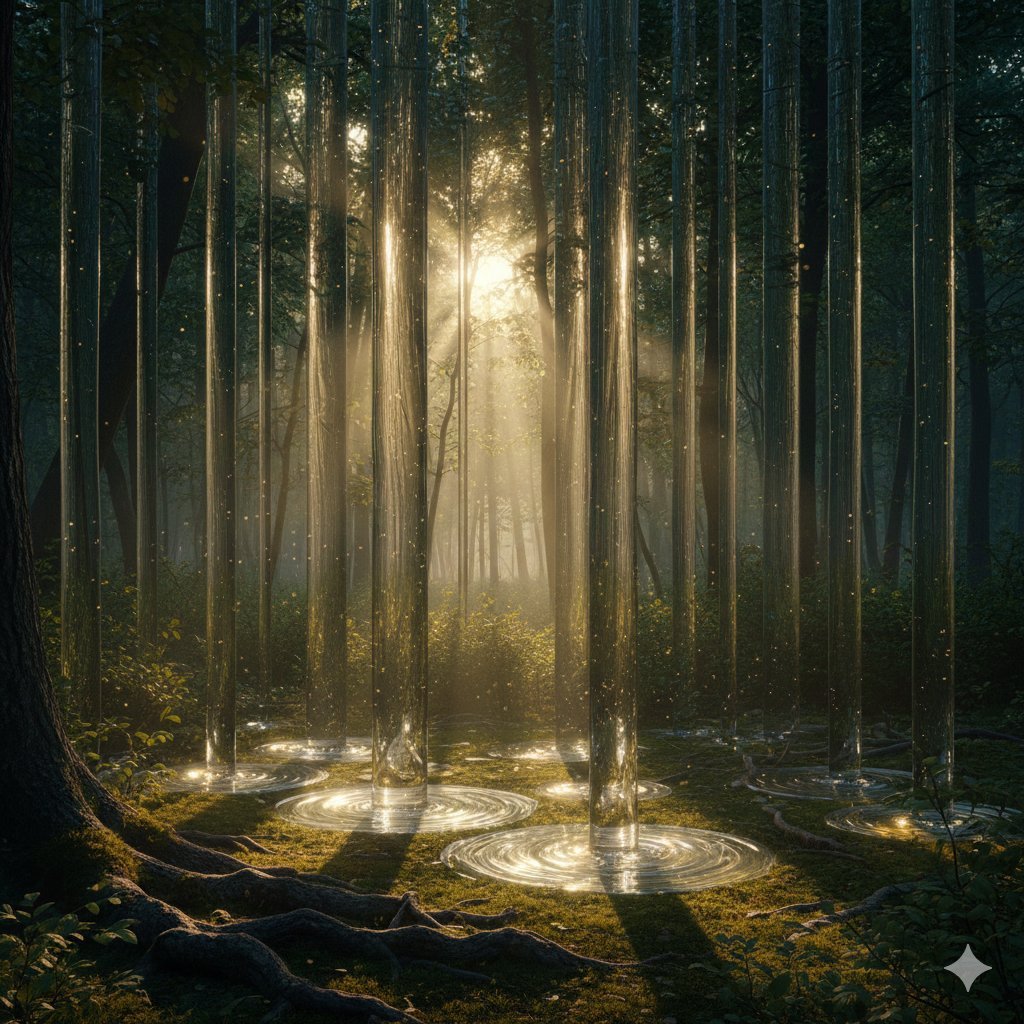
Physically Implausible Light in Forest
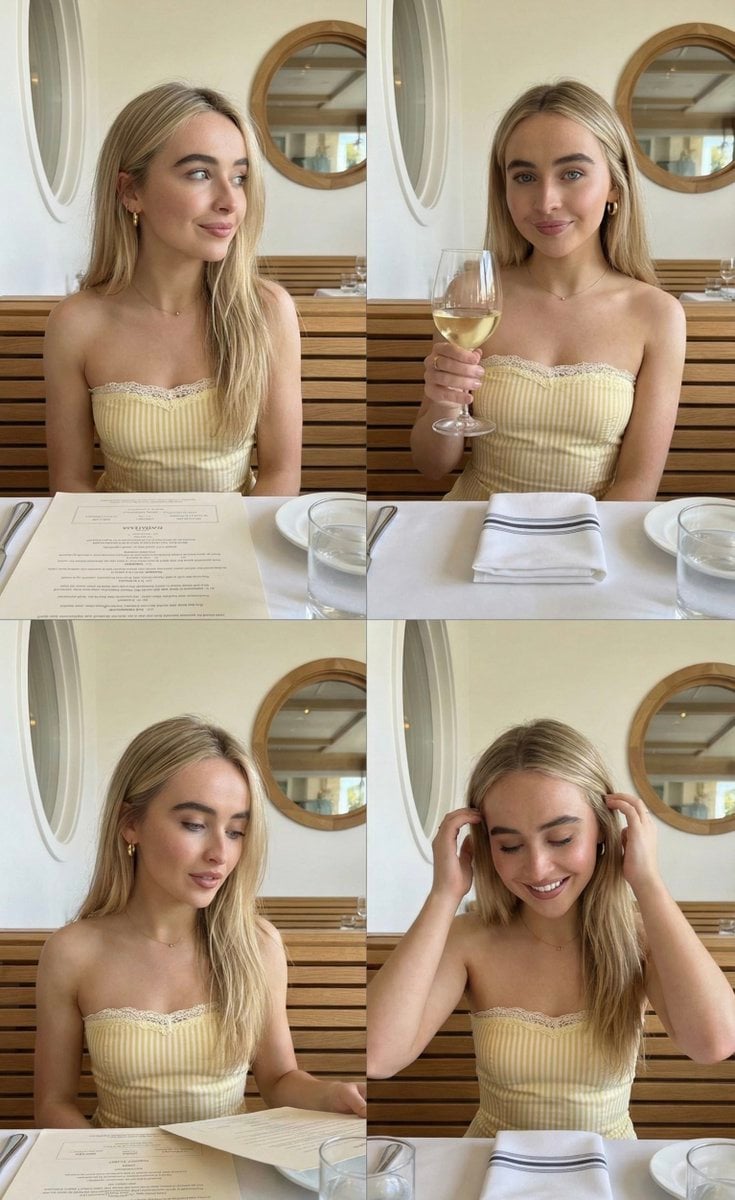
Four-Image Summer Lifestyle Editorial Collage Prompt (Duplicate)
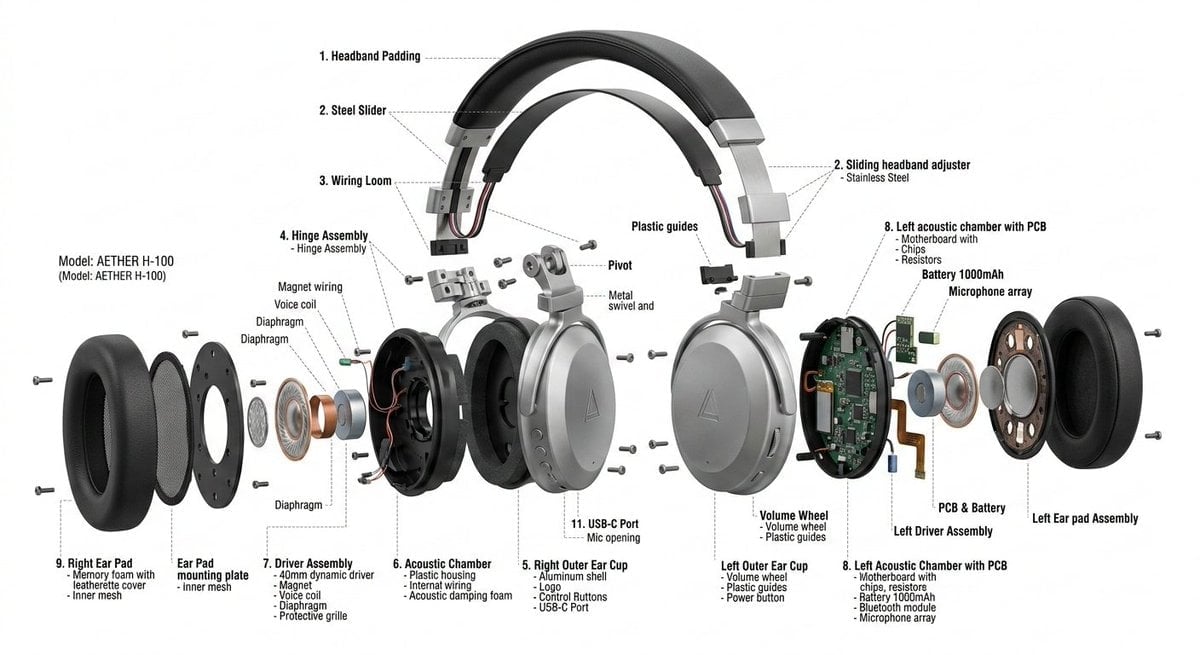
Exploded View Product Design Diagram Prompt
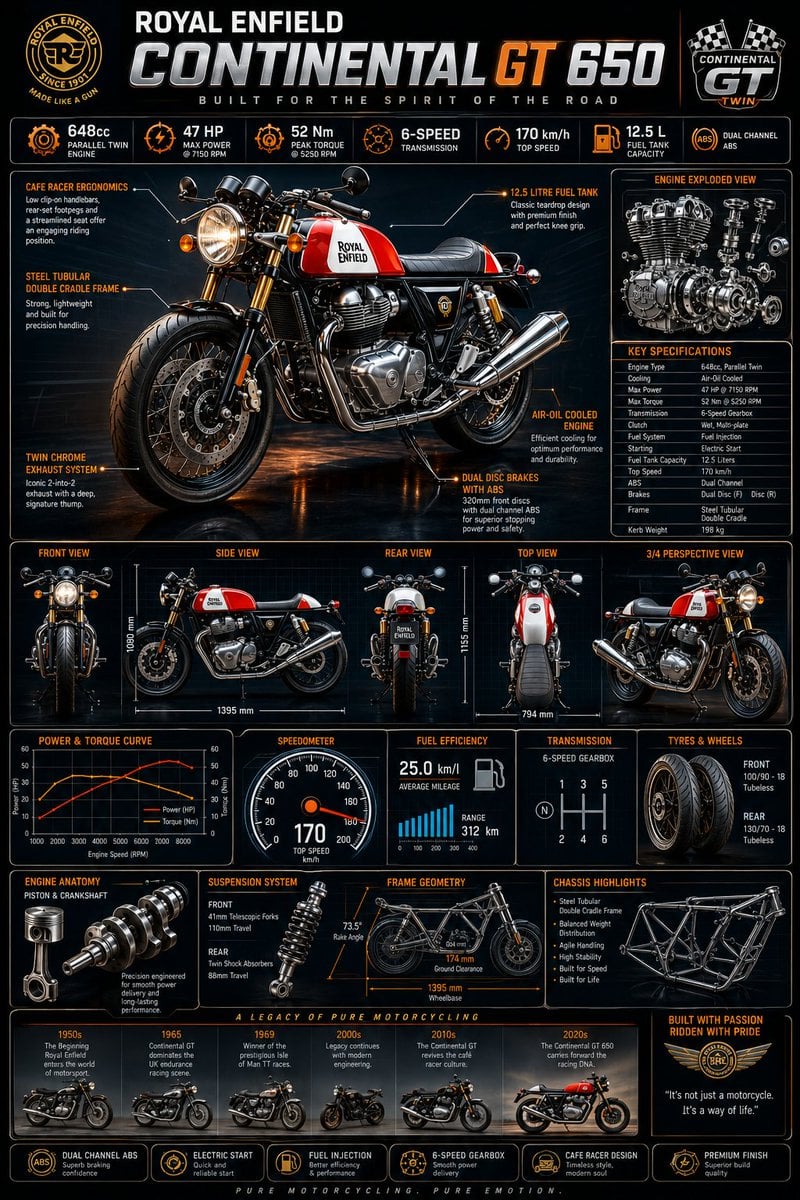
Motorcycle Engineering Infographic Poster

2x2 Grid Fashion Photoshoot Collage

Candid Convenience Store Checkout
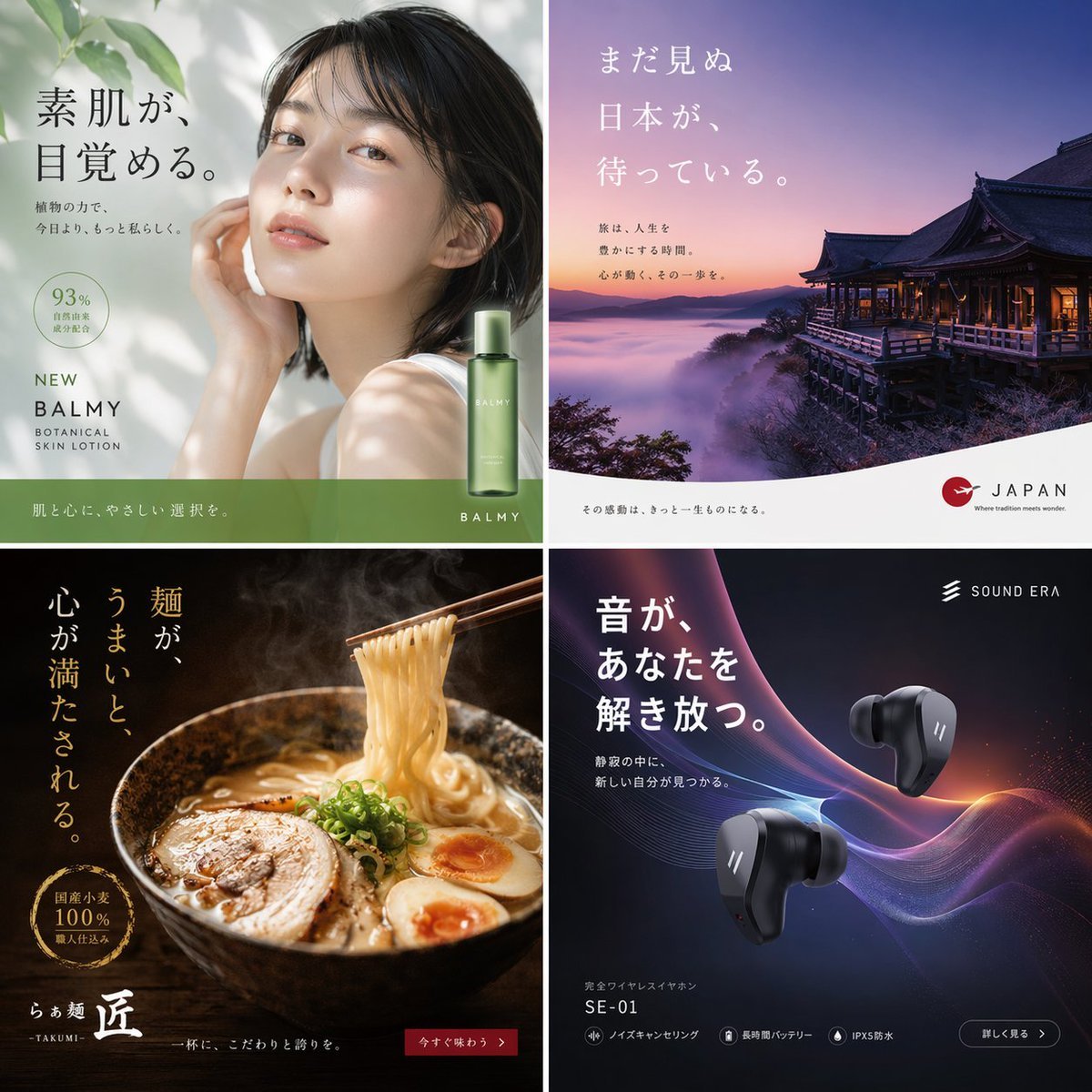
2x2 Japanese Advertisement Grid
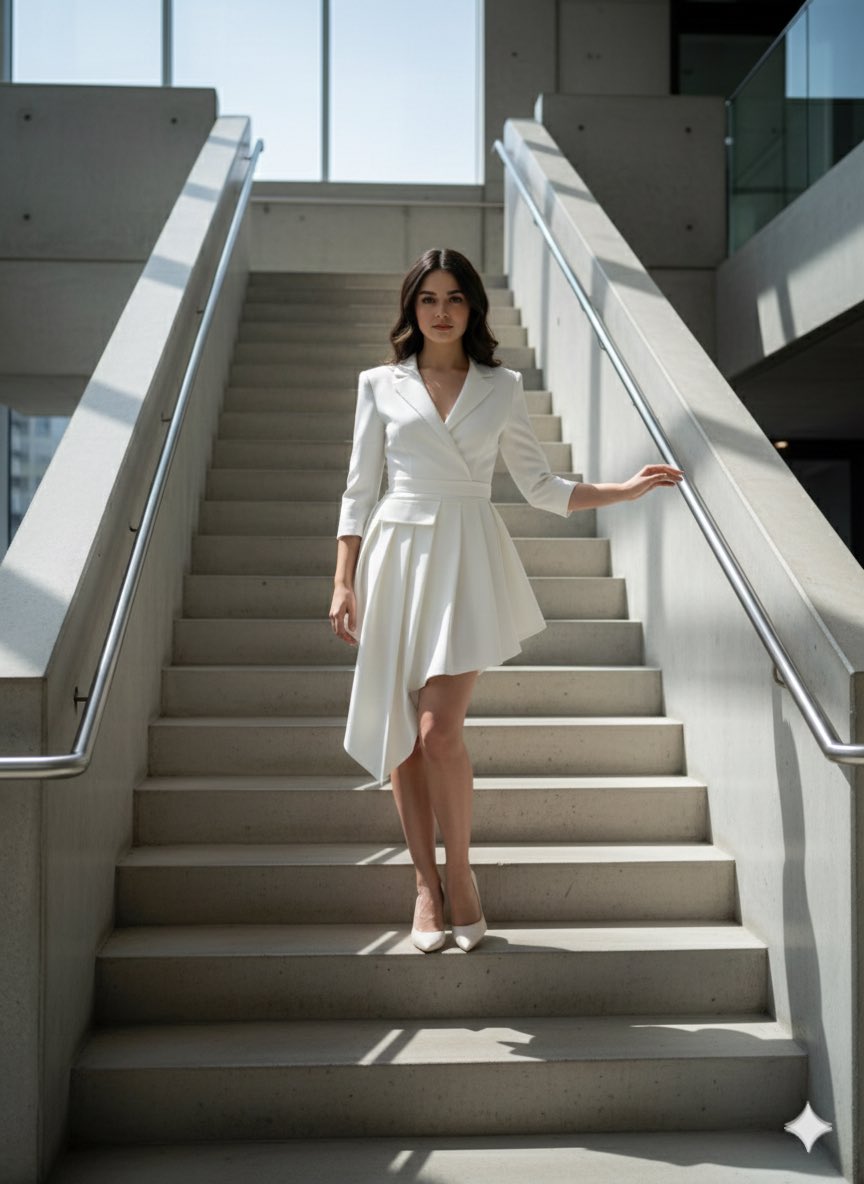
Narrative Cinematic Fashion Portrait Prompt
Browse template categories
Minimalist No Longer Human Cover questions
How do I use the Minimalist No Longer Human Cover template?
Add your photo if the template asks for one, edit the prompt if you like — the template's model and format are already selected — and press Generate. Your version opens in PicX Studio.
Can I customize the Minimalist No Longer Human Cover template?
Yes. You can change the subject, setting, lighting, mood, format, and available model controls before creating your image.
Is the Minimalist No Longer Human Cover template free?
Opening and editing this template is free. Generating uses credits, shown on the Generate button when you are signed in.
Which AI model should I use?
Start with GPT Image 2, which is the model associated with this template. You can compare another compatible model for a different finish.
Looking for something else? Browse all templates.

Your photo, any look
Thousands of ready templates for every top image and video model, from one credit balance.