
Elegant Minimalist Product Photography
Curated from MeiGen gallery ID 2058429338840891645: Elegant Minimalist Product Photography.
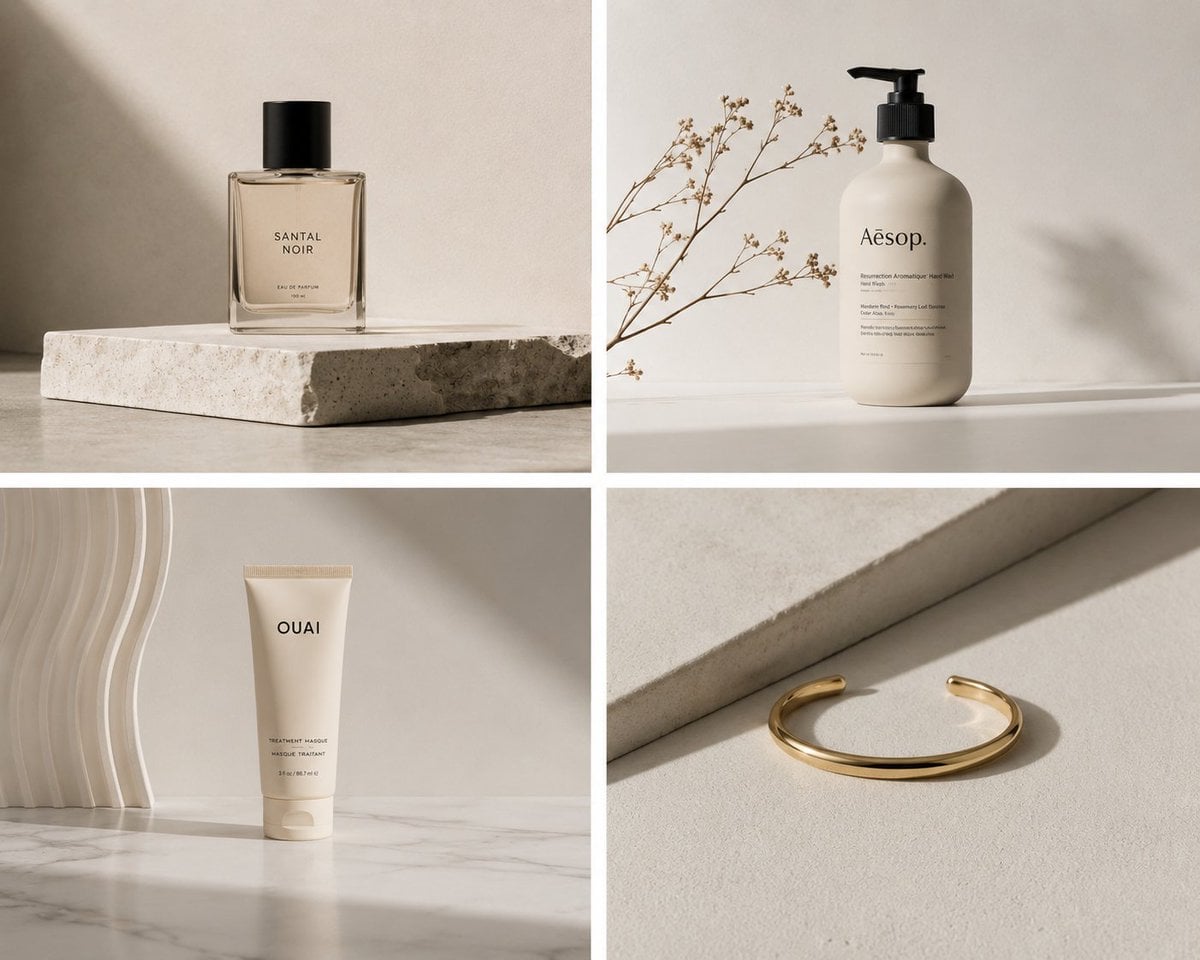
- Prompt included
- Model and format preset
- Free template
The prompt behind this image
Copy the exact prompt behind Elegant Minimalist Product Photography, or open it in the studio and make it yours.
Discover the essence of elegance through minimalist product photography. Clean lines and ample negative space keep focus on the product’s beauty. Soft diffused lighting accentuates sleek design, presenting a visual ode to simplicity and sophistication.
How to use Elegant Minimalist Product Photography in 3 steps
- 1
Open
The prompt is already in the box next to the preview, with the template's model and format selected.
- 2…a portrait of your subject in softgolden-hour light, 85mm…
Personalize
Edit the subject and creative details for your destination.
- 3Generate
Generate
Press Generate — your image is created in PicX Studio, so you can compare it with the original and refine one variable at a time.
More like this
Templates with the same subject, style or setup. Open one to see its prompt.
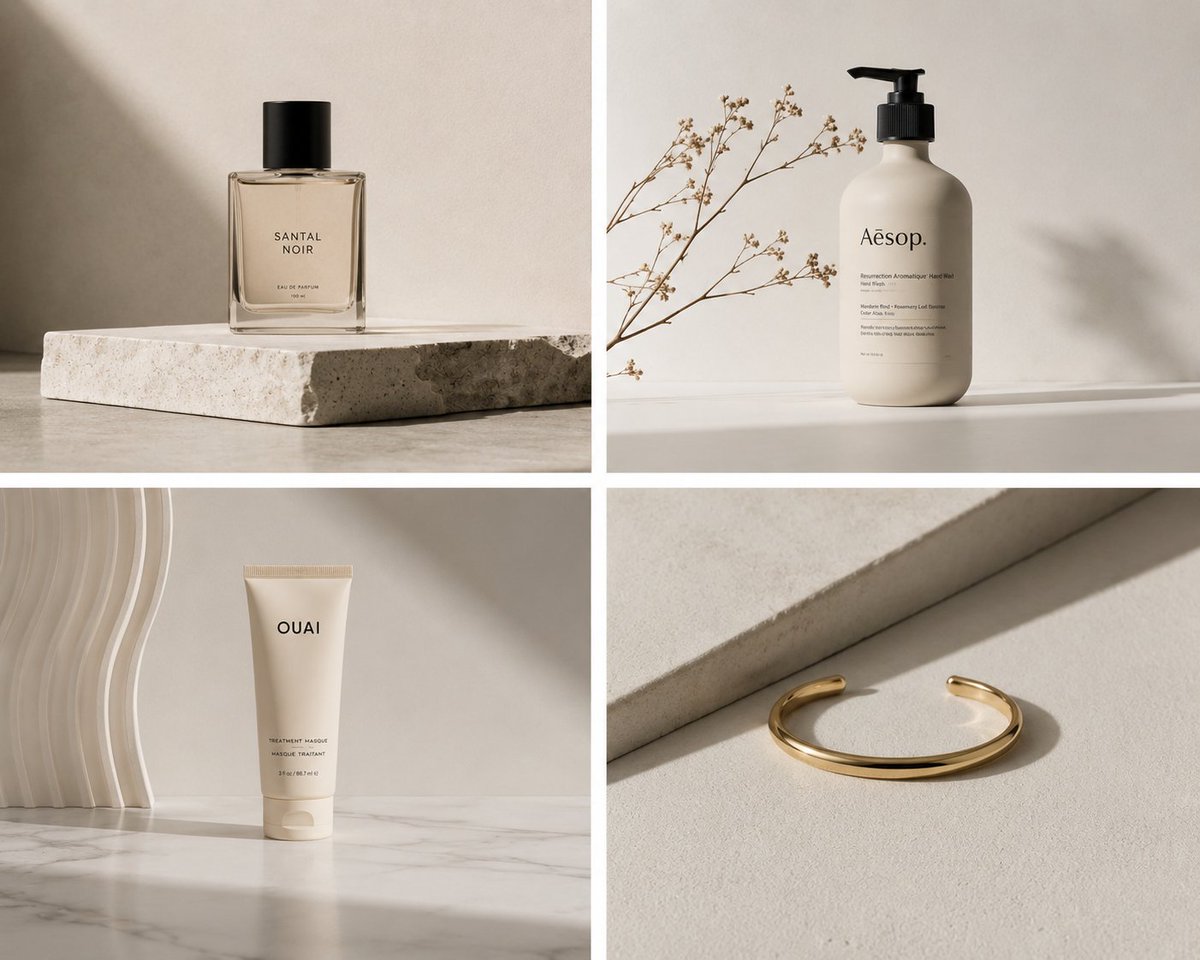
Minimalist Product Photography
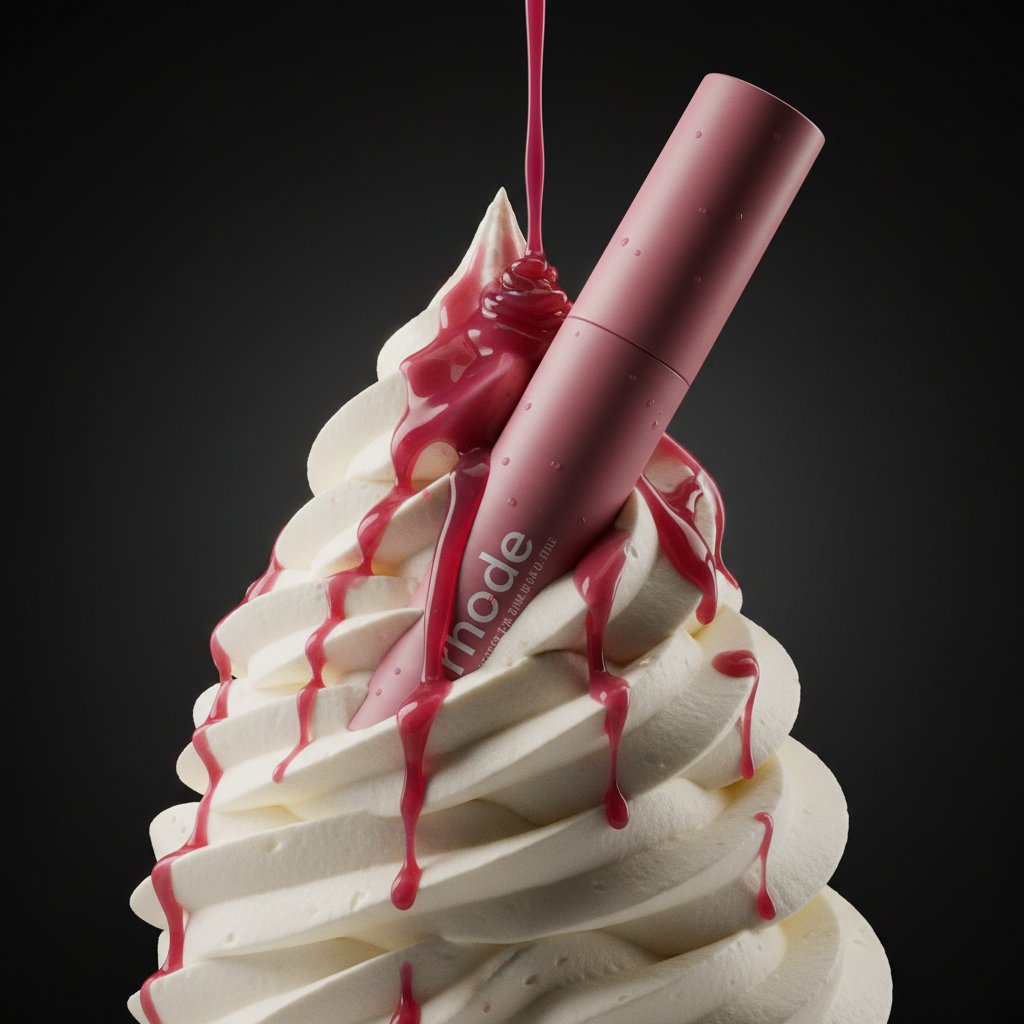
Cosmetic Product Photography
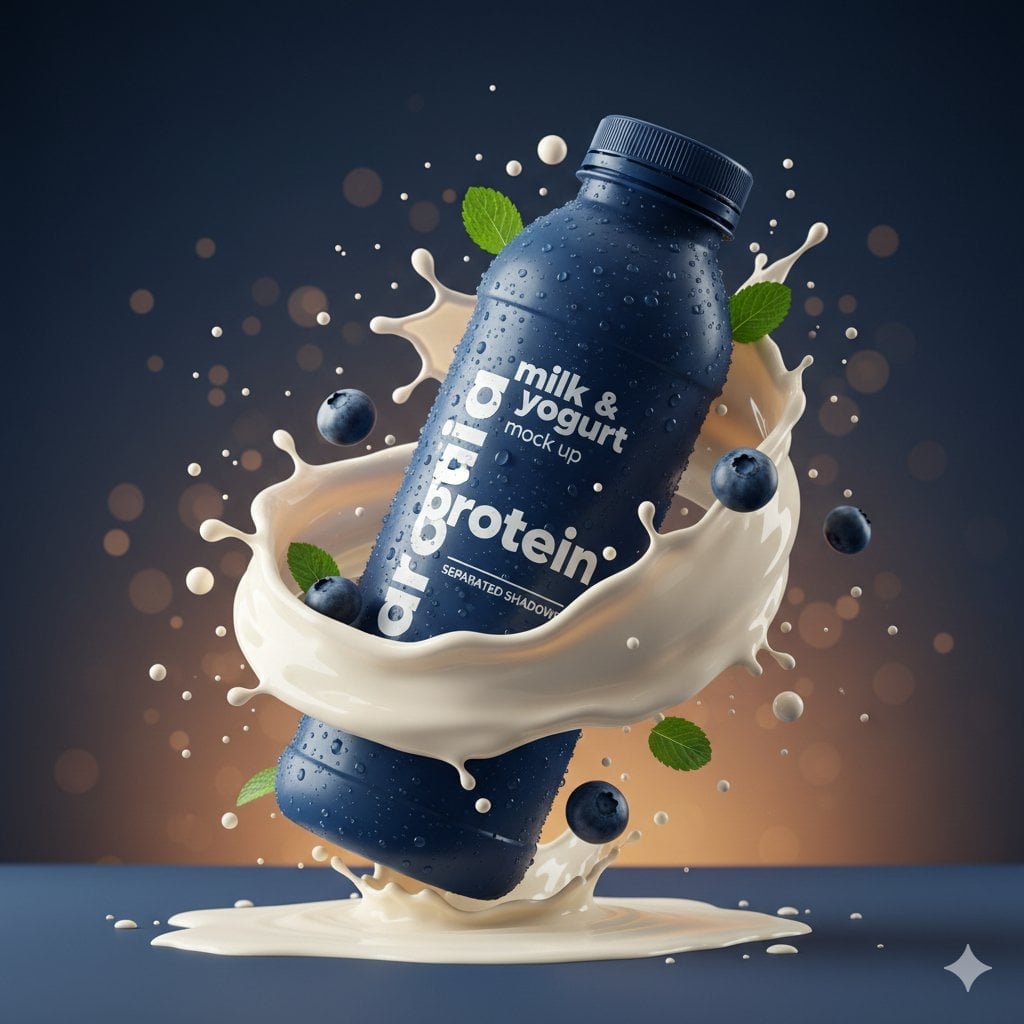
Commercial Product Splash Photography

Artistic portrait of an elegant Asian woman wearing a black silk
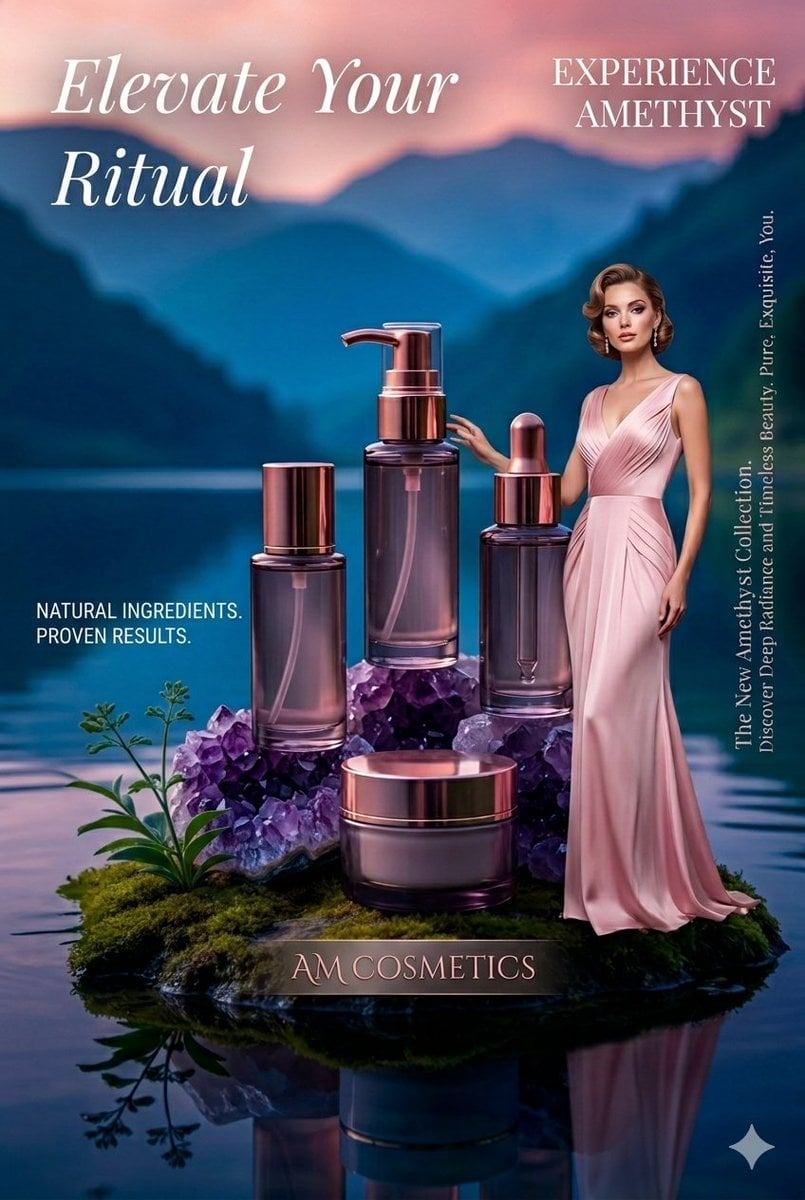
Luxury Skincare Product Photography
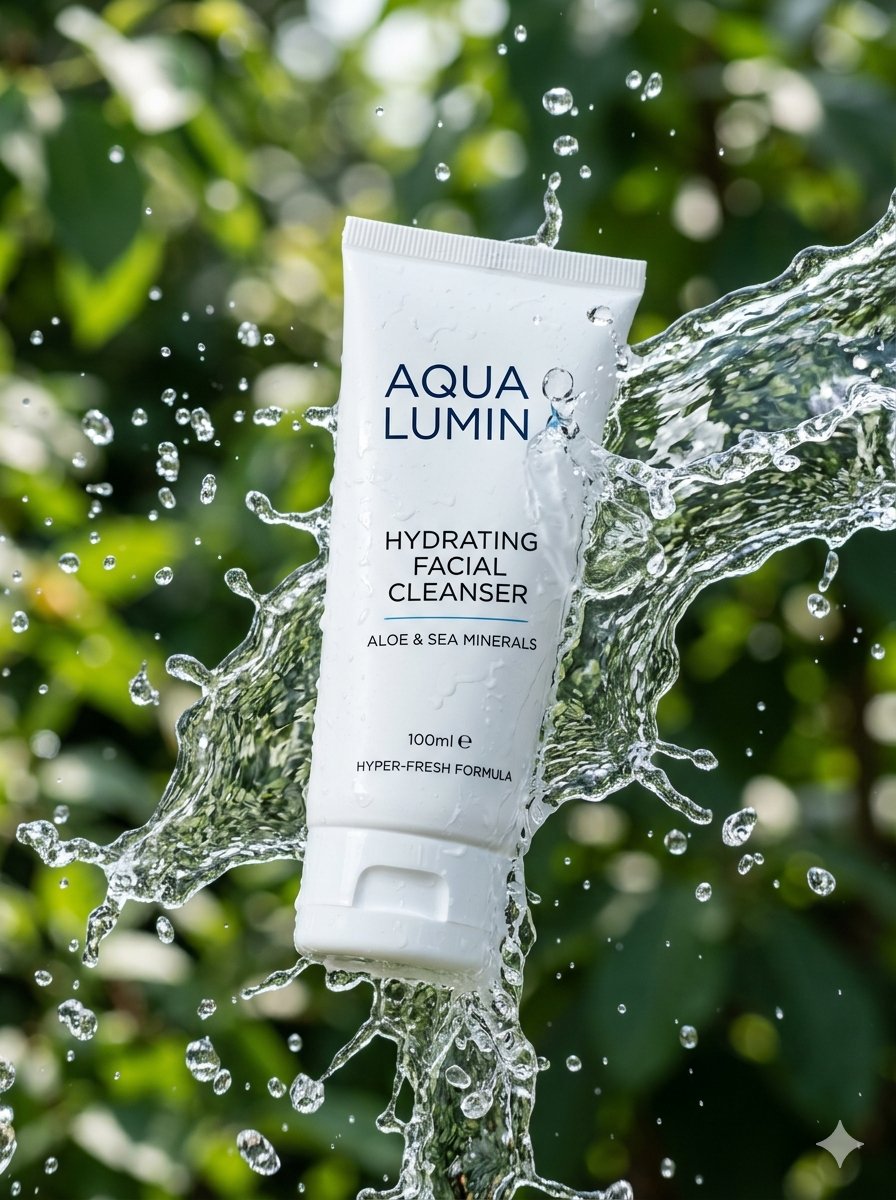
Cinematic Cosmetic Product Photography
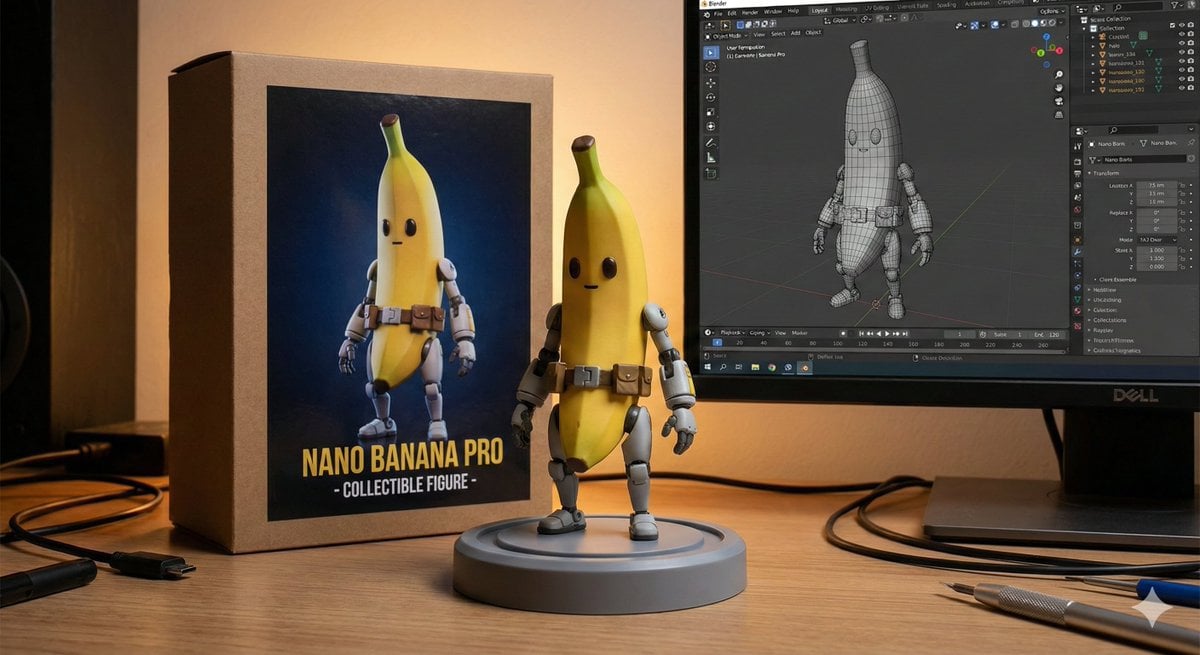
Character Figure Product Photography Setup
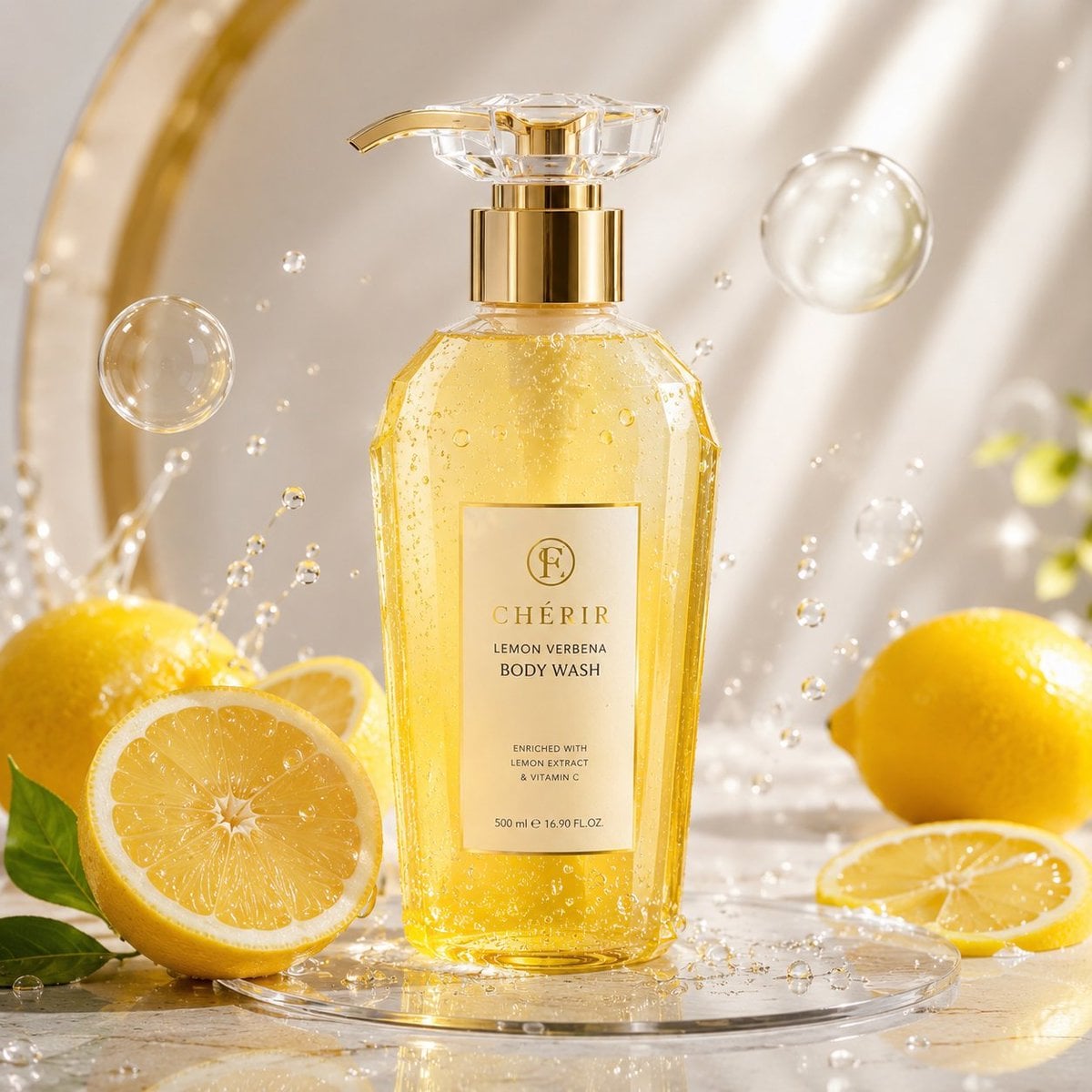
Luxury Lemon Skincare Product Photography
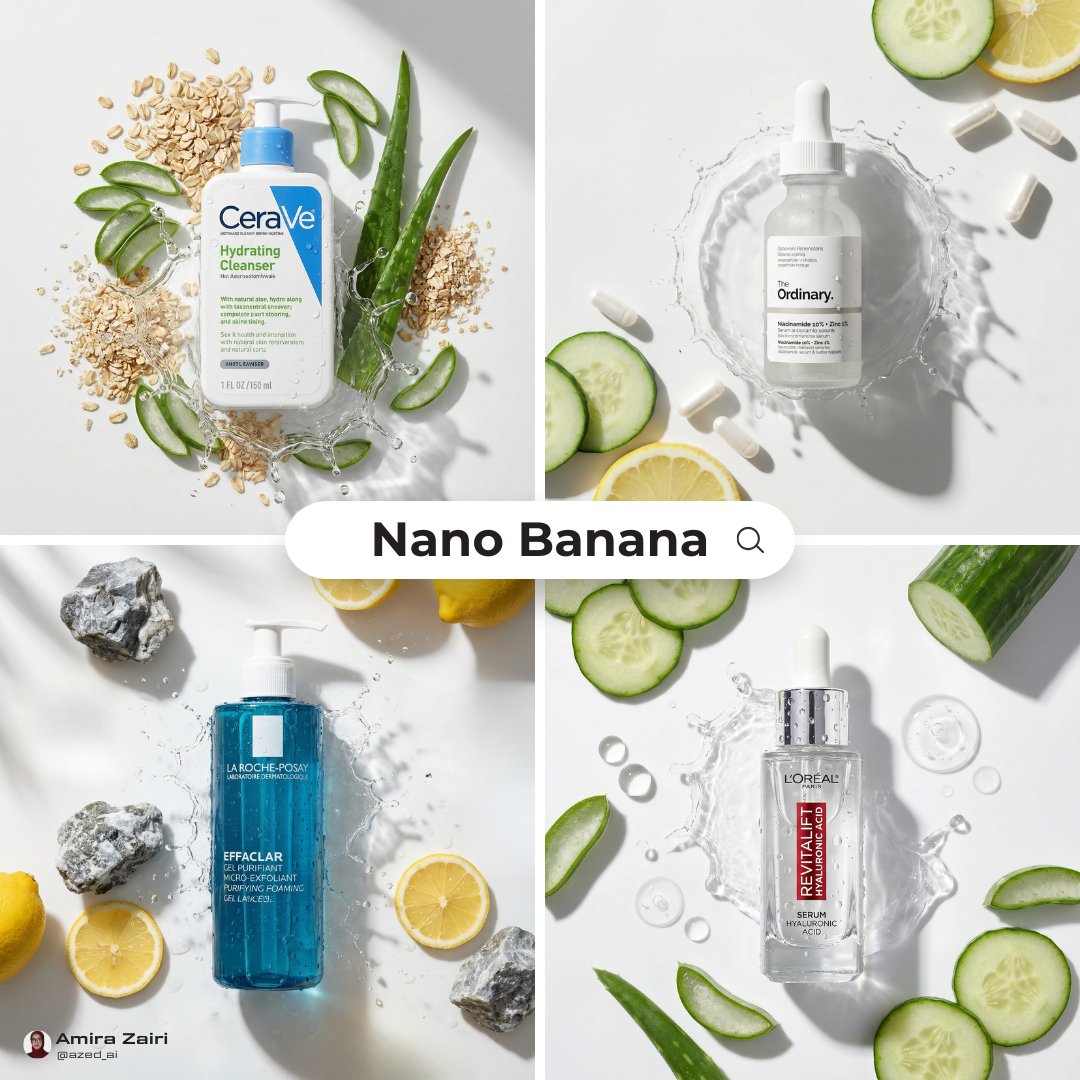
Skincare Product Flat Lay Photography
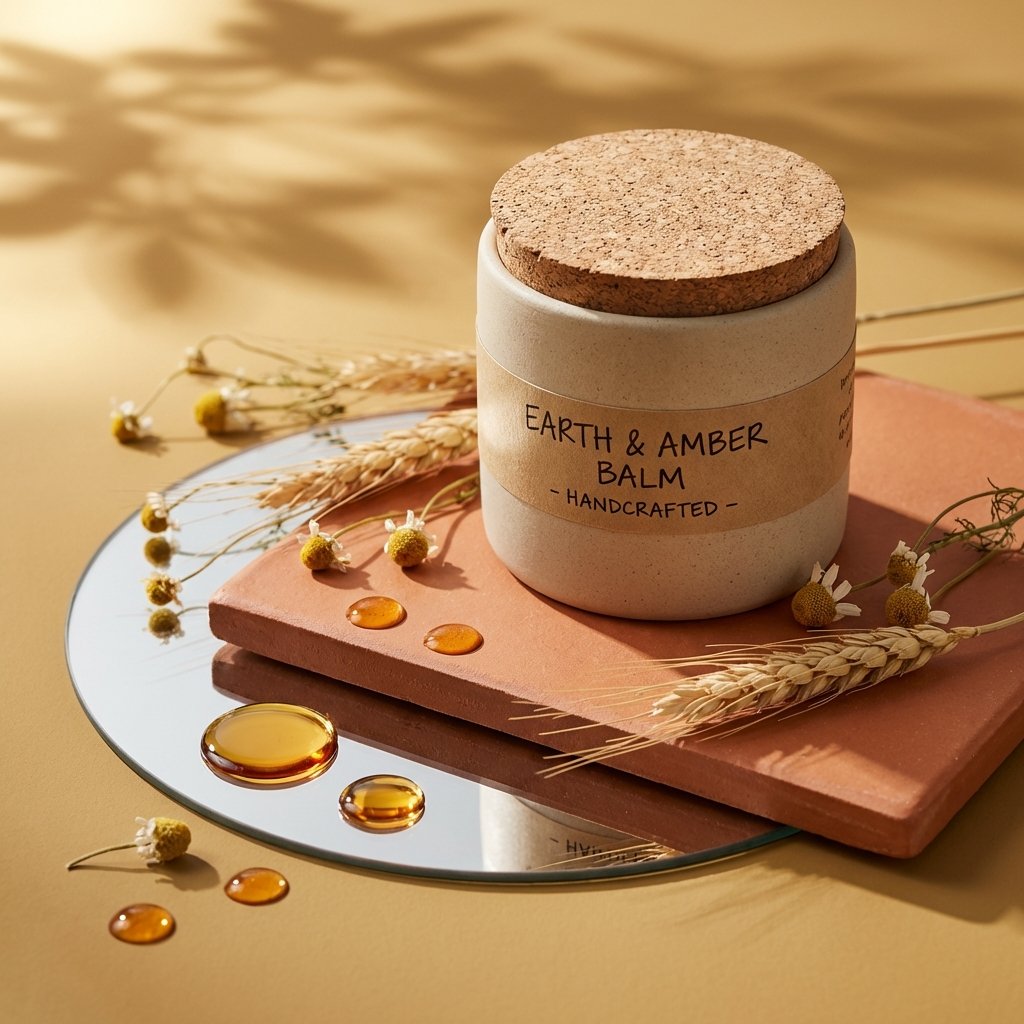
Luxury Skincare Product Photography
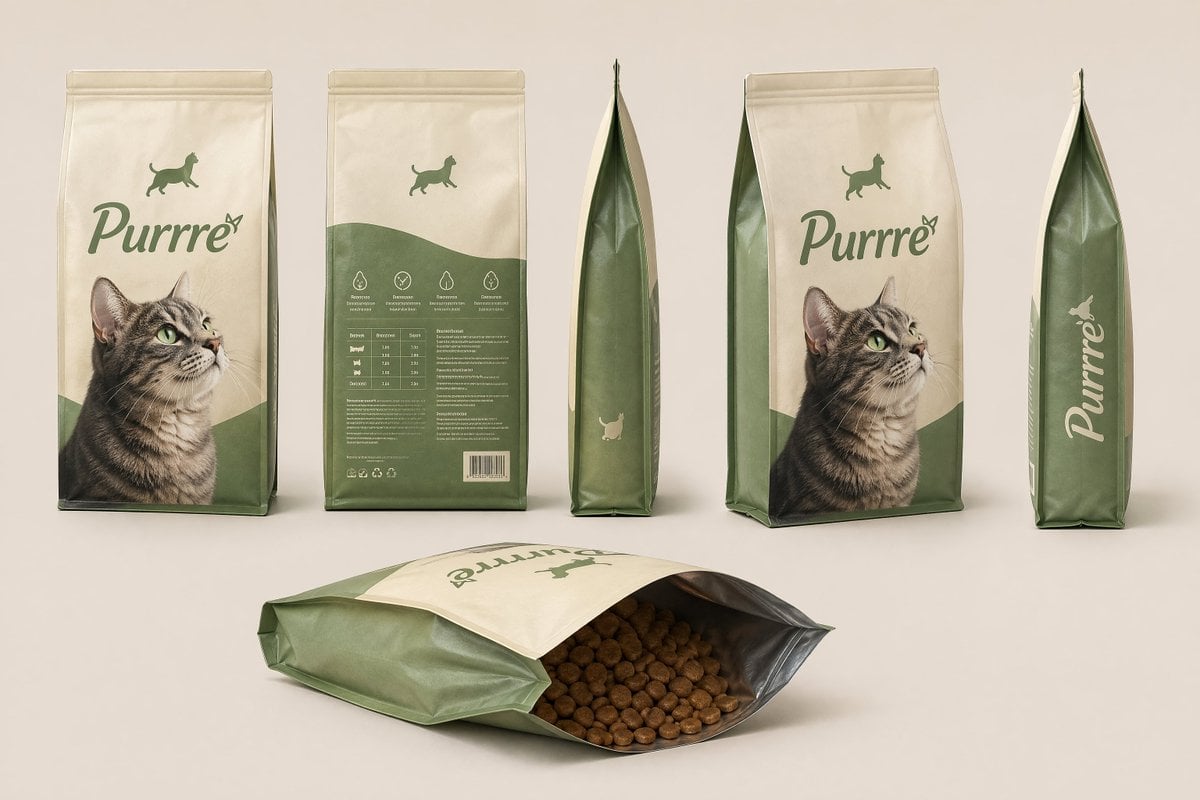
Consistent Product Kit Photography
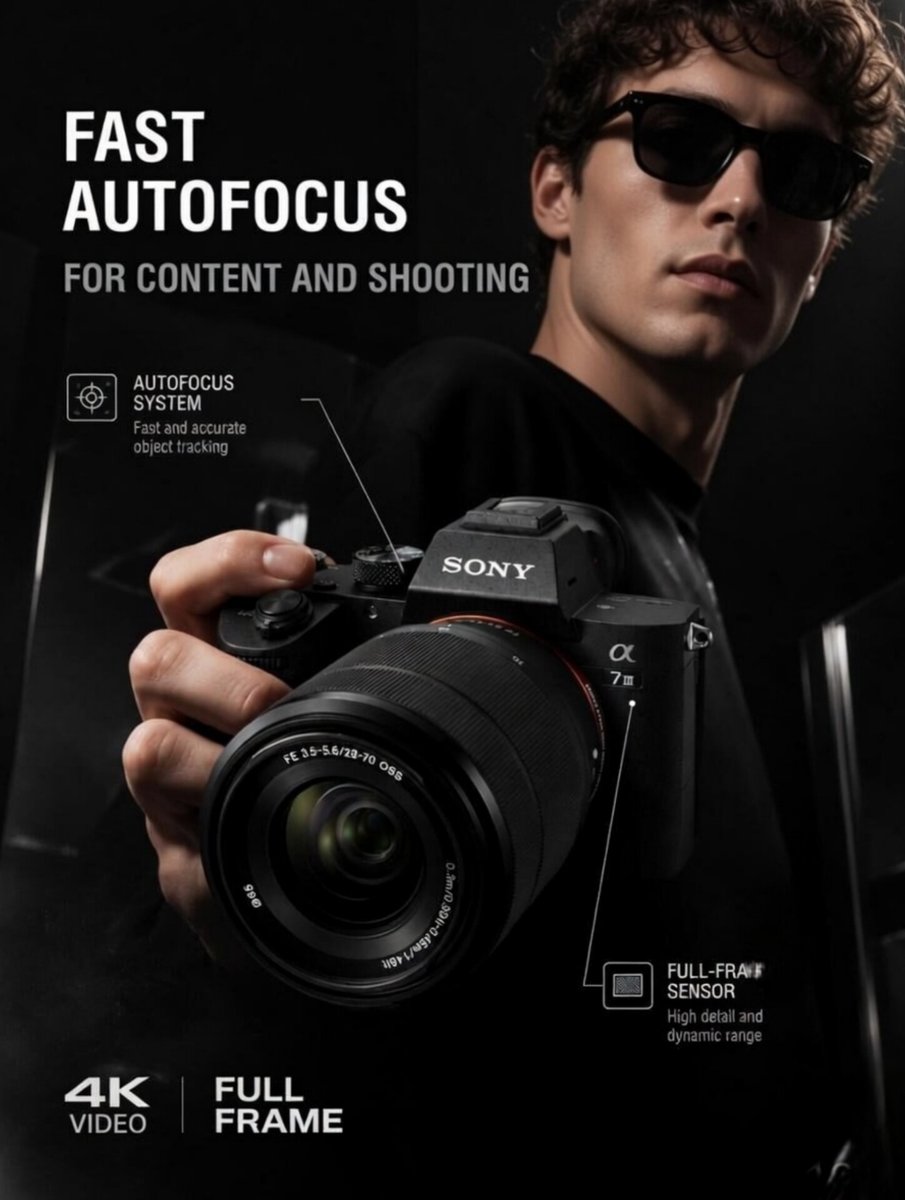
Premium Tech Product Photography
Make it yours
Elegant Minimalist Product Photography works as-is. These are the safest ways to change it without losing the look.
Change one field
Copy a single group, rewrite it, and generate again so you can see what that field is doing.
Keep the frame, change the subject
Hold the composition and light of Elegant Minimalist Product Photography, then swap wardrobe, props or the person for a new take.
| If the result… | Why | Fix |
|---|---|---|
| The result drifts from the preview | Too many fields changed at once. | Reuse Elegant Minimalist Product Photography as-is first, then change one group — subject, light, or setting. |
| The model over-stylizes the scene | The prose prompt leaves finish and camera underspecified. | Add one camera or lighting sentence and stay on PicX Studio. |
More image prompts
Fresh picks from across the catalog.
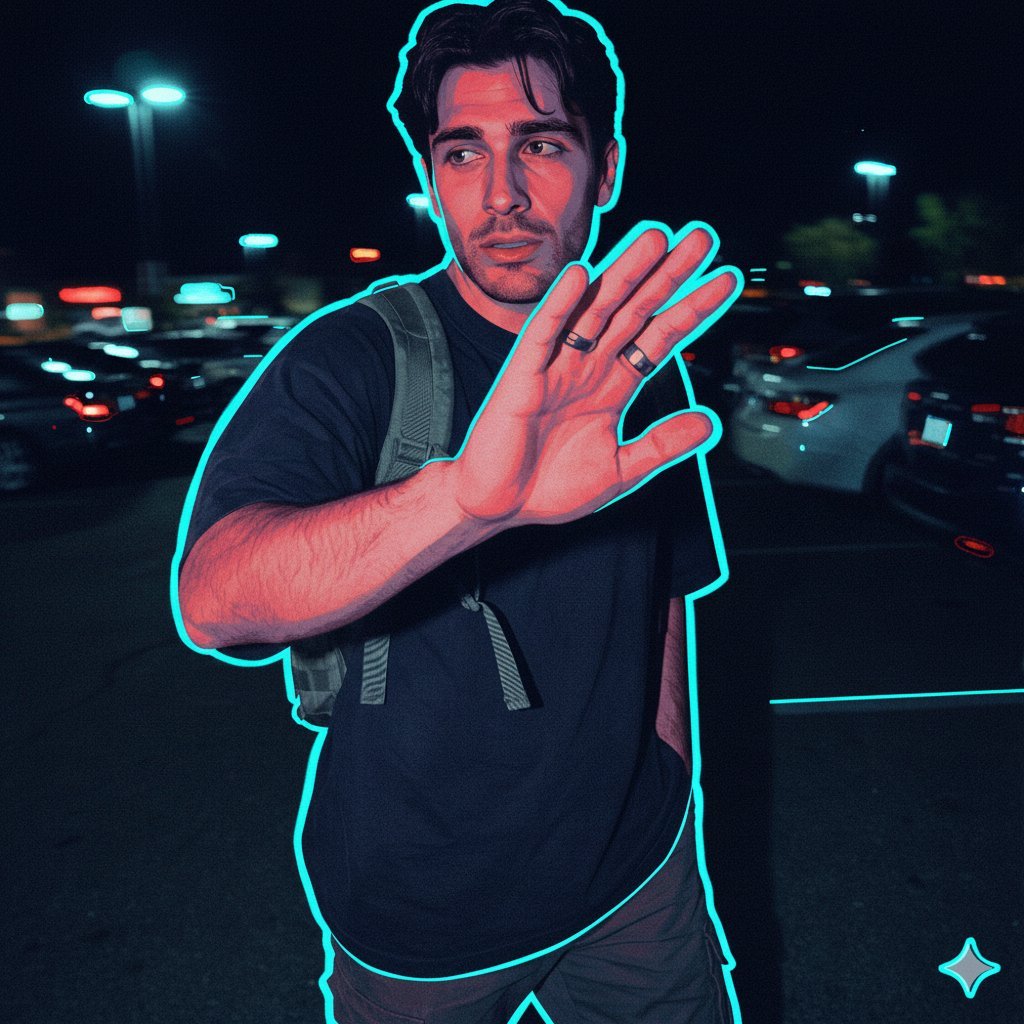
Synthwave Noir Vector Style Transfer Prompt
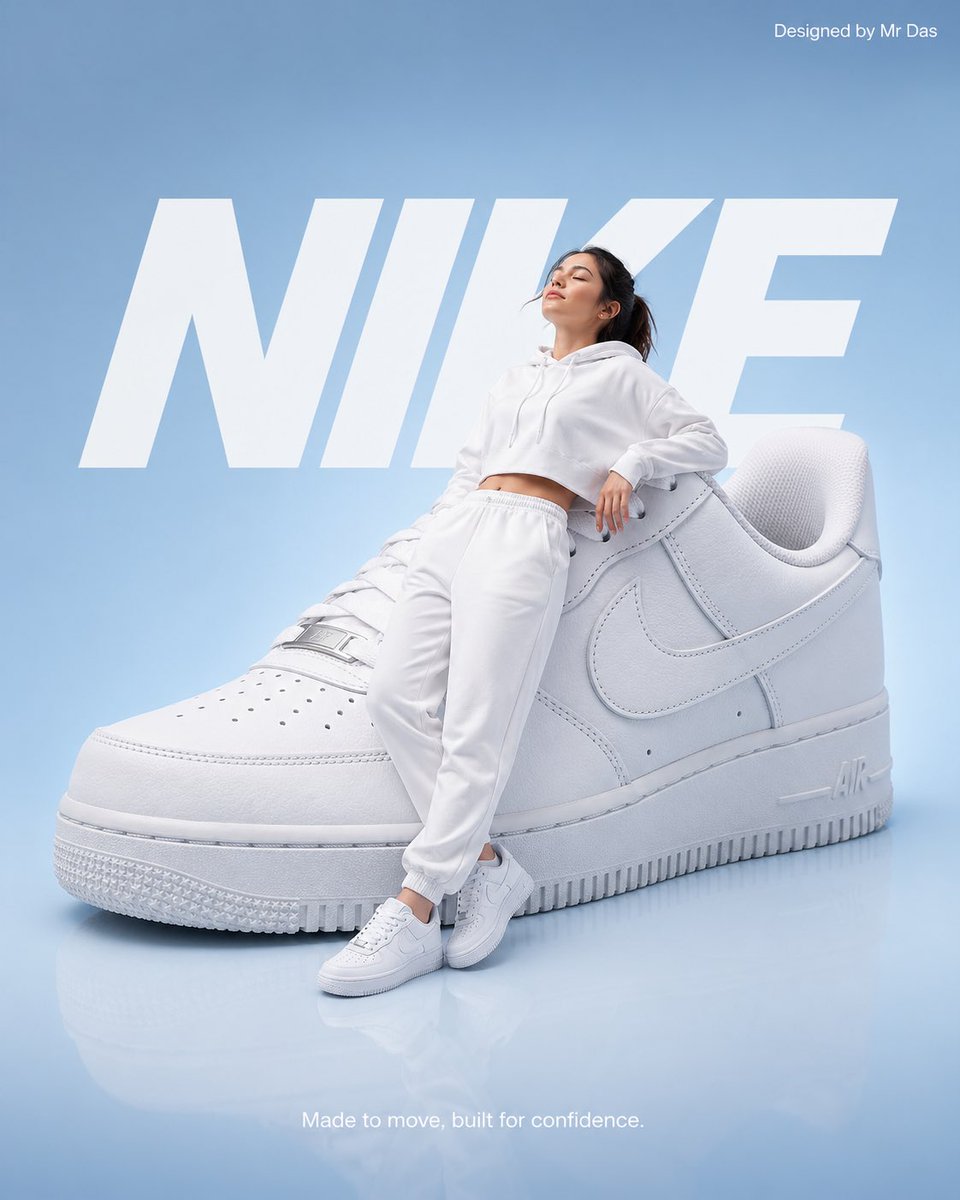
Minimalist Nike Fashion Advertisement
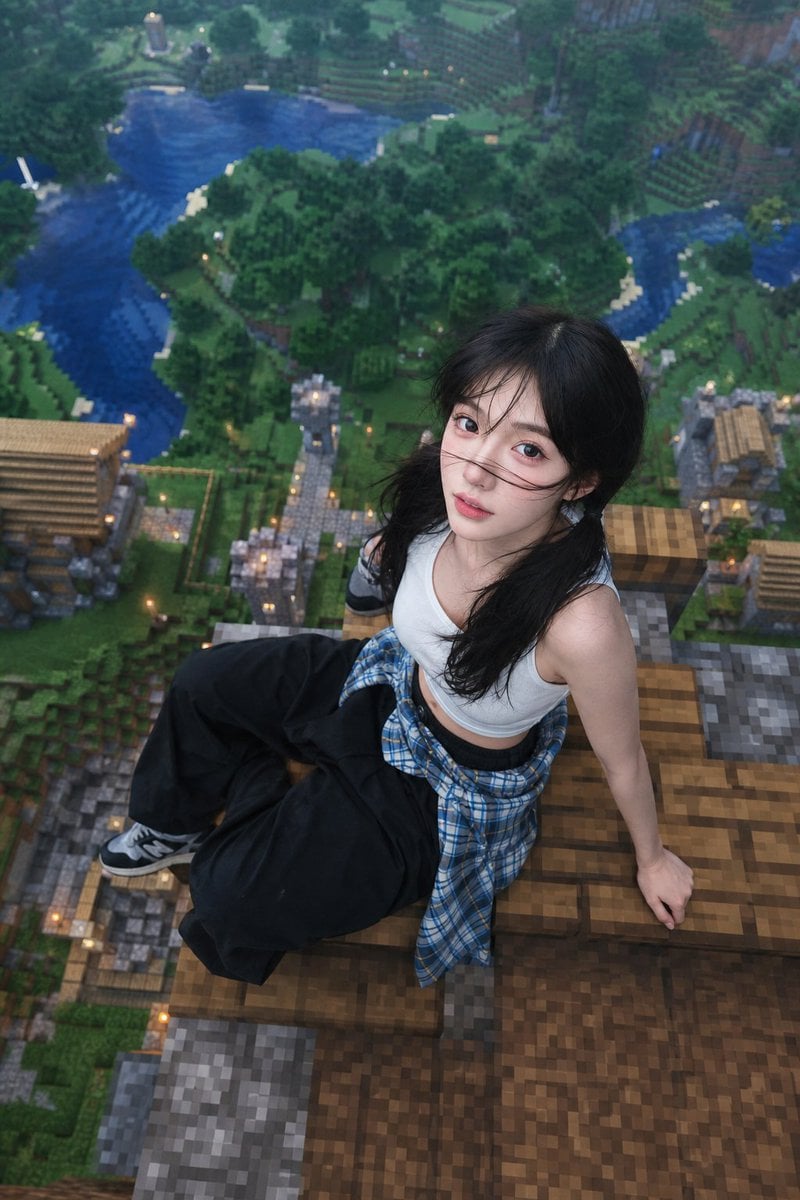
Minecraft Rooftop Aerial Portrait
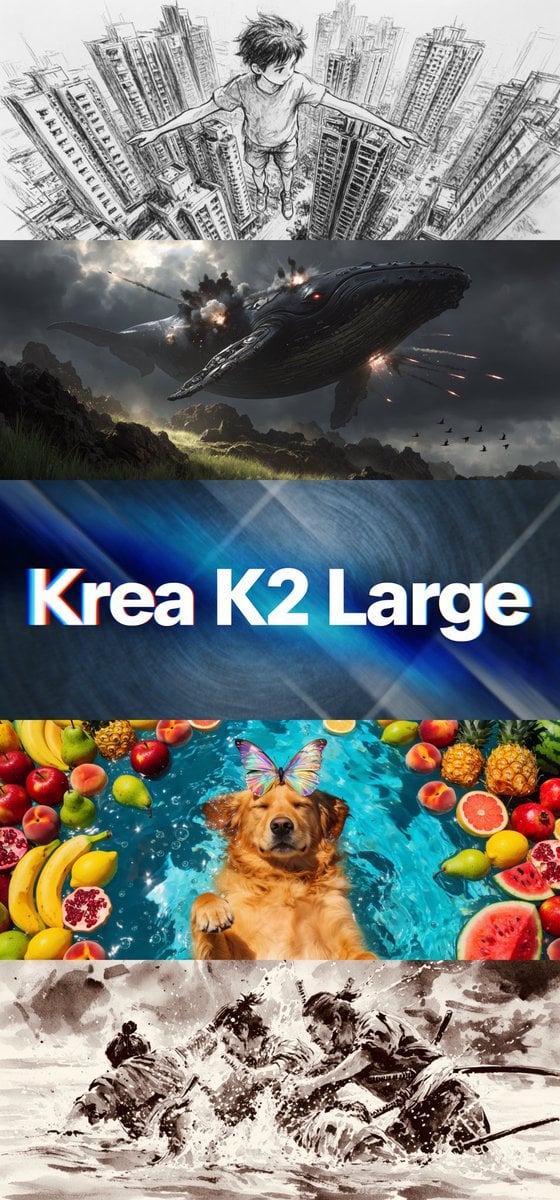
Krea K2 Large Five-Panel Showcase
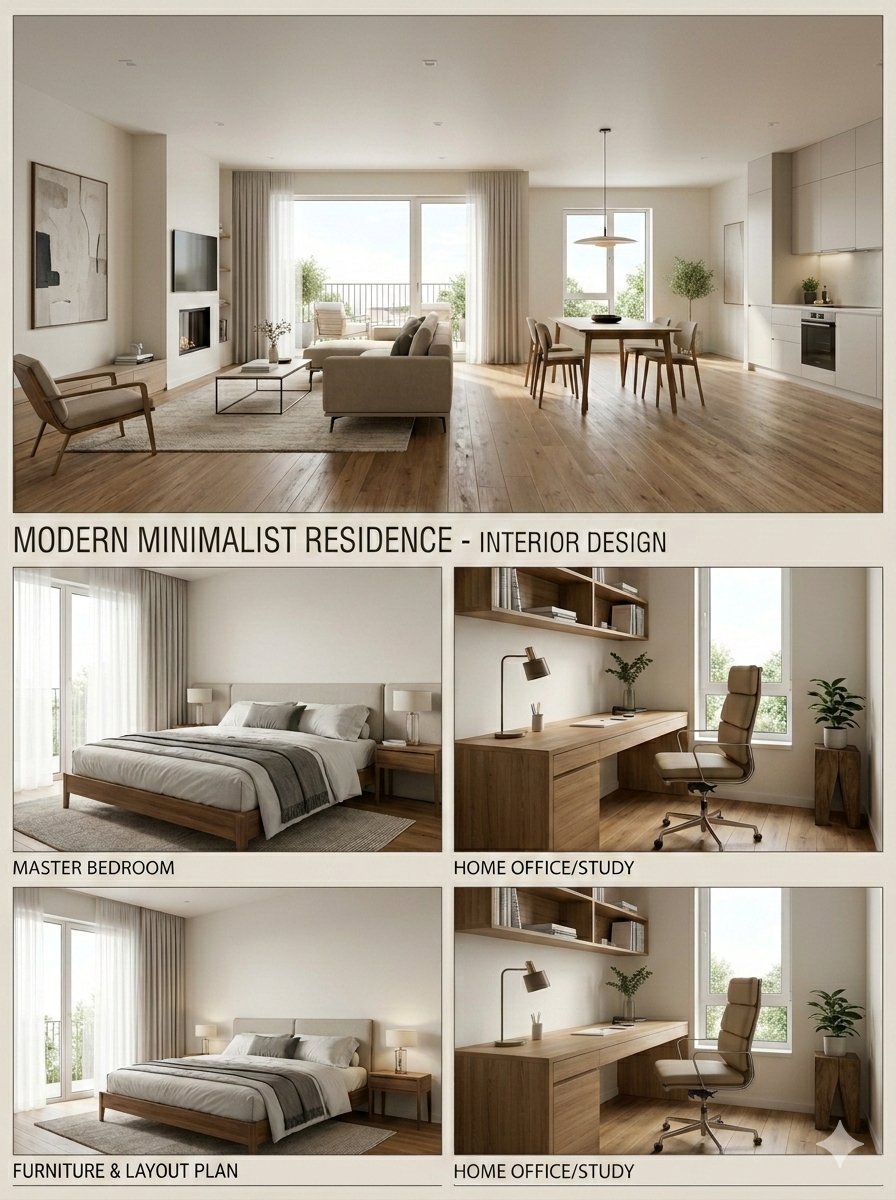
Interior Design Presentation Board
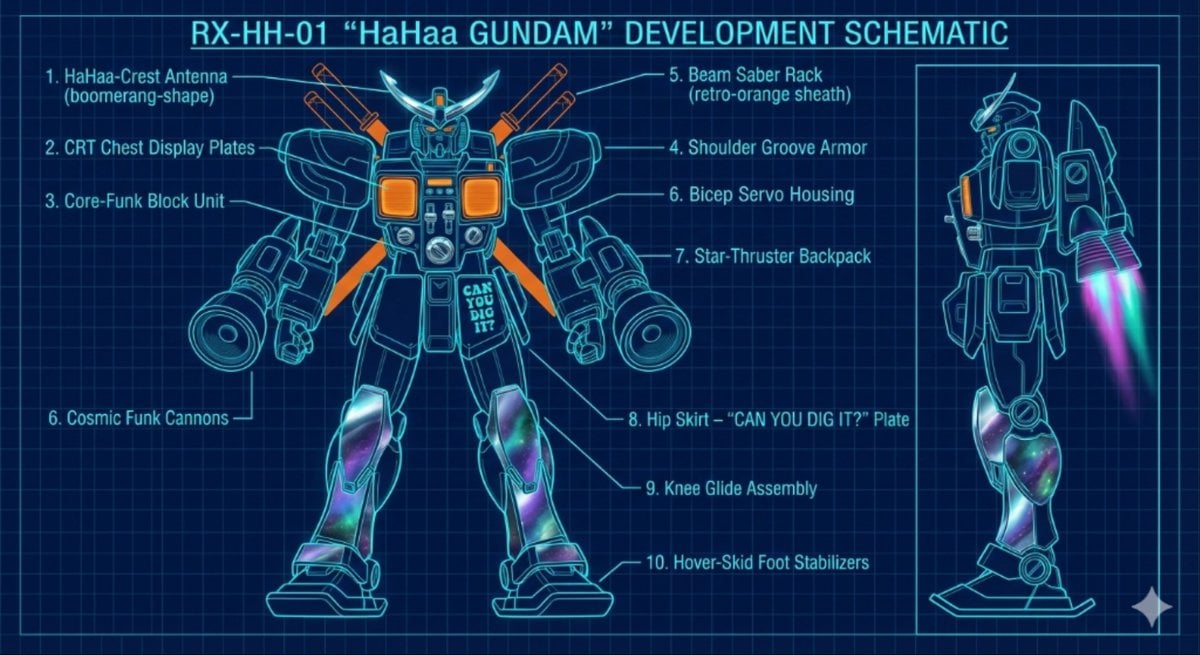
HaHaa Gundam blueprint concept
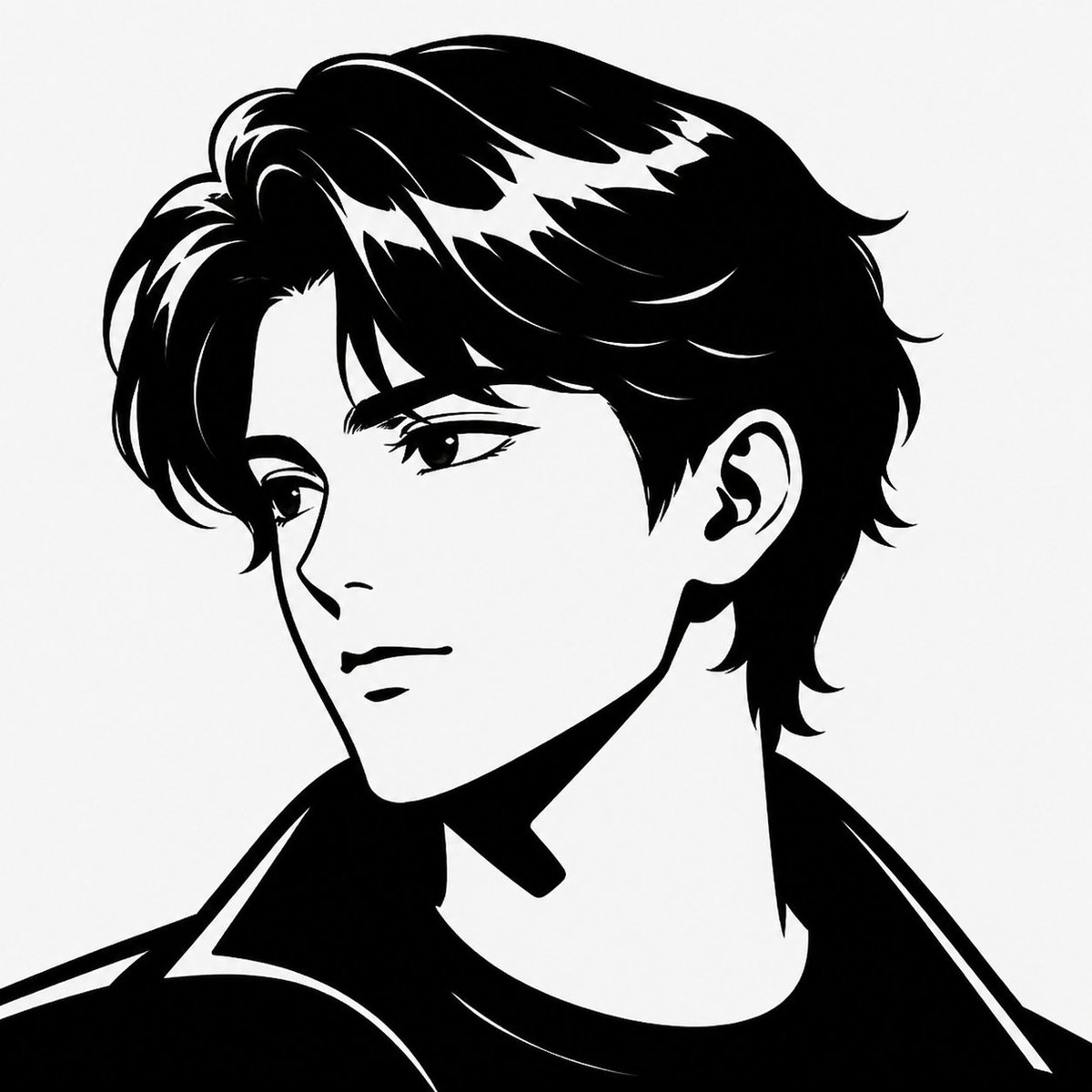
Minimalist Black White Male Silhouette
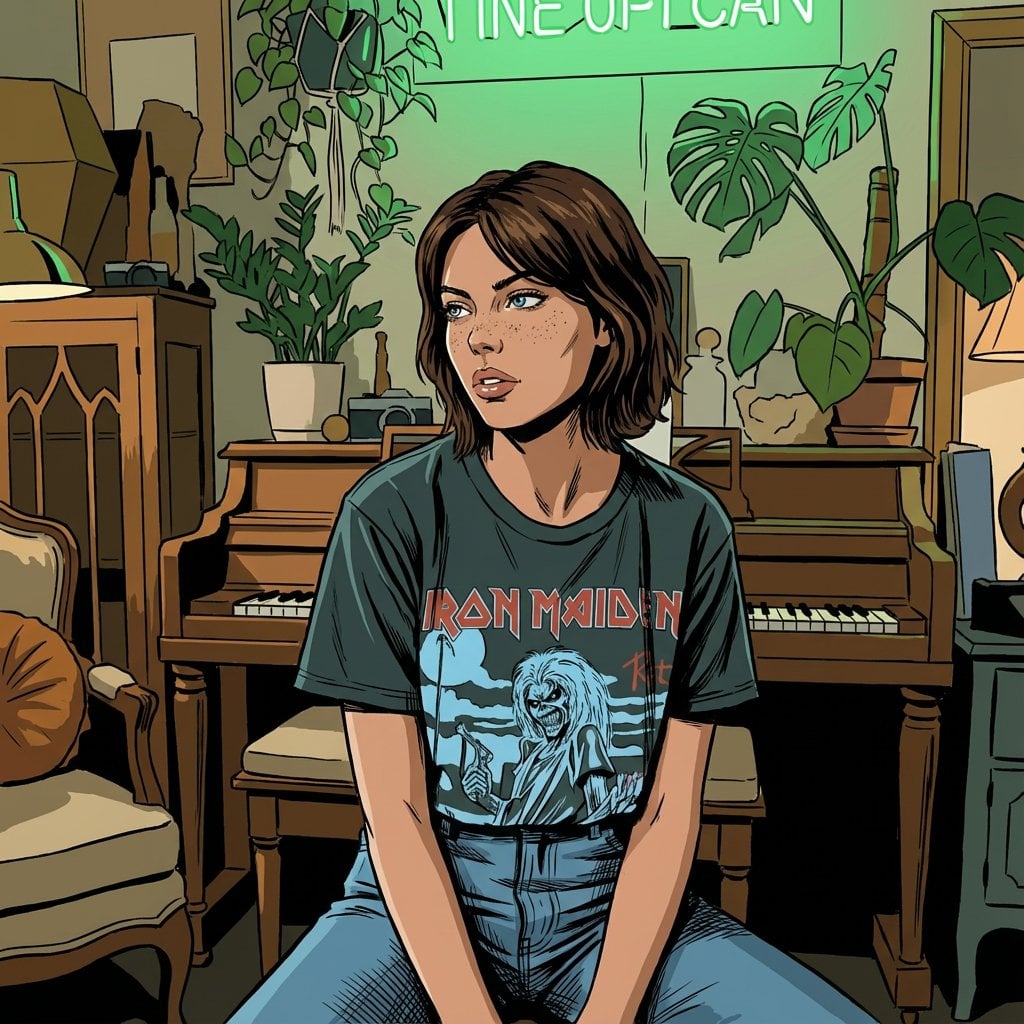
Classic Comic Book Panel Style
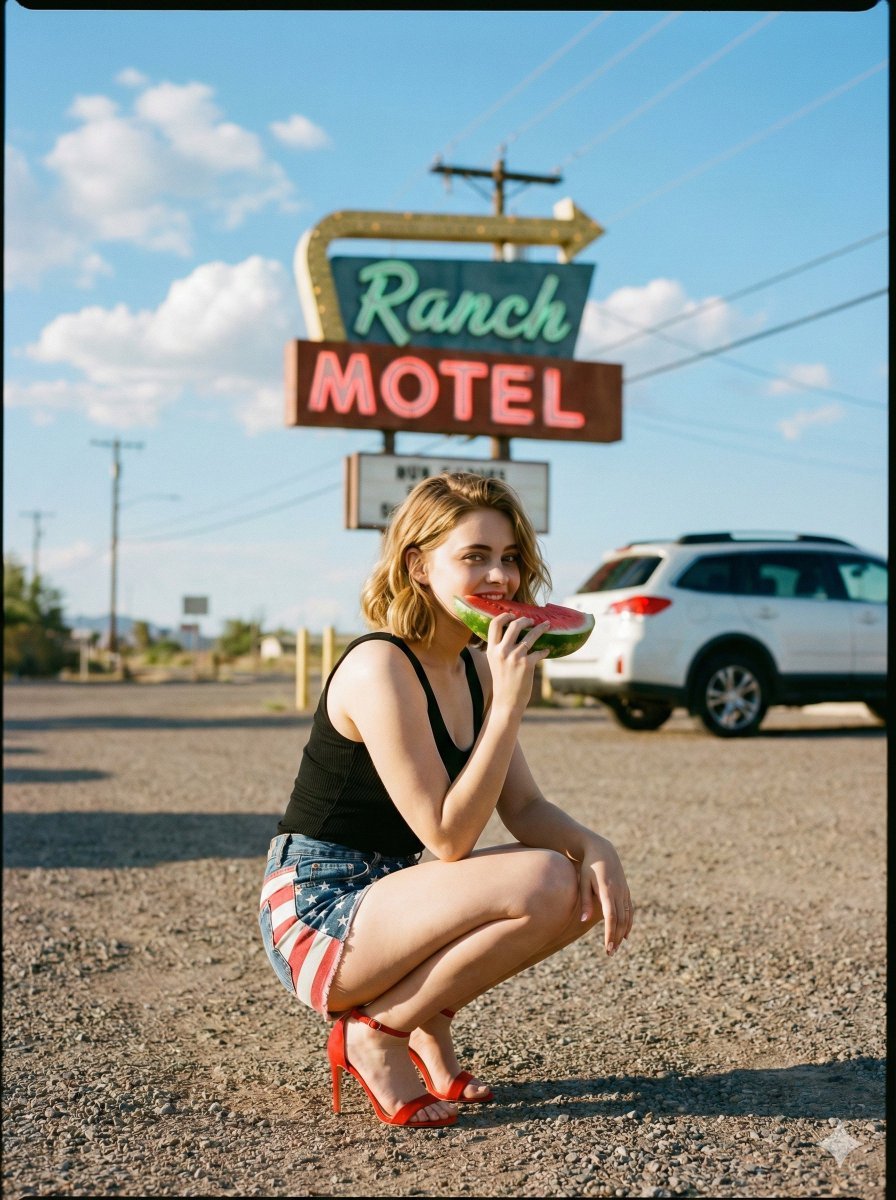
Americana Road Trip Editorial Fashion Prompt
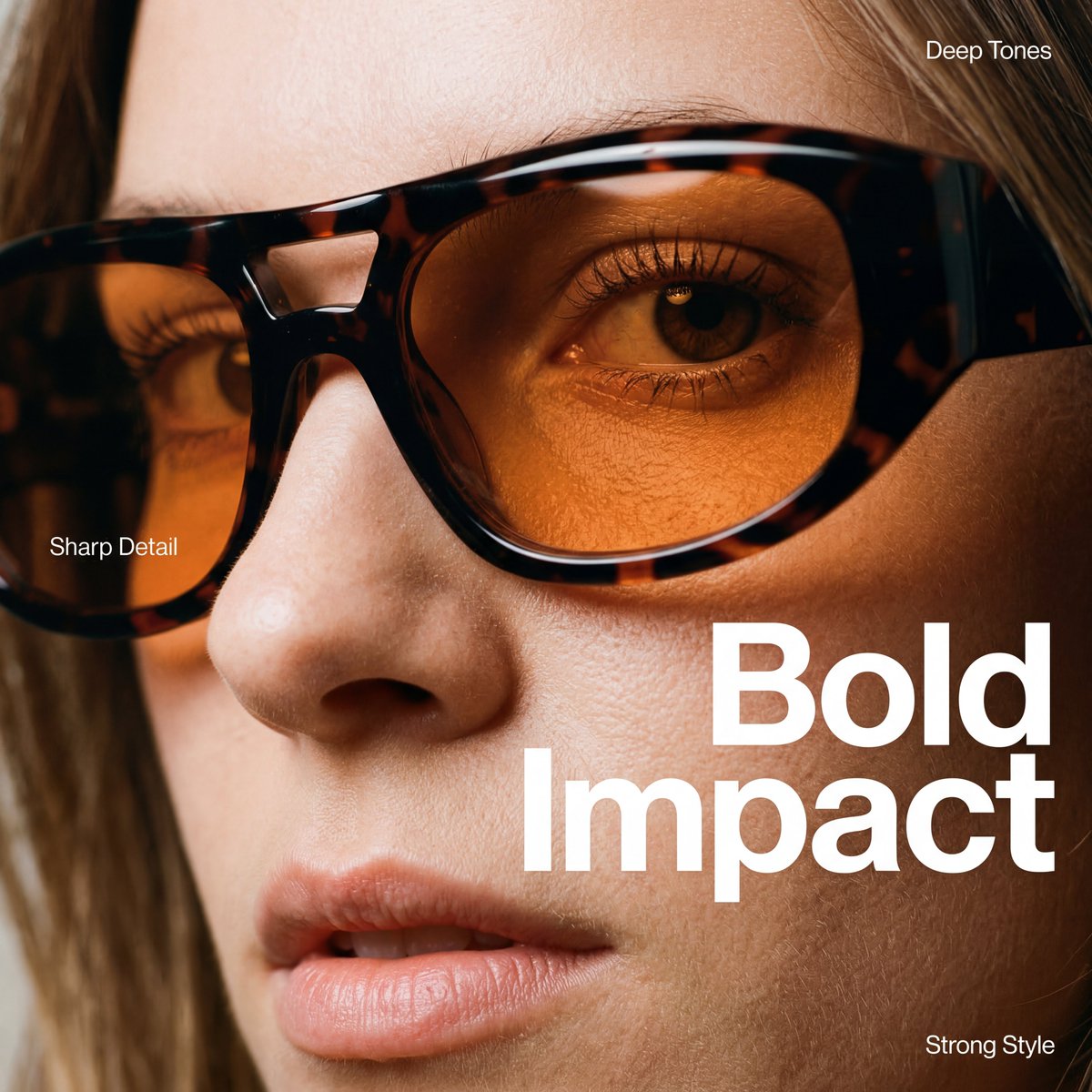
High-Fashion Eyewear Editorial Close-Up Prompt
Browse template categories
Elegant Minimalist Product Photography questions
How do I use the Elegant Minimalist Product Photography template?
Add your photo if the template asks for one, edit the prompt if you like — the template's model and format are already selected — and press Generate. Your version opens in PicX Studio.
Can I customize the Elegant Minimalist Product Photography template?
Yes. You can change the subject, setting, lighting, mood, format, and available model controls before creating your image.
Is the Elegant Minimalist Product Photography template free?
Opening and editing this template is free. Generating uses credits, shown on the Generate button when you are signed in.
Which AI model should I use?
Choose a compatible model in PicX Studio based on the style, speed, and output controls your project needs.
Looking for something else? Browse all templates.

Your photo, any look
Thousands of ready templates for every top image and video model, from one credit balance.