
Minecraft Rooftop Aerial Portrait
A creative prompt blending a photorealistic human subject with a blocky, authentic Minecraft environment from a high-angle drone perspective.
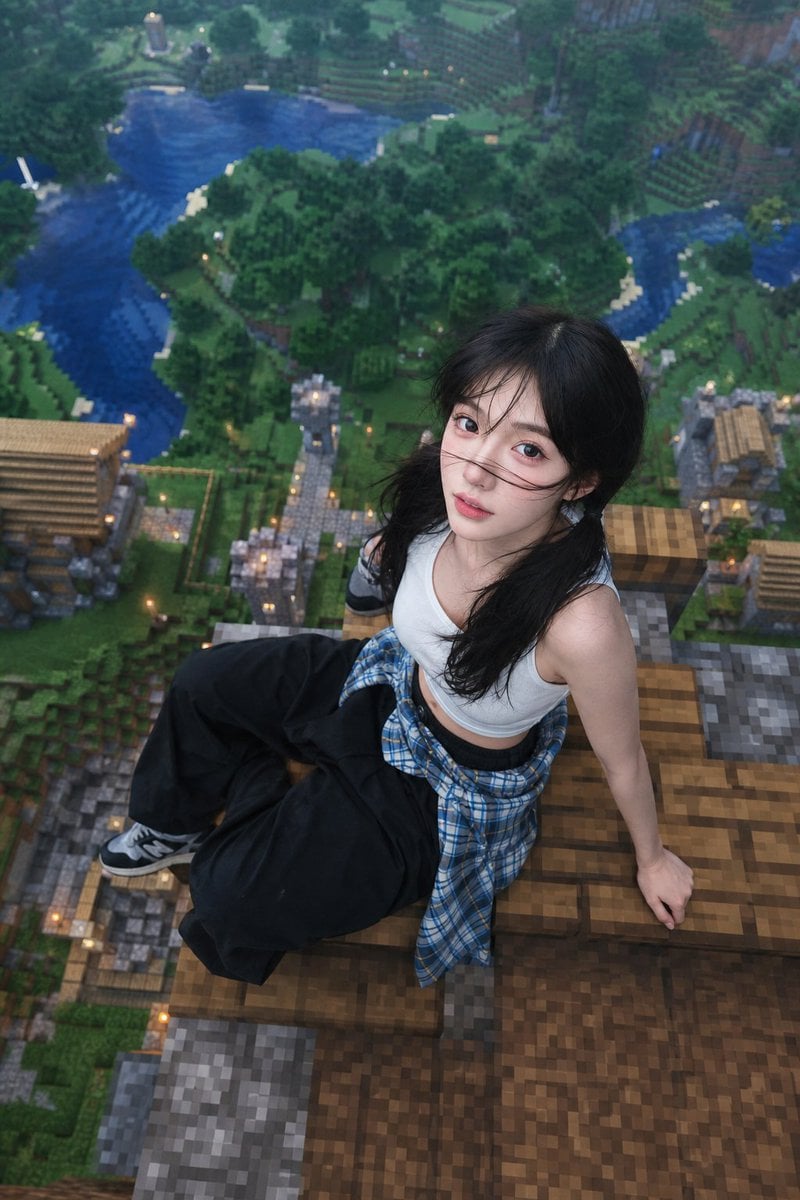
- Prompt included
- Model and format preset
- Free template
The prompt behind this image
Copy the exact prompt behind Minecraft Rooftop Aerial Portrait, or open it in the studio and make it yours.
Use the provided face as the primary identity. Preserve exact facial structure, proportions, eyes, nose, lips, and natural skin texture. Do not alter identity. A highly realistic photo of a {argument name="subject" default="young woman"} sitting on top of a {argument name="structure" default="Minecraft-style house roof"}, viewed from a high aerial perspective. The environment is a vast Minecraft world with blocky forests, rivers, and villages far below, rendered in authentic Minecraft style (pixelated textures, cubic geometry). Subject: - Female sitting casually on the edge of the roof - Natural relaxed pose, slightly leaning back with one hand supporting body - Looking up toward the camera (top-down drone angle) - Expression slightly open mouth / candid / playful Outfit: - White sleeveless top - Long sleeve flannel shirt tied around the waist - Black oversized pants - Casual streetwear vibe Style & Rendering: - Face and body must be photorealistic (real human skin, natural lighting) - Environment fully Minecraft style (blocky, pixel textures) - Seamless blend between realistic subject and game world - Soft daylight, slightly hazy distance, cinematic depth - High detail, sharp focus on subject, background slightly blurred (depth of field) Composition: - Subject centered on rooftop - Roof clearly Minecraft block style - Extreme height feeling (ground very far below) - Slight wide-angle lens effect Quality: ultra realistic, 4k, high detail, cinematic lighting, photorealistic skin texture, no cartoon face, no distortion, no extra limbs
Reference images included
Minecraft Rooftop Aerial Portrait needs input media to work. They load alongside the prompt when you open it in the studio.
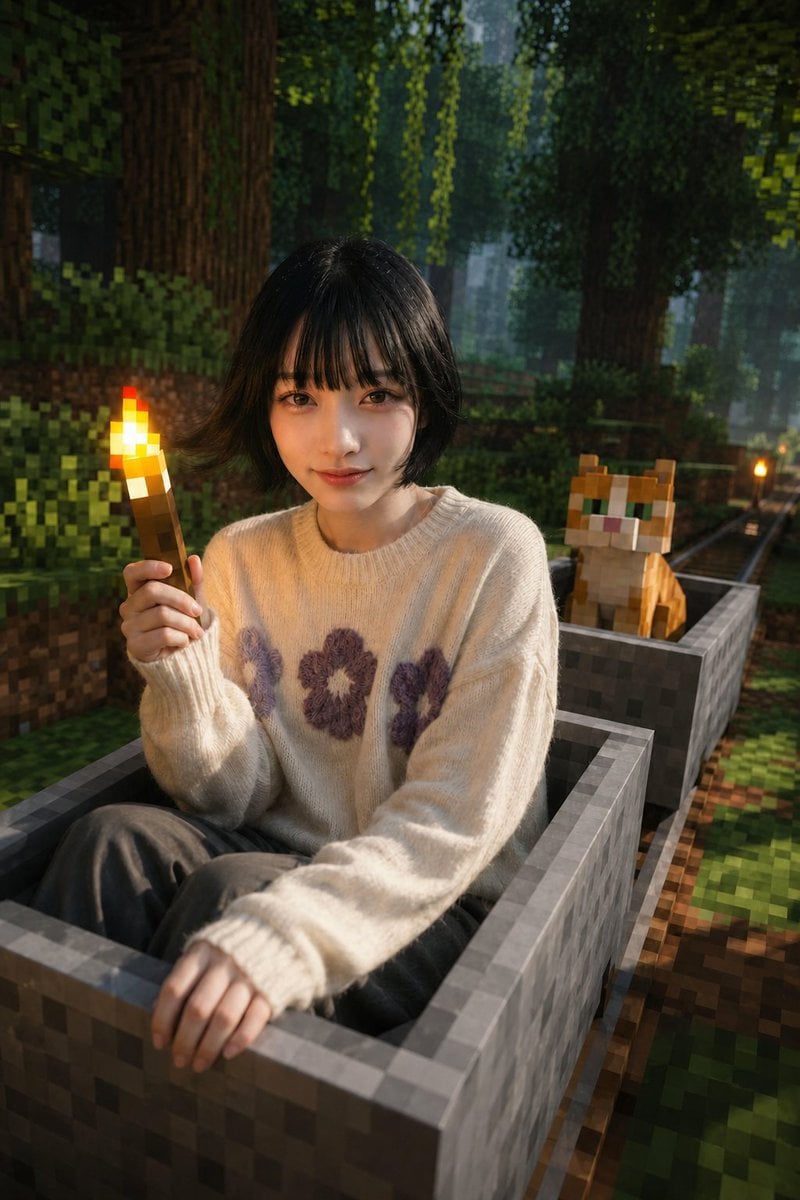
How to use Minecraft Rooftop Aerial Portrait in 3 steps
- 1Upload ImagePNG, JPG or paste
Add your photo
Upload the photo the template builds on. The prompt, model and format are already set.
- 2…a portrait of your subject in softgolden-hour light, 85mm…
Personalize
Edit the subject and creative details for your destination.
- 3Generate
Generate
Press Generate — your image is created in PicX Studio, so you can compare it with the original and refine one variable at a time.
More like this
Templates with the same subject, style or setup. Open one to see its prompt.

Hyper-Realistic Minecraft POV Portrait

Rooftop Fisheye — Cat-Ear Balaclava at Golden Hour

Minecraft You Died Winter Death Screen

Photoreal Selfie Minecraft Block World
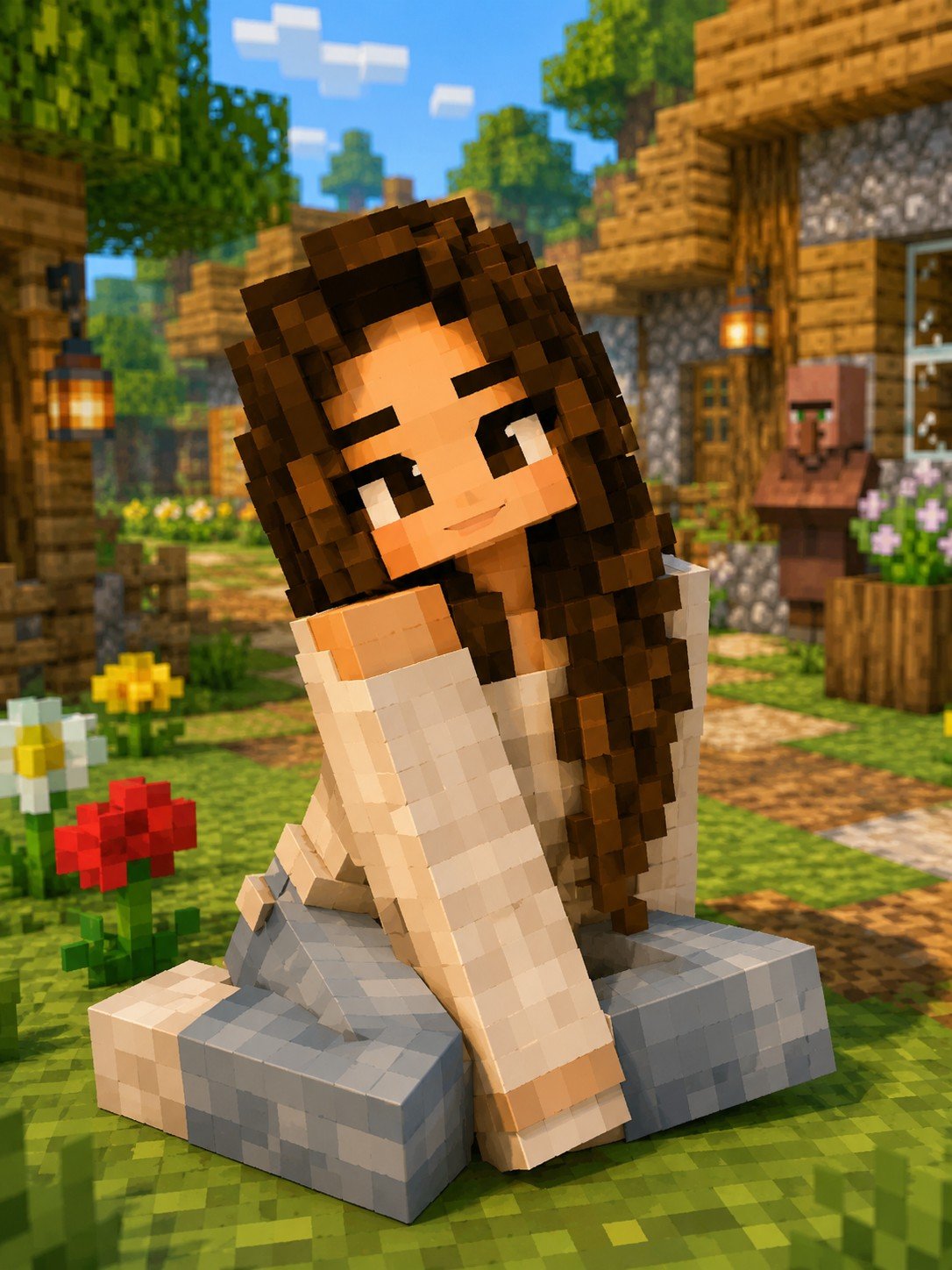
Minecraft Voxel Character Village Portrait

If We Met in 1985

Found Photograph: Us, 1970

80s Couple Studio Portrait

80s Bollywood Star

80s Golden Hour Cinema

Me in 1985

1985 Studio Portrait
Make it yours
Minecraft Rooftop Aerial Portrait works as-is. These are the safest ways to change it without losing the look.
Change one field
Copy a single group, rewrite it, and generate again so you can see what that field is doing.
Keep the frame, change the subject
Hold the composition and light of Minecraft Rooftop Aerial Portrait, then swap wardrobe, props or the person for a new take.
| If the result… | Why | Fix |
|---|---|---|
| The result drifts from the preview | Too many fields changed at once. | Reuse Minecraft Rooftop Aerial Portrait as-is first, then change one group — subject, light, or setting. |
| The model over-stylizes the scene | The prose prompt leaves finish and camera underspecified. | Add one camera or lighting sentence and stay on GPT Image 2. |
More GPT Image 2 templates
Other prompts made for GPT Image 2.

Six VTuber Japanese Logo Sheet

Realistic Portrait of Woman and Deer

The Vista Modular Condo Poster

AI Model Routing Comparison Infographic

2.5D Anime Art Board

Isometric Productivity Desk Scene

New York Double Exposure Poster

Four-Panel AI Landscape Comparison

Japanese Tatami Lifestyle Magazine Cover

NESCAFÉ Coffee Map Poster
More image prompts
Fresh picks from across the catalog.

Forensic Luxury Disassembly Poster
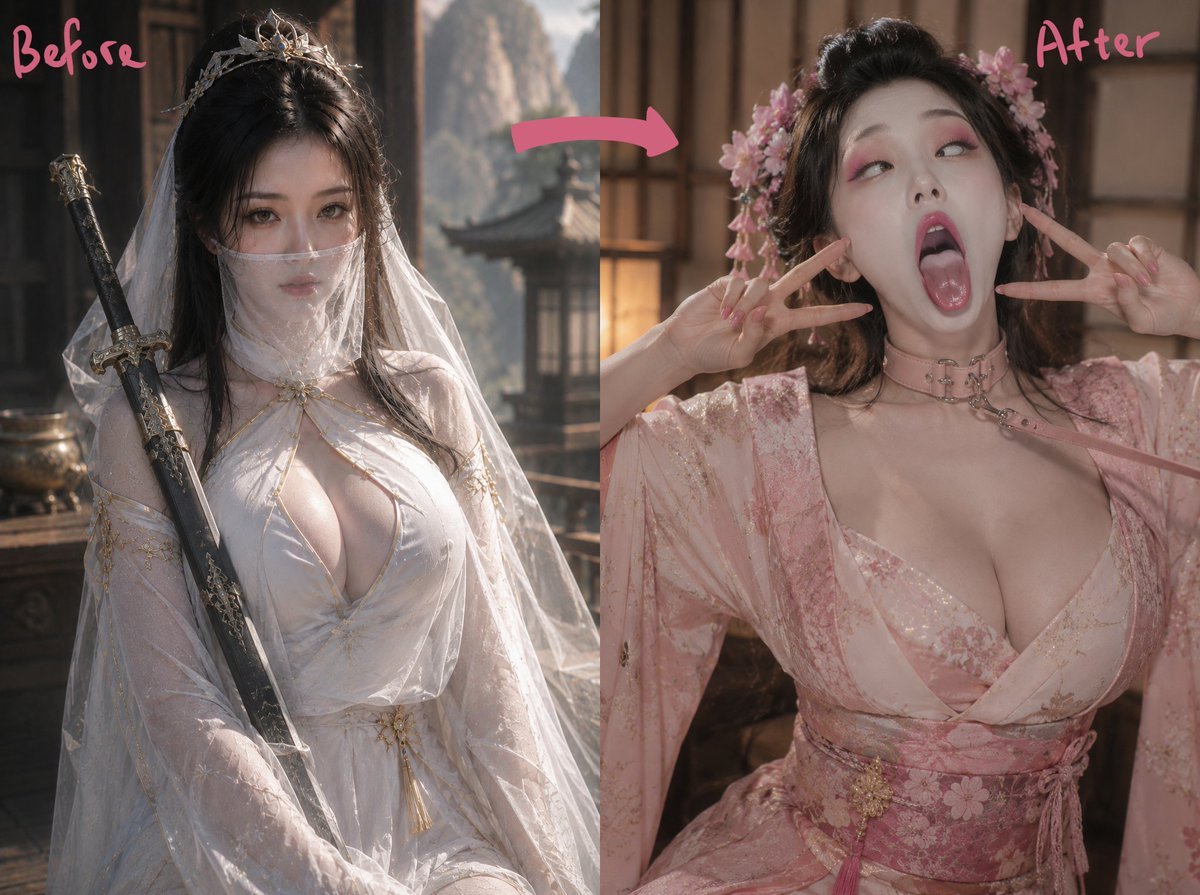
Ancient Fantasy Before After Diptych
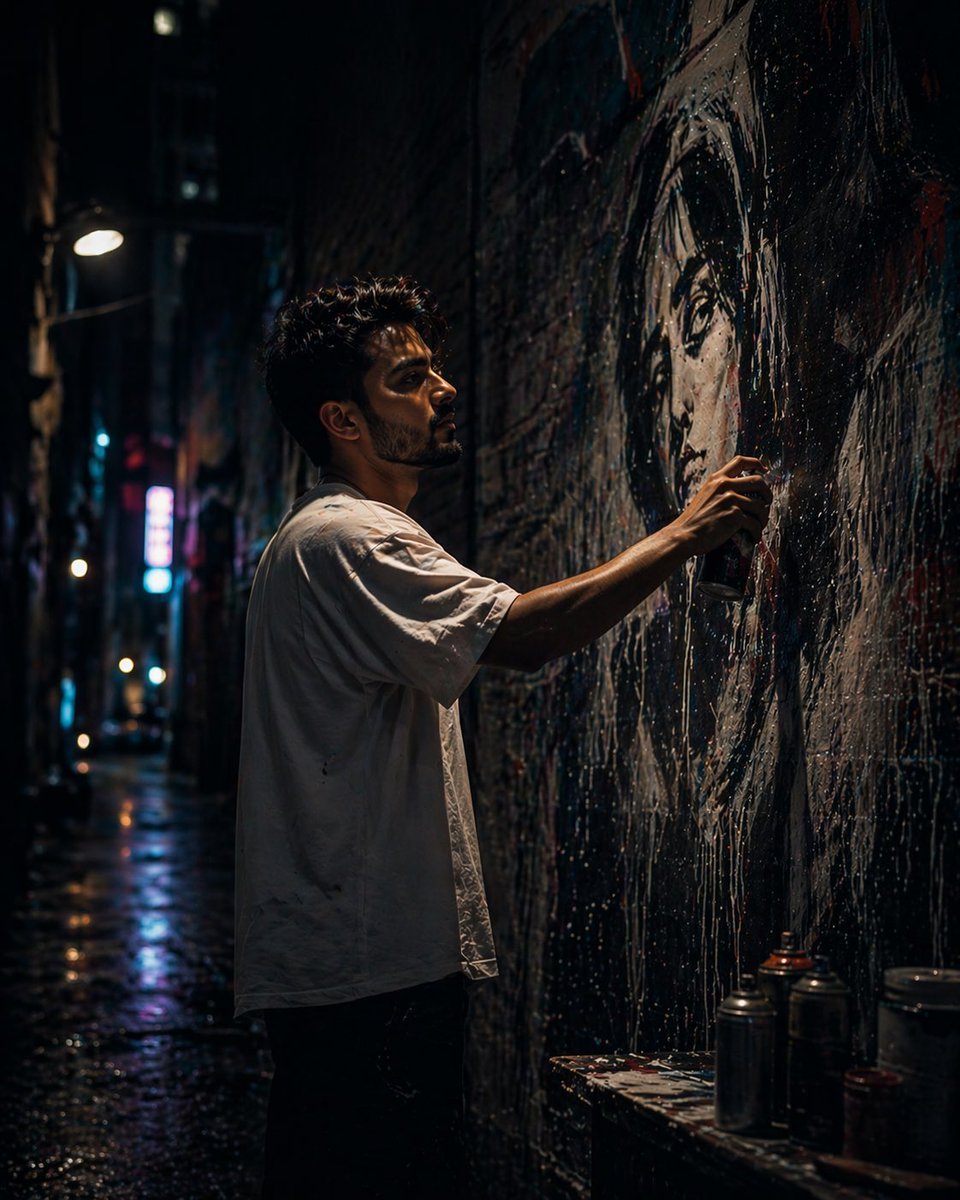
Gpt2 Comic Storyboard Urban Alley Mural Artist
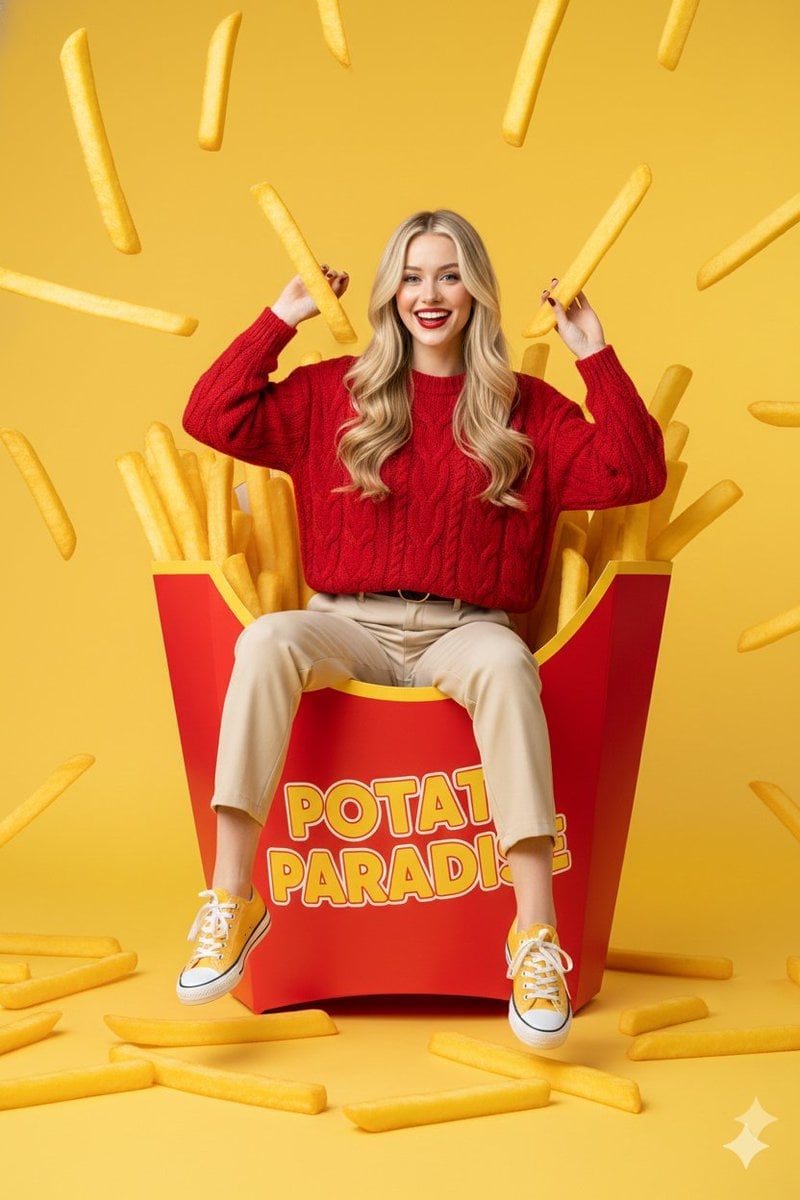
Surreal Commercial Photography: Woman in Giant French Fry Carton
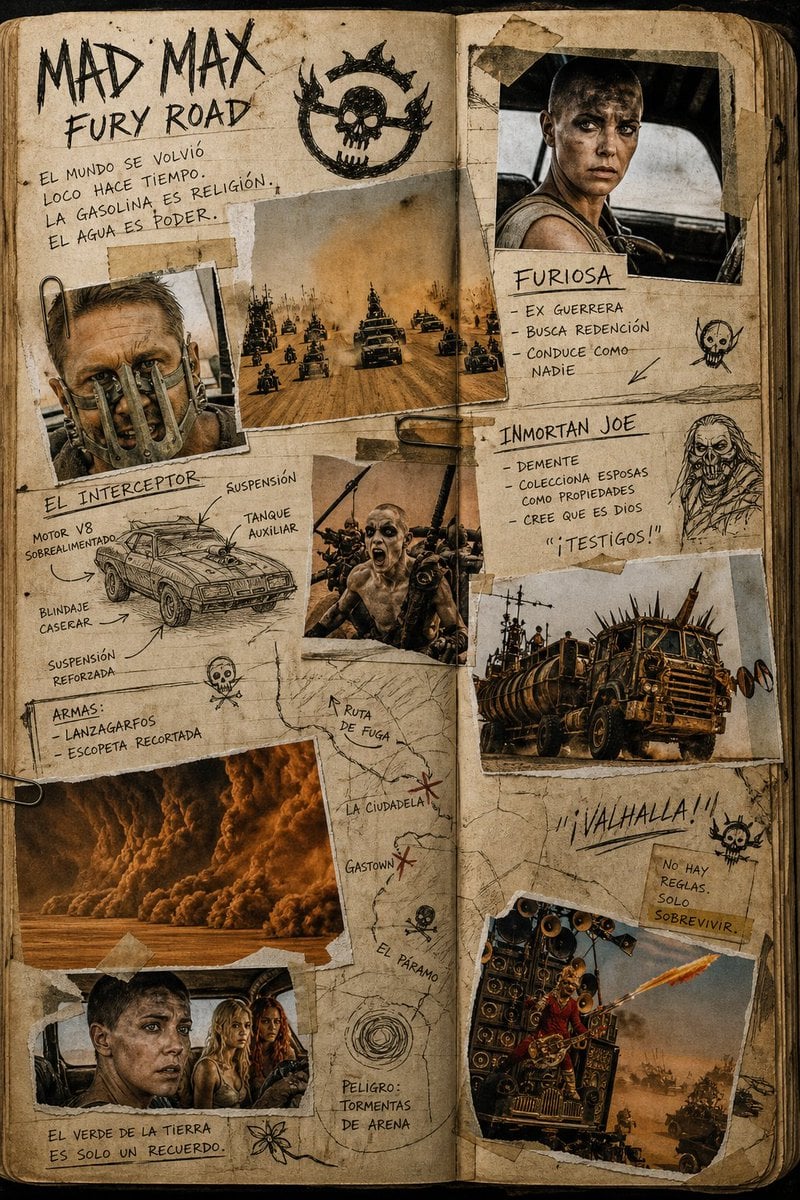
Mad Max Journal Scrapbook Style
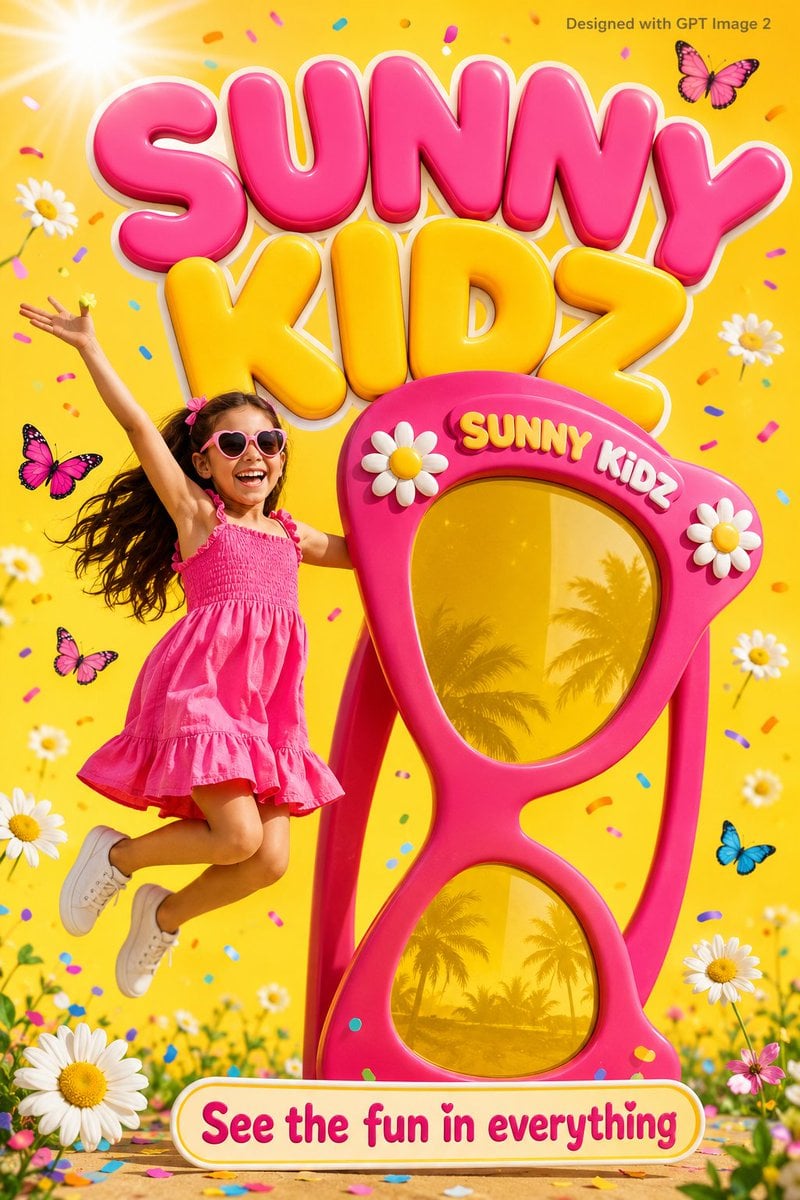
Colorful Kids Advertising Poster

Cozy Lavender Catgirl Portrait
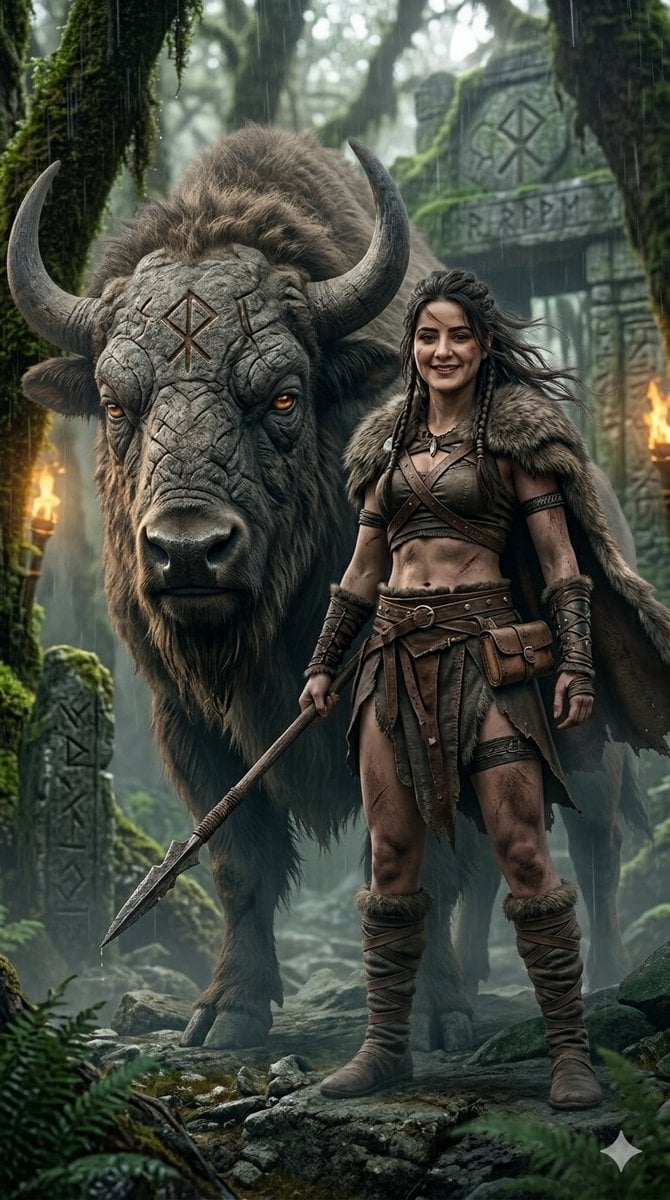
Fantasy Huntress and Ancient Beast
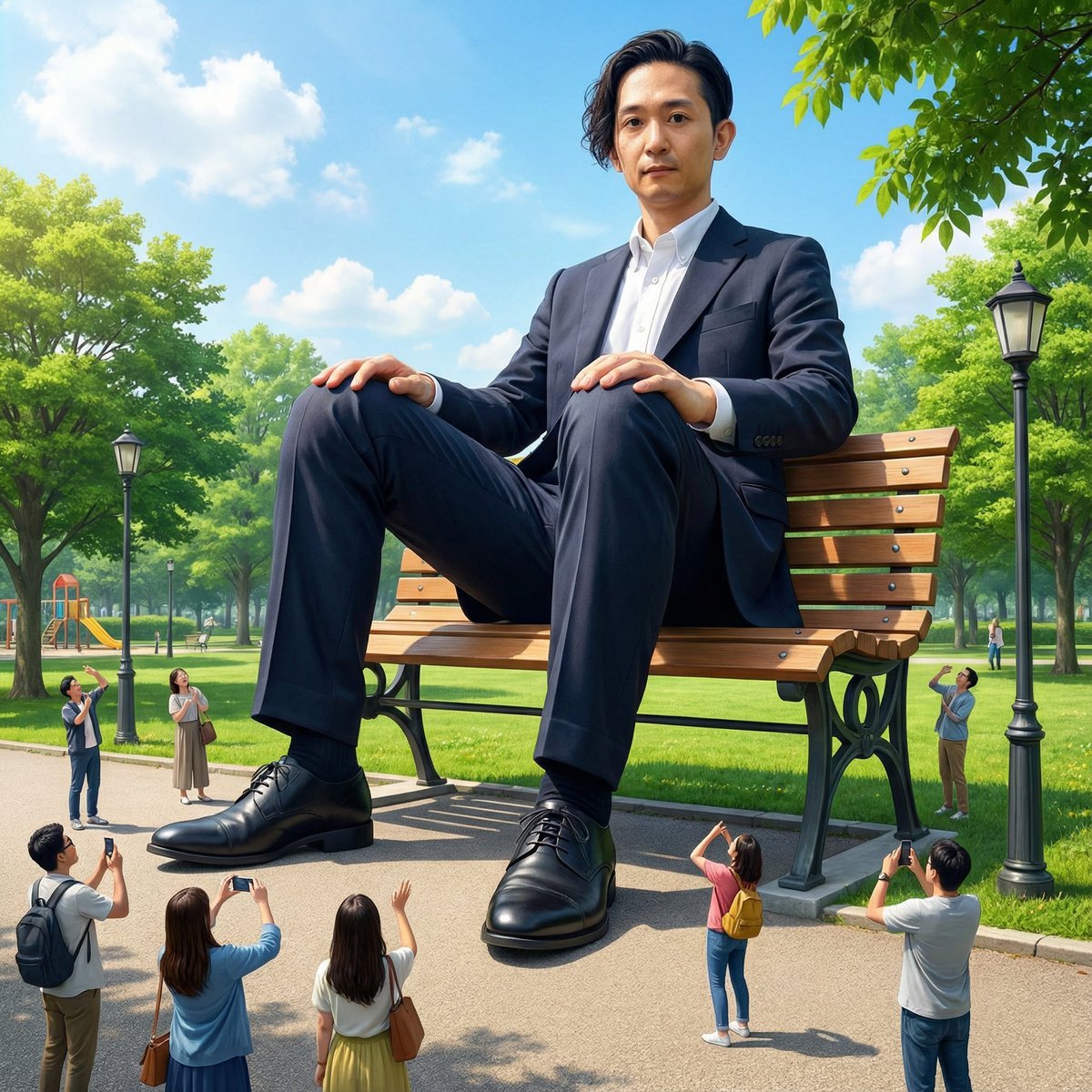
Giant Self on a Bench Prompt
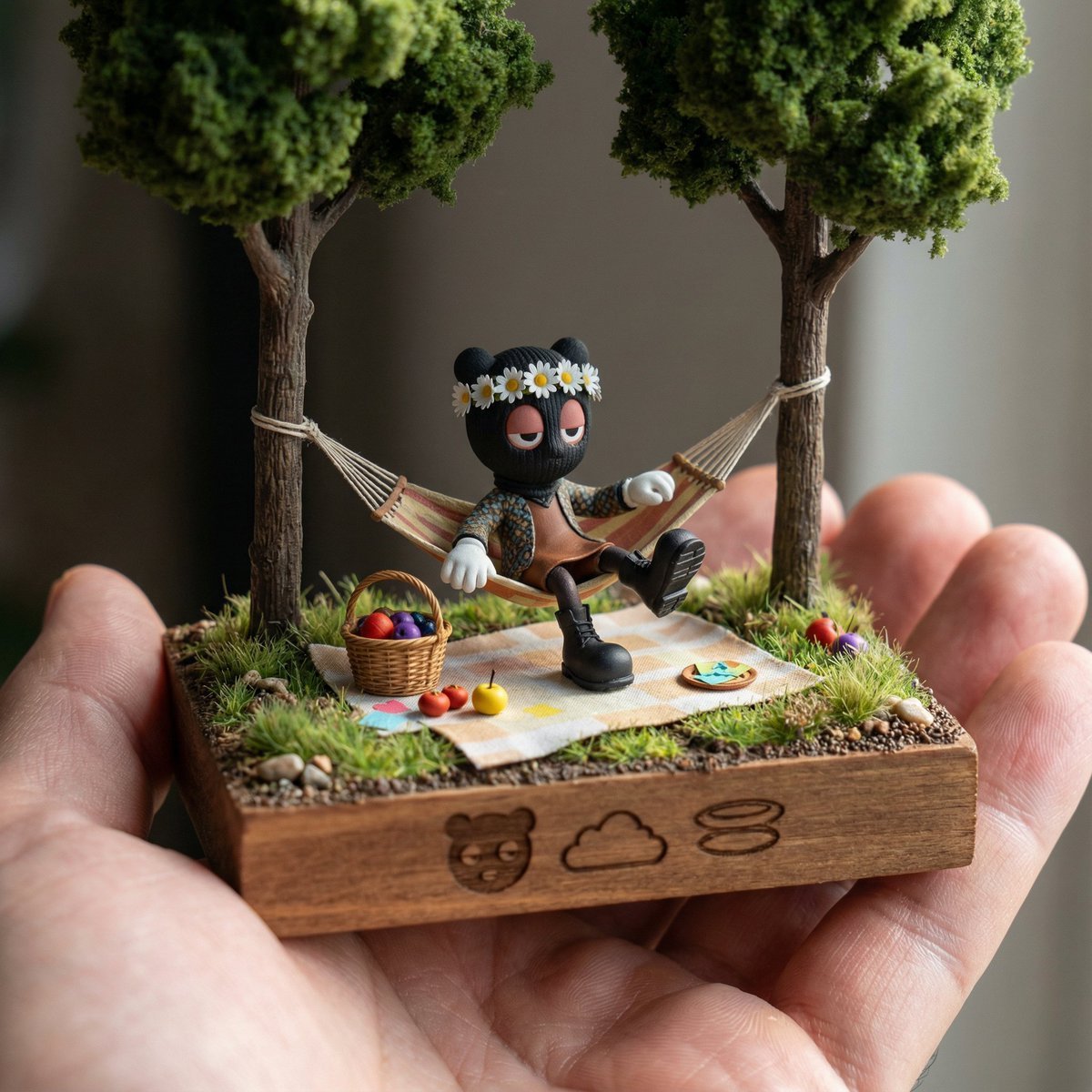
Diorama Reinterpretation Prompt
Browse template categories
Minecraft Rooftop Aerial Portrait questions
How do I use the Minecraft Rooftop Aerial Portrait template?
Add your photo if the template asks for one, edit the prompt if you like — the template's model and format are already selected — and press Generate. Your version opens in PicX Studio.
Can I customize the Minecraft Rooftop Aerial Portrait template?
Yes. You can change the subject, setting, lighting, mood, format, and available model controls before creating your image.
Is the Minecraft Rooftop Aerial Portrait template free?
Opening and editing this template is free. Generating uses credits, shown on the Generate button when you are signed in.
Which AI model should I use?
Start with GPT Image 2, which is the model associated with this template. You can compare another compatible model for a different finish.
Looking for something else? Browse all templates.

Your photo, any look
Thousands of ready templates for every top image and video model, from one credit balance.