How do I use the Cosmetic Product Photography template?
Choose the primary action to open PicX Studio with the available template settings. Review the model and format, personalize the creative direction, and generate when ready.
A ready image prompt for PicX Studio. Change the subject, setting, or lighting one variable at a time.

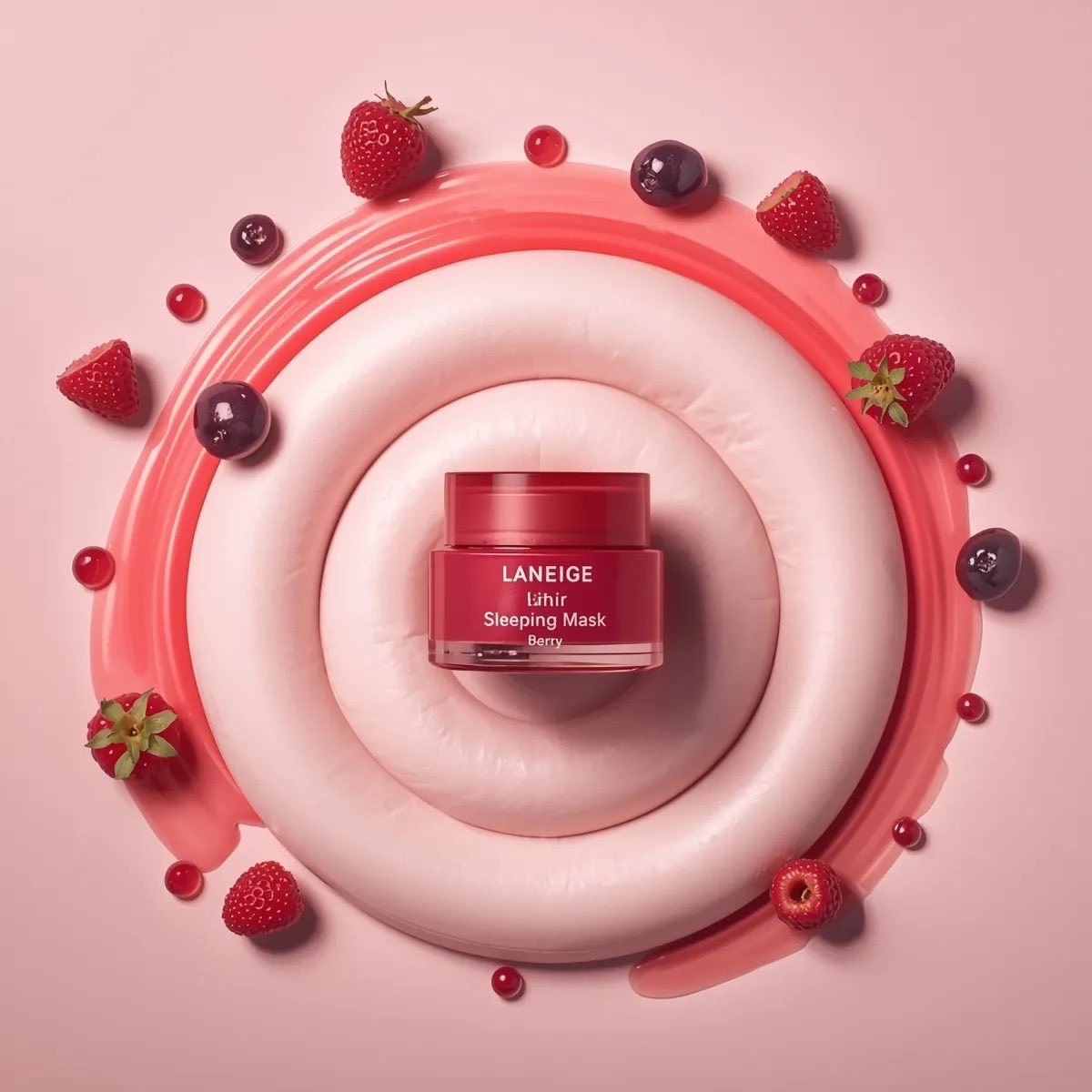
Create an ultra-realistic, high-end cosmetics product photo featuring a [PRODUCT NAME] from [BRAND NAME], embedded inside a dramatic swirl of [DESSERT BASE], with dripping [SYRUP COLOR] syrup, dark lighting, and premium editorial styling. MAIN PRODUCT (EXTREME REALISM): A [FINISH TYPE: matte/glossy/metallic] [PRODUCT NAME] tube in [PRODUCT COLOR]. Positioned at a sharp diagonal angle, partially inserted into the [DESSERT BASE]. Accurate product material: [MATTE/SHINY/SEMI-MATTE] finish with realistic reflections. Crisp, sharp [BRANDING TEXT] clearly visible. Fine product labeling should be perfectly rendered and readable. Tube must look physically embedded with natural pressure marks, shadows, and slight indentation in the dessert texture. DESSERT STRUCTURE (HIGH DETAIL): A tall, sculpted swirl of [DESSERT BASE: whipped cream, gelato, mousse, frosting], with dramatic folds and deep ridges. Extremely realistic texture: airy, layered peaks and natural curves. Soft and matte areas mixed with slight glossy highlights for food-photography realism. Shadows inside folds for depth and dimensionality. SYRUP DRIZZLE (SIGNATURE ELEMENT): [SYRUP COLOR] syrup pouring from above, captured mid-air in a thin, smooth stream. Syrup behavior must be realistic: spreading naturally over peaks thick drips traveling down folds small pools forming in deep ridges glossy highlights and reflections Syrup color should complement the product’s color palette for visual harmony. BACKGROUND & LIGHTING: A deep [BACKGROUND COLOR] backdrop (black/charcoal/dark gradient) for strong contrast. Professional beauty-product lighting: Soft highlights along dessert ridges Bright reflections on syrup Softbox glow along the product tube Gentle shadows behind the composition High contrast to emphasize texture and form. PHOTO STYLE & CAMERA DETAILS: Hyperrealistic 8K quality. Shallow depth of field: product and dessert razor-sharp; background falls off into soft blur. Macro-level texture fidelity: accurate reflections, micro-shadows, fine details. Zero noise, no artifacts, perfect color accuracy (especially whites, creams, and pinks). Clean, luxury beauty-campaign aesthetic. OVERALL MOOD: Luxurious and premium Dessert-inspired cosmetic artistry Minimal, dramatic, elegant No clutter or extra elements — focus entirely on product + dessert fusion
Choose the primary action to open PicX Studio with the available template settings. Review the model and format, personalize the creative direction, and generate when ready.
Yes. You can change the subject, setting, lighting, mood, format, and available model controls before creating your image.
This template is free to open and customize. Generation usage is shown in PicX Studio before you create.
Choose a compatible model in PicX Studio based on the style, speed, and output controls your project needs.
© 2026 PicX Studio. All rights reserved.

Follow a topic to a crawlable collection of related PicX Studio templates.
43,474 public templates available. Verified via the PicX Studio public templates API; refreshed hourly.
![Commercial Cosmetic Product Photography Prompt — A centrally placed pink cosmetic jar labeled “LANEIGE Lip Sleeping Mask [Berry] 3 g” sits on top of a large spi](https://pbs.twimg.com/media/HDhRyeEaIAAW8dL.jpg)











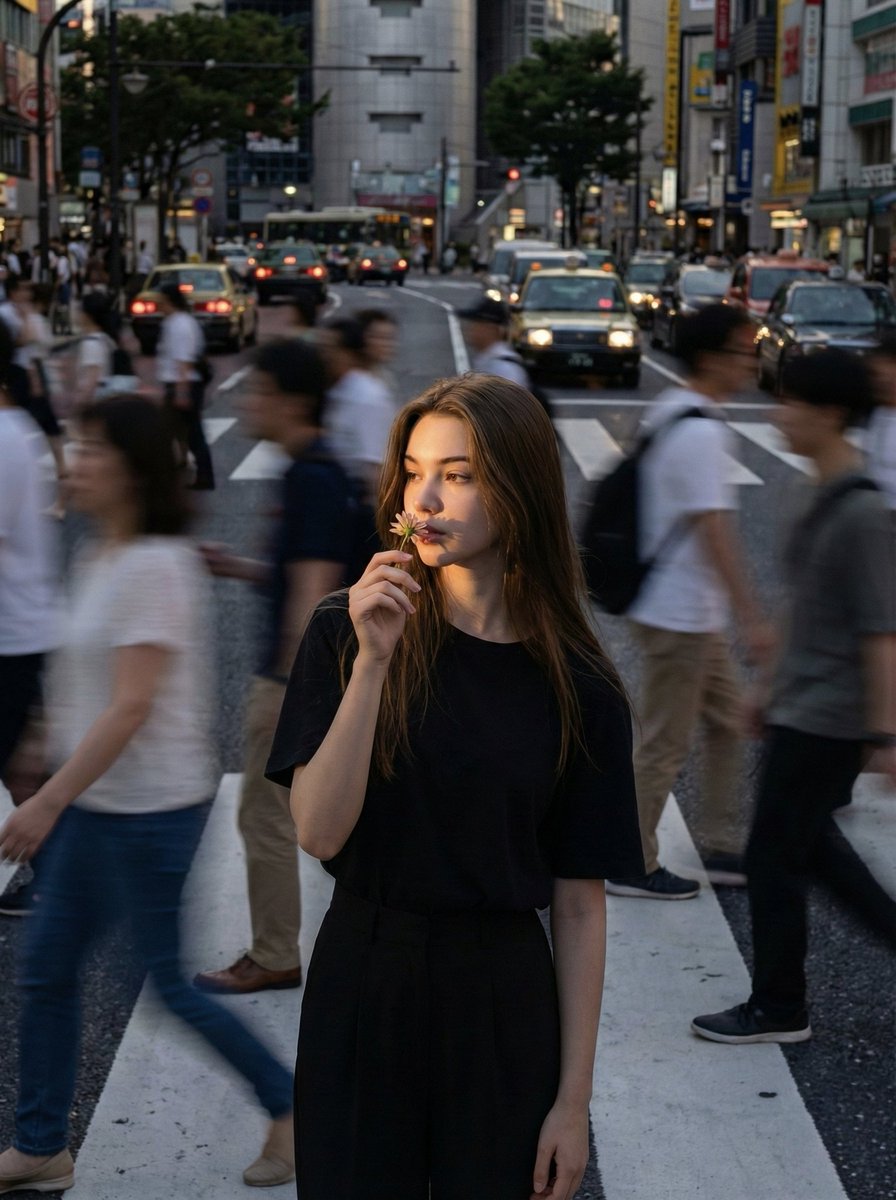






![This image into a 64K DSLR shot resolution of A stylish urban fashion — Transform this image [Upload Your Image] into a 64K DSLR shot resolution of A stylish ur](https://images.meigen.ai/tweets/2008470156146860416/0.jpg)