
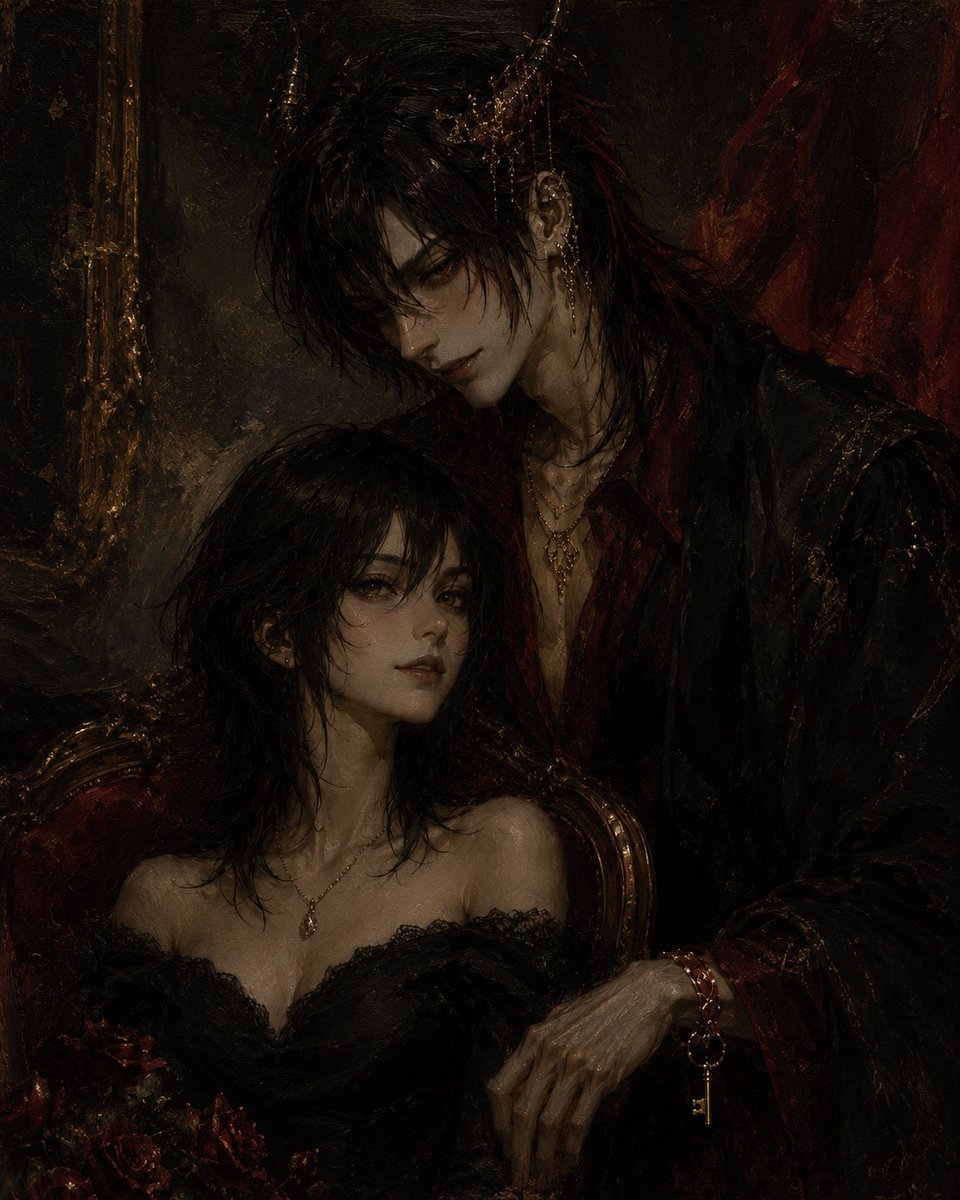
Gothic Vampire Couple Oil Portrait
A moody gothic oil-painting prompt for creating an aristocratic vampire couple portrait with censored faces and dark romantic horror styling.
- Prompt included
- Model and format preset
- Free template
The prompt behind this image
Copy the exact prompt behind Gothic Vampire Couple Oil Portrait, or open it in the studio and make it yours.
Create a dark gothic oil painting portrait in a decayed aristocratic vampire aesthetic. The composition shows exactly 2 figures: a seated young woman in the lower left foreground and a tall elegant man standing or leaning behind her on the right. Both faces are deliberately obscured by flat, opaque dark-brown rectangular censor blocks, one rectangle centered over the man’s face and one narrower vertical rectangle over the woman’s face. The man is tall and gaunt with pale skin, long messy {argument name="hair color" default="black hair with deep crimson streaks"}, ornate gold hair jewelry and chains near his temple, a visible pointed ear with dangling earrings, layered gold necklaces, and a black velvet coat over a dark red open-collar shirt. His right hand rests in the lower right foreground, thin and skeletal, wearing a red bracelet with a dangling gold key charm. The woman has pale skin, shoulder-length wet-looking black hair, bare shoulders, a black lace off-shoulder dress with a low neckline, a small gold pendant necklace, and a bouquet of dark red roses at the bottom left. Place her in an antique red-and-gold chair while the man looms protectively behind her. The background is a shadowy old interior with a tarnished gold frame or mirror edge on the left and deep red drapery on the right. Use a moody chiaroscuro palette of black, umber, burgundy, tarnished gold, and sickly pale flesh tones, with thick painterly brush texture, high detail, romantic horror atmosphere, Victorian decadence, and no visible text. Overall mood: beautiful, ominous, intimate, and cursed.
How to use Gothic Vampire Couple Oil Portrait in 3 steps
- 1Upload ImagePNG, JPG or paste
Add your photo
Upload the photo the template builds on. The prompt, model and format are already set.
- 2…a portrait of your subject in softgolden-hour light, 85mm…
Personalize
Edit the subject and creative details for your destination.
- 3Generate
Generate
Press Generate — your image is created in PicX Studio, so you can compare it with the original and refine one variable at a time.
More like this
Templates with the same subject, style or setup. Open one to see its prompt.

Found Photograph: Us, 1970

80s Couple Studio Portrait

Cinema Date Popcorn Realistic By Nano Ba

Enchanted Forest Root Kiss Scene By Nano

Romantic Cinematic Still of a Couple in

Nano Banana Pro Photoreal Playful Couple

Couple Goals from the Google Gemini Nano
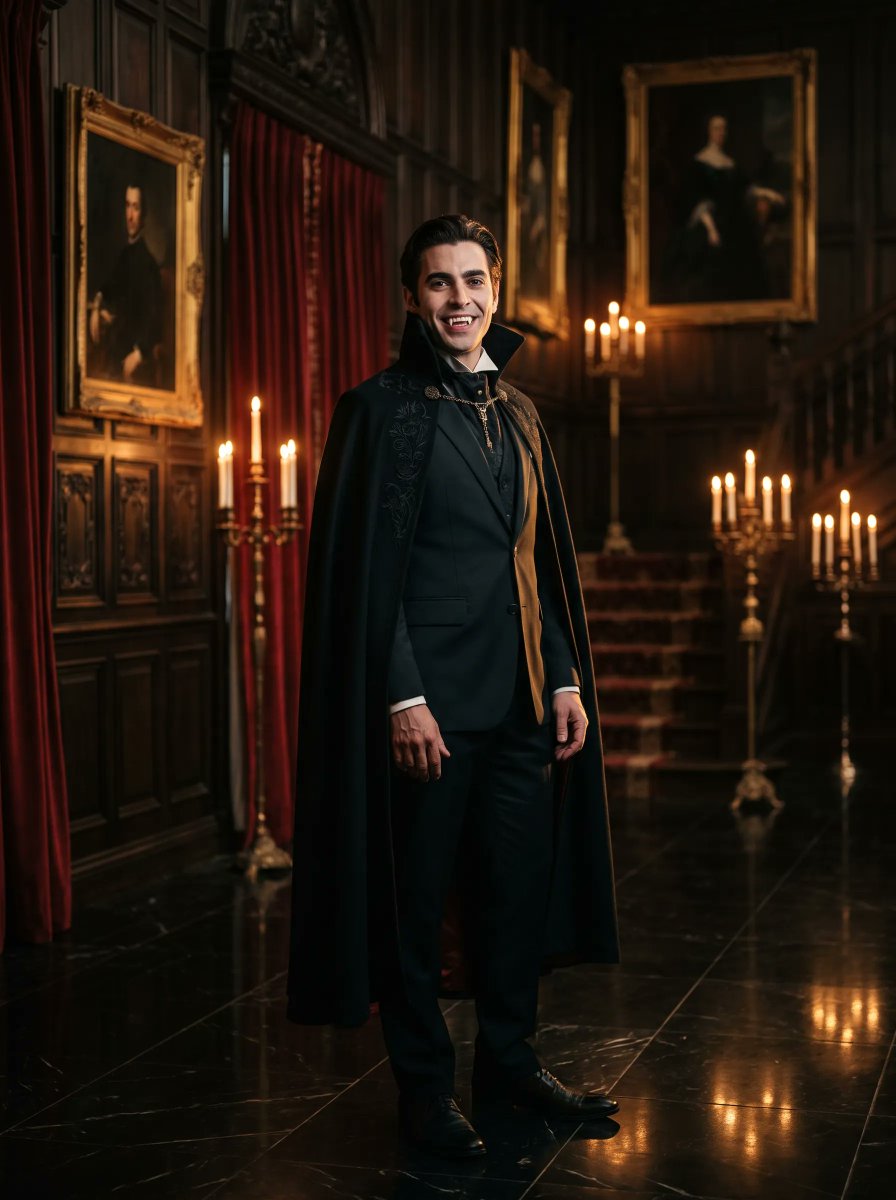
Gothic Vampire Noble Portrait

Festive Couple Holiday Magic Template

Sunday Afternoon, 1988

Two Tickets, One Night

If We Met in 1985
Make it yours
Gothic Vampire Couple Oil Portrait works as-is. These are the safest ways to change it without losing the look.
Change one field
Copy a single group, rewrite it, and generate again so you can see what that field is doing.
Keep the frame, change the subject
Hold the composition and light of Gothic Vampire Couple Oil Portrait, then swap wardrobe, props or the person for a new take.
| If the result… | Why | Fix |
|---|---|---|
| The result drifts from the preview | Too many fields changed at once. | Reuse Gothic Vampire Couple Oil Portrait as-is first, then change one group — subject, light, or setting. |
| The model over-stylizes the scene | The prose prompt leaves finish and camera underspecified. | Add one camera or lighting sentence and stay on GPT Image 2. |
More GPT Image 2 templates
Other prompts made for GPT Image 2.

Six VTuber Japanese Logo Sheet

Realistic Portrait of Woman and Deer

The Vista Modular Condo Poster

AI Model Routing Comparison Infographic

2.5D Anime Art Board

Isometric Productivity Desk Scene

New York Double Exposure Poster

Four-Panel AI Landscape Comparison

Japanese Tatami Lifestyle Magazine Cover

NESCAFÉ Coffee Map Poster
More image prompts
Fresh picks from across the catalog.

Four-Season Plush Festival City Grid
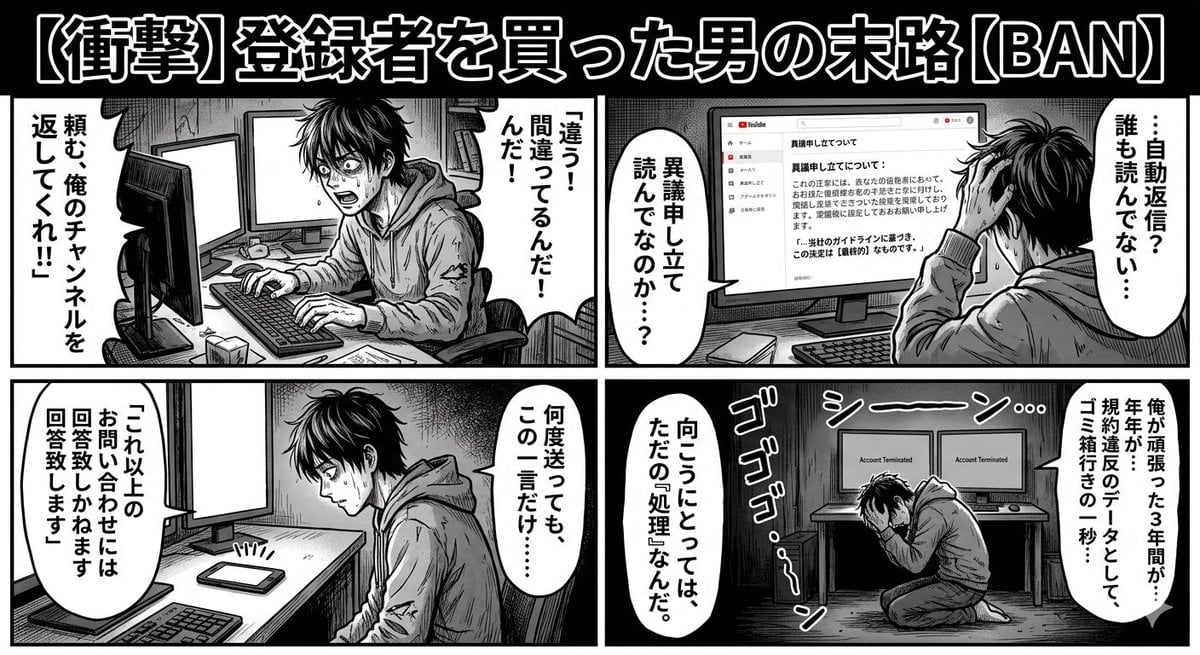
Four-Panel Manga: Labyrinth of Objection
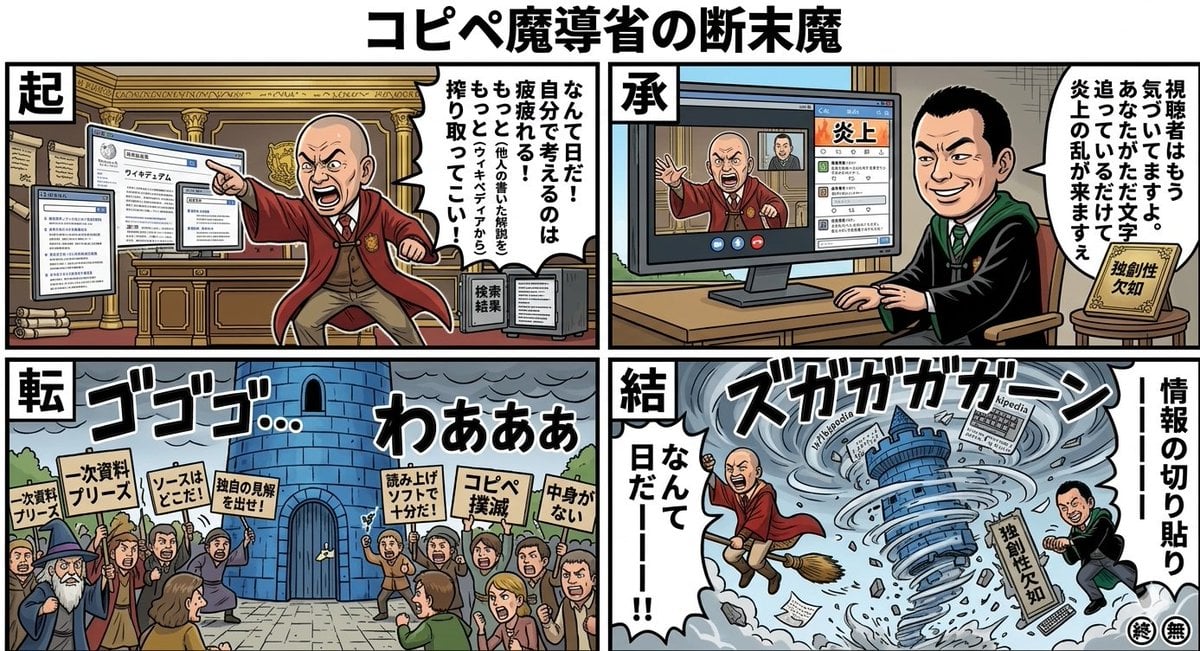
Black Comedy Manga Prompt: Ministry of Magic
Reference Image Naming Convention Prompt
Capsule Product Packaging Design Prompt
Cinematic Vector Fashion Portrait
iPhone Mirror Selfie with Old Money Corporate Elegance Vibe
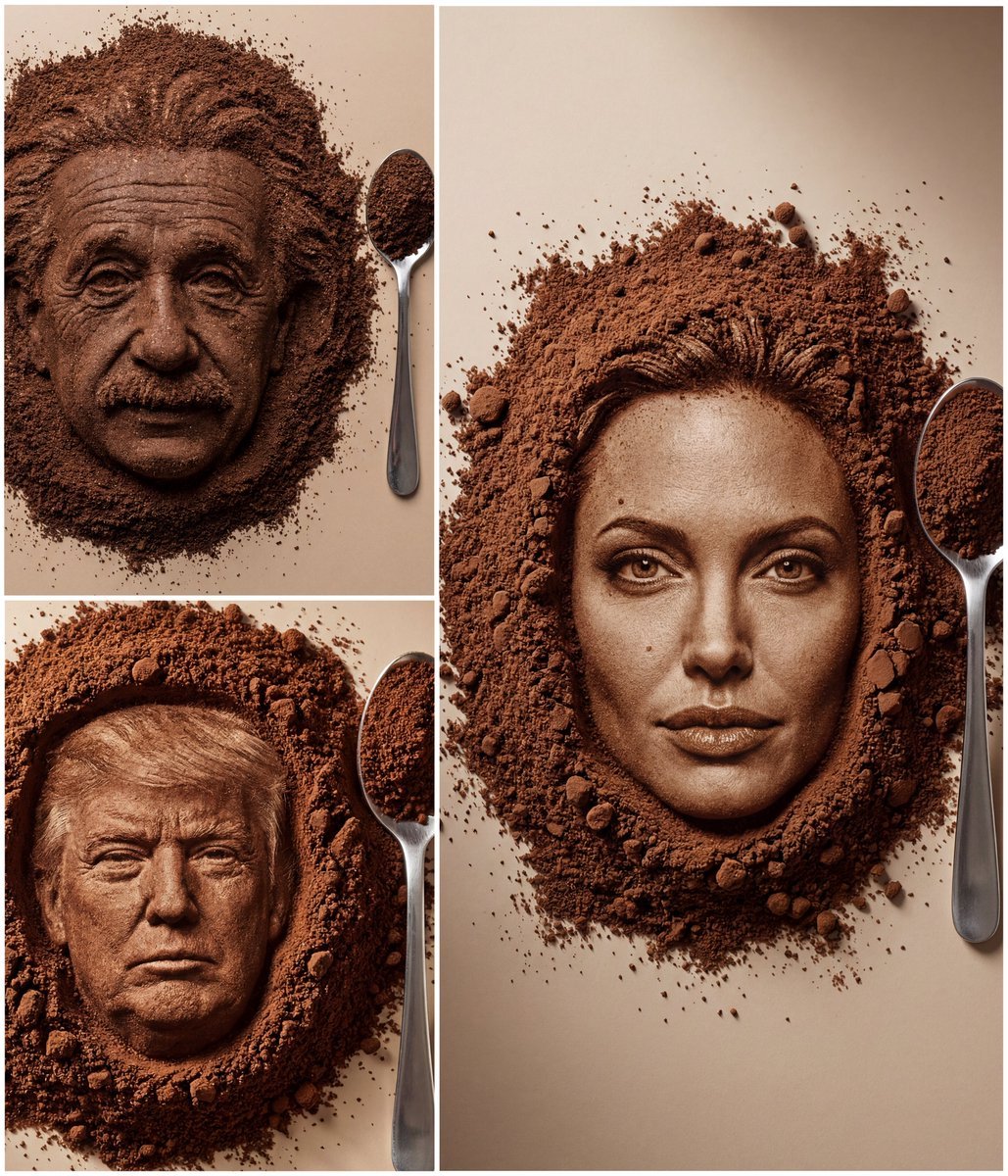
Hyper-Realistic Coffee Powder Face Impression
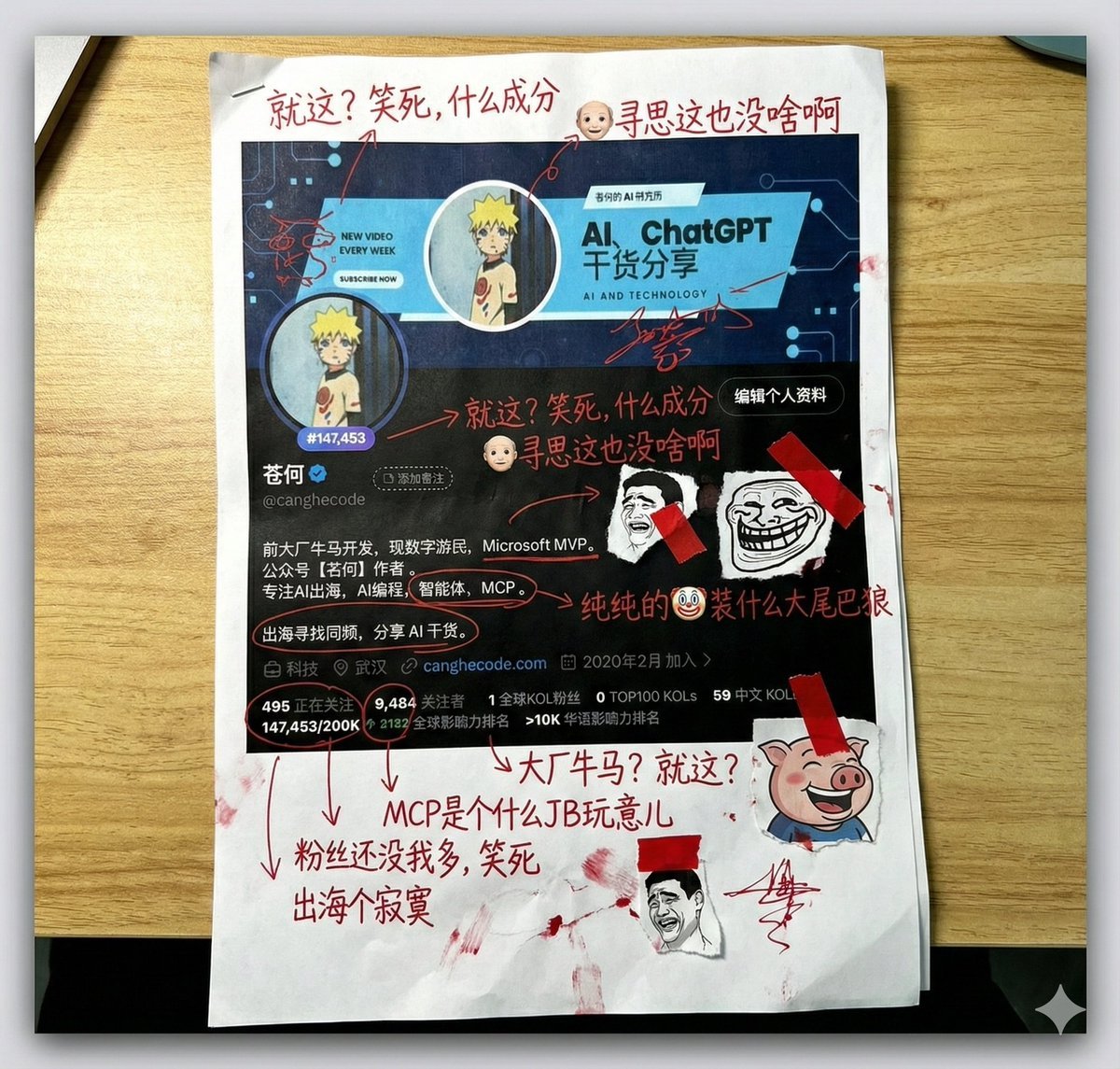
Aggressive Trolling Prompt with Tieba Slang
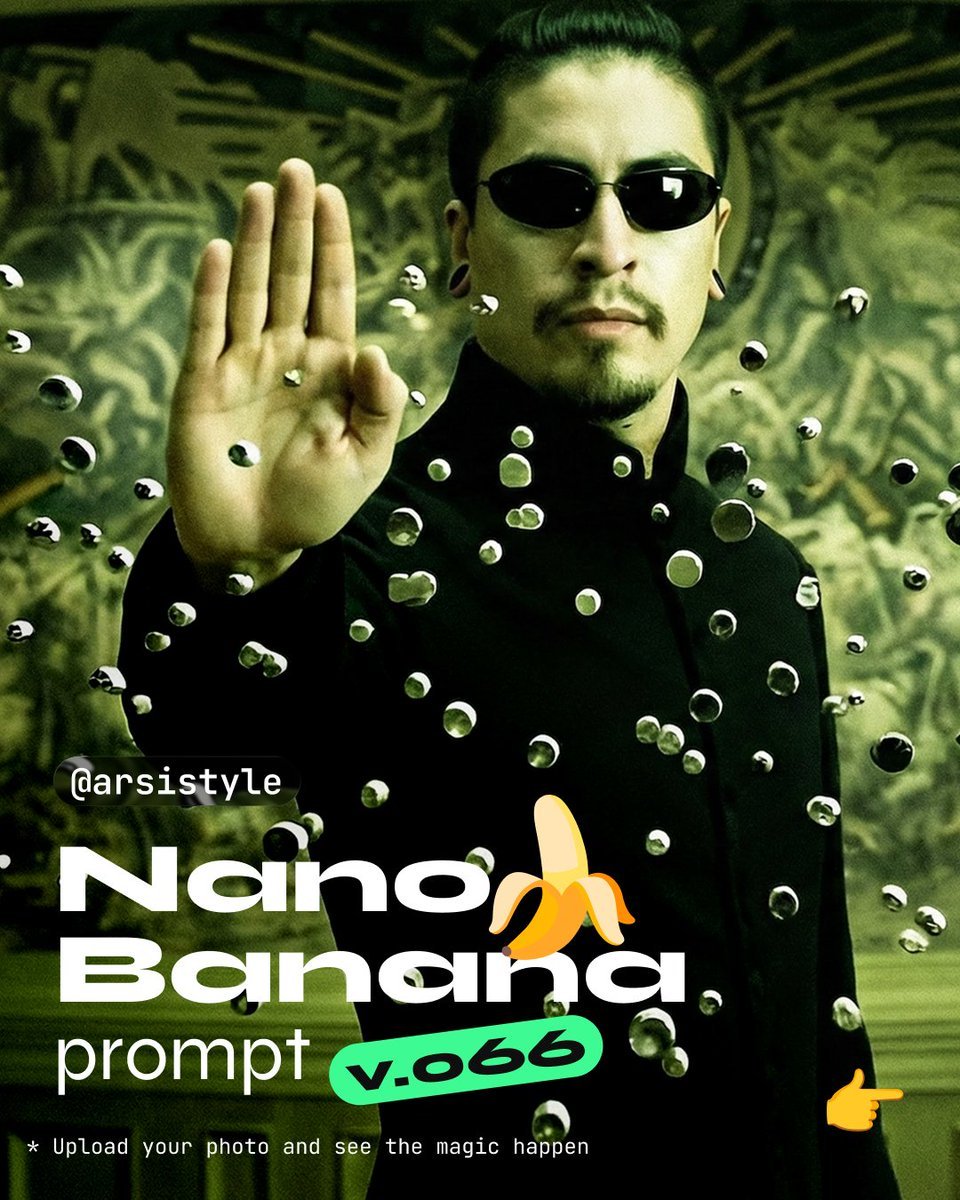
Cinematic Action Shot with Suspended Projectiles
Browse template categories
Gothic Vampire Couple Oil Portrait questions
How do I use the Gothic Vampire Couple Oil Portrait template?
Add your photo if the template asks for one, edit the prompt if you like — the template's model and format are already selected — and press Generate. Your version opens in PicX Studio.
Can I customize the Gothic Vampire Couple Oil Portrait template?
Yes. You can change the subject, setting, lighting, mood, format, and available model controls before creating your image.
Is the Gothic Vampire Couple Oil Portrait template free?
Opening and editing this template is free. Generating uses credits, shown on the Generate button when you are signed in.
Which AI model should I use?
Start with GPT Image 2, which is the model associated with this template. You can compare another compatible model for a different finish.
Looking for something else? Browse all templates.

Your photo, any look
Thousands of ready templates for every top image and video model, from one credit balance.