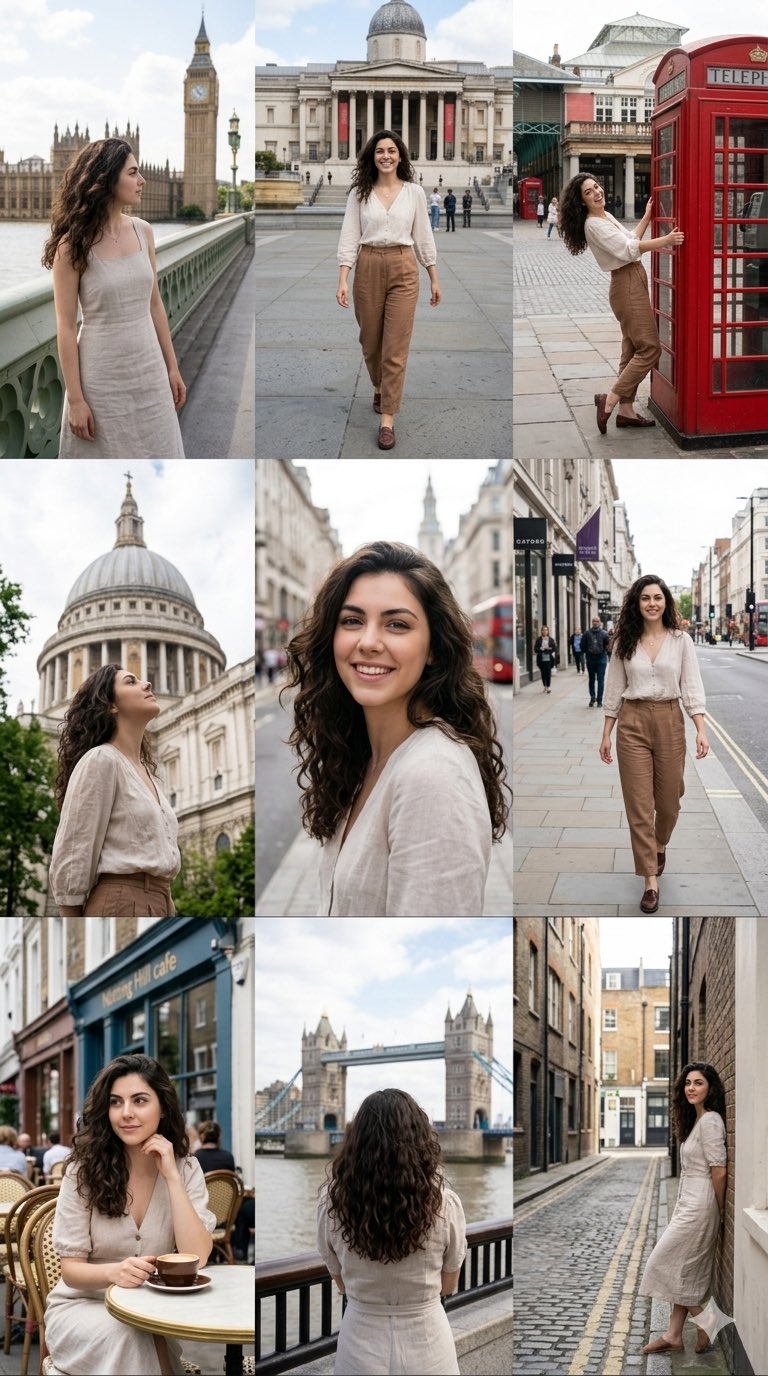
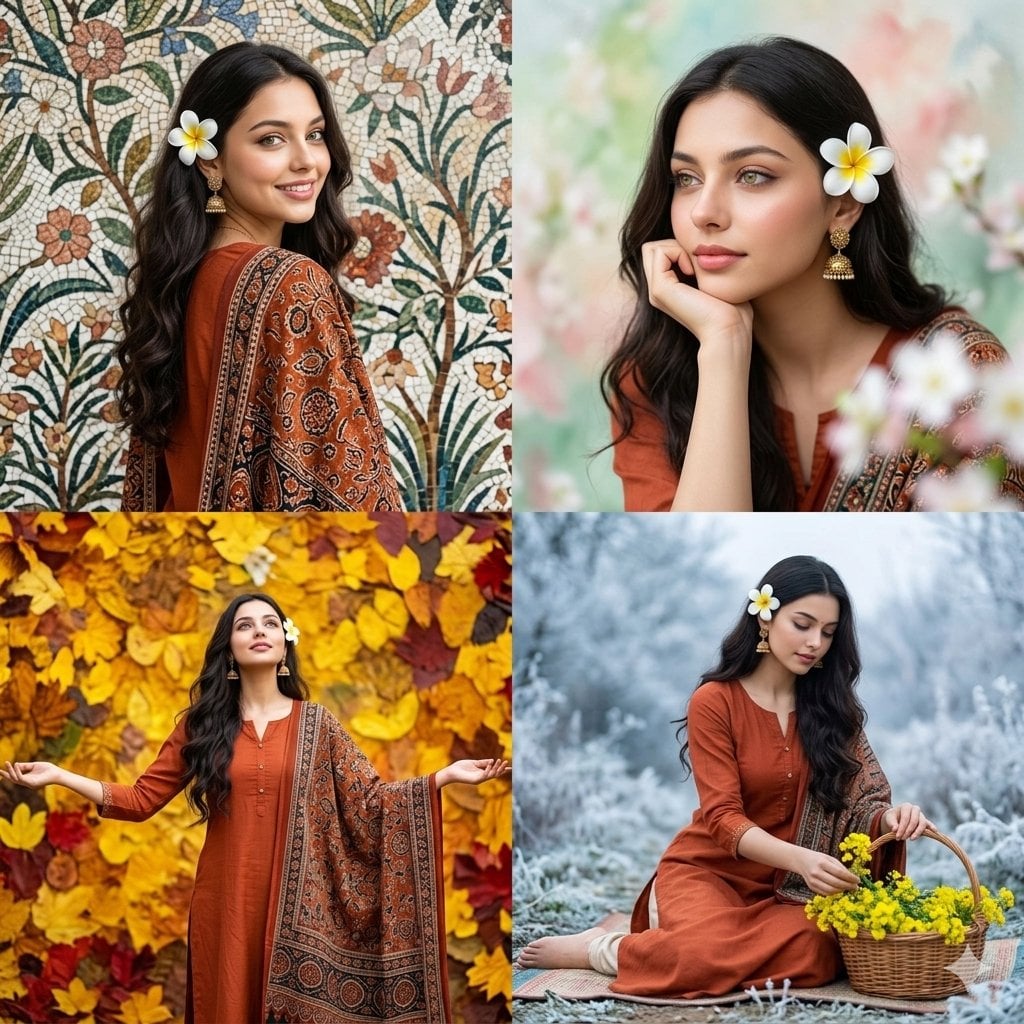
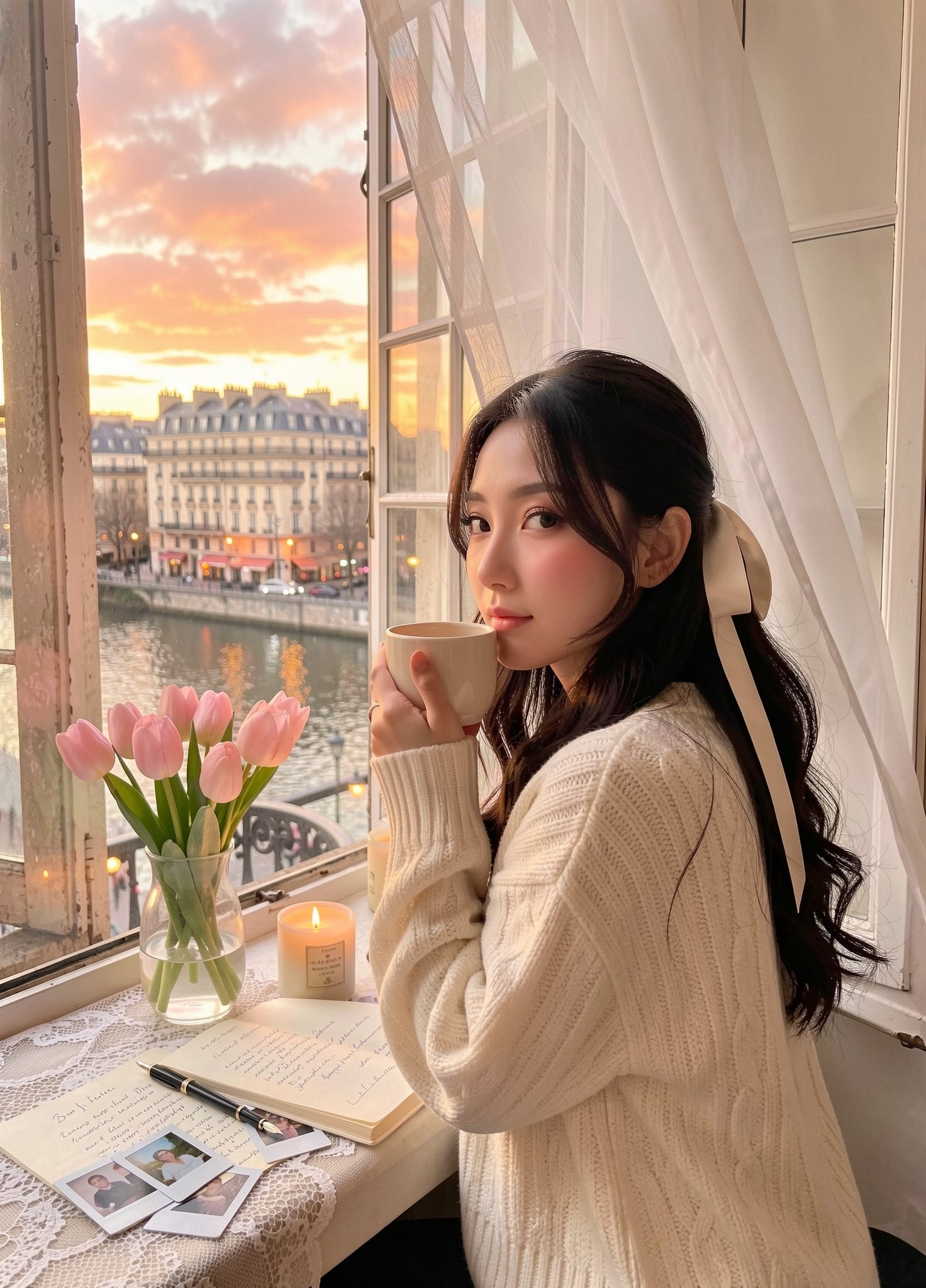
How do I use the Four-Season Plush Festival City Grid template?
Edit the prompt in the box under the preview — the template's model and format are already selected — and press Generate. Your version appears right on this page.
A whimsical four-panel poster showing cute plush mascots for spring Tokyo, summer Shanghai, autumn Paris, and winter New York, ideal for seasonal travel or festival-themed artwork.

This template uses your photo — add one with the + button.
{"type":"seasonal four-panel festival poster","style":"whimsical cute 3D plush mascot illustration, highly detailed, vibrant, cinematic lighting, polished commercial poster aesthetic","format":"vertical 4-column split composition with thin white dividers, full-bleed image","subject":"4 anthropomorphic plush mascots, each centered in one panel, walking toward camera with cheerful smile, oversized googly eyes, pink blush cheeks, tiny arms and legs, soft fuzzy toy texture","layout":{"panels":[{"position":"far left","season":"spring","headline":"さくらまつり 春の東京","location":"Tokyo","count":1,"mascot":"pink cherry blossom plush character with five rounded petals","props":["1 small standing sign reading 桜まつり ようこそ!","1 vertical festival banner","pink lanterns"],"background":"Tokyo street festival lined with blooming cherry trees, Tokyo Tower in the distance, warm pastel sky, floating cherry blossom petals"},{"position":"center left","season":"summer","headline":"上海 夏日集市","location":"Shanghai","count":1,"mascot":"golden sun plush character with rounded rays, wearing round sunglasses, holding 1 melting ice cream cone","props":["1 small standing sign with Chinese text","colorful hanging lanterns","market umbrellas"],"background":"bright Shanghai summer market street with Oriental Pearl Tower and modern skyline under vivid blue sky, a few drifting pink petals"},{"position":"center right","season":"autumn","headline":"Fête d’Automne Paris","location":"Paris","count":1,"mascot":"croissant plush character wearing 1 red beret and 1 striped scarf, raising one hand in a wave","props":["1 hanging street banner reading Fête d’Automne","1 small chalkboard sign reading Marché d’Automne Bienvenue!","fall leaves scattered on ground and in air"],"background":"Parisian street with Eiffel Tower and classic buildings, golden autumn trees, crisp sunlight"},{"position":"far right","season":"winter","headline":"NYC Winter Fest","location":"New York City","count":1,"mascot":"hot cocoa mug plush character topped with whipped cream and chocolate shavings, wearing 1 striped scarf","props":["1 red street banner reading WINTER FEST","1 small chalkboard sign reading HOT COCOA WARM & HAPPY","falling snow"],"background":"New York winter street with Empire State Building and skyscrapers, festive lights, snowy pavement, deep blue evening sky"}],"panel_count":4},"text_style":"large playful rounded white bubble letters with subtle gray shading and soft drop shadow, placed at top of each panel","color_palette":{"spring":["soft pink","blush","pastel blue"],"summer":["bright cyan","golden yellow","teal"],"autumn":["orange","rust","cream","sky blue"],"winter":["deep blue","white","brown","festive red"]},"camera":"eye-level, slightly wide-angle street view, each mascot full body and dominant in foreground","rendering":"sharp focus on mascots, richly detailed city backgrounds, cozy festive atmosphere, gentle depth of field"}
Edit the prompt in the box under the preview — the template's model and format are already selected — and press Generate. Your version appears right on this page.
Yes. You can change the subject, setting, lighting, mood, format, and available model controls before creating your image.
Opening and editing this template is free. Generating uses credits, shown on the Generate button when you are signed in.
Start with GPT Image 2, which is the model associated with this template. You can compare another compatible model for a different finish.
Follow a topic to a crawlable collection of related PicX Studio templates.