
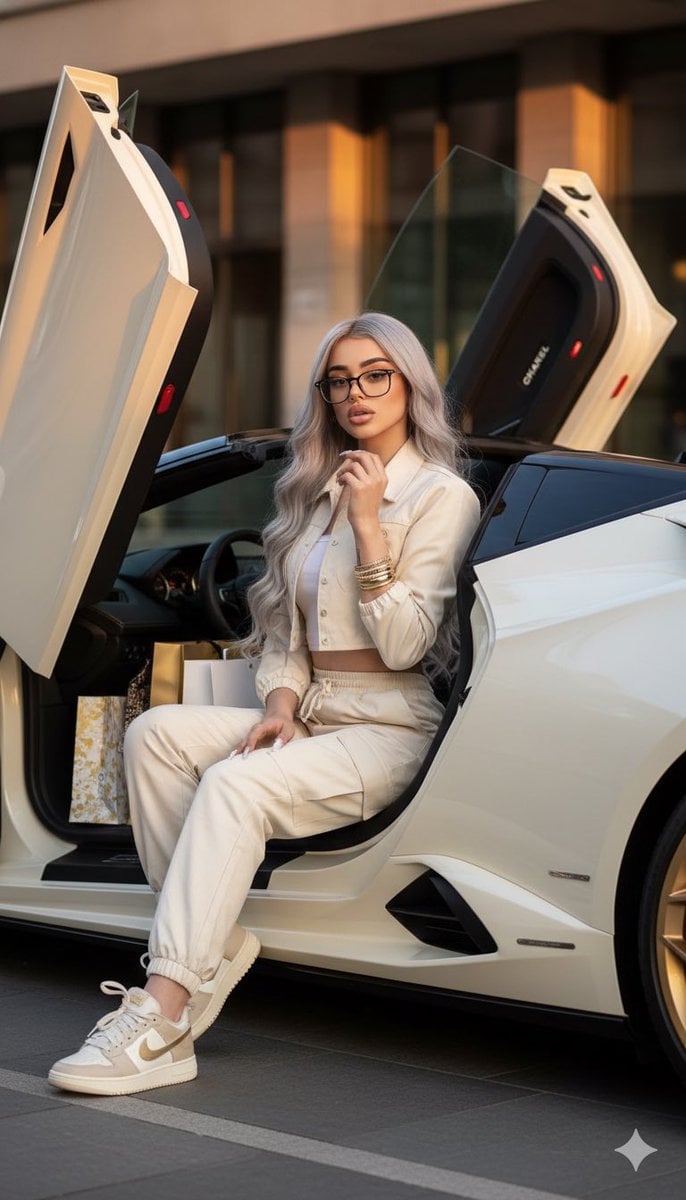
Luxury Fashion Shoot with Lamborghini Huracán
A structured JSON prompt for Gemini Nano Banana Pro to generate a luxury-fashion inspired image.
- Prompt included
- Model and format preset
- Free template
The prompt behind this image
Copy the exact prompt behind Luxury Fashion Shoot with Lamborghini Huracán, or open it in the studio and make it yours.
- Image Generation Request › Metadata › Input Image
- IMG_8714.jpeg
- Image Generation Request › Metadata › Target Resolution
- 1200x1200px
- Image Generation Request › Metadata › Format
- JSON
- Image Generation Request › Constraints › Facial Preservation › Enabled
- true
- Image Generation Request › Constraints › Facial Preservation › Instruction
- Strictly maintain original face and facial features from input image.
- Image Generation Request › Subject › Appearance › Hair
- Long silver grey wavy hair
- Image Generation Request › Subject › Appearance › Nails
- Soft glazed donut style
- Image Generation Request › Subject › Pose › Action
- Sitting on the door frame
- Image Generation Request › Subject › Pose › Gesture
- Fixing necklace
- Image Generation Request › Subject › Attire › Theme
- Cream monochrome set
- Image Generation Request › Subject › Attire › Items
- High-waist cargos, Crop jacket, Luxury designer sneakers
- Image Generation Request › Subject › Attire › Accessories
- Gold bangles, Necklace
- Image Generation Request › Scene › Vehicle › Make Model
- Lamborghini Huracán
- Image Generation Request › Scene › Vehicle › Color
- Cream-white
- Image Generation Request › Scene › Vehicle › Modifications
- Butterfly doors (up position), Gold-plated rims
- Image Generation Request › Scene › Props › Item
- Luxury shopping bags
- Image Generation Request › Scene › Props › Location
- Piled in the passenger seat
- Image Generation Request › Artistic Direction › Style
- Luxury-fashion inspired
- Image Generation Request › Artistic Direction › Lighting
- Warm golden hour tones
- Image Generation Request › Artistic Direction › Mood
- Rich, high-end
Raw JSON
{
  "image_generation_request": {
    "metadata": {
      "input_image": "IMG_8714.jpeg",
      "target_resolution": "1200x1200px",
      "format": "JSON"
    },
    "constraints": {
      "facial_preservation": {
        "enabled": true,
        "instruction": "Strictly maintain original face and facial features from input image."
      }
    },
    "subject": {
      "appearance": {
        "hair": "Long silver grey wavy hair",
        "nails": "Soft glazed donut style"
      },
      "pose": {
        "action": "Sitting on the door frame",
        "gesture": "Fixing necklace"
      },
      "attire": {
        "theme": "Cream monochrome set",
        "items": [
          "High-waist cargos",
          "Crop jacket",
          "Luxury designer sneakers"
        ],
        "accessories": [
          "Gold bangles",
          "Necklace"
        ]
      }
    },
    "scene": {
      "vehicle": {
        "make_model": "Lamborghini Huracán",
        "color": "Cream-white",
        "modifications": [
          "Butterfly doors (up position)",
          "Gold-plated rims"
        ]
      },
      "props": {
        "item": "Luxury shopping bags",
        "location": "Piled in the passenger seat"
      }
    },
    "artistic_direction": {
      "style": "Luxury-fashion inspired",
      "lighting": "Warm golden hour tones",
      "mood": "Rich, high-end"
    }
  }
}How to use Luxury Fashion Shoot with Lamborghini Huracán in 3 steps
- 1Upload ImagePNG, JPG or paste
Add your photo
Upload the photo the template builds on. The prompt, model and format are already set.
- 2…a portrait of your subject in softgolden-hour light, 85mm…
Personalize
Edit the subject and creative details for your destination.
- 3Generate
Generate
Press Generate — your image is created in PicX Studio, so you can compare it with the original and refine one variable at a time.
More like this
Templates with the same subject, style or setup. Open one to see its prompt.

19 Luxury Helicopter Travel — California Series

08 Rodeo Drive Luxury Exit — California Series
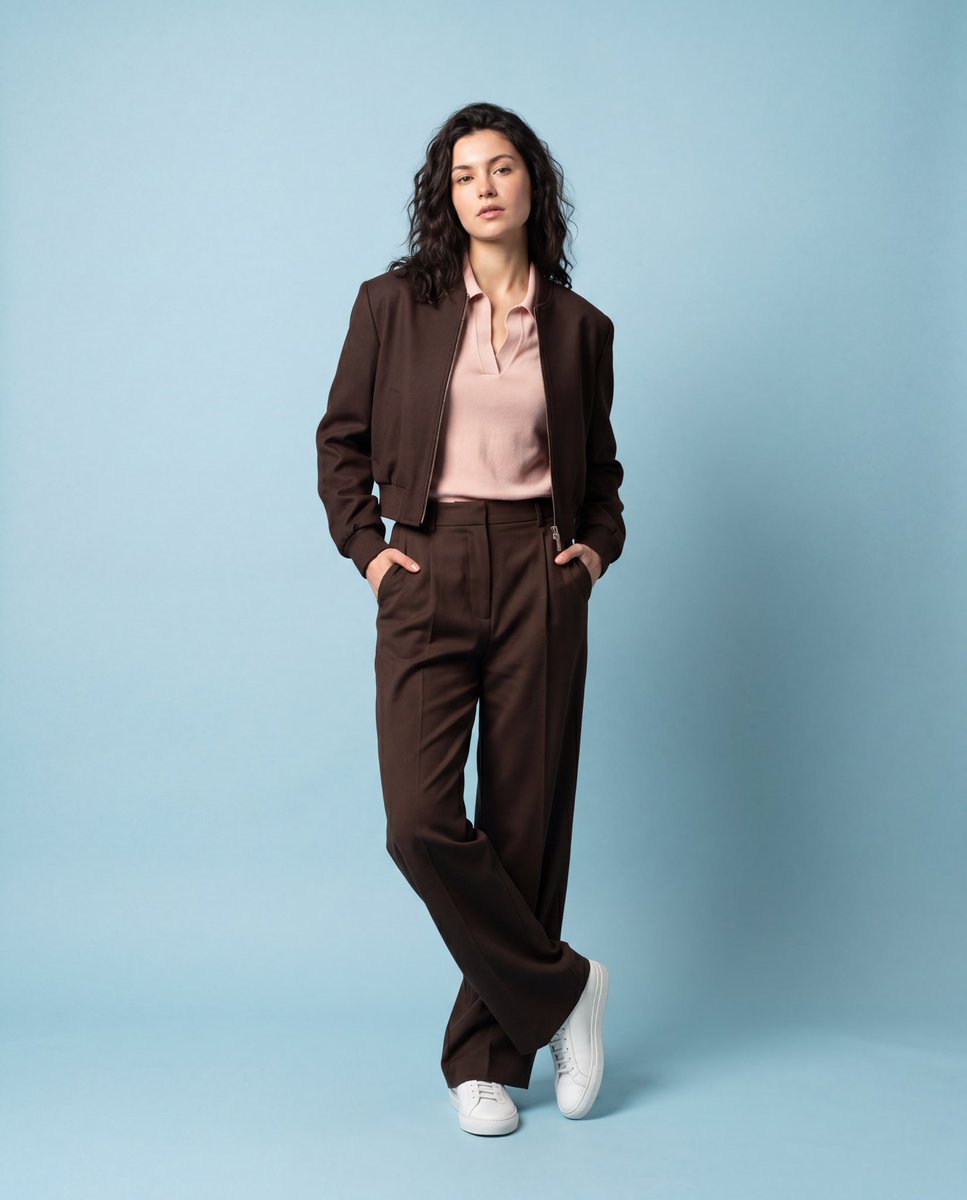
Luxury Fashion Editorial Studio Shoot
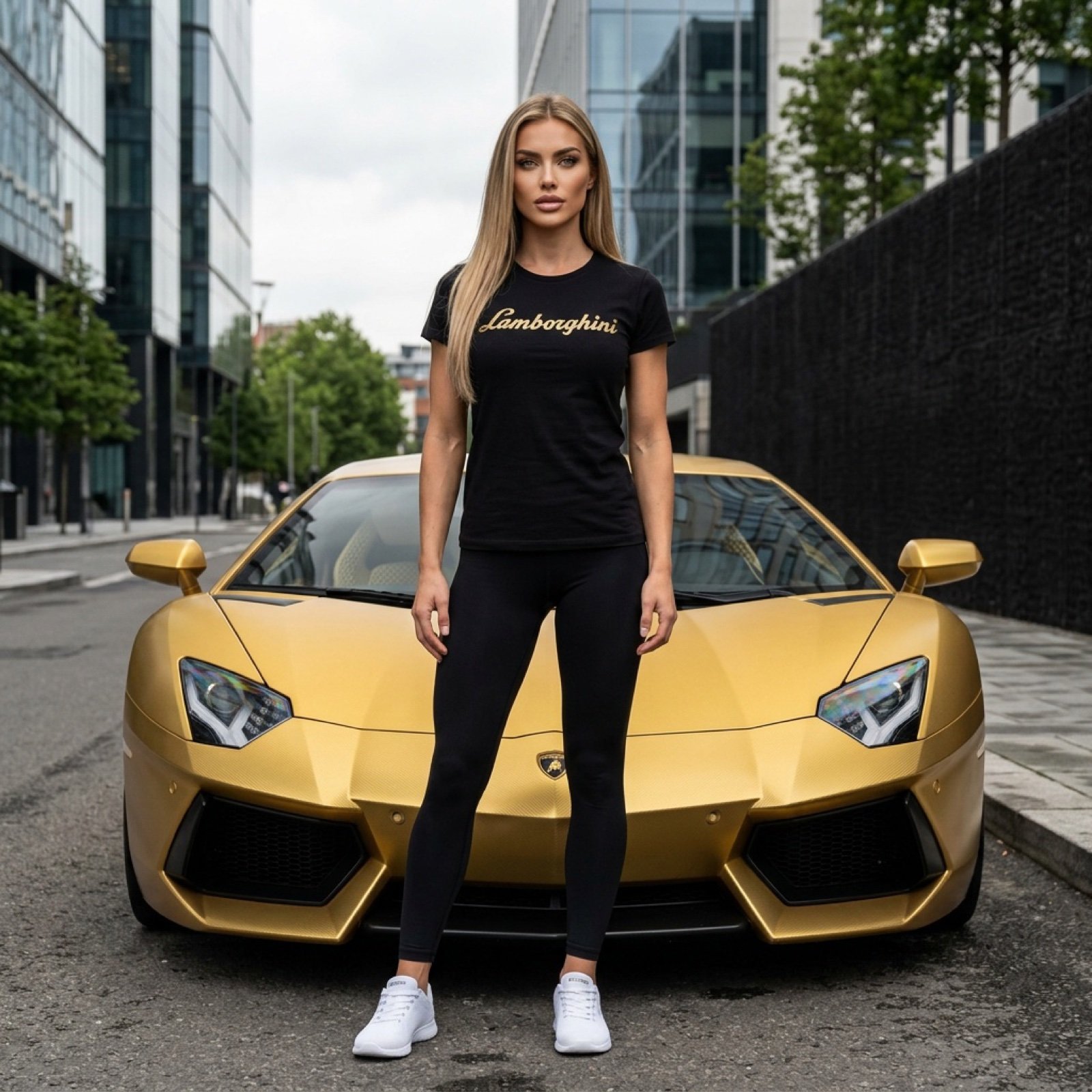
Gold Lamborghini Fashion Shoot Prompt

80s College Gate

1988 Mall Style

80s Polka Dot Saree

Vintage Camera Leather Case

Hedge Maze Aerial Dawn

Tuxedo Cuff Adjust

Carriage House Courtyard

Monochrome Jazz Club
Make it yours
Luxury Fashion Shoot with Lamborghini Huracán works as-is. These are the safest ways to change it without losing the look.
Swap the setting
Keep the rest of the prompt and replace the location block. The current setting is “Piled in the passenger seat”.
Swap the light
One lighting change is enough to compare takes. Current light: “Warm golden hour tones”.
Change one field
Copy a single group, rewrite it, and generate again so you can see what that field is doing.
| If the result… | Why | Fix |
|---|---|---|
| The result drifts from the preview | Too many fields changed at once. | Reuse Luxury Fashion Shoot with Lamborghini Huracán as-is first, then change one group — subject, light, or setting. |
| Nano Banana 2 ignores part of the JSON | Some models flatten or skip nested keys. | Keep the same values and paste them as a short paragraph instead. |
More Nano Banana 2 templates
Other prompts made for Nano Banana 2.

Photorealistic Leaf Shaped Like a Dragon

K-Pop Idol Portrait Grid for Rapid Selection

Poetic Rain Forest Portrait During Golden Hour

Urban Street Portrait with Cartoon Inner Self Duo

Candid Nighttime Photo with Cat Prompt

High-Concept 3D Diorama Generation Prompt

Cinematic Futuristic Studio Portrait Template

Skincare Editorial Photography Collage Prompt

Hyper-Realistic Commercial Product Photography (Splash Effect)

Hyper-Realistic Nightclub Portrait Prompt
More image prompts
Fresh picks from across the catalog.
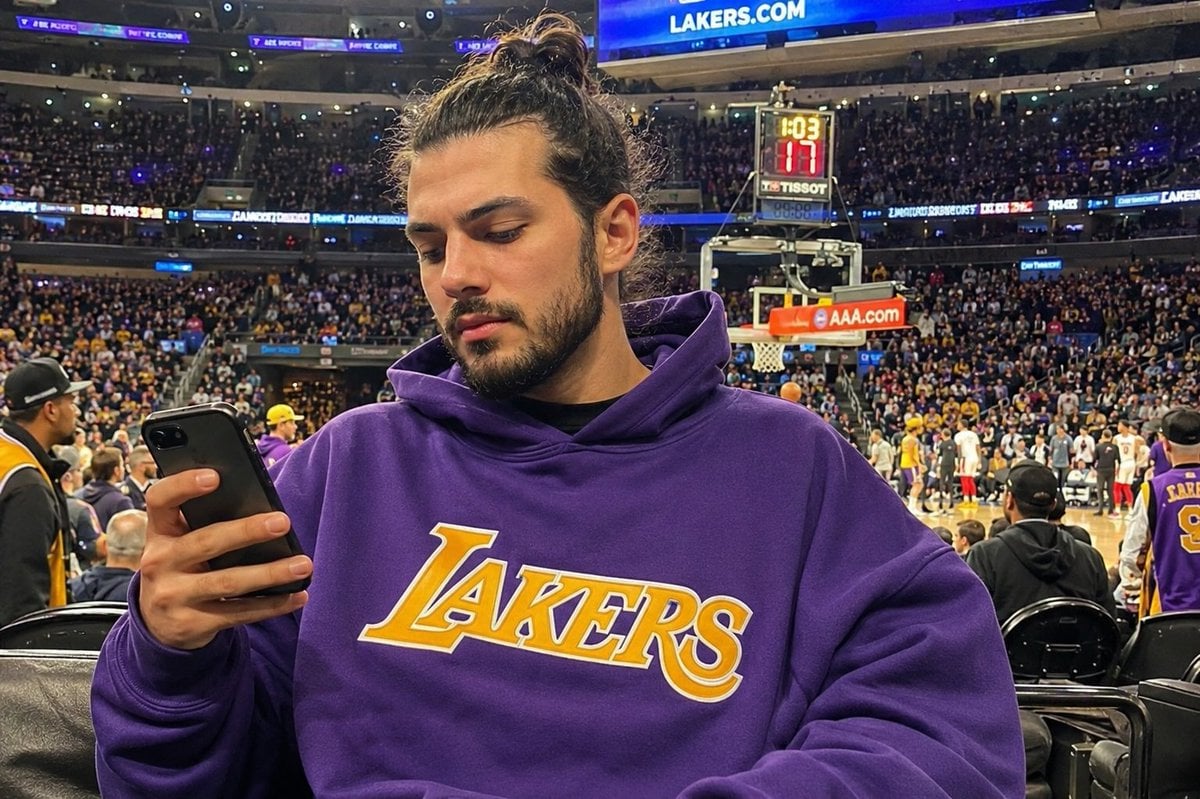
Courtside Lakers Fan Photo
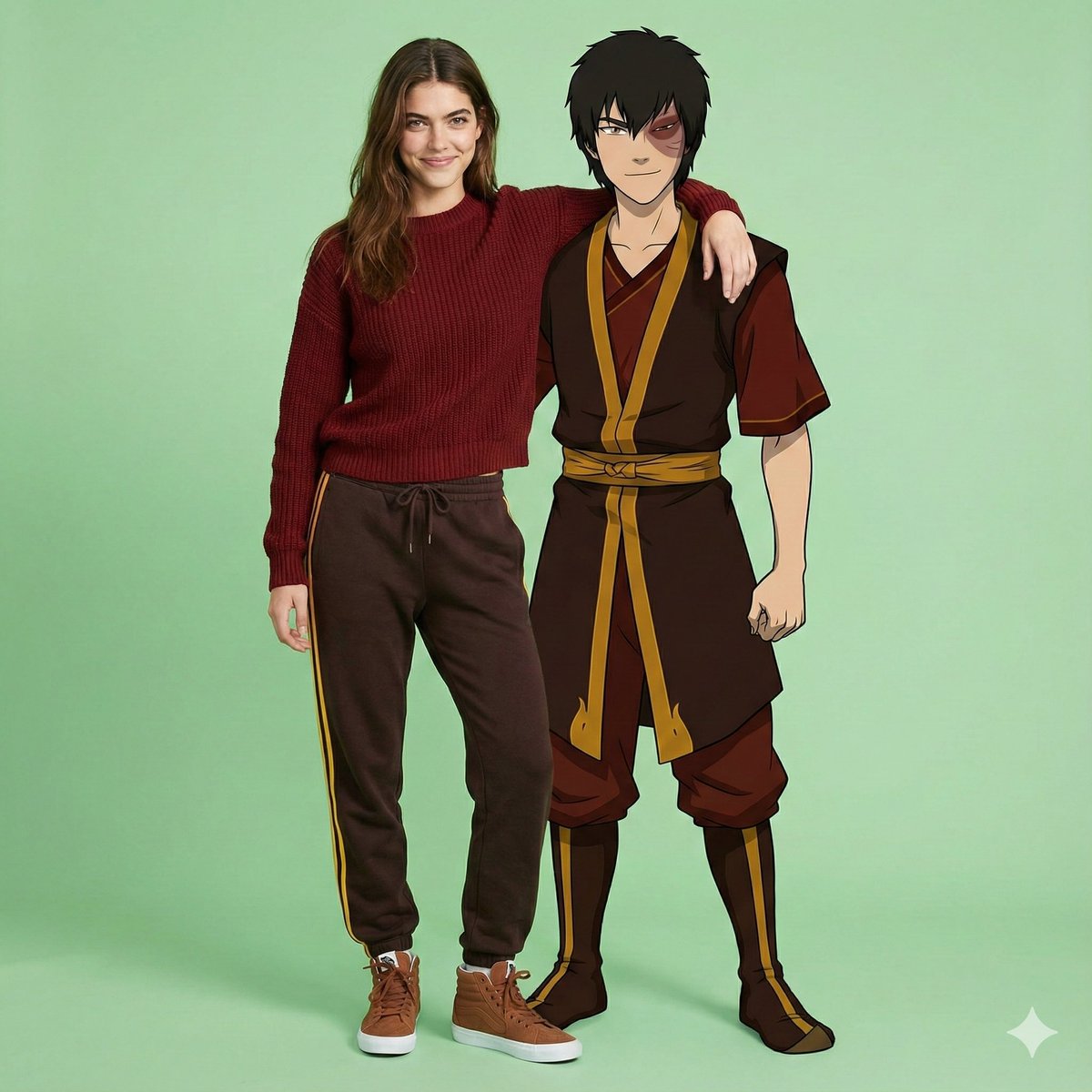
Avatar Zuko Fan Photo Prompt for Nano Banana Pro
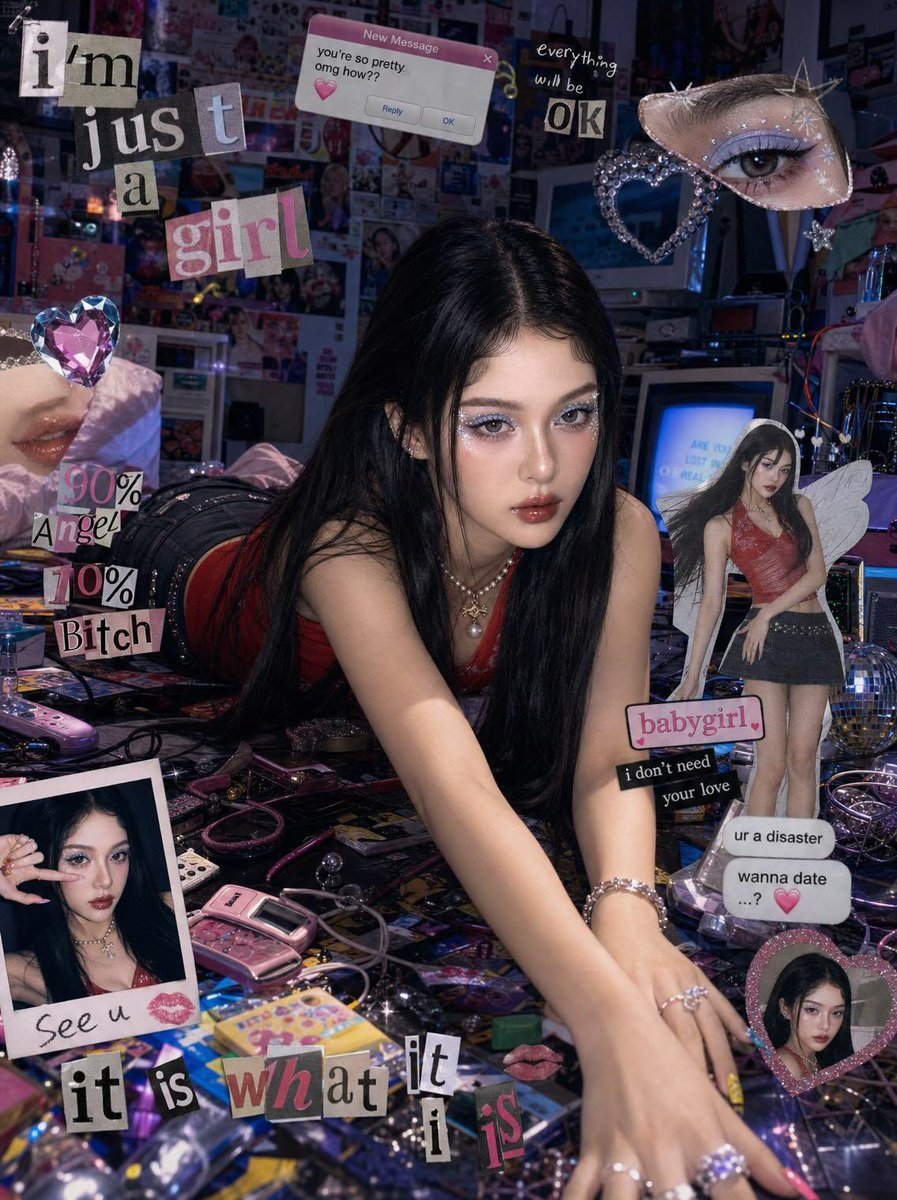
Chaotic Y2K Cyber-Pop Editorial Portrait
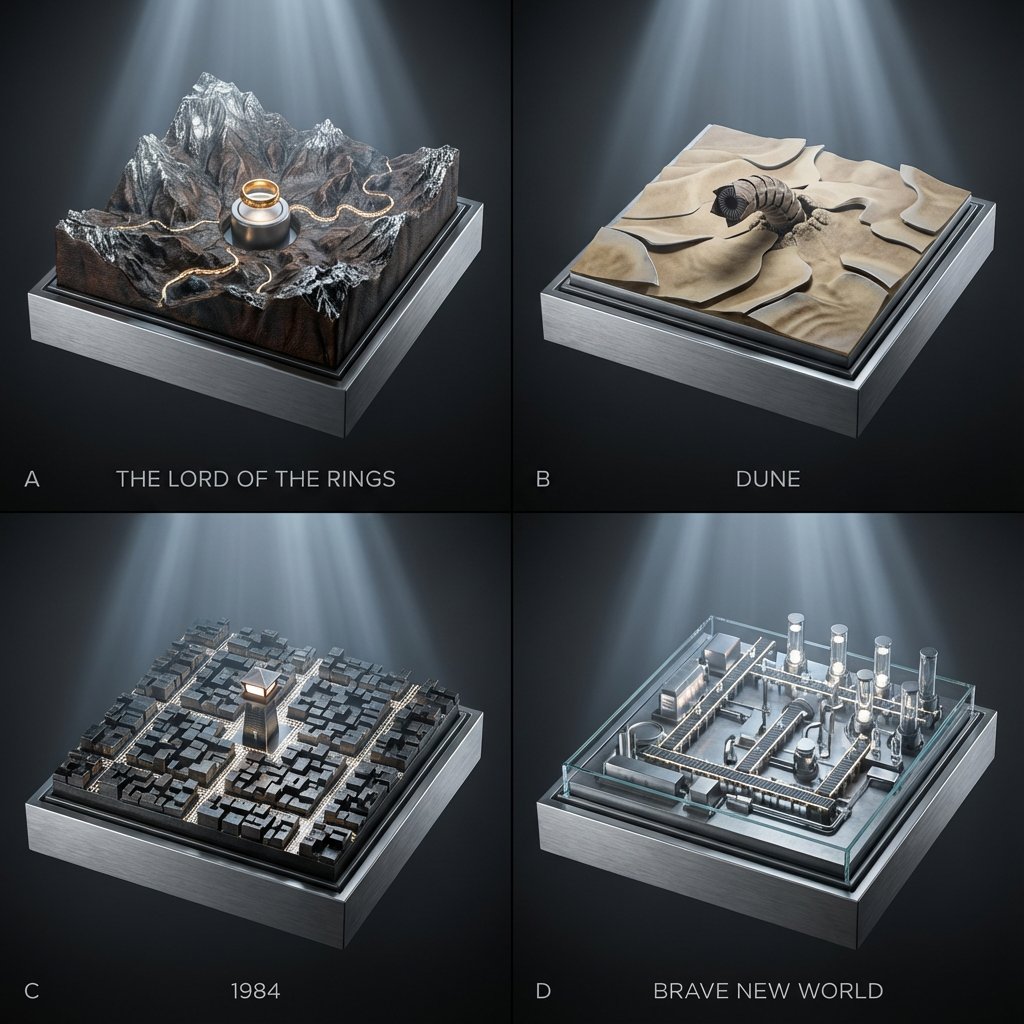
Topographic Relief Diorama of Classic Books
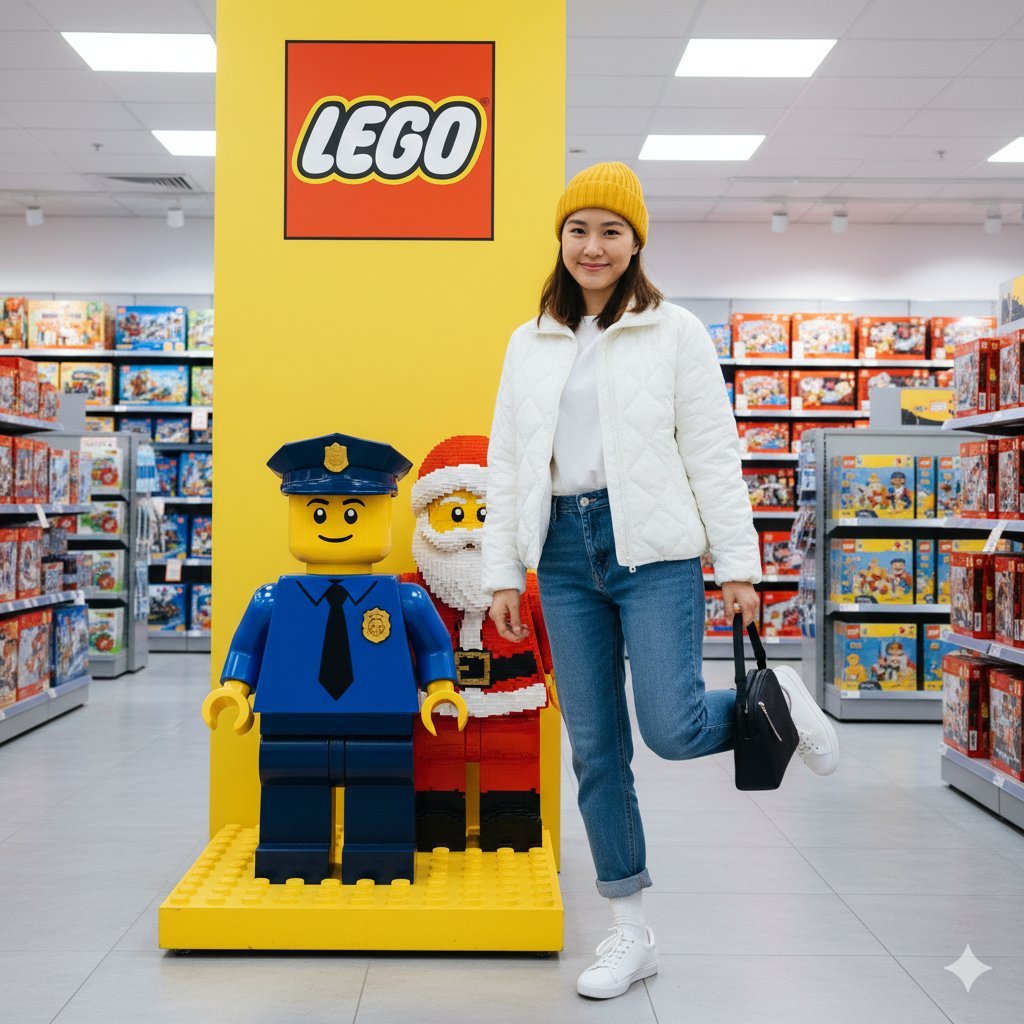
Lego Store Candid Lifestyle Photo Prompt
Toile de Jouy Street Style Fashion Editorial
Cinematic Portrait in a Wildflower Field
Arctic Glacier Ice Sculpture Prompt

Macro Food Photography of Martabak Telur Prompt
Chaotic Cat Flash Snapshot
Browse template categories
Luxury Fashion Shoot with Lamborghini Huracán questions
How do I use the Luxury Fashion Shoot with Lamborghini Huracán template?
Add your photo if the template asks for one, edit the prompt if you like — the template's model and format are already selected — and press Generate. Your version opens in PicX Studio.
Can I customize the Luxury Fashion Shoot with Lamborghini Huracán template?
Yes. You can change the subject, setting, lighting, mood, format, and available model controls before creating your image.
Is the Luxury Fashion Shoot with Lamborghini Huracán template free?
Opening and editing this template is free. Generating uses credits, shown on the Generate button when you are signed in.
Which AI model should I use?
Start with Nano Banana 2, which is the model associated with this template. You can compare another compatible model for a different finish.
Looking for something else? Browse all templates.

Your photo, any look
Thousands of ready templates for every top image and video model, from one credit balance.