
Courtside Lakers Fan Photo
A realistic courtside arena photo prompt for placing a fan in the atmosphere of a packed Los Angeles Lakers game.
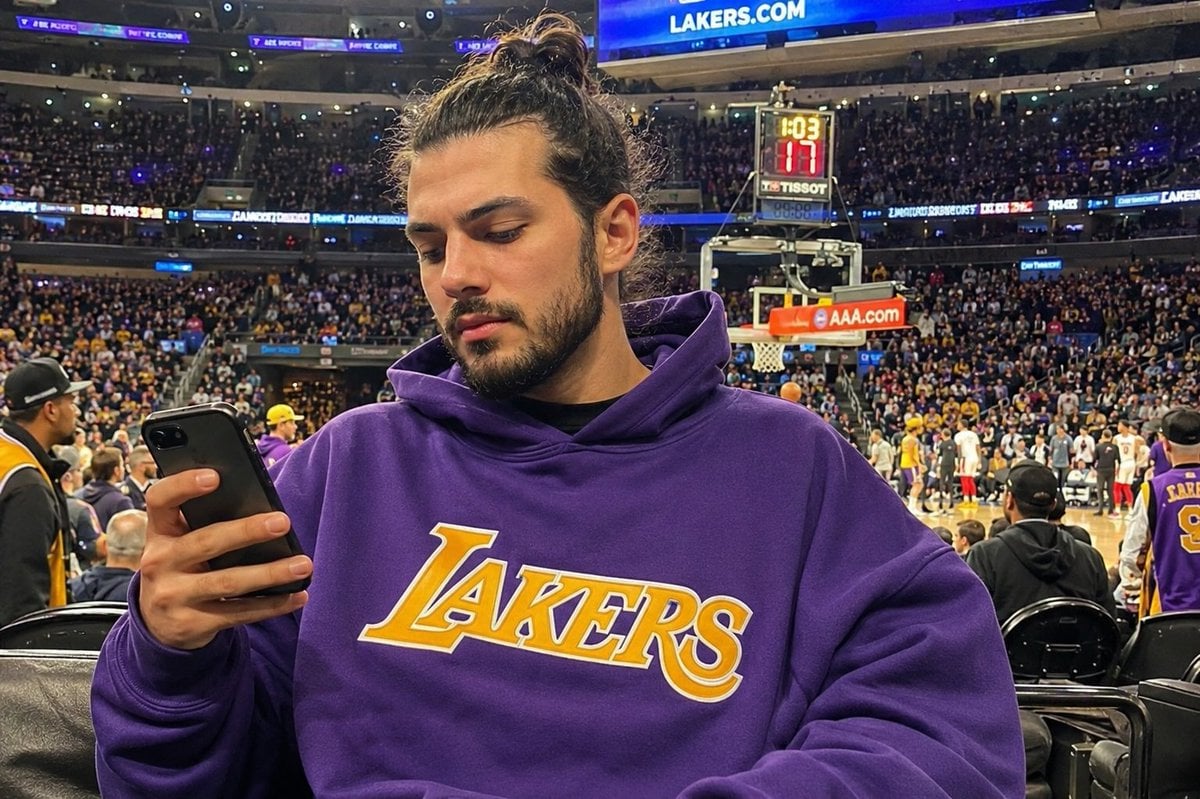
- Prompt included
- Model and format preset
- Free template
The prompt behind this image
Copy the exact prompt behind Courtside Lakers Fan Photo, or open it in the studio and make it yours.
Create a realistic courtside smartphone-style photo of {argument name="character description" default="a young adult Lakers fan with dark hair tied in a messy top bun"} sitting very close to the court at a packed Los Angeles Lakers basketball game. The person is centered in the foreground from mid-torso up, wearing an oversized {argument name="hoodie color" default="purple"} hoodie with a large yellow-and-white “LAKERS” logo across the chest, holding a black smartphone in their left hand as if checking messages or taking a selfie. Their face is intentionally covered by a plain opaque medium-brown rectangular privacy block, while one ear and hairline remain visible. The arena behind them is full of fans, bright stadium lights, multiple seating tiers, glowing blue ribbon boards, and visible Lakers branding including “LAKERS.COM” on the upper scoreboard band. Include the basketball hoop, backboard, shot clock, and a red “AAA.com” sponsor panel in the mid-background, with players and staff gathered on the court to the right. The composition should feel like an authentic candid photo taken from a premium lower-bowl seat, with realistic depth, natural indoor arena lighting, slight phone-camera perspective distortion, detailed crowd texture, black courtside chairs in the foreground, and a lively game-night atmosphere. Use {argument name="team branding" default="Los Angeles Lakers"} colors prominently, especially purple and gold. No illustrated style, no fantasy elements, no watermark.
How to use Courtside Lakers Fan Photo in 3 steps
- 1Upload ImagePNG, JPG or paste
Add your photo
Upload the photo the template builds on. The prompt, model and format are already set.
- 2…a portrait of your subject in softgolden-hour light, 85mm…
Personalize
Edit the subject and creative details for your destination.
- 3Generate
Generate
Press Generate — your image is created in PicX Studio, so you can compare it with the original and refine one variable at a time.
More like this
Templates with the same subject, style or setup. Open one to see its prompt.
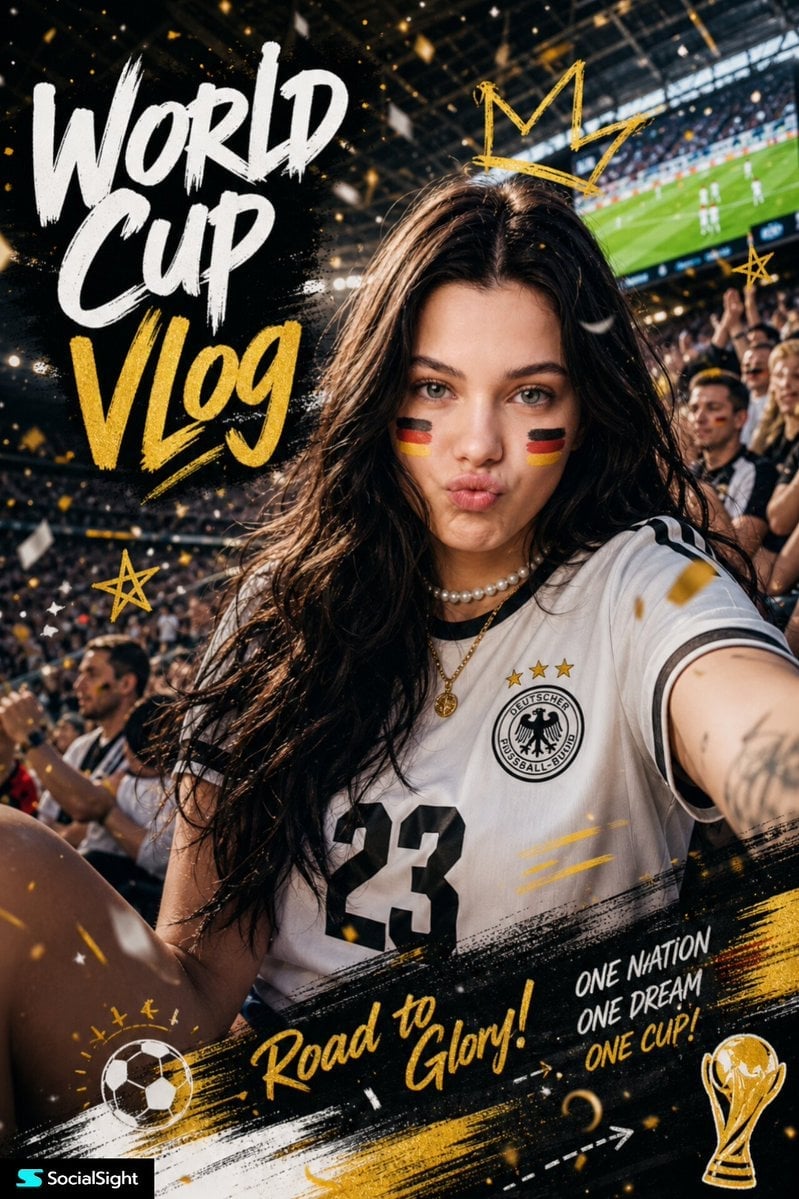
Fifa Stadium Fan Portrait Poster
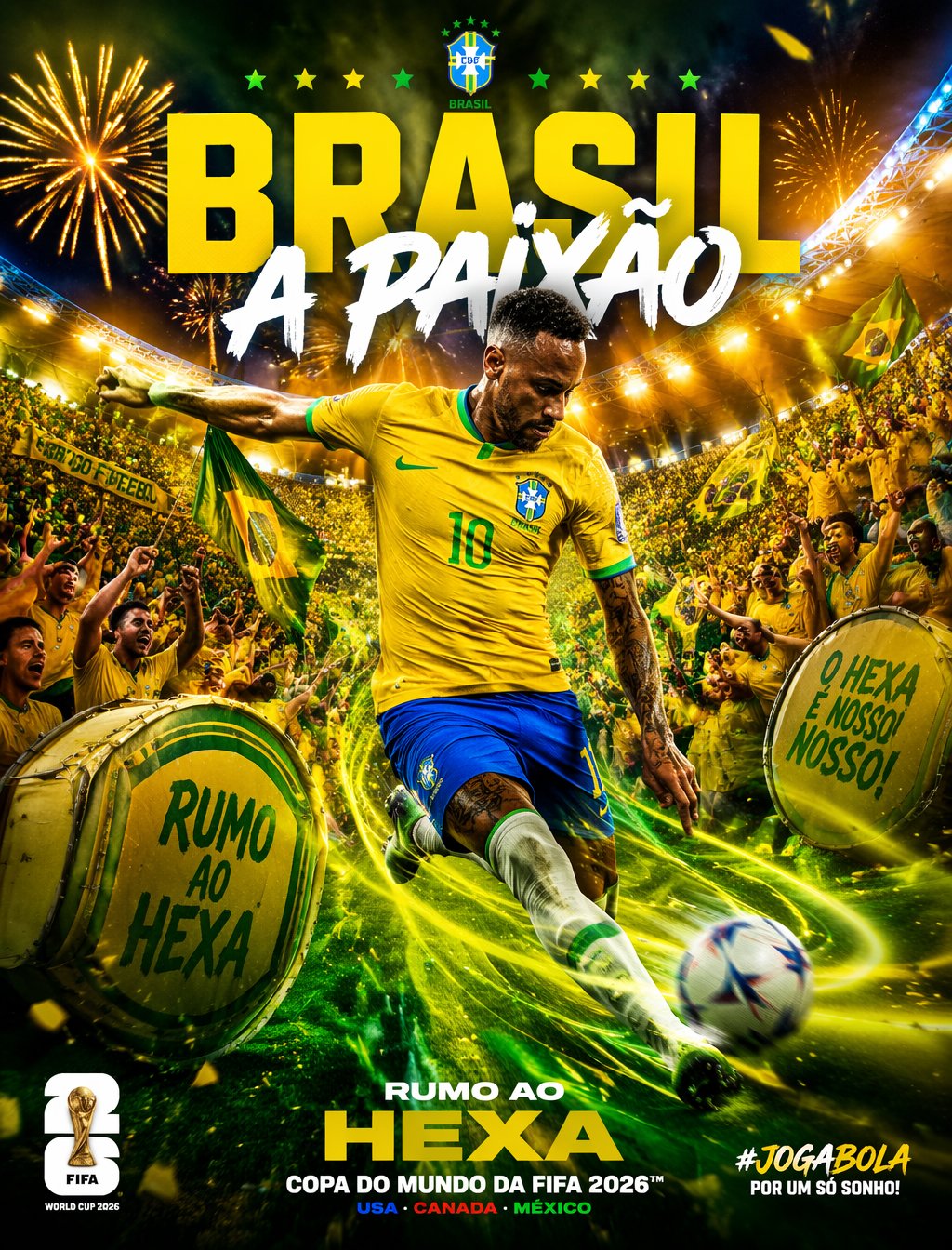
Brazil Passion Power Shot Poster
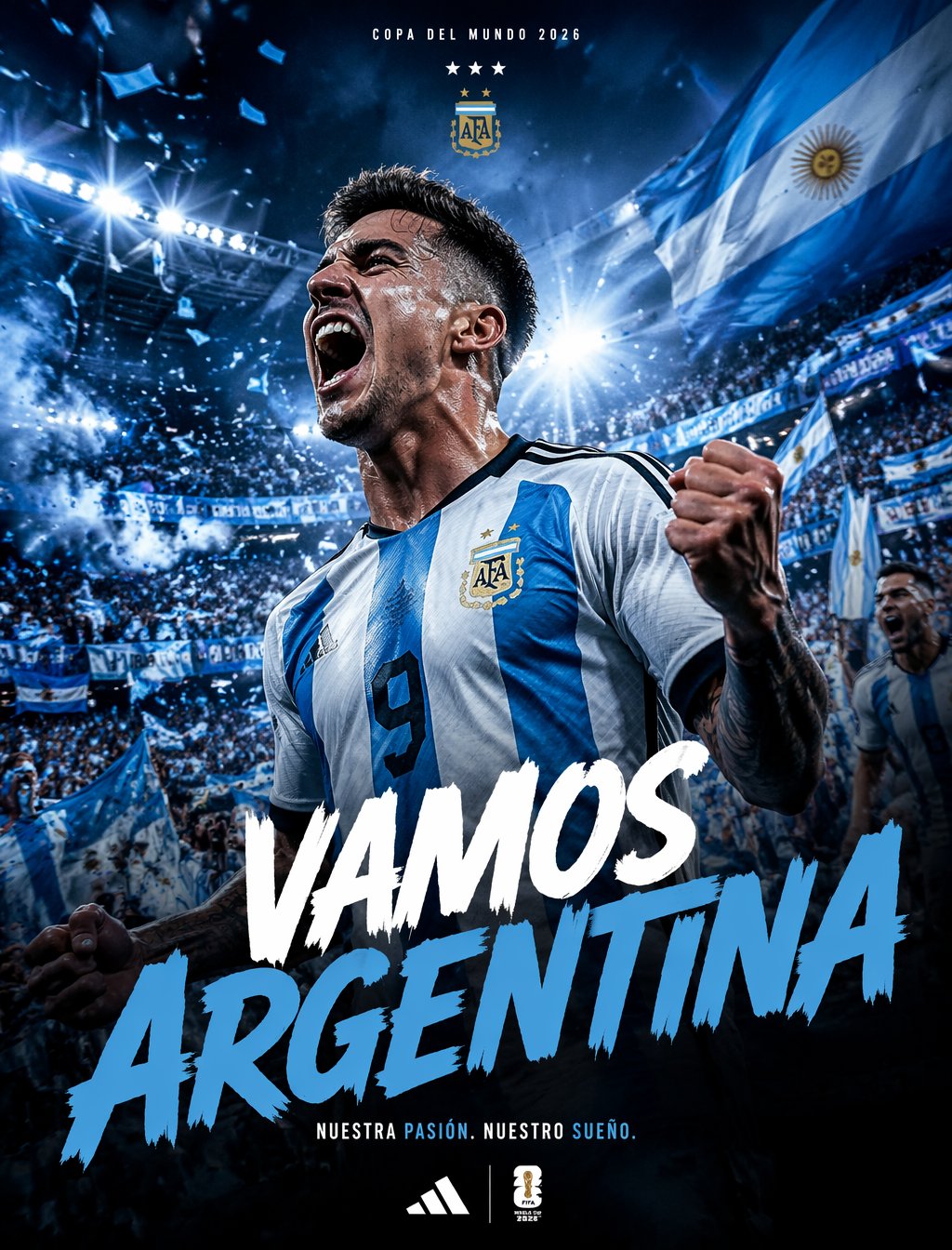
Argentina Vamos Diagonal Fan Poster
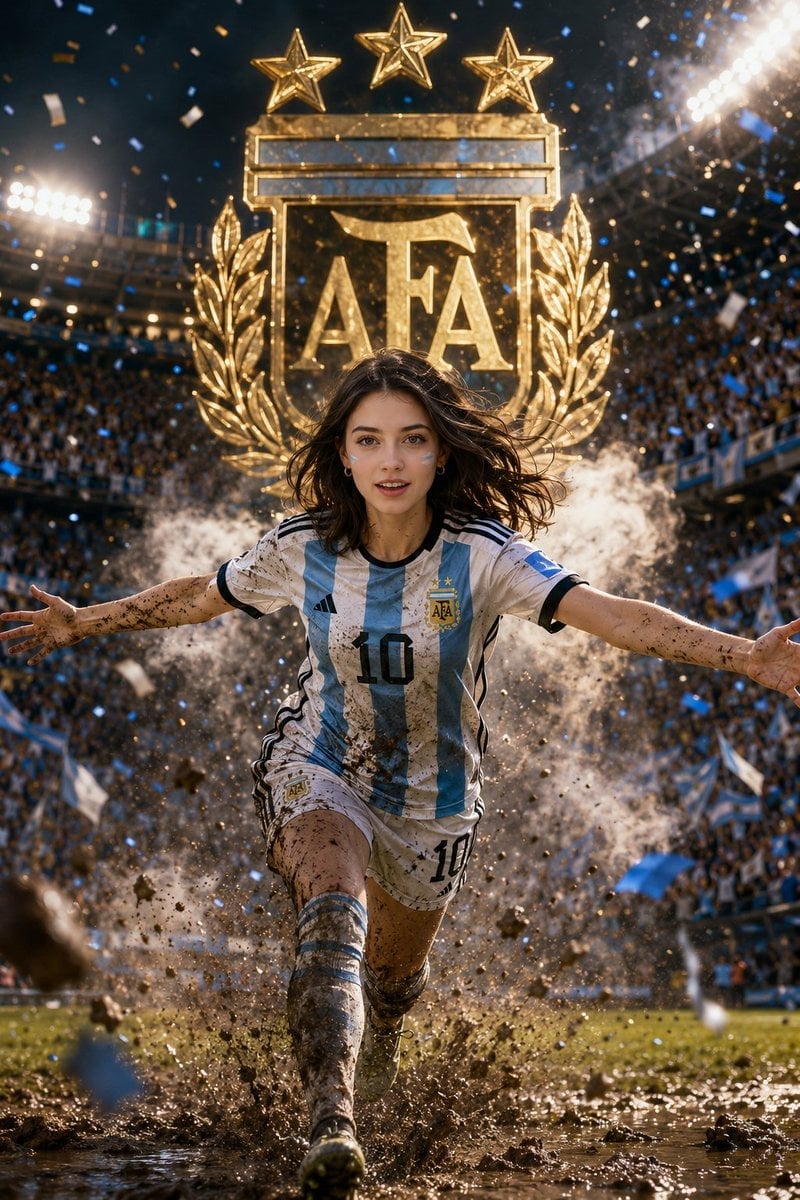
Argentina 10 Celebration Fan Poster
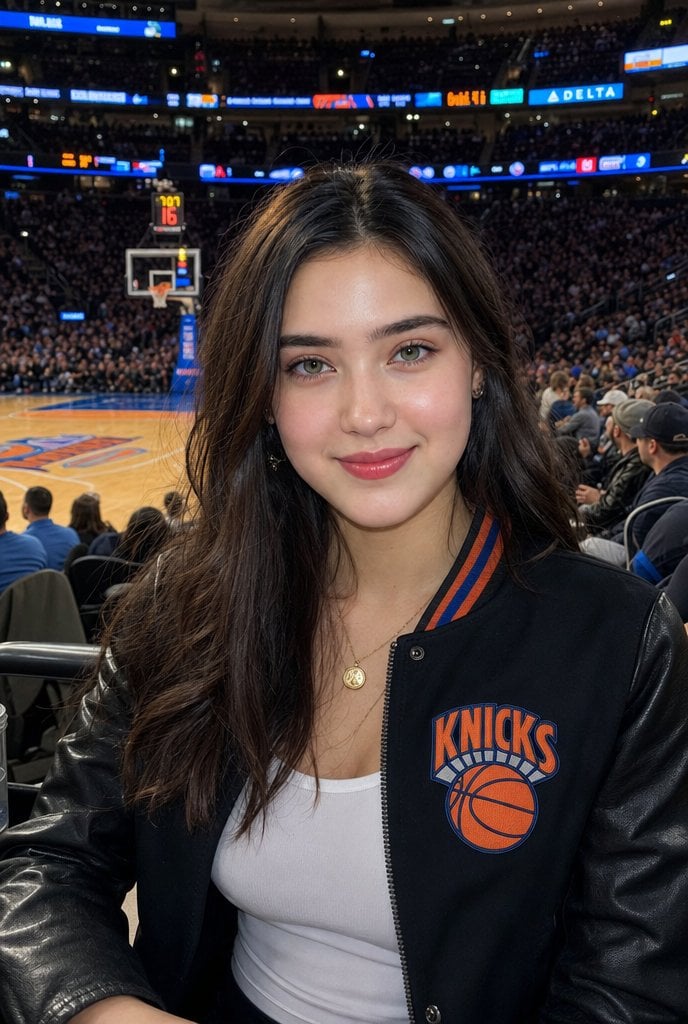
Courtside Knicks Fan Photo
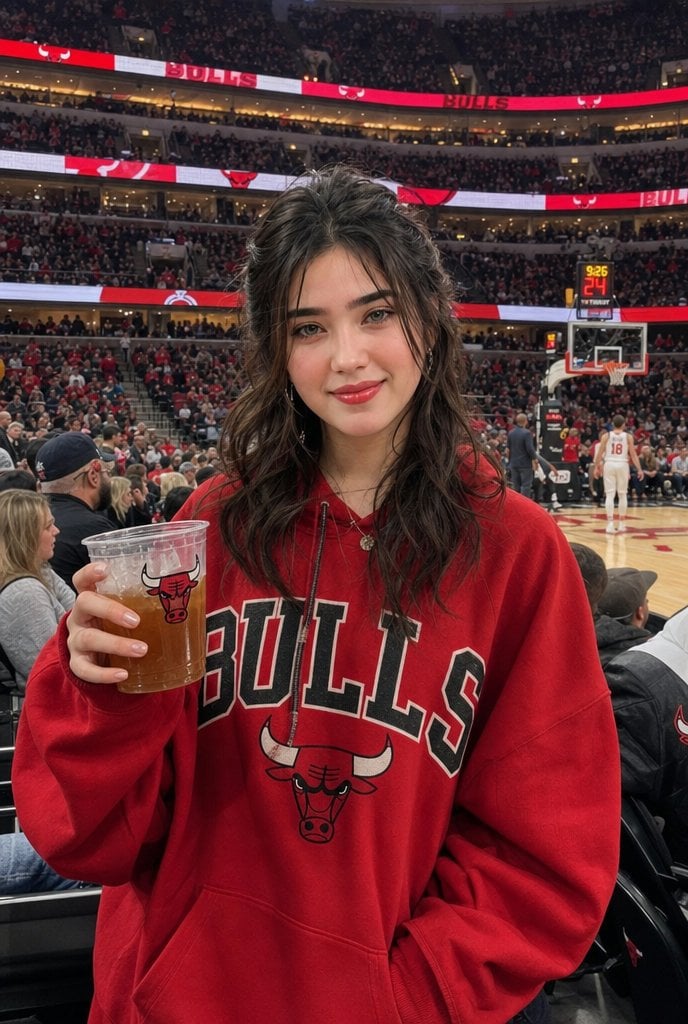
Realistic Bulls Courtside Fan Portrait
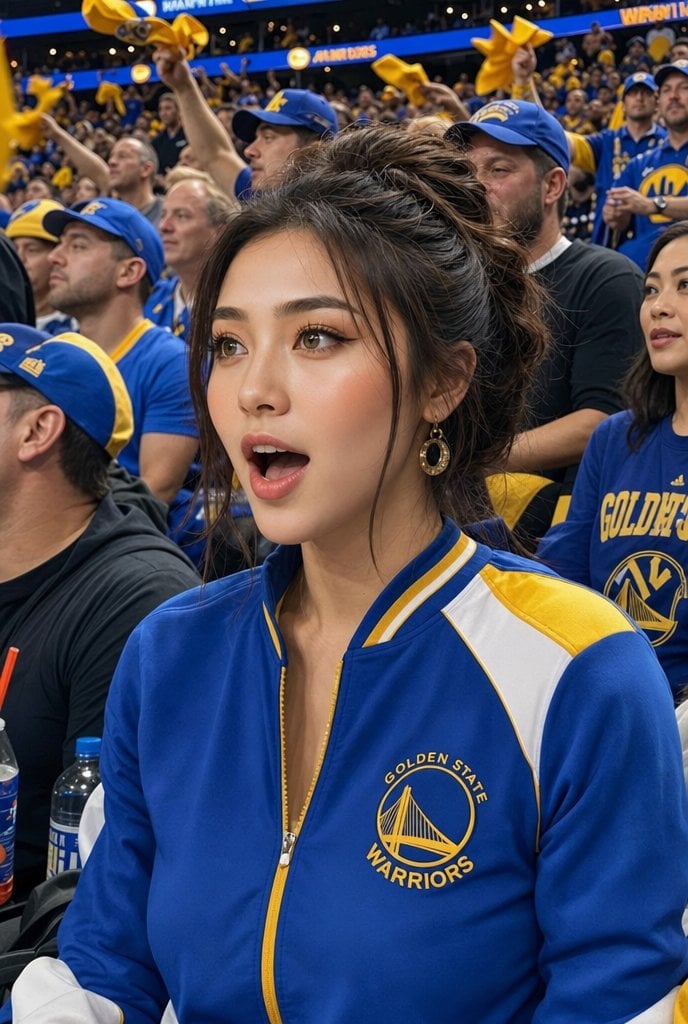
Warriors Fan Surprised Courtside Portrait
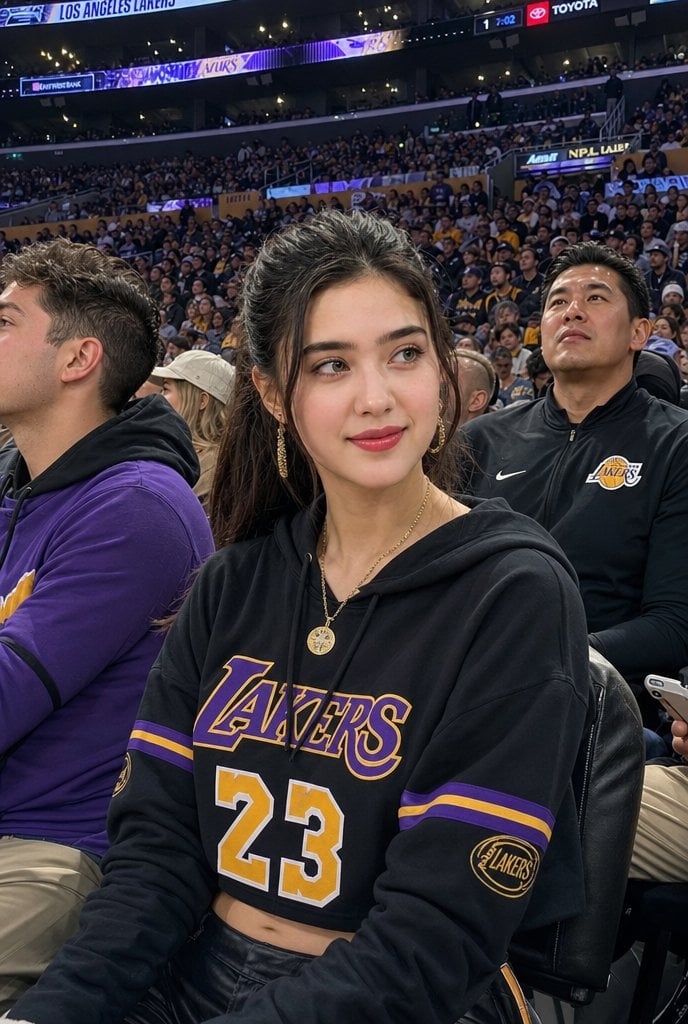
Lakers Arena Candid Portrait

Golden Kimono Fan Portrait
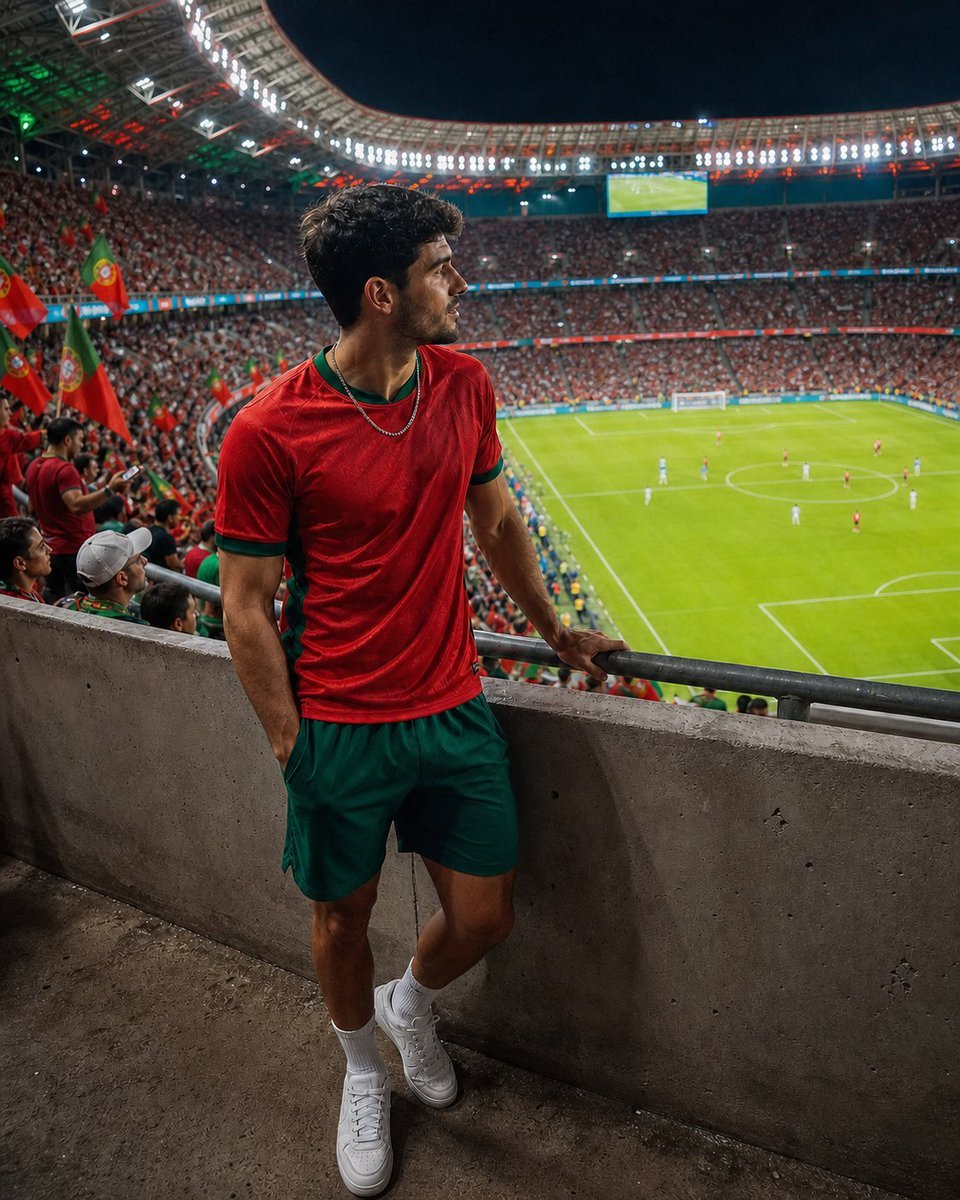
Professional Stadium Fan Photography Prompt

Chaotic Anime Schoolgirl Fan Collage
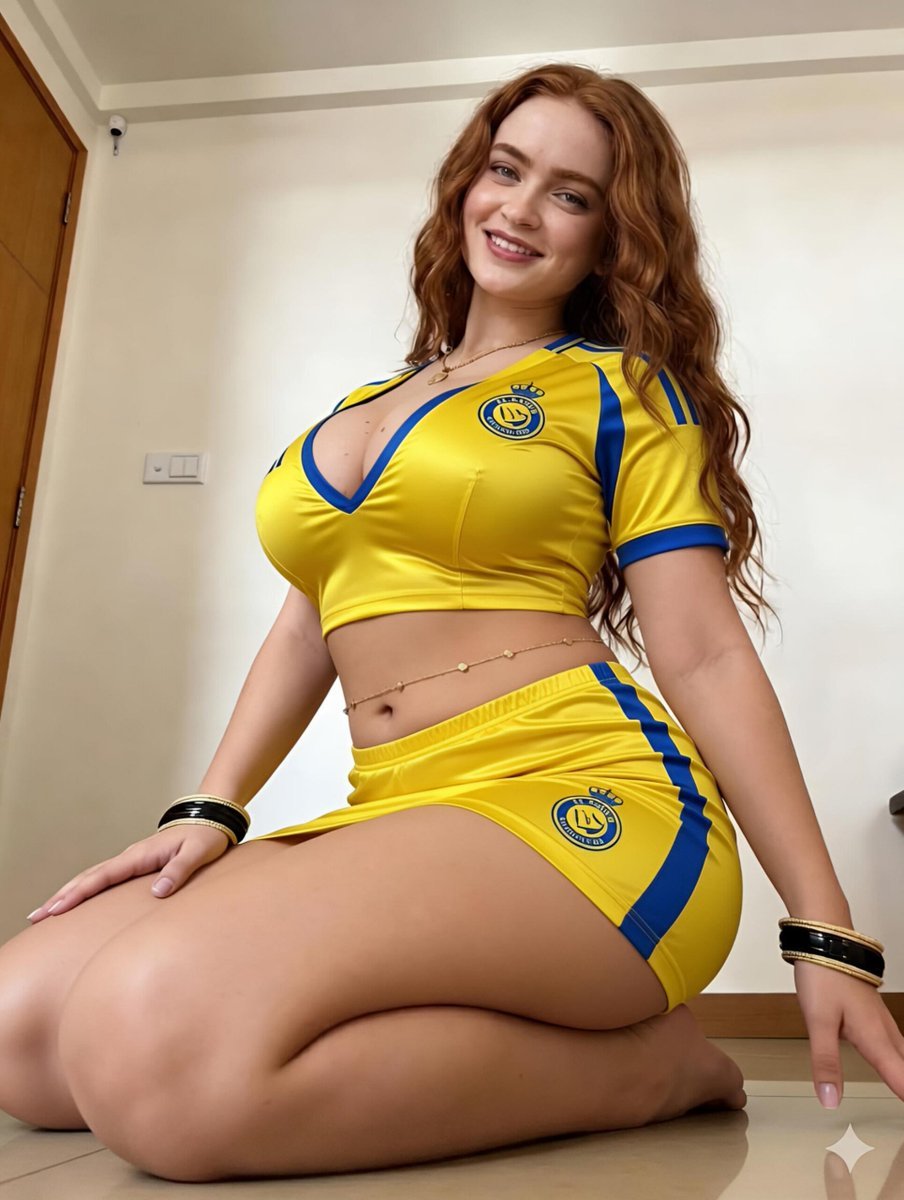
Female Football Fan Portrait
Make it yours
Courtside Lakers Fan Photo works as-is. These are the safest ways to change it without losing the look.
Change one field
Copy a single group, rewrite it, and generate again so you can see what that field is doing.
Keep the frame, change the subject
Hold the composition and light of Courtside Lakers Fan Photo, then swap wardrobe, props or the person for a new take.
| If the result… | Why | Fix |
|---|---|---|
| The result drifts from the preview | Too many fields changed at once. | Reuse Courtside Lakers Fan Photo as-is first, then change one group — subject, light, or setting. |
| The model over-stylizes the scene | The prose prompt leaves finish and camera underspecified. | Add one camera or lighting sentence and stay on GPT Image 2. |
More GPT Image 2 templates
Other prompts made for GPT Image 2.

Six VTuber Japanese Logo Sheet

Realistic Portrait of Woman and Deer

The Vista Modular Condo Poster

AI Model Routing Comparison Infographic

2.5D Anime Art Board

Isometric Productivity Desk Scene

New York Double Exposure Poster

Four-Panel AI Landscape Comparison

Japanese Tatami Lifestyle Magazine Cover

NESCAFÉ Coffee Map Poster
More image prompts
Fresh picks from across the catalog.
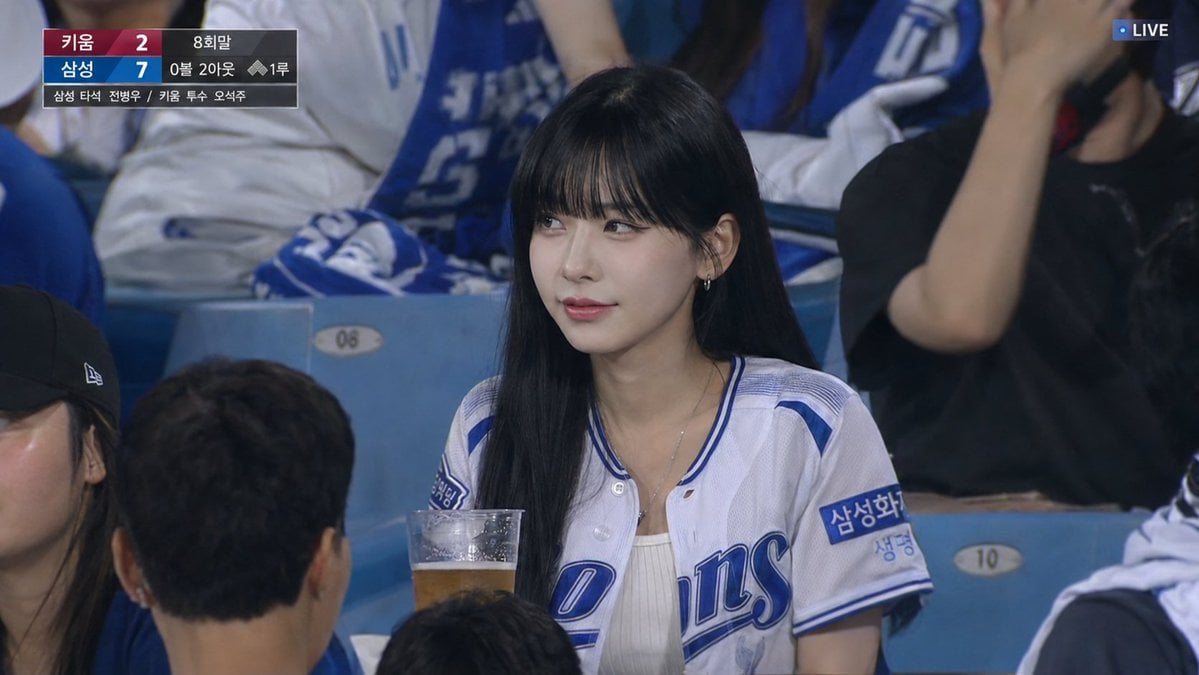
Korean Baseball Live TV Screenshot
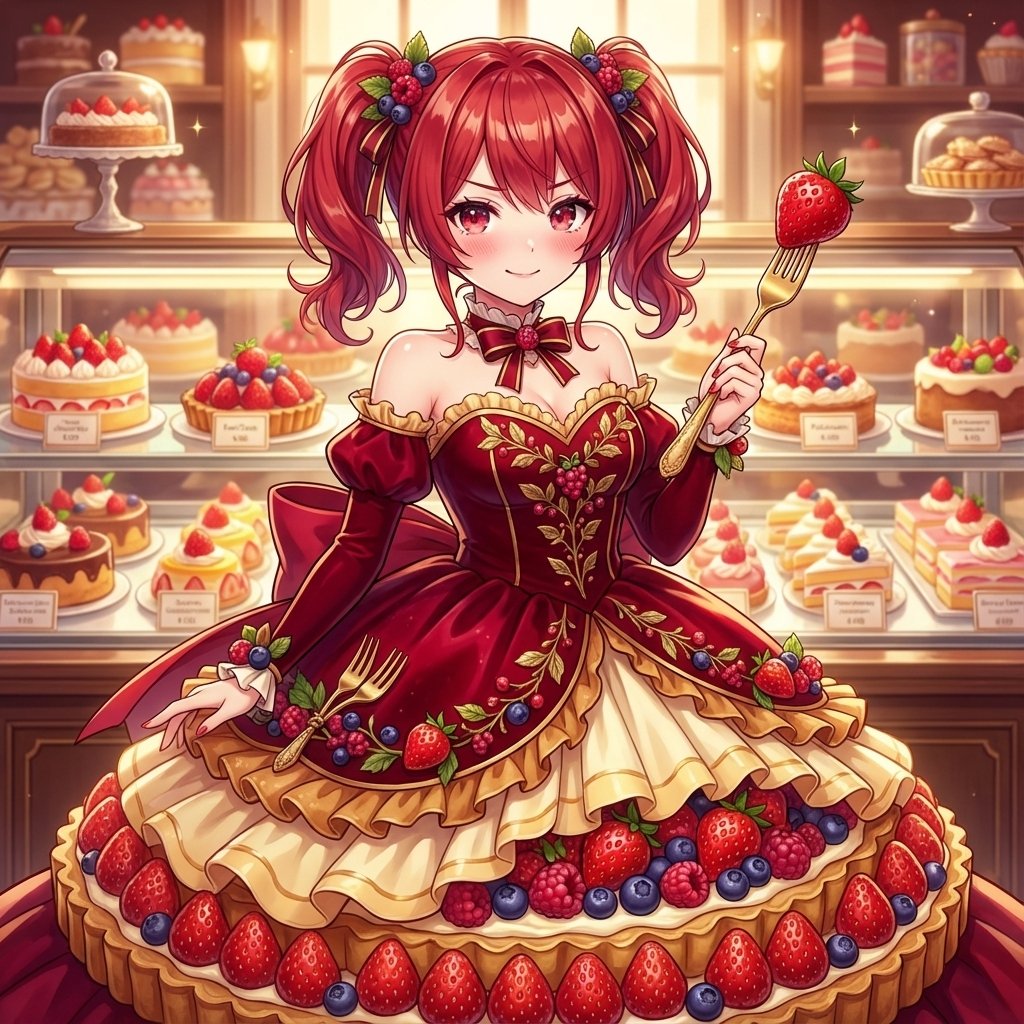
Image Conversion to Berry Tart Dress Style
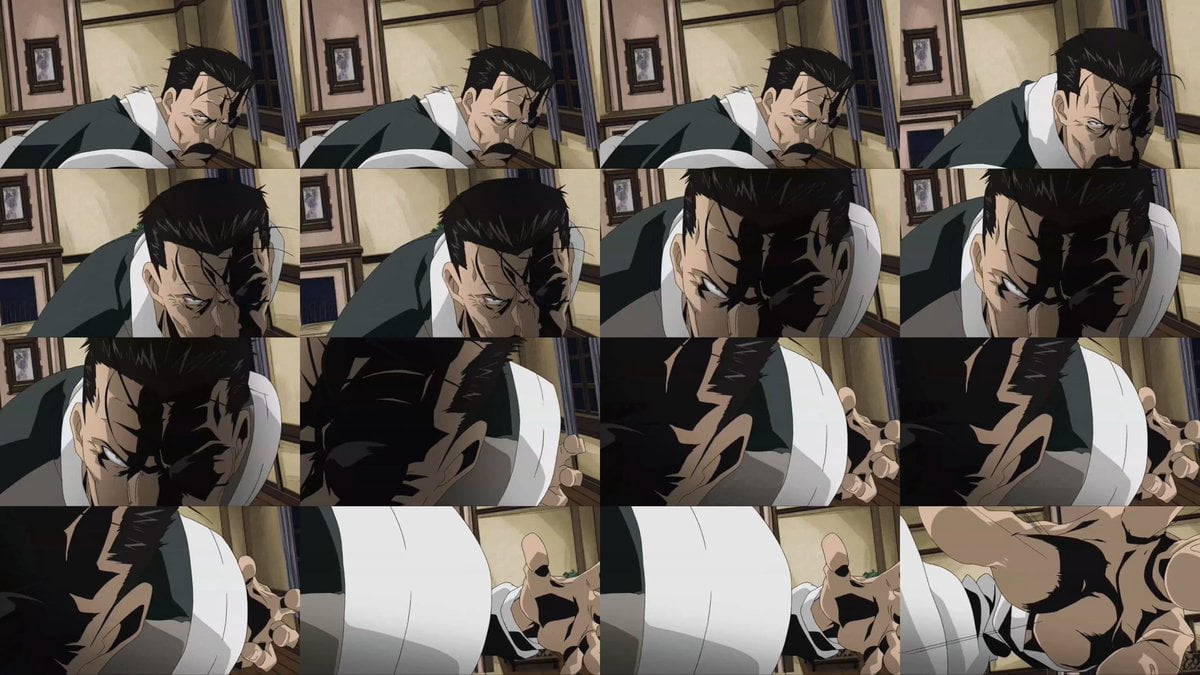
Style Transfer for Cinematic Live-Action Keyframes
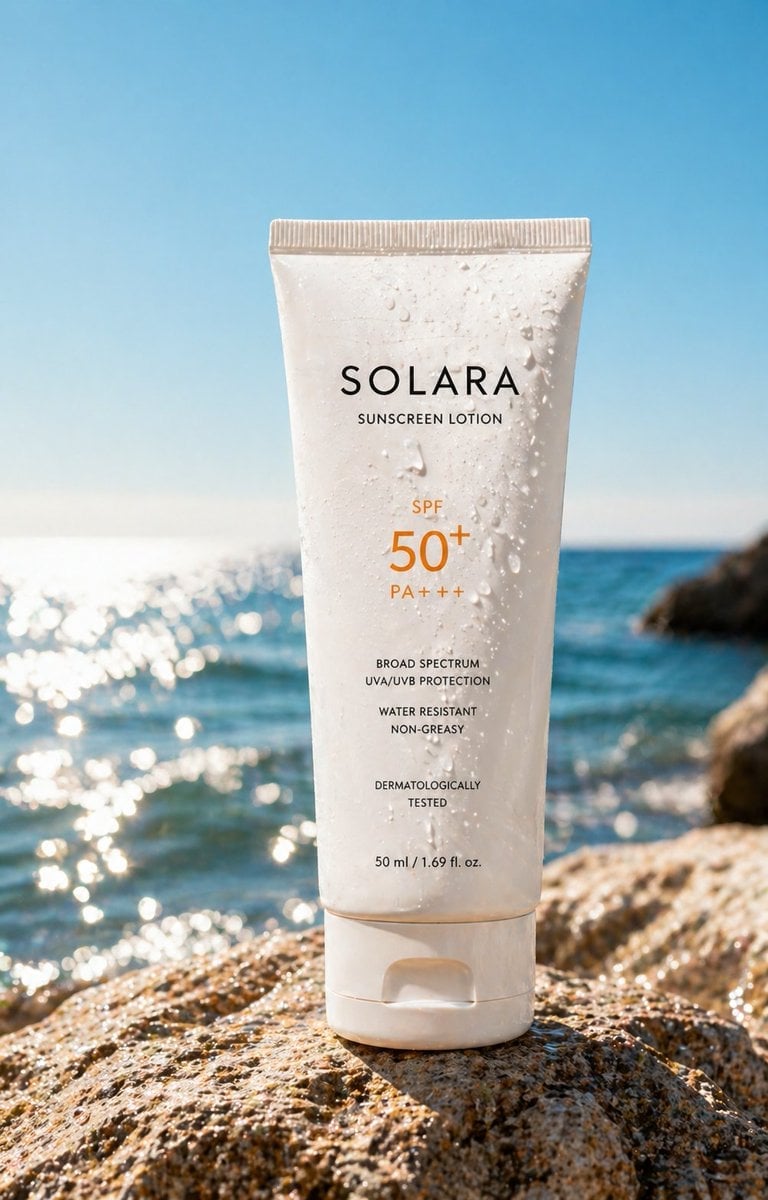
Luxury Sunscreen Product Shot

Kimetsu no Yaiba-style anime transformation with brush calligraphy
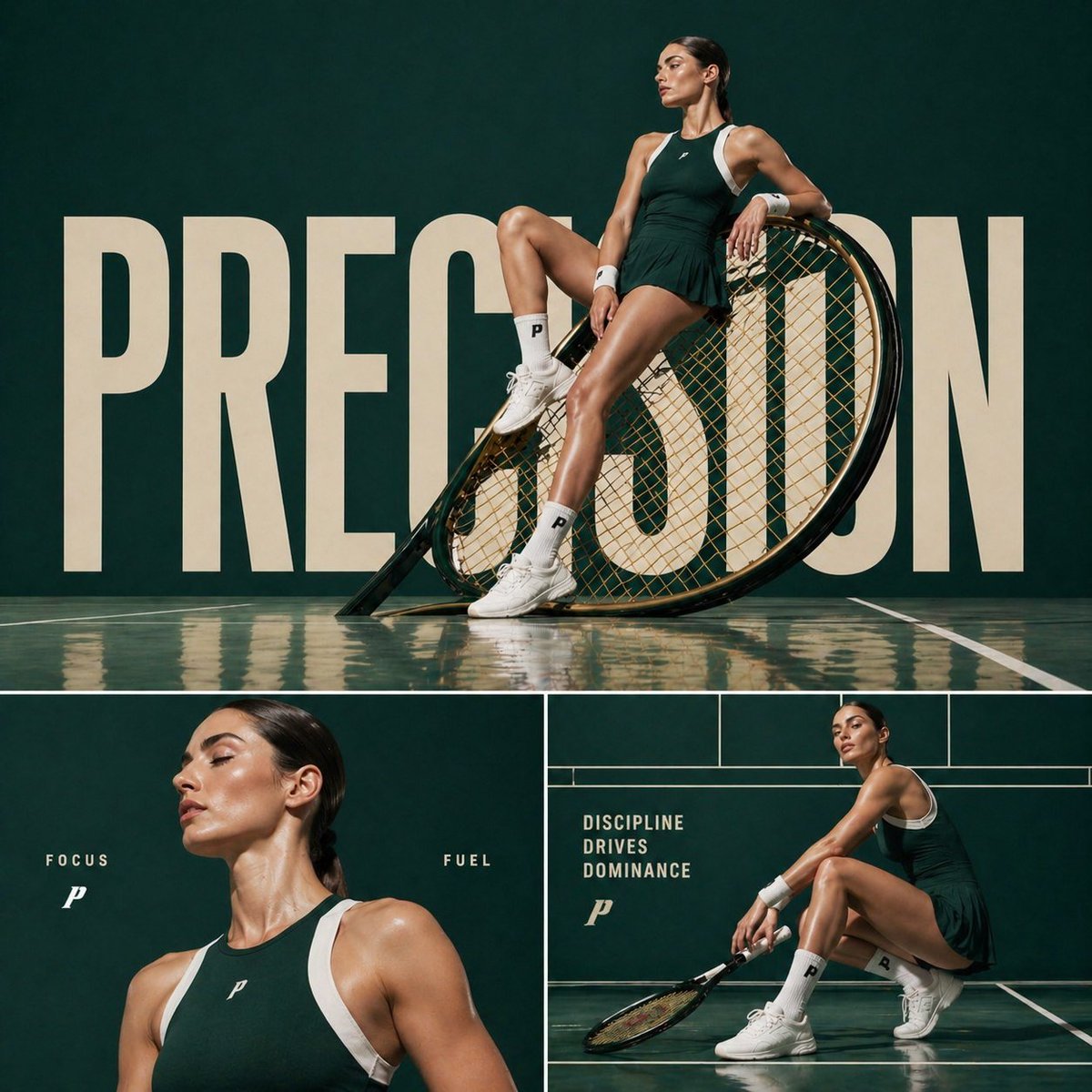
Luxury Tennis Editorial Poster
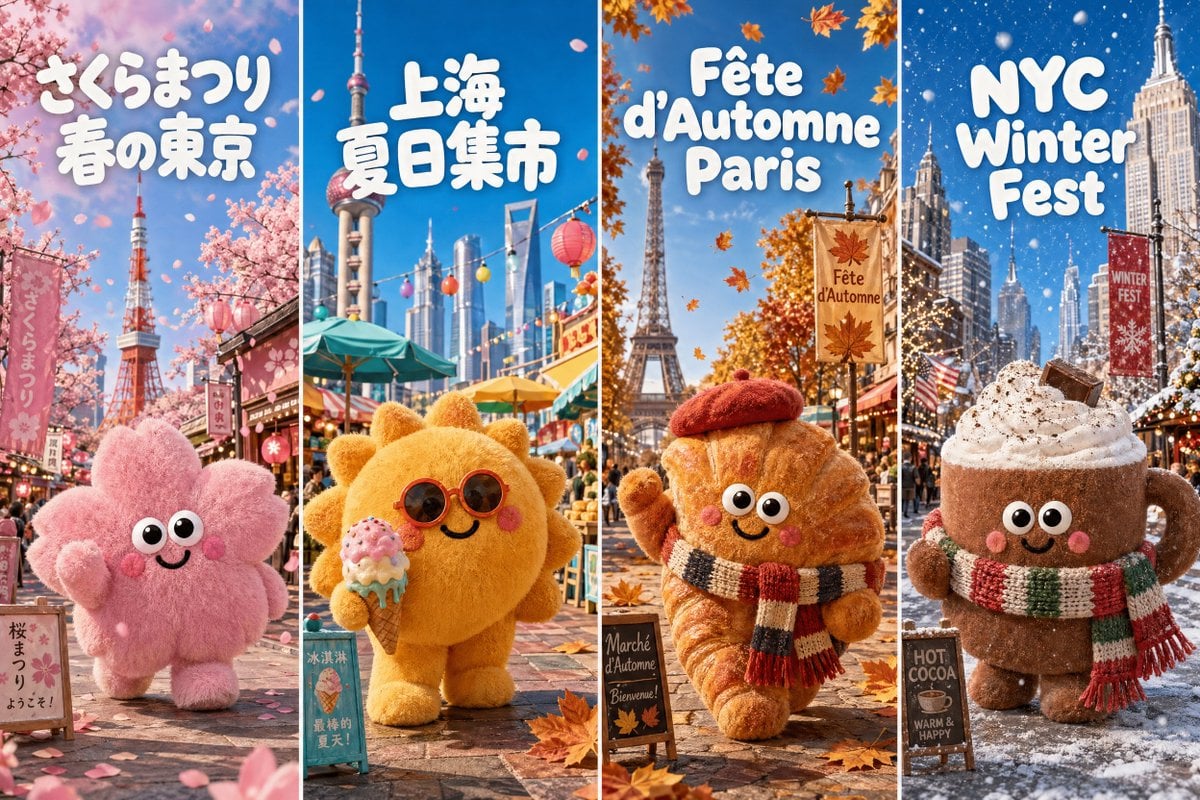
Four-Season Plush Festival City Grid

Vintage Librarian Fantasy Portrait

High-Fashion Cinematic Shot: Suit vs. Farmwear
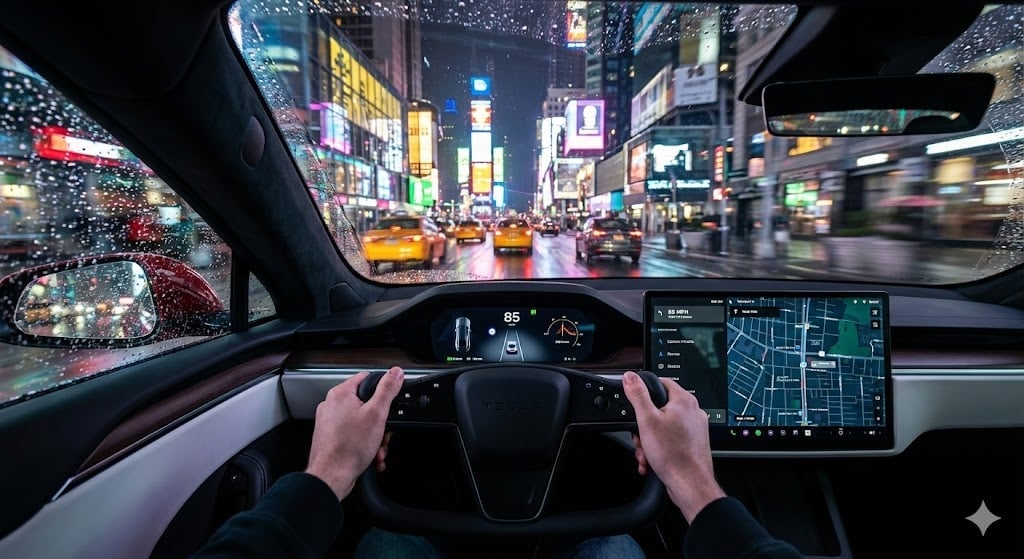
Cinematic First-Person Tesla Drive in Rain-Soaked Manhattan
Browse template categories
Courtside Lakers Fan Photo questions
How do I use the Courtside Lakers Fan Photo template?
Add your photo if the template asks for one, edit the prompt if you like — the template's model and format are already selected — and press Generate. Your version opens in PicX Studio.
Can I customize the Courtside Lakers Fan Photo template?
Yes. You can change the subject, setting, lighting, mood, format, and available model controls before creating your image.
Is the Courtside Lakers Fan Photo template free?
Opening and editing this template is free. Generating uses credits, shown on the Generate button when you are signed in.
Which AI model should I use?
Start with GPT Image 2, which is the model associated with this template. You can compare another compatible model for a different finish.
Looking for something else? Browse all templates.

Your photo, any look
Thousands of ready templates for every top image and video model, from one credit balance.