
Vintage Librarian Fantasy Portrait
A detailed prompt for generating a cinematic, dreamy portrait of a woman in vintage attire holding a lantern in a library setting with glowing book stacks.
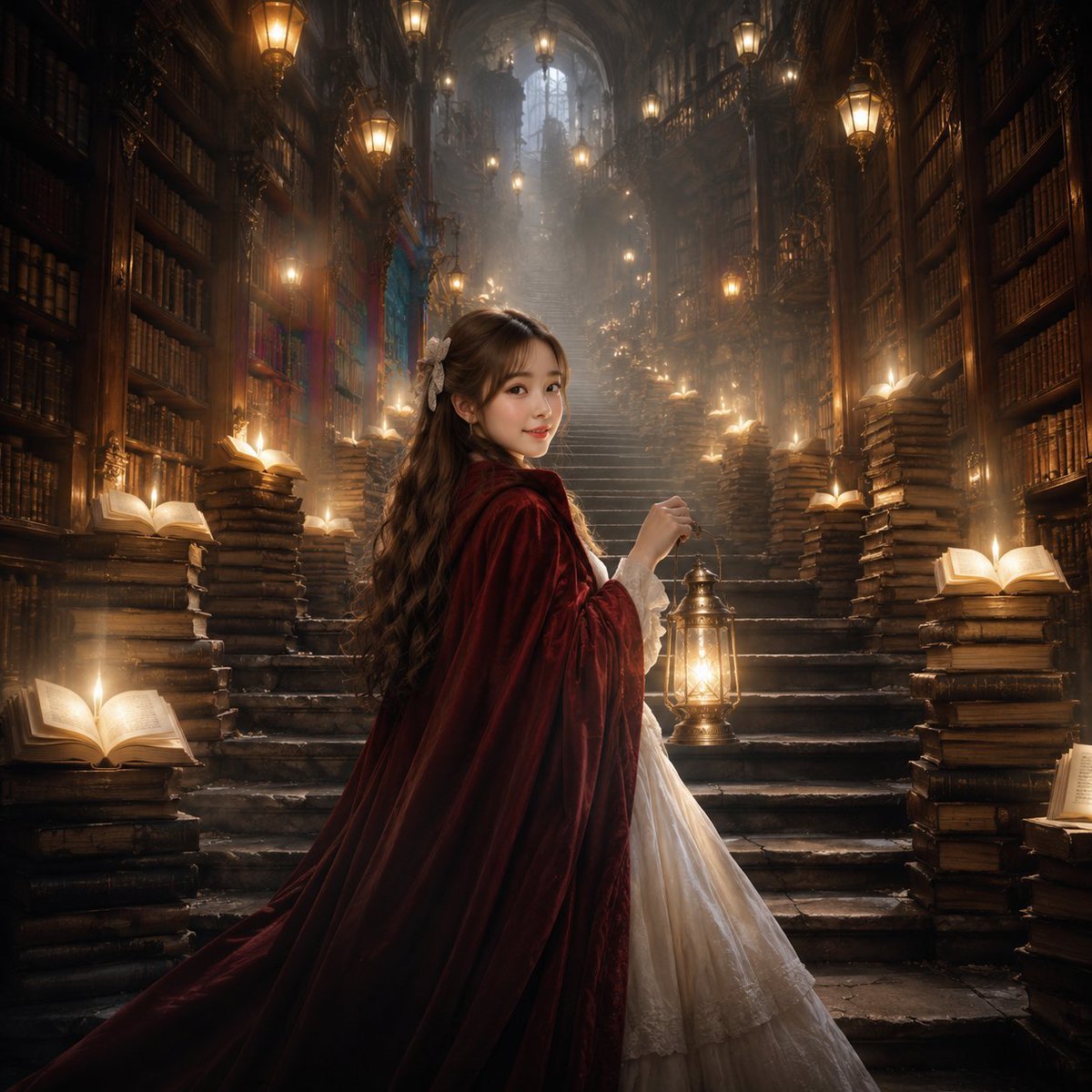
- Prompt included
- Model and format preset
- Premium template
The prompt behind this image
Copy the exact prompt behind Vintage Librarian Fantasy Portrait, or open it in the studio and make it yours.
A lifelike portrait of the young woman. The model's face is a 100% replica of the original image. She has a sweet and beautiful face. Her makeup is soft and gentle, her skin is fair and smooth, and she looks healthy. Her {argument name="hair" default="long brown hair"} is half-up, adorned with a lace ribbon bow, and the ends are wavy. She wears a luxurious, flowing {argument name="dress style" default="vintage-style white long dress"}, covered with a long, hooded {argument name="coat color" default="wine-red"} coat. In one hand, she holds an antique Art Nouveau lantern that casts a soft golden light, illuminating her face and making her appear brighter and more beautiful amidst the surrounding atmosphere. She stands with her back to the camera at the bottom of a stone staircase, about to ascend it. She turns and gives a slight smile to the camera. Along the winding stone staircase leading into the darkness, stacks of antique books are piled high, arranged rhythmically left and right. The top book in each stack is open, with a soft golden light emanating from its pages, making these stacks of books appear as lamps emerging from the darkness. The backdrop is the winding stone staircase, alternating left and right ascending upwards, surrounded by enormous wooden bookshelves packed with books. The high, arched ceiling is adorned with numerous vintage-style lamps hanging down and along the walls, casting a shimmering golden light that blends with the soft glow of books. The atmosphere is dreamy, with a light mist. The cinematic style emphasizes softness, gentle light and shadow, creating a beautiful and realistic effect at high 8k resolution.
How to use Vintage Librarian Fantasy Portrait in 3 steps
- 1Upload ImagePNG, JPG or paste
Add your photo
Upload the photo the template builds on. The prompt, model and format are already set.
- 2…a portrait of your subject in softgolden-hour light, 85mm…
Personalize
Edit the subject and creative details for your destination.
- 3Generate
Generate
Press Generate — your image is created in PicX Studio, so you can compare it with the original and refine one variable at a time.
More like this
Templates with the same subject, style or setup. Open one to see its prompt.












Make it yours
Vintage Librarian Fantasy Portrait works as-is. These are the safest ways to change it without losing the look.
Change one field
Copy a single group, rewrite it, and generate again so you can see what that field is doing.
Keep the frame, change the subject
Hold the composition and light of Vintage Librarian Fantasy Portrait, then swap wardrobe, props or the person for a new take.
| If the result… | Why | Fix |
|---|---|---|
| The result drifts from the preview | Too many fields changed at once. | Reuse Vintage Librarian Fantasy Portrait as-is first, then change one group — subject, light, or setting. |
| The model over-stylizes the scene | The prose prompt leaves finish and camera underspecified. | Add one camera or lighting sentence and stay on GPT Image 2. |
More GPT Image 2 templates
Other prompts made for GPT Image 2.

Six VTuber Japanese Logo Sheet

Realistic Portrait of Woman and Deer

The Vista Modular Condo Poster

AI Model Routing Comparison Infographic

2.5D Anime Art Board

Isometric Productivity Desk Scene

New York Double Exposure Poster

Four-Panel AI Landscape Comparison

Japanese Tatami Lifestyle Magazine Cover

NESCAFÉ Coffee Map Poster
More image prompts
Fresh picks from across the catalog.
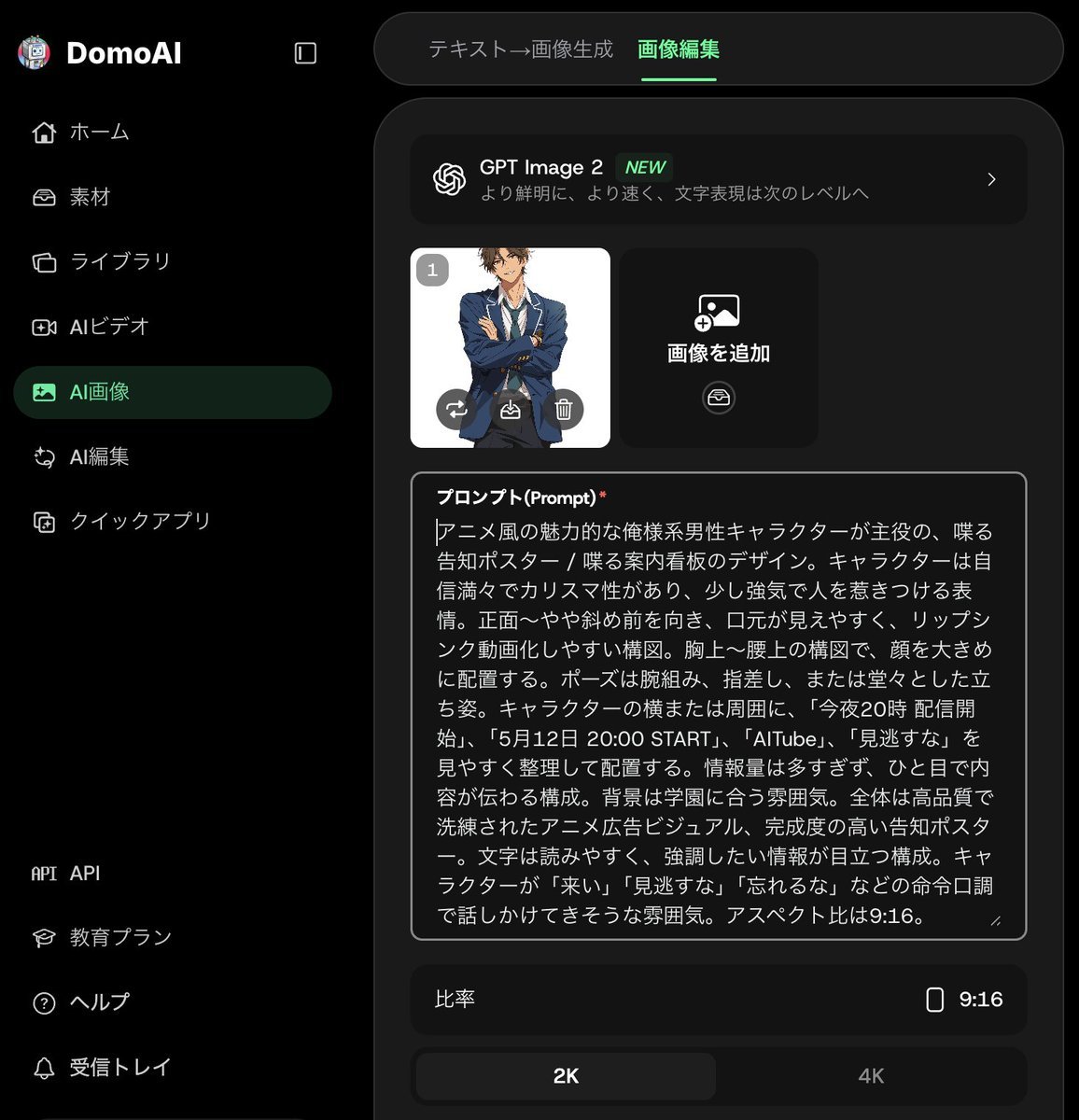
Anime Announcement Poster Template

WhatsApp Speech Bubble Bridge Macro Photography
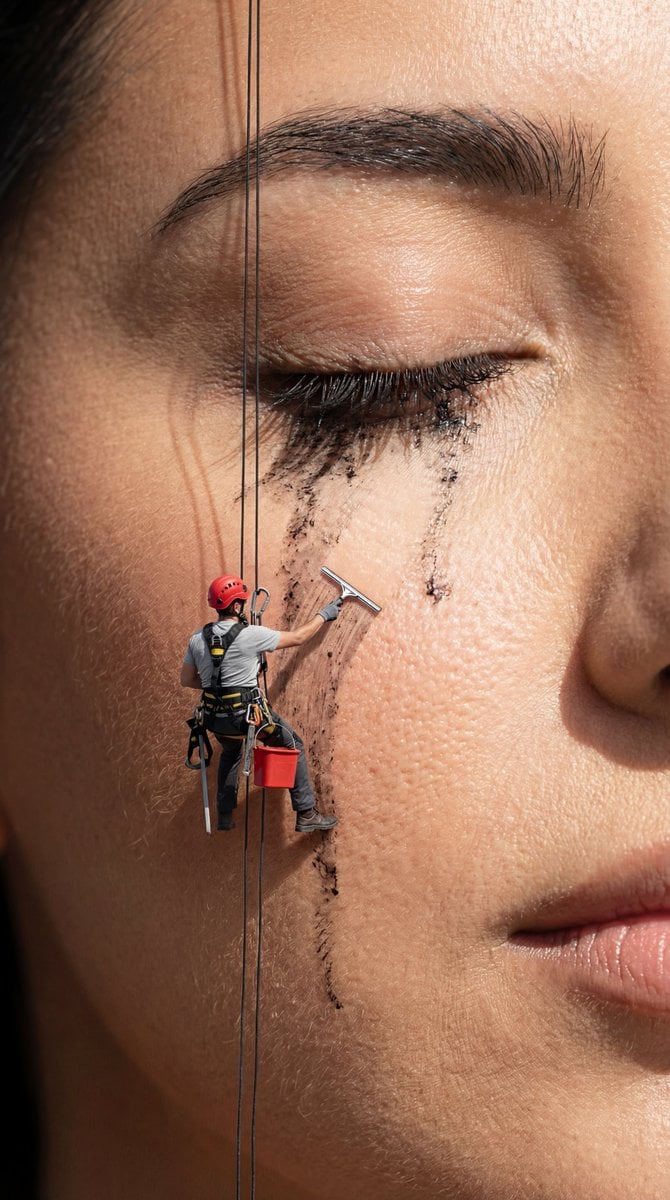
Surreal Macro Advertising Concept: Mascara Cleanup
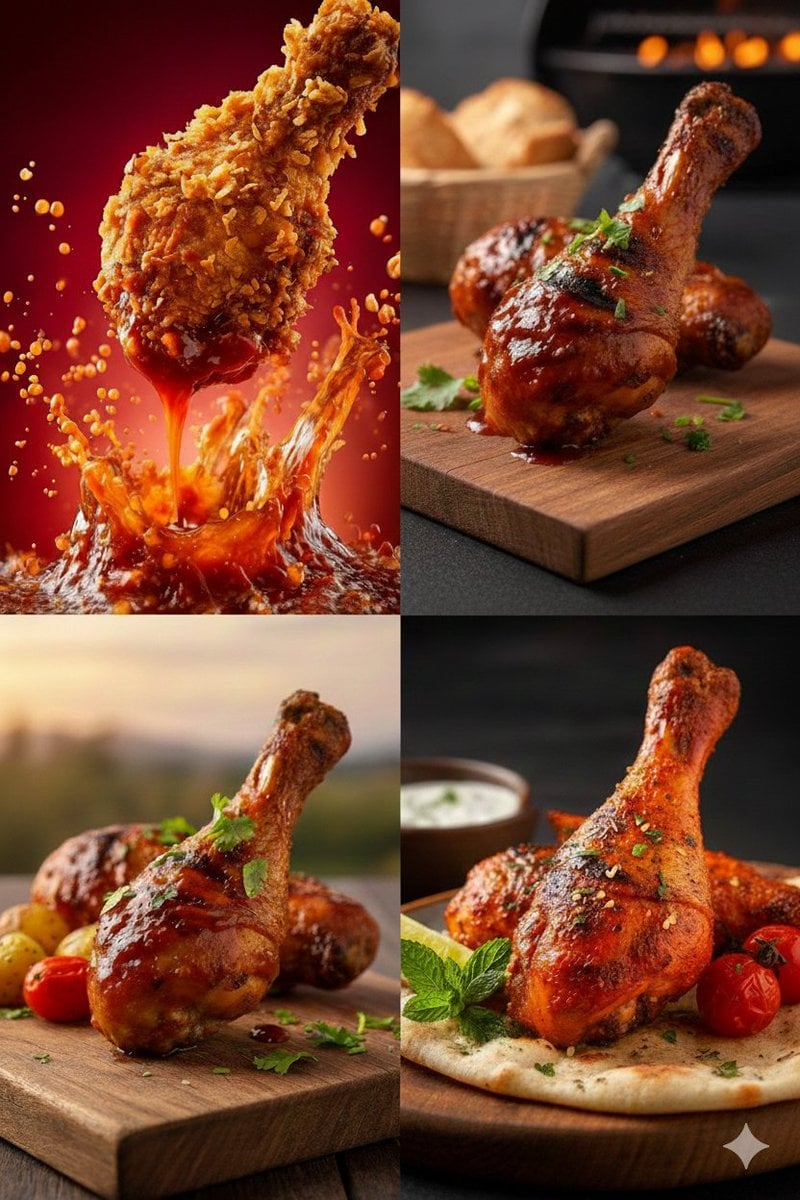
High-Definition Culinary Photography: Chicken Drumsticks
Clay Baba Yaga With Chicken-Leg Hut
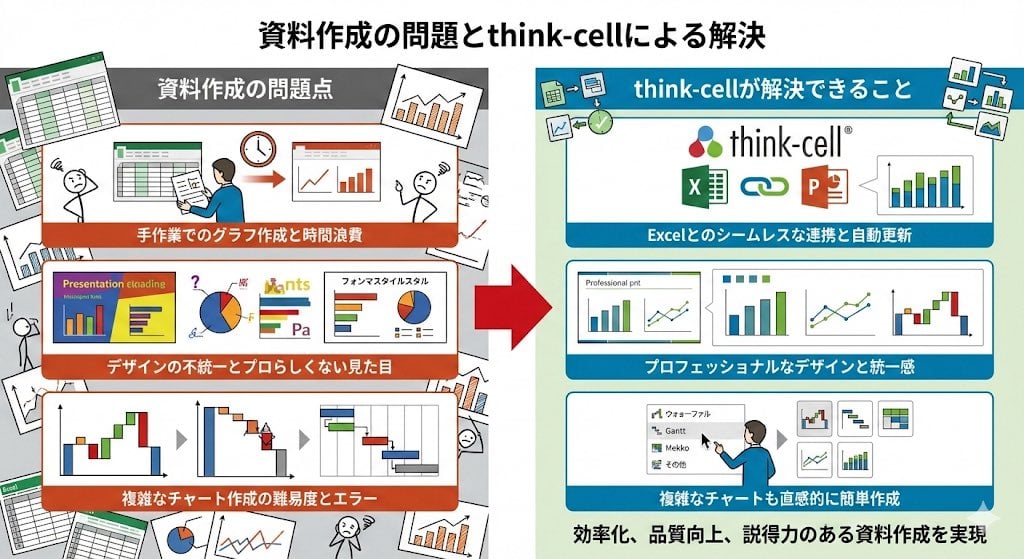
Visual explanation of Think-cell solving document issues
Fuchsia Power Suit Fashion Editorial

Hyperrealistic Portrait of Man Lighting Cigarette
Simulated iPhone 14 Pro Selfie in Harsh Lighting
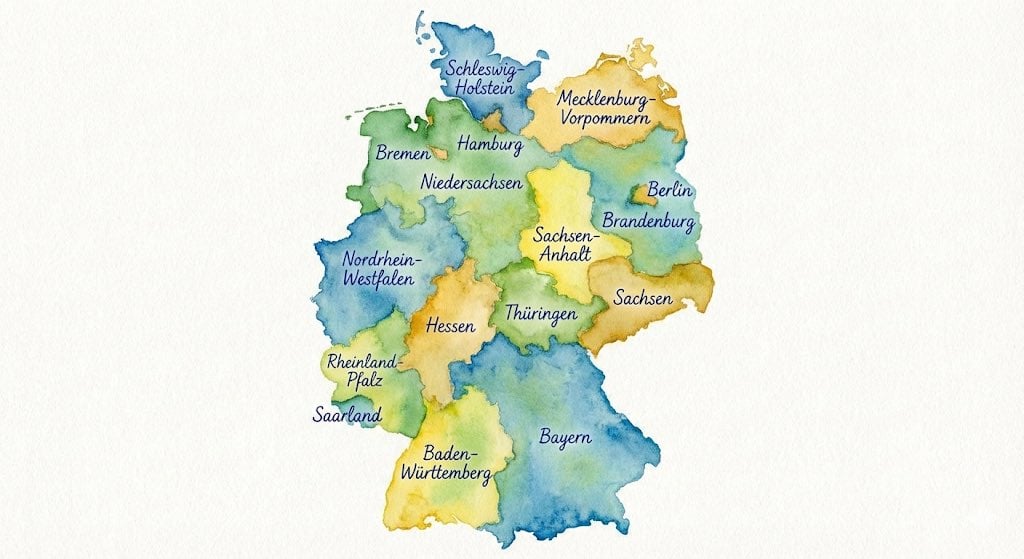
Watercolor map of Germany with labeled states
Browse template categories
Vintage Librarian Fantasy Portrait questions
How do I use the Vintage Librarian Fantasy Portrait template?
Add your photo if the template asks for one, edit the prompt if you like — the template's model and format are already selected — and press Generate. Your version opens in PicX Studio.
Can I customize the Vintage Librarian Fantasy Portrait template?
Yes. You can change the subject, setting, lighting, mood, format, and available model controls before creating your image.
Is the Vintage Librarian Fantasy Portrait template free?
Opening and editing this template is free. Generating uses credits, shown on the Generate button when you are signed in.
Which AI model should I use?
Start with GPT Image 2, which is the model associated with this template. You can compare another compatible model for a different finish.
Looking for something else? Browse all templates.

Your photo, any look
Thousands of ready templates for every top image and video model, from one credit balance.