
Clay Baba Yaga With Chicken-Leg Hut
Generates a whimsical 3D clay-style folklore character holding a staff beside a chicken-legged hut for toy-like fantasy illustration use.
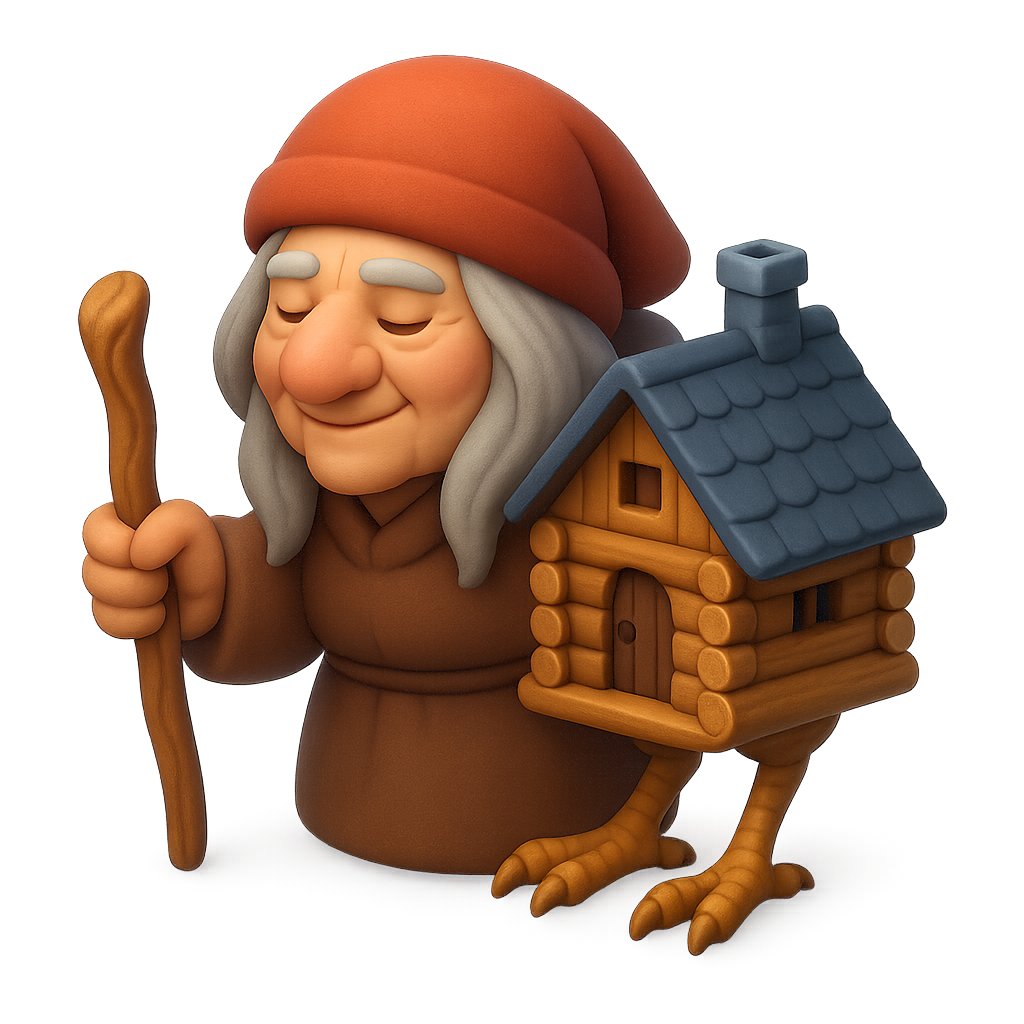
- Prompt included
- Model and format preset
- Free template
The prompt behind this image
Copy the exact prompt behind Clay Baba Yaga With Chicken-Leg Hut, or open it in the studio and make it yours.
Create a cute stylized 3D clay-rendered character on a clean white background: {argument name="character name" default="Baba Yaga"} as a squat elderly folklore witch wearing a large soft {argument name="hat color" default="burnt orange-red"} hood or cap, long gray hair hanging down on both sides, and a simple brown robe with rounded toy-like folds. Her face is deliberately hidden by one flat opaque square censor block in a warm brown skin tone, centered over the head and covering all facial features. She holds exactly one crooked wooden walking staff in her left hand. Beside and partly attached to her right side is exactly one miniature log cabin hut, made from rounded golden-brown logs, with exactly one arched wooden door, exactly one small square upper window, exactly one dark blue-gray shingled roof, and exactly one squat chimney. The hut stands on exactly two birdlike chicken legs with three front claws visible on each foot, sculpted in the same warm wood-clay style. Use soft studio lighting, smooth rounded forms, tactile polymer-clay texture, subtle ambient shadows, high detail, centered composition, isometric front three-quarter view, whimsical fairy-tale toy aesthetic, no text, no border.
How to use Clay Baba Yaga With Chicken-Leg Hut in 3 steps
- 1Upload ImagePNG, JPG or paste
Add your photo
Upload the photo the template builds on. The prompt, model and format are already set.
- 2…a portrait of your subject in softgolden-hour light, 85mm…
Personalize
Edit the subject and creative details for your destination.
- 3Generate
Generate
Press Generate — your image is created in PicX Studio, so you can compare it with the original and refine one variable at a time.
More like this
Templates with the same subject, style or setup. Open one to see its prompt.

Stylized Baba Yaga Hut
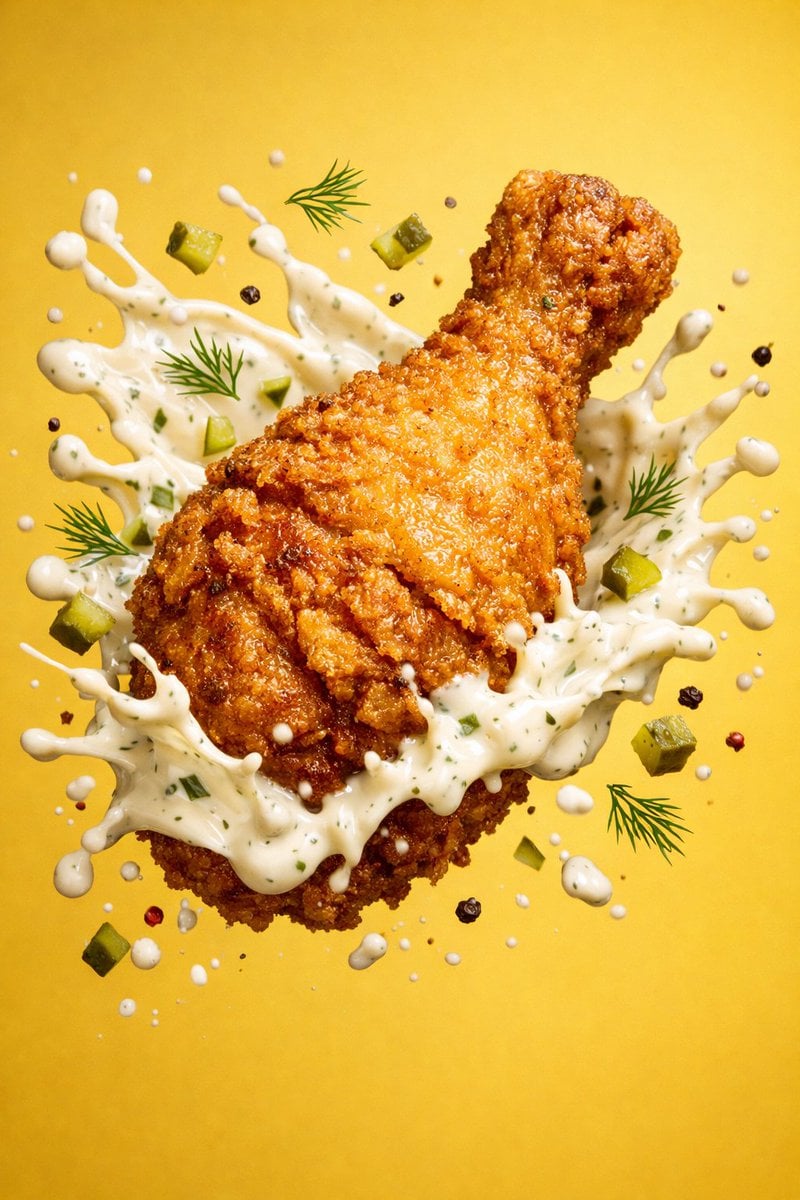
Epic 8K cinematic fantasy food scene a colossal crispy fried chicken leg
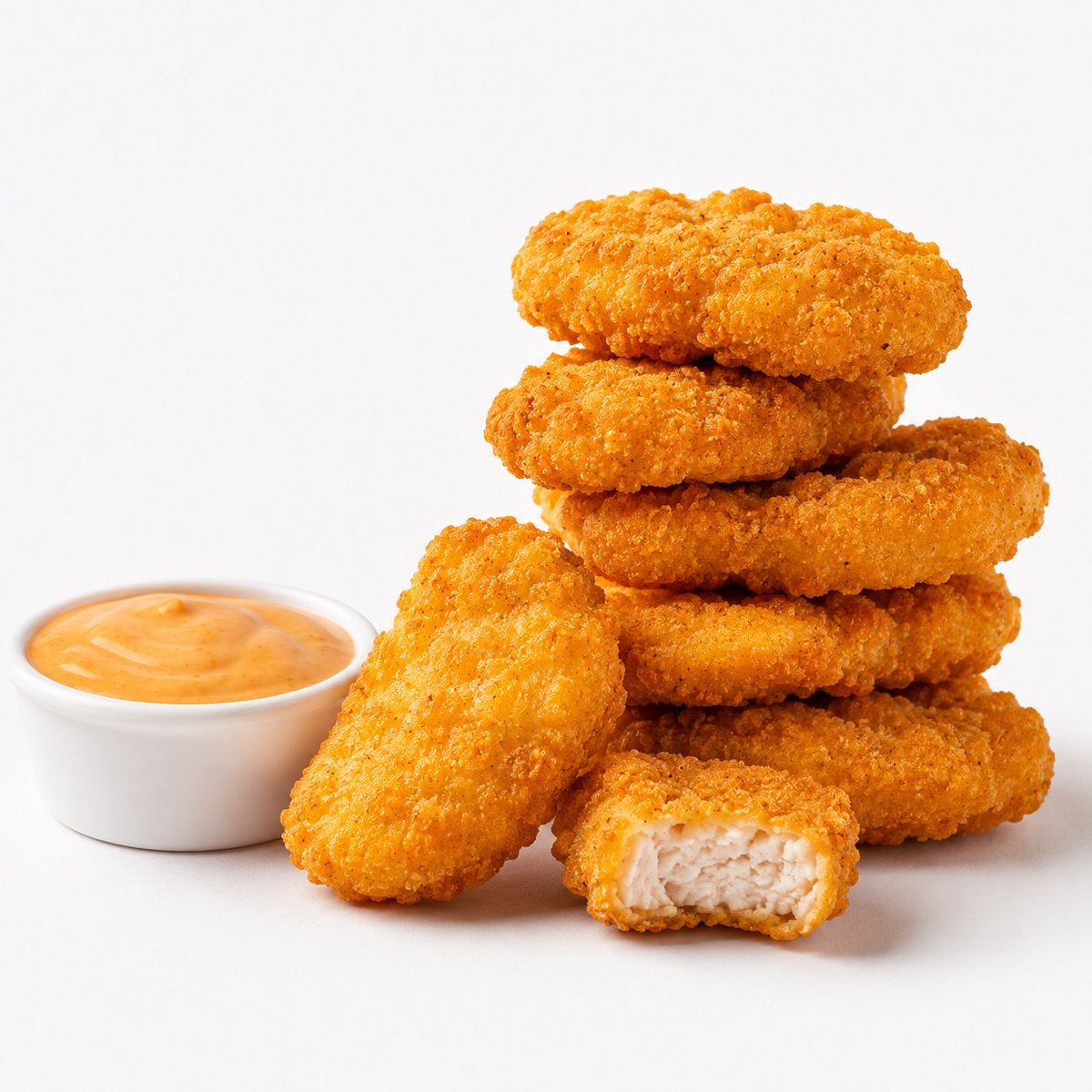
Crispy Chicken Nuggets Product Photo
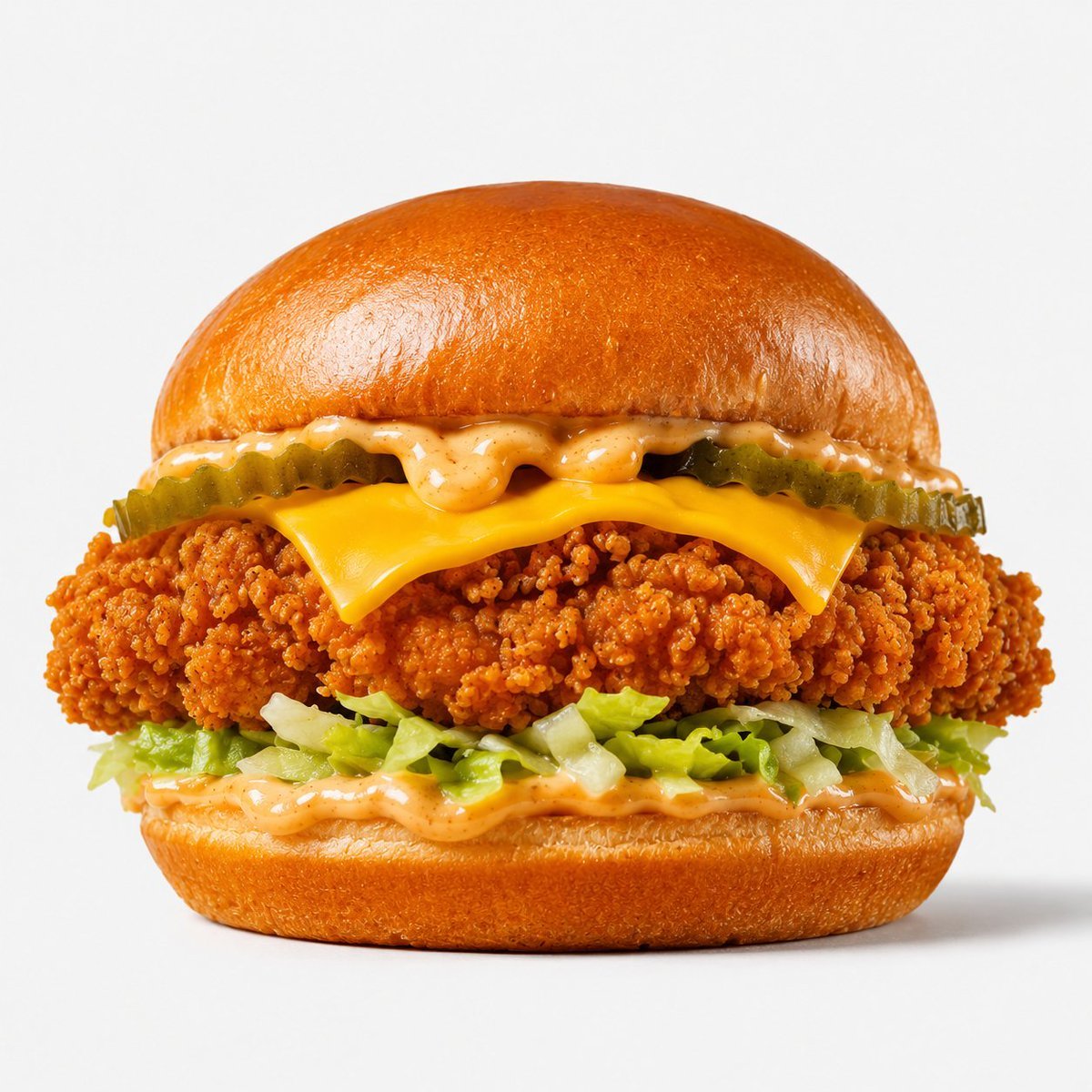
Crispy Chicken Burger Product Photo
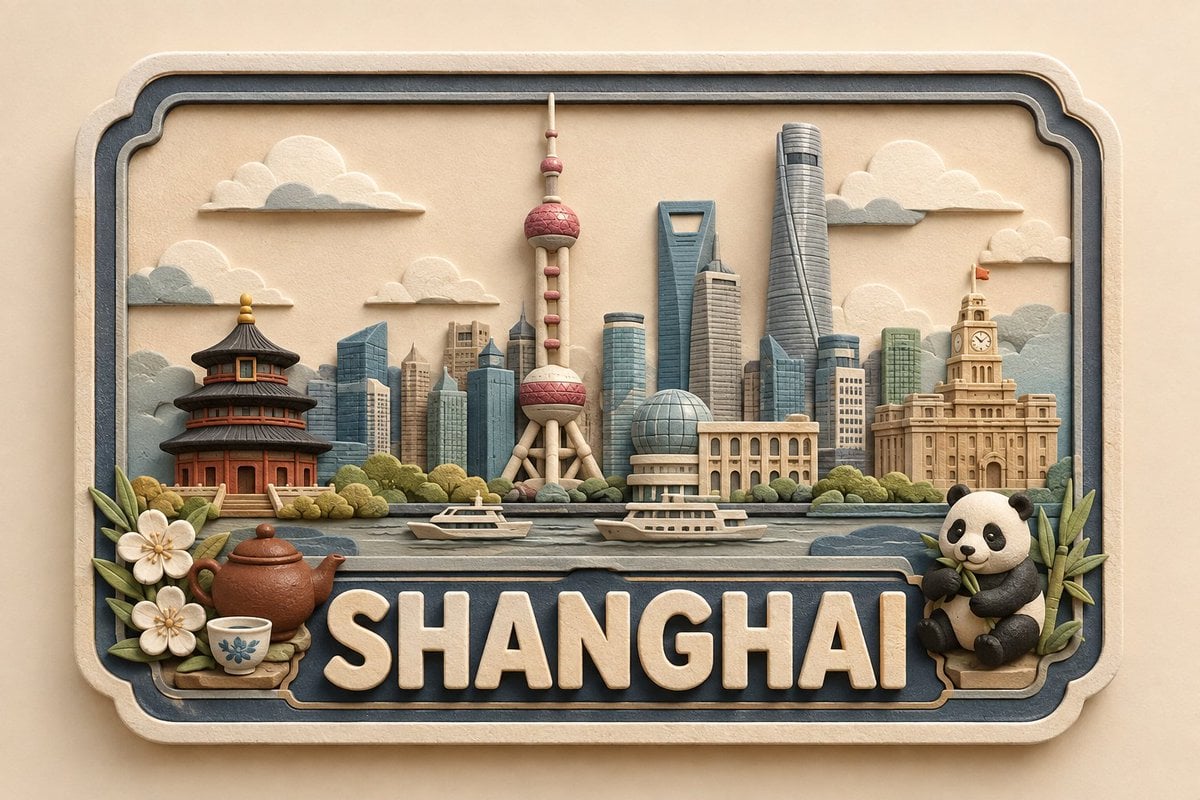
3D Paper and Clay Plaque
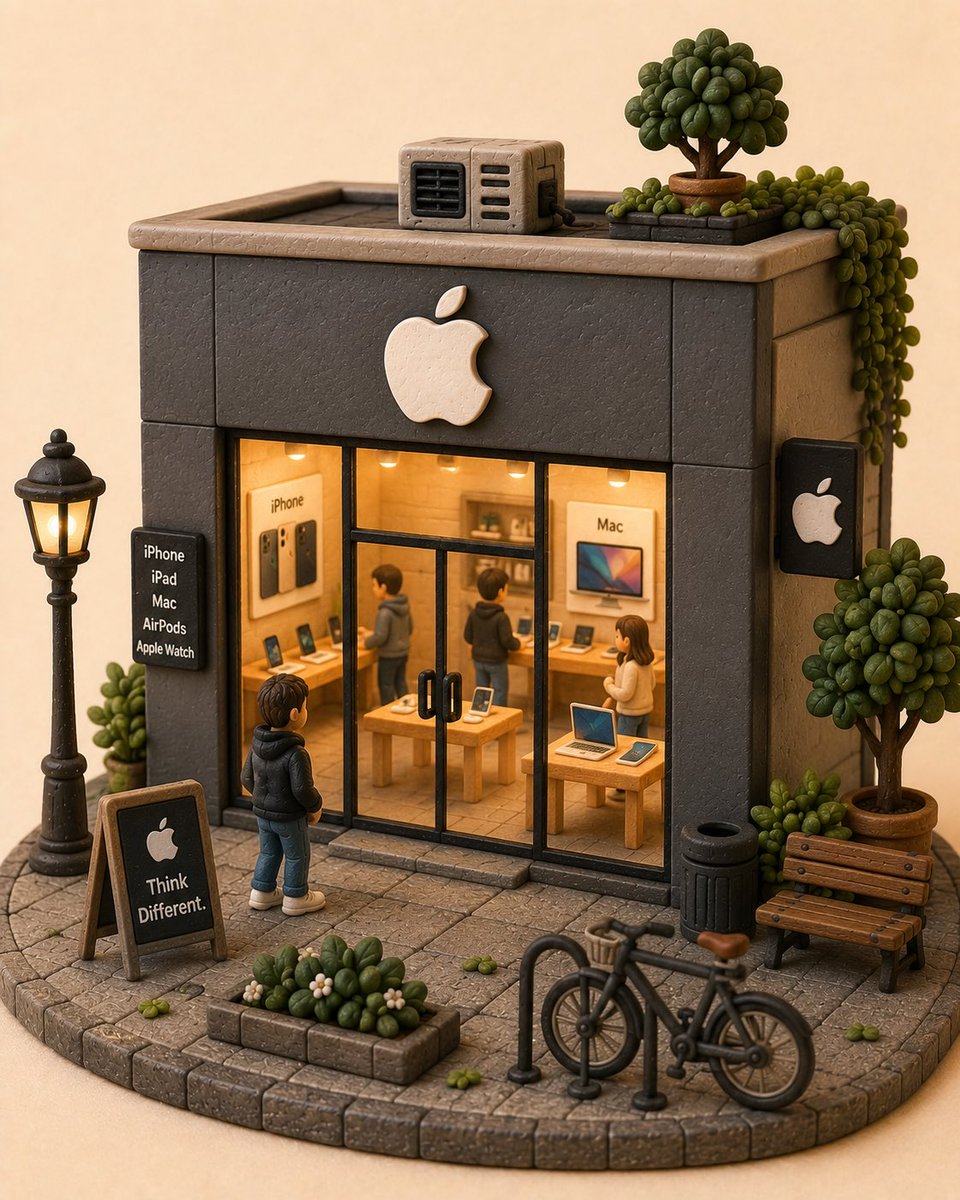
Handcrafted Clay Store Diorama
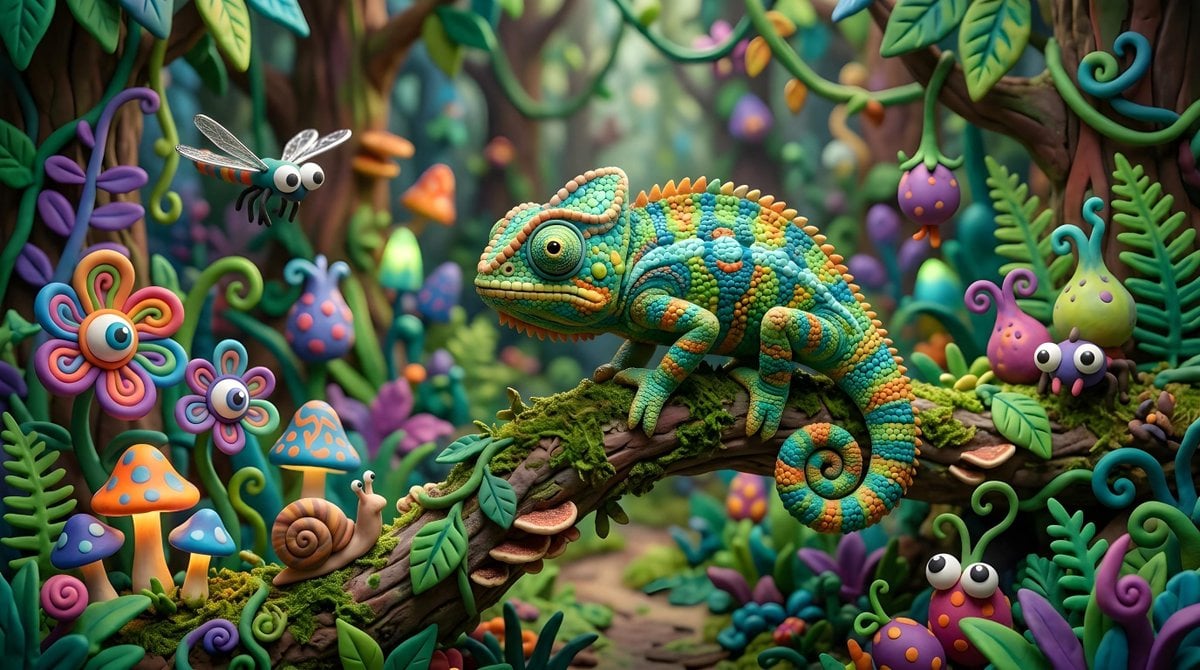
Whimsical Claymation Chameleon Scene
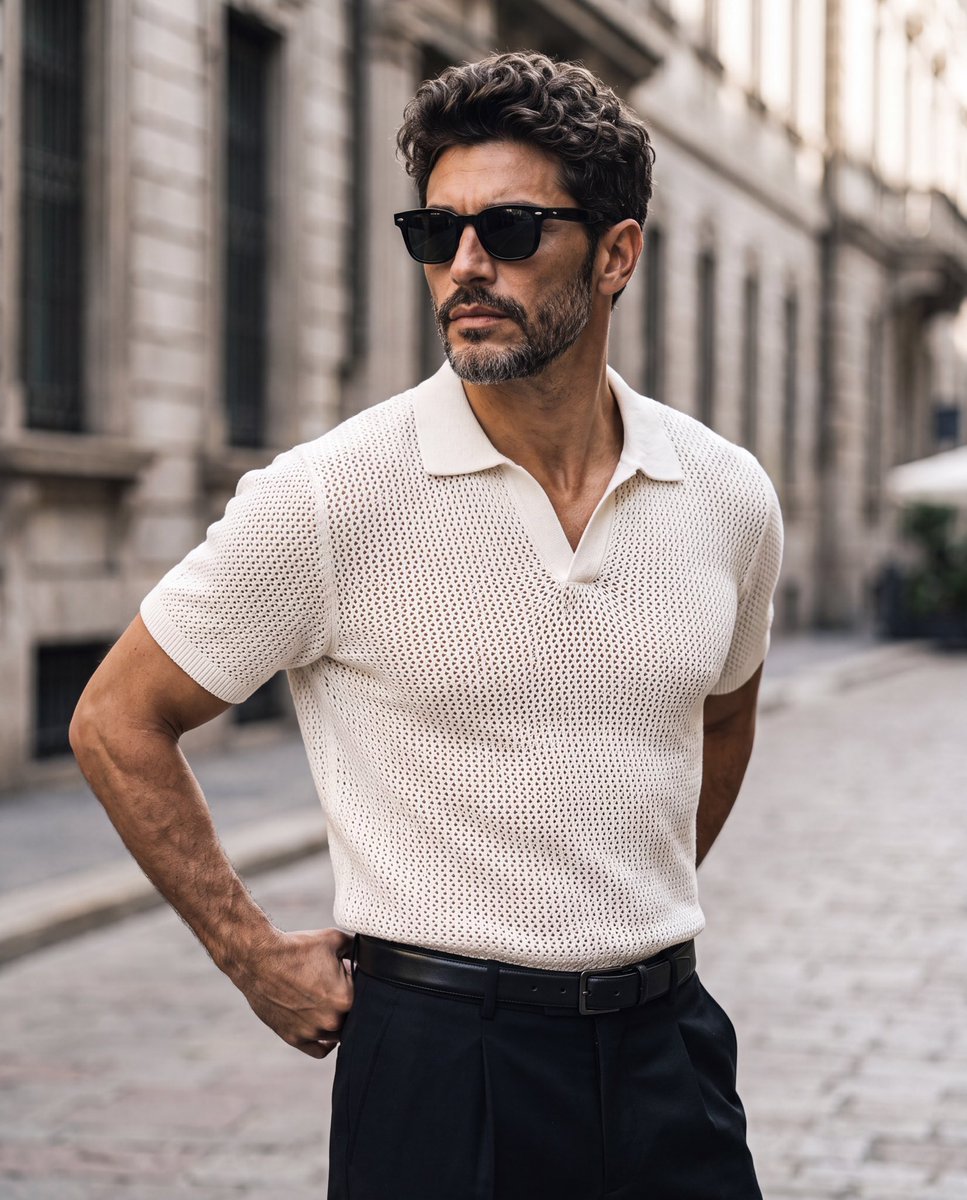
Elegant European Street Portrait
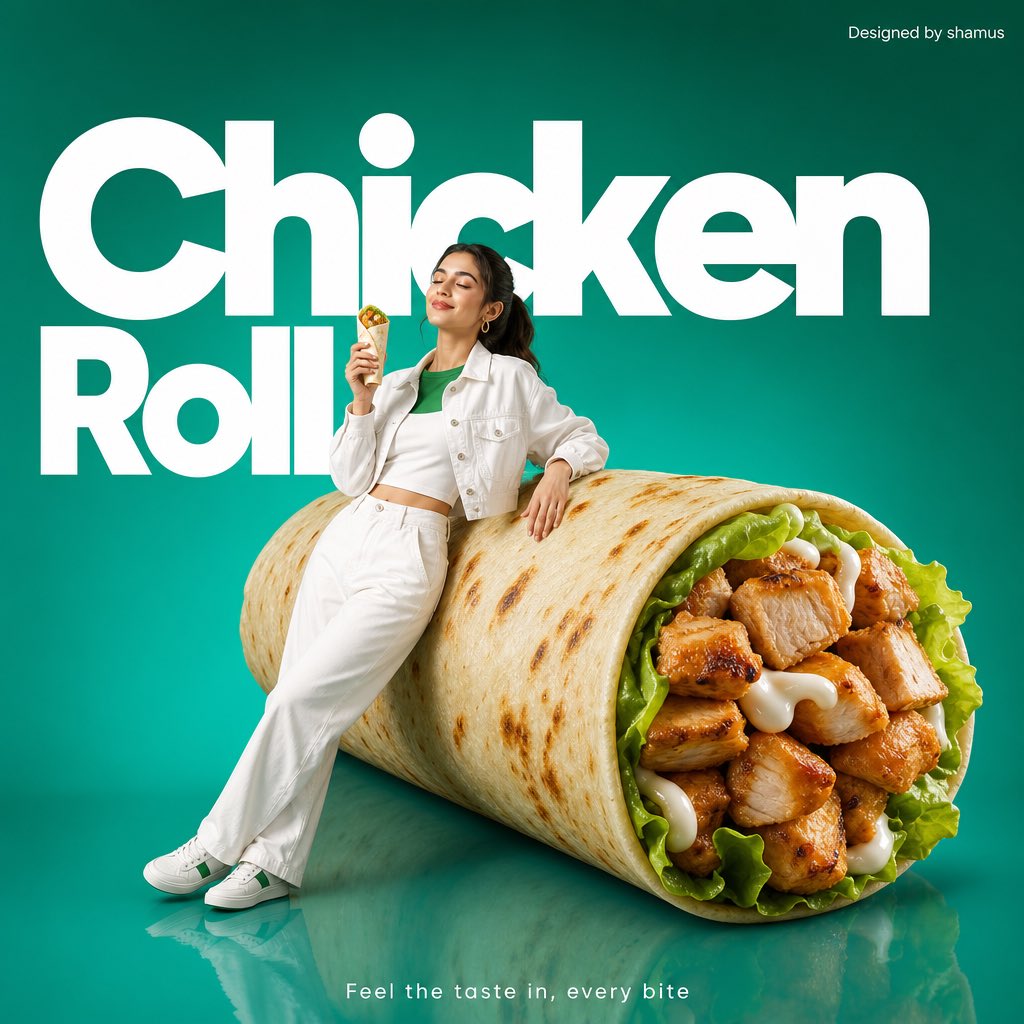
Minimalist Chicken Roll Commercial
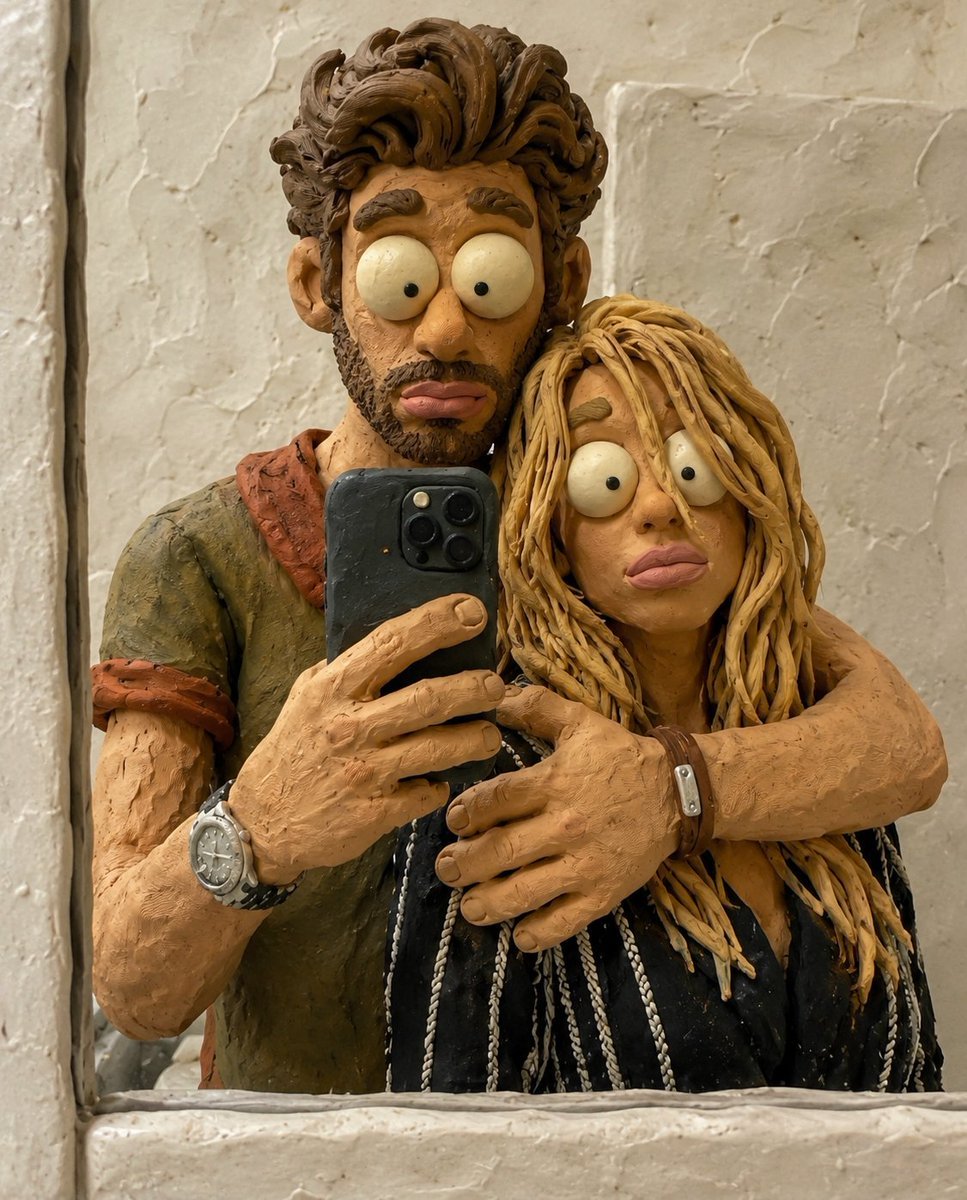
Chaotic Claymation Photo Transformation
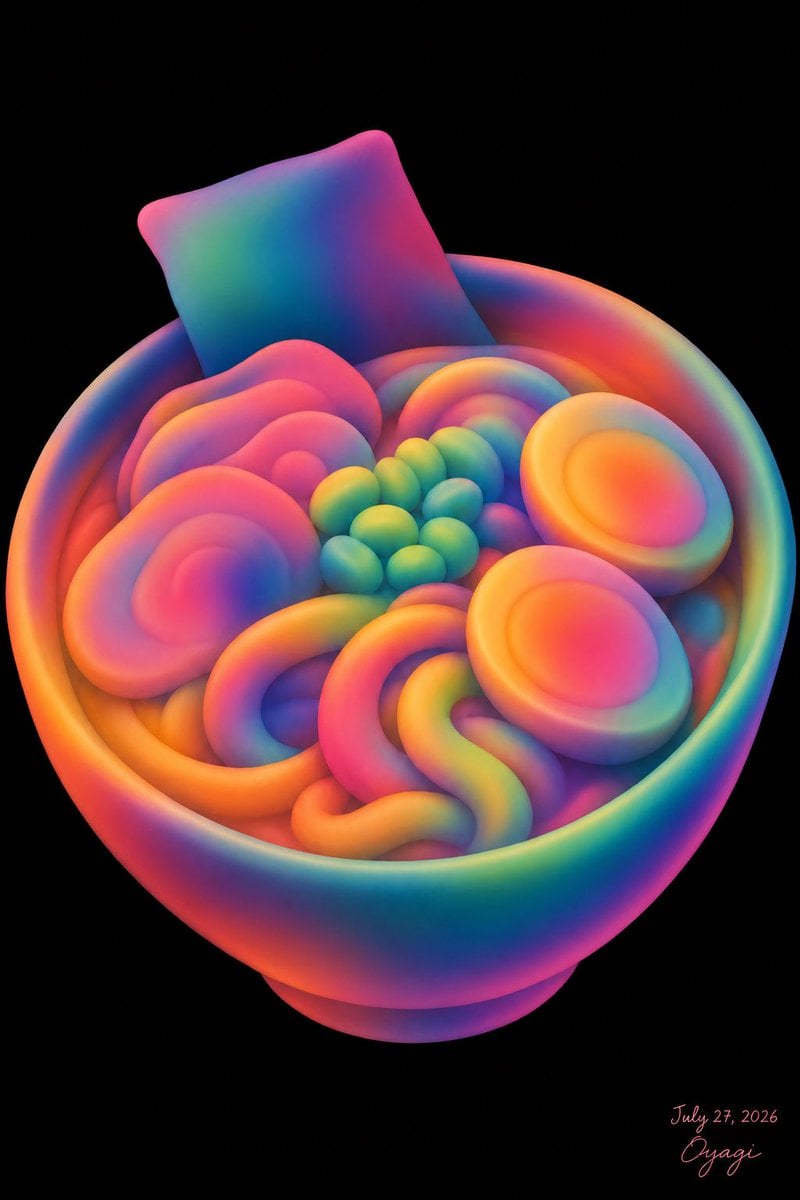
Neon Clay Rainbow Ramen Bowl
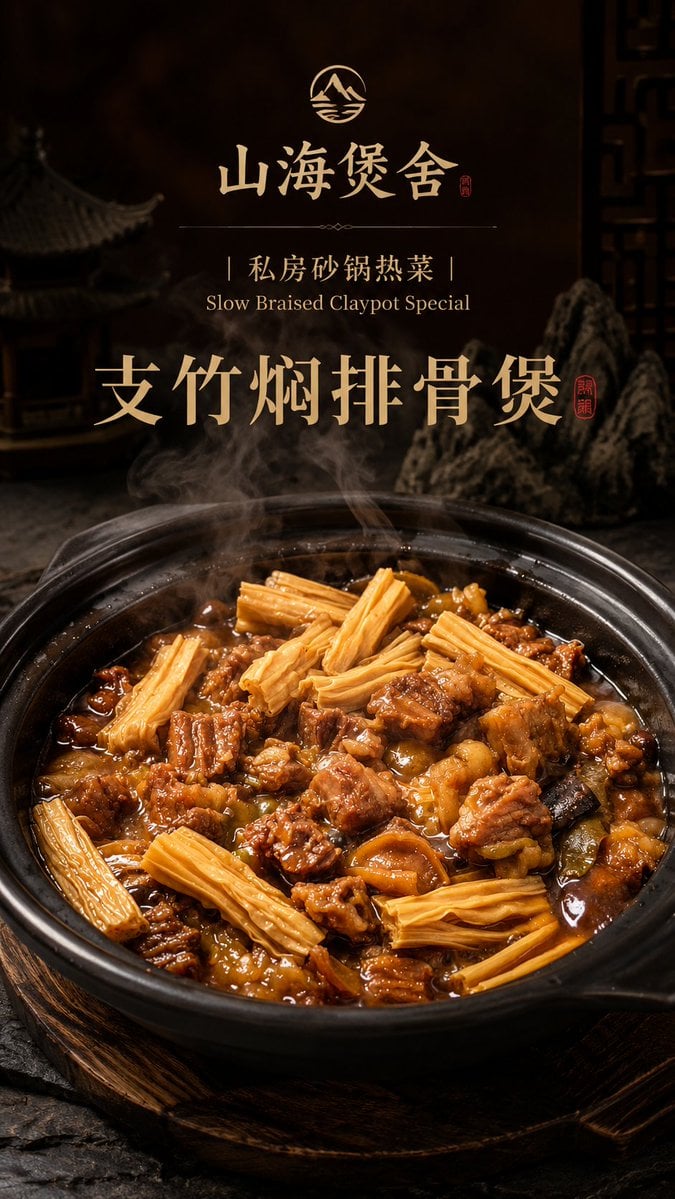
Luxury Chinese Claypot Food Poster
Make it yours
Clay Baba Yaga With Chicken-Leg Hut works as-is. These are the safest ways to change it without losing the look.
Change one field
Copy a single group, rewrite it, and generate again so you can see what that field is doing.
Keep the frame, change the subject
Hold the composition and light of Clay Baba Yaga With Chicken-Leg Hut, then swap wardrobe, props or the person for a new take.
| If the result… | Why | Fix |
|---|---|---|
| The result drifts from the preview | Too many fields changed at once. | Reuse Clay Baba Yaga With Chicken-Leg Hut as-is first, then change one group — subject, light, or setting. |
| The model over-stylizes the scene | The prose prompt leaves finish and camera underspecified. | Add one camera or lighting sentence and stay on GPT Image 2. |
More GPT Image 2 templates
Other prompts made for GPT Image 2.

Six VTuber Japanese Logo Sheet

Realistic Portrait of Woman and Deer

The Vista Modular Condo Poster

AI Model Routing Comparison Infographic

2.5D Anime Art Board

Isometric Productivity Desk Scene

New York Double Exposure Poster

Four-Panel AI Landscape Comparison

Japanese Tatami Lifestyle Magazine Cover

NESCAFÉ Coffee Map Poster
More image prompts
Fresh picks from across the catalog.
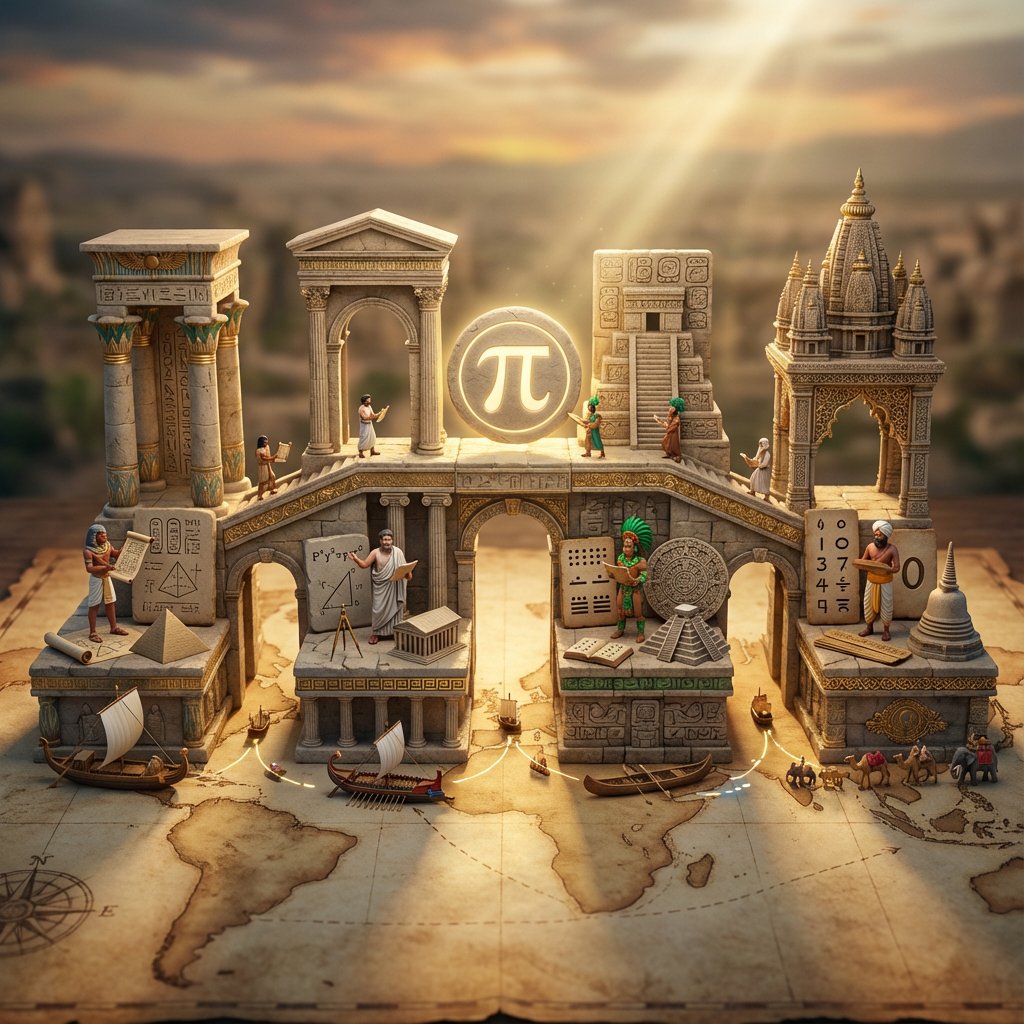
Miniature Bridge of Ancient Mathematical Knowledge
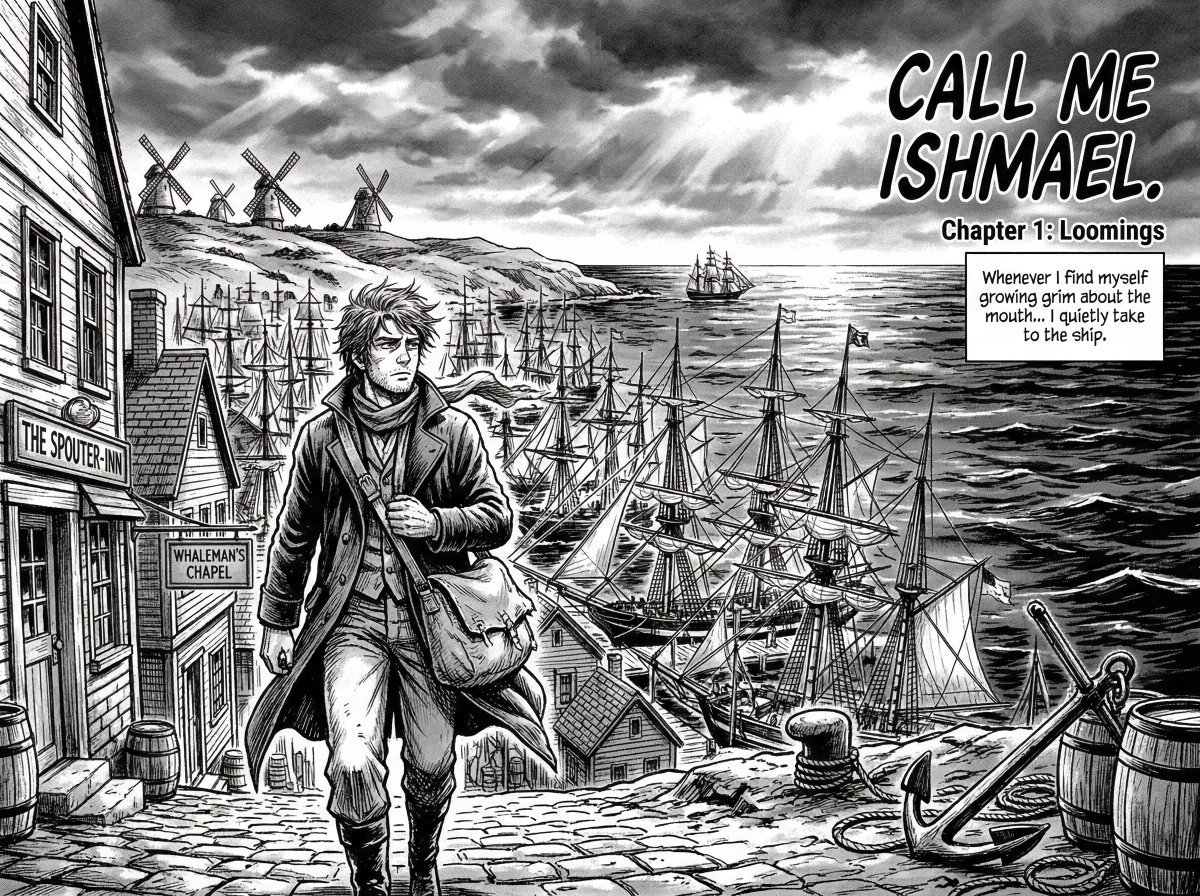
Manga Retelling of a Novel Opening
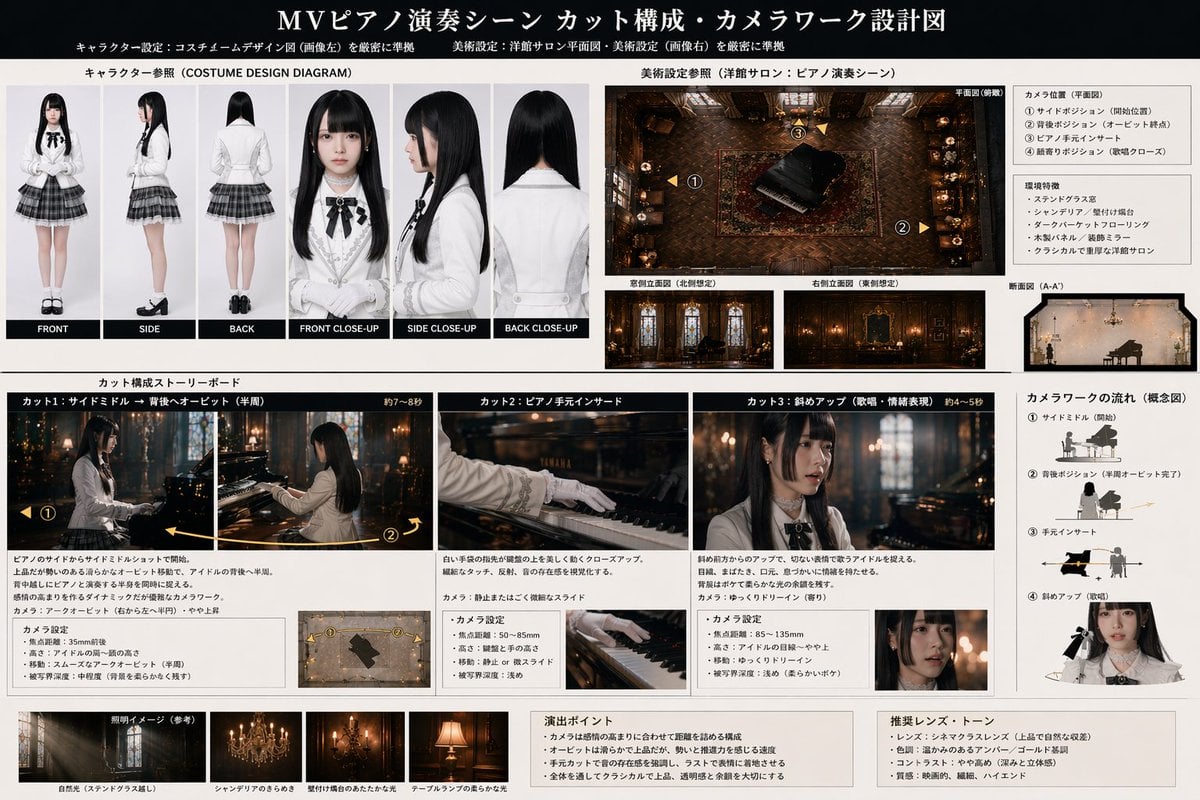
Music Video Production Storyboard Blueprint
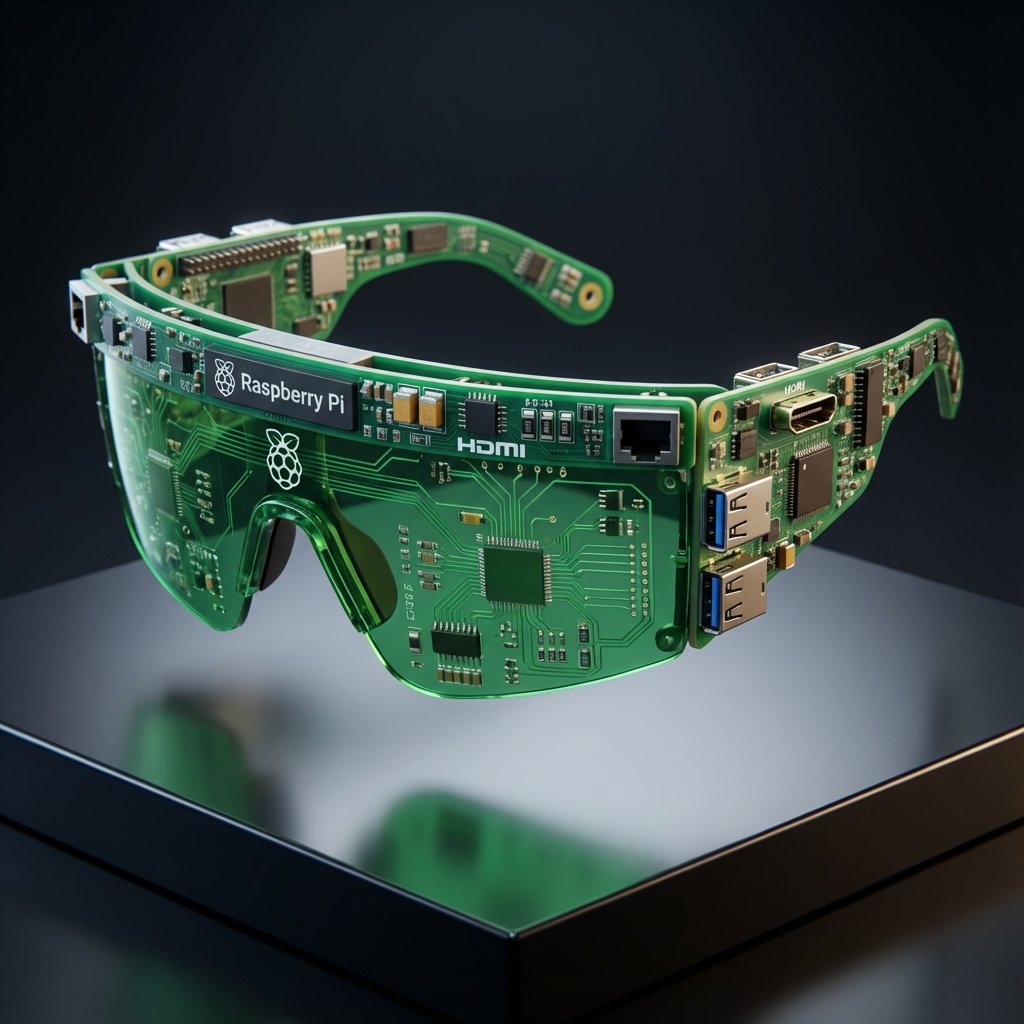
Streetwear Algorithm AI: Object-to-Wearable Conversion
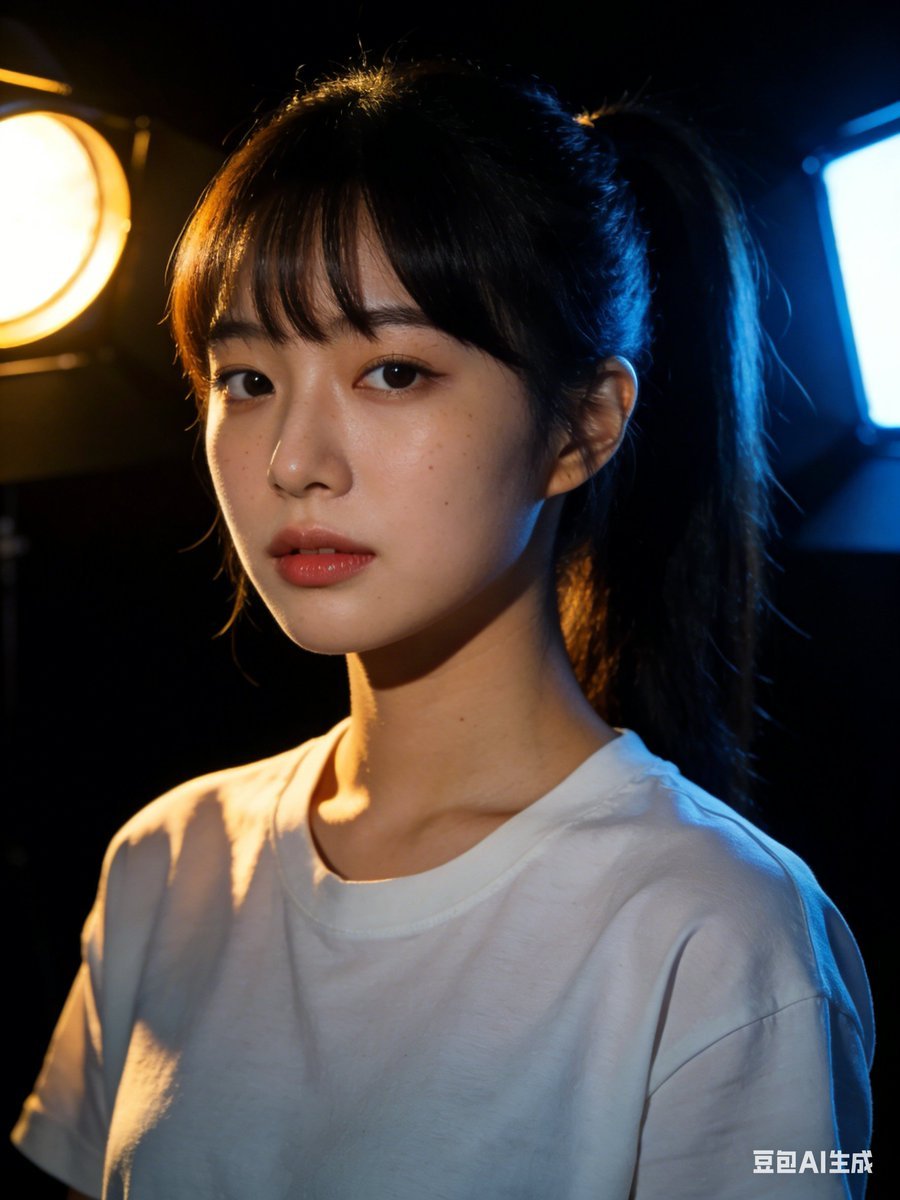
Nano Banana 2 Prompt Failure and Comparison
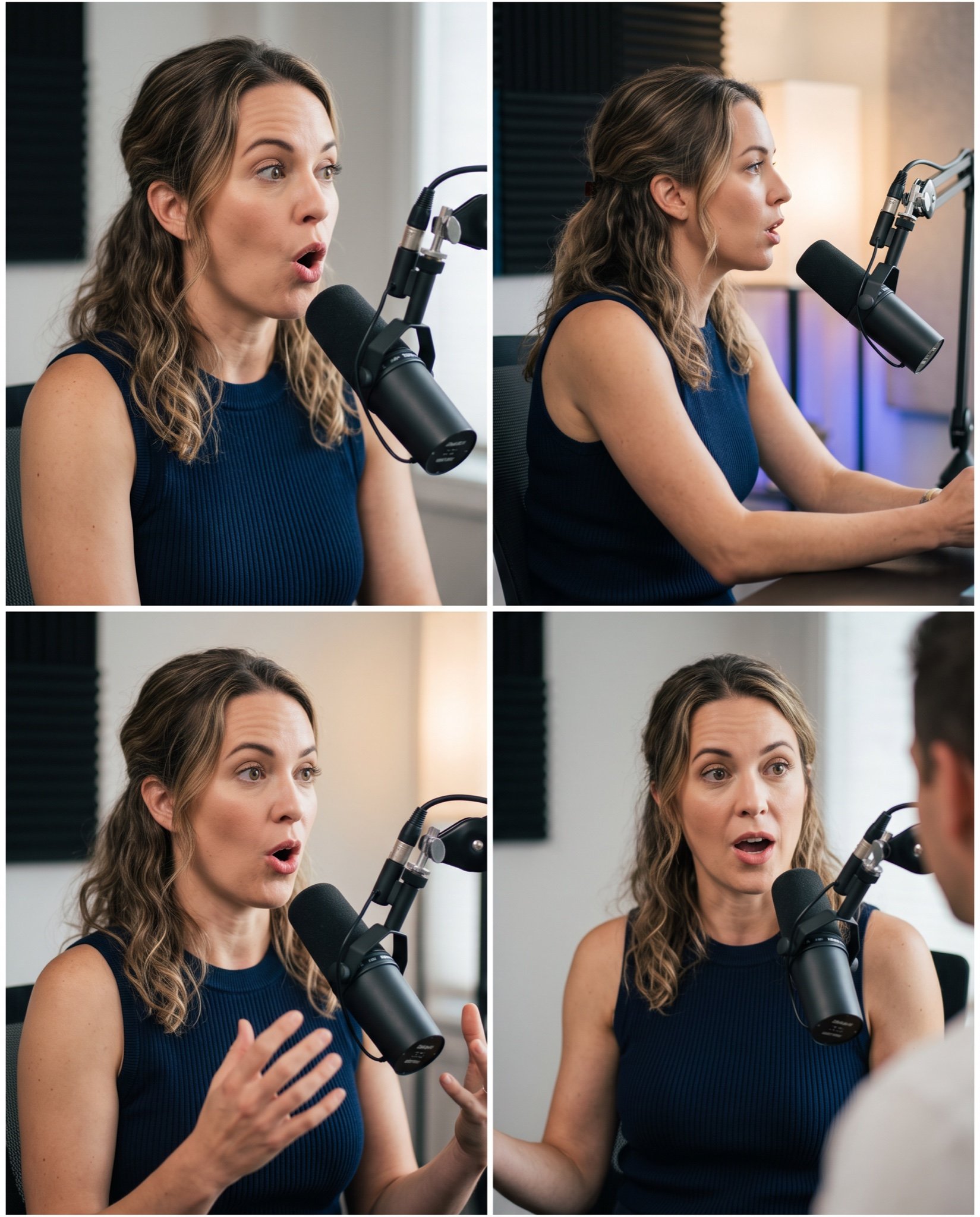
Mahira Khan 2x2 Collage Podcast Interview Prompt
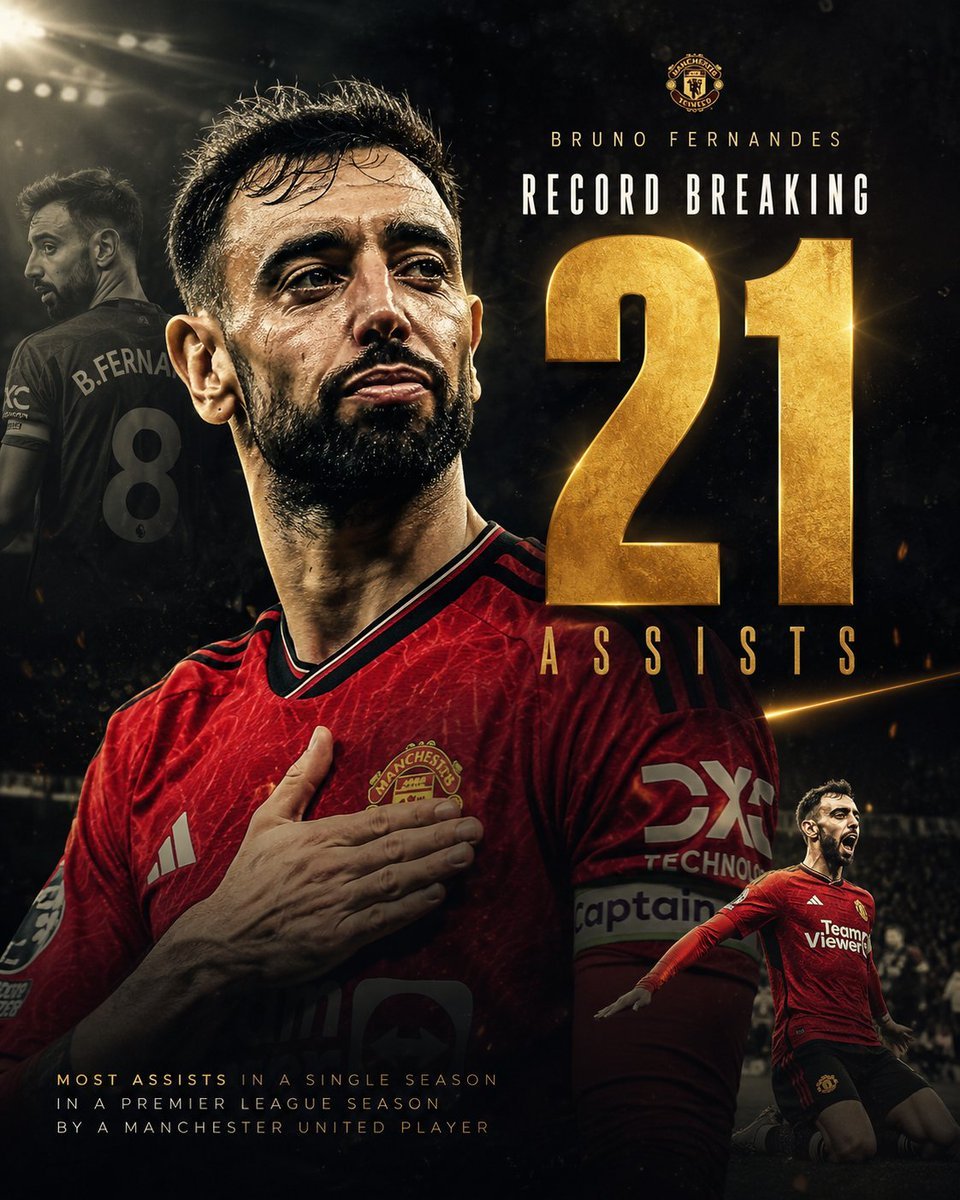
Bruno Fernandes Gold Record Poster
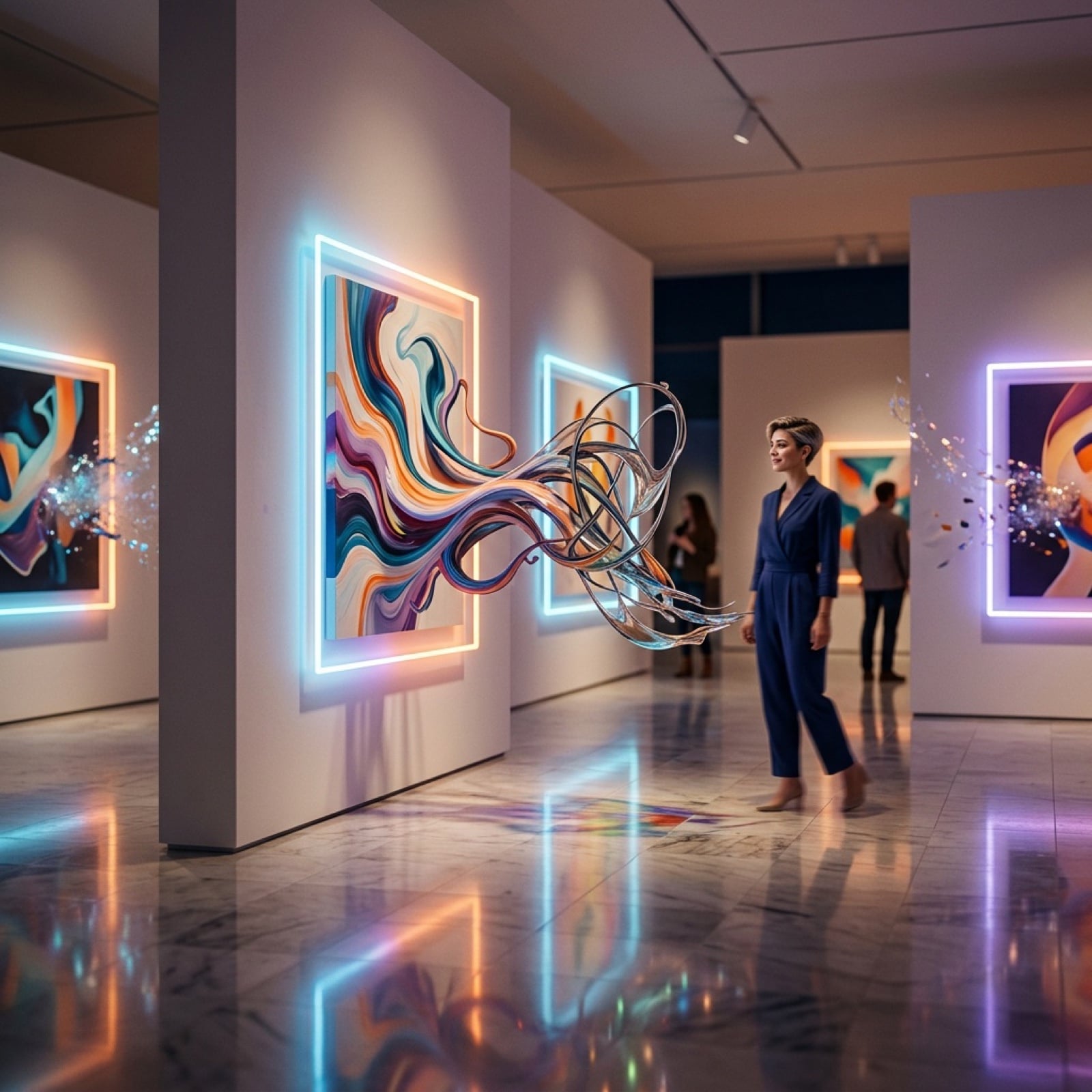
Surreal Art Gallery Concept Prompt for Nano Banana 2
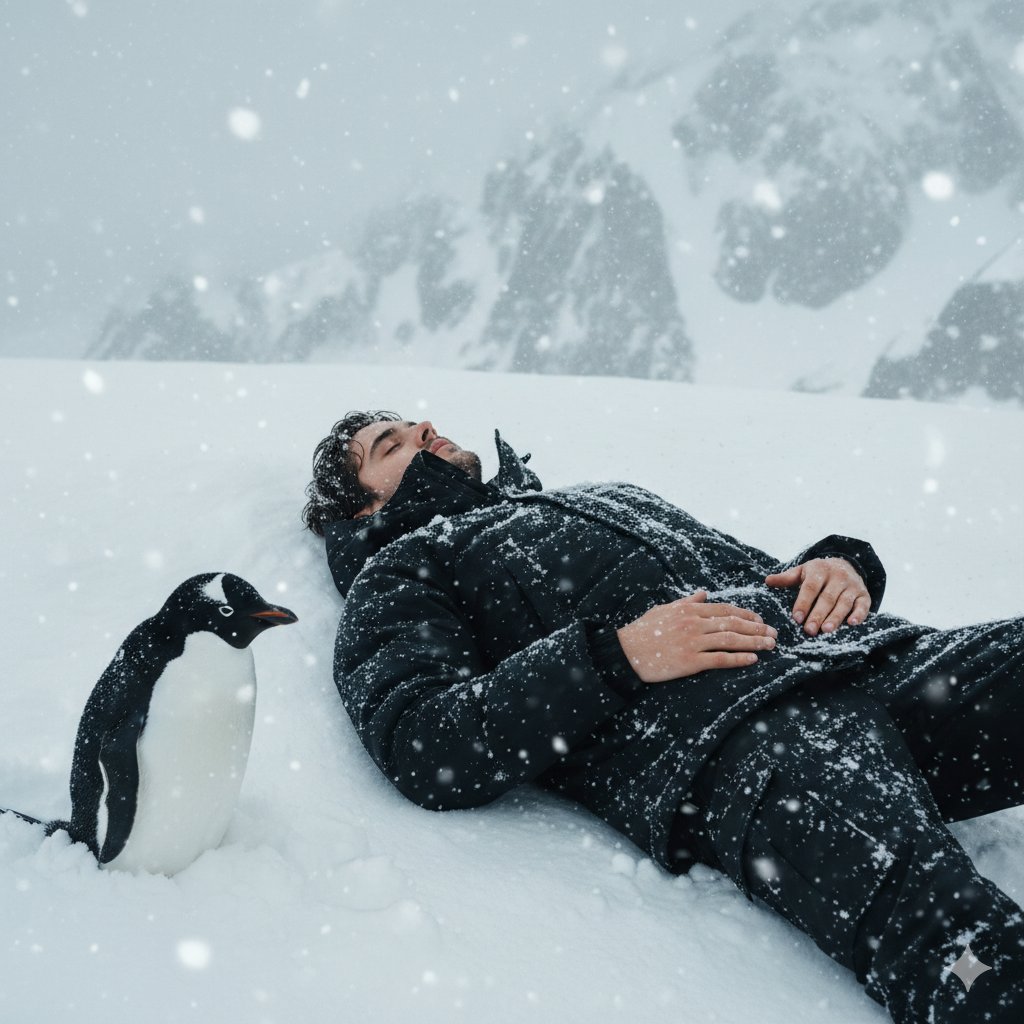
Tired Penguin in Alt Text Prompt
Black and White Hand-Drawn Eye Pattern
Browse template categories
Clay Baba Yaga With Chicken-Leg Hut questions
How do I use the Clay Baba Yaga With Chicken-Leg Hut template?
Add your photo if the template asks for one, edit the prompt if you like — the template's model and format are already selected — and press Generate. Your version opens in PicX Studio.
Can I customize the Clay Baba Yaga With Chicken-Leg Hut template?
Yes. You can change the subject, setting, lighting, mood, format, and available model controls before creating your image.
Is the Clay Baba Yaga With Chicken-Leg Hut template free?
Opening and editing this template is free. Generating uses credits, shown on the Generate button when you are signed in.
Which AI model should I use?
Start with GPT Image 2, which is the model associated with this template. You can compare another compatible model for a different finish.
Looking for something else? Browse all templates.

Your photo, any look
Thousands of ready templates for every top image and video model, from one credit balance.