
Neon Clay Rainbow Ramen Bowl
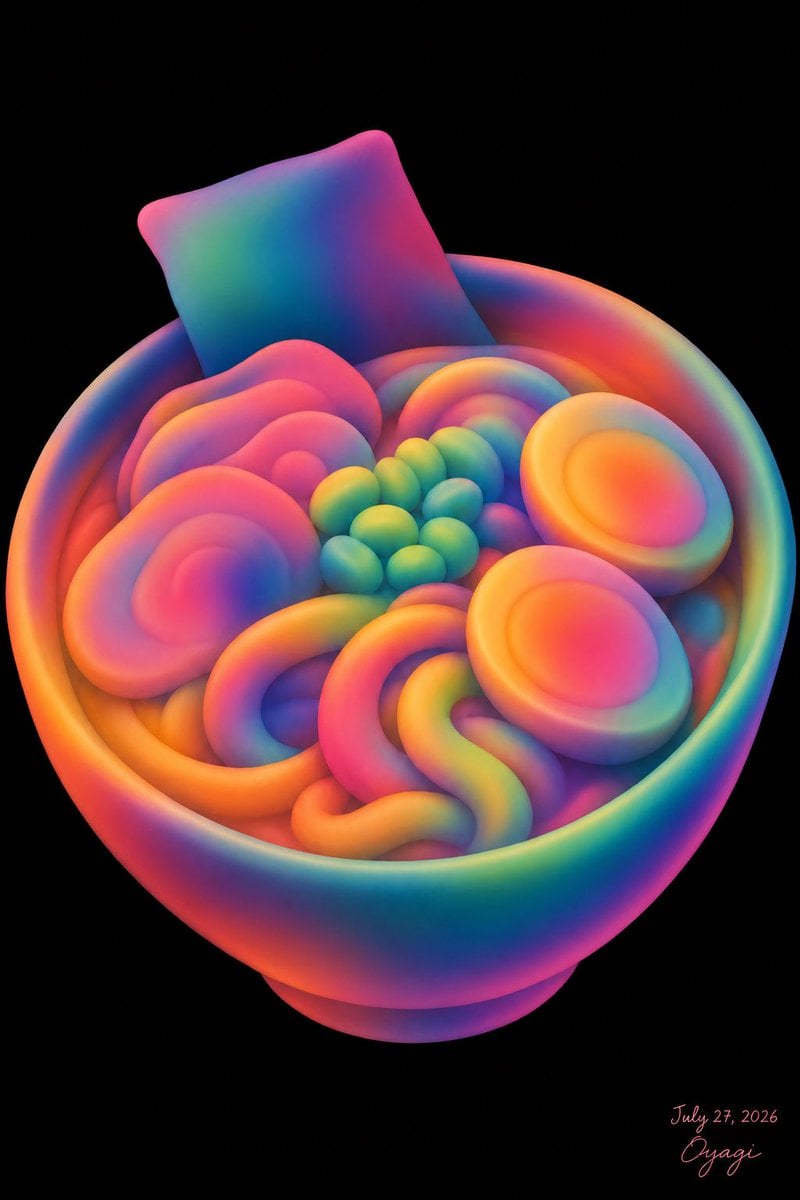
A prompt for generating a toy-like 3D neon rainbow ramen bowl illustration on a black background, useful for surreal food art or playful AI illustration.
- Prompt included
- Model and format preset
- Free template
The prompt behind this image
Copy the exact prompt behind Neon Clay Rainbow Ramen Bowl, or open it in the studio and make it yours.
Create a whimsical 3D clay-like illustration of an unappetizing yet cute bowl of ramen made entirely from soft, rounded, inflated shapes in a vivid rainbow neon gradient. The scene is a single centered subject on a pure black background, vertical portrait canvas. Show one large round ramen bowl viewed from a slightly elevated three-quarter angle, with a thick rim and small pedestal base, rendered in smooth matte rubber or polymer-clay texture with glowing saturated colors blending through hot pink, orange, yellow, green, cyan, blue, and purple. Inside the bowl, include exactly 8 visible topping groups: 1 square sheet of nori standing upright at the back left, 2 halved boiled eggs on the right side with bright oval yolks, 4 large pink spiral narutomaki slices clustered on the left and rear, 1 cluster of small green peas or edamame in the center made of about 13 round beads, 1 rainbow spiral roll near the back center, 1 thick looping noodle mass in the front center forming soft U and S curves, 1 orange curved noodle band along the front-left rim, and 1 small purple-blue mound partially hidden under the noodles. Make the food look deliberately artificial and not very appetizing, but visually charming and toy-like. Use soft studio lighting, strong ambient glow, subtle depth, smooth gradients with no hard outlines, high-resolution digital art, no photorealistic food texture. Add a small handwritten artist signature and date in the bottom-right corner reading {argument name="signature text" default="Oyagi"} and {argument name="date text" default="July 27, 2026"}. Keep the background empty and black, with no table, chopsticks, steam, extra text, watermark, or realistic details. Primary palette should be customizable as {argument name="color palette" default="neon rainbow gradient"}, and the dish should remain {argument name="dish subject" default="a bowl of ramen"}.
How to use Neon Clay Rainbow Ramen Bowl in 3 steps
- 1Upload ImagePNG, JPG or paste
Add your photo
Upload the photo the template builds on. The prompt, model and format are already set.
- 2…a portrait of your subject in softgolden-hour light, 85mm…
Personalize
Edit the subject and creative details for your destination.
- 3Generate
Generate
Press Generate — your image is created in PicX Studio, so you can compare it with the original and refine one variable at a time.
More like this
Templates with the same subject, style or setup. Open one to see its prompt.

80s Neon Disco Night
Realistic Shoyu Ramen Bowl
Neon Chibi Girl Eating Ramen
Rainbow Clay Crab Illustration

Cartoon TV Show Poster Pack

Rainy Night Android Cyberpunk Portrait

Korean Idol Partial Shadow Editorial Portrait

Cyberpunk Neon Profile Fashion Portrait

Neon Night Crosswalk Candid Portrait

Subway Platform Quiet Introspective Portrait
Rainy Night Android Cyberpunk Portrait

Cinematic Sci-Fi Commander Side Profile Portrait
Make it yours
Neon Clay Rainbow Ramen Bowl works as-is. These are the safest ways to change it without losing the look.
Change one field
Copy a single group, rewrite it, and generate again so you can see what that field is doing.
Keep the frame, change the subject
Hold the composition and light of Neon Clay Rainbow Ramen Bowl, then swap wardrobe, props or the person for a new take.
| If the result… | Why | Fix |
|---|---|---|
| The result drifts from the preview | Too many fields changed at once. | Reuse Neon Clay Rainbow Ramen Bowl as-is first, then change one group — subject, light, or setting. |
| The model over-stylizes the scene | The prose prompt leaves finish and camera underspecified. | Add one camera or lighting sentence and stay on GPT Image 2. |
More GPT Image 2 templates
Other prompts made for GPT Image 2.

Six VTuber Japanese Logo Sheet

Realistic Portrait of Woman and Deer

The Vista Modular Condo Poster

AI Model Routing Comparison Infographic

2.5D Anime Art Board

Isometric Productivity Desk Scene

New York Double Exposure Poster

Four-Panel AI Landscape Comparison

Japanese Tatami Lifestyle Magazine Cover

NESCAFÉ Coffee Map Poster
More image prompts
Fresh picks from across the catalog.
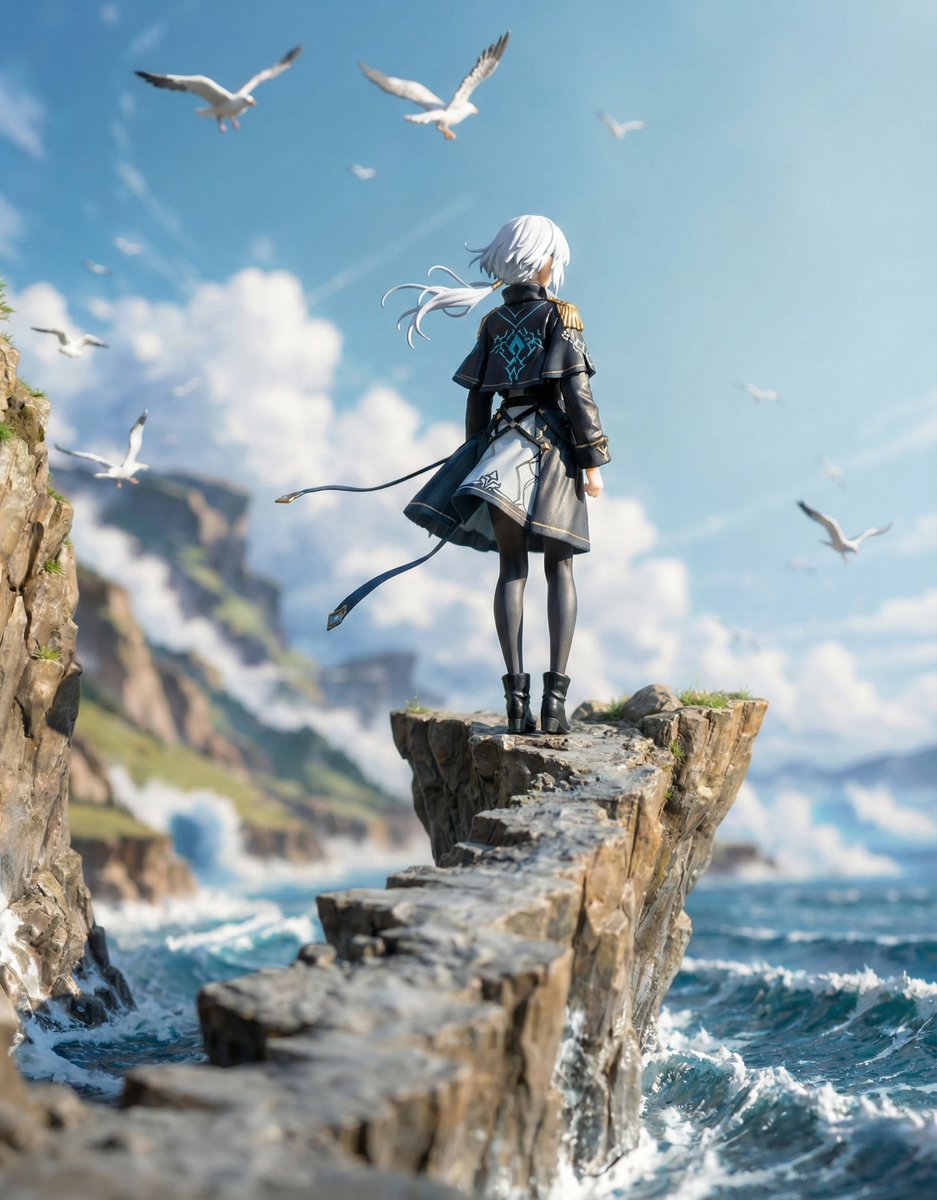
Structured Figure/Diorama Generation Prompt for Nano Banana Pro
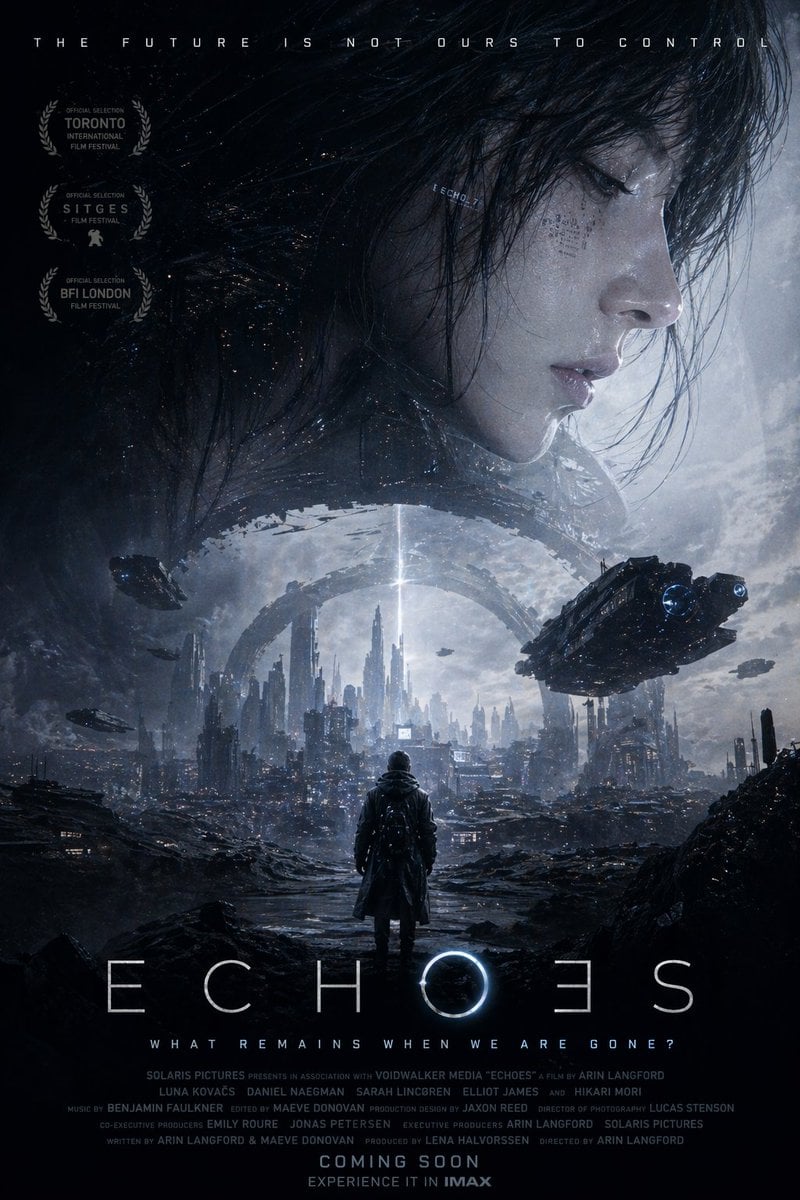
Sci-Fi Movie Poster Generator

Fairy Tale Woodcut Engraving Style
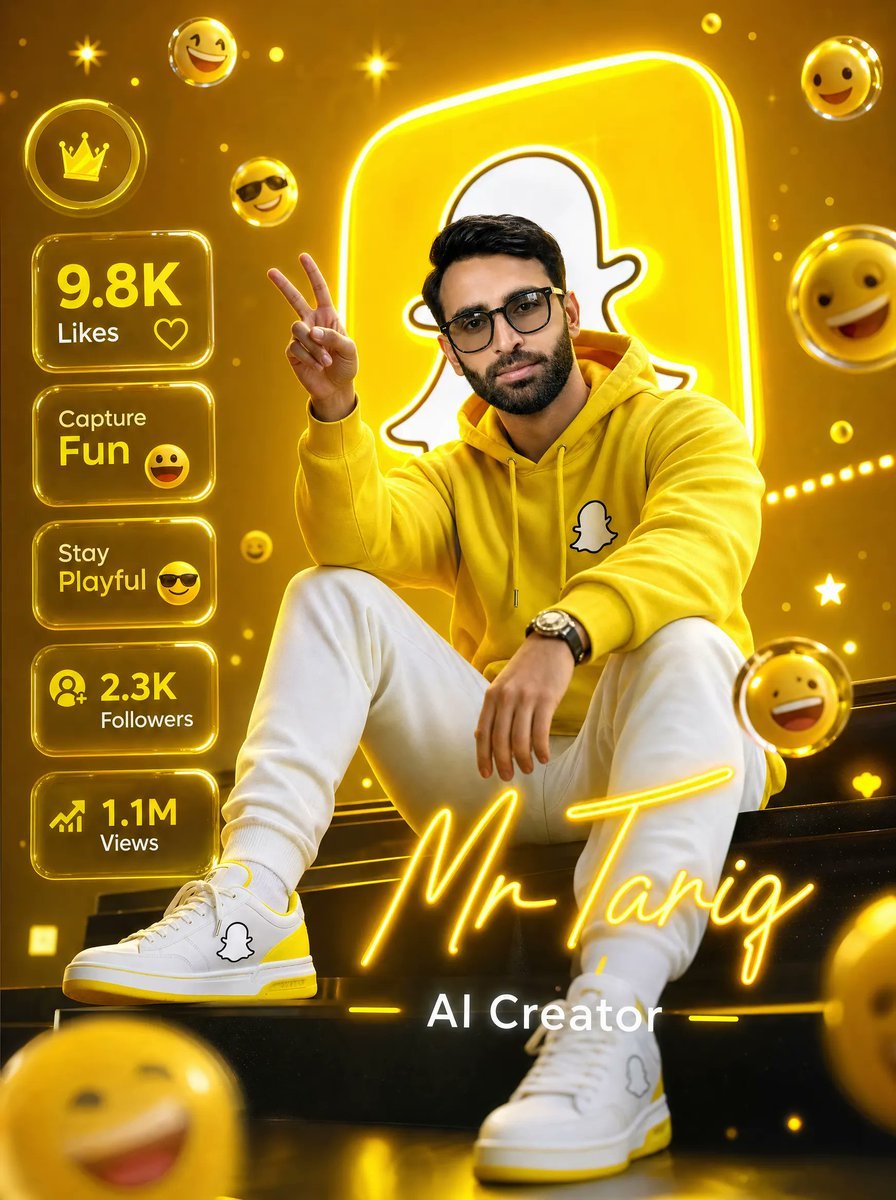
Golden Snapchat Creator Poster
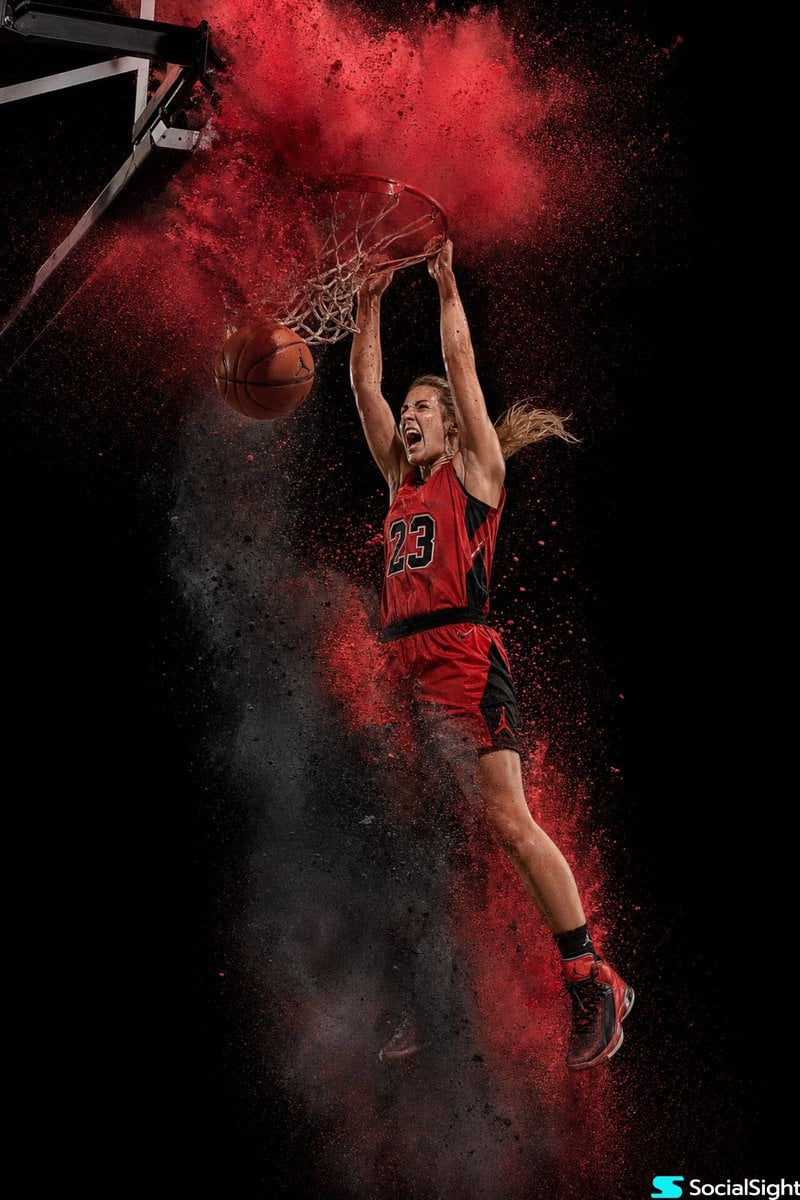
Action Basketball Dunk with Powder Explosion
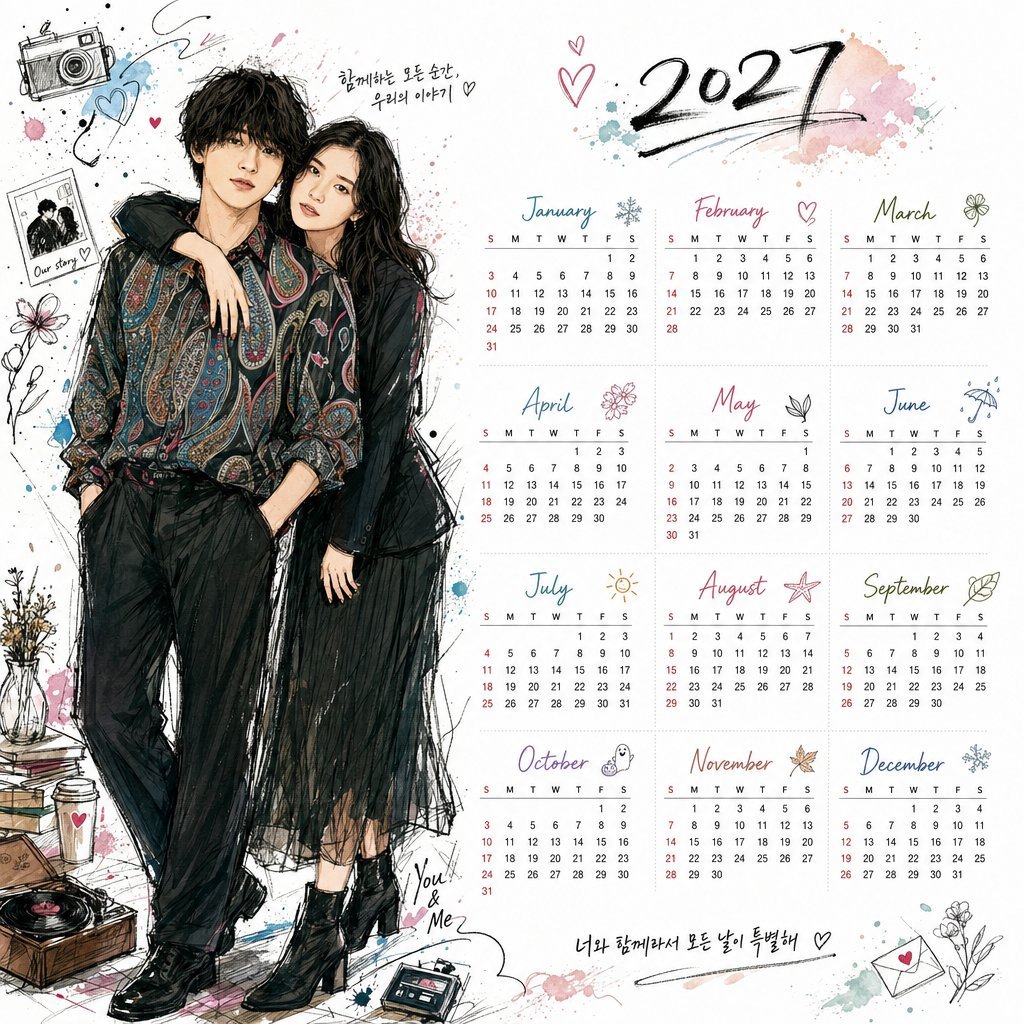
Korean Style Illustrated Desktop Calendar
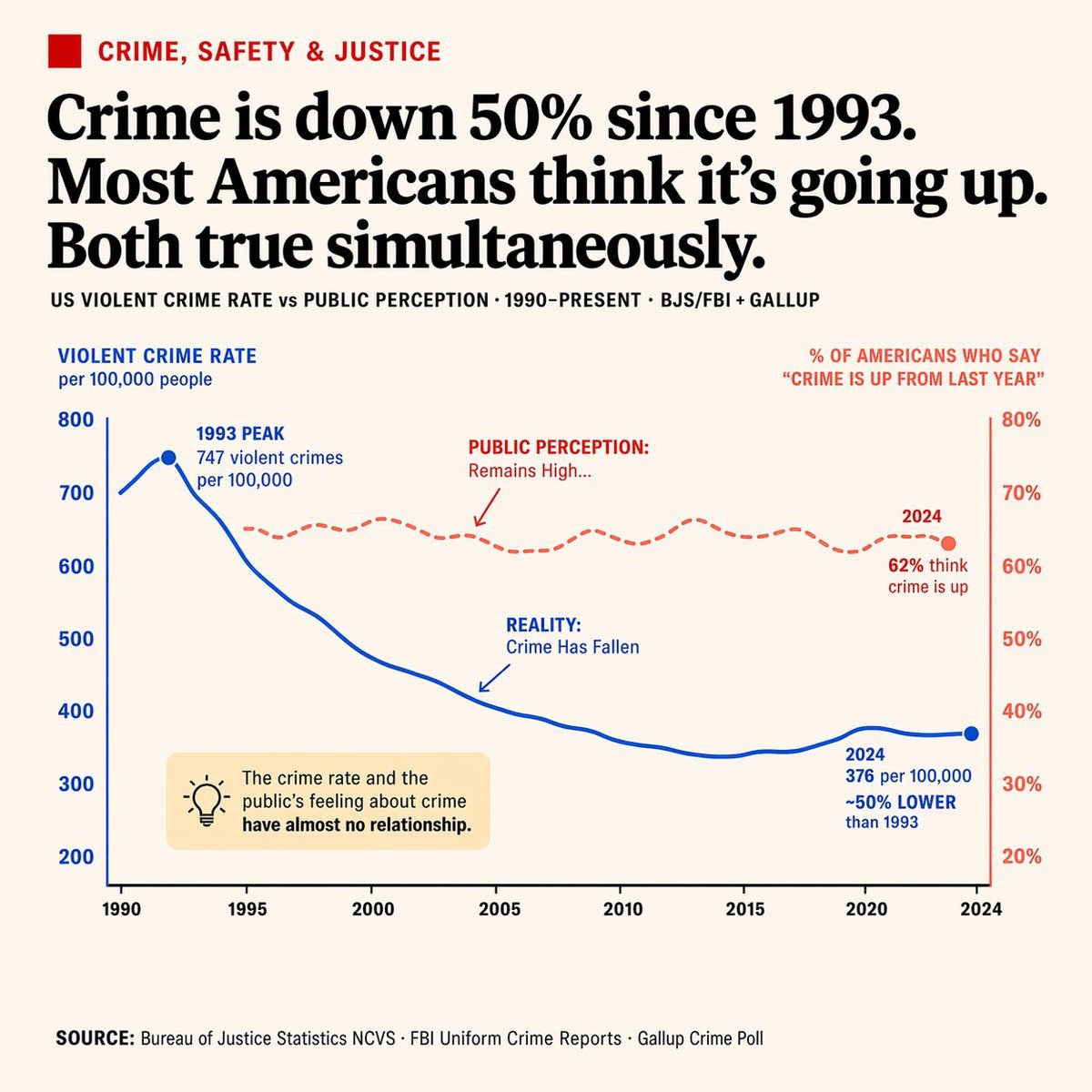
Editorial Dual-Axis Data Infographic
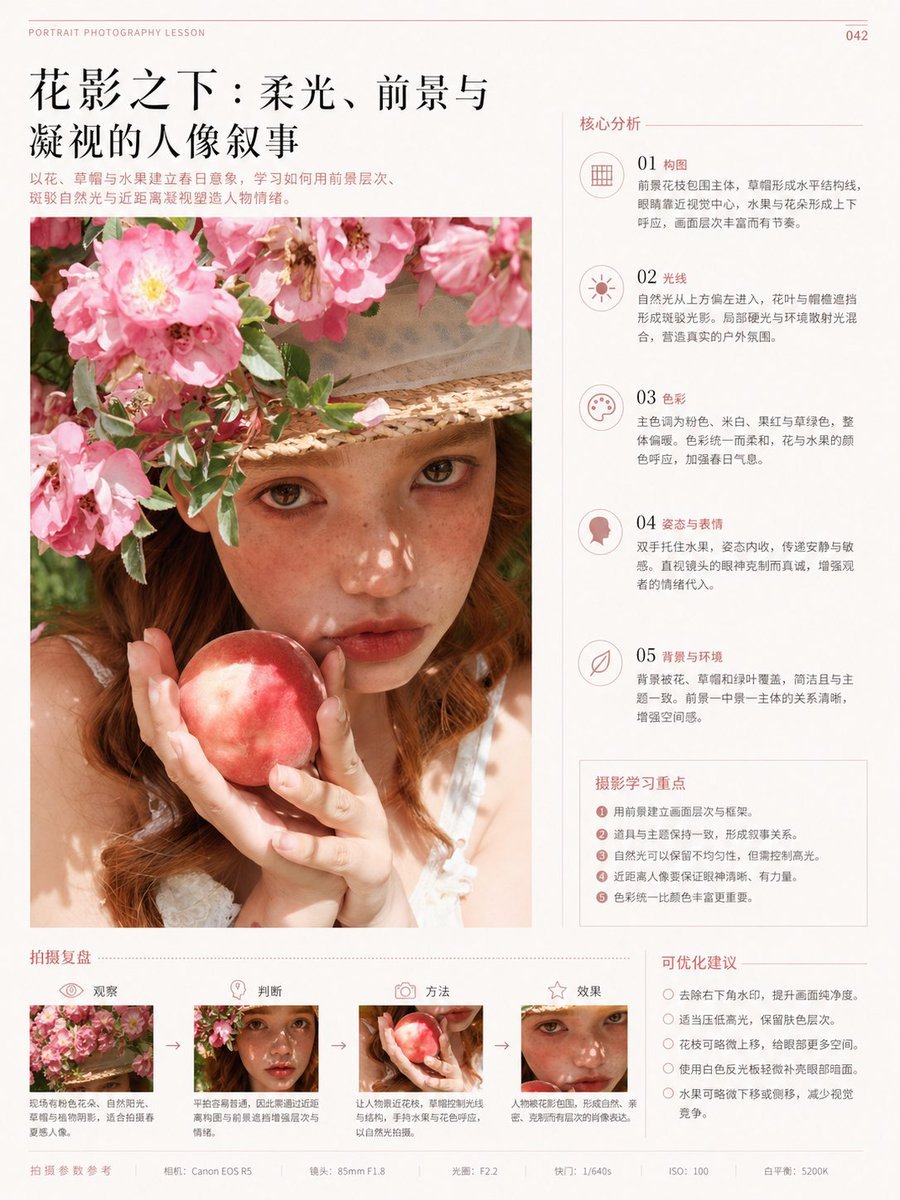
Chinese Editorial Photography Lesson Page
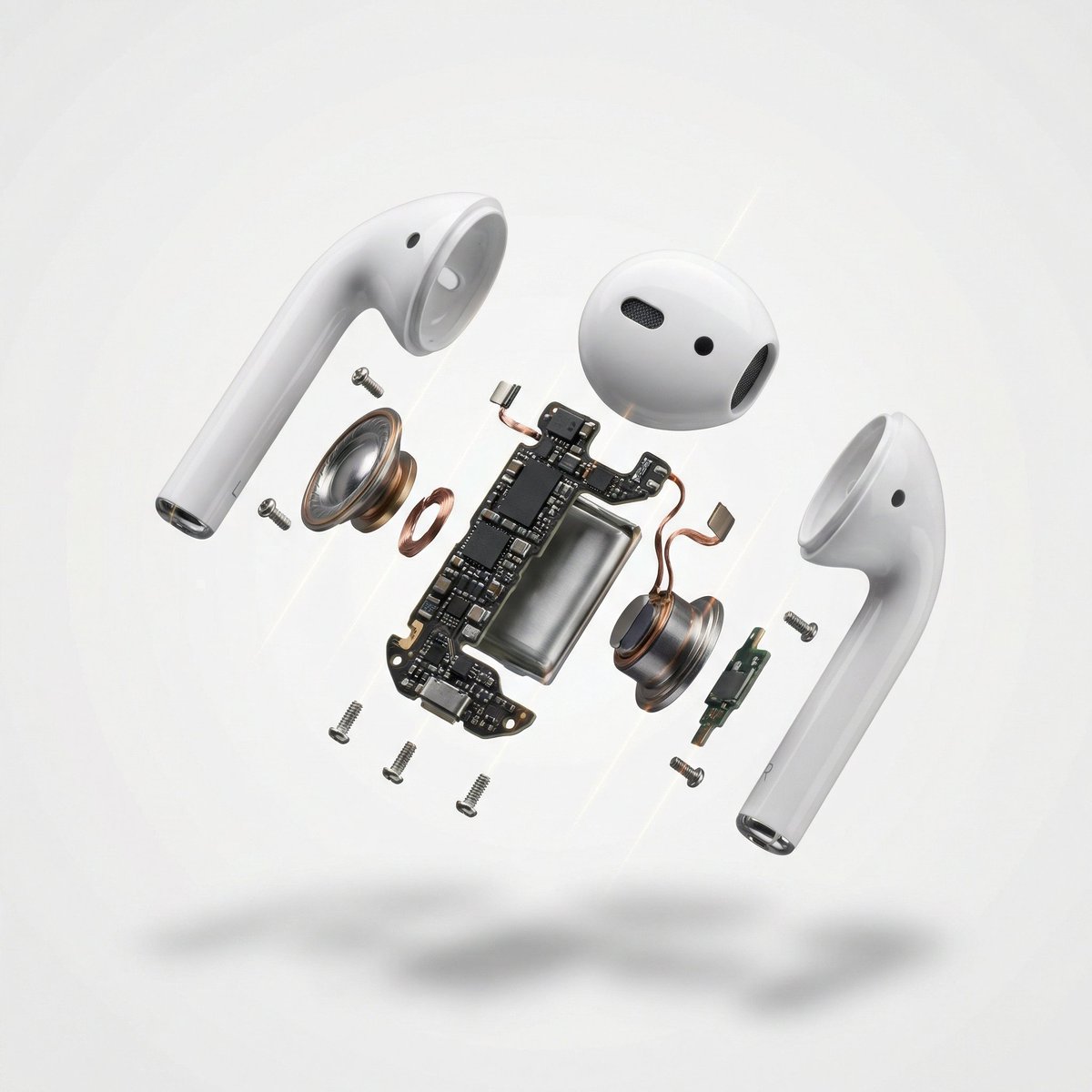
Exploded View Product Photography

Pixel art character portrait with glitch effect
Browse template categories
Neon Clay Rainbow Ramen Bowl questions
How do I use the Neon Clay Rainbow Ramen Bowl template?
Add your photo if the template asks for one, edit the prompt if you like — the template's model and format are already selected — and press Generate. Your version opens in PicX Studio.
Can I customize the Neon Clay Rainbow Ramen Bowl template?
Yes. You can change the subject, setting, lighting, mood, format, and available model controls before creating your image.
Is the Neon Clay Rainbow Ramen Bowl template free?
Opening and editing this template is free. Generating uses credits, shown on the Generate button when you are signed in.
Which AI model should I use?
Start with GPT Image 2, which is the model associated with this template. You can compare another compatible model for a different finish.
Looking for something else? Browse all templates.

Your photo, any look
Thousands of ready templates for every top image and video model, from one credit balance.