
Fairy Tale Woodcut Engraving Style
A detailed prompt for transforming photos into a fairy tale woodcut engraving aesthetic with high contrast and stylized graphic elements.
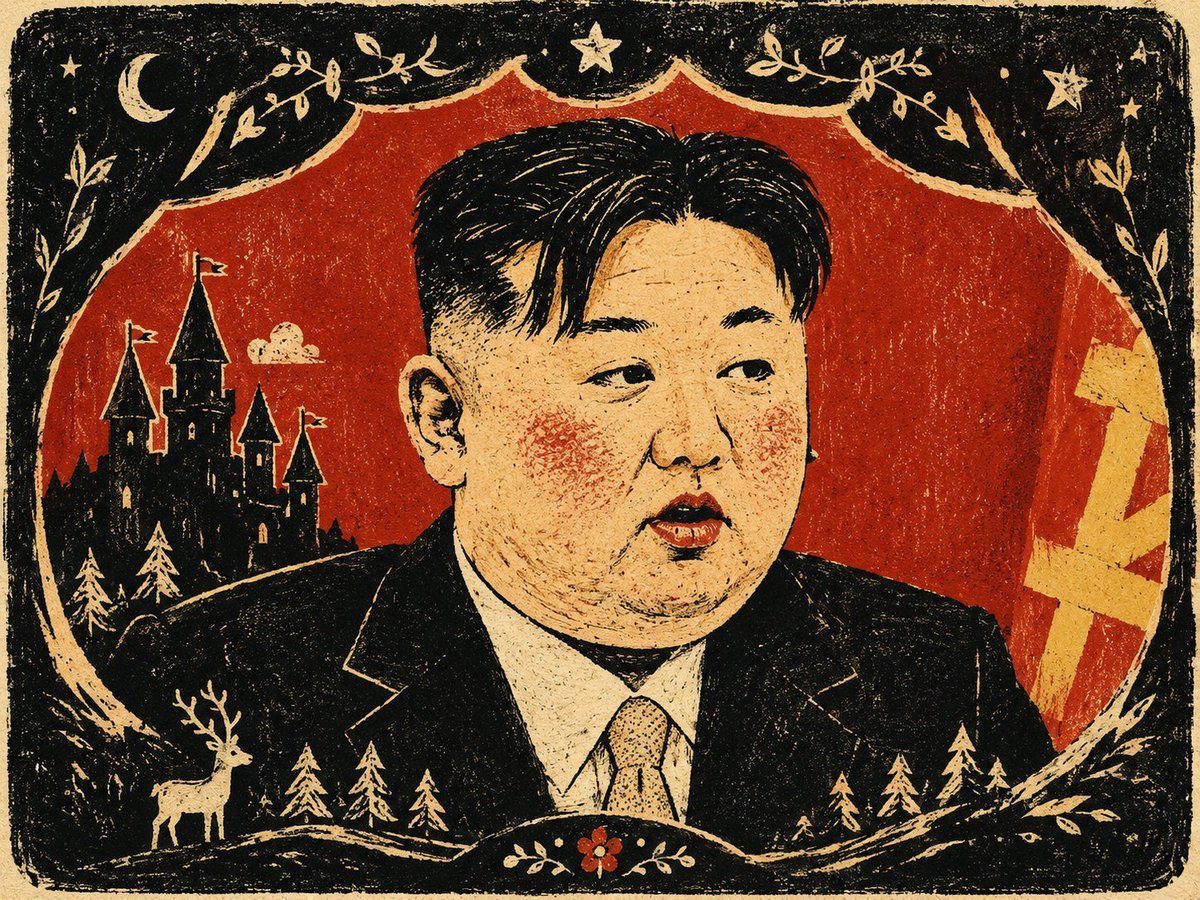
- Prompt included
- Model and format preset
- Free template
The prompt behind this image
Copy the exact prompt behind Fairy Tale Woodcut Engraving Style, or open it in the studio and make it yours.
Using the subject, action, and spatial relationships of the input image as the core, generate a fairy-tale print-style image. First, distill from the image content a large-area, low-brightness or high-contrast structural field, letting it become a container, path, frame, or density layer that wraps around the subject; the subject should be redrawn graphically in place of photographic detail, compressed into one or two clear, large masses, preserving identity, action, function, and emotion through blunt, unrefined silhouettes, slightly exaggerated proportions, and a small number of key edges. The most important information should appear only as small, highly saturated color patches, concentrated on the face, posture, path, the functional points of objects, environmental markers, or narrative focal points, and should always be held down by the dark structure or light-colored negative shapes, keeping the image vivid without being evenly distributed. The background should grow out of the space and meaning of the input content, cutting into the edges of the subject like the shell in which the story takes place, forming a structural narrative of occlusion, cropping, engulfment, and partial reveal. Keep the color in a three-tier relationship: the large-area dark structural color is responsible for weight and boundaries, a moderate amount of light color or blank space is responsible for breathing room, and small-area, highly saturated emotional colors are responsible for the reading path and story signals; the hue may change with the theme's emotional temperature, but the area proportions and brightness order should remain stable. Adopt a flat narrative perspective, organizing the reading experience through top-down compression, lateral movement, frontal framing, path guidance, scale jumps, or edge cropping, with the space presented in the flat, layered manner of a picture-book page. Lines should appear only where they serve function, path, boundary, texture, or recognition, kept as sparse, hand-drawn, slightly imprecise fine lines; all color patches should remain flat, but their edges should carry dry-brush marks, grain, dry-brush streaking, paper texture, spray dots, and slight print-registration misalignment, like a handmade image produced jointly by screen printing and pastel crayon. If text is needed, let it function as a small label, an object panel, or an edge annotation within the image, with rounded, blunt letterforms of slightly uneven thickness and low density, subordinate to the graphic structure. Overall, maintain a single, consistent authorial language of low detail yet high recognizability, dark fields wrapping around bright color signals, and cute narrative coexisting with a heavy, print-like quality.
Reference images included
Fairy Tale Woodcut Engraving Style needs input media to work. They load alongside the prompt when you open it in the studio.


How to use Fairy Tale Woodcut Engraving Style in 3 steps
- 1Upload ImagePNG, JPG or paste
Add your photo
Upload the photo the template builds on. The prompt, model and format are already set.
- 2…a portrait of your subject in softgolden-hour light, 85mm…
Personalize
Edit the subject and creative details for your destination.
- 3Generate
Generate
Press Generate — your image is created in PicX Studio, so you can compare it with the original and refine one variable at a time.
More like this
Templates with the same subject, style or setup. Open one to see its prompt.
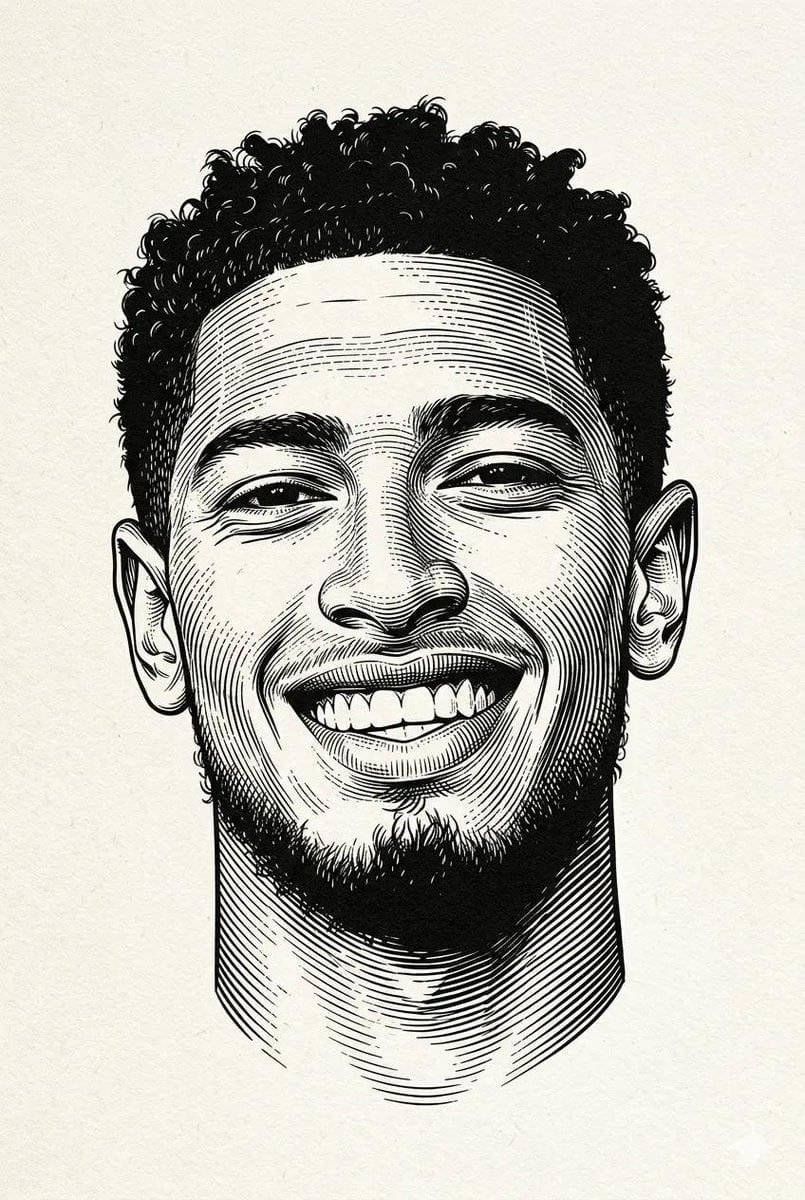
Woodcut Linocut Portrait Illustration
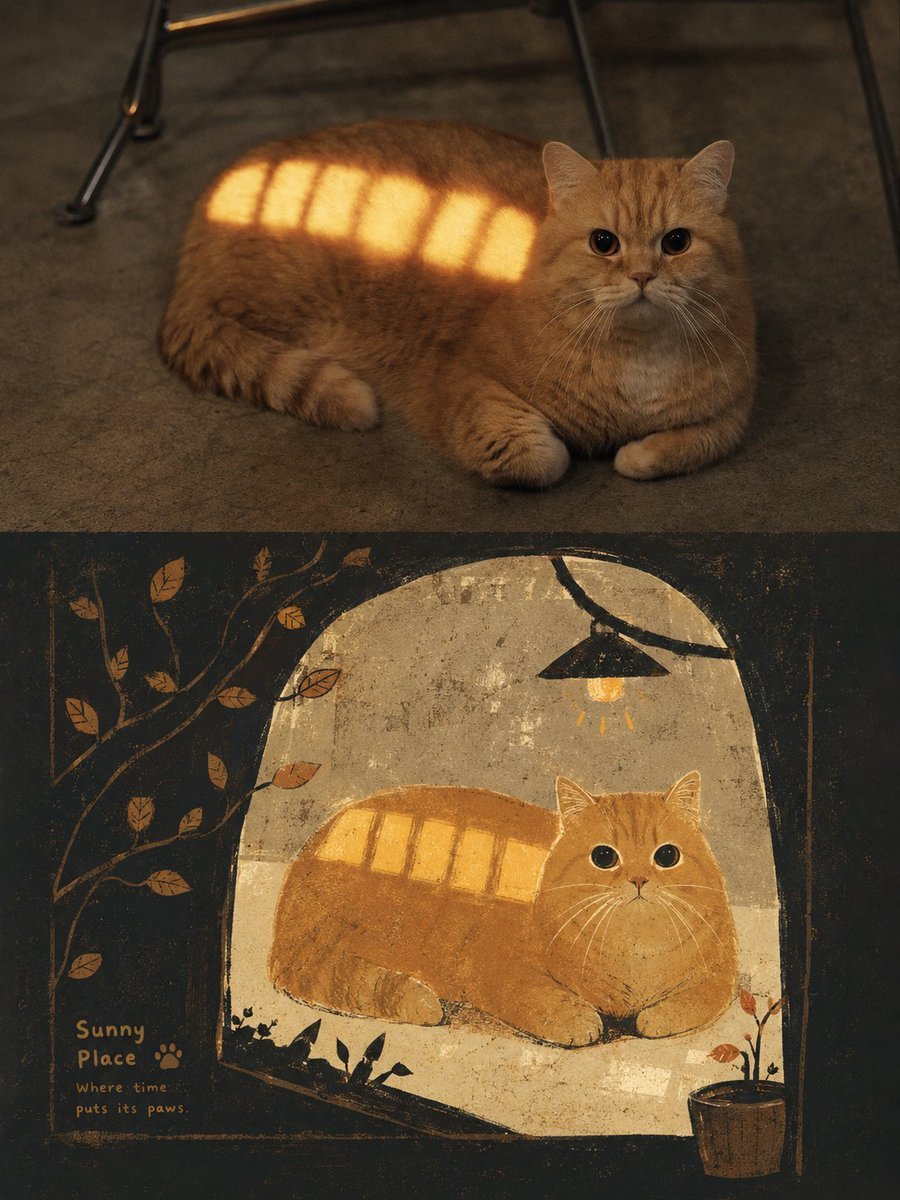
Grimm's Fairy Tale Woodcut Poster
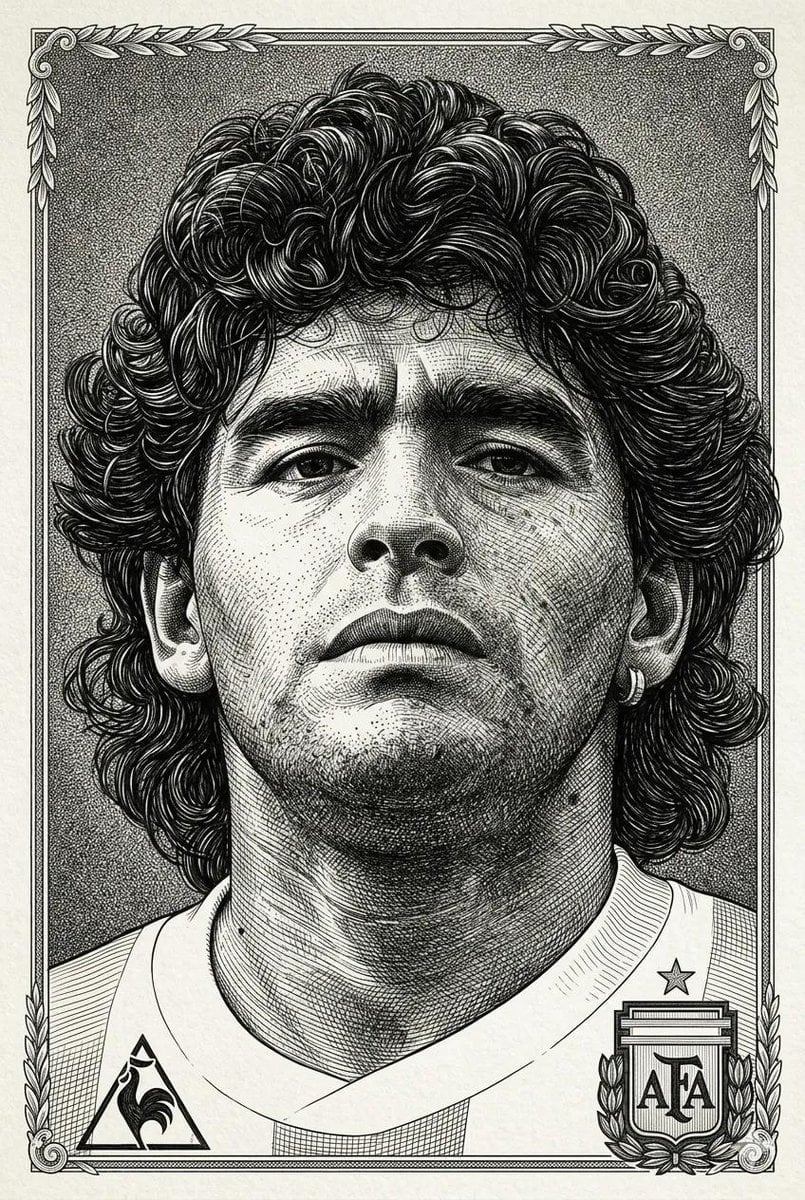
Hyper-Detailed Engraving Line Art Portrait
JSON Seedance - Fairy Macro Flight
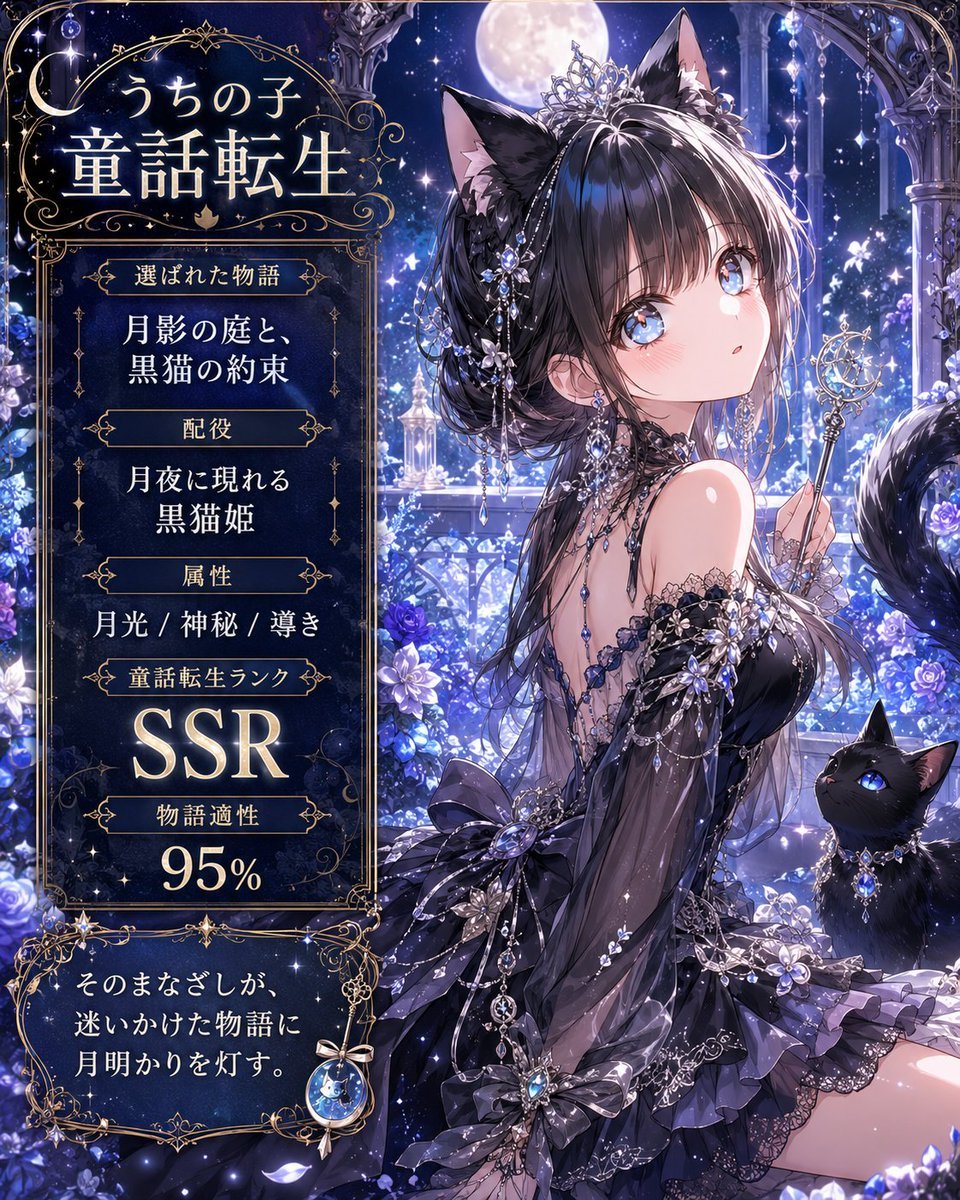
Moonlit Cat Princess Fairy-Tale Card
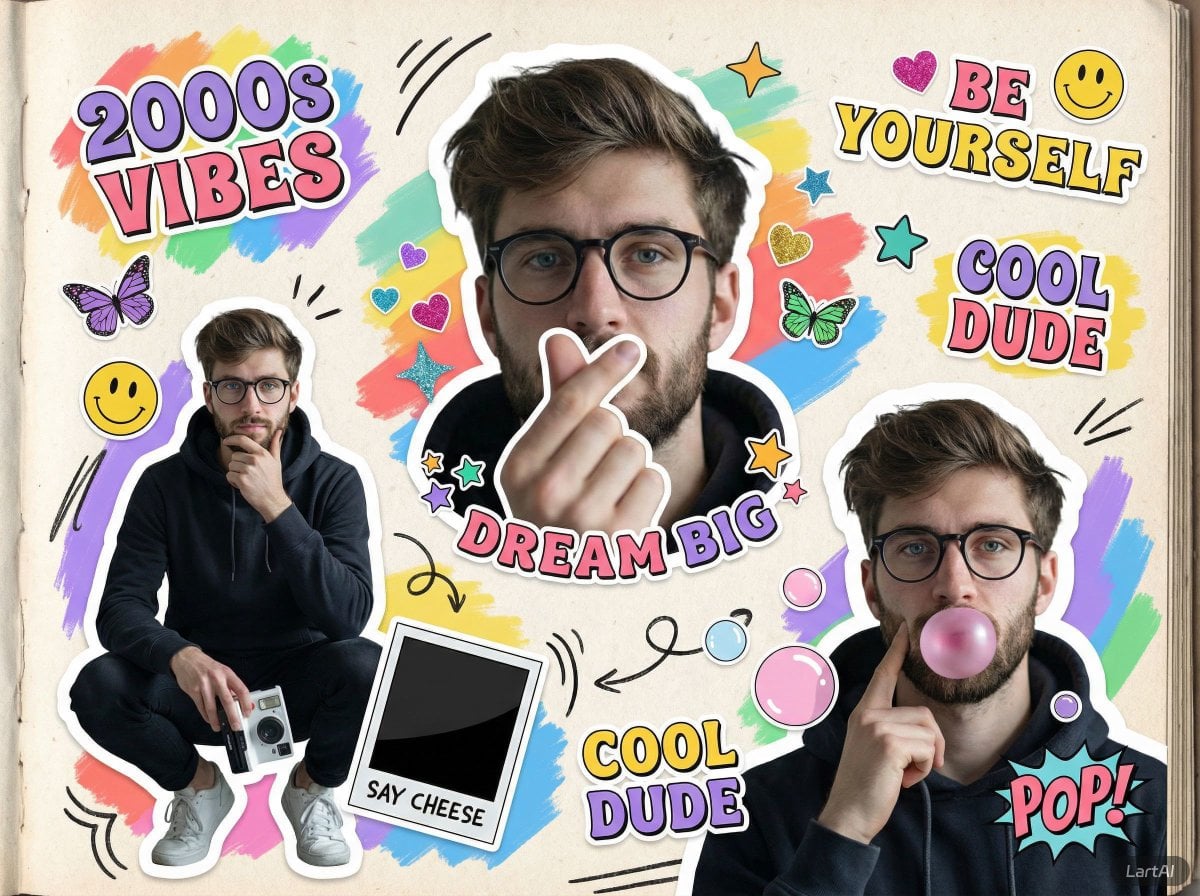
Paper Cut Fairy Tale Scene
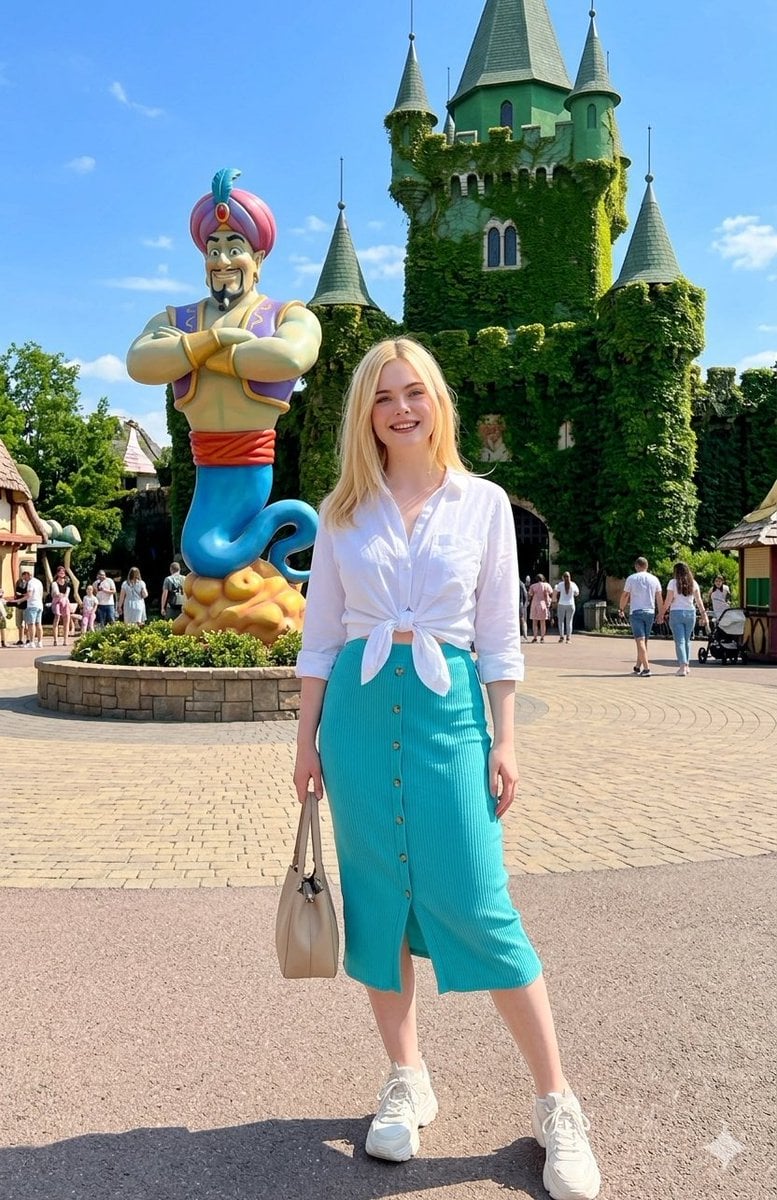
Fairy-Tale Park Travel Photo
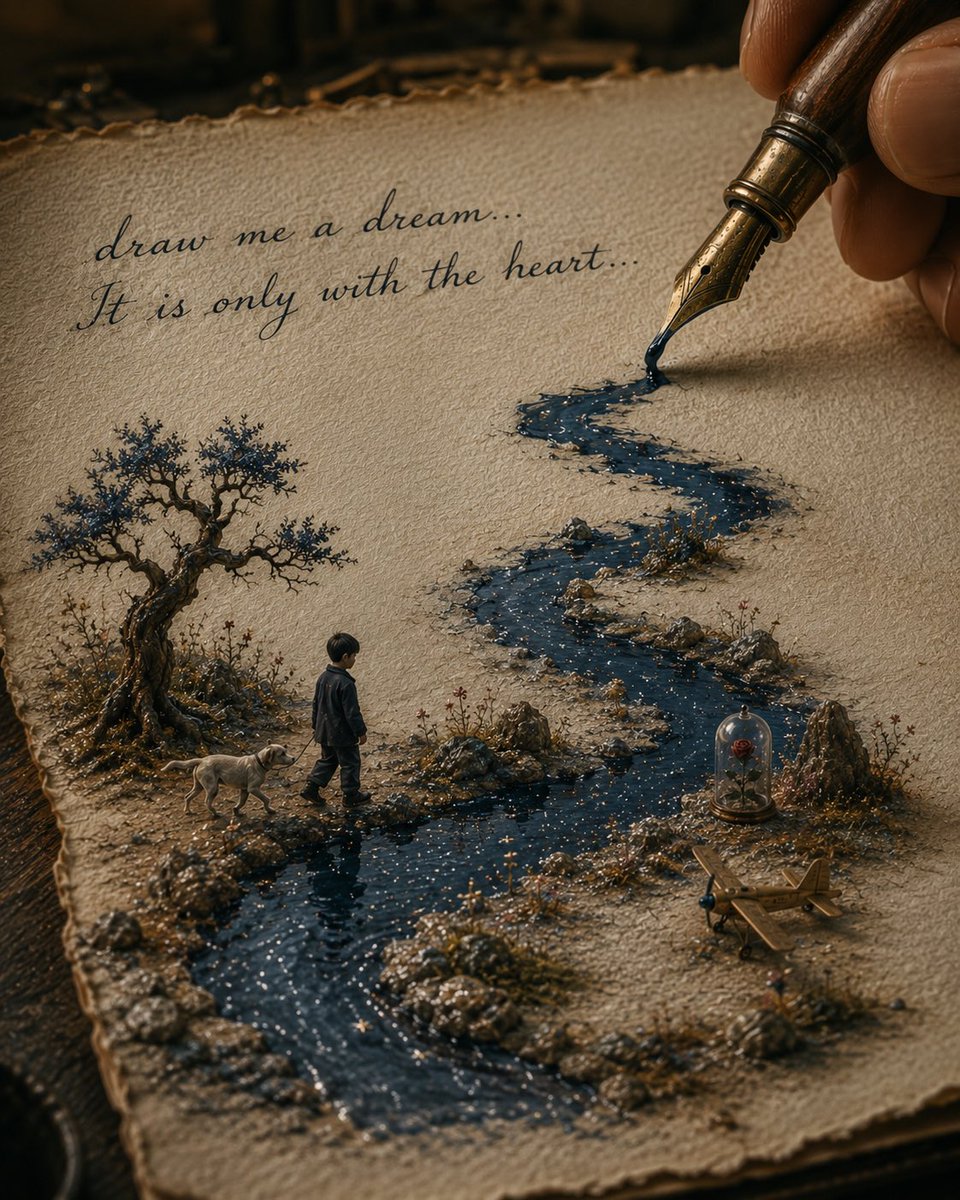
Ink River Fairy Tale Diorama
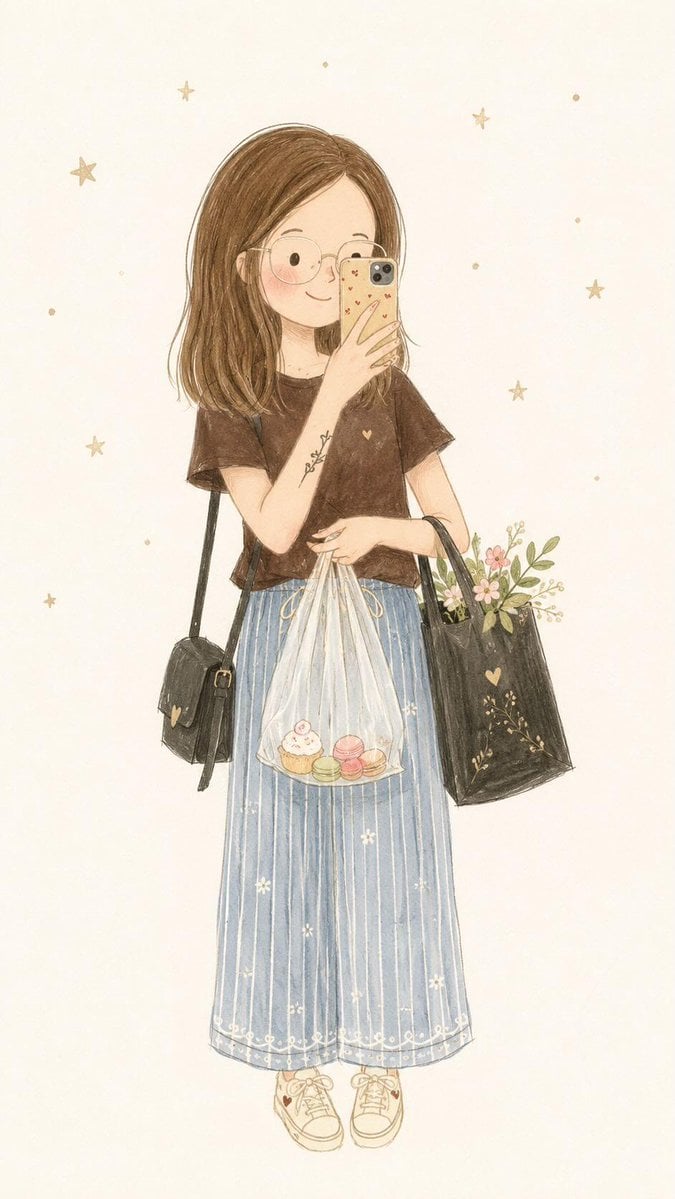
Minimalist Fairy-Tale Children's Illustration
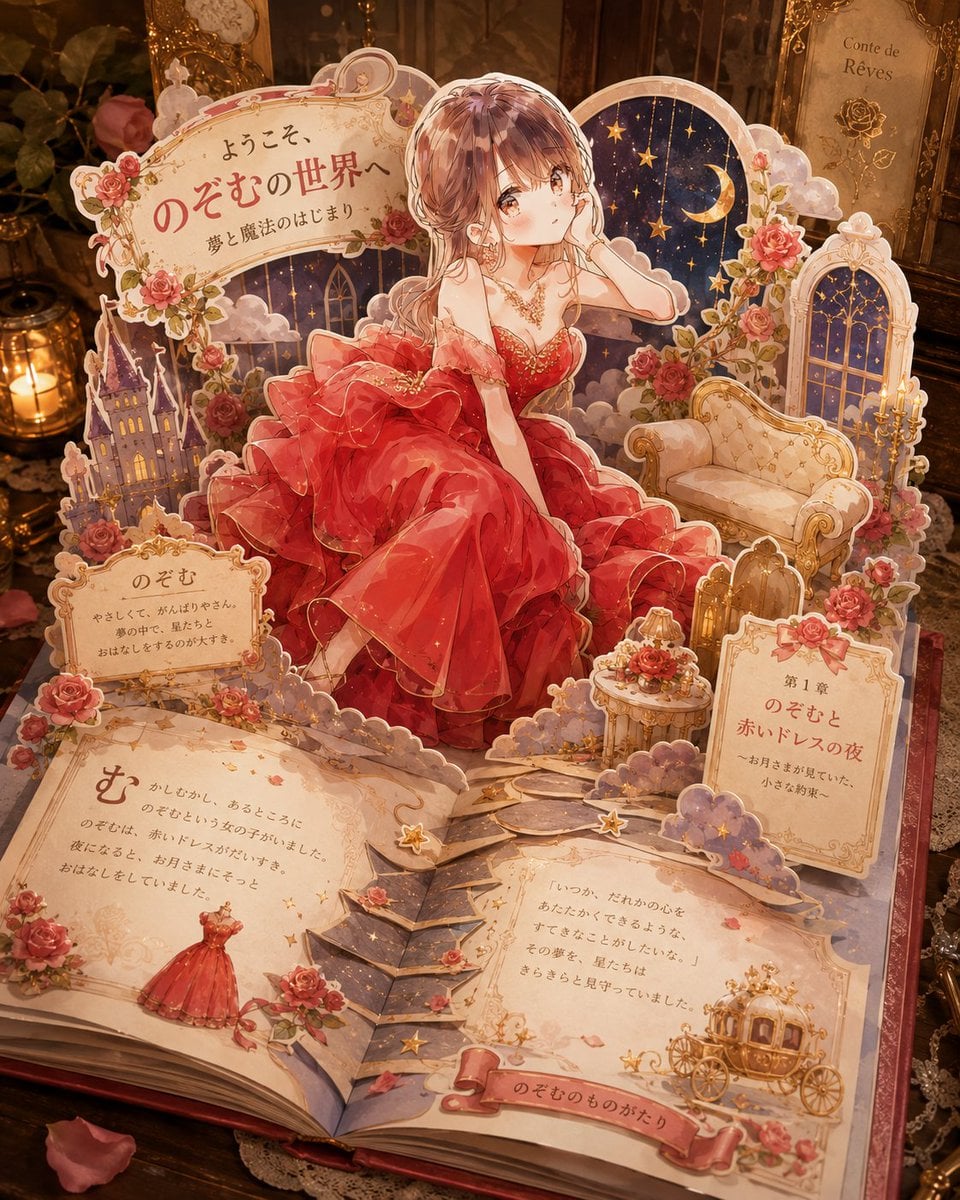
Personalized Pop-Up Fairy Tale Book
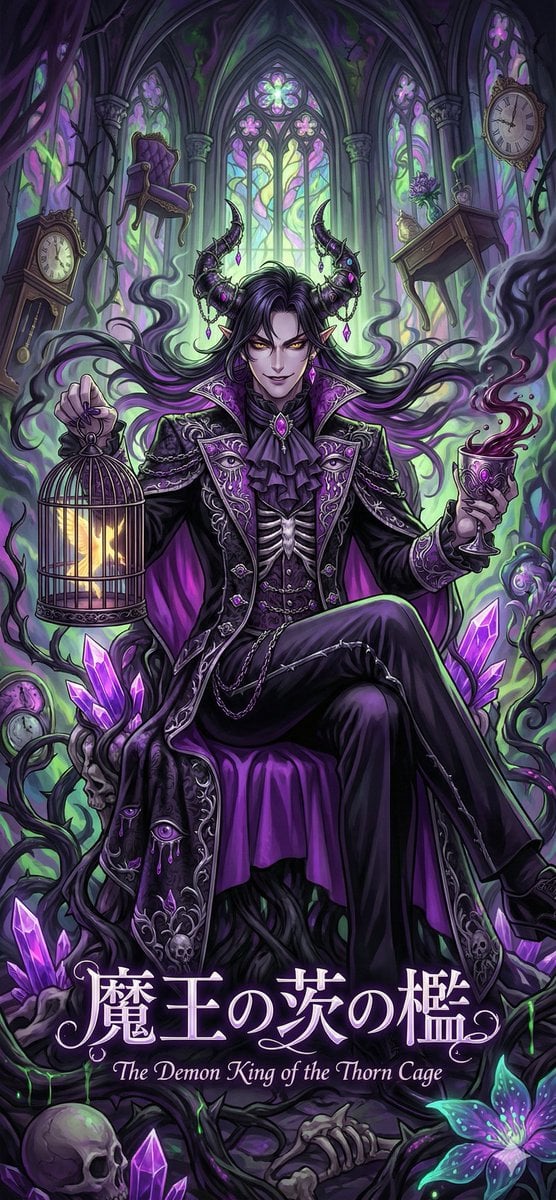
Dark Fairy Tale, Surrealism, Gothic Psychedelic Character Generation
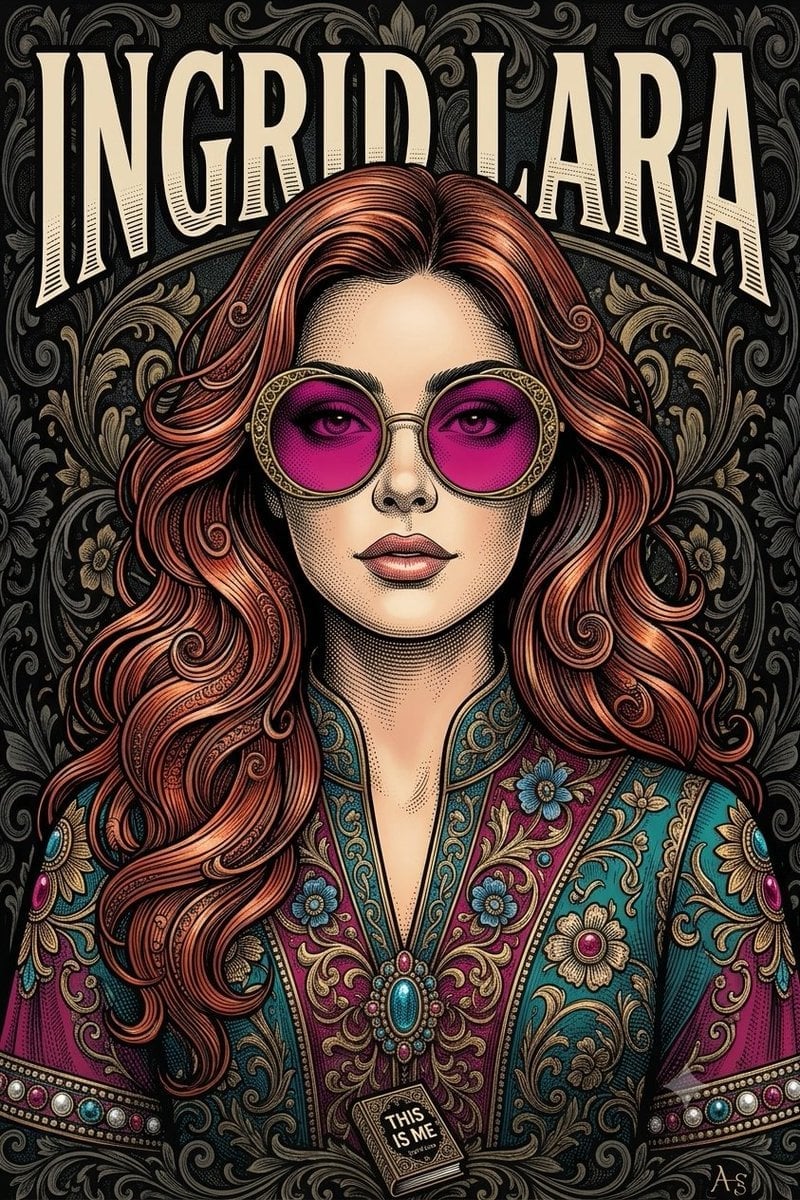
Vintage Engraving Style Portrait
Make it yours
Fairy Tale Woodcut Engraving Style works as-is. These are the safest ways to change it without losing the look.
Change one field
Copy a single group, rewrite it, and generate again so you can see what that field is doing.
Keep the frame, change the subject
Hold the composition and light of Fairy Tale Woodcut Engraving Style, then swap wardrobe, props or the person for a new take.
| If the result… | Why | Fix |
|---|---|---|
| The result drifts from the preview | Too many fields changed at once. | Reuse Fairy Tale Woodcut Engraving Style as-is first, then change one group — subject, light, or setting. |
| The model over-stylizes the scene | The prose prompt leaves finish and camera underspecified. | Add one camera or lighting sentence and stay on GPT Image 2. |
More GPT Image 2 templates
Other prompts made for GPT Image 2.

Six VTuber Japanese Logo Sheet

Realistic Portrait of Woman and Deer

The Vista Modular Condo Poster

AI Model Routing Comparison Infographic

2.5D Anime Art Board

Isometric Productivity Desk Scene

New York Double Exposure Poster

Four-Panel AI Landscape Comparison

Japanese Tatami Lifestyle Magazine Cover

NESCAFÉ Coffee Map Poster
More image prompts
Fresh picks from across the catalog.
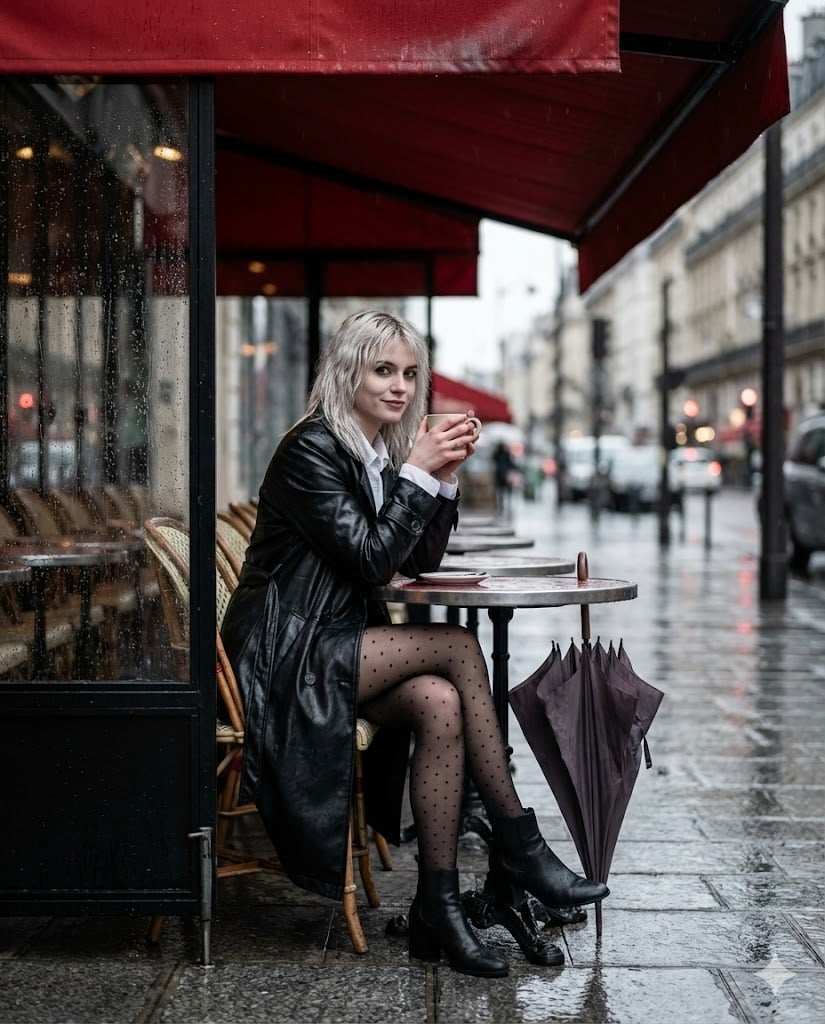
Moody Parisian Cafe Street Photography Prompt

Glass Skin Beauty Portrait — Soft Pastel Nano Banana
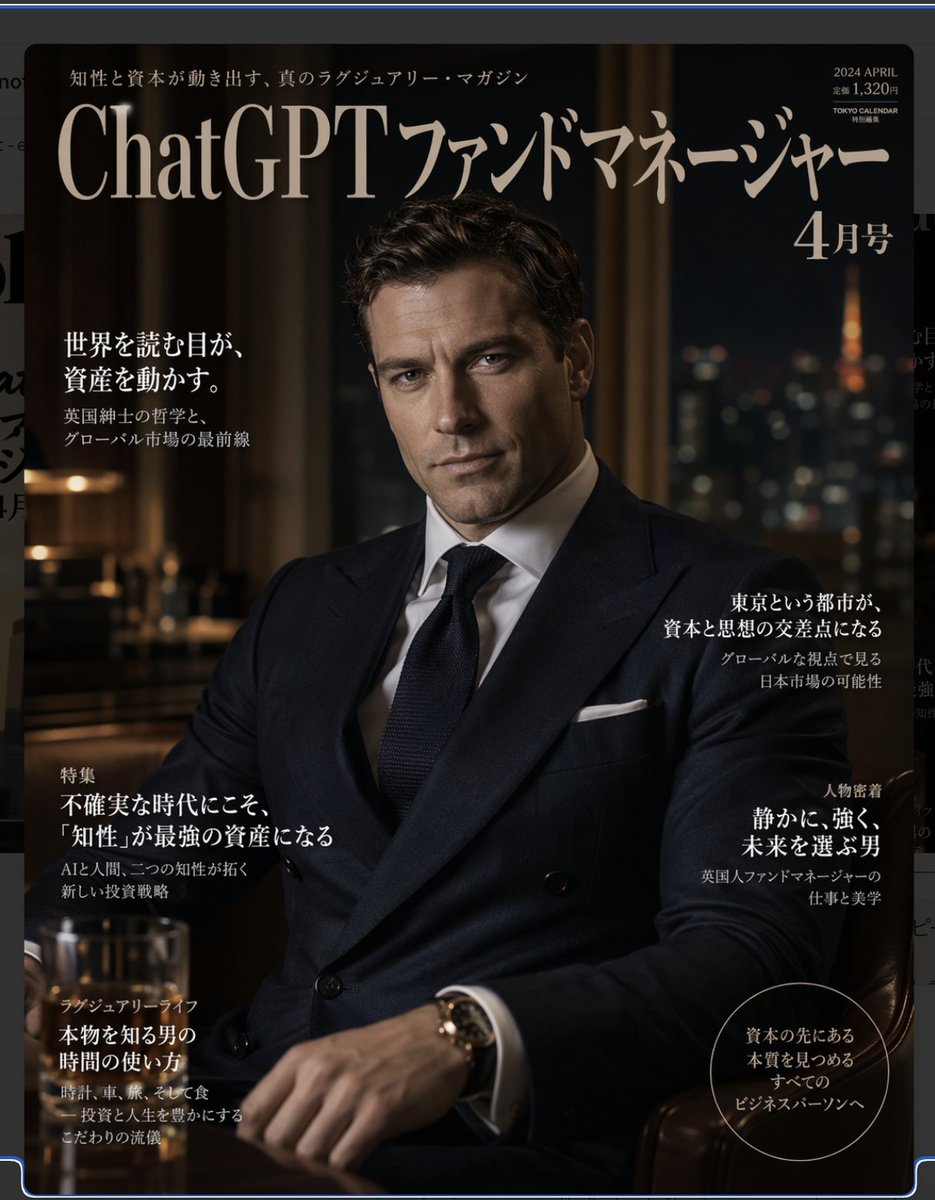
Luxury Magazine Layout
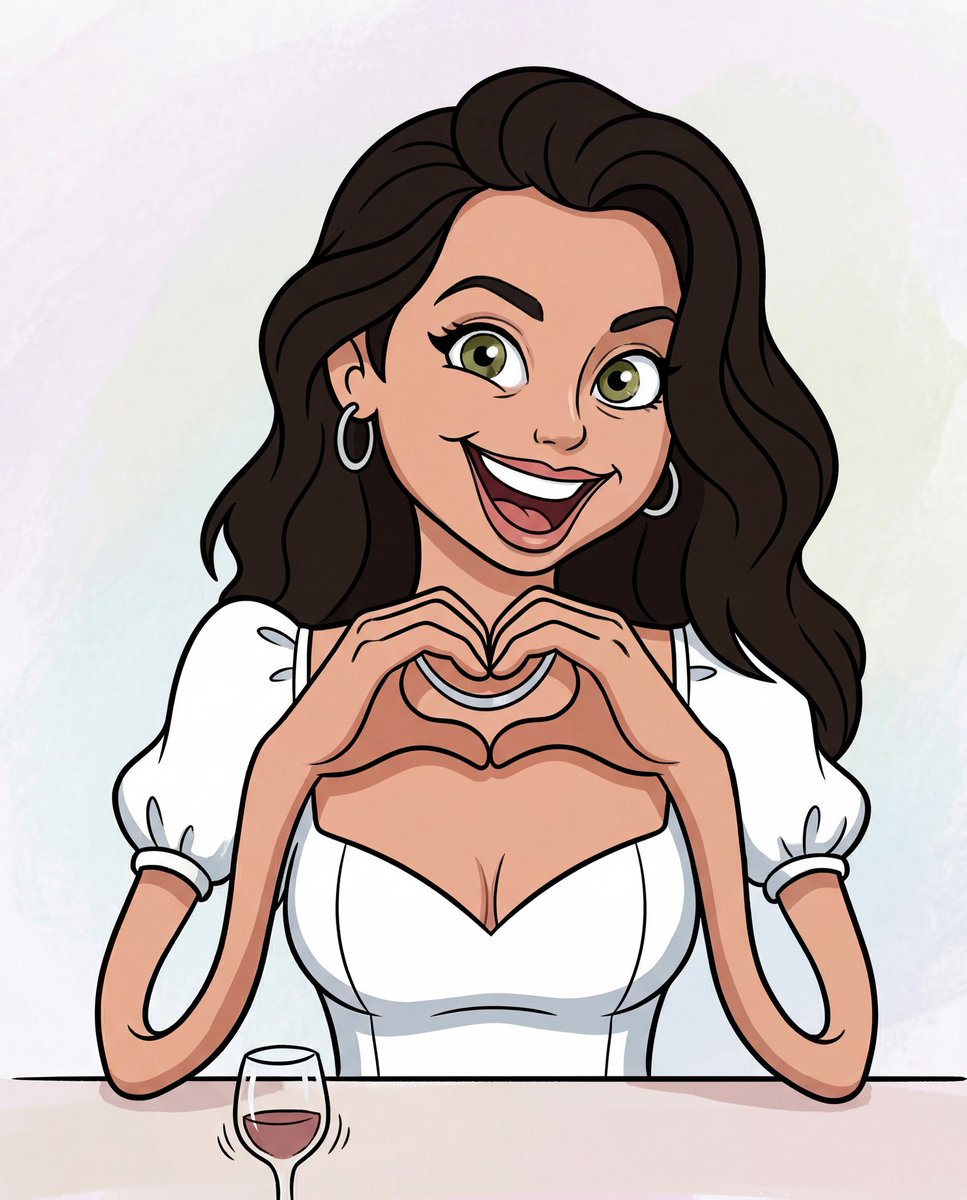
Looney Tunes Character Transformation
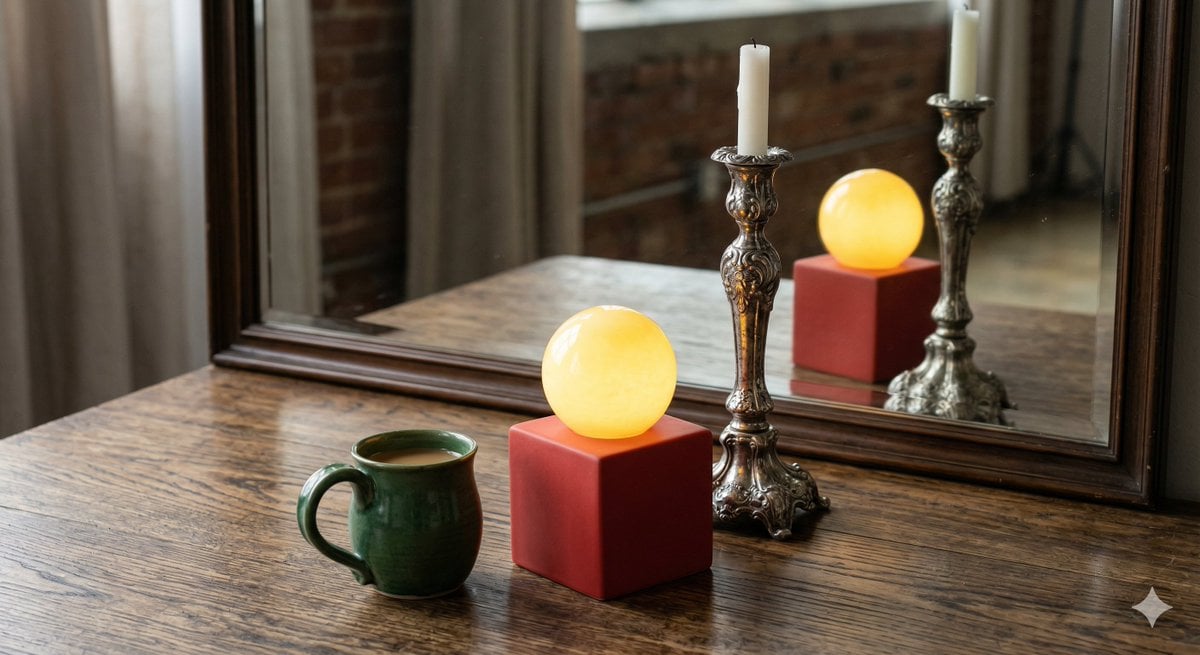
Object Reasoning Test Prompt for Nano Banana 2
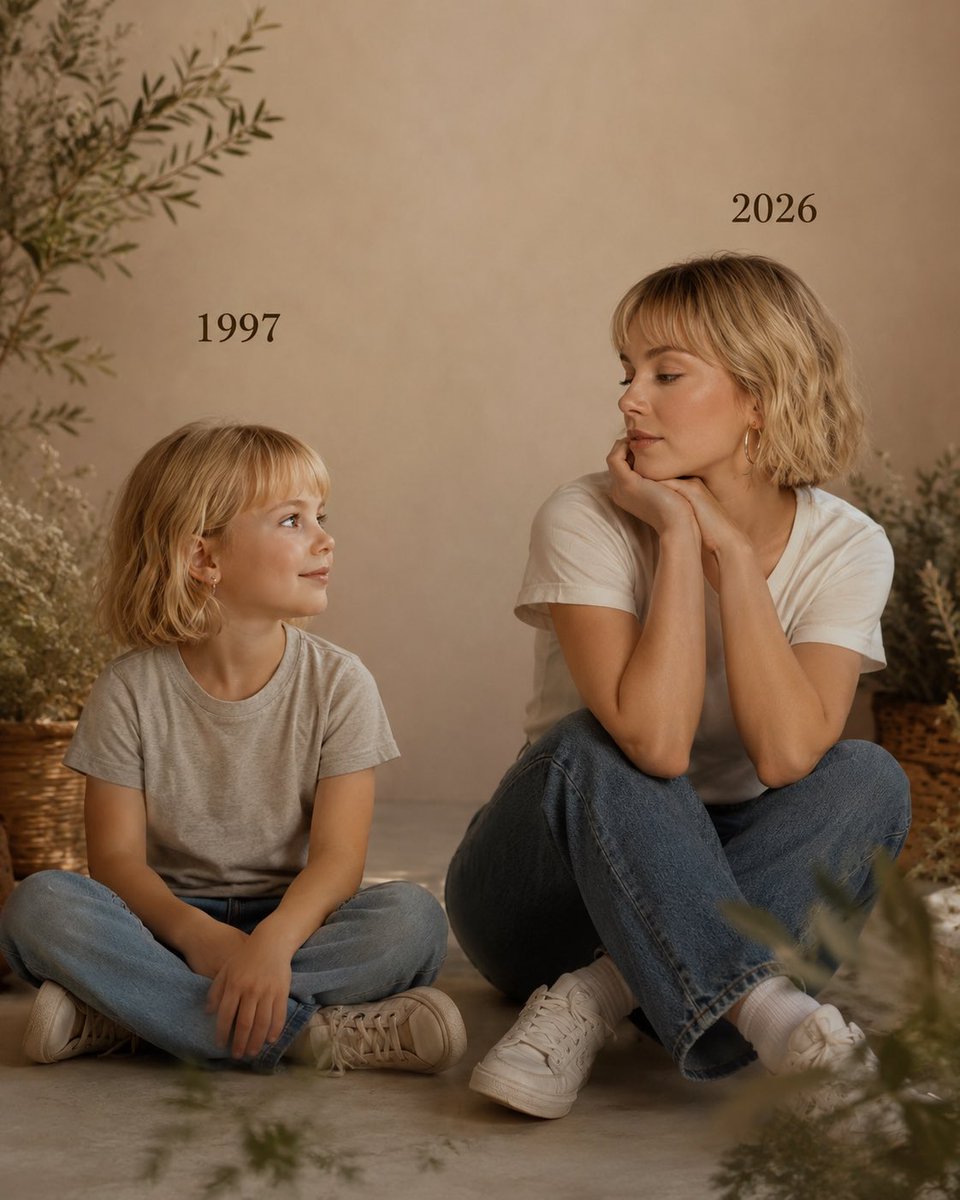
Past vs Present Portrait
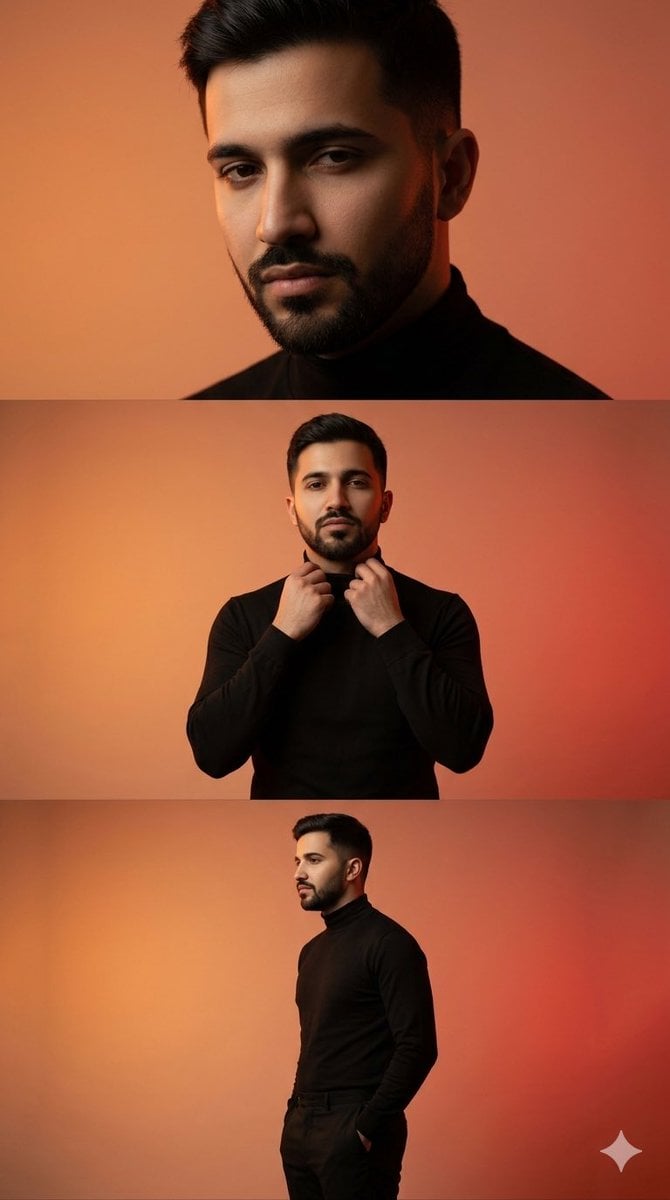
Vertical collage of a stylish young man

High-Fashion Winter Editorial Portrait in Alpine Setting
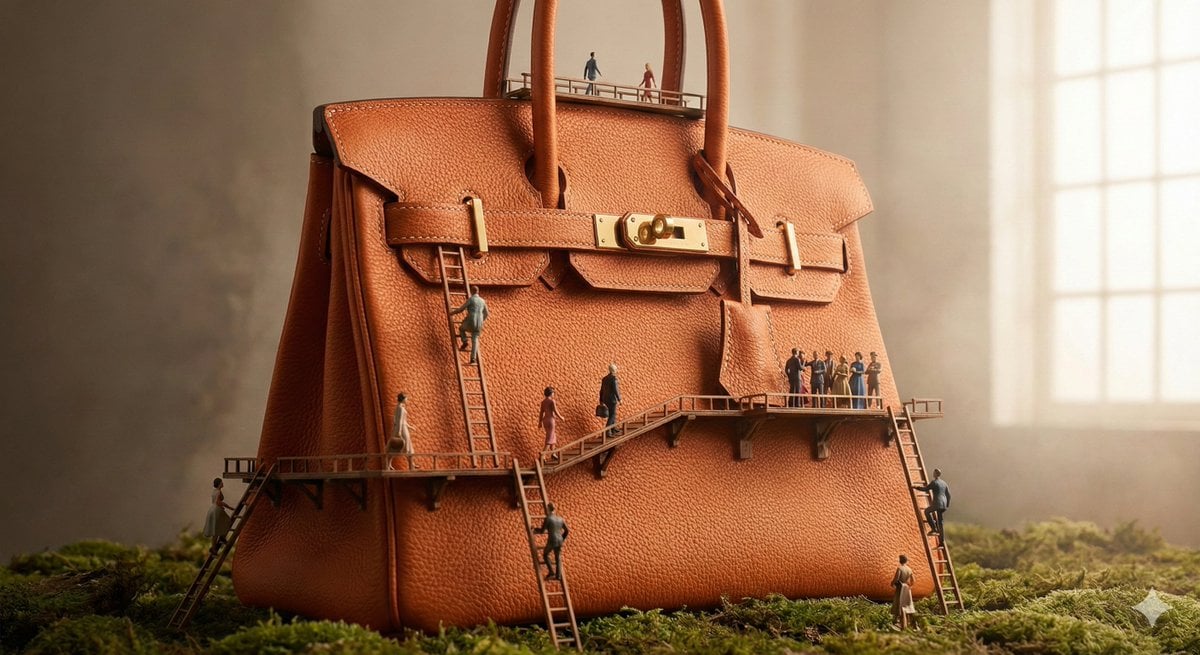
Micro World Discovery Product Photography Prompt

Photorealistic Product Advertising Shot
Browse template categories
Fairy Tale Woodcut Engraving Style questions
How do I use the Fairy Tale Woodcut Engraving Style template?
Add your photo if the template asks for one, edit the prompt if you like — the template's model and format are already selected — and press Generate. Your version opens in PicX Studio.
Can I customize the Fairy Tale Woodcut Engraving Style template?
Yes. You can change the subject, setting, lighting, mood, format, and available model controls before creating your image.
Is the Fairy Tale Woodcut Engraving Style template free?
Opening and editing this template is free. Generating uses credits, shown on the Generate button when you are signed in.
Which AI model should I use?
Start with GPT Image 2, which is the model associated with this template. You can compare another compatible model for a different finish.
Looking for something else? Browse all templates.

Your photo, any look
Thousands of ready templates for every top image and video model, from one credit balance.