
Moonlit Cat Princess Fairy-Tale Card
Generates an ornate Japanese fantasy gacha-style poster that reincarnates a custom character as a moonlit black cat princess in a fairy-tale story card.
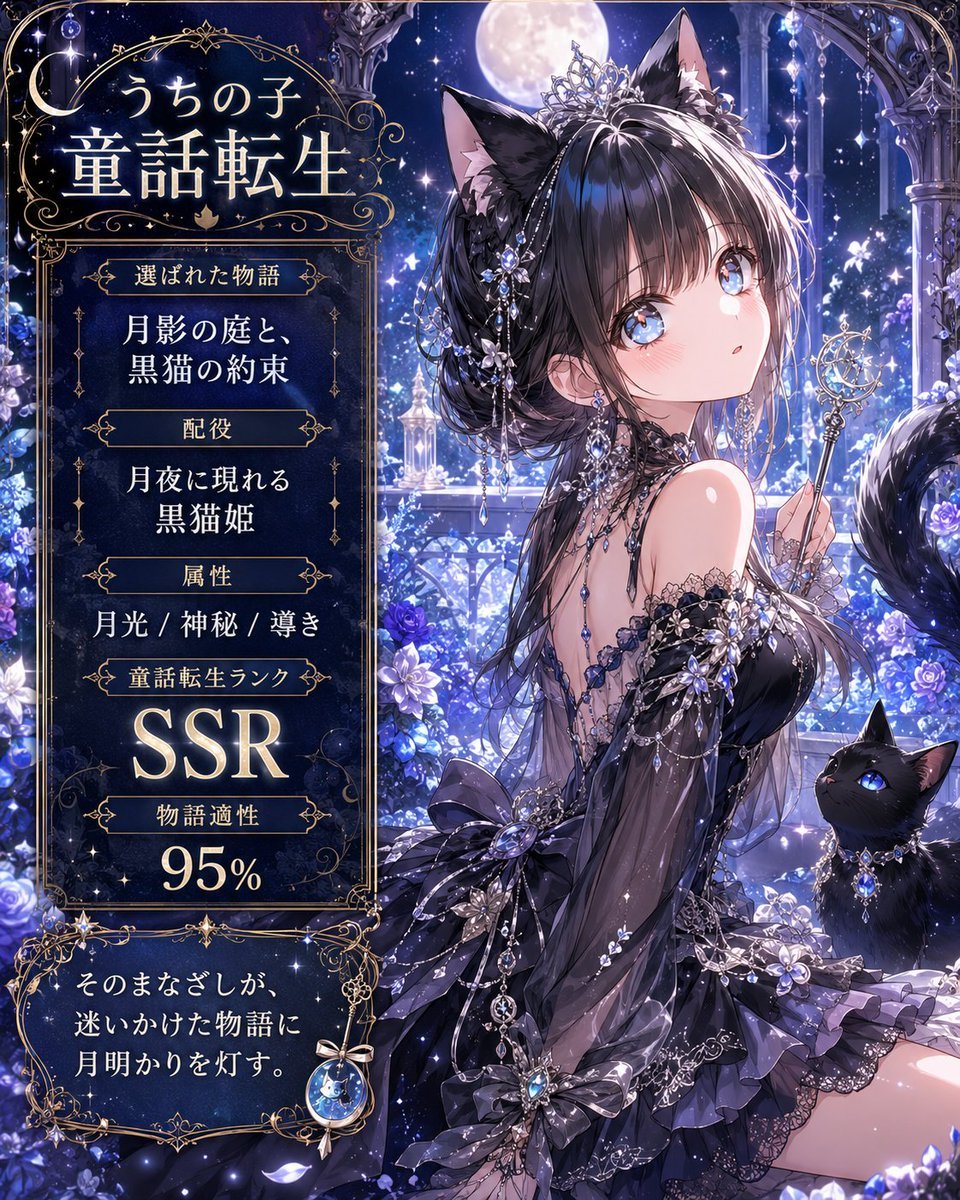
- Prompt included
- Model and format preset
- Premium template
The prompt behind this image
Copy the exact prompt behind Moonlit Cat Princess Fairy-Tale Card, or open it in the studio and make it yours.
Goal: Create a vertical fantasy anime story-card poster that transforms {argument name="character name" default="うちの子"} into a personalized fairy-tale heroine, with an ornate gothic-luxury interface panel on the left and a detailed character illustration on the right. Canvas: Portrait 4:5 composition, high-resolution, dark midnight blue and silver palette, luminous moonlit atmosphere, sparkling magical particles, ornate gold filigree borders, elegant Japanese fantasy gacha-card design. Layout: Split composition with two main zones. Left third is an information panel framed by thin gold ornamental lines and curling Art Nouveau flourishes. Right two-thirds is a full-body/three-quarter anime illustration set in a moonlit palace garden balcony. Add a large full moon near the top center, starry sky, crystal columns, hanging jewels, blue flowers, glowing petals, and deep perspective into a magical castle courtyard. Text content: Use Japanese typography in glowing ivory-gold serif style. Top title inside the left panel reads 「うちの子」 above large 「童話転生」. Below it, create exactly 5 stacked information sections with small gold-framed label plaques and centered values: 1) label 「選ばれた物語」, value 「月影の庭と、黒猫の約束」; 2) label 「配役」, value 「月夜に現れる 黒猫姫」; 3) label 「属性」, value 「月光 / 神秘 / 尊き」; 4) label 「童話転生ランク」, value 「SSR」 in very large glowing letters; 5) label 「物語適性」, value 「95%」 in large numerals. At the bottom, add a separate ornate caption box containing 「そのまなざしが、迷いかけた物語に 月明かりを灯す。」 with a small crescent-moon jewel charm hanging from the frame. Subject details: The main character is an elegant anime cat princess with {argument name="hair color" default="glossy black hair"}, long layered hair, black cat ears, a jeweled silver tiara, crystal hair ornaments, dangling chains, blue gemstones, and a mysterious refined expression; leave the face area optionally unobstructed unless the user requests privacy masking. She wears a black and dark violet off-shoulder gothic-lolita evening dress with lace, translucent sleeves, layered ruffles, ribbons, silver embroidery, floral appliqués, and many sapphire-like jewels. She holds a delicate crescent-moon wand in one hand. Include a glossy black cat companion with bright blue eyes and a jeweled collar sitting near her side. Include a fluffy black cat tail behind the heroine. Visual style: Ultra-detailed Japanese anime illustration, romantic fairy-tale reincarnation theme, luxurious gacha SSR card aesthetic, moonlight rim lighting, blue-white sparkles, ornate gold linework, luminous flowers, soft bloom, intricate jewelry, elegant melancholy mood, highly polished digital painting. Constraints: Countable elements must remain exact: 1 main heroine, 1 black cat companion, 1 crescent wand, 1 large moon, 5 information sections, 1 bottom quote box. Do not add extra UI panels, extra animals, logos, watermarks, or modern objects. Keep all visible text crisp and placed only in the left panel and bottom caption box.
How to use Moonlit Cat Princess Fairy-Tale Card in 3 steps
- 1Upload ImagePNG, JPG or paste
Add your photo
Upload the photo the template builds on. The prompt, model and format are already set.
- 2…a portrait of your subject in softgolden-hour light, 85mm…
Personalize
Edit the subject and creative details for your destination.
- 3Generate
Generate
Press Generate — your image is created in PicX Studio, so you can compare it with the original and refine one variable at a time.
More like this
Templates with the same subject, style or setup. Open one to see its prompt.

Anime Fairy Godmother Glow
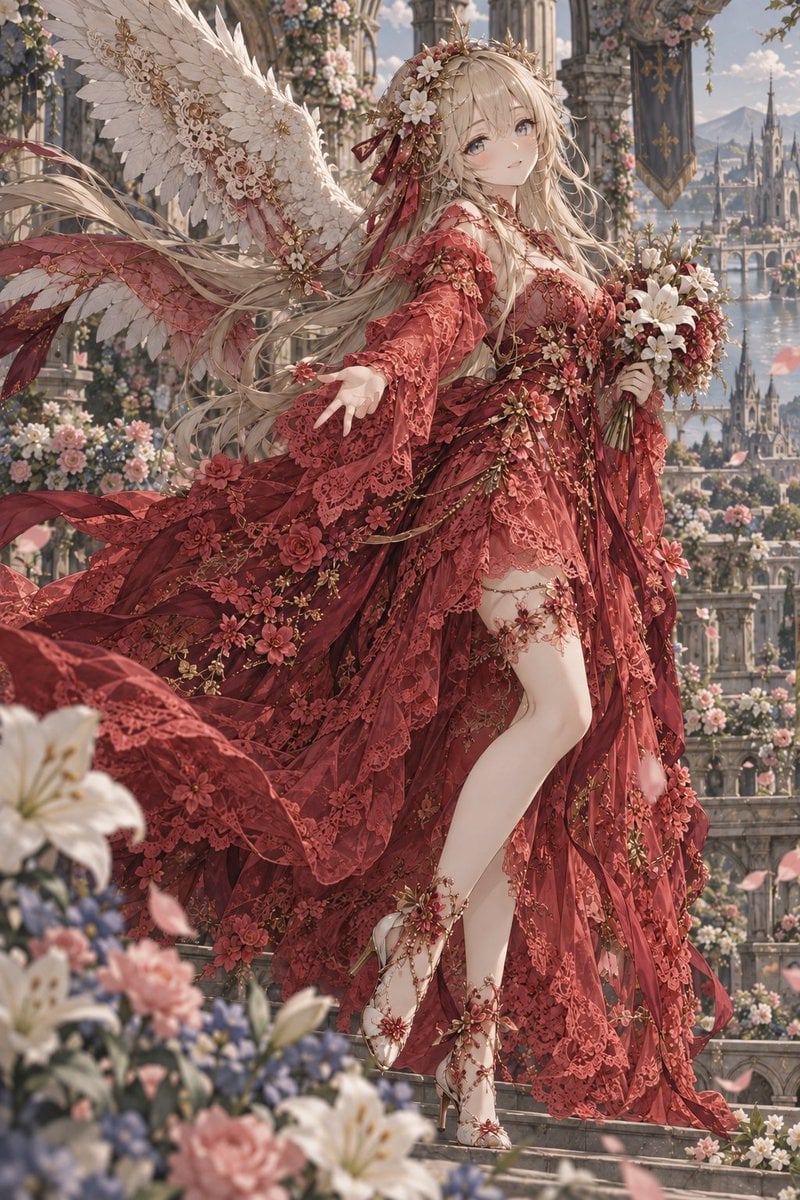
Crimson Angel Princess in Floral Cathedral
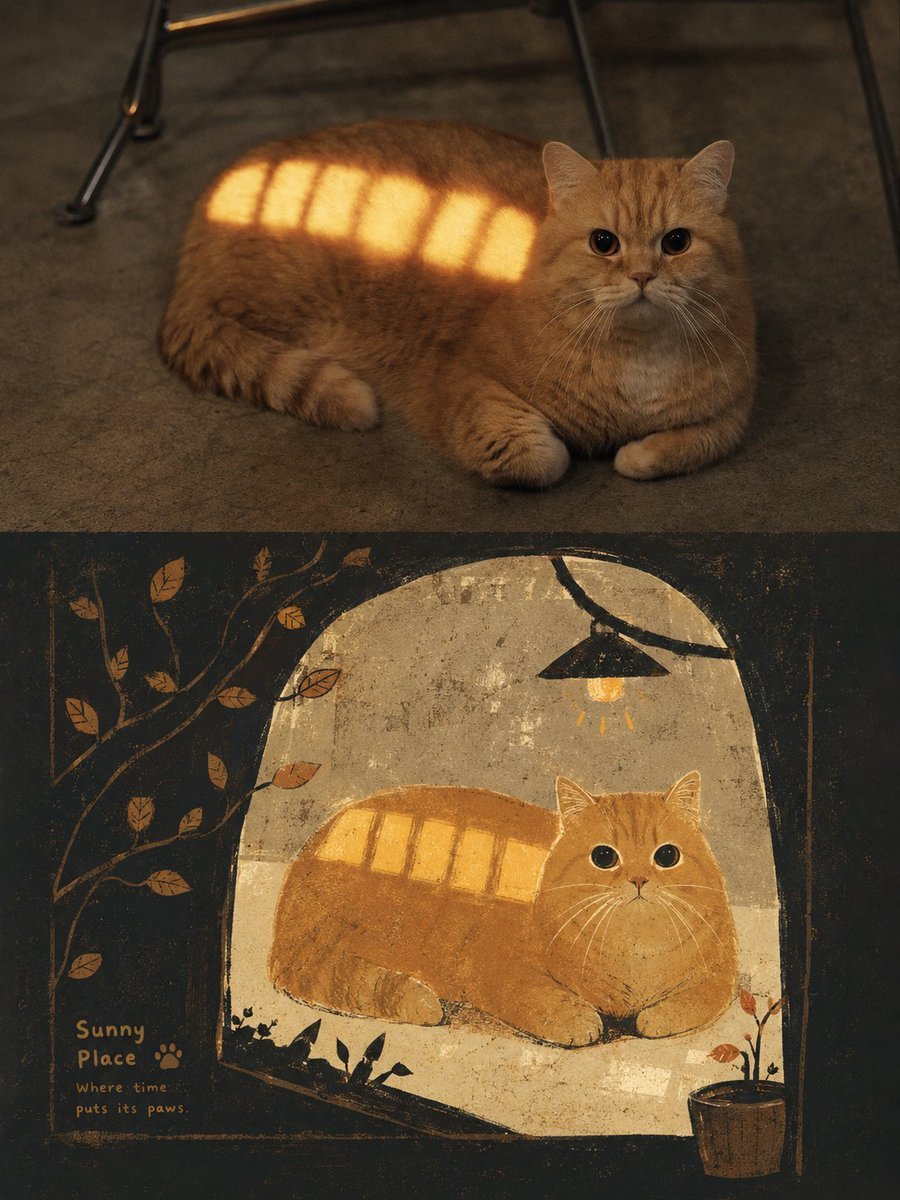
Grimm's Fairy Tale Woodcut Poster
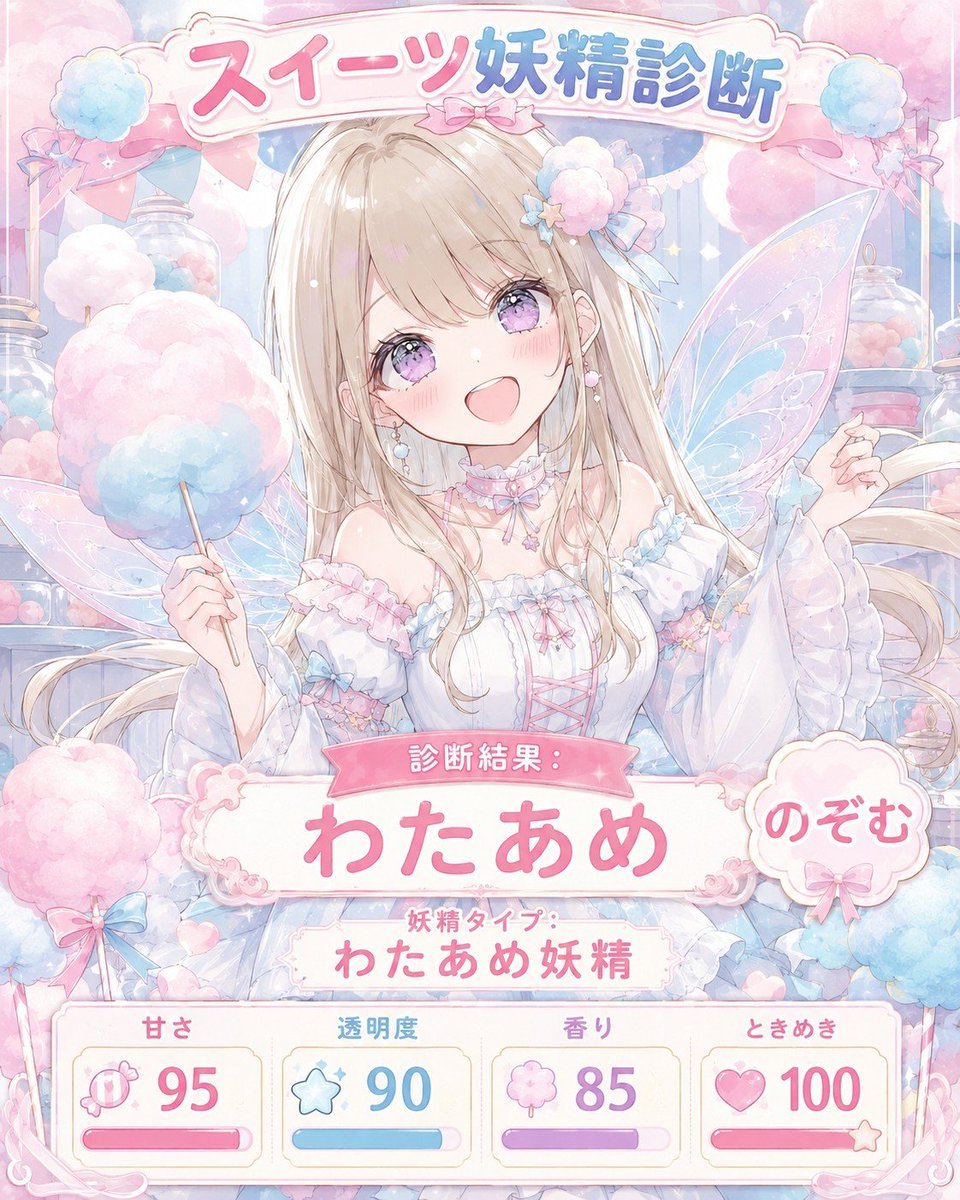
Pastel Sweets Fairy Diagnosis Card

Cat Photobomb Selfie — 0.5x Wide Angle Café Chaos

Surreal Cat Astronaut — Humanoid Face Freefall
Paper Cut Fairy Tale Scene
Fairy-Tale Park Travel Photo

Anime Happily Ever After Sky

Anime Stained Glass Prayer

Anime White Horse Escape

Anime Golden Spinning Straw
Make it yours
Moonlit Cat Princess Fairy-Tale Card works as-is. These are the safest ways to change it without losing the look.
Change one field
Copy a single group, rewrite it, and generate again so you can see what that field is doing.
Keep the frame, change the subject
Hold the composition and light of Moonlit Cat Princess Fairy-Tale Card, then swap wardrobe, props or the person for a new take.
| If the result… | Why | Fix |
|---|---|---|
| The result drifts from the preview | Too many fields changed at once. | Reuse Moonlit Cat Princess Fairy-Tale Card as-is first, then change one group — subject, light, or setting. |
| The model over-stylizes the scene | The prose prompt leaves finish and camera underspecified. | Add one camera or lighting sentence and stay on GPT Image 2. |
More GPT Image 2 templates
Other prompts made for GPT Image 2.

Six VTuber Japanese Logo Sheet

Realistic Portrait of Woman and Deer

The Vista Modular Condo Poster

AI Model Routing Comparison Infographic

2.5D Anime Art Board

Isometric Productivity Desk Scene

New York Double Exposure Poster

Four-Panel AI Landscape Comparison

Japanese Tatami Lifestyle Magazine Cover

NESCAFÉ Coffee Map Poster
More image prompts
Fresh picks from across the catalog.
Expressive Photobooth Grid
Impressionist Spring Garden Oil Painting

Regal Morning Portrait in a European Villa Prompt
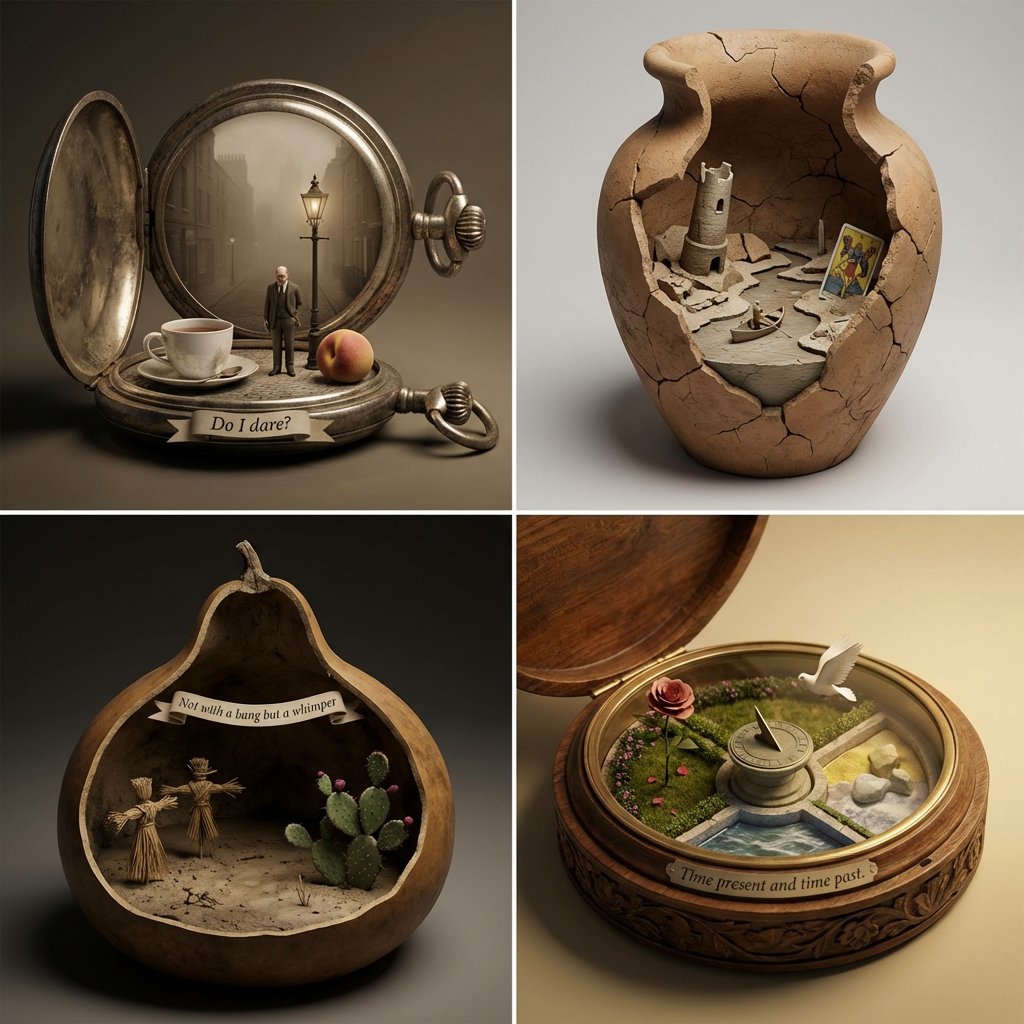
Poetry Diorama Generation System Prompt
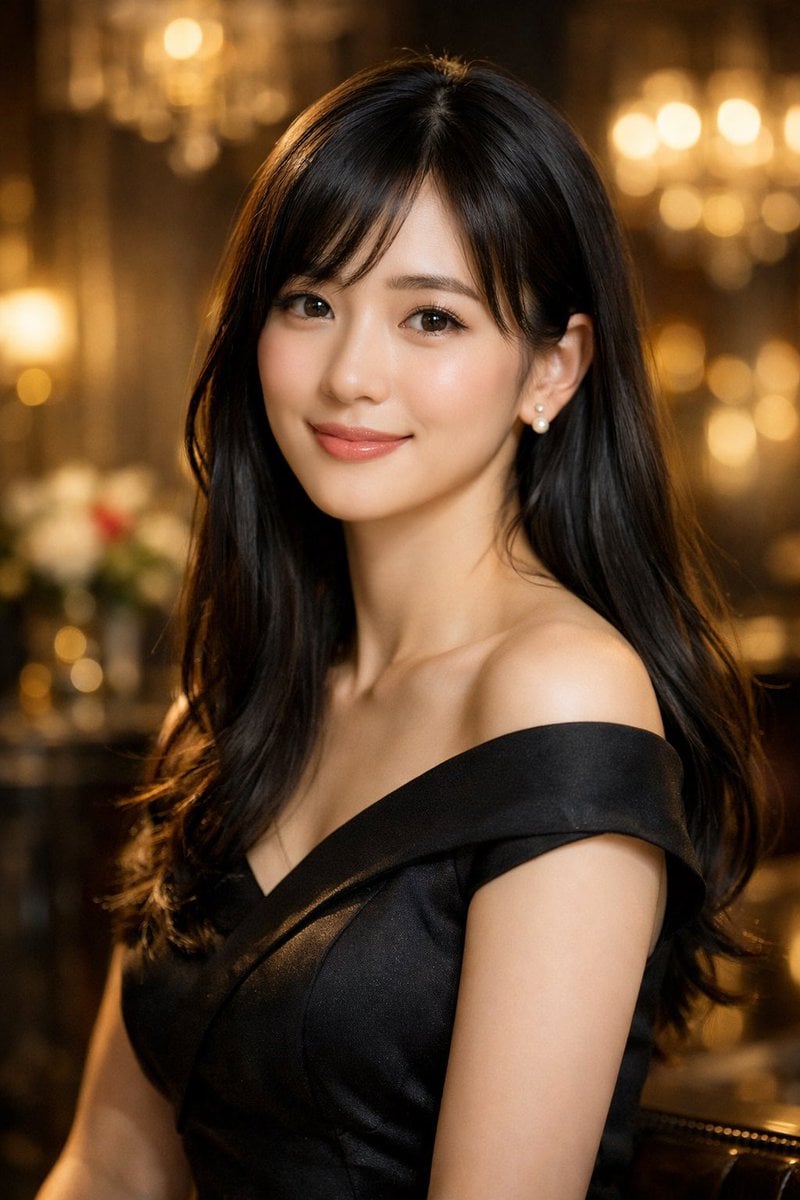
Elegant Photorealistic Female Portrait
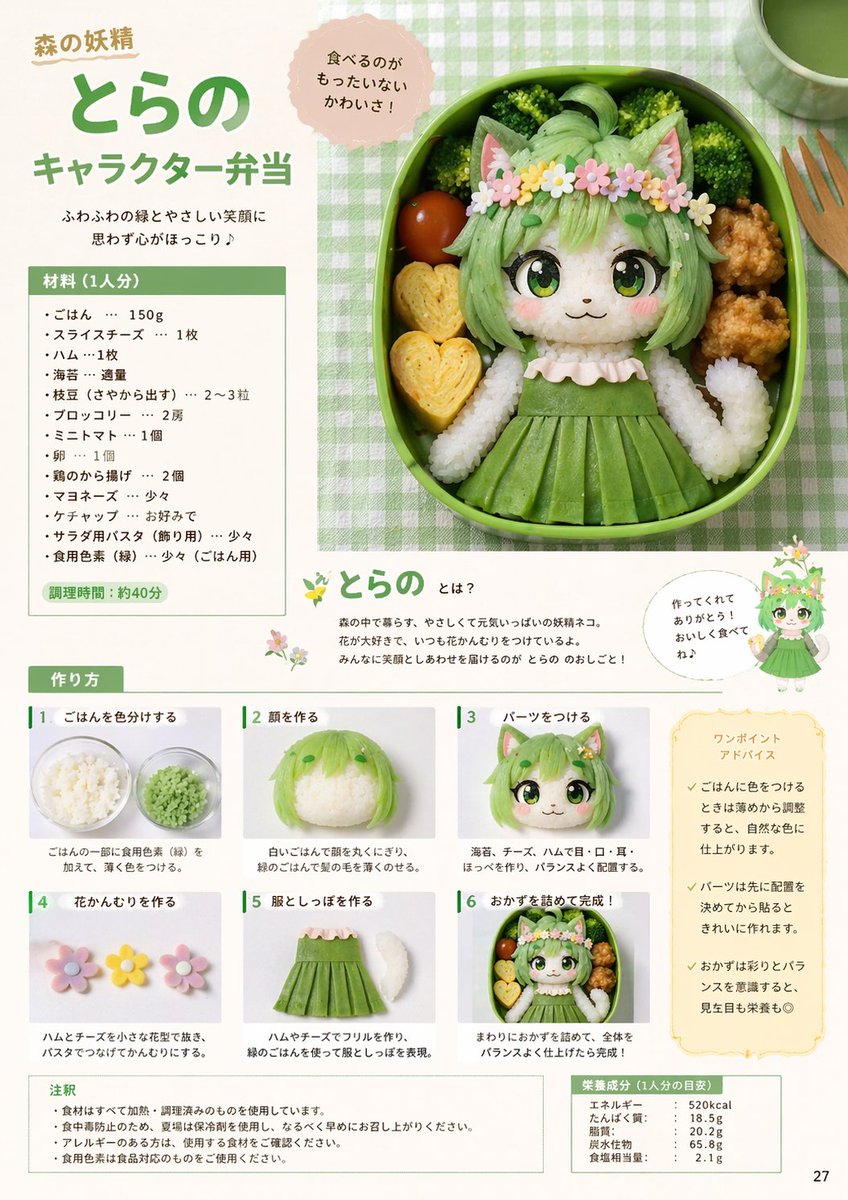
Character Bento Recipe Magazine Page
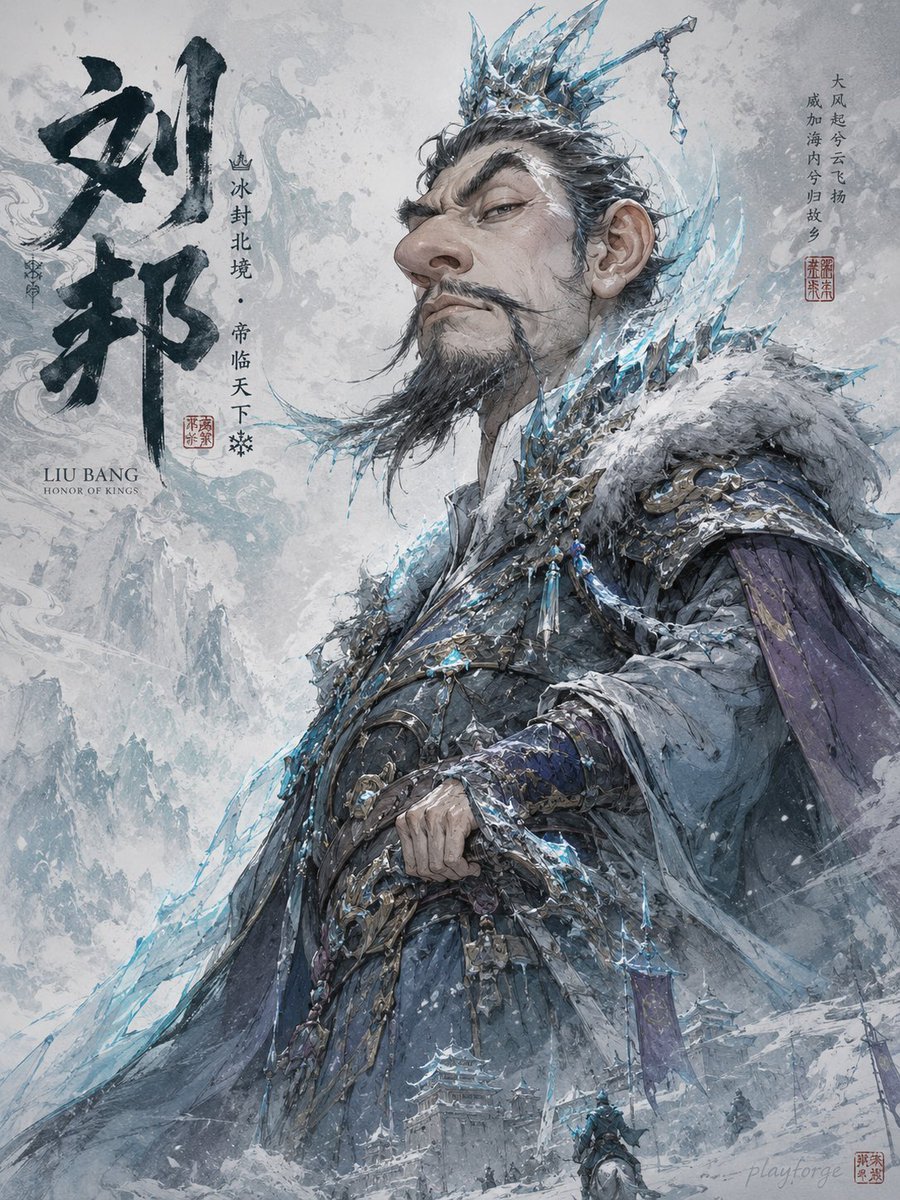
Humorous Game Character Caricature
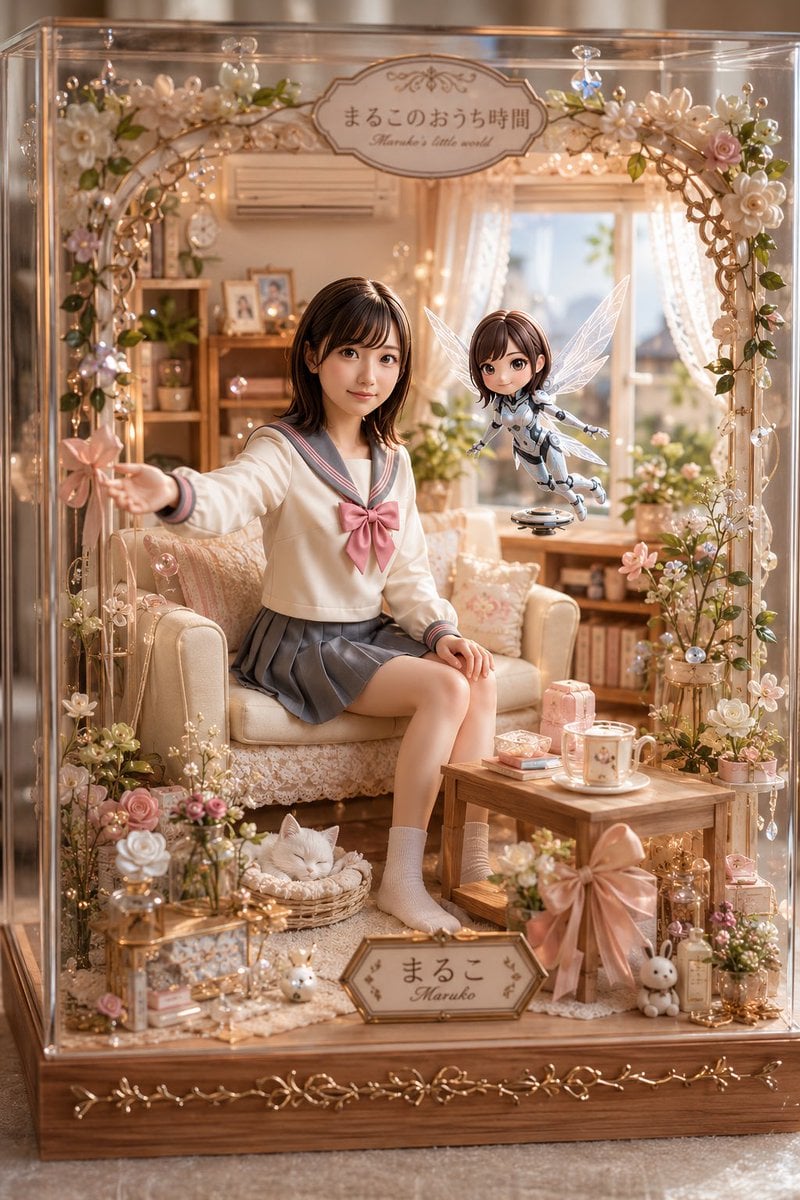
Kawaii Glass Dollhouse Diorama
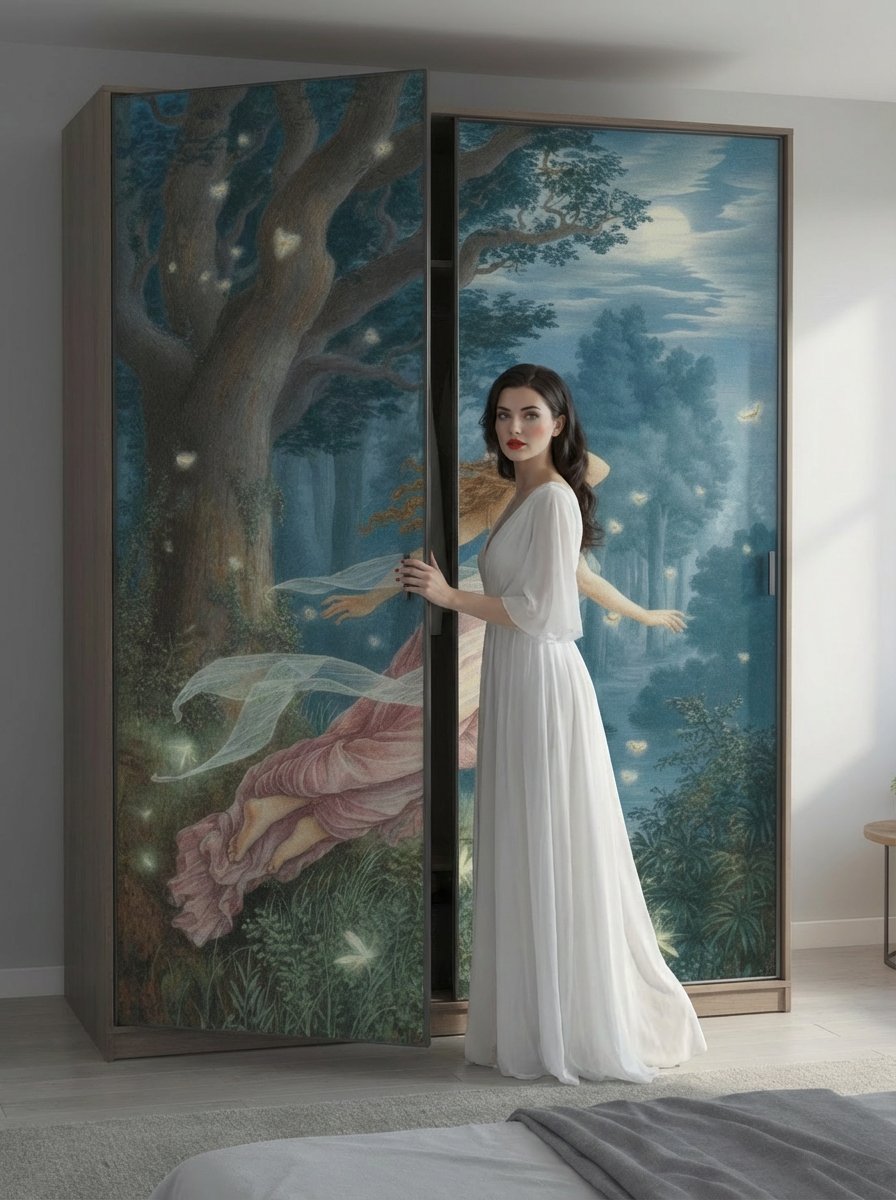
Image Generation Prompt for Nano Banana Pro
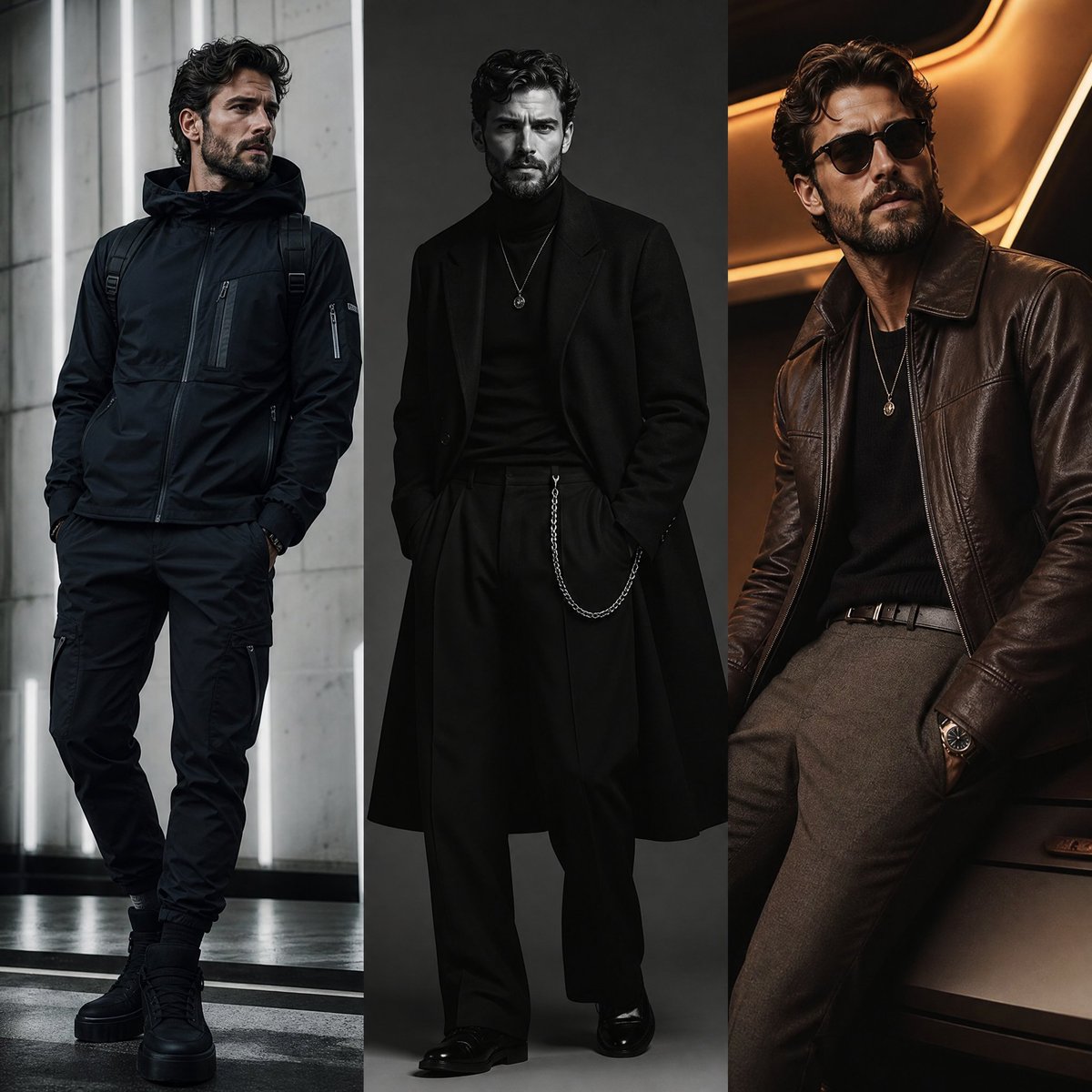
Three-Panel Fashion Campaign
Browse template categories
Moonlit Cat Princess Fairy-Tale Card questions
How do I use the Moonlit Cat Princess Fairy-Tale Card template?
Add your photo if the template asks for one, edit the prompt if you like — the template's model and format are already selected — and press Generate. Your version opens in PicX Studio.
Can I customize the Moonlit Cat Princess Fairy-Tale Card template?
Yes. You can change the subject, setting, lighting, mood, format, and available model controls before creating your image.
Is the Moonlit Cat Princess Fairy-Tale Card template free?
Opening and editing this template is free. Generating uses credits, shown on the Generate button when you are signed in.
Which AI model should I use?
Start with GPT Image 2, which is the model associated with this template. You can compare another compatible model for a different finish.
Looking for something else? Browse all templates.

Your photo, any look
Thousands of ready templates for every top image and video model, from one credit balance.