
Kawaii Glass Dollhouse Diorama
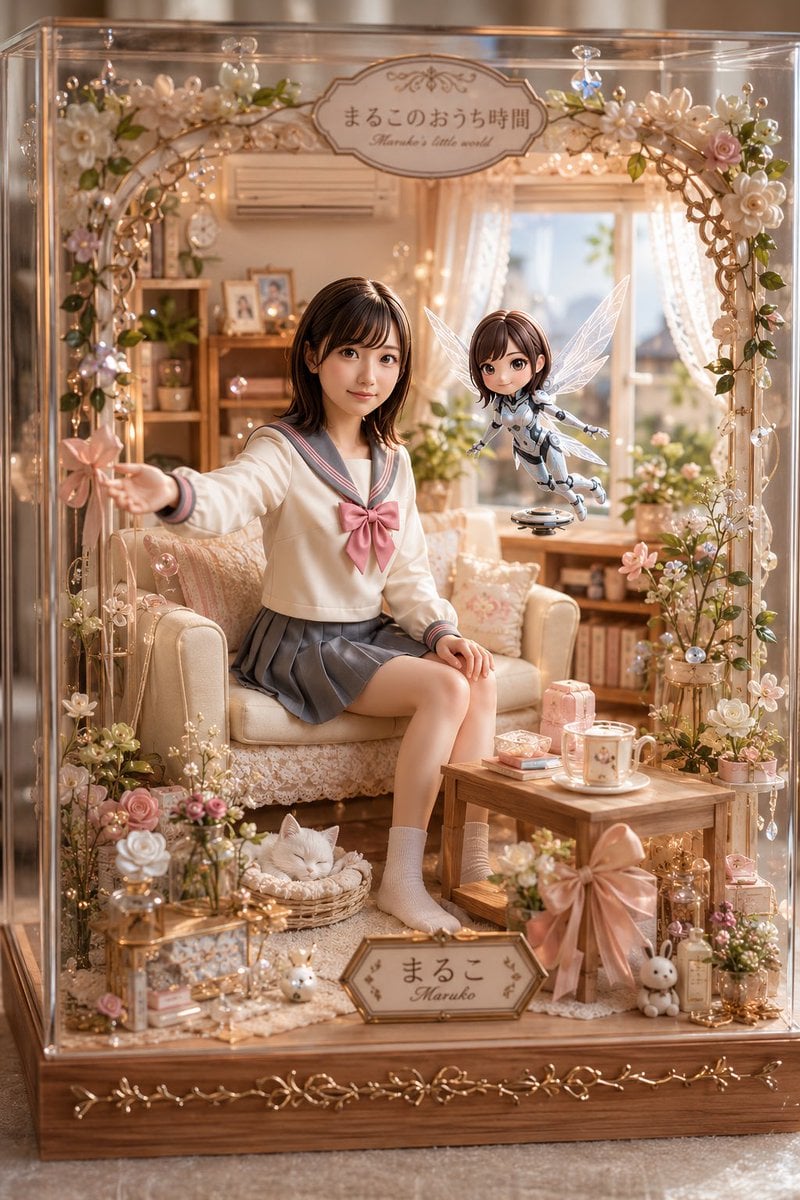
A detailed prompt for generating a romantic glass-case miniature room with a seated sailor-uniform girl, floating fairy robot, cat, flowers, and Japanese name plaques.
- Prompt included
- Model and format preset
- Free template
The prompt behind this image
Copy the exact prompt behind Kawaii Glass Dollhouse Diorama, or open it in the studio and make it yours.
Goal: Create a highly detailed vertical photorealistic miniature diorama inside a clear glass display case, styled like a warm pastel Japanese kawaii room box, with the feeling of a cozy personal world. Canvas: Portrait 2:3 composition, close-up front view through transparent glass, shallow depth of field, warm golden afternoon light, soft bokeh fairy lights, ultra-detailed handcrafted textures, realistic reflections on the acrylic/glass walls. Main subject: A seated teenage girl miniature with a softly obscured/featureless face, shoulder-length {argument name="hair color" default="dark brown"} hair, wearing a cream Japanese sailor school uniform with gray collar trim, a large {argument name="bow color" default="pink"} chest bow, gray pleated skirt, white socks, sitting sideways on a cream lace-covered armchair. Her left arm reaches outward holding a tiny pink flower or wand-like blossom; her right hand rests on her knee. Pose is gentle, relaxed, and inviting. Companion subject: One small floating fairy-like robot girl to the right of the seated girl, also with a softly obscured/featureless face, short brown bob hair, translucent insect wings, white-and-silver futuristic body armor, tiny mechanical limbs, hovering above a small round flying base. Make it cute, delicate, and toy-like rather than threatening. Display case and room: The scene is enclosed in a rectangular glass case with a wooden base and ornate gold vine decoration along the bottom. Inside is a miniature living room with a sofa/armchair, lace curtains, sunny window, bookshelves, framed photos, houseplants, cushions, a small wooden coffee table, pastel boxes, a cup and saucer, tiny cosmetics or perfume bottles, and a soft cream rug. Use peach, ivory, blush pink, champagne gold, and pale green as the main palette. Decorative arch: At the top front of the case is a floral arch made of vines, pearls, crystal drops, warm micro string lights, and many small white and pink flowers. Add one ornate oval sign centered at the top reading {argument name="top sign text" default="まるこのおうち時間"}, with a small cursive English subtitle reading "Maruko's little world". Add one matching name plaque near the bottom front reading {argument name="name plaque text" default="まるこ"} with "Maruko" underneath. Counted visible focal elements: Include exactly 2 human-like figures: 1 seated schoolgirl miniature and 1 floating winged robot fairy. Include exactly 1 sleeping white cat curled in a small woven basket on the floor near the girl's feet. Include exactly 2 readable signs: the top oval title sign and the bottom name plaque. Include exactly 1 small wooden coffee table, 1 cup-and-saucer set, 1 armchair, 1 window with lace curtains, and 1 wooden display-case base. Style and lighting: Premium collectible dollhouse photography, hyperrealistic miniature craftsmanship, romantic kawaii aesthetic, cinematic warm sunlight from the back window, glowing fairy lights, crisp foreground details with soft background blur, glass reflections and refractions, delicate lace, pearl, resin, and gold-metal textures. Constraints: Do not add extra characters, do not make it a flat illustration, do not use harsh colors, avoid horror or cyberpunk mood, keep both faces intentionally soft/blurred and non-identifiable, preserve the cute handcrafted display-case look.
How to use Kawaii Glass Dollhouse Diorama in 3 steps
- 1Upload ImagePNG, JPG or paste
Add your photo
Upload the photo the template builds on. The prompt, model and format are already set.
- 2…a portrait of your subject in softgolden-hour light, 85mm…
Personalize
Edit the subject and creative details for your destination.
- 3Generate
Generate
Press Generate — your image is created in PicX Studio, so you can compare it with the original and refine one variable at a time.
More like this
Templates with the same subject, style or setup. Open one to see its prompt.
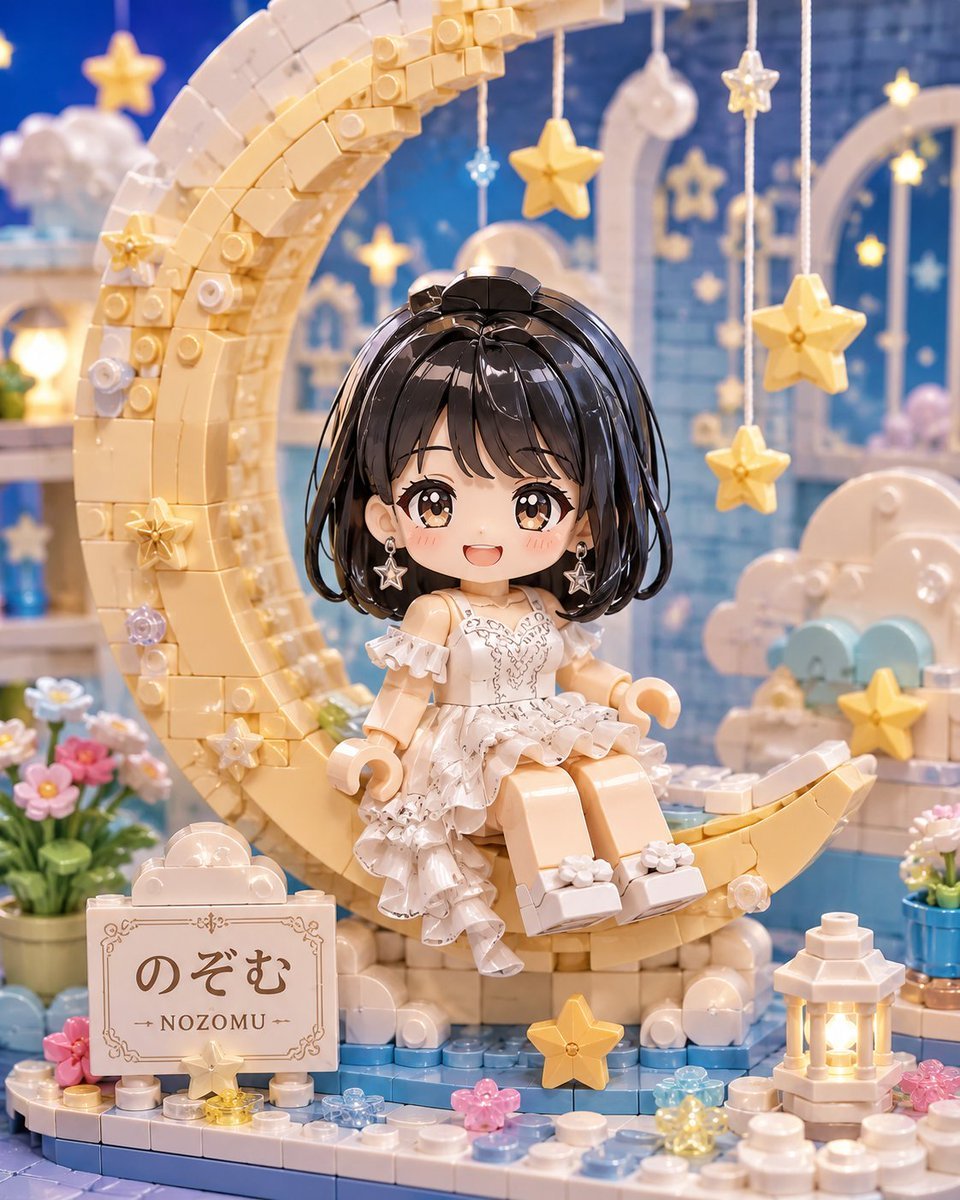
Kawaii Brick Moon Chibi Diorama

Layered Paper Cut Forest Diorama

Cute Layered Paper Cut Chibi Girl

Soft Handcrafted Paper-Cut Layered Illustration

Cinematic Glass Brand Logo Volcanic Landscape

Isometric Process Educational Diorama

Isometric Brand Store Diorama

FIFA World Cup — Brazil National Pass Diorama
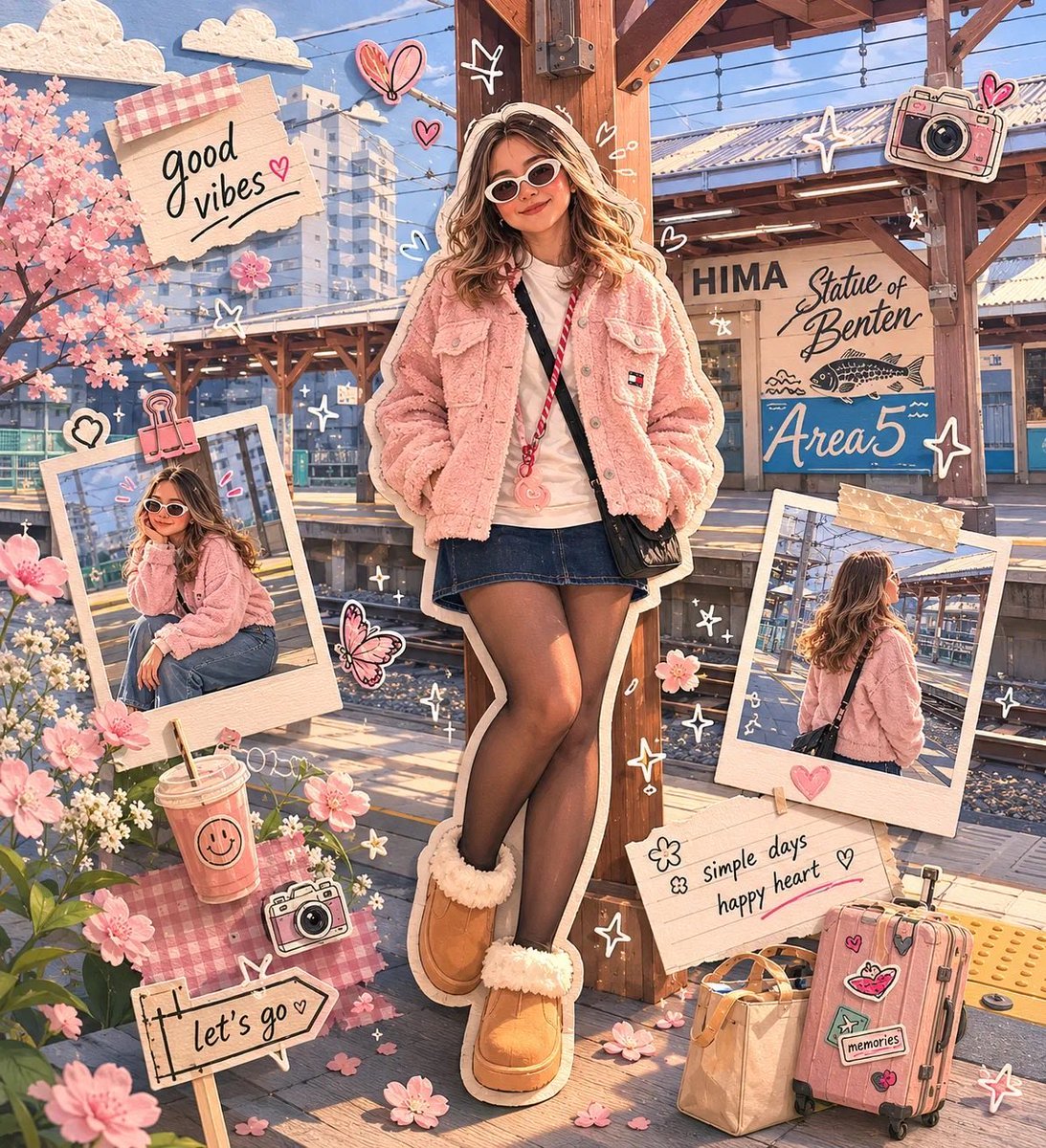
Kawaii Scrapbook and Paper-cut Diorama
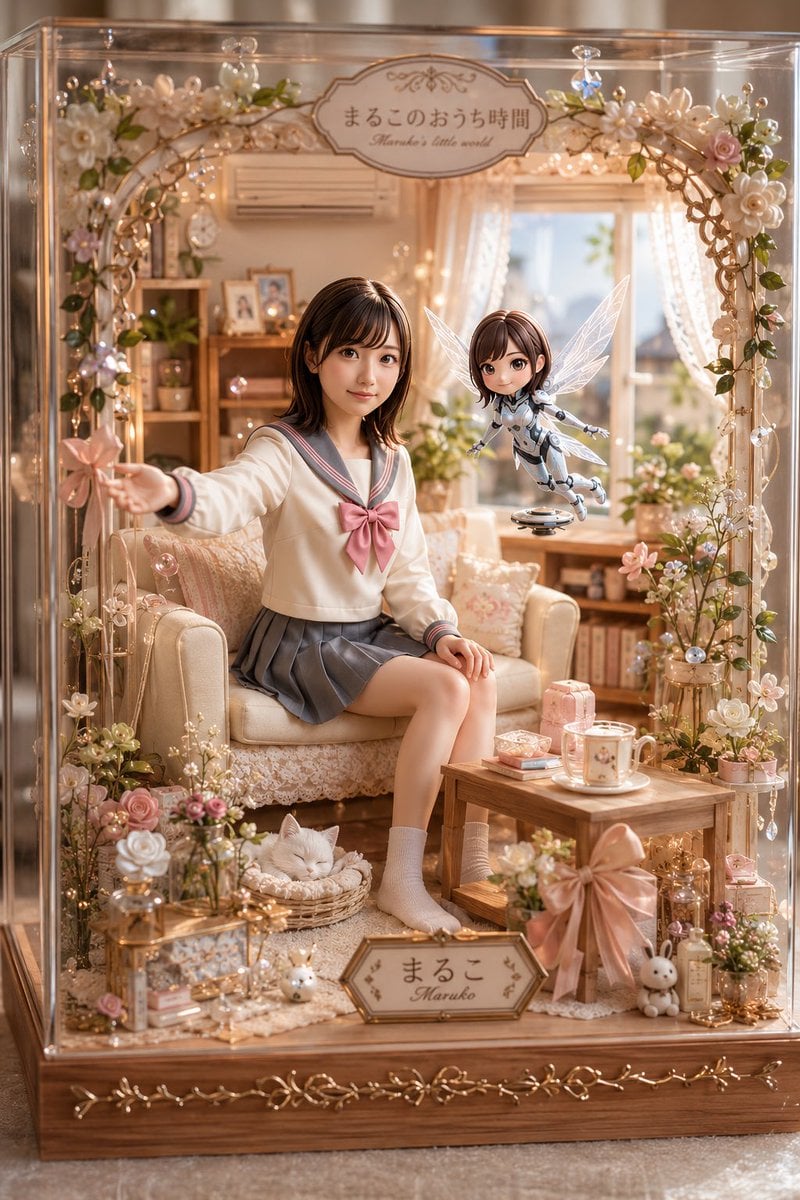
Pastel Maruko Dollhouse Diorama

Christmas Ornament Portrait Glossy Glass Resin Finish with Hand Painted Details Holiday Lighting

敦煌纸雕飞天 — 3D Layered Paper Cutout
Make it yours
Kawaii Glass Dollhouse Diorama works as-is. These are the safest ways to change it without losing the look.
Change one field
Copy a single group, rewrite it, and generate again so you can see what that field is doing.
Keep the frame, change the subject
Hold the composition and light of Kawaii Glass Dollhouse Diorama, then swap wardrobe, props or the person for a new take.
| If the result… | Why | Fix |
|---|---|---|
| The result drifts from the preview | Too many fields changed at once. | Reuse Kawaii Glass Dollhouse Diorama as-is first, then change one group — subject, light, or setting. |
| The model over-stylizes the scene | The prose prompt leaves finish and camera underspecified. | Add one camera or lighting sentence and stay on GPT Image 2. |
More GPT Image 2 templates
Other prompts made for GPT Image 2.

Six VTuber Japanese Logo Sheet

Realistic Portrait of Woman and Deer

The Vista Modular Condo Poster

AI Model Routing Comparison Infographic

2.5D Anime Art Board

Isometric Productivity Desk Scene

New York Double Exposure Poster

Four-Panel AI Landscape Comparison

Japanese Tatami Lifestyle Magazine Cover

NESCAFÉ Coffee Map Poster
More image prompts
Fresh picks from across the catalog.
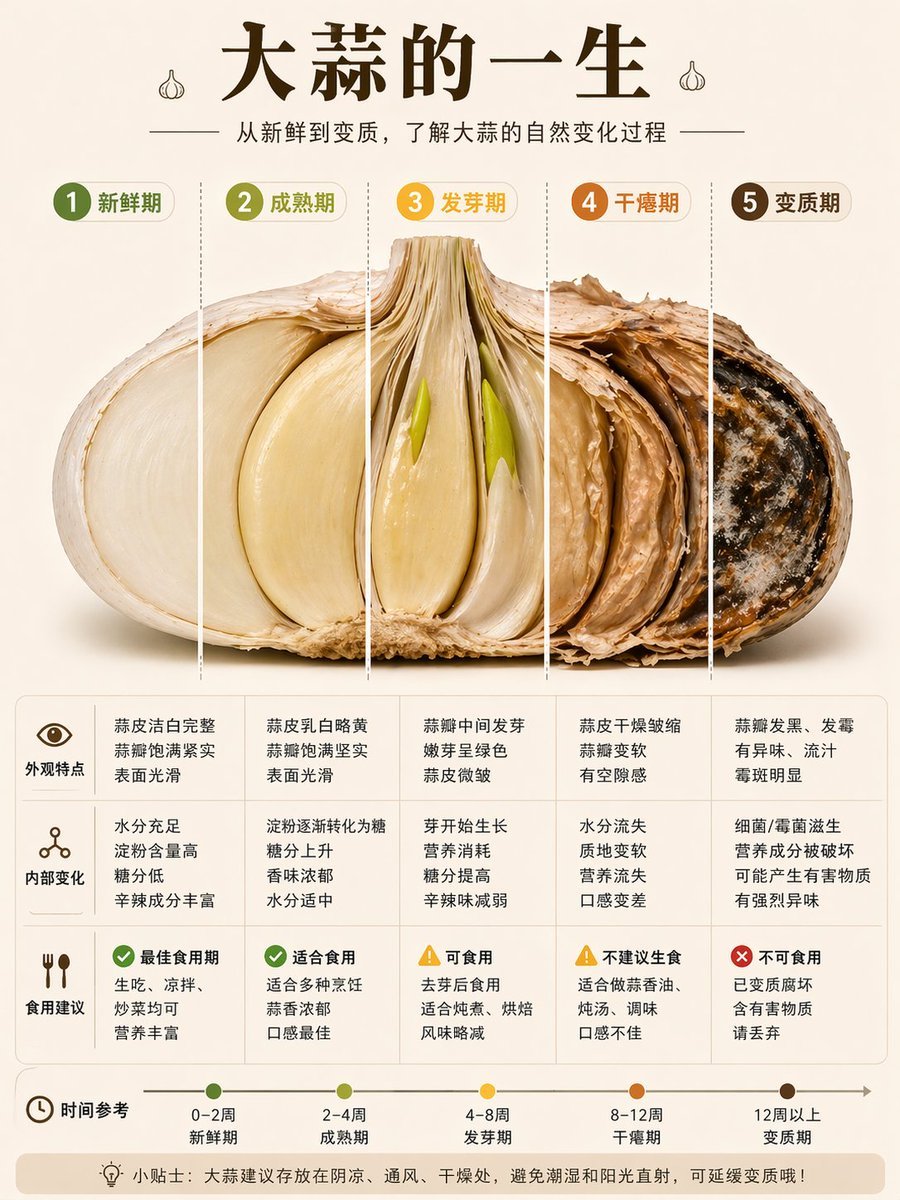
Garlic Life Cycle Infographic
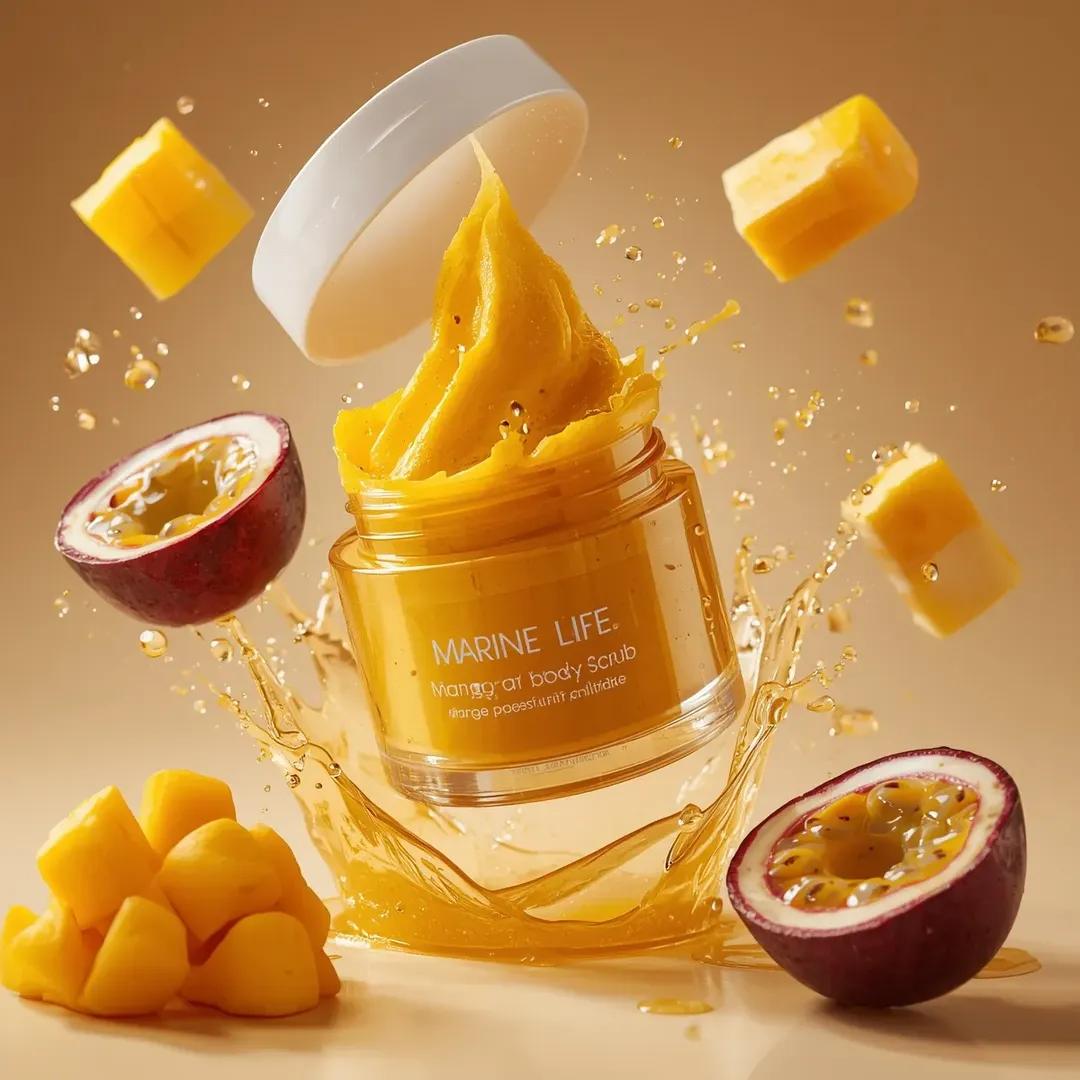
Exploding Cosmetic Jar Product Photography

Ultra-Realistic Beverage Product Photography
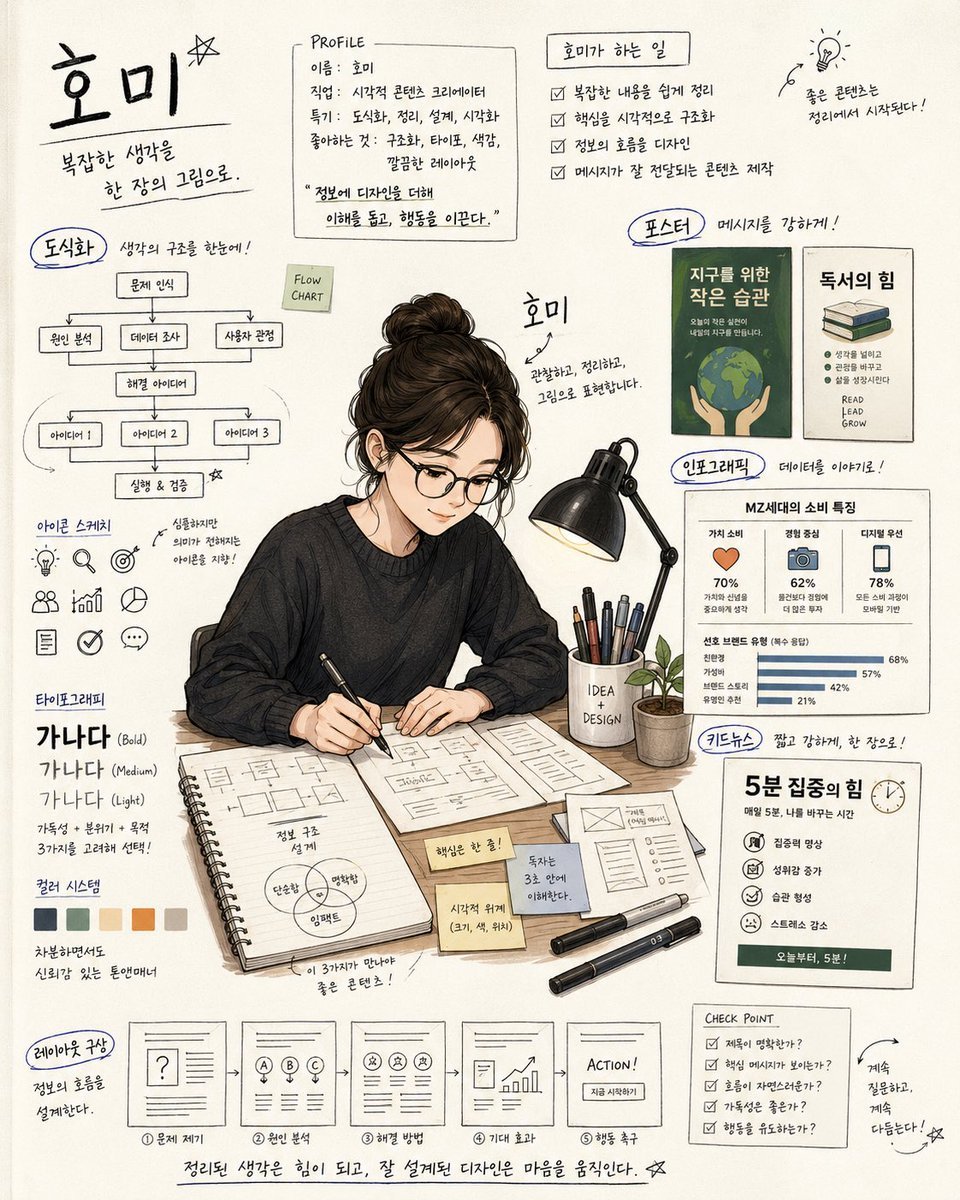
Handwritten Note Style Illustration
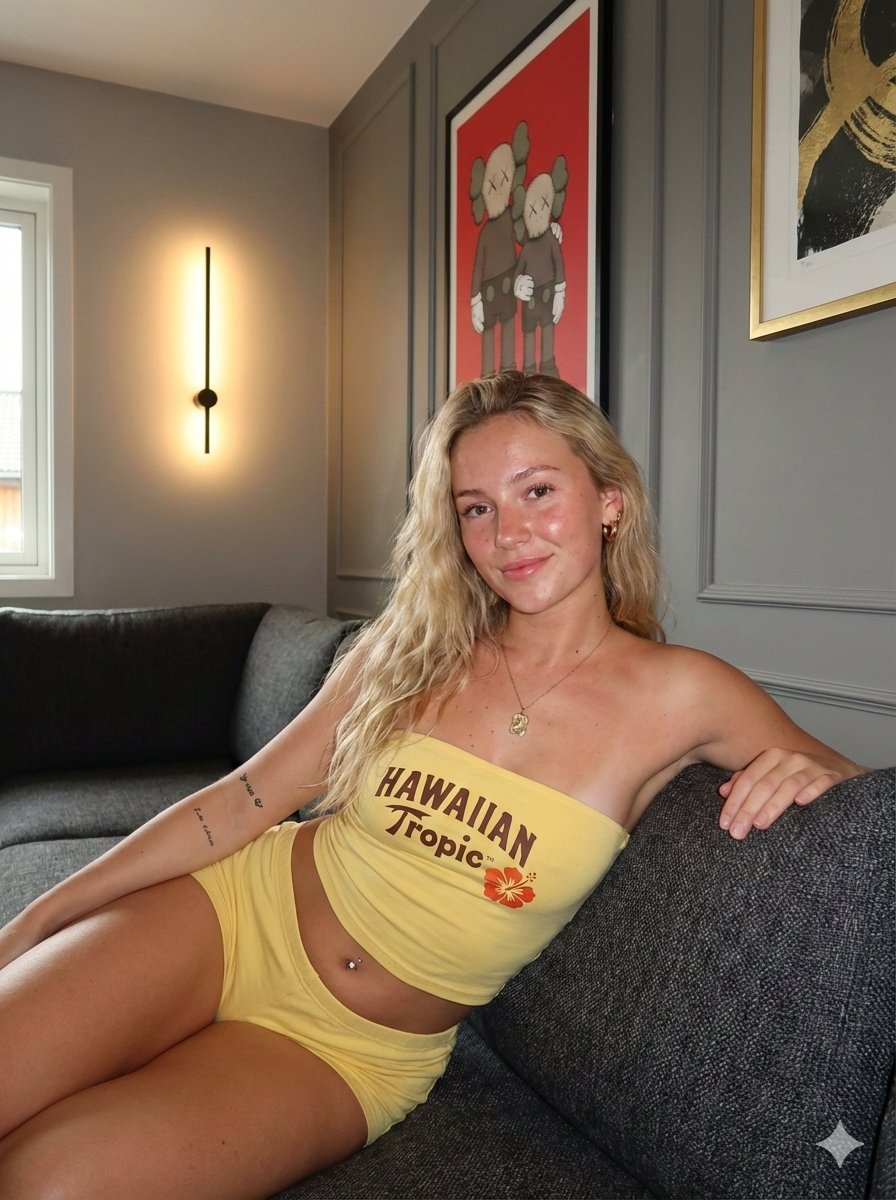
Influencer Lifestyle Loungewear Portrait
Pastel Height Difference Best Friends
Photo Booth Strip Narrative Prompt for Nano Banana 2
Weekend Farmers Market Mirror Selfie (Reference Image Required)
Gothic Rose Ballroom Duo
Convert videogame screenshot to hyperreal modern engine
Browse template categories
Kawaii Glass Dollhouse Diorama questions
How do I use the Kawaii Glass Dollhouse Diorama template?
Add your photo if the template asks for one, edit the prompt if you like — the template's model and format are already selected — and press Generate. Your version opens in PicX Studio.
Can I customize the Kawaii Glass Dollhouse Diorama template?
Yes. You can change the subject, setting, lighting, mood, format, and available model controls before creating your image.
Is the Kawaii Glass Dollhouse Diorama template free?
Opening and editing this template is free. Generating uses credits, shown on the Generate button when you are signed in.
Which AI model should I use?
Start with GPT Image 2, which is the model associated with this template. You can compare another compatible model for a different finish.
Looking for something else? Browse all templates.

Your photo, any look
Thousands of ready templates for every top image and video model, from one credit balance.