
Pastel Height Difference Best Friends
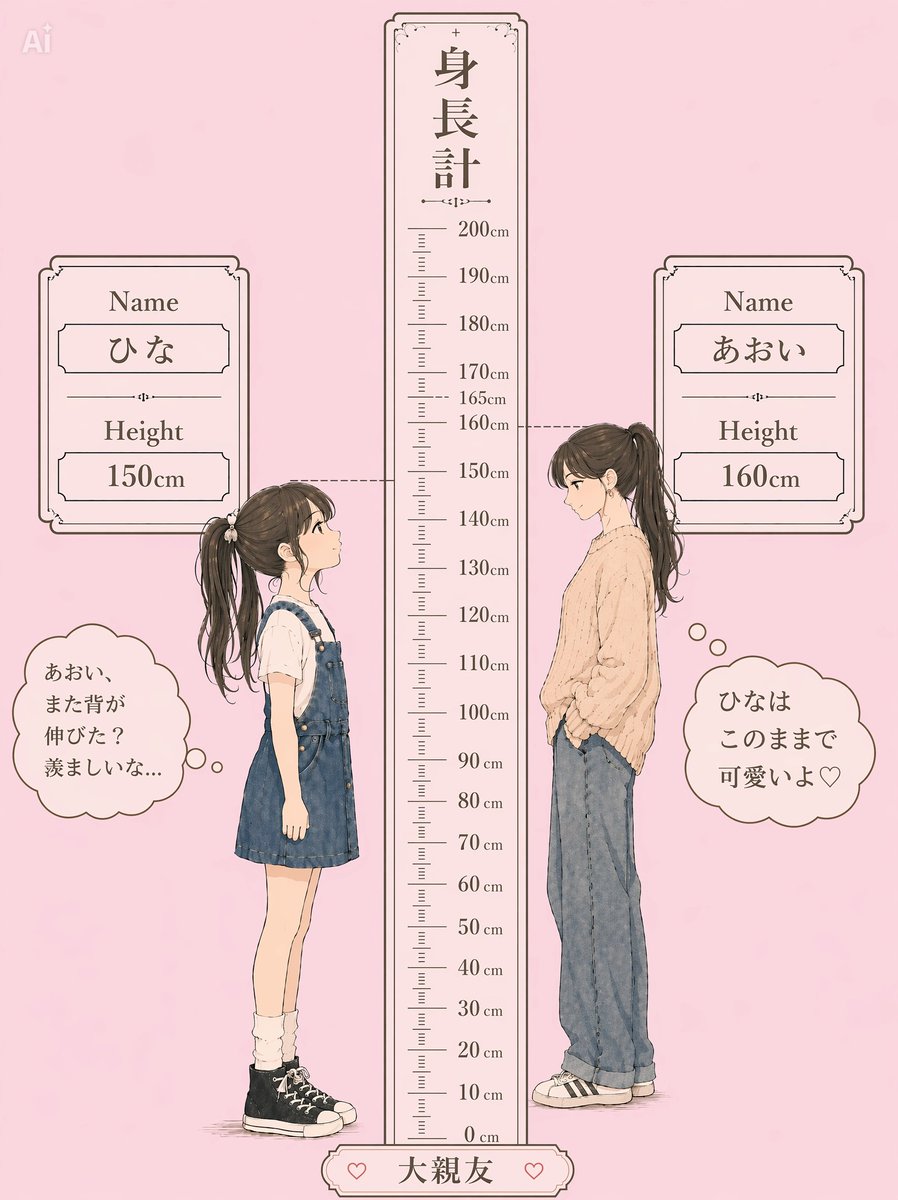
Generates a cute Japanese-style height comparison illustration of two best friends with name cards, a central ruler, and thought bubbles.
- Prompt included
- Model and format preset
- Premium template
The prompt behind this image
Copy the exact prompt behind Pastel Height Difference Best Friends, or open it in the studio and make it yours.
Goal: Create a nostalgic pastel Japanese height-difference comparison illustration for two best friends, with a central measuring ruler and cute profile poses. Canvas: Vertical portrait image, soft pale pink paper-textured background, delicate brown line art, watercolor/anime fashion illustration style, gentle vintage stationery aesthetic. Add a faint small “Ai” mark in the upper-left corner. Layout: Center a tall decorative height ruler from 0 cm to 200 cm, topped with the vertical Japanese title 「身長計」. Place exactly 2 full-body girls in side profile facing each other: the shorter girl on the left and the taller girl on the right. Draw dashed horizontal guide lines from each girl’s head to the ruler. Add exactly 2 ornate name-and-height cards near the top, one left and one right. Add exactly 2 cloud-shaped thought bubbles near the lower sides, one for each girl. Add a small bottom plaque centered under the ruler. Central height ruler details: A narrow cream-colored vertical ruler with ornate corners and thin brown border. Mark every 10 cm from 0 cm to 200 cm with labels: 0 cm, 10 cm, 20 cm, 30 cm, 40 cm, 50 cm, 60 cm, 70 cm, 80 cm, 90 cm, 100 cm, 110 cm, 120 cm, 130 cm, 140 cm, 150 cm, 160 cm, 165 cm, 170 cm, 180 cm, 190 cm, 200 cm. Include small tick marks between labels. The shorter girl’s dashed line aligns at 150 cm, and the taller girl’s dashed line aligns at 160 cm. Left character: A petite girl named {argument name="left character name" default="ひな"}, height {argument name="left character height" default="150cm"}. She stands in profile facing right, hands relaxed at her sides, wearing a white short-sleeve blouse under a dark blue denim overall dress, loose white socks, and black high-top sneakers. She has long dark brown hair in a high ponytail with soft strands and a small scrunchie. Her face is intentionally obscured with a soft square blur. Right character: A taller girl named {argument name="right character name" default="あおい"}, height {argument name="right character height" default="160cm"}. She stands in profile facing left with a relaxed posture, hands in pockets, wearing an oversized beige knit sweater, loose faded blue jeans, and black-and-white low-top sneakers. She has long dark brown hair tied in a high ponytail with wispy bangs and flowing strands. Her face is intentionally obscured with a soft square blur. Text content: Use Japanese text exactly as visible. Left top card has “Name”, 「ひな」, “Height”, “150cm”. Right top card has “Name”, 「あおい」, “Height”, “160cm”. Left thought bubble says 「あおい、まだ背が伸びた?羨ましいな…」. Right thought bubble says 「ひなはこのままで可愛いよ♡」. Bottom plaque says {argument name="relationship label" default="大親友"}, with a small heart icon on each side. Style constraints: Keep the illustration delicate, soft, and feminine; use muted browns for outlines and text, cream panels, and pastel pink background. Maintain clean readable typography with a Japanese serif feel. Do not add extra characters, extra cards, extra speech bubbles, or additional decorative objects beyond the hearts and simple ornamental borders.
How to use Pastel Height Difference Best Friends in 3 steps
- 1Upload ImagePNG, JPG or paste
Add your photo
Upload the photo the template builds on. The prompt, model and format are already set.
- 2…a portrait of your subject in softgolden-hour light, 85mm…
Personalize
Edit the subject and creative details for your destination.
- 3Generate
Generate
Press Generate — your image is created in PicX Studio, so you can compare it with the original and refine one variable at a time.
More like this
Templates with the same subject, style or setup. Open one to see its prompt.

80s College Gate

Eid al-Adha Cute Chaos — Fisheye Selfie with Farm Selfie, Mosque & Animals

Cute Layered Paper Cut Chibi Girl

Layered Paper Cut Illustration Template

Premium Vintage Travel Poster Landscape

Quiet Minimalist Anime Style Guide
Premium Vintage Travel Poster Landscape

Pastel Fantasy Pagoda Mountain Landscape

Korean Cafe Courtyard Gold Frame Mirror Selfie
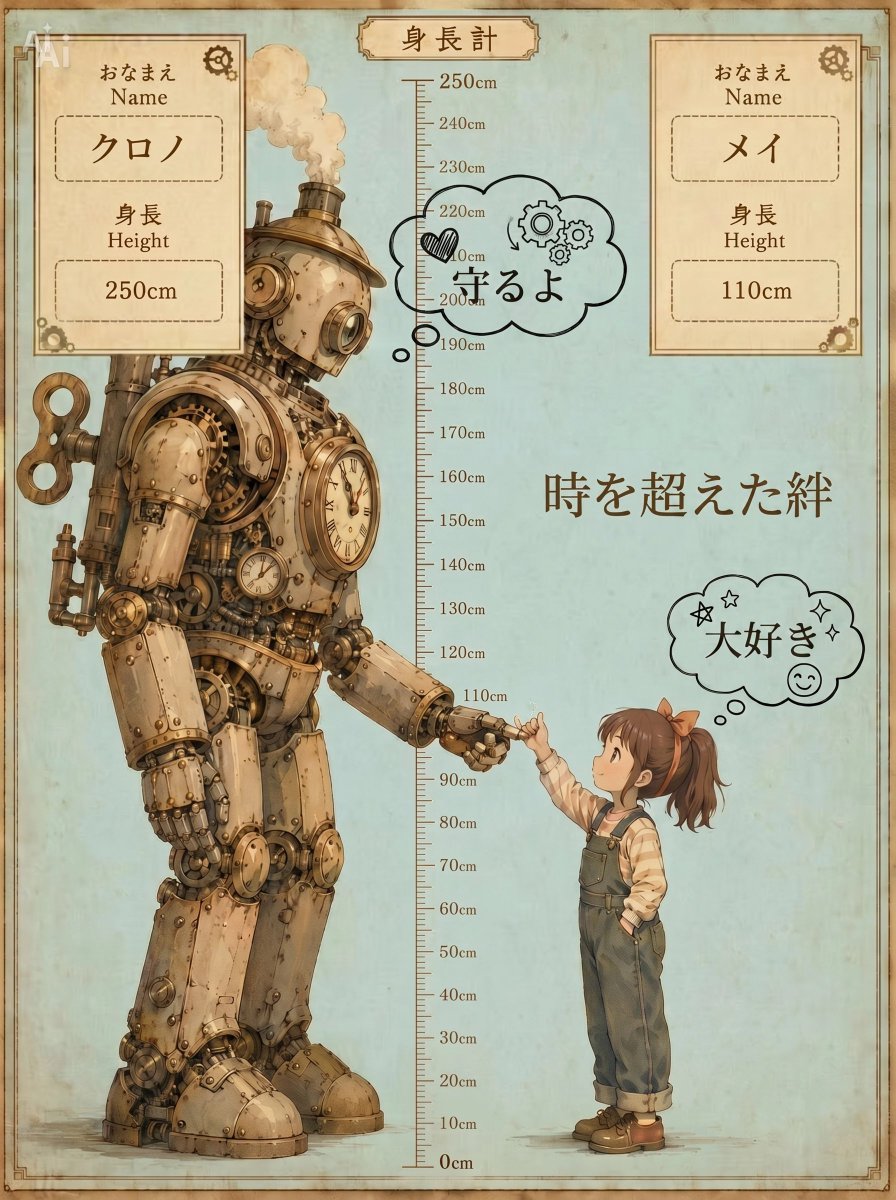
Steampunk Height Difference Poster

Glass Skin Beauty Portrait — Soft Pastel Nano Banana
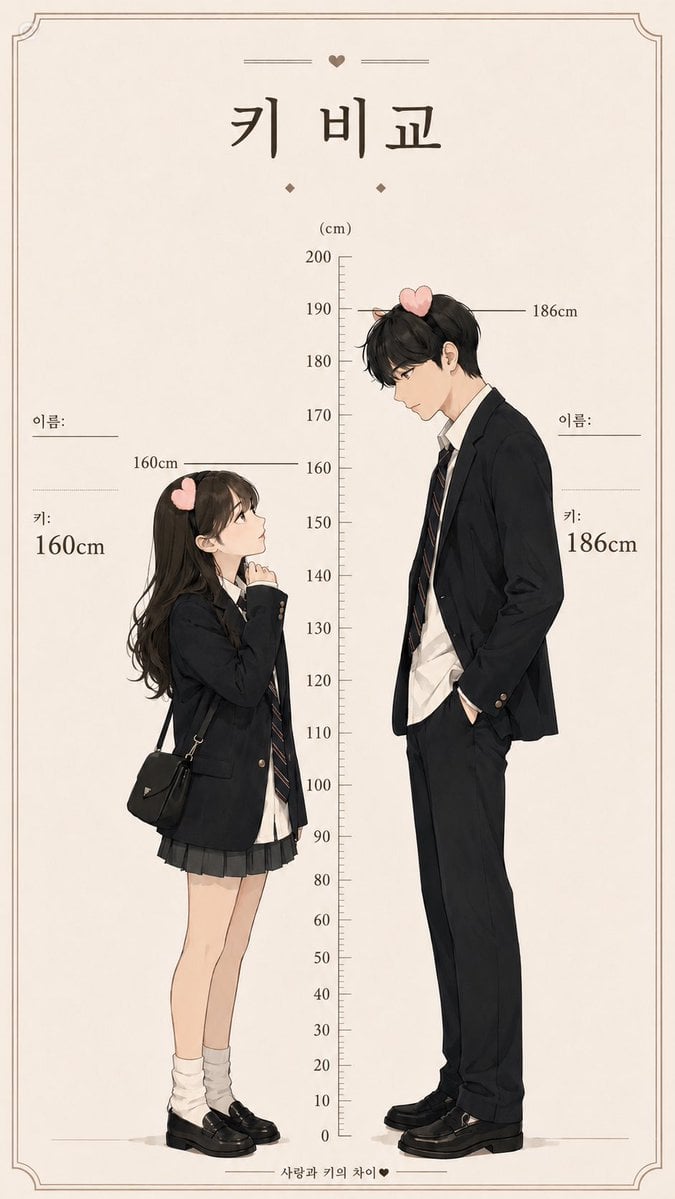
Korean Height Comparison Meme
Make it yours
Pastel Height Difference Best Friends works as-is. These are the safest ways to change it without losing the look.
Change one field
Copy a single group, rewrite it, and generate again so you can see what that field is doing.
Keep the frame, change the subject
Hold the composition and light of Pastel Height Difference Best Friends, then swap wardrobe, props or the person for a new take.
| If the result… | Why | Fix |
|---|---|---|
| The result drifts from the preview | Too many fields changed at once. | Reuse Pastel Height Difference Best Friends as-is first, then change one group — subject, light, or setting. |
| The model over-stylizes the scene | The prose prompt leaves finish and camera underspecified. | Add one camera or lighting sentence and stay on GPT Image 2. |
More GPT Image 2 templates
Other prompts made for GPT Image 2.

Six VTuber Japanese Logo Sheet

Realistic Portrait of Woman and Deer

The Vista Modular Condo Poster

AI Model Routing Comparison Infographic

2.5D Anime Art Board

Isometric Productivity Desk Scene

New York Double Exposure Poster

Four-Panel AI Landscape Comparison

Japanese Tatami Lifestyle Magazine Cover

NESCAFÉ Coffee Map Poster
More image prompts
Fresh picks from across the catalog.
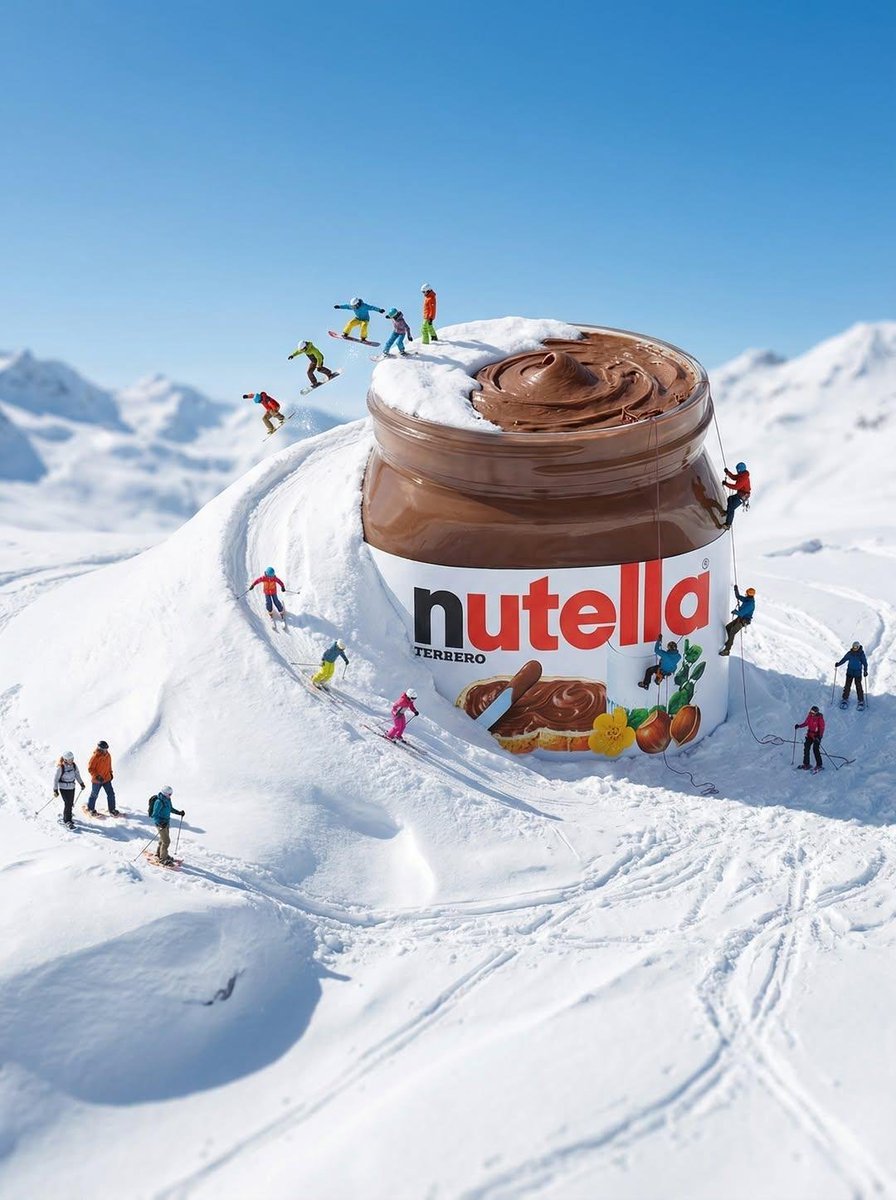
Gigantic Product Buried in Snow with Miniature Explorers
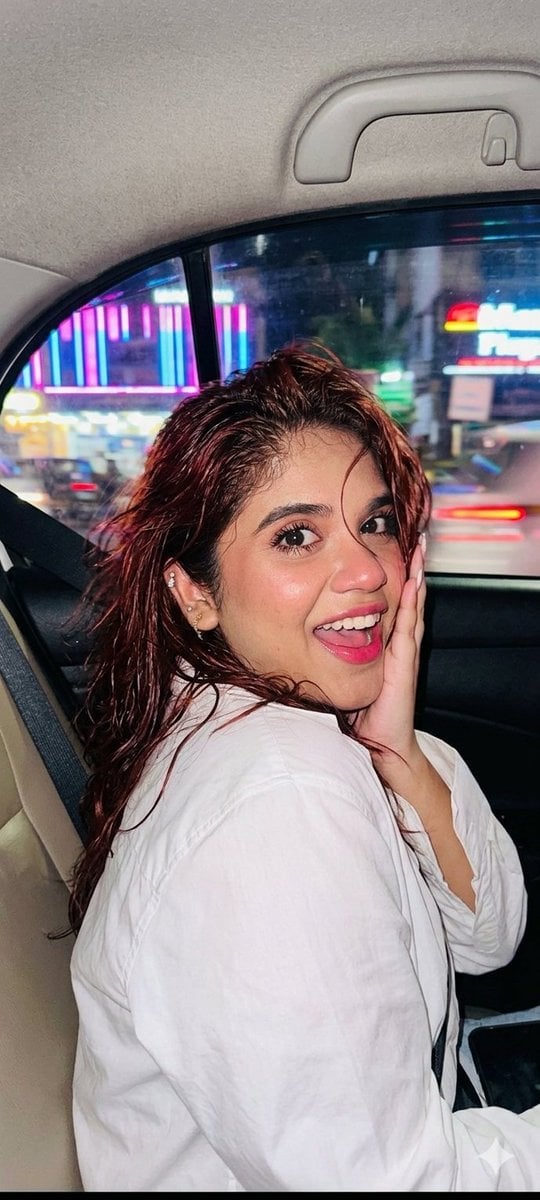
Nightlife Car Ride Portrait
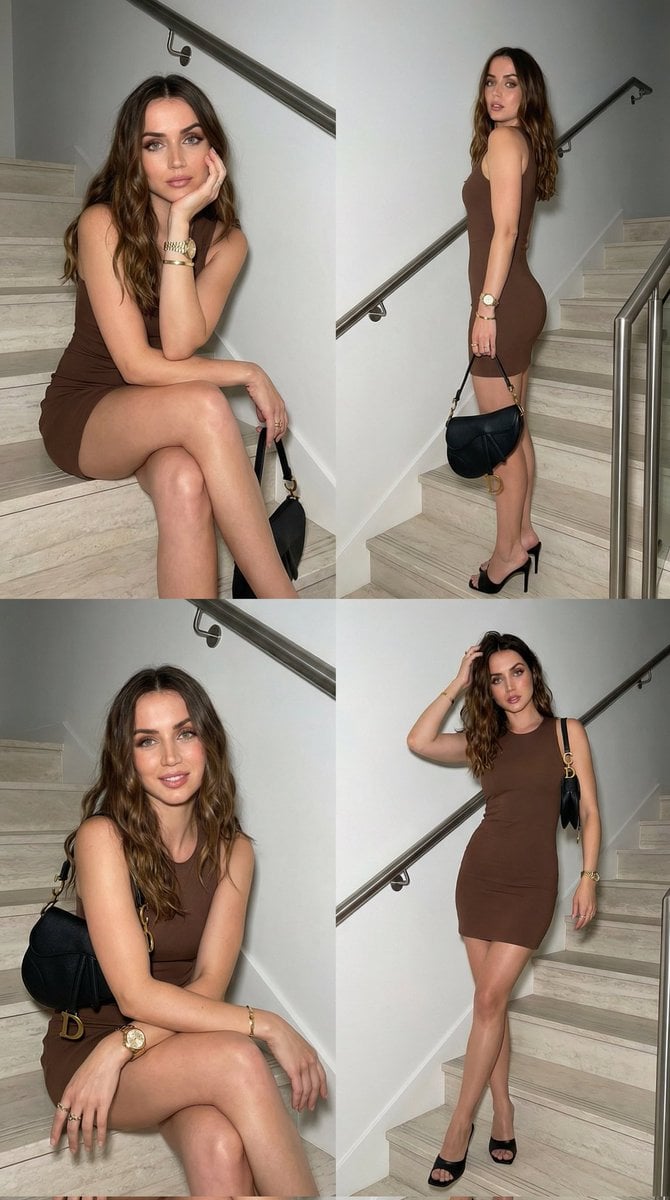
Luxury Fashion Editorial Collage on Modern Staircase

Augmented Reality UI Overlays on Food Items

World Baseball Classic Scene Generation

The Dark Godfather Structural Portrait
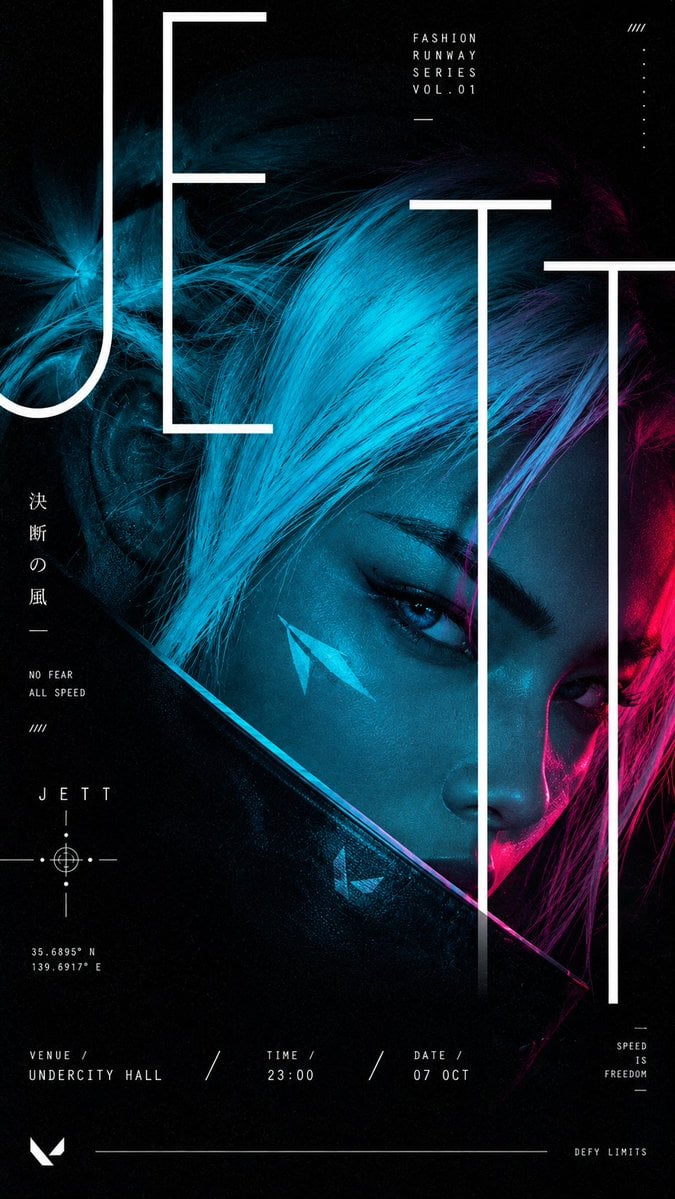
Cyberpunk Runway Fashion Poster
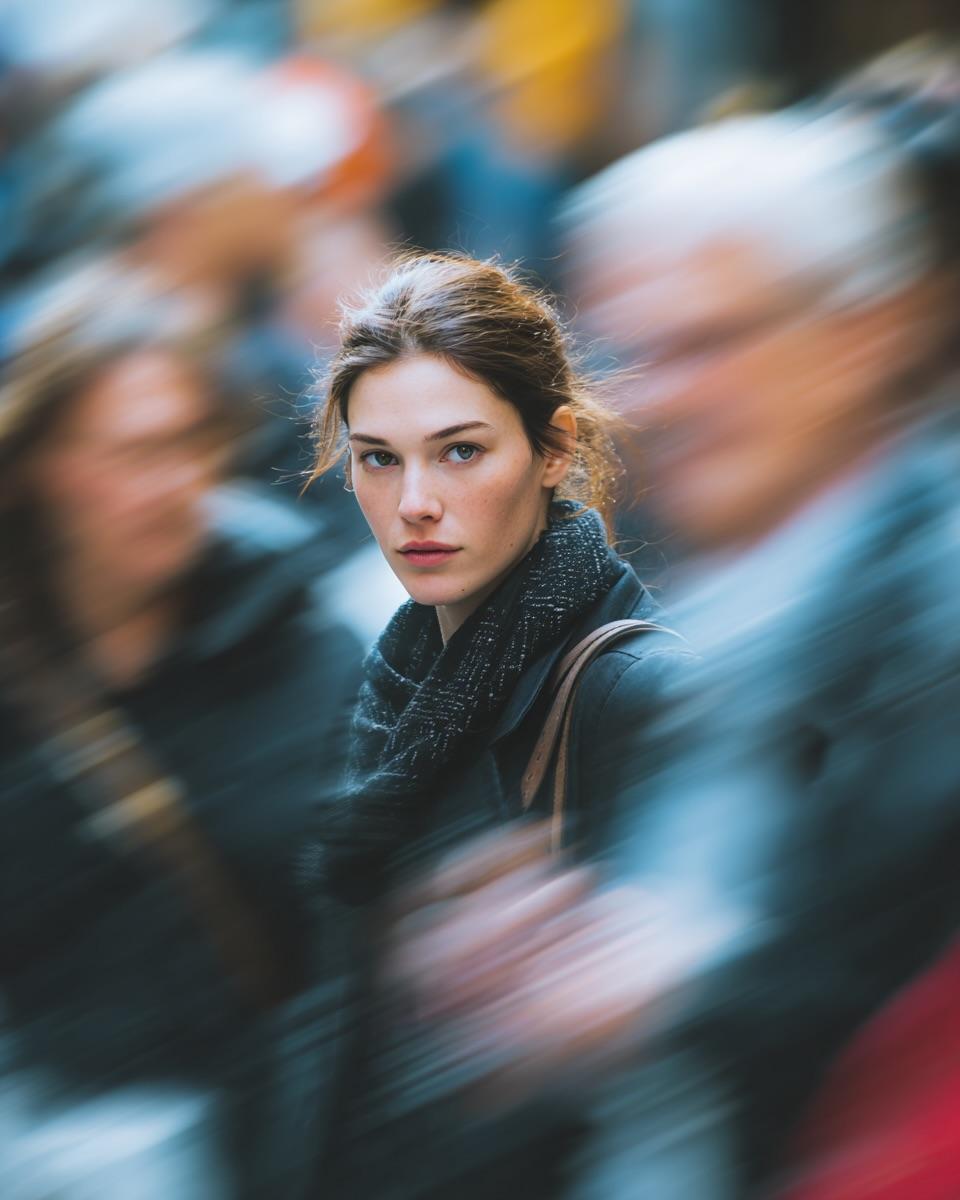
Cinematic Street Portrait with Motion Blur Effect
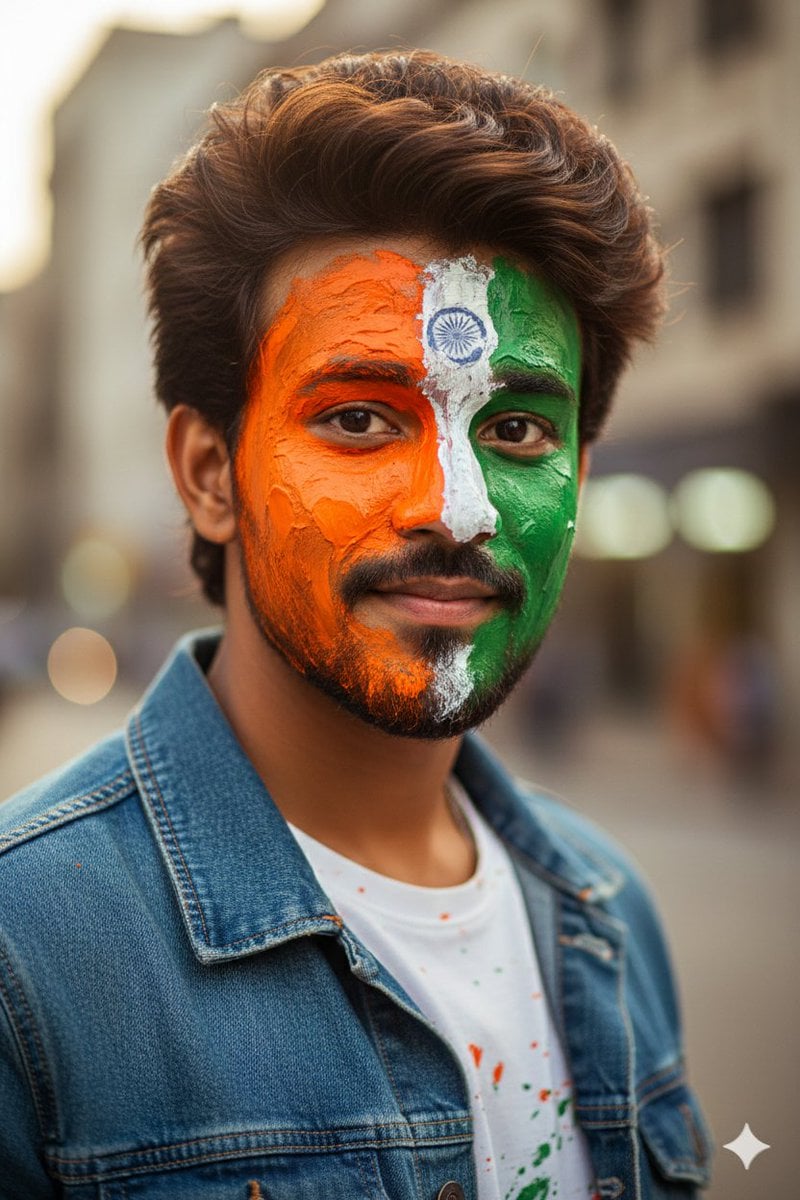
Republic Day Photo Prompt for Gemini Nano Banana

Sticker Art Style - Rainbow Girl v2
Browse template categories
Pastel Height Difference Best Friends questions
How do I use the Pastel Height Difference Best Friends template?
Add your photo if the template asks for one, edit the prompt if you like — the template's model and format are already selected — and press Generate. Your version opens in PicX Studio.
Can I customize the Pastel Height Difference Best Friends template?
Yes. You can change the subject, setting, lighting, mood, format, and available model controls before creating your image.
Is the Pastel Height Difference Best Friends template free?
Opening and editing this template is free. Generating uses credits, shown on the Generate button when you are signed in.
Which AI model should I use?
Start with GPT Image 2, which is the model associated with this template. You can compare another compatible model for a different finish.
Looking for something else? Browse all templates.

Your photo, any look
Thousands of ready templates for every top image and video model, from one credit balance.