
Steampunk Height Difference Poster
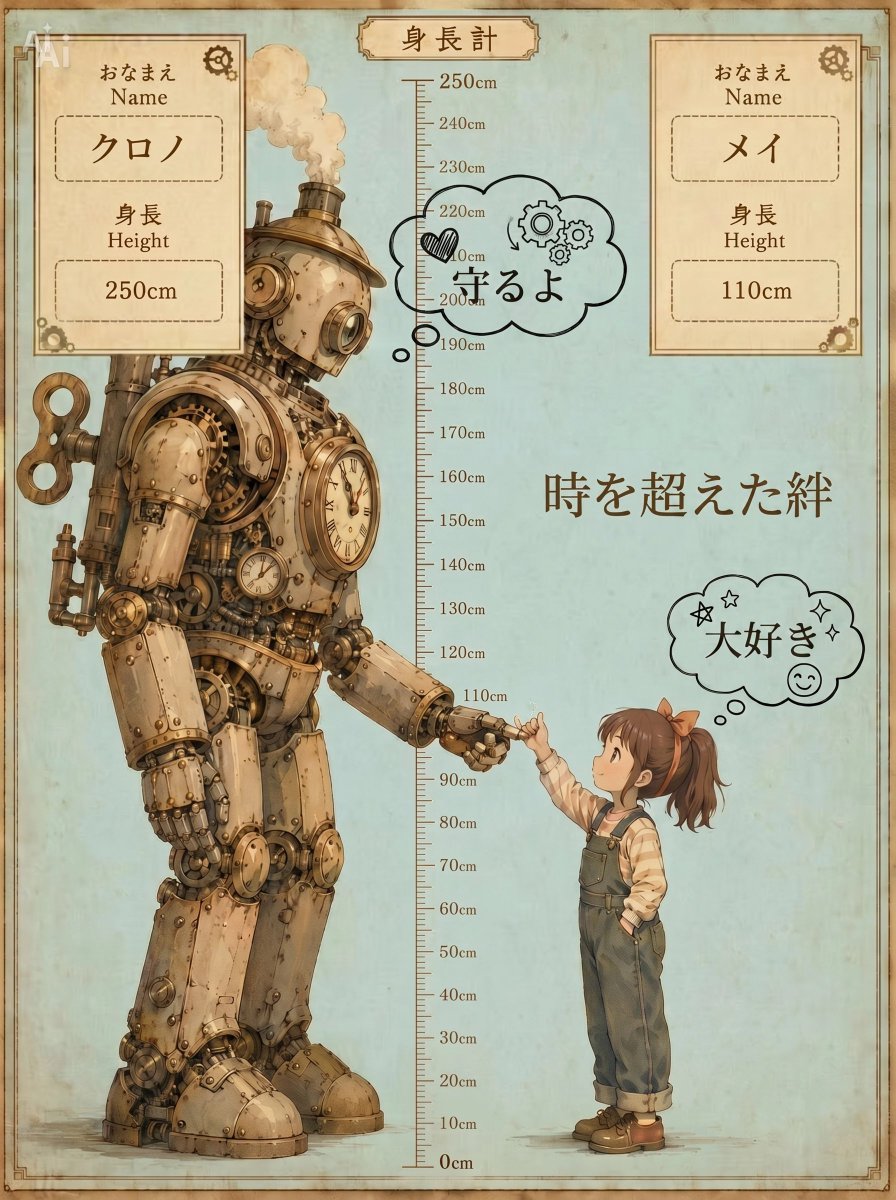
Creates a nostalgic Japanese-style height chart poster featuring a towering steampunk robot and a small child in a tender height-gap scene.
- Prompt included
- Model and format preset
- Free template
The prompt behind this image
Copy the exact prompt behind Steampunk Height Difference Poster, or open it in the studio and make it yours.
Goal: Create a nostalgic vertical height-difference character poster in a warm steampunk anime storybook style, showing an enormous gentle robot and a small child standing beside a central measuring ruler. Canvas: Vertical portrait poster, 3:4 ratio, aged parchment texture with a pale blue-green background, sepia stains, thin decorative brown border, slightly worn corners, soft watercolor-and-ink illustration finish. Layout: Place a full-body steampunk robot on the left, towering to about 250 cm, and a small young girl on the right, about 110 cm tall. A vertical height ruler runs down the exact center from 0 cm at the bottom to 250 cm at the top, with centimeter tick marks and labeled increments every 10 cm. At the top center, add a small vintage label plaque reading 「身長計」. The robot gently bends or reaches down, and the girl reaches up so their fingers touch around the 110 cm mark, creating a tender height-gap scene. Subject details: The left character is {argument name="tall character" default="a 250 cm antique brass steampunk robot named クロノ"}, bulky but kind, covered in riveted metal plates, exposed gears, pipes, gauges, clock faces, round glass lenses, a large wind-up key on its back, and a small smokestack releasing a soft puff of steam. The right character is {argument name="short character" default="a 110 cm little girl named メイ"}, cute anime style, wearing rolled dark green overalls, a cream striped long-sleeve shirt, brown shoes, and an orange hair ribbon tying a side ponytail. Keep the child’s face softly simplified or obscured, with the body language expressing affection and trust. Text content: Include exactly 2 top character information cards, one at upper left and one at upper right. Left card text: 「おなまえ」, “Name”, 「クロノ」, 「身長」, “Height”, “250cm”. Right card text: 「おなまえ」, “Name”, 「メイ」, 「身長」, “Height”, “110cm”. Add the large Japanese phrase {argument name="main phrase" default="時を超えた絆"} in brown calligraphy on the right-center area. Add exactly 2 comic thought bubbles: one near the robot around the upper center saying {argument name="robot bubble text" default="守るよ"} with a small heart and gear doodles, and one near the girl on the right saying {argument name="girl bubble text" default="大好き"} with stars, sparkles, and a smiling face doodle. Visual style: Nostalgic Japanese illustrated poster, whimsical steampunk fantasy, delicate linework, muted browns, brass, cream, and faded teal tones, softly shaded, textured paper grain, hand-drawn measuring scale, warm emotional atmosphere. Constraints: Use exactly 2 characters, exactly 2 information cards, exactly 2 thought bubbles, and one central height scale labeled 0–250 cm. Keep all typography vintage brown, preserve the Japanese text exactly where specified, avoid modern UI elements, avoid photorealism, no extra characters, no watermark.
How to use Steampunk Height Difference Poster in 3 steps
- 1Upload ImagePNG, JPG or paste
Add your photo
Upload the photo the template builds on. The prompt, model and format are already set.
- 2…a portrait of your subject in softgolden-hour light, 85mm…
Personalize
Edit the subject and creative details for your destination.
- 3Generate
Generate
Press Generate — your image is created in PicX Studio, so you can compare it with the original and refine one variable at a time.
More like this
Templates with the same subject, style or setup. Open one to see its prompt.

Japan Travel Brochure Poster

Cartoon TV Show Poster Pack

Trendy Cafe Drink Promo Poster

Urban Fashion Editorial Collage Streetwear Poster

Premium Fashion Editorial Cover Layout System

Polo Ralph Lauren Luxury American Heritage Fashion Campaign

Monochrome Halftone Editorial Fashion Poster

Retro Mirror Luxury Fashion Campaign Poster

Luxury Fashion Campaign Typography Poster System

Premium Fashion Editorial Campaign Poster System

Ultra-Stylized High-Fashion Streetwear Poster

Urban Fashion Editorial Collage Poster
Make it yours
Steampunk Height Difference Poster works as-is. These are the safest ways to change it without losing the look.
Change one field
Copy a single group, rewrite it, and generate again so you can see what that field is doing.
Keep the frame, change the subject
Hold the composition and light of Steampunk Height Difference Poster, then swap wardrobe, props or the person for a new take.
| If the result… | Why | Fix |
|---|---|---|
| The result drifts from the preview | Too many fields changed at once. | Reuse Steampunk Height Difference Poster as-is first, then change one group — subject, light, or setting. |
| The model over-stylizes the scene | The prose prompt leaves finish and camera underspecified. | Add one camera or lighting sentence and stay on GPT Image 2. |
More GPT Image 2 templates
Other prompts made for GPT Image 2.

Six VTuber Japanese Logo Sheet

Realistic Portrait of Woman and Deer

The Vista Modular Condo Poster

AI Model Routing Comparison Infographic

2.5D Anime Art Board

Isometric Productivity Desk Scene

New York Double Exposure Poster

Four-Panel AI Landscape Comparison

Japanese Tatami Lifestyle Magazine Cover

NESCAFÉ Coffee Map Poster
More image prompts
Fresh picks from across the catalog.
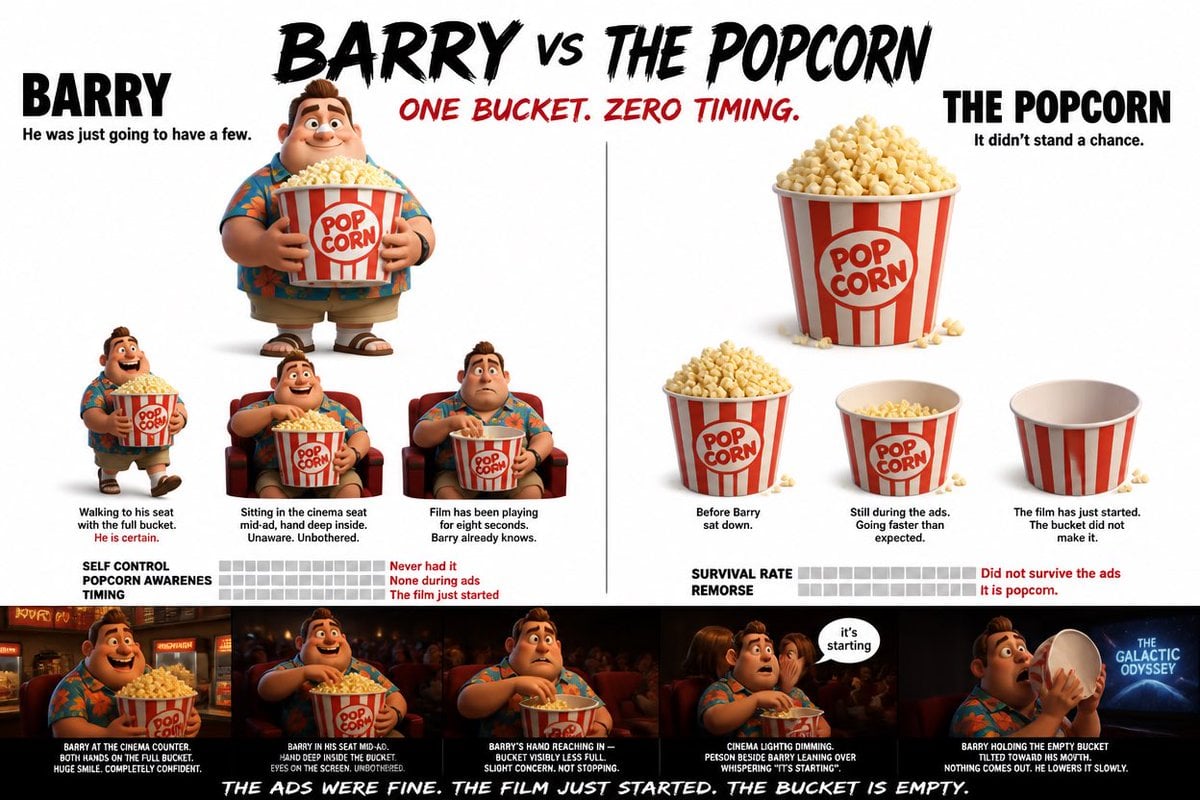
Pixar Style Character Storyboard

Luxury Fashion Executive Portrait
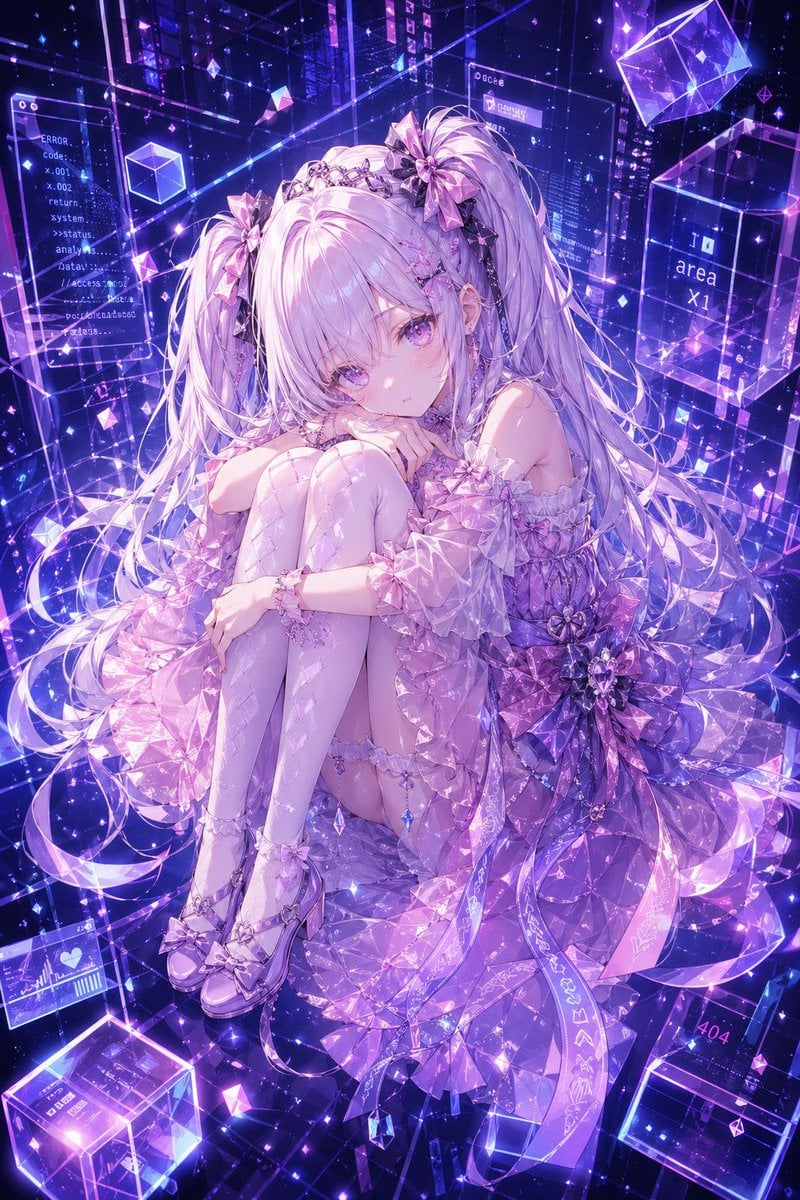
Gpt2 Profile Avatar Cyber Crystal Anime Girl Portrait

Bizarre Flat Cartoon Character
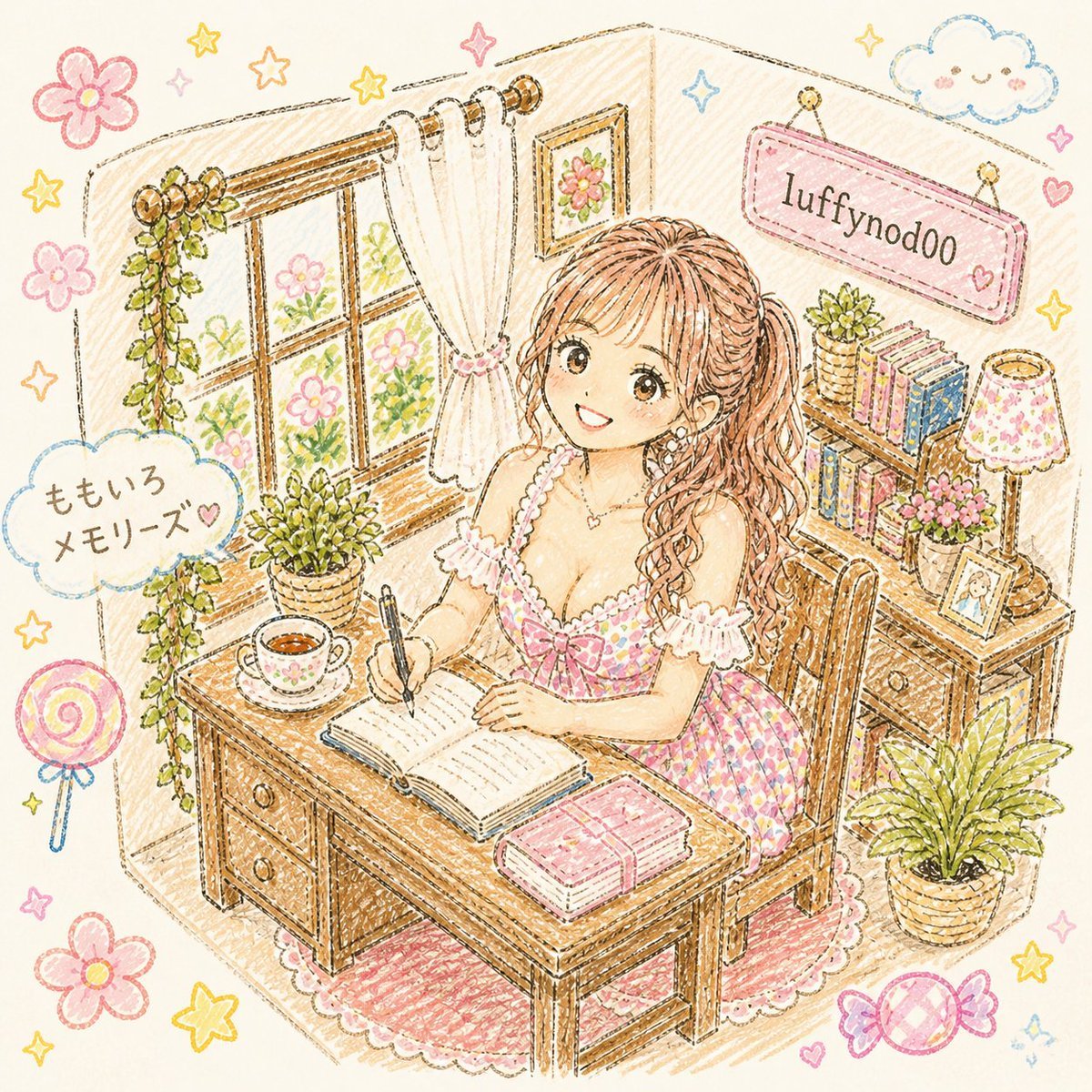
Pastel Kawaii Study Room Illustration

Gpt2 Apple Pods Pro 3 Infographic

AI Girl Daily Routine Poster

Bishop Transformation with Healing Light and Glasses
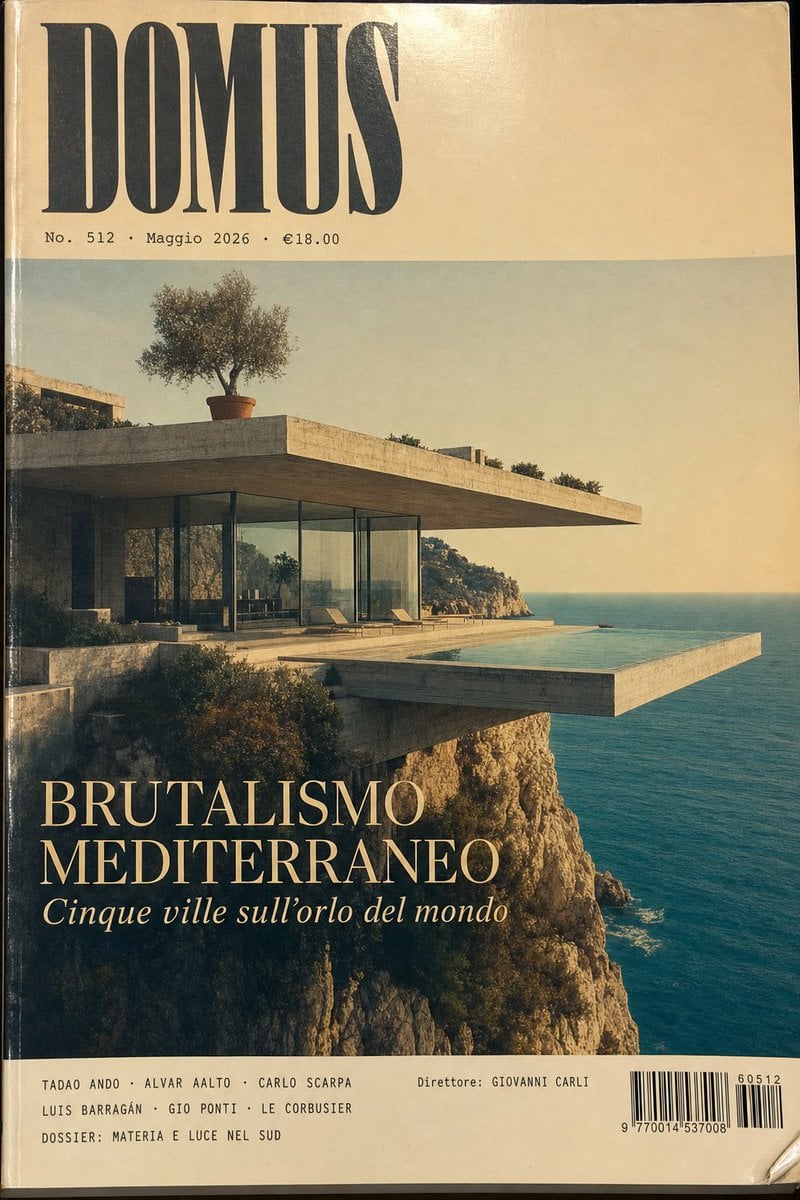
1970s Architecture Magazine Cover

3D Advertising Poster Template Prompt
Browse template categories
Steampunk Height Difference Poster questions
How do I use the Steampunk Height Difference Poster template?
Add your photo if the template asks for one, edit the prompt if you like — the template's model and format are already selected — and press Generate. Your version opens in PicX Studio.
Can I customize the Steampunk Height Difference Poster template?
Yes. You can change the subject, setting, lighting, mood, format, and available model controls before creating your image.
Is the Steampunk Height Difference Poster template free?
Opening and editing this template is free. Generating uses credits, shown on the Generate button when you are signed in.
Which AI model should I use?
Start with GPT Image 2, which is the model associated with this template. You can compare another compatible model for a different finish.
Looking for something else? Browse all templates.

Your photo, any look
Thousands of ready templates for every top image and video model, from one credit balance.