
Gothic Rose Ballroom Duo
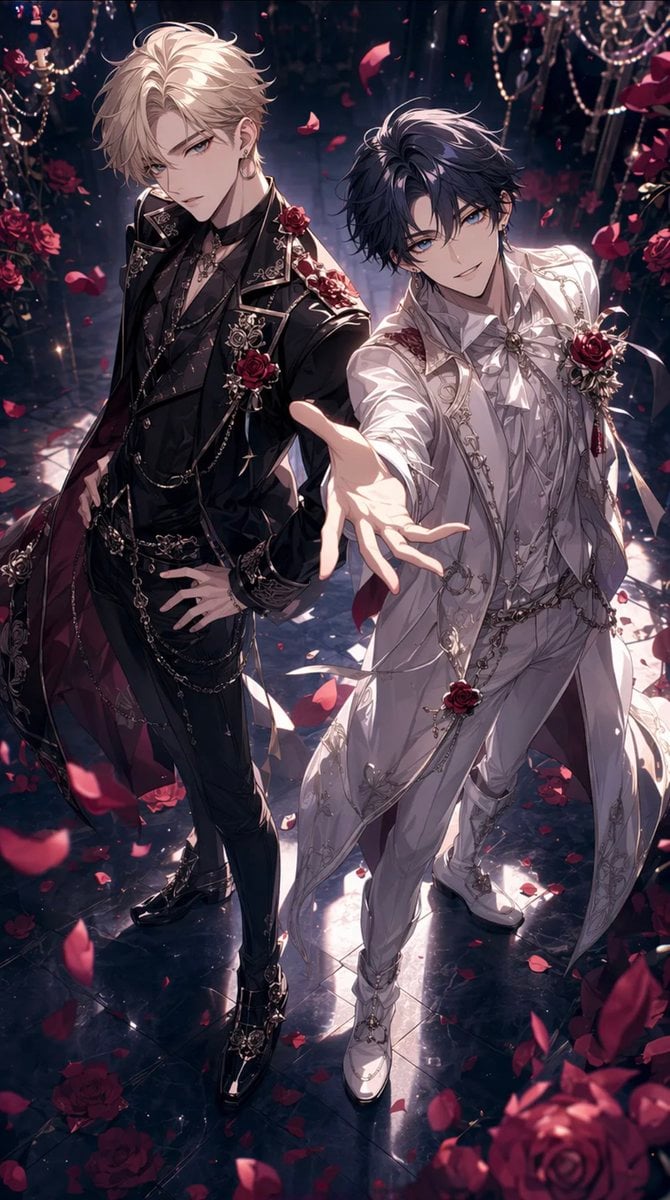
Generates a romantic anime-style key visual of two ornate formalwear characters in a rose-filled gothic ballroom, suitable for otome fantasy art.
- Prompt included
- Model and format preset
- Premium template
The prompt behind this image
Copy the exact prompt behind Gothic Rose Ballroom Duo, or open it in the studio and make it yours.
Create a dramatic vertical anime illustration of two elegant young men standing in an opulent gothic rose ballroom, viewed from a slightly high angle with cinematic depth and glossy lighting. The left character, {argument name="left character hair color" default="platinum blond"}, wears an ornate black formal suit with layered chains, embroidered lapels, rose brooches, rings, black gloves or wrist accessories, slim trousers, polished black shoes, and a dark burgundy cape lining; he stands confidently with one hand on his hip. The right character, {argument name="right character hair color" default="dark navy black"}, wears an elaborate white princely suit with silver embroidery, ribbon-like tails, chain ornaments, a rose corsage, white gloves or pale sleeves, fitted trousers, and white dress shoes; he reaches one hand dramatically toward the viewer in the foreground. Cover each character’s face with a soft-edged square censor block in muted skin-tone brown, exactly 2 face-covering squares total, one over each face. Surround them with abundant deep red roses, falling rose petals, sparkling chandeliers, dangling crystal beads, dark velvet shadows, and a reflective black marble floor scattered with petals. Use a luxurious romantic fantasy mood for {argument name="occasion" default="Rose Day"}, high-detail shoujo / otome game key visual style, dramatic rim light, glowing highlights, rich contrast, intricate costume details, elegant composition, no text, no watermark.
How to use Gothic Rose Ballroom Duo in 3 steps
- 1Upload ImagePNG, JPG or paste
Add your photo
Upload the photo the template builds on. The prompt, model and format are already set.
- 2…a portrait of your subject in softgolden-hour light, 85mm…
Personalize
Edit the subject and creative details for your destination.
- 3Generate
Generate
Press Generate — your image is created in PicX Studio, so you can compare it with the original and refine one variable at a time.
More like this
Templates with the same subject, style or setup. Open one to see its prompt.
Gothic Rose Fantasy Queen Portrait

Japanese Café Sketch Duo Illustration
Gothic Anime Girl with Black Roses
Gothic Cyberpunk Duo in Ruined City
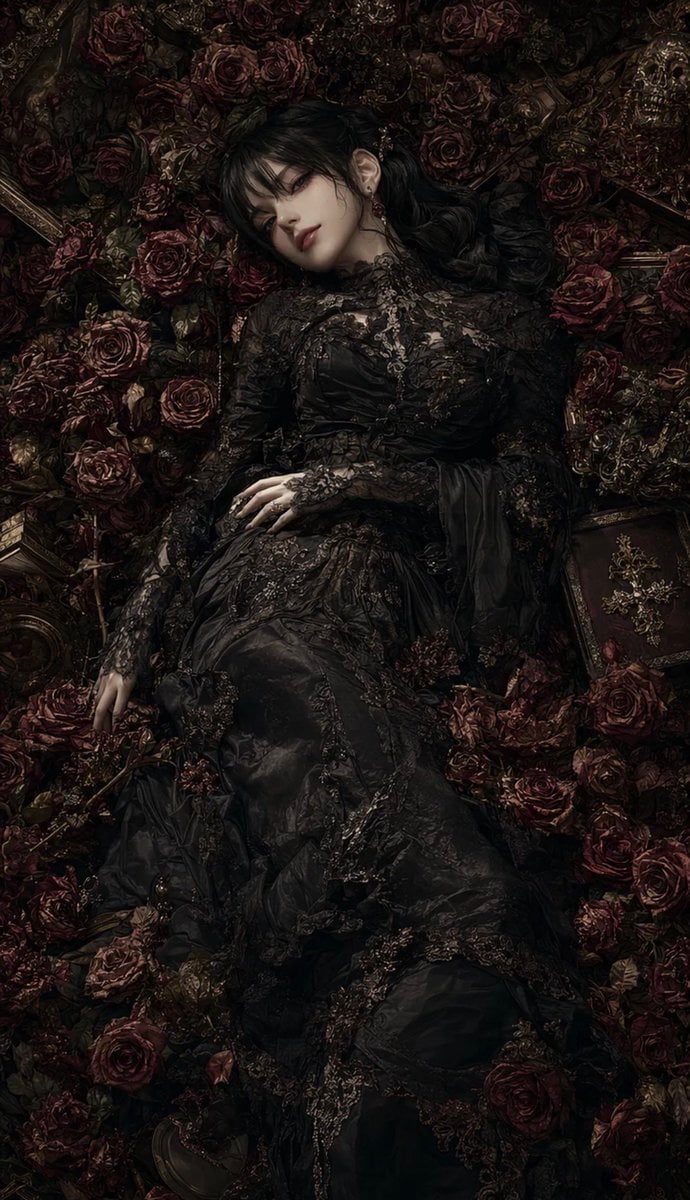
Gothic Rose Mourning Portrait
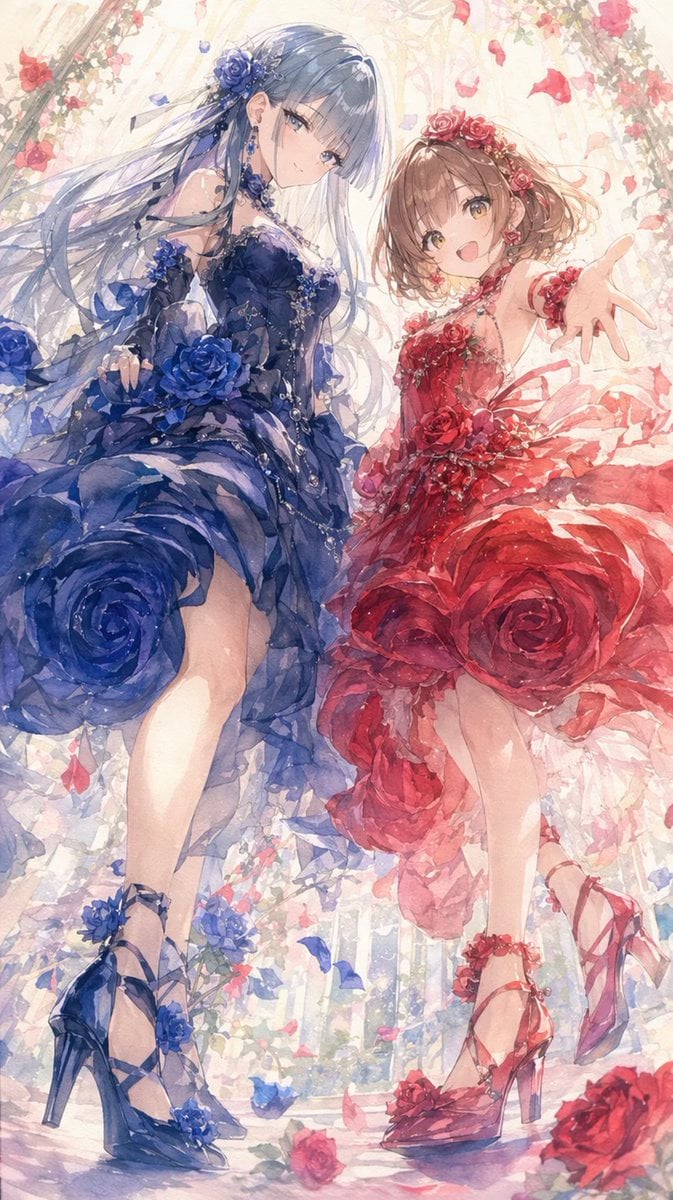
Rose Garden Anime Fashion Duo

Gothic Japanese Mobile Homepage

Burning Gothic Flood Escape
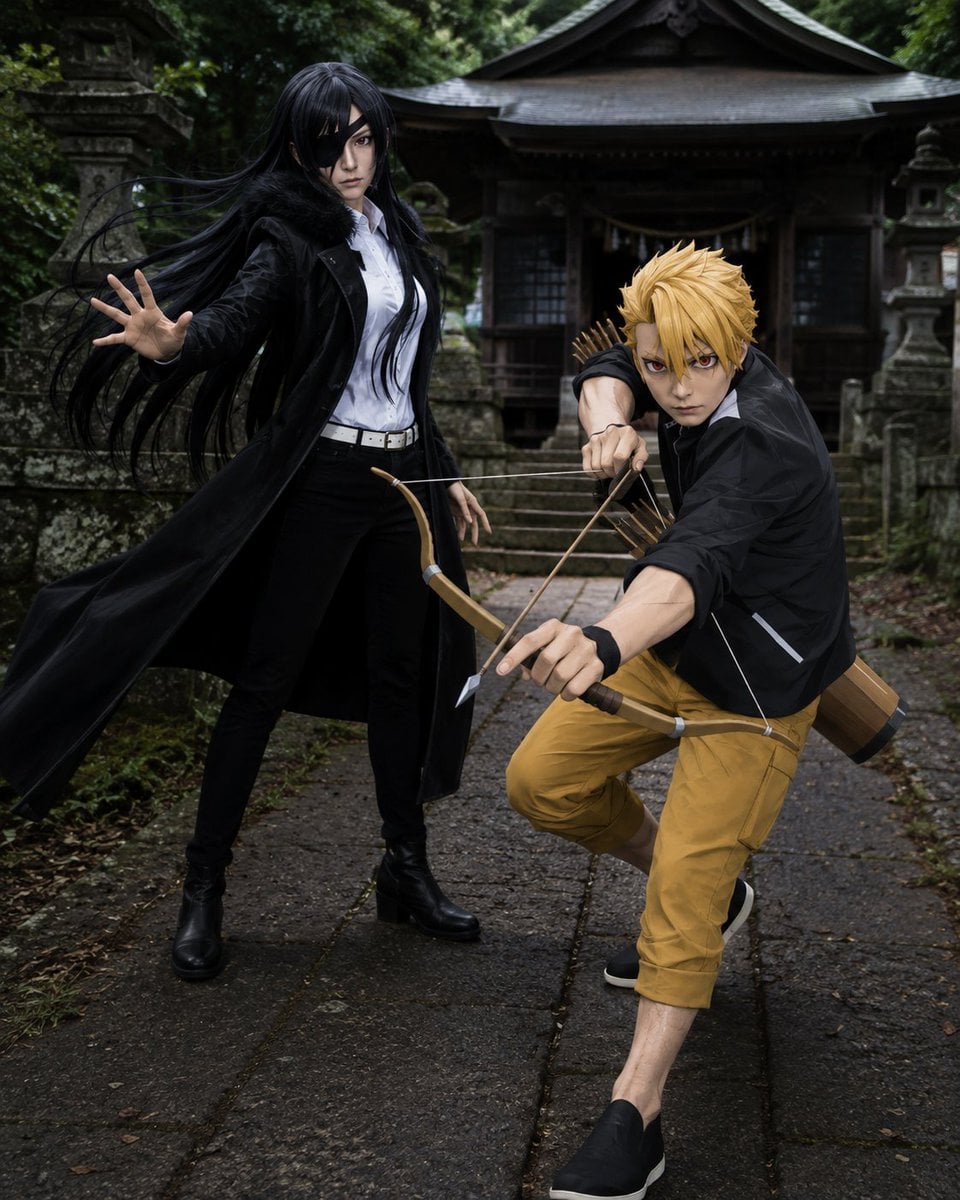
Anime Cosplay Duo at Forest Shrine
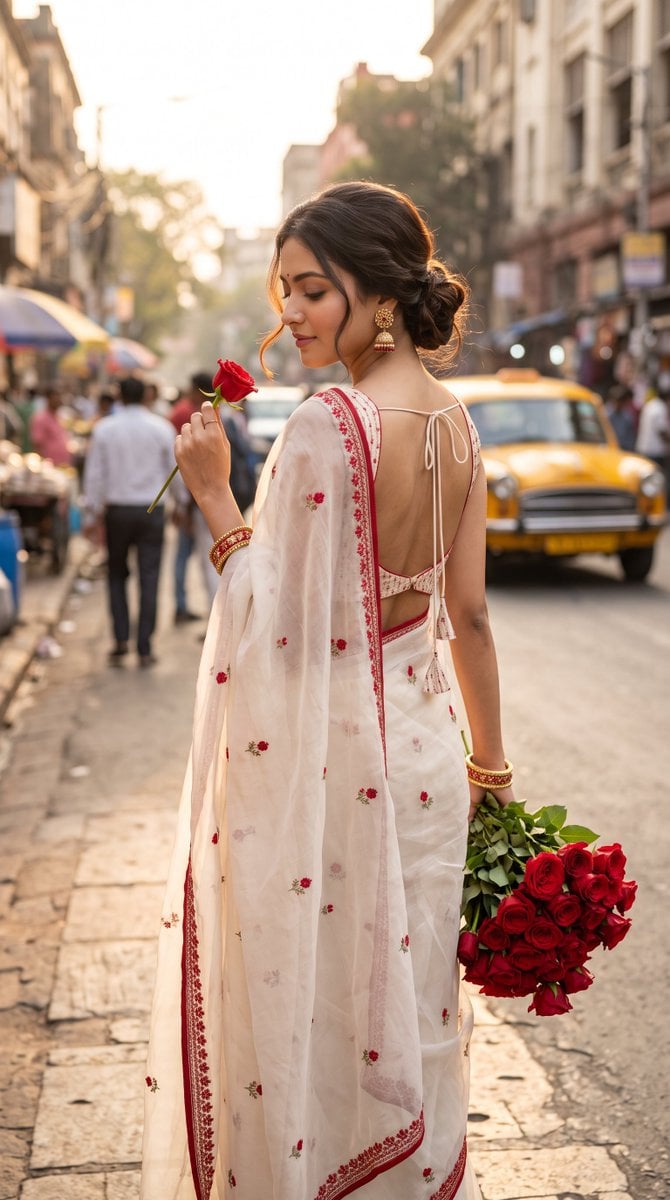
Ultra-Photorealistic Indian Woman with Roses
The Cinematic Momo Duo
Anime Rock Duo with Guitar and Sheet Music
Make it yours
Gothic Rose Ballroom Duo works as-is. These are the safest ways to change it without losing the look.
Change one field
Copy a single group, rewrite it, and generate again so you can see what that field is doing.
Keep the frame, change the subject
Hold the composition and light of Gothic Rose Ballroom Duo, then swap wardrobe, props or the person for a new take.
| If the result… | Why | Fix |
|---|---|---|
| The result drifts from the preview | Too many fields changed at once. | Reuse Gothic Rose Ballroom Duo as-is first, then change one group — subject, light, or setting. |
| The model over-stylizes the scene | The prose prompt leaves finish and camera underspecified. | Add one camera or lighting sentence and stay on GPT Image 2. |
More GPT Image 2 templates
Other prompts made for GPT Image 2.

Six VTuber Japanese Logo Sheet

Realistic Portrait of Woman and Deer

The Vista Modular Condo Poster

AI Model Routing Comparison Infographic

2.5D Anime Art Board

Isometric Productivity Desk Scene

New York Double Exposure Poster

Four-Panel AI Landscape Comparison

Japanese Tatami Lifestyle Magazine Cover

NESCAFÉ Coffee Map Poster
More image prompts
Fresh picks from across the catalog.
South Asian Village Woman Portrait
Gourmet Recipe Visual Note Poster
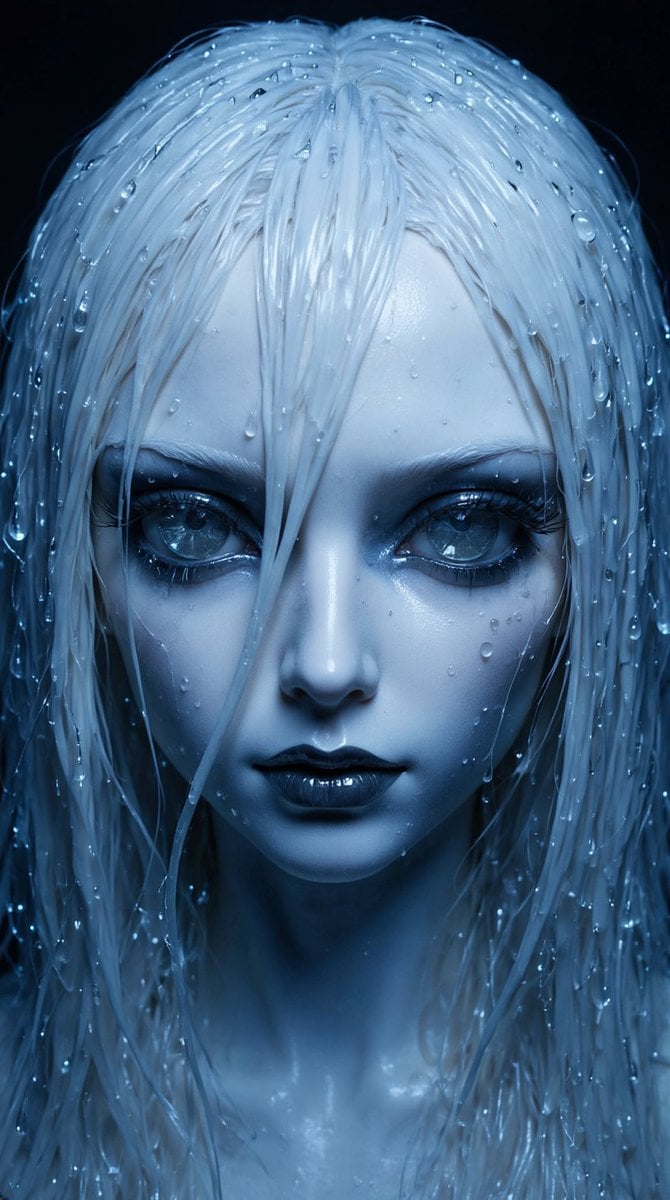
High-Fashion Ball-Jointed Doll in Synthetic Despair
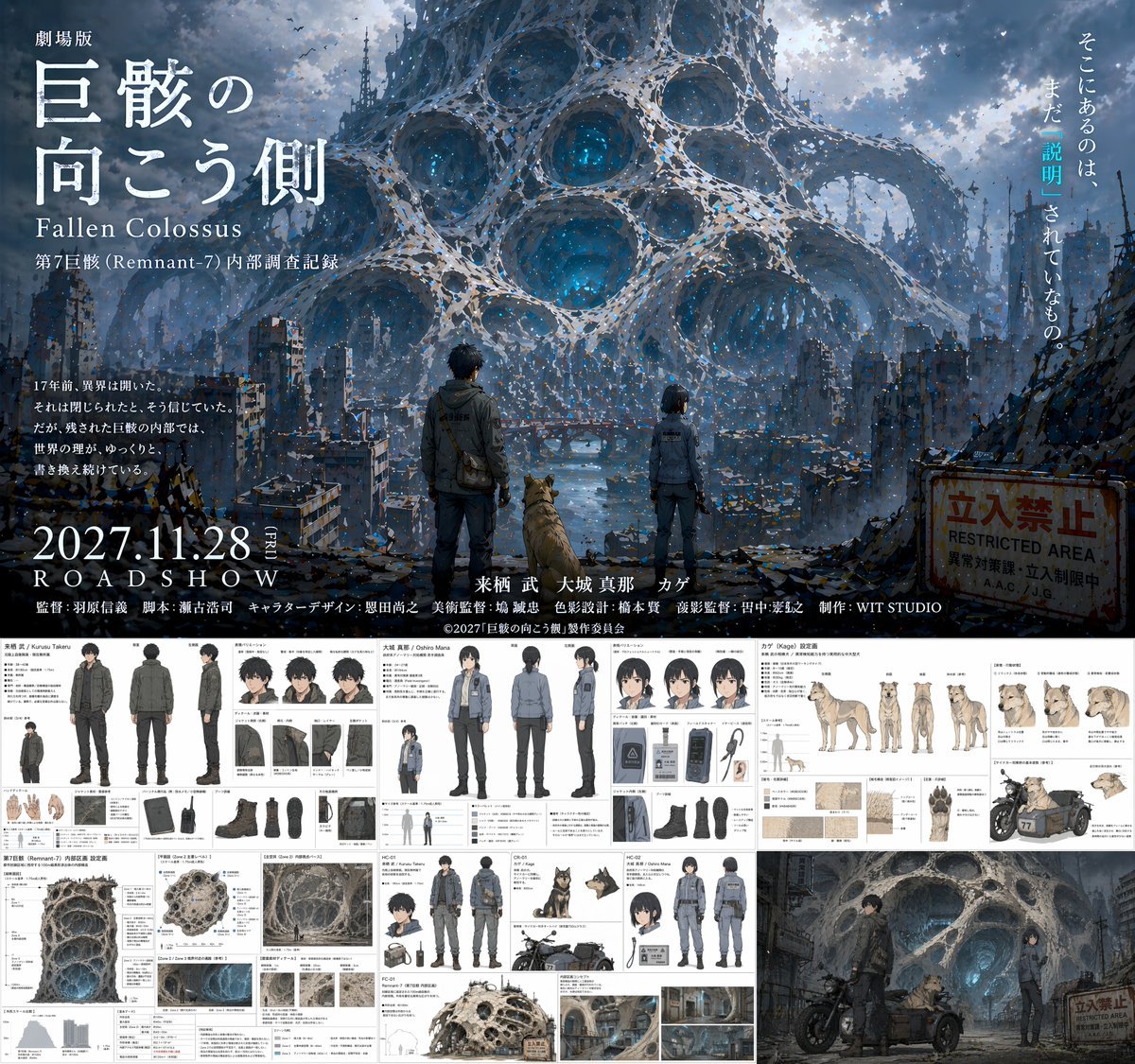
Anime Movie Pitch Document with Poster and Settei
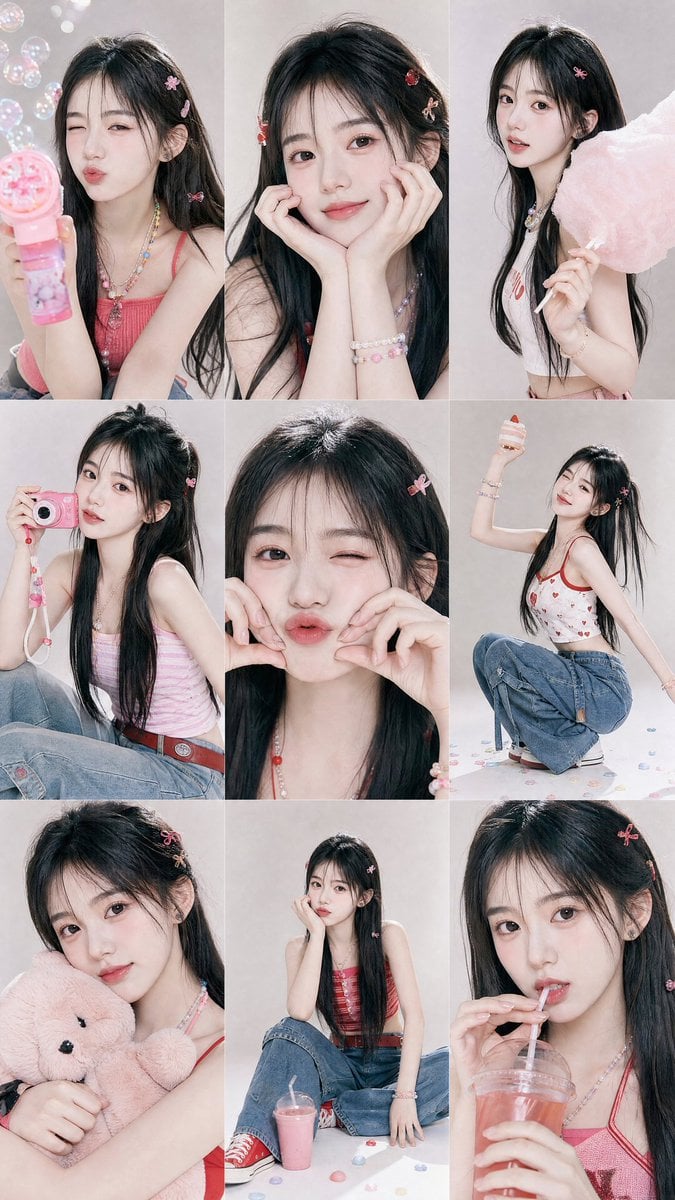
Y2K Korean Girl Collage Editorial
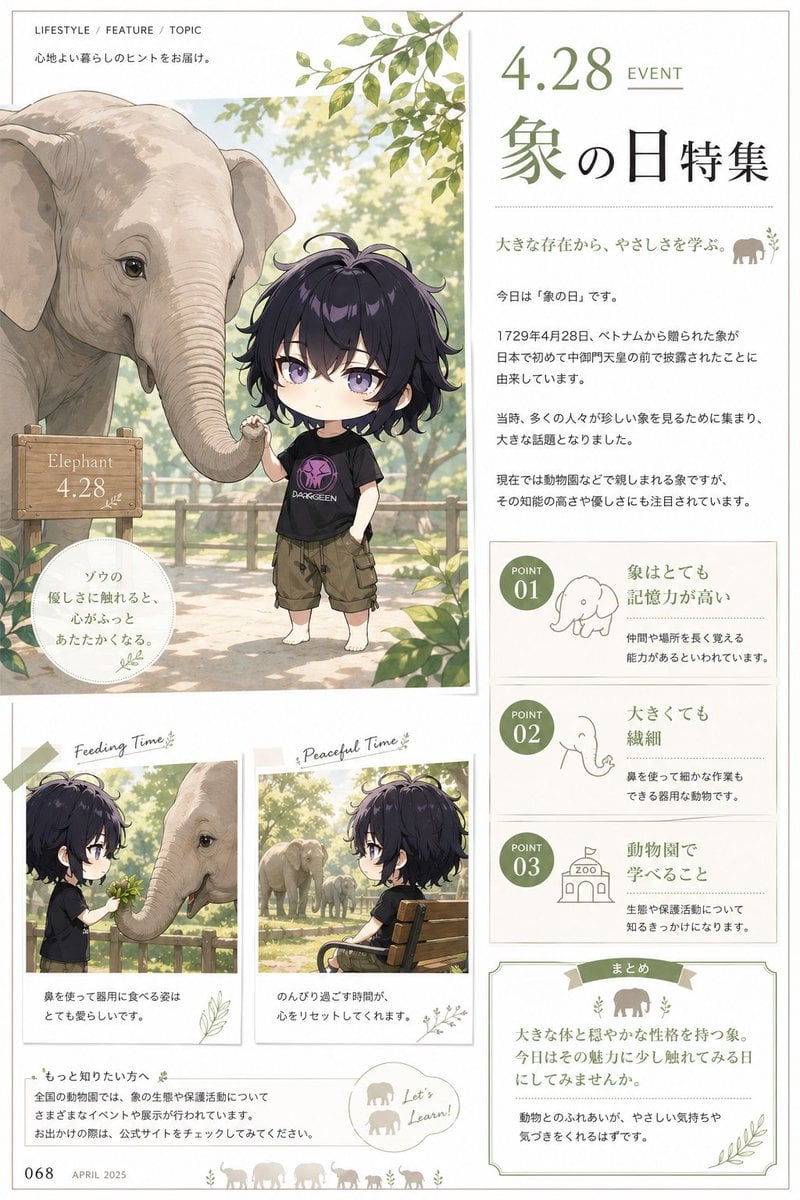
Elephant Day Magazine Feature
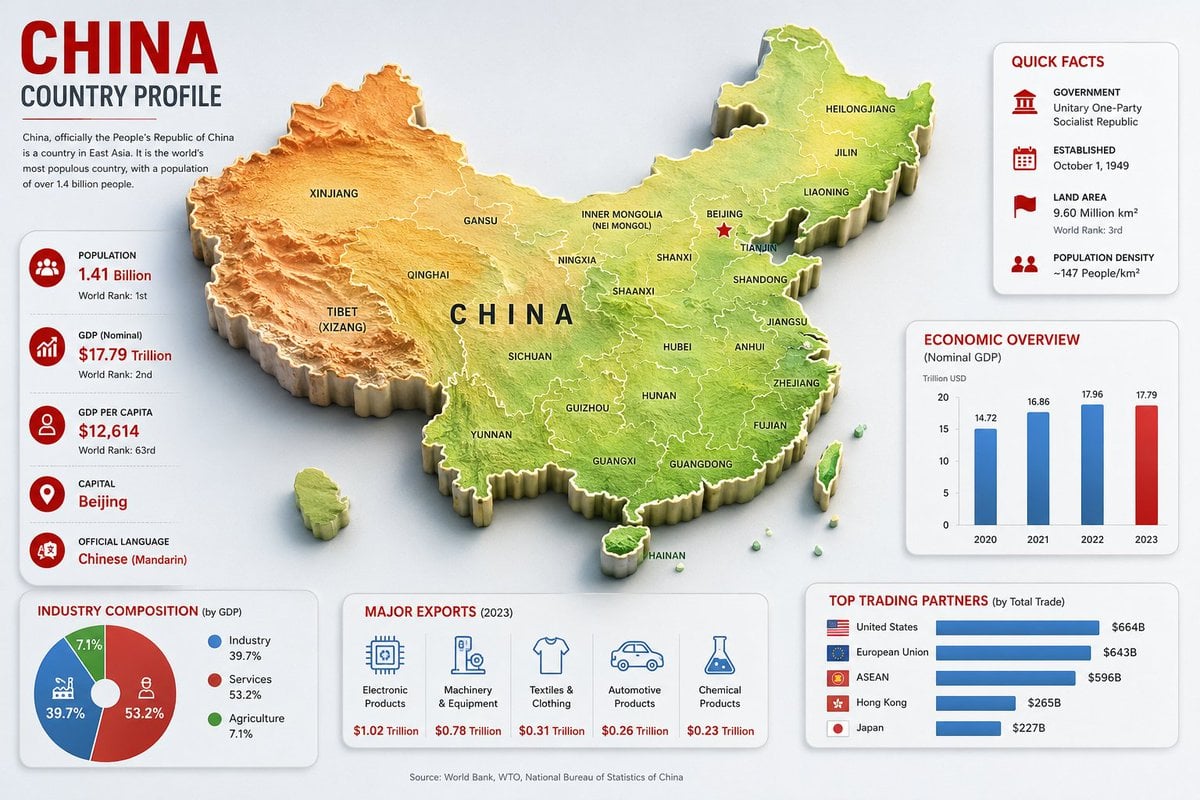
China Country Profile Infographic
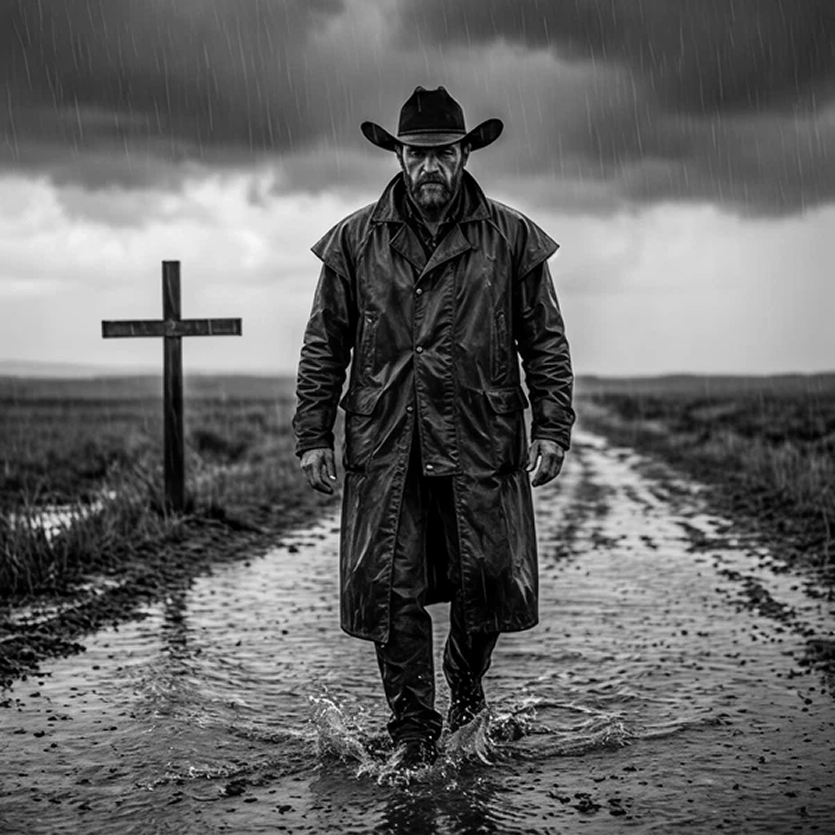
Rain-Soaked Anonymous Cowboy
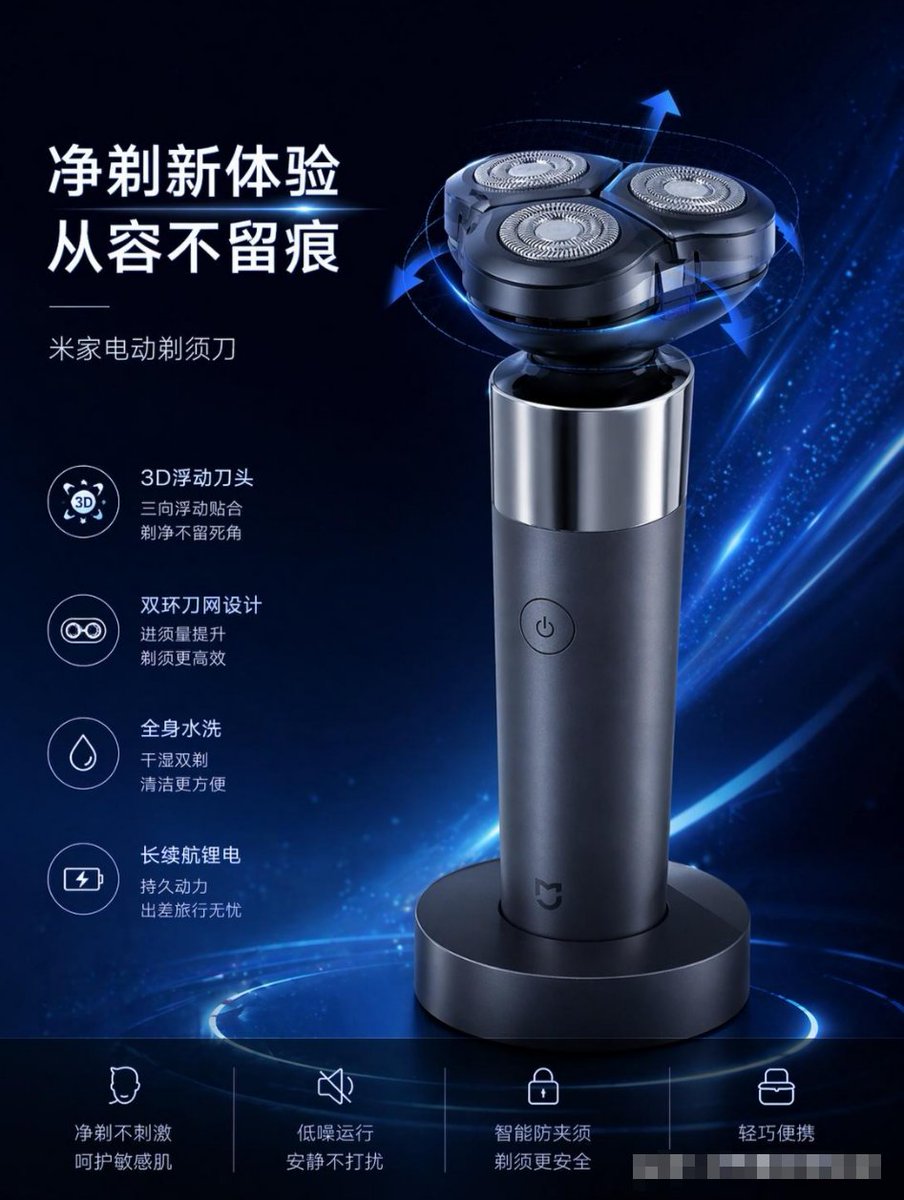
E-commerce Product Poster Transformation
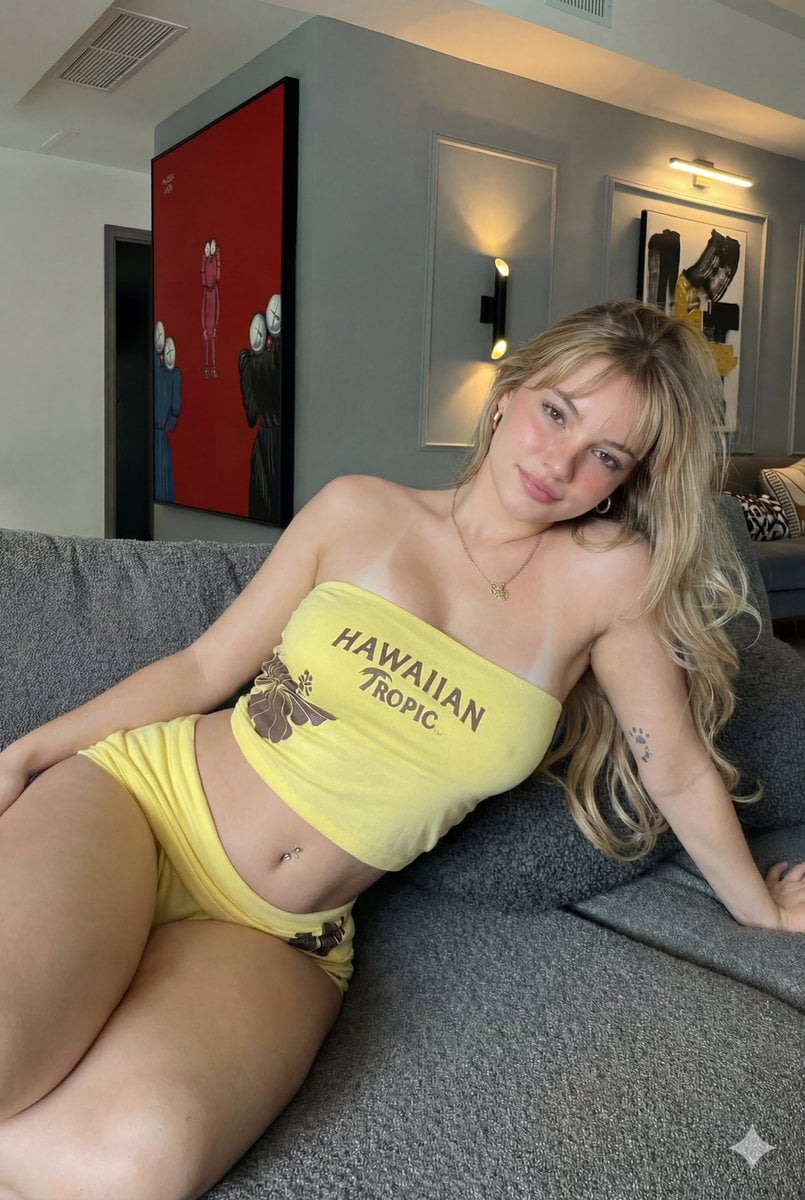
Photorealistic Influencer Lifestyle Portrait Prompt (Yellow Loungewear) (Duplicate)
Browse template categories
Gothic Rose Ballroom Duo questions
How do I use the Gothic Rose Ballroom Duo template?
Add your photo if the template asks for one, edit the prompt if you like — the template's model and format are already selected — and press Generate. Your version opens in PicX Studio.
Can I customize the Gothic Rose Ballroom Duo template?
Yes. You can change the subject, setting, lighting, mood, format, and available model controls before creating your image.
Is the Gothic Rose Ballroom Duo template free?
Opening and editing this template is free. Generating uses credits, shown on the Generate button when you are signed in.
Which AI model should I use?
Start with GPT Image 2, which is the model associated with this template. You can compare another compatible model for a different finish.
Looking for something else? Browse all templates.

Your photo, any look
Thousands of ready templates for every top image and video model, from one credit balance.