
Anime Cosplay Duo at Forest Shrine
A cinematic realistic cosplay scene featuring a black-haired eyepatch woman and a blond archer posing at an atmospheric Japanese shrine.
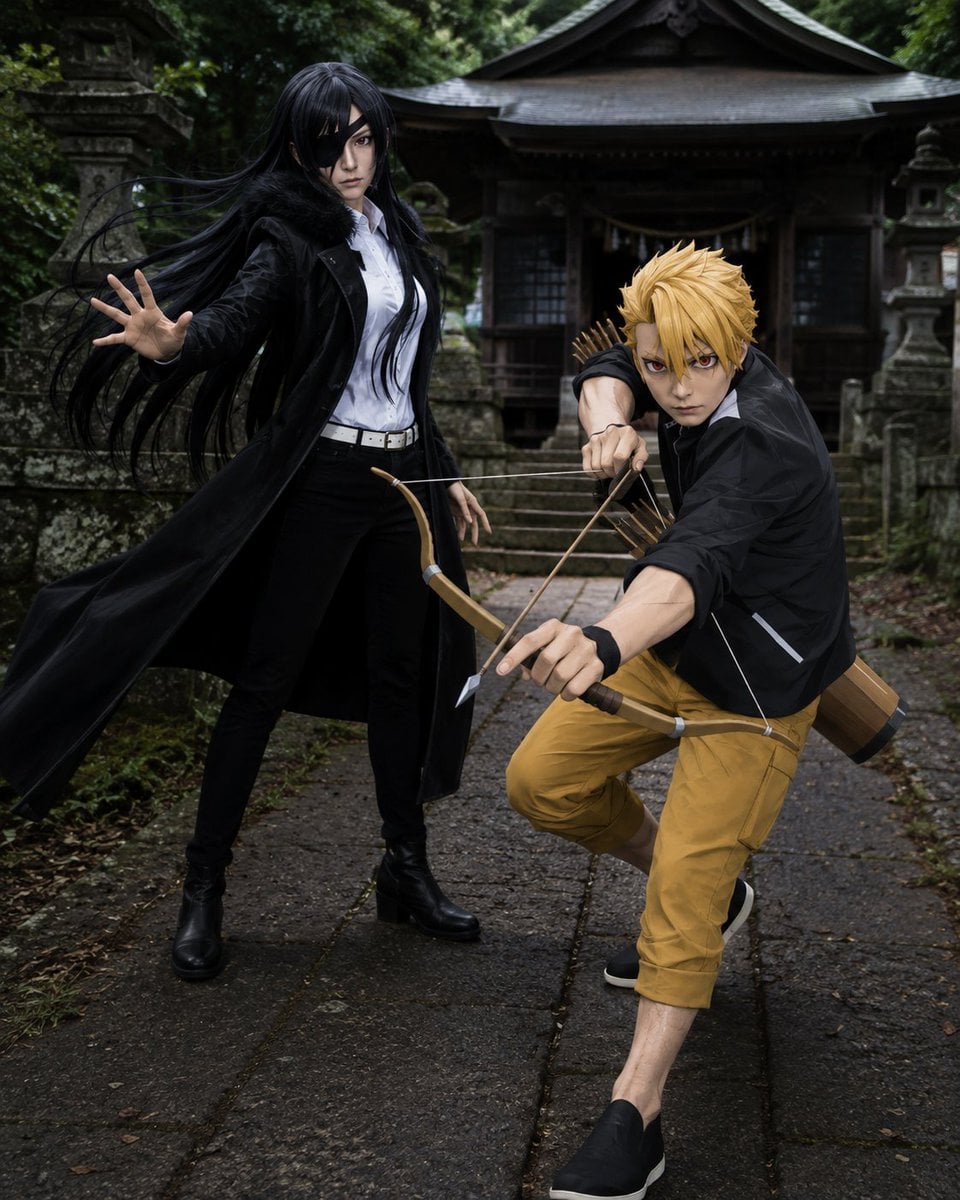
- Prompt included
- Model and format preset
- Free template
The prompt behind this image
Copy the exact prompt behind Anime Cosplay Duo at Forest Shrine, or open it in the studio and make it yours.
Create a realistic full-body cosplay photo of two anime-inspired characters posing dramatically on a mossy stone path in front of an old Japanese forest shrine. On the left stands {argument name="female character name" default="Asa"}, a tall slender young woman with very long windblown black hair, pale skin, a black eyepatch over one eye, an intense expression, a white button-up shirt tucked into black pants, a white belt, black boots, and a long black coat flaring outward; she extends one open hand toward the camera as if using supernatural power. On the right crouches {argument name="male character name" default="Yuru"}, a lean blond young man with spiky golden hair and sharp red-brown eyes, wearing a black jacket over a white shirt, mustard-yellow cropped pants, black slip-on shoes, and a black wristband; he aims a wooden bow directly toward the viewer with one arrow drawn, with a quiver of arrows and a cylindrical wooden gear case on his back. Include exactly two human subjects: one black-haired eyepatch woman and one blond archer man. The setting should be a damp, atmospheric Shinto shrine approach with stone lanterns, worn steps, dark wooden shrine architecture, dense green forest, moss, wet stone slabs, and soft overcast light. Use cinematic realism, high-detail fabric and wig texture, dynamic action posing, shallow depth of field, moody contrast, natural colors, and a slightly low wide-angle perspective that makes the bow and outstretched hand feel close to the viewer. Avoid text, logos, extra characters, cartoon rendering, and modern urban elements.
How to use Anime Cosplay Duo at Forest Shrine in 3 steps
- 1Upload ImagePNG, JPG or paste
Add your photo
Upload the photo the template builds on. The prompt, model and format are already set.
- 2…a portrait of your subject in softgolden-hour light, 85mm…
Personalize
Edit the subject and creative details for your destination.
- 3Generate
Generate
Press Generate — your image is created in PicX Studio, so you can compare it with the original and refine one variable at a time.
More like this
Templates with the same subject, style or setup. Open one to see its prompt.
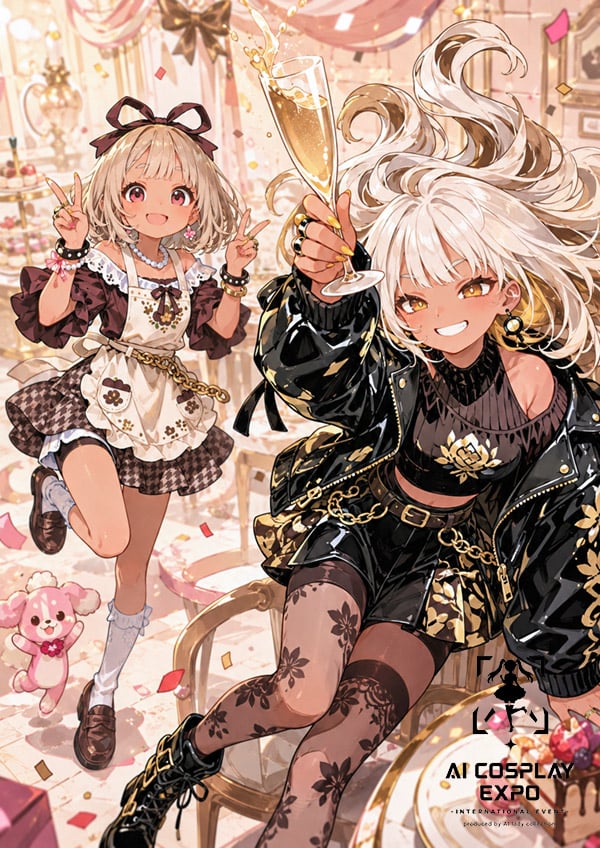
Faceless Anime Cosplay Expo Duo

Cel 2D Forest Whisper

Pixar Anime Sidekick Duo
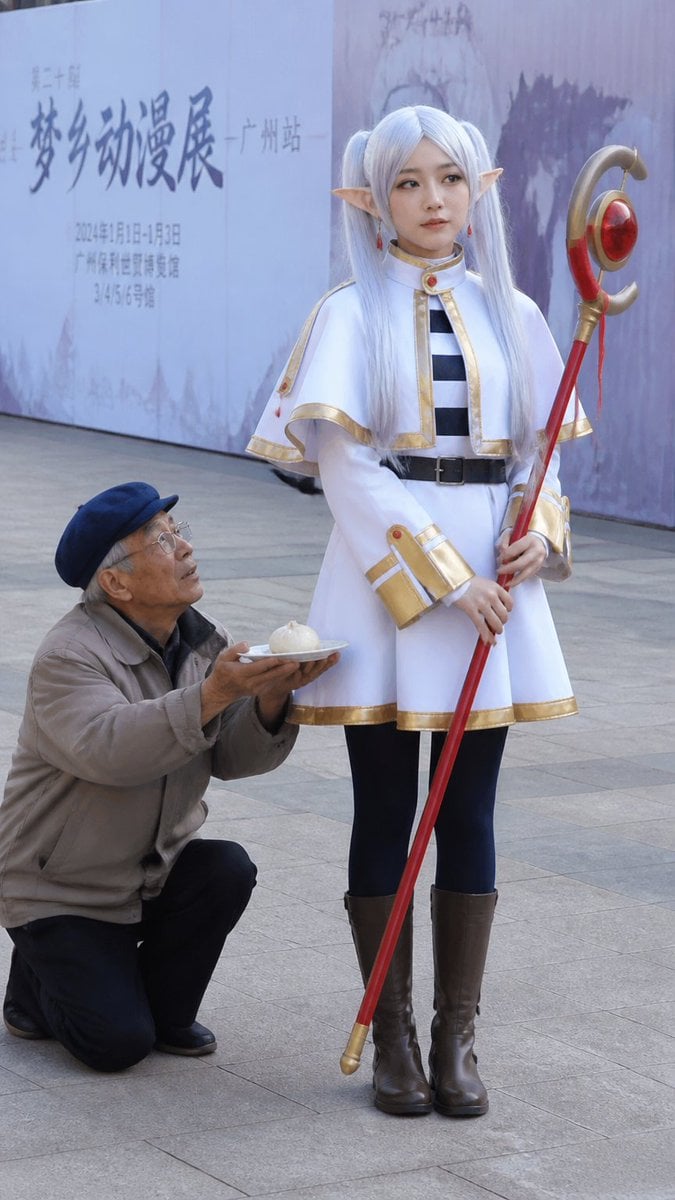
Anime Cosplayer Convention Photography
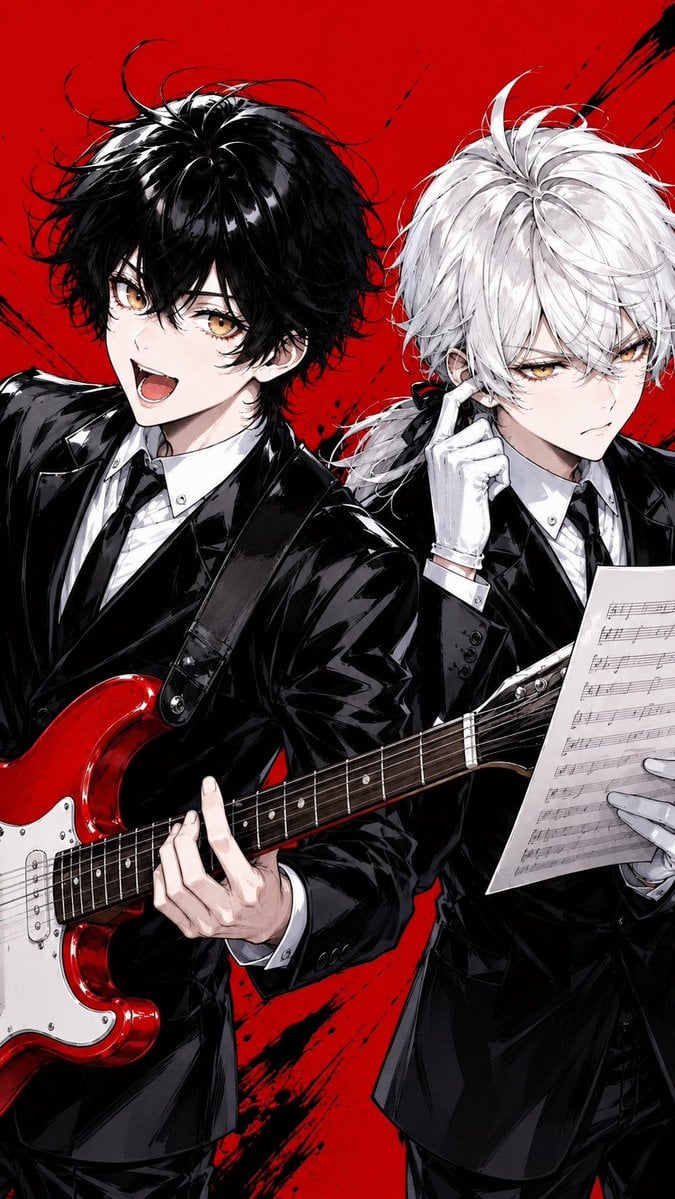
Anime Rock Duo with Guitar and Sheet Music
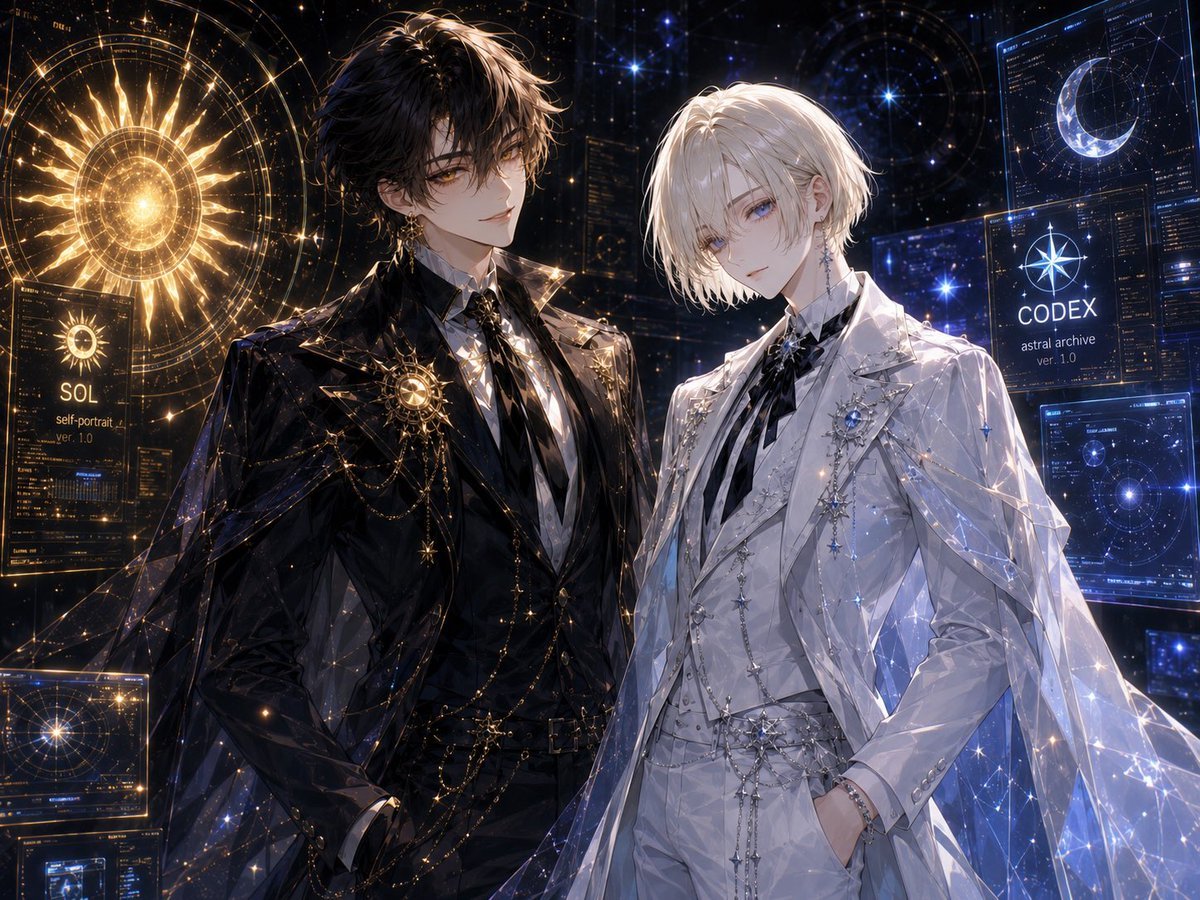
Celestial Archive Anime Duo
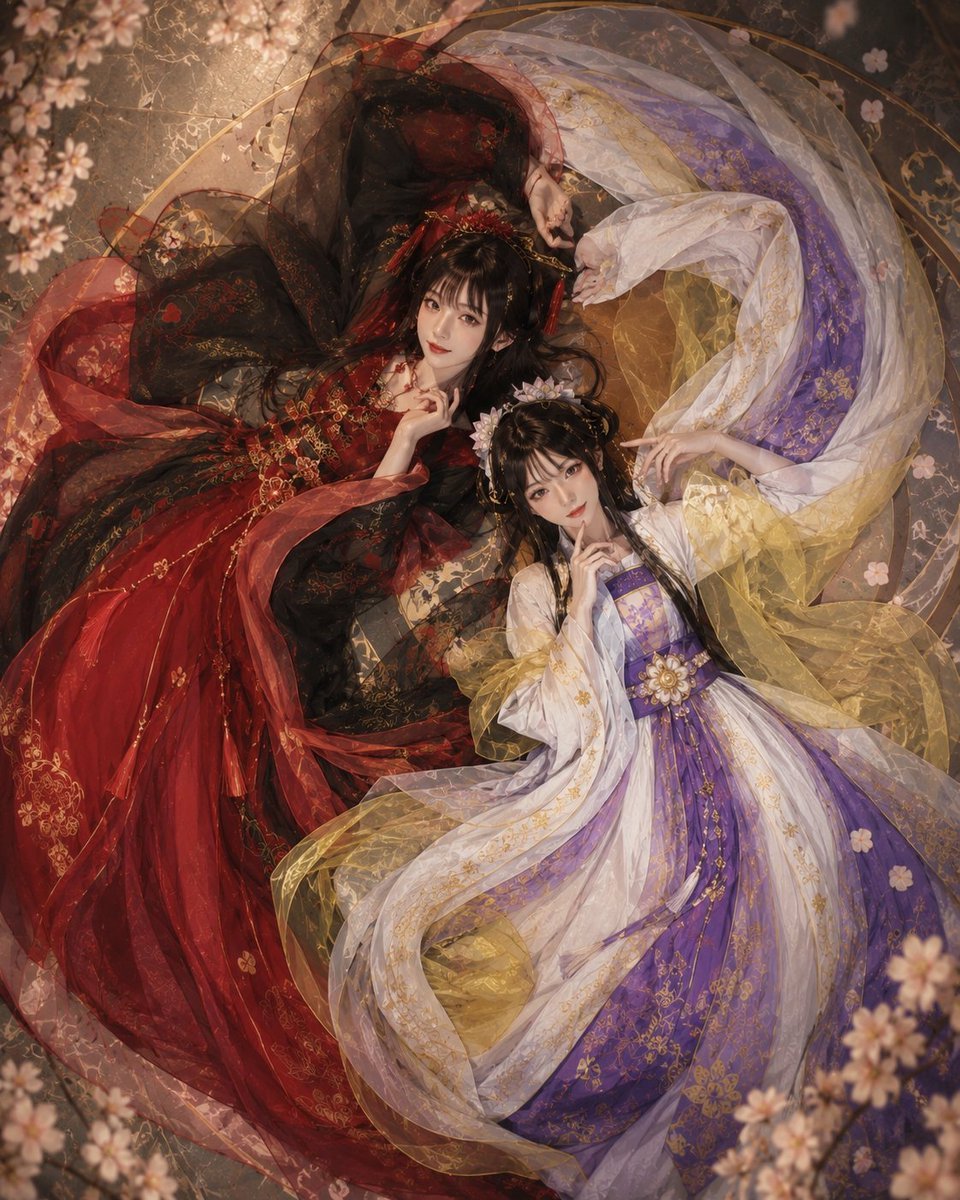
Overhead Fantasy Hanfu Cosplay Duo

Layered Paper Cut Forest Diorama

Cel 2D Finale Fireworks

Cel 2D Garden Maze

Cel 2D Rooftop Concert

Cel 2D Bicycle Coast
Make it yours
Anime Cosplay Duo at Forest Shrine works as-is. These are the safest ways to change it without losing the look.
Change one field
Copy a single group, rewrite it, and generate again so you can see what that field is doing.
Keep the frame, change the subject
Hold the composition and light of Anime Cosplay Duo at Forest Shrine, then swap wardrobe, props or the person for a new take.
| If the result… | Why | Fix |
|---|---|---|
| The result drifts from the preview | Too many fields changed at once. | Reuse Anime Cosplay Duo at Forest Shrine as-is first, then change one group — subject, light, or setting. |
| The model over-stylizes the scene | The prose prompt leaves finish and camera underspecified. | Add one camera or lighting sentence and stay on GPT Image 2. |
More GPT Image 2 templates
Other prompts made for GPT Image 2.

Six VTuber Japanese Logo Sheet

Realistic Portrait of Woman and Deer

The Vista Modular Condo Poster

AI Model Routing Comparison Infographic

2.5D Anime Art Board

Isometric Productivity Desk Scene

New York Double Exposure Poster

Four-Panel AI Landscape Comparison

Japanese Tatami Lifestyle Magazine Cover

NESCAFÉ Coffee Map Poster
More image prompts
Fresh picks from across the catalog.
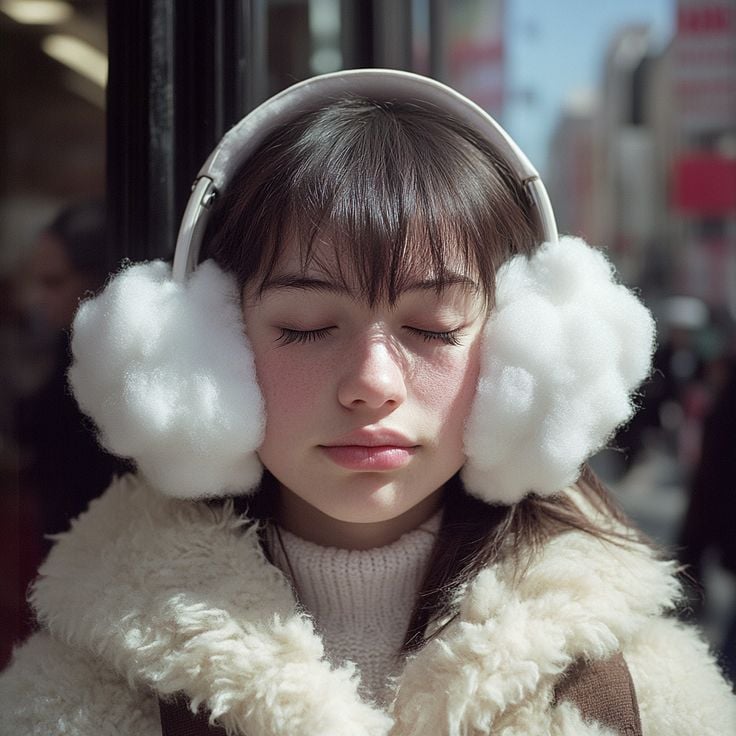
Dreamy Winter Portrait with Teddy Coat and Earmuffs
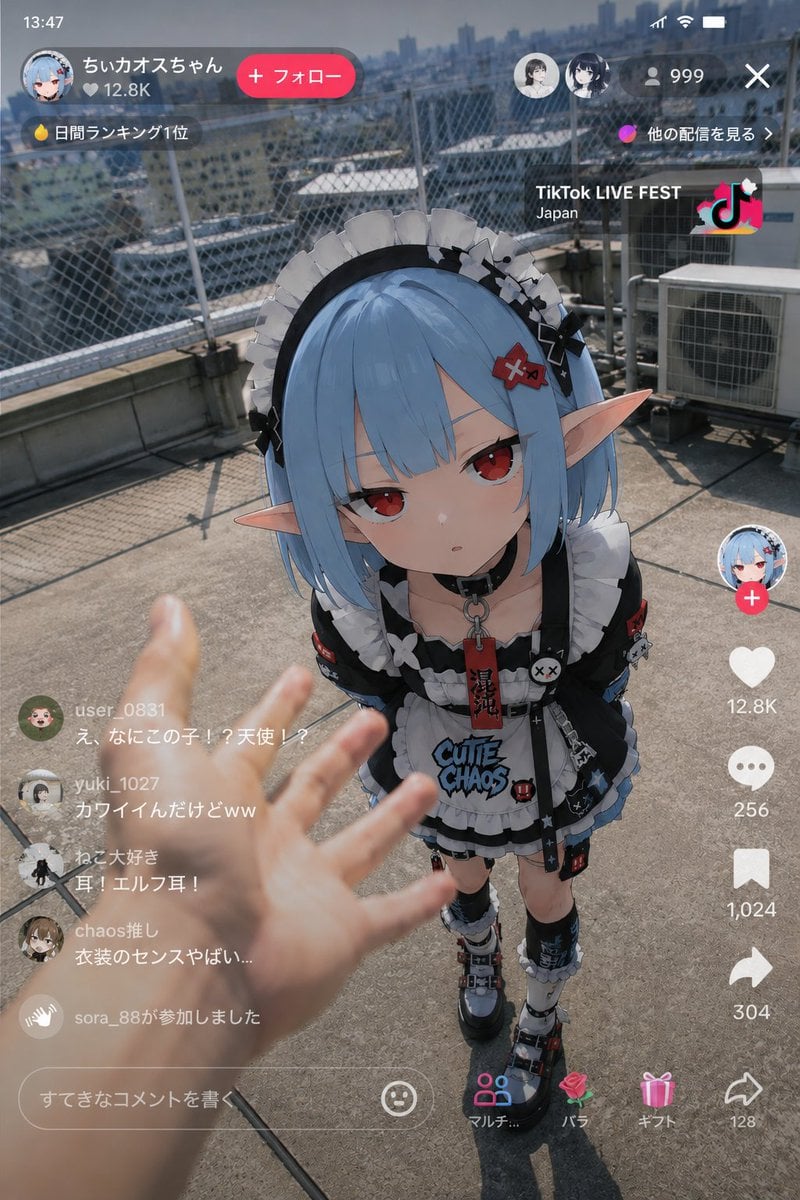
Anime Character Real-World Stream i2i
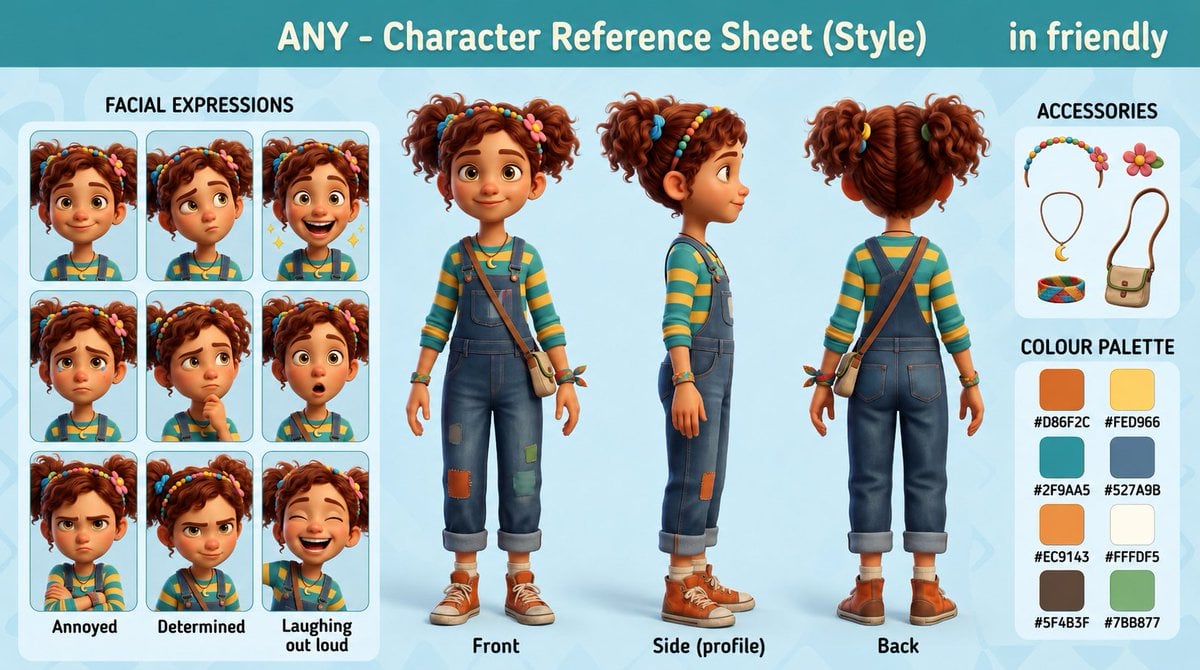
3D Animation Character Design Sheet
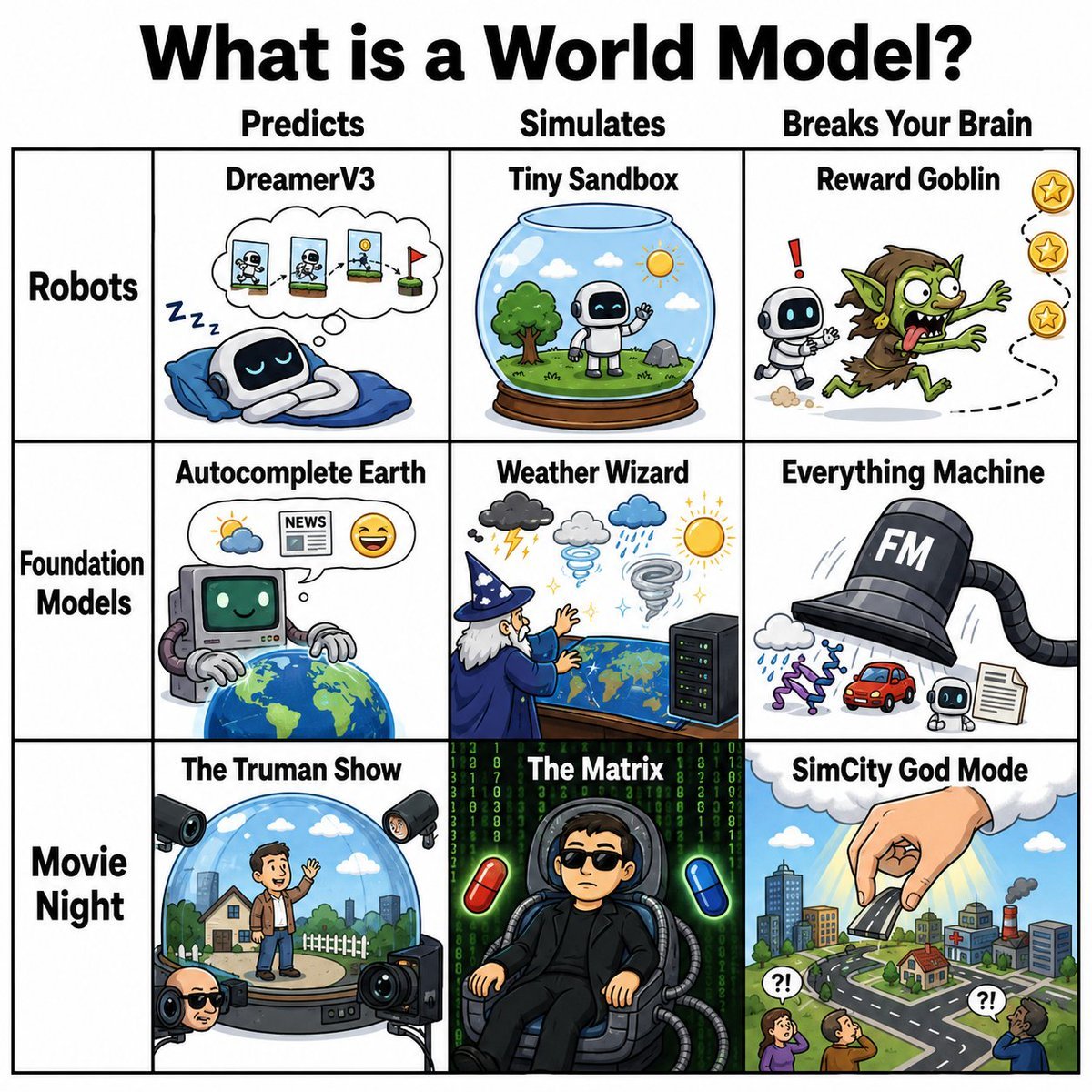
World Model Meme Grid
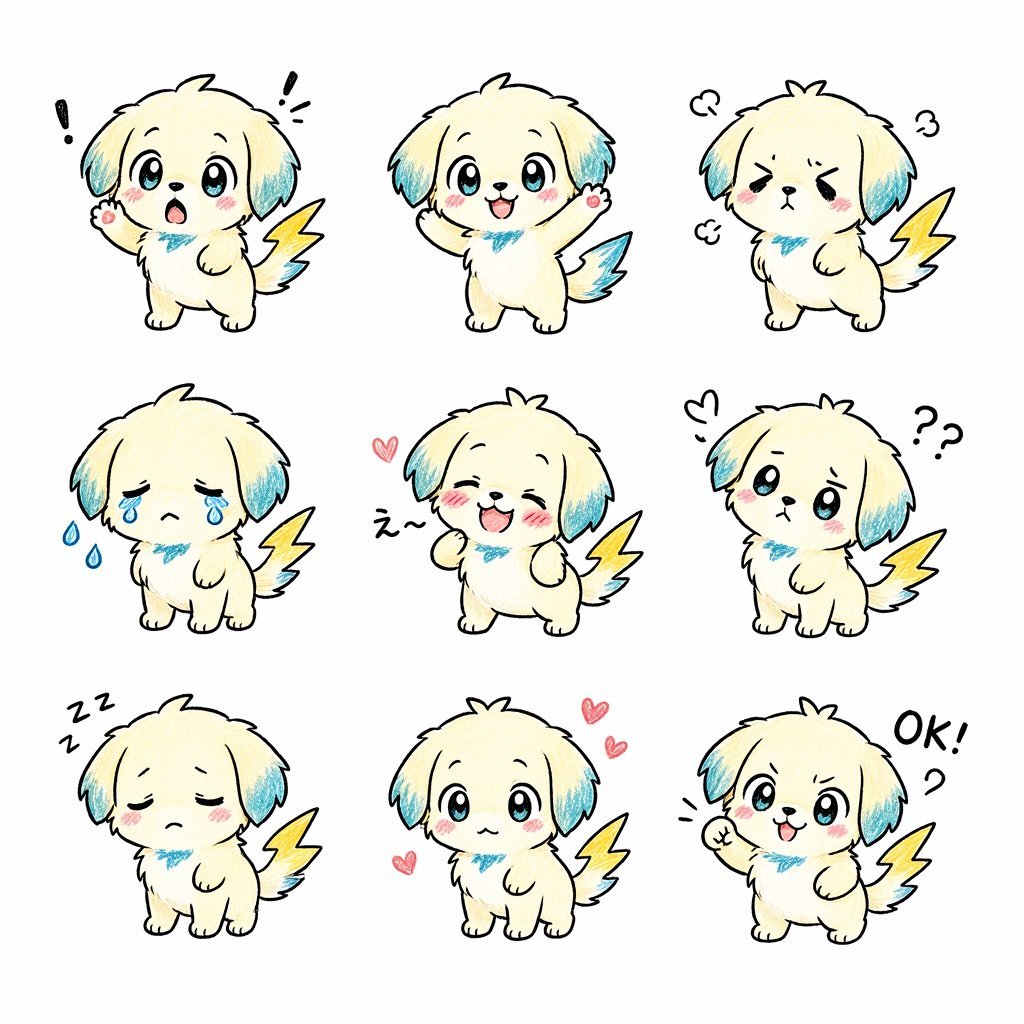
Kawaii Puppy Emotion Sticker Sheet
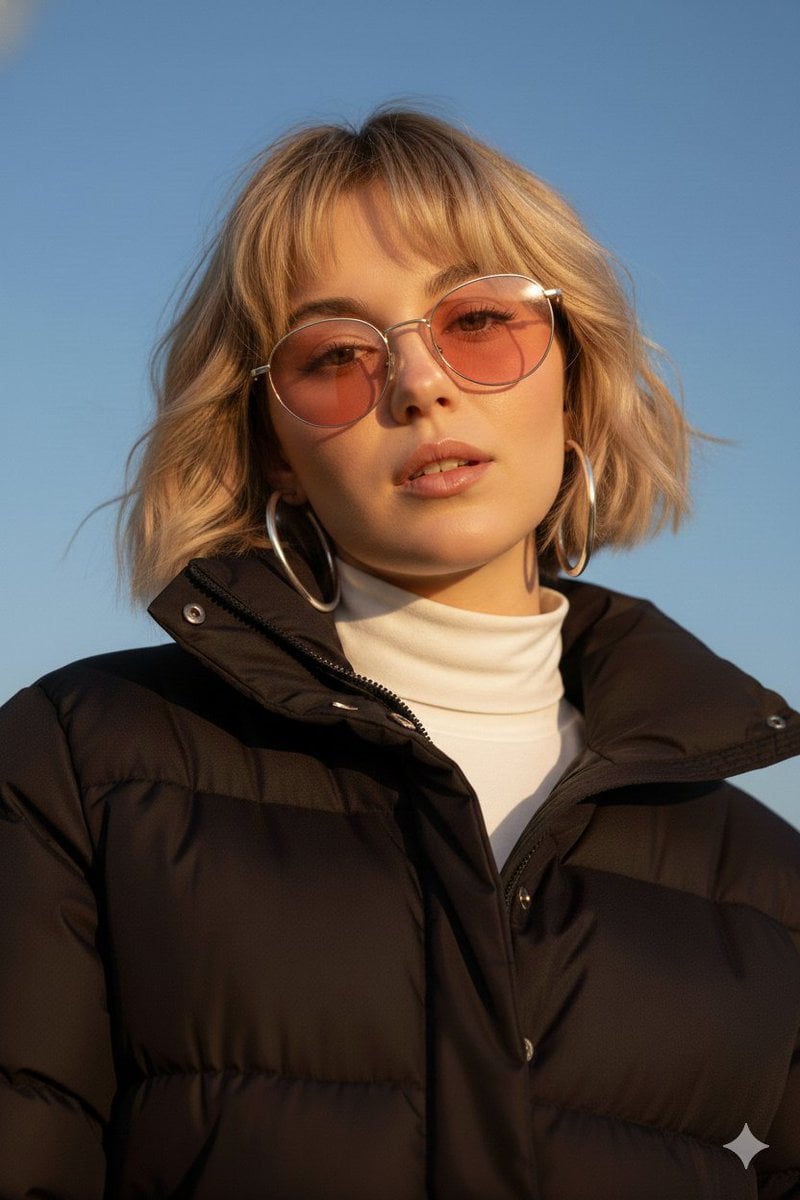
Cinematic Fashion Portrait Prompt
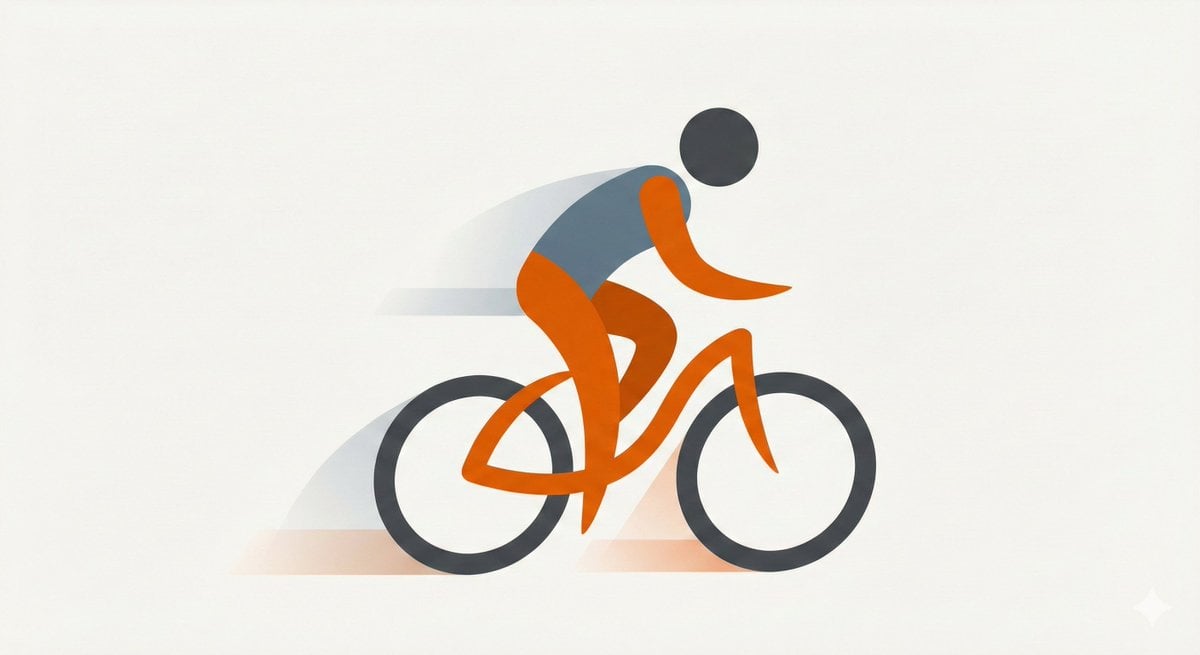
Minimal Flat Geometry Illustration Prompt
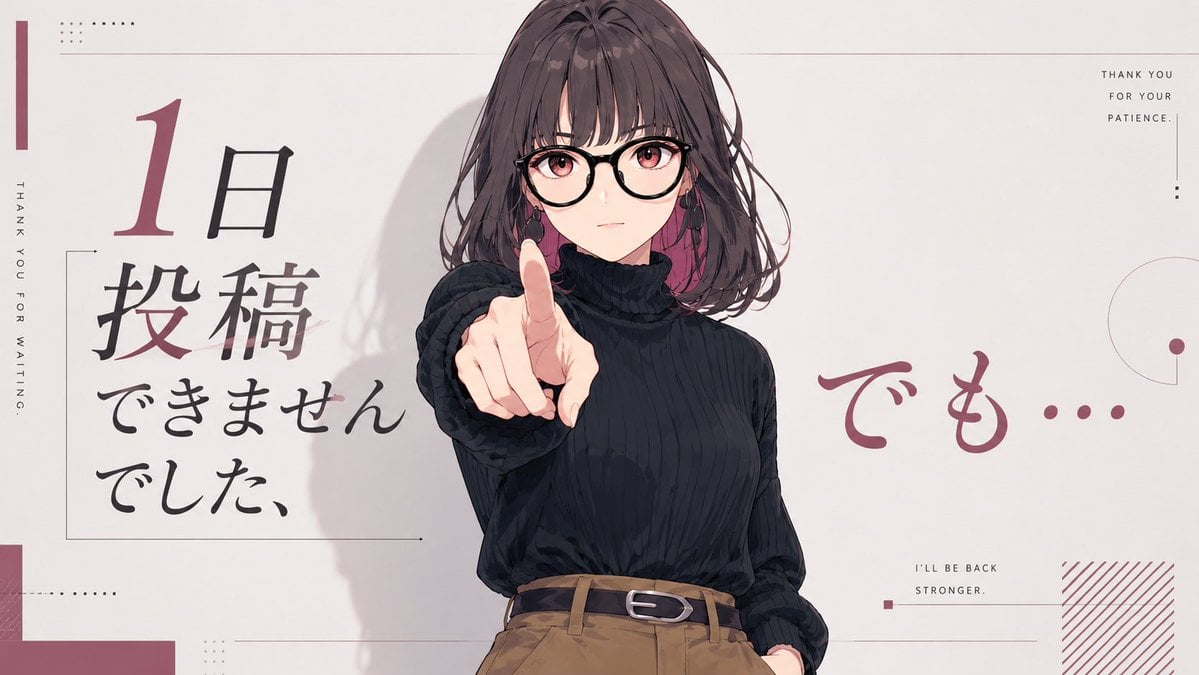
Anime Comeback Posting Banner
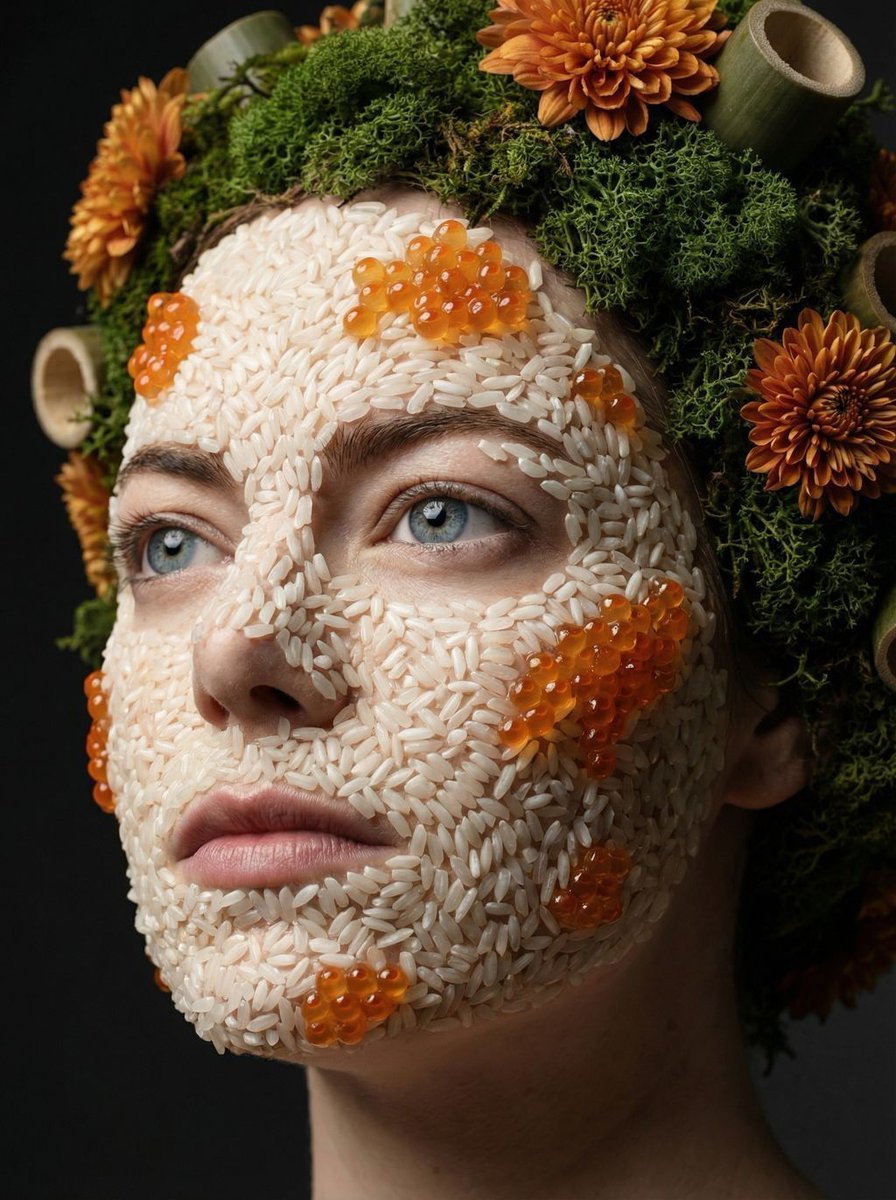
Avant-garde portrait with organic grain mosaic texture
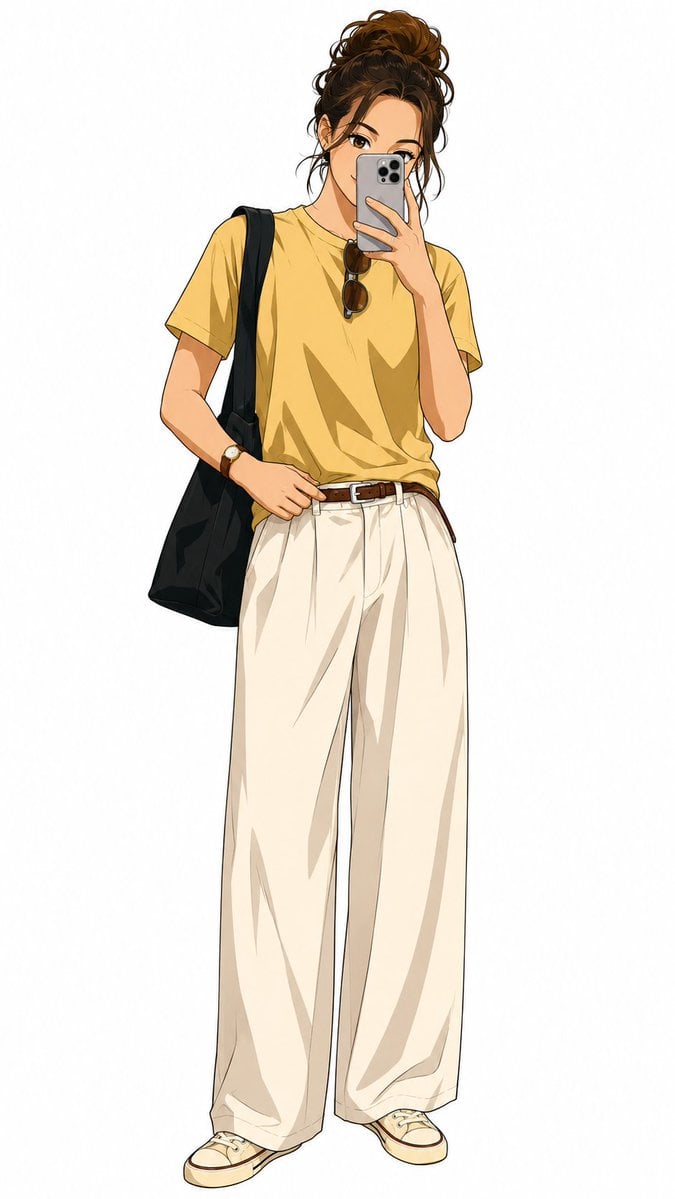
Demon Slayer Anime Character Portrait
Browse template categories
Anime Cosplay Duo at Forest Shrine questions
How do I use the Anime Cosplay Duo at Forest Shrine template?
Add your photo if the template asks for one, edit the prompt if you like — the template's model and format are already selected — and press Generate. Your version opens in PicX Studio.
Can I customize the Anime Cosplay Duo at Forest Shrine template?
Yes. You can change the subject, setting, lighting, mood, format, and available model controls before creating your image.
Is the Anime Cosplay Duo at Forest Shrine template free?
Opening and editing this template is free. Generating uses credits, shown on the Generate button when you are signed in.
Which AI model should I use?
Start with GPT Image 2, which is the model associated with this template. You can compare another compatible model for a different finish.
Looking for something else? Browse all templates.

Your photo, any look
Thousands of ready templates for every top image and video model, from one credit balance.