
World Model Meme Grid
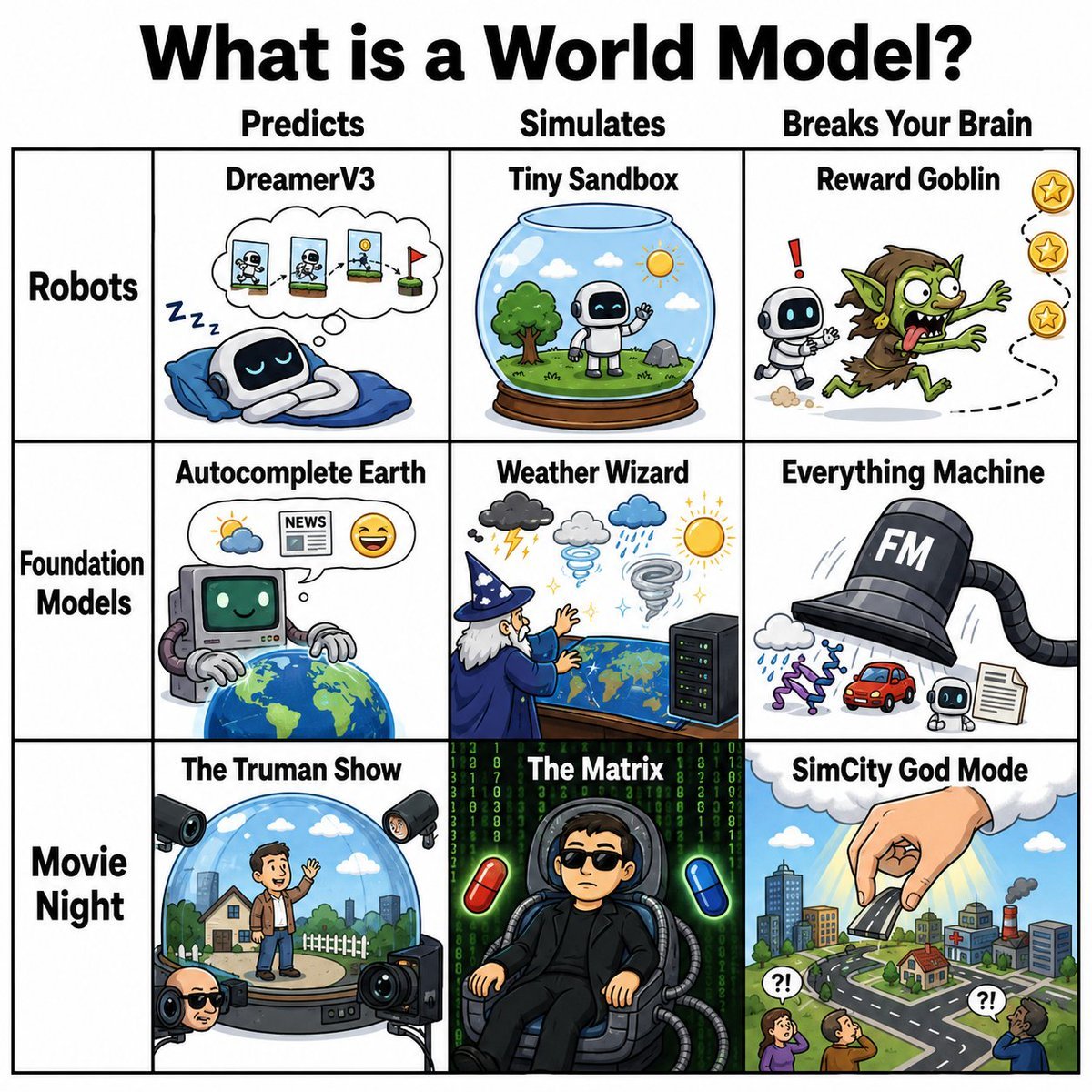
A square comic infographic explaining world models through nine humorous AI and movie-inspired meme panels.
- Prompt included
- Model and format preset
- Free template
The prompt behind this image
Copy the exact prompt behind World Model Meme Grid, or open it in the studio and make it yours.
Create a square 1:1 comic-style meme infographic titled {argument name="headline text" default="What is a World Model?"} in huge bold black lettering centered at the top on a white background. Below the title, draw a clean black-outlined 3-column by 3-row grid with an extra left label column, like a humorous taxonomy chart. Column headers across the top are exactly three: “Predicts”, “Simulates”, and “Breaks Your Brain”. Row labels down the left are exactly three: “Robots”, “Foundation Models”, and “Movie Night”. Use thick black grid lines, white cell backgrounds, and colorful hand-drawn cartoon illustrations with crisp outlines, resembling playful science/AI memes. Cell 1, Robots × Predicts: title “DreamerV3”. Show a cute small robot sleeping on a blue pillow/blanket, with “Zzz” nearby and a thought bubble containing three small sequential robot/world prediction panels ending with a red flag. Cell 2, Robots × Simulates: title “Tiny Sandbox”. Show a glass snow-globe terrarium on a wooden base with a tiny robot standing on grass beside a tree, clouds, birds, and a sun inside the dome. Cell 3, Robots × Breaks Your Brain: title “Reward Goblin”. Show a small robot startled by a frantic green goblin chasing floating gold star rewards along a dotted path, with a red exclamation mark near the robot. Cell 4, Foundation Models × Predicts: title “Autocomplete Earth”. Show a retro computer-like AI with a green smiling screen and robot arms hovering over a globe, with a thought bubble containing a weather icon, a newspaper labeled “NEWS”, and a smiling emoji. Cell 5, Foundation Models × Simulates: title “Weather Wizard”. Show an old wizard in a blue robe and pointed hat casting spells over a world map or globe-like table, surrounded by weather icons: storm cloud with lightning, grey cloud, rain cloud, tornado, and bright sun, plus a small server rack at the side. Cell 6, Foundation Models × Breaks Your Brain: title “Everything Machine”. Show a giant black top-hat-shaped machine labeled {argument name="machine label" default="FM"} with a flexible hose/tube, generating many outputs: a cloud, purple DNA strand, red car, small robot, and a document page. Cell 7, Movie Night × Predicts: title “The Truman Show”. Show a man standing inside a transparent dome on a circular stage with a suburban house, fence, grass, clouds, and city skyline inside, surrounded by multiple studio cameras and spotlights outside the dome. Cell 8, Movie Night × Simulates: title “The Matrix”. Show a person seated in a futuristic chair wearing a black outfit, plugged into cables, against falling green code, flanked by one red pill and one blue pill. Keep the face simplified or obscured. Cell 9, Movie Night × Breaks Your Brain: title “SimCity God Mode”. Show a giant hand descending from a cloud and placing or pinching a building above a miniature city with roads, houses, factories, smoke, small people looking up with “?!” speech bubbles, and a bright sky. Constraints: include exactly 9 illustrated content cells, exactly 3 column headers, exactly 3 row labels, and exactly the cell titles listed above. Keep all typography bold, legible, black, and meme-like. Use a polished cartoon infographic style, not photorealistic. No watermark, no extra logos, no additional panels.
How to use World Model Meme Grid in 3 steps
- 1Upload ImagePNG, JPG or paste
Add your photo
Upload the photo the template builds on. The prompt, model and format are already set.
- 2…a portrait of your subject in softgolden-hour light, 85mm…
Personalize
Edit the subject and creative details for your destination.
- 3Generate
Generate
Press Generate — your image is created in PicX Studio, so you can compare it with the original and refine one variable at a time.
More like this
Templates with the same subject, style or setup. Open one to see its prompt.

Fantasy Model Comparison Grid

Korean Luxury Fashion Editorial 2x2 Grid Series

Minimalist Fashion Editorial Split Layout

Ultra-Realistic Vogue-Style Editorial Fashion Grid

Premium Vertical Product Campaign Poster

Minecraft You Died Winter Death Screen

Headphones Lifestyle Nine Panel Grid
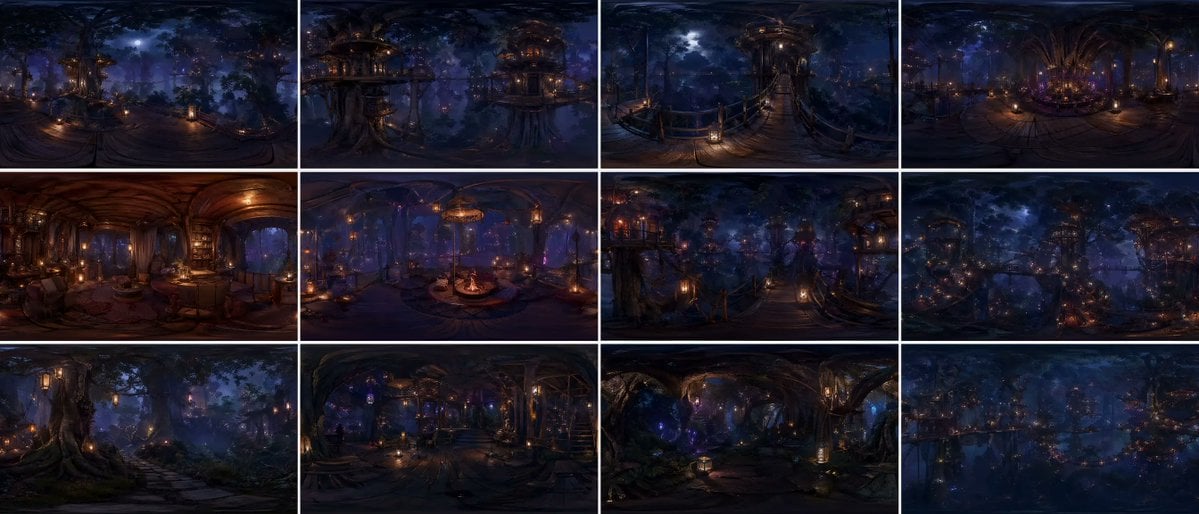
Degree Forest World Panorama Grid

4x4 Grid - Candid Nostalgic Vacation Selfies

Movement Sheet - Dance Reference (Seedance 2.0)

Paris Travel Collage Grid - Face Reference

Instagram Feed Grid
Make it yours
World Model Meme Grid works as-is. These are the safest ways to change it without losing the look.
Change one field
Copy a single group, rewrite it, and generate again so you can see what that field is doing.
Keep the frame, change the subject
Hold the composition and light of World Model Meme Grid, then swap wardrobe, props or the person for a new take.
| If the result… | Why | Fix |
|---|---|---|
| The result drifts from the preview | Too many fields changed at once. | Reuse World Model Meme Grid as-is first, then change one group — subject, light, or setting. |
| The model over-stylizes the scene | The prose prompt leaves finish and camera underspecified. | Add one camera or lighting sentence and stay on GPT Image 2. |
More GPT Image 2 templates
Other prompts made for GPT Image 2.

Six VTuber Japanese Logo Sheet

Realistic Portrait of Woman and Deer

The Vista Modular Condo Poster

2.5D Anime Art Board

Isometric Productivity Desk Scene

New York Double Exposure Poster

Four-Panel AI Landscape Comparison

Japanese Tatami Lifestyle Magazine Cover

NESCAFÉ Coffee Map Poster

Brutalist Cogito Chinese Typography Poster
More image prompts
Fresh picks from across the catalog.
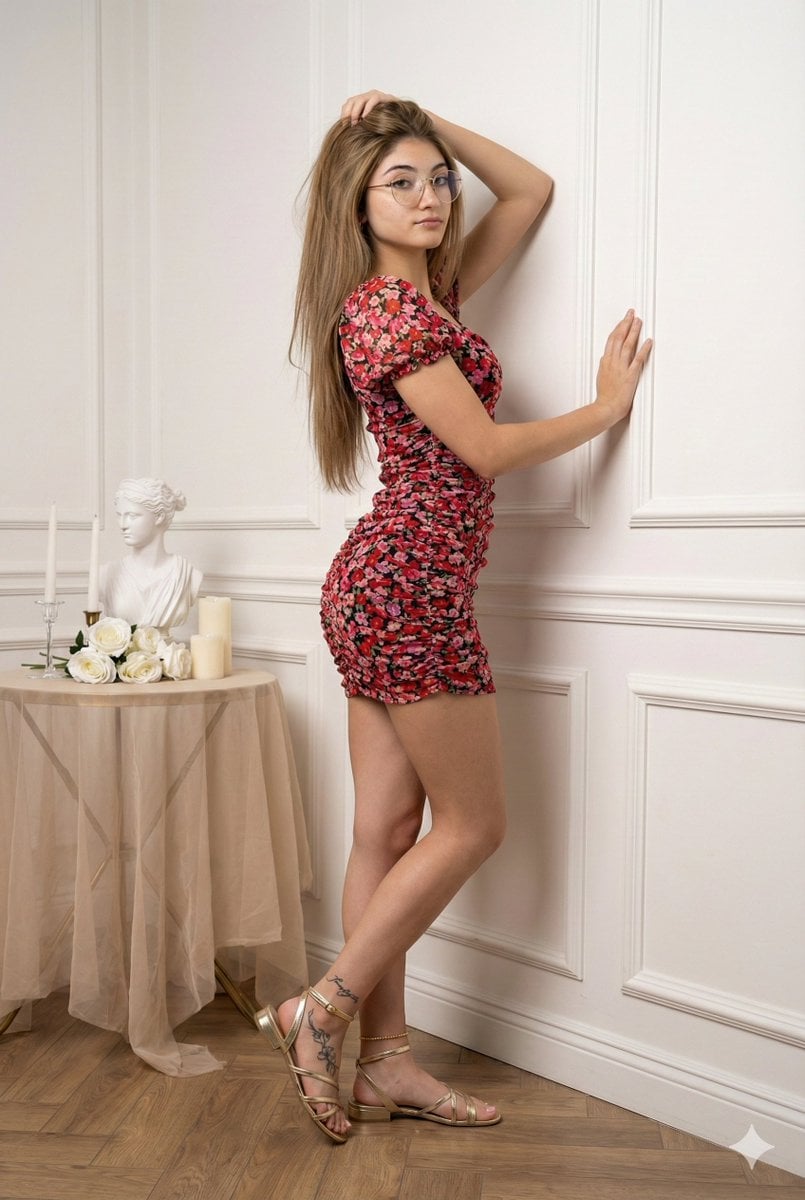
Glamour Portrait in Floral Ruched Mini Dress

untitled

Anime Character Pharmacist Reimagining
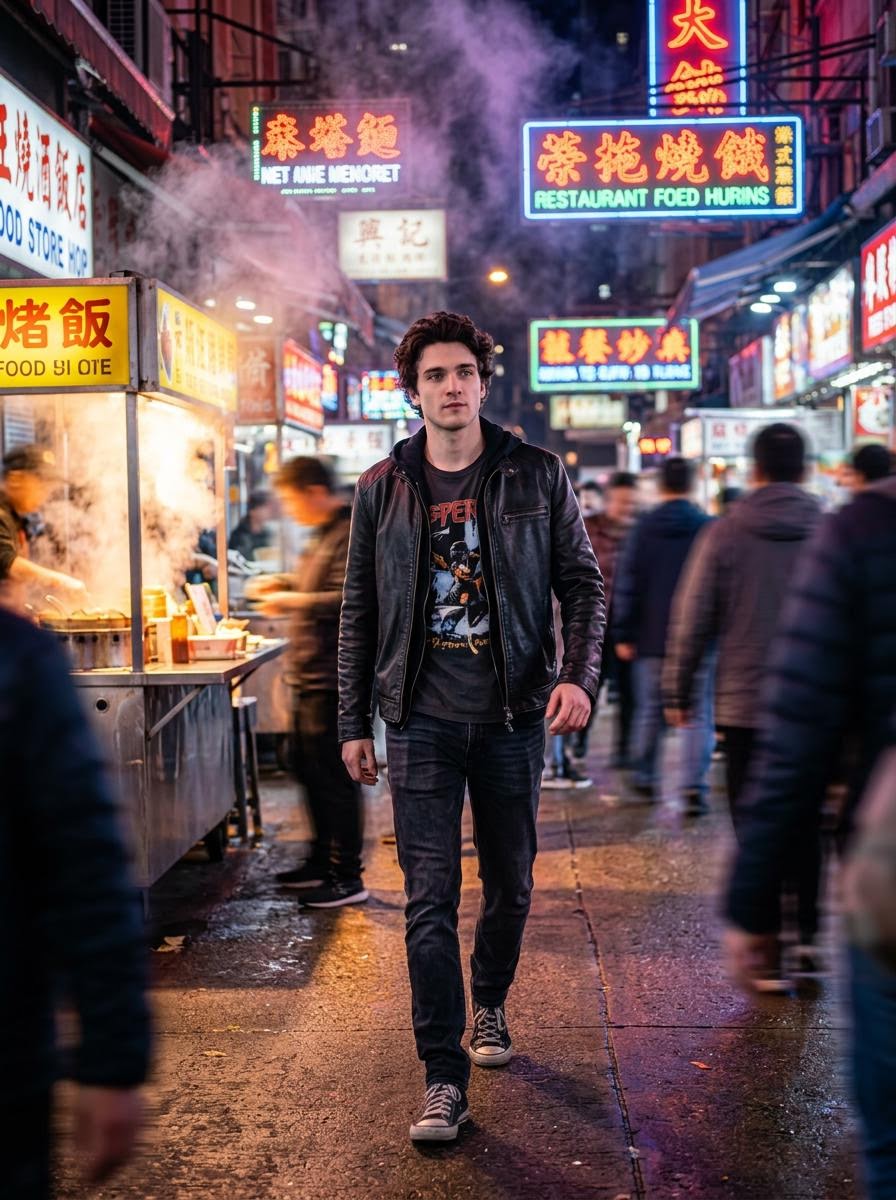
Cinematic Hollywood-Style Street Market Walk
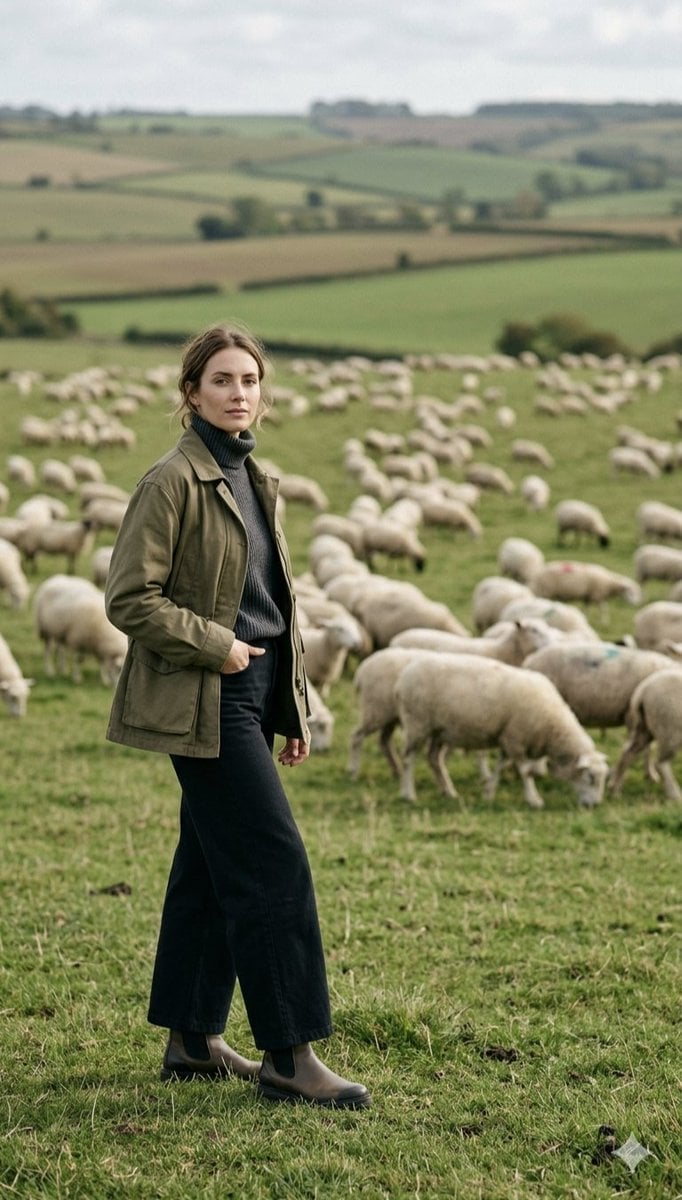
Pastoral Full-Body Portrait in Sheep Pasture
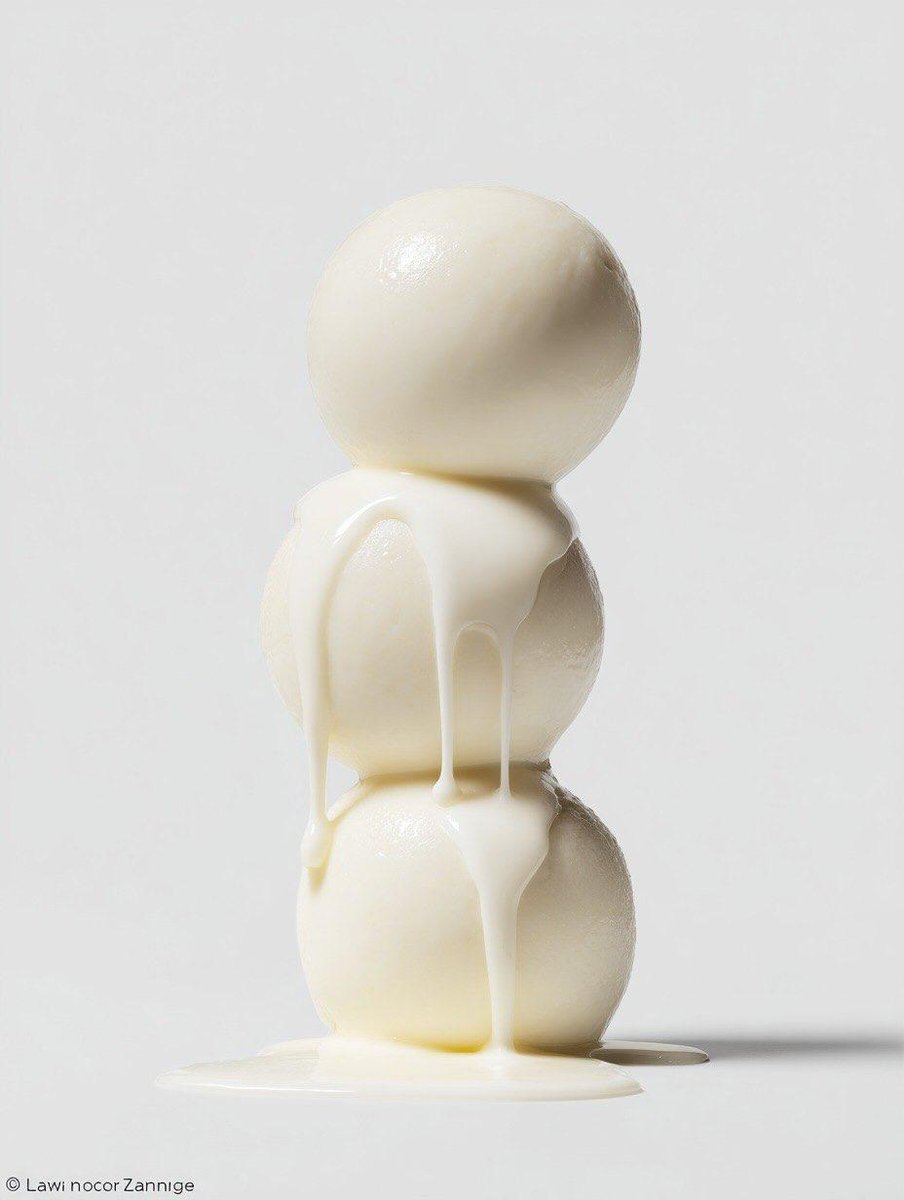
Macro Food Photography Prompt with Dripping Liquid
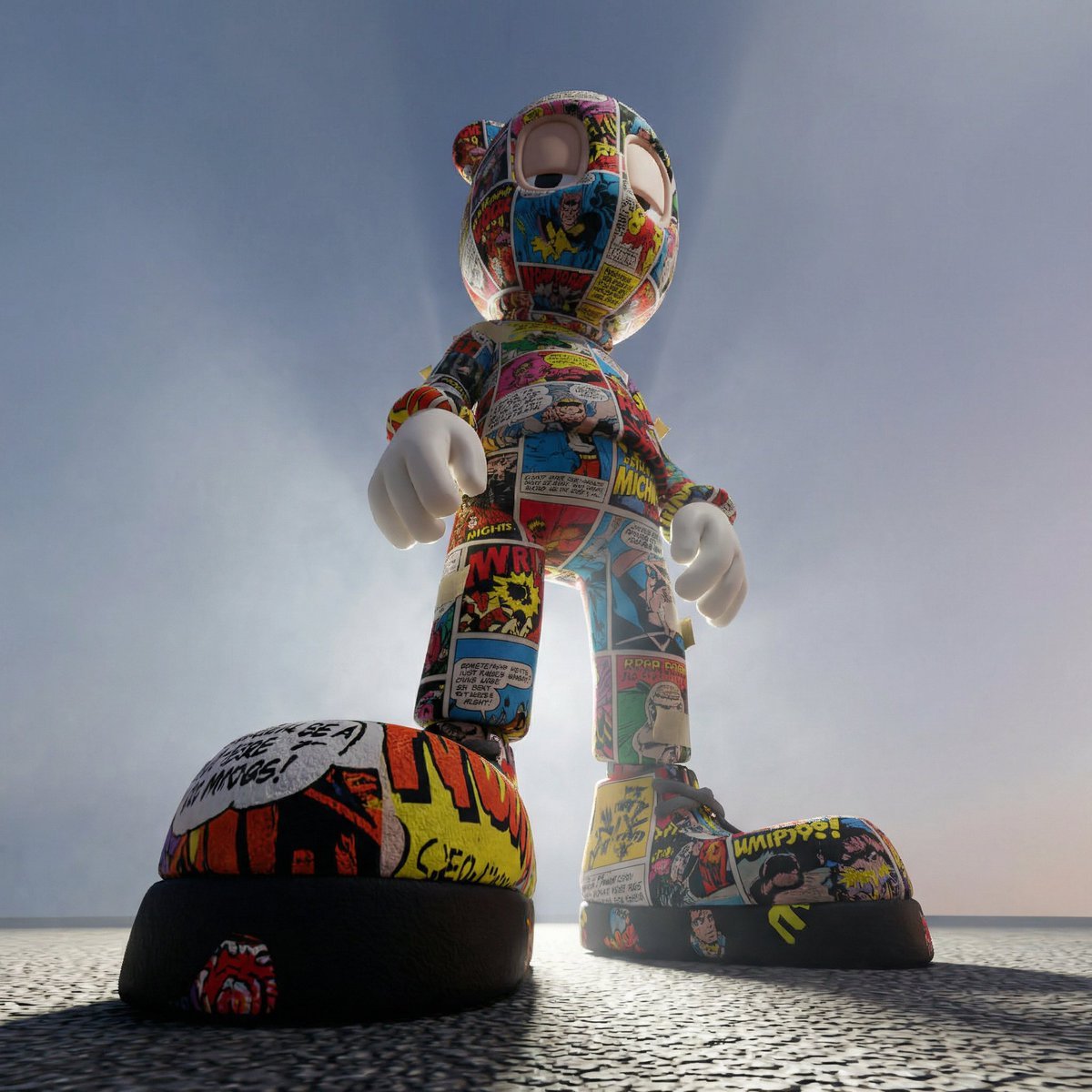
Worm's-Eye Perspective Character Shot (Likeness Preservation)
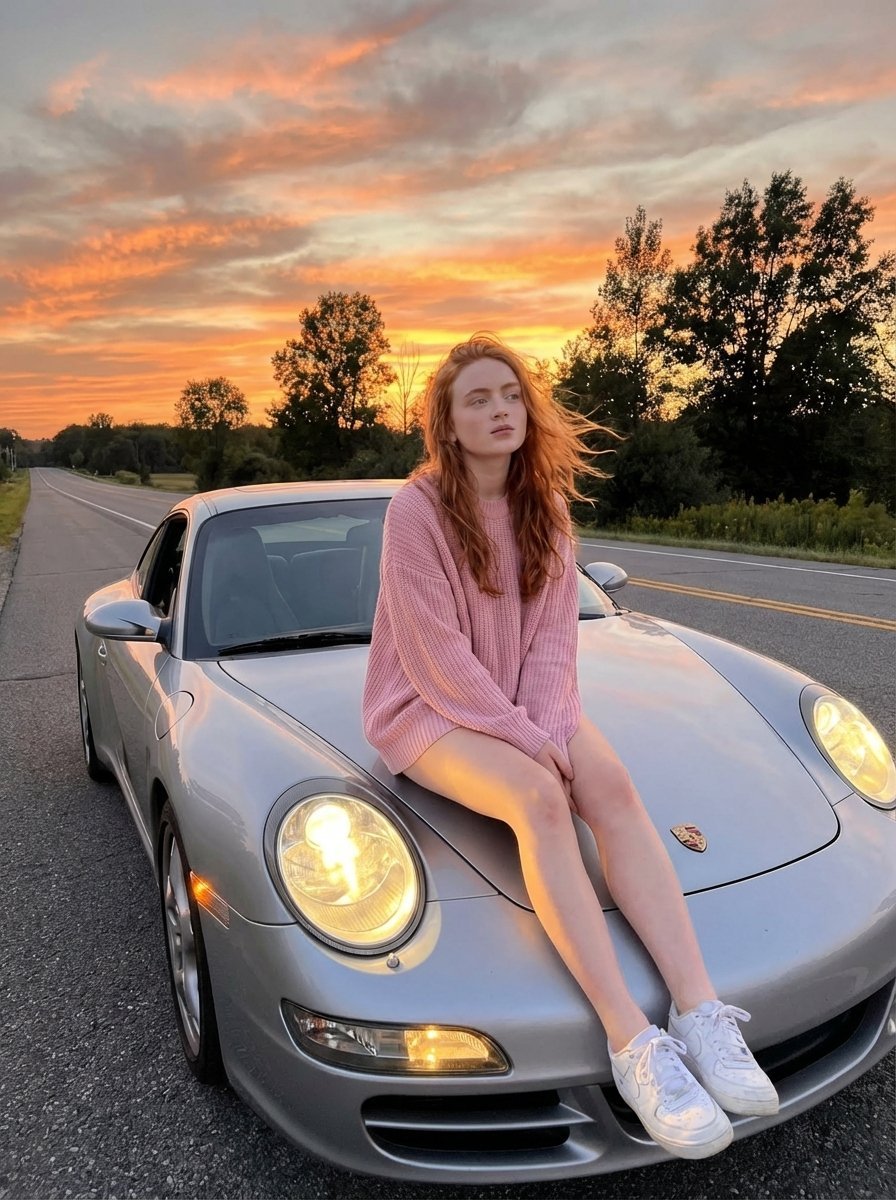
Cinematic Sunset Lifestyle Photo Prompt for Nano Banana Pro
Nike Dunk Bursting Through Crystalline Wall
Modern Moe Anime Illustration of a Teenage Girl's Eyes
Browse template categories
World Model Meme Grid questions
How do I use the World Model Meme Grid template?
Add your photo if the template asks for one, edit the prompt if you like — the template's model and format are already selected — and press Generate. Your version opens in PicX Studio.
Can I customize the World Model Meme Grid template?
Yes. You can change the subject, setting, lighting, mood, format, and available model controls before creating your image.
Is the World Model Meme Grid template free?
Opening and editing this template is free. Generating uses credits, shown on the Generate button when you are signed in.
Which AI model should I use?
Start with GPT Image 2, which is the model associated with this template. You can compare another compatible model for a different finish.
Looking for something else? Browse all templates.

Your photo, any look
Thousands of ready templates for every top image and video model, from one credit balance.