
Degree Forest World Panorama Grid
A sophisticated prompt for generating a 12-panel equirectangular panorama of a continuous forest world with cinematic realism and global consistency.
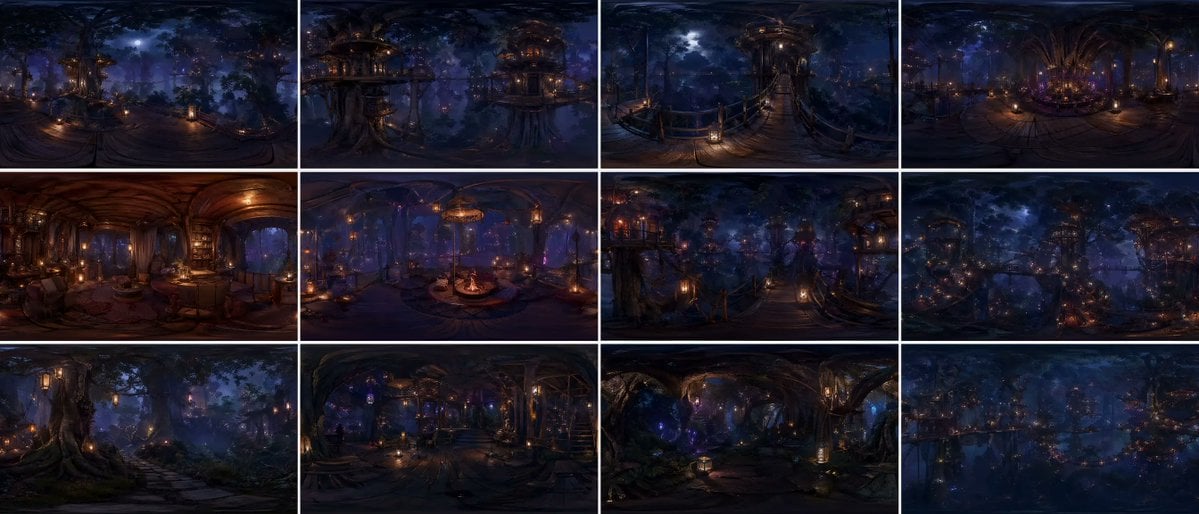
- Prompt included
- Model and format preset
- Free template
The prompt behind this image
Copy the exact prompt behind Degree Forest World Panorama Grid, or open it in the studio and make it yours.
{argument name="grid layout" default="12-panel grid (4x3)"}, each panel is an independent FULL equirectangular 360° panorama of the SAME continuous {argument name="environment" default="forest world"} each panel = complete spherical environment (360° horizontal, 180° vertical) true equirectangular projection with natural distortion: stretched edges, curved horizon, vertical compression toward zenith and nadir STRICT global consistency across panels: same forest biome, same architectural language, same materials, same lighting logic, same scale, same color palette, no visual drift cinematic photorealism, live-action quality, physically accurate rendering natural light behavior, realistic exposure, subtle lens response, filmic dynamic range ultra-detailed environment, grounded material response (wood, moss, fabric, stone), believable imperfections, micro-detail variation massive forest environment with large-scale vertical structures integrated into trees multi-layered platforms, bridges, embedded interiors, organic construction logic lighting: motivated light sources only (lanterns, windows, bioluminescence) soft volumetric fog interacting with light beams physically correct falloff, no overglow, no artificial bloom balanced contrast, filmic highlights, deep but readable shadows atmosphere: dense air perspective, layered depth, subtle particle presence natural haze, humidity, soft diffusion CAMERA (IMPORTANT): each panel = fixed central capture point of a spherical camera true 360° capture, no framing, no composition bias, no cropped view but with subtle real-world camera characteristics: slight lens softness toward edges, mild exposure adaptation, natural highlight rolloff each panel represents a different location within the SAME world: canopy height, mid-bridge level, interior spaces, vertical clearings, forest floor transitions continuous spatial logic between panels viewer always positioned at the center of the environment environment fully resolved in ALL directions: above (canopy, sky gaps, light sources) and below (structures, roots, depth layers) COLOR: {argument name="color scheme" default="deep indigo night base, warm amber practical lights, restrained violet accents"} cinematic color grading, natural color separation, no oversaturation STYLE: cinematic spherical realism, VR-ready environment, physically coherent world high-end film production quality, not stylized, not game-like no labels, no text, no numbers
How to use Degree Forest World Panorama Grid in 3 steps
- 1
Open
The prompt is already in the box next to the preview, with the template's model and format selected.
- 2…a portrait of your subject in softgolden-hour light, 85mm…
Personalize
Edit the subject and creative details for your destination.
- 3Generate
Generate
Press Generate — your image is created in PicX Studio, so you can compare it with the original and refine one variable at a time.
More like this
Templates with the same subject, style or setup. Open one to see its prompt.

Layered Paper Cut Forest Diorama

Korean Luxury Fashion Editorial 2x2 Grid Series

Minimalist Fashion Editorial Split Layout

Ultra-Realistic Vogue-Style Editorial Fashion Grid

Headphones Lifestyle Nine Panel Grid
Degree Panorama Generation Formula
Degree Panorama Cockpit Scene

4x4 Grid - Candid Nostalgic Vacation Selfies

Movement Sheet - Dance Reference (Seedance 2.0)
Degree Equirectangular Panorama Prompt

Paris Travel Collage Grid - Face Reference

Instagram Feed Grid
Make it yours
Degree Forest World Panorama Grid works as-is. These are the safest ways to change it without losing the look.
Change one field
Copy a single group, rewrite it, and generate again so you can see what that field is doing.
Keep the frame, change the subject
Hold the composition and light of 360-Degree Forest World Panorama Grid, then swap wardrobe, props or the person for a new take.
| If the result… | Why | Fix |
|---|---|---|
| The result drifts from the preview | Too many fields changed at once. | Reuse 360-Degree Forest World Panorama Grid as-is first, then change one group — subject, light, or setting. |
| The model over-stylizes the scene | The prose prompt leaves finish and camera underspecified. | Add one camera or lighting sentence and stay on GPT Image 2. |
More GPT Image 2 templates
Other prompts made for GPT Image 2.

Six VTuber Japanese Logo Sheet

Realistic Portrait of Woman and Deer

The Vista Modular Condo Poster

AI Model Routing Comparison Infographic

2.5D Anime Art Board

Isometric Productivity Desk Scene

New York Double Exposure Poster

Four-Panel AI Landscape Comparison

Japanese Tatami Lifestyle Magazine Cover

NESCAFÉ Coffee Map Poster
More image prompts
Fresh picks from across the catalog.

Gpt2 Time Magazine Cover
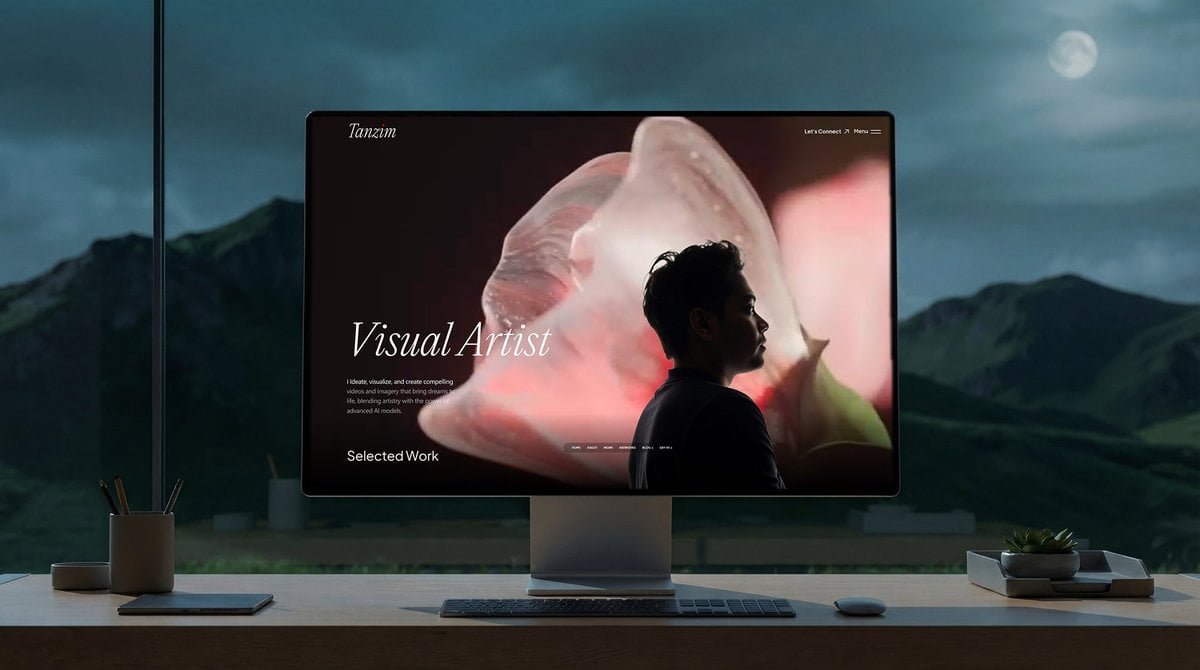
Simple Monitor Shot Prompt
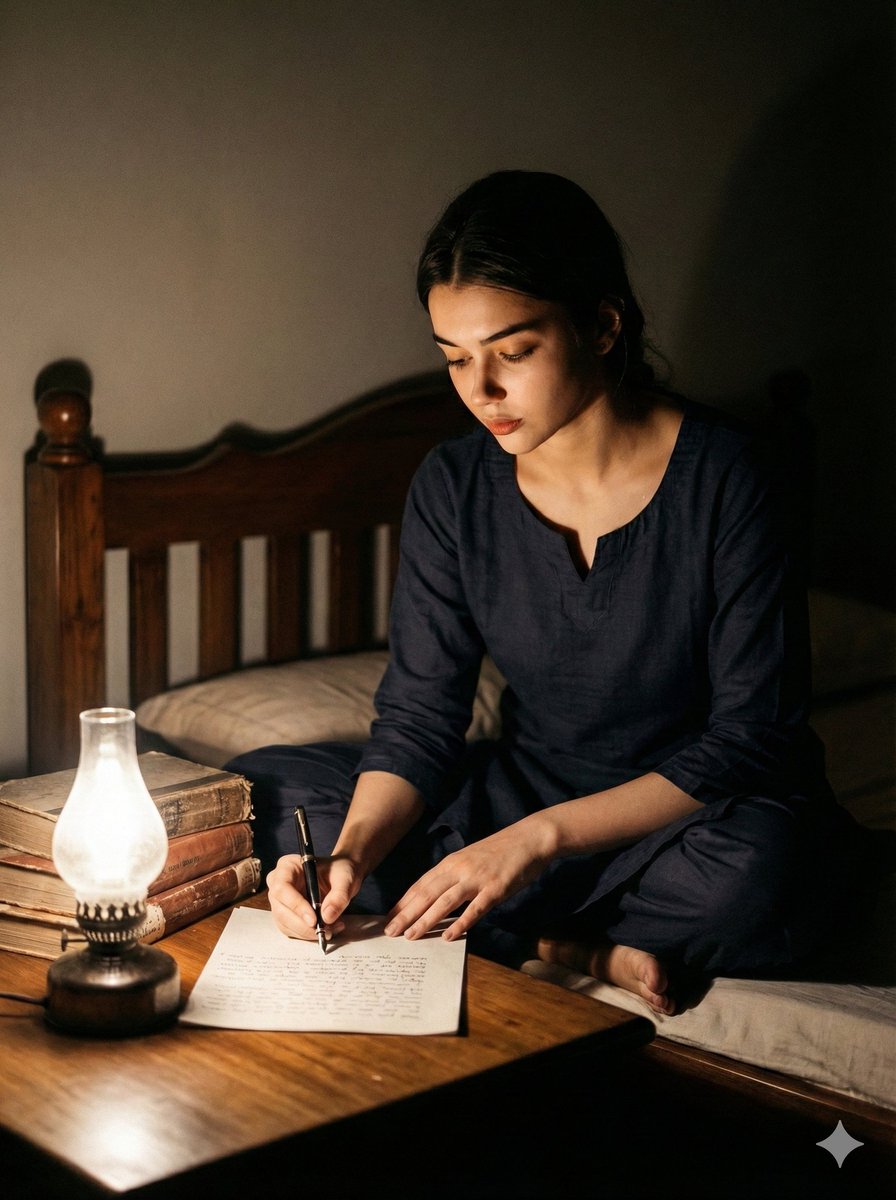
Cinematic Black and White Portrait of a Writer
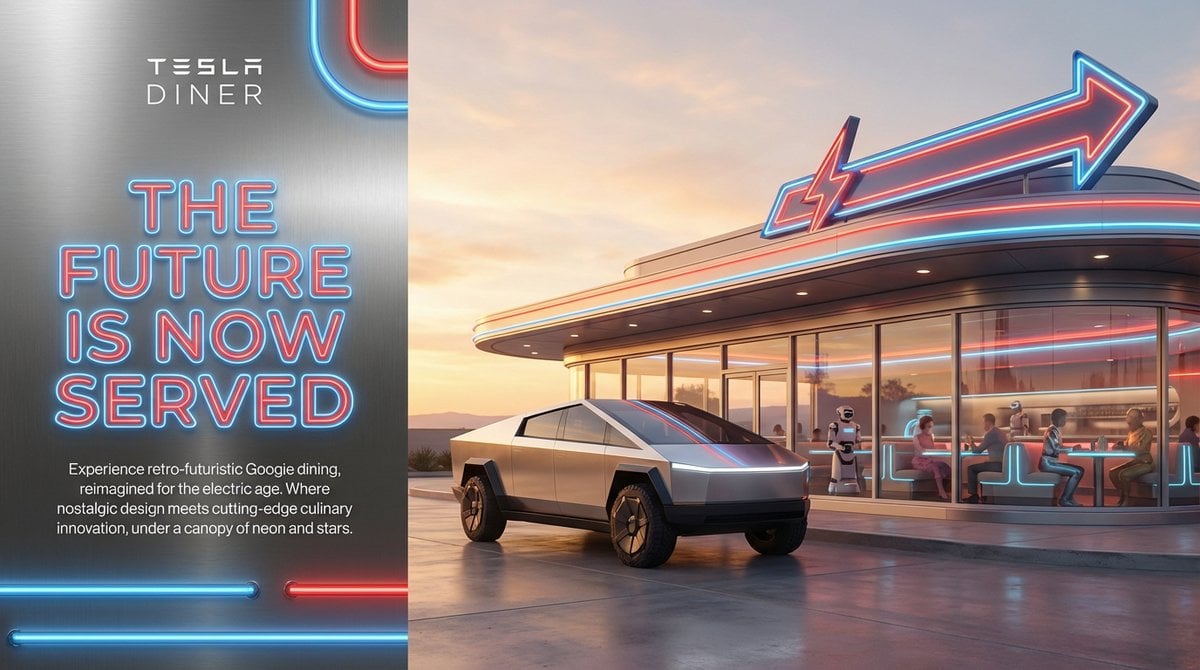
Editorial-Style Marketing Banner for Premium Tech

Floating Instagram Creator Portrait
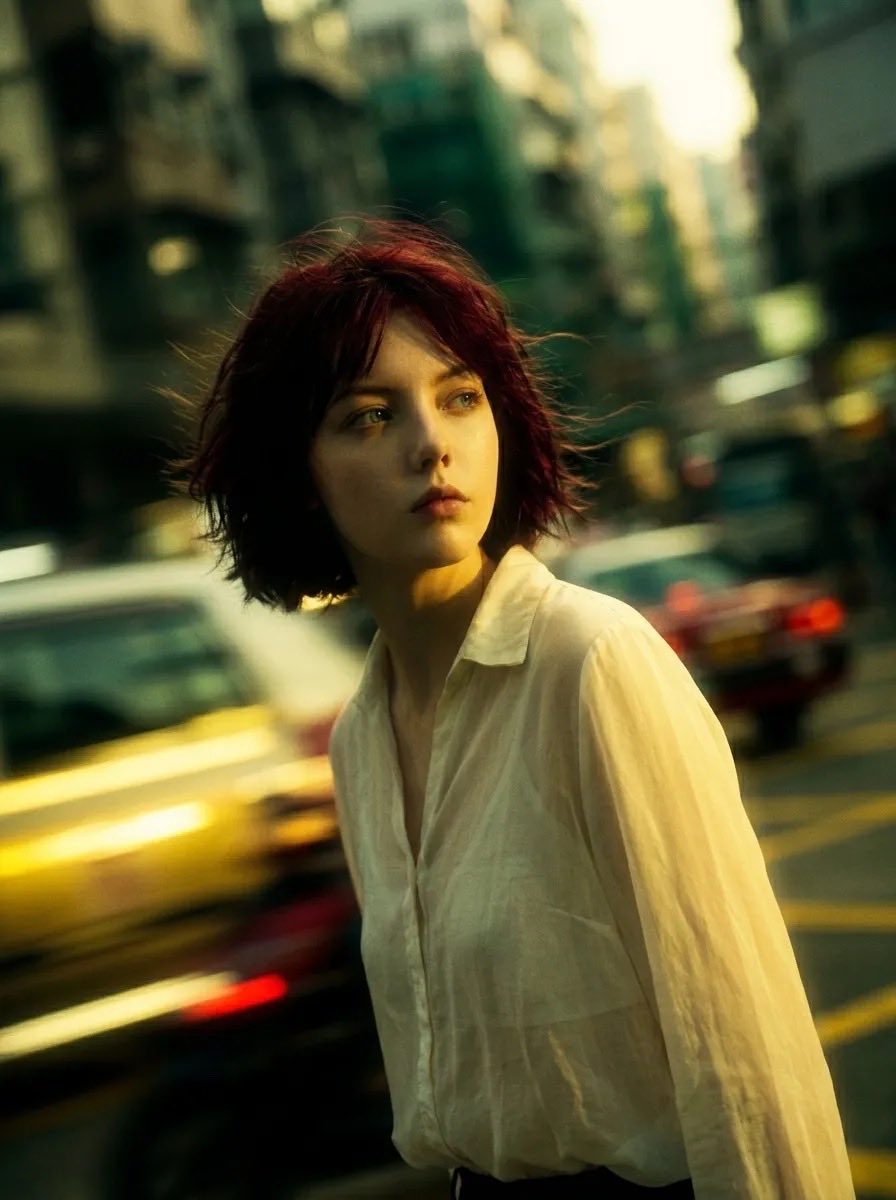
Cinematic Urban Street Portrait
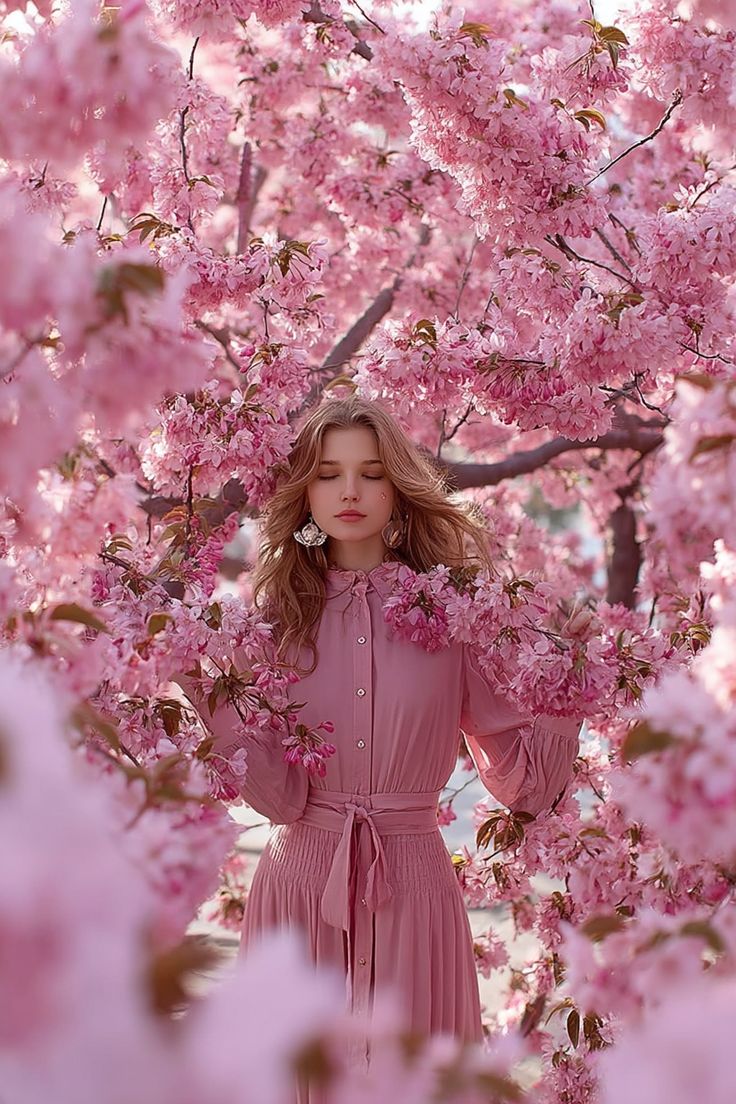
Dreamy Cinematic Portrait under Cherry Blossoms

Pongal Festival Photo Prompt for Gemini Nano Banana
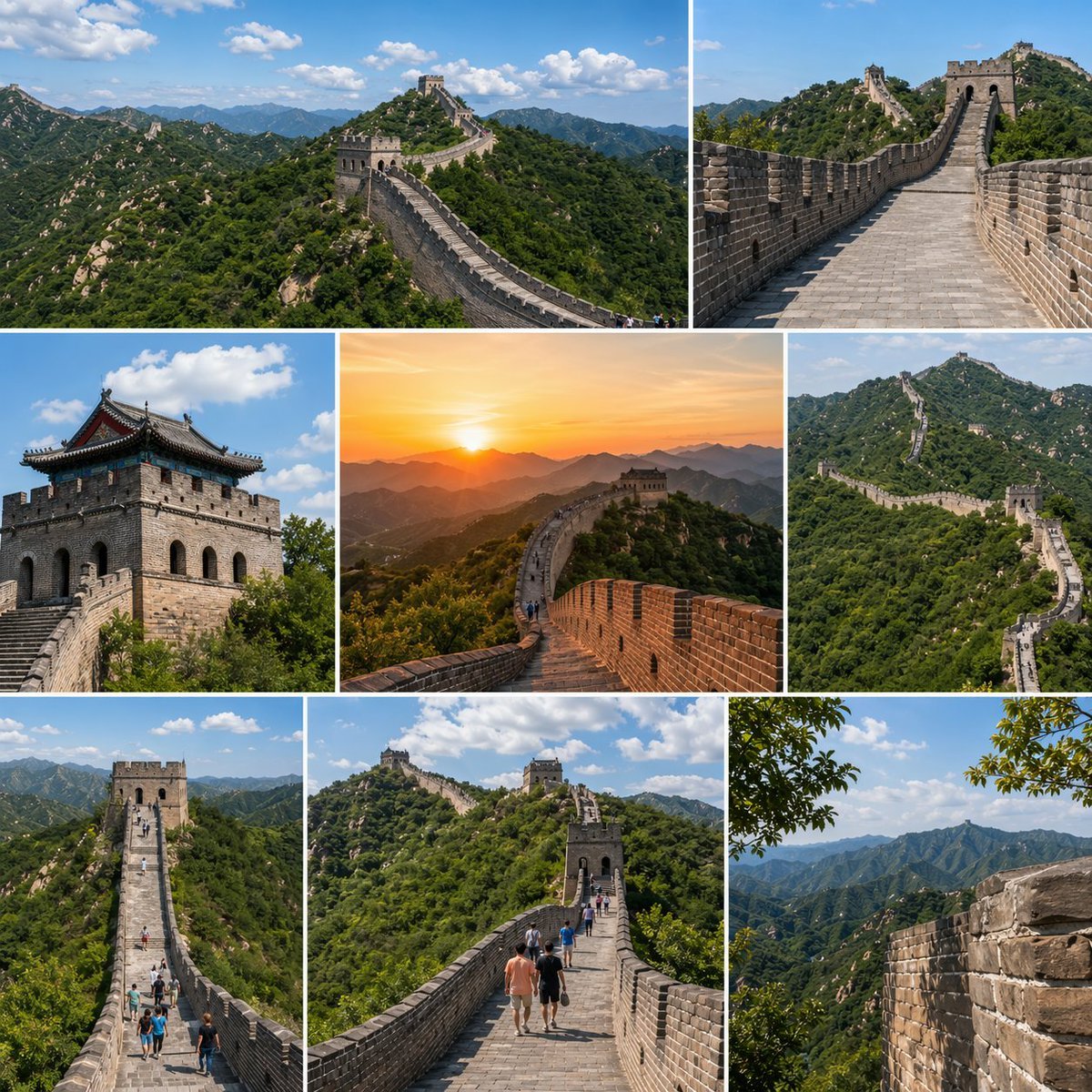
Great Wall Travel Collage
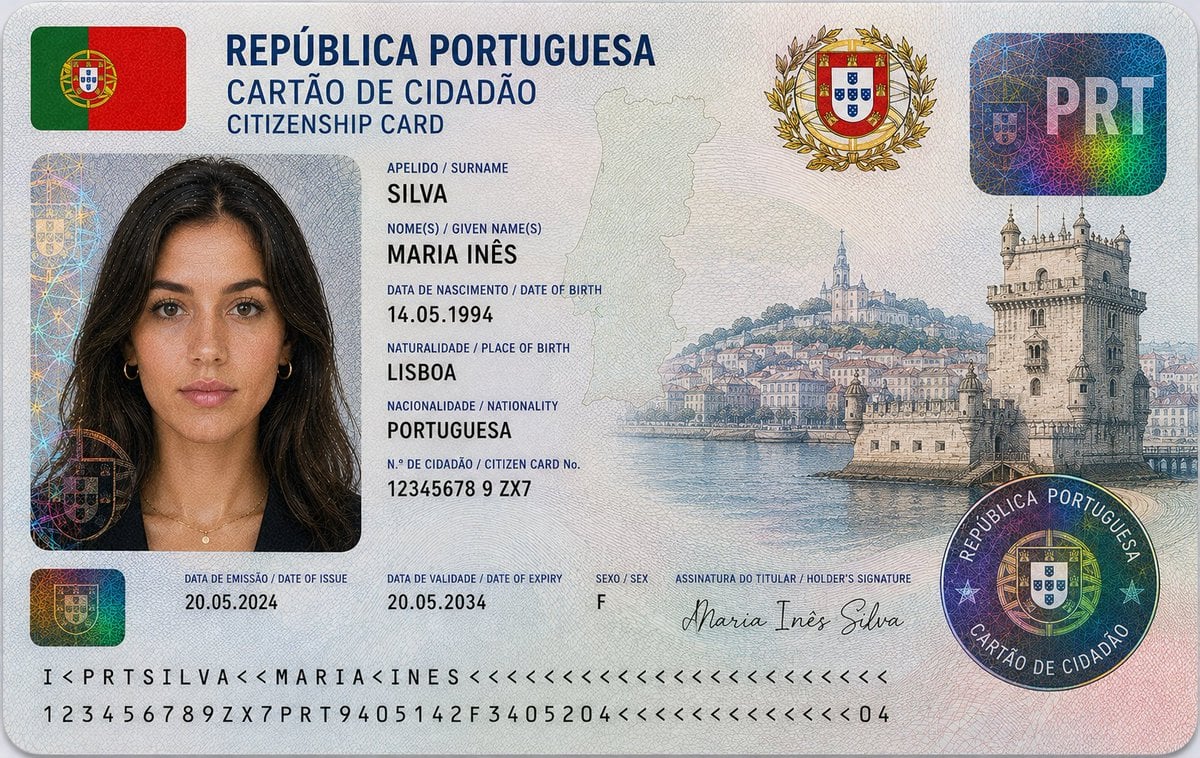
Nigerian Citizenship Identity Card Mockup
Browse template categories
Degree Forest World Panorama Grid questions
How do I use the 360-Degree Forest World Panorama Grid template?
Add your photo if the template asks for one, edit the prompt if you like — the template's model and format are already selected — and press Generate. Your version opens in PicX Studio.
Can I customize the 360-Degree Forest World Panorama Grid template?
Yes. You can change the subject, setting, lighting, mood, format, and available model controls before creating your image.
Is the 360-Degree Forest World Panorama Grid template free?
Opening and editing this template is free. Generating uses credits, shown on the Generate button when you are signed in.
Which AI model should I use?
Start with GPT Image 2, which is the model associated with this template. You can compare another compatible model for a different finish.
Looking for something else? Browse all templates.

Your photo, any look
Thousands of ready templates for every top image and video model, from one credit balance.