
Great Wall Travel Collage
A square multi-photo collage showcasing the Great Wall of China from scenic, architectural, and sunset viewpoints, ideal for travel posts or destination promotion.
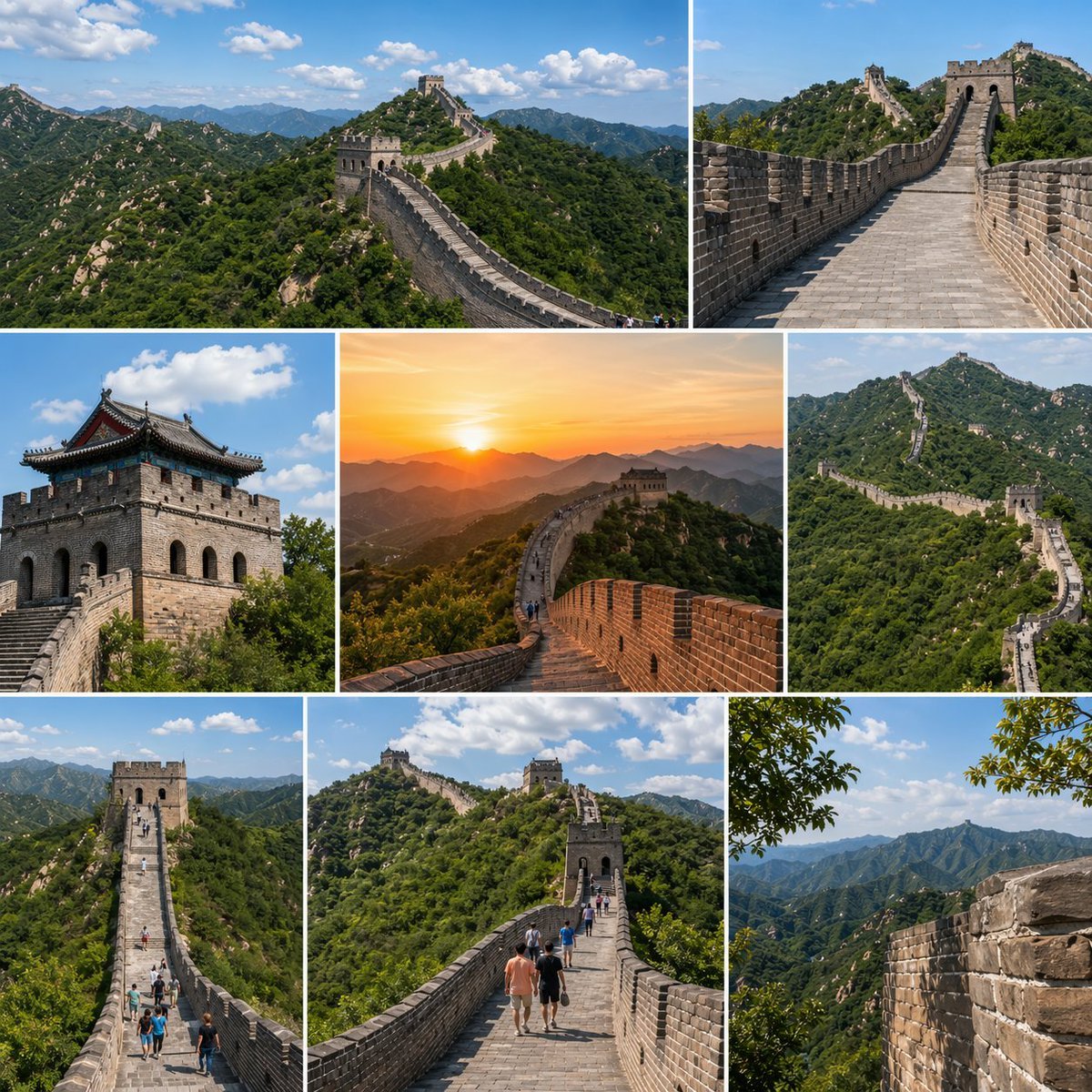
- Prompt included
- Model and format preset
- Free template
The prompt behind this image
Copy the exact prompt behind Great Wall Travel Collage, or open it in the studio and make it yours.
- Type
- travel photo collage
- Subject
- The Great Wall of China
- Style
- high-resolution realistic travel photography, crisp daylight clarity, vivid natural colors, editorial tourism brochure look
- Composition › Format
- square collage
- Composition › Grid › Columns
- 3
- Composition › Grid › Rows
- 3
- Composition › Grid › Count
- 8
- Composition › Borders
- thin white dividers between all images
- Composition › Image Count
- 8
- Scenes › 0 › Position
- top-left wide panel
- Scenes › 0 › Description
- a sweeping aerial-style landscape view of the Great Wall winding across densely forested green mountains under a bright blue sky with scattered white clouds
- Scenes › 1 › Position
- top-right wide panel
- Scenes › 1 › Description
- a straight-on perspective from atop the stone walkway of the Great Wall, leading toward a watchtower, with brick parapets on both sides and mountain ridges in the distance
- Scenes › 2 › Position
- middle-left panel
- Scenes › 2 › Description
- a close architectural view of a stone watchtower with dark traditional roof eaves, seen from below against a blue sky with fluffy clouds
- Scenes › 3 › Position
- middle-center panel
- Scenes › 3 › Description
- a golden sunset scene on the Great Wall, warm orange sun low over layered mountain silhouettes, the wall curving dramatically toward a watchtower
- Scenes › 4 › Position
- middle-right panel
- Scenes › 4 › Description
- a telephoto scenic view of the Great Wall zigzagging over steep green ridges, emphasizing its long serpentine form
- Scenes › 5 › Position
- bottom-left panel
- Scenes › 5 › Description
- an elevated frontal view down a long stretch of the wall with several small tourists walking along the central path toward a tower
- Scenes › 6 › Position
- bottom-center panel
- Scenes › 6 › Description
- a human-scale walkway view with a small group of tourists in casual summer clothing walking away from the camera along the Great Wall toward multiple watchtowers on lush hills
- Scenes › 7 › Position
- bottom-right panel
Raw JSON
{"type":"travel photo collage","subject":"The Great Wall of China","style":"high-resolution realistic travel photography, crisp daylight clarity, vivid natural colors, editorial tourism brochure look","composition":{"format":"square collage","grid":{"columns":3,"rows":3,"count":8},"borders":"thin white dividers between all images","image_count":8},"scenes":[{"position":"top-left wide panel","description":"a sweeping aerial-style landscape view of the Great Wall winding across densely forested green mountains under a bright blue sky with scattered white clouds"},{"position":"top-right wide panel","description":"a straight-on perspective from atop the stone walkway of the Great Wall, leading toward a watchtower, with brick parapets on both sides and mountain ridges in the distance"},{"position":"middle-left panel","description":"a close architectural view of a stone watchtower with dark traditional roof eaves, seen from below against a blue sky with fluffy clouds"},{"position":"middle-center panel","description":"a golden sunset scene on the Great Wall, warm orange sun low over layered mountain silhouettes, the wall curving dramatically toward a watchtower"},{"position":"middle-right panel","description":"a telephoto scenic view of the Great Wall zigzagging over steep green ridges, emphasizing its long serpentine form"},{"position":"bottom-left panel","description":"an elevated frontal view down a long stretch of the wall with several small tourists walking along the central path toward a tower"},{"position":"bottom-center panel","description":"a human-scale walkway view with a small group of tourists in casual summer clothing walking away from the camera along the Great Wall toward multiple watchtowers on lush hills"},{"position":"bottom-right panel","description":"a scenic mountain panorama framed by a close-up section of the wall on the right and leafy tree branches at the upper edge, showing layered blue-green ridges fading into the distance"}],"environment":{"season":"summer","vegetation":"dense green mountain foliage","sky":"clear blue with scattered cumulus clouds, except one warm sunset panel","lighting":"mostly bright midday sun with one golden-hour sunset image"},"details":{"architecture":"aged gray stone and brick wall, crenellations, stair-stepped pathways, multiple watchtowers","people":"exactly 2 panels contain clearly visible tourists, plus tiny distant walkers in 1 additional panel","mood":"majestic, adventurous, iconic world heritage destination"}}How to use Great Wall Travel Collage in 3 steps
- 1Upload ImagePNG, JPG or paste
Add your photo
Upload the photo the template builds on. The prompt, model and format are already set.
- 2…a portrait of your subject in softgolden-hour light, 85mm…
Personalize
Edit the subject and creative details for your destination.
- 3Generate
Generate
Press Generate — your image is created in PicX Studio, so you can compare it with the original and refine one variable at a time.
More like this
Templates with the same subject, style or setup. Open one to see its prompt.

Travel Poster Graphic Collage

Paris Travel Collage Grid - Face Reference
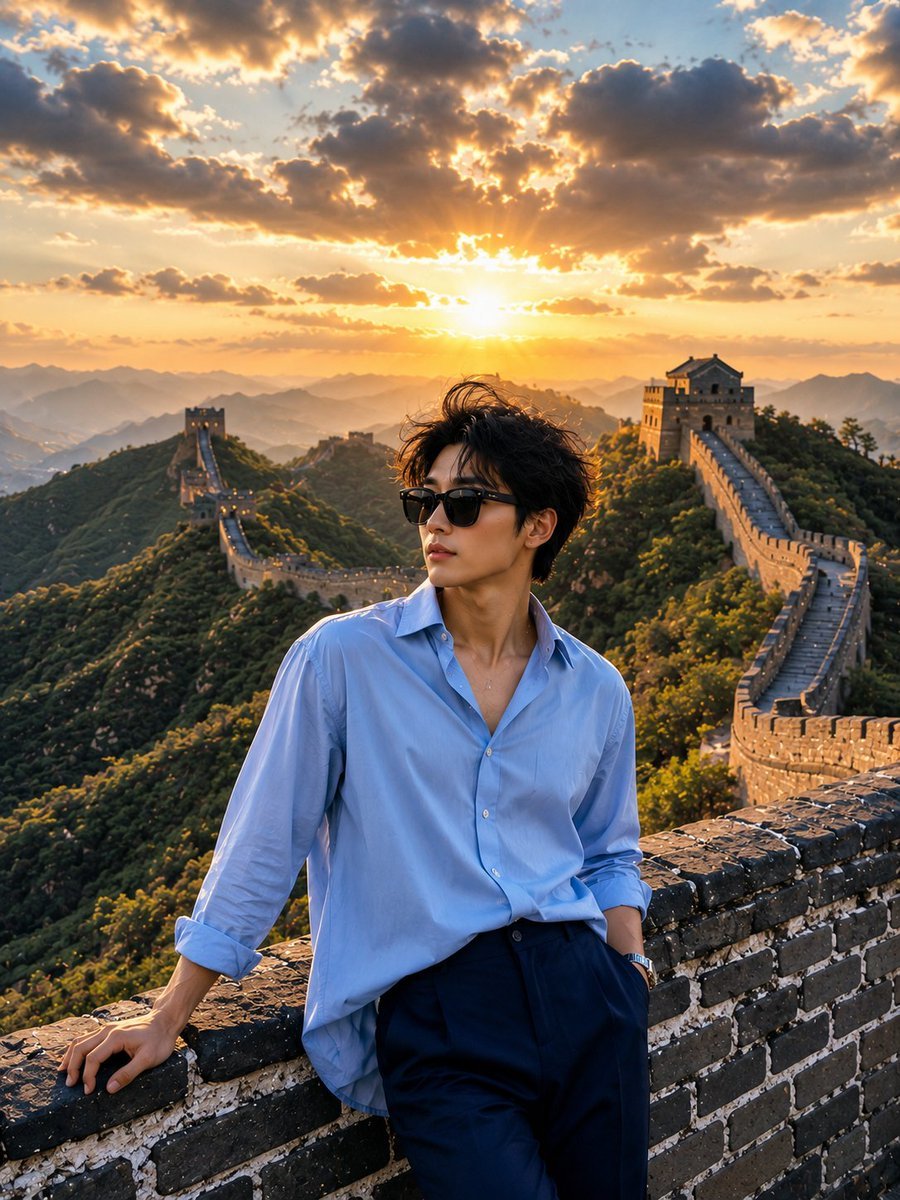
Great Wall Travel Photography

Japan Travel Brochure Poster

Miniature Travel Diorama Postcard

Boardwalk Fashion Portrait

Paper Cut Finale Fireworks

Paper Cut Garden Maze

Paper Cut Rooftop Concert

Paper Cut Bicycle Coast

Paper Cut Castle Gate

Paper Cut Kitchen Chaos
Make it yours
Great Wall Travel Collage works as-is. These are the safest ways to change it without losing the look.
Swap the setting
Keep the rest of the prompt and replace the location block. The current setting is “summer”.
Swap the light
One lighting change is enough to compare takes. Current light: “mostly bright midday sun with one golden-hour sunset image”.
Change one field
Copy a single group, rewrite it, and generate again so you can see what that field is doing.
| If the result… | Why | Fix |
|---|---|---|
| The result drifts from the preview | Too many fields changed at once. | Reuse Great Wall Travel Collage as-is first, then change one group — subject, light, or setting. |
| GPT Image 2 ignores part of the JSON | Some models flatten or skip nested keys. | Keep the same values and paste them as a short paragraph instead. |
More GPT Image 2 templates
Other prompts made for GPT Image 2.

Six VTuber Japanese Logo Sheet

Realistic Portrait of Woman and Deer

The Vista Modular Condo Poster

AI Model Routing Comparison Infographic

2.5D Anime Art Board

Isometric Productivity Desk Scene

New York Double Exposure Poster

Four-Panel AI Landscape Comparison

Japanese Tatami Lifestyle Magazine Cover

NESCAFÉ Coffee Map Poster
More image prompts
Fresh picks from across the catalog.

Futuristic Cyber Skincare Product Ad
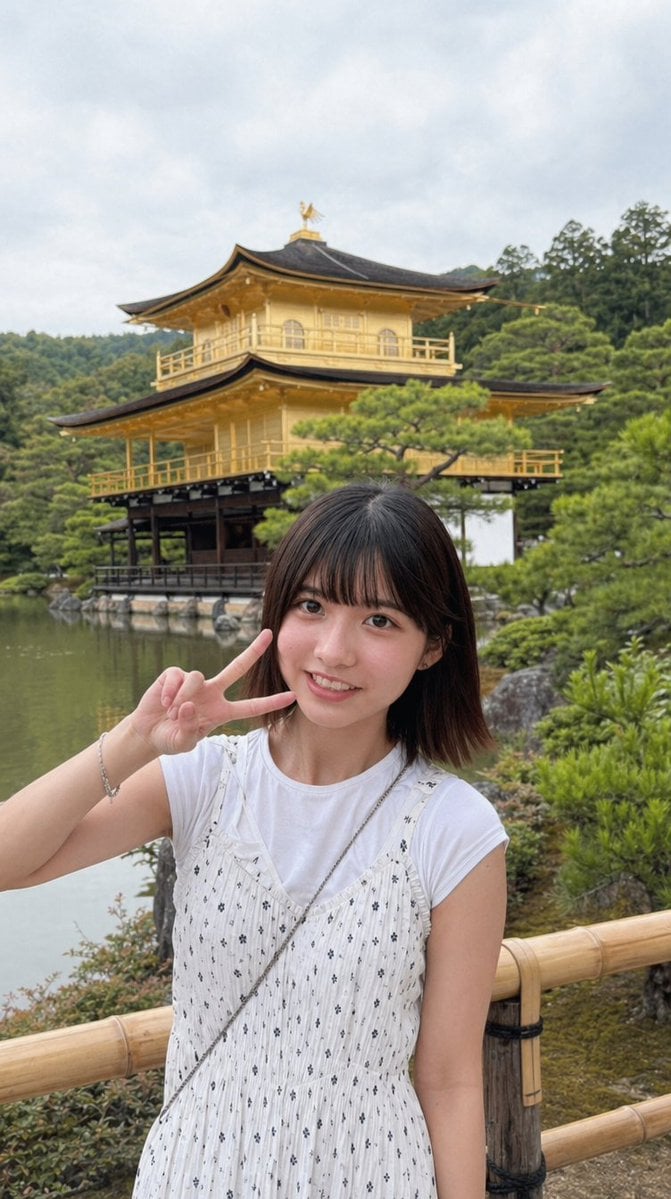
Arcade Portrait to Kyoto Travel Photo
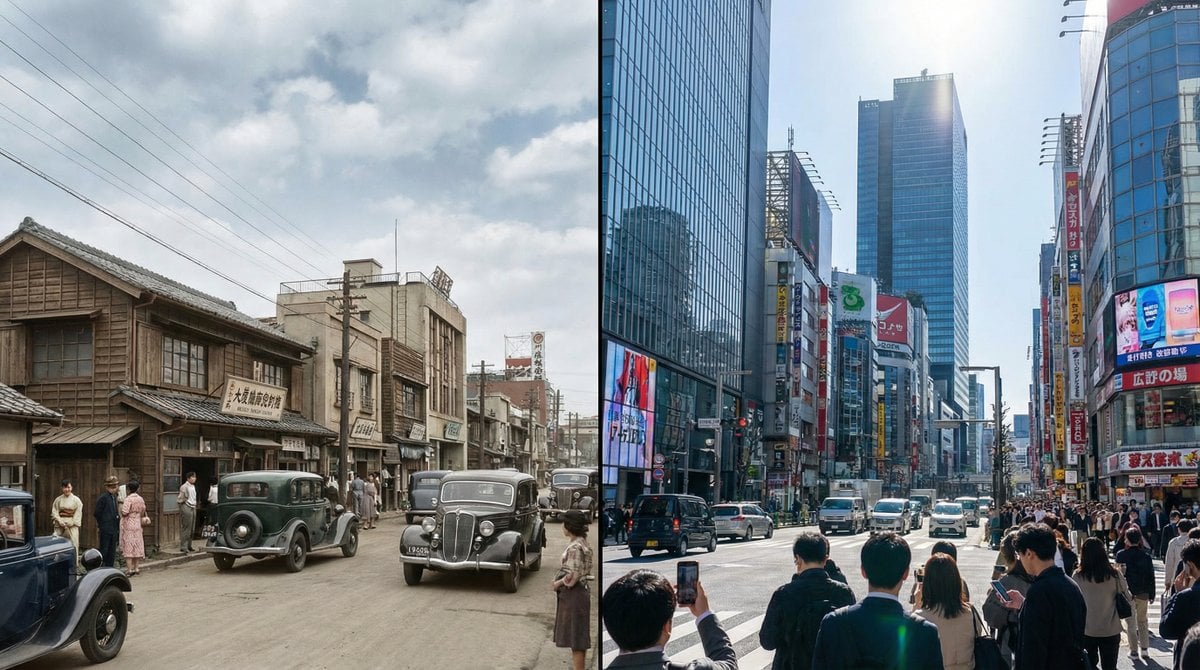
Split-screen time-lapse of same location by coordinates
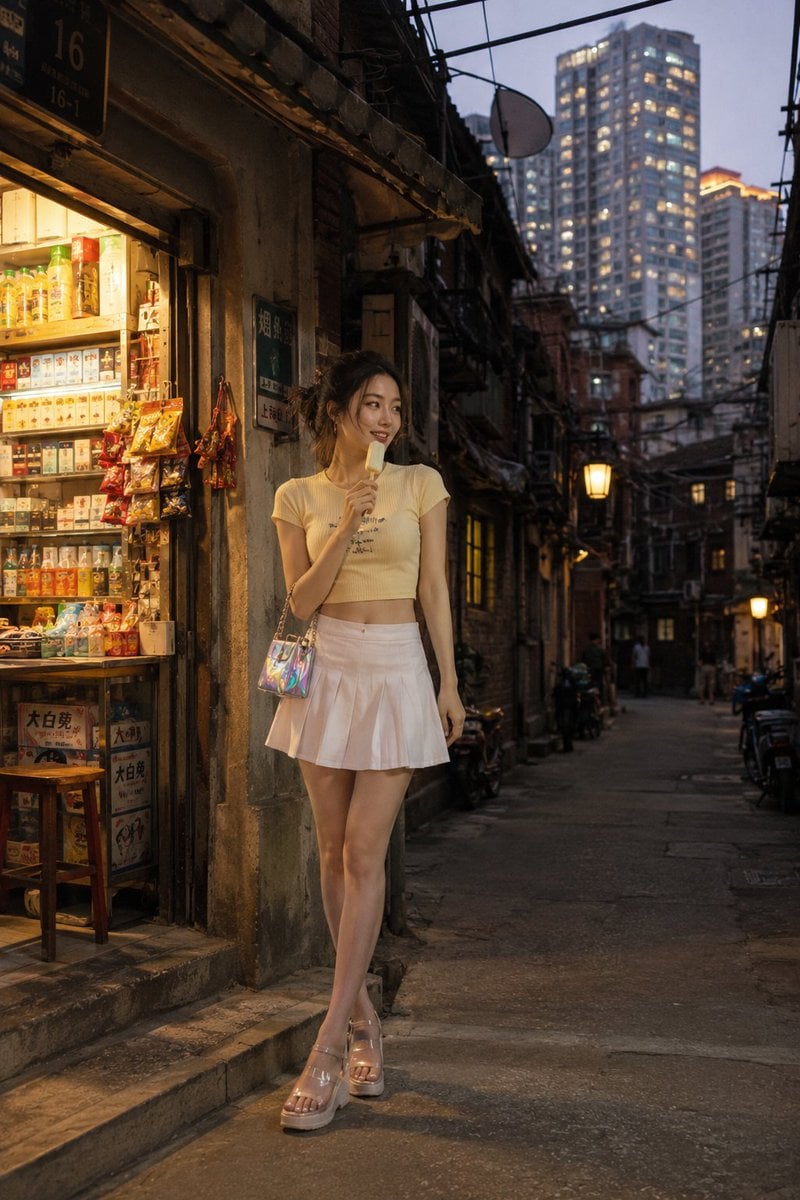
Shanghai Longtang Street Candid
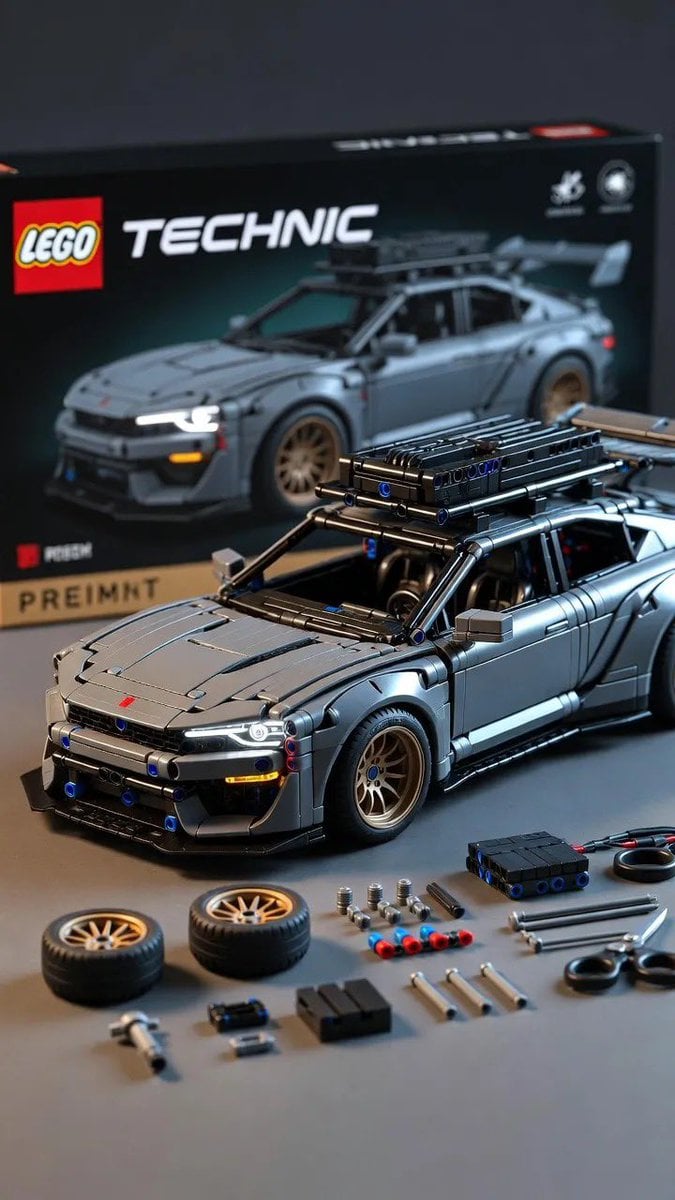
Ultra-Detailed LEGO Technic Product Render

Seaside Pocari Sweat Schoolgirl Ad

Golden Hour Luxury Vlog Portrait with Hyper-Voluminous Anatomy

Manga Style Brand Identity Infographic

Minimalist studio shot of transparent bubble wrap fashion item

Consistent Character Reference Sheet
Browse template categories
Great Wall Travel Collage questions
How do I use the Great Wall Travel Collage template?
Add your photo if the template asks for one, edit the prompt if you like — the template's model and format are already selected — and press Generate. Your version opens in PicX Studio.
Can I customize the Great Wall Travel Collage template?
Yes. You can change the subject, setting, lighting, mood, format, and available model controls before creating your image.
Is the Great Wall Travel Collage template free?
Opening and editing this template is free. Generating uses credits, shown on the Generate button when you are signed in.
Which AI model should I use?
Start with GPT Image 2, which is the model associated with this template. You can compare another compatible model for a different finish.
Looking for something else? Browse all templates.

Your photo, any look
Thousands of ready templates for every top image and video model, from one credit balance.