
Manga Style Brand Identity Infographic
A highly detailed prompt that transforms a brand logo into a personified manga-style character, displayed in a multi-panel layout showing various scenarios and traits.
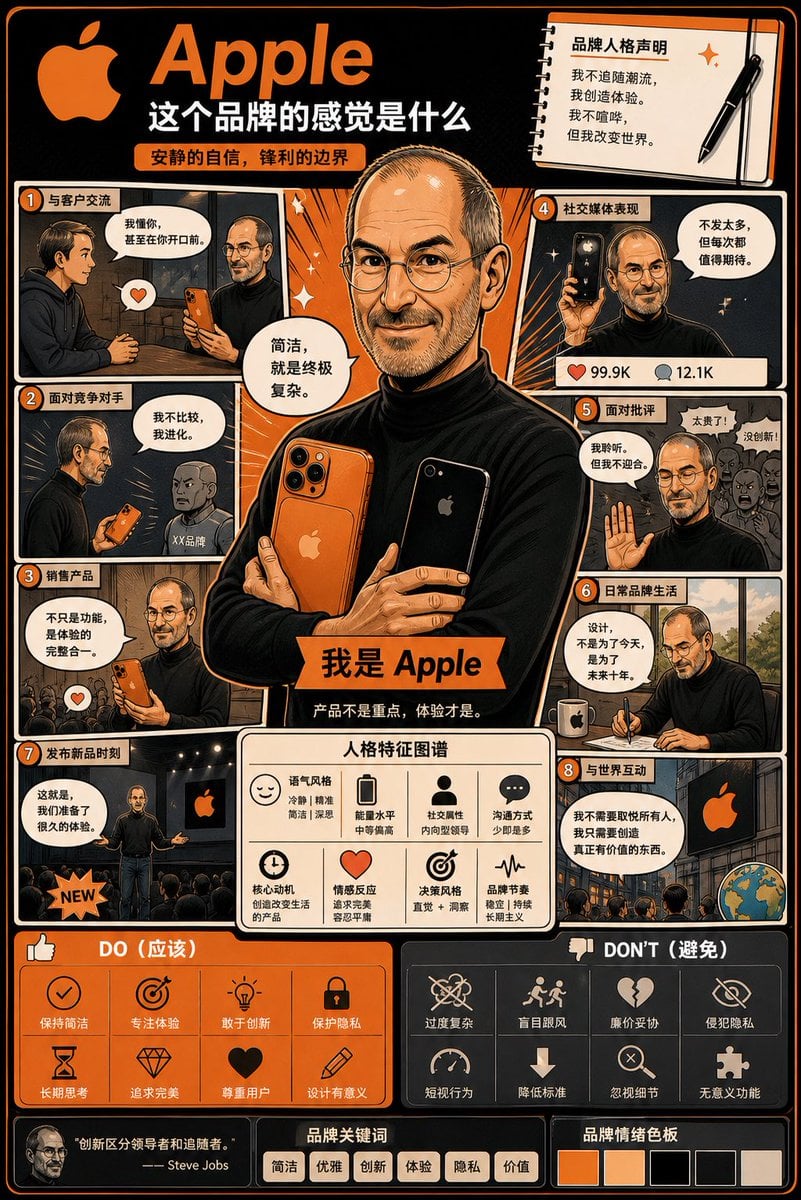
- Prompt included
- Model and format preset
- Free template
The prompt behind this image
Copy the exact prompt behind Manga Style Brand Identity Infographic, or open it in the studio and make it yours.
Using the uploaded logo, create a highly detailed comic-style infographic poster: ⸻ "What Does This Brand Feel Like" GOAL: Turn the brand into a "living individual," and visually show how it behaves, speaks, and interacts with the world. The overall feel should blend: brand strategy + character design + comic-book storytelling ⸻ CORE RULE: Everything must be derived from the logo itself: Color Style Tone of voice Personality ❌ Generic, one-size-fits-all personality descriptions are not allowed ⸻ MAIN STRUCTURE: {argument name="layout" default="vertical 4:5 poster"} Information-dense, multi-panel layout {argument name="style" default="comic + infographic hybrid style"} ⸻ TOP SECTION: Brand name A short personality statement (6 words max) Example: "Quiet confidence, sharp boundaries" ⸻ MAIN CHARACTER (VERY IMPORTANT): Create a core character that represents the brand: A personified image of the brand Clothing that reflects the brand's style Posture and expression that convey its personality ⸻ AROUND THE CHARACTER: Design 6–8 comic panels showing the brand's behavior in different situations. ⸻ SCENARIO IDEAS: Talking with customers Facing a competitor Selling a product Behavior on social media Facing criticism An everyday "brand life" moment ⸻ FOR EACH PANEL: A short title (6 words max) A speech bubble or inner monologue A clear visual action ⸻ TONE EXAMPLES: Luxury brand: calm, confident, concise language Playful brand: exaggerated, chaotic, expressive Tech brand: precise, rational, clean ⸻ PERSONALITY TRAITS SECTION: Show in small modules: Tone style (e.g., calm / bold / playful) Energy level (low / medium / high) Social trait (introverted / extroverted) Communication style Use: Icons Short labels ⸻ DO / DON'T MODULE: Split into two areas: DO: Behaviors the brand should have DON'T: Behaviors that would damage the brand image ⚠️ Keep the wording extremely short ⸻ VISUAL ELEMENTS: Speech bubbles Icons Arrows Small reaction faces Exaggerated comic expressions ⸻ STYLE: Comic + editorial design hybrid Slightly exaggerated, but keep it premium and sophisticated Expressive but not childish ⸻ COLOR: Strictly based on the logo's color palette Use color to reinforce the brand's personality ⸻ DEPTH: 20–40 visual elements Multiple small panels Layered composition ⸻ IMPORTANT RULES: Must feel "alive" Must be specific and distinctive ❌ No generic marketing language ❌ No blank/empty areas Copy should be short but impactful ⸻ FINAL FEEL: Should feel like: A brand strategy turned into a character A visual storytelling board Something people would want to collect and study Not like: Flat, monotonous Generic, faceless Minimalist and empty
How to use Manga Style Brand Identity Infographic in 3 steps
- 1Upload ImagePNG, JPG or paste
Add your photo
Upload the photo the template builds on. The prompt, model and format are already set.
- 2…a portrait of your subject in softgolden-hour light, 85mm…
Personalize
Edit the subject and creative details for your destination.
- 3Generate
Generate
Press Generate — your image is created in PicX Studio, so you can compare it with the original and refine one variable at a time.
More like this
Templates with the same subject, style or setup. Open one to see its prompt.

Japan Travel Brochure Poster
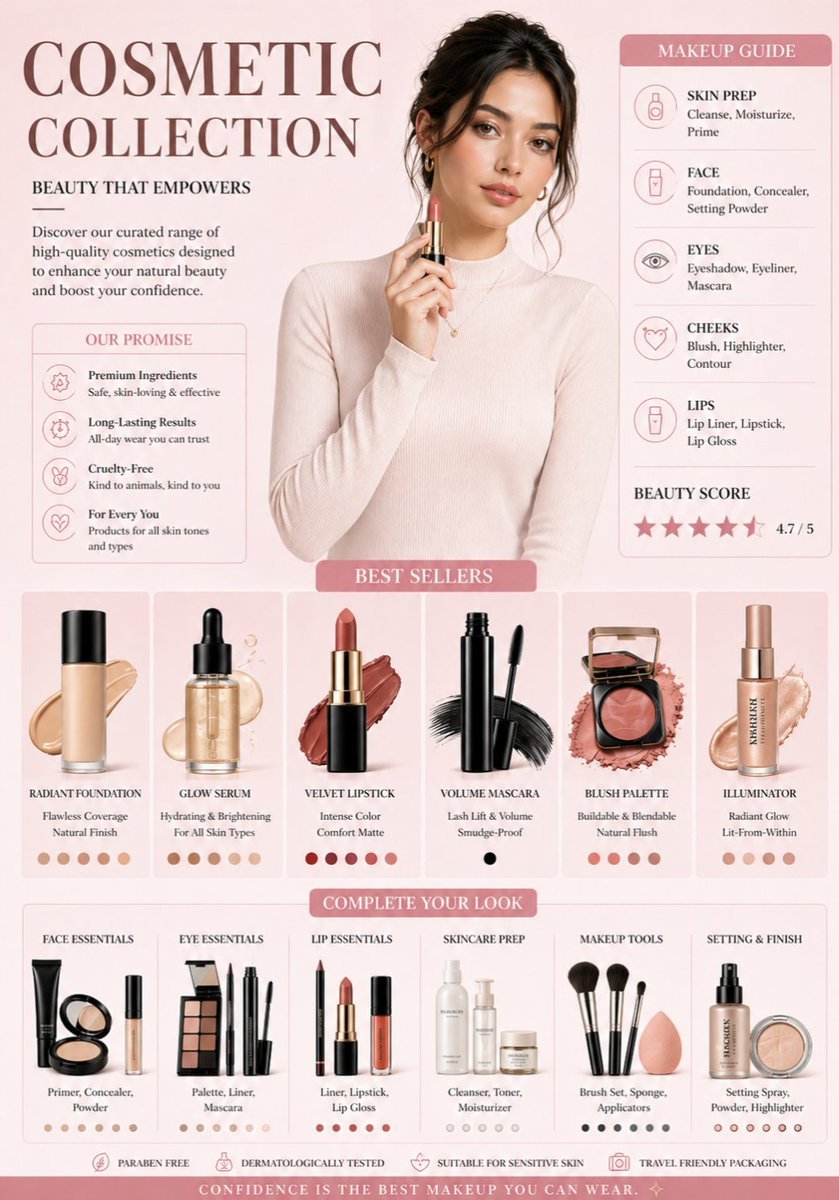
Luxury Cosmetic Brand Infographic

Luxury Fashion Campaign Typography Poster System

Premium Fashion Editorial Campaign Poster System

Isometric Process Educational Diorama

Isometric Brand Store Diorama

Moss Logo Minimalist Brand Flat Lay

Isometric Vehicle Teardown Infographic Template
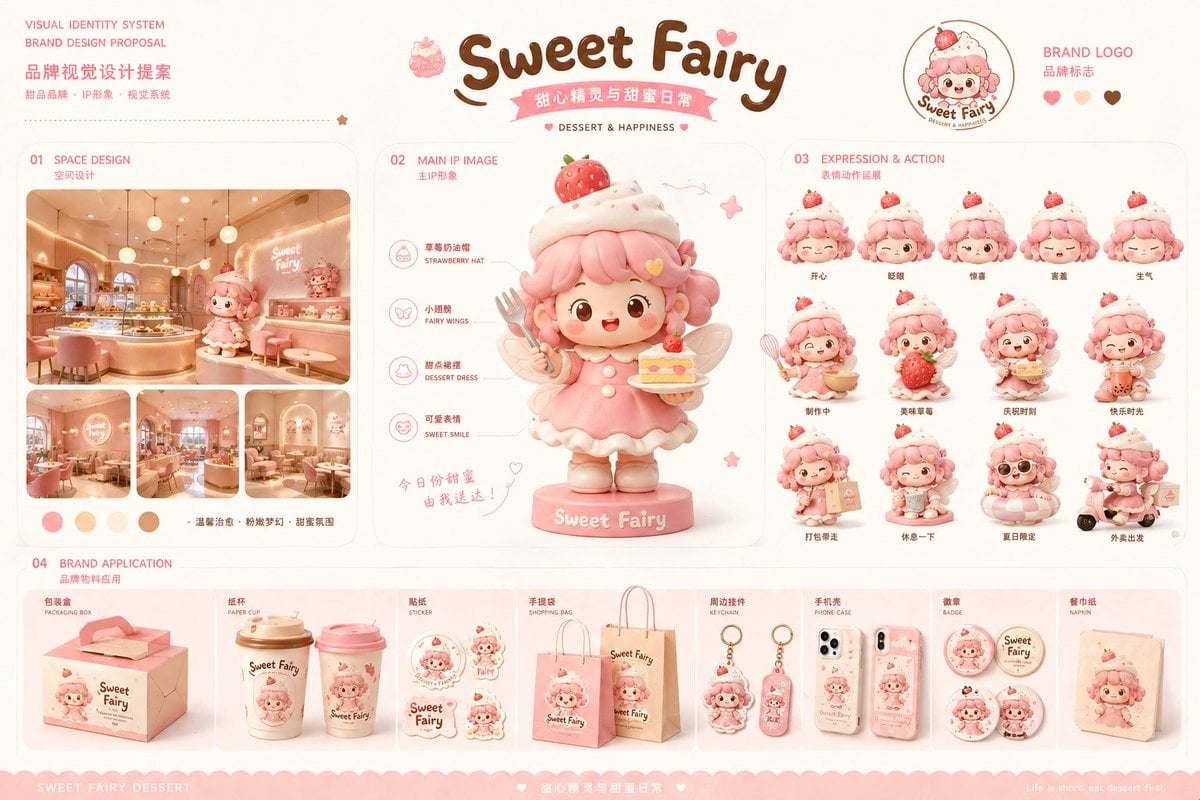
Dessert Brand Visual Identity Proposal Board
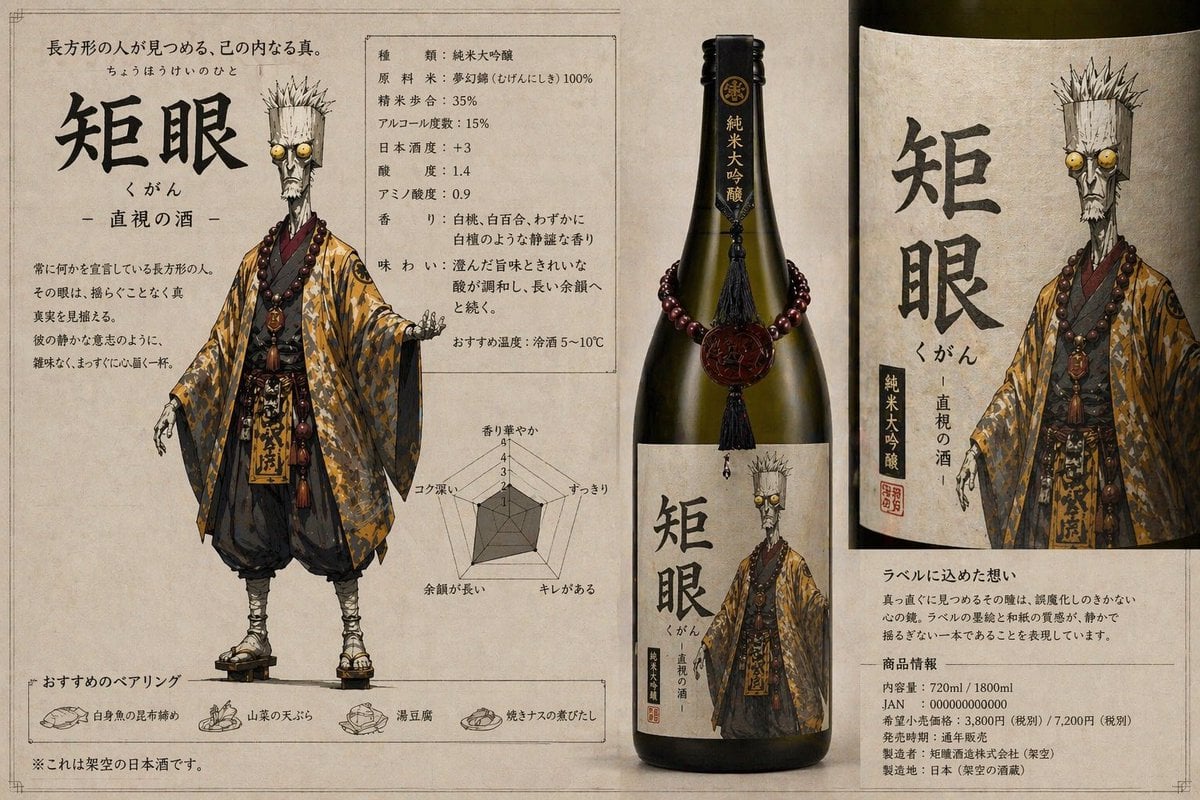
Character-Based Brand Identity Design
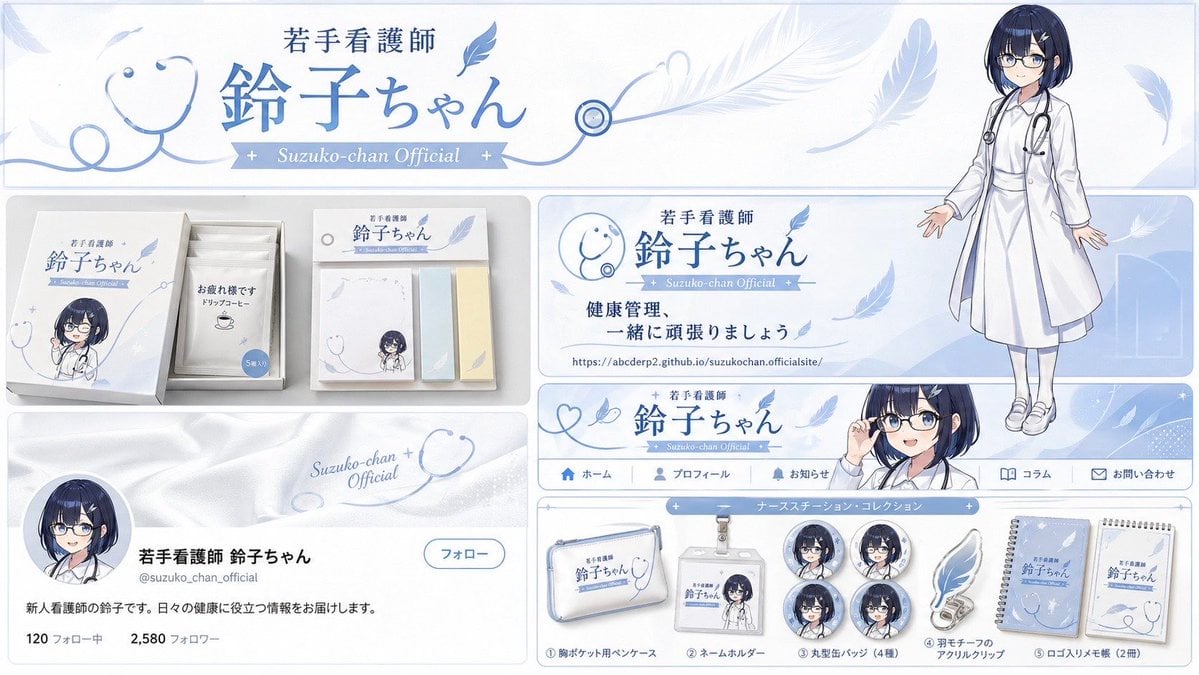
Brand Identity Design Board
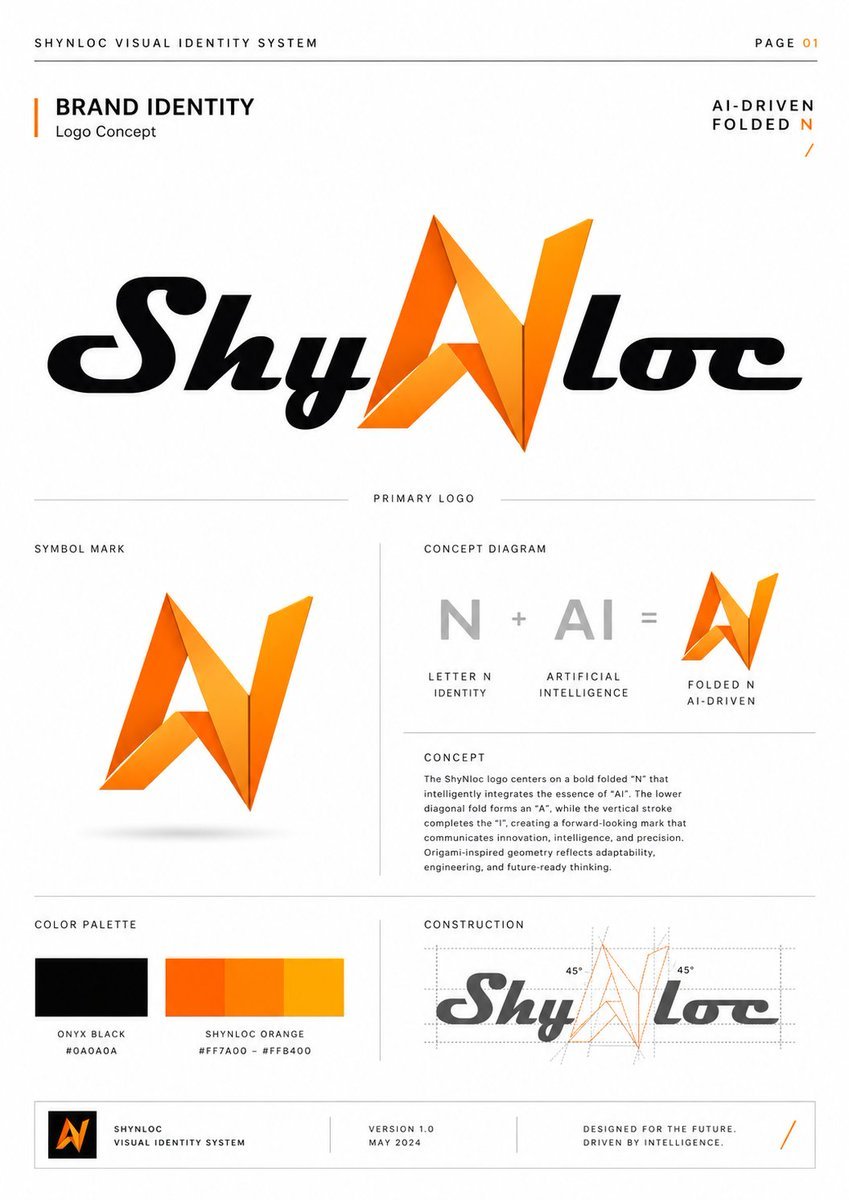
Shynloc Brand Identity Sheet
Make it yours
Manga Style Brand Identity Infographic works as-is. These are the safest ways to change it without losing the look.
Change one field
Copy a single group, rewrite it, and generate again so you can see what that field is doing.
Keep the frame, change the subject
Hold the composition and light of Manga Style Brand Identity Infographic, then swap wardrobe, props or the person for a new take.
| If the result… | Why | Fix |
|---|---|---|
| The result drifts from the preview | Too many fields changed at once. | Reuse Manga Style Brand Identity Infographic as-is first, then change one group — subject, light, or setting. |
| The model over-stylizes the scene | The prose prompt leaves finish and camera underspecified. | Add one camera or lighting sentence and stay on GPT Image 2. |
More GPT Image 2 templates
Other prompts made for GPT Image 2.

Six VTuber Japanese Logo Sheet

Realistic Portrait of Woman and Deer

The Vista Modular Condo Poster

AI Model Routing Comparison Infographic

2.5D Anime Art Board

Isometric Productivity Desk Scene

New York Double Exposure Poster

Four-Panel AI Landscape Comparison

Japanese Tatami Lifestyle Magazine Cover

NESCAFÉ Coffee Map Poster
More image prompts
Fresh picks from across the catalog.
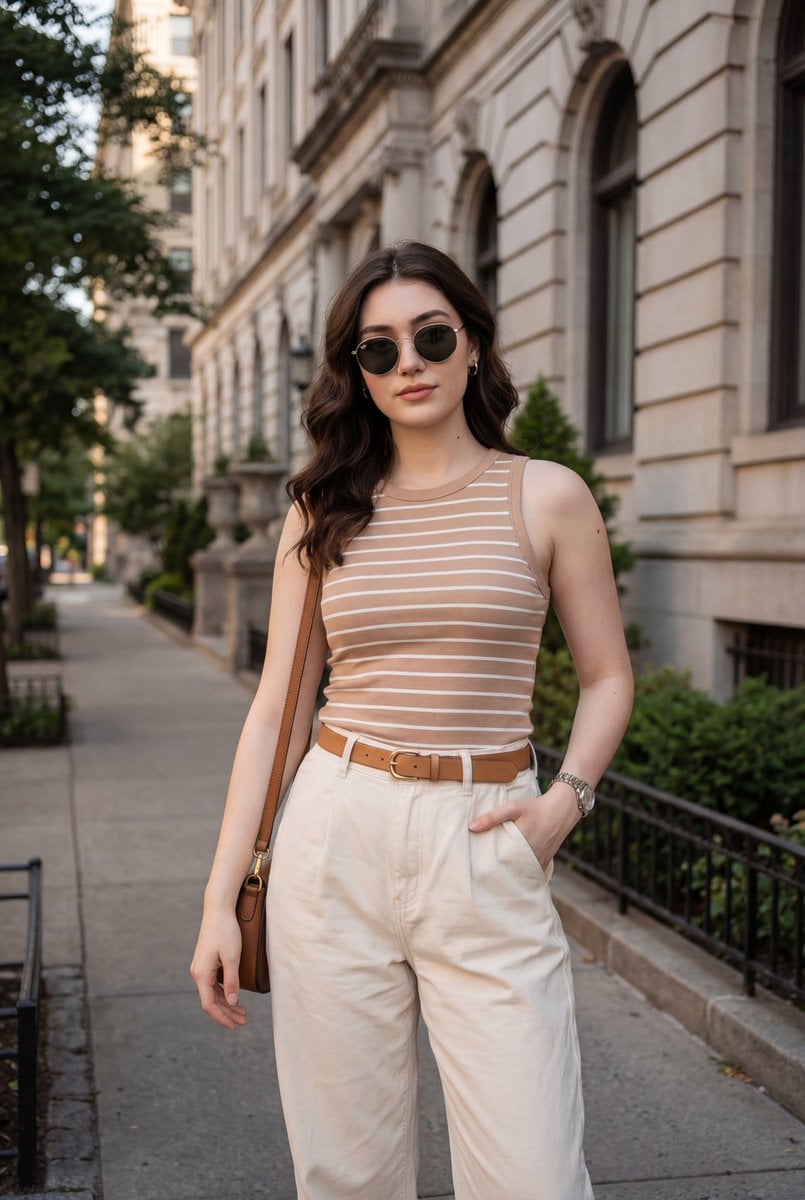
Fashion Lifestyle Street Portrait Prompt
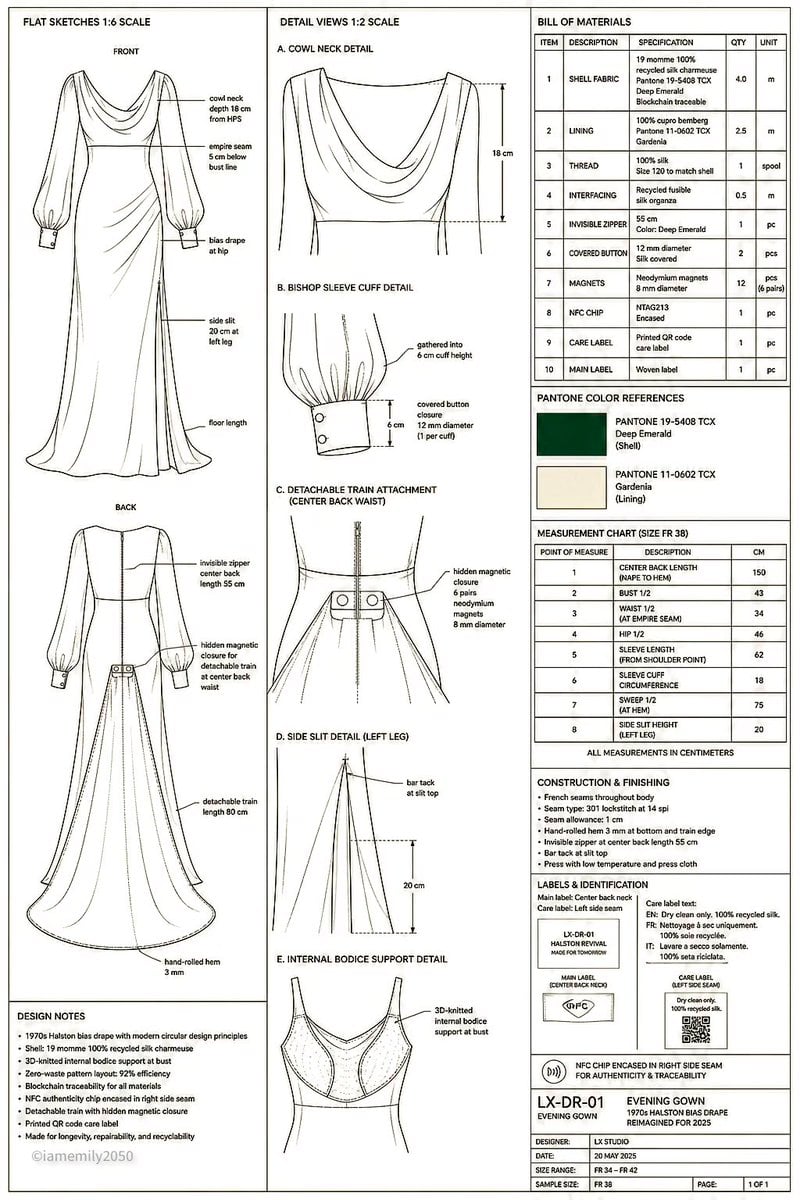
Technical Fashion Specification Sheet
Colorful 'ABC of Jobs' Educational Poster
Casual Collegiate Lifestyle Portrait with Iced Drink
Anime Girl Double Exposure Greatsword
Minimalist Studio Object Photography
Realistic Mac Webcam Photo Edit

Giant Coffee Cup Bath Image Prompt

Anime Tactical RPG Battle UI
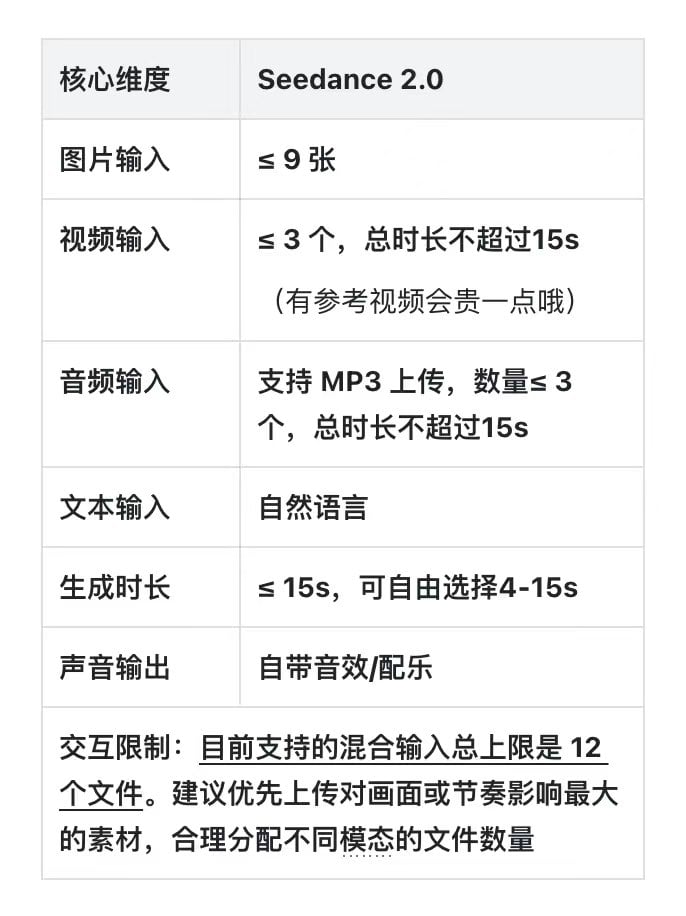
Dramatic Historical Scene Generation with Emotional Dialogue
Browse template categories
Manga Style Brand Identity Infographic questions
How do I use the Manga Style Brand Identity Infographic template?
Add your photo if the template asks for one, edit the prompt if you like — the template's model and format are already selected — and press Generate. Your version opens in PicX Studio.
Can I customize the Manga Style Brand Identity Infographic template?
Yes. You can change the subject, setting, lighting, mood, format, and available model controls before creating your image.
Is the Manga Style Brand Identity Infographic template free?
Opening and editing this template is free. Generating uses credits, shown on the Generate button when you are signed in.
Which AI model should I use?
Start with GPT Image 2, which is the model associated with this template. You can compare another compatible model for a different finish.
Looking for something else? Browse all templates.

Your photo, any look
Thousands of ready templates for every top image and video model, from one credit balance.