
Fashion Lifestyle Street Portrait Prompt
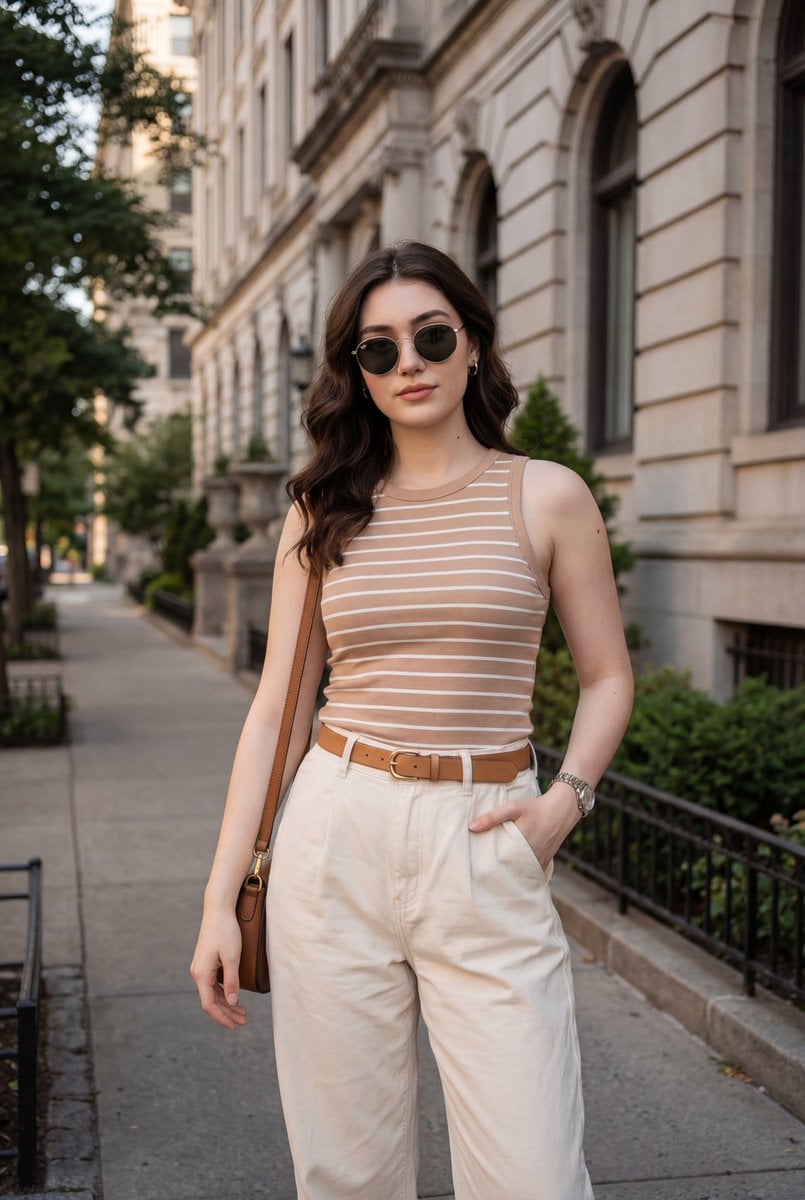
A highly detailed, structured prompt for generating a photorealistic fashion lifestyle portrait of a woman on a historic city street.
- Prompt included
- Model and format preset
- Free template
The prompt behind this image
Copy the exact prompt behind Fashion Lifestyle Street Portrait Prompt, or open it in the studio and make it yours.
- Scene Type
- outdoor urban street portrait
- Composition › Framing
- vertical portrait orientation
- Composition › Shot Type
- mid-length shot from head to mid-thigh
- Composition › Camera Angle
- eye-level
- Composition › Subject Position
- centered with slight rightward offset
- Composition › Leading Lines
- sidewalk and building facade create linear depth
- Composition › Depth Of Field
- moderate depth, background softly detailed but not blurred
- Composition › Balance
- subject balanced against architectural mass on left and greenery on right
- Subject › Gender Presentation
- female-presenting
- Subject › Pose
- relaxed standing pose, one hand in pocket, one arm relaxed
- Subject › Expression
- neutral to confident with subtle smile
- Subject › Gaze
- looking directly at camera
- Subject › Hair › Style
- long, loose waves
- Subject › Hair › Part
- side-parted
- Subject › Hair › Color
- dark brown with warm undertones
- Subject › Hair › Texture
- soft, voluminous
- Subject › Accessories
- round metal-frame sunglasses with dark lenses, small hoop earrings, wristwatch with metallic band, brown leather shoulder bag
- Clothing › Top › Type
- sleeveless fitted tank top
- Clothing › Top › Color
- warm beige
- Clothing › Top › Pattern
- thin horizontal white stripes
- Clothing › Top › Fit
- form-fitting
- Clothing › Bottom › Type
- baggy pant
- Clothing › Bottom › Color
- off-white / cream
- Clothing › Bottom › Fabric Appearance
- structured cotton or linen blend
Raw JSON
{ "scene_type": "outdoor urban street portrait", "composition": { "framing": "vertical portrait orientation", "shot_type": "mid-length shot from head to mid-thigh", "camera_angle": "eye-level", "subject_position": "centered with slight rightward offset", "leading_lines": "sidewalk and building facade create linear depth", "depth_of_field": "moderate depth, background softly detailed but not blurred", "balance": "subject balanced against architectural mass on left and greenery on right" }, "subject": { "gender_presentation": "female-presenting", "pose": "relaxed standing pose, one hand in pocket, one arm relaxed", "expression": "neutral to confident with subtle smile", "gaze": "looking directly at camera", "hair": { "style": "long, loose waves", "part": "side-parted", "color": "dark brown with warm undertones", "texture": "soft, voluminous" }, "accessories": [ "round metal-frame sunglasses with dark lenses", "small hoop earrings", "wristwatch with metallic band", "brown leather shoulder bag" ] }, "clothing": { "top": { "type": "sleeveless fitted tank top", "color": "warm beige", "pattern": "thin horizontal white stripes", "fit": "form-fitting" }, "bottom": { "type": "baggy pant", "color": "off-white / cream", "fabric_appearance": "structured cotton or linen blend" }, "belt": { "color": "light brown", "buckle": "gold-toned minimalist buckle" } }, "environment": { "location_type": "historic city street", "architecture": { "style": "classical or colonial stone facade", "features": "arched windows, ornate stone detailing, balconies" }, "natural_elements": "trees and shrubs lining the sidewalk", "ground": "concrete sidewalk with adjacent landscaped soil area", "background_activity": "parked cars partially visible, quiet street ambiance" }, "lighting": { "source": "natural sunlight", "time_of_day": "late morning or afternoon", "quality": "soft directional light", "shadows": "gentle shadows cast by trees and buildings", "skin_tone_rendering": "warm and even" }, "color_palette": { "dominant_colors": ["beige", "cream", "brown", "stone gray", "green"], "overall_tone": "warm, natural, lifestyle aesthetic", "contrast": "moderate contrast between subject and background" }, "camera_characteristics": { "lens_look": "standard to short telephoto perspective", "distortion": "minimal distortion", "sharpness": "sharp focus on subject with clear texture detail", "noise": "low noise, clean image" }, "artistic_style": { "genre": "fashion lifestyle photography", "mood": "casual elegance, confident, relaxed", "styling_influence": "modern minimalist with classic elements", "social_media_aesthetic": "Instagram-style street fashion portrait" }, "post_processing": { "color_grading": "warm tones with natural saturation", "contrast_adjustment": "slightly enhanced", "retouching": "minimal, natural skin texture preserved", "overall_finish": "clean and polished" }, "typography": { "present": false } }How to use Fashion Lifestyle Street Portrait Prompt in 3 steps
- 1
Open
The prompt is already in the box next to the preview, with the template's model and format selected.
- 2…a portrait of your subject in softgolden-hour light, 85mm…
Personalize
Edit the subject and creative details for your destination.
- 3Generate
Generate
Press Generate — your image is created in PicX Studio, so you can compare it with the original and refine one variable at a time.
More like this
Templates with the same subject, style or setup. Open one to see its prompt.

Miniature Self Portrait Collage

Nano Banana 2 High Fashion Sports Campai

Couture Fashion Editorial Woman and Drag

Ive Yujin Fashion Portrait in Blue

Nano Banana 2 Editorial Fashion Portrait

Caution Tape Fashion — Industrial Editorial

Nano Banana - Street Paris T-Shirt

Nano Banana - Paris Cafe Editorial
Kawaii Street Fashion Duo Portrait

Two Tickets, One Night

Found Photograph: Us, 1970

Meet Me When It Rains
Make it yours
Fashion Lifestyle Street Portrait Prompt works as-is. These are the safest ways to change it without losing the look.
Swap the setting
Keep the rest of the prompt and replace the location block. The current setting is “historic city street”.
Swap the light
One lighting change is enough to compare takes. Current light: “natural sunlight”.
Change one field
Copy a single group, rewrite it, and generate again so you can see what that field is doing.
| If the result… | Why | Fix |
|---|---|---|
| The result drifts from the preview | Too many fields changed at once. | Reuse Fashion Lifestyle Street Portrait Prompt as-is first, then change one group — subject, light, or setting. |
| Nano Banana 2 ignores part of the JSON | Some models flatten or skip nested keys. | Keep the same values and paste them as a short paragraph instead. |
More Nano Banana 2 templates
Other prompts made for Nano Banana 2.

Photorealistic Leaf Shaped Like a Dragon

K-Pop Idol Portrait Grid for Rapid Selection

Poetic Rain Forest Portrait During Golden Hour

Urban Street Portrait with Cartoon Inner Self Duo

Candid Nighttime Photo with Cat Prompt

High-Concept 3D Diorama Generation Prompt

Cinematic Futuristic Studio Portrait Template

Skincare Editorial Photography Collage Prompt

Hyper-Realistic Commercial Product Photography (Splash Effect)

Hyper-Realistic Nightclub Portrait Prompt
More image prompts
Fresh picks from across the catalog.
Intricate Monochrome Angel Line Art
Cinematic Video Prompt for Girl Playing with Doll
3D Embossed Executive Plaque Mockup from Reference Image
Golden Meadow Portrait with Pets
Lisbon Vintage Tram Travel Poster
Mystical Kitsune Shrine Portrait
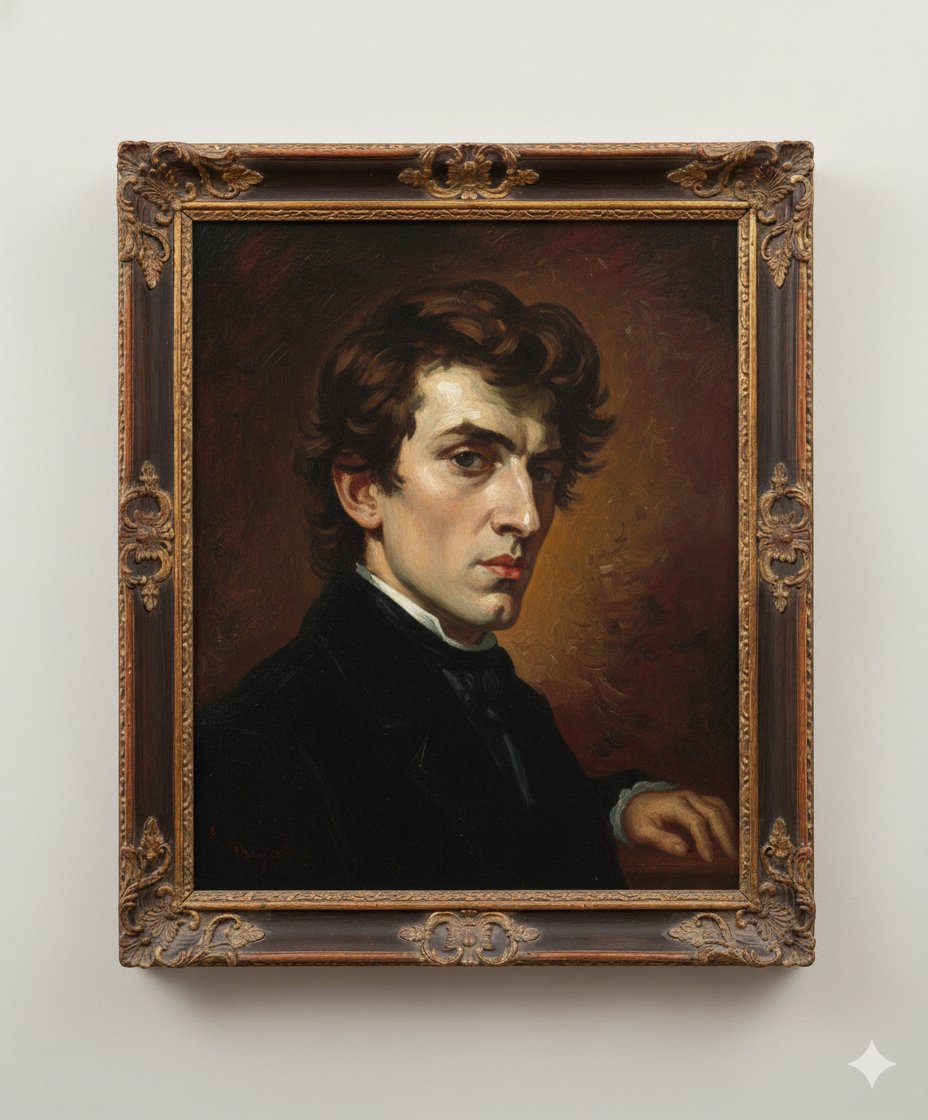
Image Generation Prompt: Arranging Delacroix's Chopin
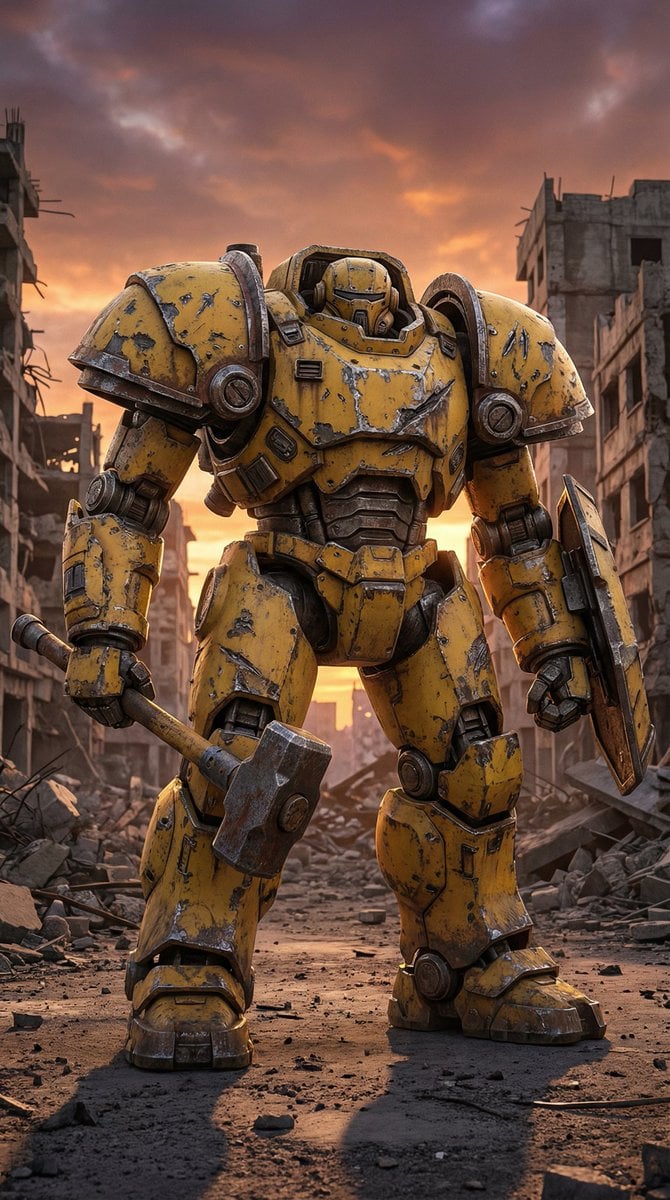
Photorealistic Battle-Damaged Mech Prompt
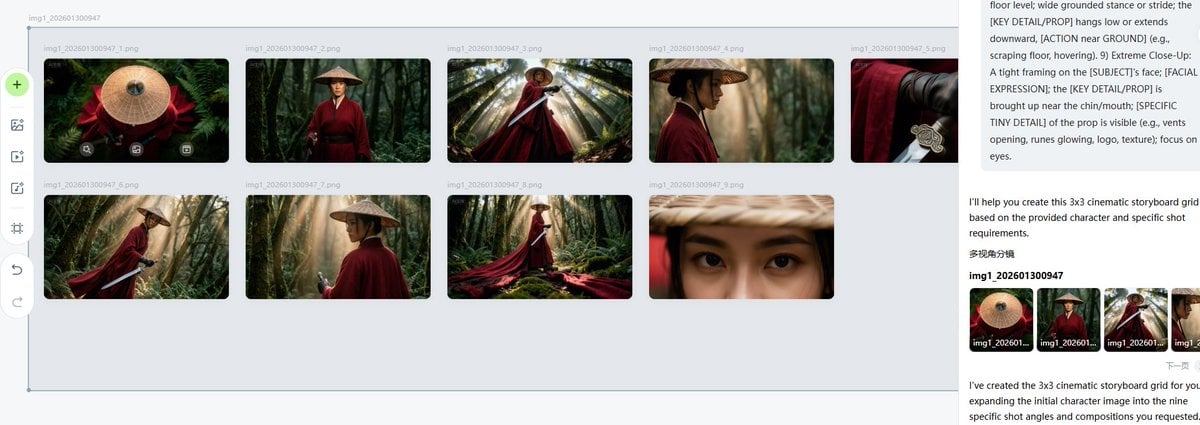
Cinematic Female Warrior Portrait Prompt

Cinematic Pixar-Style Girl Portrait Prompt
Featured in prompt roundups
Hand-picked collections that include this template.
Browse template categories
Fashion Lifestyle Street Portrait Prompt questions
How do I use the Fashion Lifestyle Street Portrait Prompt template?
Add your photo if the template asks for one, edit the prompt if you like — the template's model and format are already selected — and press Generate. Your version opens in PicX Studio.
Can I customize the Fashion Lifestyle Street Portrait Prompt template?
Yes. You can change the subject, setting, lighting, mood, format, and available model controls before creating your image.
Is the Fashion Lifestyle Street Portrait Prompt template free?
Opening and editing this template is free. Generating uses credits, shown on the Generate button when you are signed in.
Which AI model should I use?
Start with Nano Banana 2, which is the model associated with this template. You can compare another compatible model for a different finish.
Looking for something else? Browse all templates.

Your photo, any look
Thousands of ready templates for every top image and video model, from one credit balance.