
Kawaii Street Fashion Duo Portrait
This prompt generates a stylish two-girl urban fashion portrait with Japanese streetwear and graffiti-wall atmosphere, ideal for trendy social media art and lifestyle imagery.
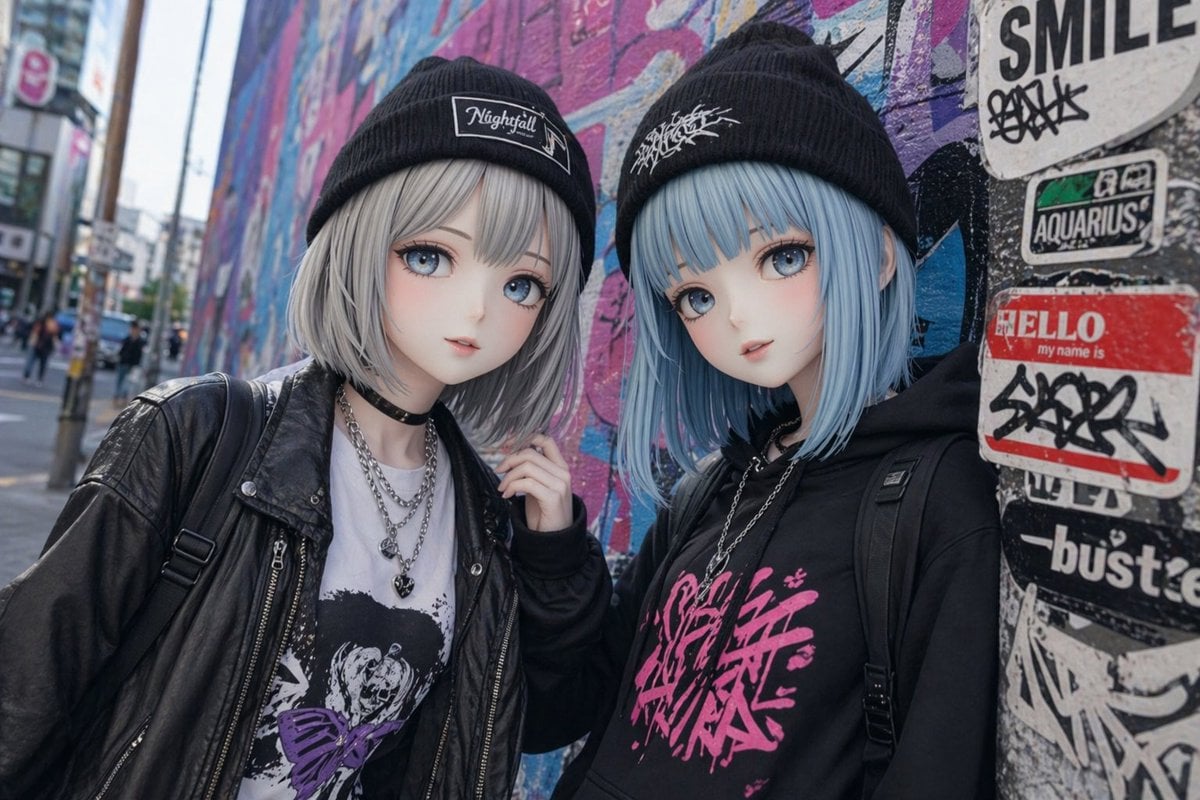
- Prompt included
- Model and format preset
- Free template
The prompt behind this image
Copy the exact prompt behind Kawaii Street Fashion Duo Portrait, or open it in the studio and make it yours.
A candid street-fashion portrait of two cute anime-inspired girls standing close together in front of a colorful urban graffiti wall on a city sidewalk in Japan, photographed at eye level with a shallow depth of field and soft overcast daylight. Both have smooth pale skin and short blunt bob haircuts with straight ends, their bangs covering part of the forehead, and their faces intentionally simplified or blurred for an anonymous doll-like look. The girl on the left has {argument name="hair color" default="silver gray"} hair, wears a black knit beanie with a rectangular patch logo reading "Nightfall", a black leather jacket over a white graphic T-shirt with a dark distressed illustration and purple accent graphic, layered silver chain necklaces including a heart pendant, a black choker, and a black backpack strap over one shoulder. The girl on the right has icy light blue hair, wears a black knit beanie with a white scribble-style logo, an oversized black hoodie with bold hot-pink Japanese graffiti lettering across the chest, a silver chain necklace, and black backpack straps on both shoulders. They lean in slightly toward each other in a relaxed, stylish pose, with one hand lightly touching the hoodie shoulder area. The background is a vivid mural wall in pink, blue, and purple tones, plus a sticker-covered utility pole on the right edge with visible layered street stickers including "SMILE", "AQUARIUS", and a red "HELLO my name is" sticker covered in tags. Emphasize Japanese street style, alternative fashion, kawaii cool mood, realistic fabric textures, crisp clothing detail, subtle cinematic color grading, and a trendy Harajuku snapshot aesthetic.
How to use Kawaii Street Fashion Duo Portrait in 3 steps
- 1Upload ImagePNG, JPG or paste
Add your photo
Upload the photo the template builds on. The prompt, model and format are already set.
- 2…a portrait of your subject in softgolden-hour light, 85mm…
Personalize
Edit the subject and creative details for your destination.
- 3Generate
Generate
Press Generate — your image is created in PicX Studio, so you can compare it with the original and refine one variable at a time.
More like this
Templates with the same subject, style or setup. Open one to see its prompt.

Nano Banana 2 High Fashion Sports Campai

Couture Fashion Editorial Woman and Drag

Ive Yujin Fashion Portrait in Blue

Nano Banana 2 Editorial Fashion Portrait

Caution Tape Fashion — Industrial Editorial

Nano Banana - Street Paris T-Shirt
Mumbai Street Style Fashion Portrait
Pastel Kawaii Girl Fashion Portrait

Urban Street Portrait with Cartoon Inner Self Duo

Miniature Self Portrait Collage

Two Tickets, One Night

Found Photograph: Us, 1970
Make it yours
Kawaii Street Fashion Duo Portrait works as-is. These are the safest ways to change it without losing the look.
Change one field
Copy a single group, rewrite it, and generate again so you can see what that field is doing.
Keep the frame, change the subject
Hold the composition and light of Kawaii Street Fashion Duo Portrait, then swap wardrobe, props or the person for a new take.
| If the result… | Why | Fix |
|---|---|---|
| The result drifts from the preview | Too many fields changed at once. | Reuse Kawaii Street Fashion Duo Portrait as-is first, then change one group — subject, light, or setting. |
| The model over-stylizes the scene | The prose prompt leaves finish and camera underspecified. | Add one camera or lighting sentence and stay on GPT Image 2. |
More GPT Image 2 templates
Other prompts made for GPT Image 2.

Six VTuber Japanese Logo Sheet

Realistic Portrait of Woman and Deer

The Vista Modular Condo Poster

AI Model Routing Comparison Infographic

2.5D Anime Art Board

Isometric Productivity Desk Scene

New York Double Exposure Poster

Four-Panel AI Landscape Comparison

Japanese Tatami Lifestyle Magazine Cover

NESCAFÉ Coffee Map Poster
More image prompts
Fresh picks from across the catalog.
Surreal Moth-Winged Female Portrait
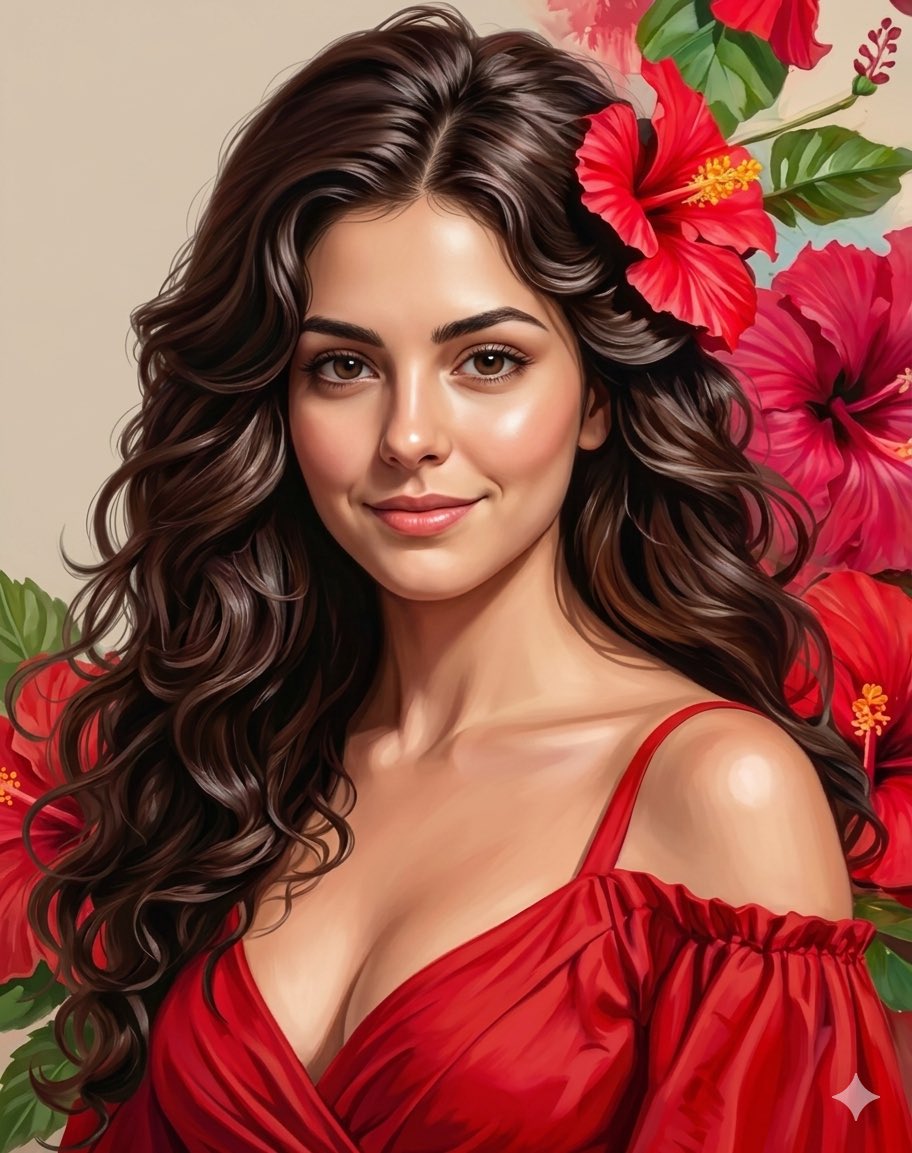
Romantic Digital Portrait with Hibiscus
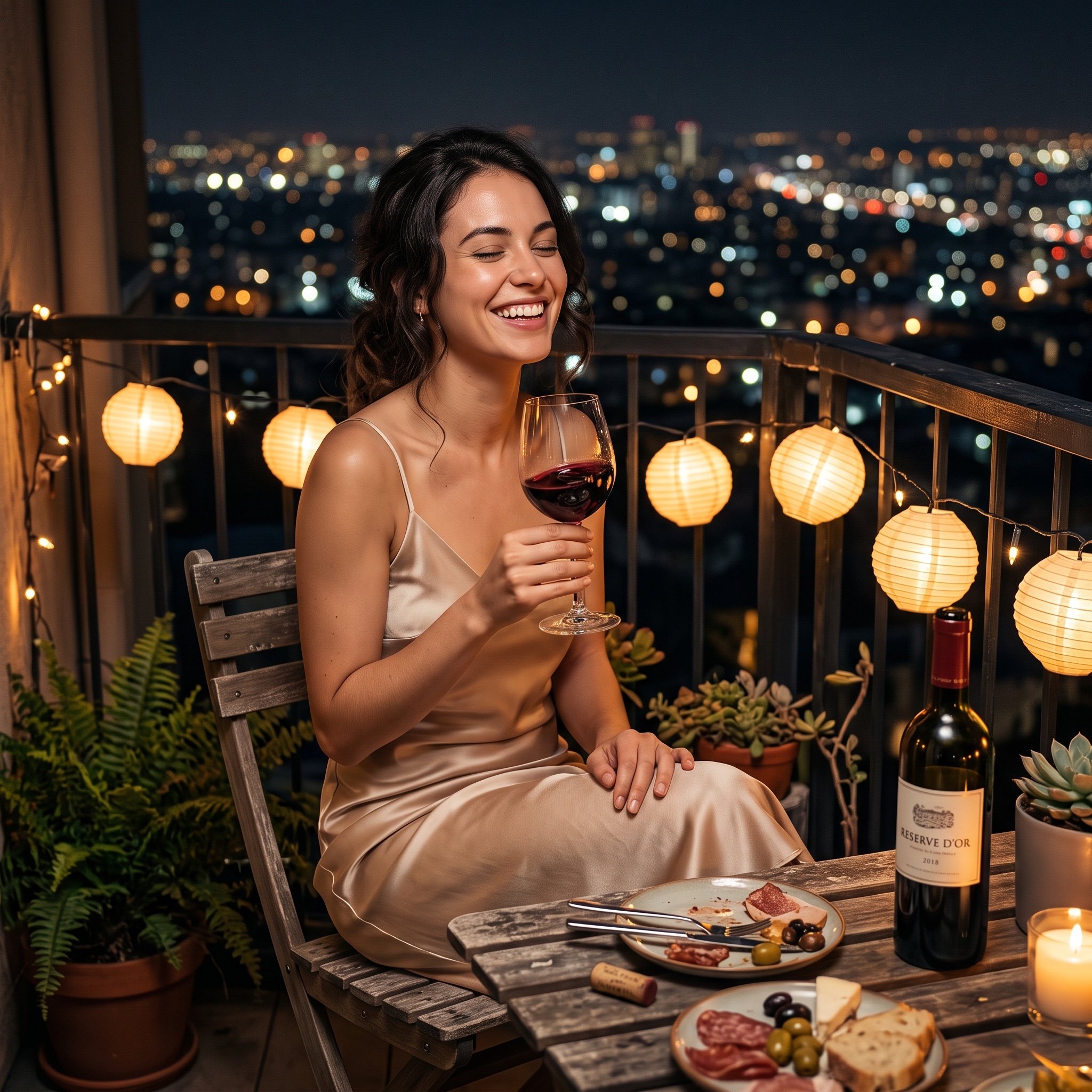
Photorealistic cinematic image prompt for a woman enjoying an evening on a balcony
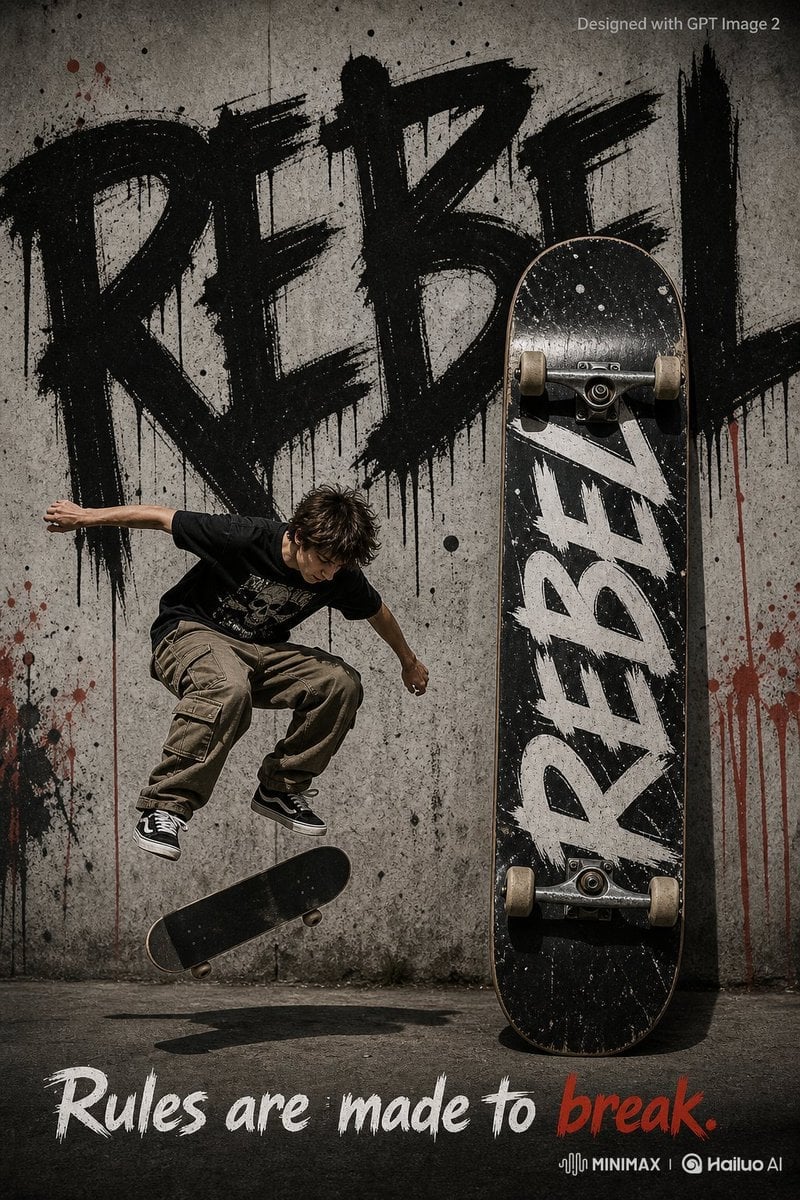
Rebel Urban Skateboard Advertisement Poster
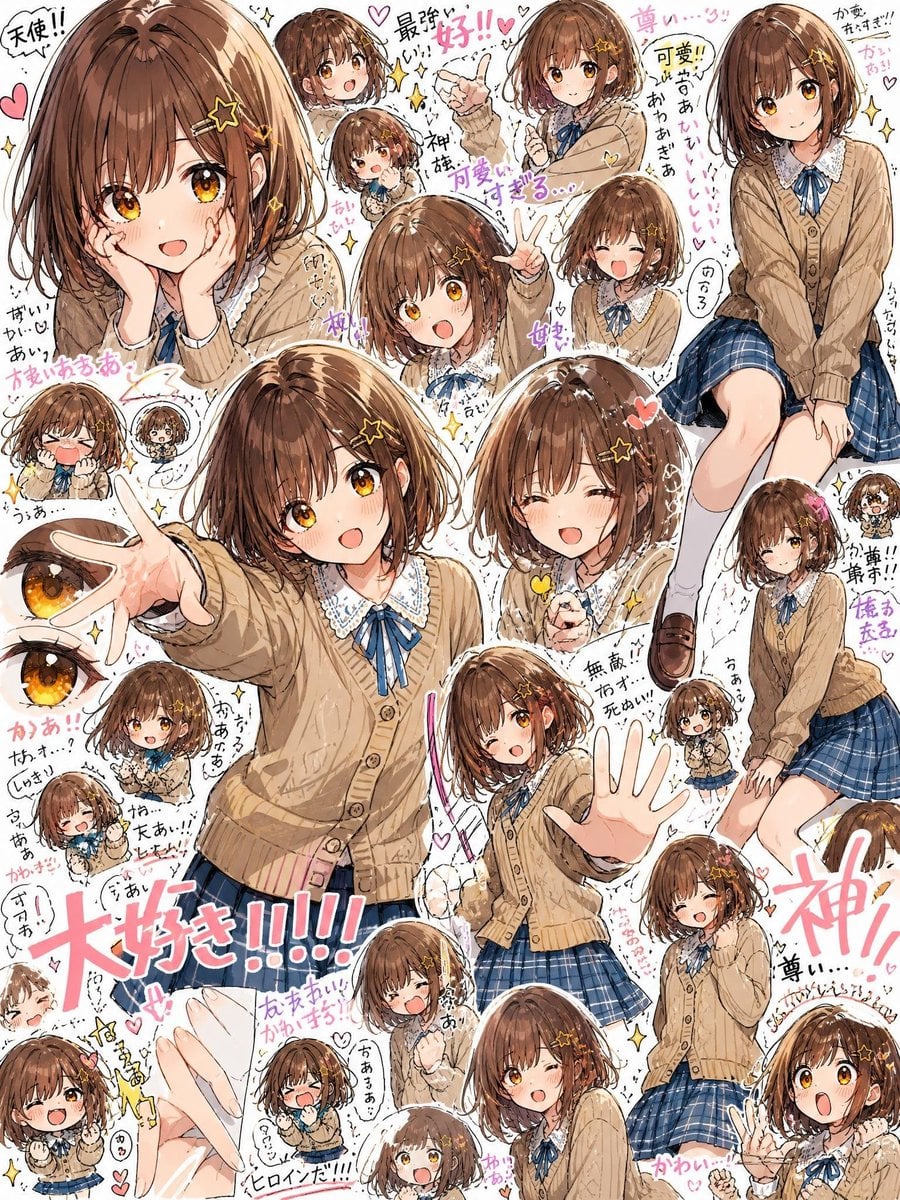
Dense Anime Schoolgirl Fan Collage
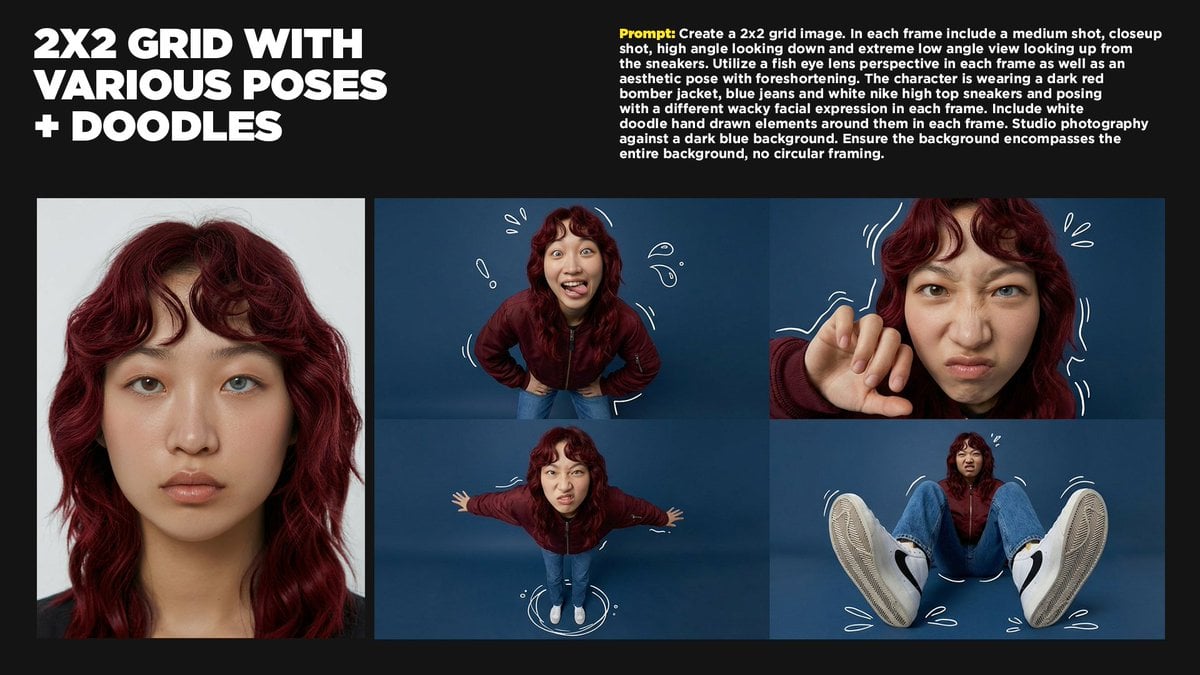
2x2 Grid Storytelling with Extreme Angles and Doodle Elements
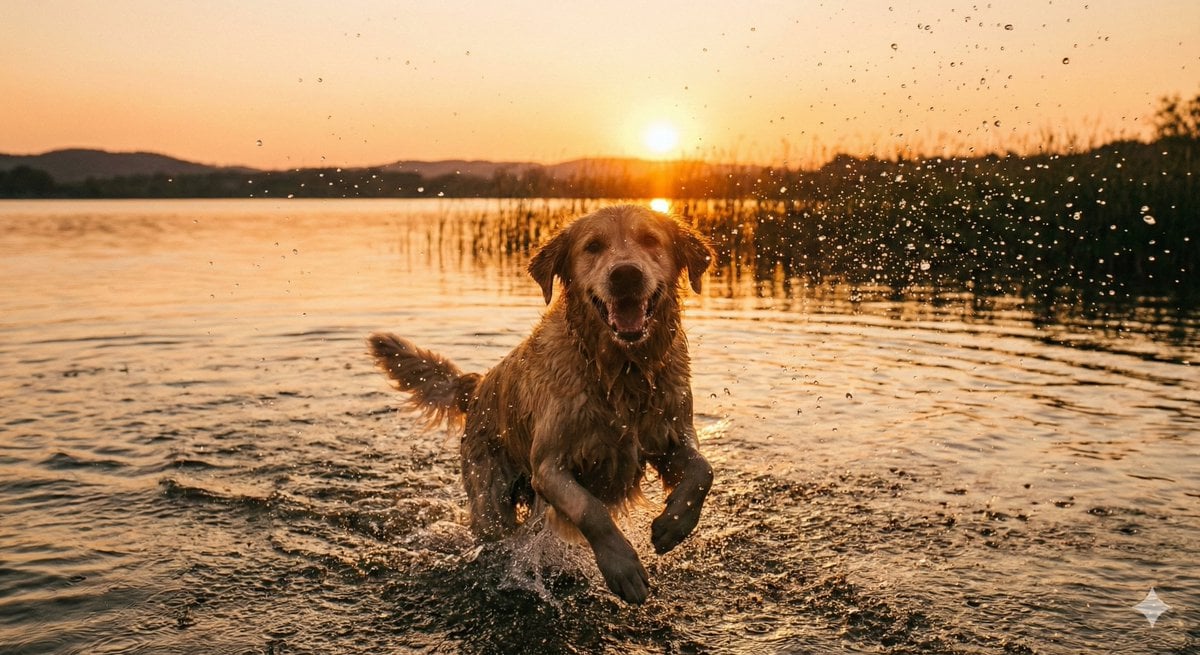
Cinematic Pure Joy Splashing Prompt
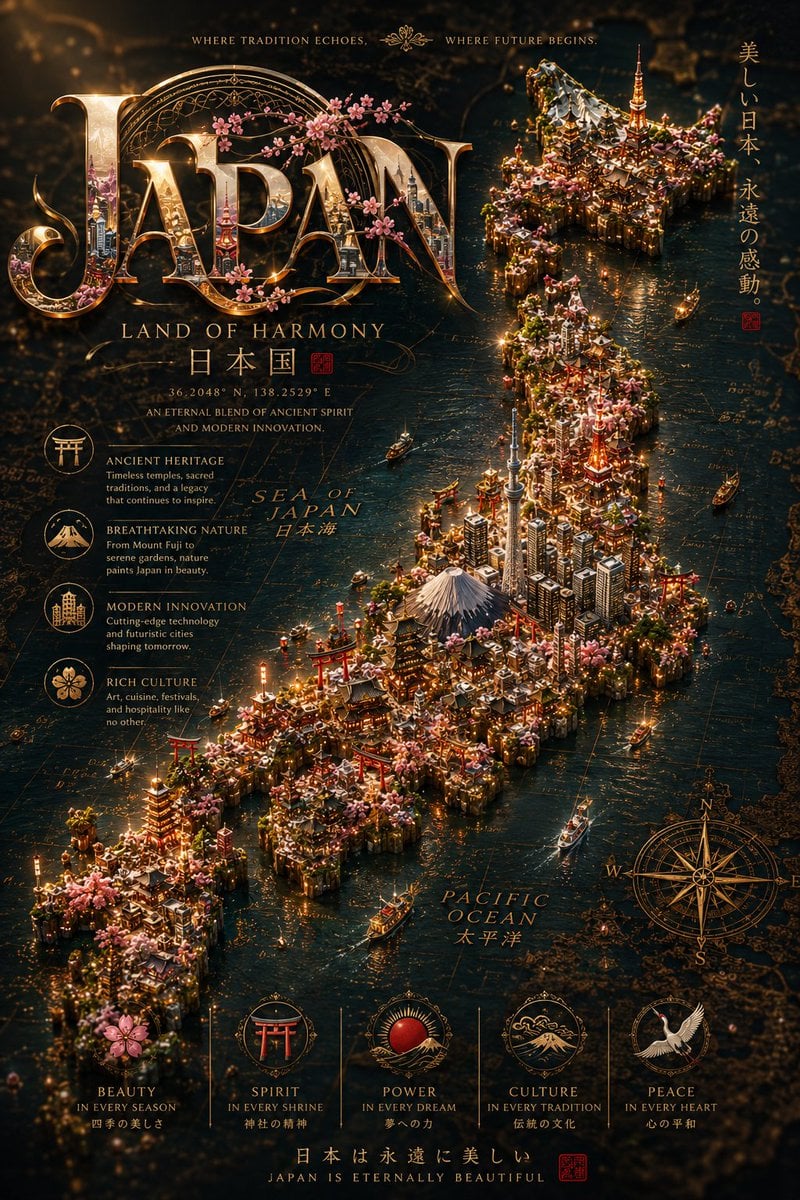
Cinematic Fantasy Country Atlas
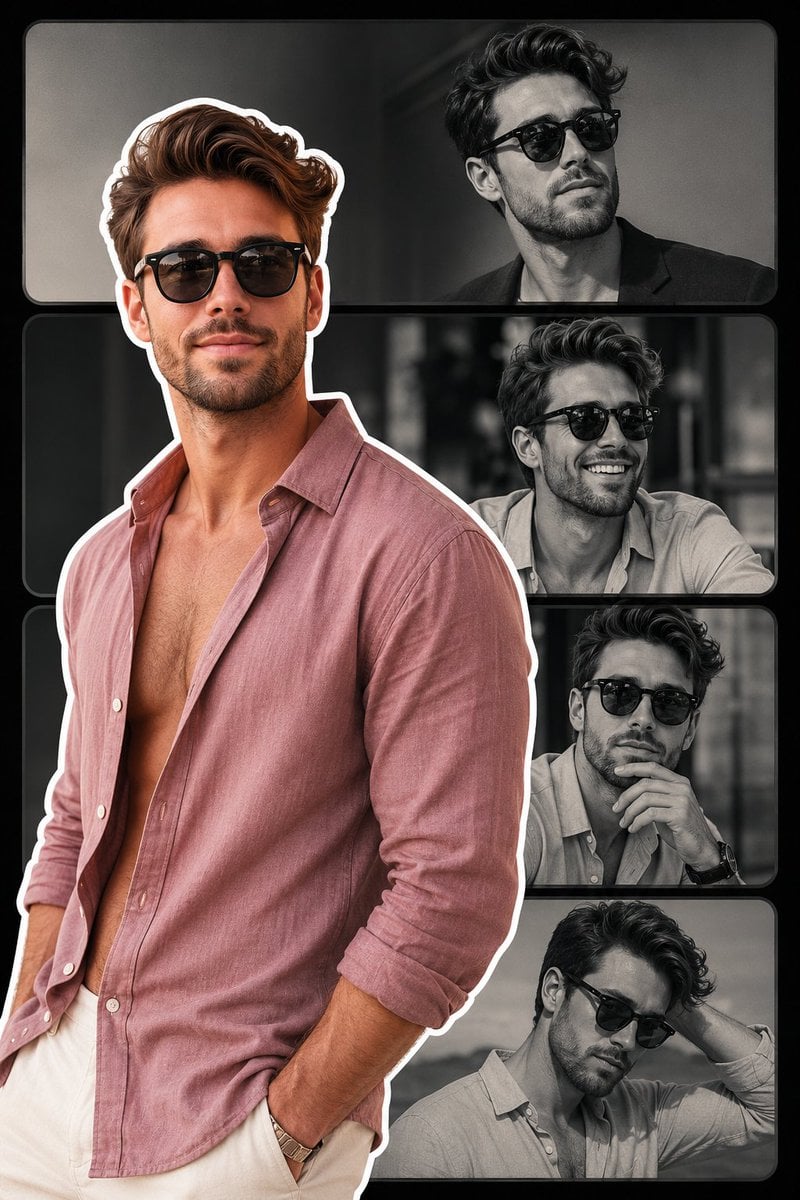
Fashion Collage Vertical Poster Design
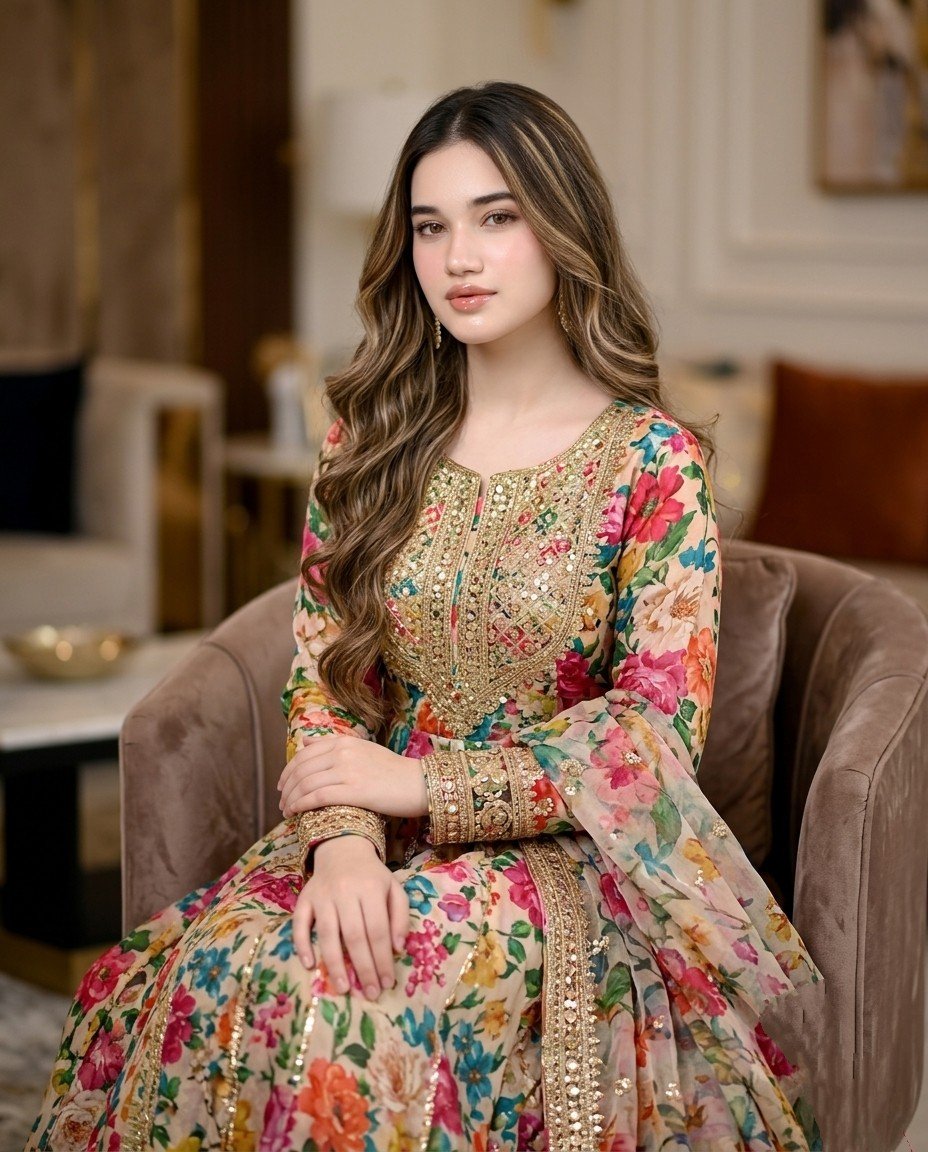
Pakistani Designer Fashion Portrait
Browse template categories
Kawaii Street Fashion Duo Portrait questions
How do I use the Kawaii Street Fashion Duo Portrait template?
Add your photo if the template asks for one, edit the prompt if you like — the template's model and format are already selected — and press Generate. Your version opens in PicX Studio.
Can I customize the Kawaii Street Fashion Duo Portrait template?
Yes. You can change the subject, setting, lighting, mood, format, and available model controls before creating your image.
Is the Kawaii Street Fashion Duo Portrait template free?
Opening and editing this template is free. Generating uses credits, shown on the Generate button when you are signed in.
Which AI model should I use?
Start with GPT Image 2, which is the model associated with this template. You can compare another compatible model for a different finish.
Looking for something else? Browse all templates.

Your photo, any look
Thousands of ready templates for every top image and video model, from one credit balance.