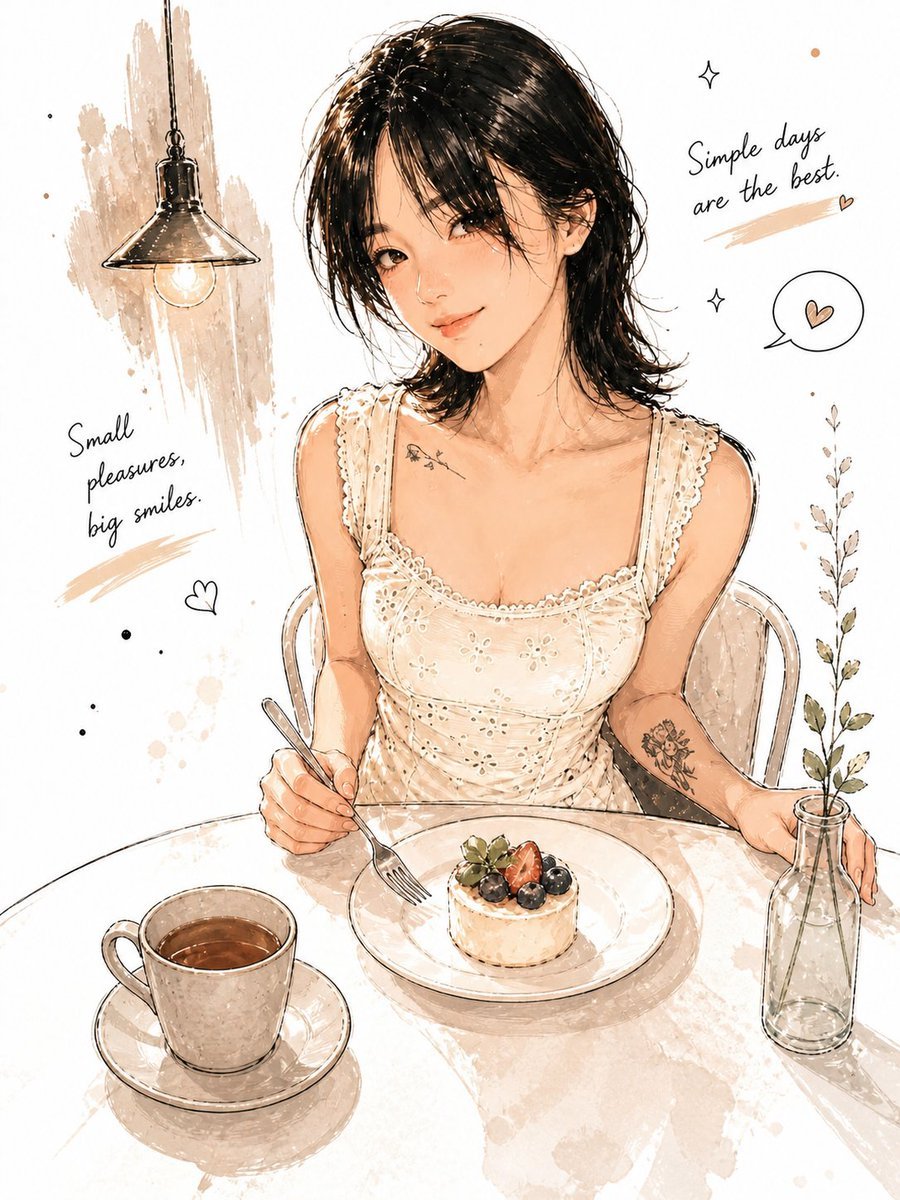
How do I use the Pastel Kawaii Girl Fashion Portrait template?
Edit the prompt in the box under the preview — the template's model and format are already selected — and press Generate. Your version appears right on this page.
A soft pastel anime-style full-body girl illustration with anonymous face masking, ideal for kawaii fashion art, avatars, and character-style inspiration.

This template uses your photo — add one with the + button.
A full-body pastel anime illustration of a cute teenage girl standing in a playful one-leg-raised pose against a clean off-white background. Her face is intentionally obscured by a smooth rectangular blur matching skin tones, creating an anonymous portrait effect. She has {argument name="hair color" default="warm chestnut brown"} hair styled in a messy high bun with loose curled strands and side-swept volume, decorated with 2 lavender hair clips and a lavender scrunchie. She wears a soft oversized lavender cardigan with 2 flower patches on the chest area, a cream blouse with a small pink ribbon bow at the collar, and a pink plaid pleated mini skirt. Her accessories include 1 dangling flower earring visible on the right ear. She wears loose cream leg warmers with lavender stripe accents and pink lace-up sneakers with thick soles. The pose is slightly leaning back with both hands tucked in the cardigan pockets, one leg straight and the other bent upward behind her, conveying a sweet, stylish kawaii fashion vibe. Surround her with 4 large pale lavender circular shapes, 2 pink four-point stars, 2 golden sparkles, 2 lavender crescent shapes, 1 lavender flower icon, 3 tiny pink dots, and 3 tiny lavender dots, arranged as floating decorative elements. Use soft cel-shaded lighting, delicate linework, pastel pink and purple palette, polished character design, clean negative space, and a modern Japanese cute fashion illustration aesthetic.
A full-body pastel anime illustration of a cute teenage girl standing in a playful one-leg-raised pose against a clean off-white background. Her face is intentionally obscured by a smooth rectangular blur matching skin tones, creating an anonymous portrait effect. She has {argument name="hair color" default="warm chestnut brown"} hair styled in a messy high bun with loose curled strands and side-swept volume, decorated with 2 lavender hair clips and a lavender scrunchie. She wears a soft oversized lavender cardigan with 2 flower patches on the chest area, a cream blouse with a small pink ribbon bow at the collar, and a pink plaid pleated mini skirt. Her accessories include 1 dangling flower earring visible on the right ear. She wears loose cream leg warmers with lavender stripe accents and pink lace-up sneakers with thick soles. The pose is slightly leaning back with both hands tucked in the cardigan pockets, one leg straight and the other bent upward behind her, conveying a sweet, stylish kawaii fashion vibe. Surround her with 4 large pale lavender circular shapes, 2 pink four-point stars, 2 golden sparkles, 2 lavender crescent shapes, 1 lavender flower icon, 3 tiny pink dots, and 3 tiny lavender dots, arranged as floating decorative elements. Use soft cel-shaded lighting, delicate linework, pastel pink and purple palette, polished character design, clean negative space, and a modern Japanese cute fashion illustration aesthetic.
Edit the prompt in the box under the preview — the template's model and format are already selected — and press Generate. Your version appears right on this page.
Yes. You can change the subject, setting, lighting, mood, format, and available model controls before creating your image.
Opening and editing this template is free. Generating uses credits, shown on the Generate button when you are signed in.
Start with GPT Image 2, which is the model associated with this template. You can compare another compatible model for a different finish.
Follow a topic to a crawlable collection of related PicX Studio templates.