
Hyper-realistic cinematic cricket scene prompt for Gemini App
A detailed, hyper-realistic image generation prompt designed for the Gemini App (Lyra Style) to create a cinematic moment from the Ashes cricket series.
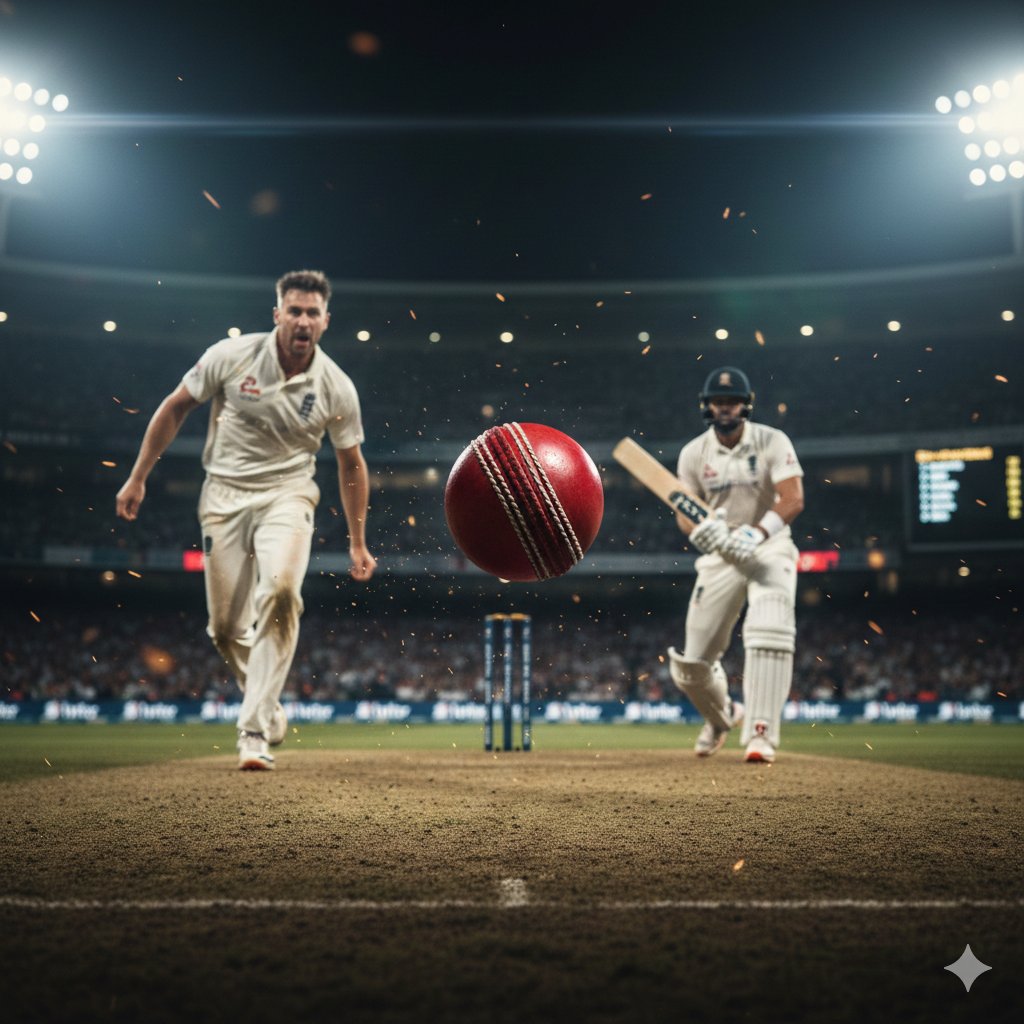
- Prompt included
- Model and format preset
- Premium template
The prompt behind this image
Copy the exact prompt behind Hyper-realistic cinematic cricket scene prompt for Gemini App, or open it in the studio and make it yours.
A hyper-realistic, cinematic moment from the Ashes cricket series — an intense face-off between bowler and batsman under dramatic stadium floodlights. Fine dust and ashes float in the air like glowing embers. The pitch shows worn cracks and scattered grass fragments, capturing the brutality of Test cricket. Players’ jerseys have realistic sweat textures, dirt stains, and creases. The red ball spins mid-air with visible seam detail, motion blur, and shallow depth of field. Crowd in the background slightly defocused, but stadium lights flare with photorealistic bloom. Cool-toned shadows contrast with warm stadium lights for a gritty, high-stakes atmosphere. Wind sweeps light dust across the pitch. Capture tension, realism, and raw grit of elite cricket. --- Parameters (Lyra Style) { "style": "ultra-realistic", "resolution": "8K", "ratio": "16:9", "camera": { "angle": "low-angle action shot", "lens": "telephoto (200mm)", "shutter_speed": "1/2000", "depth_of_field": "shallow", "focus": "sharp on red cricket ball mid-air" }, "lighting": { "type": "stadium floodlights", "contrast": "high", "mood": "tense, dramatic", "color_palette": ["cool shadows", "warm highlights", "red ball emphasis"] }, "environment_details": { "stadium": "MCG / Lords atmosphere", "weather": "dry dust with drifting ashes", "crowd": "blurred, realistic silhouettes", "background": ["light flares", "stadium banners", "scoreboard glow"] } }
How to use Hyper-realistic cinematic cricket scene prompt for Gemini App in 3 steps
- 1
Open
The prompt is already in the box next to the preview, with the template's model and format selected.
- 2…a portrait of your subject in softgolden-hour light, 85mm…
Personalize
Edit the subject and creative details for your destination.
- 3Generate
Generate
Press Generate — your image is created in PicX Studio, so you can compare it with the original and refine one variable at a time.
More like this
Templates with the same subject, style or setup. Open one to see its prompt.

Nano Banana Pro Identity Lock — Composition + Face Reference

Woman in Mall with Chanel Bag - Heart Gesture
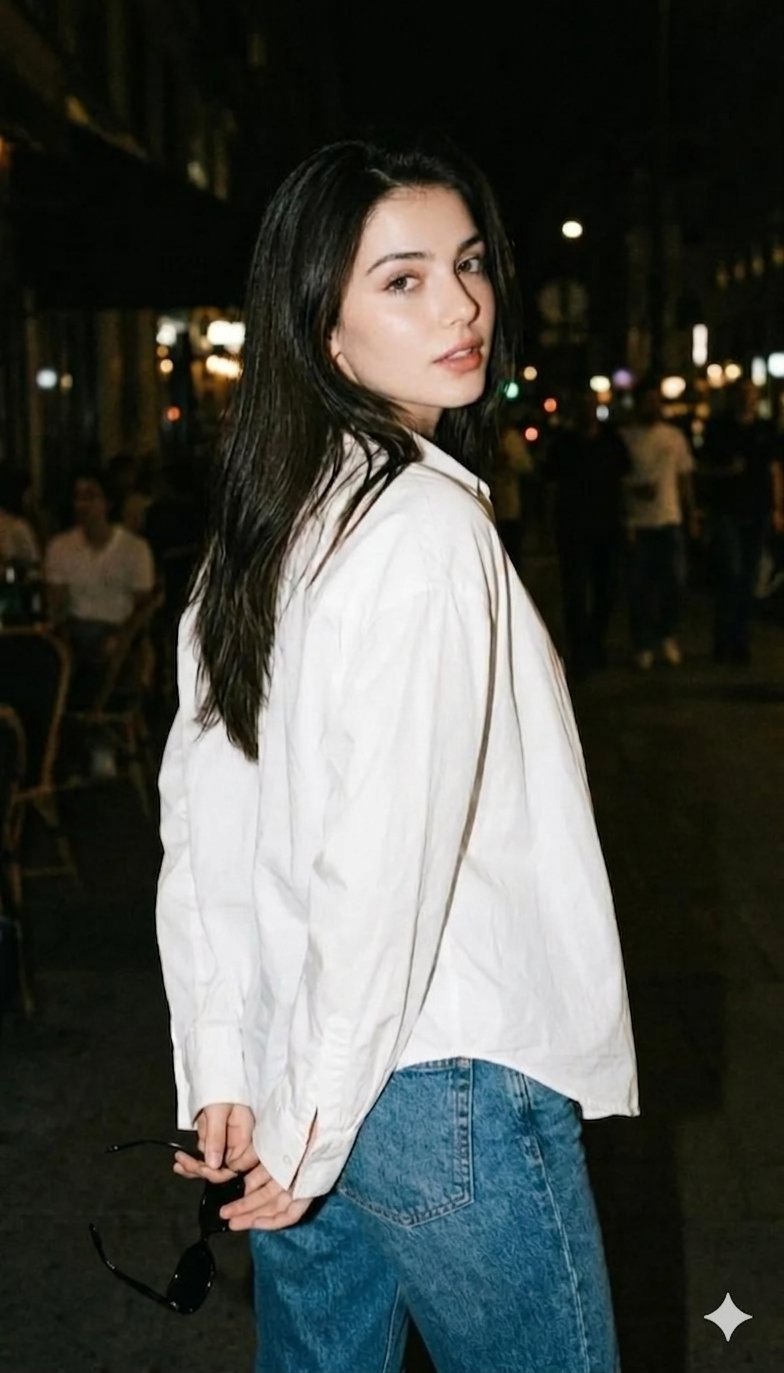
Gemini Night Flash Portrait

Nano Banana Pro Pink Office Chibi
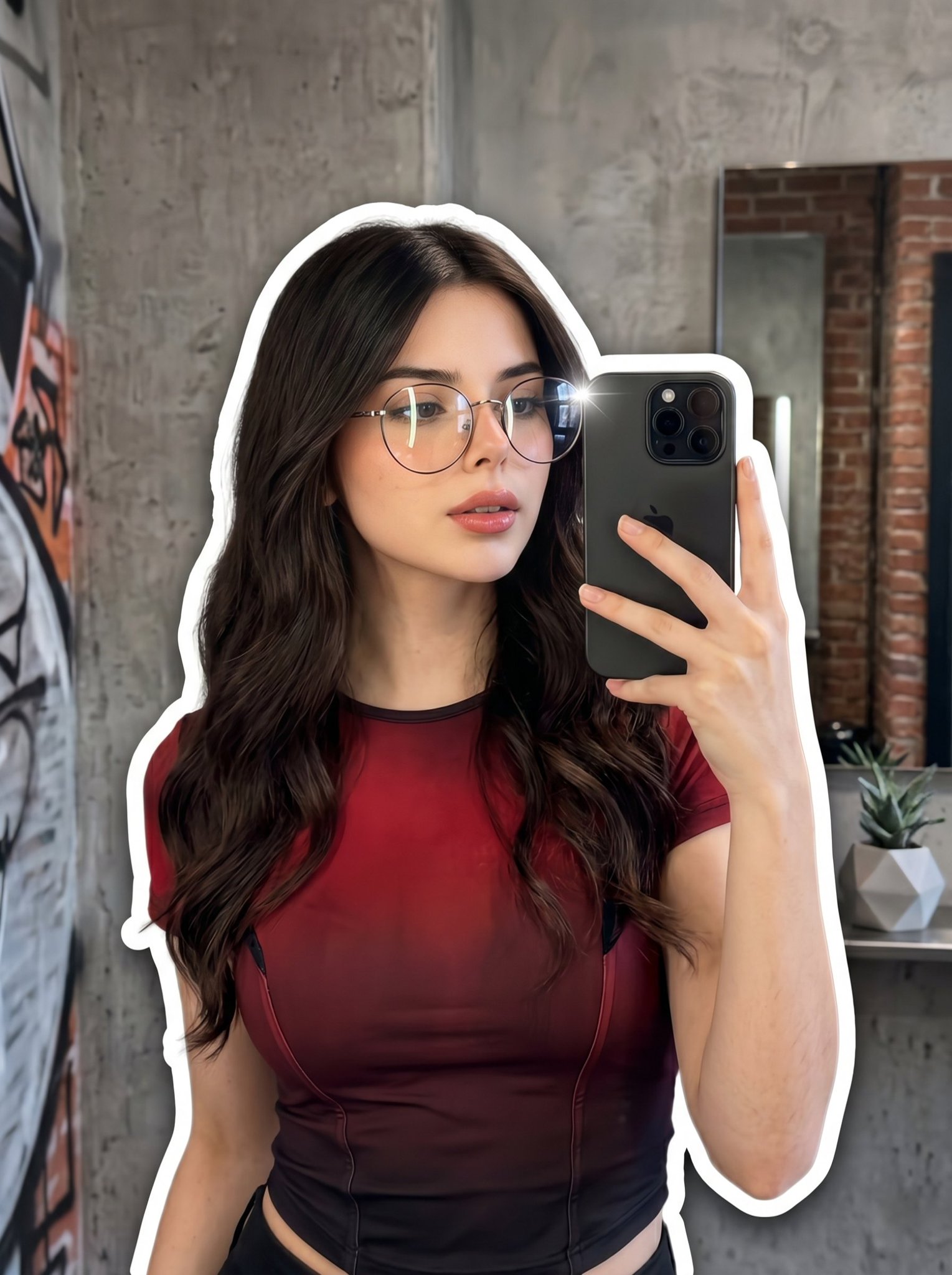
Nano Banana 2 Portrait Gemini
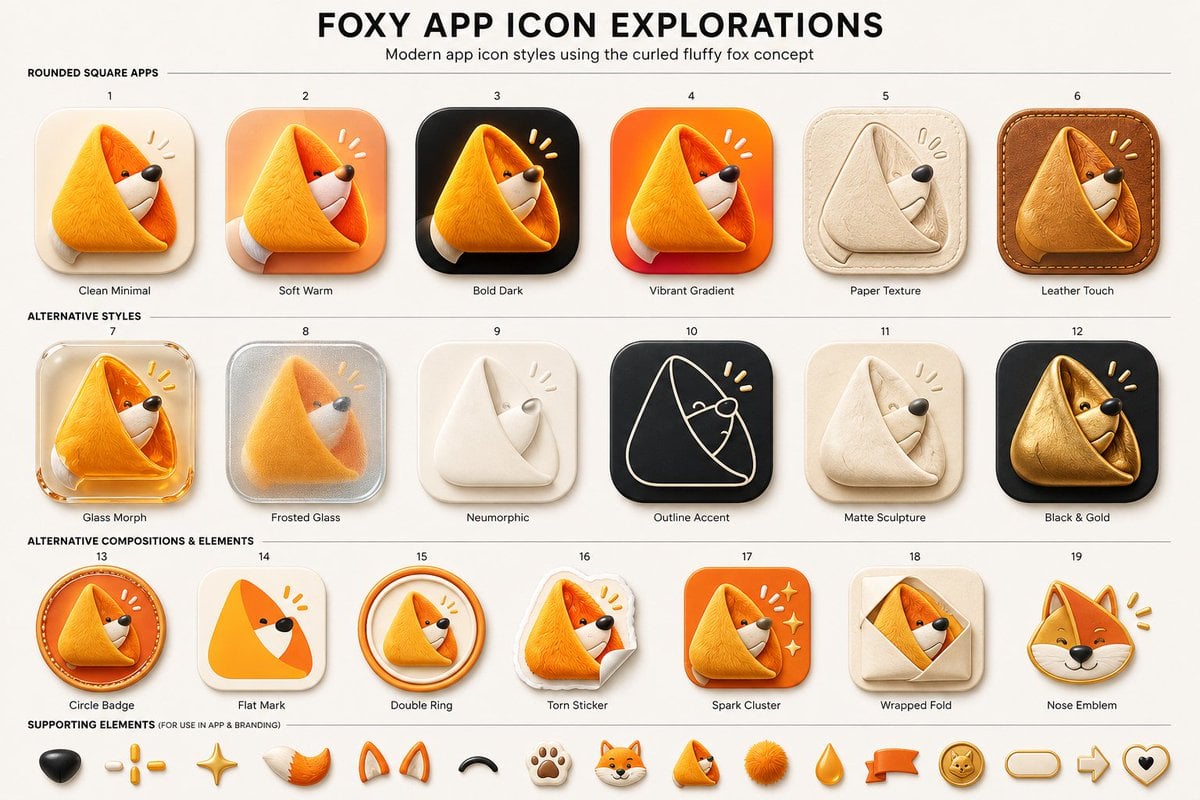
Foxy App Icon Exploration Board
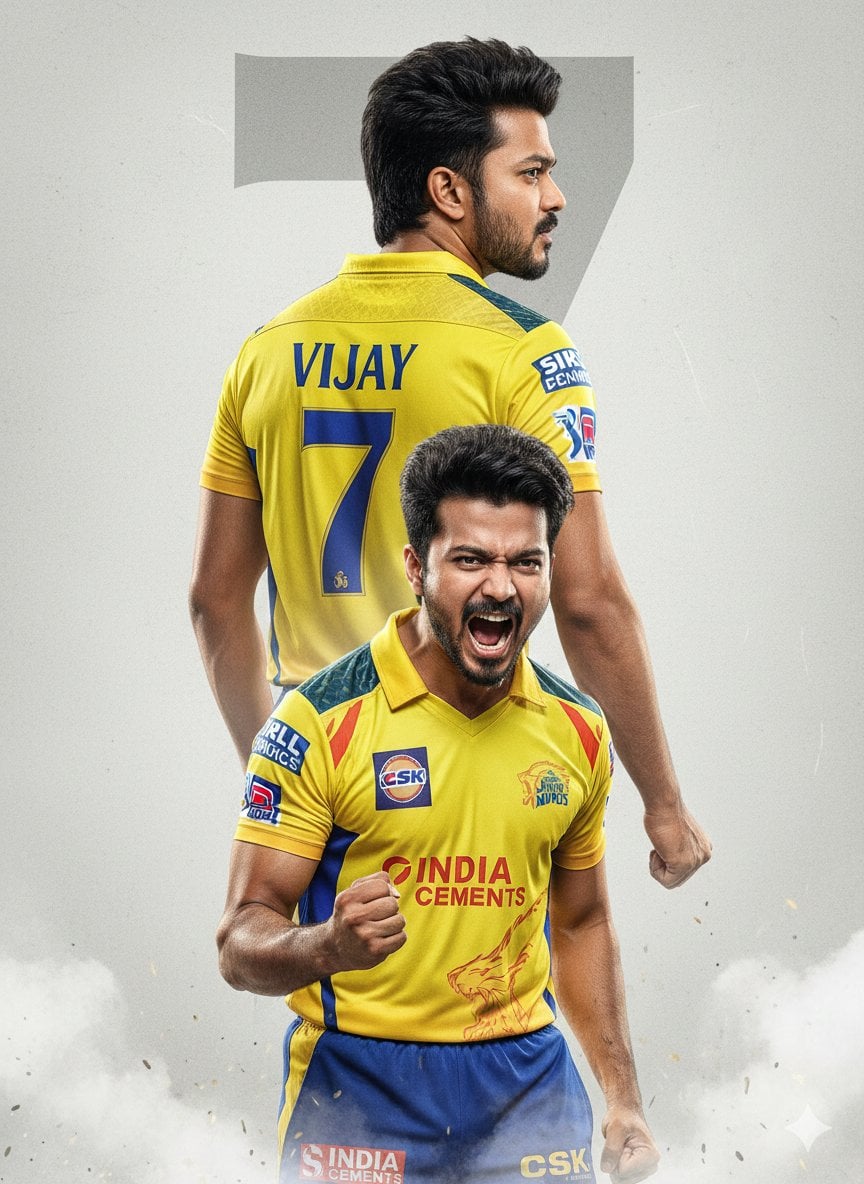
An ultra-realistic cinematic cricket poster featuring a young Indian
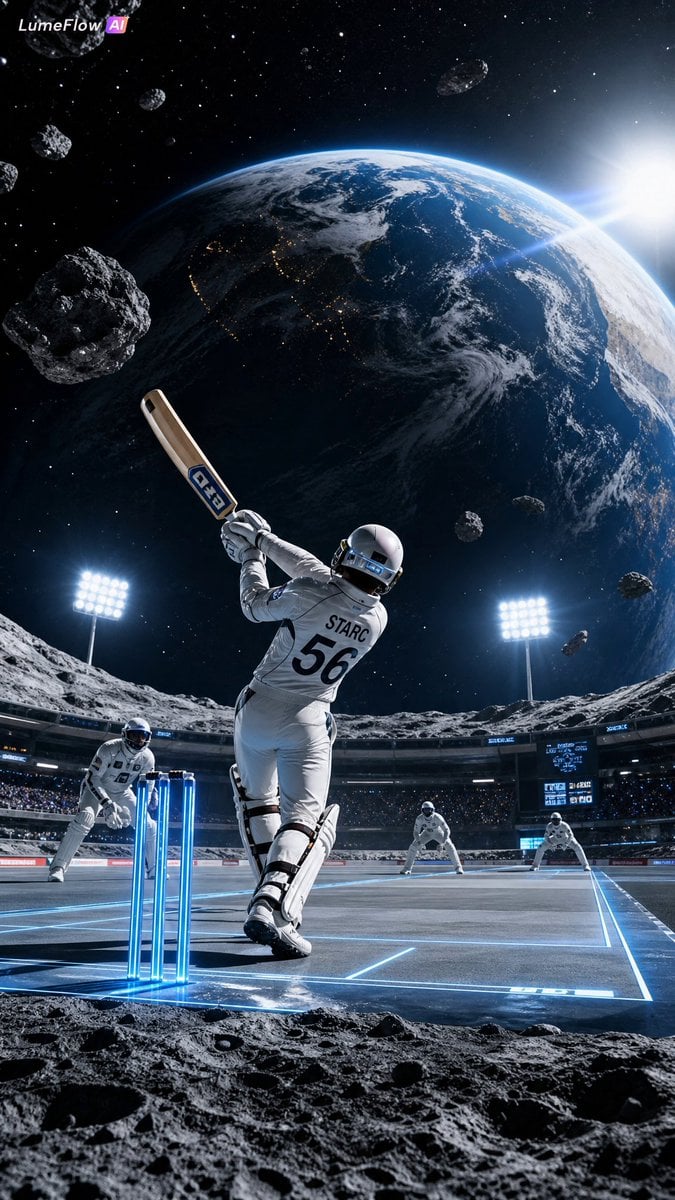
Futuristic Space Cricket Match

Subway Good Vibes App Card Portrait

Lumen iOS Wellness App Mockup
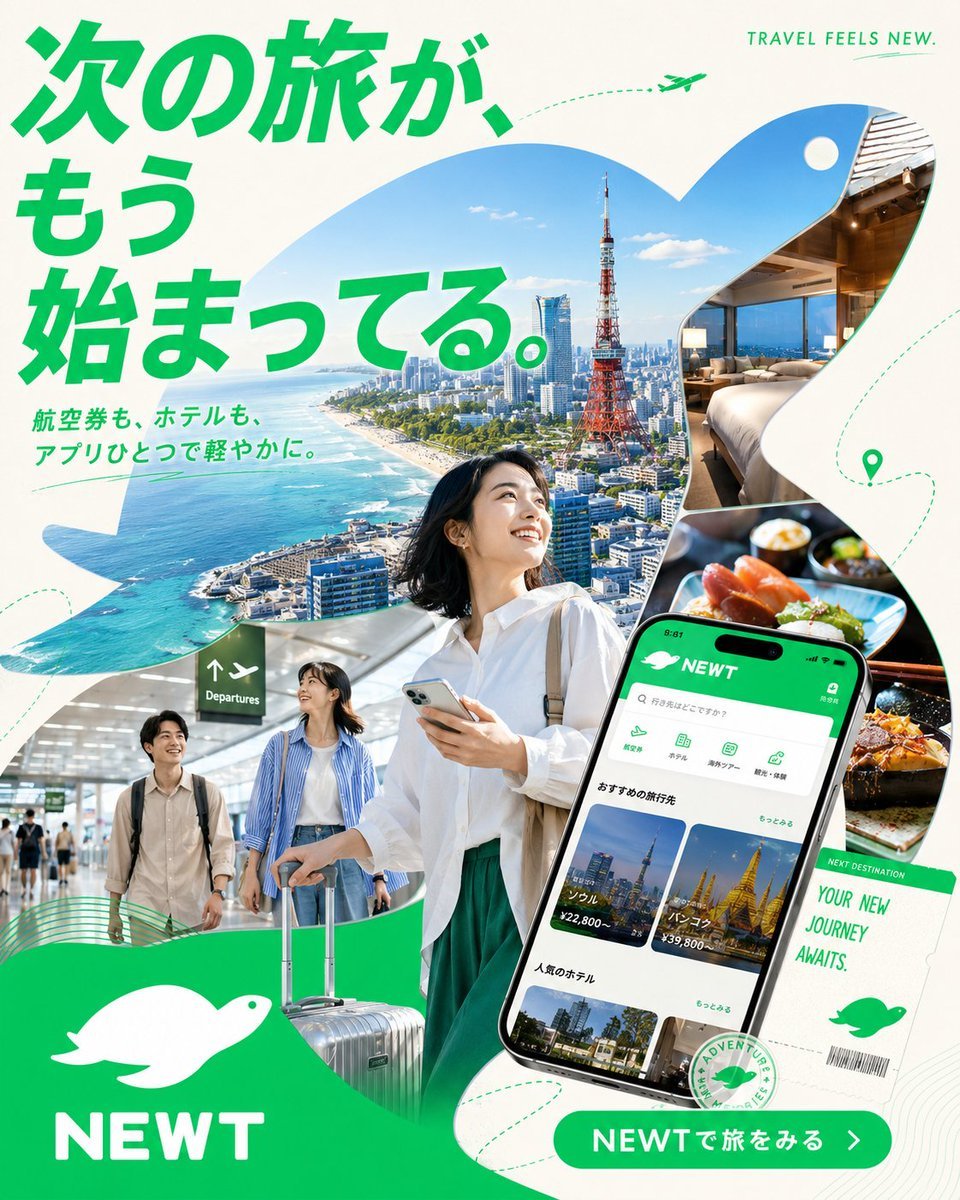
Japanese NEWT Travel App Poster
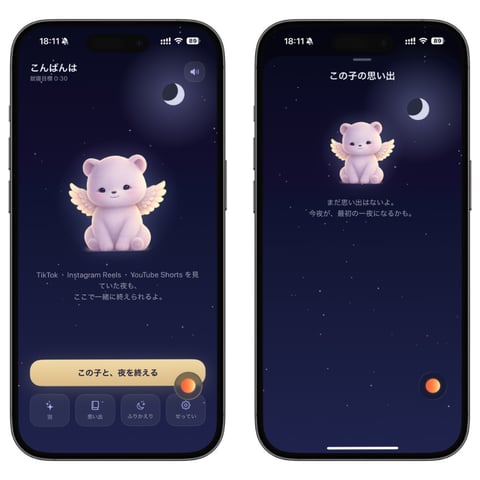
Bedtime Companion App Mockup
Make it yours
Hyper-realistic cinematic cricket scene prompt for Gemini App works as-is. These are the safest ways to change it without losing the look.
Change one field
Copy a single group, rewrite it, and generate again so you can see what that field is doing.
Keep the frame, change the subject
Hold the composition and light of Hyper-realistic cinematic cricket scene prompt for Gemini App, then swap wardrobe, props or the person for a new take.
| If the result… | Why | Fix |
|---|---|---|
| The result drifts from the preview | Too many fields changed at once. | Reuse Hyper-realistic cinematic cricket scene prompt for Gemini App as-is first, then change one group — subject, light, or setting. |
| The model over-stylizes the scene | The prose prompt leaves finish and camera underspecified. | Add one camera or lighting sentence and stay on Nano Banana 2. |
More Nano Banana 2 templates
Other prompts made for Nano Banana 2.

Photorealistic Leaf Shaped Like a Dragon

K-Pop Idol Portrait Grid for Rapid Selection

Poetic Rain Forest Portrait During Golden Hour

Urban Street Portrait with Cartoon Inner Self Duo

Candid Nighttime Photo with Cat Prompt

High-Concept 3D Diorama Generation Prompt

Cinematic Futuristic Studio Portrait Template

Skincare Editorial Photography Collage Prompt

Hyper-Realistic Commercial Product Photography (Splash Effect)

Hyper-Realistic Nightclub Portrait Prompt
More image prompts
Fresh picks from across the catalog.
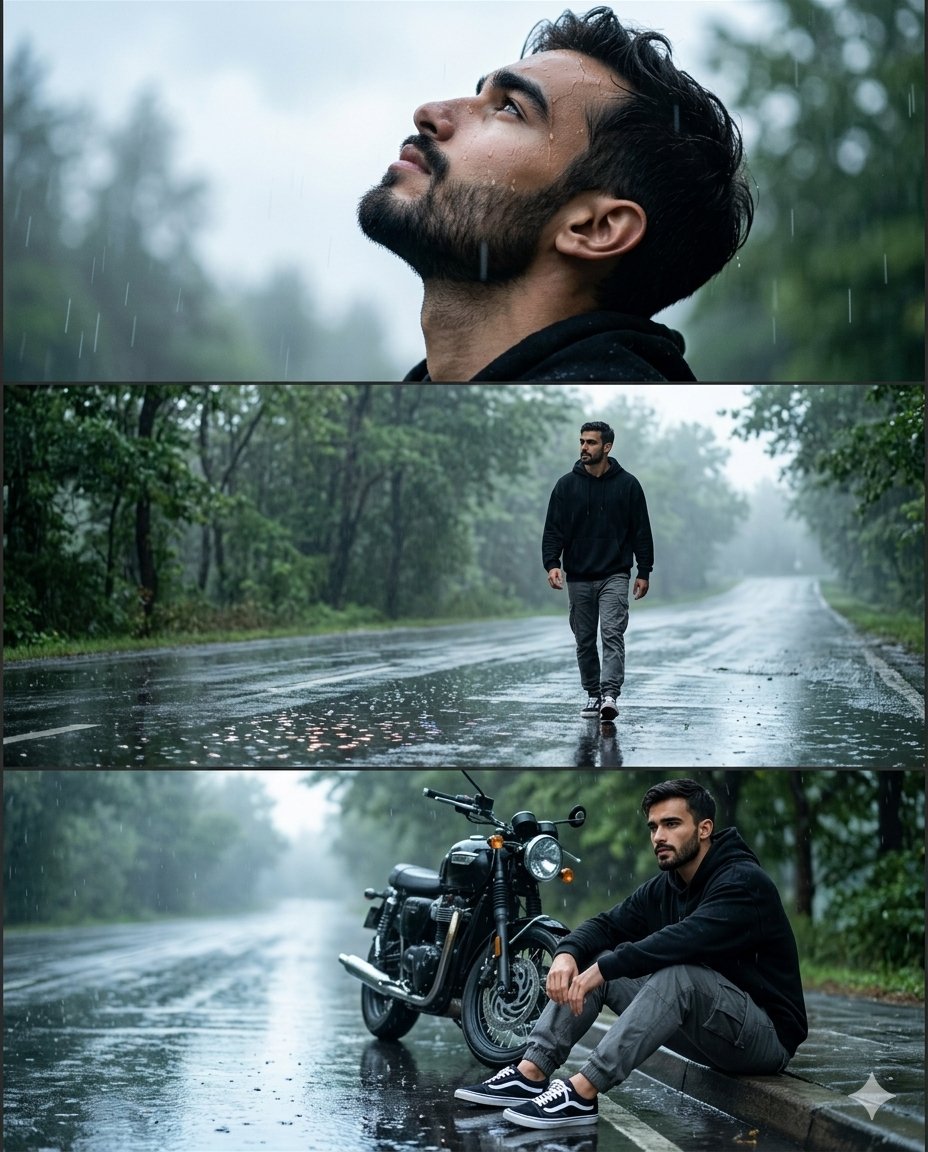
Rainy Road Cinematic Collage

Japanese Journal Style Cat Diary
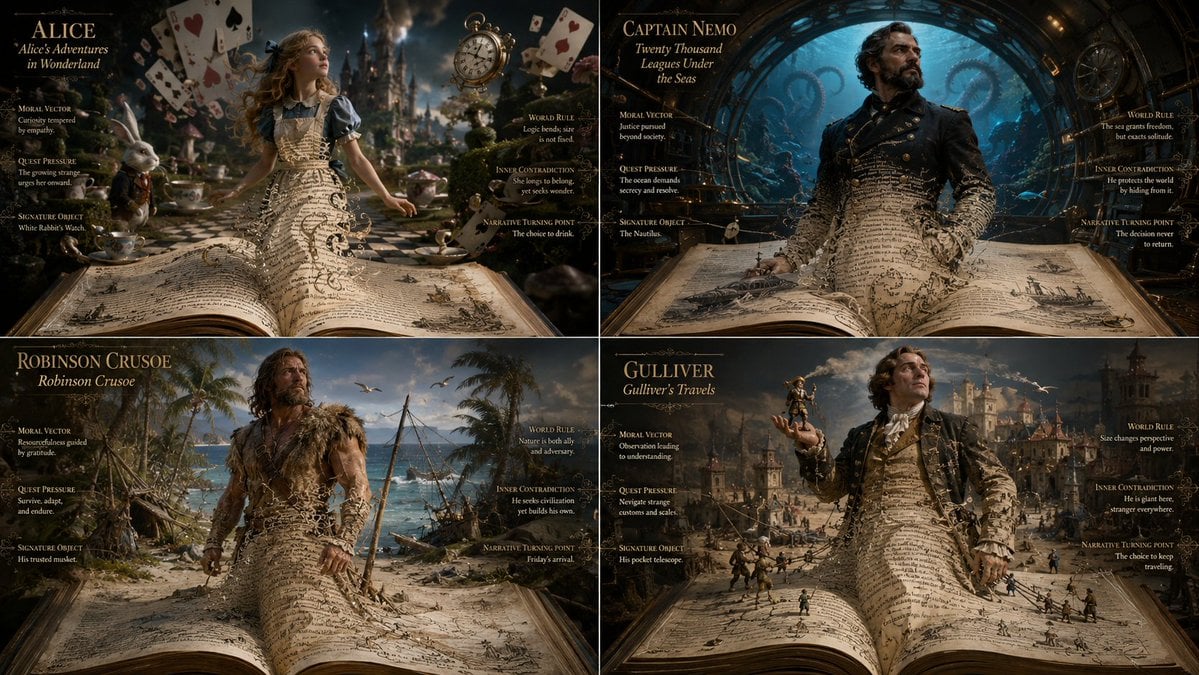
Living Manuscript Book Hero Grid

Noir Mafia Boss Car Portrait
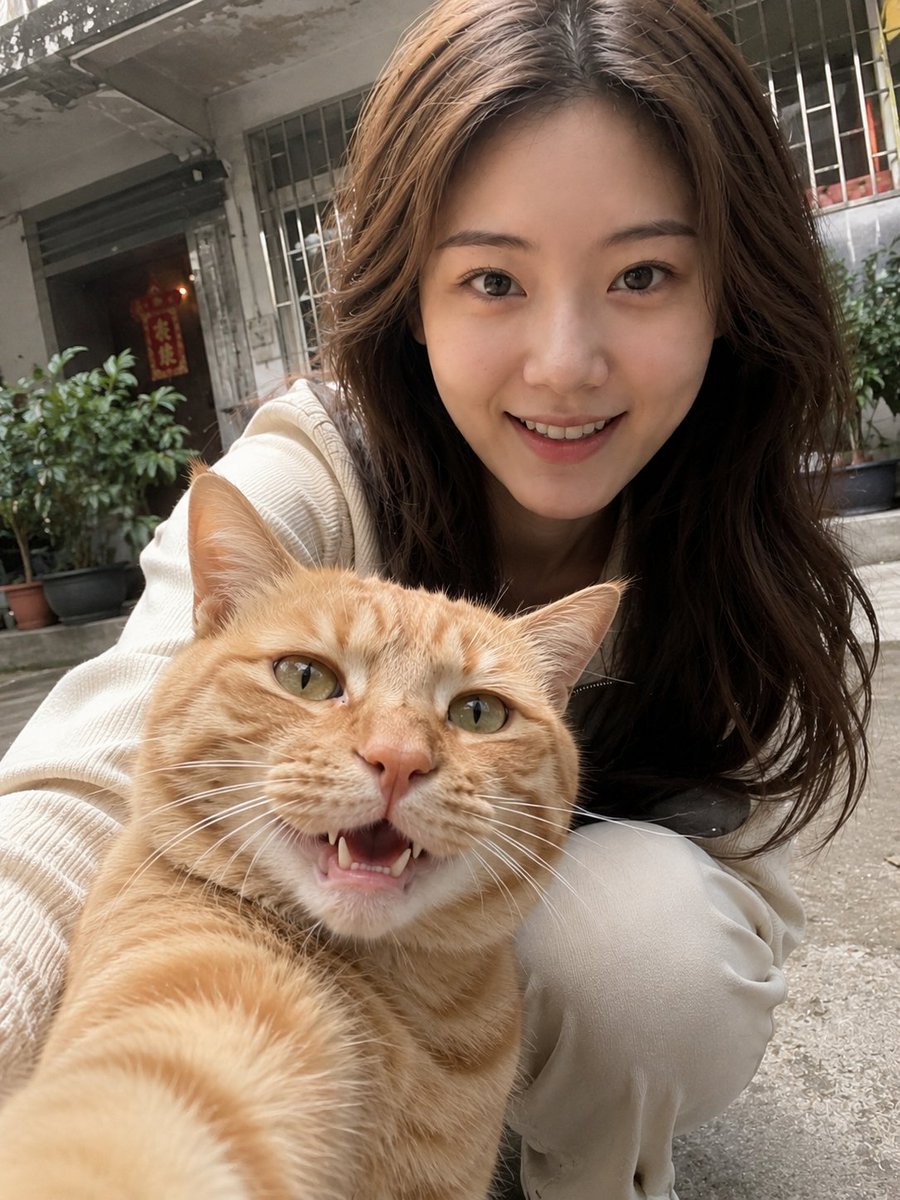
Realistic Pet and Owner Wide-Angle Selfie

WordPress Blog Setup Diagram Generation Prompt
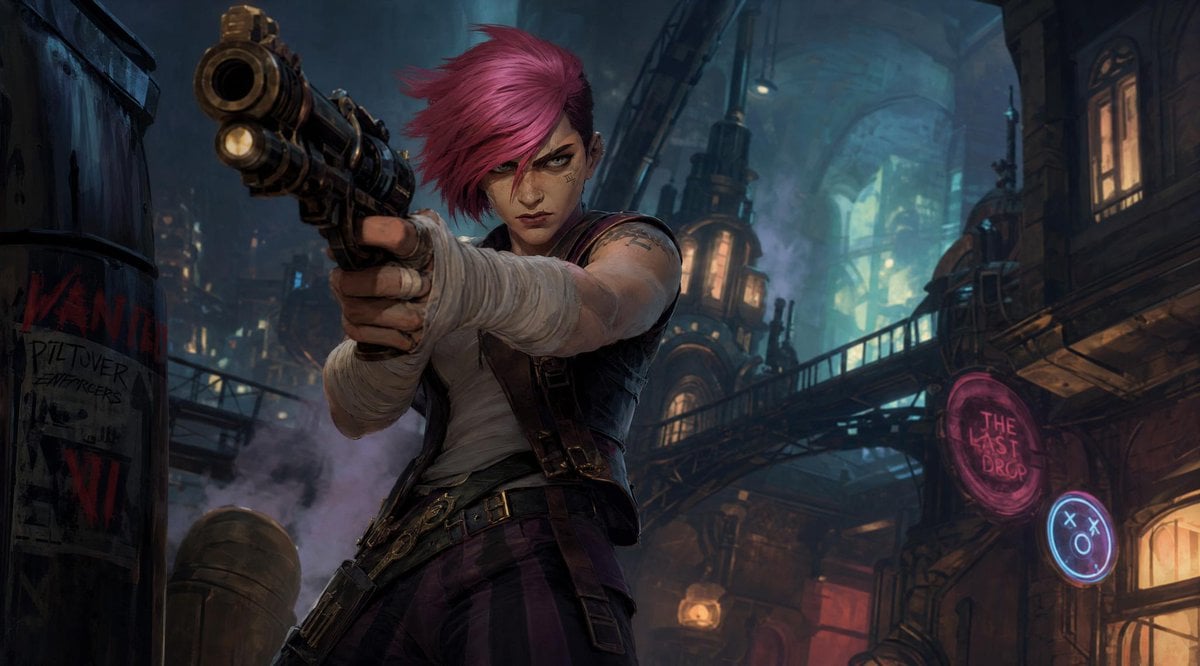
Prompt: Create a cinematic stylized character ill
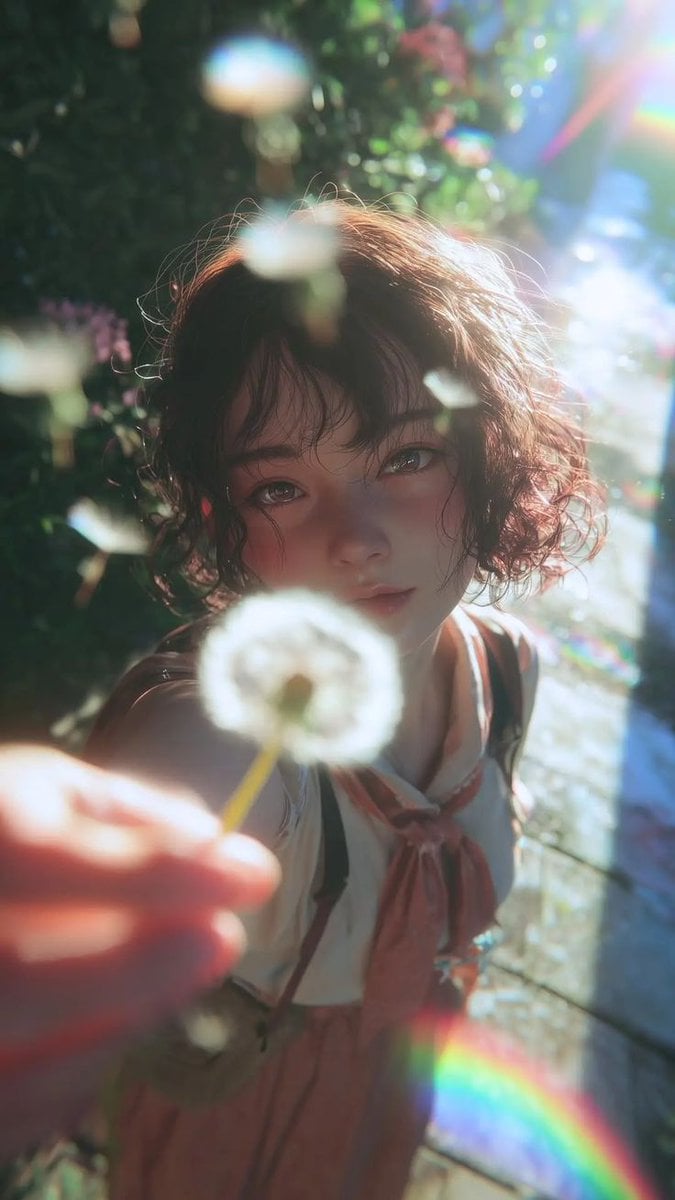
Dreamy Semi-Realistic Anime Portrait of a Girl with a Dandelion

Indoor Makeup Room Mirror Selfie
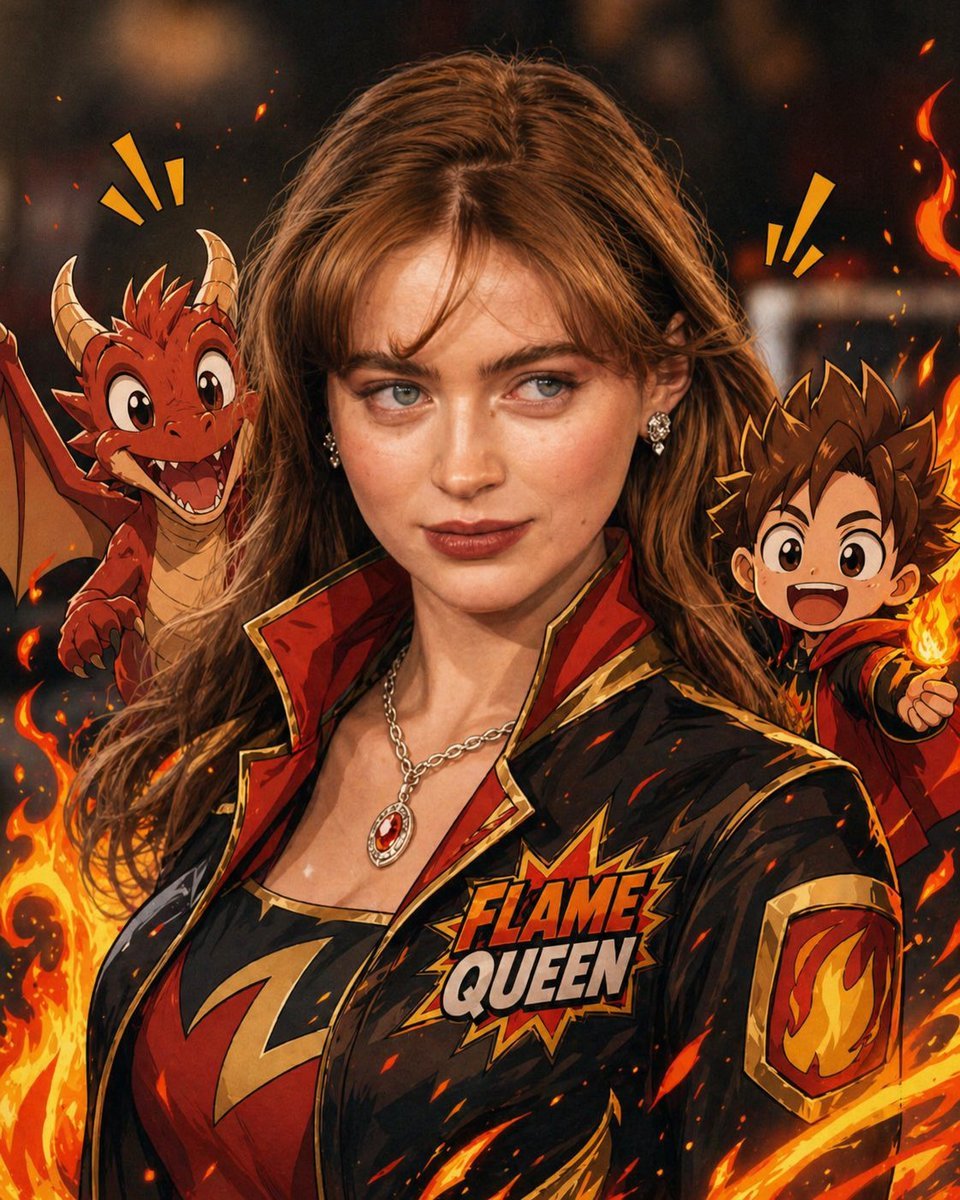
Mixed-Reality Comic Transformation
Browse template categories
Hyper-realistic cinematic cricket scene prompt for Gemini App questions
How do I use the Hyper-realistic cinematic cricket scene prompt for Gemini App template?
Add your photo if the template asks for one, edit the prompt if you like — the template's model and format are already selected — and press Generate. Your version opens in PicX Studio.
Can I customize the Hyper-realistic cinematic cricket scene prompt for Gemini App template?
Yes. You can change the subject, setting, lighting, mood, format, and available model controls before creating your image.
Is the Hyper-realistic cinematic cricket scene prompt for Gemini App template free?
Opening and editing this template is free. Generating uses credits, shown on the Generate button when you are signed in.
Which AI model should I use?
Start with Nano Banana 2, which is the model associated with this template. You can compare another compatible model for a different finish.
Looking for something else? Browse all templates.

Your photo, any look
Thousands of ready templates for every top image and video model, from one credit balance.